Backing up your programs installed with chocolatey
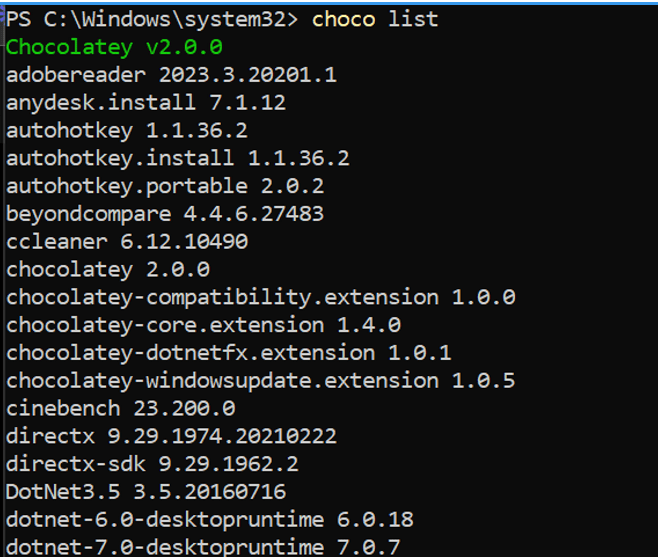
The command you provided, choco list | clip, is used in Windows command prompt to list all installed packages managed by Chocolatey package manager and then pipe (|) the output to the clipboard.
To explain further:
- choco list is the command used to list all installed packages via Chocolatey.
- | (pipe) is used to redirect the output of the preceding command to another command or operation.
- clip is a command in Windows that redirects output to the clipboard.
So, when you run choco list | clip, the output of choco list, which is the list of installed packages, is copied to the clipboard.
If you want to move this list to Notion, you can follow these steps:
1. Run choco list | clip in the command prompt to copy the list of installed packages to the clipboard.
2. Open Notion.
3. Navigate to the page or database where you want to paste the list.
4. Use the usual paste shortcut (Ctrl+V or Cmd+V) to paste the content from the clipboard into your Notion page or database.
This will paste the list of installed packages from the clipboard into your Notion workspace.
Imported from rifaterdemsahin.com · 2024