Create a Windows Server In Azure for TFS Migration
We would use the data migrator tool to complete the necessary steps.
After Our Talk With MS Support
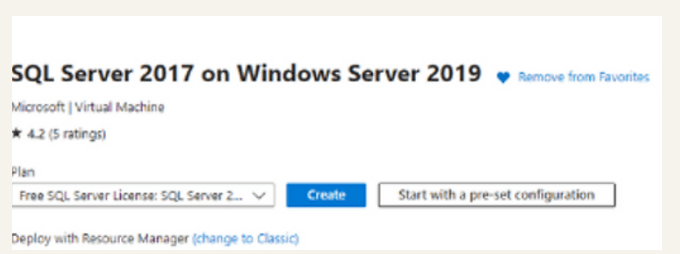
This is the target machine to create for Azure devops 2022 which can intake the database without any data migration
My datatabase 2018 v3 beta 2
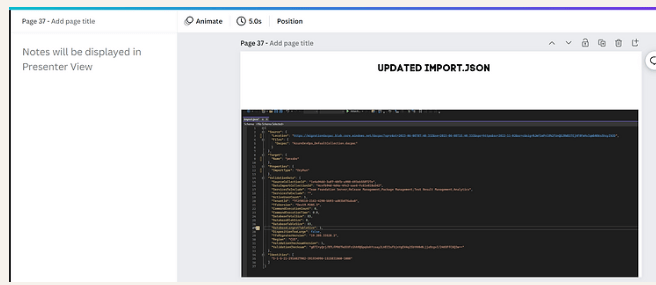
Update the presentation that is built in canva > Use the presenter notes for scripts
Search market place
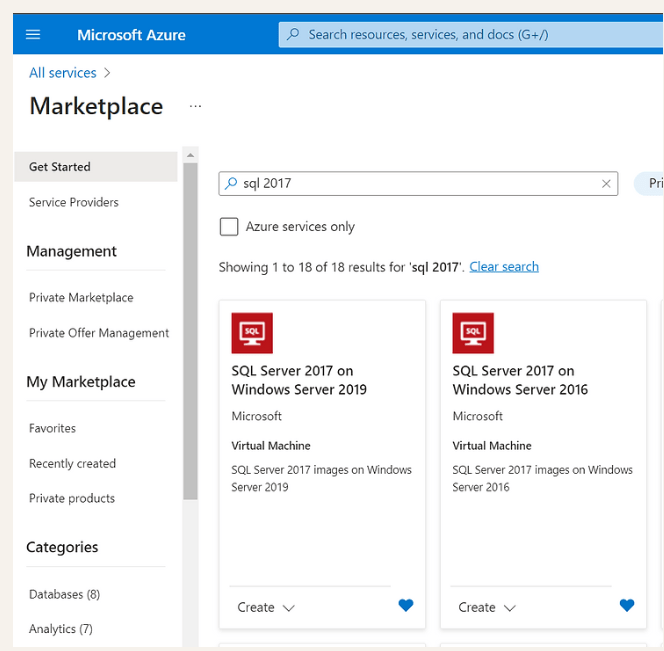
https://portal.azure.com/#view/Microsoft_Azure_Marketplace/MarketplaceOffersBlade/selectedMenuItemId/home
Dev Licence > Pray for the import size
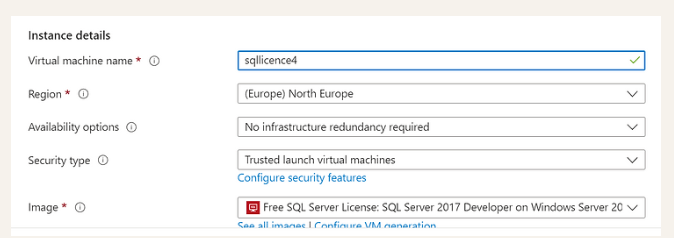
Not documented
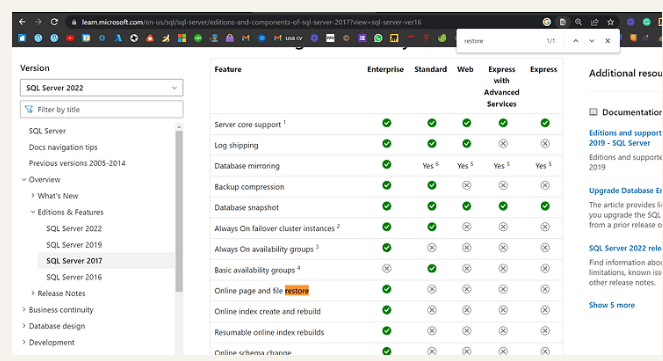
https://learn.microsoft.com/en-us/sql/sql-server/editions-and-components-of-sql-server-2017?view=sql-server-ver16
Basic portal errors
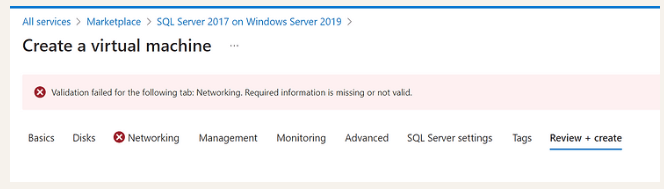
Hit network tab and back...
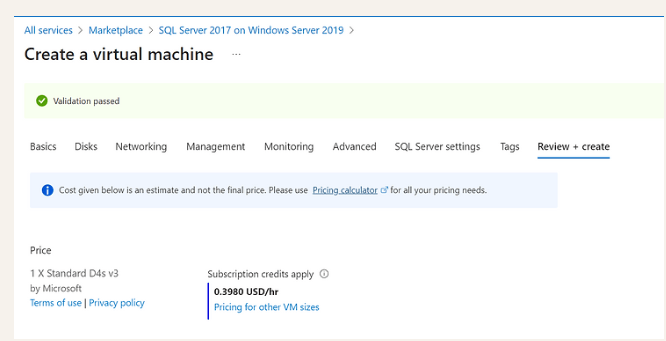
Get the install media > let the system download an iso by letting the download on the internet settings of the browser
https://drive.google.com/file/d/1L5IkOF6UxH4tF9vpXJyJTQTbnKSvsVXX/view?usp=sharing
Start your install
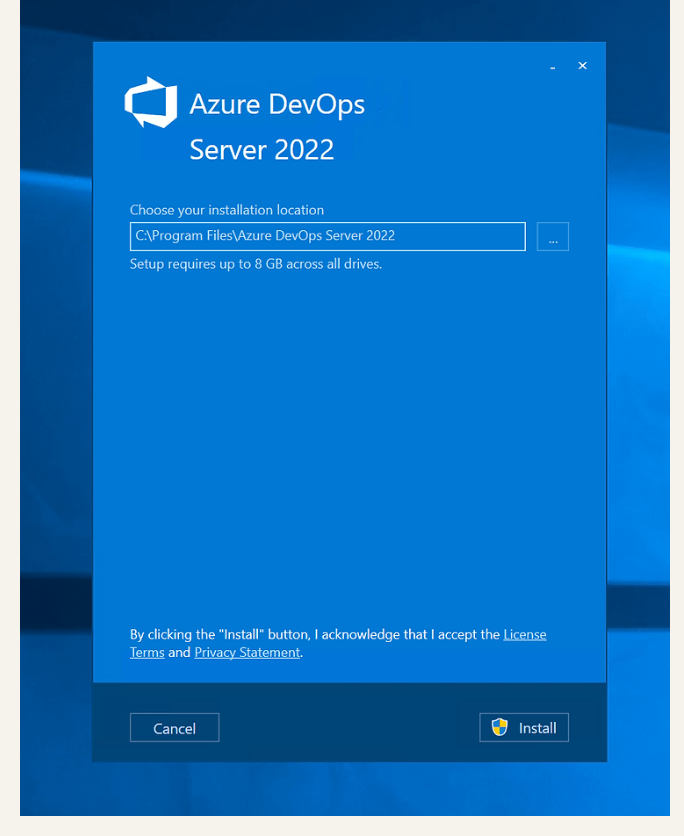
After Install Restore thedatabase
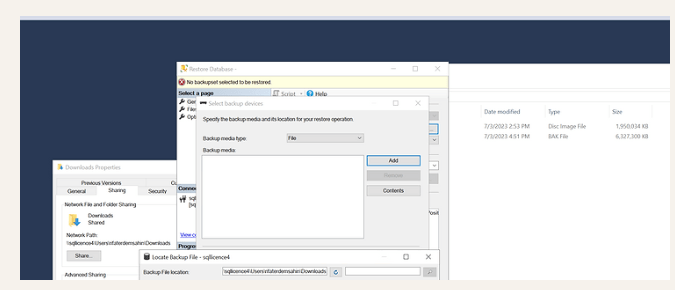
Locate Backup
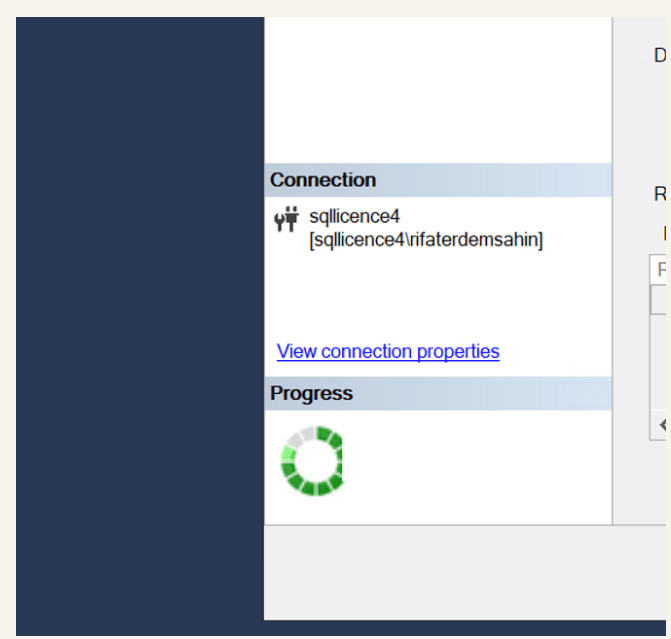
Drink your tea while database gets restored > thanks to Chandra restoring to the 2022 server
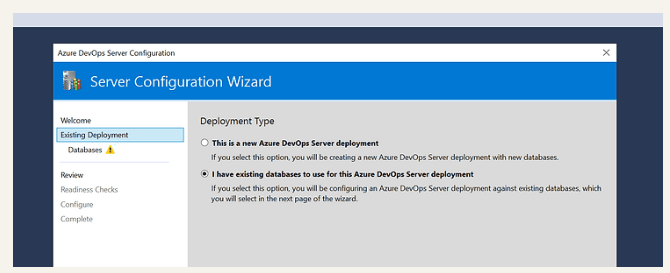
Select I have an existing database even it is 2018 the 2022 Server should be able to ingest it
Issue
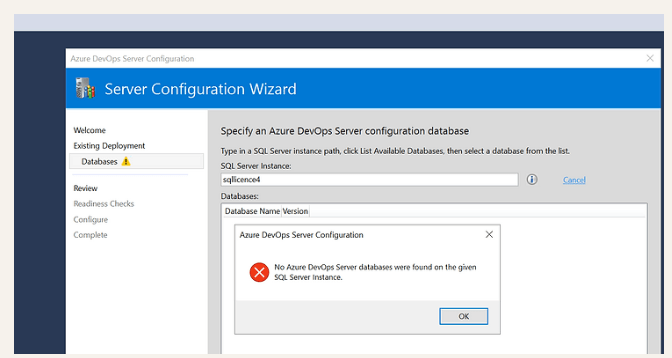
If you install as fresh server
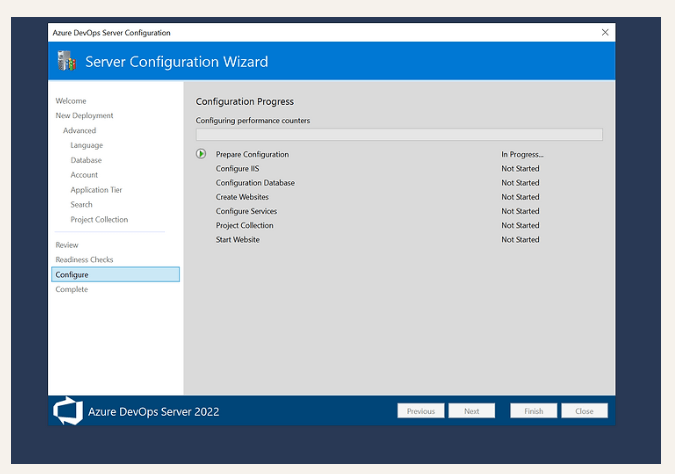
You would end up with the configuration database
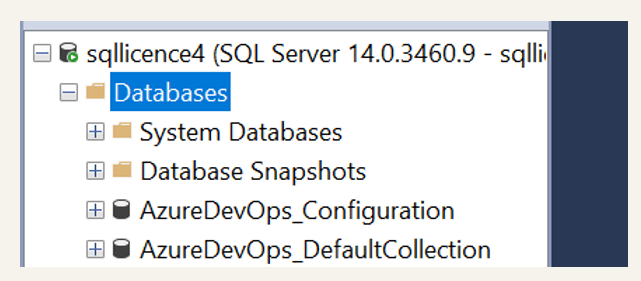
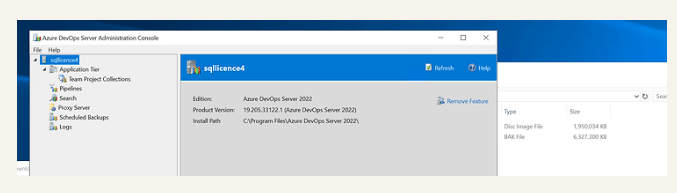
Now attach collection
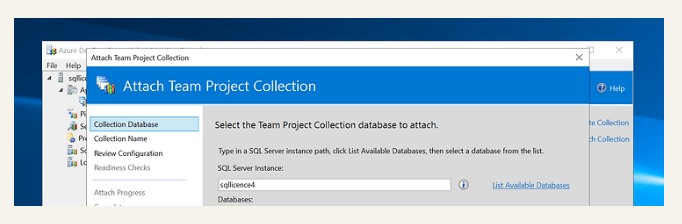
Accept and attach
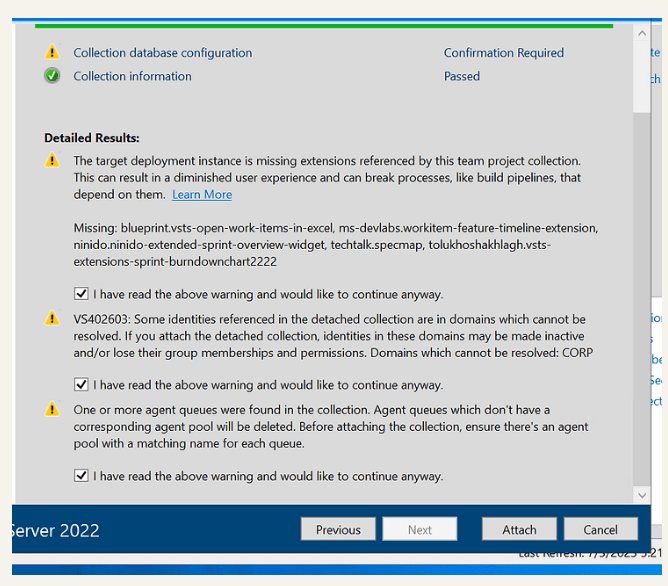
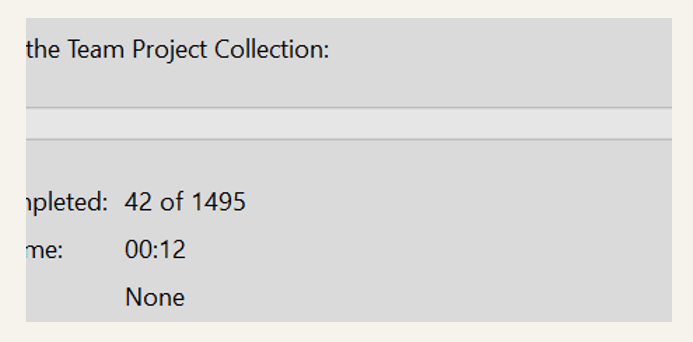
Get the errors with the Failed to sync identity or group
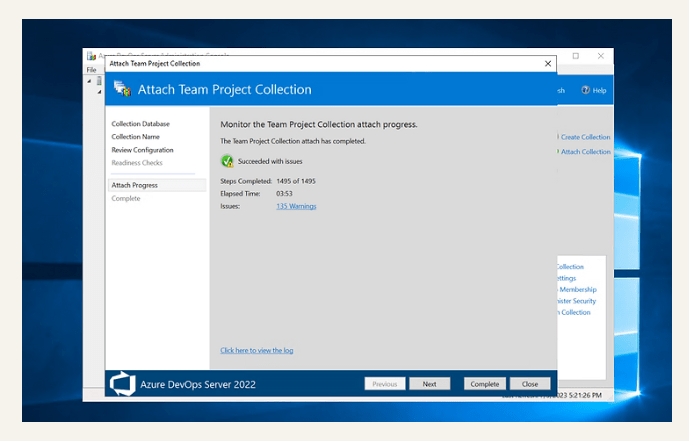
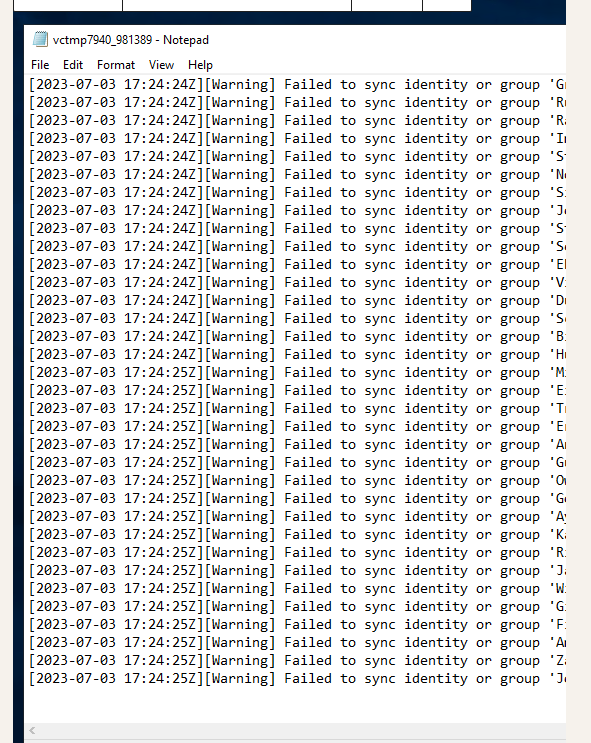
Note : Ask the enterprise to do the Azure AD Sync from the tech team
Set up your machine for program install
Choco Install
Set-ExecutionPolicy Bypass -Scope Process -Force; [System.Net.ServicePointManager]::SecurityProtocol = [System.Net.ServicePointManager]::SecurityProtocol -bor 3072; iex ((New-Object System.Net.WebClient).DownloadString('https://community.chocolatey.org/install.ps1'))
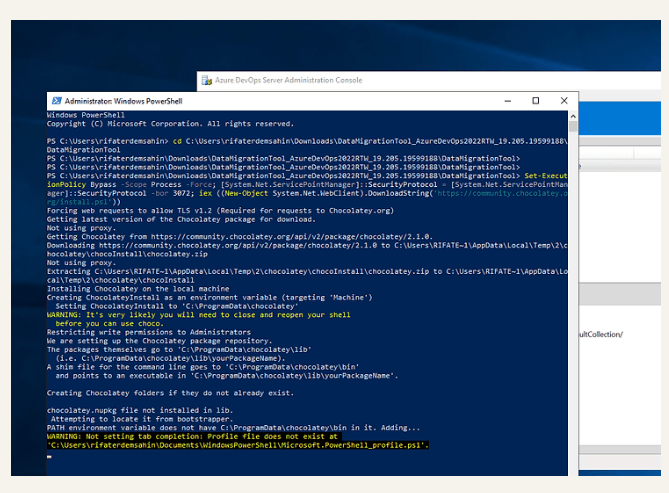
Restart the power shell and go back to the migration tool path
Time to install the migration tool ( As we have the database that is attached )
https://www.microsoft.com/en-us/download/details.aspx?id=54274
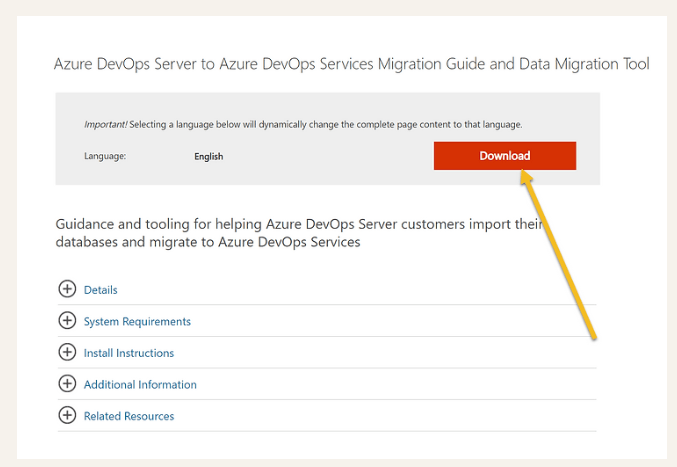
Download in the Azure DevOps Server Yes Yes Yes
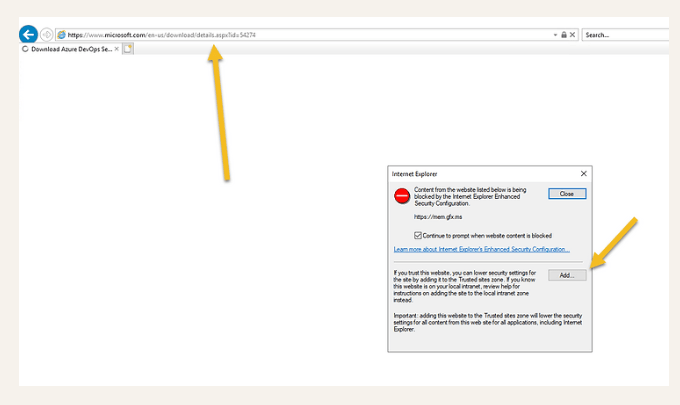
Get the correct version
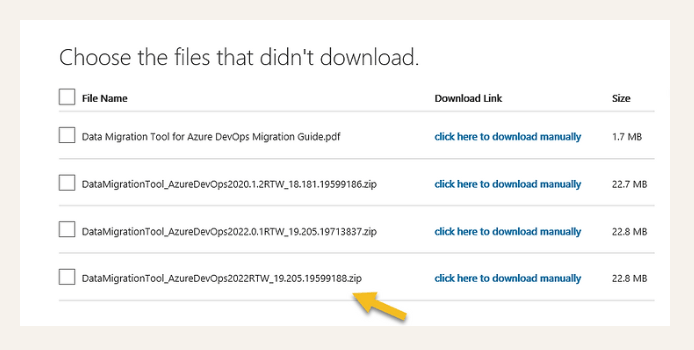
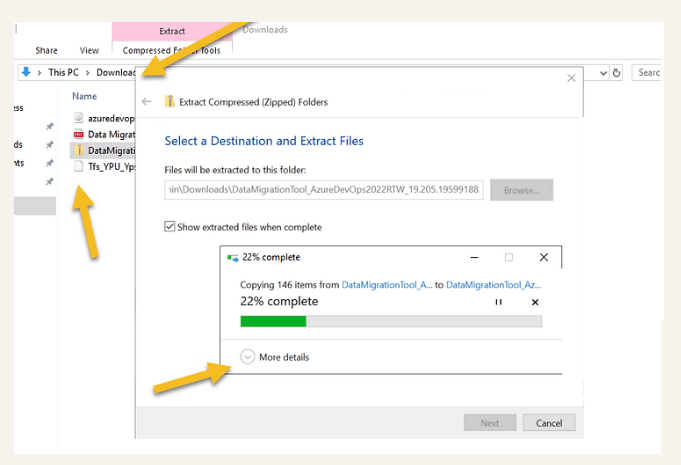
Extract
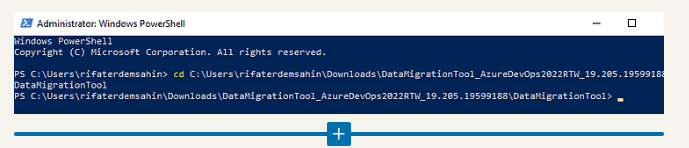
Open the path in power shell
cd C:\Users\rifaterdemsahin\Downloads\DataMigrationTool_AzureDevOps2022RTW_19.205.19599188\DataMigrationTool
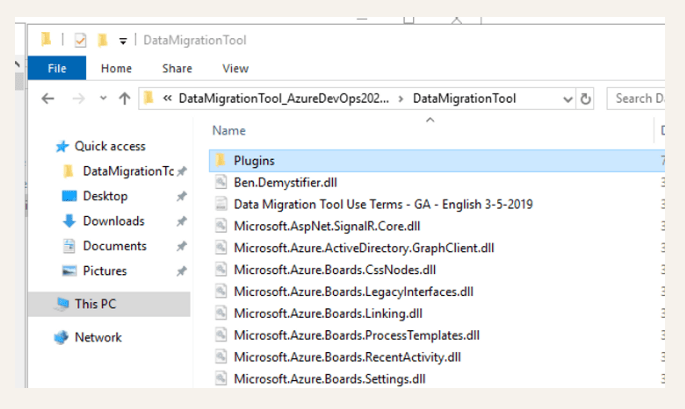
Pin paths on the box
Validate the collection
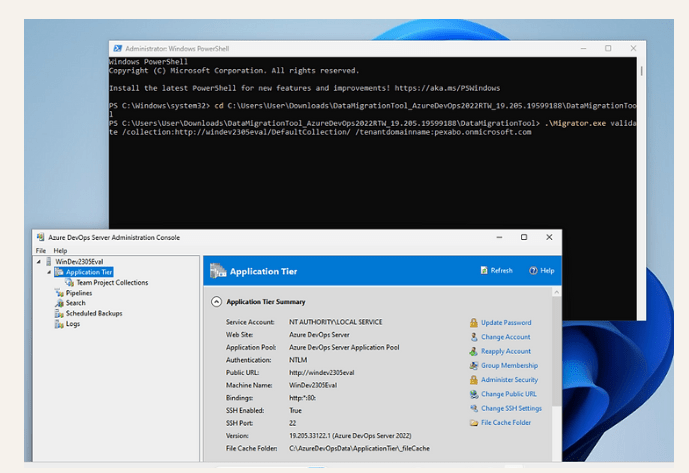
Get your steps in now from the proof of concept stage
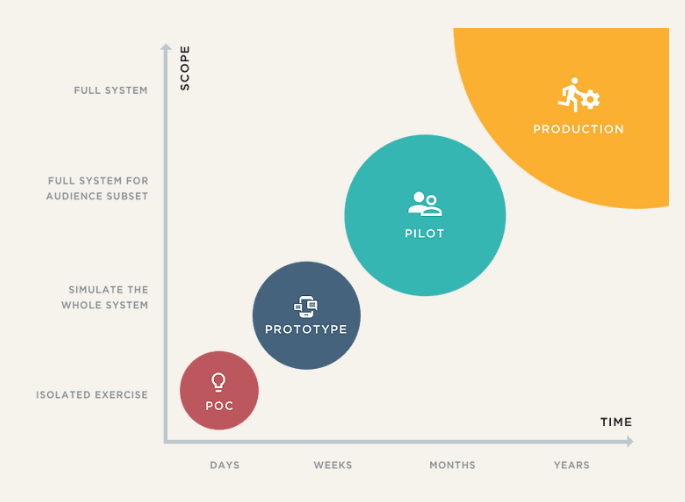
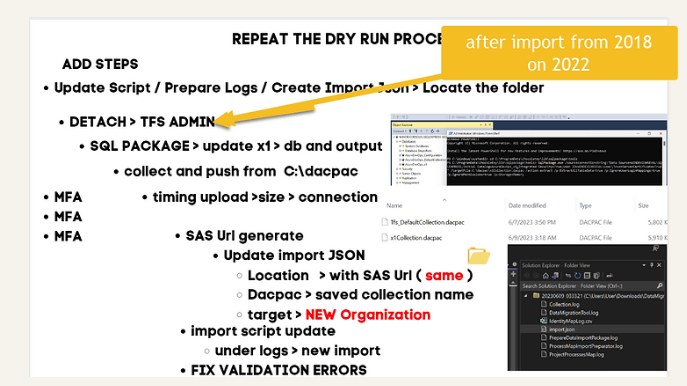
always record your steps
Prepare and Validate
PS
C:\Users\User\Downloads\DataMigrationTool_AzureDevOps2022RTW_19.205.19599188\DataMigrationTool> .\Migrator.exe validate /collection:http://windev2305eval/DefaultCollection/ /tenantdomainname:pexabo.onmicrosoft.com
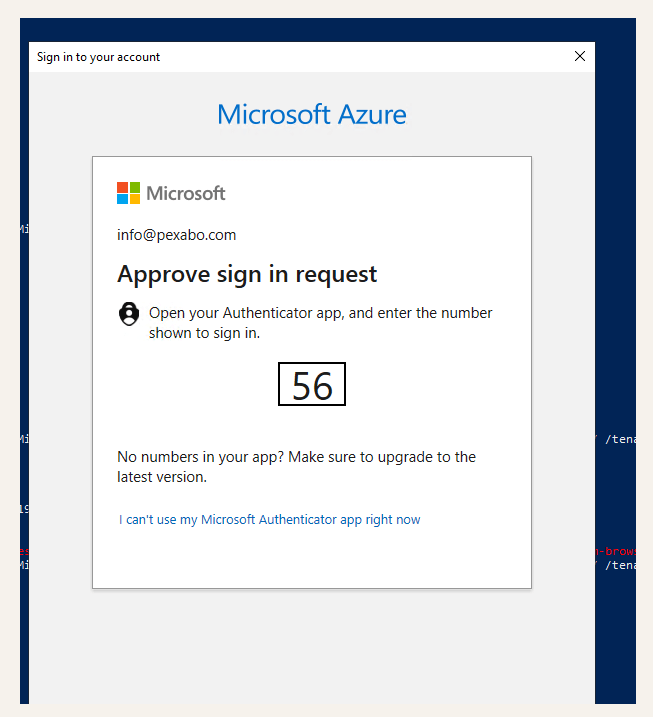
MFA needs to turn on
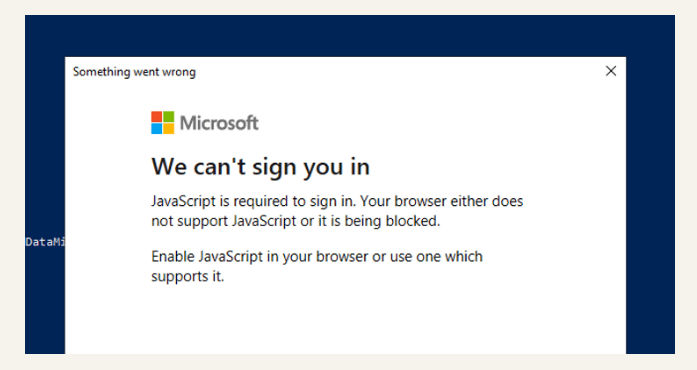
ReRun
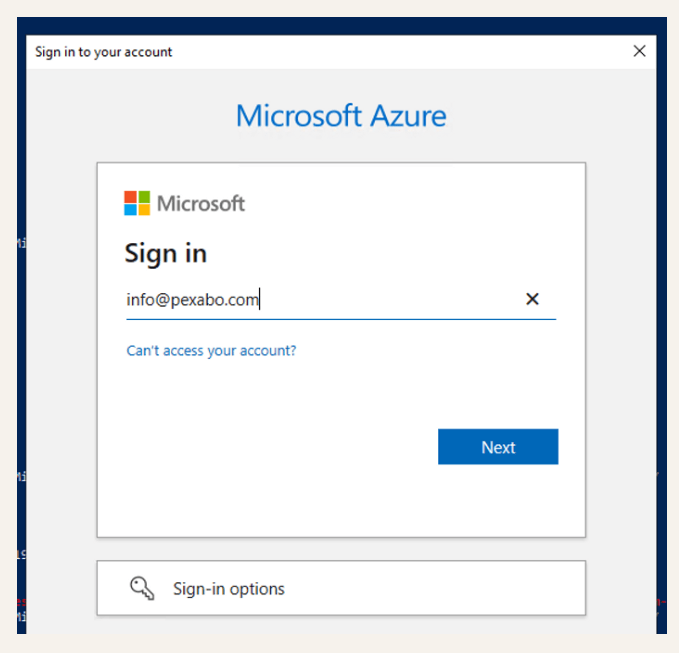
mmmm > password time!
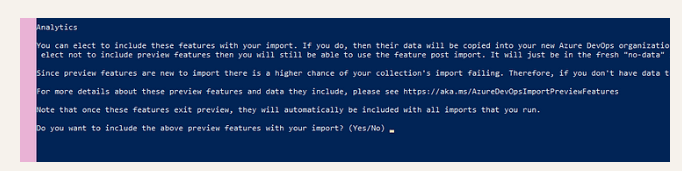
Features
More MFA Questions

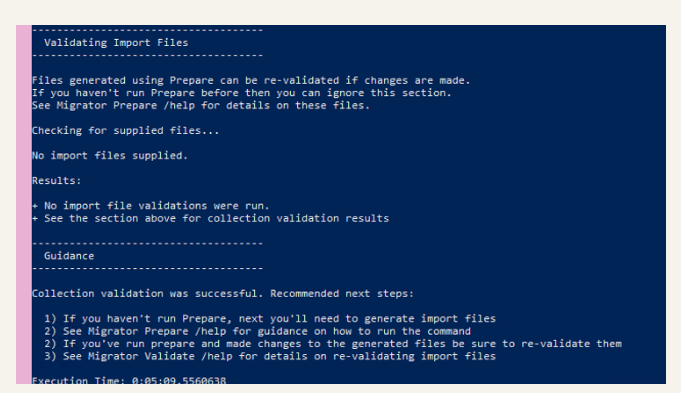
Now Time to Prepare
PS C:\Users\User\Downloads\DataMigrationTool_AzureDevOps2022RTW_19.205.19599188\DataMigrationTool> .\Migrator.exe prepare /collection:http://windev2305eval/DefaultCollection/ /tenantdomainname:pexabo.onmicrosoft.com /region:CUS
4 MFA > Number entry over the Microsoft authenticator
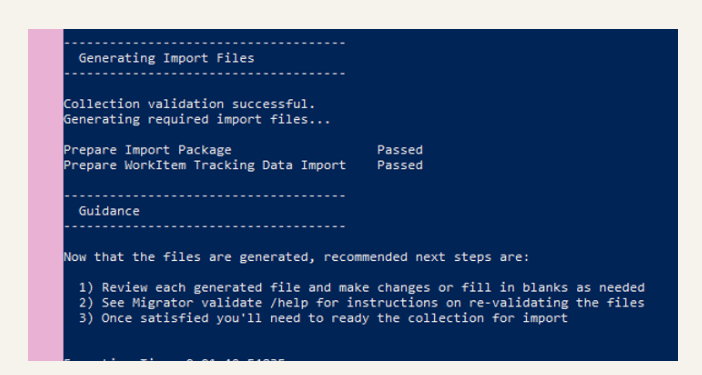
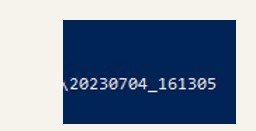
Take a note of the Log Folder Created
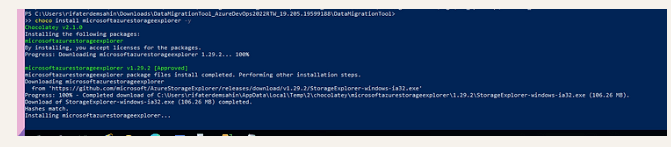
Choco install the azure storage explorer
https://community.chocolatey.org/packages/microsoftazurestorageexplorer
choco install microsoftazurestorageexplorer
Pin it to the taskbar
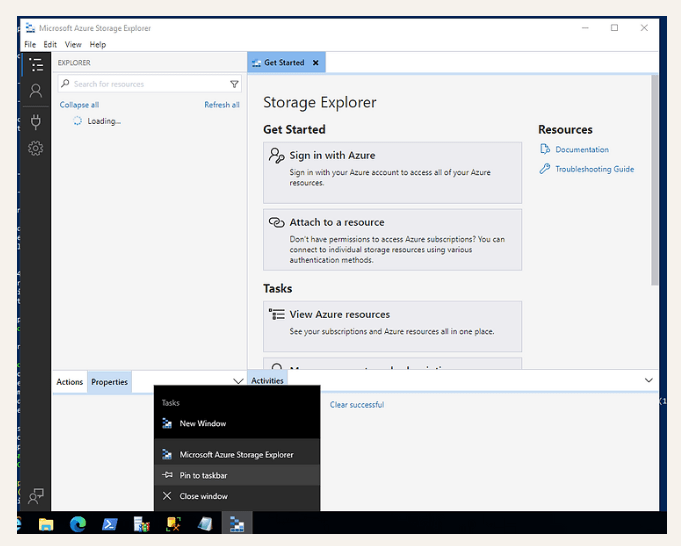
Login to your Azure Account and Point to the Storage Account for Dacpacs
MFA

Create Storage
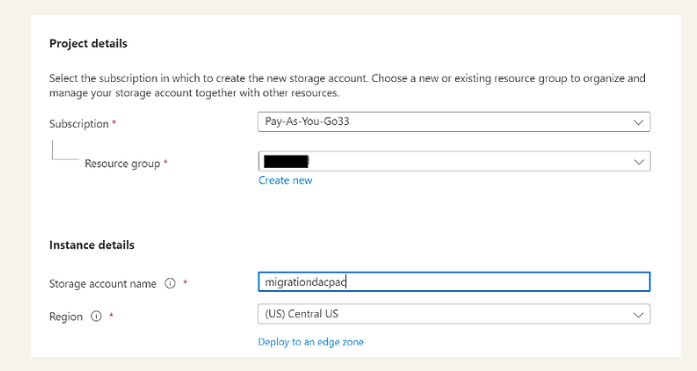
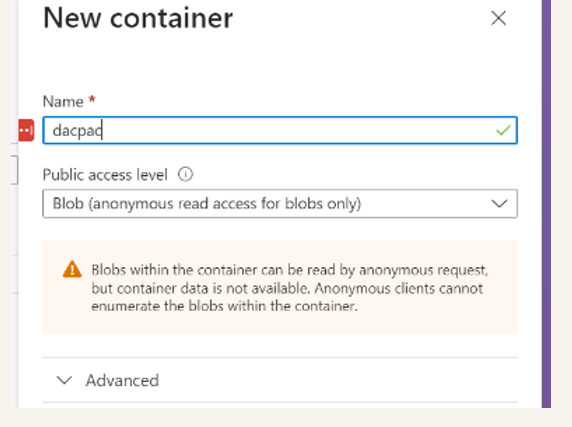
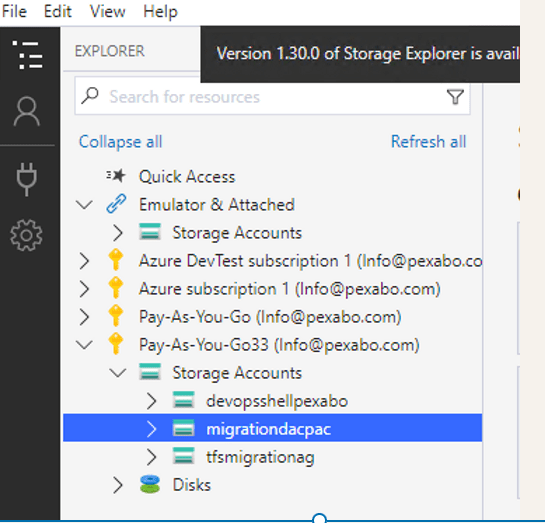
Check your version of the migration tool and the operating system and Azure devops server needs to lineup
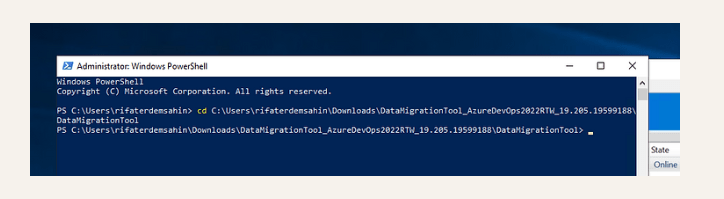
Check your environment to make sure
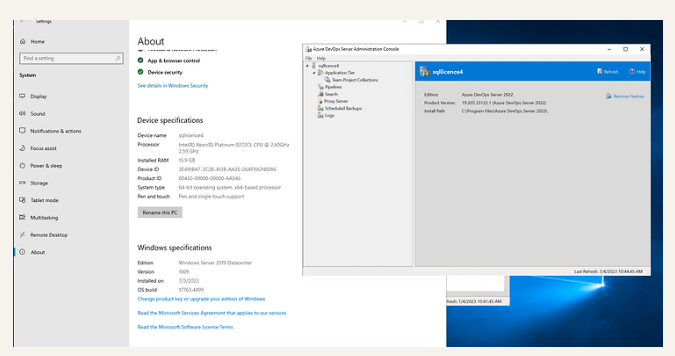
Install SQL package and vscode
https://community.chocolatey.org/packages/sqlpackage
choco install sqlpackage -y
choco install vscode -y
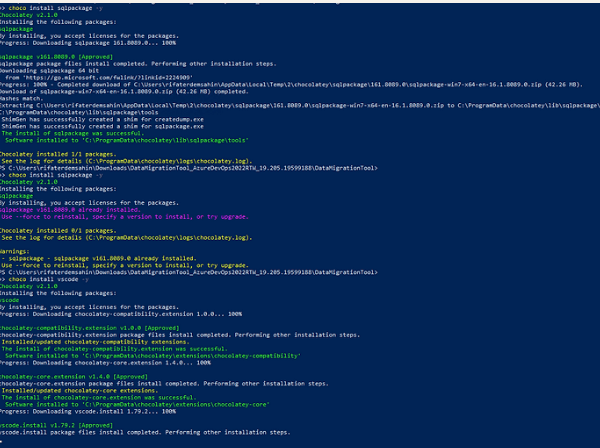
Get the path and move it to favorites
The install of sqlpackage was successful.
Software installed to 'C:\ProgramData\chocolatey\lib\sqlpackage\tools'
Also save it to notepad for future easy access
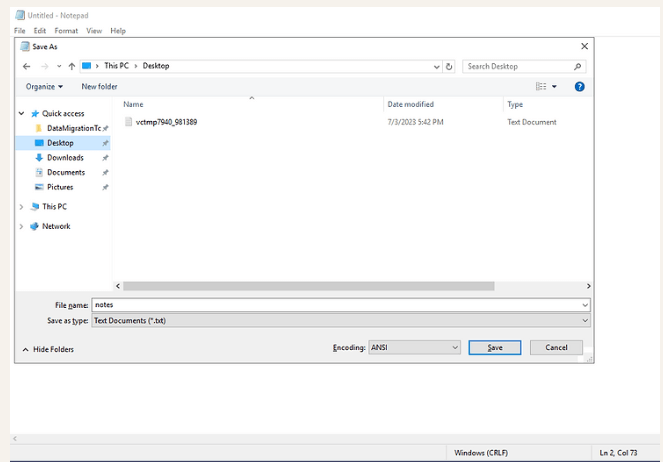
Check SQL package

Find your Notion notes by the power of Full Text Search ( Gray Skull (: )
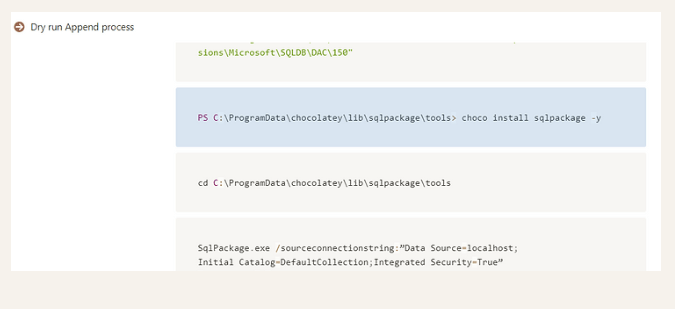
Create a folder for dacpacs
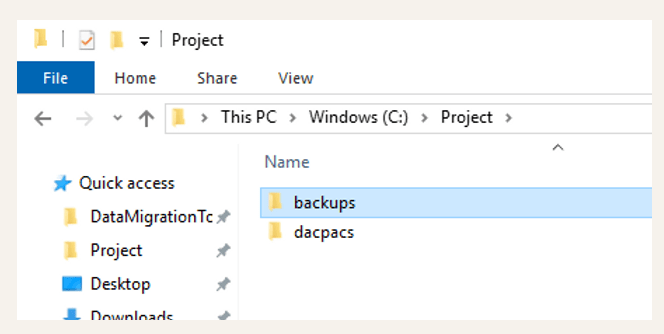
WHEN CREATING DACPACS THE SYSTEM HAS TO BE DETACHED IN AZURE DEVOPS SERVER BUT ATTACHED IN SQL SERVER
SqlPackage.exe /sourceconnectionstring:"Data Source=localhost;Initial Catalog=AzureDevOps_DefaultCollection;Integrated Security=True" /targetFile:C:\dacpac\Tfs_DefaultCollection.dacpac /action:extract /p:ExtractAllTableData=true /p:IgnoreUserLoginMappings=true /p:IgnorePermissions=true /p:Storage=Memory
Save your script to the notepad for future reference and debug
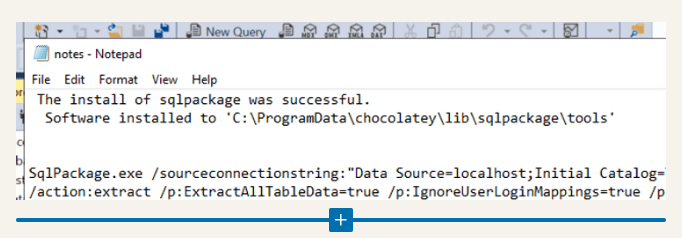
Make sure the connection string works
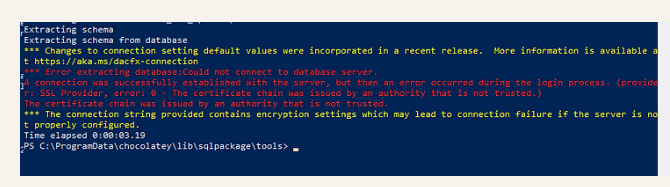
Certificate Chain By Pass
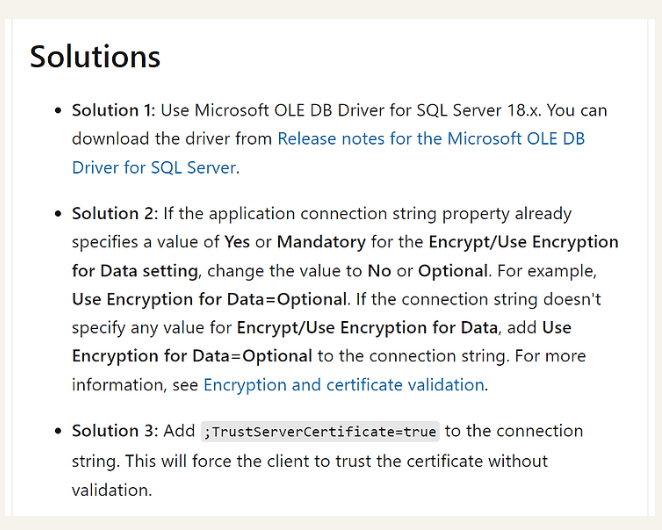
https://learn.microsoft.com/en-us/troubleshoot/sql/database-engine/connect/certificate-chain-not-trusted?tabs=ole-db-driver-19
Let it process the tables
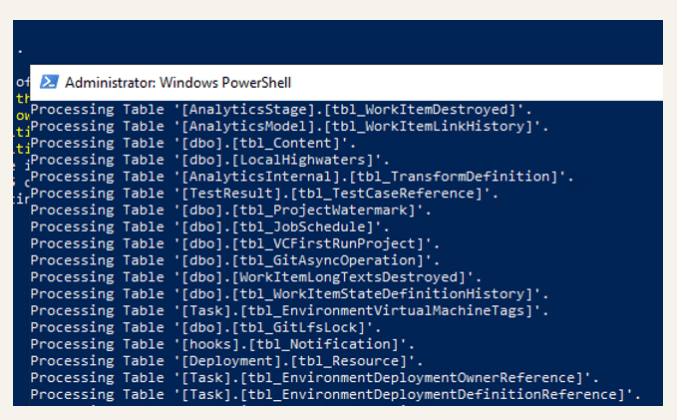
It would take the time get a tea at this time.
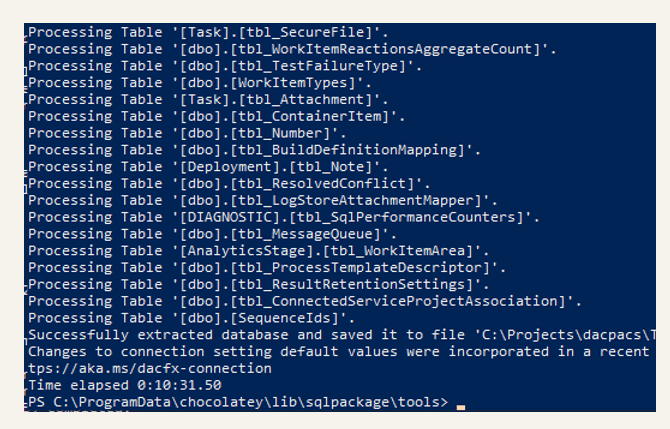
Before Moving the dacpacs UPDATE the necessary parts
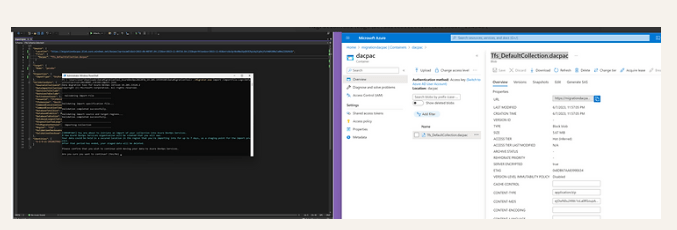
Use VSCode and Open the file under the log folder
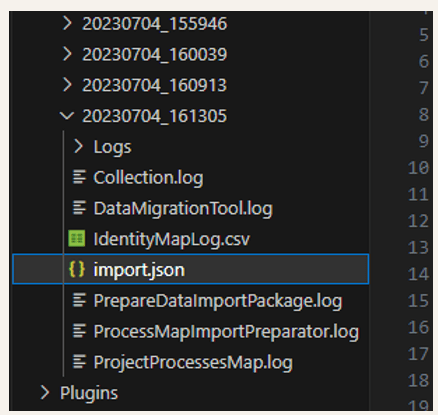
Logs as top folder
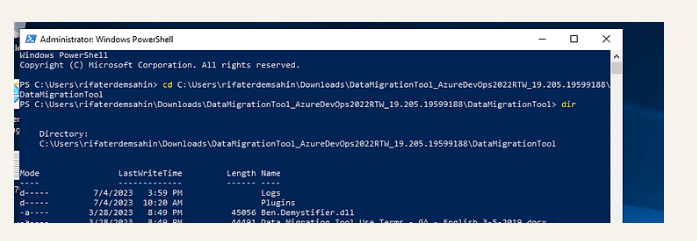
VSCode Open up tactic
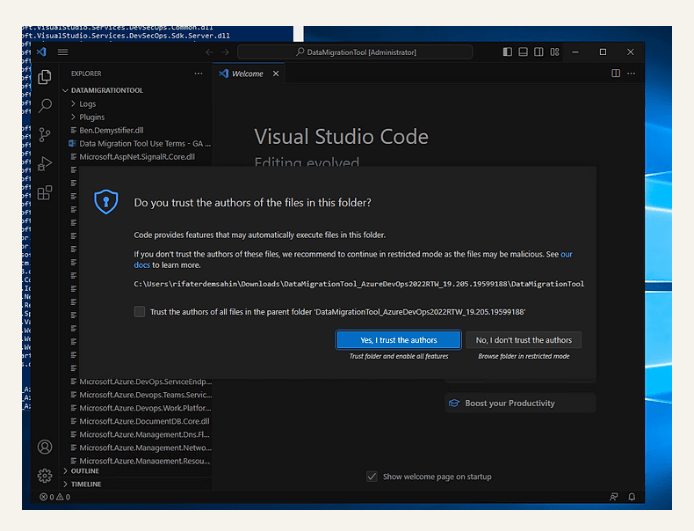
code .

Set trust
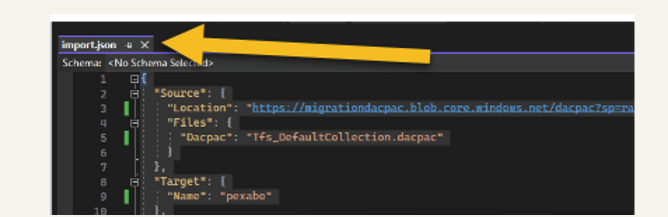
Go to latest import.json
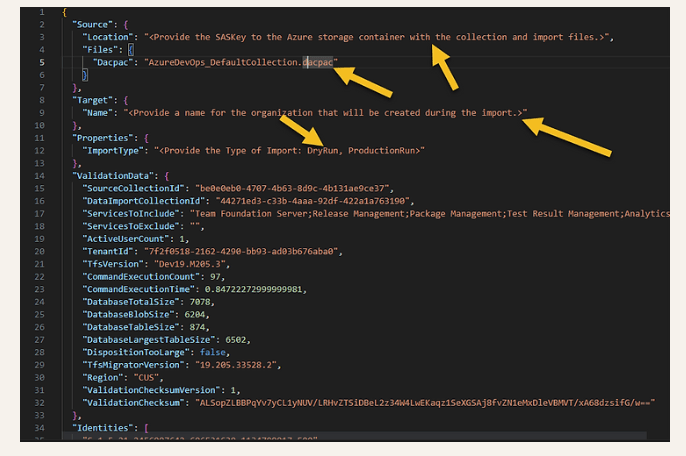
4 places to update before the trigger
-
Sas Update
-
dacpacfile
-
target organization
-
dryrun
First update Create Tokens( 2 weeks minimum )
dacpac level
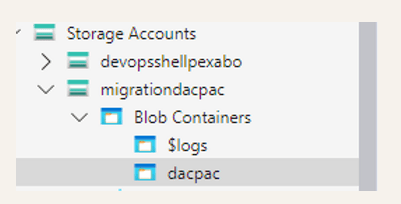
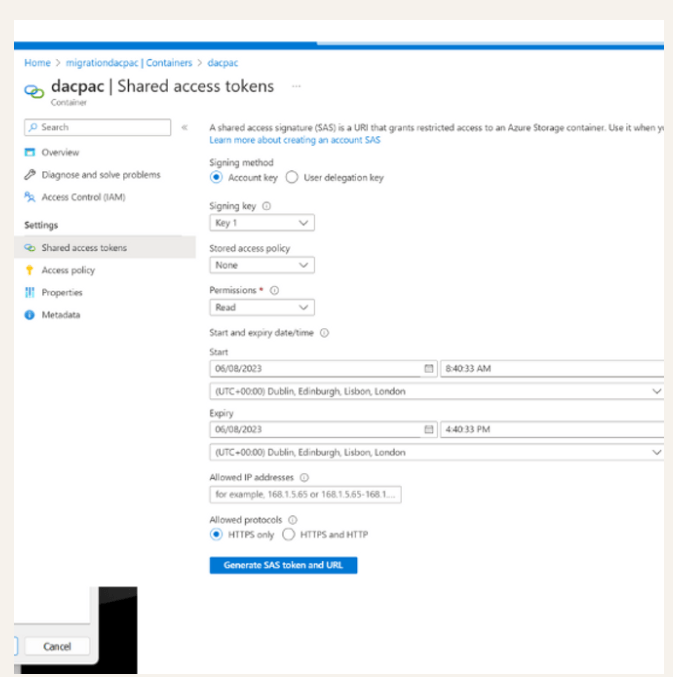
Cloud server faster copy

Now time to go to logs and open the vscode
Master these files before moving them to cloud
When the migration starts it is from cloud to cloud ! After you are done it is time to do the transfer much faster!
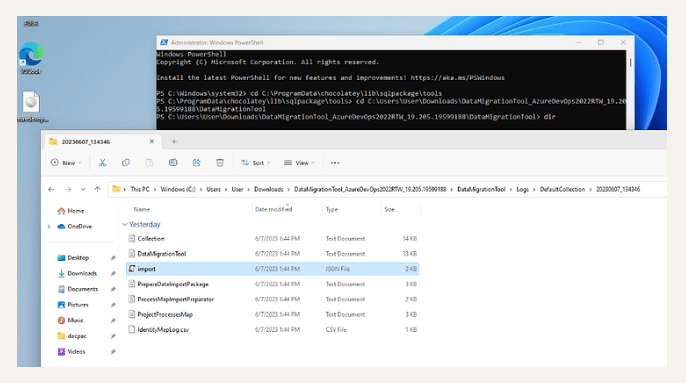
Take the dacpac name from here
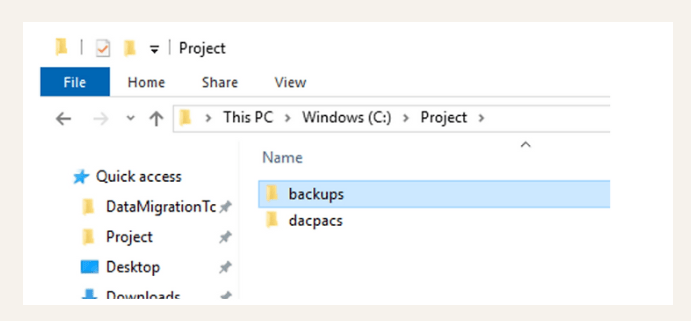
Have it pinned and set it in the easy access
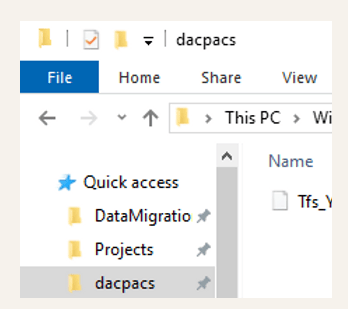
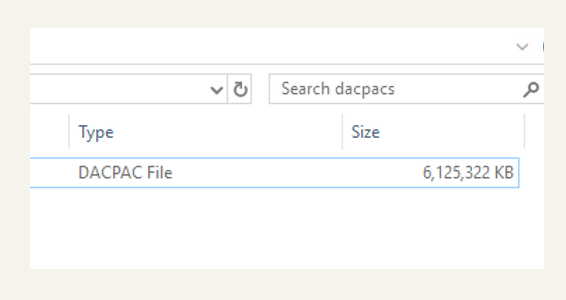
Check the dacpack size
Trigger Migration
cd C:\Users\rifaterdemsahin\Downloads\DataMigrationTool_AzureDevOps2022RTW_19.205.19599188\DataMigrationTool
.\Migrator.exe import /importfile:Logs\DefaultCollection\20230607_134346\import.json
Add the script to the notes on the desktop for the future reference
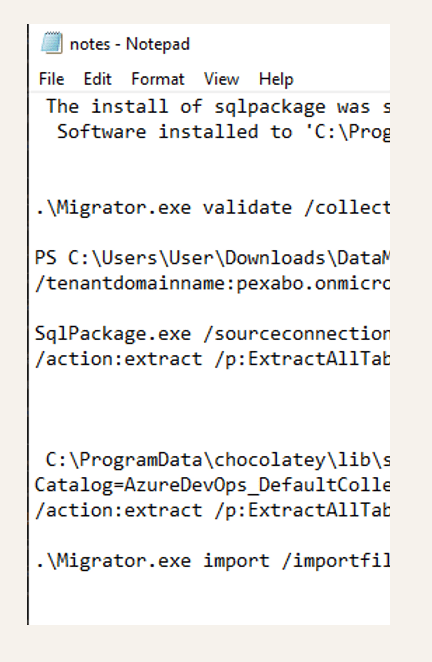
If there is an error with the blob
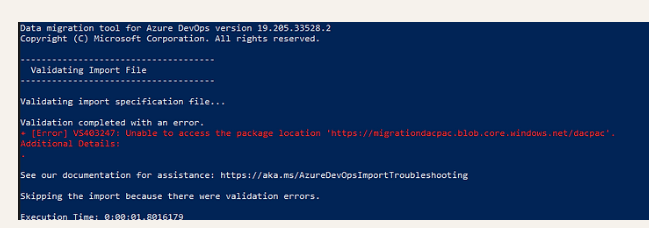
Make sure the folders are matching
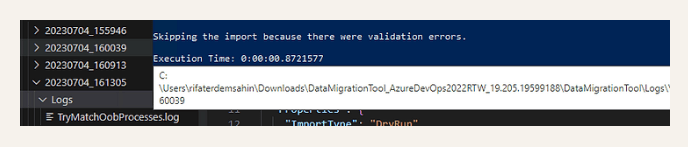
Try the access on your staging box
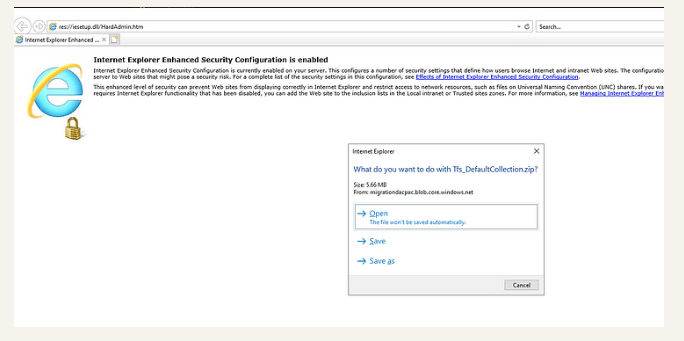
After correct was key location
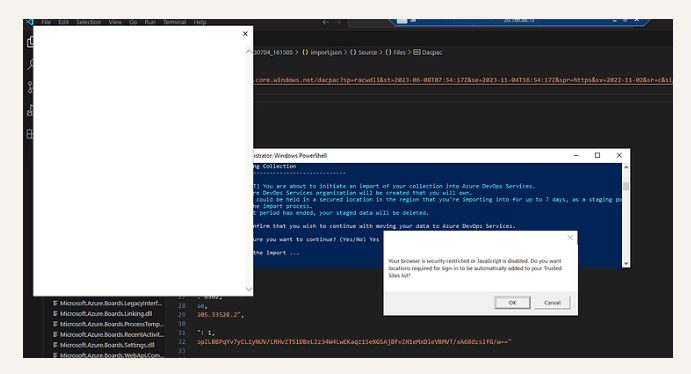

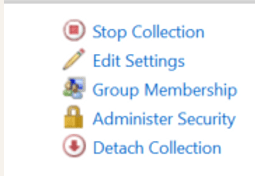
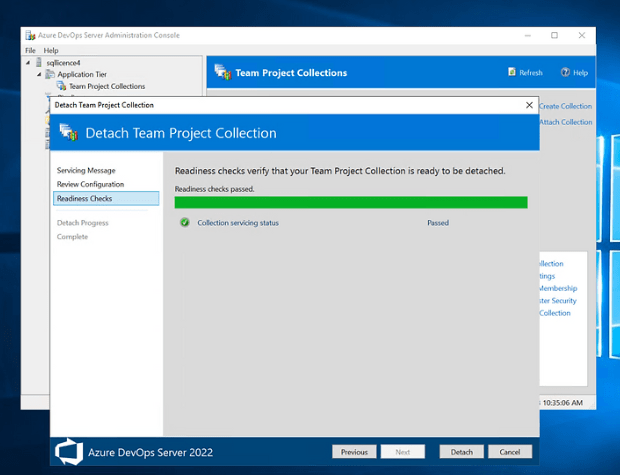
NOW DETACH TIME
Pin the admin console to the taskbar
Detach ( the transformation happened from 2018 to 2022 import )
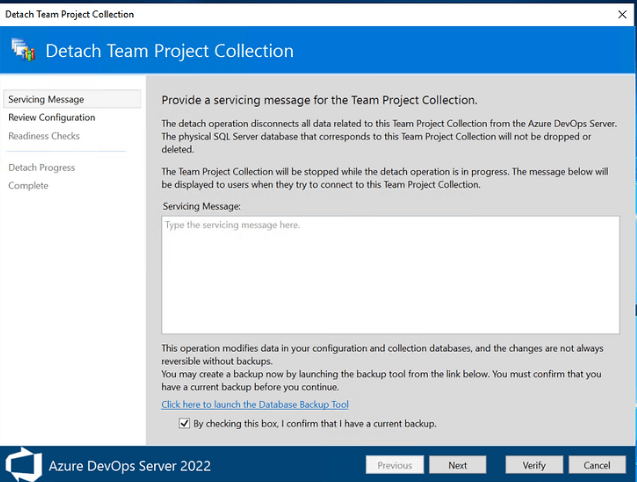
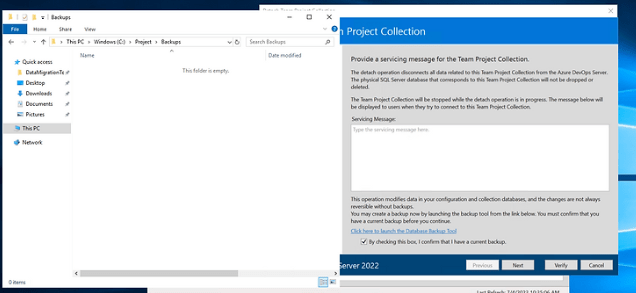
Push your back up
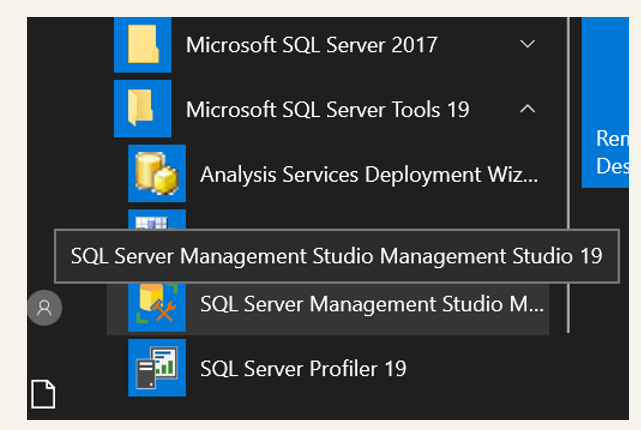
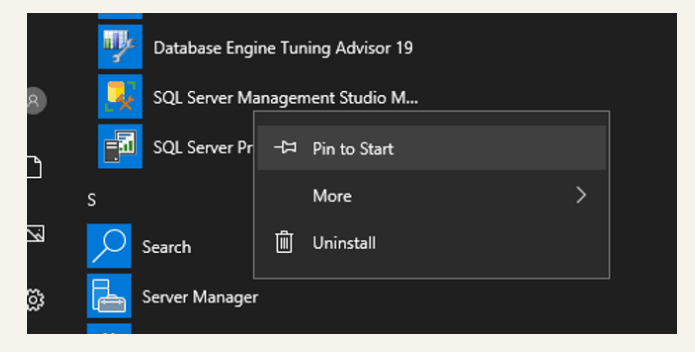
Pin to start the backup tool SQL management studio
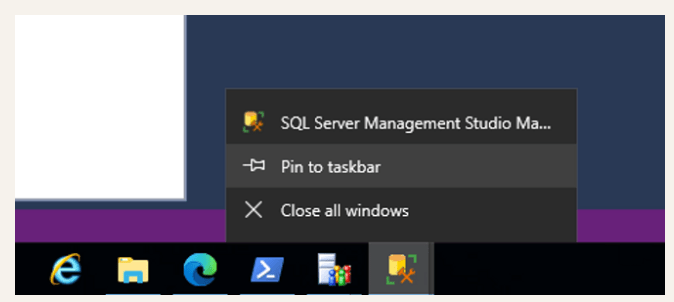
Also to the task bar
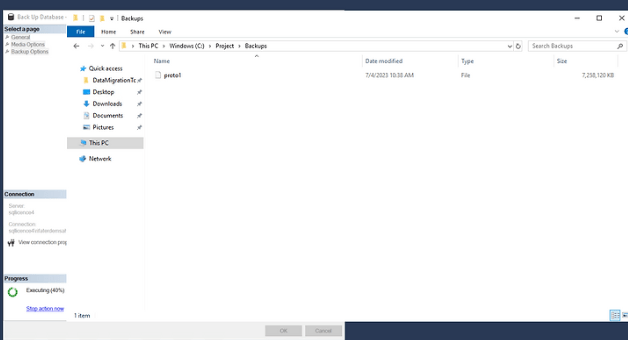
Connect to the box and backup the collection
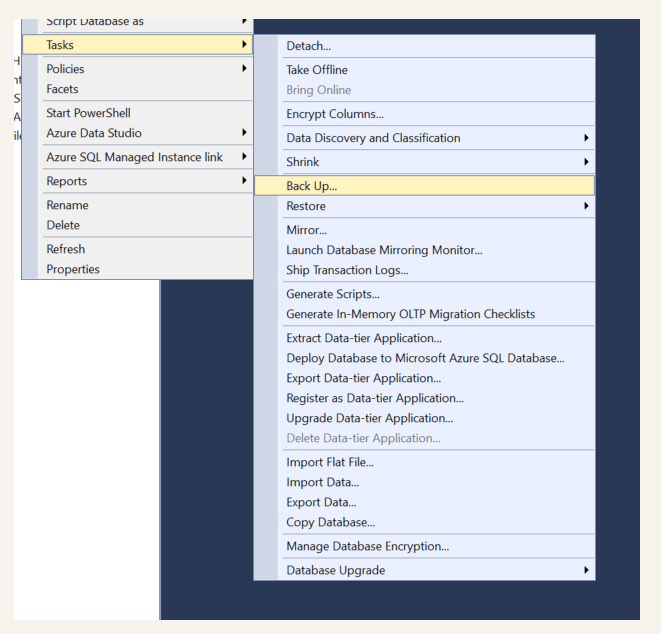
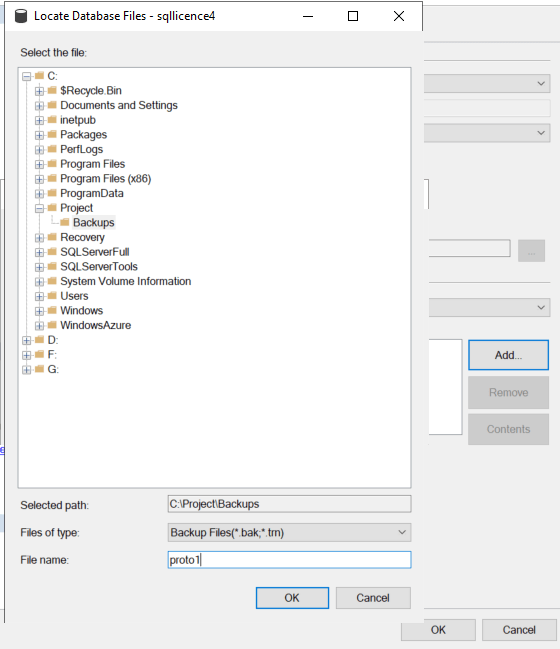
Wait it out
Detach from the Administration Console
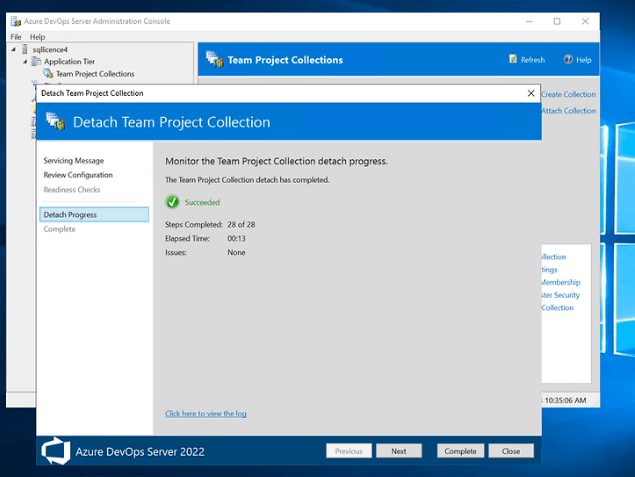
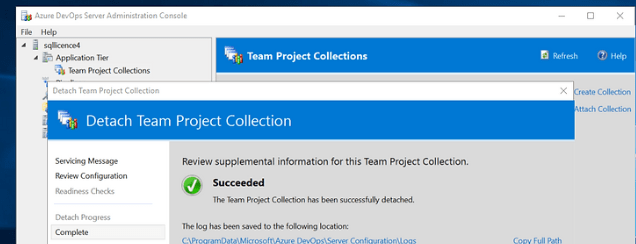
ReTrigger
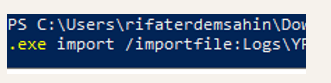
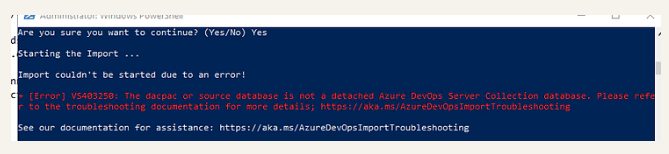
If the db is detached by the migratory fails restart the box to drop caches.
Give the permissions and the URL at the container level in the middle
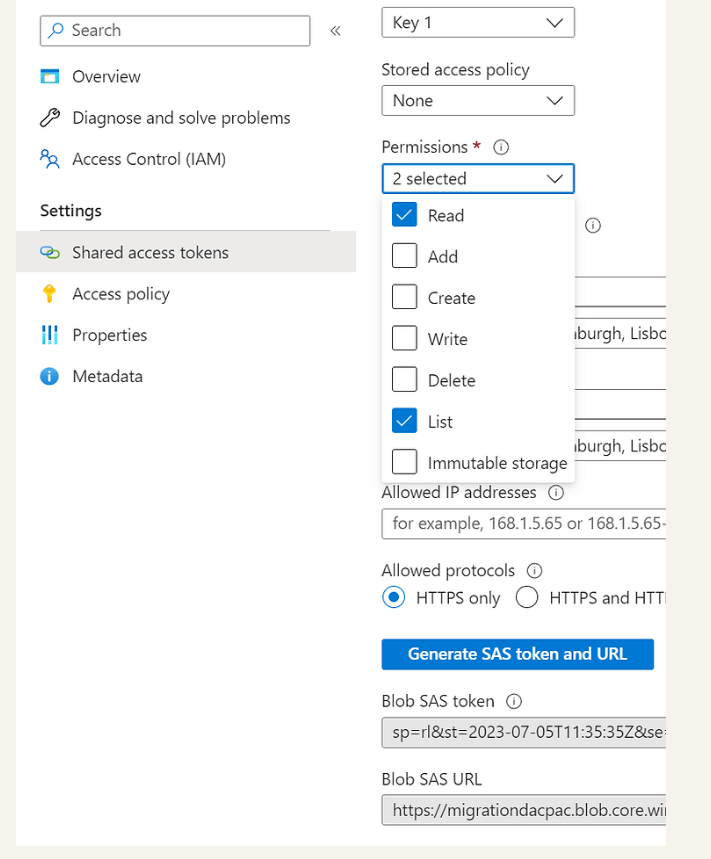
Ask azure support if stuck
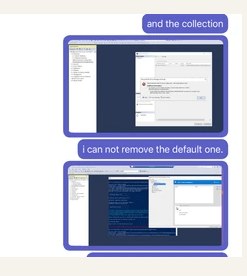
Trouble Shoot Guide
https://learn.microsoft.com/en-us/azure/devops/migrate/migration-troubleshooting?view=azure-devops
Looks like I need to recreate the dacpac
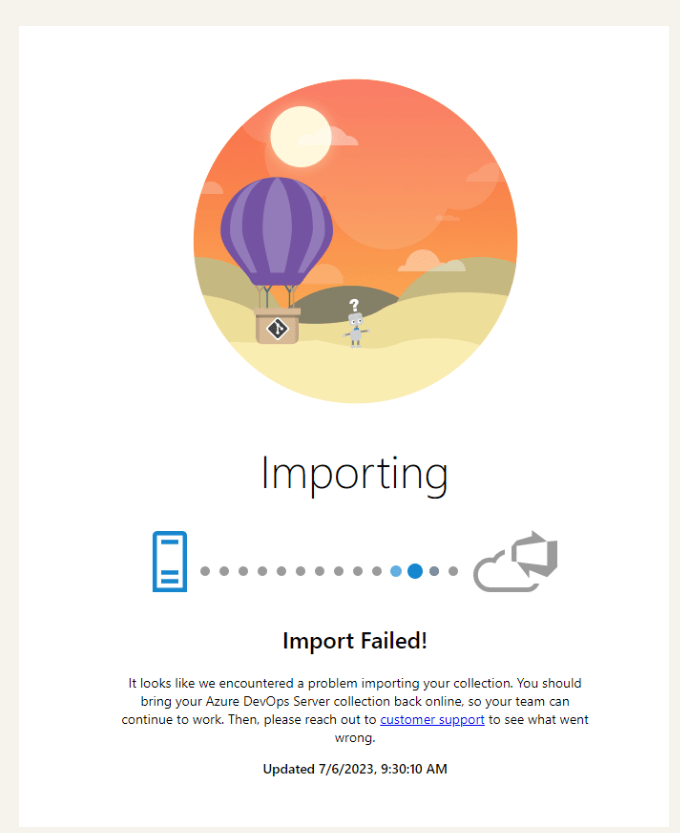
After recreating the dacpac make sure to prepare one more time otherwise it can fail just like this
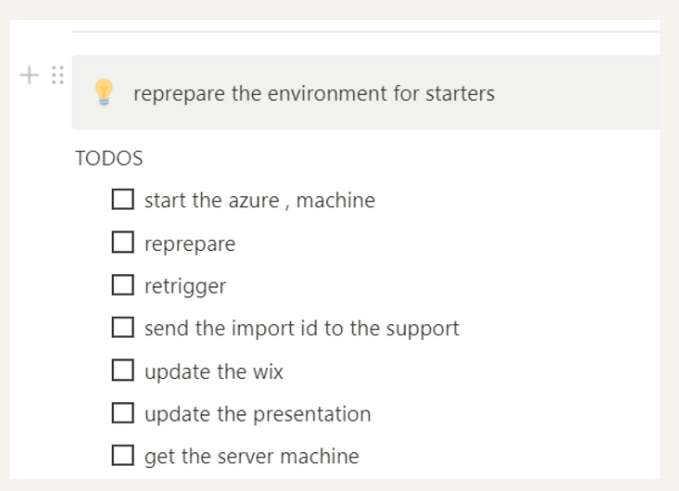
Cost increase till we move on to the customer staging machine
Get the importID to give it to the Azure support
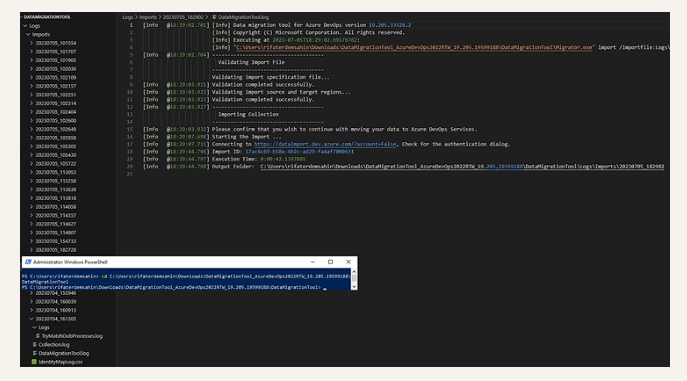
[Info @18:29:44.796] Import ID: 57ac4c69-b50a-4b2c-ad29-fa4af7000631
Azure Support
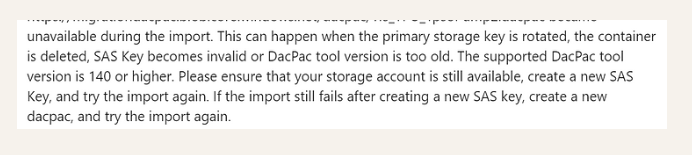
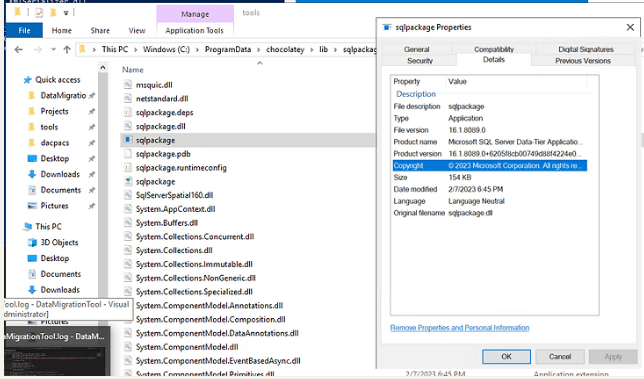
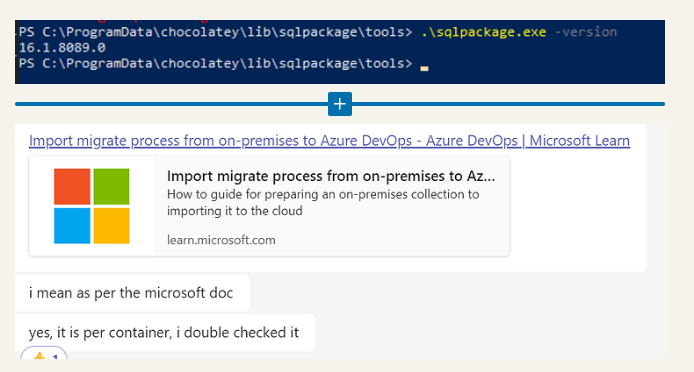
Check SQL package version
Learn where you made the error from the Azure support
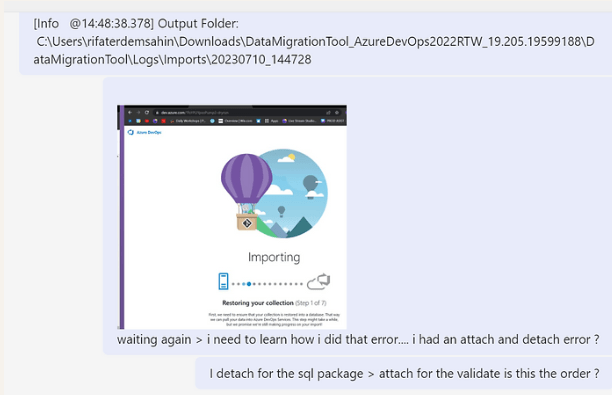
Learn the order

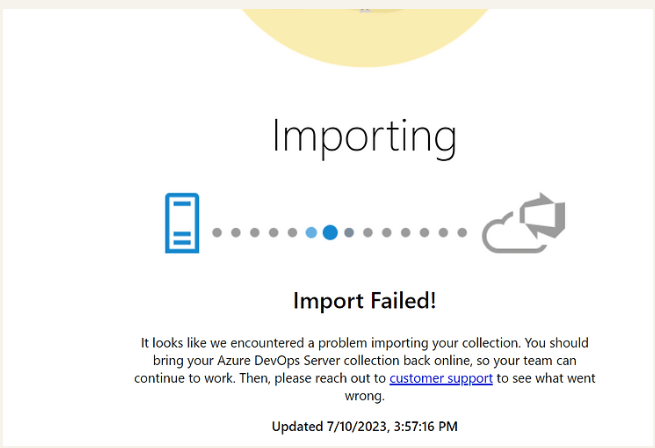
Fails in the first 10 minutes
Check SQL package from the command prompt
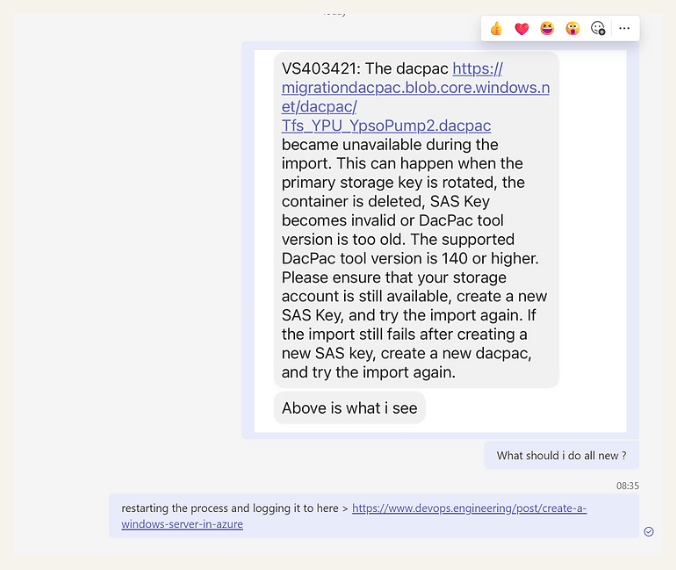
Reread the error and start from scratch and share with the cohost the Azure support
Recorded Steps
-
Turn on the box ✅
-
detach the collection
-
create a dacpac with the detached collectiondb name it v3
-
move to storage
-
attach
-
create a SAS key
-
validate
-
prepare
-
update the import json
-
import
-
report back to support with import id and the video
-
Delete the blob and recreate
It fails at the prototype and the Azure team with SQL team is working on it to resolve it.
https://0fa1fa7e-c21a-4ce0-b746-e298cc48024e.usrfiles.com/html/2b2e4b_d767b483cae16e027c4ea8ac7906fbf4.html
Reference
https://sonin.agency/the-4ps-innovation-model-poc-prototype-pilot-production
Contact me on Linkedin > https://www.linkedin.com/in/rifaterdemsahin/
Imported from rifaterdemsahin.com · 2024