Openshift Course Pluralsight Review ( OS Part 1 )
Objective : Get ready for the interview ( k8s is there to stay )
Key Result Get the gaps in skills
Key Result learn the pluralsight process
Key Result Check from images to video difference
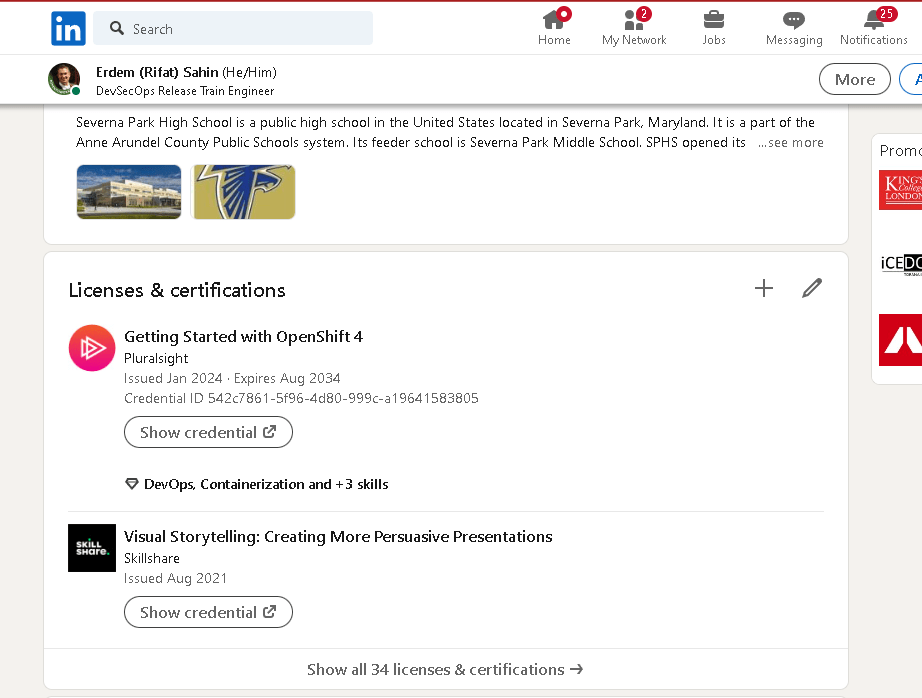
Key Result add pluralsight to linkedin
Key Result Learn the technical documentation
Course Name
Getting Started with OpenShift 4
Reference
https://app.pluralsight.com/ilx/video-courses/542c7861-5f96-4d80-999c-a19641583805
Enterprise Kubernetes
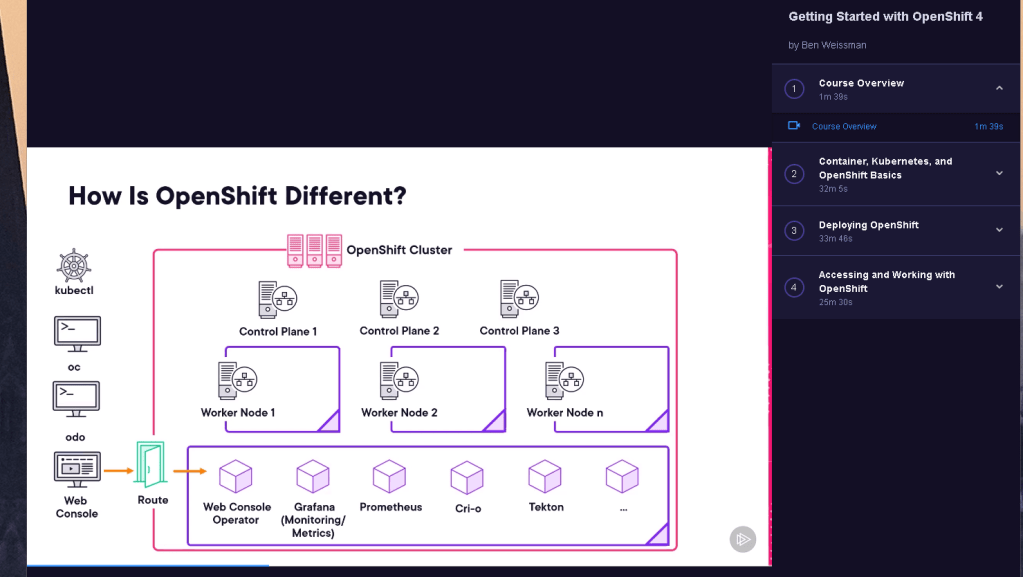
Objective
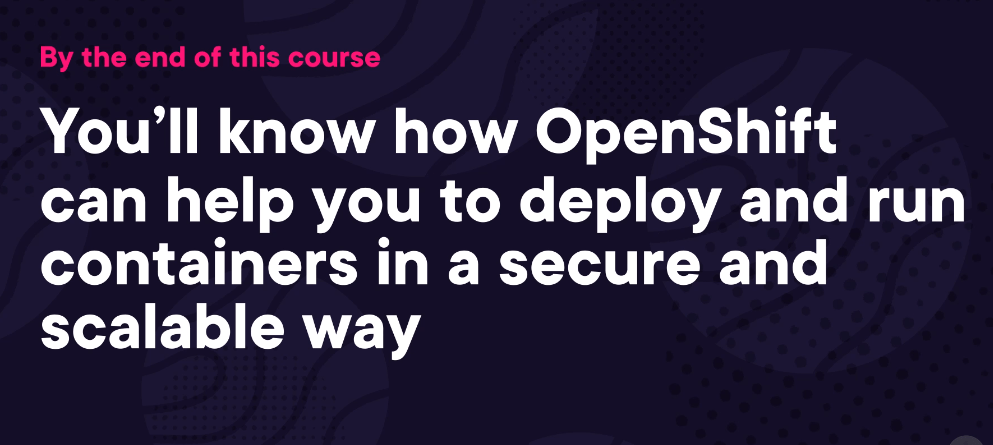
Curriculum
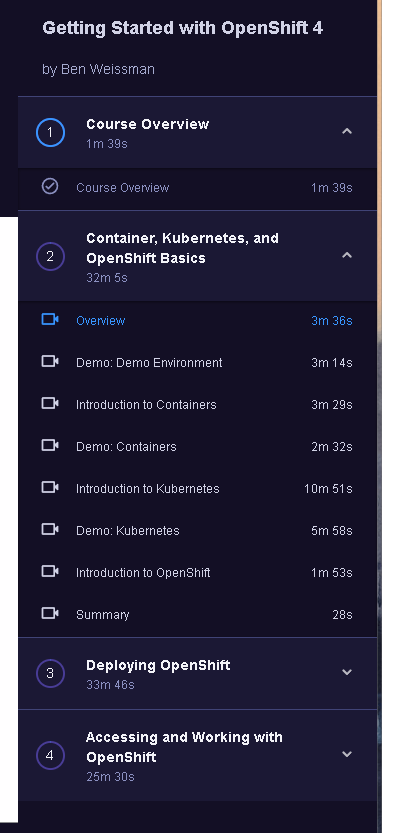
animations
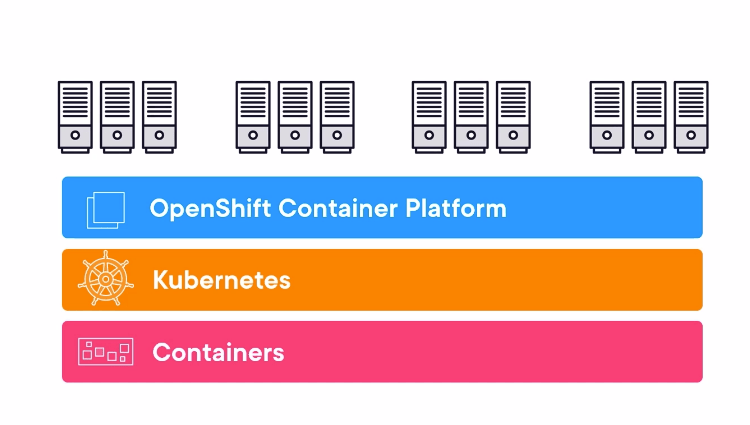
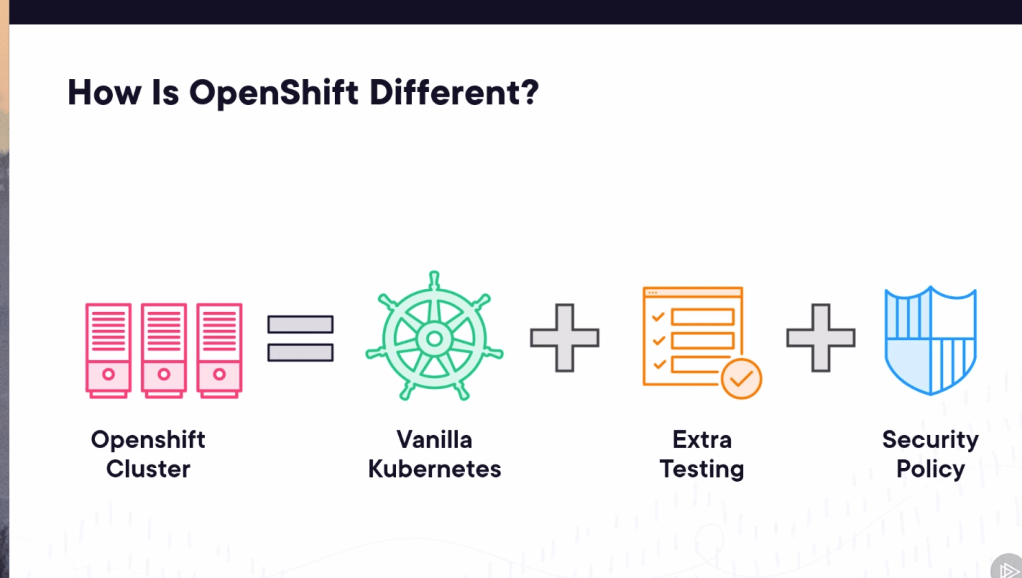
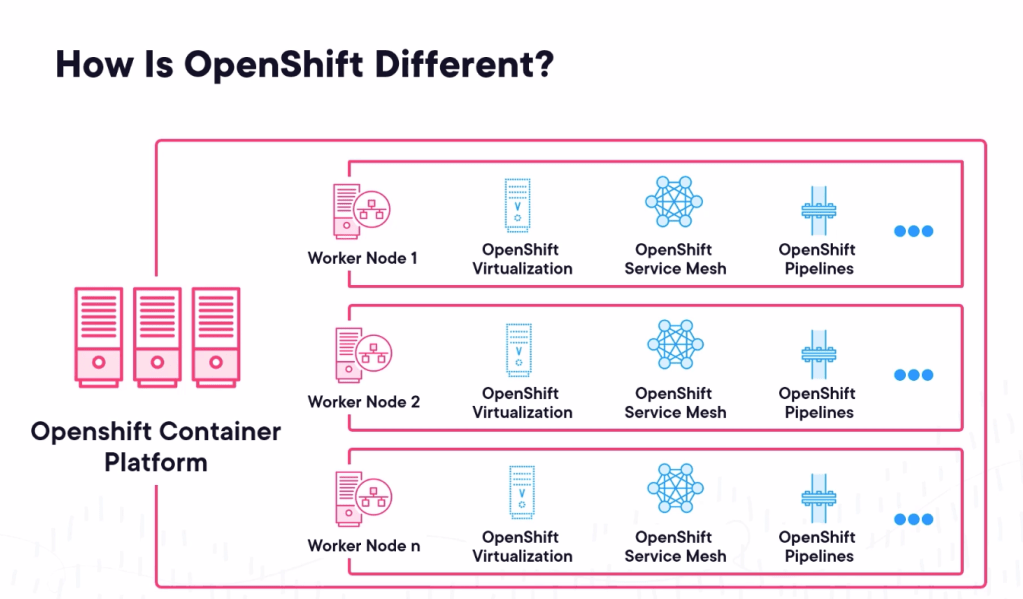
Extar in openshift
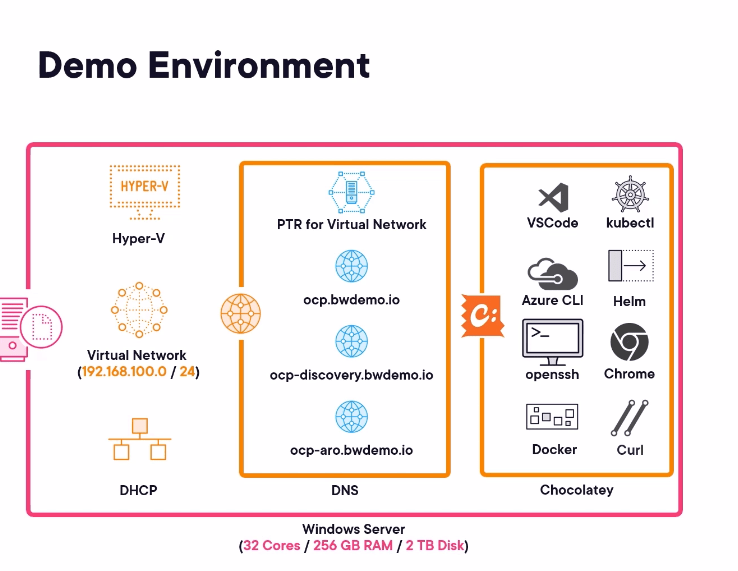
dns critical!
more dns to run
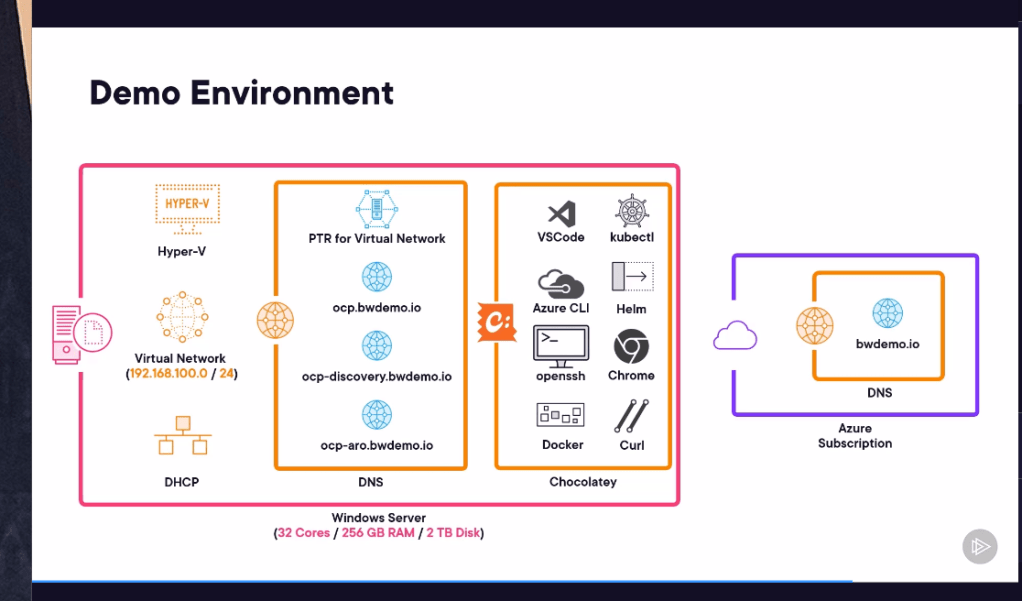
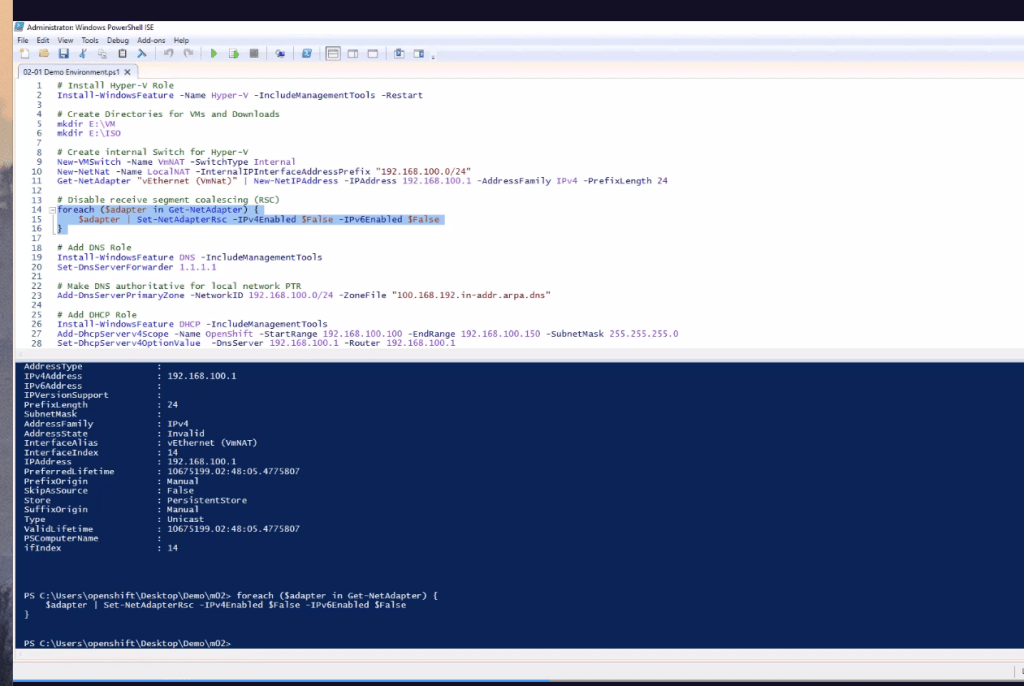
Network and dns server on your local with dhcp server to manage the pointer network to talk to the cluster
Container runtime and images for the speed
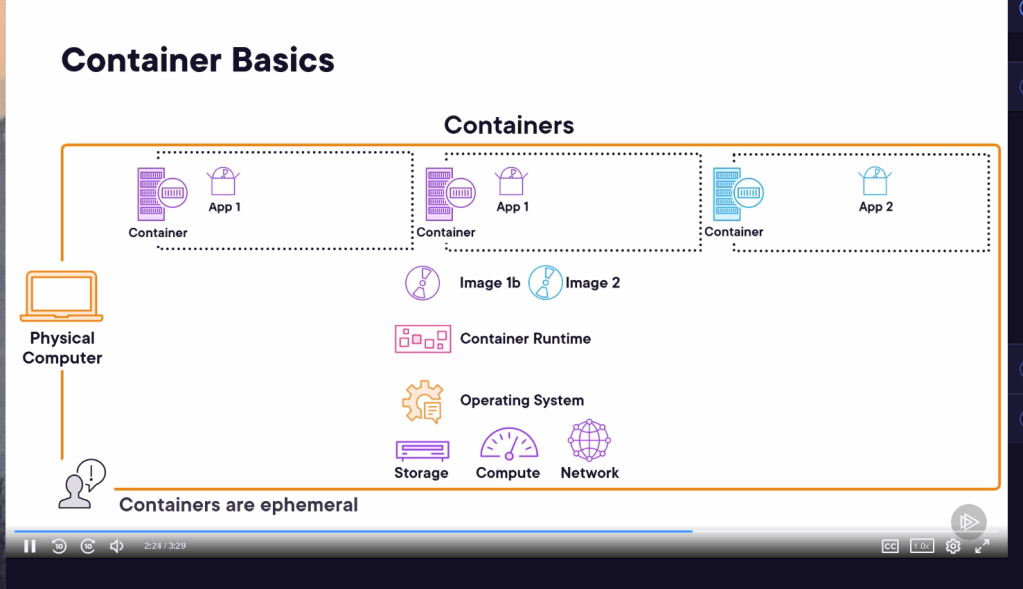
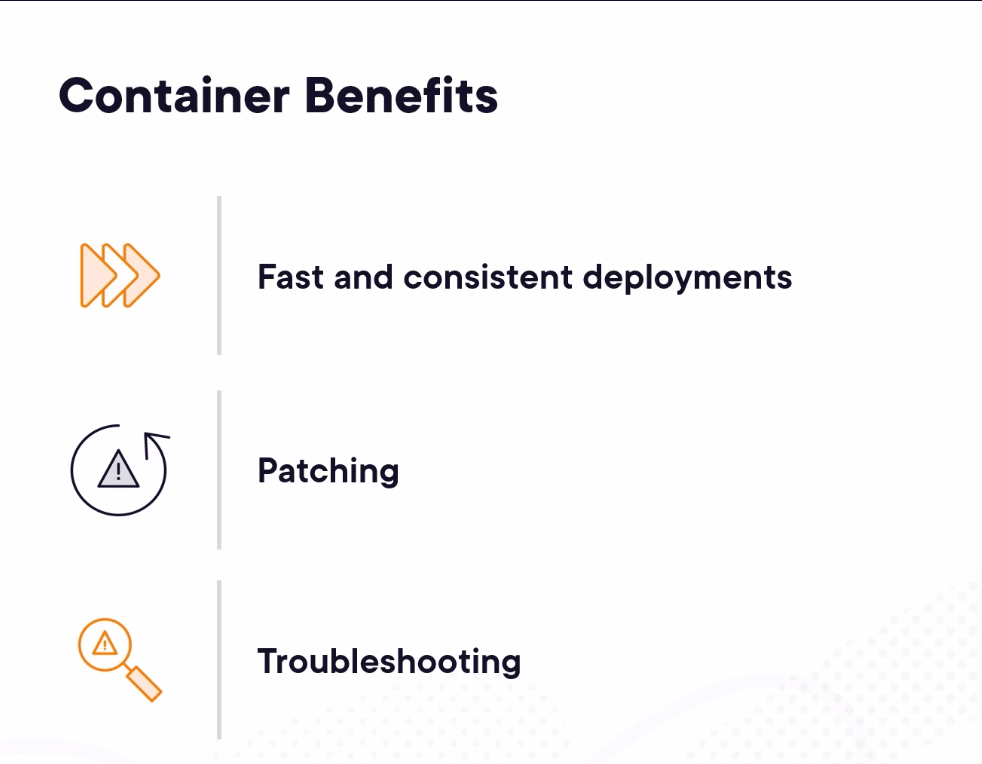
Patching as benefit redeploy and check
Docker commands
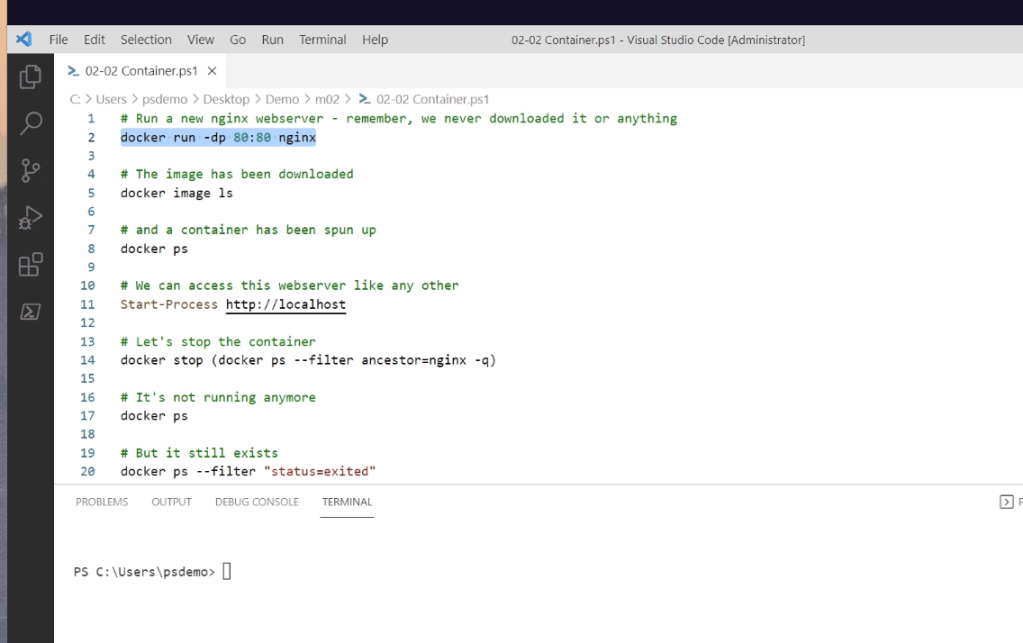
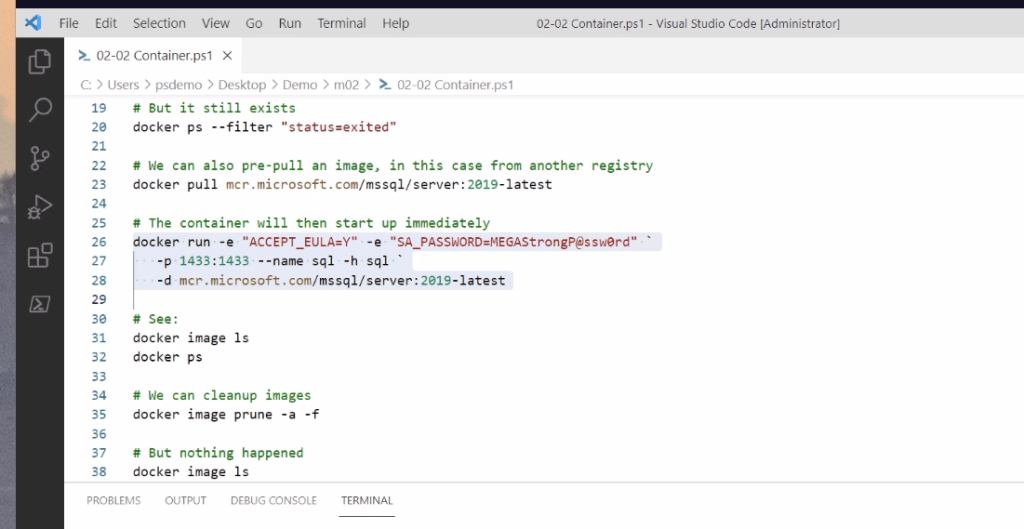
Practical run in actione ( Prune to remove )
Service for in and Control plane to help to manage
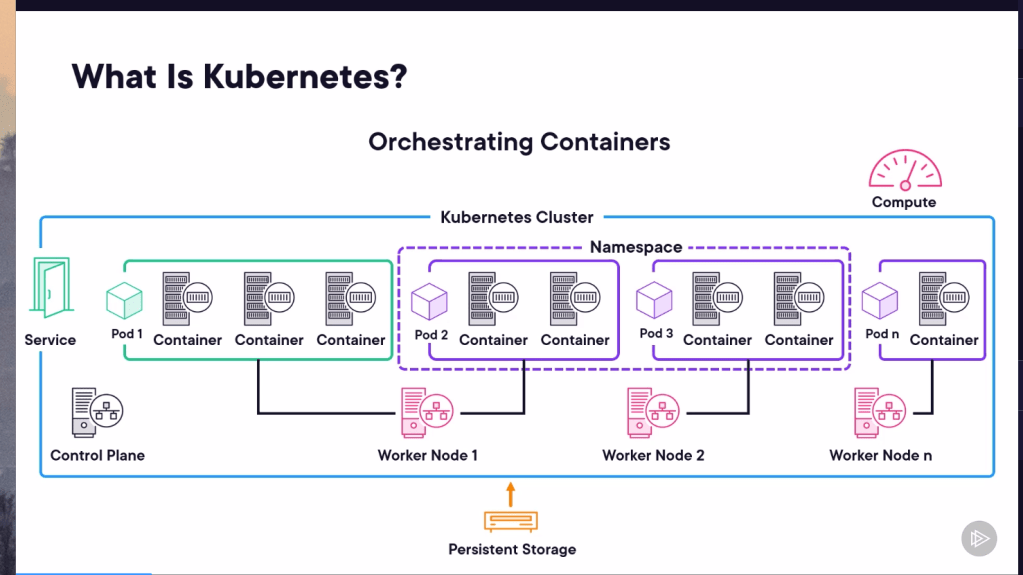
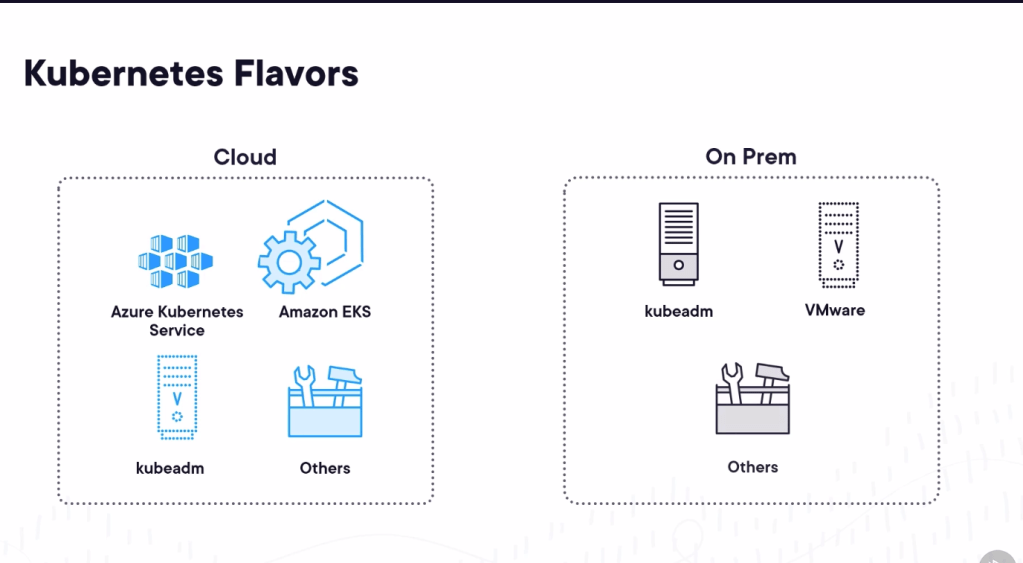
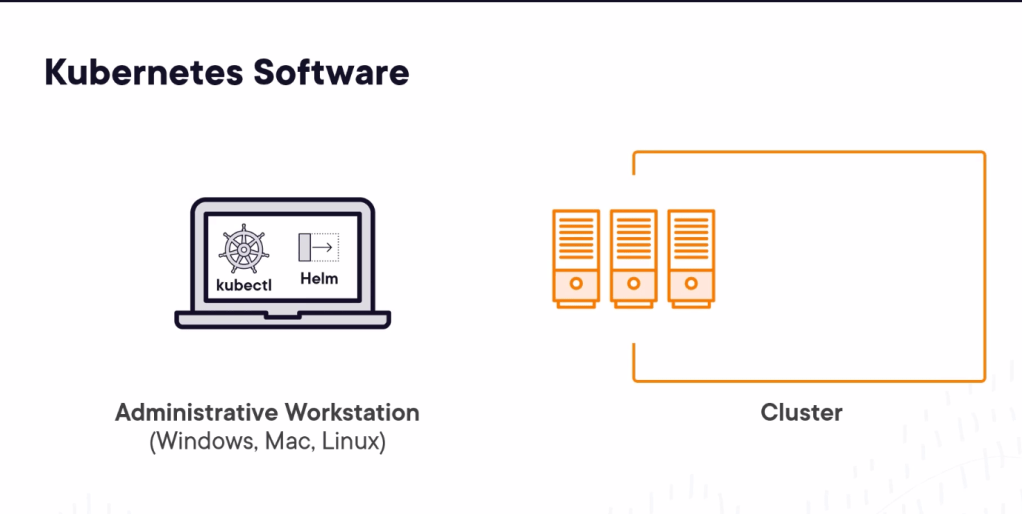
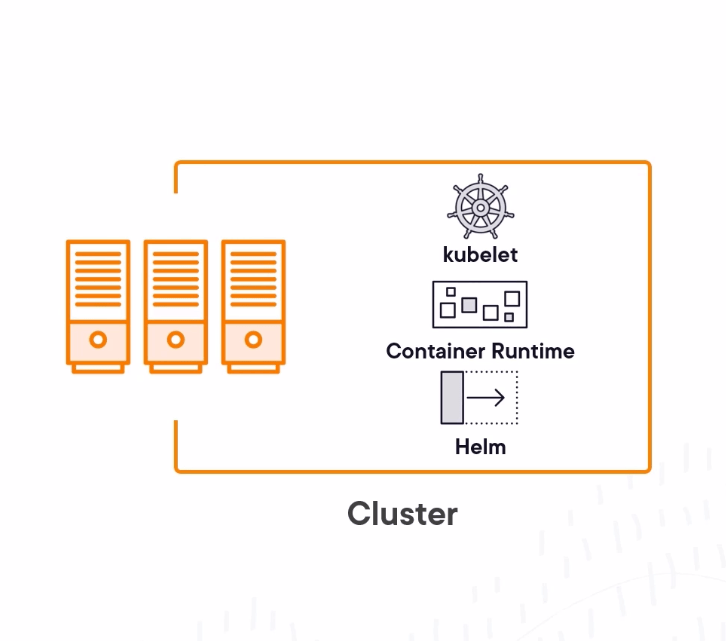
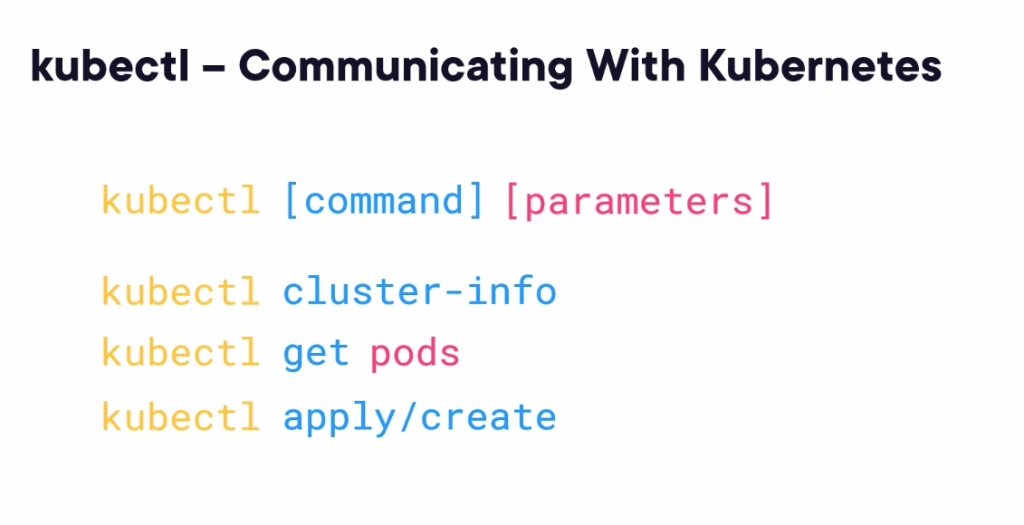
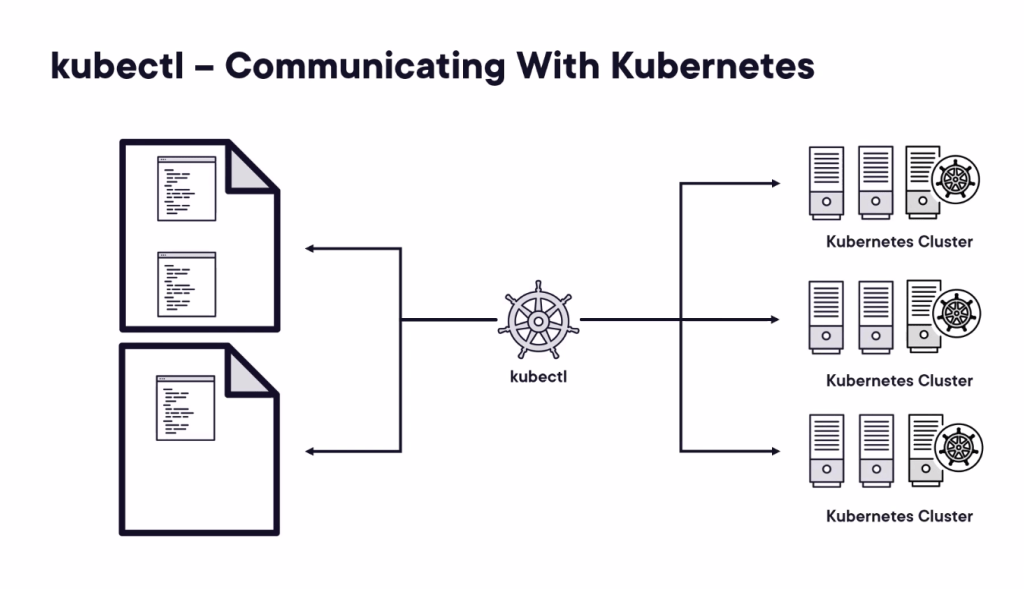
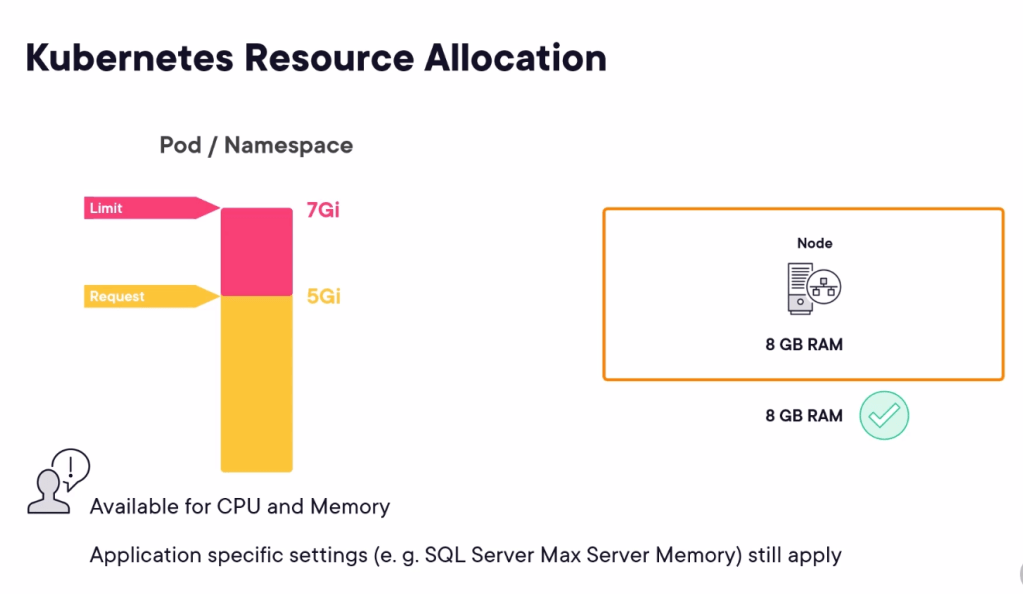
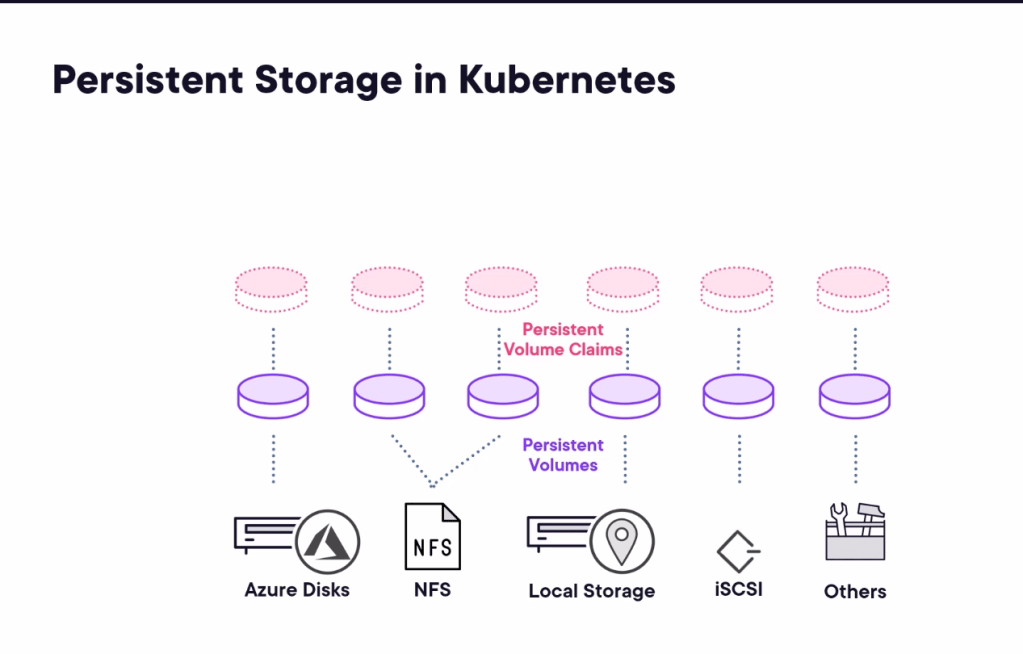
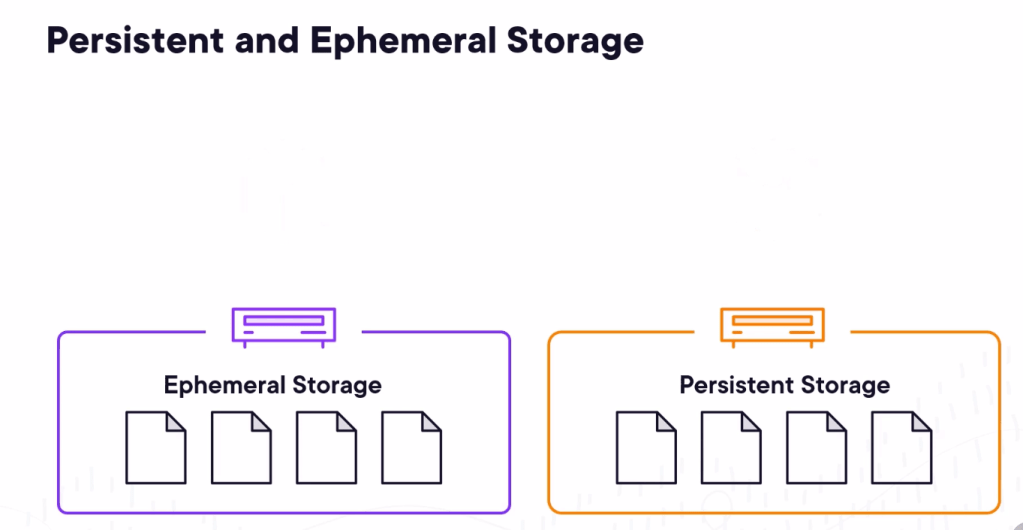
Playgrounds with ephemeral storage
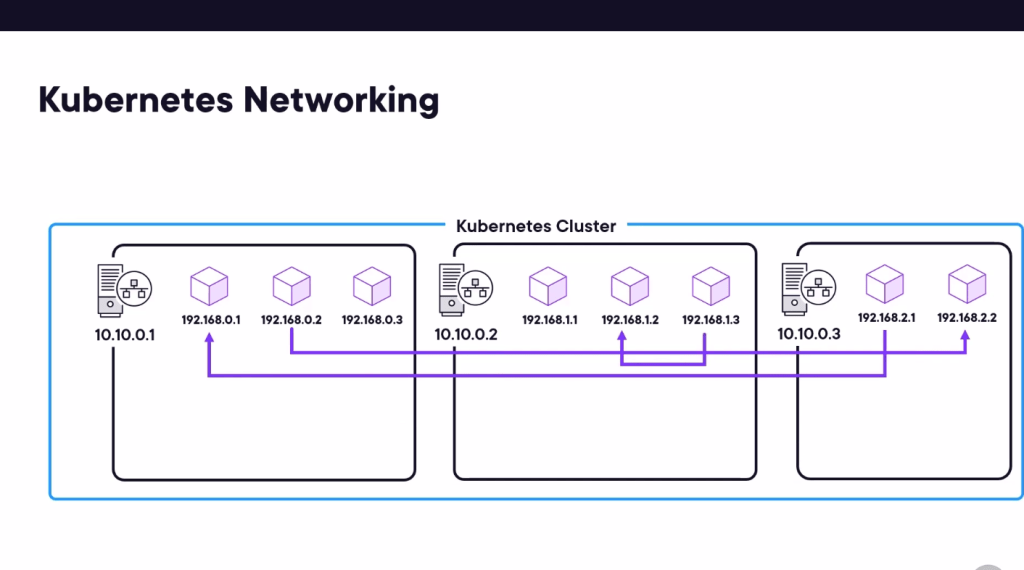
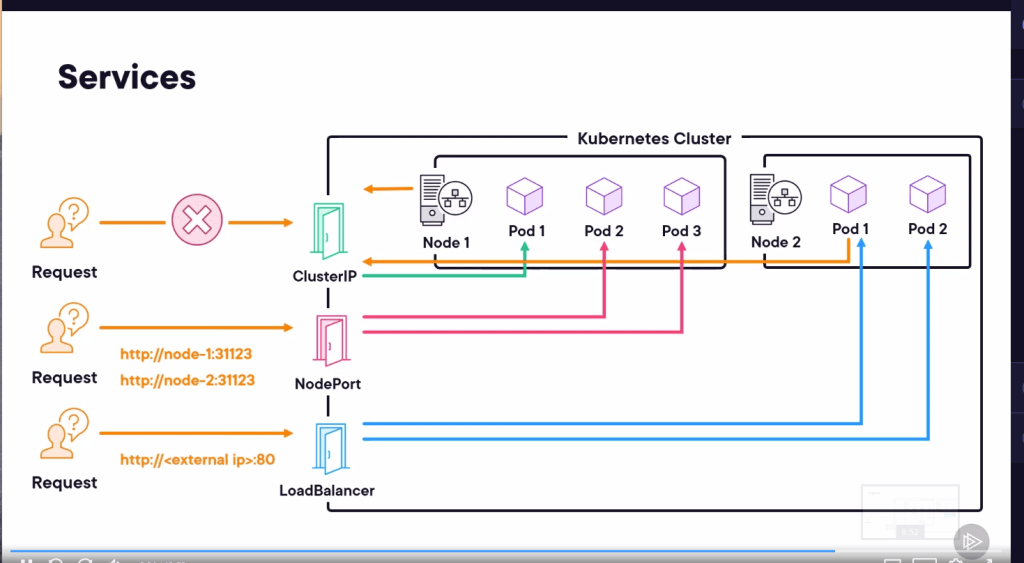
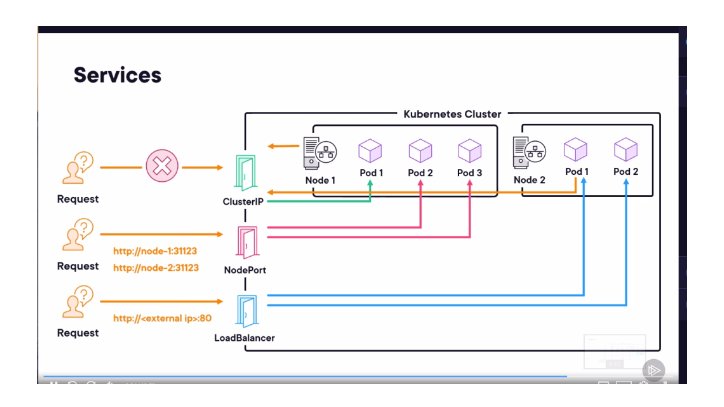
Ports to access by services
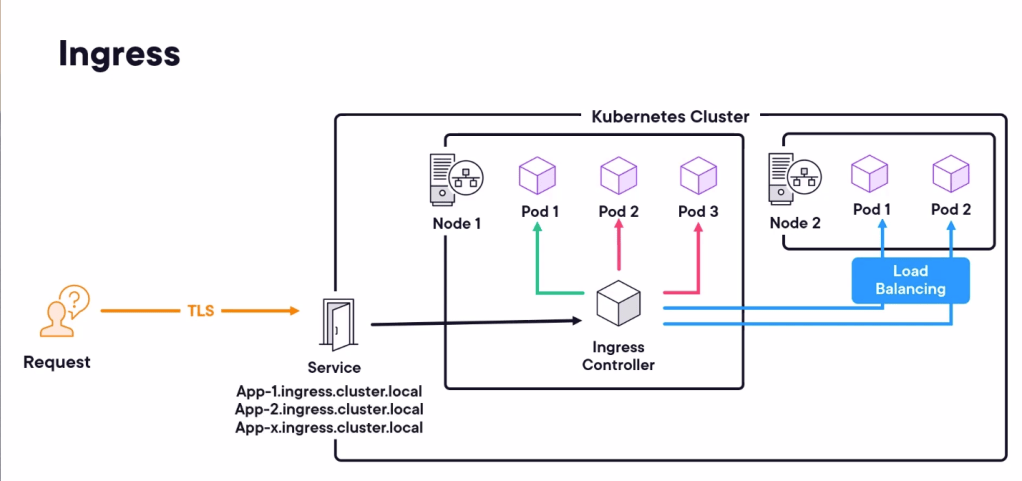
Also ingress inside to access
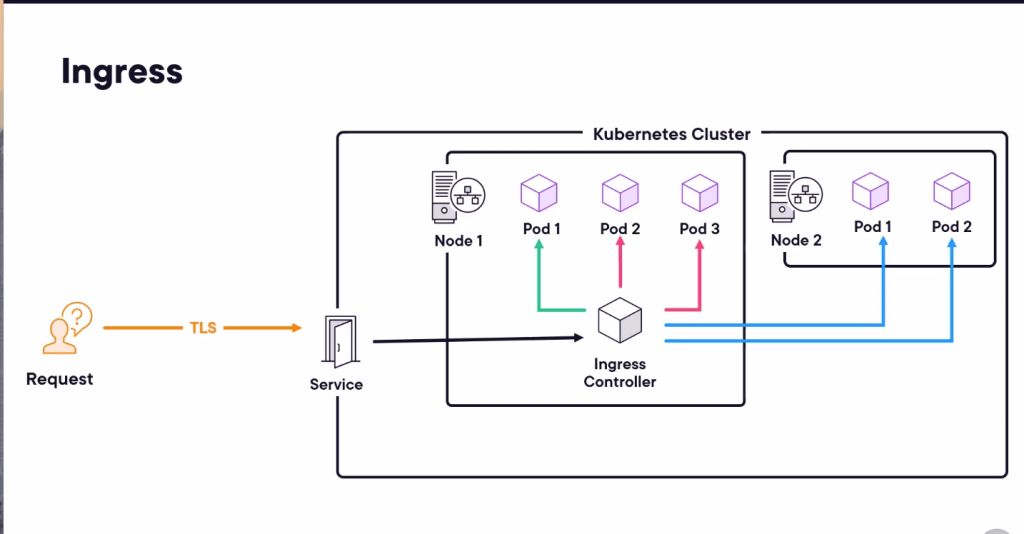
plural sight great animations > controller helps inside to access the action
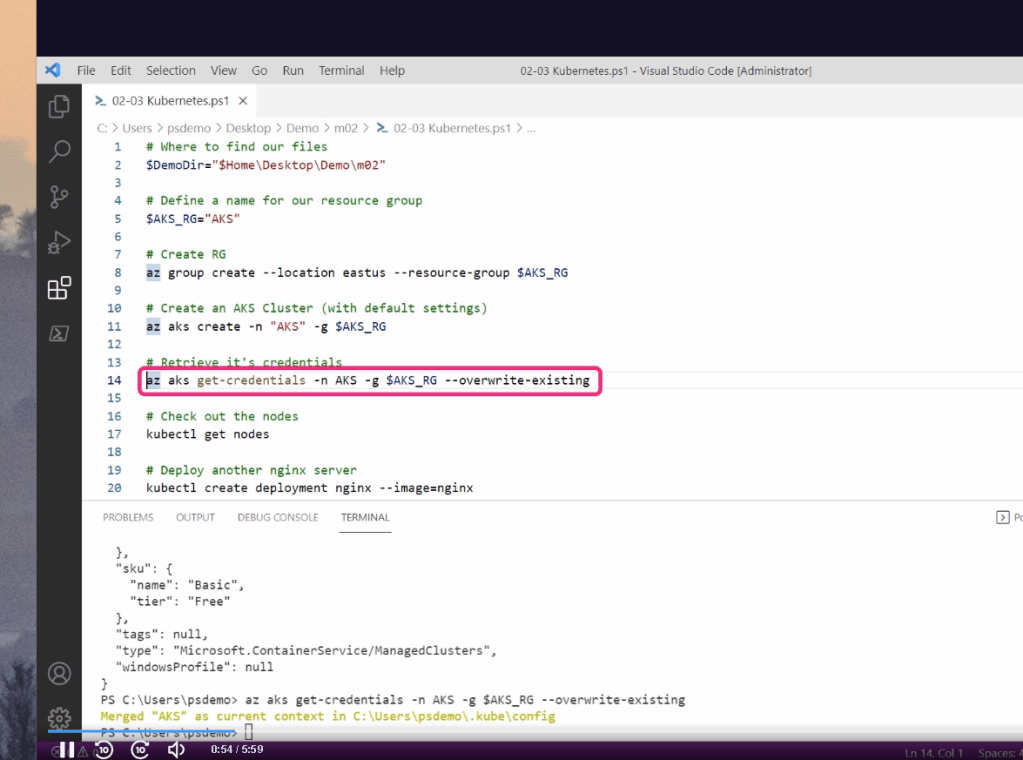
Create the AKS in Azure ( hidden )
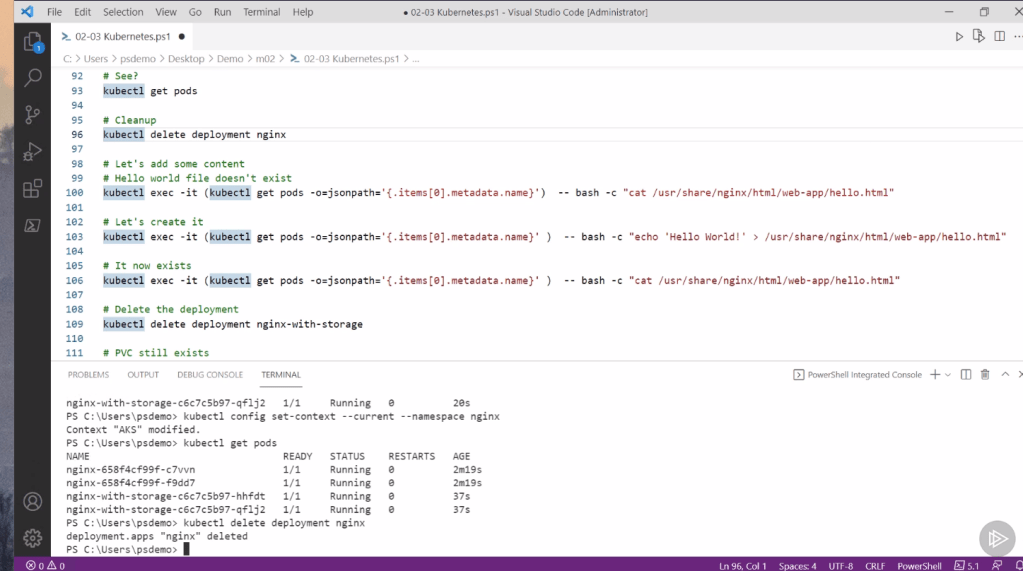
create the nginx practicla manner
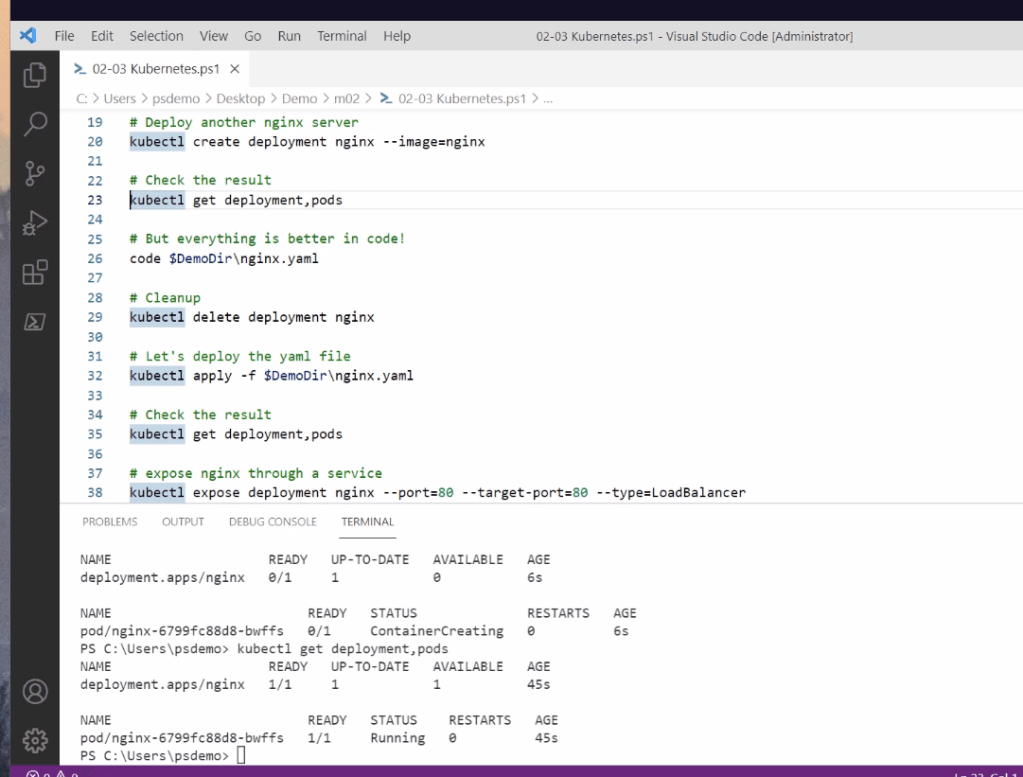
make it accessible from outside

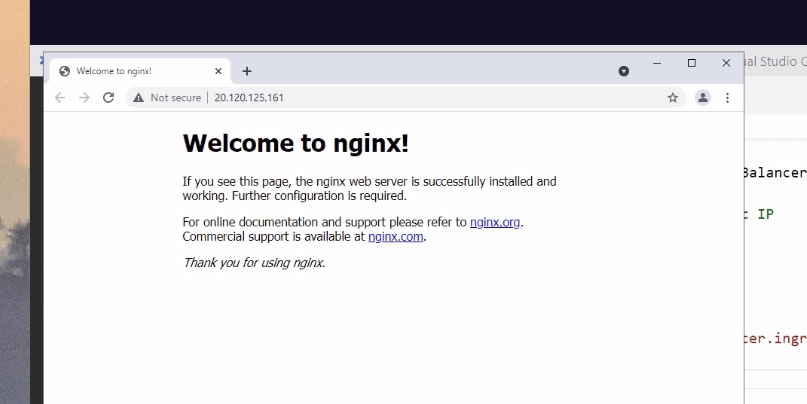
Service to see the action
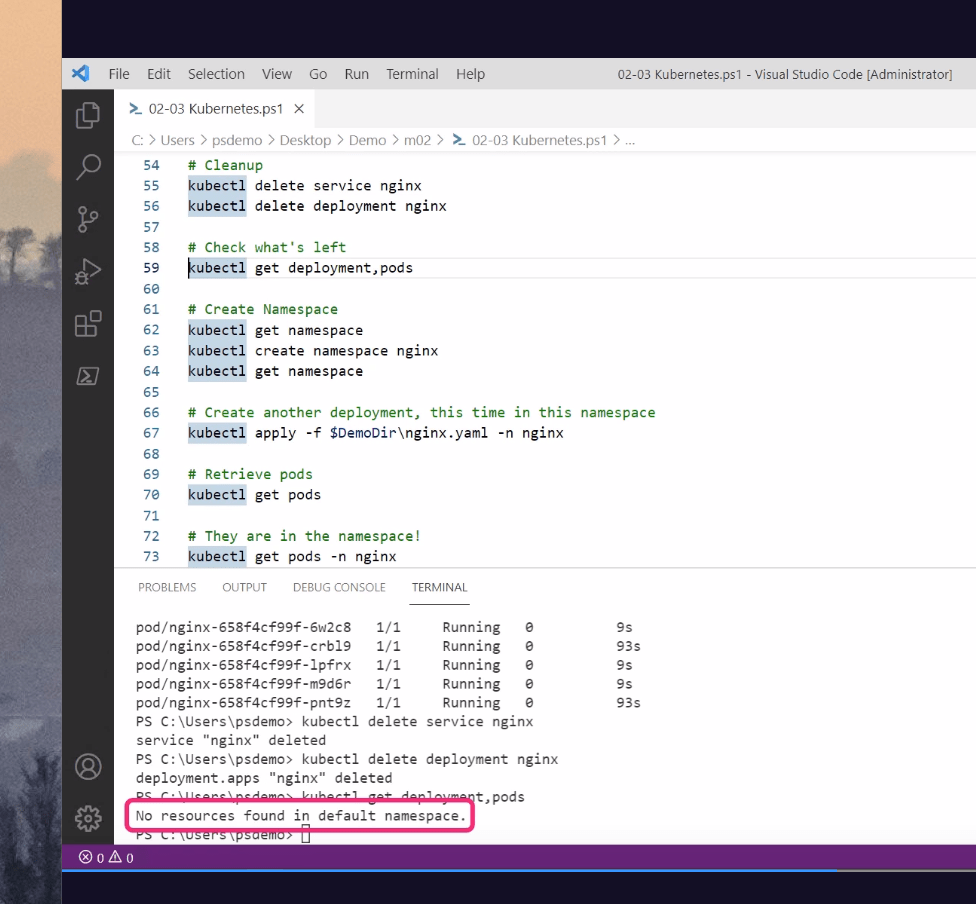
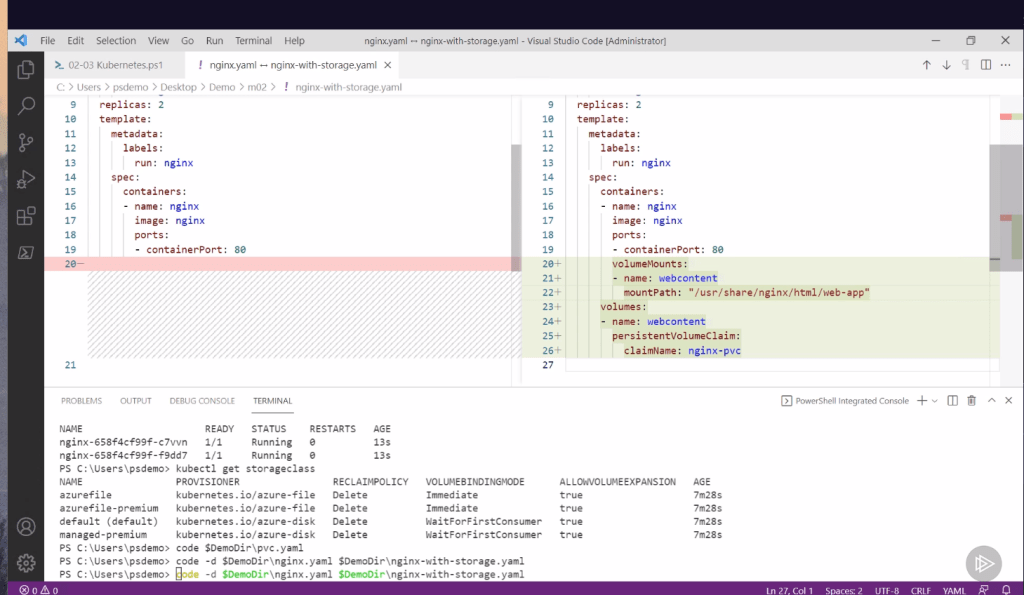
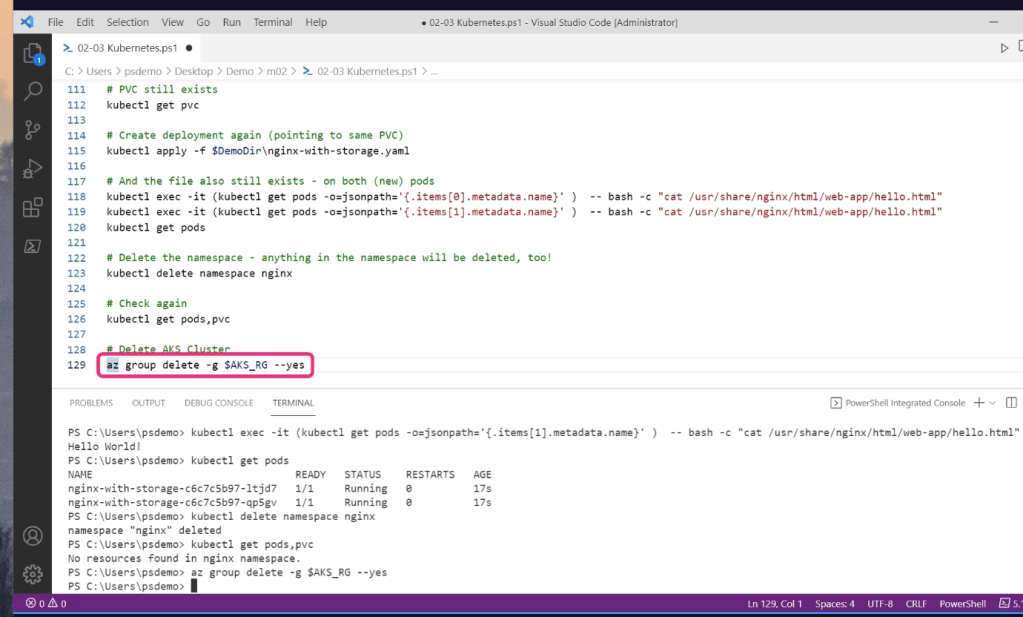
PVC persistent volume claim
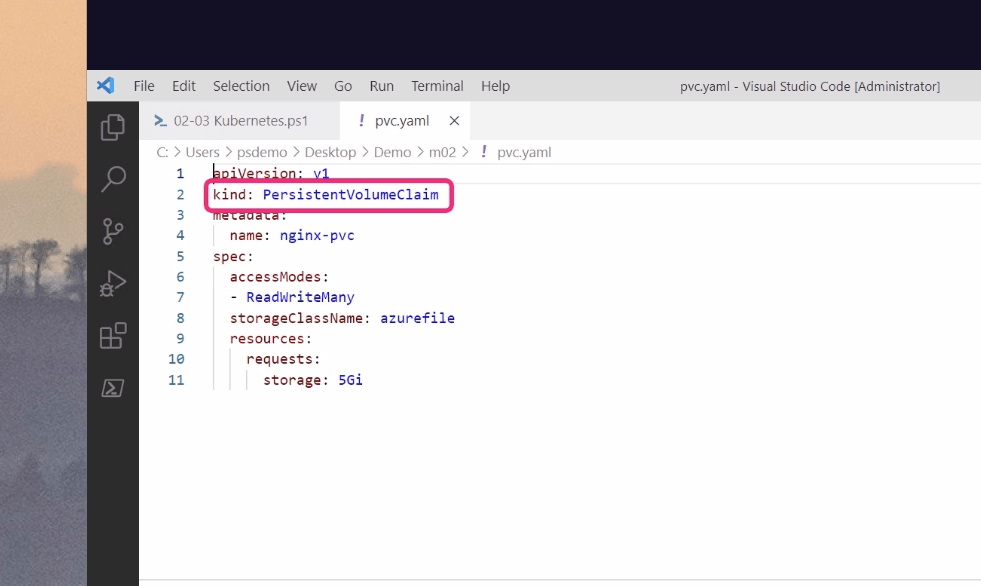
Azure file as a type
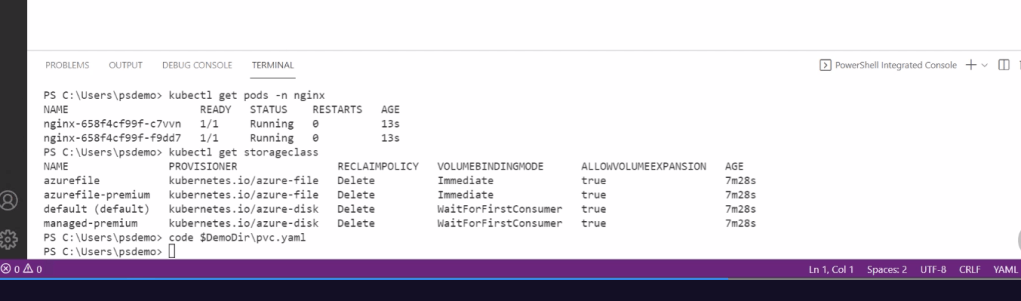
Mount to a location
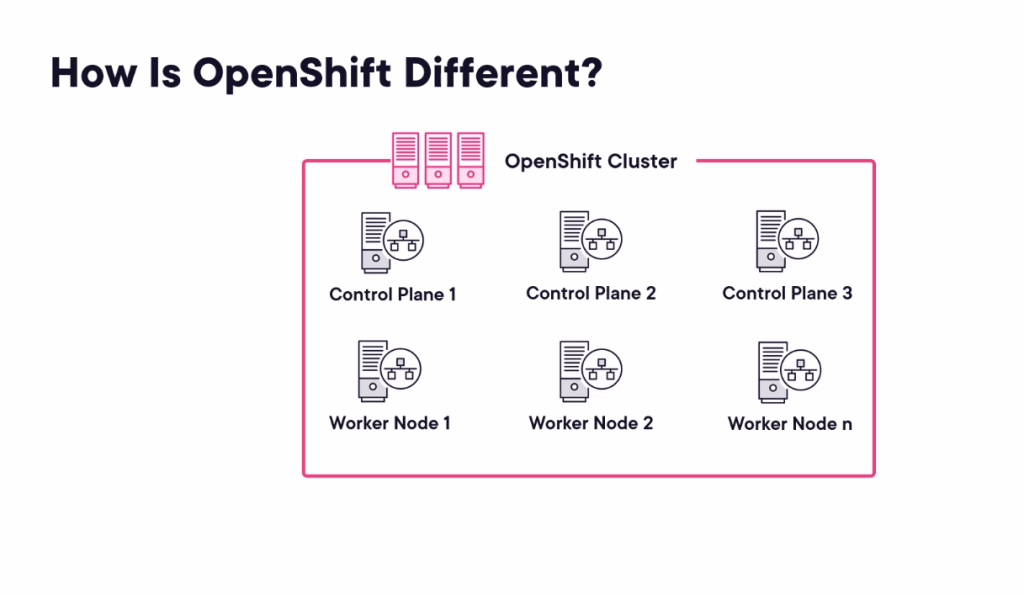
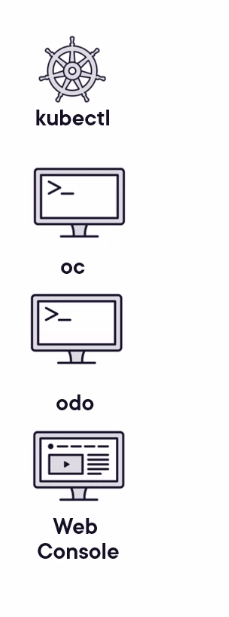
easy ingress
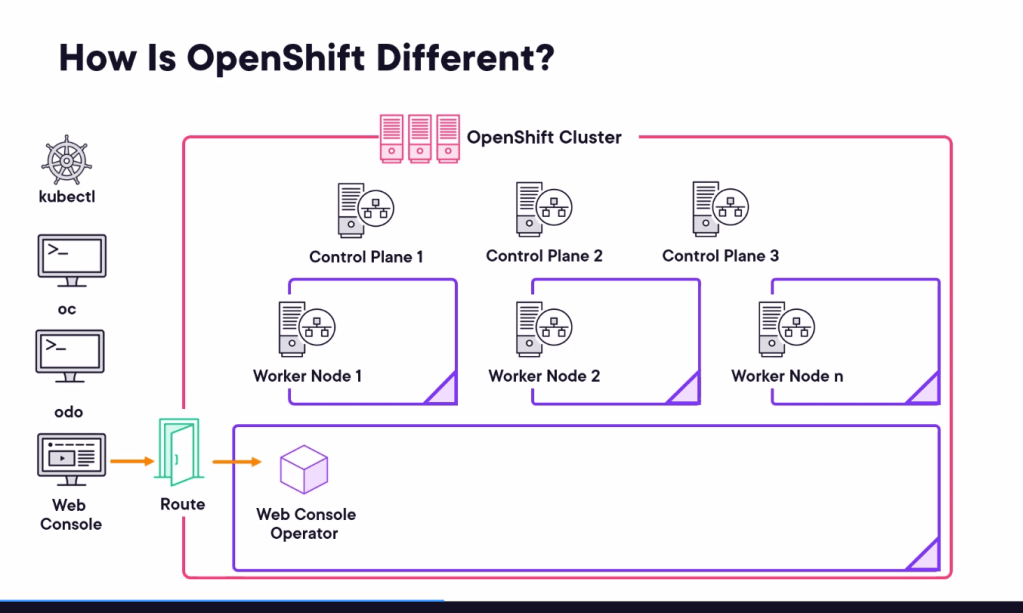
ready deploy services apps
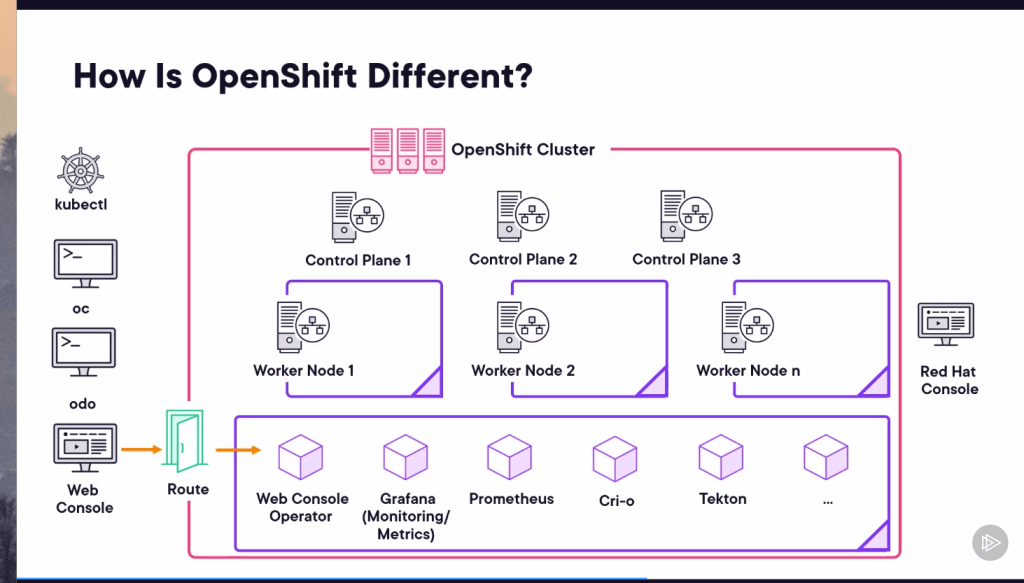
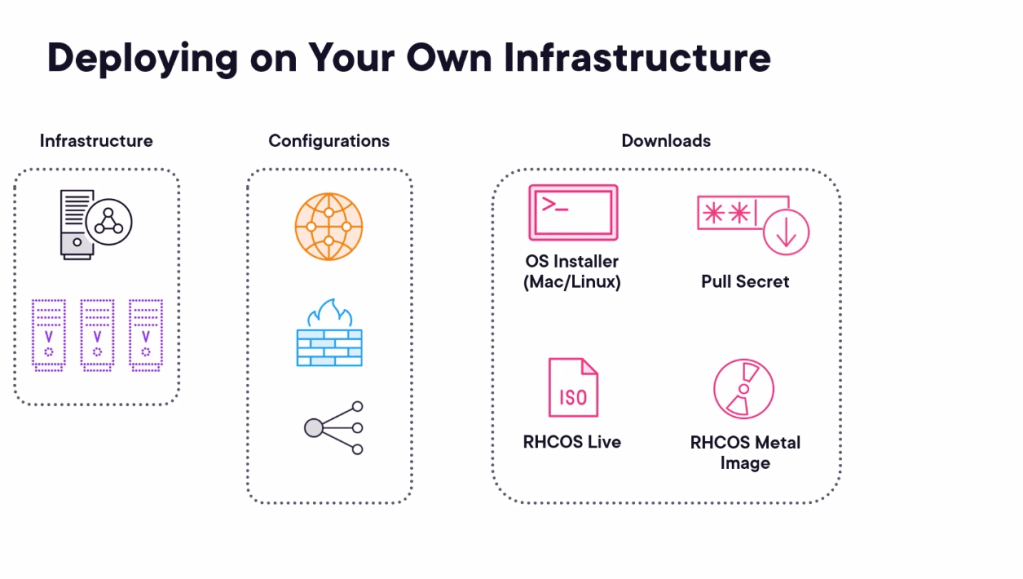
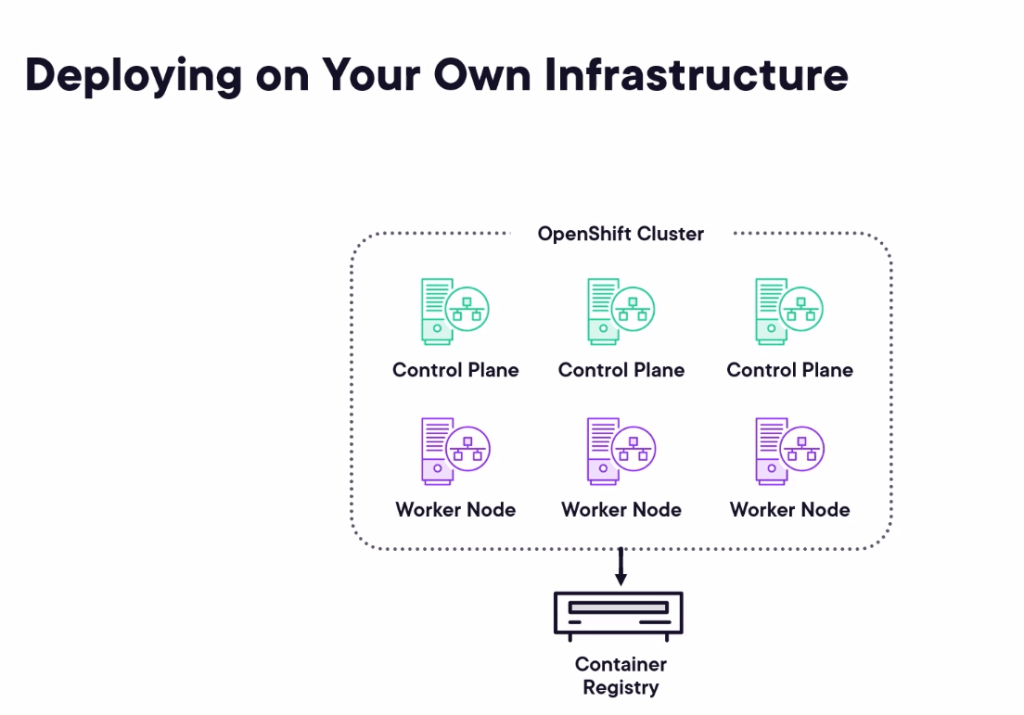
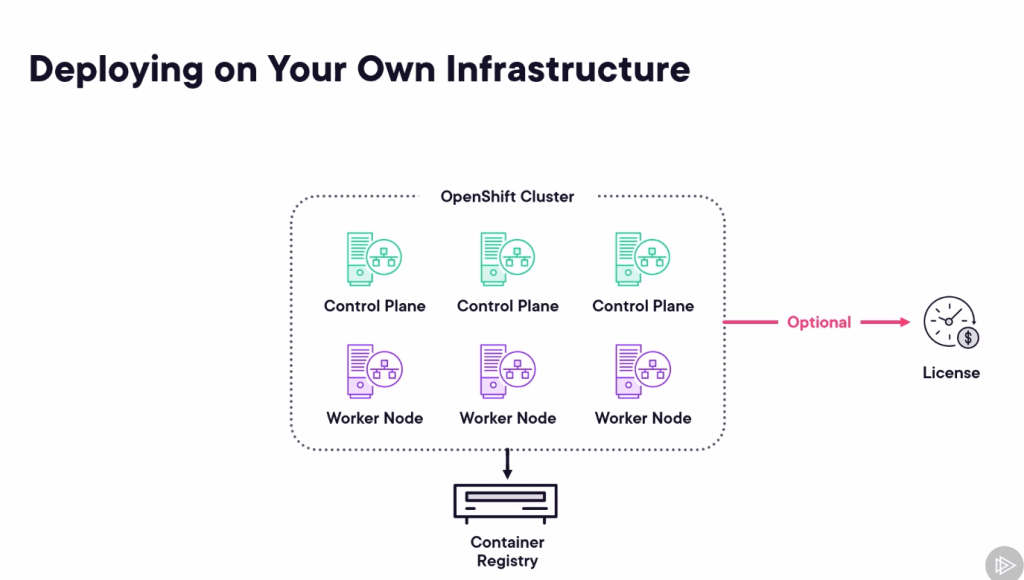
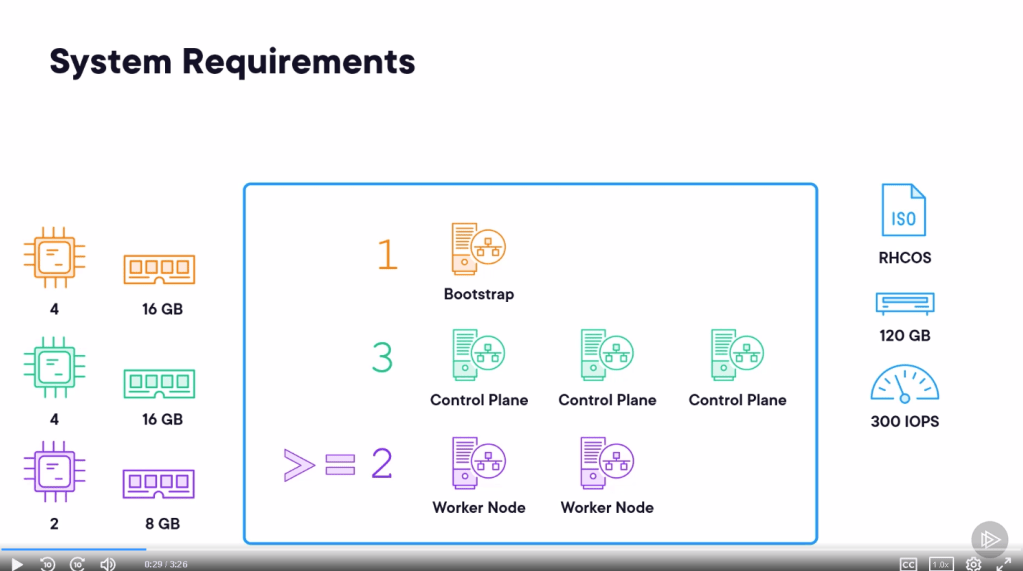
6 macines
ICMP requirements
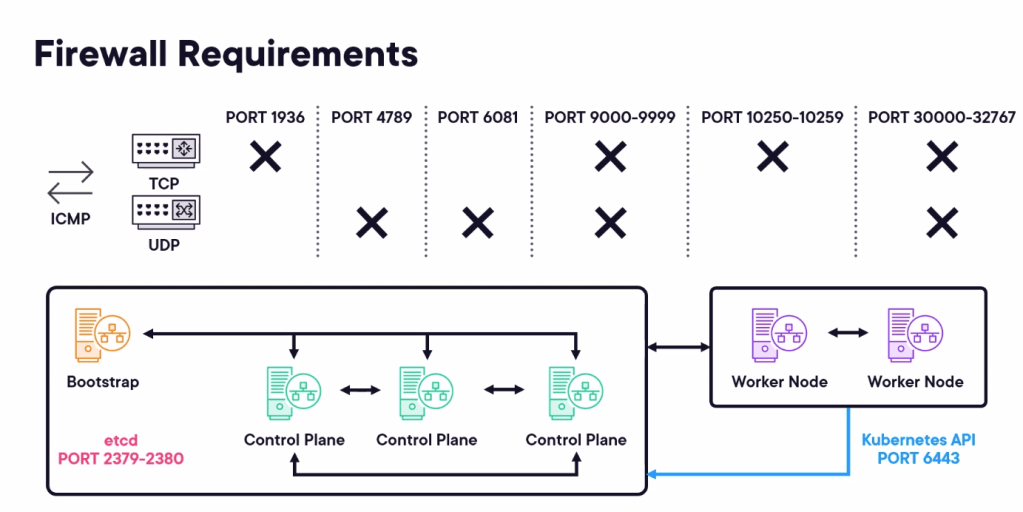
Loadbalancer
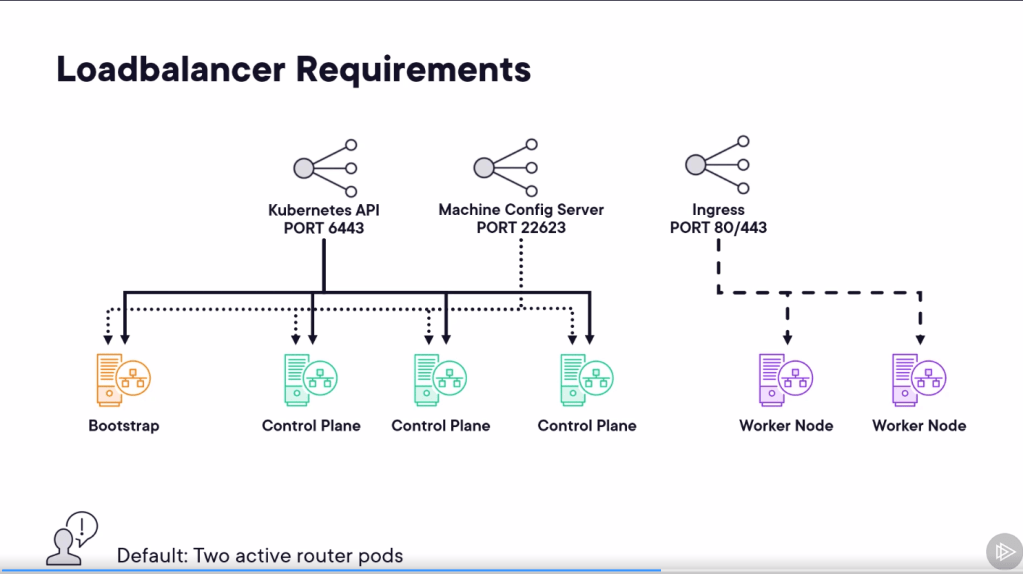
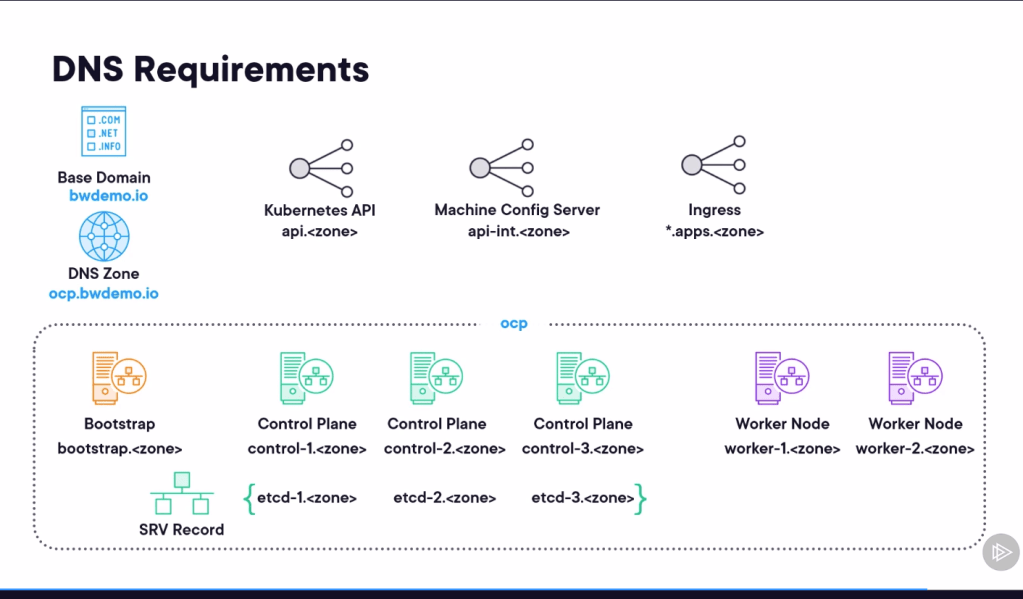
DNS Requirements
Goal > Do the iac with logic apps >>> and set it as a datasource and make it as an example
Free redhat account

So much dns work around in action
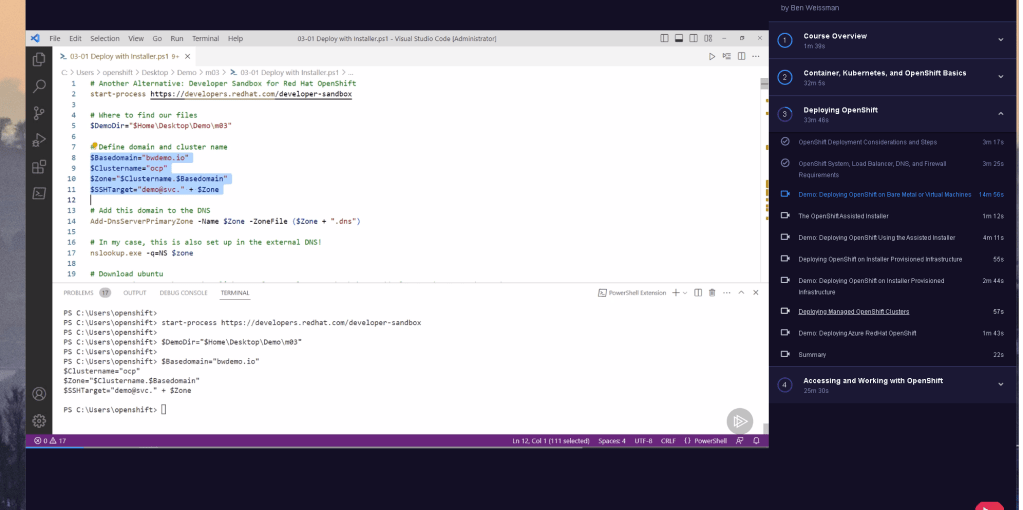
Installer
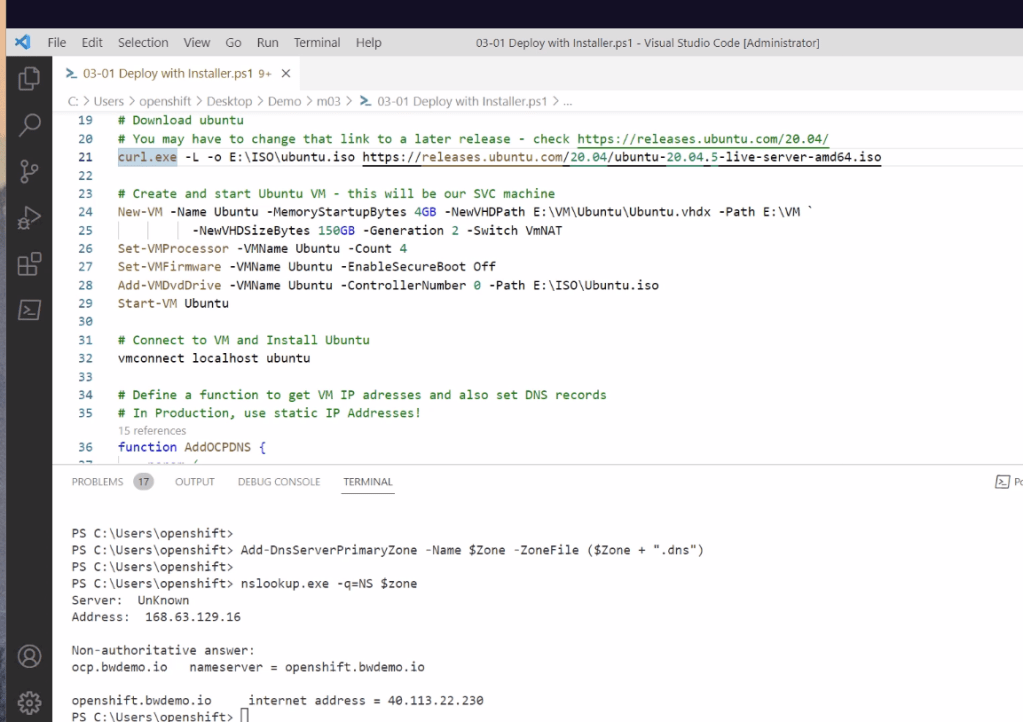
Login to the box
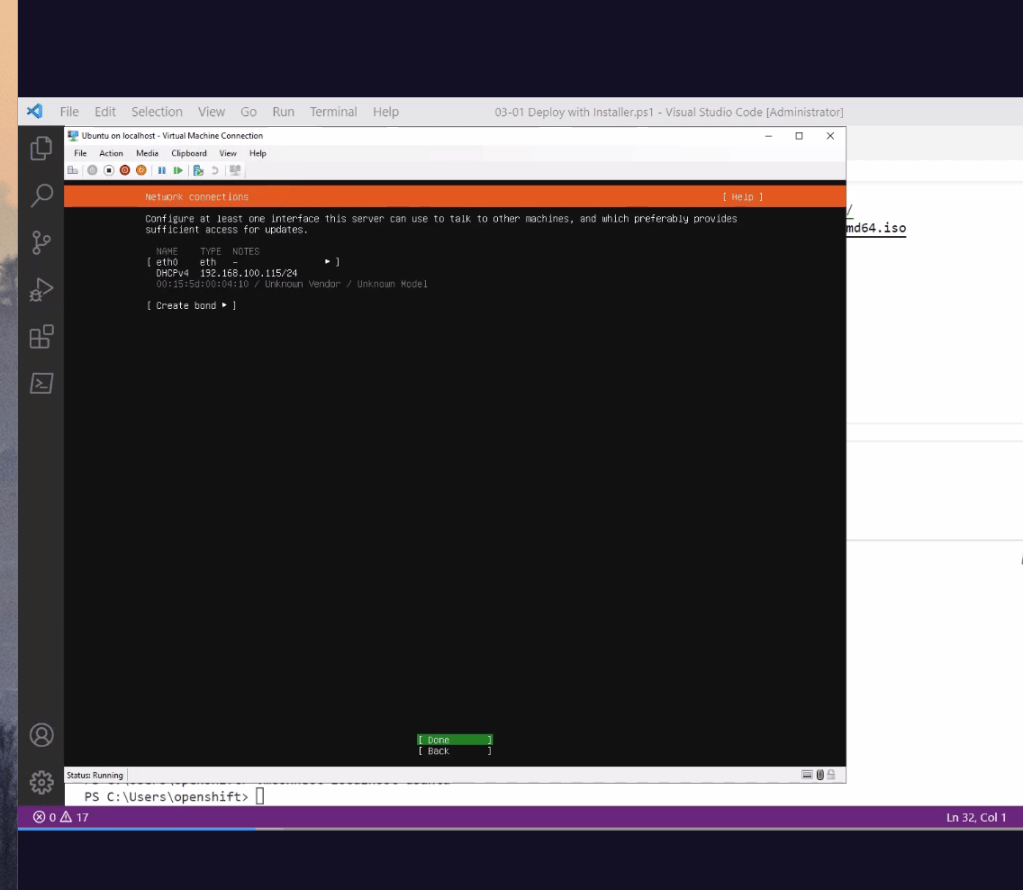
Creating dns records >>> so many places to go wrong
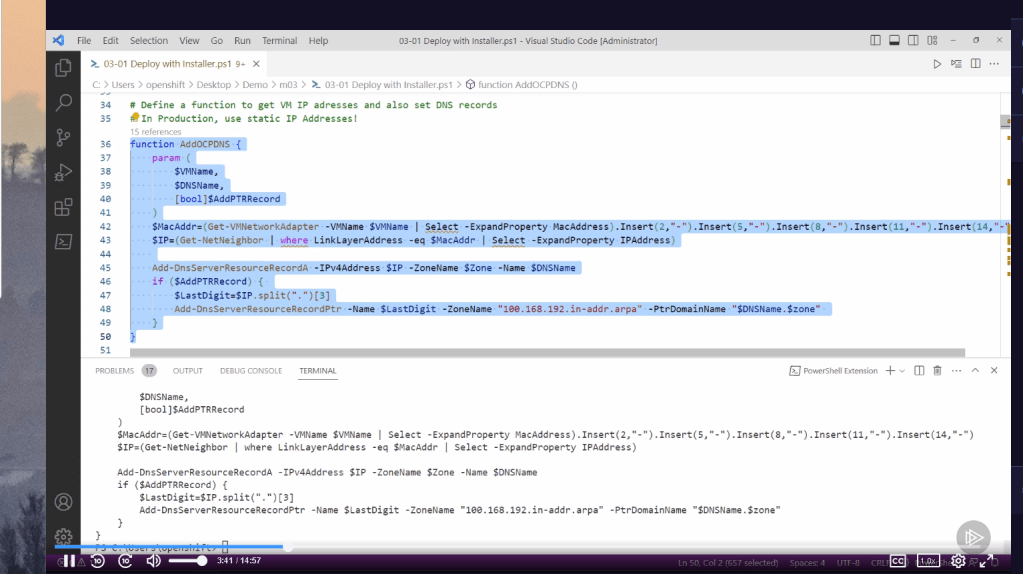
to connect you need the ssh and the keys
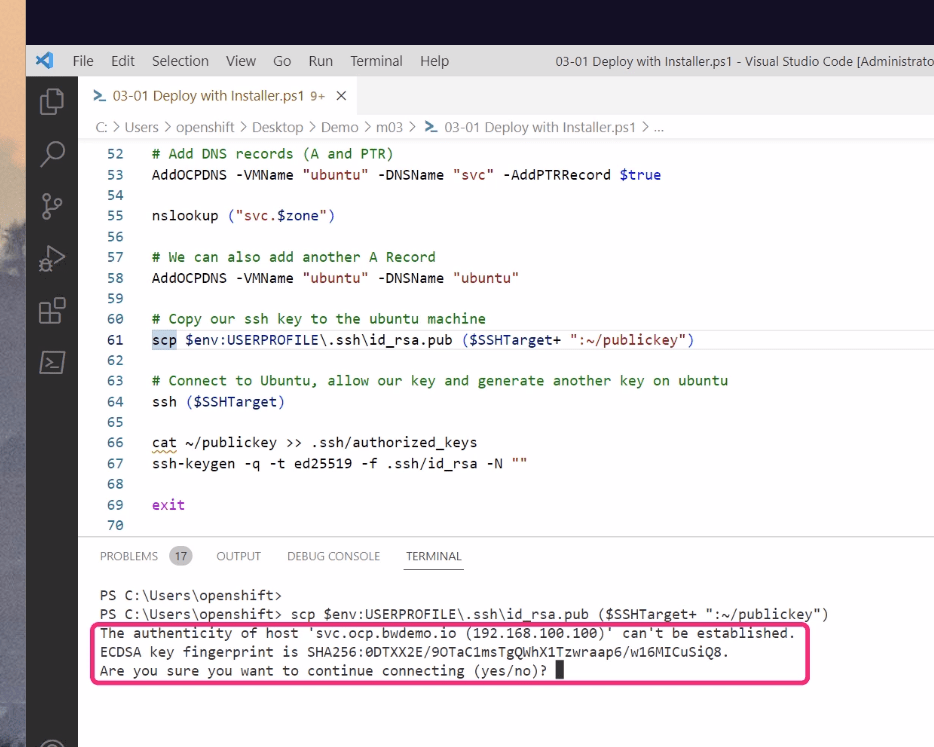
6 vms to run the action
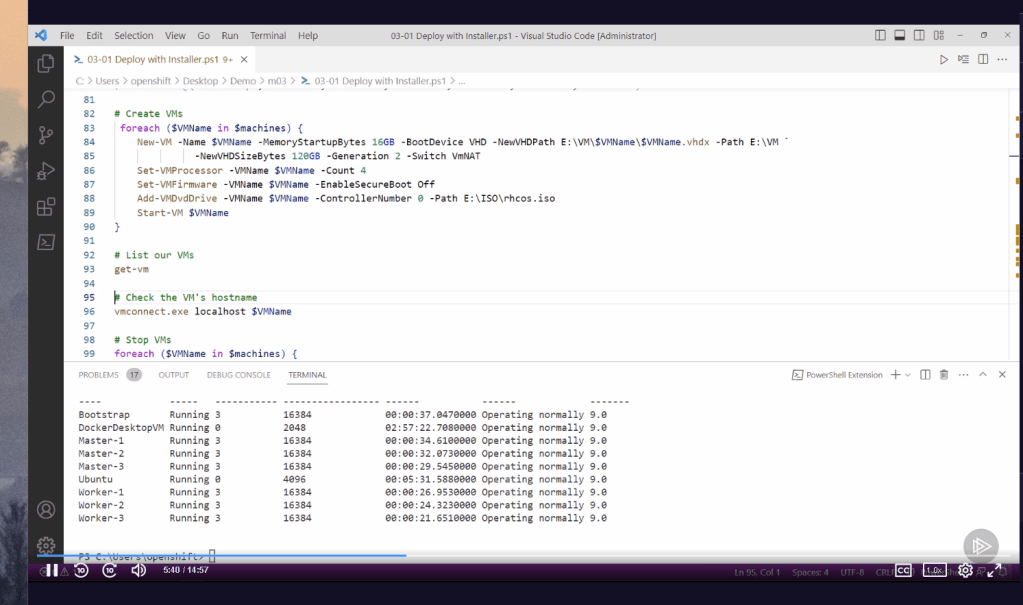
Make it work with the names and the records
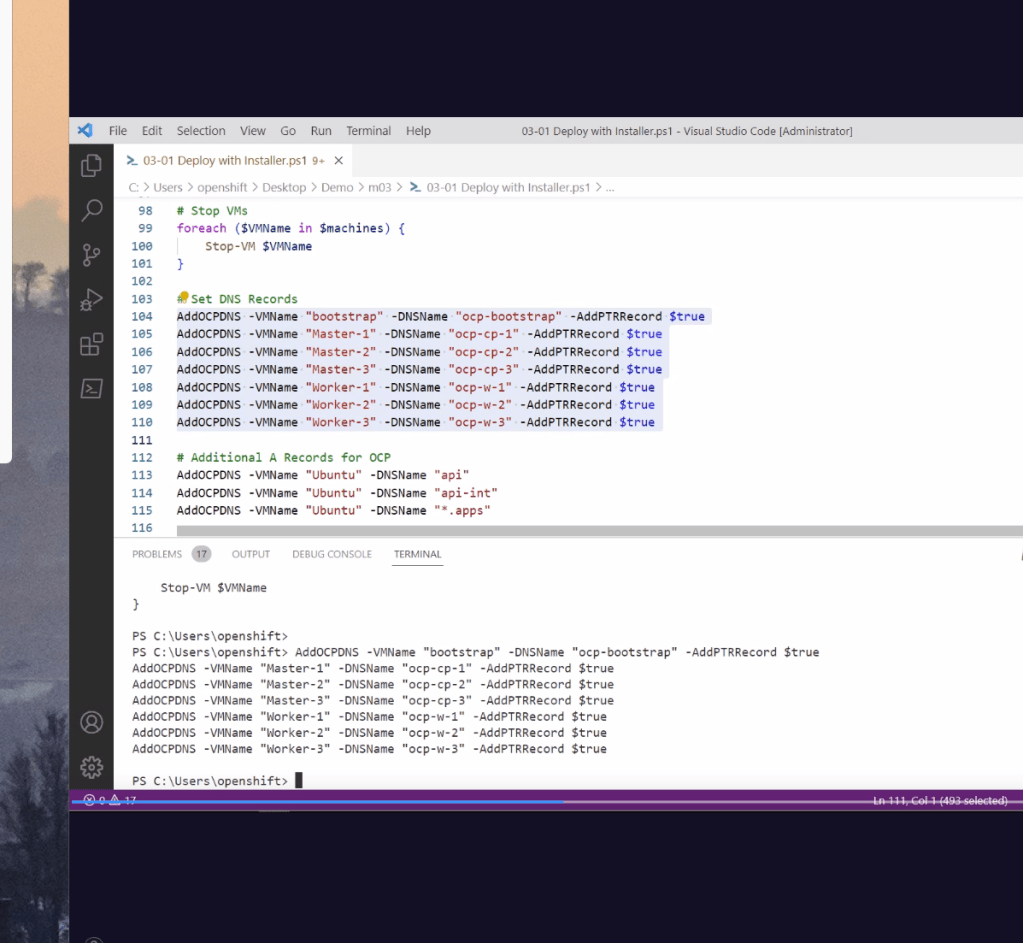
etx and serv revords with the dns check the dns at the end
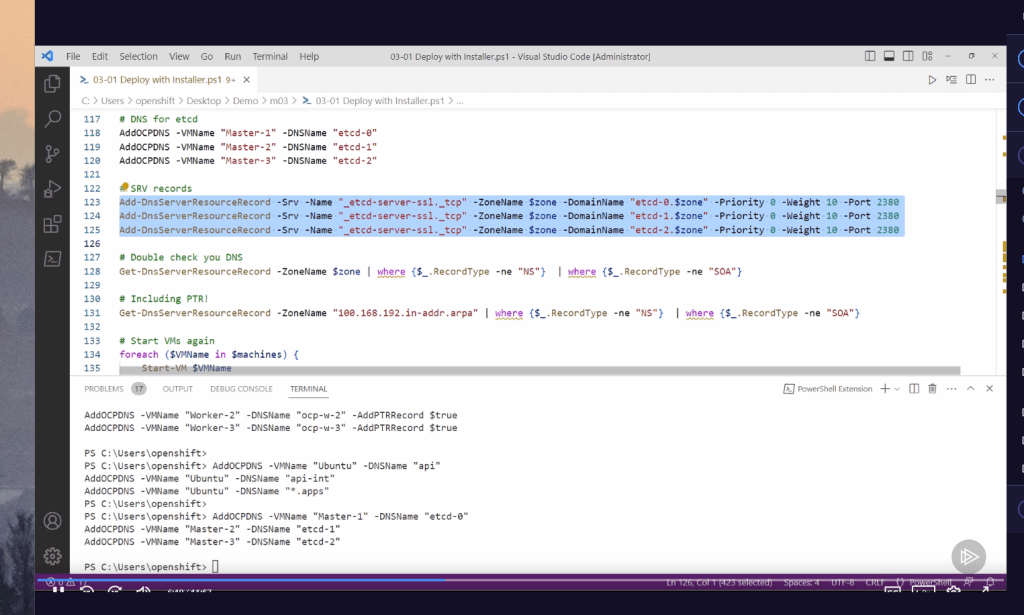
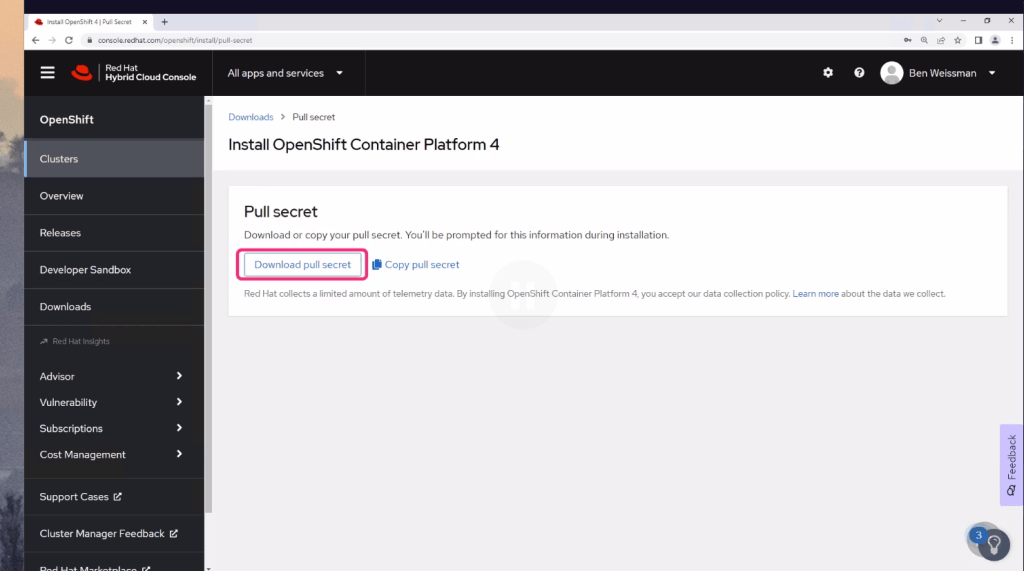
Redhat secret for the images
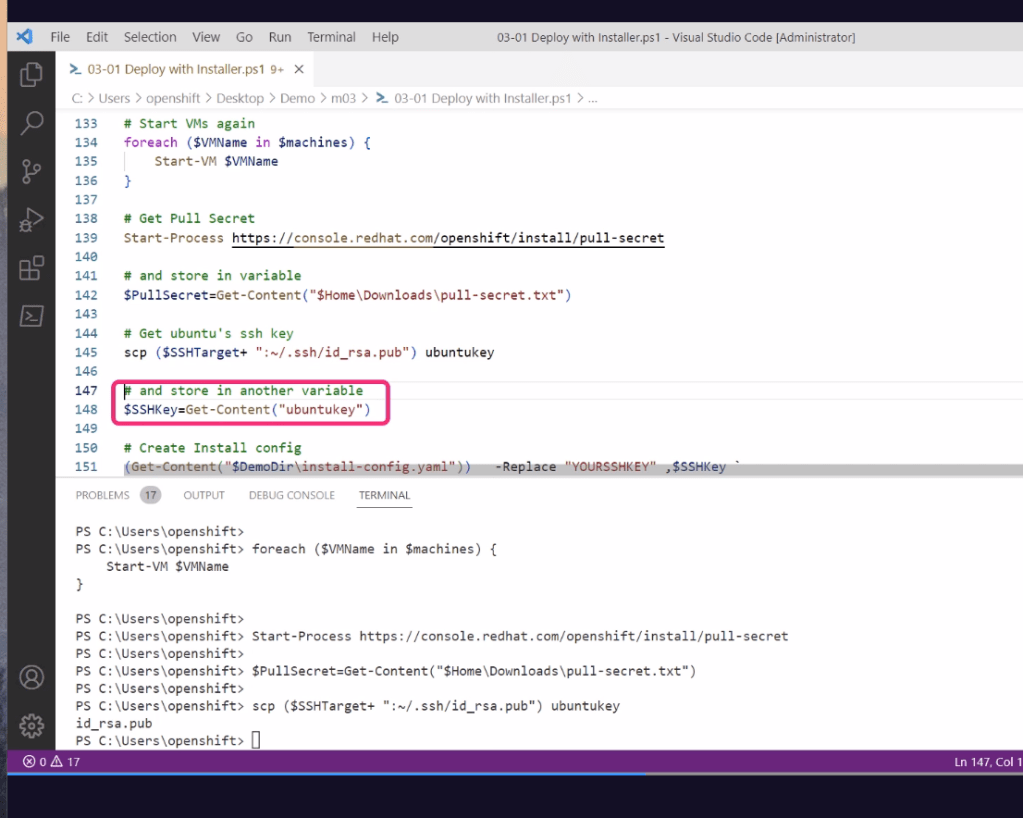
SSH save it and pass it to the machines
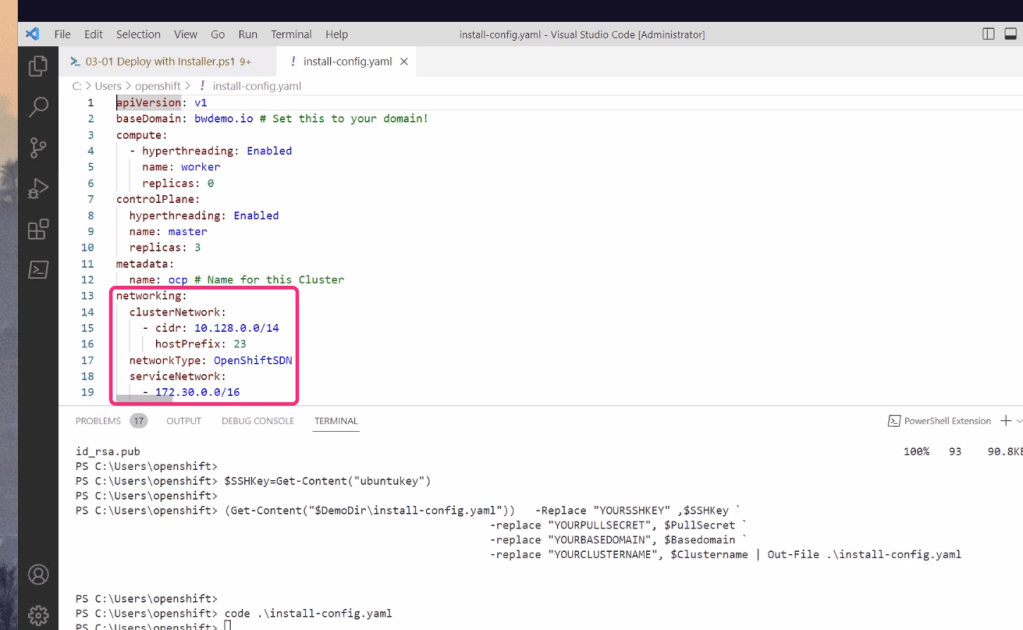
Openshift going to the boxes
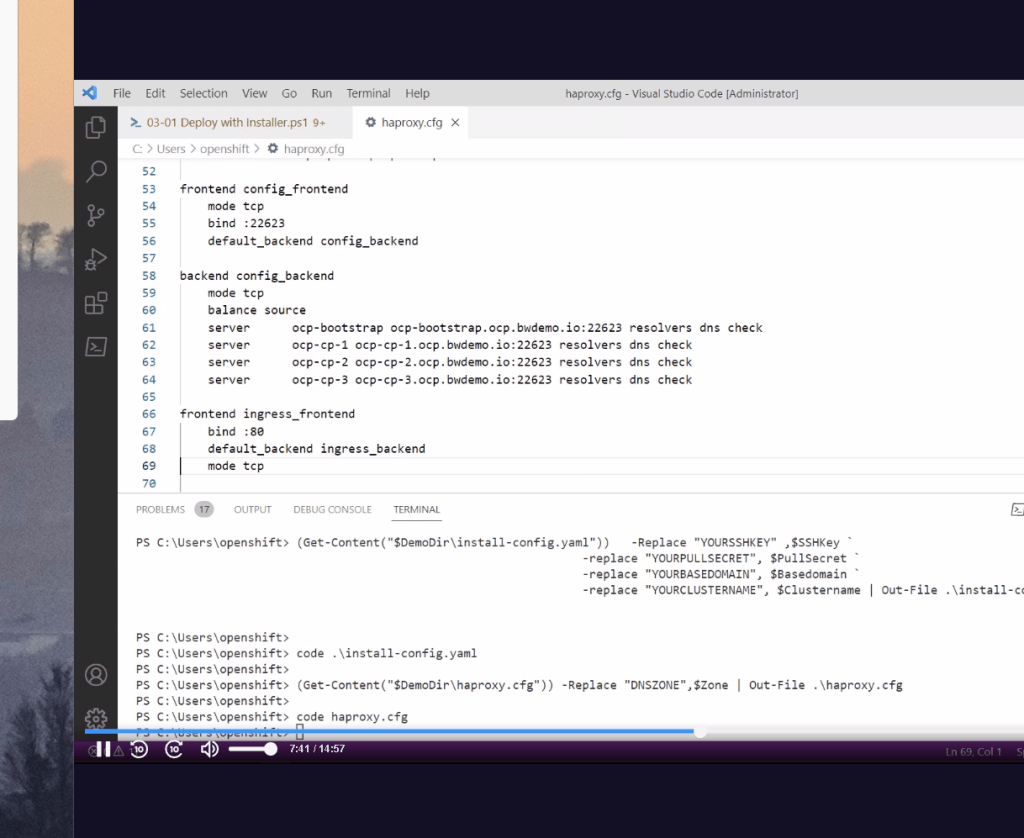
hsproxy to access the machines
Install each 6 nodes in a seperate manner
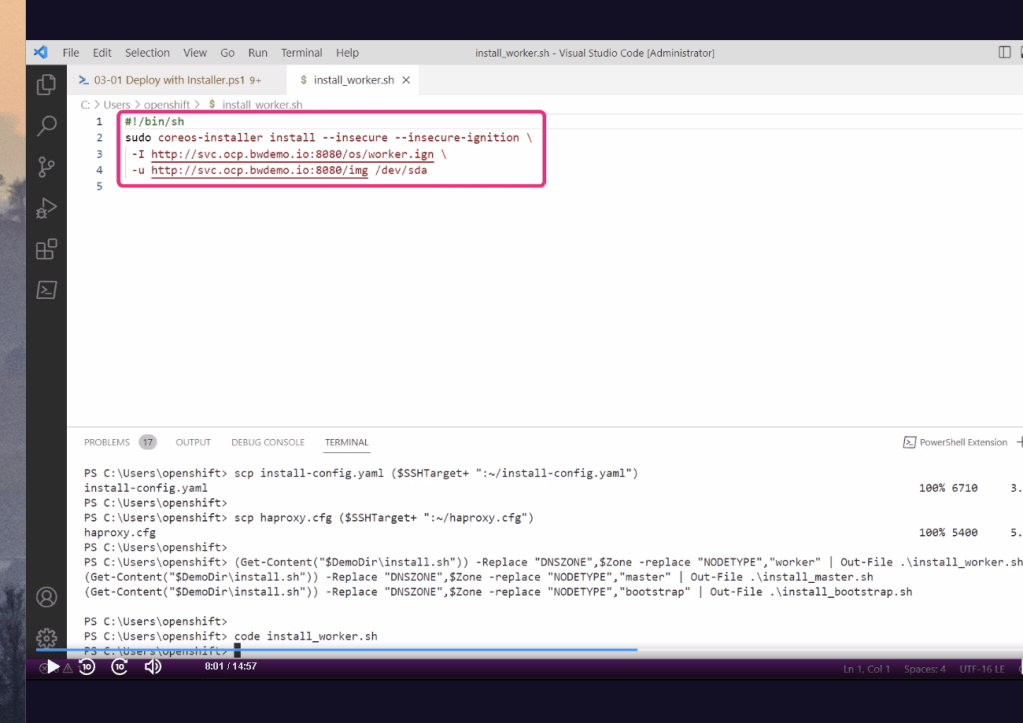
scp to run the action
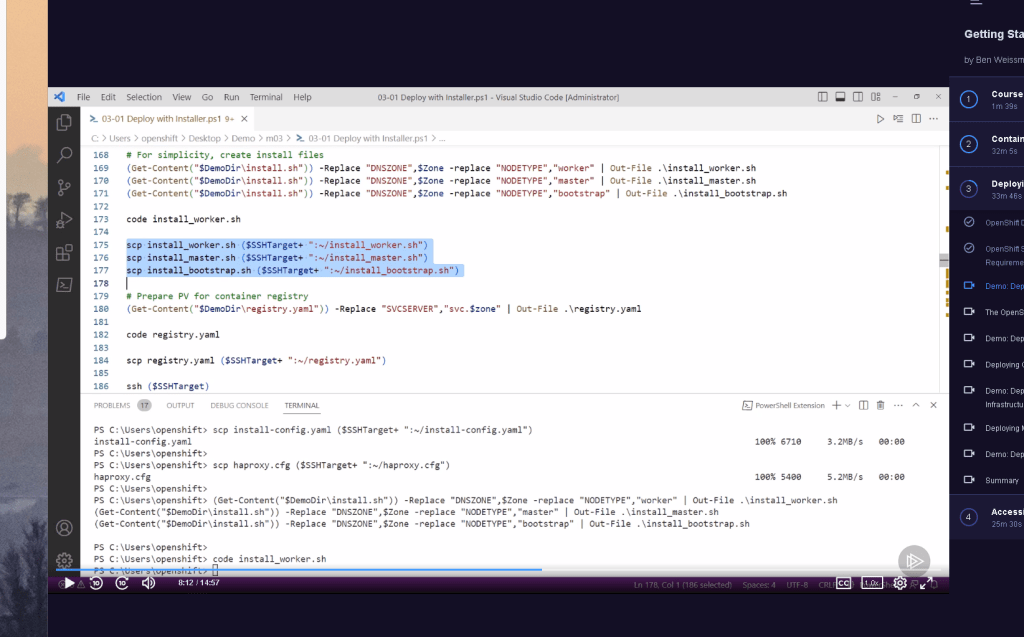
Copy to remote and run it from our host ( linux ubuntu box we created )
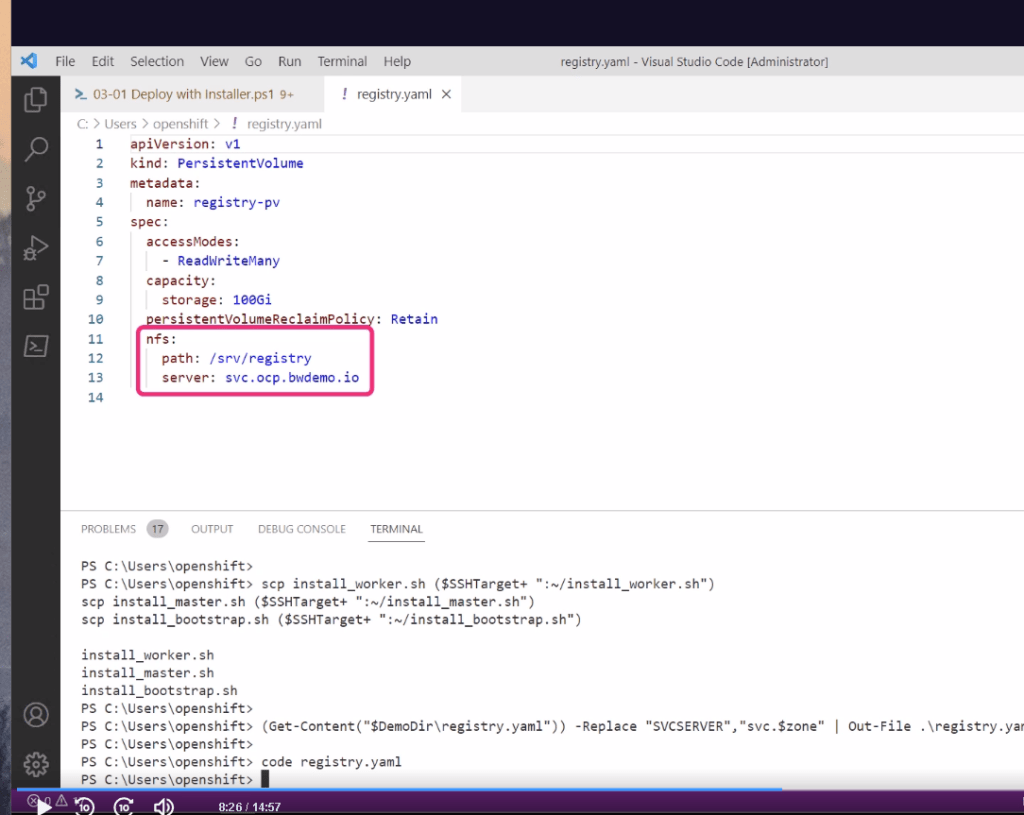
Registry on a box > as close as it get to be similar to onpremise
Fix linux and windows line ending

Installers get them
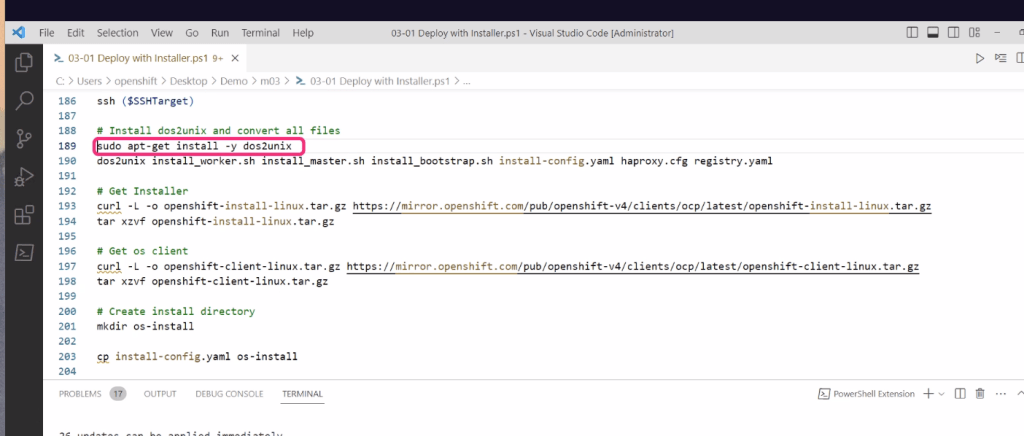
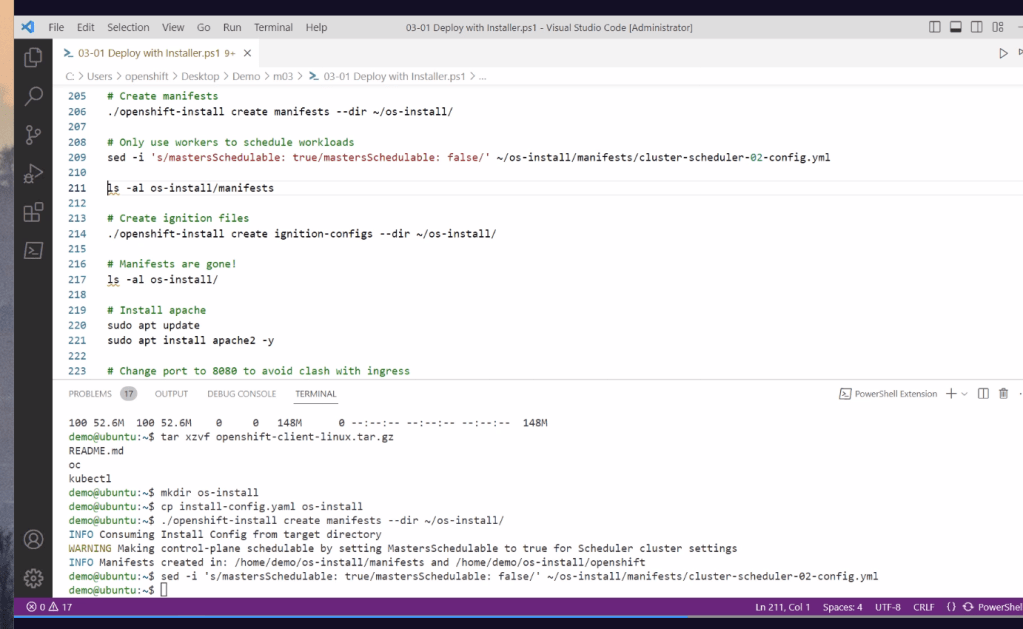
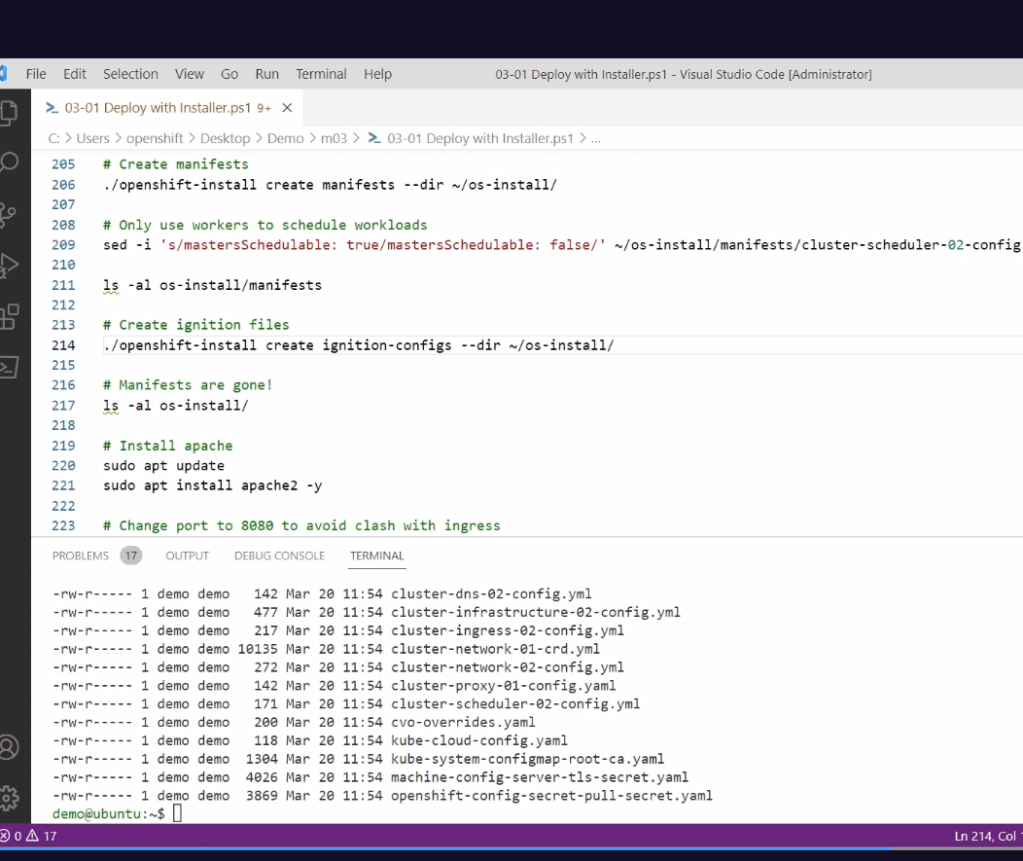
Config of all cluster in the manifest
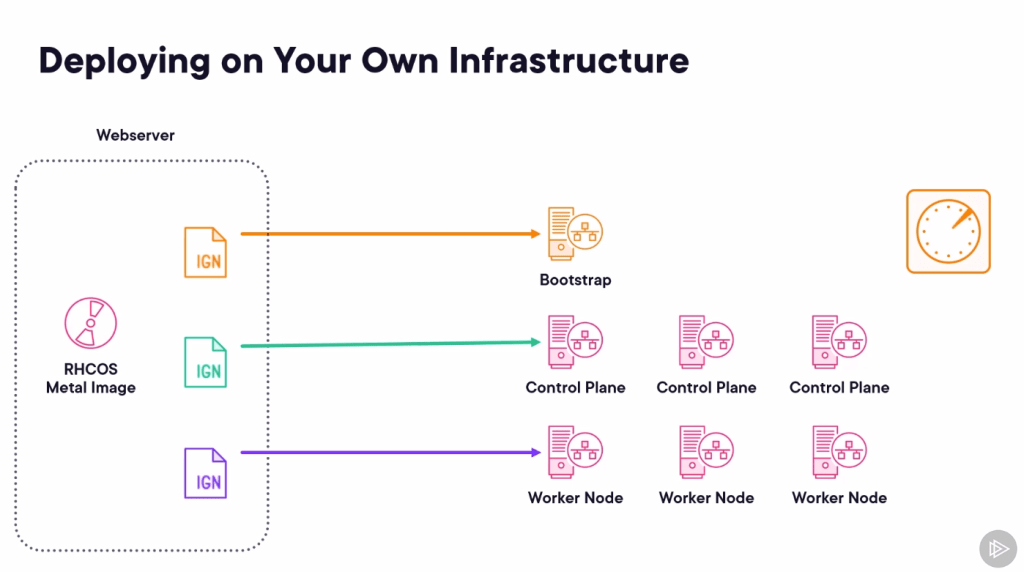
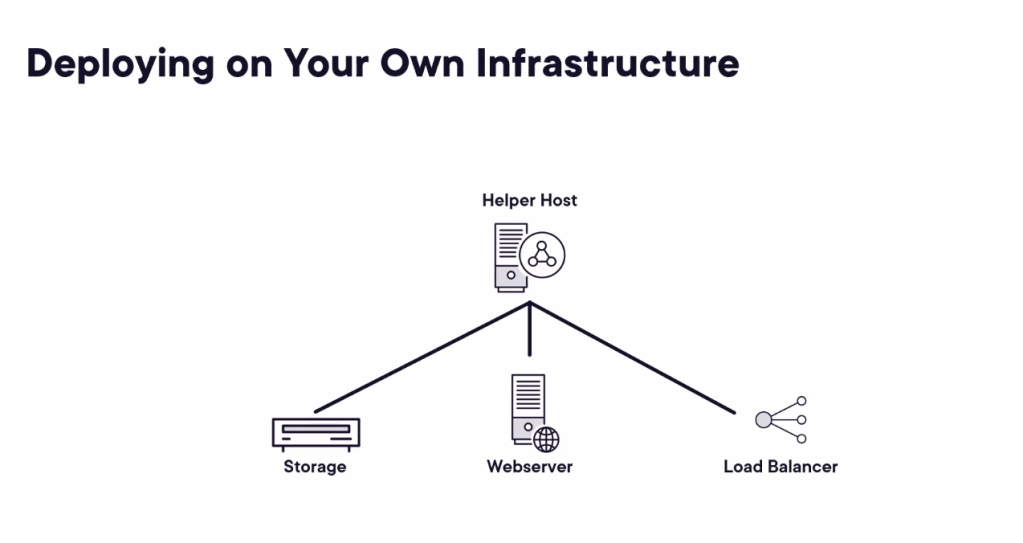
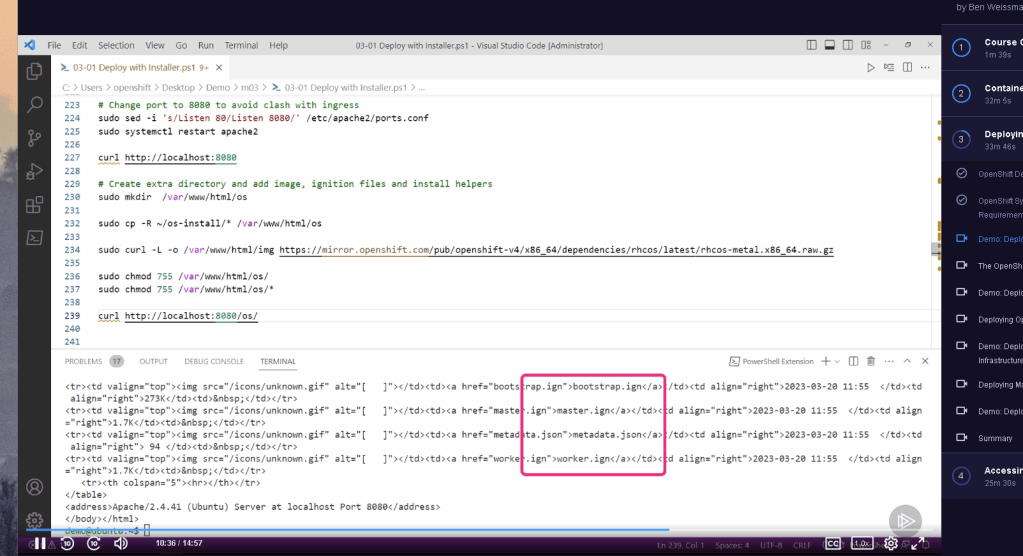
Webserver to share our isos to 6 different machines we created
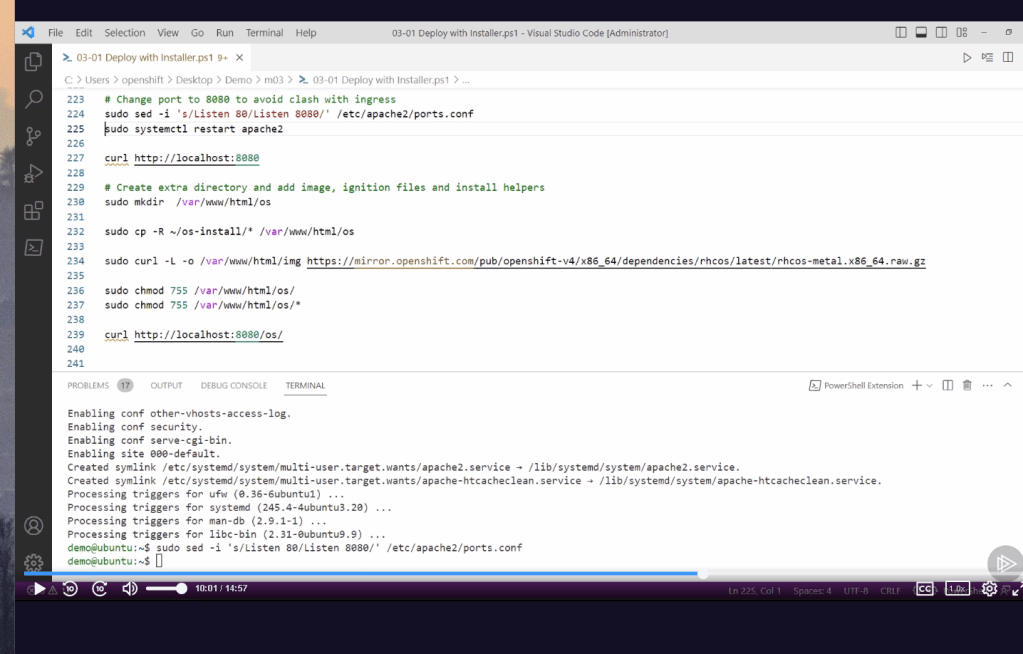
All iso and config on the webserver
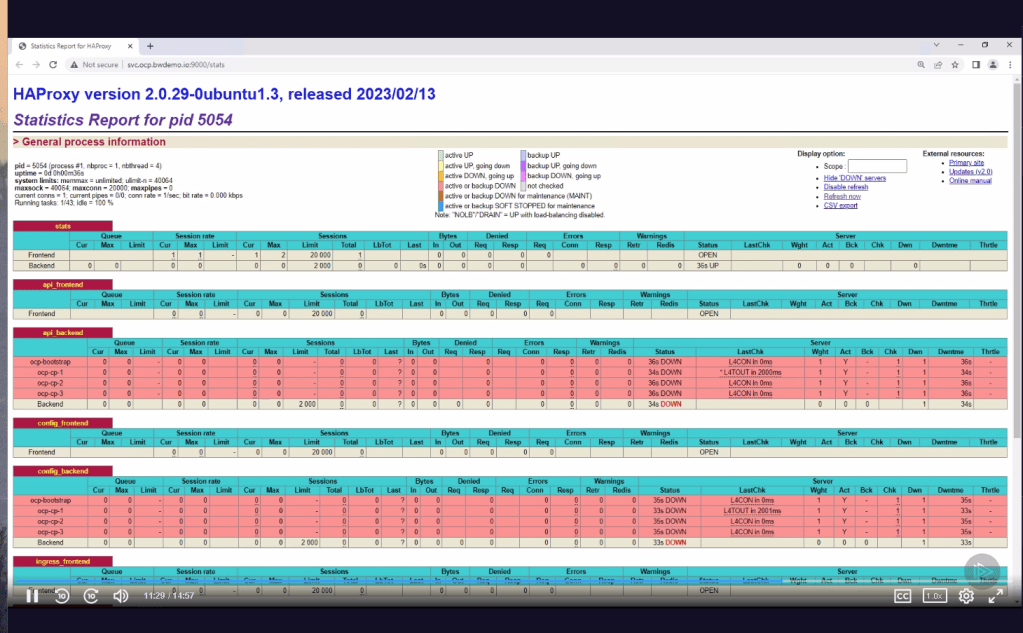
haProxy for access
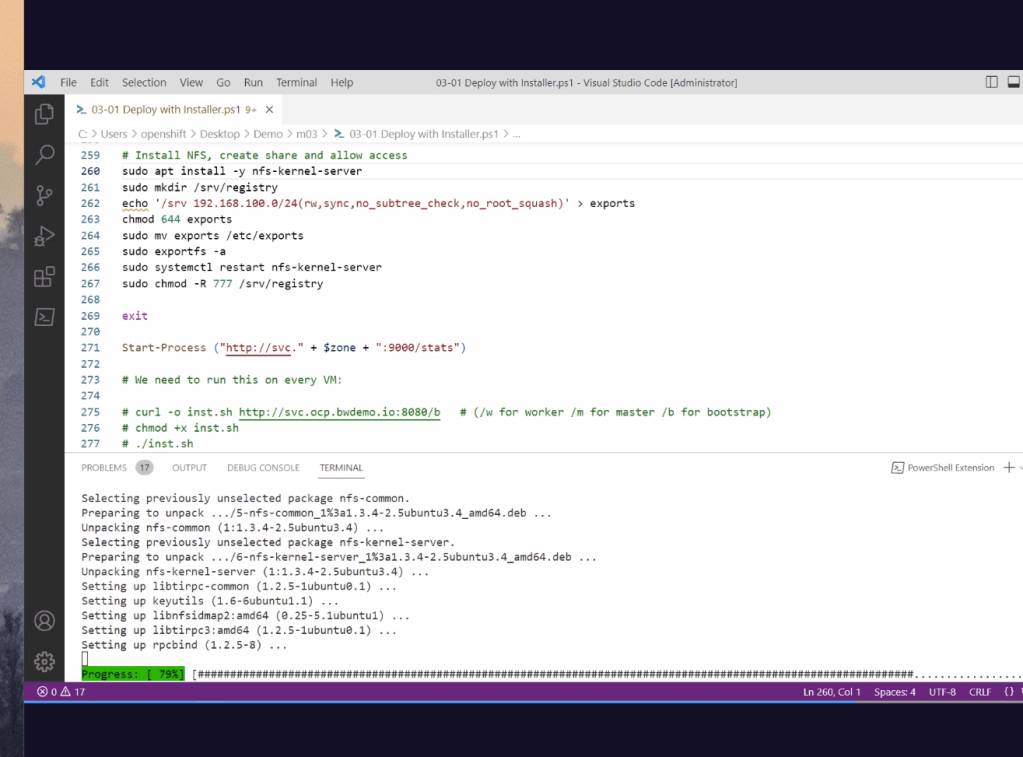
Connect and install to all machines
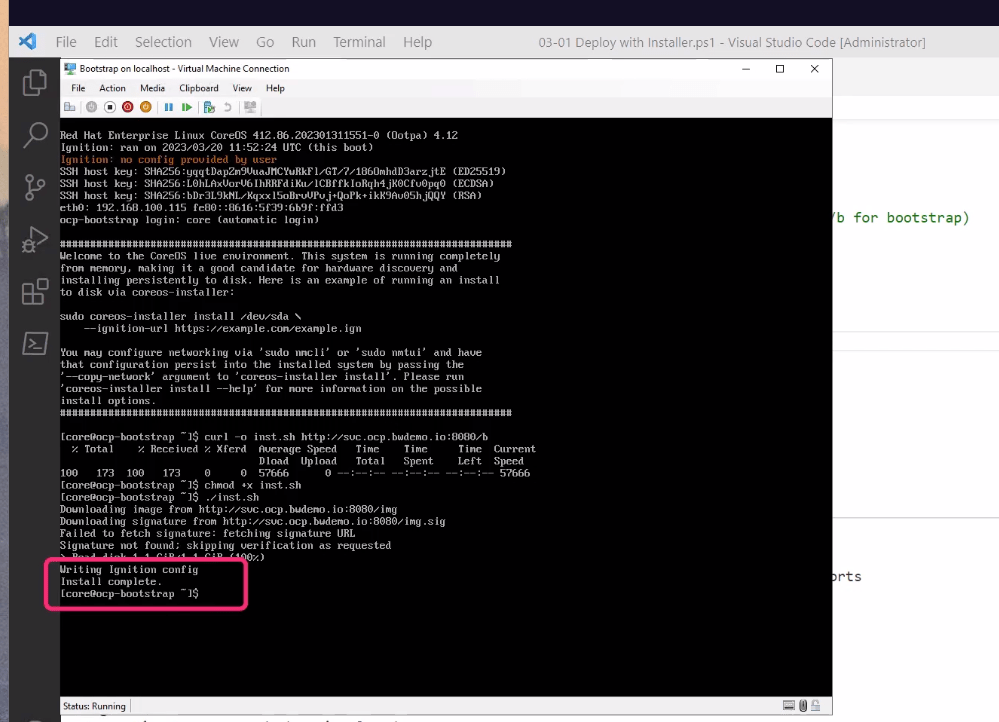
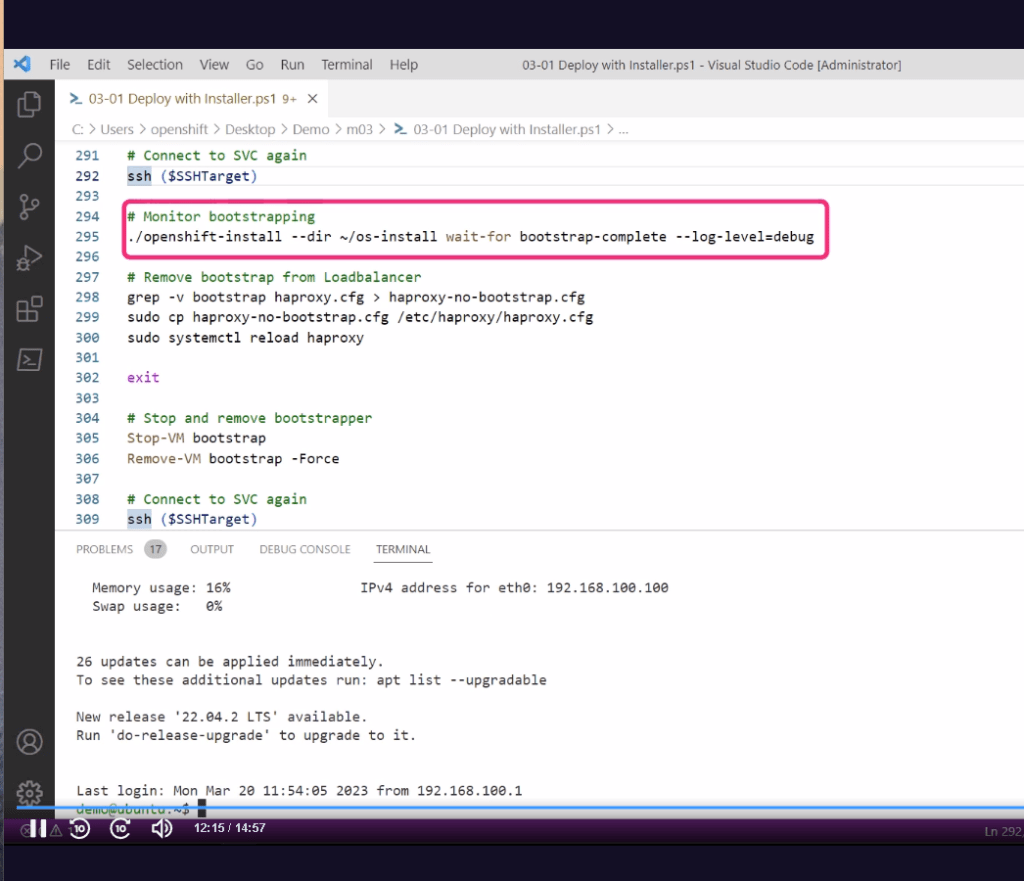
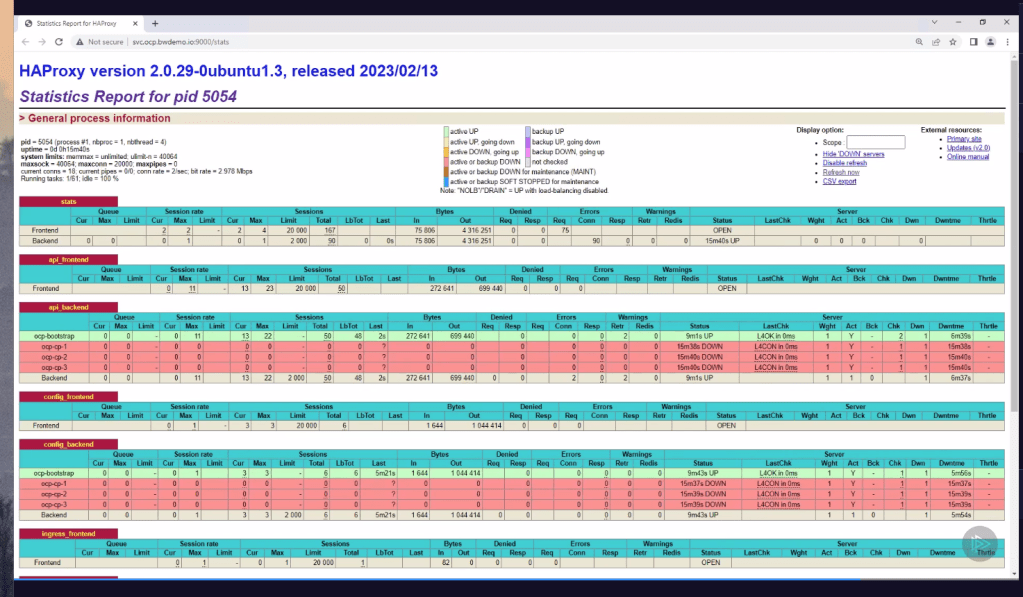
Bootstrapper after the isos are taken
Loadbalancer shows on our end the bootstrapper is working
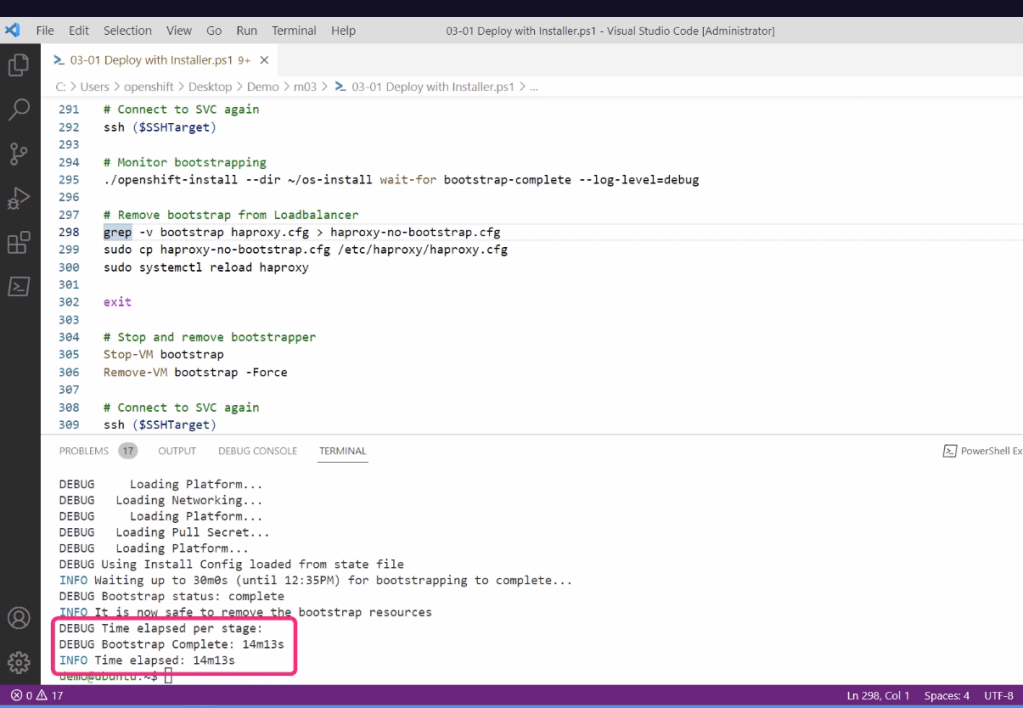
Add and remove the bootstrap vm and code
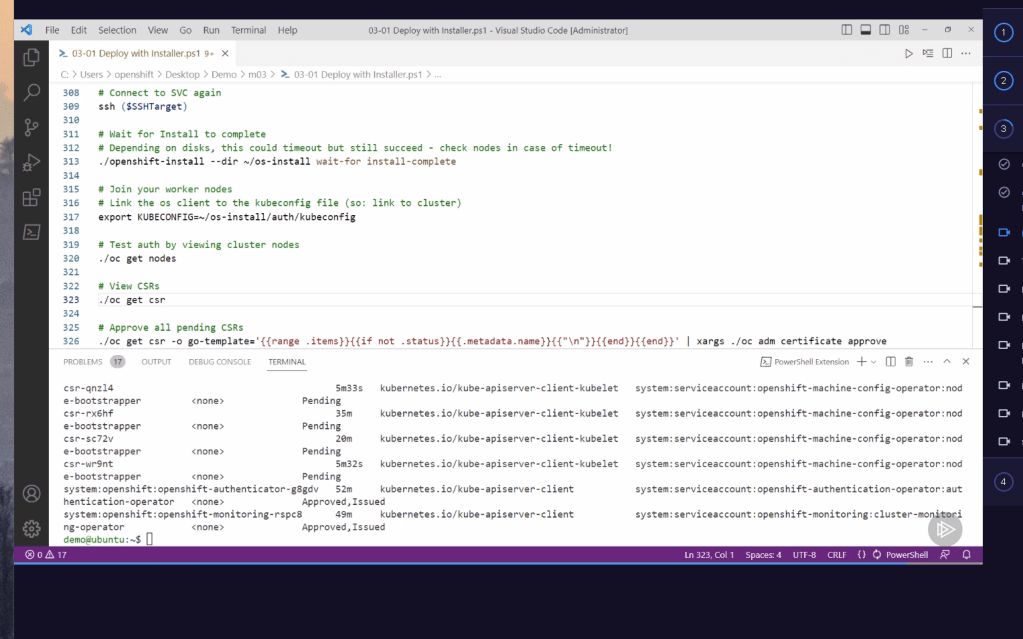
Approve certificates with the requests
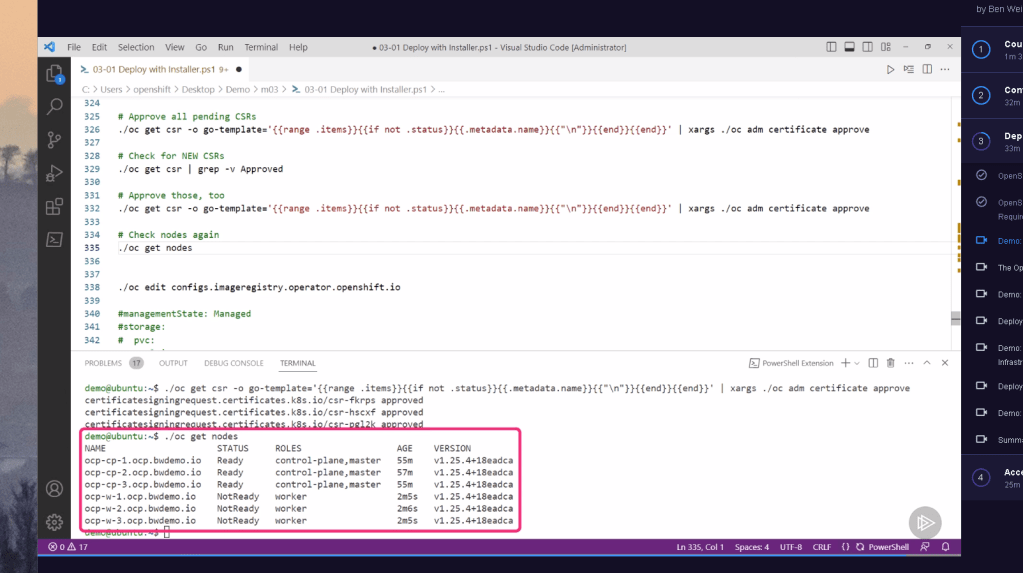
Licence see and the cluster see
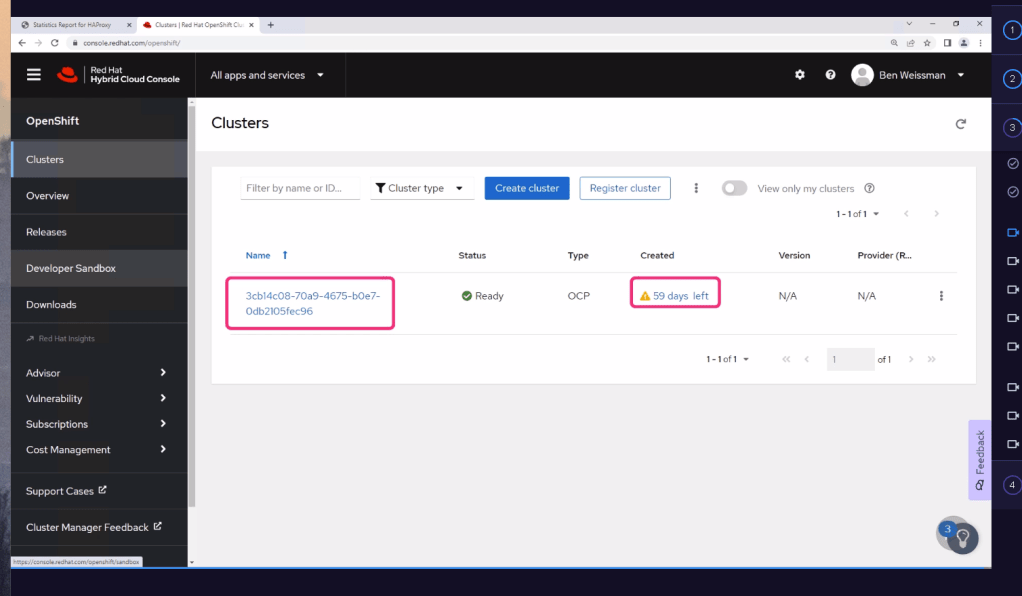
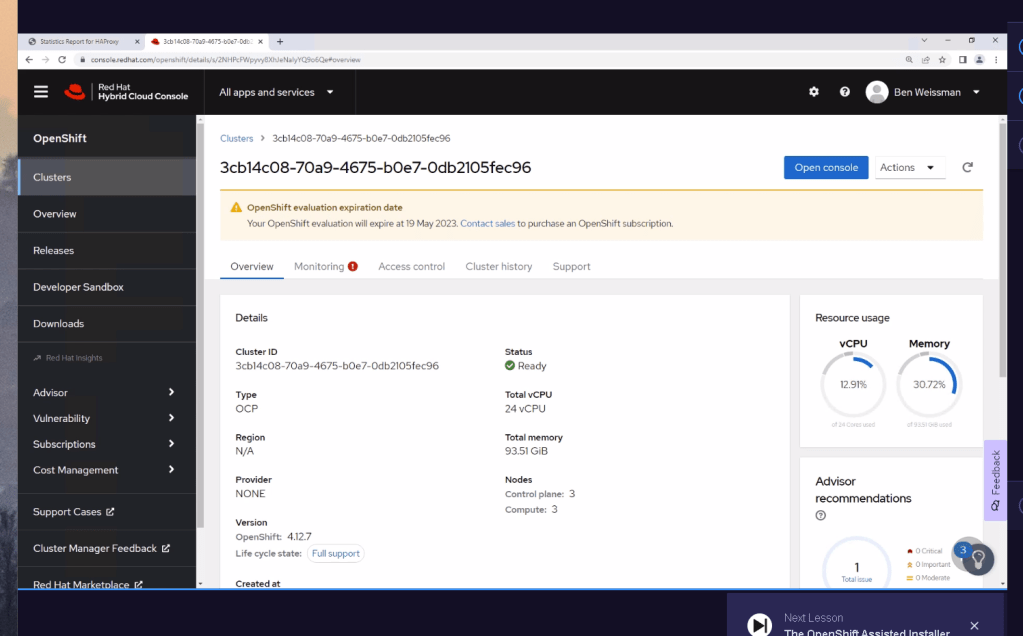
Asisted install is there as well
still the dns is needed
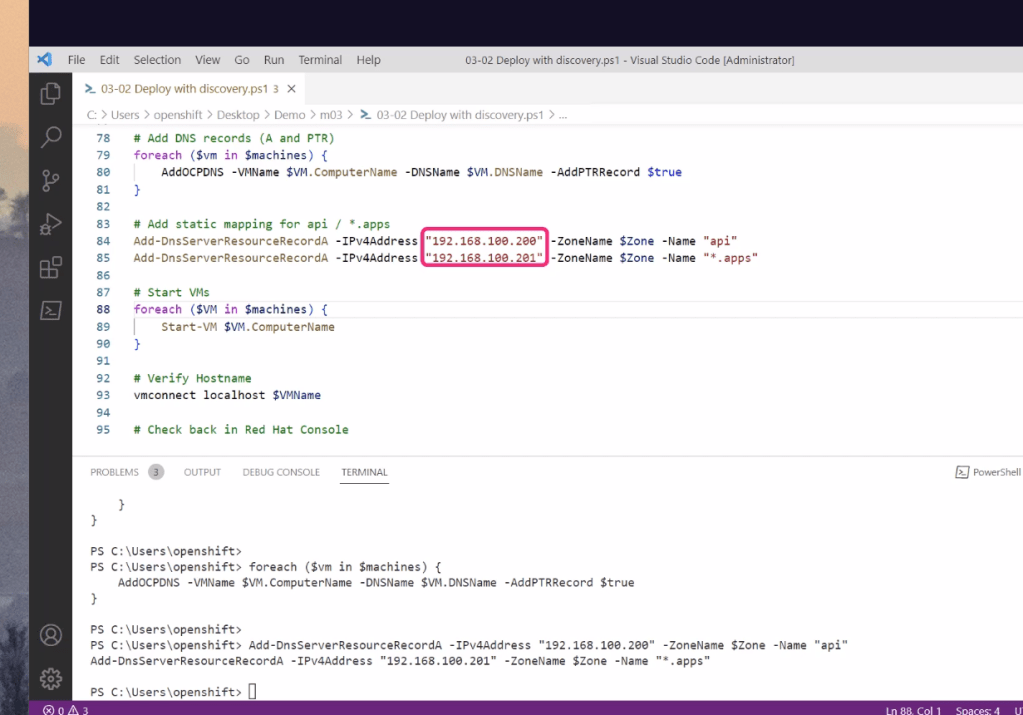
Control plane helps the process
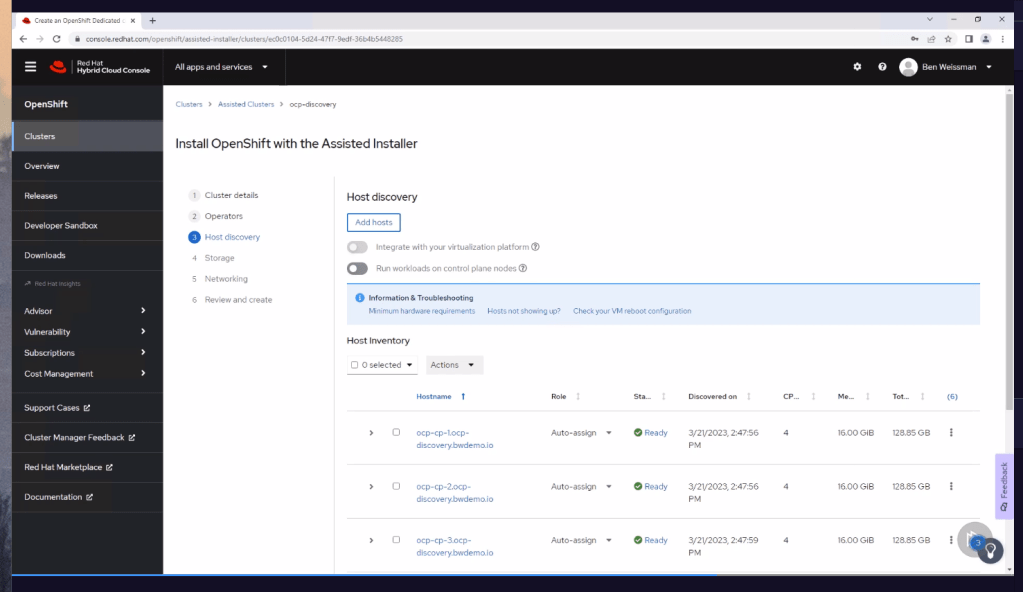
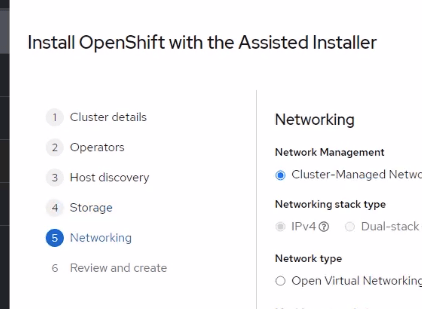
Also cloud providers like azure give the openshift support as well
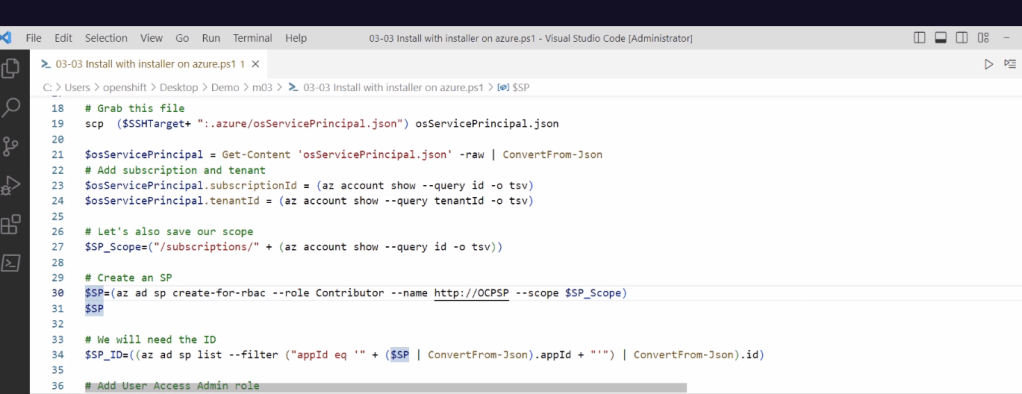
Azure installs and rmoves the bootstrap with automation
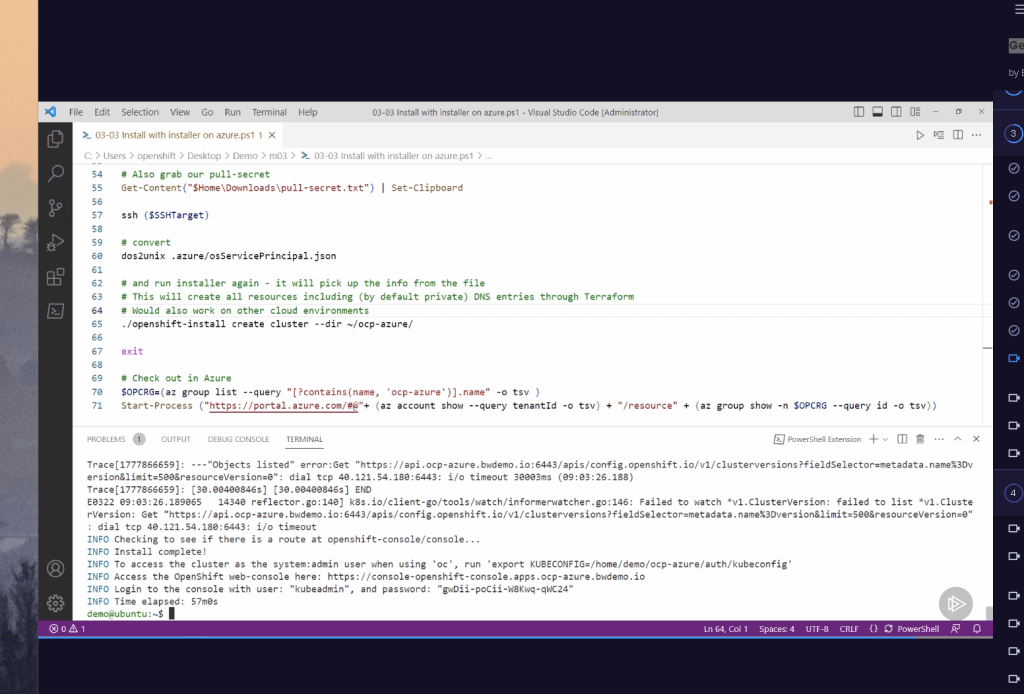
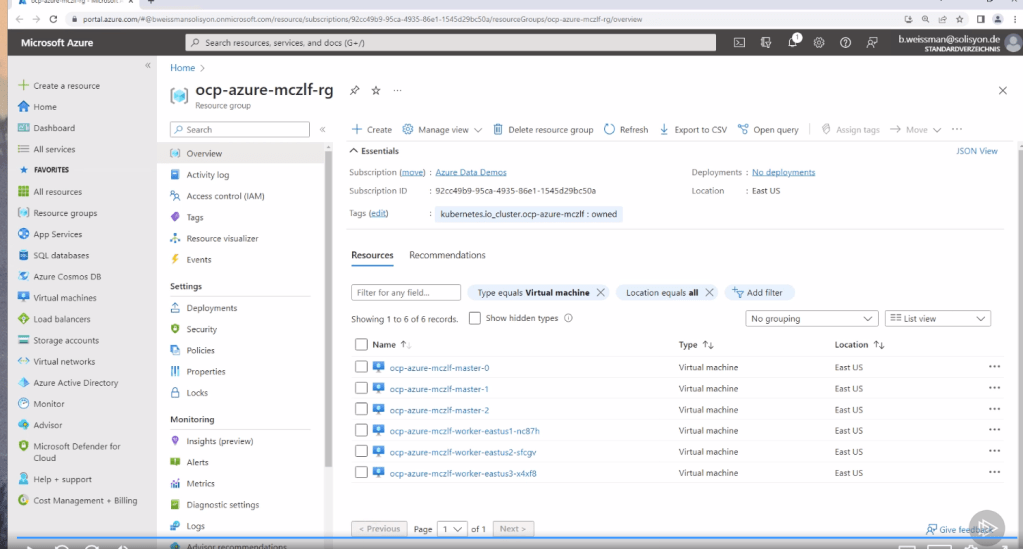
Vendor provide support like ibm >
Fastest way is to use the manged cluster
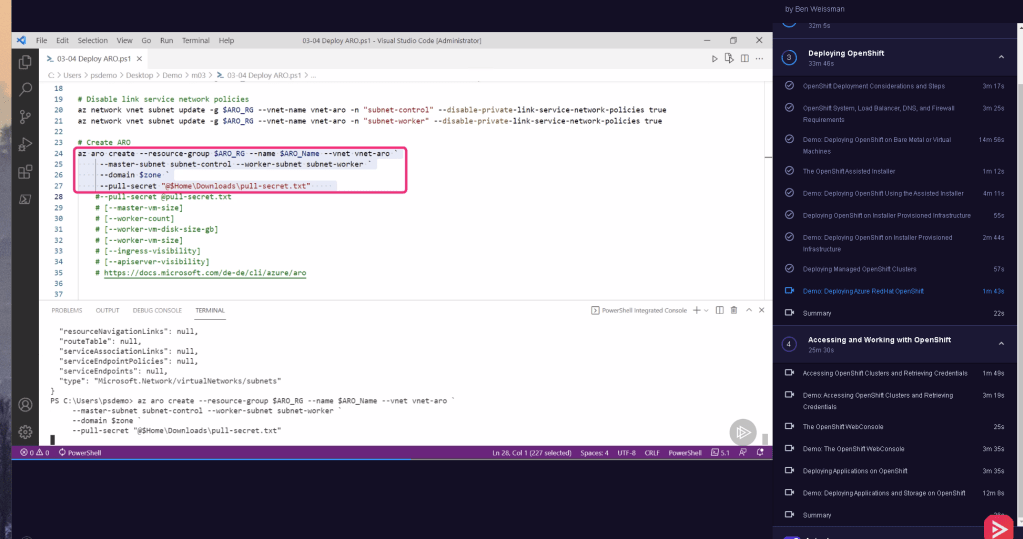
still dns and network on our end
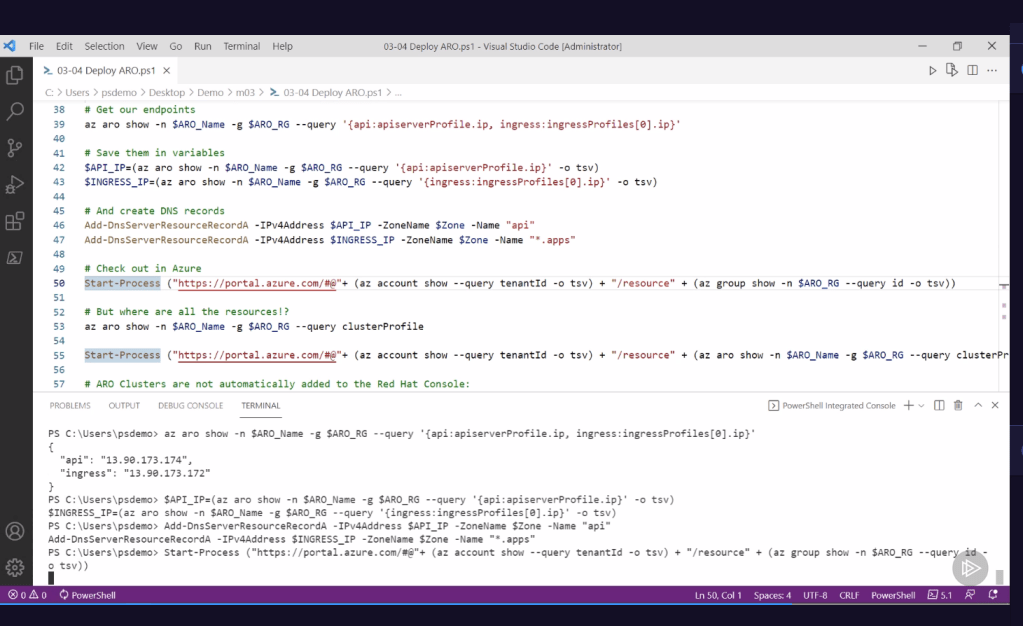
individual resources are hidden
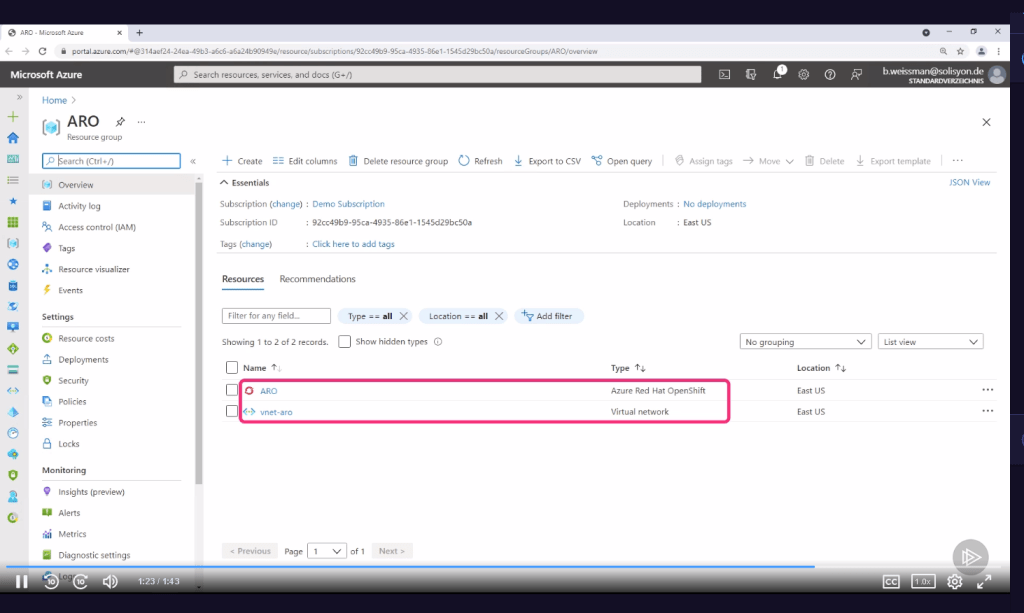
encapsulated
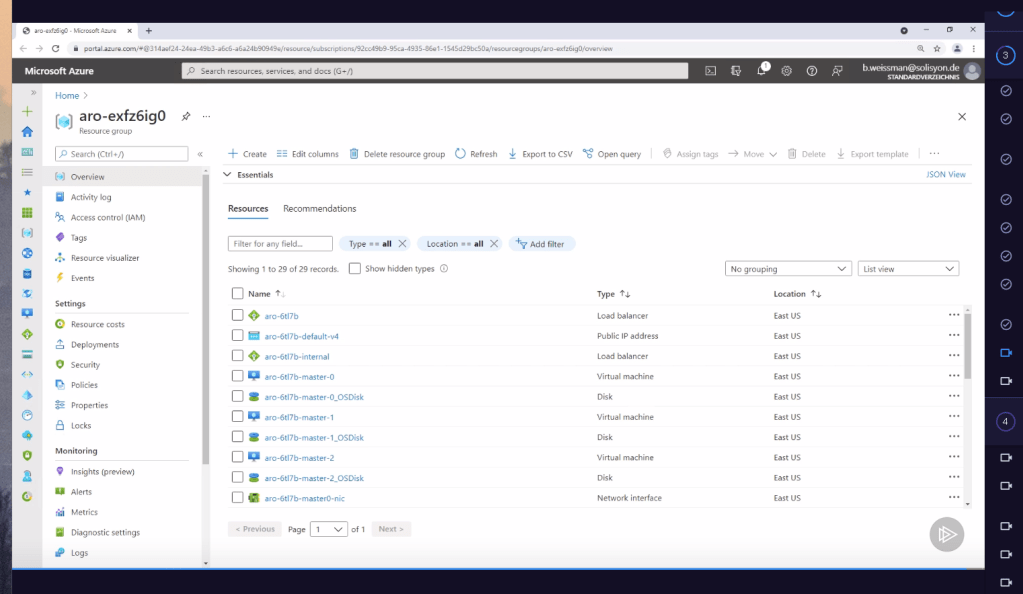
Added
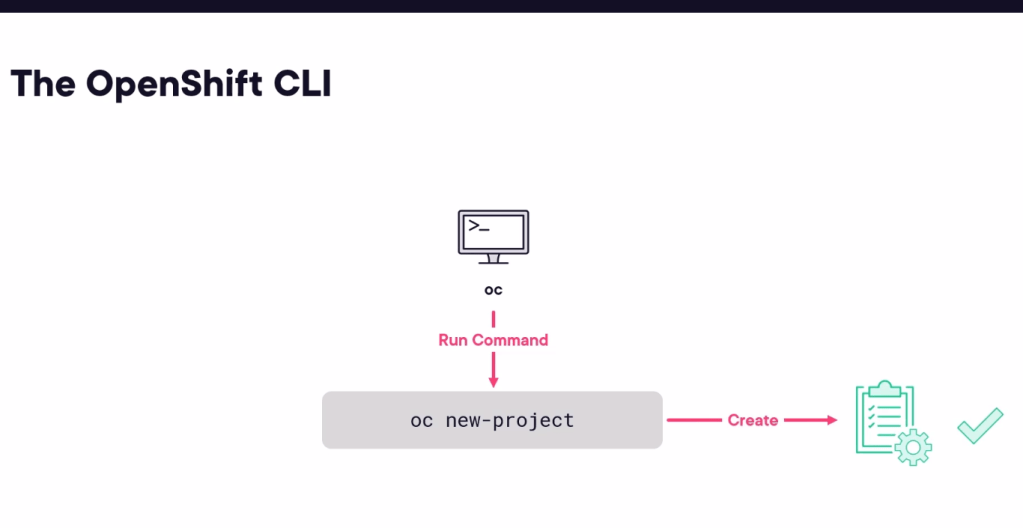
OC uses its own dsl for projects
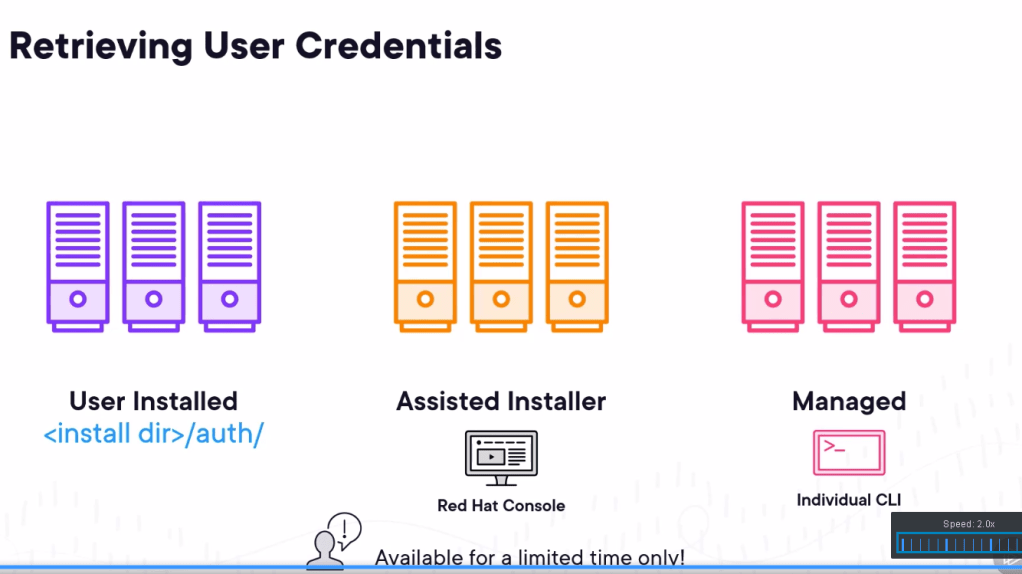
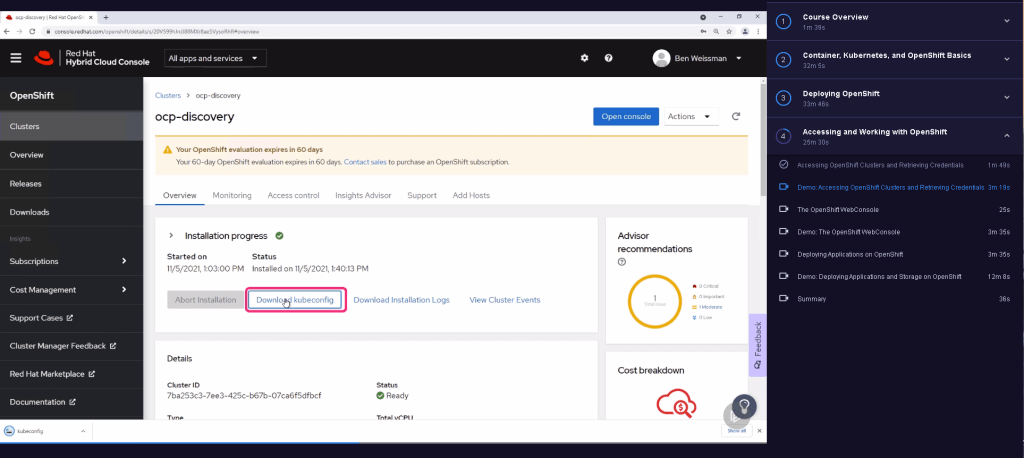
much more visual way to see
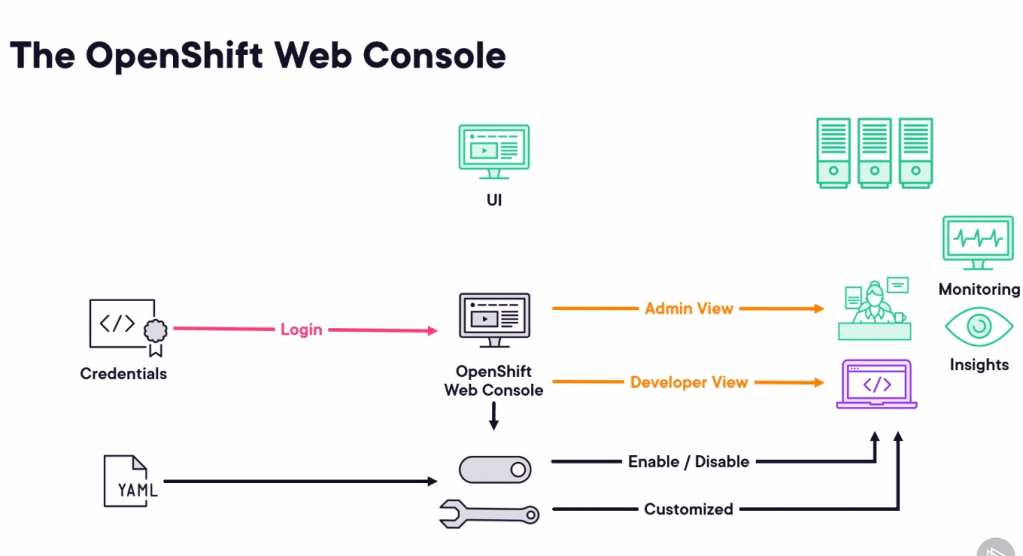
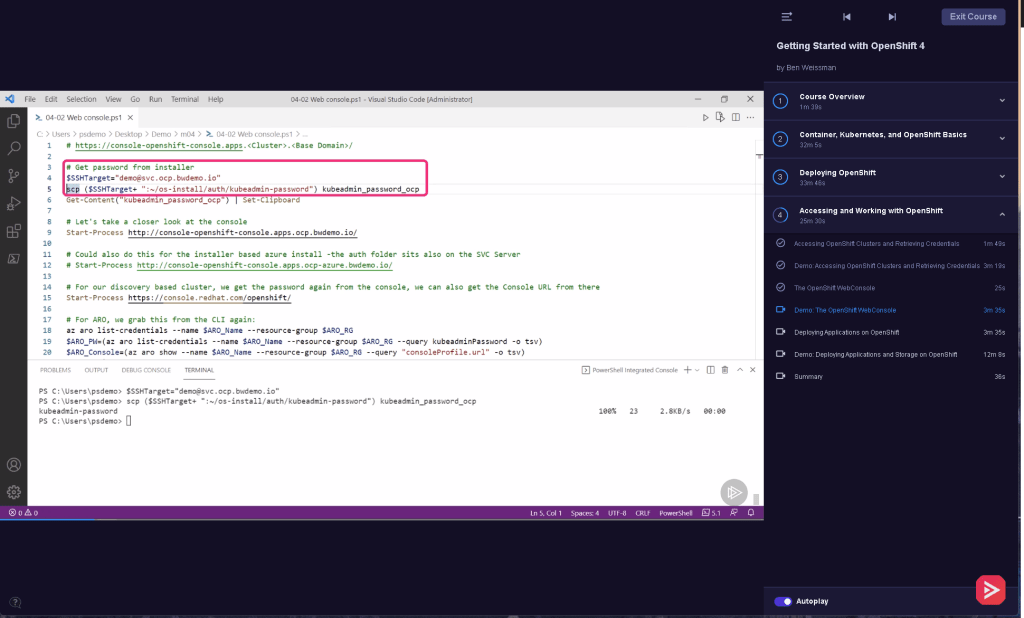
Practical tools on top
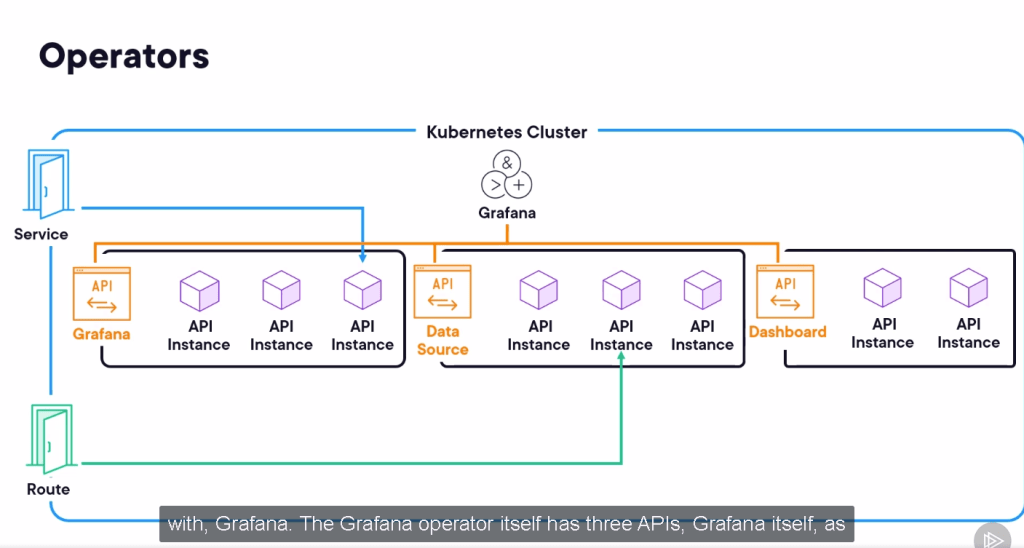
Deploy
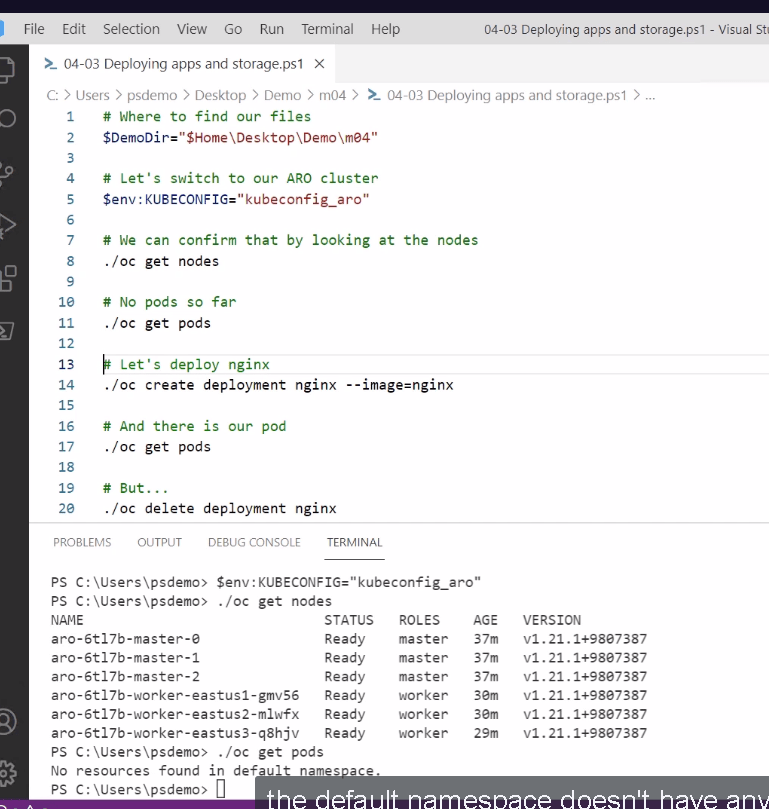
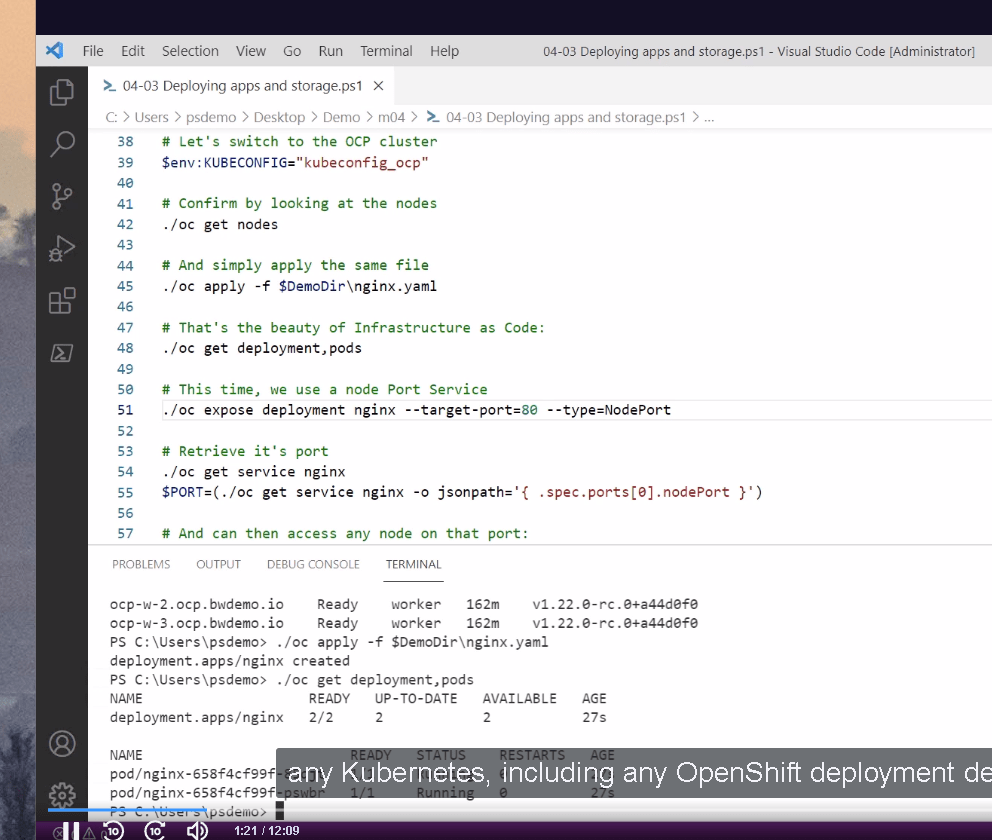
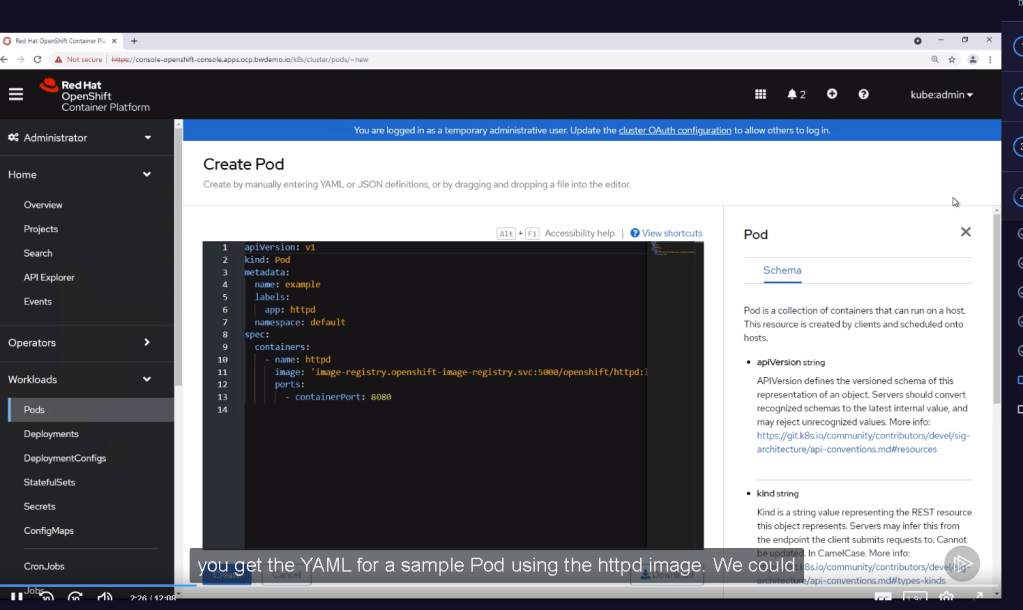
From web deployment to make it easier
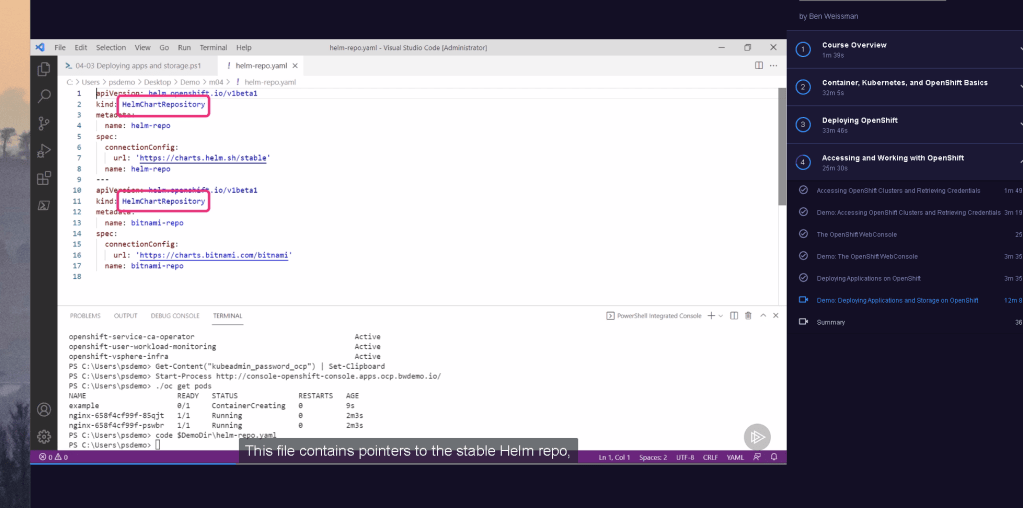
Deploy with helm charts with ease
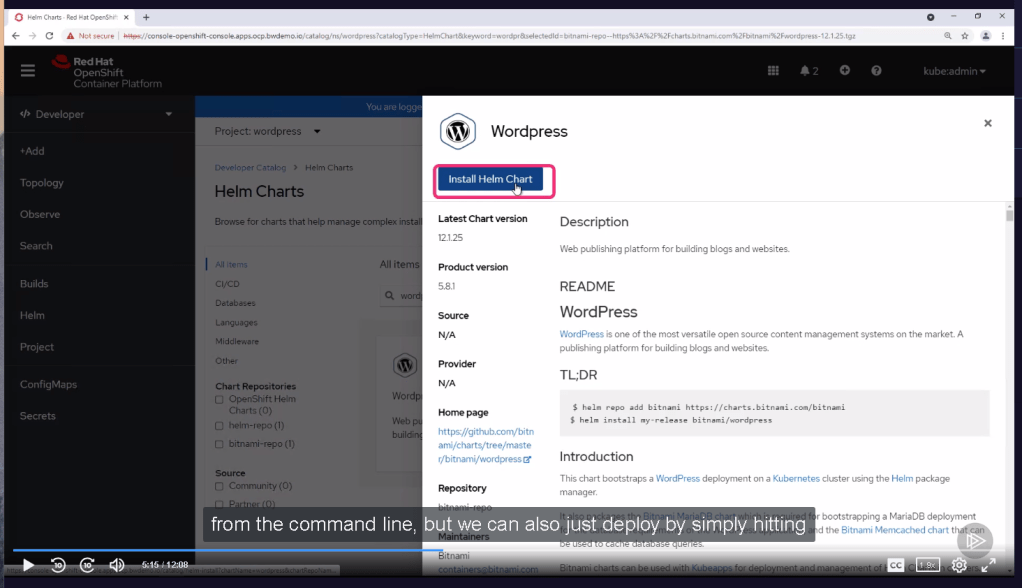
oc commands in action
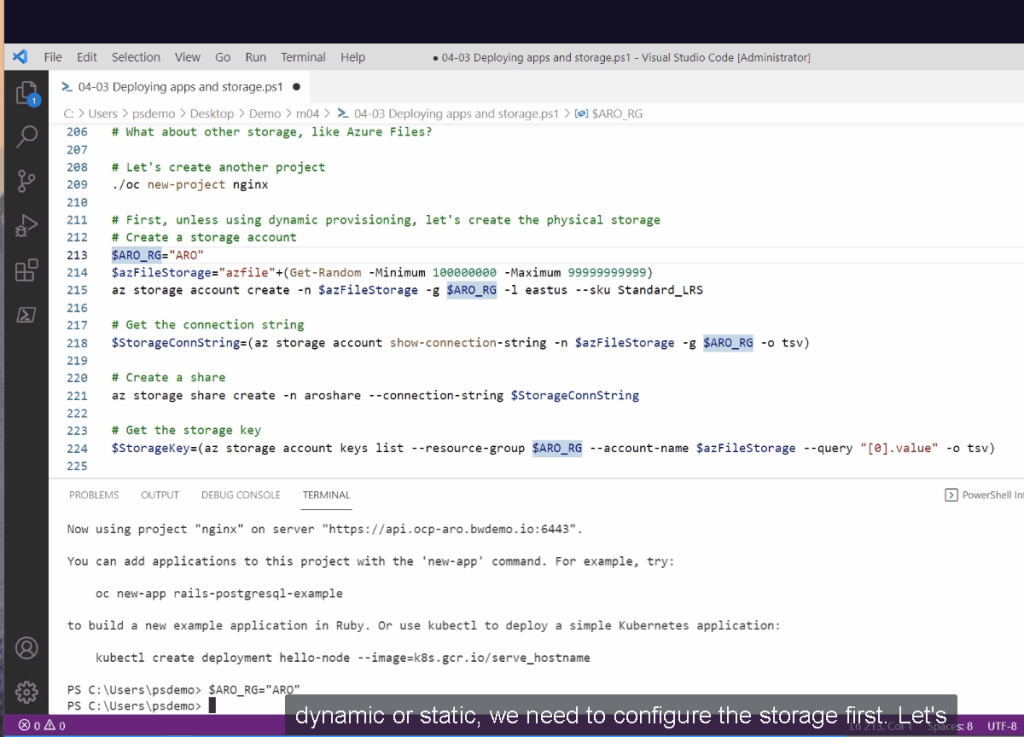
Operator hub pratical updates
follow and redo >>> shoot for yourself and show it in the case of the release train for the power and telco corps
After meeting
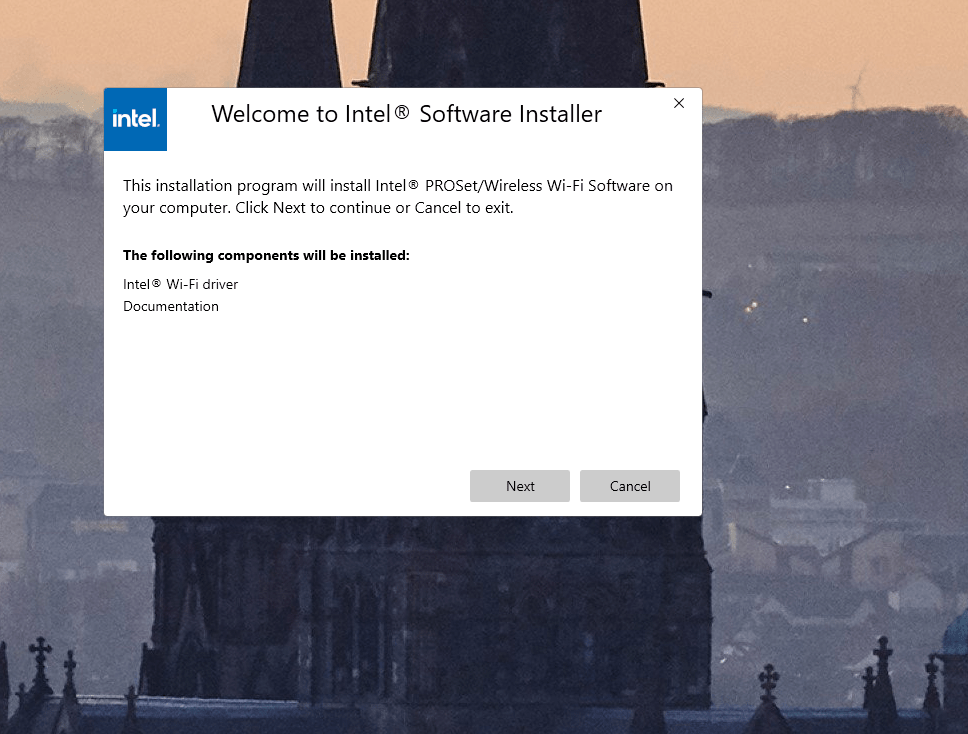
todo x1 > redo and have the scripts ready get first principles covered up
todo x2 > convert it to oman experience append the documentation planner implementer designer and operator >>> in web pages from canva with real world experience
Imported from rifaterdemsahin.com · 2024