Logic apps integrate
Subs name make it easier to comprehend
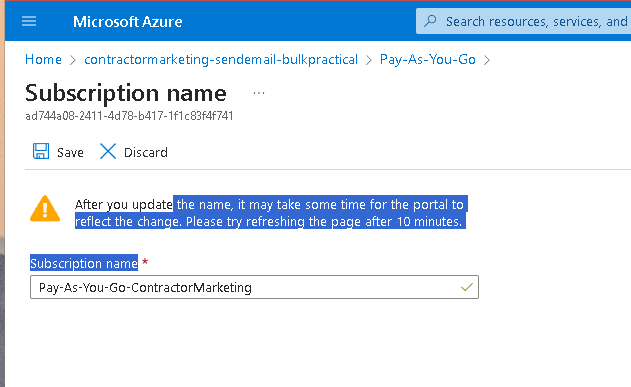
10 minutes
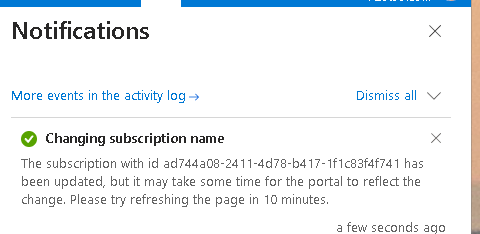
Fixer
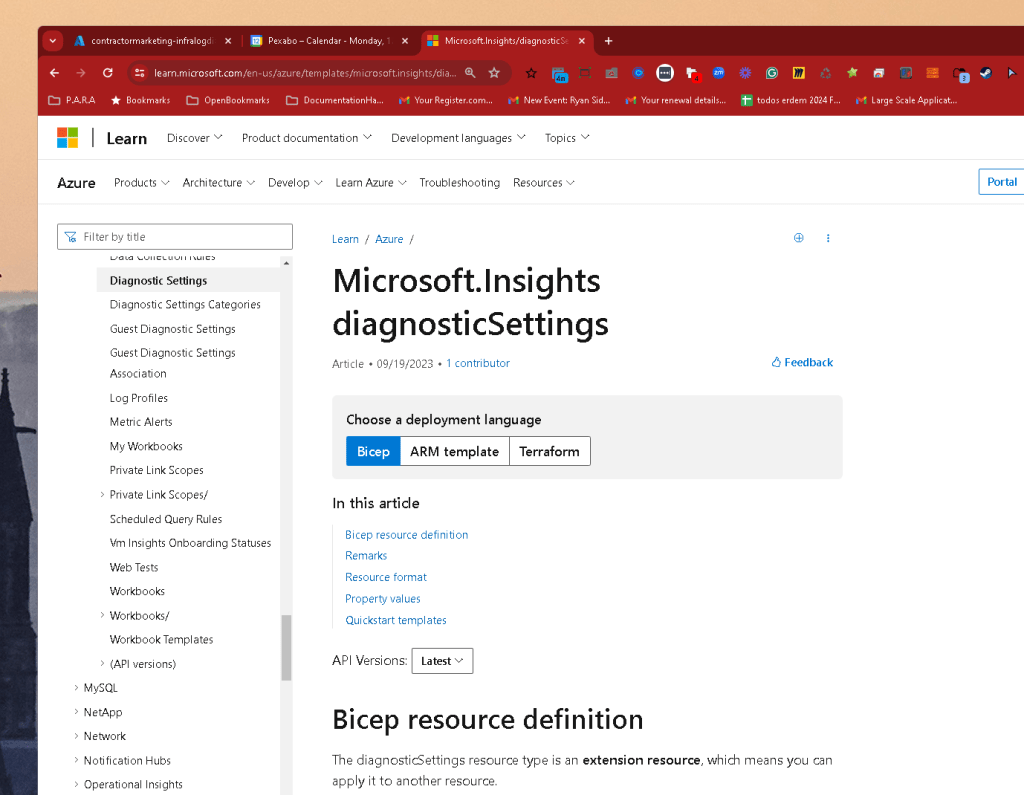
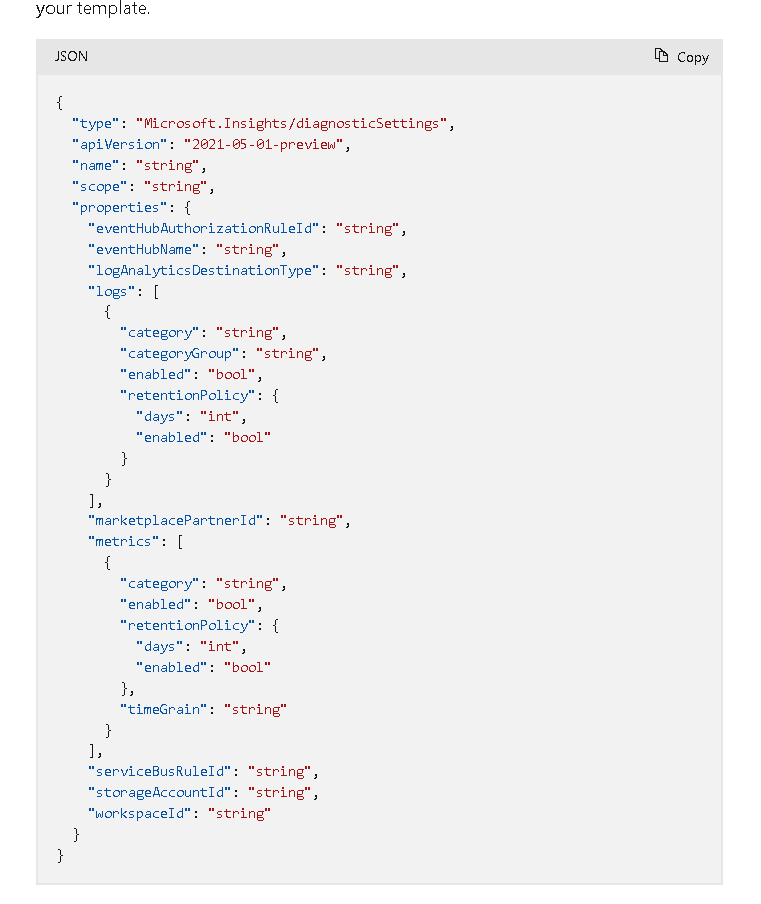
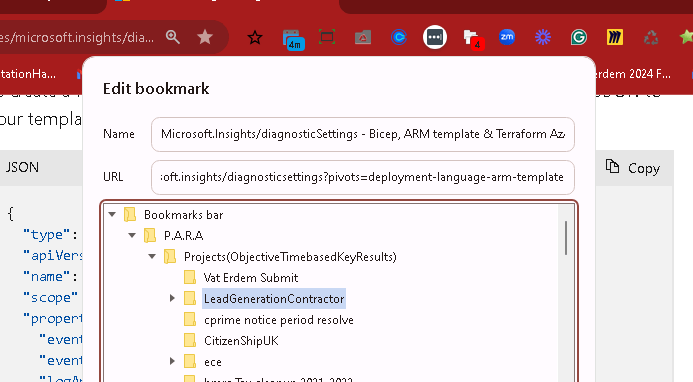
https://learn.microsoft.com/en-us/azure/templates/microsoft.insights/diagnosticsettings?pivots=deployment-language-arm-template
{
"id": "/subscriptions/ad744a08-2411-4d78-b417-1f1c83f4f741/resourceGroups/ContractorMarketing/providers/Microsoft.Logic/workflows/contractormarketing-calendlyfollowup/providers/microsoft.insights/diagnosticSettings/mydiagnostics",
"name": "mydiagnostics",
"properties": {
"logs": [
{
"category": null,
"categoryGroup": "allLogs",
"enabled": true,
"retentionPolicy": {
"days": 0,
"enabled": false
}
}
],
"metrics": [
{
"timeGrain": null,
"enabled": true,
"retentionPolicy": {
"days": 0,
"enabled": false
},
"category": "AllMetrics"
}
],
"storageAccountId": "/subscriptions/ad744a08-2411-4d78-b417-1f1c83f4f741/resourceGroups/ContractorMarketing/providers/Microsoft.Storage/storageAccounts/contractormarketing",
"workspaceId": "/subscriptions/ad744a08-2411-4d78-b417-1f1c83f4f741/resourceGroups/ContractorMarketing/providers/Microsoft.OperationalInsights/workspaces/contractormarketing-loganalytics",
"logAnalyticsDestinationType": null,
"eventHubAuthorizationRuleId": "/subscriptions/ad744a08-2411-4d78-b417-1f1c83f4f741/resourcegroups/ContractorMarketing/providers/Microsoft.EventHub/namespaces/contractormarketing/authorizationrules/RootManageSharedAccessKey",
"eventHubName": "contractormarketing-logicapp"
}
}
old value
{
"id": "/subscriptions/ad744a08-2411-4d78-b417-1f1c83f4f741/resourceGroups/ContractorMarketing/providers/Microsoft.Logic/workflows/contractormarketing-calendlyfollowup/providers/microsoft.insights/diagnosticSettings/mydiagnostics",
"name": "mydiagnostics",
"properties": {
"logs": [
{
"category": null,
"categoryGroup": "allLogs",
"enabled": true,
"retentionPolicy": {
"days": 0,
"enabled": false
}
}
],
"metrics": [
{
"timeGrain": null,
"enabled": true,
"retentionPolicy": {
"days": 0,
"enabled": false
},
"category": "AllMetrics"
}
],
"storageAccountId": "/subscriptions/ad744a08-2411-4d78-b417-1f1c83f4f741/resourceGroups/ContractorMarketing/providers/Microsoft.Storage/storageAccounts/contractormarketing",
"workspaceId": "/subscriptions/ad744a08-2411-4d78-b417-1f1c83f4f741/resourceGroups/ContractorMarketing/providers/Microsoft.OperationalInsights/workspaces/contractormarketing-loganalytics",
"logAnalyticsDestinationType": null,
"eventHubAuthorizationRuleId": "/subscriptions/ad744a08-2411-4d78-b417-1f1c83f4f741/resourcegroups/ContractorMarketing/providers/Microsoft.EventHub/namespaces/contractormarketing/authorizationrules/RootManageSharedAccessKey",
"eventHubName": "contractormarketing-logicapp"
}
}
new value empty
{
"type": "Microsoft.Insights/diagnosticSettings",
"apiVersion": "2021-05-01-preview",
"name": "string",
"scope": "string",
"properties": {
"eventHubAuthorizationRuleId": "string",
"eventHubName": "string",
"logAnalyticsDestinationType": "string",
"logs": [
{
"category": "string",
"categoryGroup": "string",
"enabled": "bool",
"retentionPolicy": {
"days": "int",
"enabled": "bool"
}
}
],
"marketplacePartnerId": "string",
"metrics": [
{
"category": "string",
"enabled": "bool",
"retentionPolicy": {
"days": "int",
"enabled": "bool"
},
"timeGrain": "string"
}
],
"serviceBusRuleId": "string",
"storageAccountId": "string",
"workspaceId": "string"
}
}
Type:
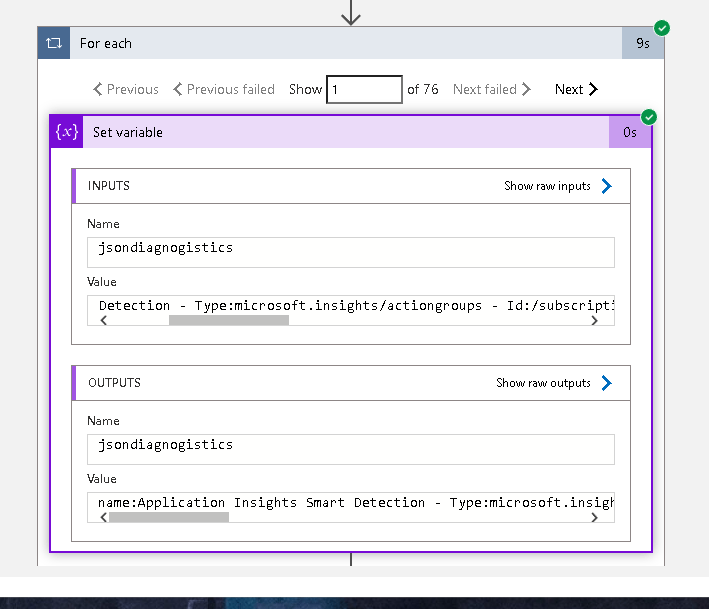
Logic App Type>>> Type:Microsoft.Logic/workflows
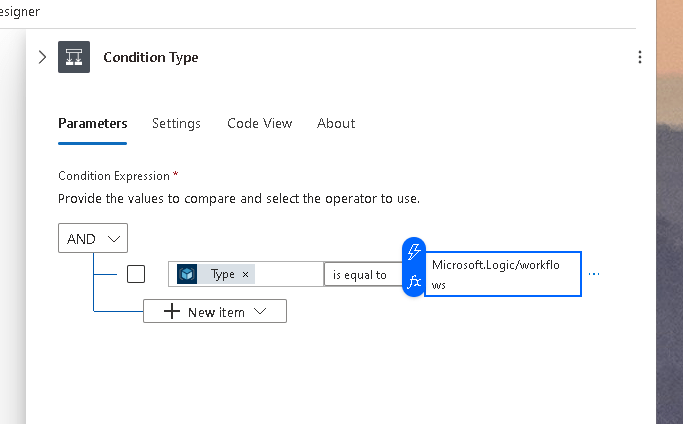
see at the end
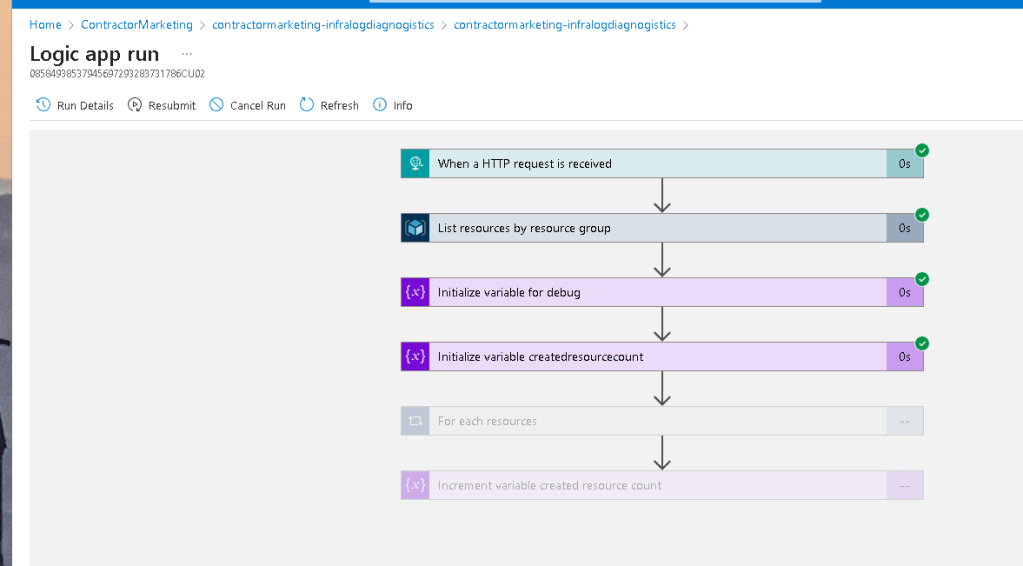
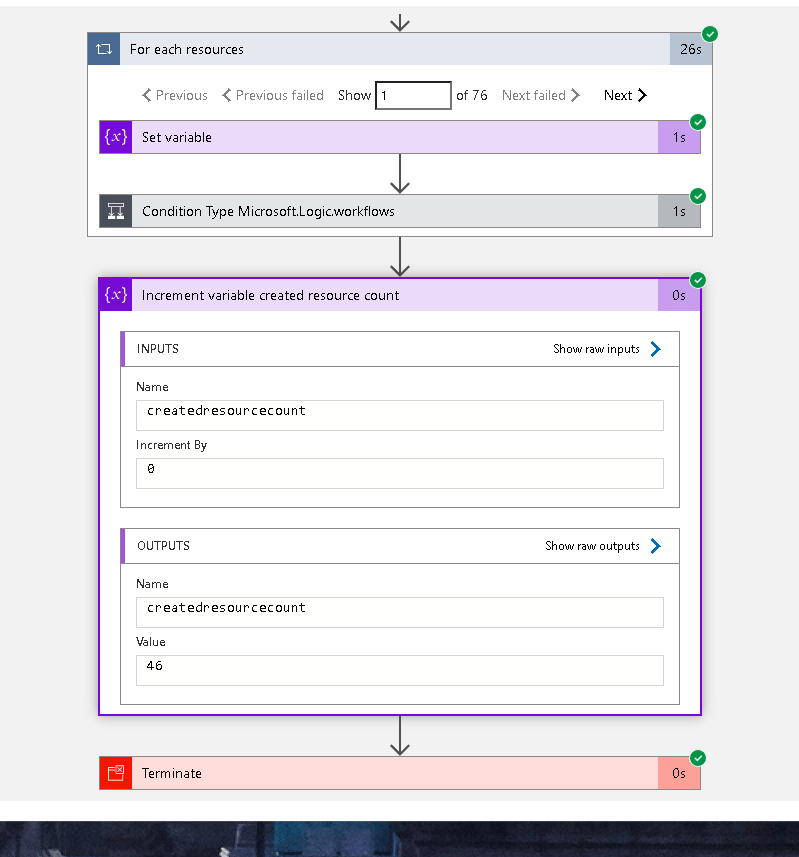
zero increment easier
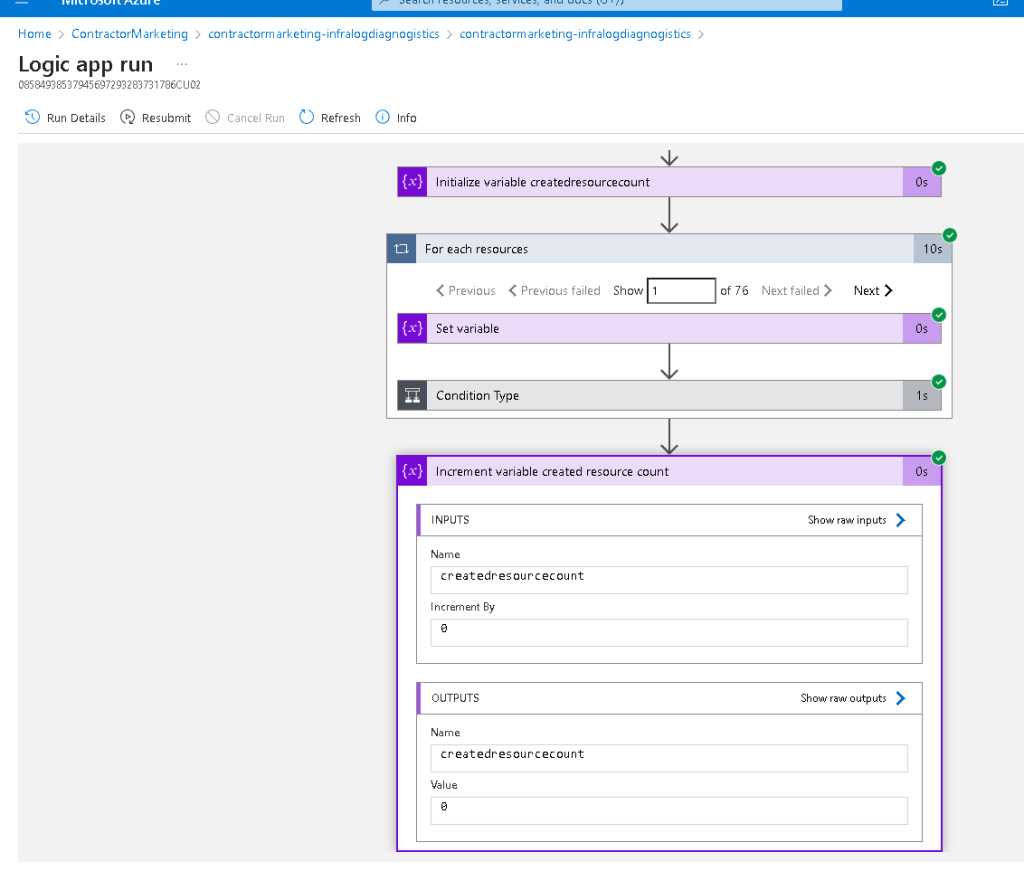
Starts with enters not equals to works
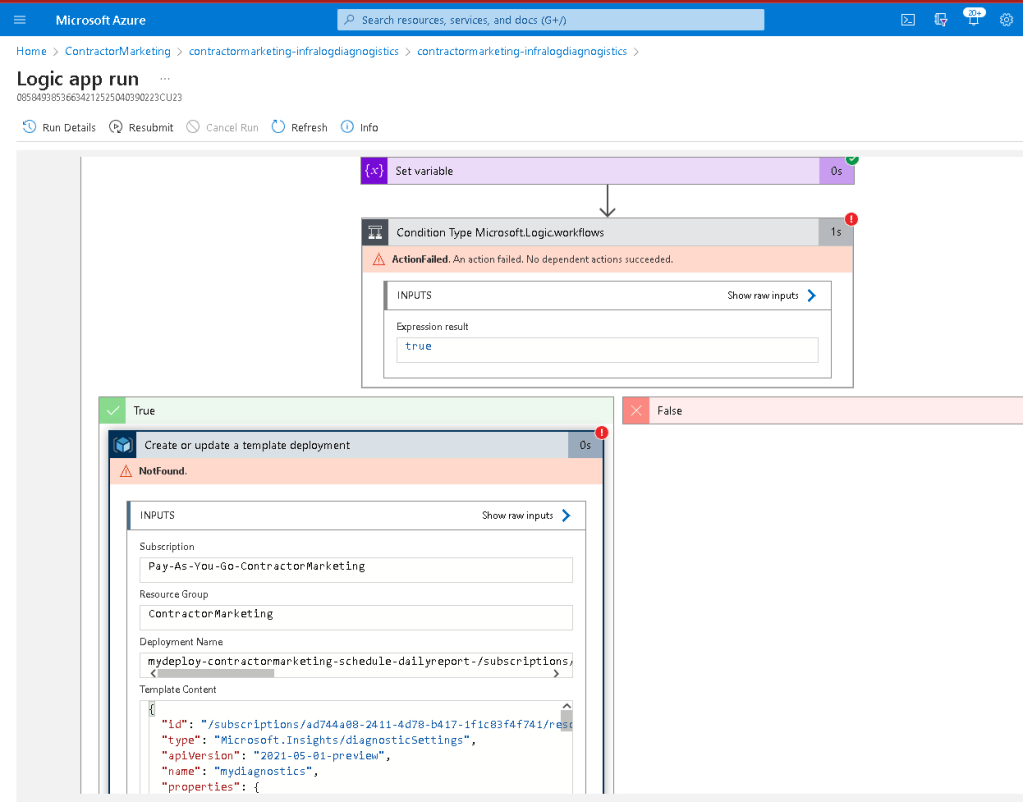
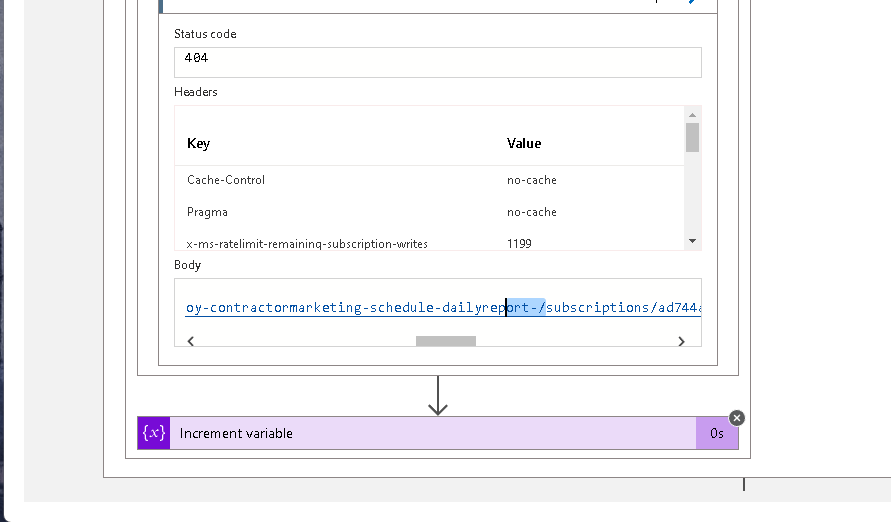
the last ending has an issue
{
"message": "No HTTP resource was found that matches the request URI 'https://management.azure.com/subscriptions/ad744a08-2411-4d78-b417-1f1c83f4f741/resourcegroups/ContractorMarketing/providers/Microsoft.Resources/deployments/mydeploy-contractormarketing-schedule-dailyreport-/subscriptions/ad744a08-2411-4d78-b417-1f1c83f4f741/resourceGroups/ContractorMarketing/providers/Microsoft.Logic/workflows/contractormarketing-schedule-dailyreport?x-ms-api-version=2016-06-01&wait=False&api-version=2016-06-01'."
}
mydeploy?
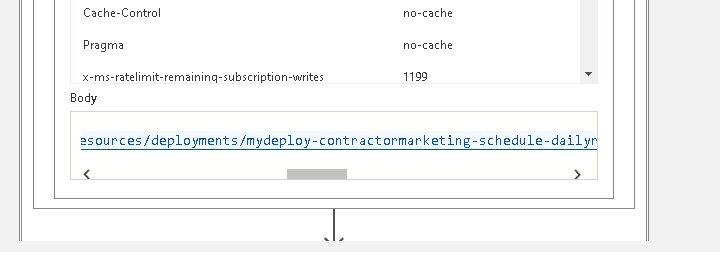
Name fixing
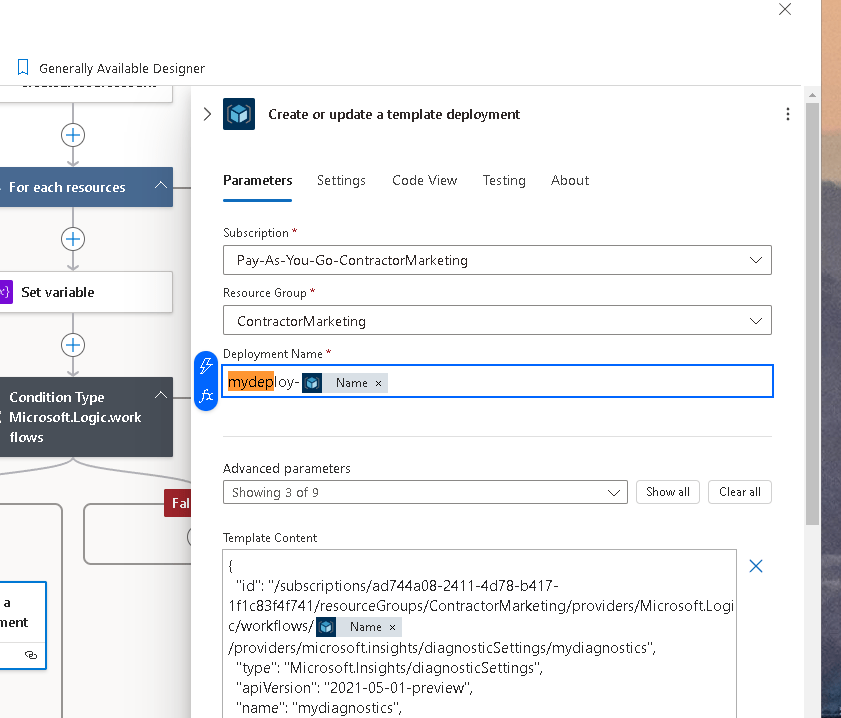
new error
{
"error": {
"code": "InvalidRequestContent",
"message": "The request content was invalid and could not be deserialized: 'Could not find member 'id' on object of type 'Template'. Path 'properties.template.id', line 1, position 32.'."
}
}
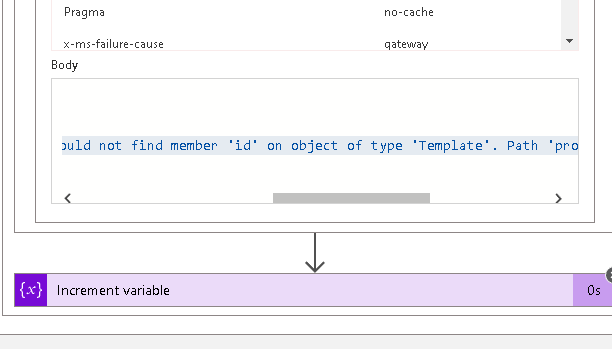
no id in here...?
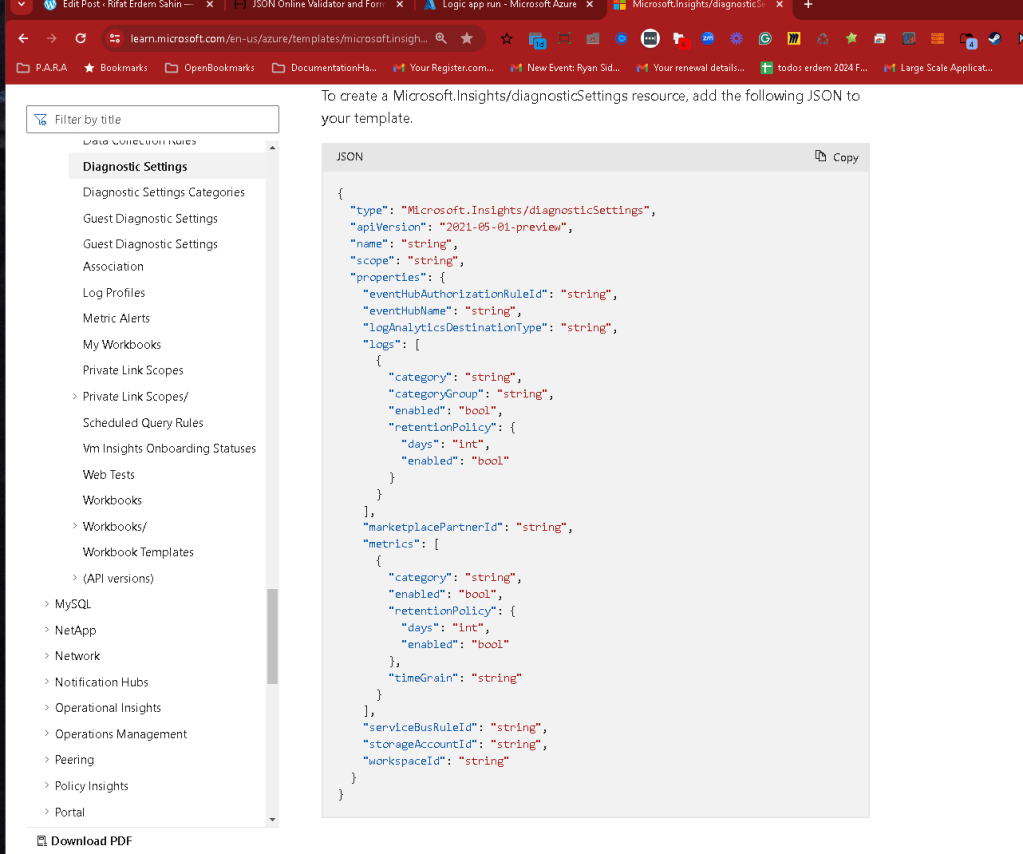
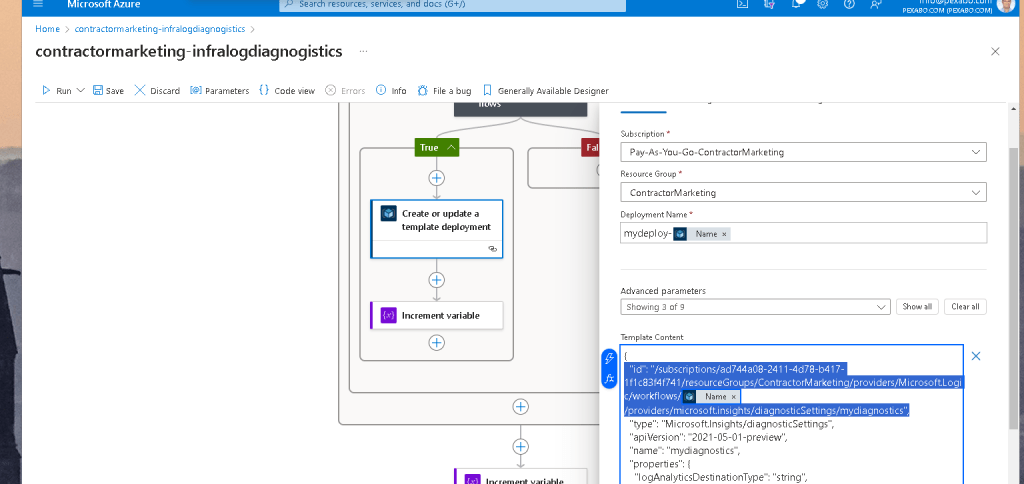
remove id how to associate with logic app
Maybe it is not the resource trigger
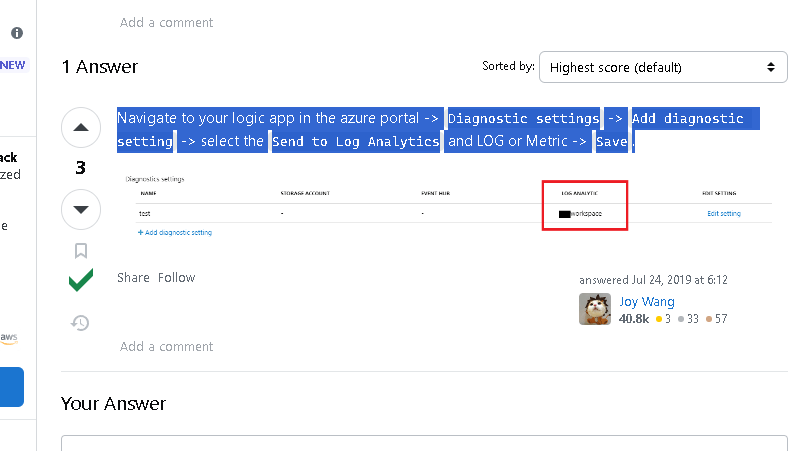
maybe it is here
https://learn.microsoft.com/en-us/azure/cdn/cdn-azure-diagnostic-logs
46
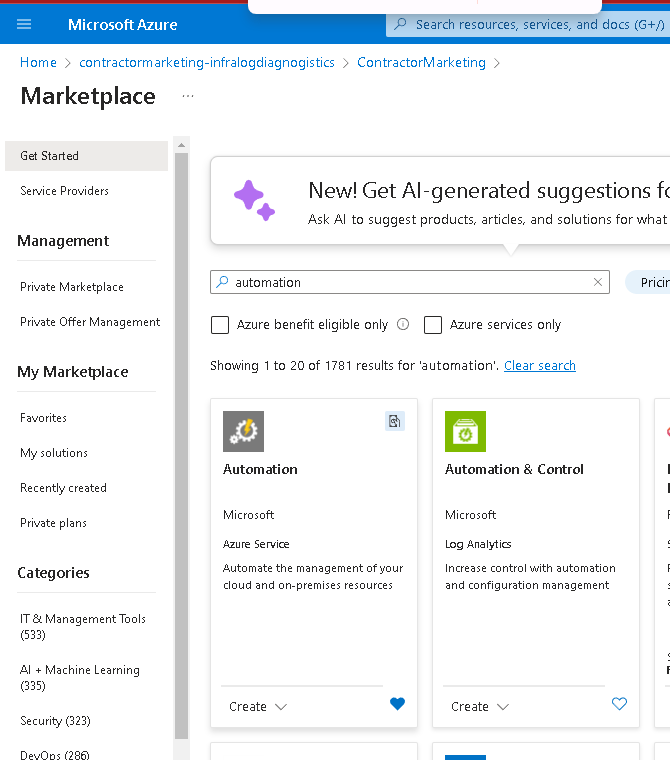
autopmation
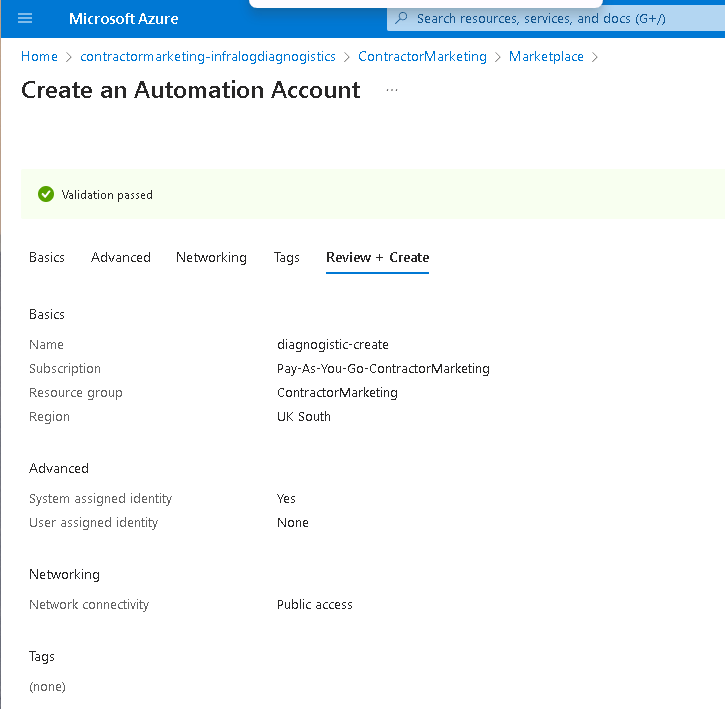
runbook
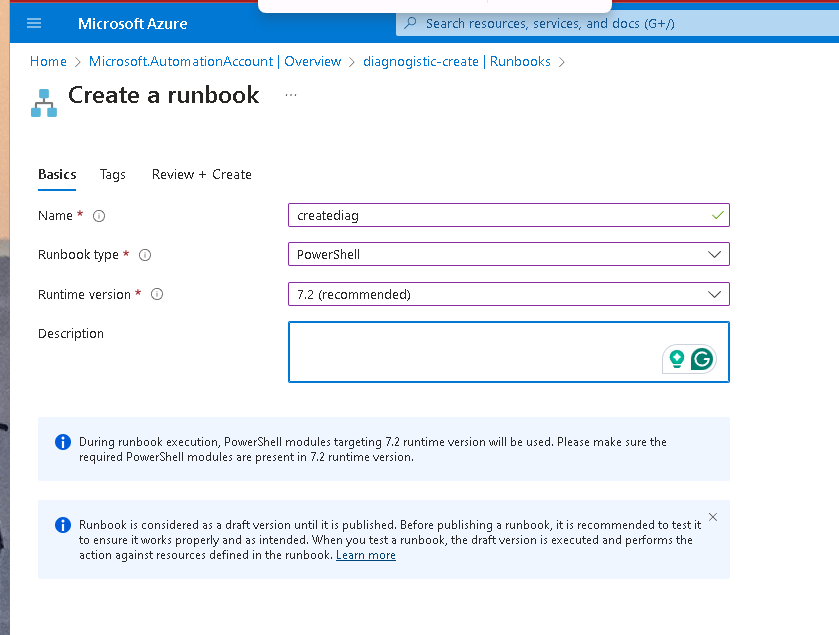
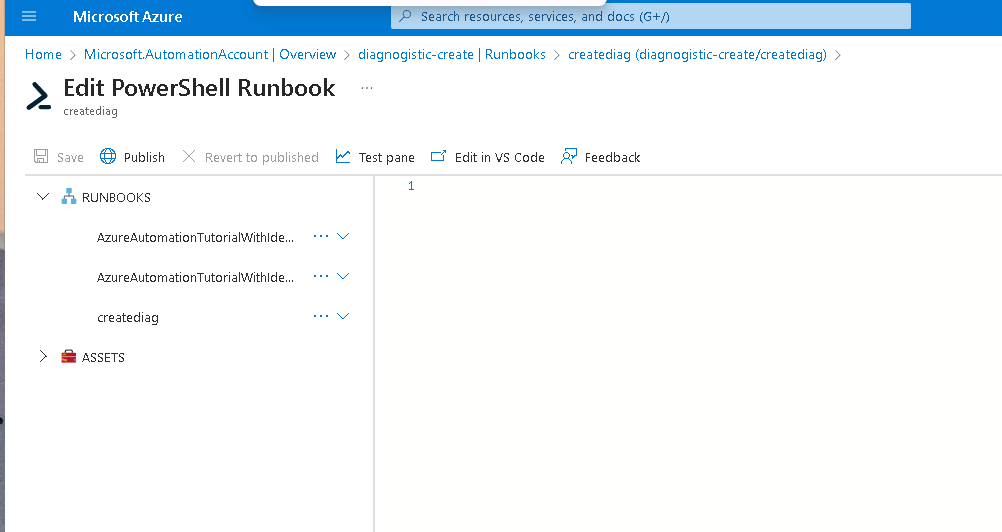
https://stackoverflow.com/questions/53414671/azure-logic-apps-how-to-run-powershell-script-or-azure-cli
fast testing
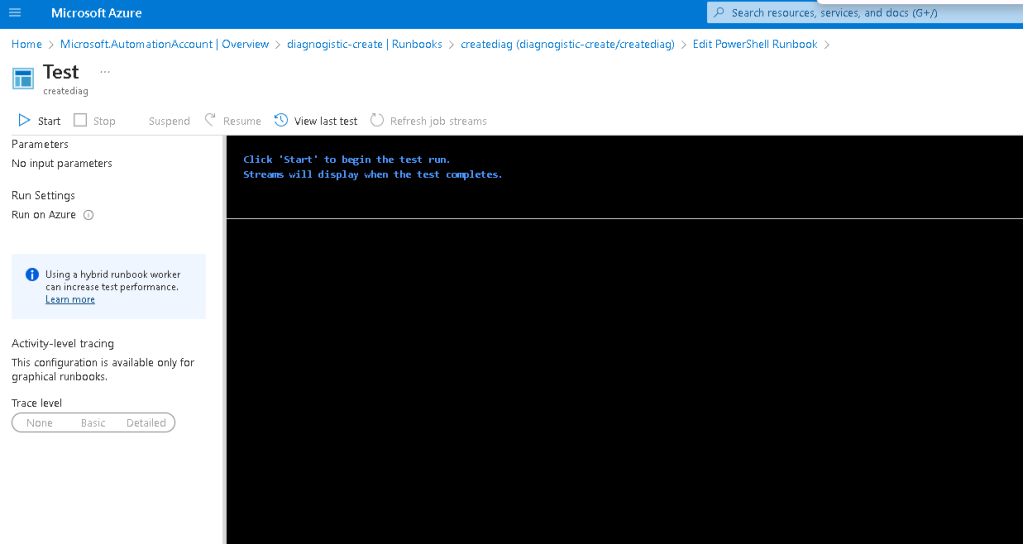
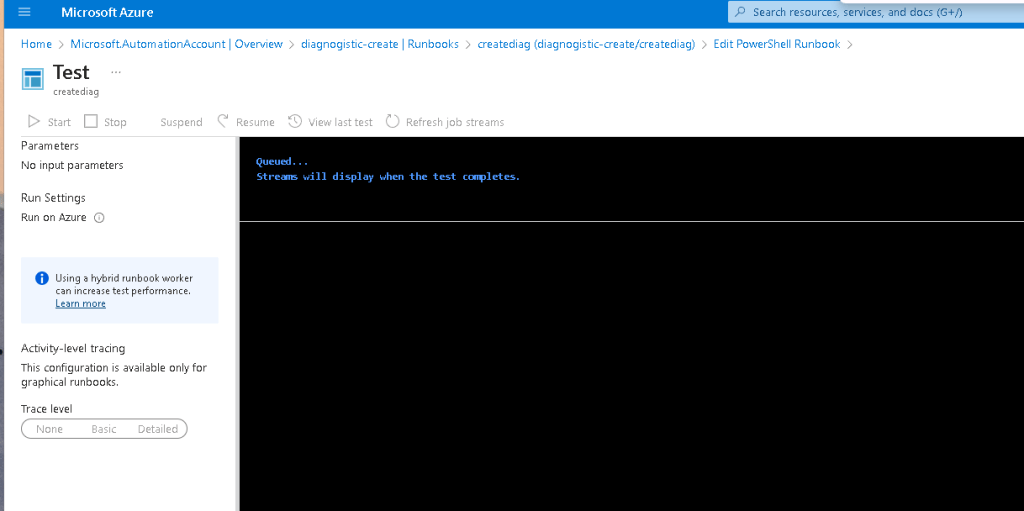
Powershell takes time as well
Basics
get id

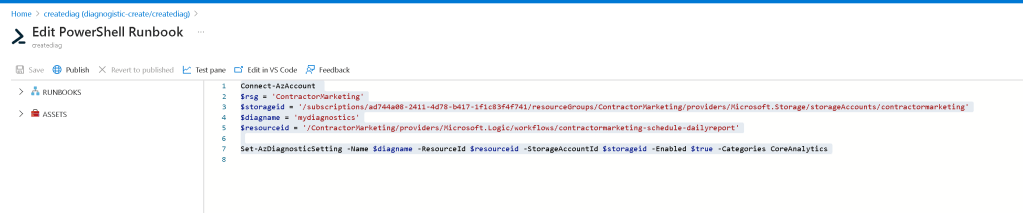
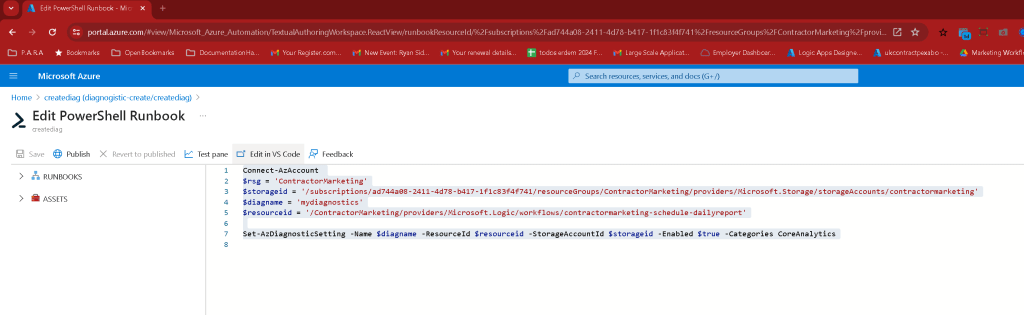
Code
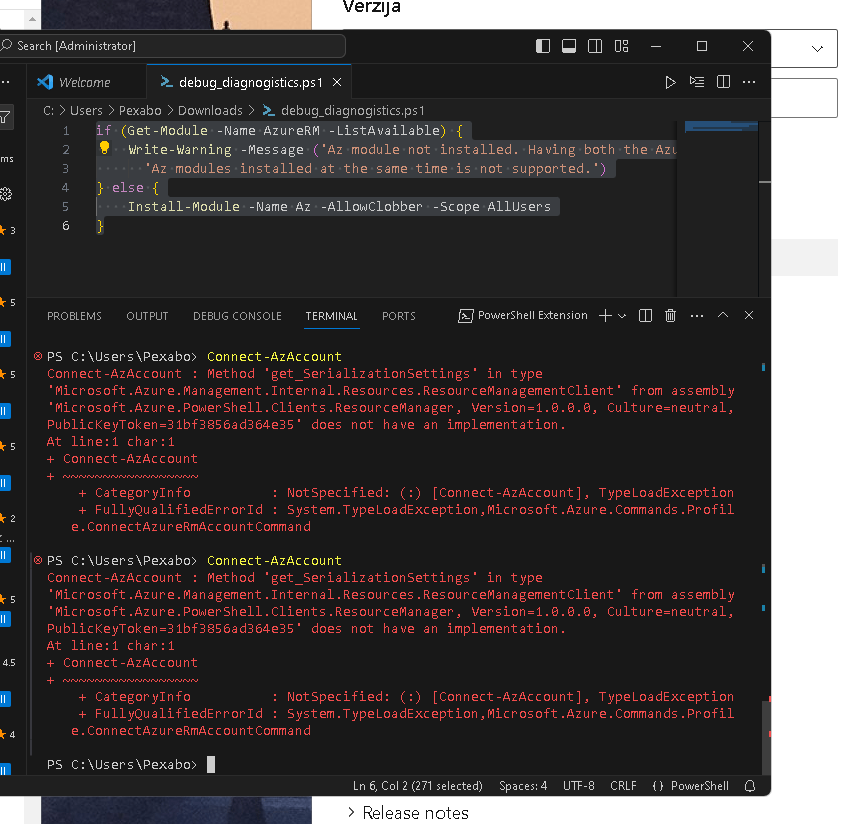
Connect-AzAccount
$rsg = 'ContractorMarketing'
$storageid = '/subscriptions/ad744a08-2411-4d78-b417-1f1c83f4f741/resourceGroups/ContractorMarketing/providers/Microsoft.Storage/storageAccounts/contractormarketing'
$diagname = 'mydiagnostics'
$resourceid = '/ContractorMarketing/providers/Microsoft.Logic/workflows/contractormarketing-schedule-dailyreport'
Set-AzDiagnosticSetting -Name $diagname -ResourceId $resourceid -StorageAccountId $storageid -Enabled $true -Categories CoreAnalytics
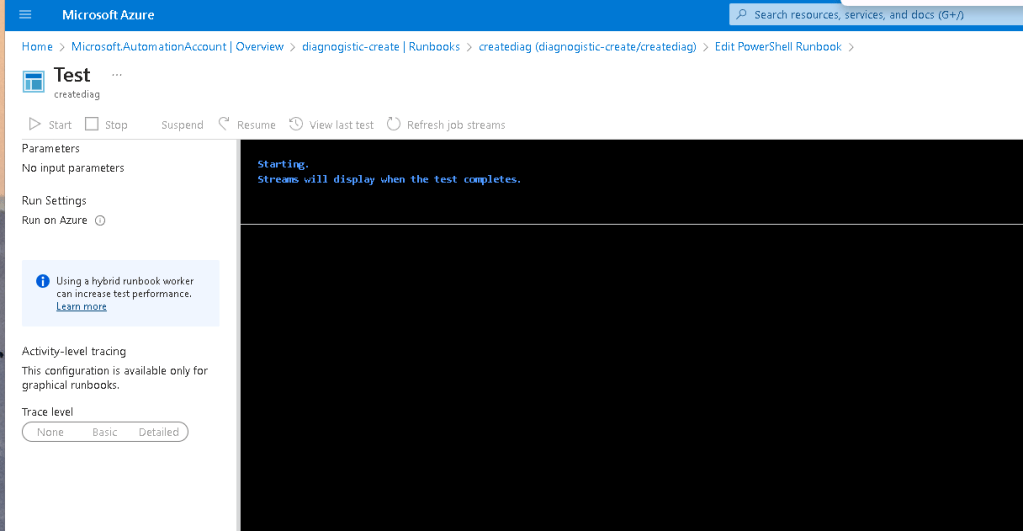
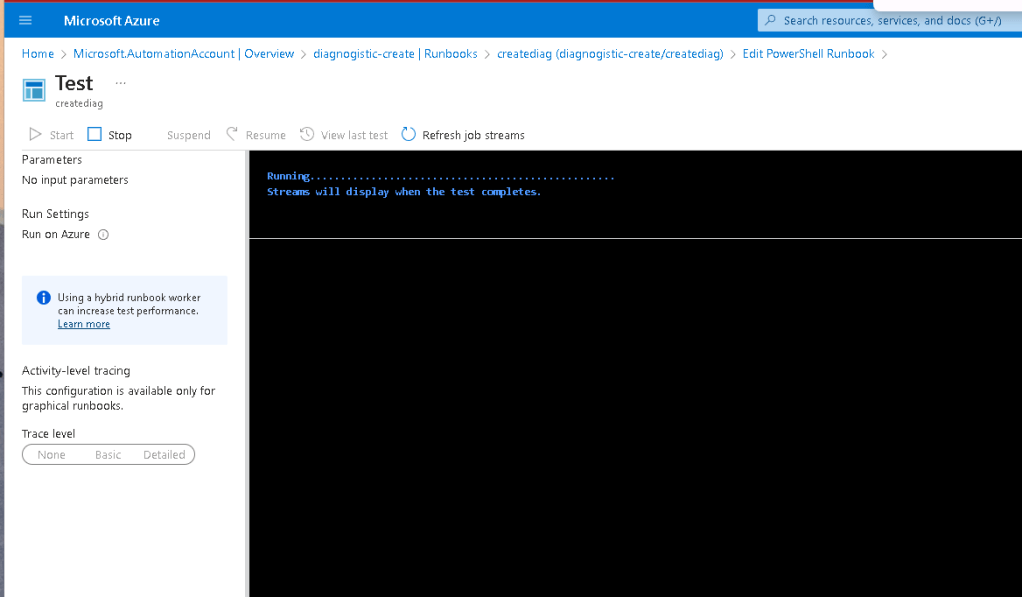
Powershell running long time
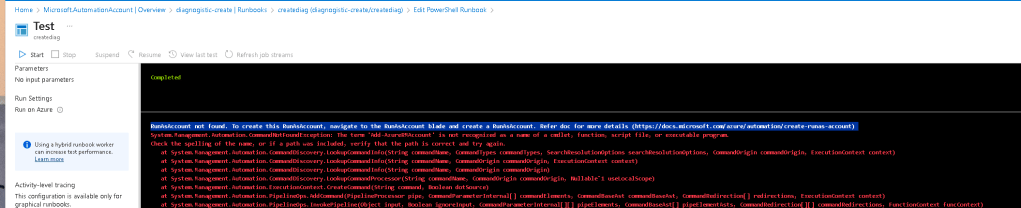
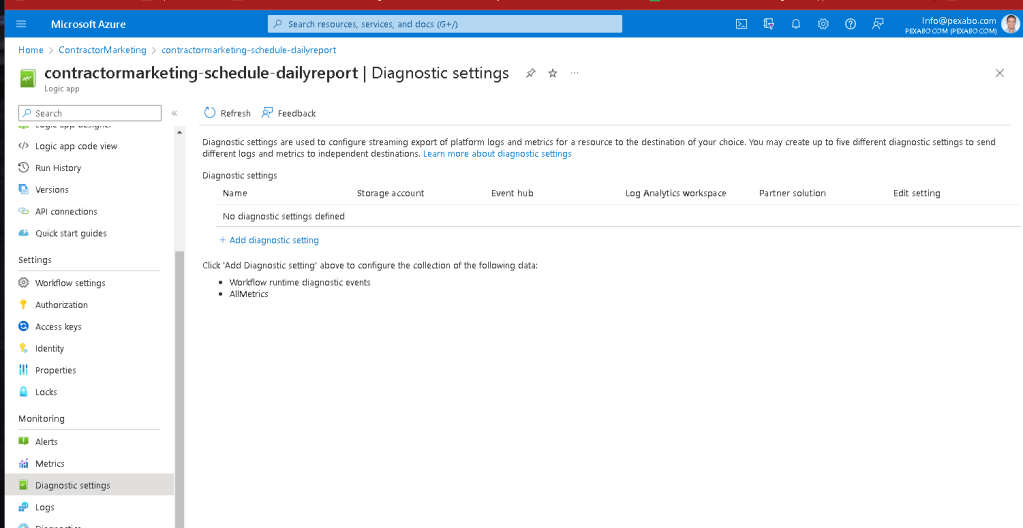
it did not get created
edit in vscode to see the error easier
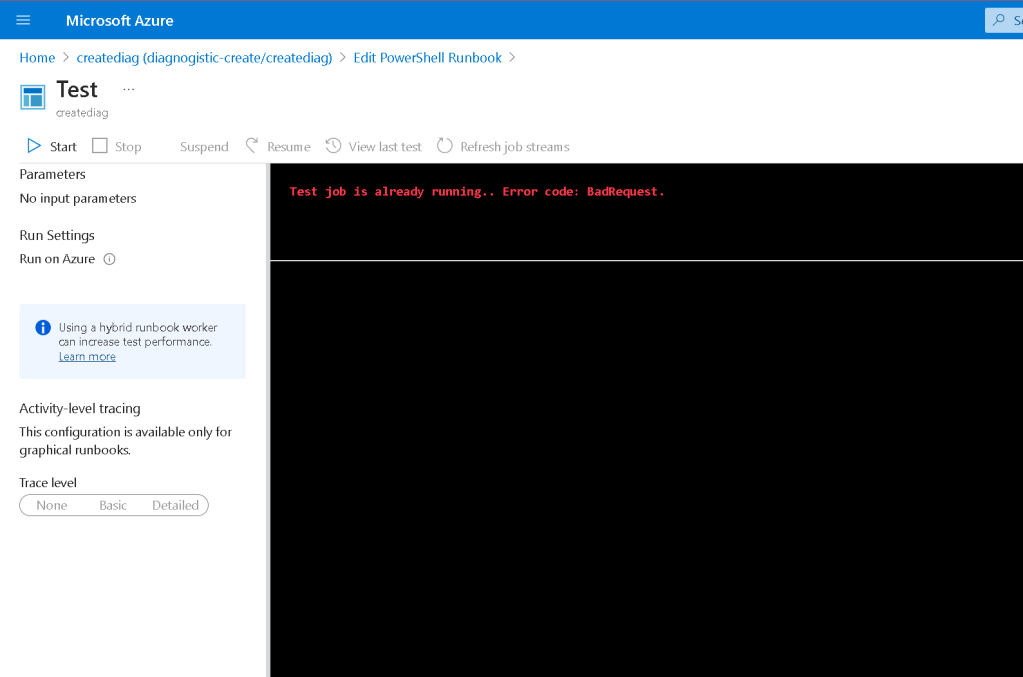
error is there
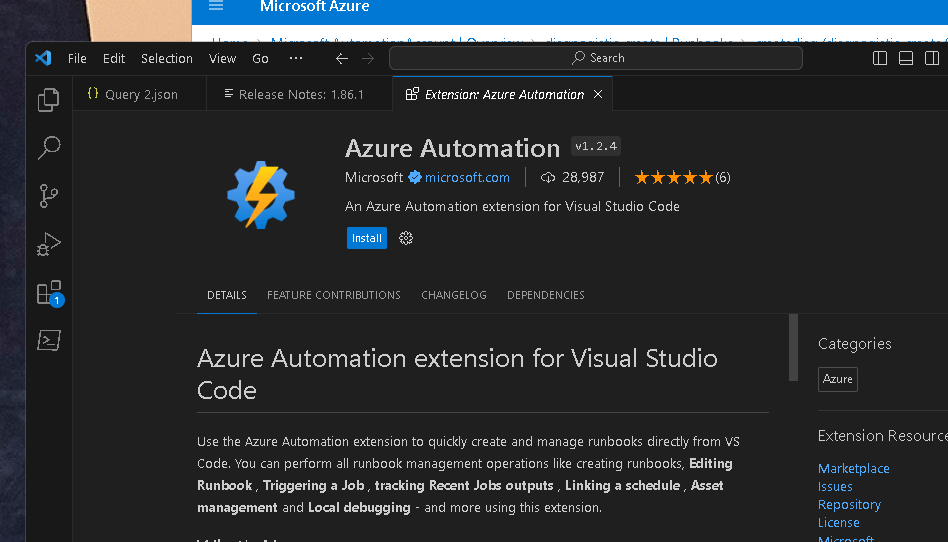
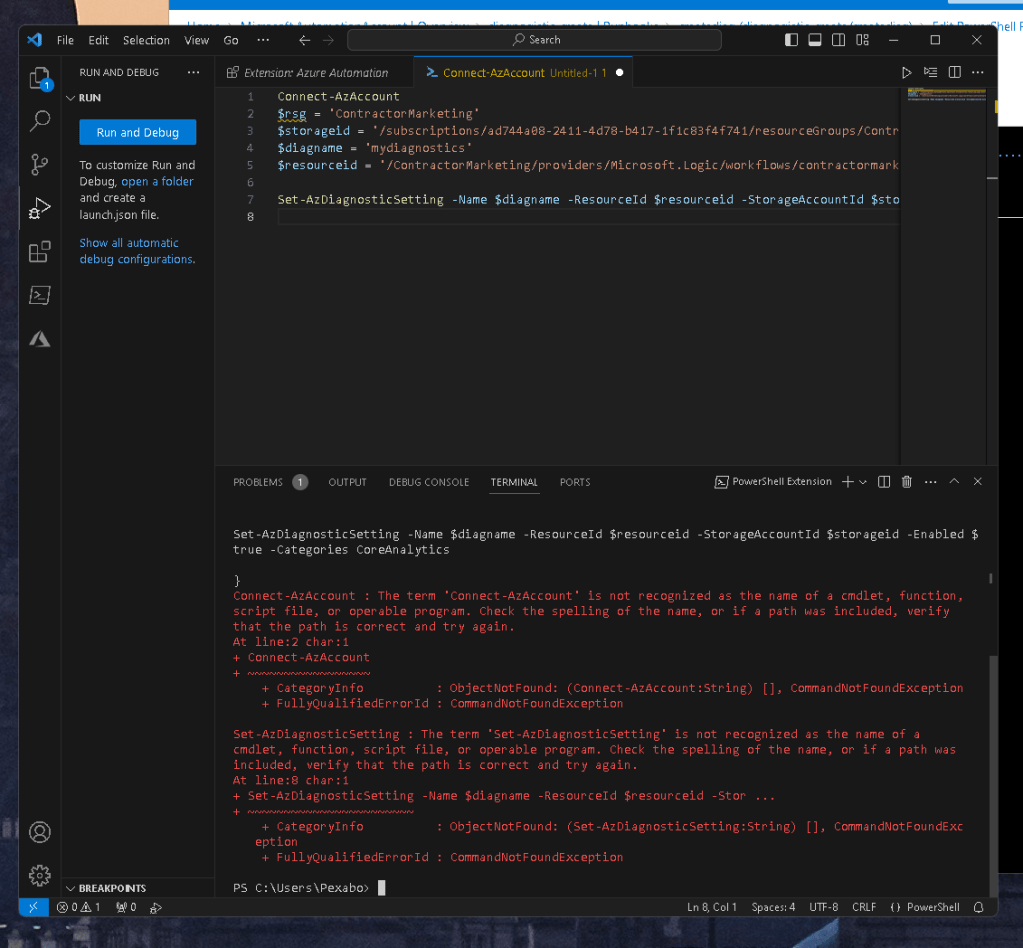
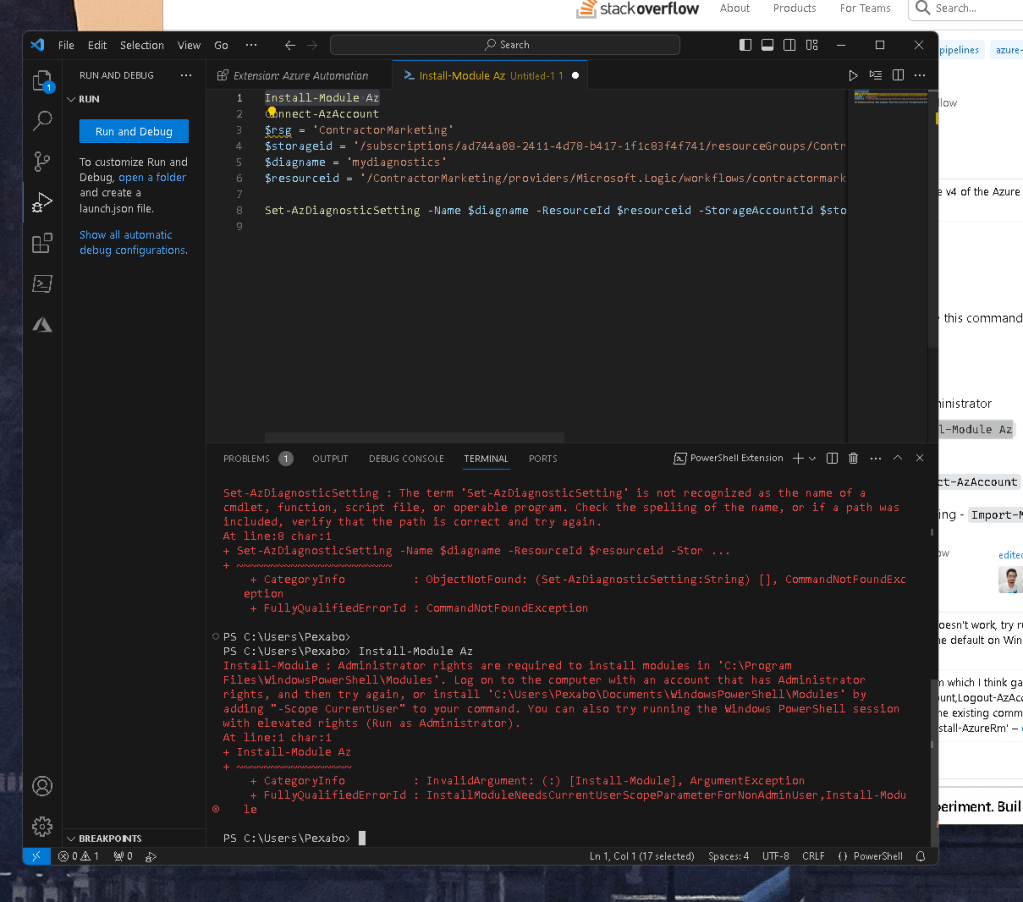
Install-Module Az
Connect-AzAccount
$rsg = 'ContractorMarketing'
$storageid = '/subscriptions/ad744a08-2411-4d78-b417-1f1c83f4f741/resourceGroups/ContractorMarketing/providers/Microsoft.Storage/storageAccounts/contractormarketing'
$diagname = 'mydiagnostics'
$resourceid = '/ContractorMarketing/providers/Microsoft.Logic/workflows/contractormarketing-schedule-dailyreport'
Set-AzDiagnosticSetting -Name $diagname -ResourceId $resourceid -StorageAccountId $storageid -Enabled $true -Categories CoreAnalytics
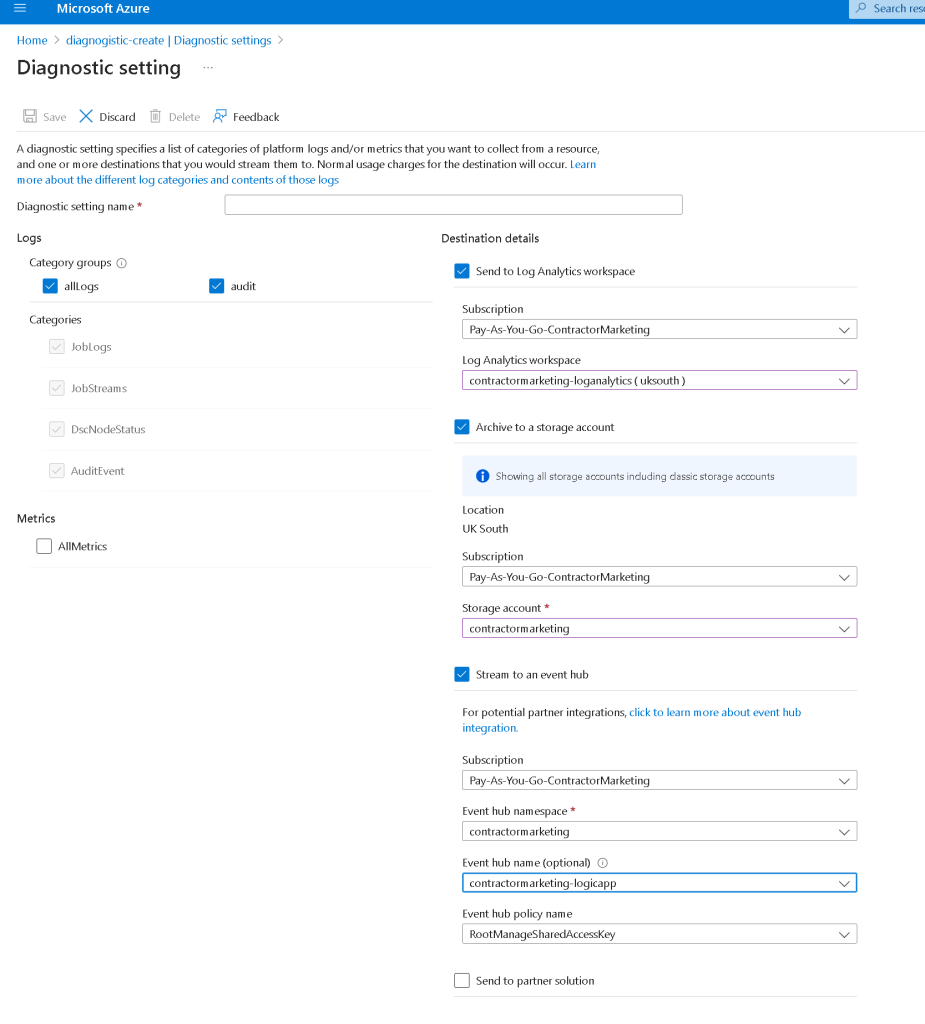
Maybe storage does not have the module
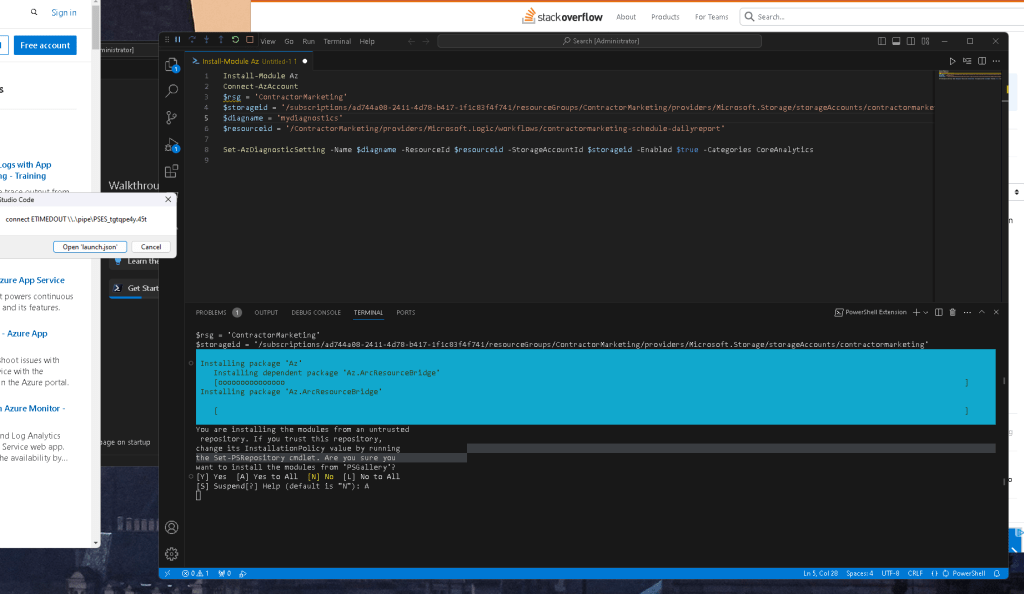
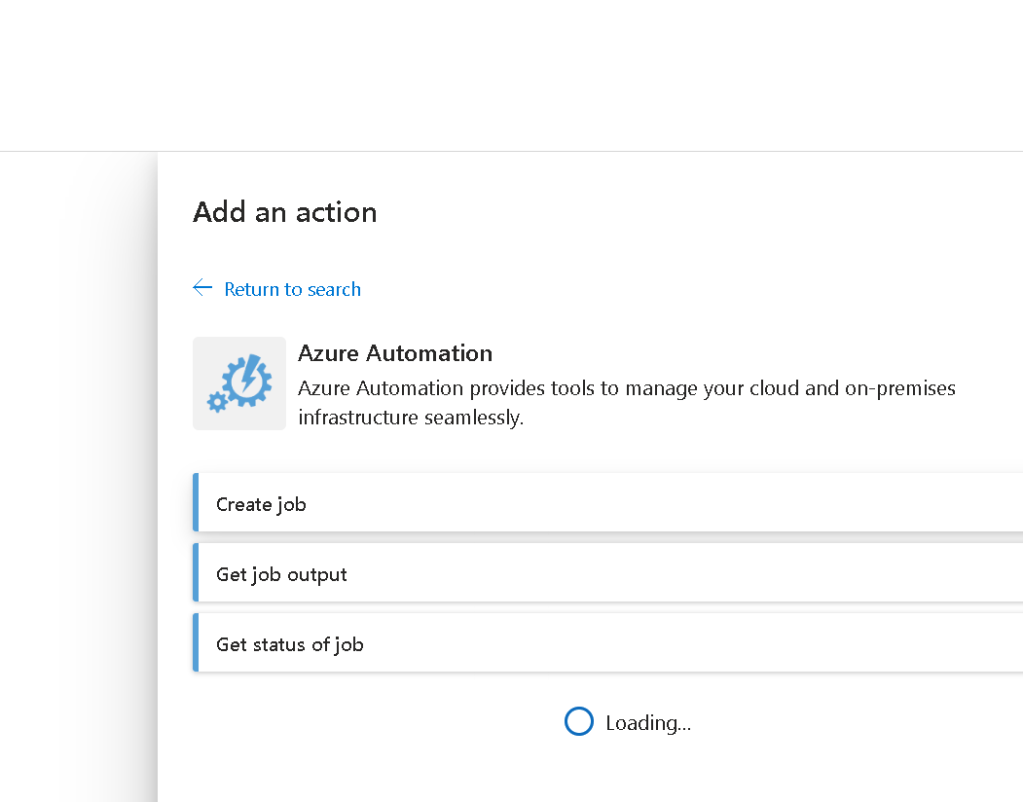
Create a job
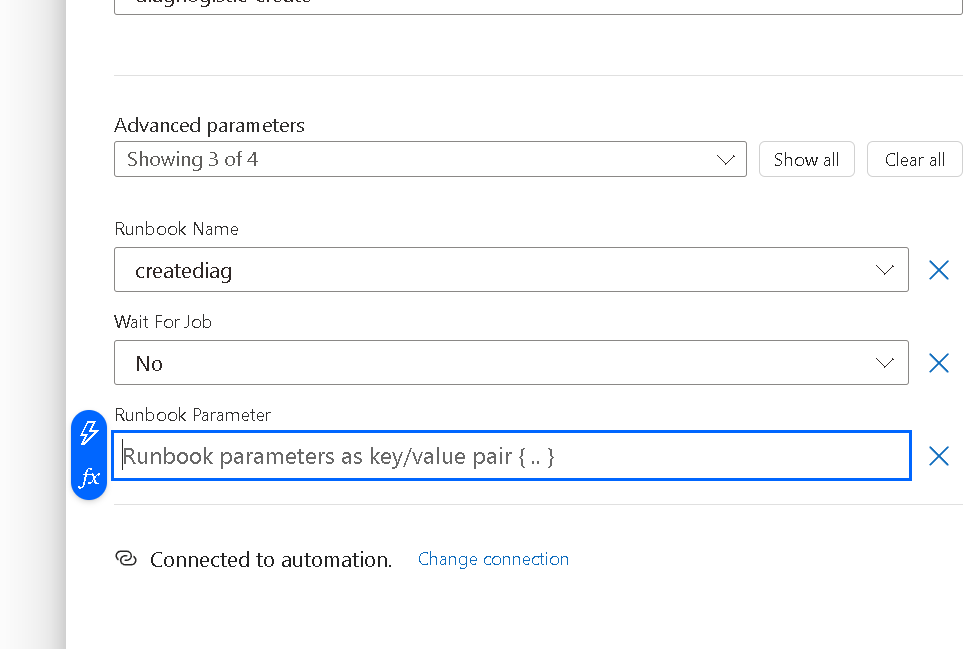
Where is the parameter?
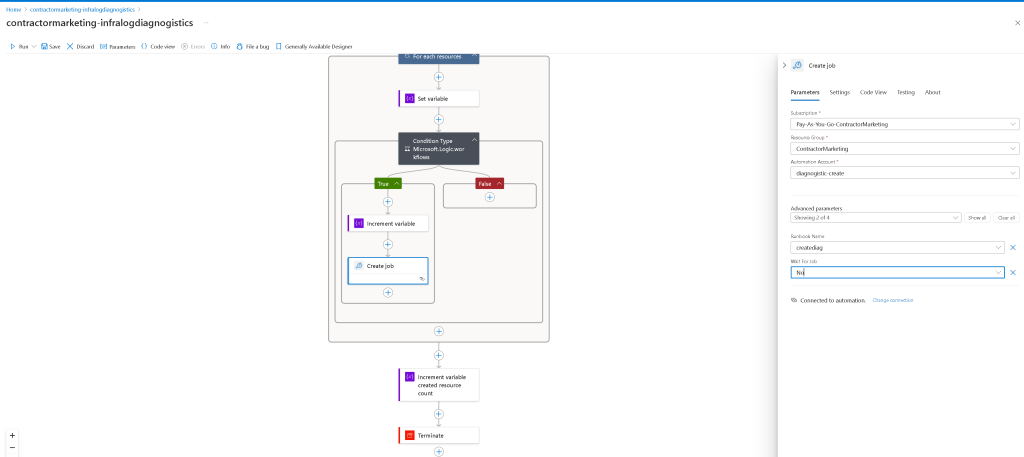
Logicapp/
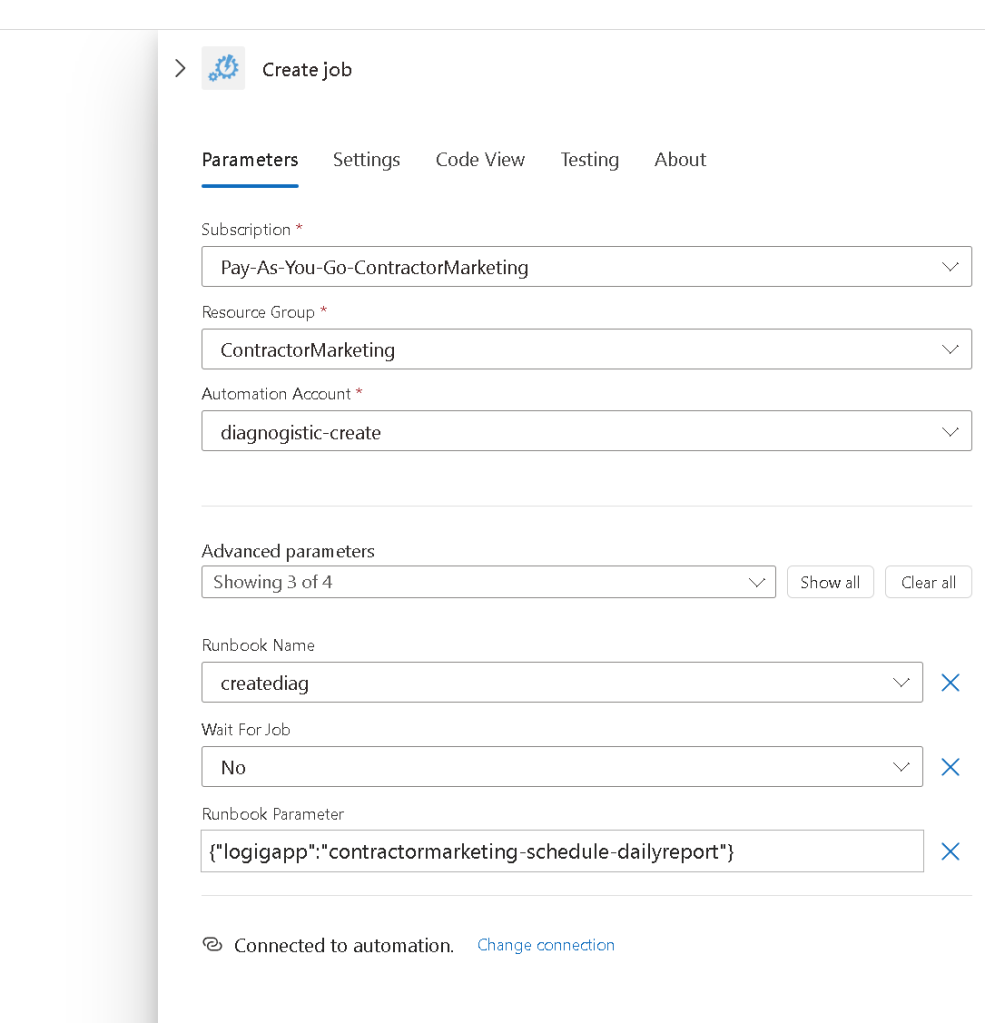
Json accepted
Logging opened up maybe we can see now
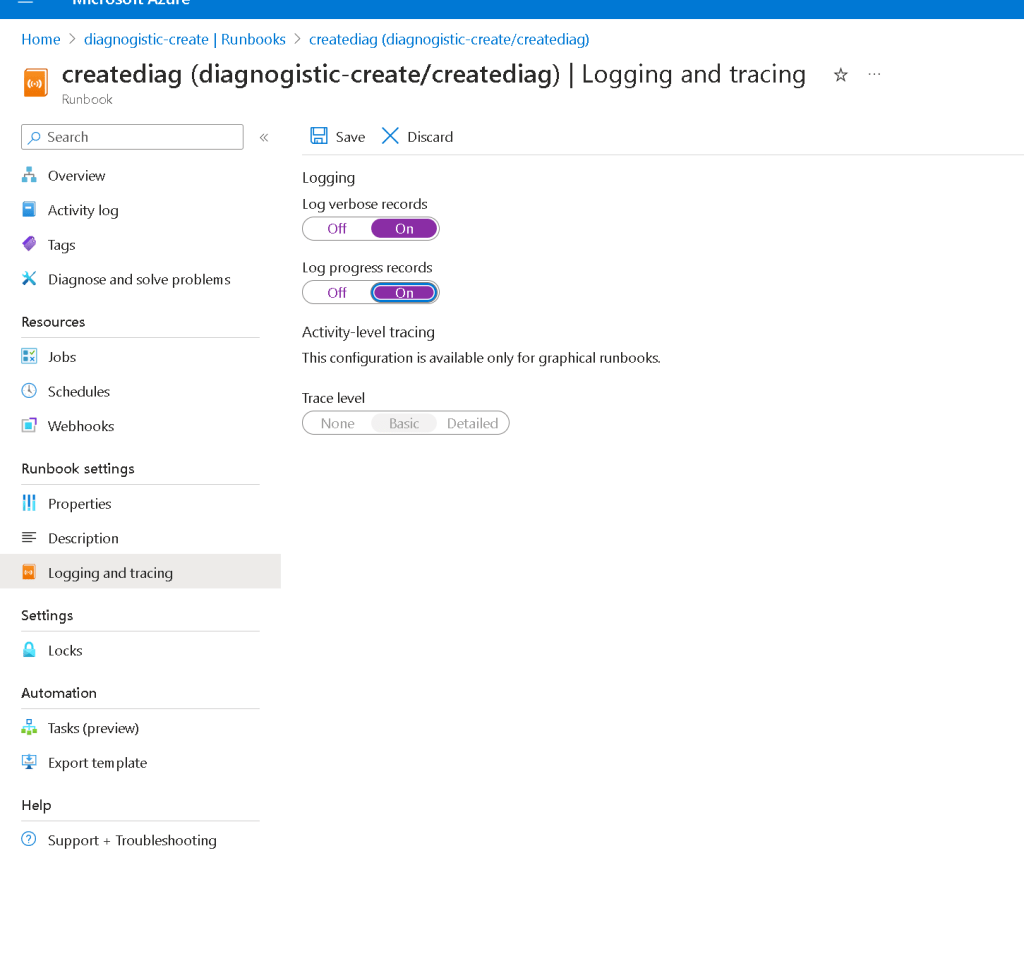
tempates are there
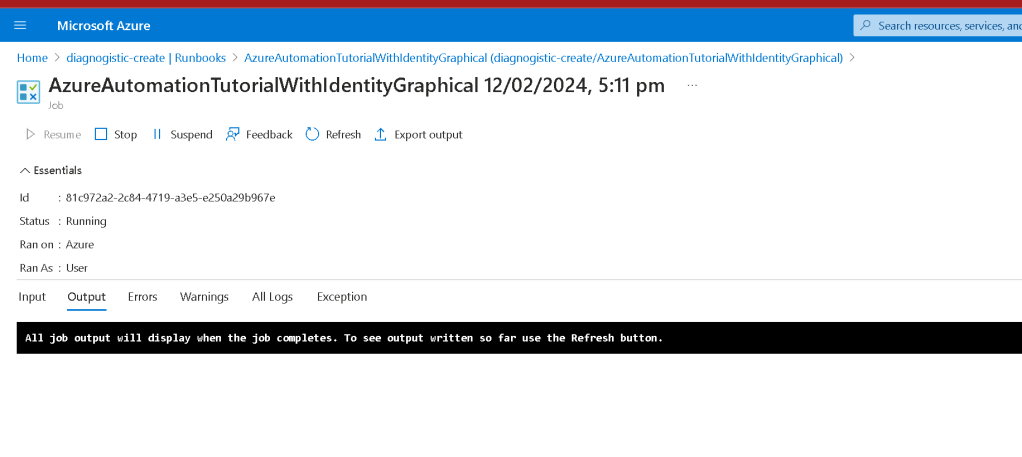
Powershell so many errors
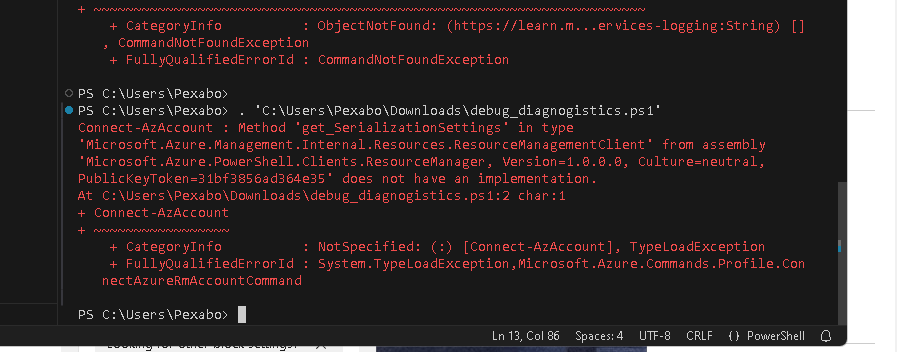
updated version is not woirking as well
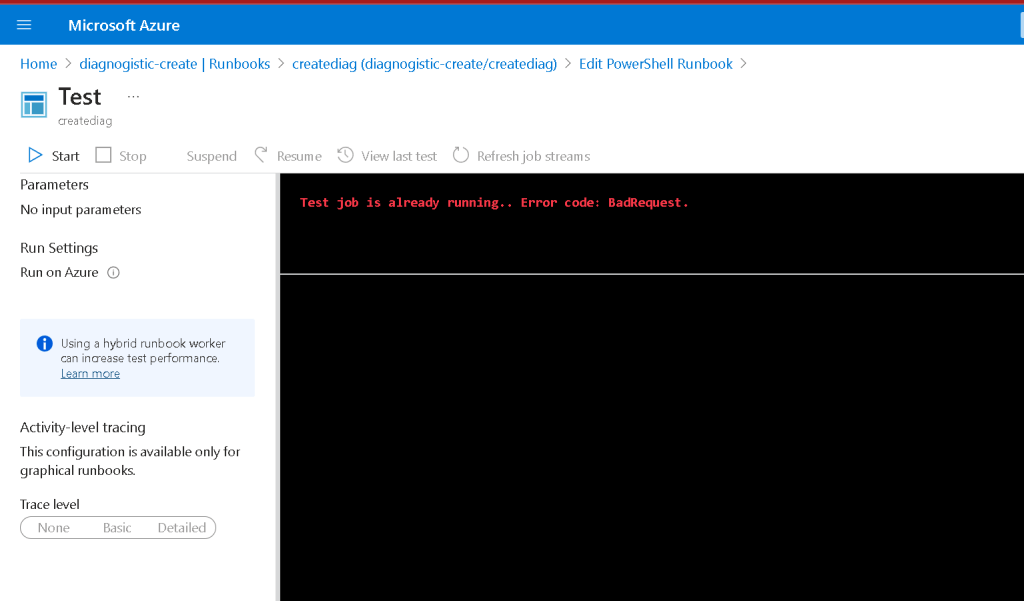
so many powershell versions are outthere the client side has the issues
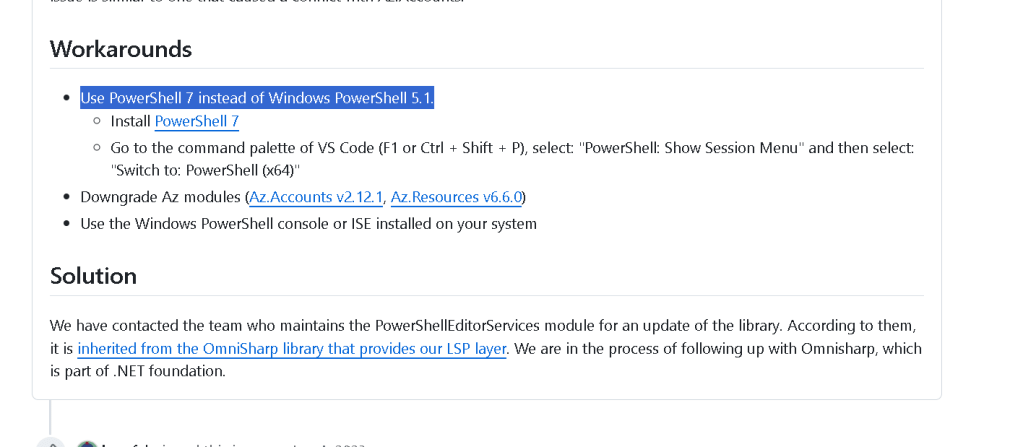
Powershell version are way too many
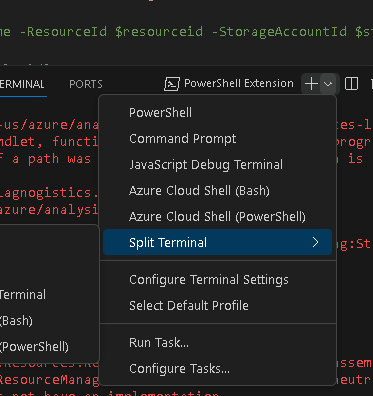
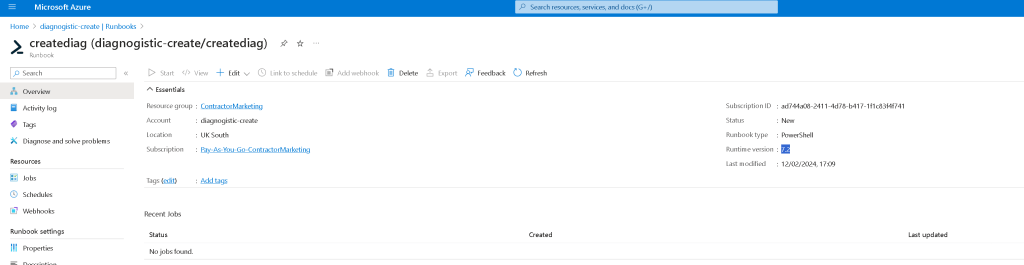
runtime 7.2 testing needed
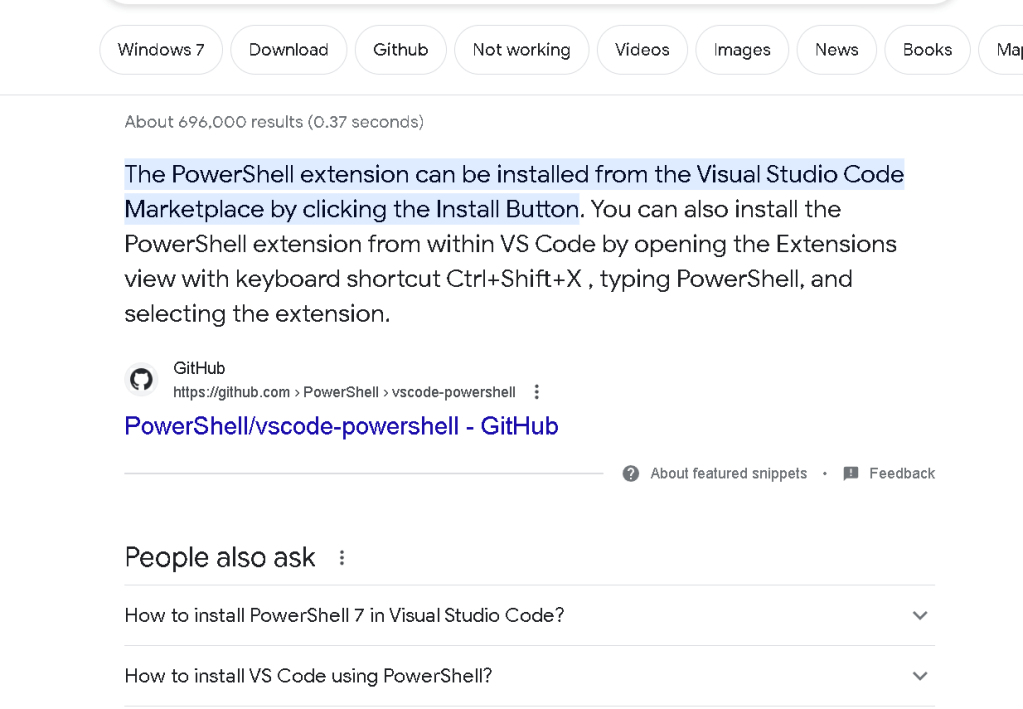
Old version
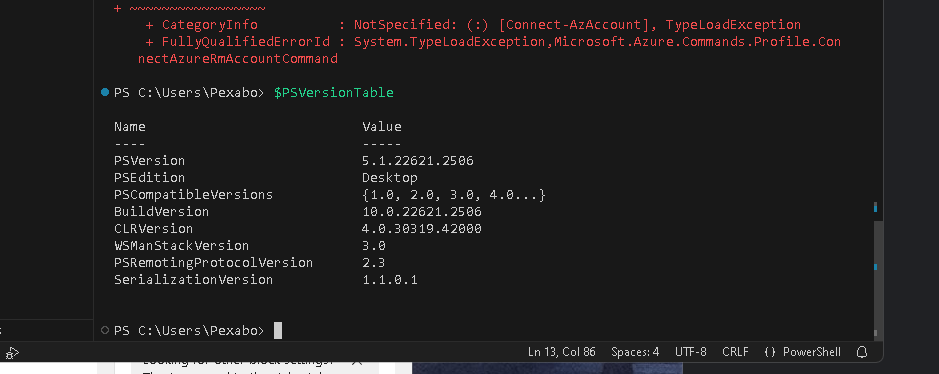
7.2 is different
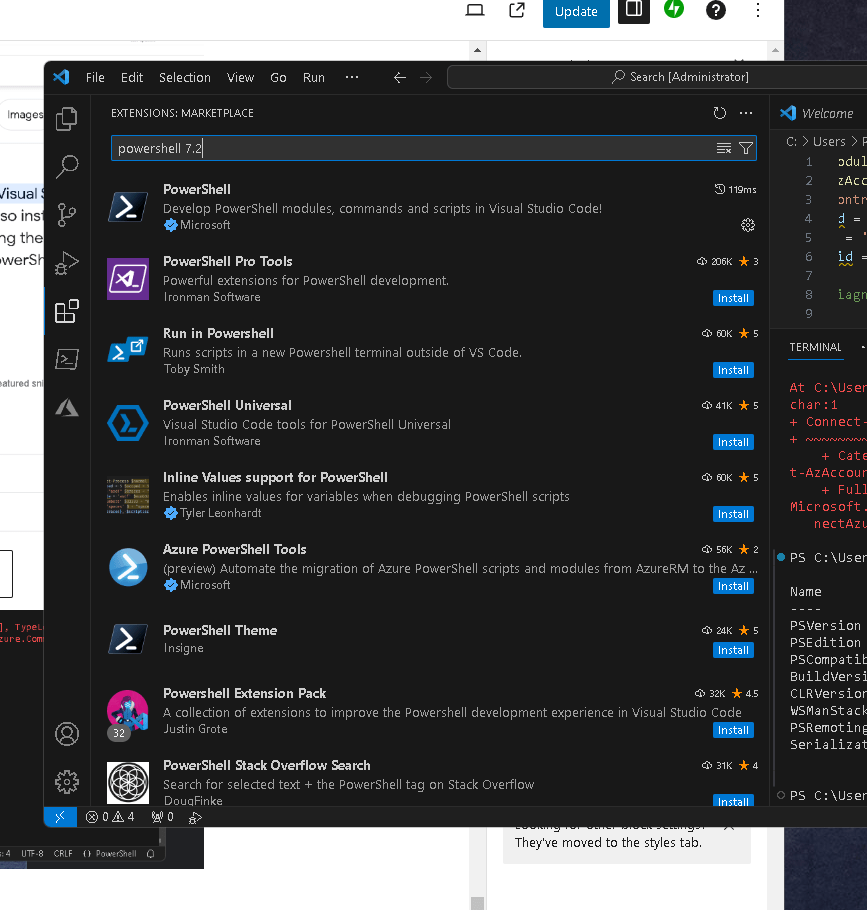
powershell too complex setup
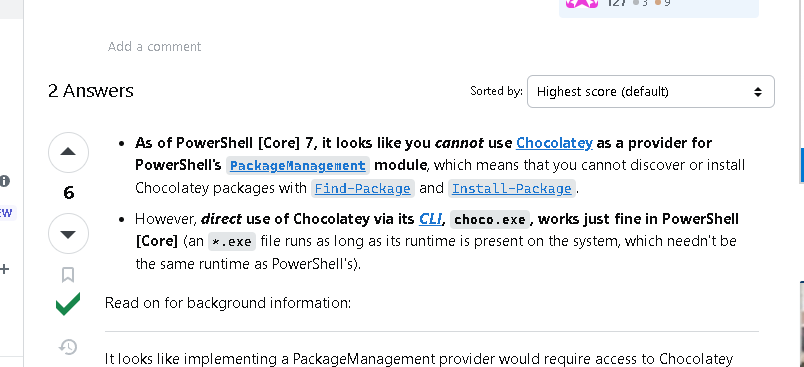
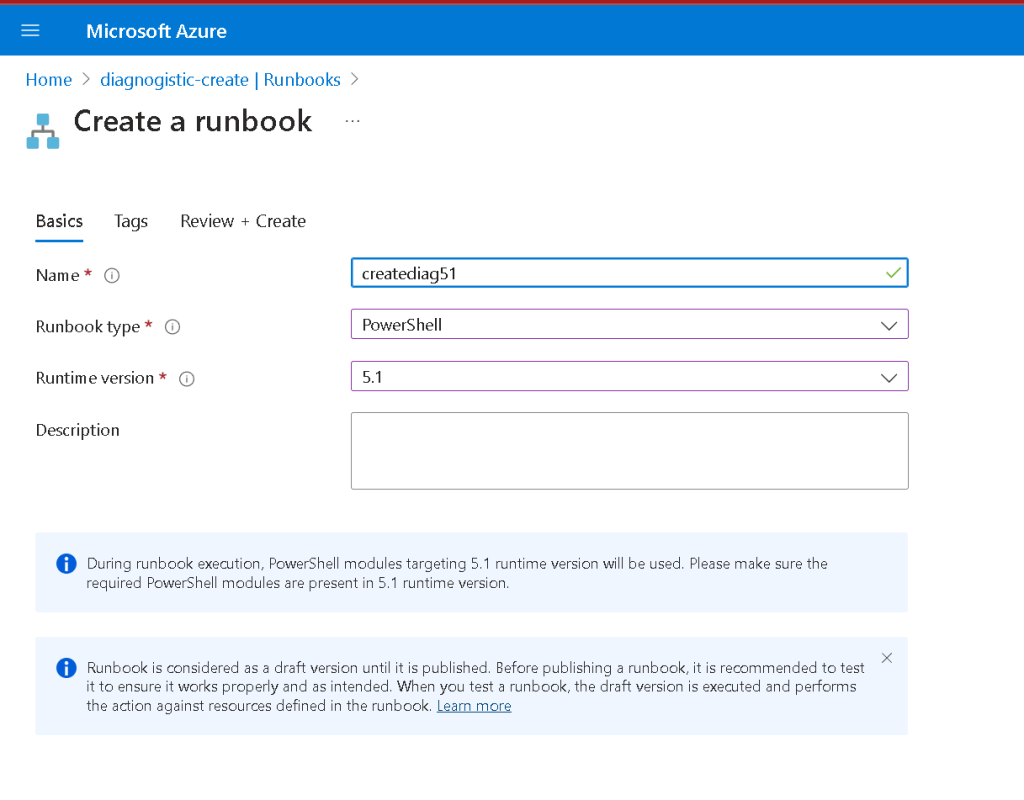
multiple enviroment
Imported from rifaterdemsahin.com · 2024