Get an enviroment that can run 7.2 for the automation to work with keys for a Logic App run on Azure Automation
Goal : to have the azure automation run on its own
Azure automation has the 7.2
Can i test in the cli azure?
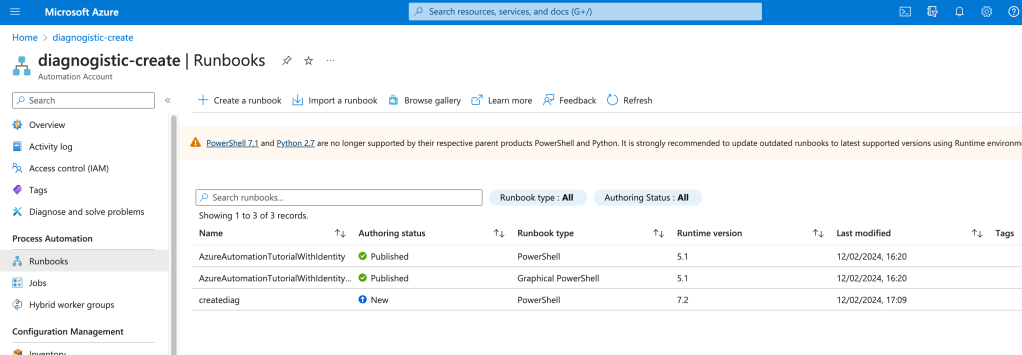
cloud shell and powershell runtime would they match ?
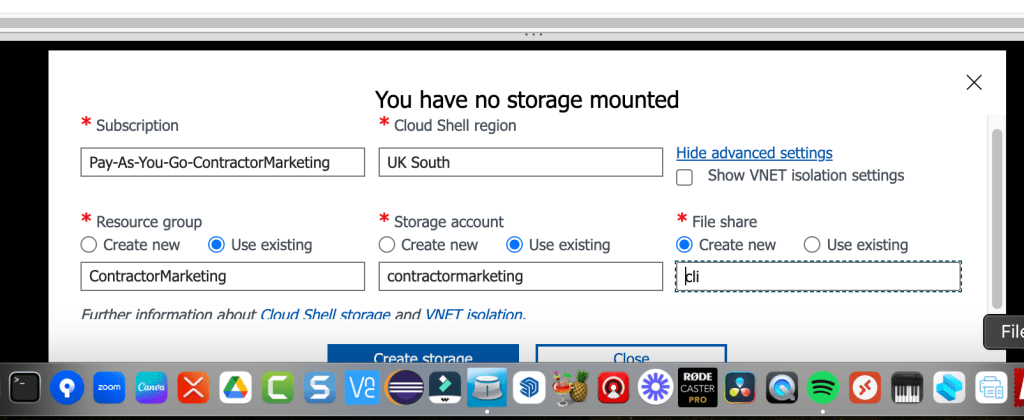
7.4 could overlap with 7.2?
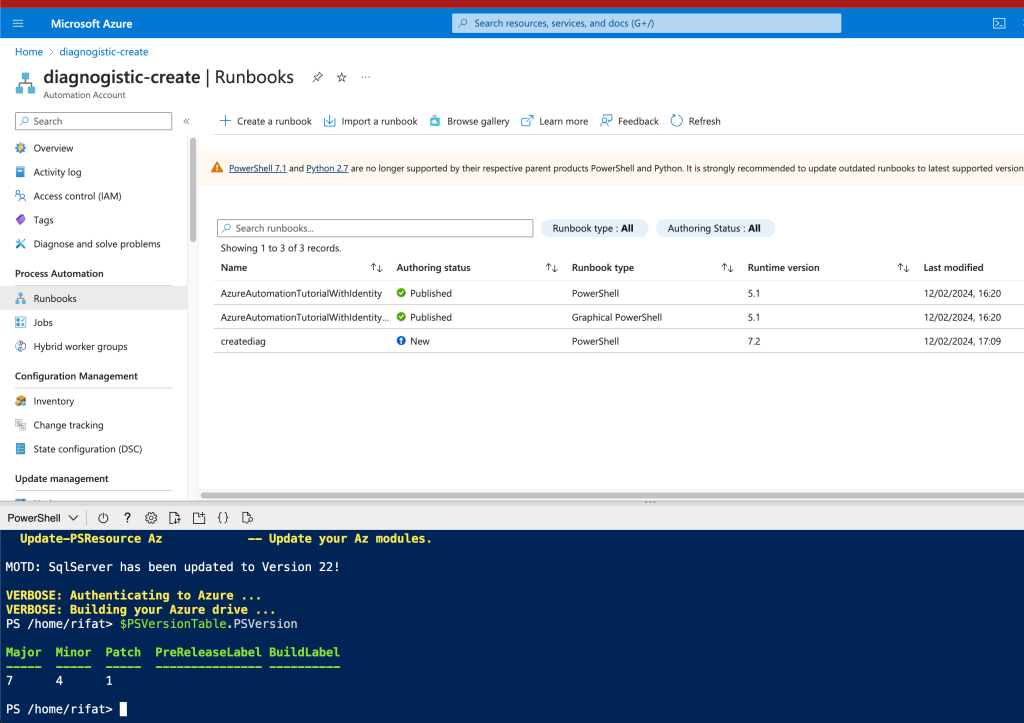
maybe my main error was the popup error and the basics are not covered in scripting tools
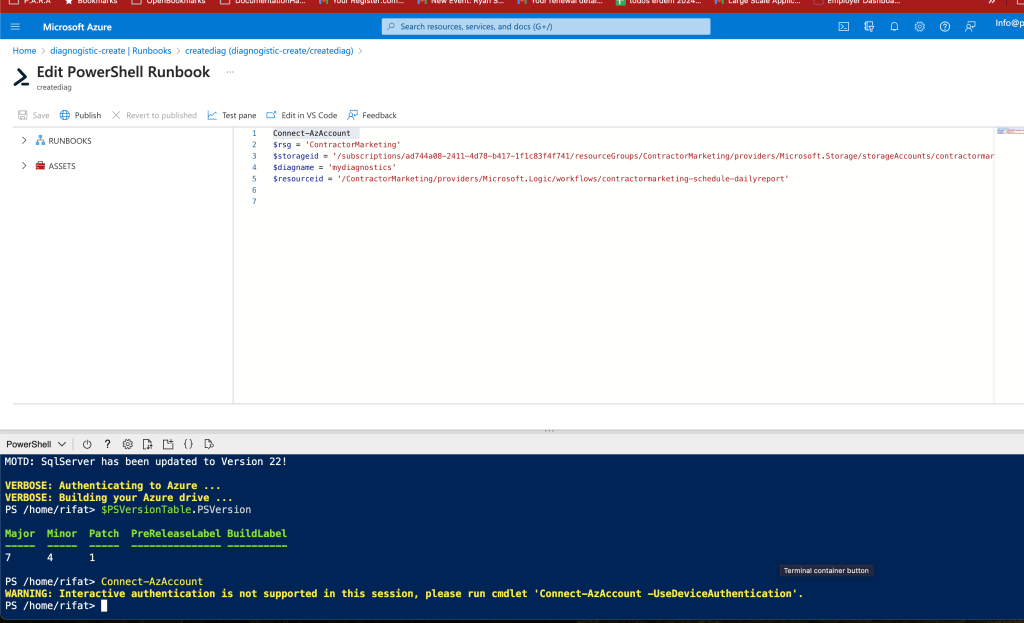
Silent olmasi onemli
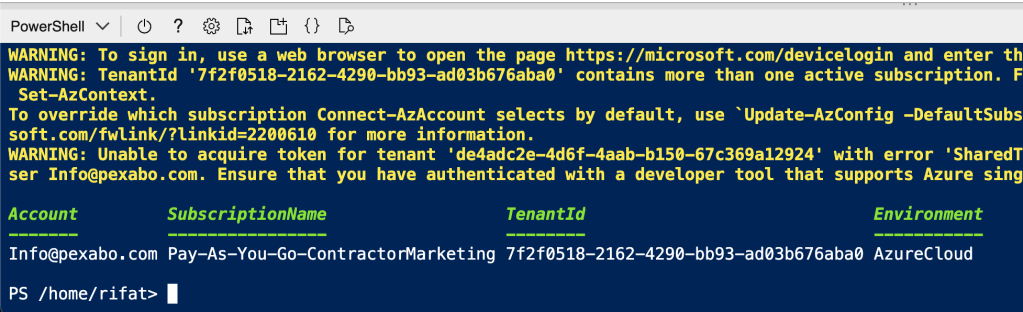
All lines did not work
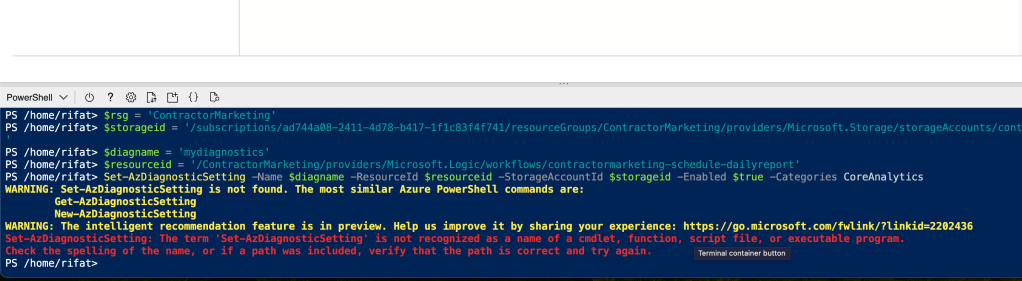
error at fist line
Connect-AzAccount -UseDeviceAuthentication
$rsg = 'ContractorMarketing'
$storageid = '/subscriptions/ad744a08-2411-4d78-b417-1f1c83f4f741/resourceGroups/ContractorMarketing/providers/Microsoft.Storage/storageAccounts/contractormarketing'
$diagname = 'mydiagnostics'
$resourceid = '/ContractorMarketing/providers/Microsoft.Logic/workflows/contractormarketing-schedule-dailyreport'
Set-AzDiagnosticSetting -Name $diagname -ResourceId $resourceid -StorageAccountId $storageid -Enabled $true -Categories CoreAnalytics
find the new functions
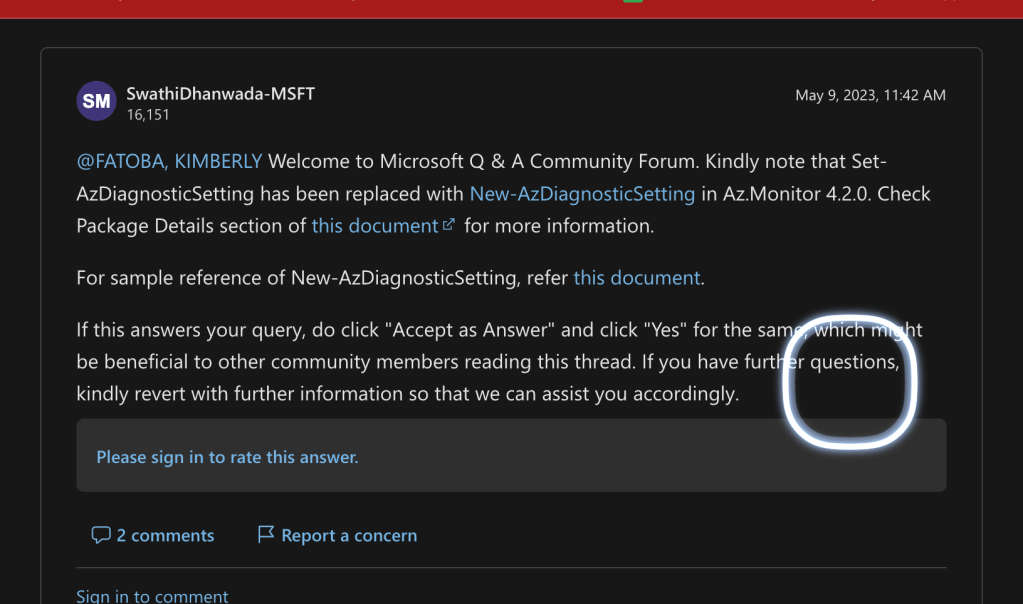
https://learn.microsoft.com/en-us/powershell/module/az.monitor/new-azdiagnosticsetting?view=azps-11.3.0&viewFallbackFrom=azps-9.7.1
different type of creation
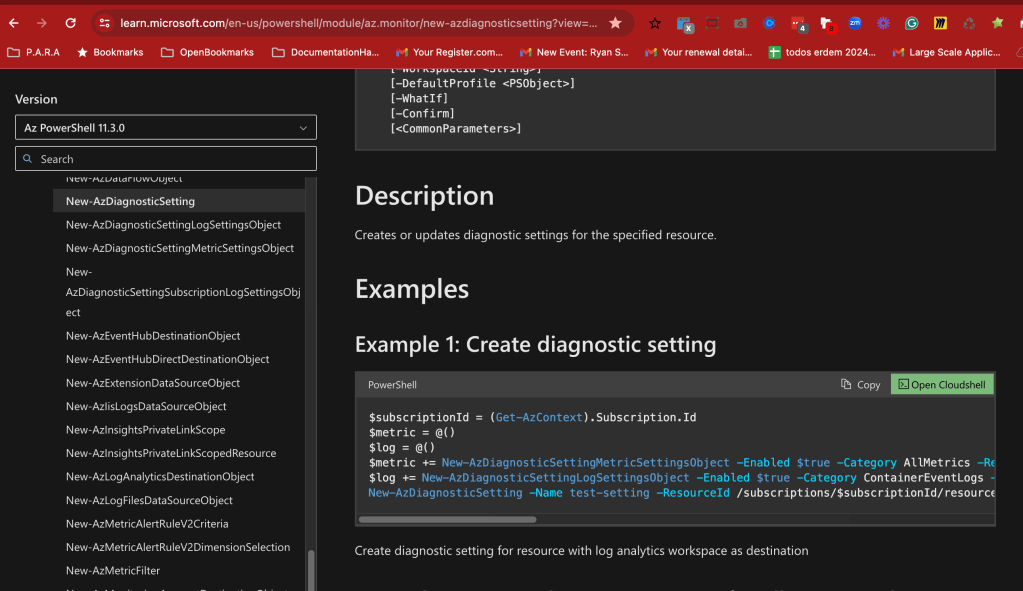
New-AzDiagnosticSetting -Name mydiag -setting -ResourceId /subscriptions/$subscriptionId/resourceGroups/test-rg-name/providers/Microsoft.AppPlatform/Spring/springcloud-001 -WorkspaceId /subscriptions/$subscriptionId/resourcegroups/test-rg-name/providers/microsoft.operationalinsights/workspaces/test-workspace -Log $log -Metric $metric
Practical grab the resource id
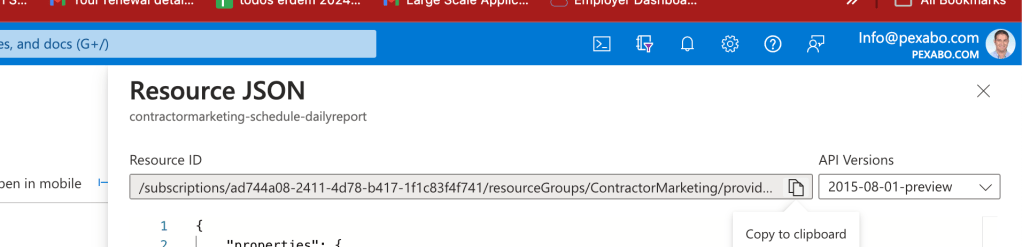
/subscriptions/ad744a08-2411-4d78-b417-1f1c83f4f741/resourceGroups/ContractorMarketing/providers/Microsoft.Logic/workflows/contractormarketing-schedule-dailyreport
New-AzDiagnosticSetting -Name mydiag -setting -ResourceId /subscriptions/ad744a08-2411-4d78-b417-1f1c83f4f741/resourceGroups/ContractorMarketing/providers/Microsoft.Logic/workflows/contractormarketing-schedule-dailyreport -WorkspaceId /subscriptions/$subscriptionId/resourcegroups/test-rg-name/providers/microsoft.operationalinsights/workspaces/test-workspace -Log $log -Metric $metric
workspaceid simil.ar grab
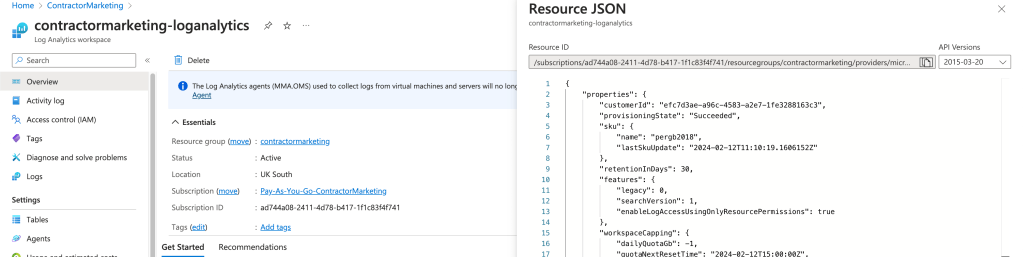
/subscriptions/ad744a08-2411-4d78-b417-1f1c83f4f741/resourcegroups/contractormarketing/providers/microsoft.operationalinsights/workspaces/contractormarketing-loganalytics
New-AzDiagnosticSetting -Name mydiag -setting -ResourceId /subscriptions/ad744a08-2411-4d78-b417-1f1c83f4f741/resourceGroups/ContractorMarketing/providers/Microsoft.Logic/workflows/contractormarketing-schedule-dailyreport -WorkspaceId /subscriptions/ad744a08-2411-4d78-b417-1f1c83f4f741/resourcegroups/contractormarketing/providers/microsoft.operationalinsights/workspaces/contractormarketing-loganalytics -Log $log -Metric $metric
All Code
$subscriptionId = (Get-AzContext).Subscription.Id
                $metric = @()
                $log = @()
                $metric += New-AzDiagnosticSettingMetricSettingsObject -Enabled $true -Category AllMetrics -RetentionPolicyDay 7 -RetentionPolicyEnabled $true
                $log += New-AzDiagnosticSettingLogSettingsObject -Enabled $true -Category ContainerEventLogs -RetentionPolicyDay 7 -RetentionPolicyEnabled $true
                New-AzDiagnosticSetting -Name mydiag -ResourceId /subscriptions/ad744a08-2411-4d78-b417-1f1c83f4f741/resourceGroups/ContractorMarketing/providers/Microsoft.Logic/workflows/contractormarketing-schedule-dailyreport -WorkspaceId /subscriptions/ad744a08-2411-4d78-b417-1f1c83f4f741/resourcegroups/contractormarketing/providers/microsoft.operationalinsights/workspaces/contractormarketing-loganalytics -Log $log -Metric $metric

$log += New-AzDiagnosticSettingLogSettingsObject -Enabled $true -Category ContainerEventLogs -RetentionPolicyDay 7 -RetentionPolicyEnabled $true
$log += New-AzDiagnosticSettingLogSettingsObject -Enabled $true -RetentionPolicyDay 7 -RetentionPolicyEnabled $true
category error > switch to all
$categories = Get-AzDiagnosticSettingCategory -ResourceId /subscriptions/$subscriptionId/resourceGroups/test-rg-name/providers/Microsoft.AppPlatform/Spring/springcloud-001
$categories = Get-AzDiagnosticSettingCategory -ResourceId /subscriptions/ad744a08-2411-4d78-b417-1f1c83f4f741/resourceGroups/ContractorMarketing/providers/Microsoft.Logic/workflows/contractormarketing-schedule-dailyreport
$categories | ForEach-Object {if($.CategoryType -eq "Metrics"){$metric+=New-AzDiagnosticSettingMetricSettingsObject -Enabled $true -Category $.Name -RetentionPolicyDay 7 -RetentionPolicyEnabled $true} else{$log+=New-AzDiagnosticSettingLogSettingsObject -Enabled $true -Category $_.Name -RetentionPolicyDay 7 -RetentionPolicyEnabled $true}}
New-AzDiagnosticSetting -Name test-setting -ResourceId /subscriptions/ad744a08-2411-4d78-b417-1f1c83f4f741/resourceGroups/ContractorMarketing/providers/Microsoft.Logic/workflows/contractormarketing-schedule-dailyreport -WorkspaceId /subscriptions/ad744a08-2411-4d78-b417-1f1c83f4f741/resourcegroups/contractormarketing/providers/microsoft.operationalinsights/workspaces/contractormarketing-loganalytics -Log $log -Metric $metric
still missing

bigger screen needed
runner ps1
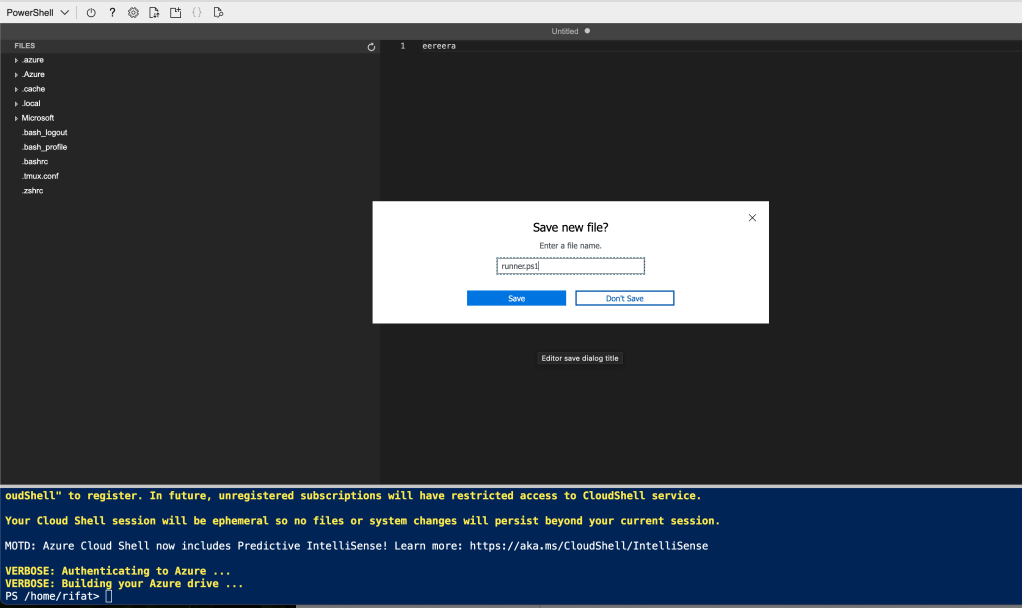
bigger action can be run
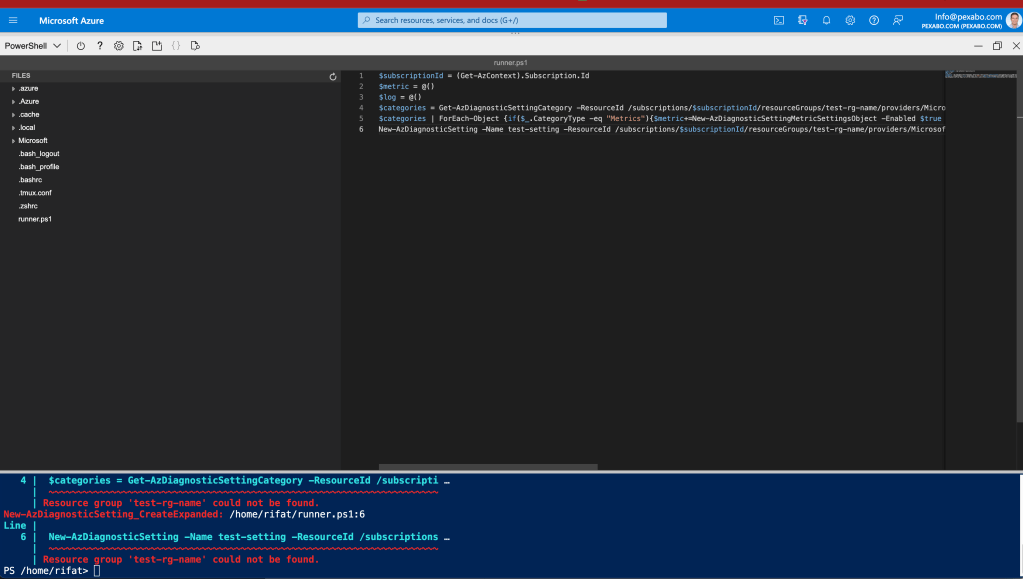
Longer script testing is there
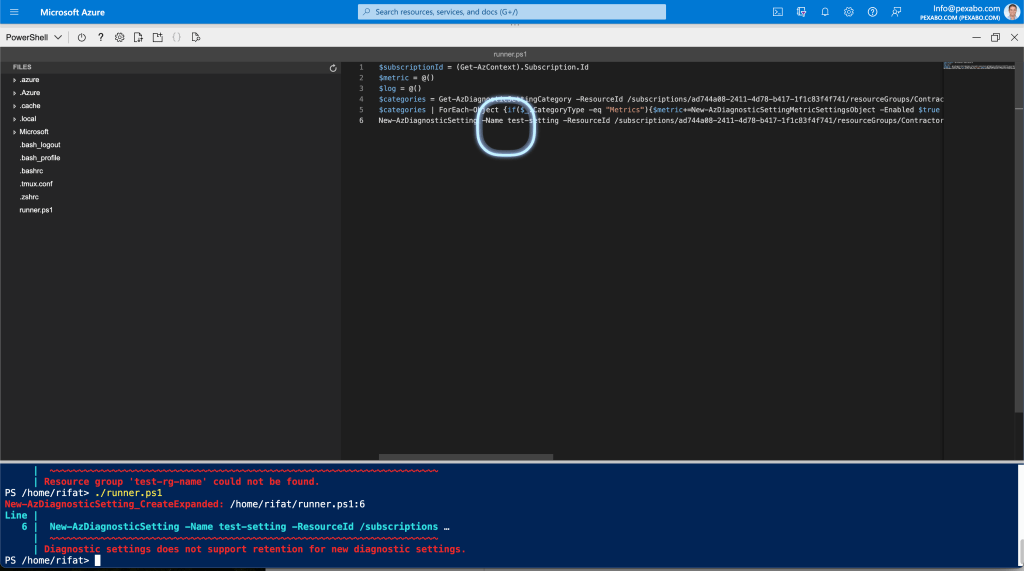
cloud runner took time
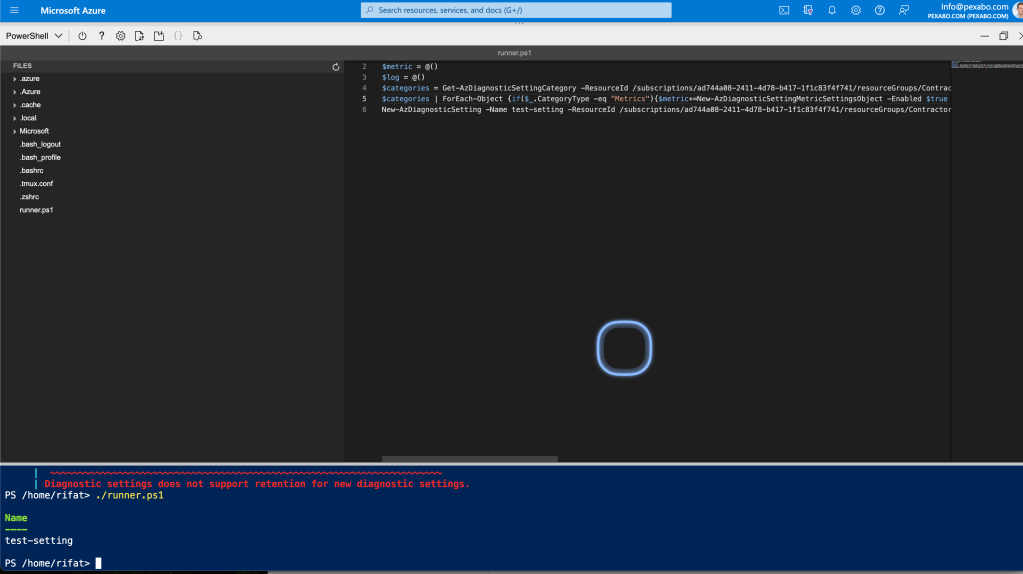
$subscriptionId = (Get-AzContext).Subscription.Id
$metric = @()
$log = @()
$categories = Get-AzDiagnosticSettingCategory -ResourceId /subscriptions/ad744a08-2411-4d78-b417-1f1c83f4f741/resourceGroups/ContractorMarketing/providers/Microsoft.Logic/workflows/contractormarketing-schedule-dailyreport
$categories | ForEach-Object {if($.CategoryType -eq "Metrics"){$metric+=New-AzDiagnosticSettingMetricSettingsObject -Enabled $true -Category $.Name} else{$log+=New-AzDiagnosticSettingLogSettingsObject -Enabled $true -Category $_.Name}}
New-AzDiagnosticSetting -Name test-setting -ResourceId /subscriptions/ad744a08-2411-4d78-b417-1f1c83f4f741/resourceGroups/ContractorMarketing/providers/Microsoft.Logic/workflows/contractormarketing-schedule-dailyreport -WorkspaceId /subscriptions/ad744a08-2411-4d78-b417-1f1c83f4f741/resourcegroups/contractormarketing/providers/microsoft.operationalinsights/workspaces/contractormarketing-loganalytics -Log $log -Metric $metric
Missing settings
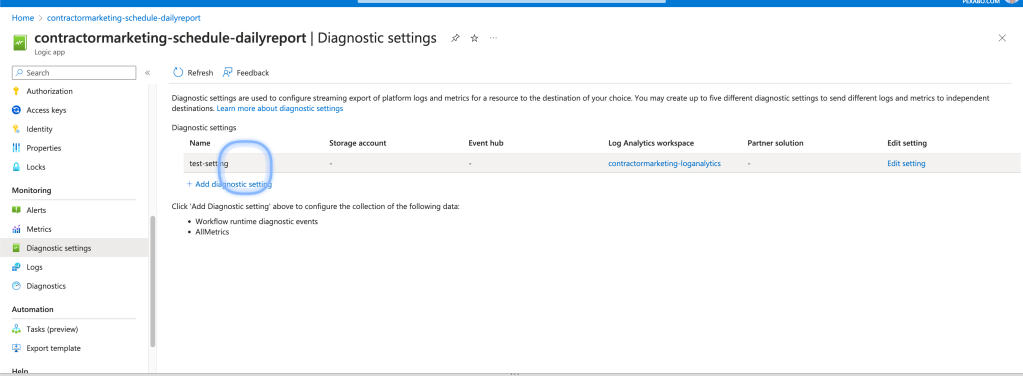
arm id
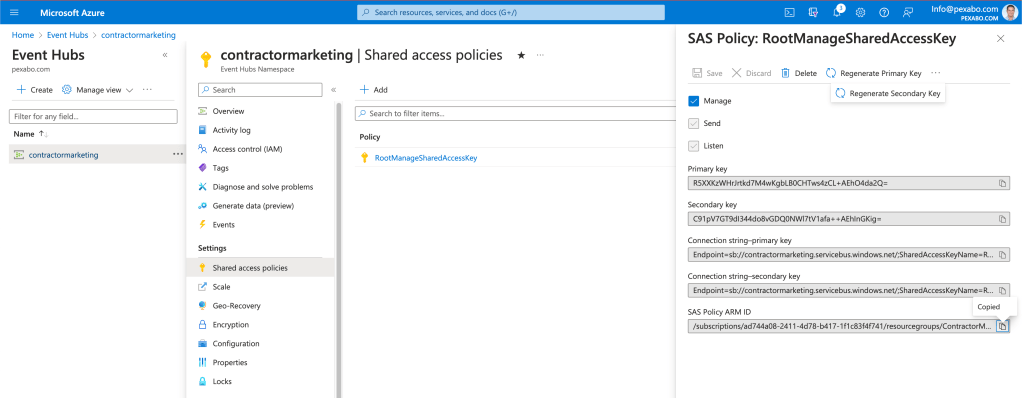
too many settings
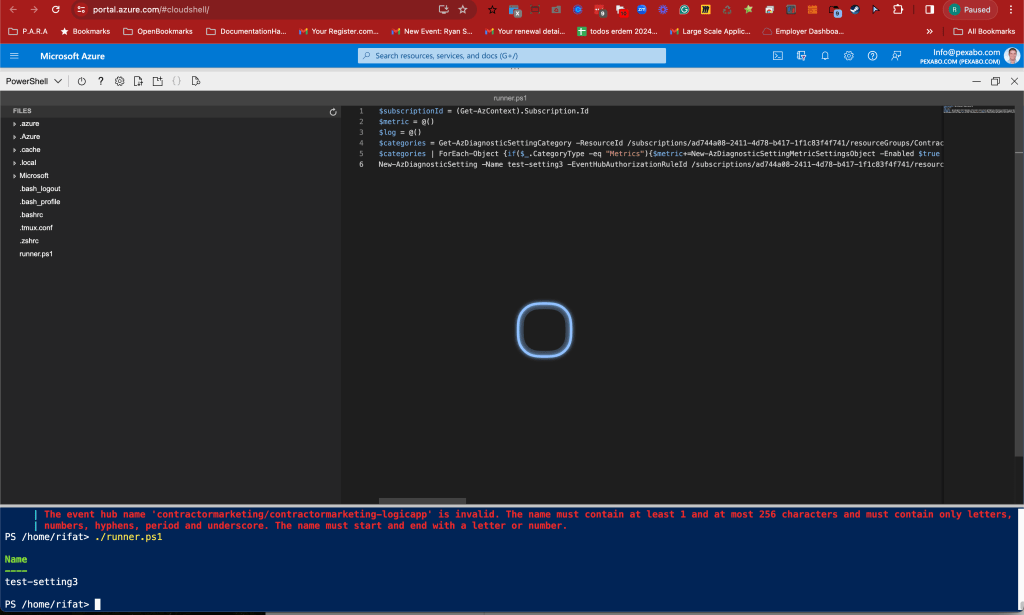
$subscriptionId = (Get-AzContext).Subscription.Id
$metric = @()
$log = @()
$categories = Get-AzDiagnosticSettingCategory -ResourceId /subscriptions/ad744a08-2411-4d78-b417-1f1c83f4f741/resourceGroups/ContractorMarketing/providers/Microsoft.Logic/workflows/contractormarketing-schedule-dailyreport
$categories | ForEach-Object {if($.CategoryType -eq "Metrics"){$metric+=New-AzDiagnosticSettingMetricSettingsObject -Enabled $true -Category $.Name} else{$log+=New-AzDiagnosticSettingLogSettingsObject -Enabled $true -Category $_.Name}}
New-AzDiagnosticSetting -Name test-setting3 -EventHubAuthorizationRuleId /subscriptions/ad744a08-2411-4d78-b417-1f1c83f4f741/resourcegroups/ContractorMarketing/providers/Microsoft.EventHub/namespaces/contractormarketing/authorizationrules/RootManageSharedAccessKey -EventHubName contractormarketing-logicapp -StorageAccountId /subscriptions/ad744a08-2411-4d78-b417-1f1c83f4f741/resourceGroups/ContractorMarketing/providers/Microsoft.Storage/storageAccounts/contractormarketing -ResourceId /subscriptions/ad744a08-2411-4d78-b417-1f1c83f4f741/resourceGroups/ContractorMarketing/providers/Microsoft.Logic/workflows/contractormarketing-schedule-dailyreport -WorkspaceId /subscriptions/ad744a08-2411-4d78-b417-1f1c83f4f741/resourcegroups/contractormarketing/providers/microsoft.operationalinsights/workspaces/contractormarketing-loganalytics -Log $log -Metric $metric
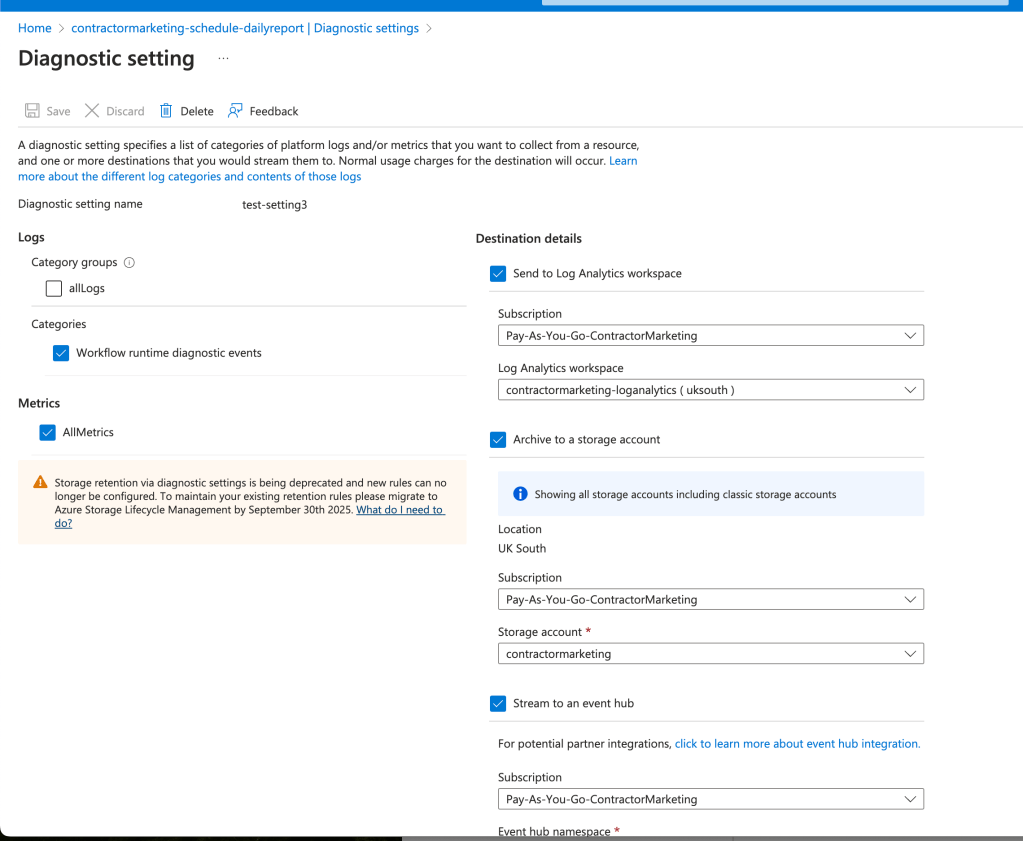
other than alllogs selected
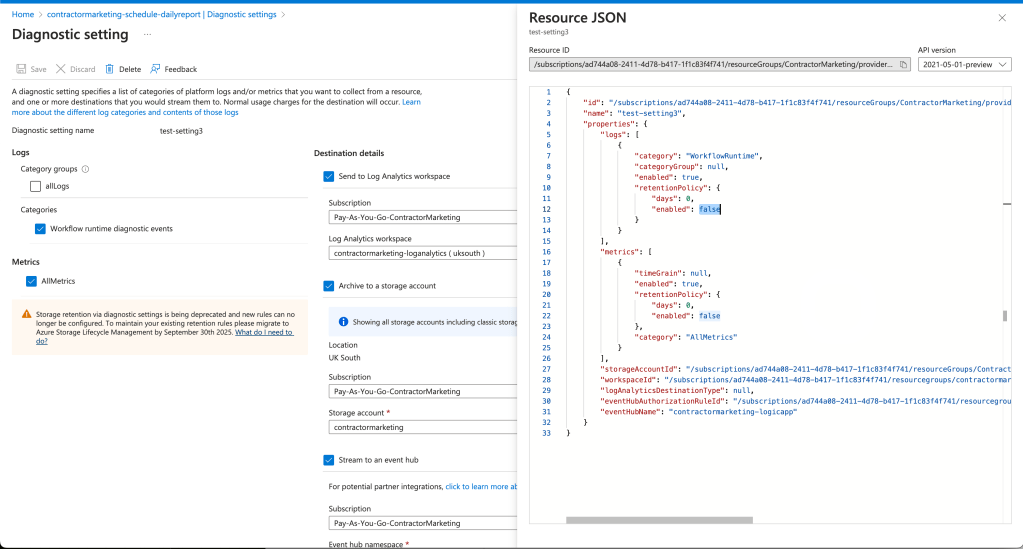
go with what you can
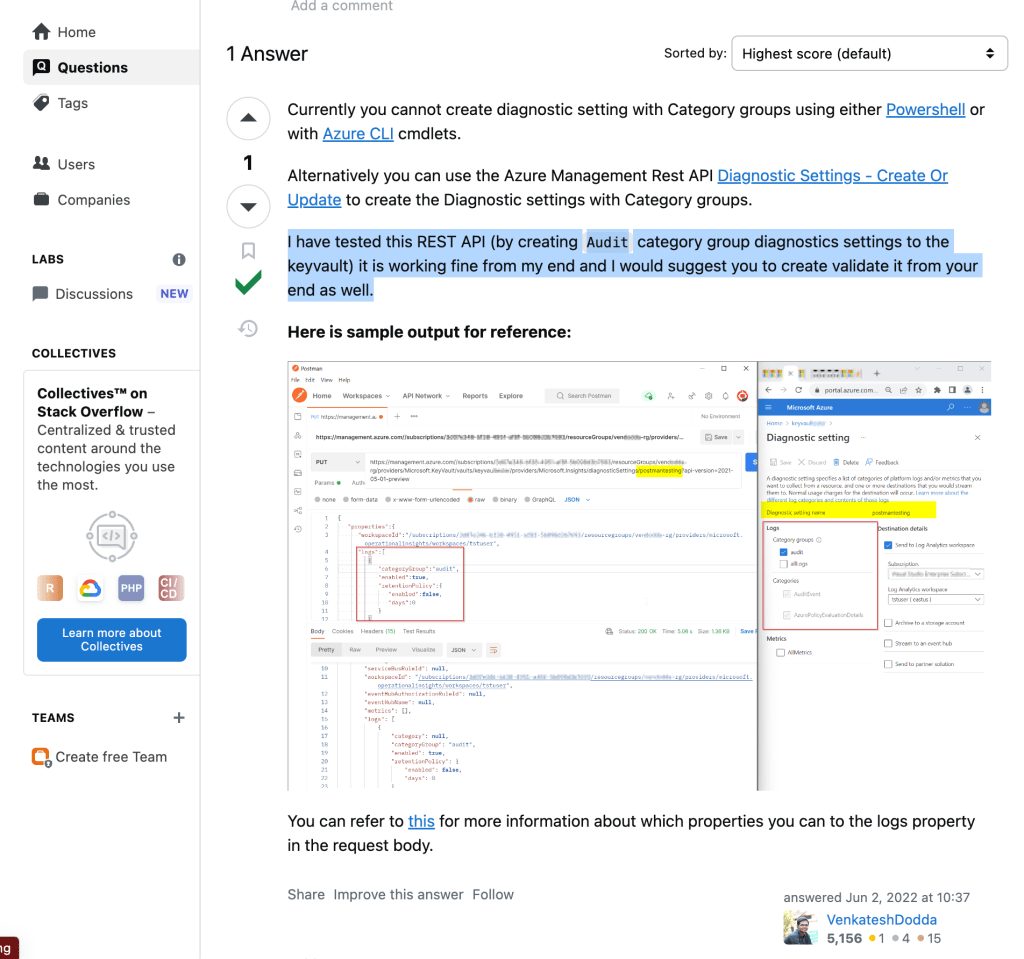
still cant run something new?
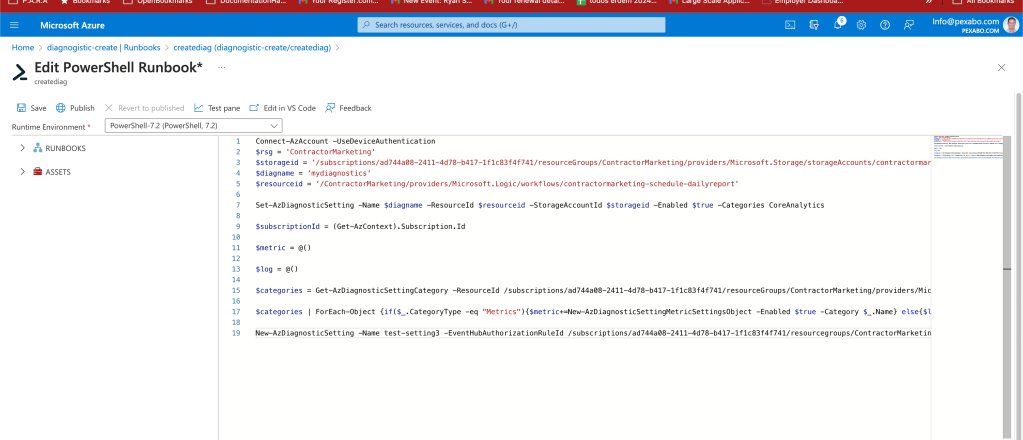
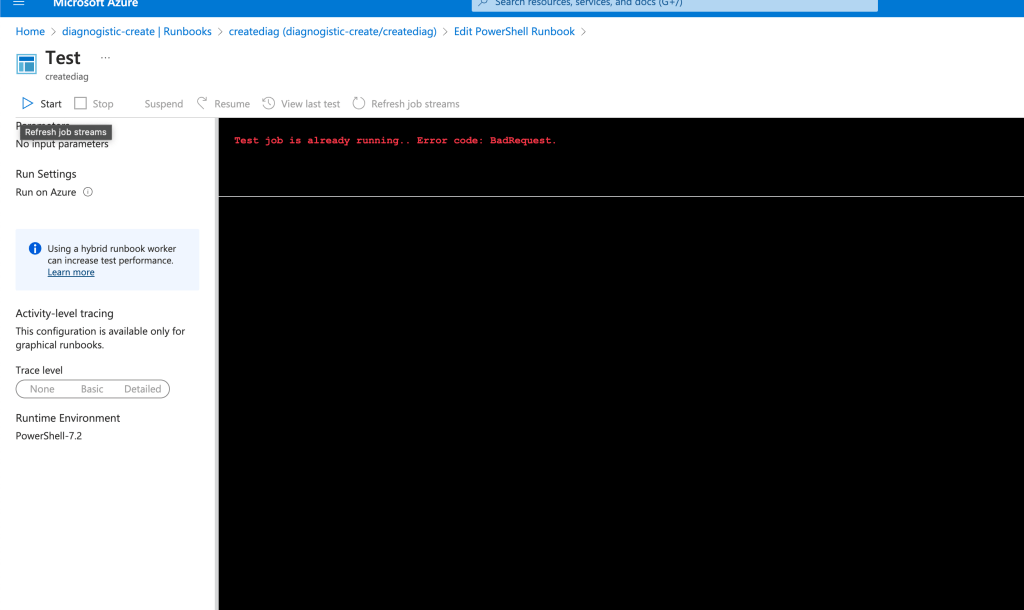
republish to overwrite and rerun
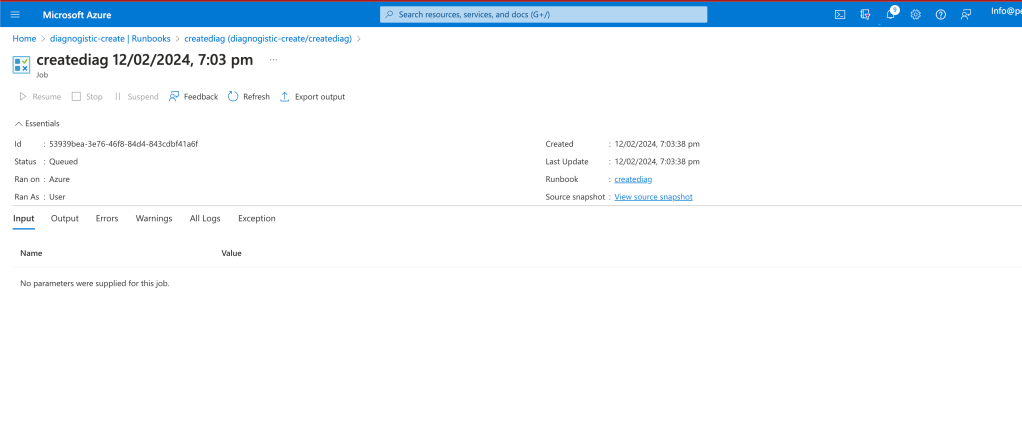
better errors
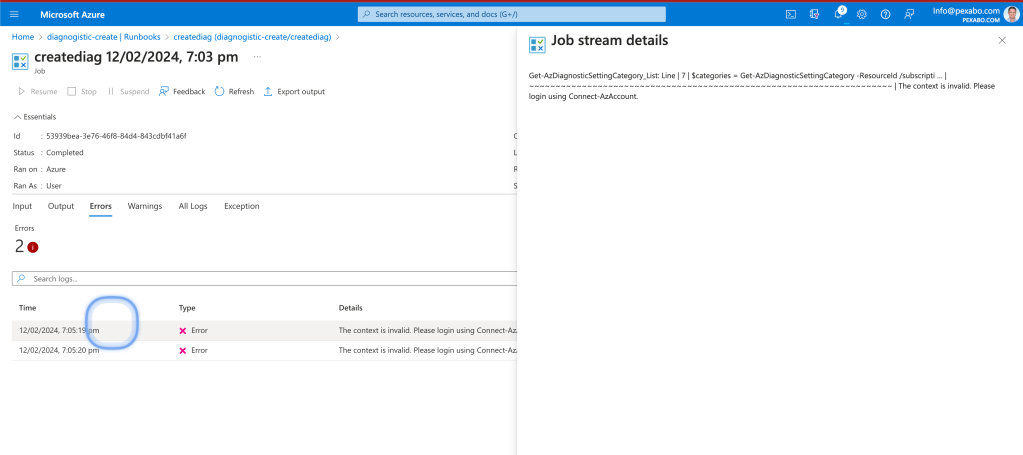
maybe i connect it
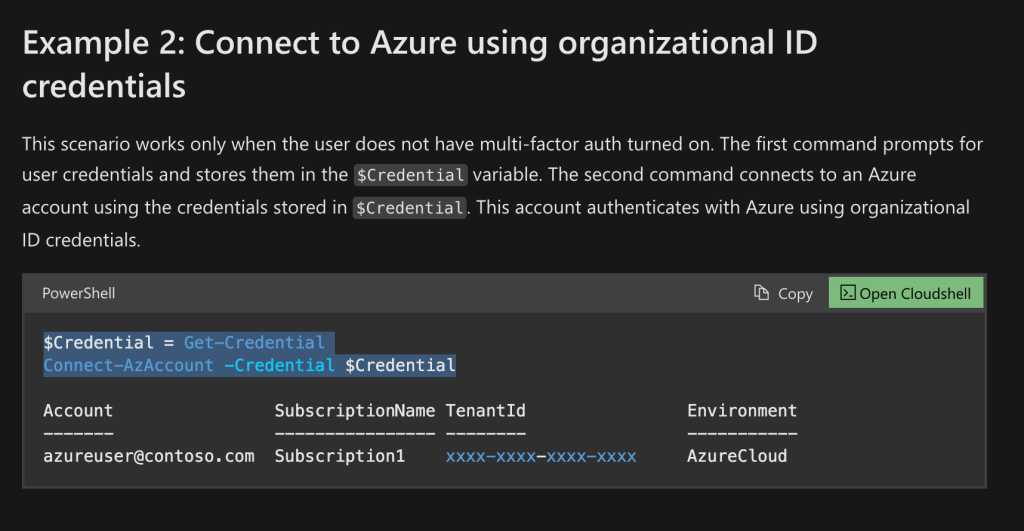
added to the top
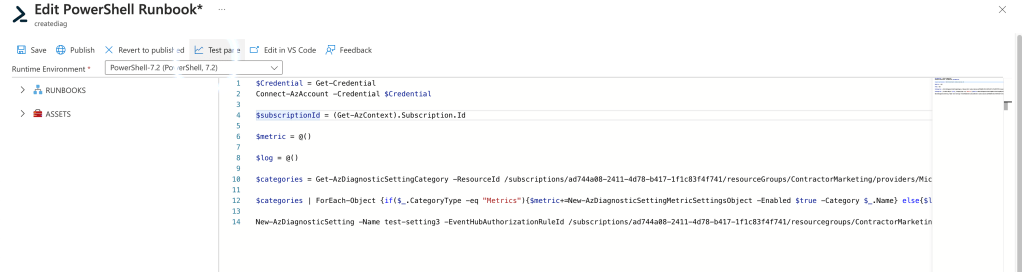
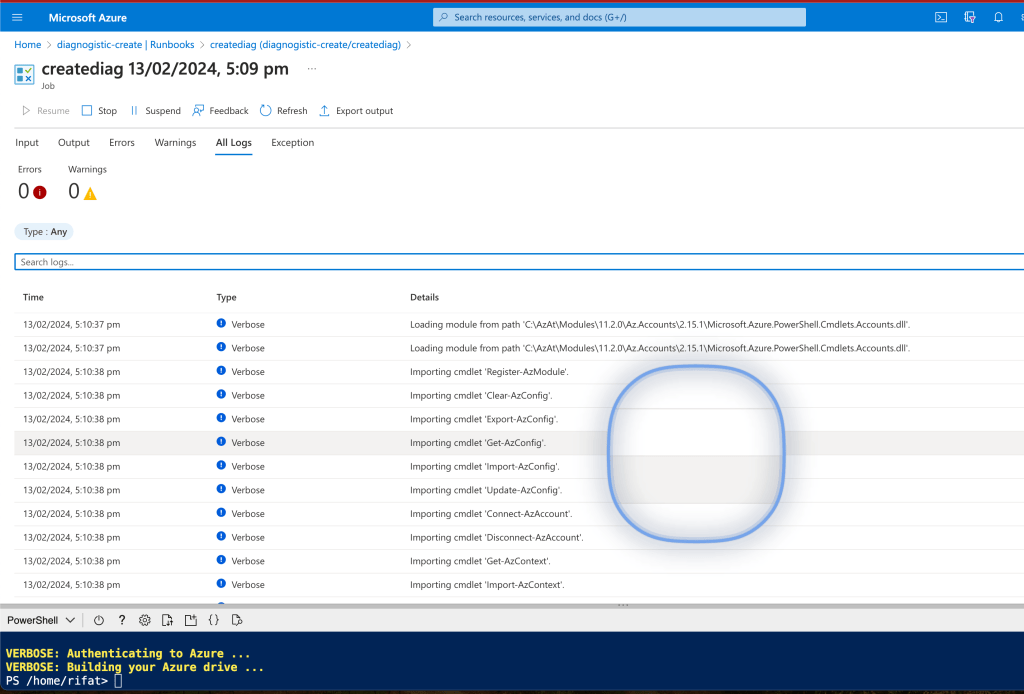
at least i can see the runs
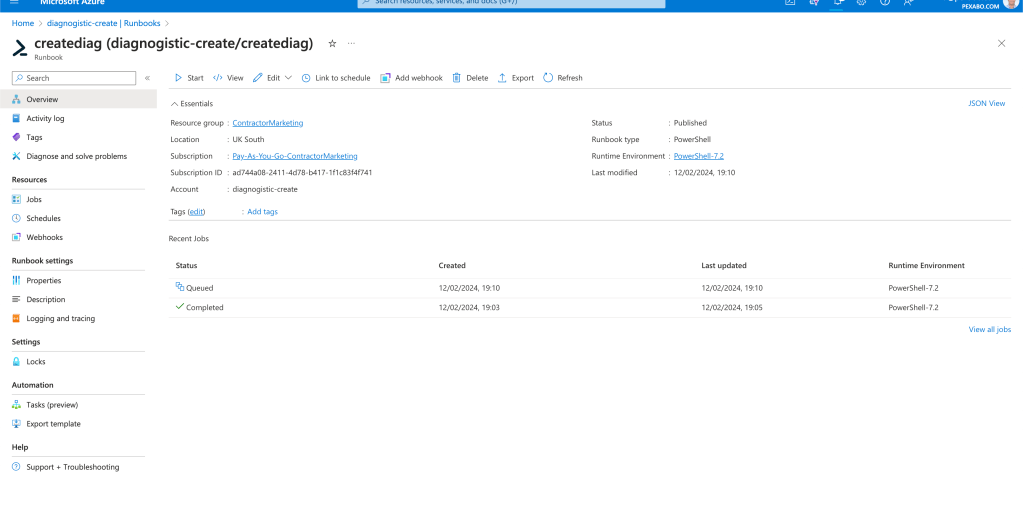
much longer runtime

automation run has issues
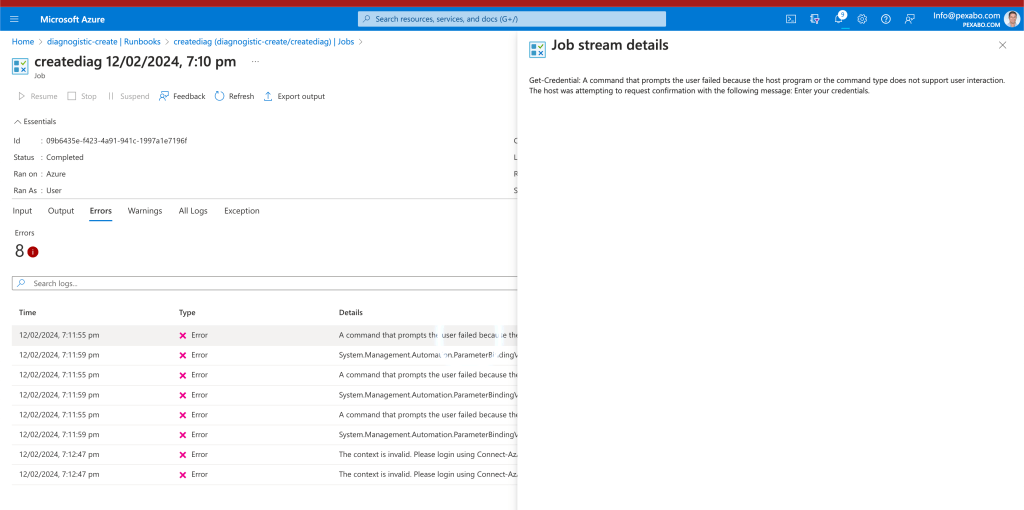
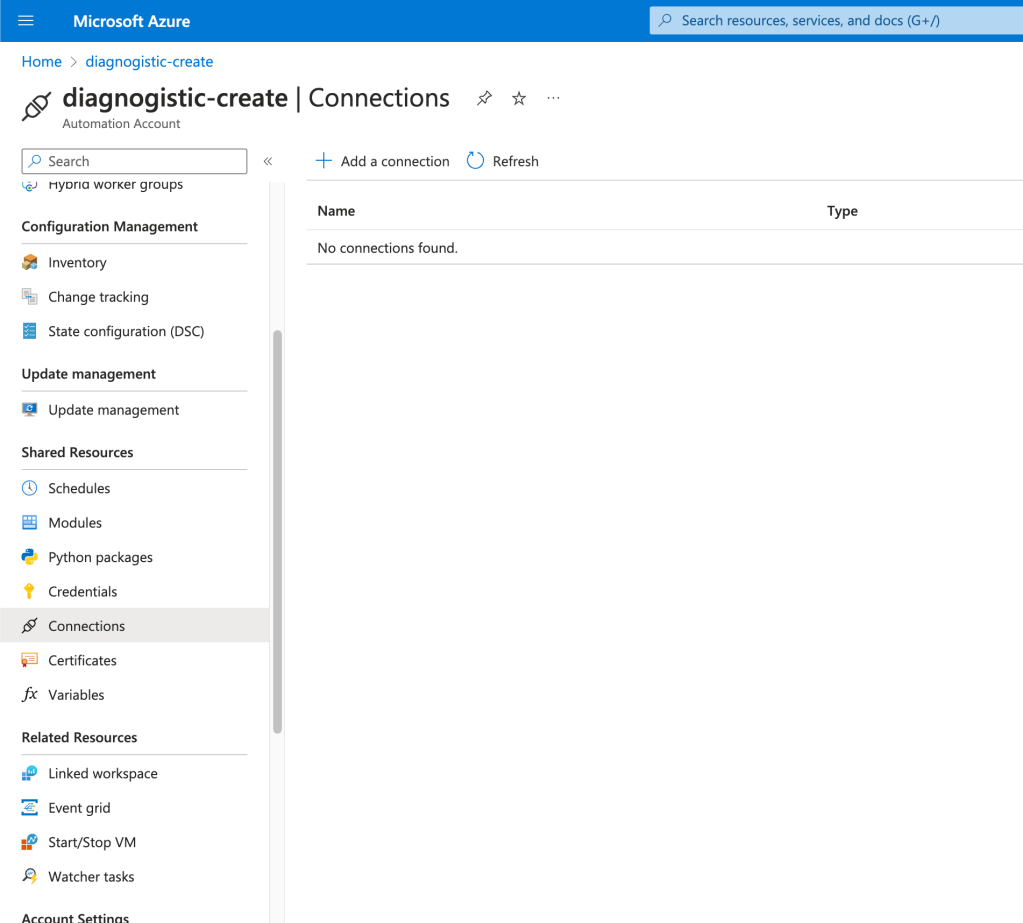
the connections it has
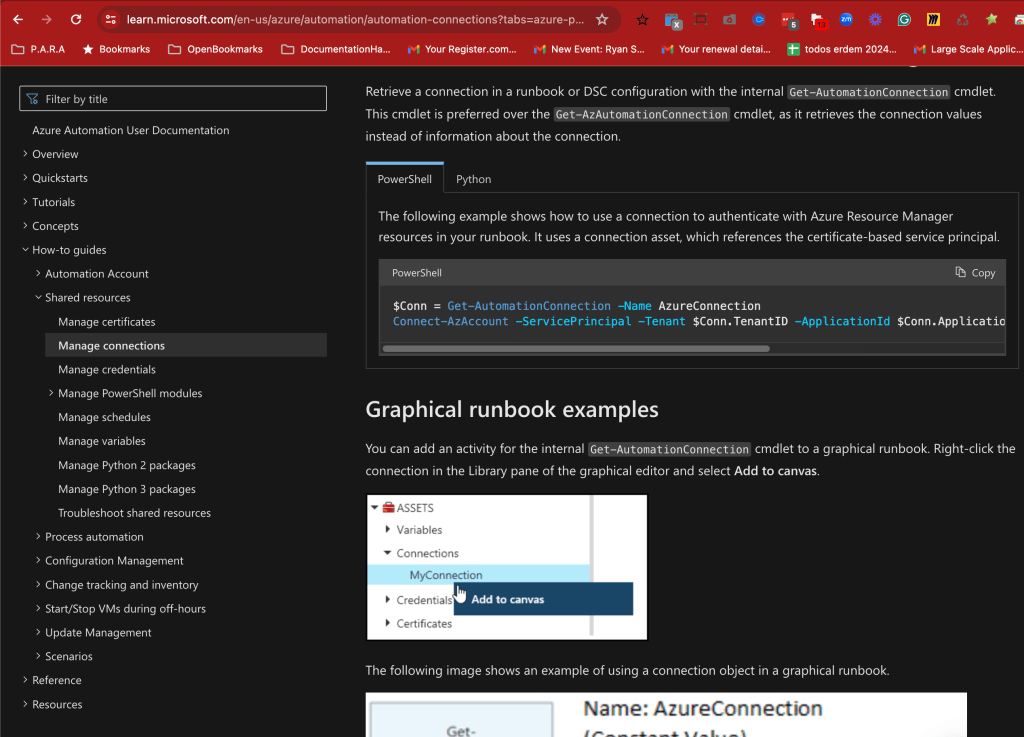
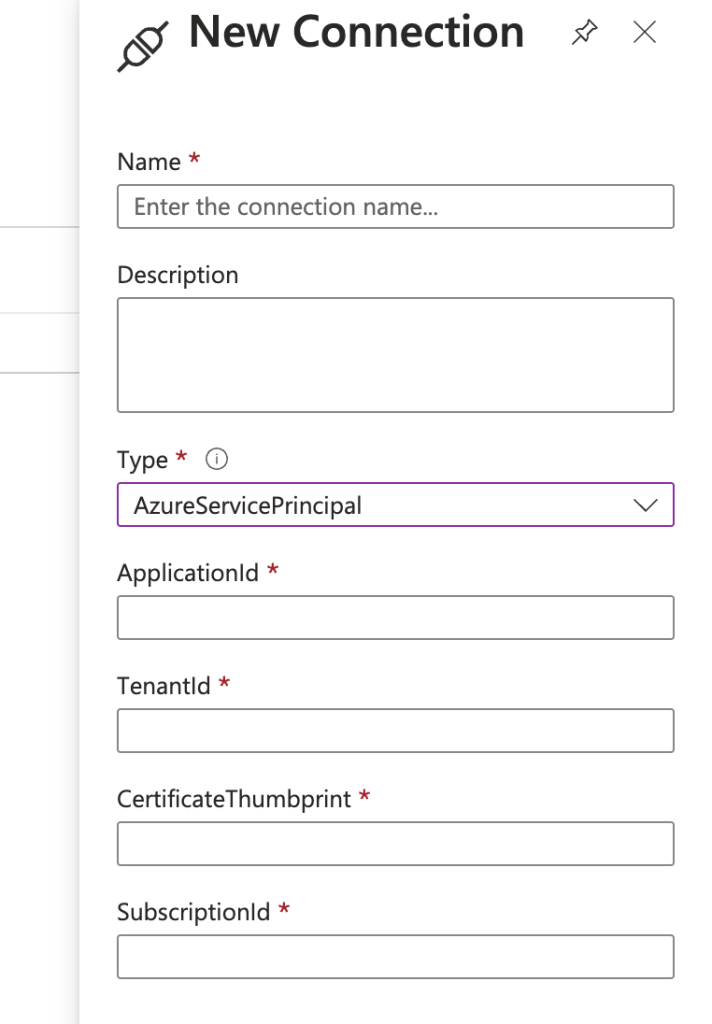
Add Connection
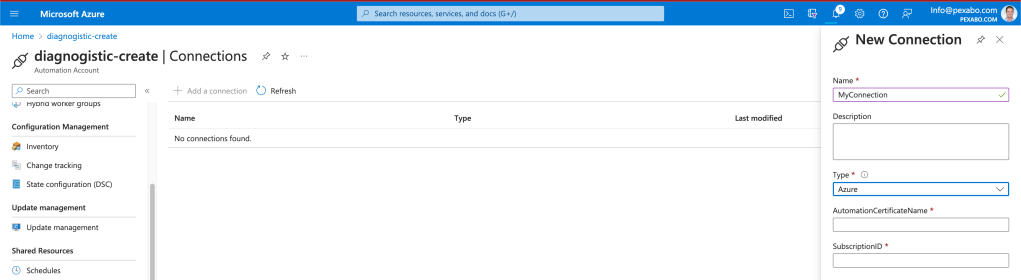
here we need a cert
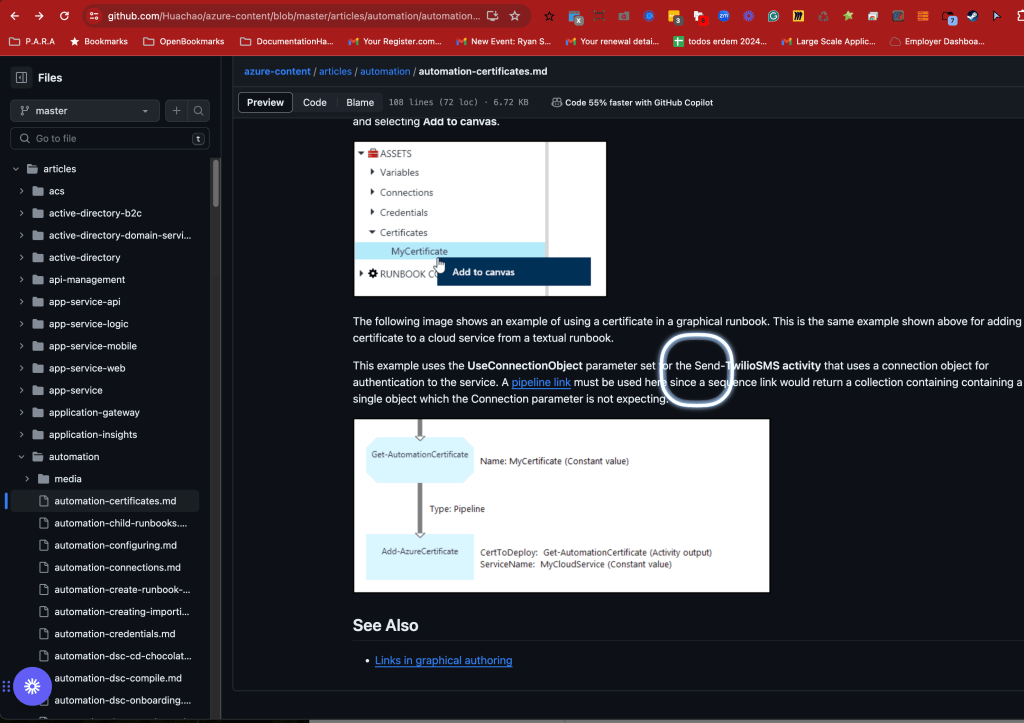
https://github.com/Huachao/azure-content/blob/master/articles/automation/automation-certificates.md
this one can not create it
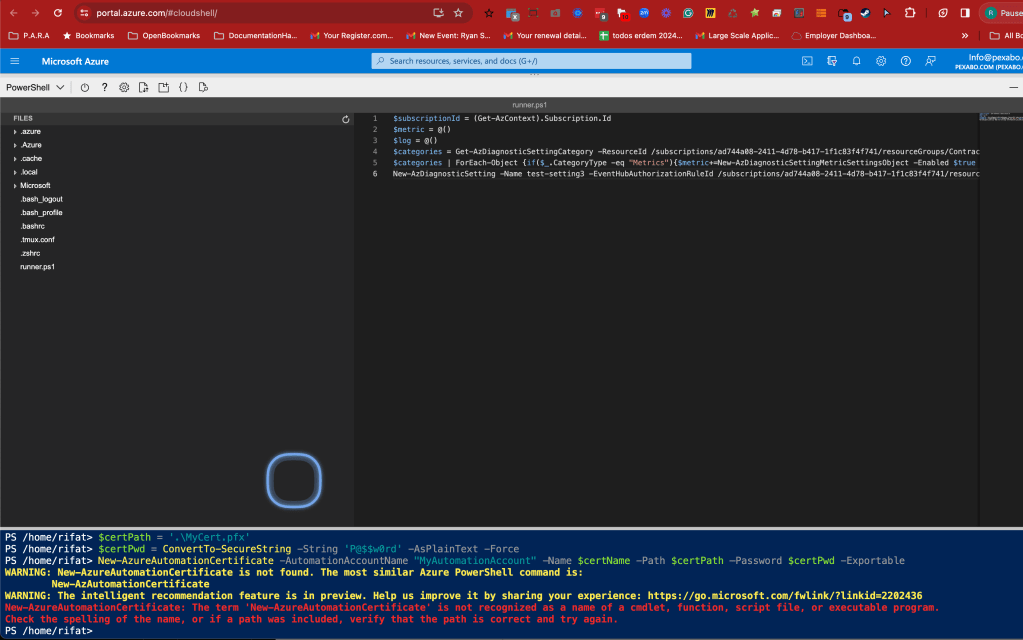
Open cloud shell to try it
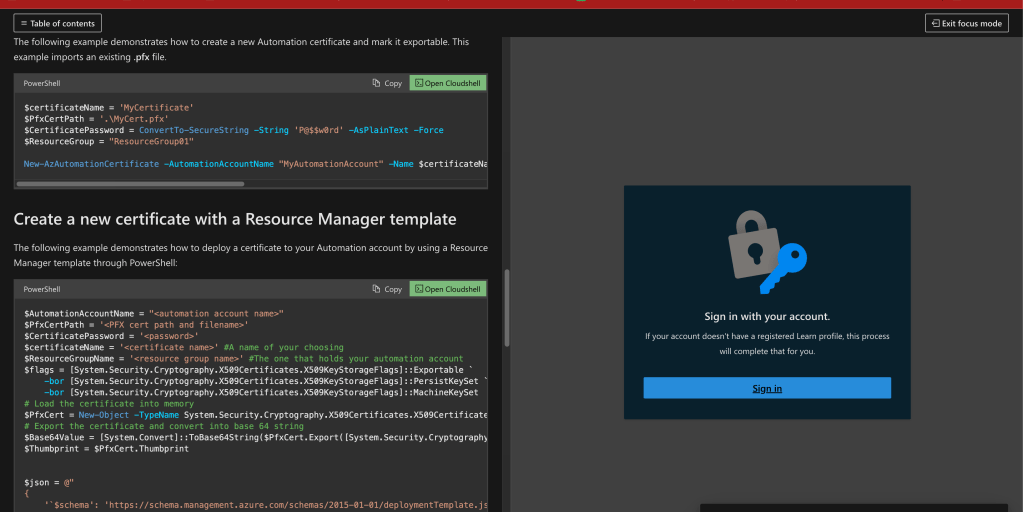
tenant selection
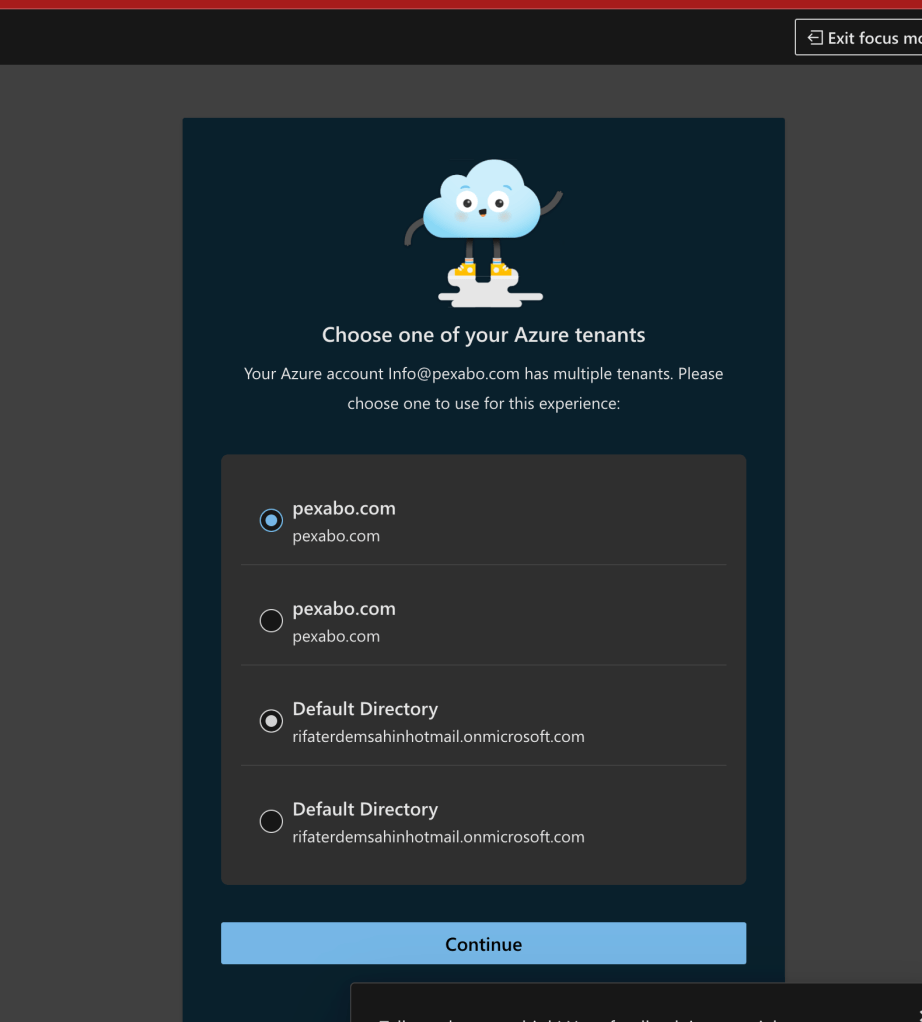
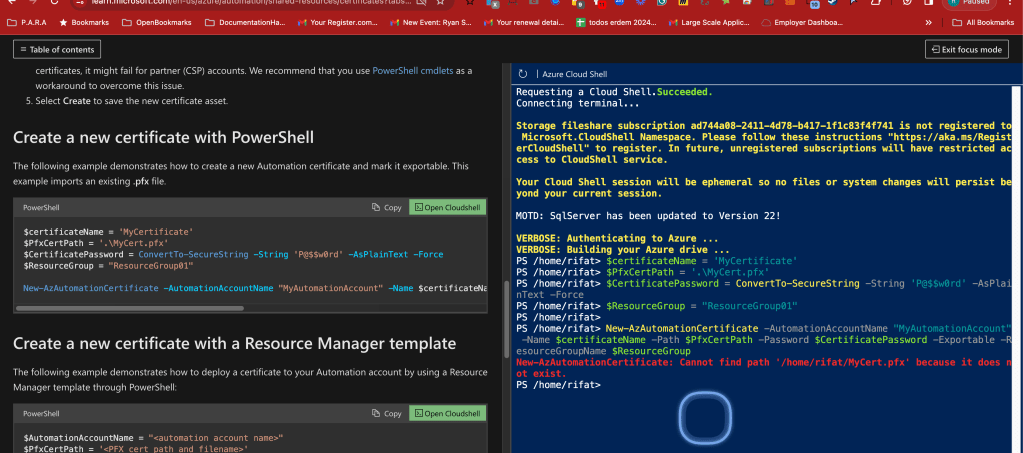
based on a resource group as well
Create the automation account and delete it
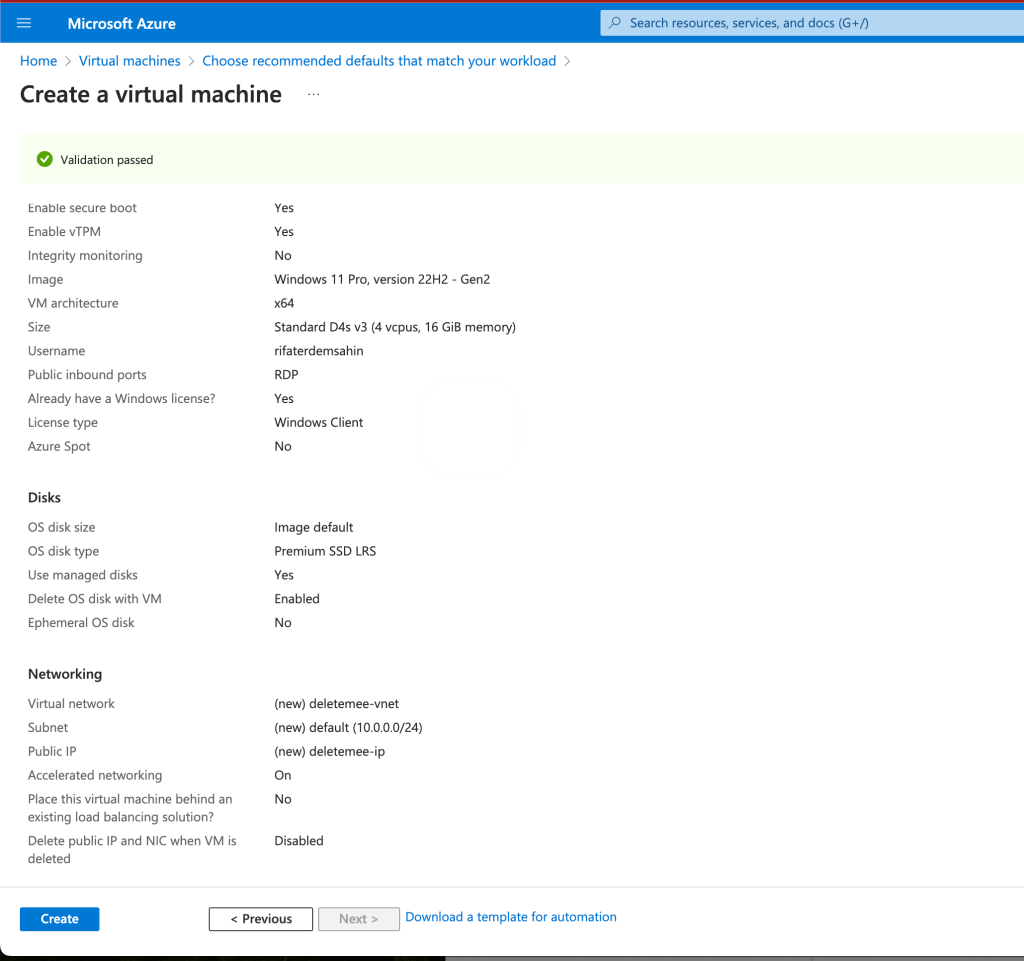
certificate uploader should have rights to the folder
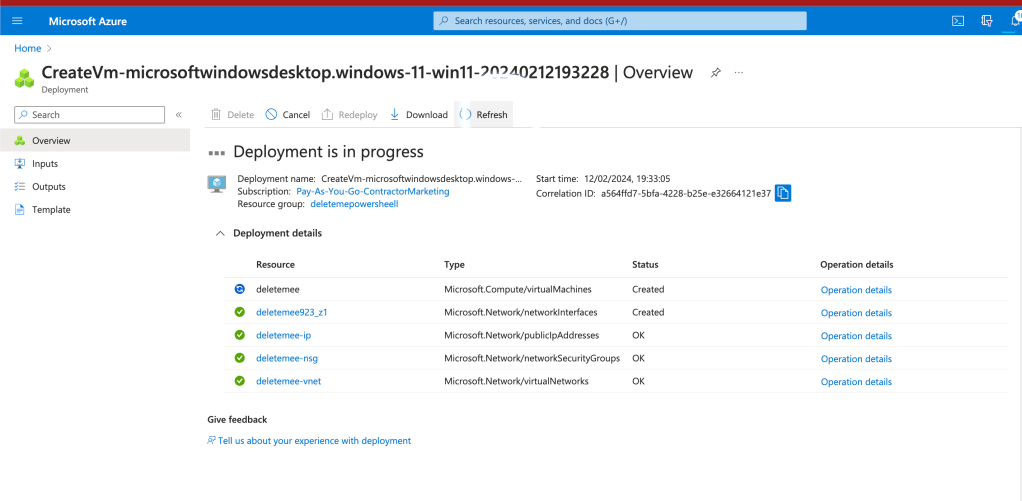
Longer time to create
$certName = 'MyCertificate'
$certPath = '.\MyCert.pfx'
$certPwd = ConvertTo-SecureString -String 'YY.....' -AsPlainText -Force
New-AzureAutomationCertificate -AutomationAccountName "MyAutomationAccount" -Name $certName -Path $certPath –Password $certPwd -Exportable
in 5 i am in
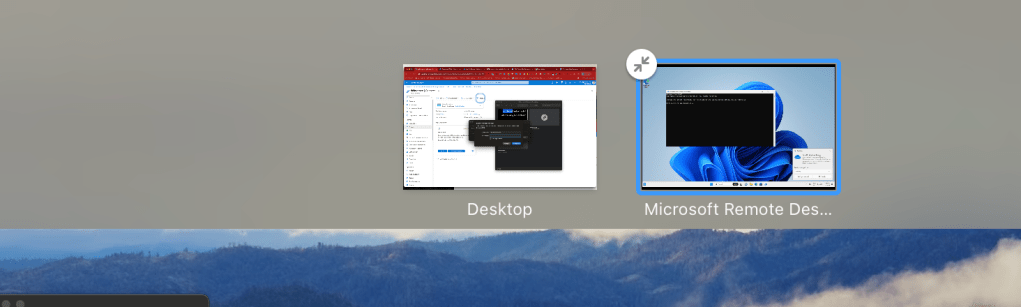
again the same error
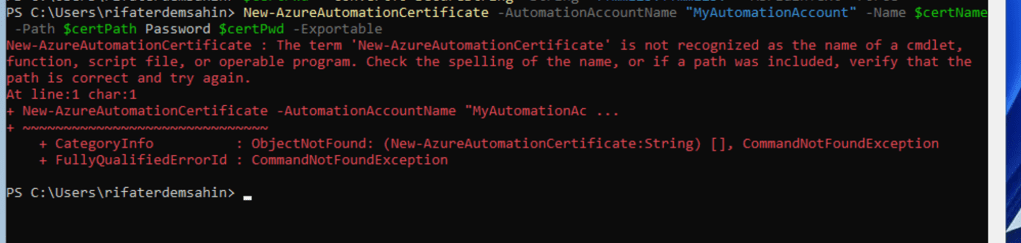
install Az.Automation
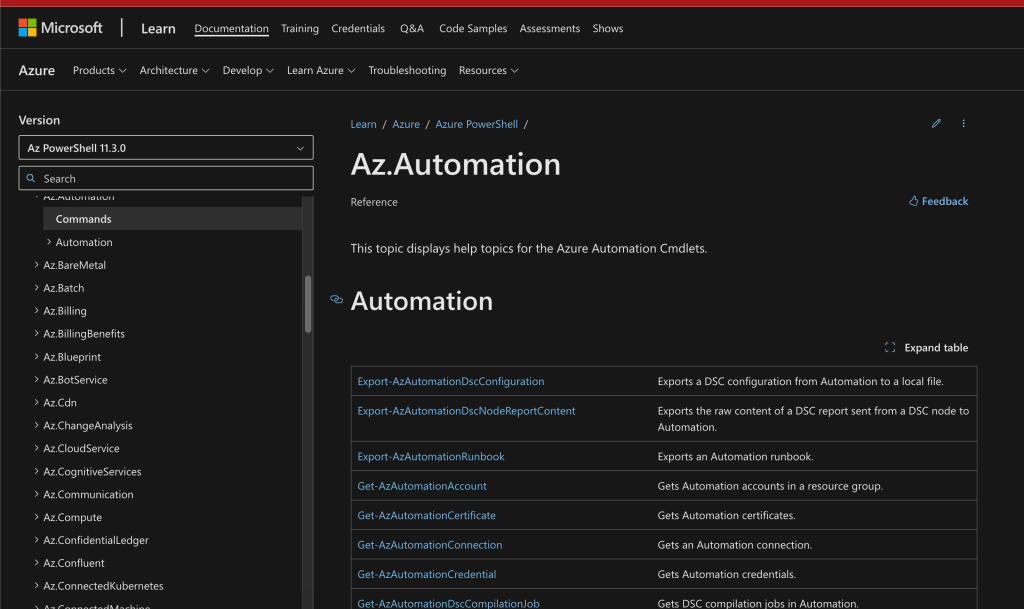
correct one gets installed by ease
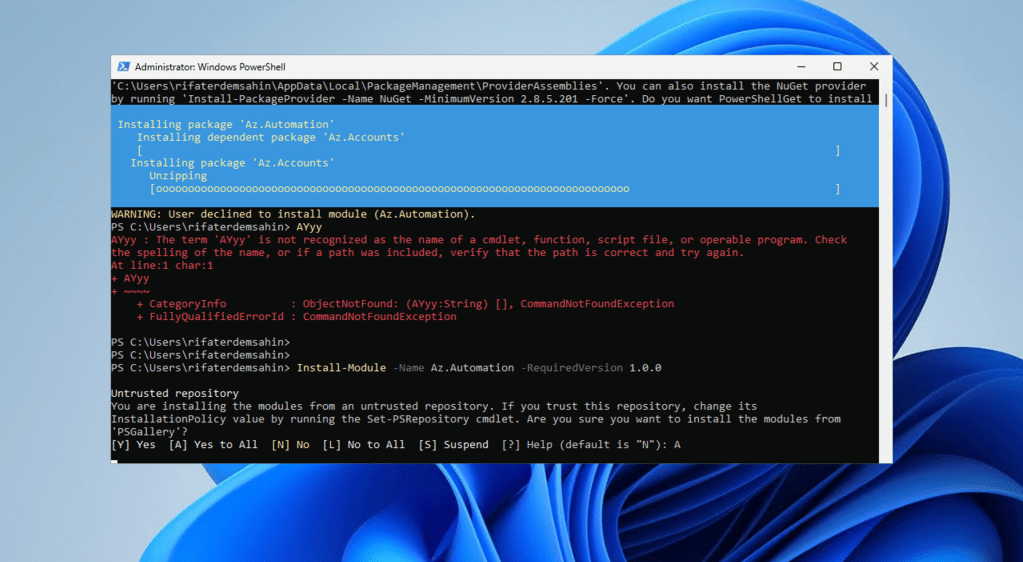
can not create it in the cloud as well

Feels like a none connetion error
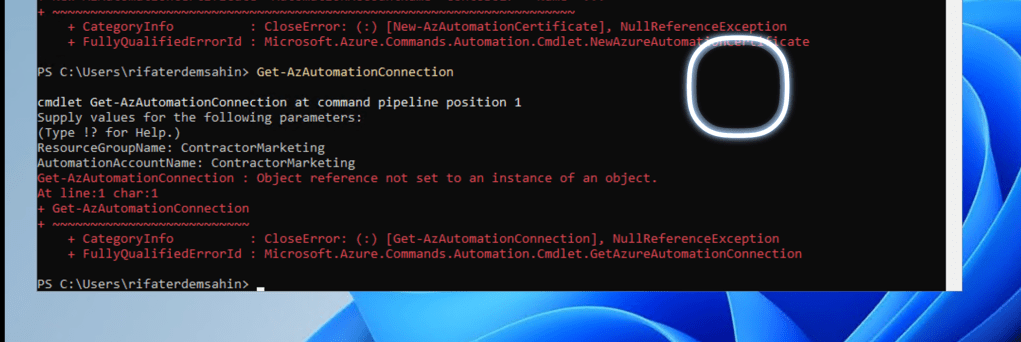
First principles
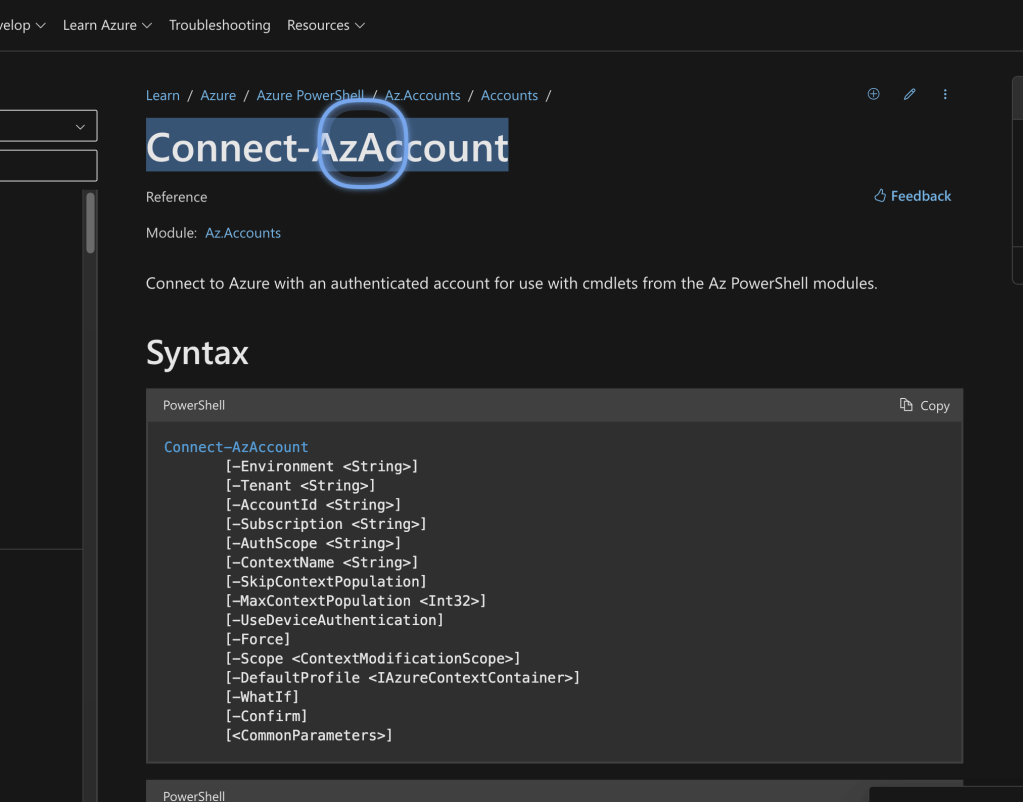
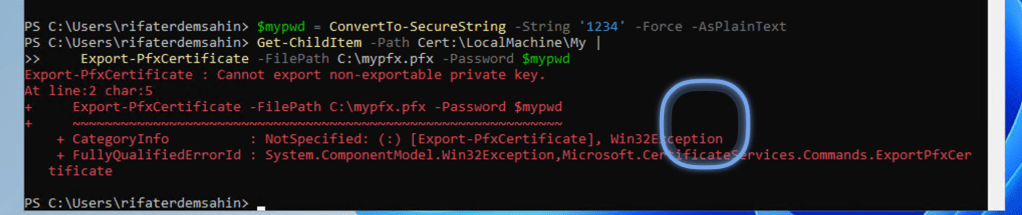
Creating the pfx file also did not work
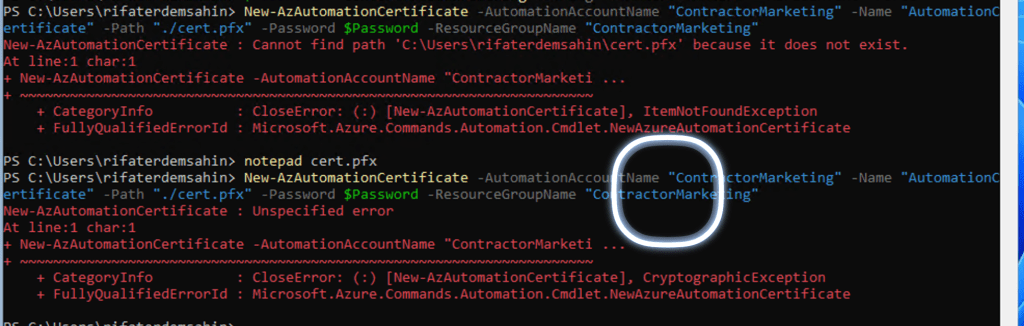
maybe a valid one has to be there
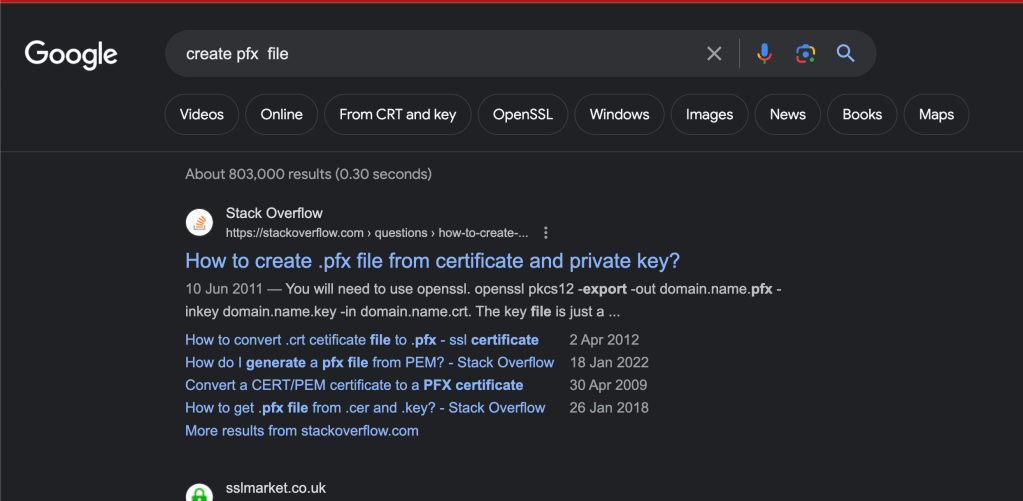
creating your certificate file
https://www.advancedinstaller.com/what-is-pfx-certificate.html
Read from scratch
https://endjin.com/blog/2015/02/generating-and-using-a-certificate-to-authorise-azure-automation
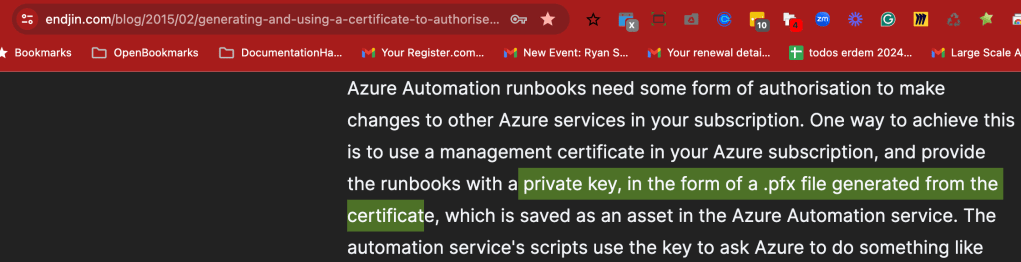
certificate creation
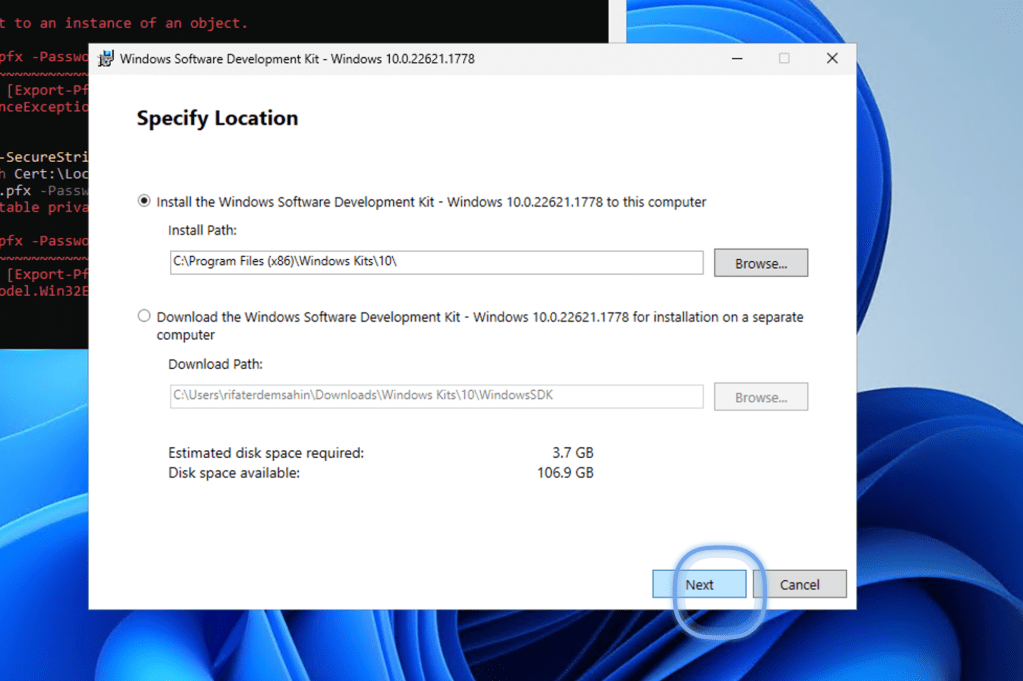
There is also changes in the back for the security
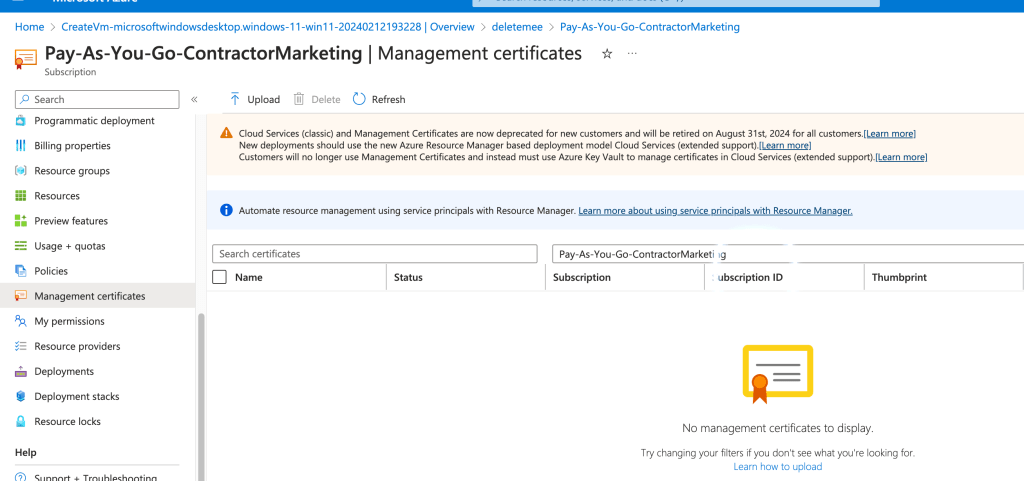
Dev kit
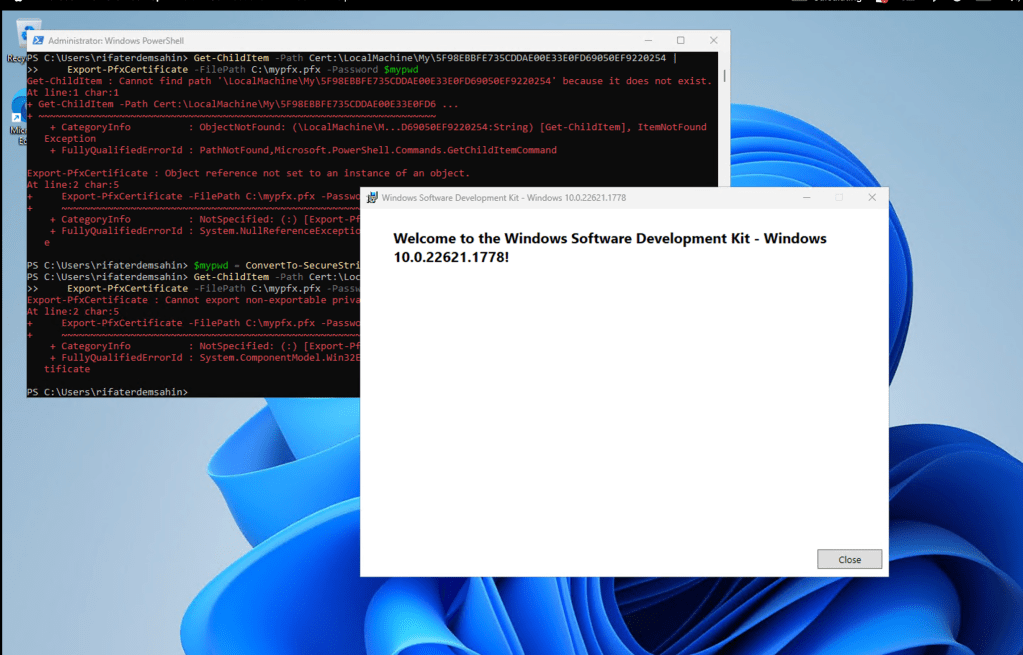
good packing with problem solution fit
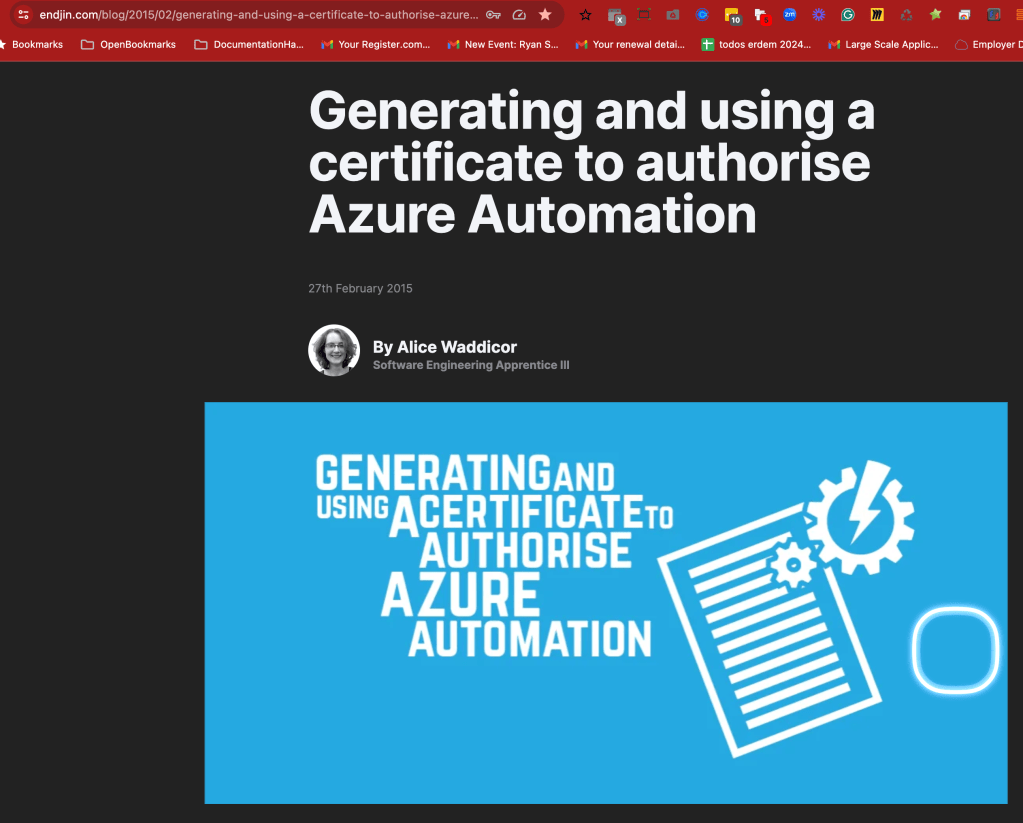
https://endjin.com/blog/2015/02/generating-and-using-a-certificate-to-authorise-azure-automation
powershell did not work
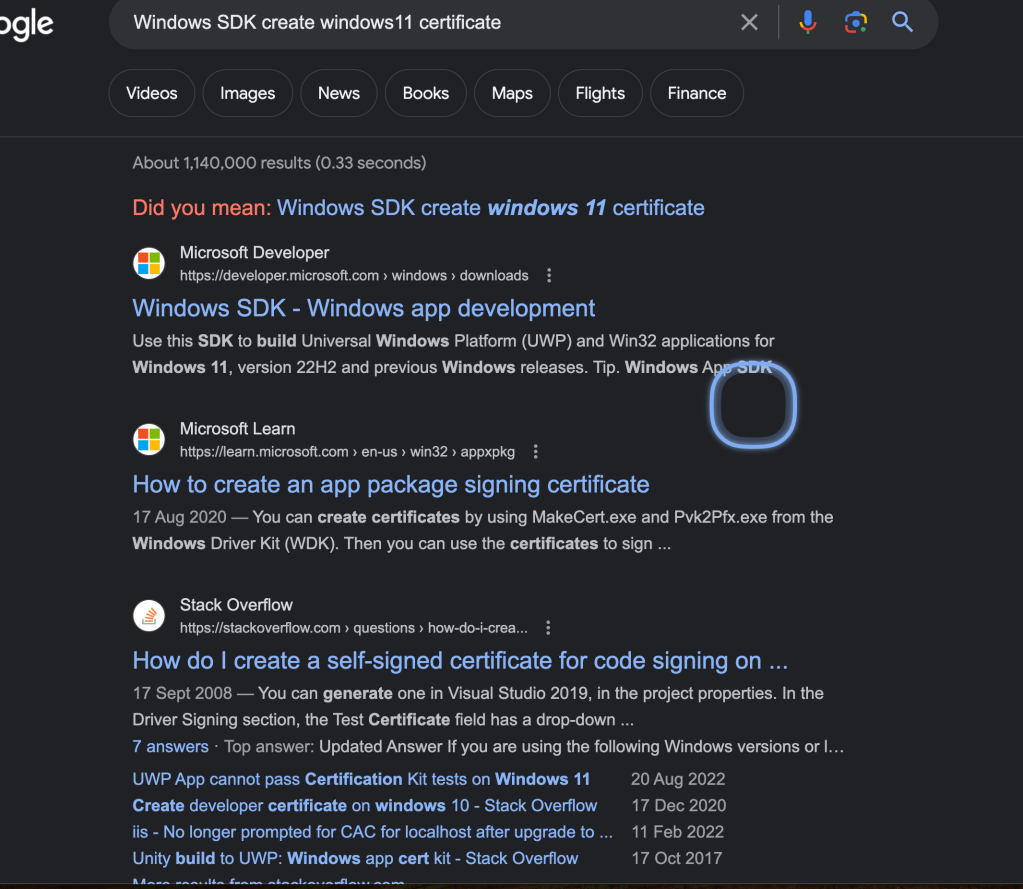
google might not be the great answer check gpt
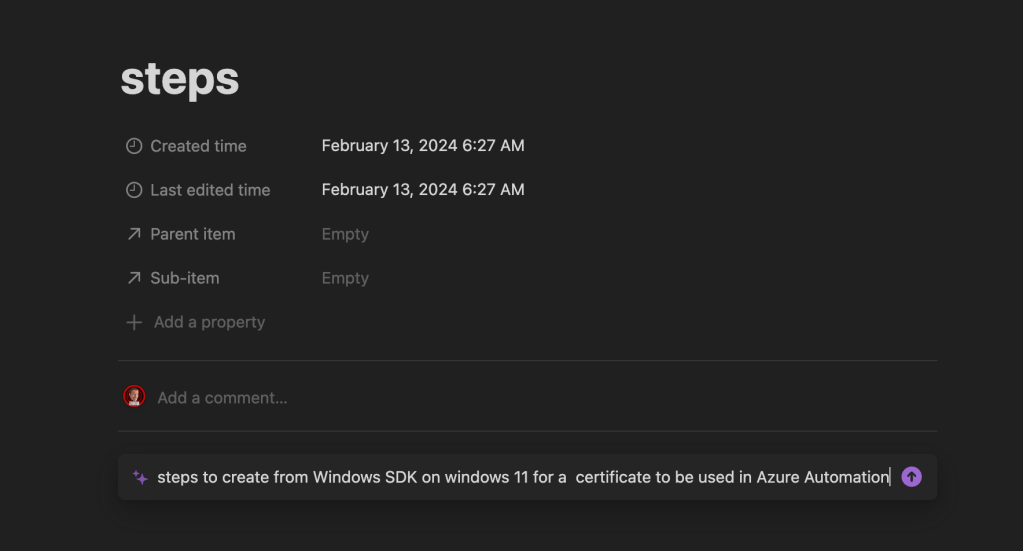
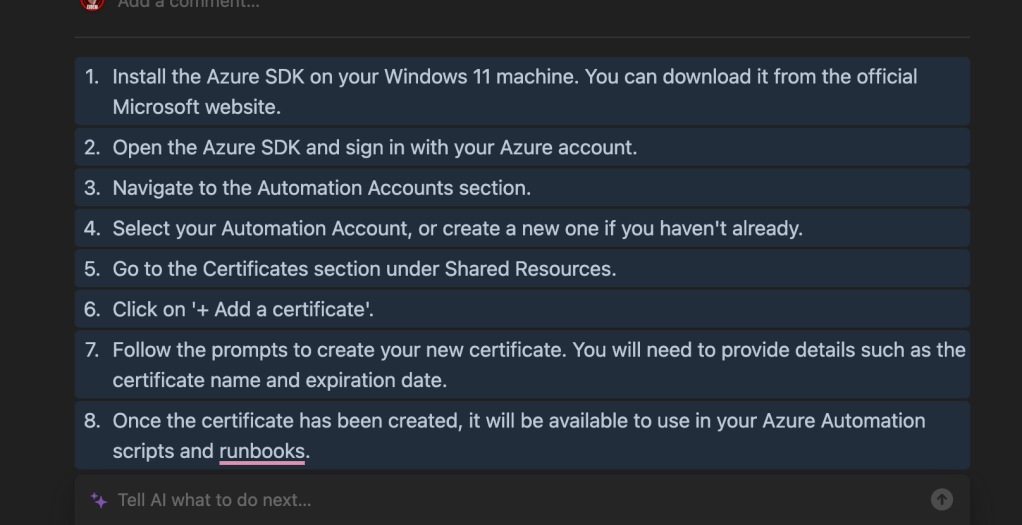
difference it is Azure SDK
https://azure.github.io/azure-sdk/releases/latest/dotnet.html
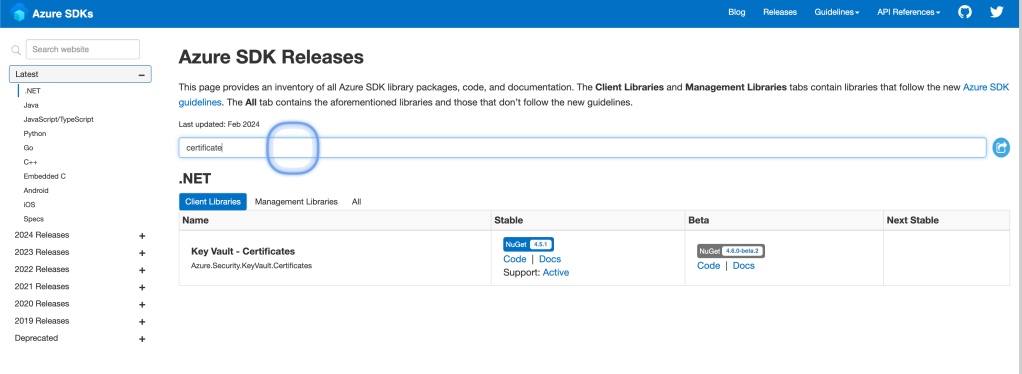
feels most modern
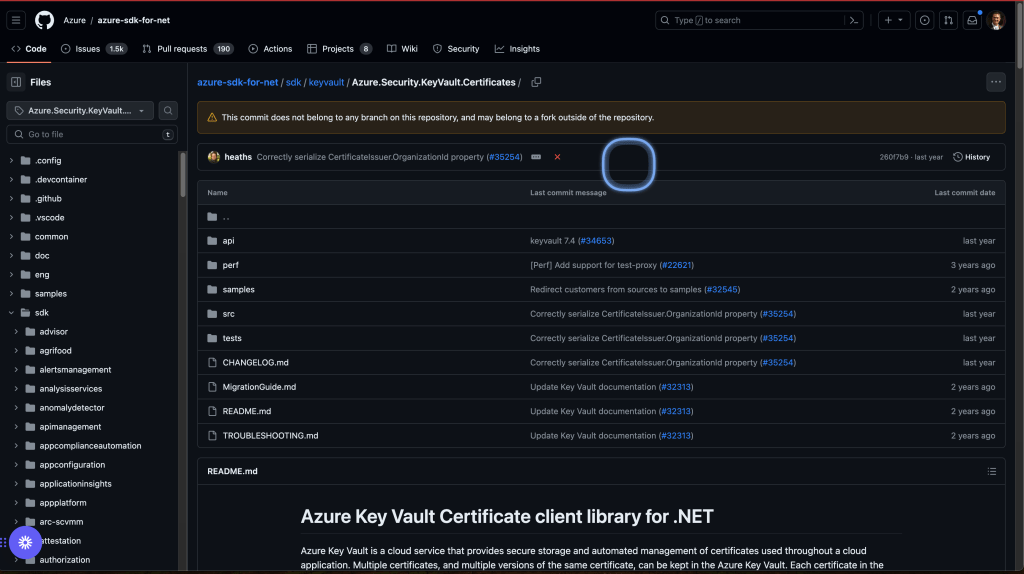
https://learn.microsoft.com/en-gb/dotnet/api/overview/azure/security.keyvault.certificates-readme?view=azure-dotnet
have a keyvault
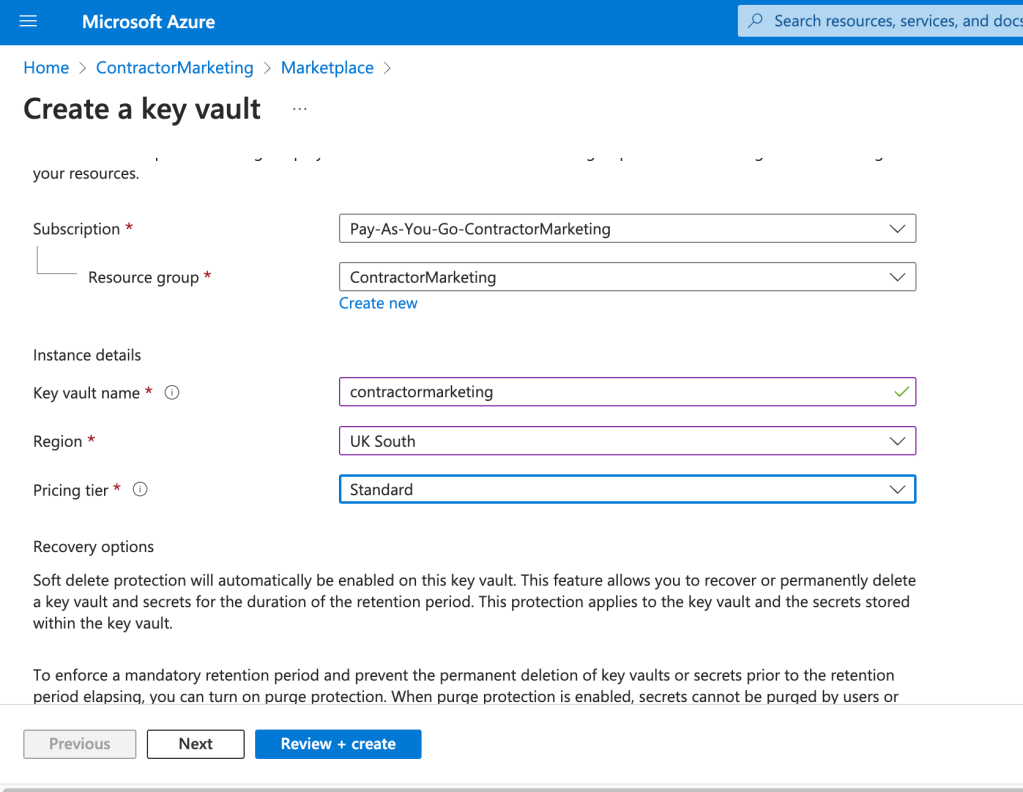
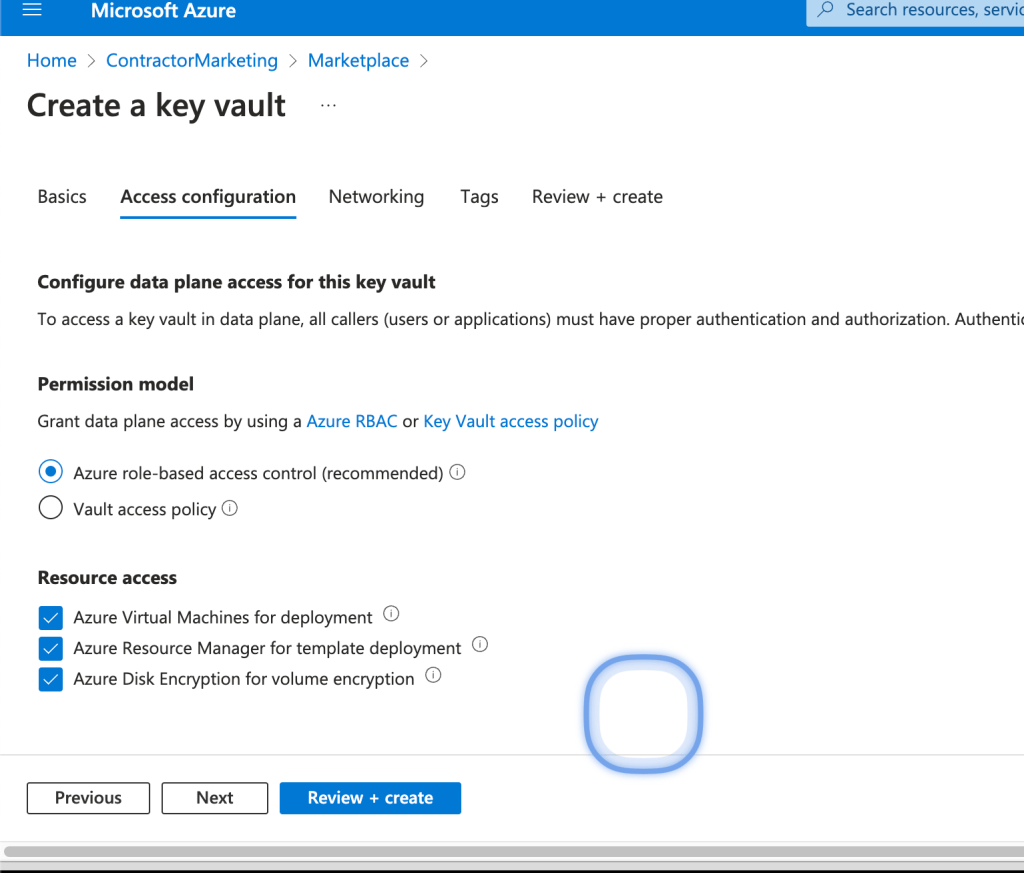
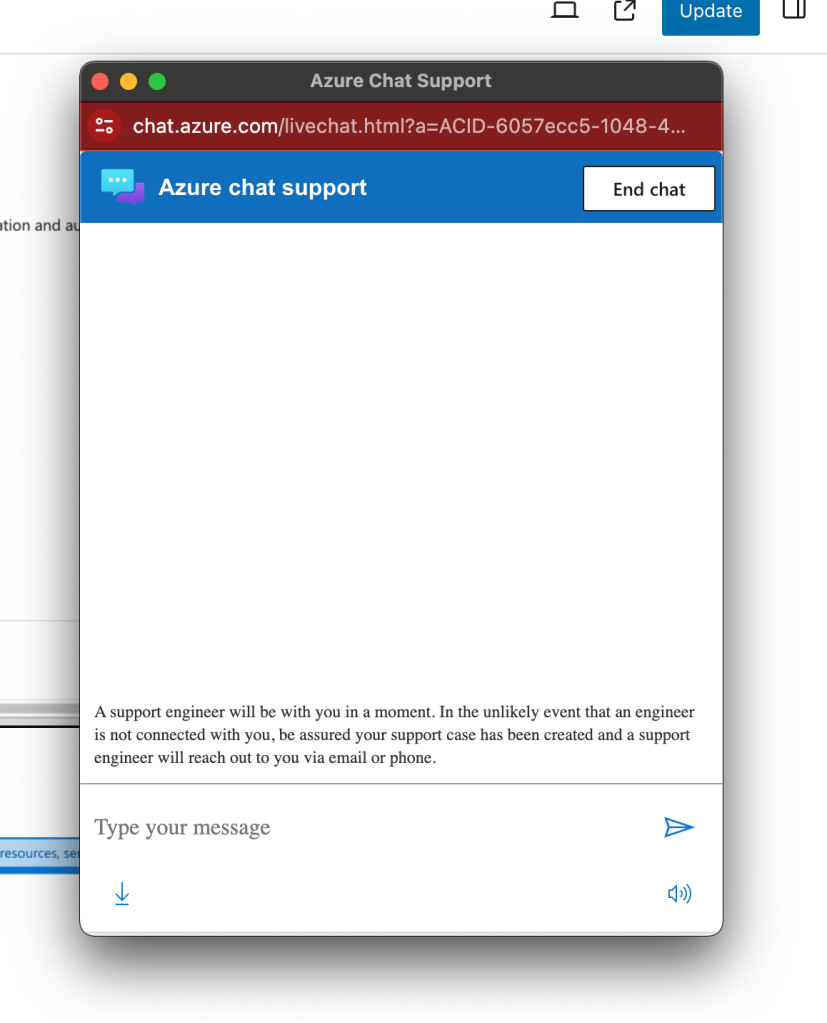
now there is create and chat option
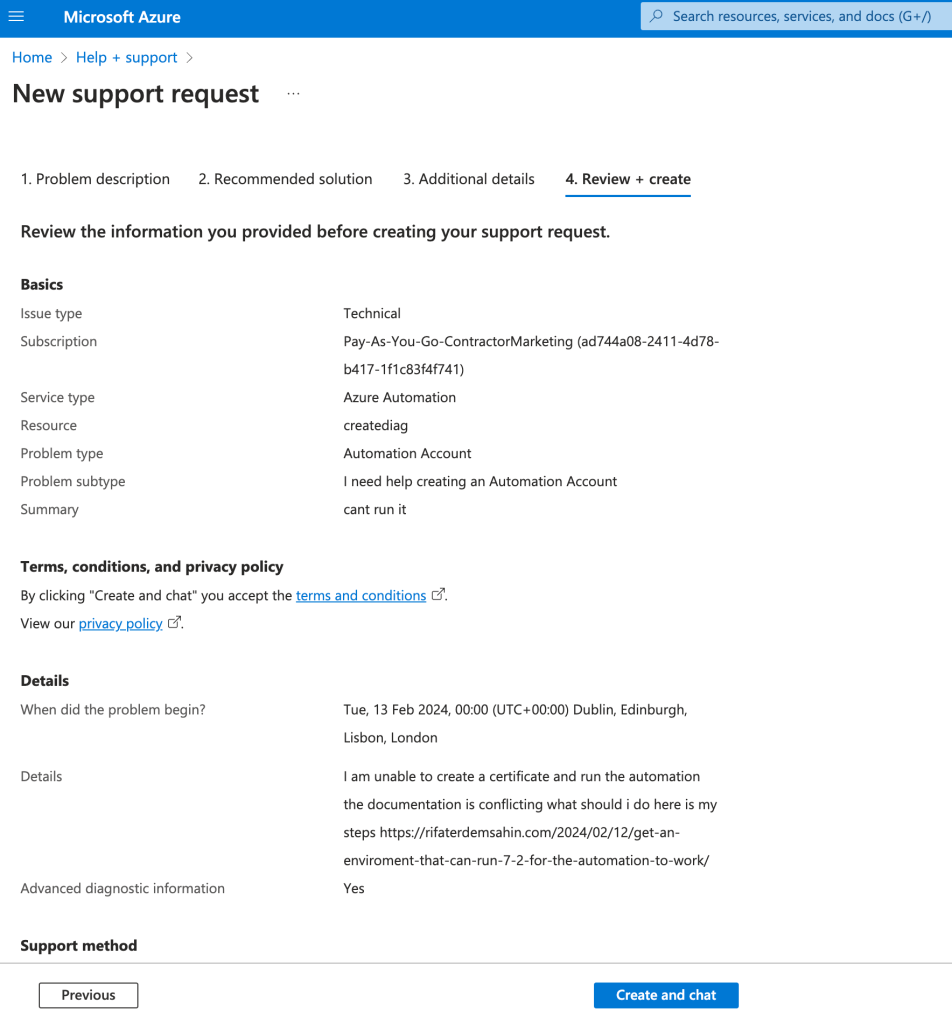
this could be promising > during the day
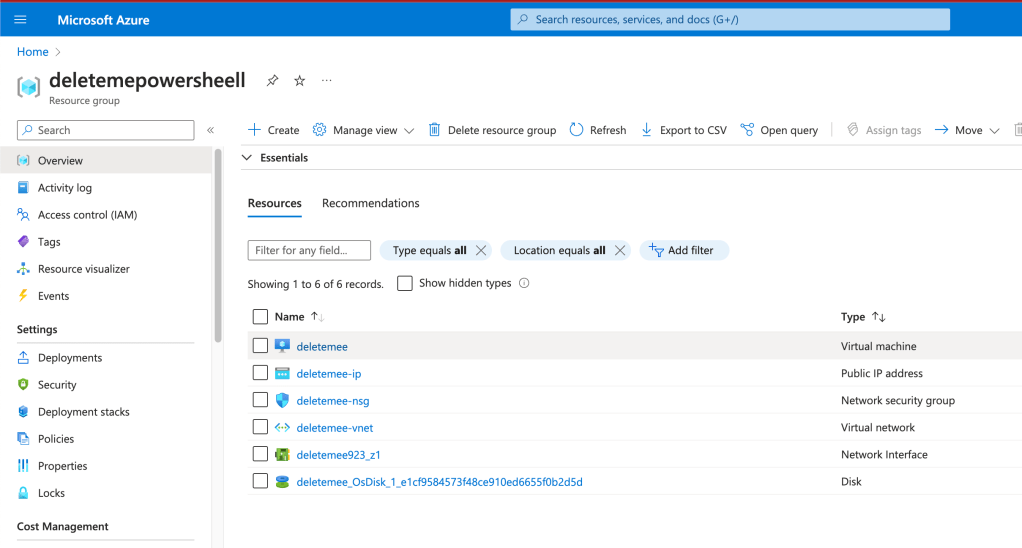
I do not wanna use a VM to create a key where i forget it on
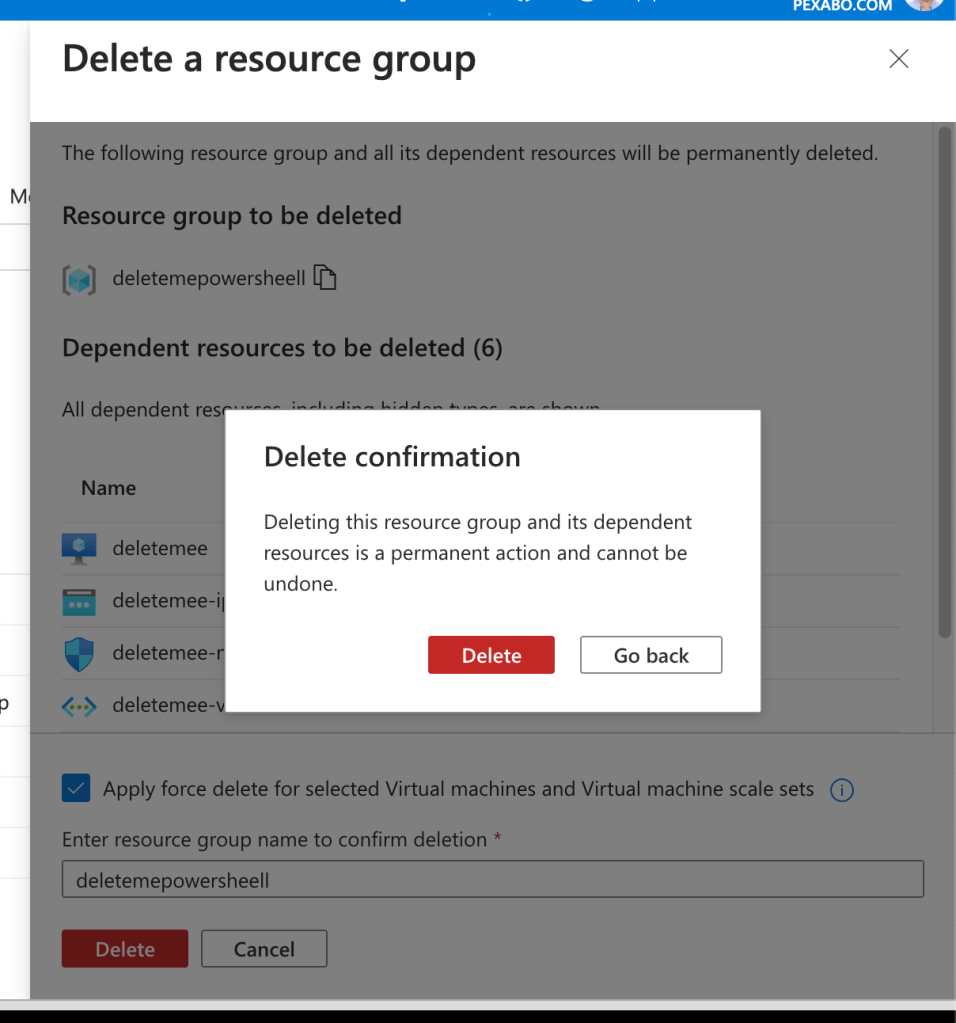
I am deleting it.
Deleted it > if i can create the certificate in the cloud shell that works
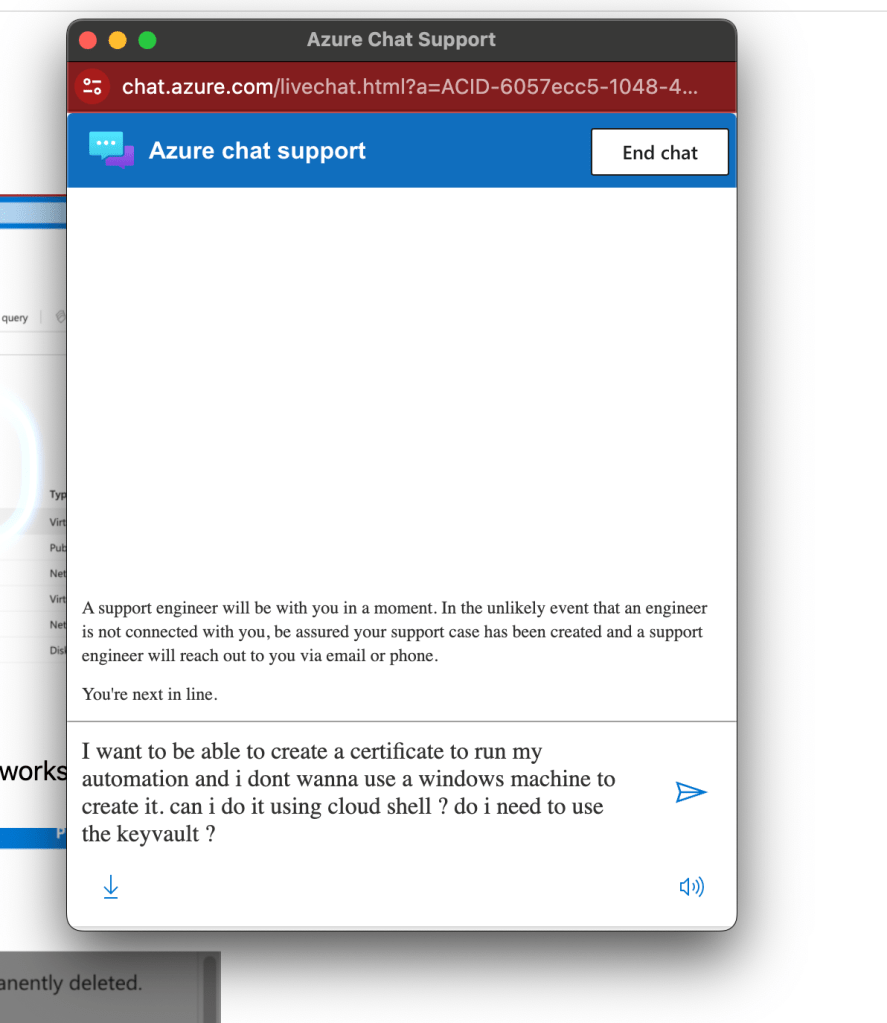
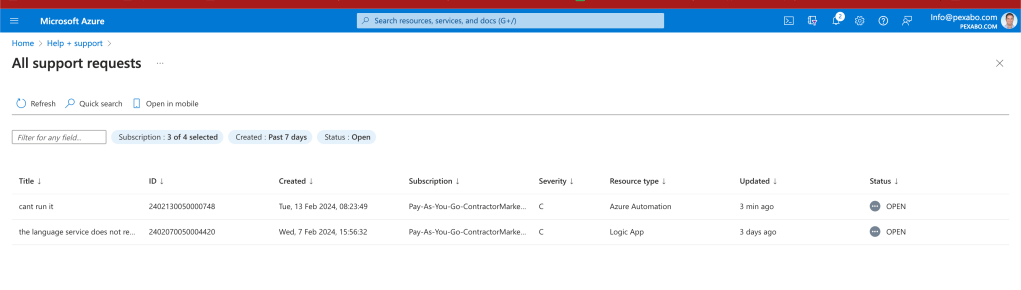
Active tickets to be there to be in the handson action > leverage the support
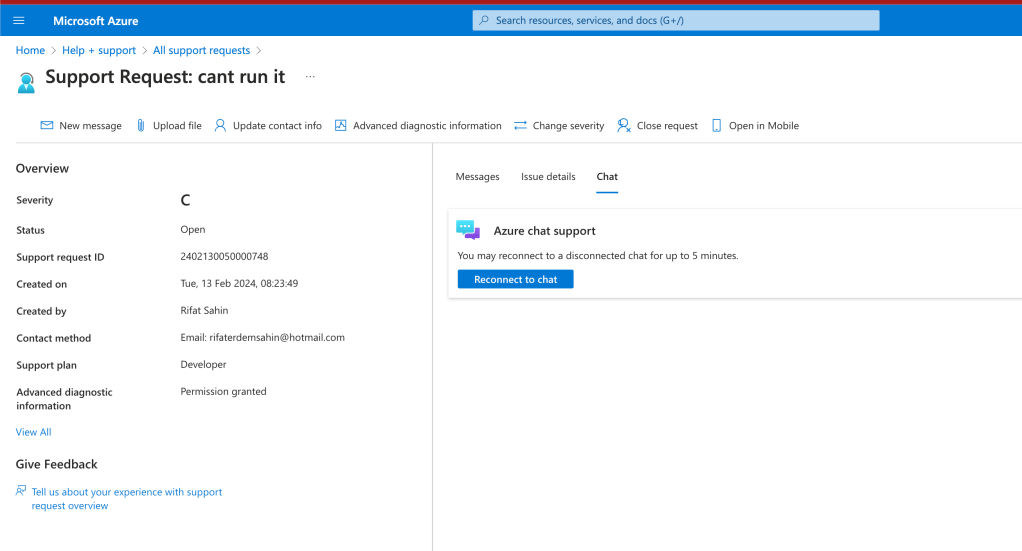
Chat is the new support type microsoft working in the background all the time
someone tried it
https://techcommunity.microsoft.com/t5/itops-talk-blog/how-to-create-a-self-signed-certificate-in-azure-using-cloud/ba-p/401403
reality it would always fail and you got to be in the state of always fixing it
2019 and looks like it works
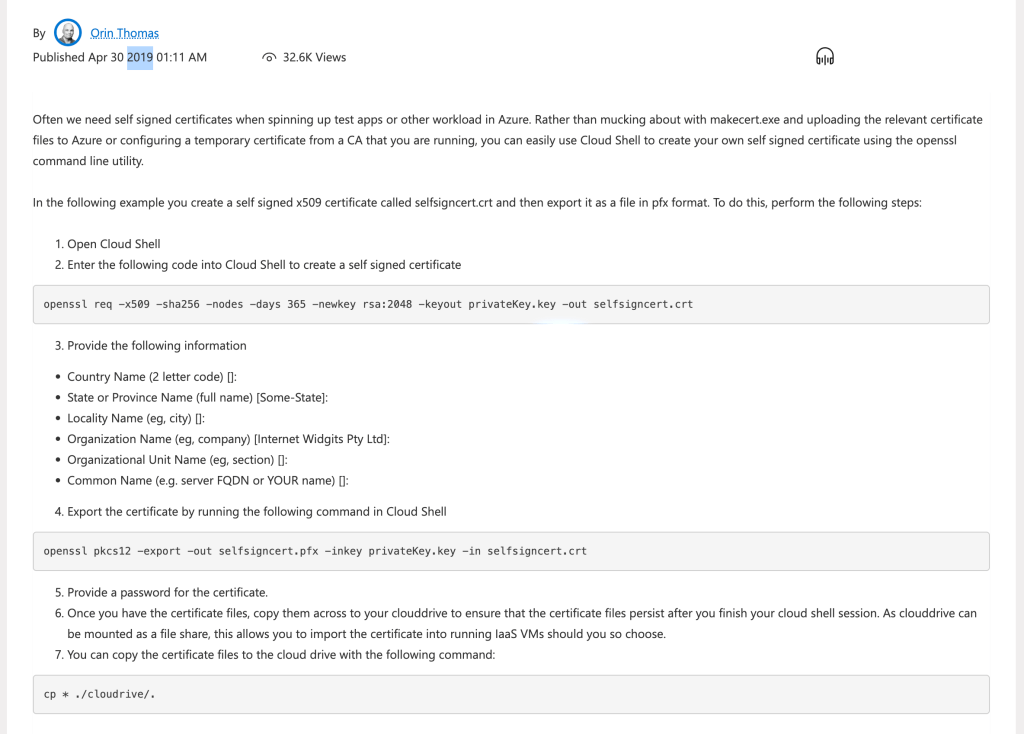
Similar testing with the gpt so the search and the gpt has to be mixed
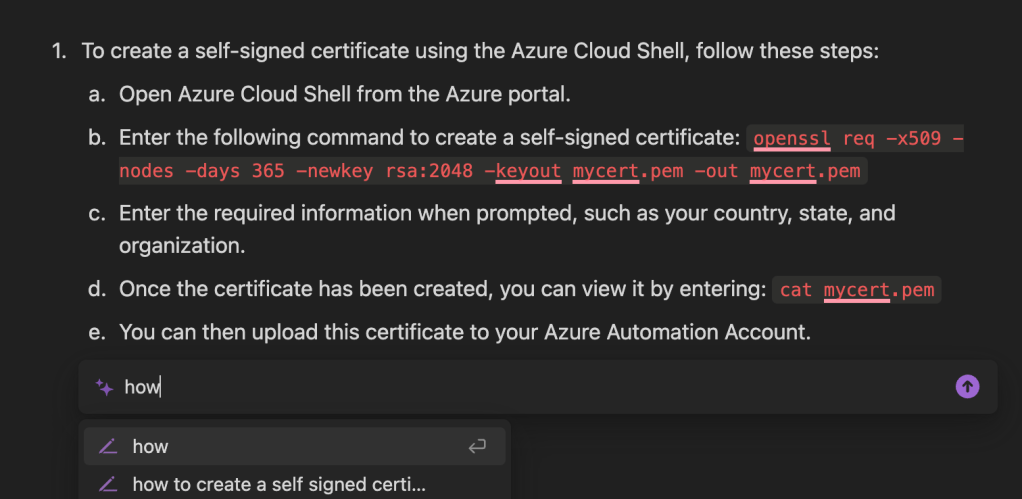
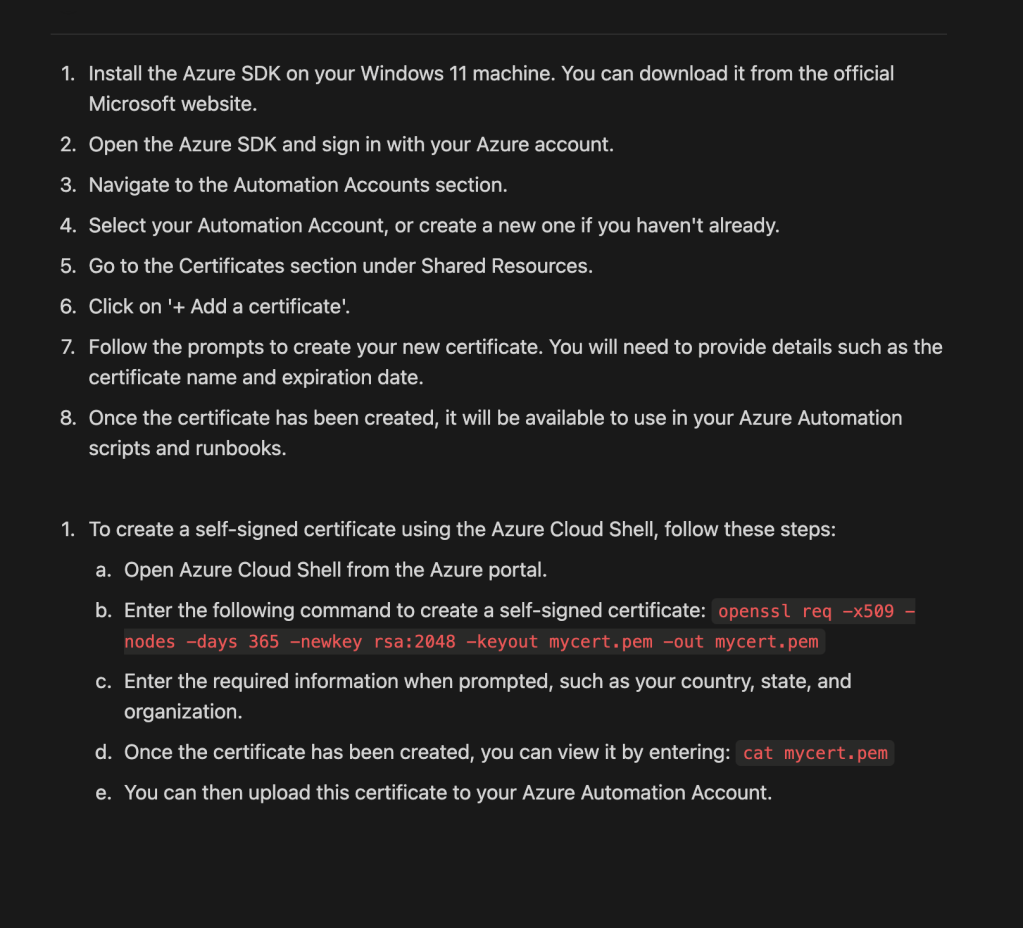
from none structured world to a structured one
try to go over the gpt
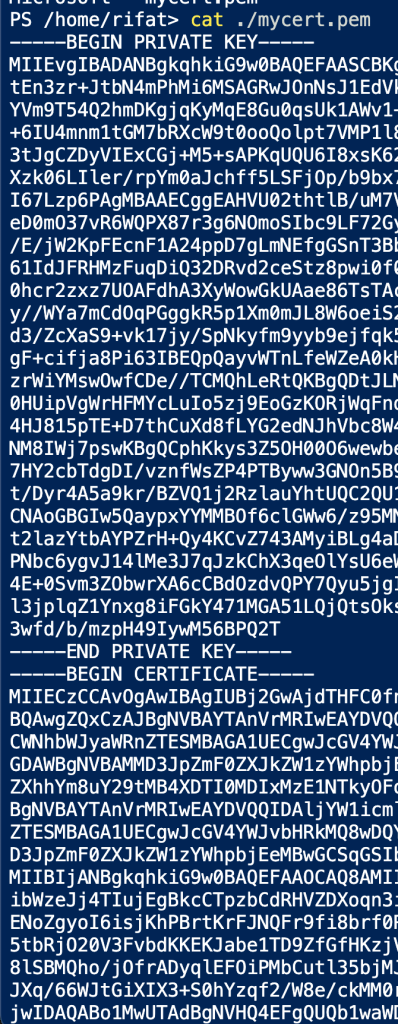
Created a cert as pem
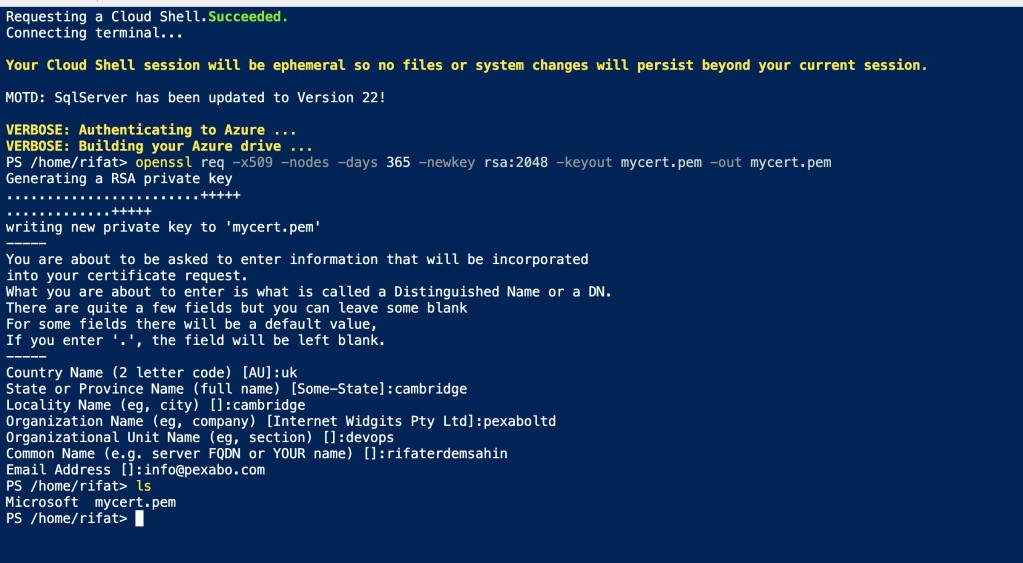
private key and certificate packed together

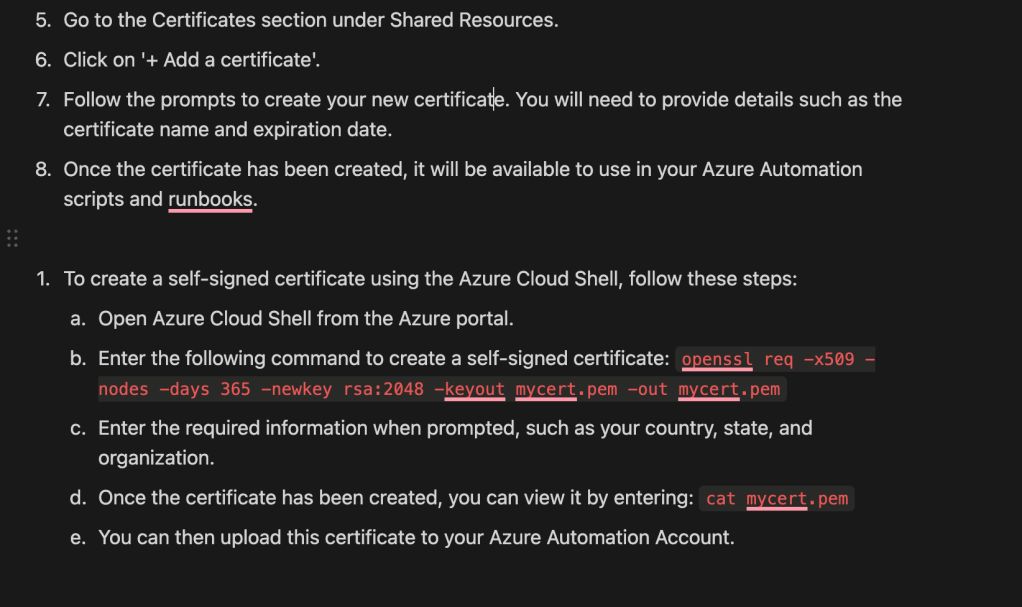
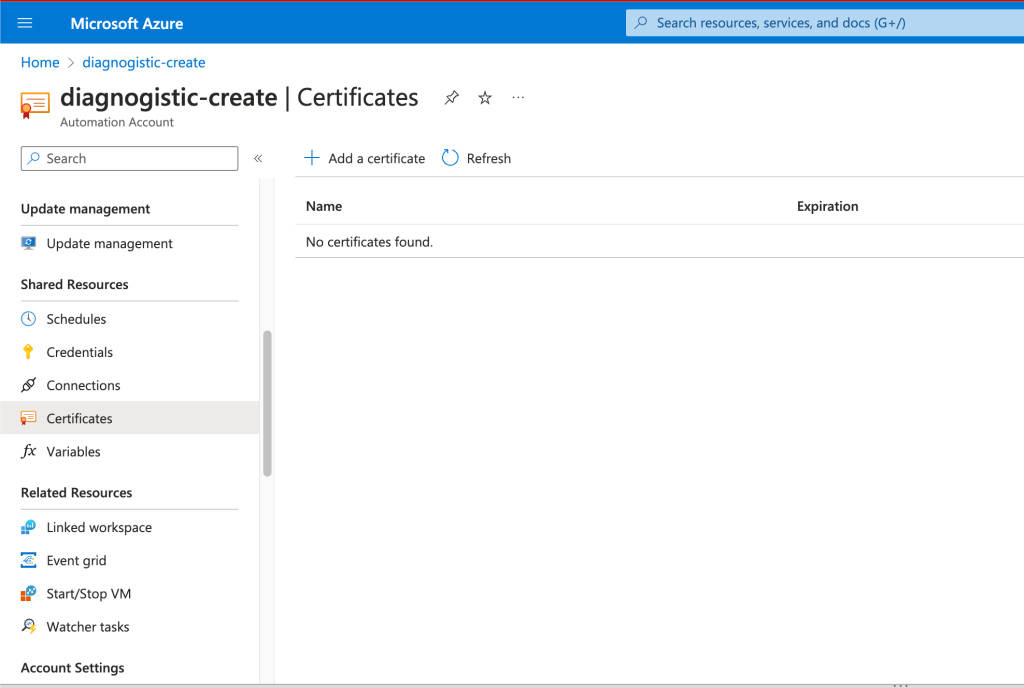
Shared resources lets do it
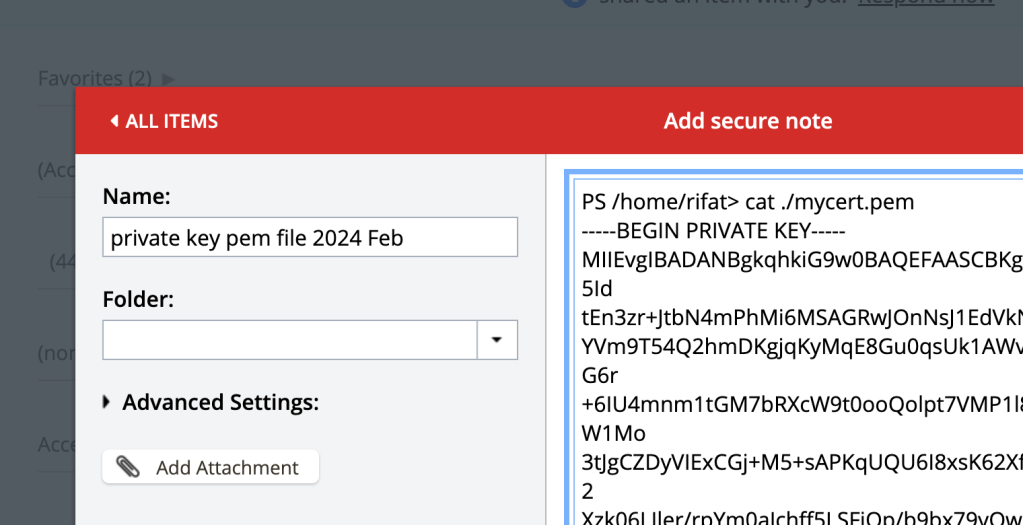
First try it with lastpass
Privacy Enhanced Mail (PEM) files are a type of Public Key Infrastructure (PKI) file used for keys and certificates. PEM, initially invented to make e-mail secure, is now an Internet security standard.
Certificate here
type different
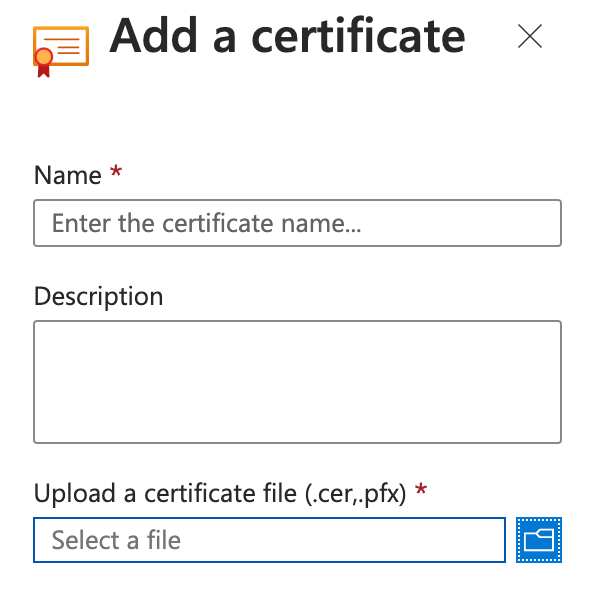
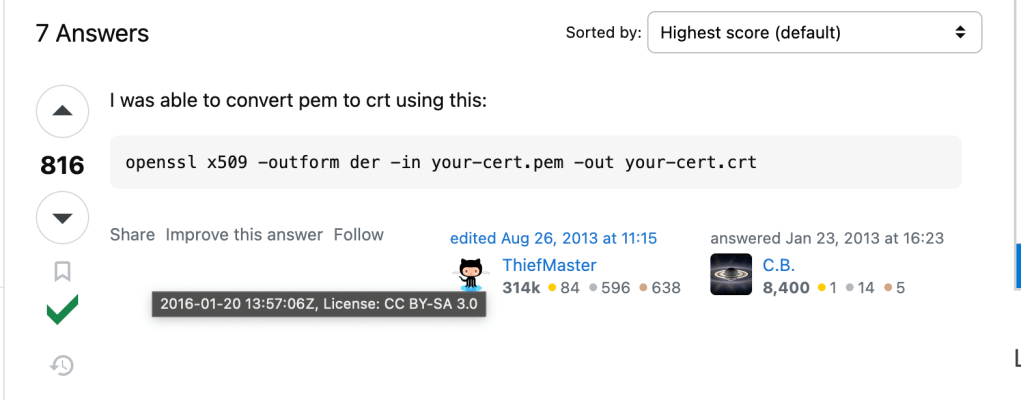
https://stackoverflow.com/questions/13732826/convert-pem-to-crt-and-key
PS /home/rifat> openssl x509 -outform der -in mycert.pem -out mycert.crt
PS /home/rifat> ls
Microsoft mycert.crt mycert.pem
PS /home/rifat>
CRT format is different
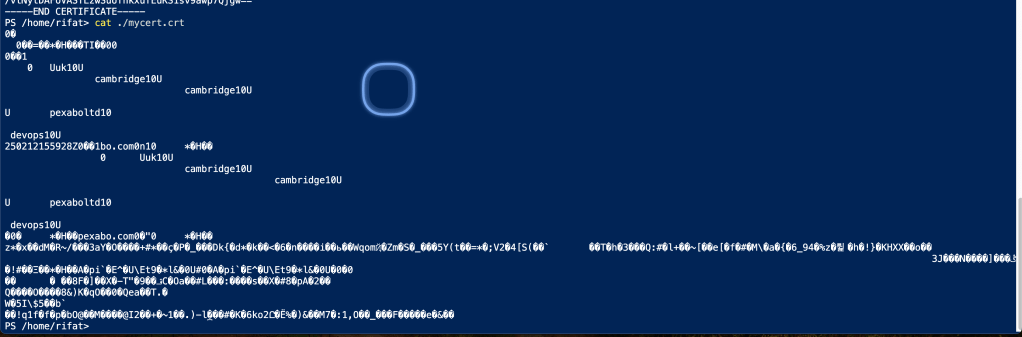
different
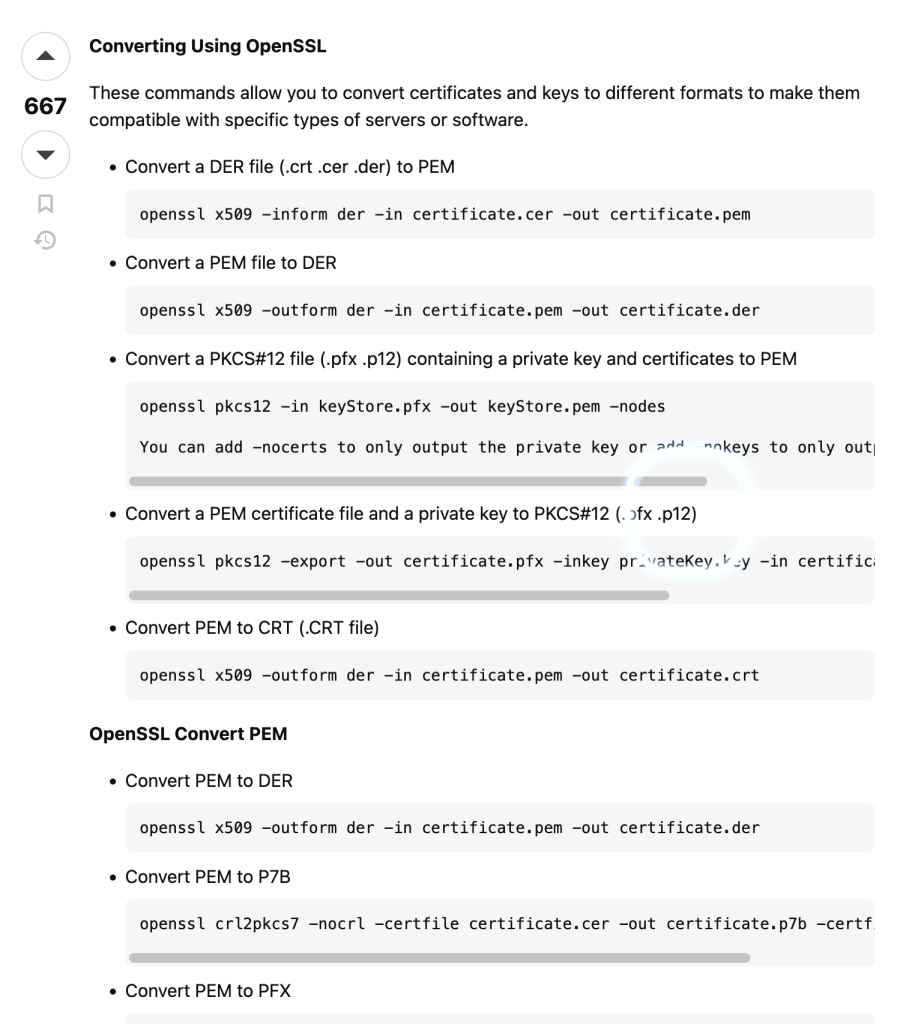
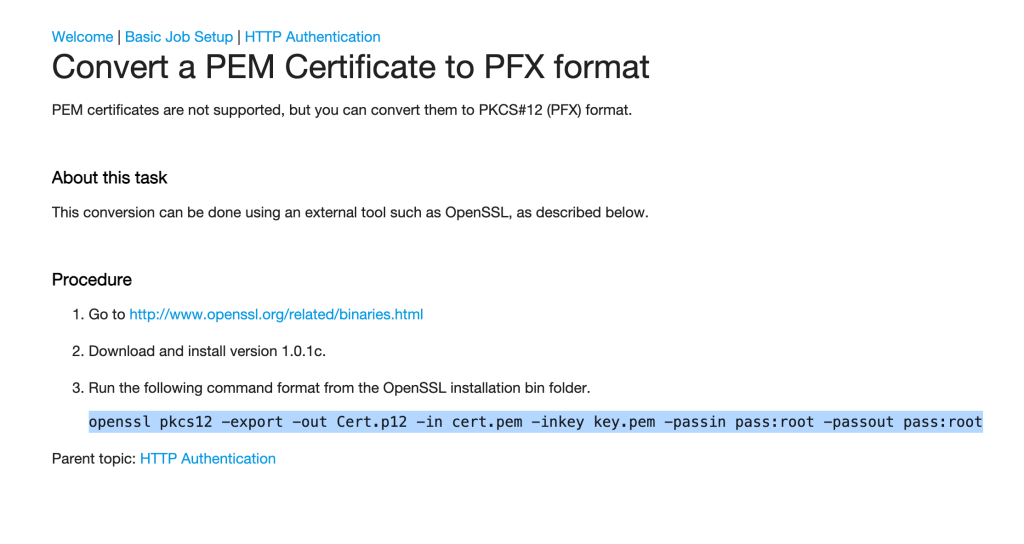
p12 file is also different
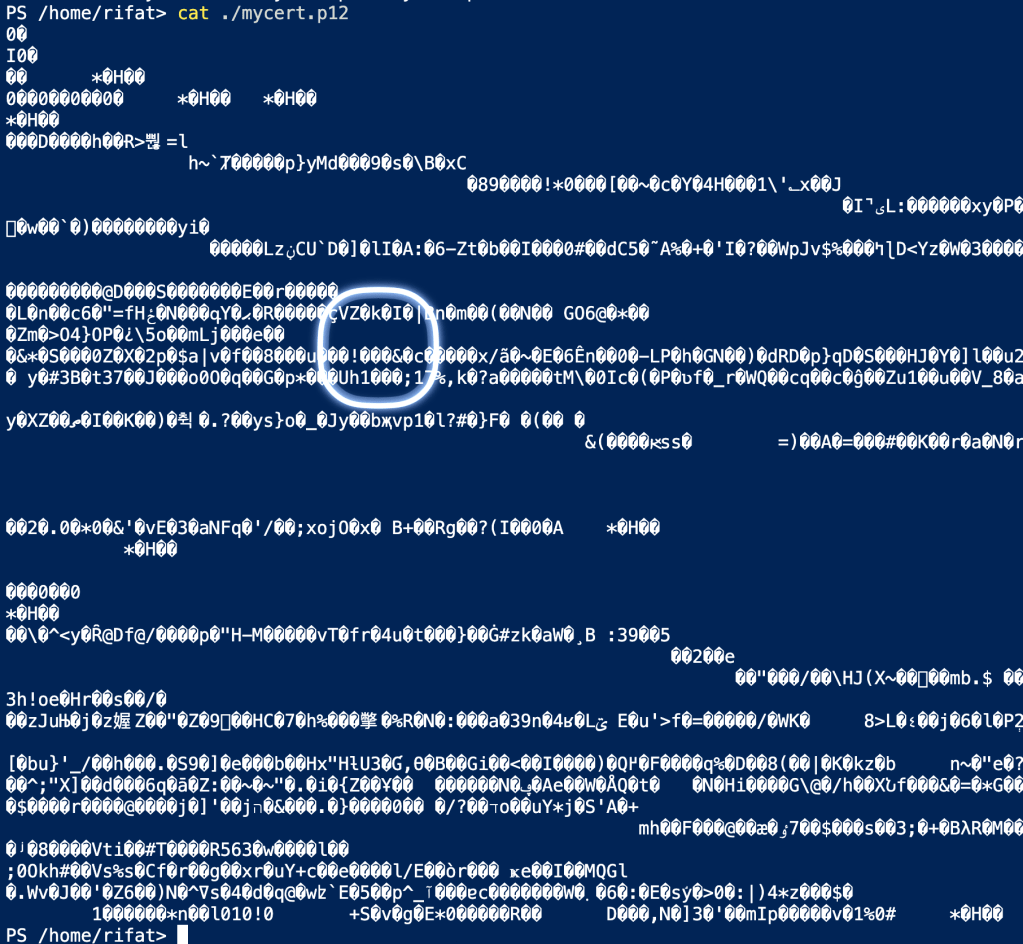
without a tool
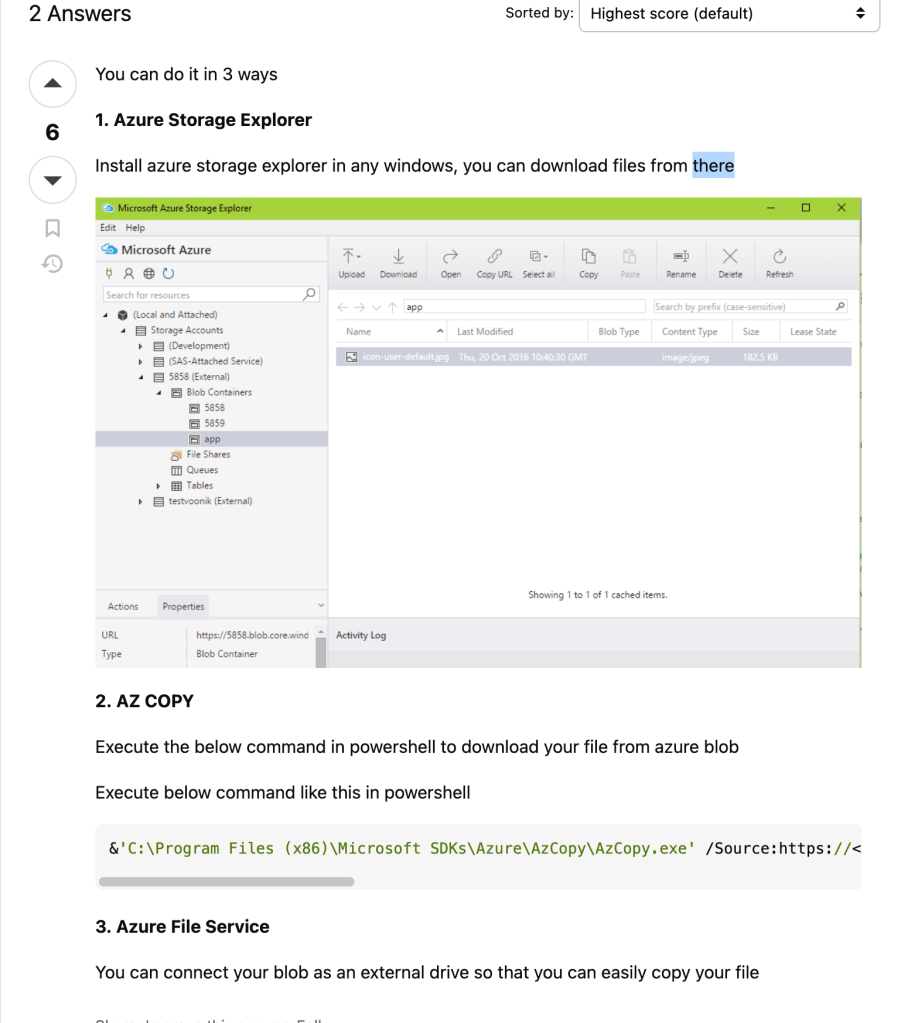
Practical file download is there
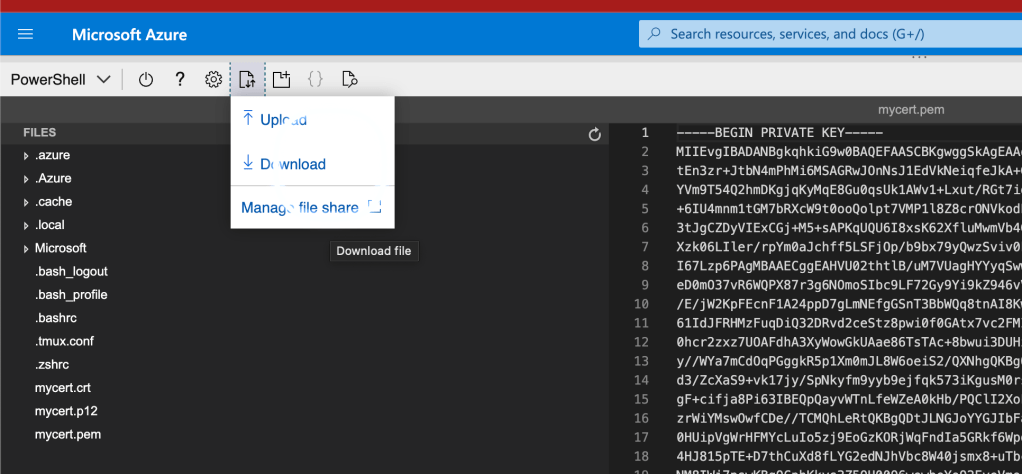
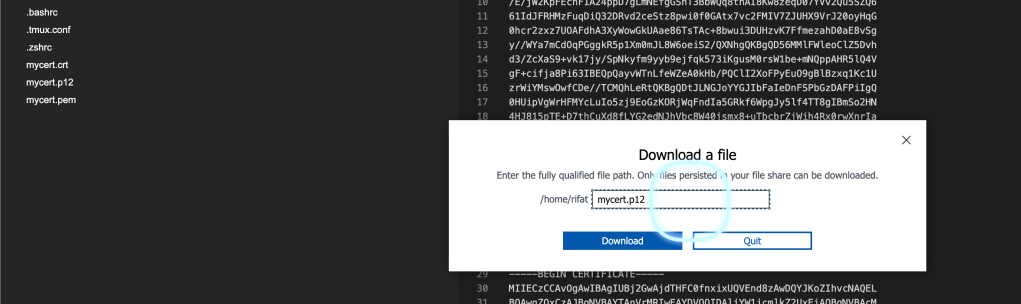
ending has an issue
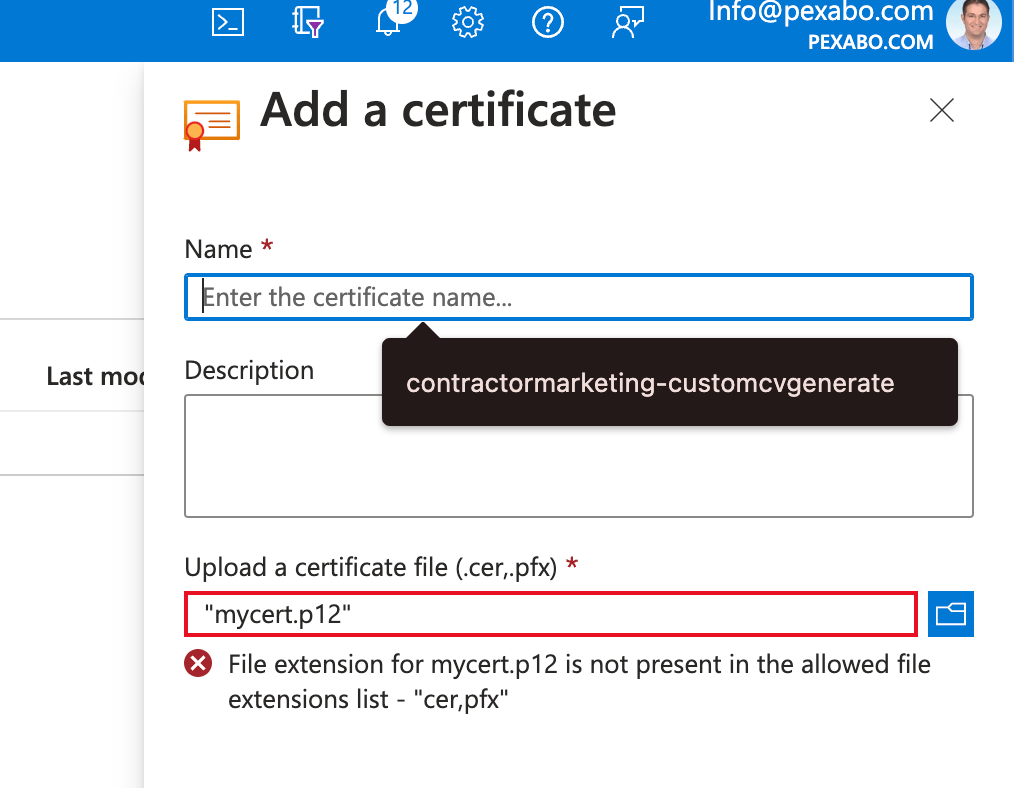
Explain how i did it here
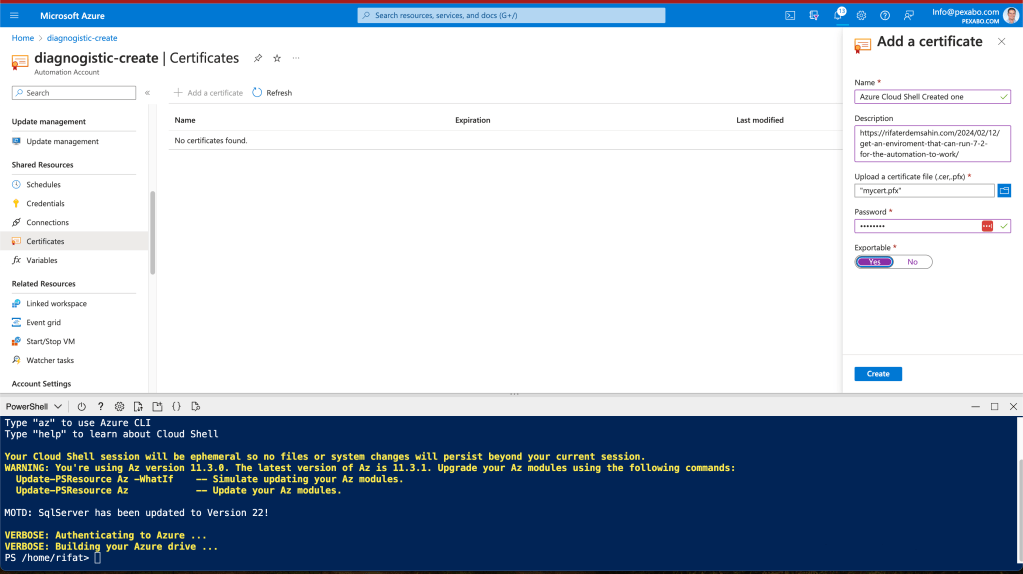
Created the link ?
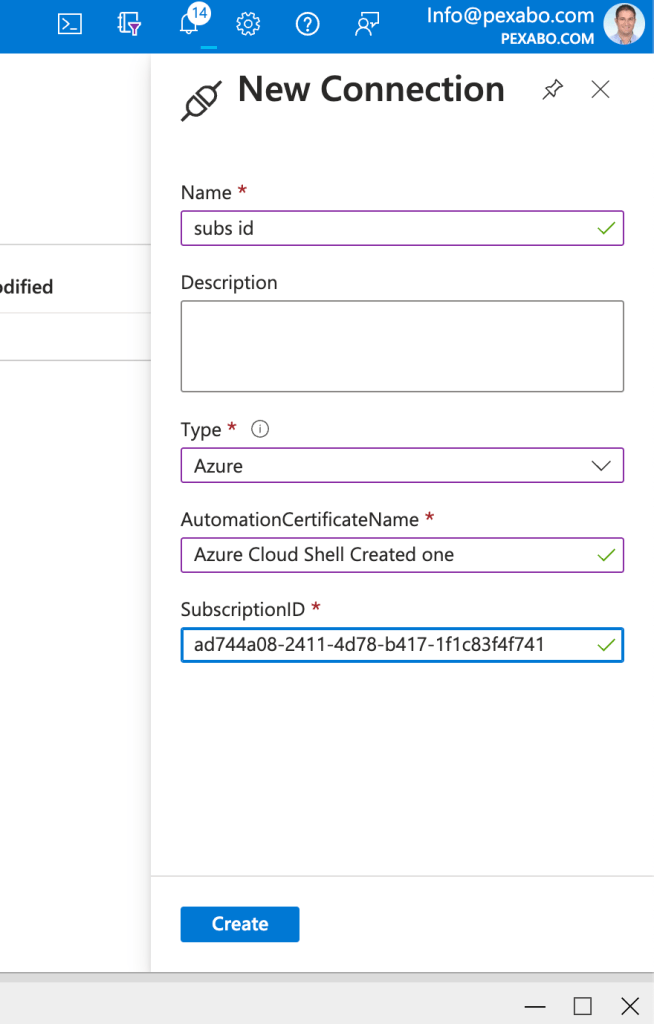
There are rules
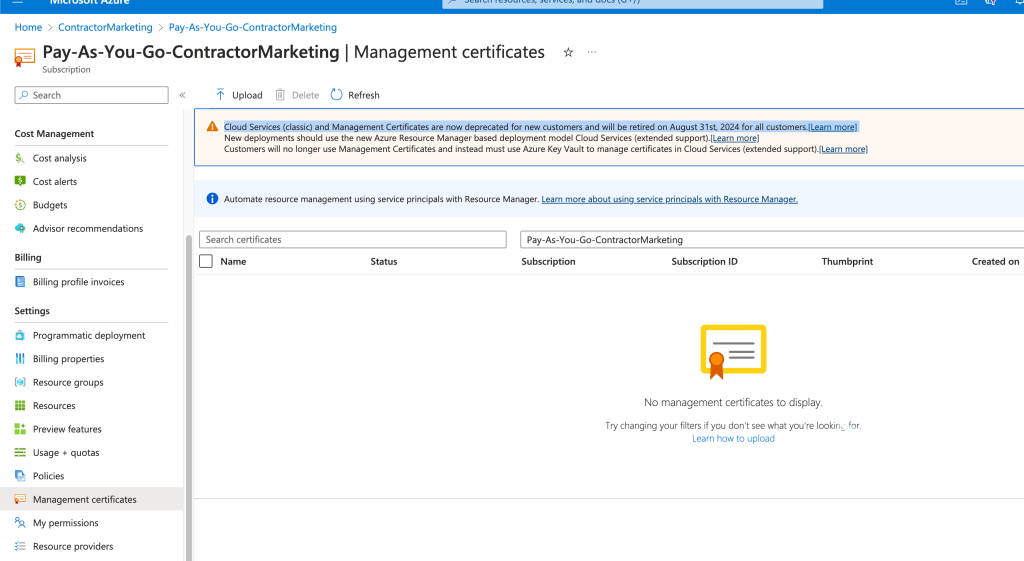
Online creation is there as well
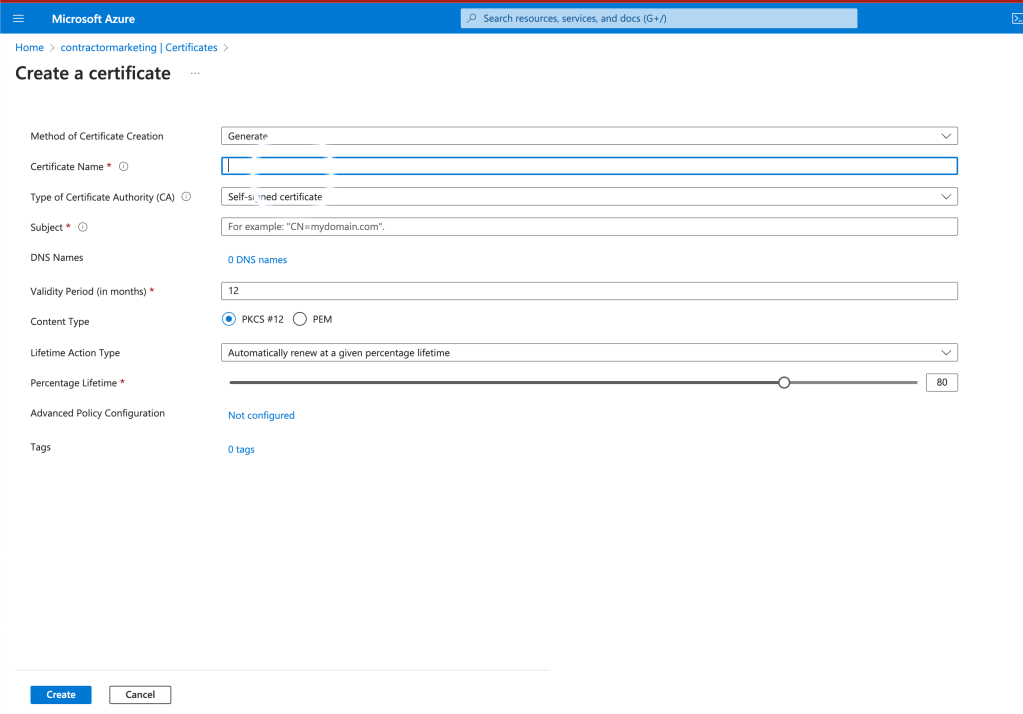
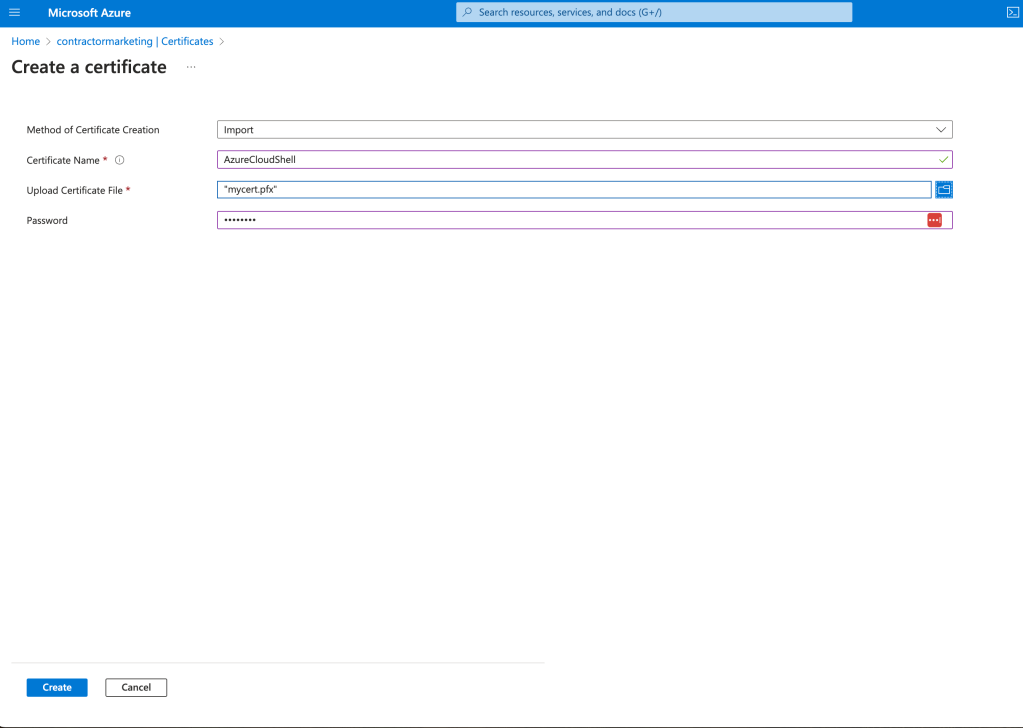
You need the rights to be able to import?
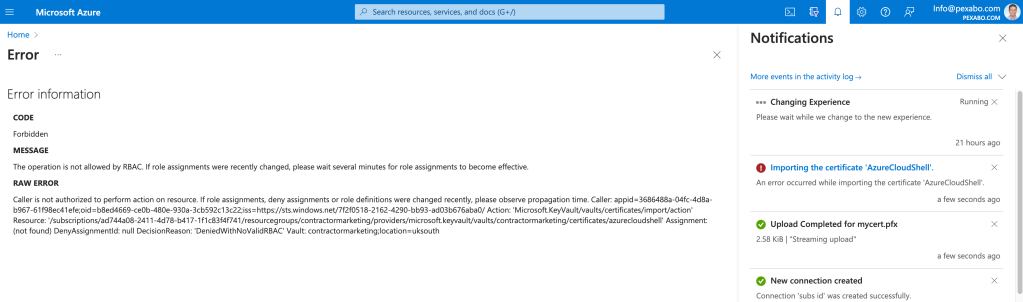
fails
Service principal could be easier
PS /home/rifat> az ad sp create-for-rbac --name myServicePrincipalName --role reader --scopes /subscriptions/ad744a08-2411-4d78-b417-1f1c83f4f741/resourceGroups/ContractorMarketing
info created by itself and shared once
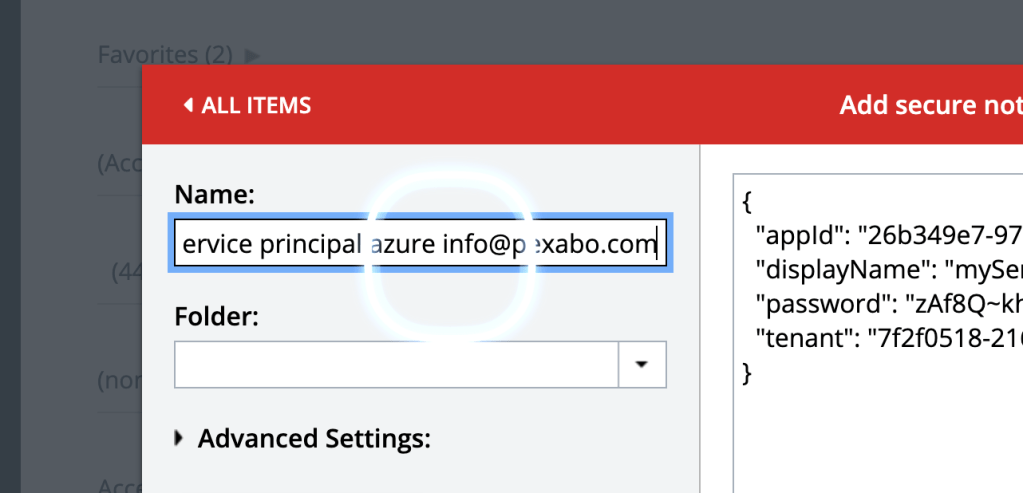
at least saved
Service principal creation is practical >> as it gives the info
a minute to run so that is not a big deal and service principal created by Azure cloud shell easier >>> no files management just paste into last pass
No certificate was found in the certificate store with thumbprint
maybe thumbprint is taken from AD
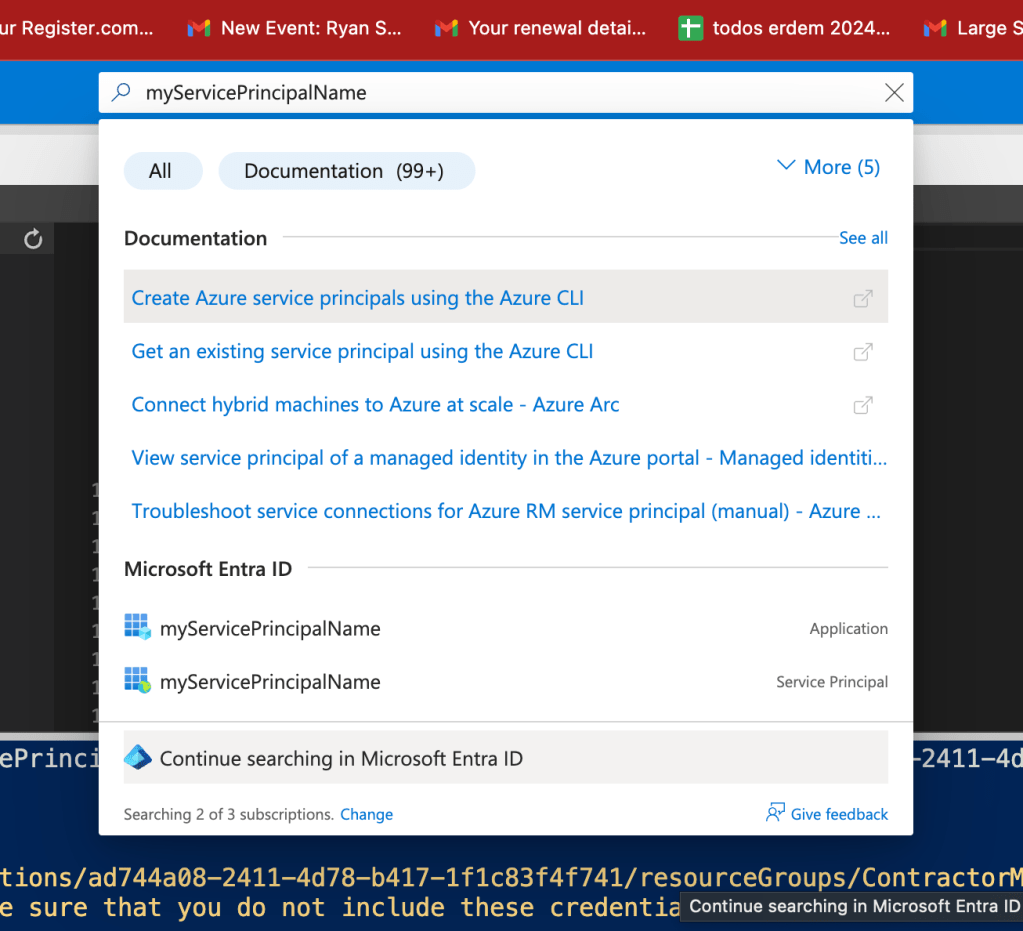
not there but hidden
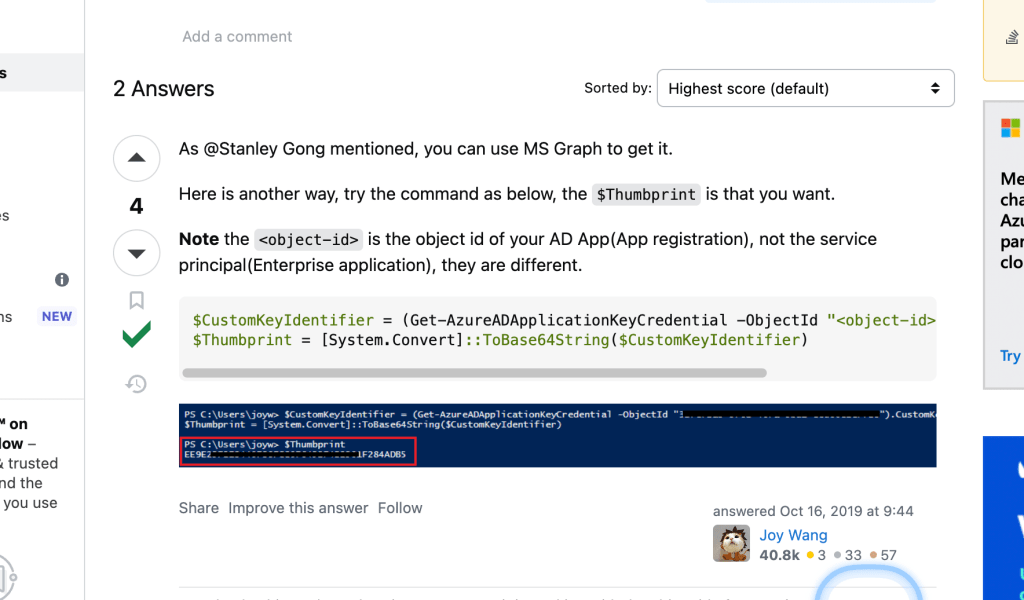
$CustomKeyIdentifier = (Get-AzureADApplicationKeyCredential -ObjectId "
$Thumbprint = [System.Convert]::ToBase64String($CustomKeyIdentifier)
maybe i need it before adding the cert it wont work
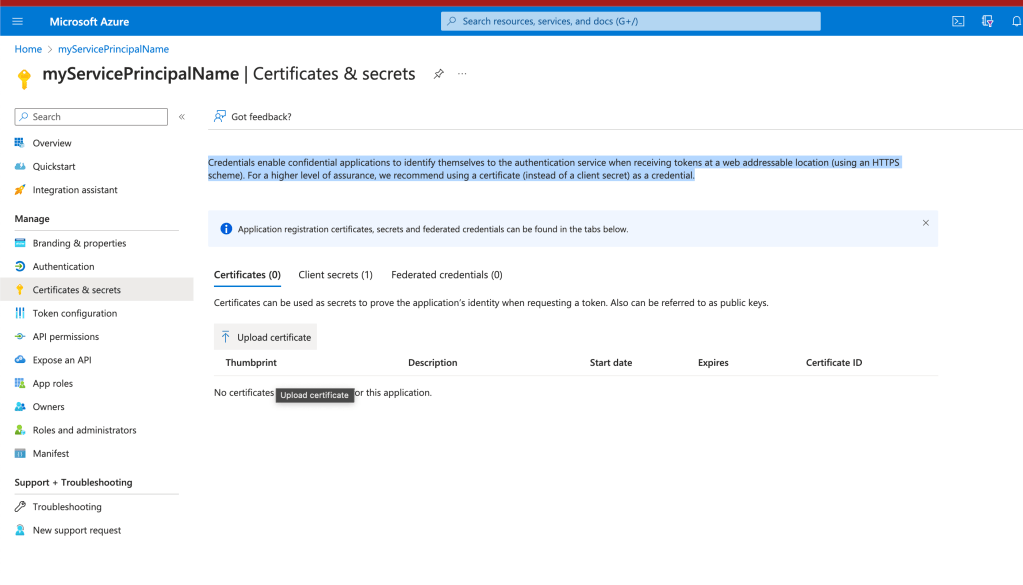
pem file added to the user >>> so there is maybe 2 level
1.level create the user >>> have one username and pass
2.level have a certificate that means that is your user. which has the certificate and private key in it.
powershell has so many modules to work right have the system working
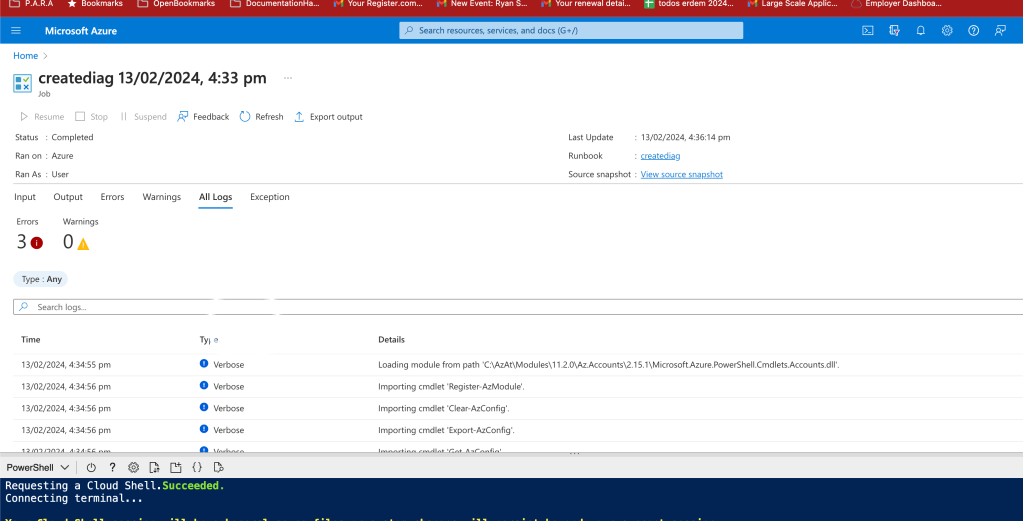
script runners have hard time
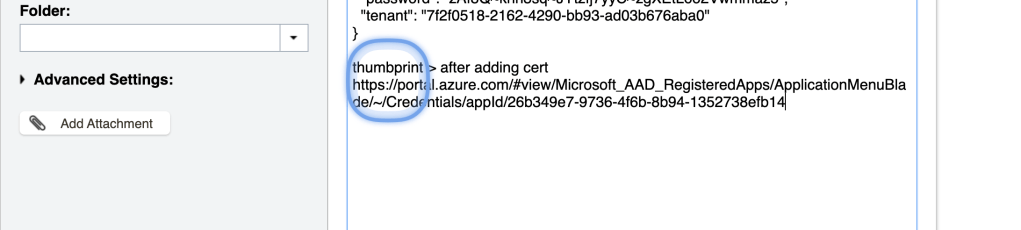
thumprint is here
https://portal.azure.com/#view/Microsoft_AAD_RegisteredApps/ApplicationMenuBlade/~/Credentials/appId/26b349e7-9736-4f6b-8b94-1352738efb14
added to the last pass
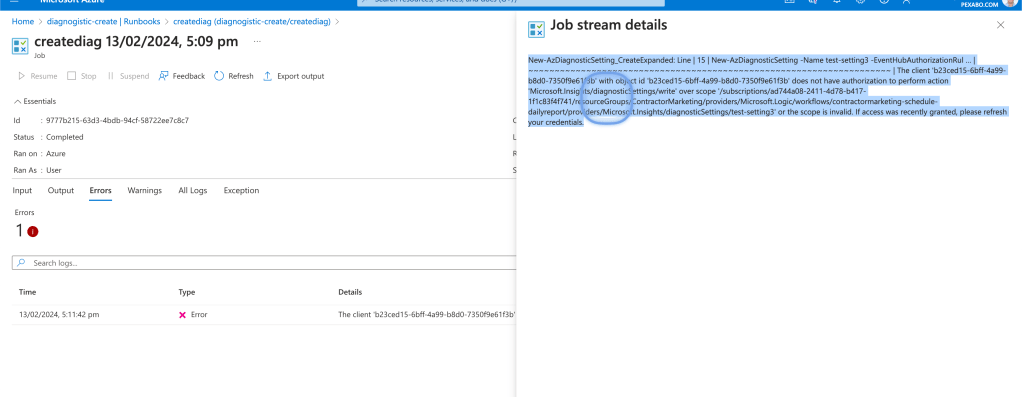
now after the certiciate only one error is there
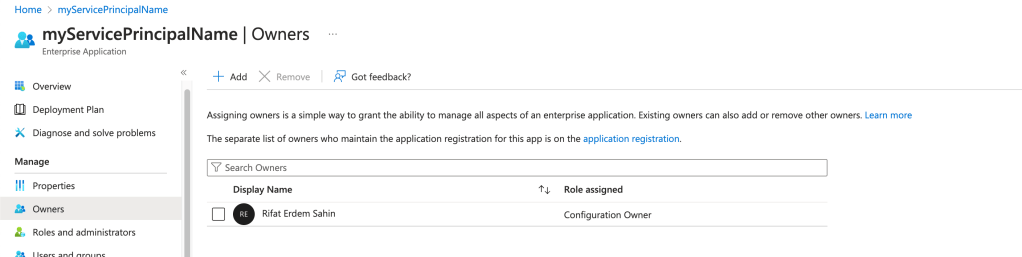
owner or role adding ?
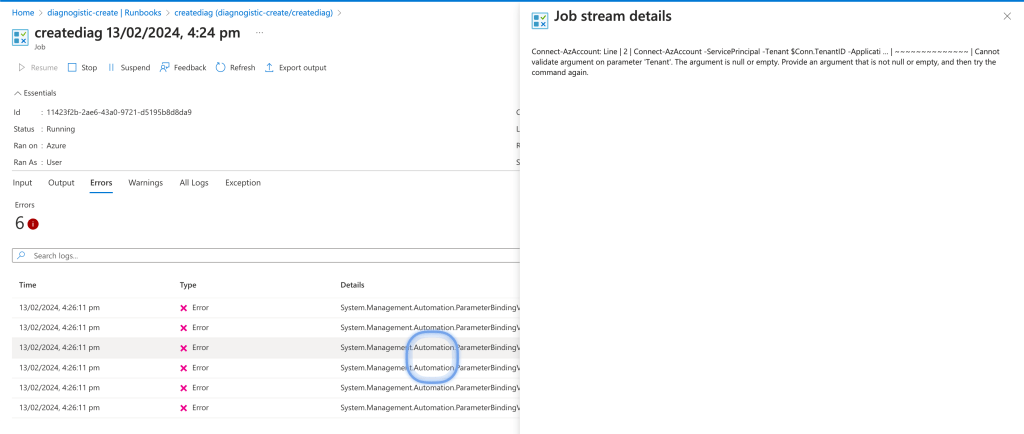
New-AzDiagnosticSetting_CreateExpanded: Line | 15 | New-AzDiagnosticSetting -Name test-setting3 -EventHubAuthorizationRul … | ~~~~~~~~~~~~~~~~~~~~~~~~~~~~~~~~~~~~~~~~~~~~~~~~~~~~~~~~~~~~~~~~~~~~~ | The client 'b23ced15-6bff-4a99-b8d0-7350f9e61f3b' with object id 'b23ced15-6bff-4a99-b8d0-7350f9e61f3b' does not have authorization to perform action 'Microsoft.Insights/diagnosticSettings/write' over scope '/subscriptions/ad744a08-2411-4d78-b417-1f1c83f4f741/resourceGroups/ContractorMarketing/providers/Microsoft.Logic/workflows/contractormarketing-schedule-dailyreport/providers/Microsoft.Insights/diagnosticSettings/test-setting3' or the scope is invalid. If access was recently granted, please refresh your credentials.
Just a reader >
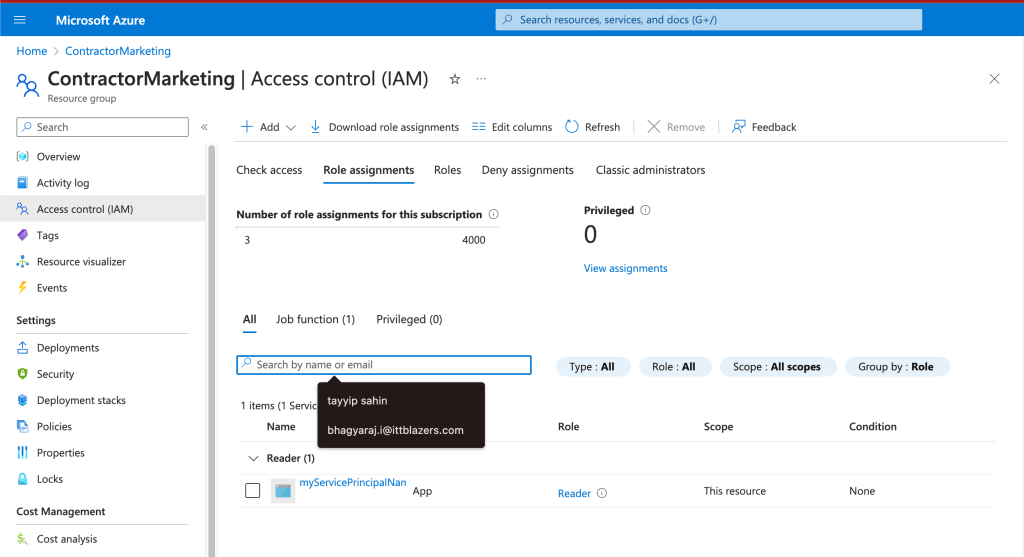
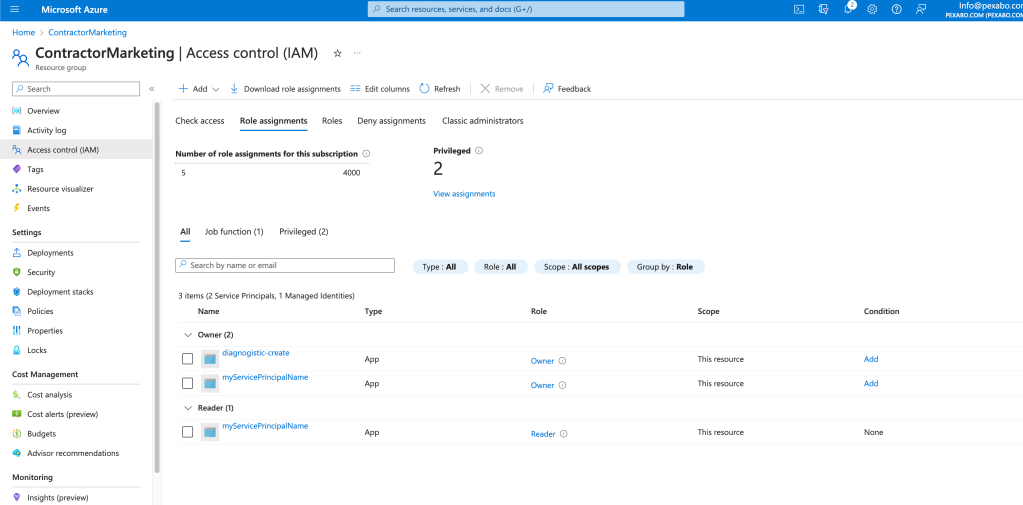
Make it a contributor and an owner
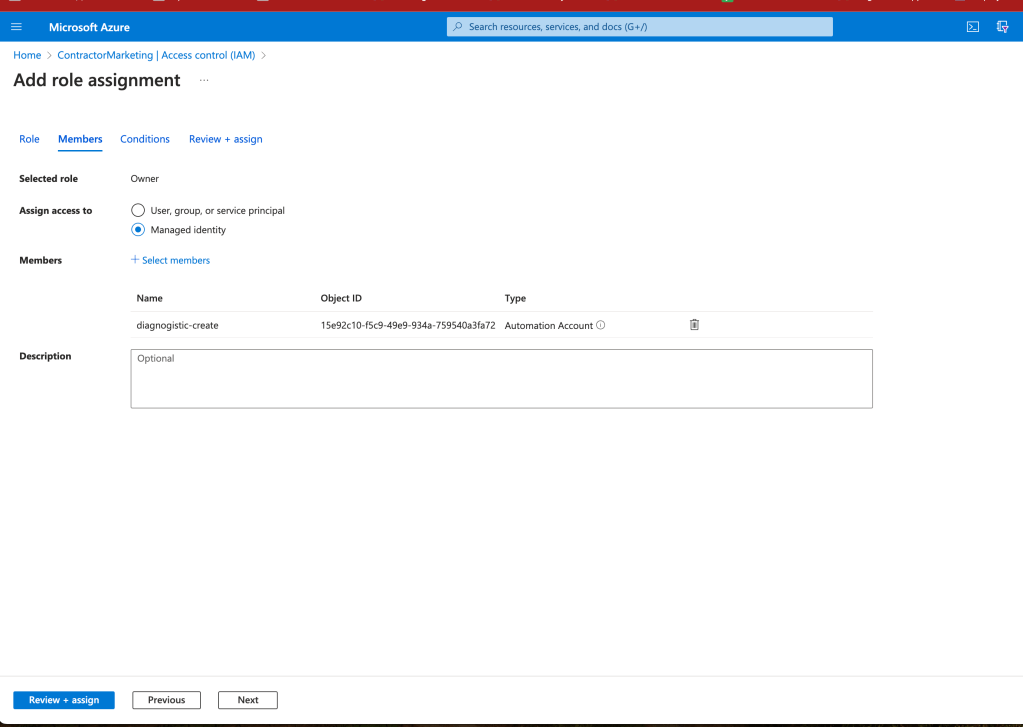
THEY ARE BOTH IN
detail of key creation >>> 2 way action
1) i created service principal ( json ) >> cloud shell
2)create the pem key >>> clould shelll
3) convert the pem to crt file
4)uploaded the crt to certificated of the serviceprincipal (got thumbprint )
5)created a connection in automation account with serviceprincal ( used thumbprint )
6)added the code to the automation using the connection
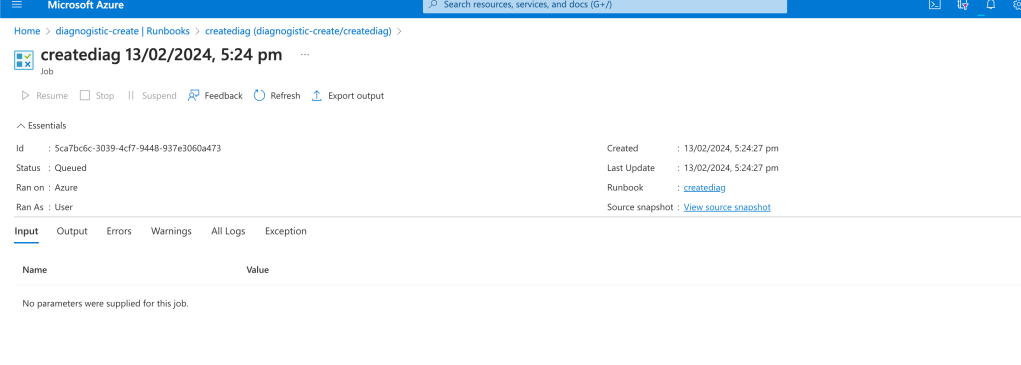
Waited in the queue and rerun
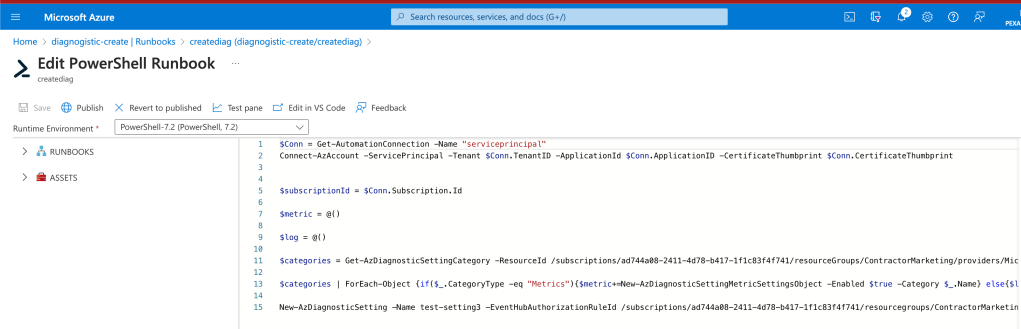
`$Conn = Get-AutomationConnection -Name "serviceprincipal"
Connect-AzAccount -ServicePrincipal -Tenant $Conn.TenantID -ApplicationId $Conn.ApplicationID -CertificateThumbprint $Conn.CertificateThumbprint
$subscriptionId = $Conn.Subscription.Id
$metric = @()
$log = @()
$categories = Get-AzDiagnosticSettingCategory -ResourceId /subscriptions/ad744a08-2411-4d78-b417-1f1c83f4f741/resourceGroups/ContractorMarketing/providers/Microsoft.Logic/workflows/contractormarketing-schedule-dailyreport
$categories | ForEach-Object {if($.CategoryType -eq "Metrics"){$metric+=New-AzDiagnosticSettingMetricSettingsObject -Enabled $true -Category $.Name} else{$log+=New-AzDiagnosticSettingLogSettingsObject -Enabled $true -Category $_.Name}}
New-AzDiagnosticSetting -Name test-setting3 -EventHubAuthorizationRuleId /subscriptions/ad744a08-2411-4d78-b417-1f1c83f4f741/resourcegroups/ContractorMarketing/providers/Microsoft.EventHub/namespaces/contractormarketing/authorizationrules/RootManageSharedAccessKey -EventHubName contractormarketing-logicapp -StorageAccountId /subscriptions/ad744a08-2411-4d78-b417-1f1c83f4f741/resourceGroups/ContractorMarketing/providers/Microsoft.Storage/storageAccounts/contractormarketing -ResourceId /subscriptions/ad744a08-2411-4d78-b417-1f1c83f4f741/resourceGroups/ContractorMarketing/providers/Microsoft.Logic/workflows/contractormarketing-schedule-dailyreport -WorkspaceId /subscriptions/ad744a08-2411-4d78-b417-1f1c83f4f741/resourcegroups/contractormarketing/providers/microsoft.operationalinsights/workspaces/contractormarketing-loganalytics -Log $log -Metric $metric`
first time it is getting connected
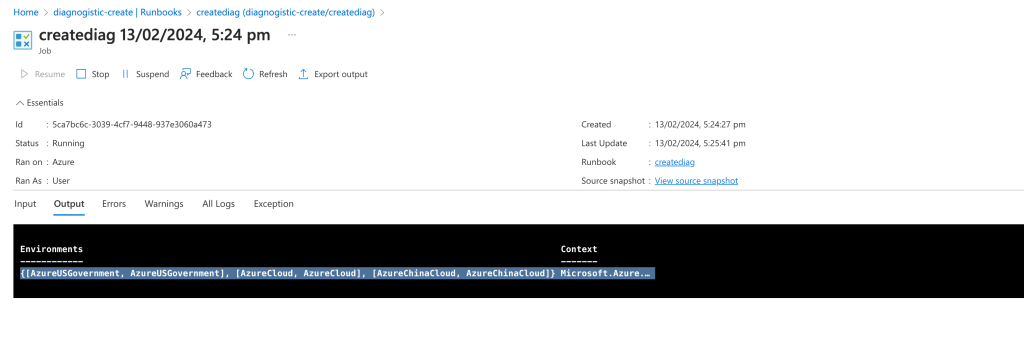
so much hassle for this
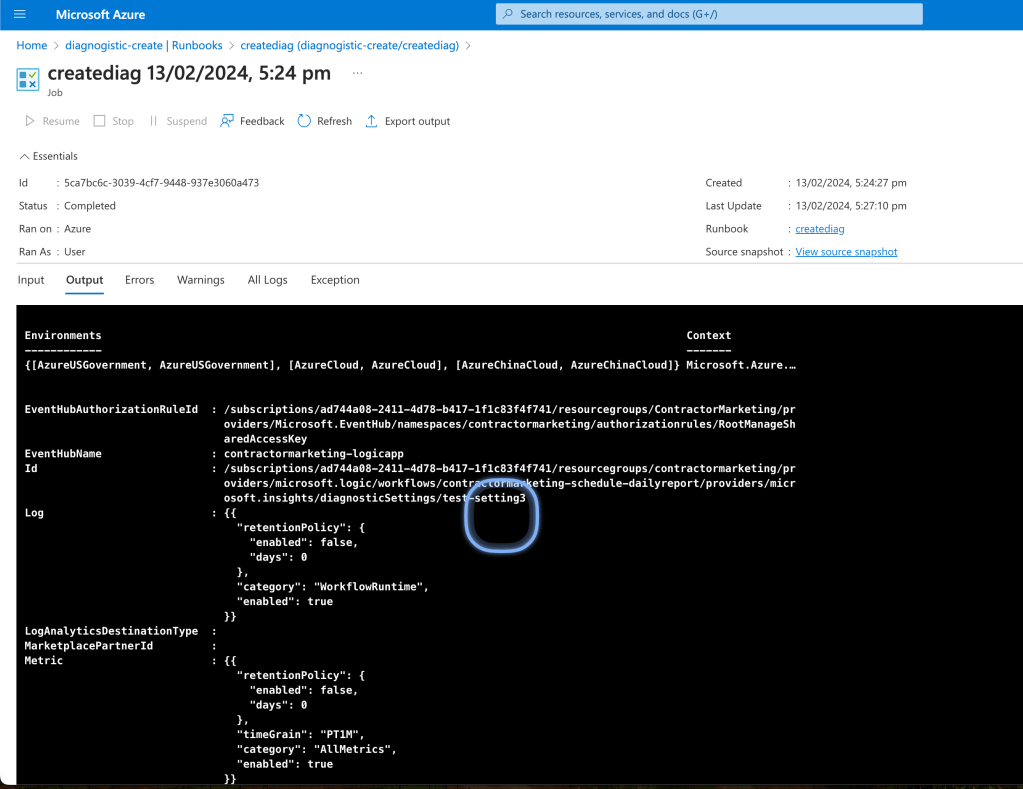
$Conn = Get-AutomationConnection -Name "serviceprincipal"
Connect-AzAccount -ServicePrincipal -Tenant $Conn.TenantID -ApplicationId $Conn.ApplicationID -CertificateThumbprint $Conn.CertificateThumbprint
Connection works >>> as it has it all and the password is protected over the certificate as we know the thumbprint for the cert
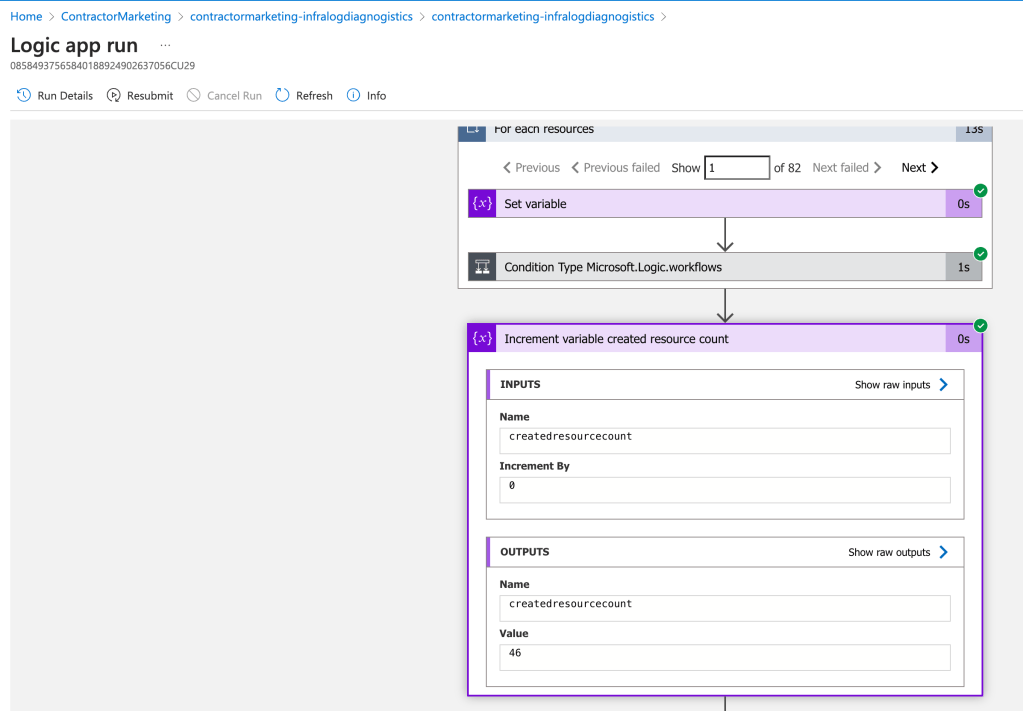
Created this know we need to take in a parameter and run this 46 times and in future diagnogistics that we need and be able to debug our serverless applications
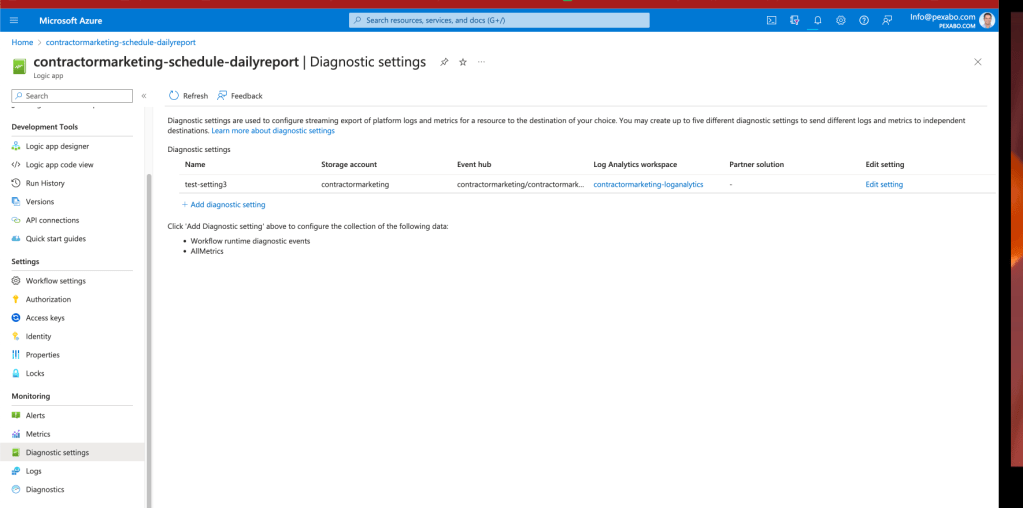
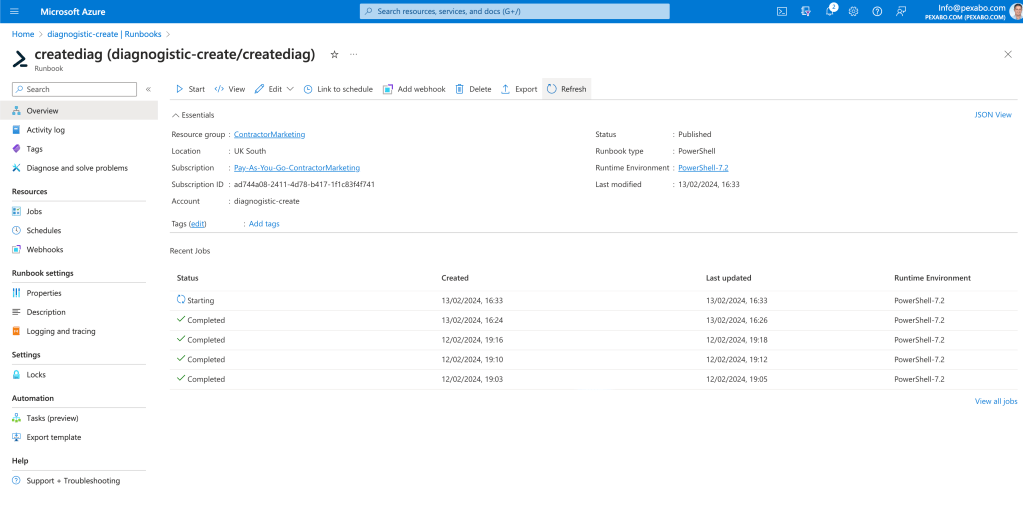
There are also other run books there
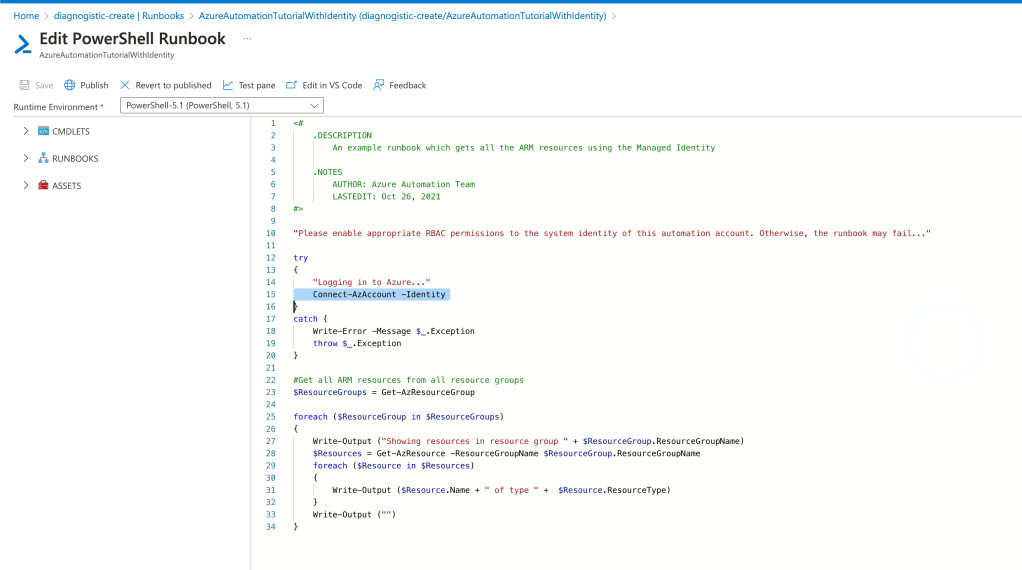
top line is powershell added
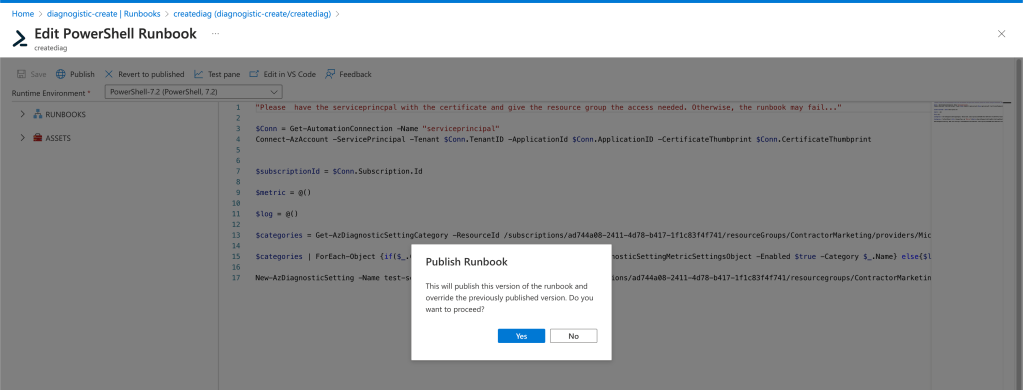
TODOS
todo 1 app paramaters
todo2 add this to the logic app
todo3 trigger the logic app create 46 configs
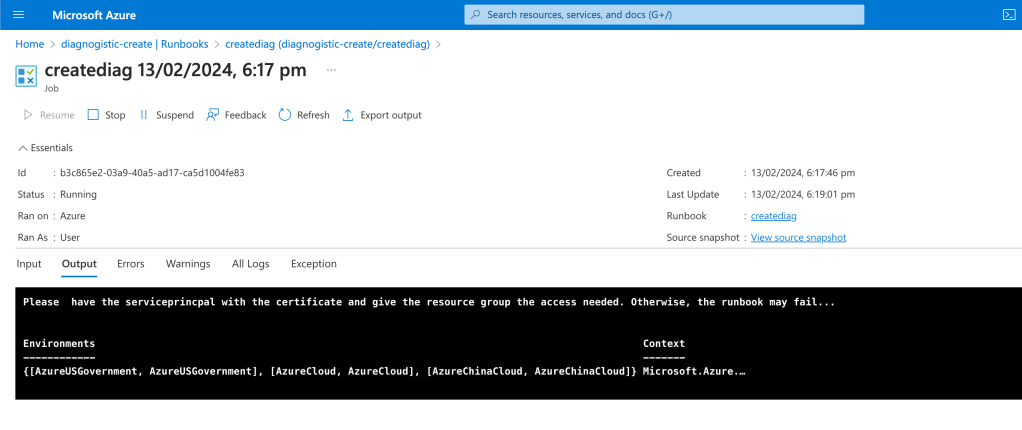
Check if created
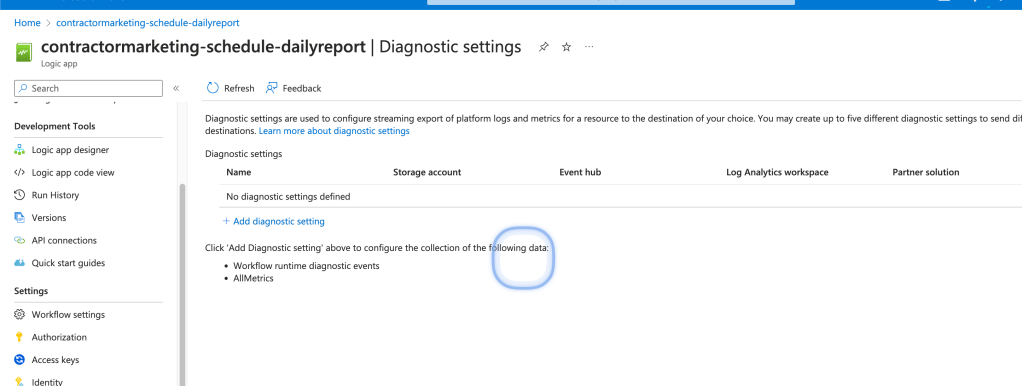
Basic
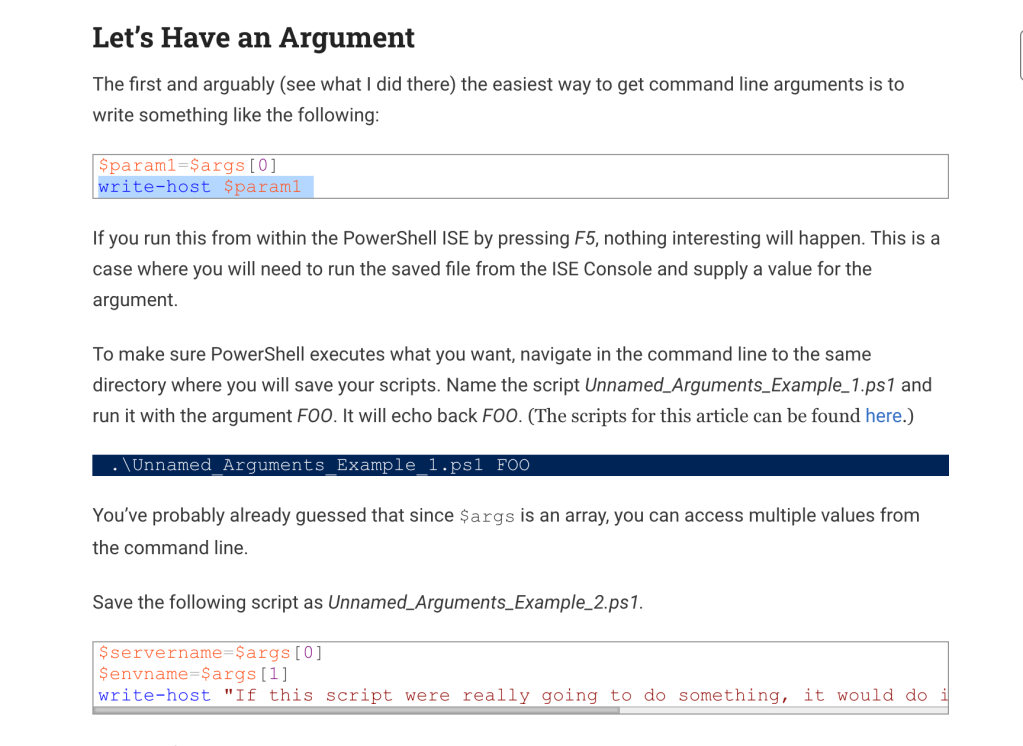
terminate and test a limited scope
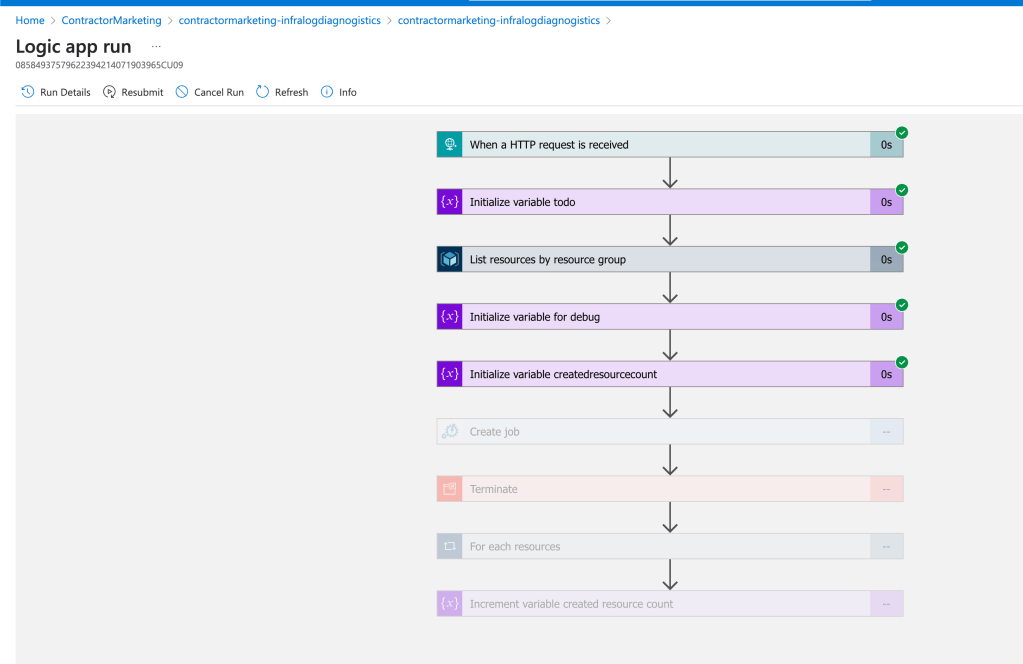
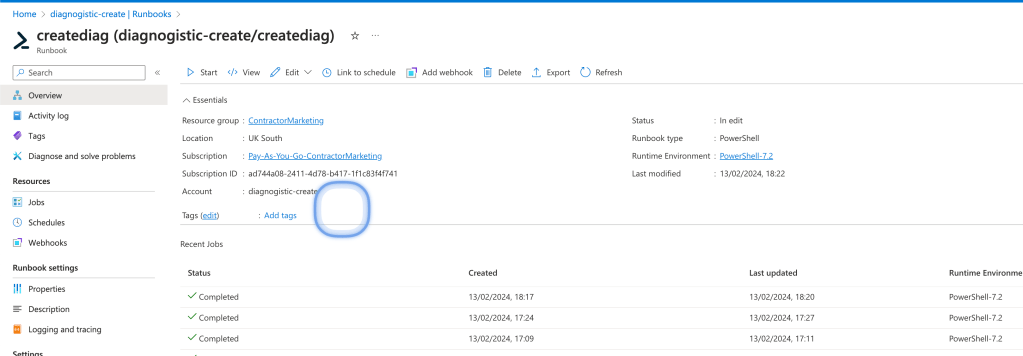
Parameter landing
Todos
todo 1 app paramaters ( inprogress )
todo2 add this to the logic app ( inprogress )
todo3 trigger the logic app create 46 configs ( )
Job ID is the output
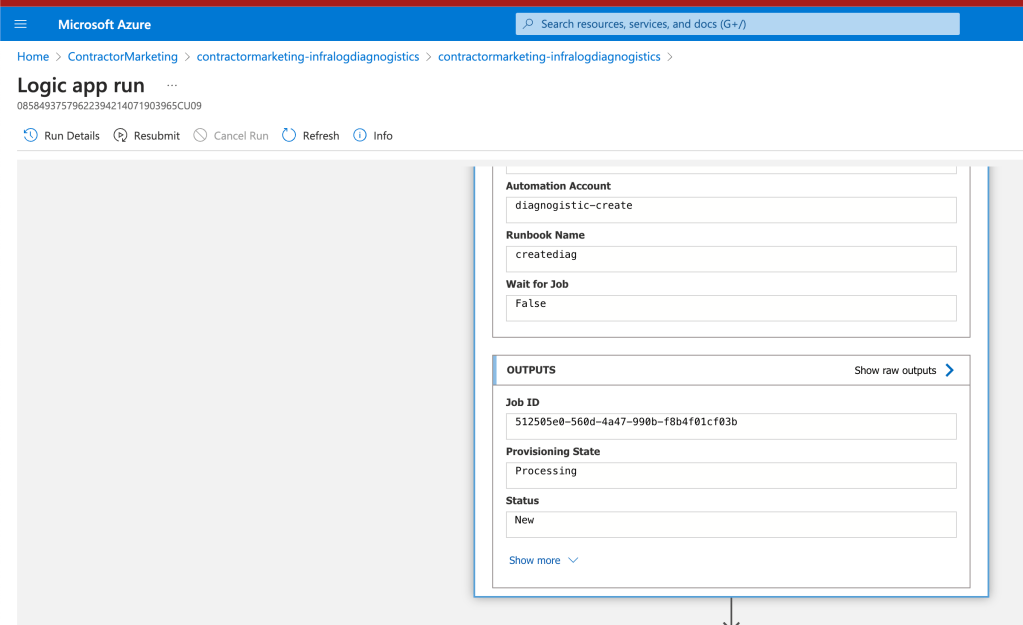
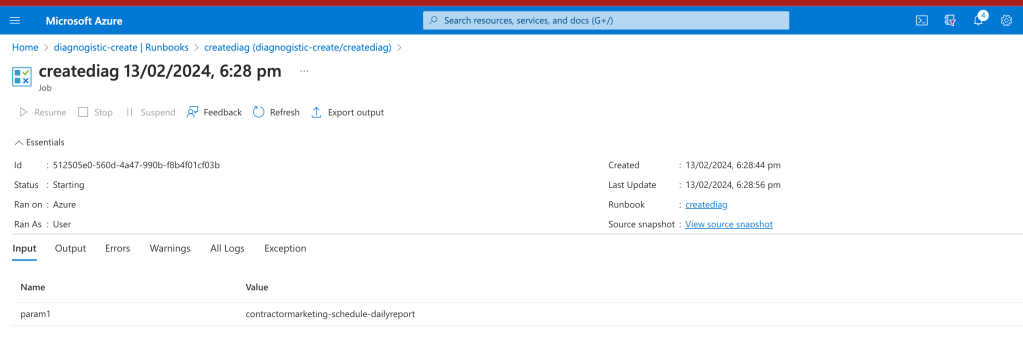
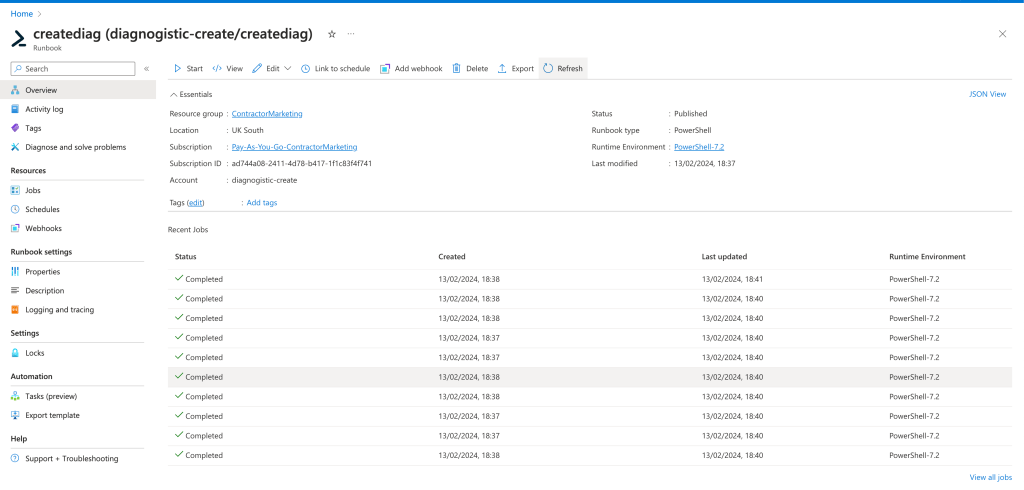
3 minute to run to much to debug

So many queued at the same time
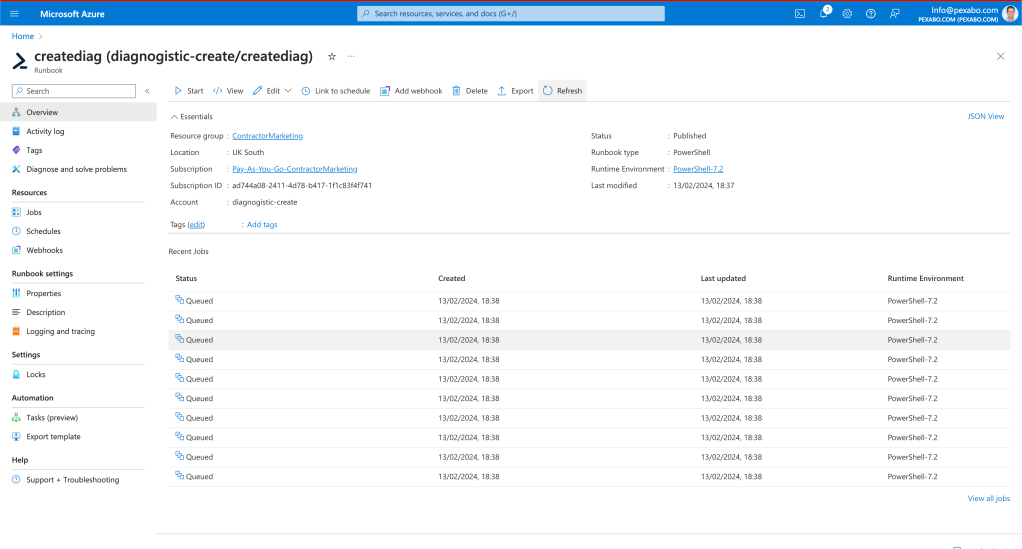
Starting all at the same time
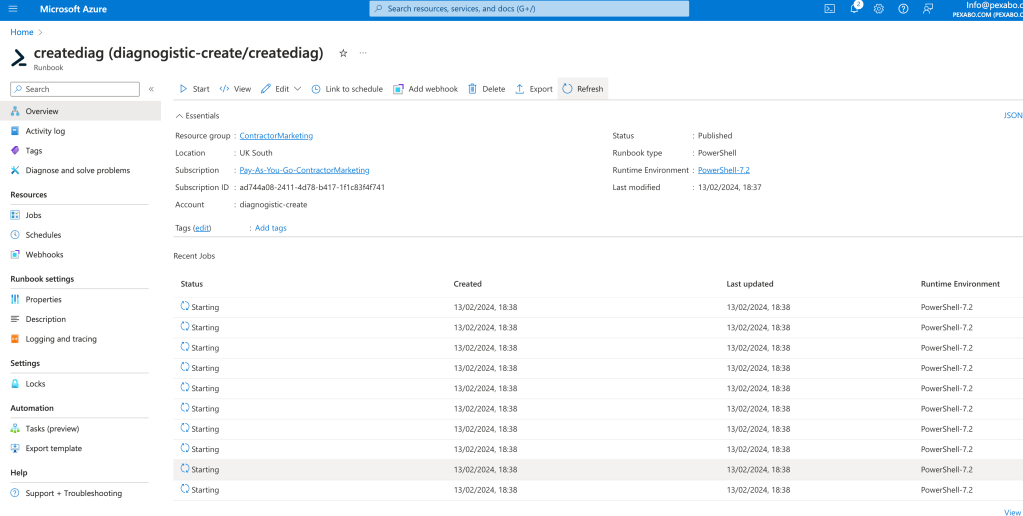
it is not here
Line 16 error
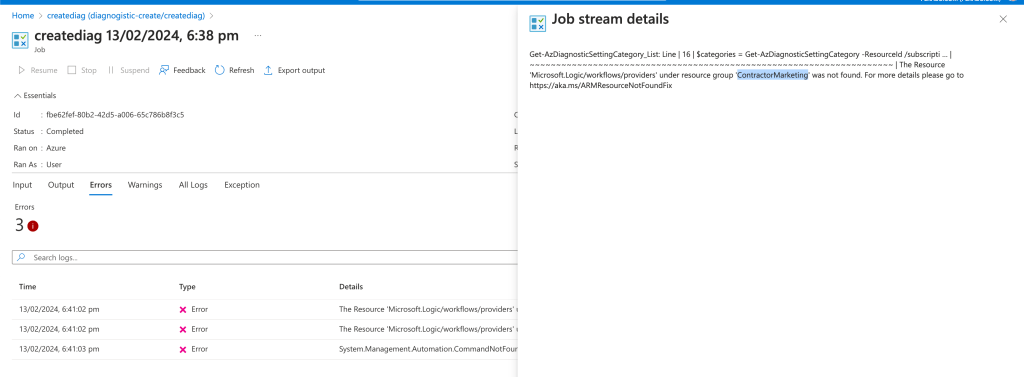
46 errors piled up
Get-AzDiagnosticSettingCategory_List: Line | 16 | $categories = Get-AzDiagnosticSettingCategory -ResourceId $myresource … | ~~~~~~~~~~~~~~~~~~~~~~~~~~~~~~~~~~~~~~~~~~~~~~~~~~~~~~~~~~~~~~~~~~~~~ | The Resource 'Microsoft.Logic/workflows/providers' under resource group 'ContractorMarketing' was not found. For more details please go to https://aka.ms/ARMResourceNotFoundFix
param looks empty?
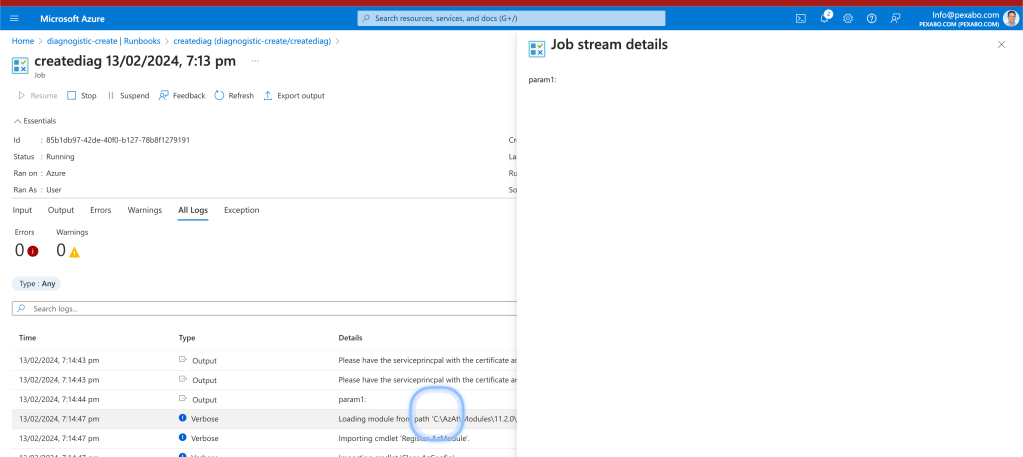
snapshot write is not there
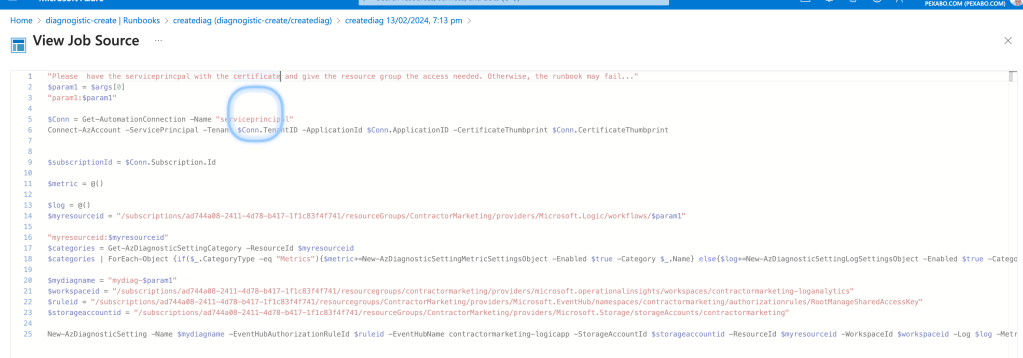
this time the snapshot as published with latest updates
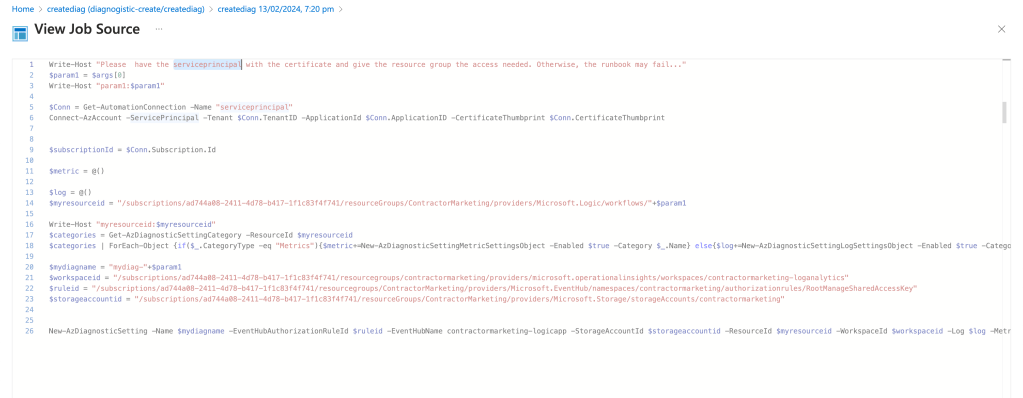
Basic string error is there
https://lazyadmin.nl/powershell/concatenate-string
test basics on cloud shell
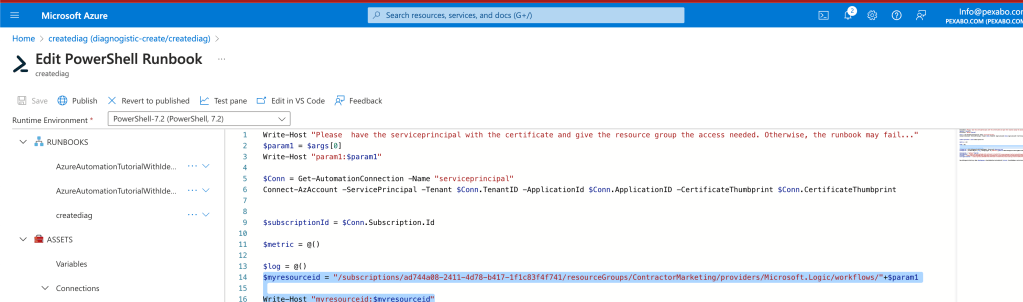
param1 incoming
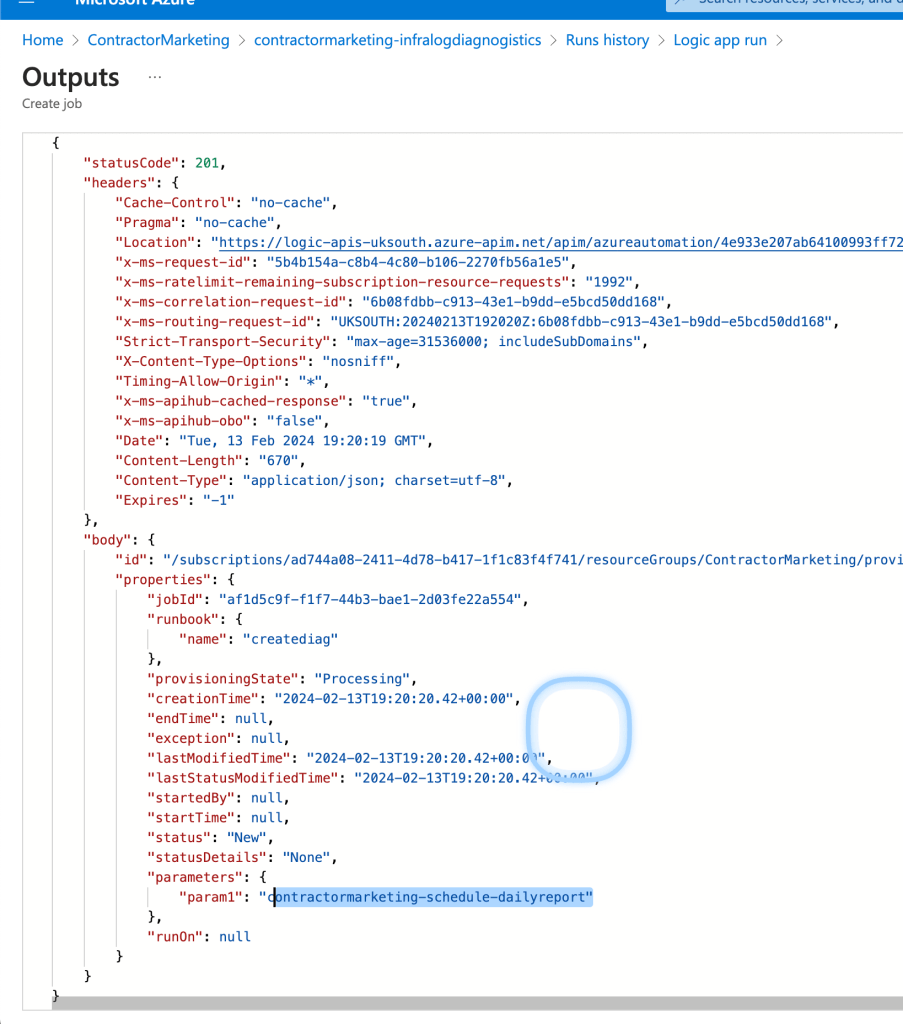
remove all extras to find where is the error
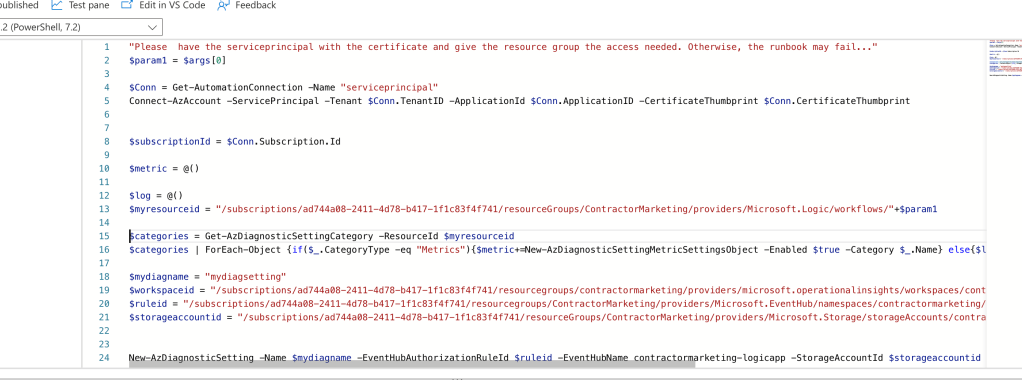
simplier code
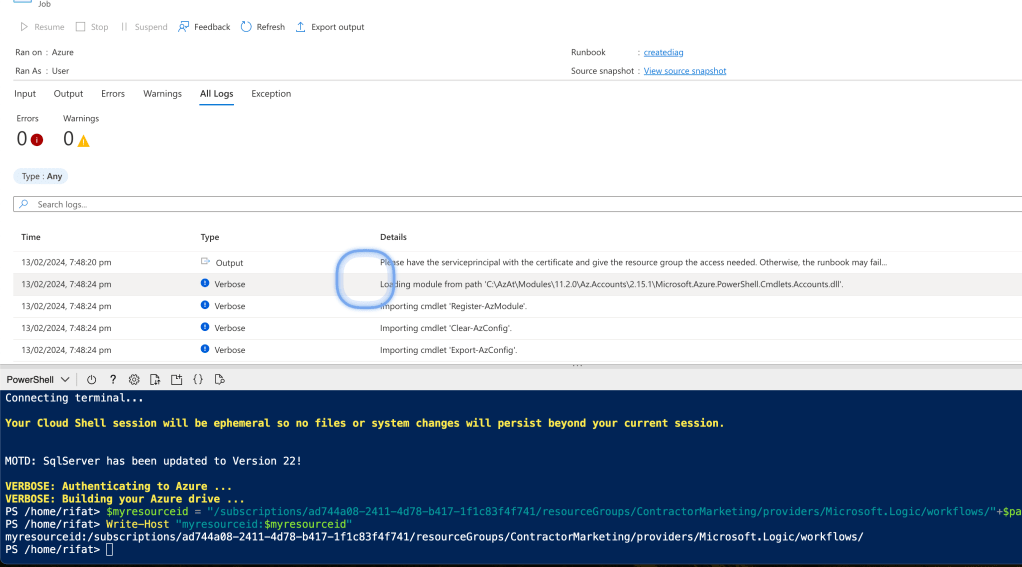
stubbing
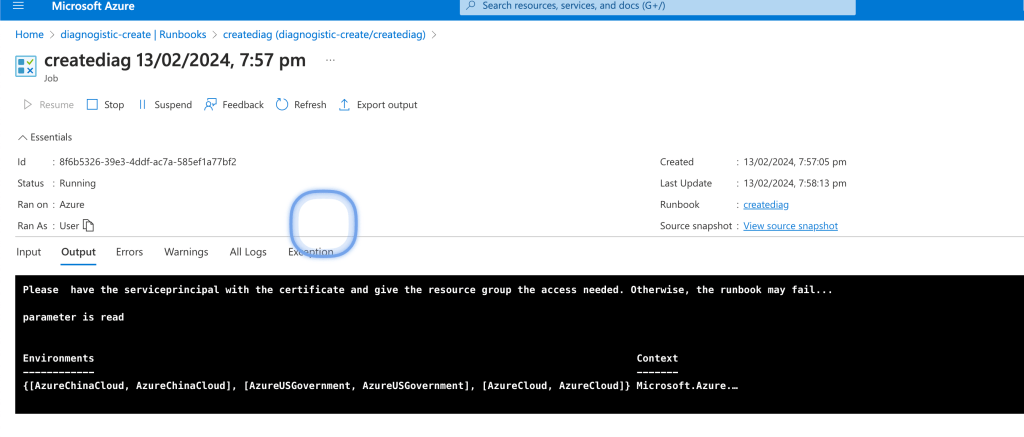
meybe better parameters needed
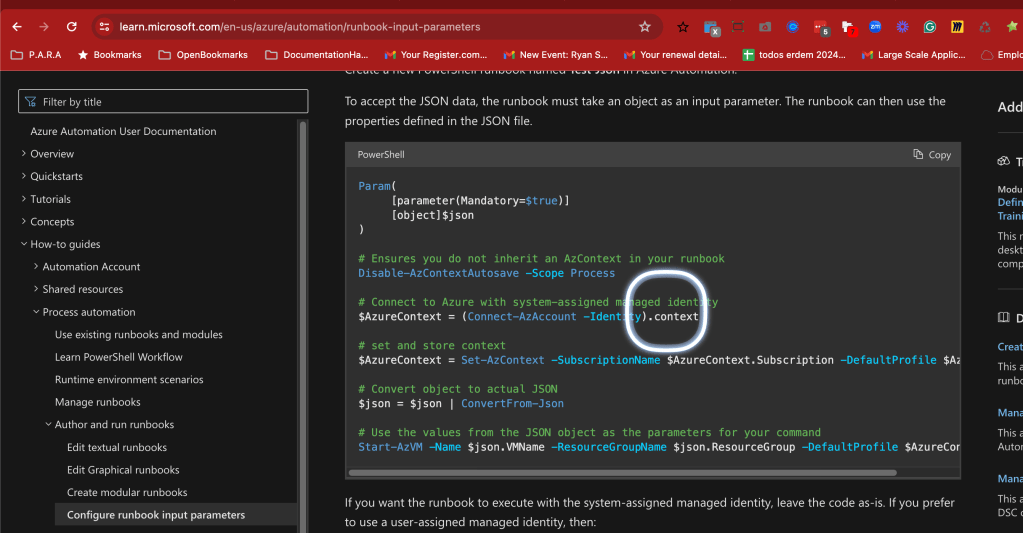
Json reading is different than string reading
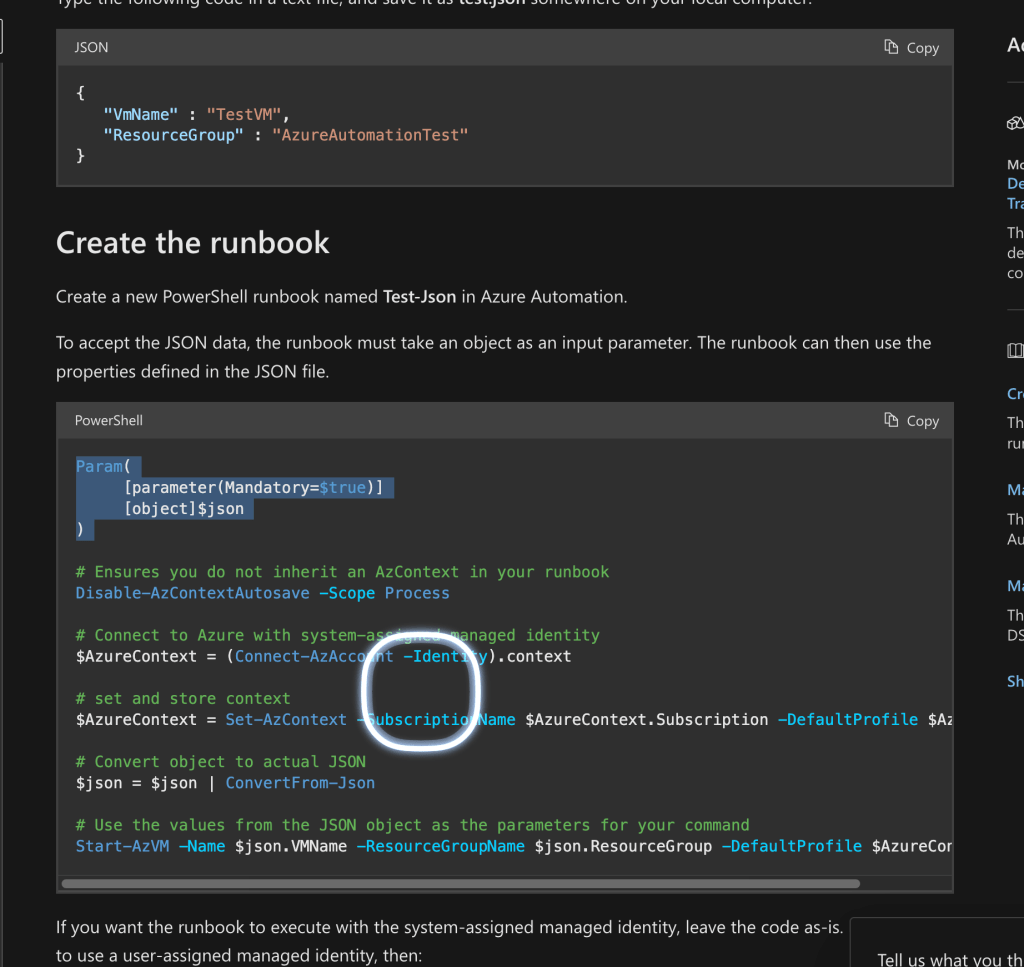
Json and string are not the same just the semblance
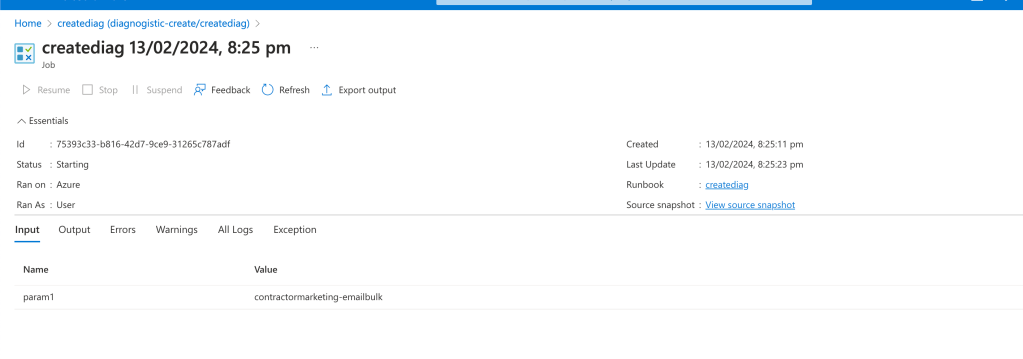
other errors
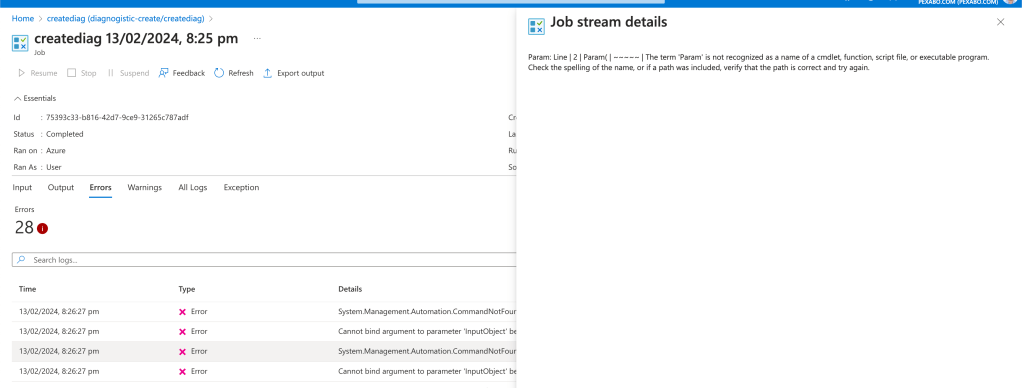
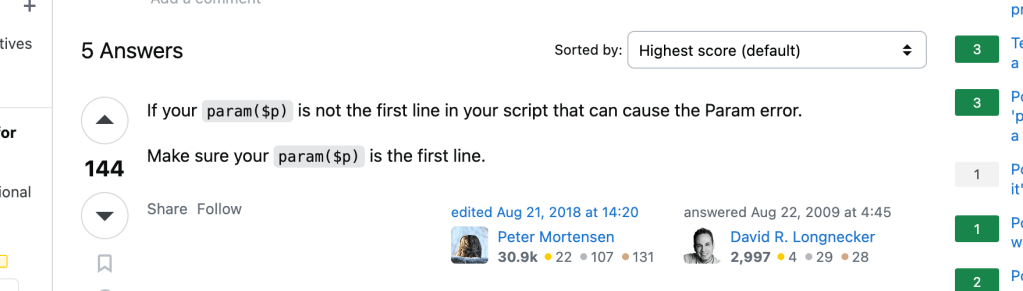
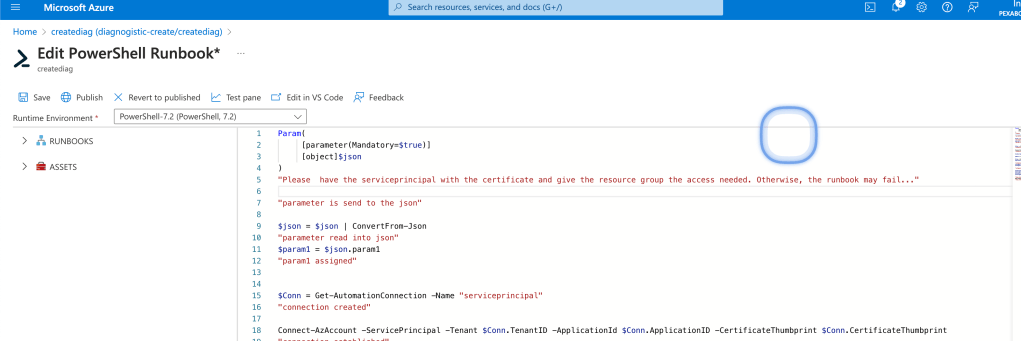
https://stackoverflow.com/questions/1315140/powershell-2-0-and-the-term-param-is-not-recognized-as-the-name-of-a-cmdlet
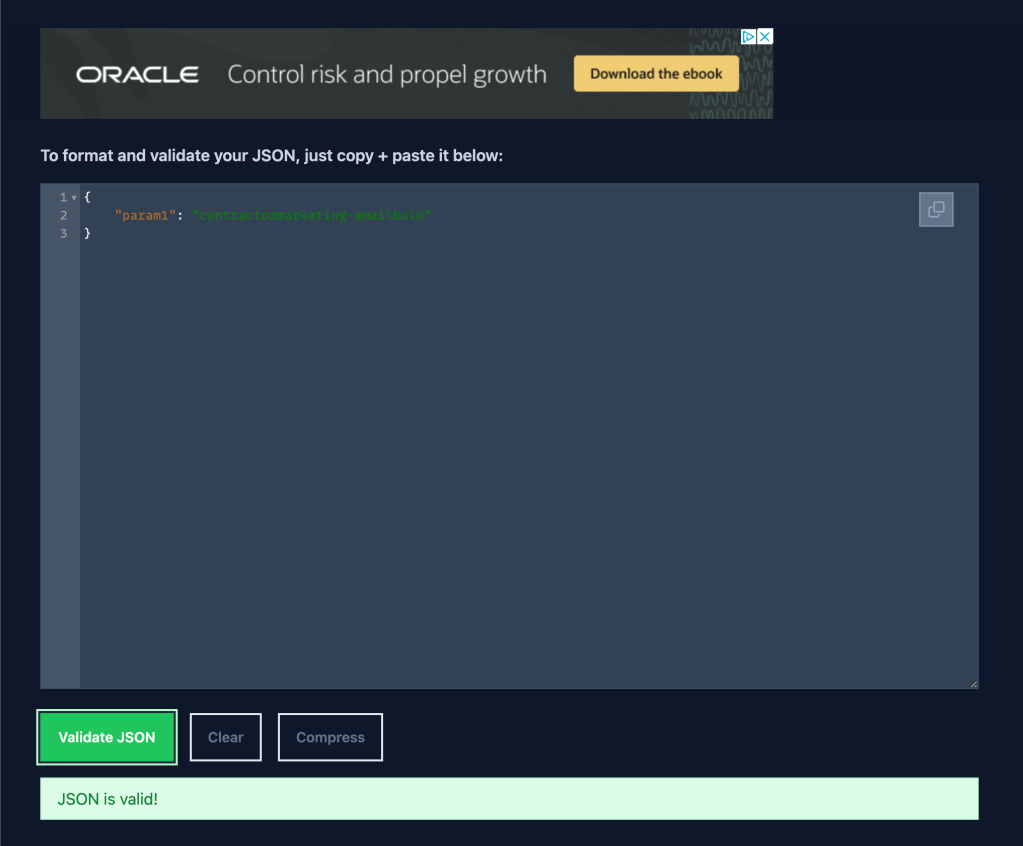
Json
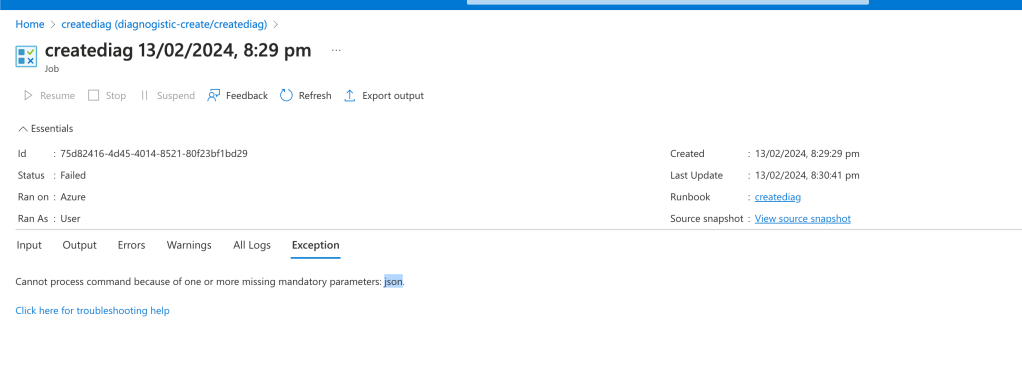
Json valid
webui fails
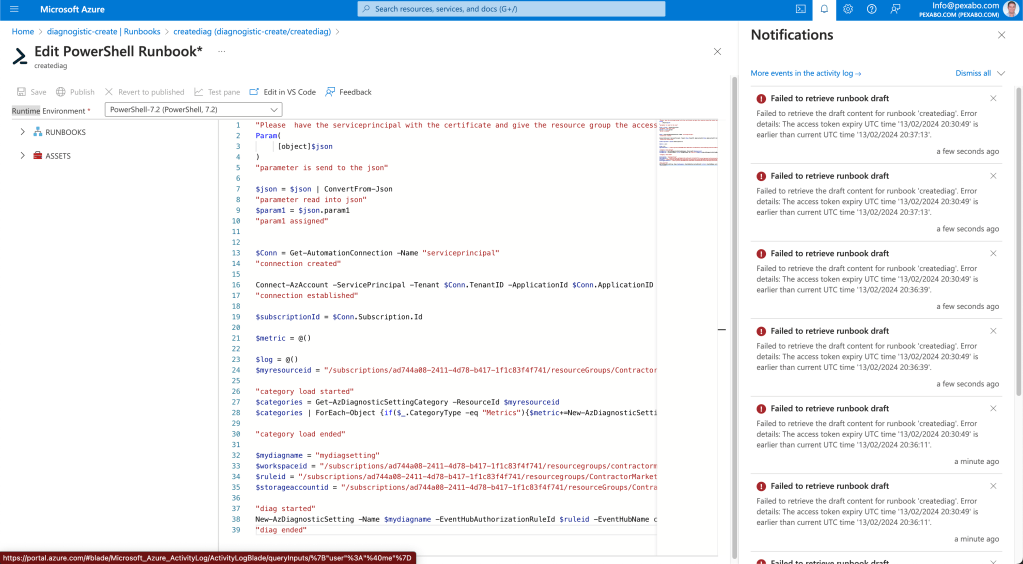
Saved code
"Please have the serviceprincipal with the certificate and give the resource group the access needed. Otherwise, the runbook may fail..."
Param(
[object]$json
)
"parameter is send to the json"
$json = $json | ConvertFrom-Json
"parameter read into json"
$param1 = $json.param1
"param1 assigned"
$Conn = Get-AutomationConnection -Name "serviceprincipal"
"connection created"
Connect-AzAccount -ServicePrincipal -Tenant $Conn.TenantID -ApplicationId $Conn.ApplicationID -CertificateThumbprint $Conn.CertificateThumbprint
"connection established"
$subscriptionId = $Conn.Subscription.Id
$metric = @()
$log = @()
$myresourceid = "/subscriptions/ad744a08-2411-4d78-b417-1f1c83f4f741/resourceGroups/ContractorMarketing/providers/Microsoft.Logic/workflows/"+$param1
"category load started"
$categories = Get-AzDiagnosticSettingCategory -ResourceId $myresourceid
$categories | ForEach-Object {if($.CategoryType -eq "Metrics"){$metric+=New-AzDiagnosticSettingMetricSettingsObject -Enabled $true -Category $.Name} else{$log+=New-AzDiagnosticSettingLogSettingsObject -Enabled $true -Category $_.Name}}
"category load ended"
$mydiagname = "mydiagsetting"
$workspaceid = "/subscriptions/ad744a08-2411-4d78-b417-1f1c83f4f741/resourcegroups/contractormarketing/providers/microsoft.operationalinsights/workspaces/contractormarketing-loganalytics"
$ruleid = "/subscriptions/ad744a08-2411-4d78-b417-1f1c83f4f741/resourcegroups/ContractorMarketing/providers/Microsoft.EventHub/namespaces/contractormarketing/authorizationrules/RootManageSharedAccessKey"
$storageaccountid = "/subscriptions/ad744a08-2411-4d78-b417-1f1c83f4f741/resourceGroups/ContractorMarketing/providers/Microsoft.Storage/storageAccounts/contractormarketing"
"diag started"
New-AzDiagnosticSetting -Name $mydiagname -EventHubAuthorizationRuleId $ruleid -EventHubName contractormarketing-logicapp -StorageAccountId $storageaccountid -ResourceId $myresourceid -WorkspaceId $workspaceid -Log $log -Metric $metric
"diag ended"
json is null
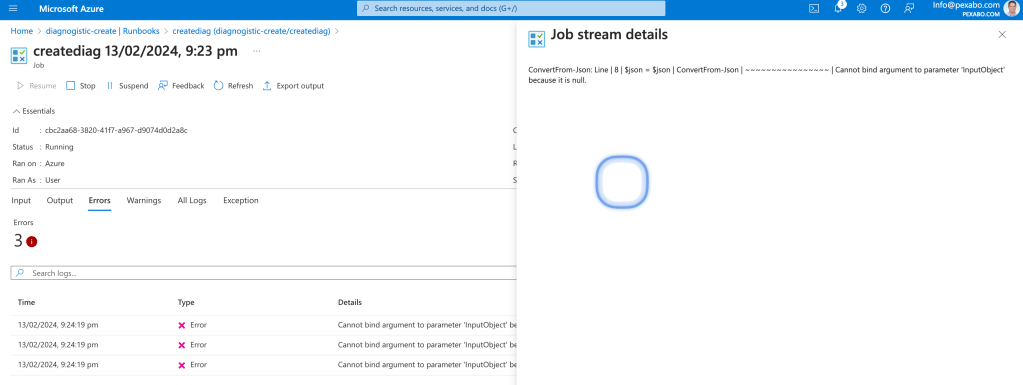
saved json one more time
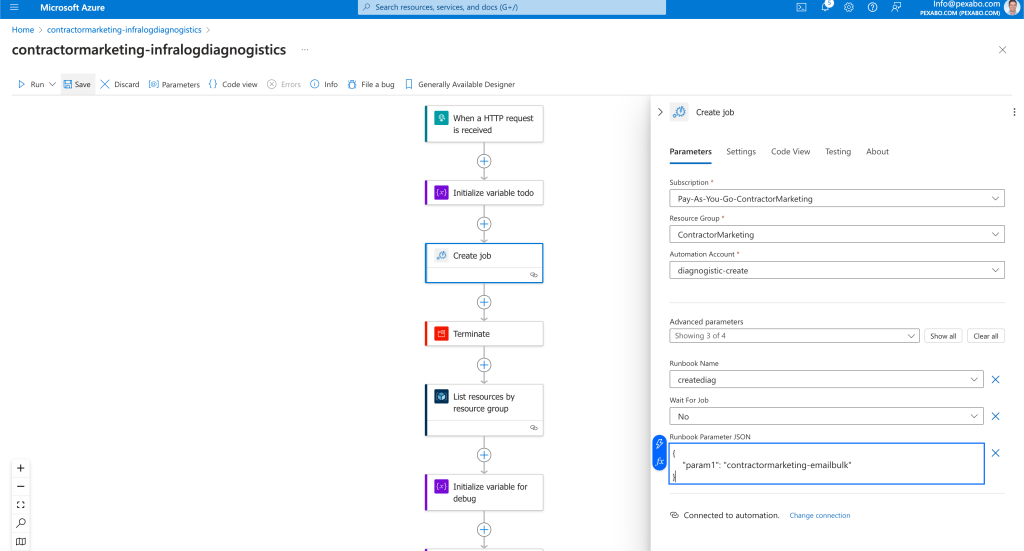
for the first time it says JSON
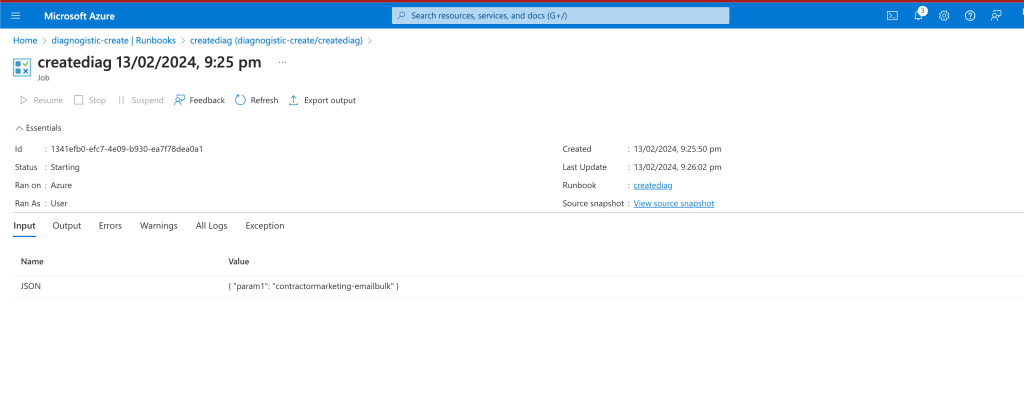
line 8
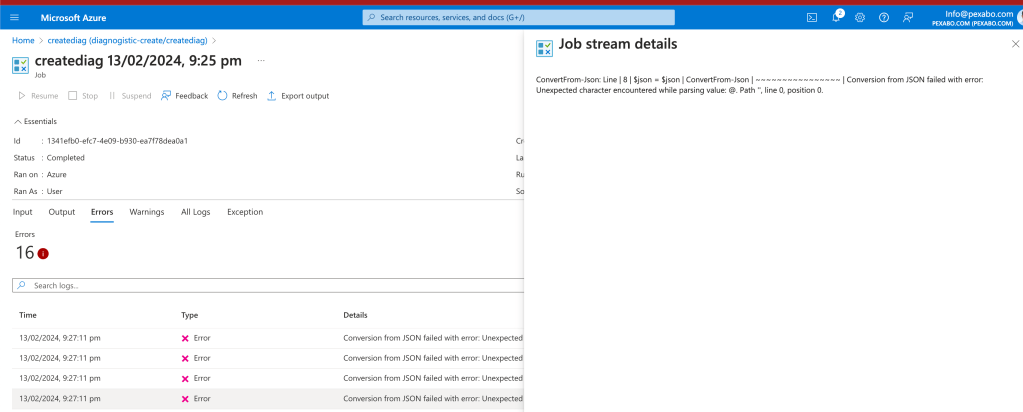
it worked with an error?
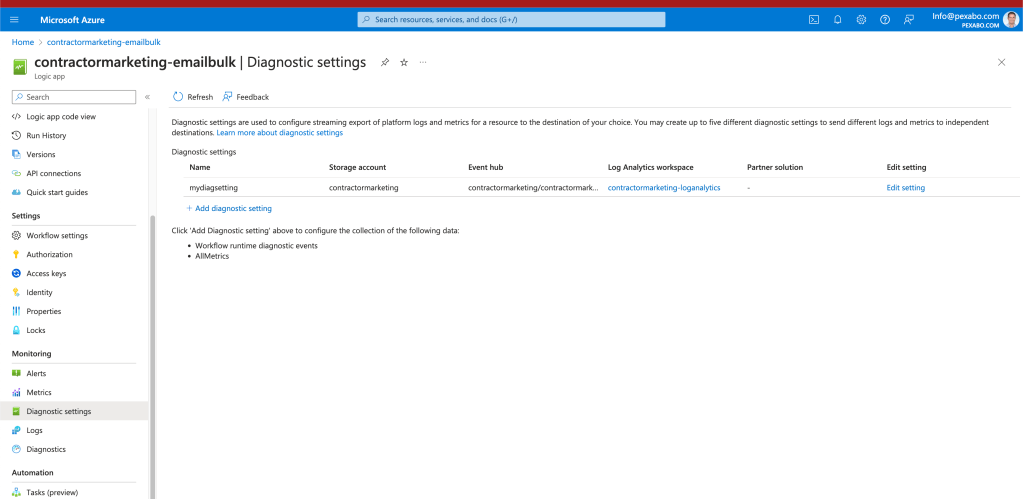
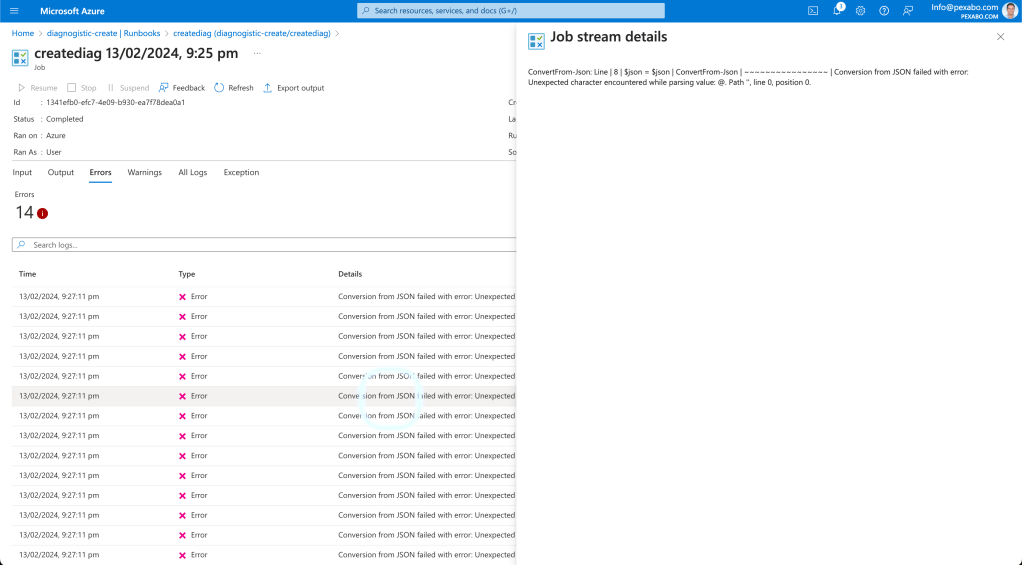
there could be this kind of errors
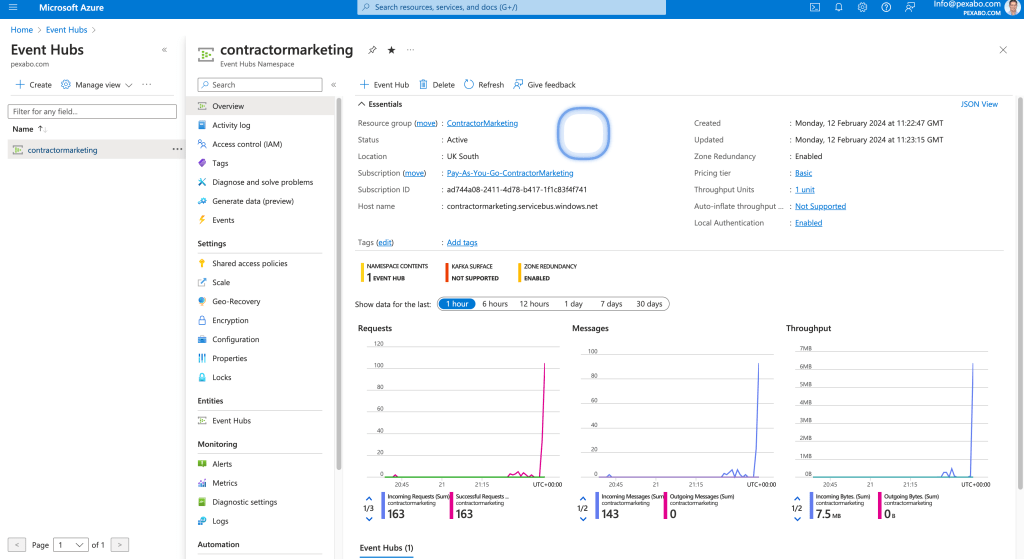
Event hub Started working
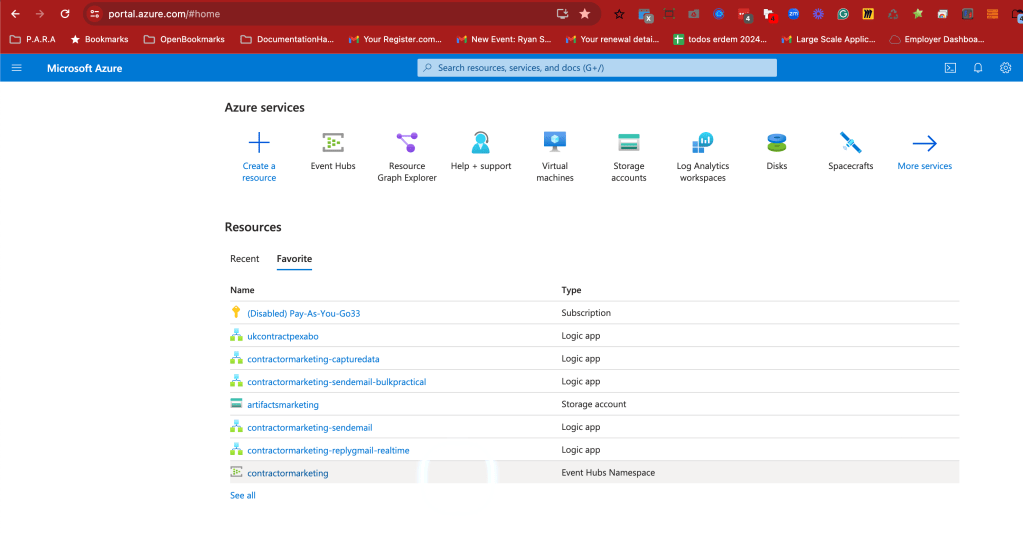
in the favorites now
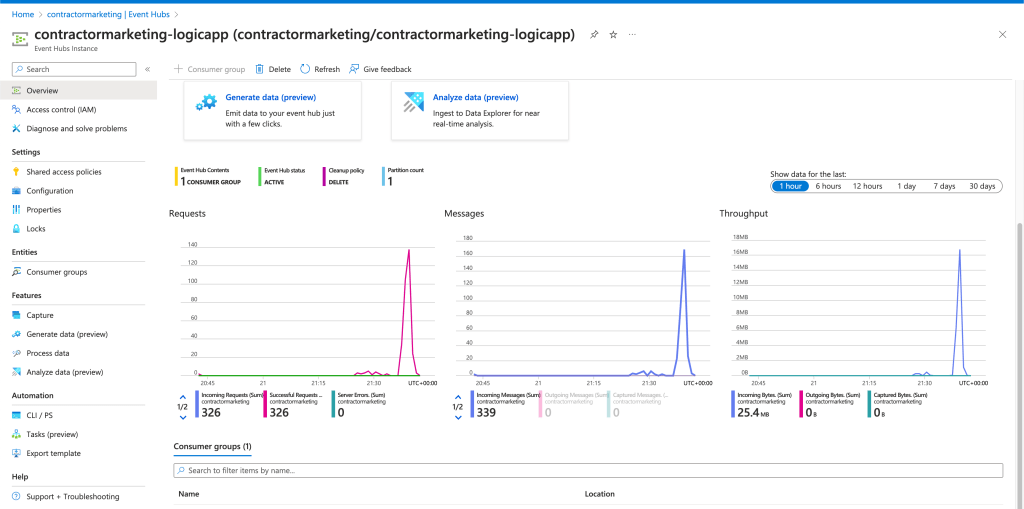
References
https://learn.microsoft.com/en-us/cli/azure/azure-cli-sp-tutorial-7?tabs=bash
Imported from rifaterdemsahin.com · 2024