Adding leads by the database by json
find the label
get the sanbox ui
get the json
process the json
fill the db
send updates on quarterly basis
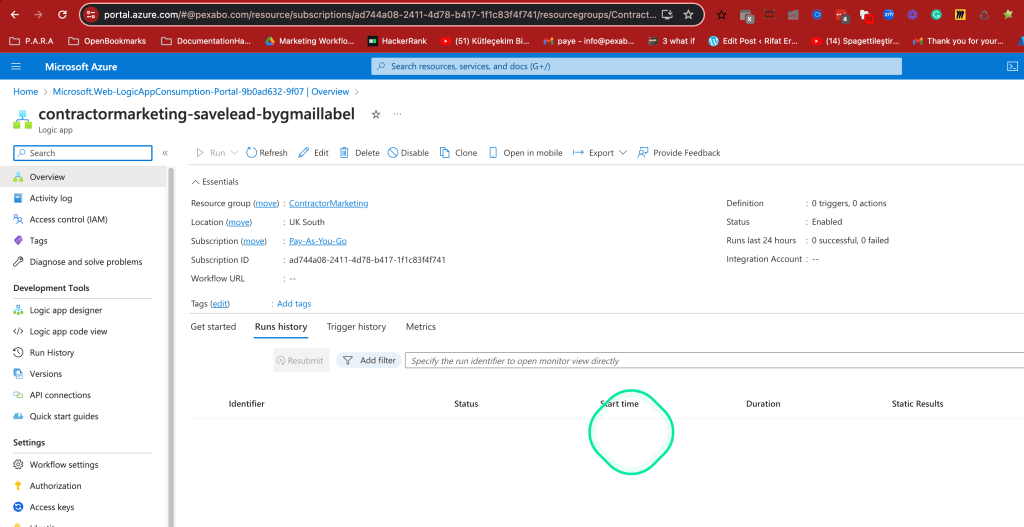
https://portal.azure.com/#@pexabo.com/resource/subscriptions/ad744a08-2411-4d78-b417-1f1c83f4f741/resourcegroups/ContractorMarketing/providers/Microsoft.Logic/workflows/contractormarketing-savelead-bygmaillabel/logicApp
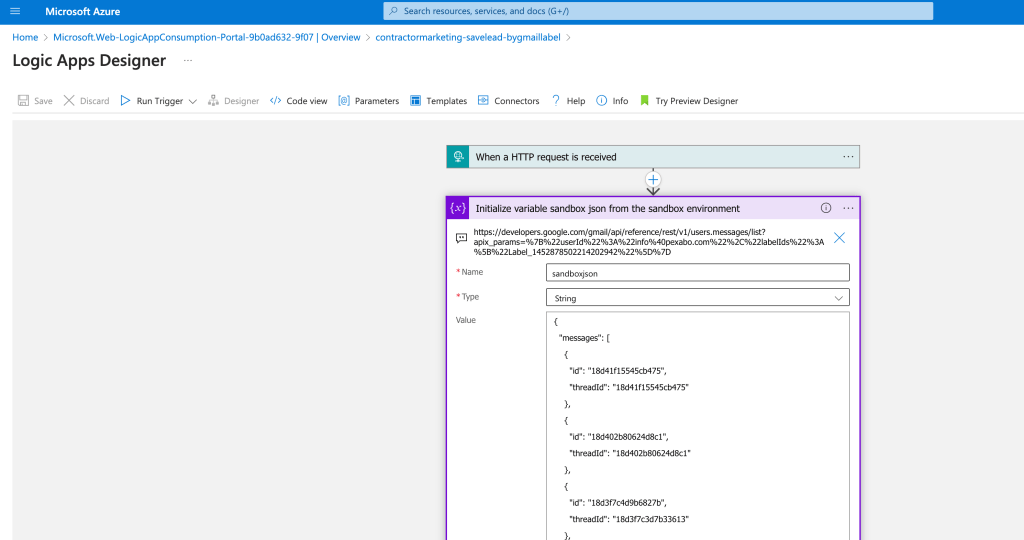
Sandbox Reference
https://developers.google.com/gmail/api/reference/rest/v1/users.messages/list?apix_params=%7B%22userId%22%3A%22info%40pexabo.com%22%2C%22labelIds%22%3A%5B%22Label_1452878502214202942%22%5D%7D
base structure4
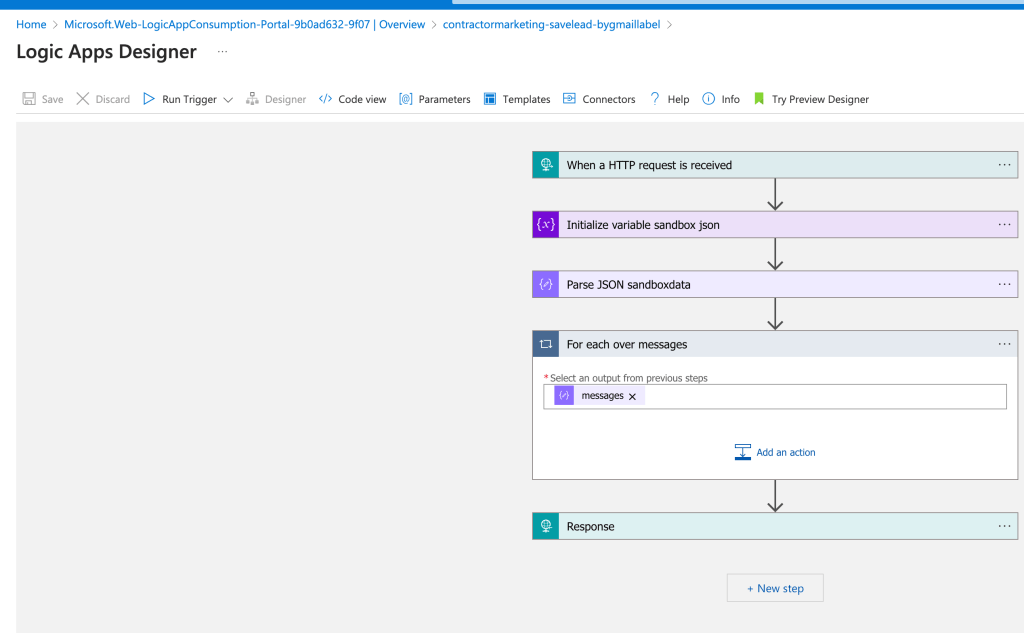
premise As long as i have the data i can iterate in it to get the necessary parts to do the marketing > email and region are important
Contracting > requires realtime marketing
this has to be send in 24 hour frame
add the sandbox reference in here
if there is a control in save leads than it is ok to use it
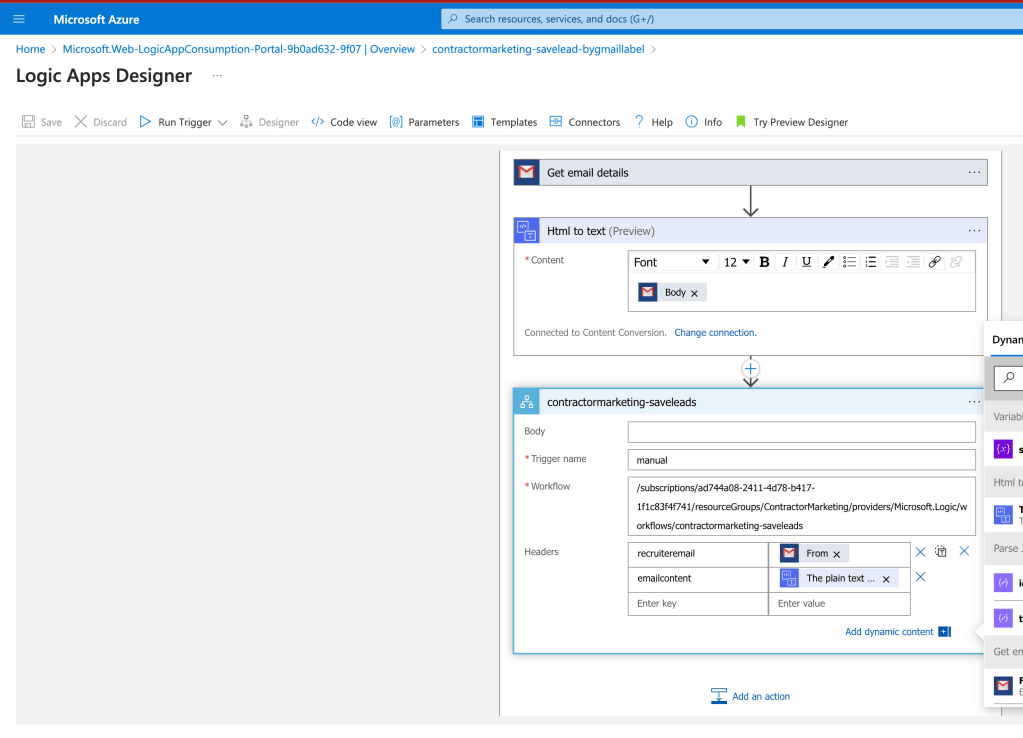
there is a check system in there
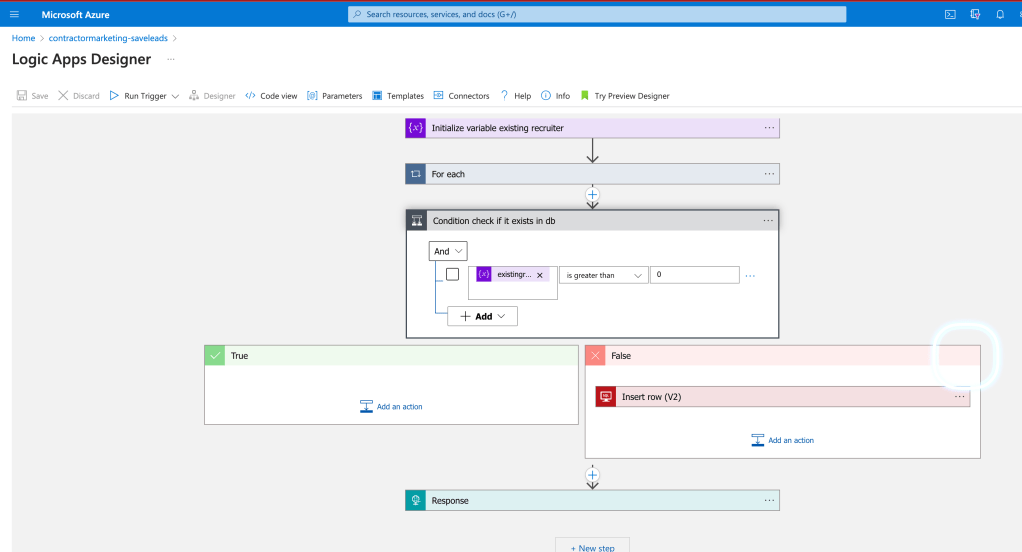
processed
have a report to see the number for today
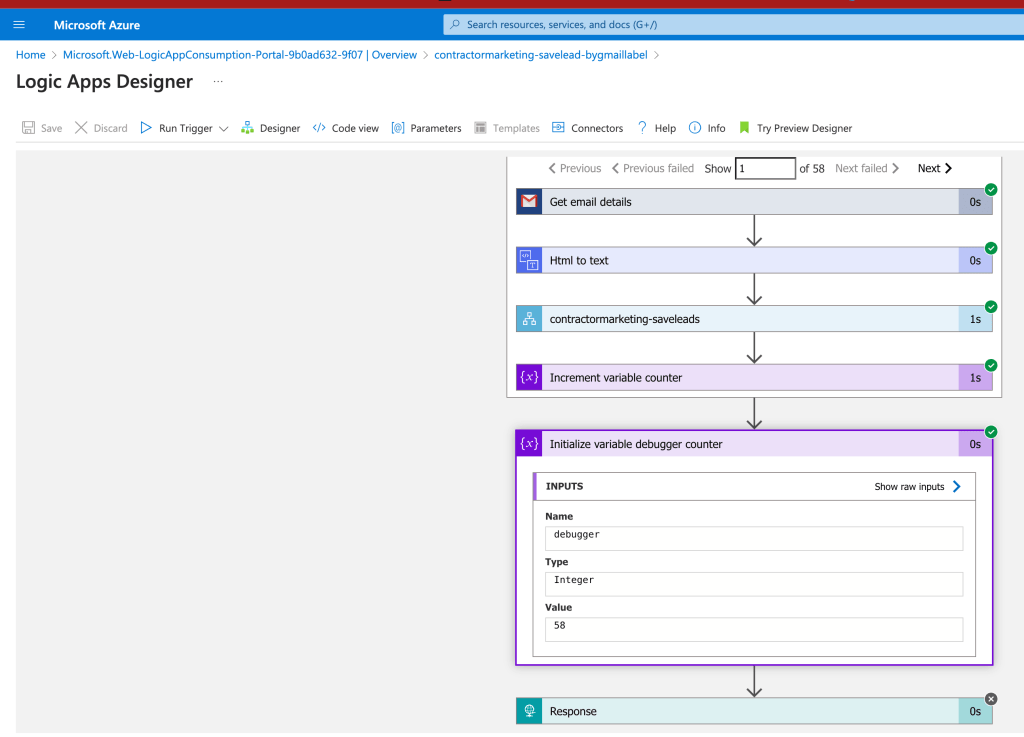
add a todaycount parameter
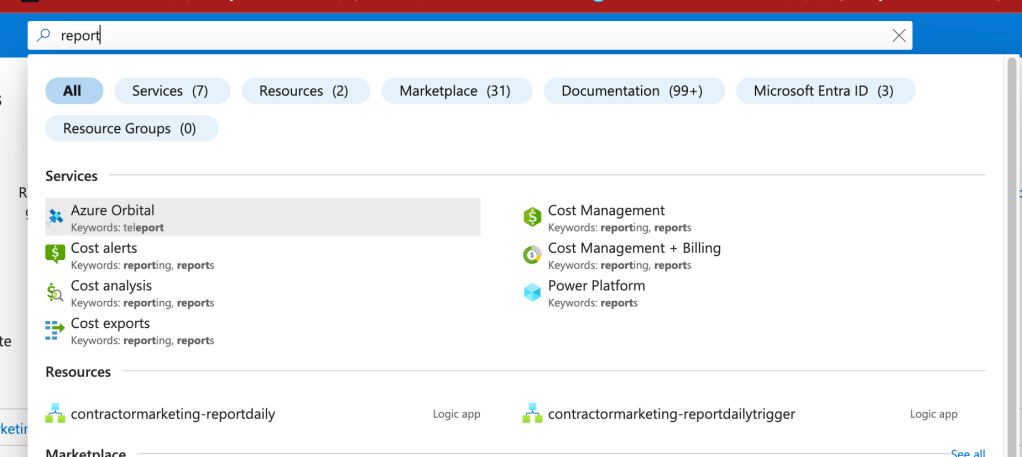
Sell logic apps and write the logic apps
In a transactional world where i sell the devops.engineering service product I got to make sure on the transactional sales process and move the leads to the archieve state on an ongoing basis
https://www.canva.com/design/DAF6_YNeh4Q/Eqrjy6nK_gkn-1UBxmoarg/edit?utm_content=DAF6_YNeh4Q&utm_campaign=designshare&utm_medium=link2&utm_source=sharebutton
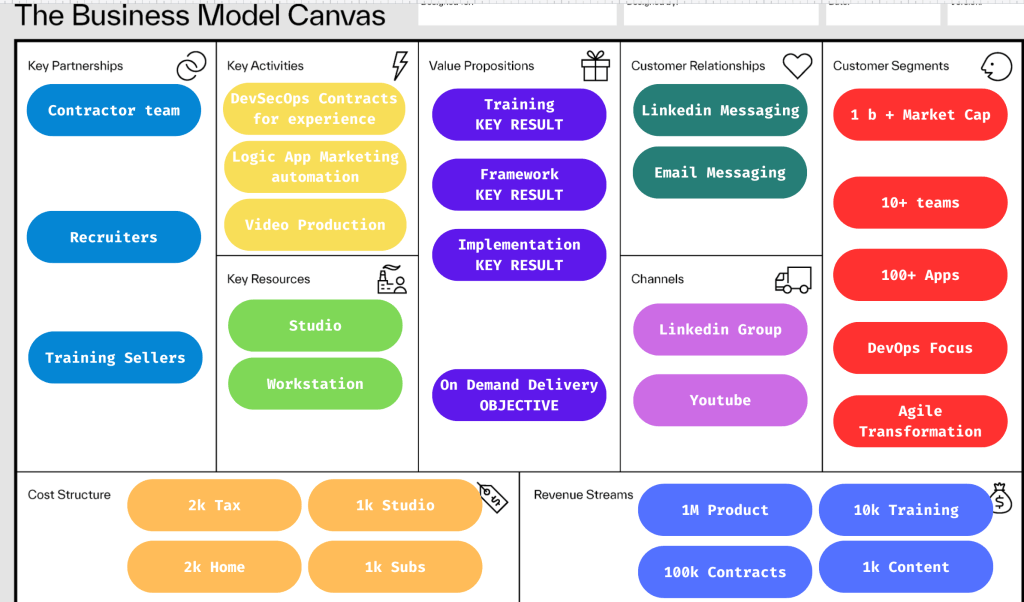
Part of the action is the business model ^^^ connected the dots over there >>> areas of emphasis on the work why i do it and how i connect it.
Todays work has to be seen easily >>> not classical crm based but ai based workflow based one and the connection is we are using this to get better and we are selling this for the enterprise integration we get better at sales and package the sales effort. Sales (daily logic app)> borrow (learn for future )> spend ( pay azure ) > package ( in devops engineering on what you learned )
Goal is to stack the deck for your favour so when you go in you can sell the on demand delivery as there is training and framework in your hand that is active implementation power is there to lead the team
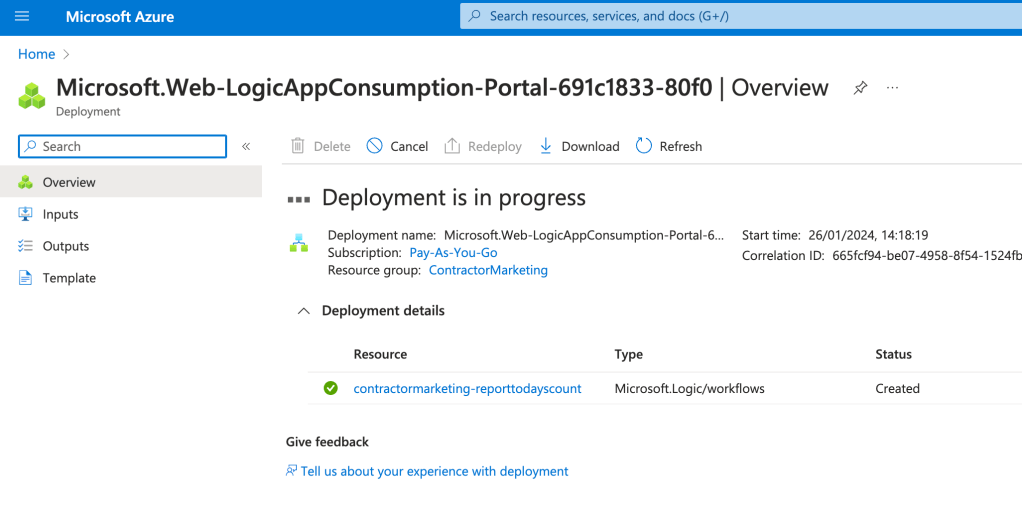
Today copy paste was direct many eporting titles can come in > could increase the tech debt on the logic app implementation costs
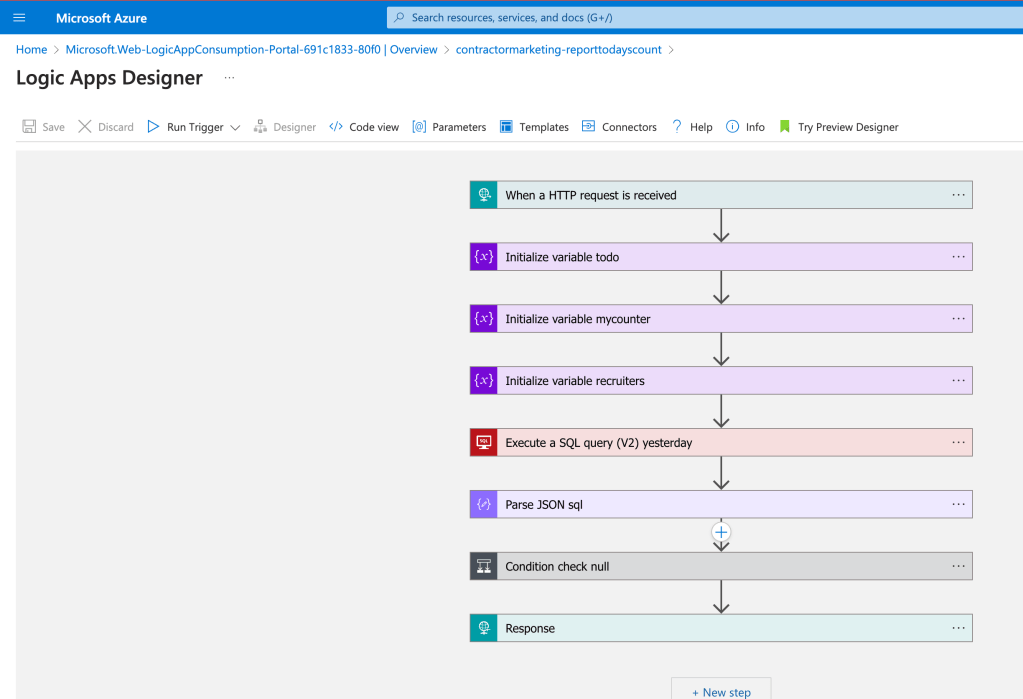
Too many logic apps coming in the background for this
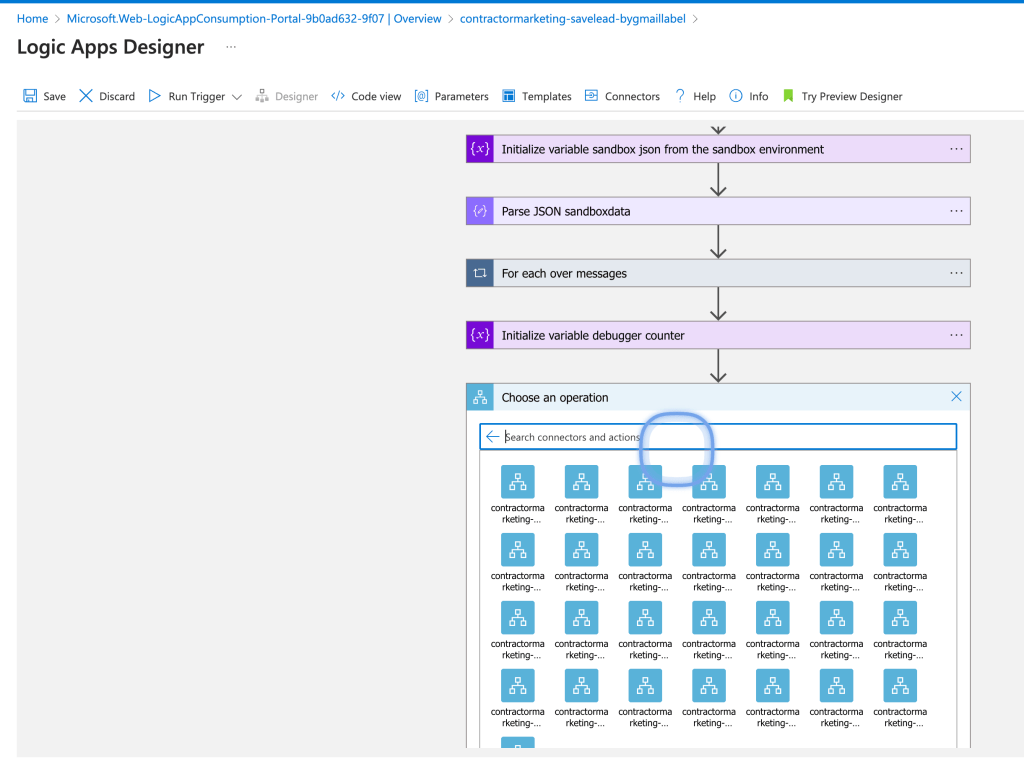
Count comes up in Zero from yesterday
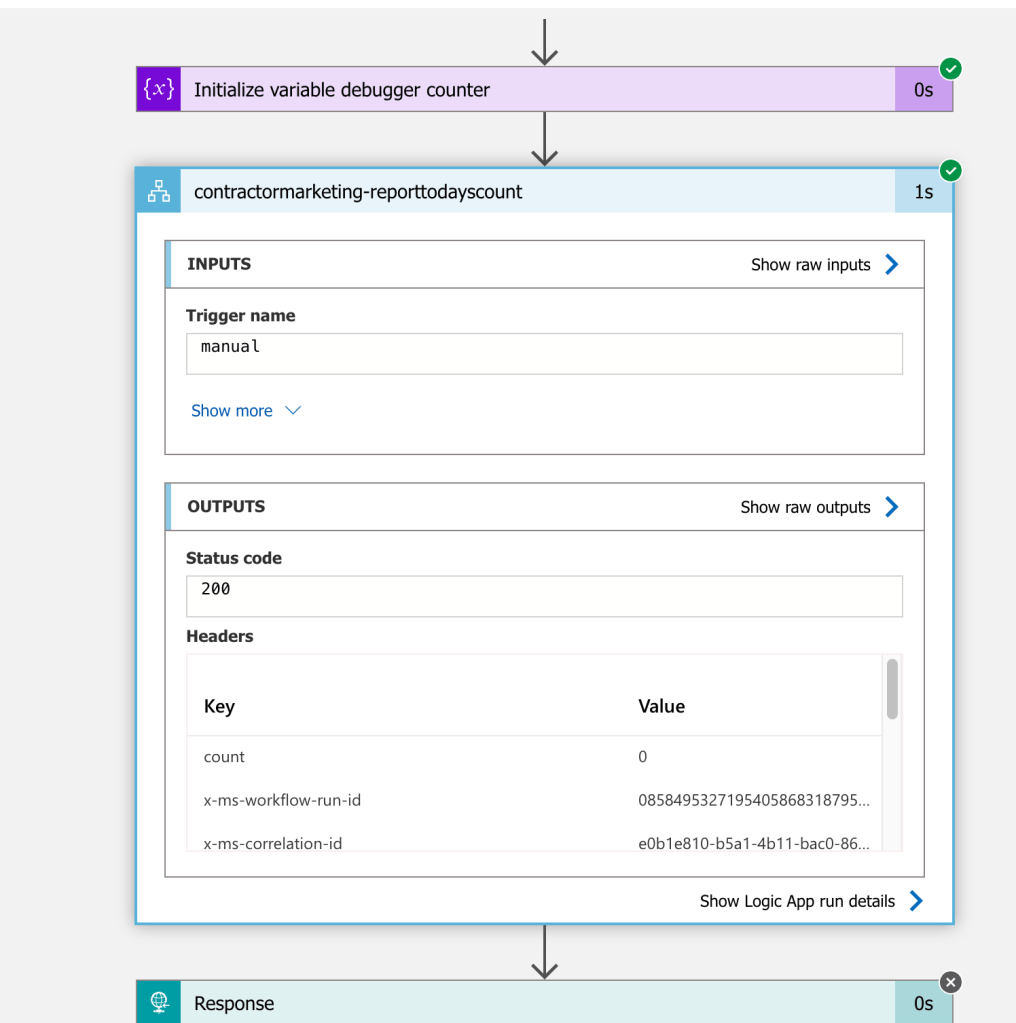
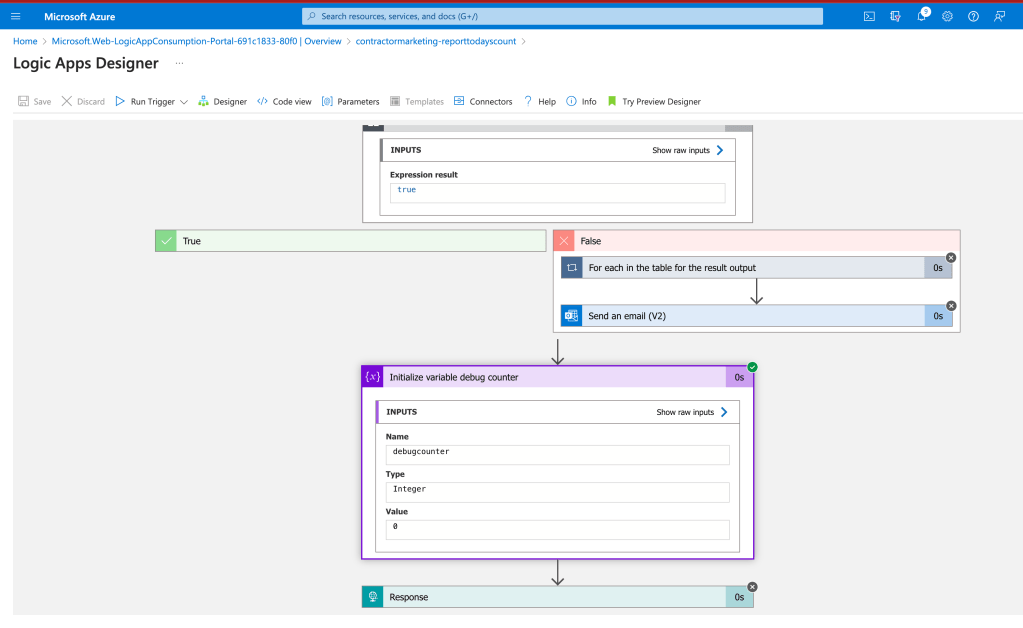
Add debugger inside make it practical run and see the report
save lead
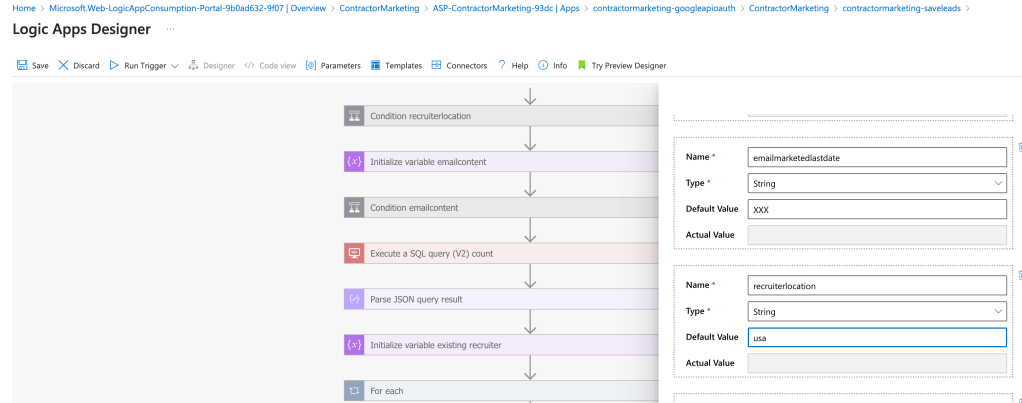
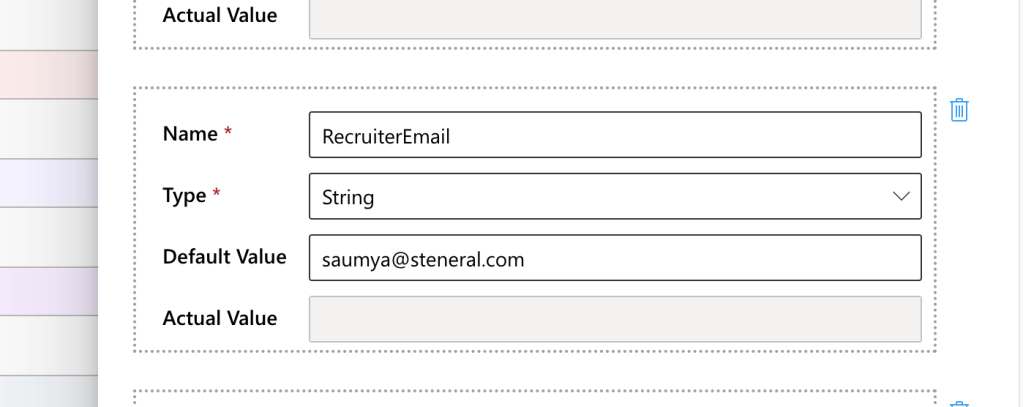
Check the parameter and check the report
Save looks ok
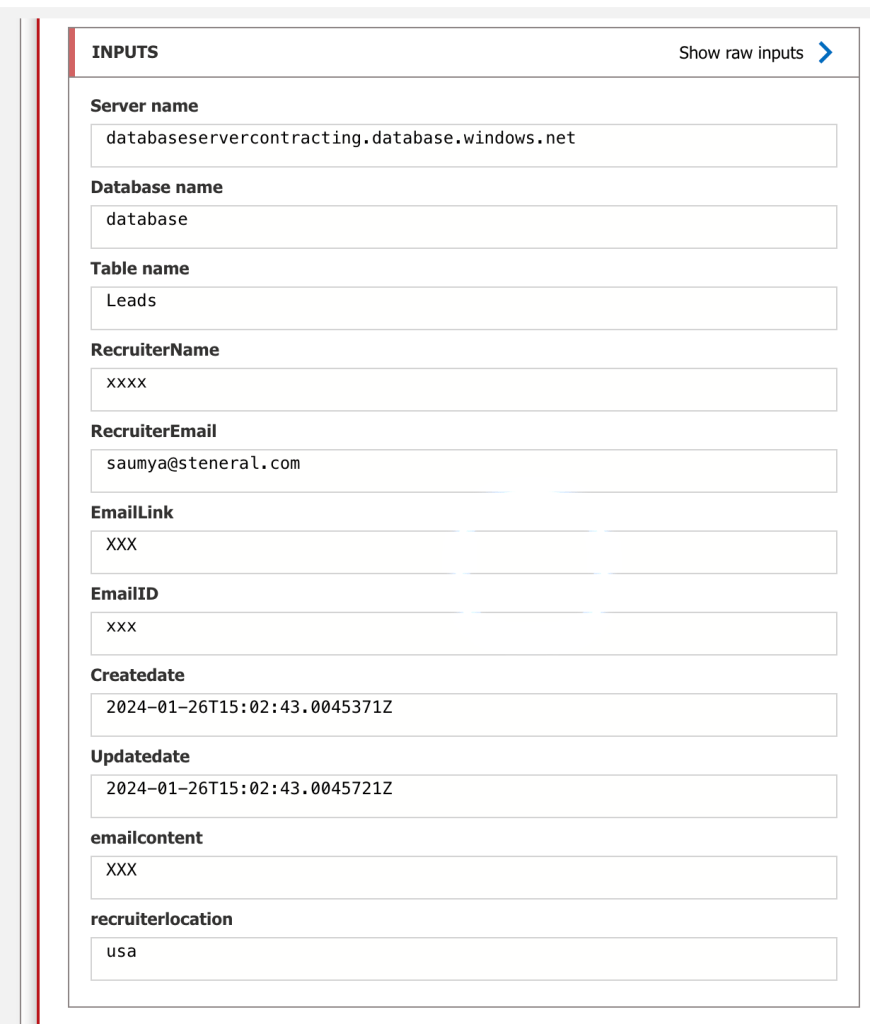
one is here
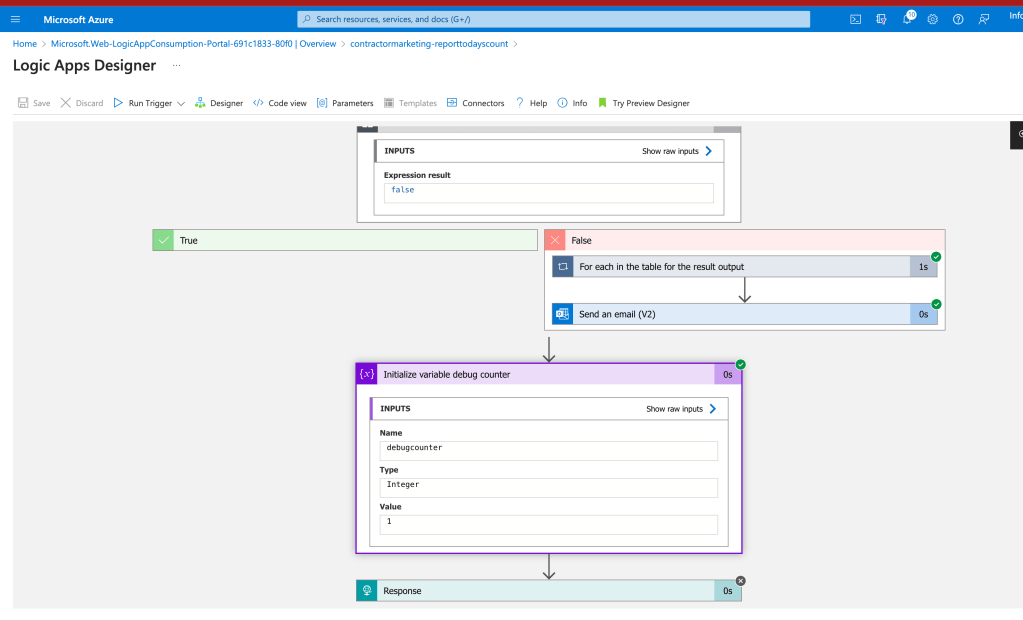
Numbers rising that is good news at least we are moving in the correct direction
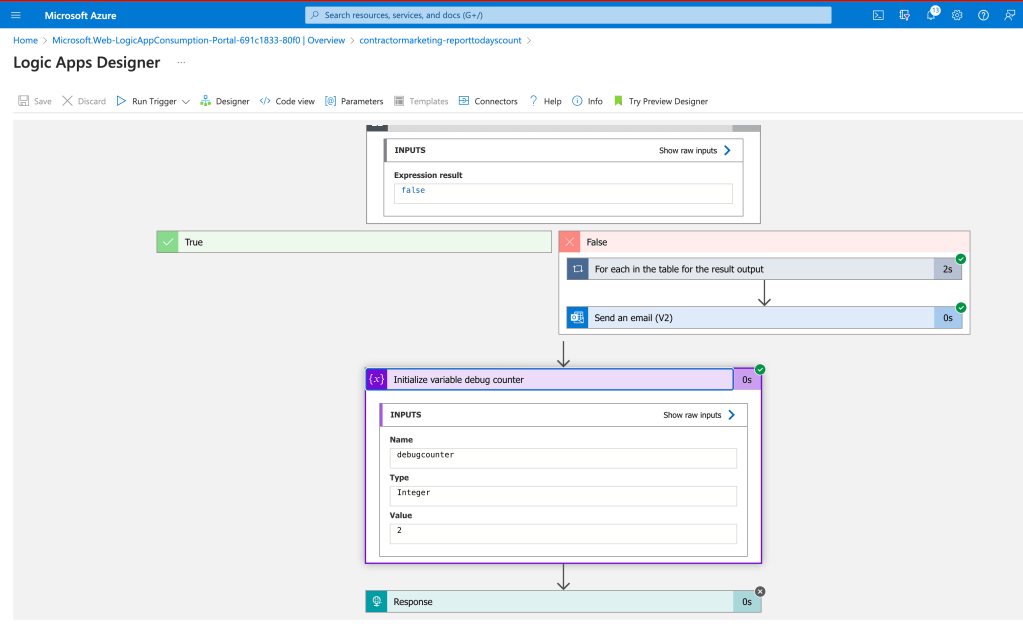
todo >> the miro board needed to make sense of the logic apps and they are working and they are usefull
Count 3 is coming for the day at least i can understand i am working
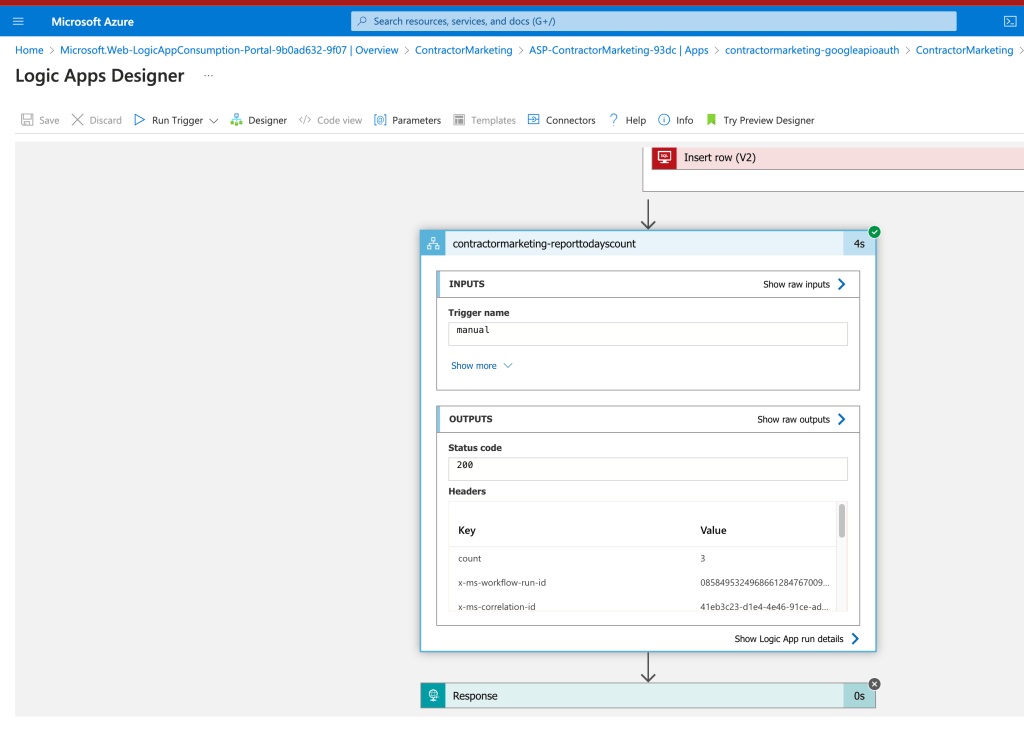
this is not a practical CRM ui based app this is a database based CI/CD based application where i am bulindg a sales machine for the recruiters to support contracting and than i would be able to use the know how in the devops.engineering product.
Second run i expect to see 3 not 4
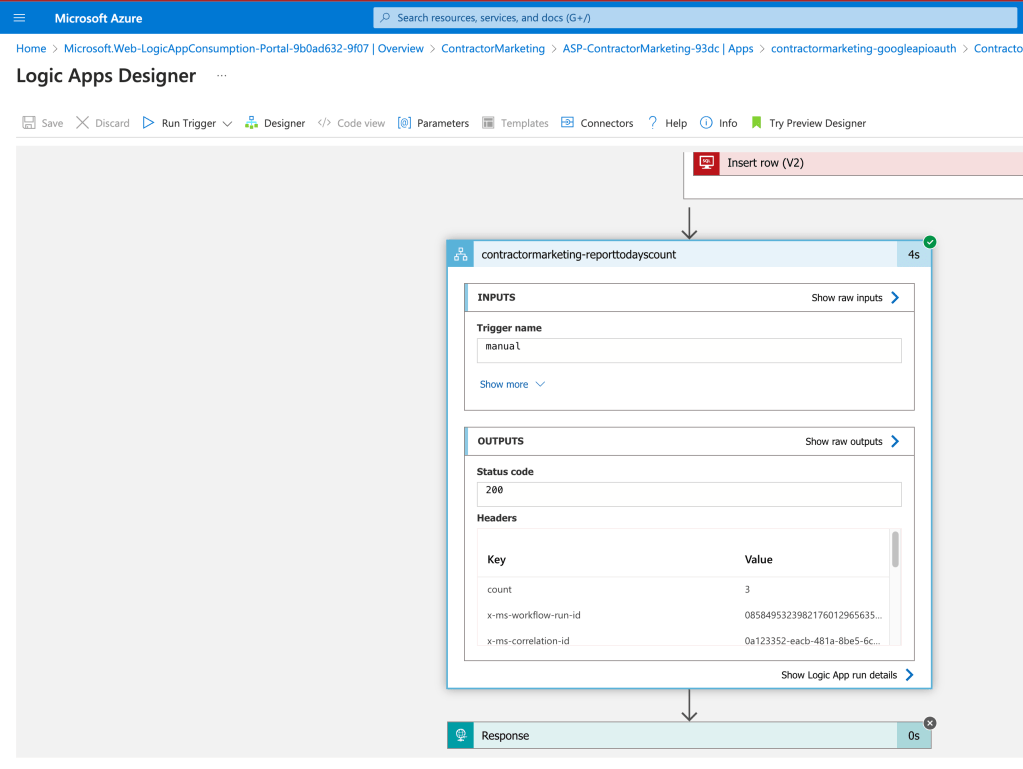
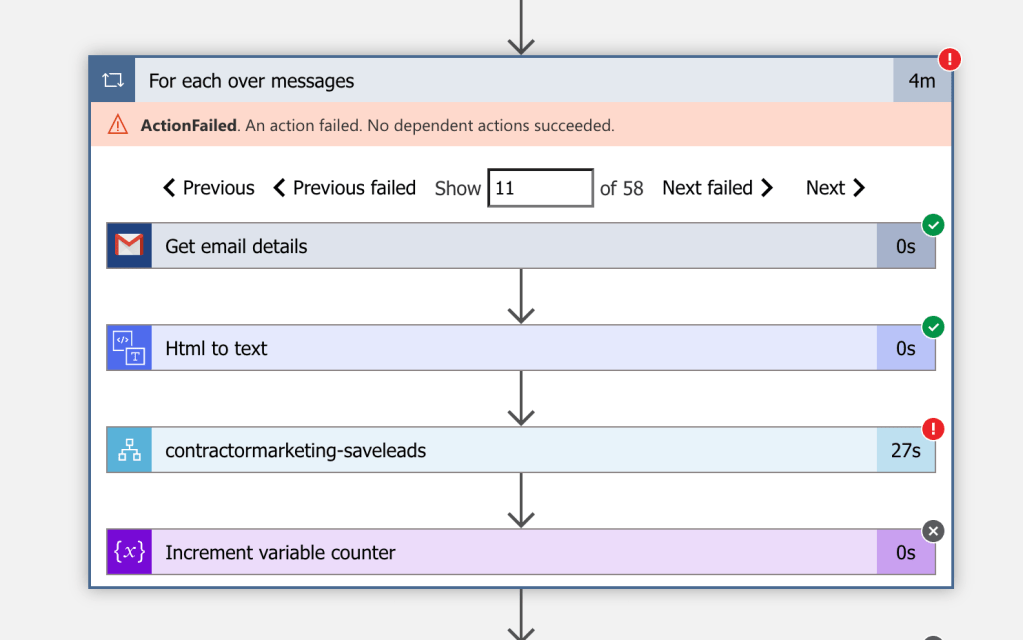
Now it looks like it is working still unlikely the 58 leads did not get added to the system>>> check one by one >
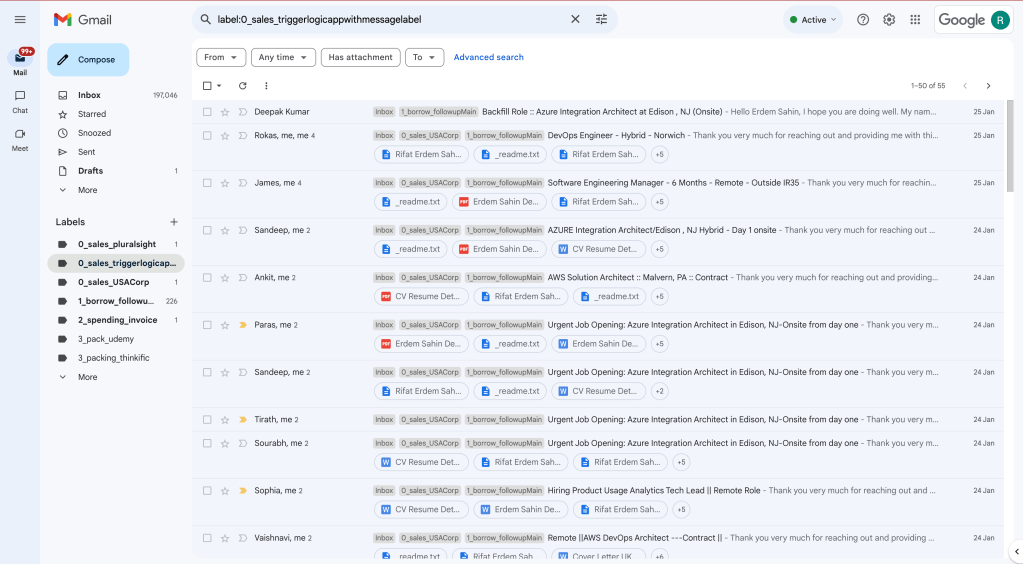
Many use cases comes up
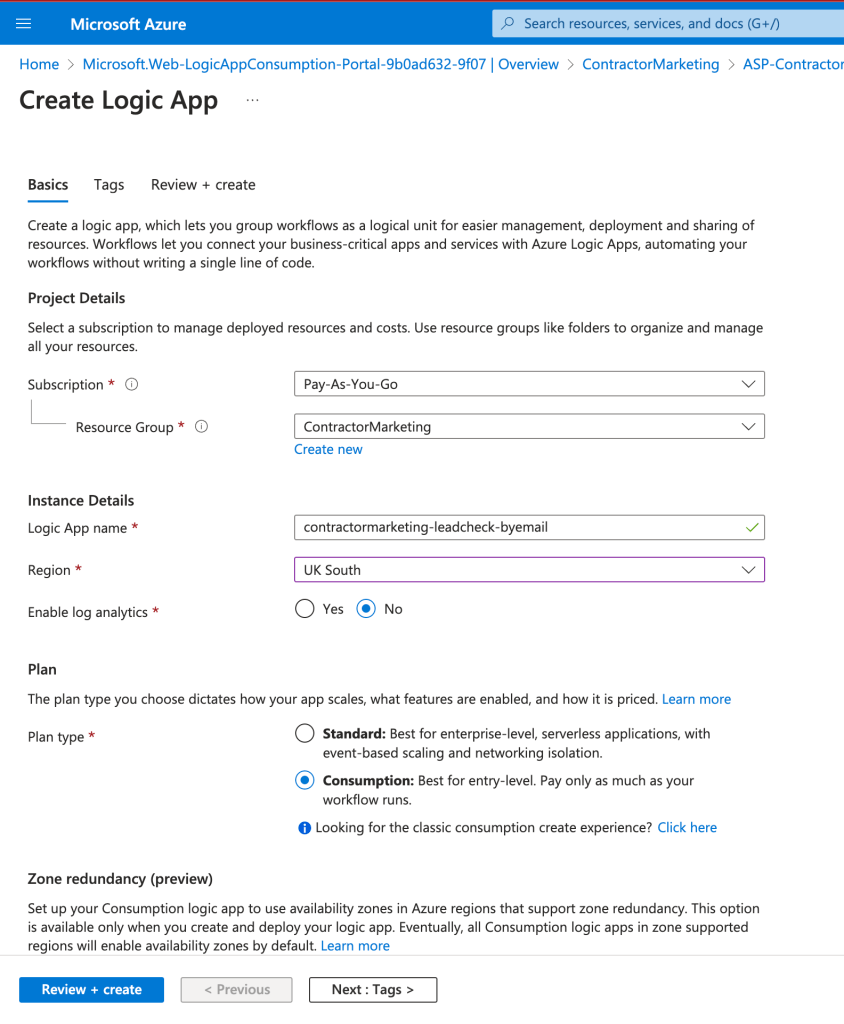
Side backups are the good part of the applications
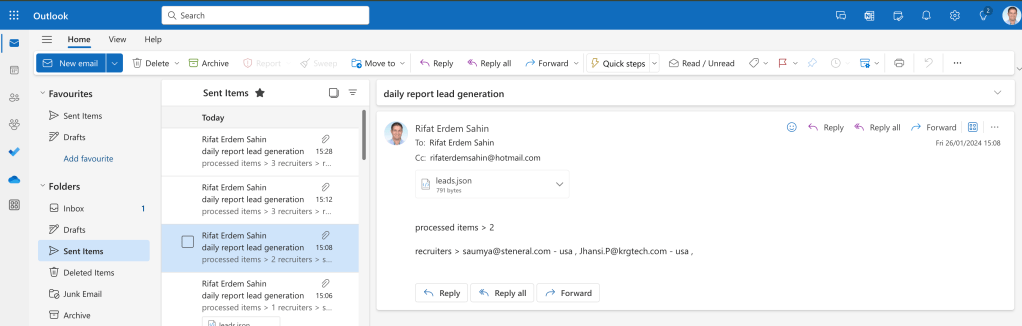
odata query language is needed
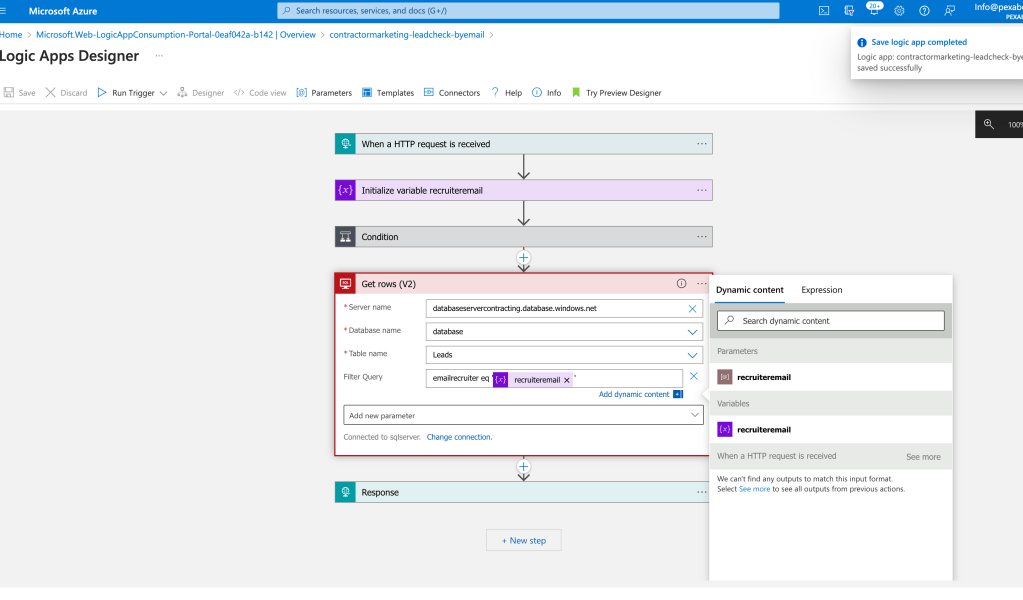
yesterdays records are not there
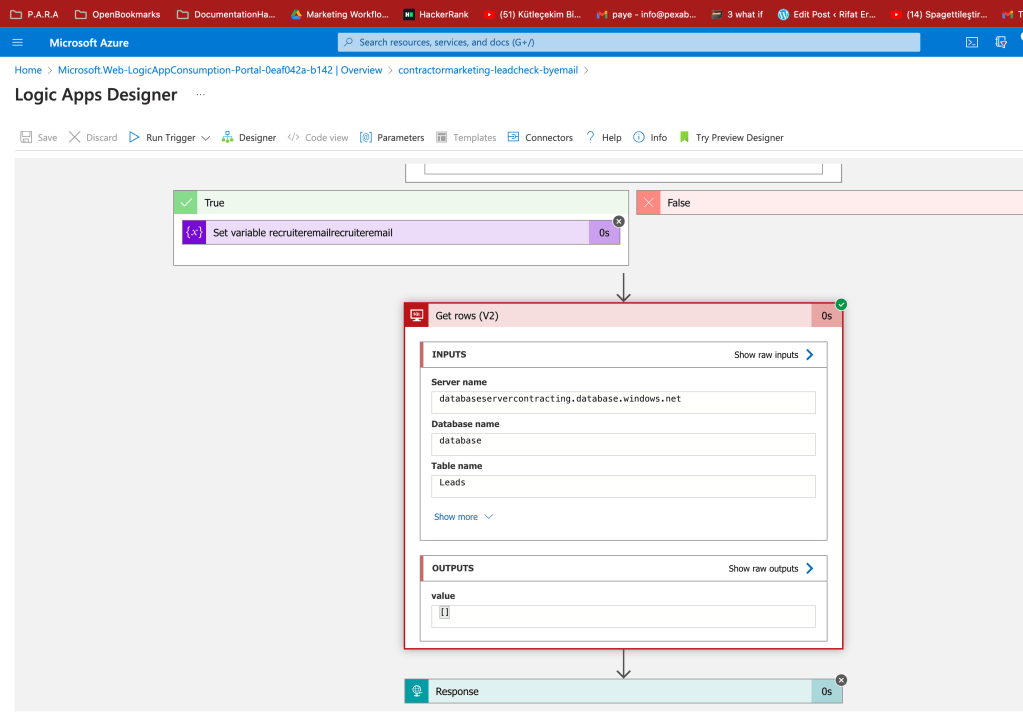
in one mine it did not get saved
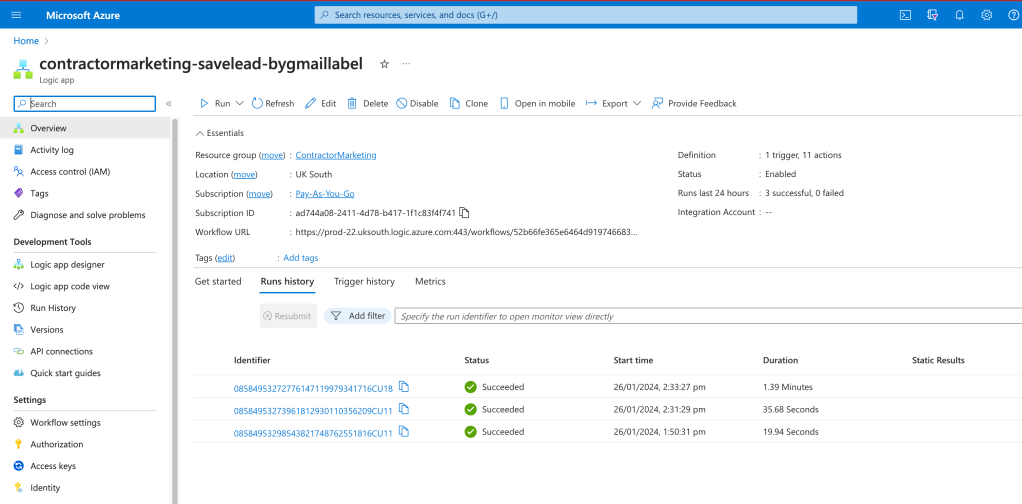
save operation is problematic
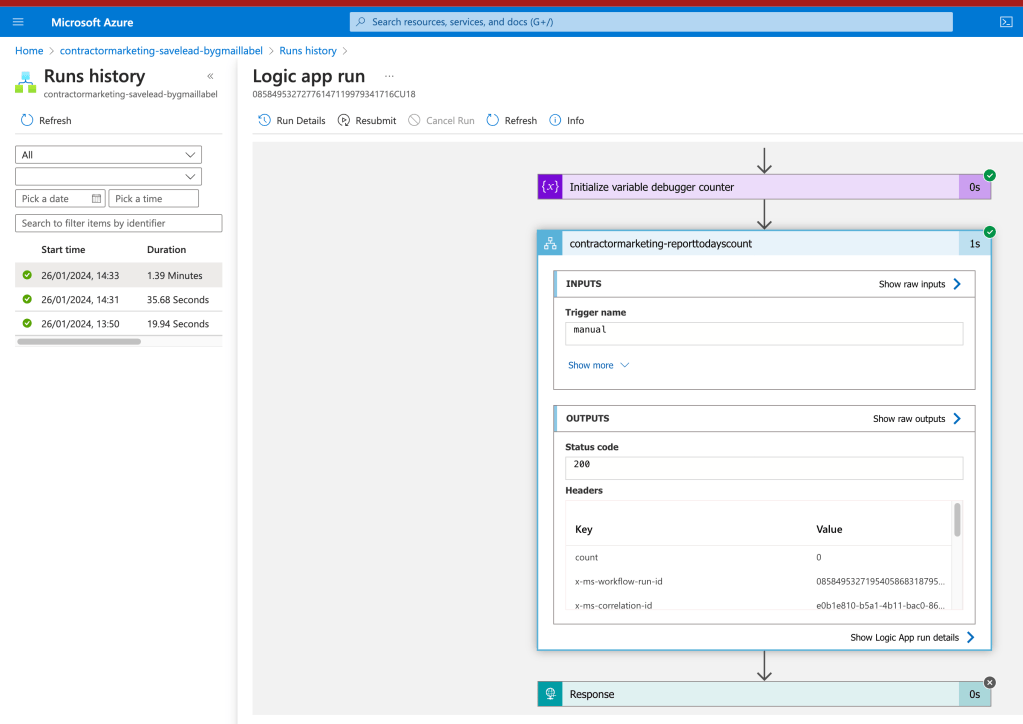
Email content and recuiter is getting pushed
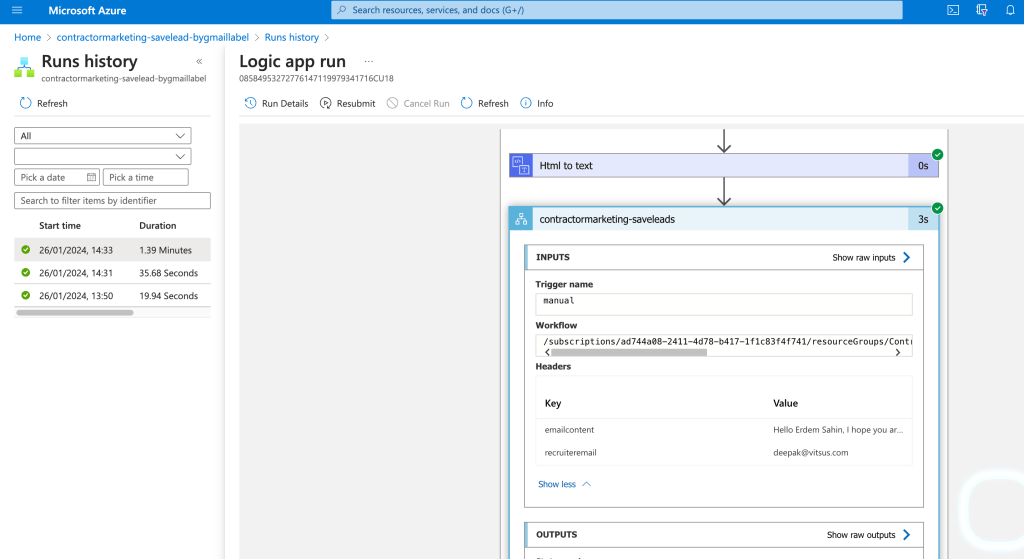
These have a problem
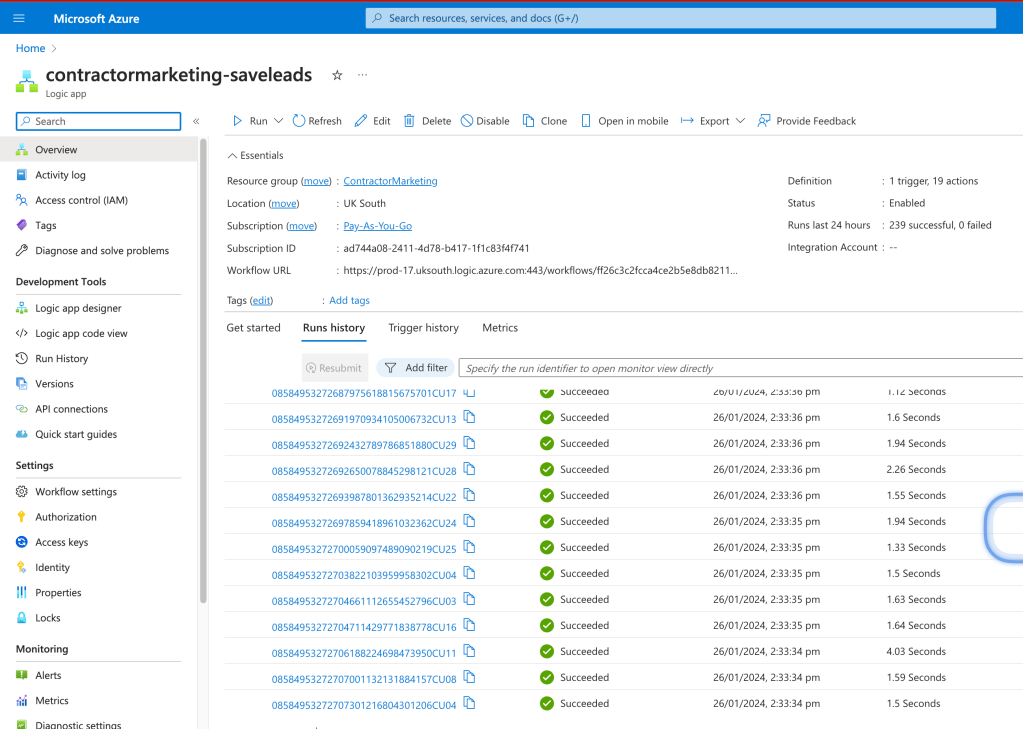
Daniel did not get inserted
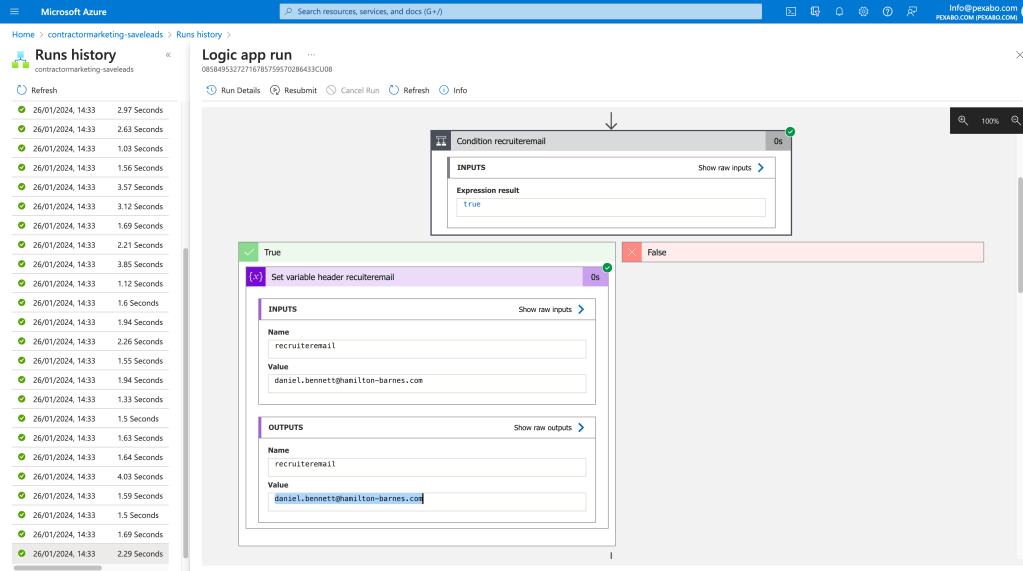
Parameter send inside is not daniel
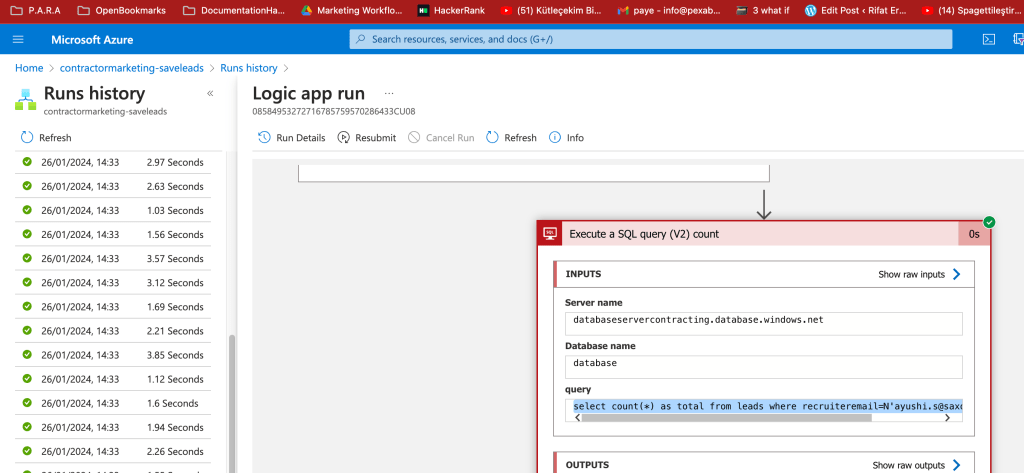
https://portal.azure.com/#view/Microsoft_Azure_EMA/LogicAppsMonitorBlade/runid/%2Fsubscriptions%2Fad744a08-2411-4d78-b417-1f1c83f4f741%2FresourceGroups%2FContractorMarketing%2Fproviders%2FMicrosoft.Logic%2Fworkflows%2Fcontractormarketing-saveleads%2Fruns%2F08584953272716785759570286433CU08
Error parameter shouold only be used at the top and self runners not inside only use the variables.
Design patterns hittim me
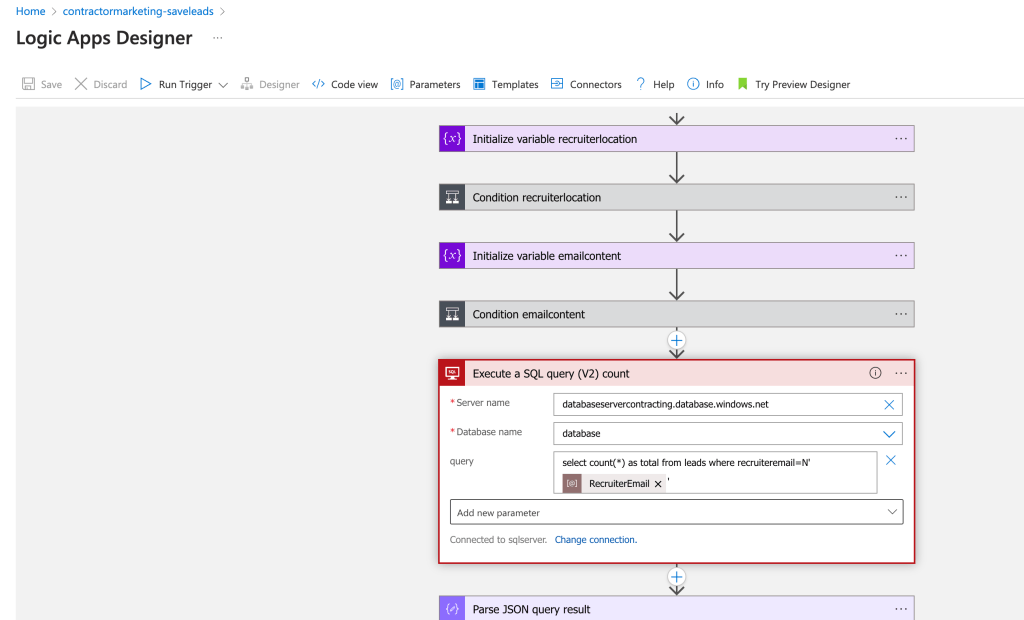
Foixed the paramater to the variable now 3 has to be 30 and than i can remove the old labels and rerun it
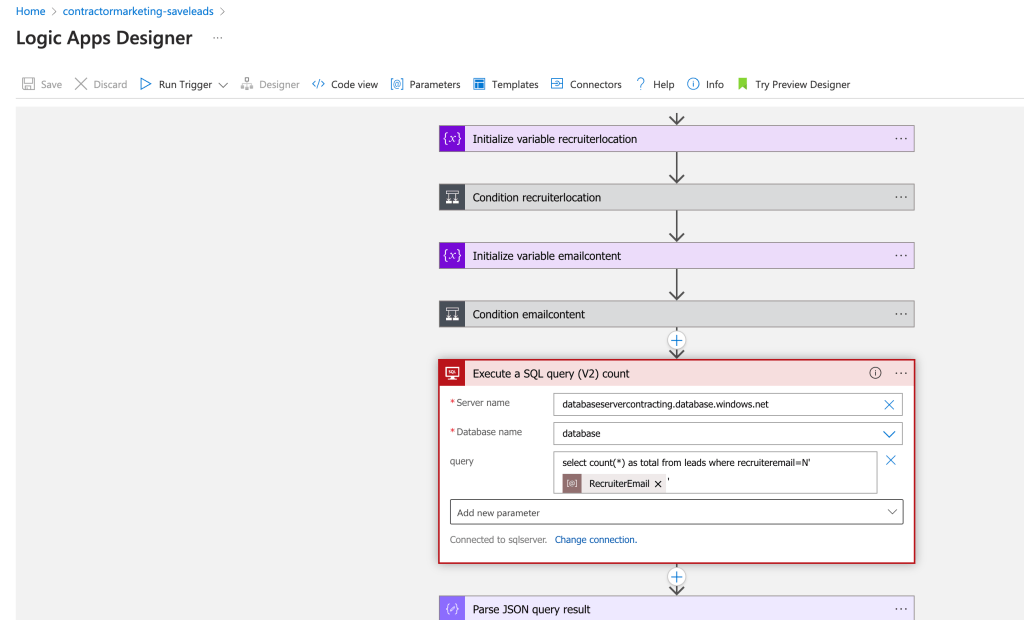
Runid > not in the link last one is there https://portal.azure.com/#view/Microsoft_Azure_EMA/LogicAppsDesignerBlade/id/%2Fsubscriptions%2Fad744a08-2411-4d78-b417-1f1c83f4f741%2FresourceGroups%2FContractorMarketing%2Fproviders%2FMicrosoft.Logic%2Fworkflows%2Fcontractormarketing-savelead-bygmaillabel
With saves runtime moves to 4 minutes from 1 minute
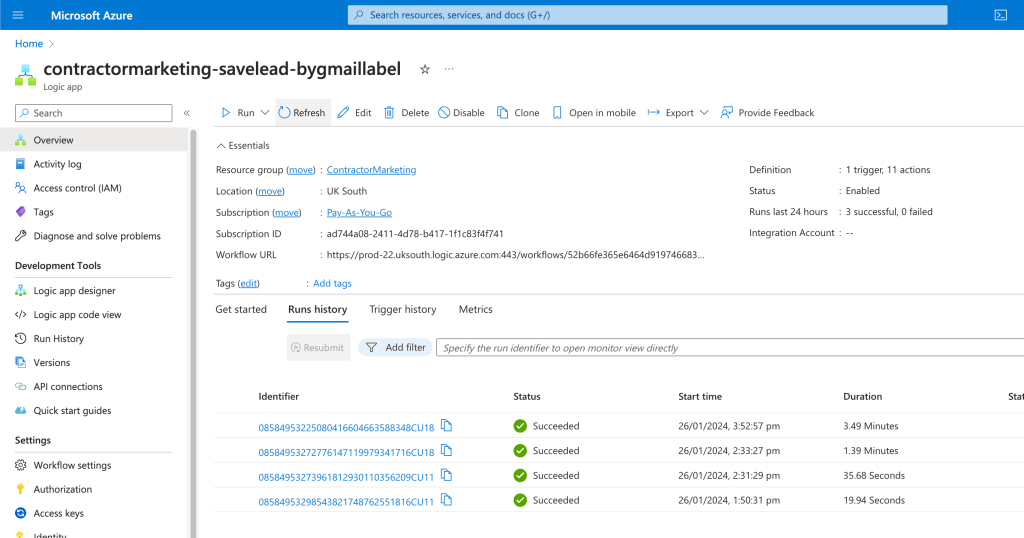
47 inserts
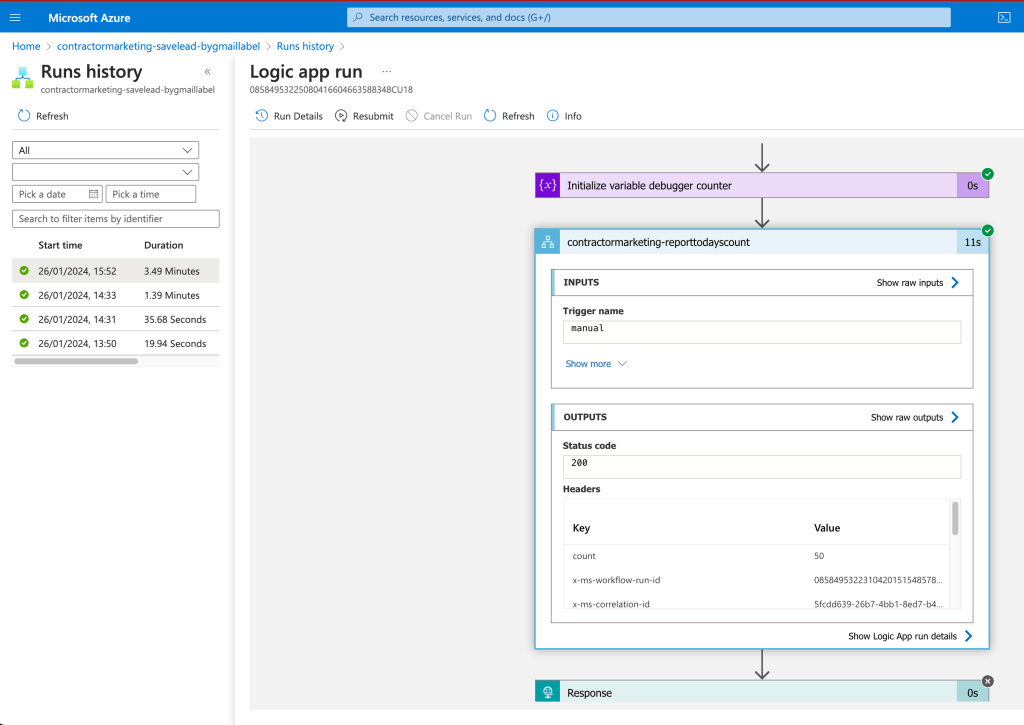
Find a way to look at last 5 entries
contractormarketing-report-leadslastfive
Can see the last 5 maybe the emailid can be added
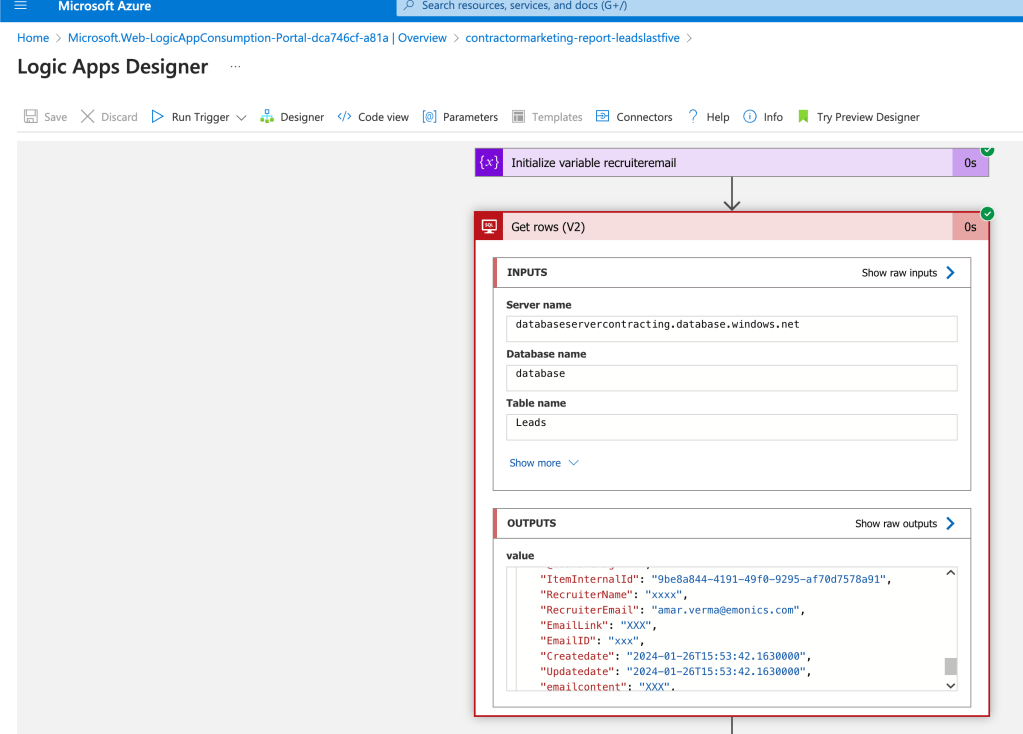
can not see the email text > for future information that is missing
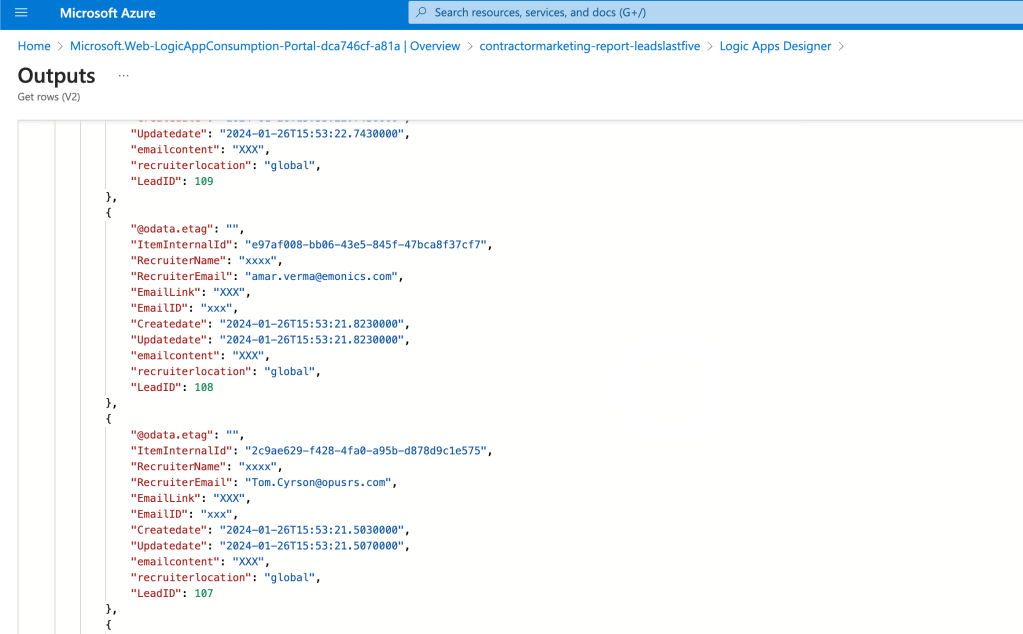
The emails with more apps should be able to update the data as well.
email content not send there
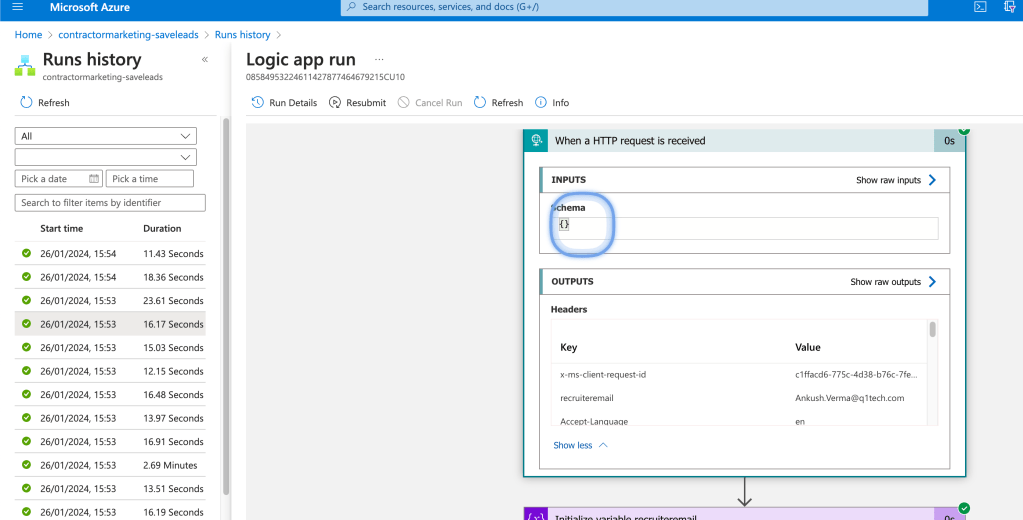
it should be there but the issue is the header should have a size blocker
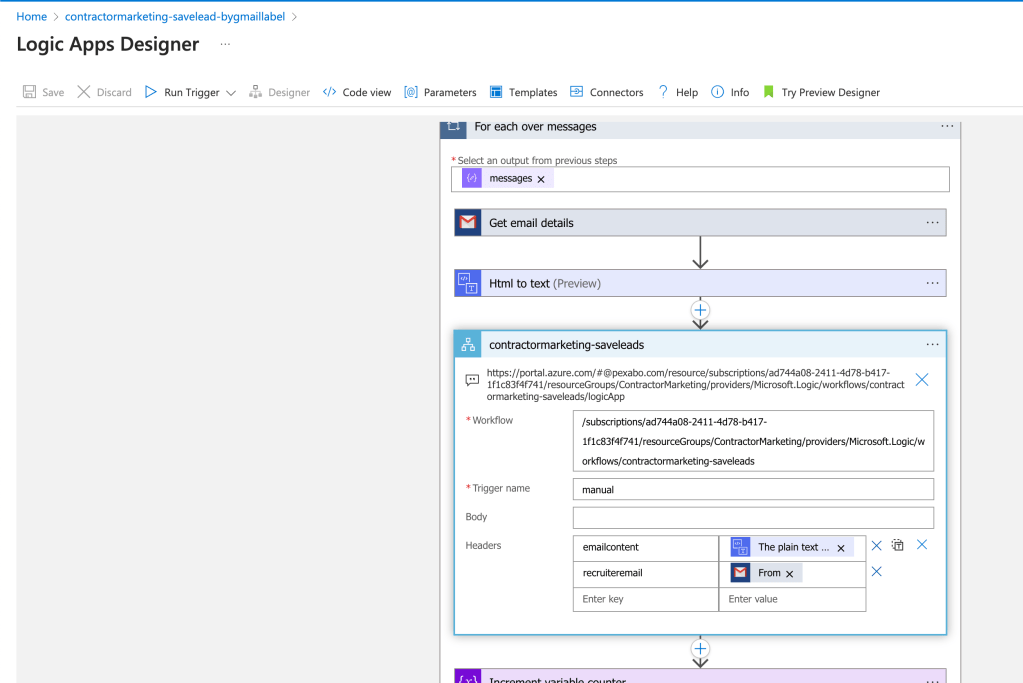
Move it to the body
Packaged ui based product versus datasource based actions are very different
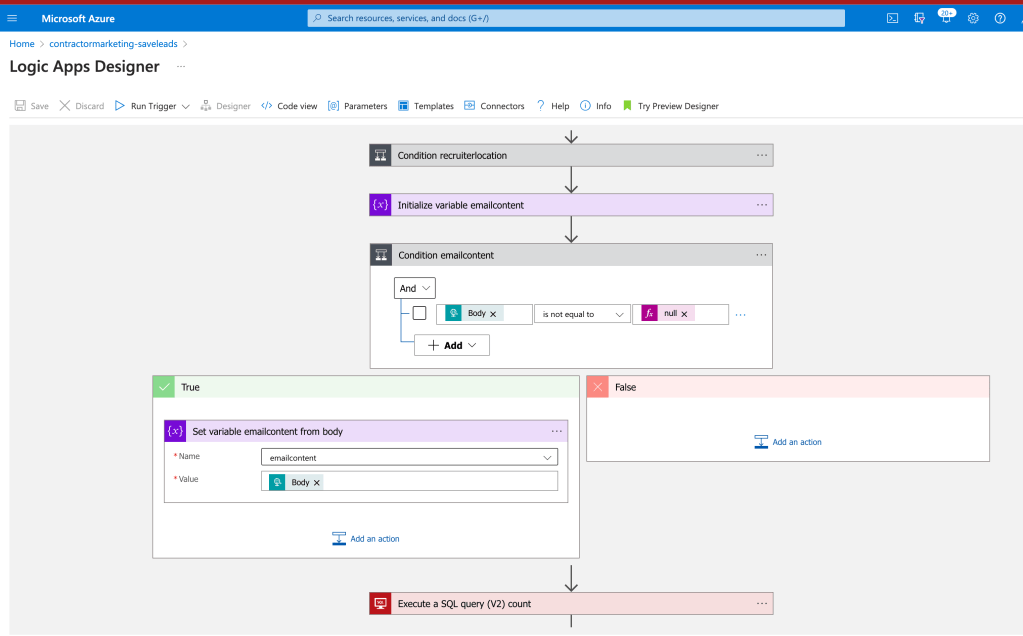
I have a decision i can rerun and force an update >>> or forget it.
now i would do it as i need to test update function as well
As this function would be run for sometime
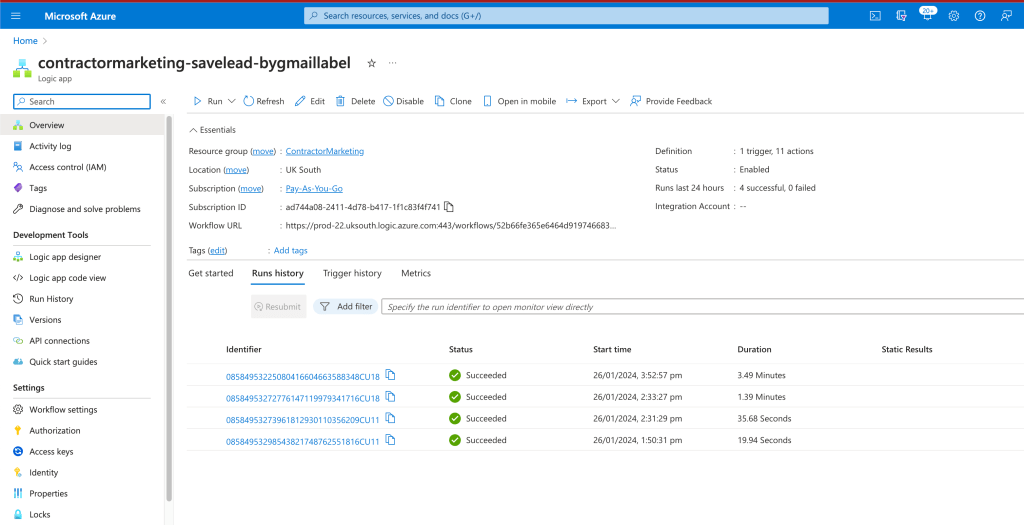
I would make the system easier for the ai to process make a bigger database >>> make sure i have enough leads to work on on a proactive manner.
Last 5 minute update count needed
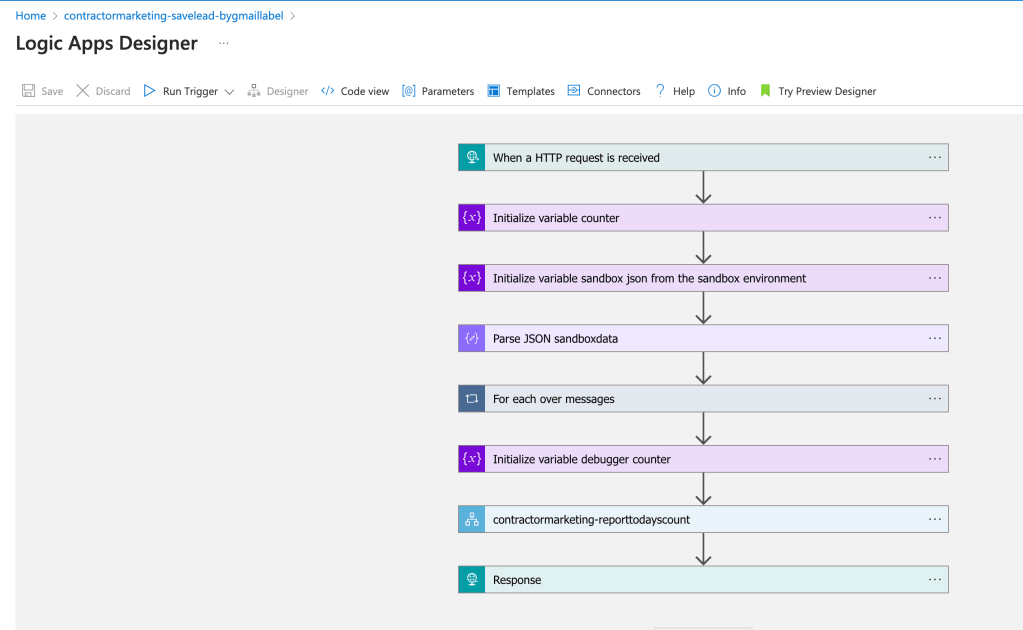
syntax matters
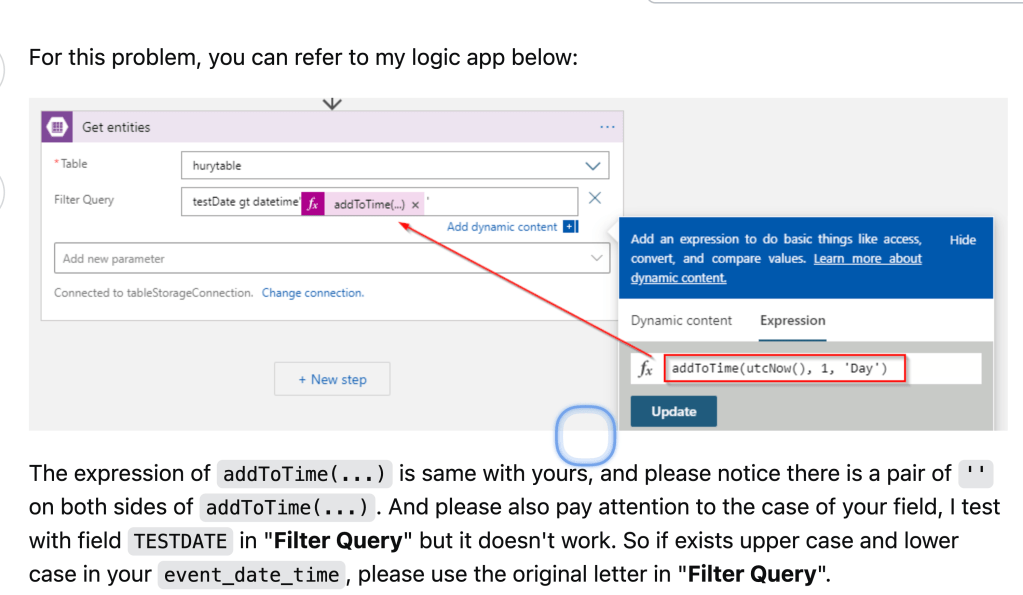
https://stackoverflow.com/questions/64216759/date-comparison-in-azure-logic-app-get-entities-connector
updates to be shown
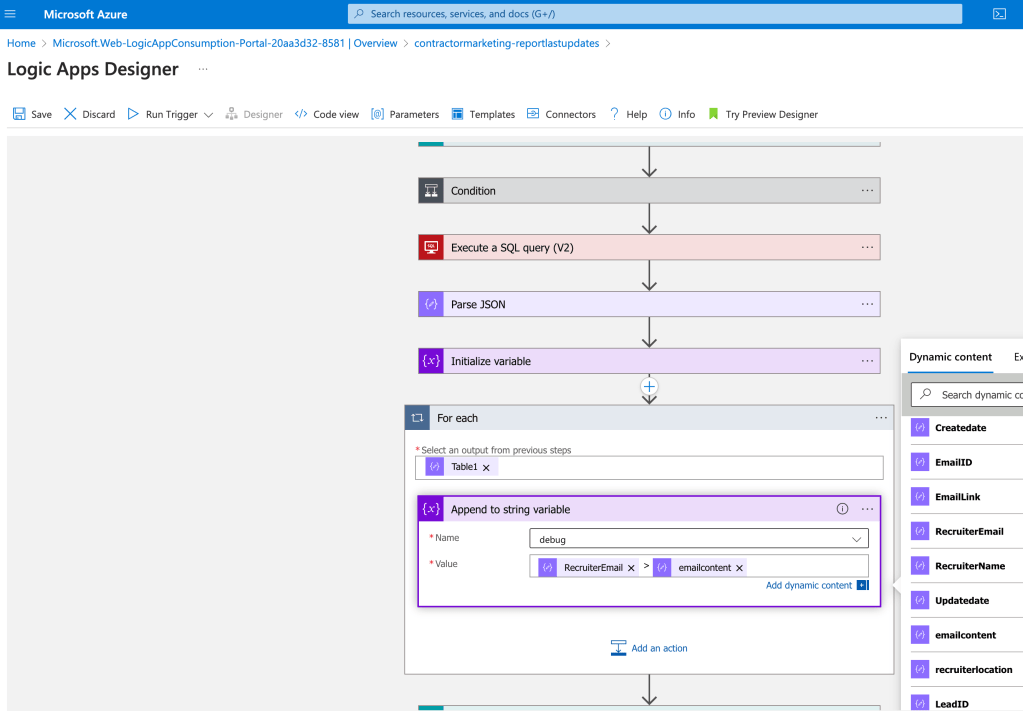
All powers are in the sales cycle to start
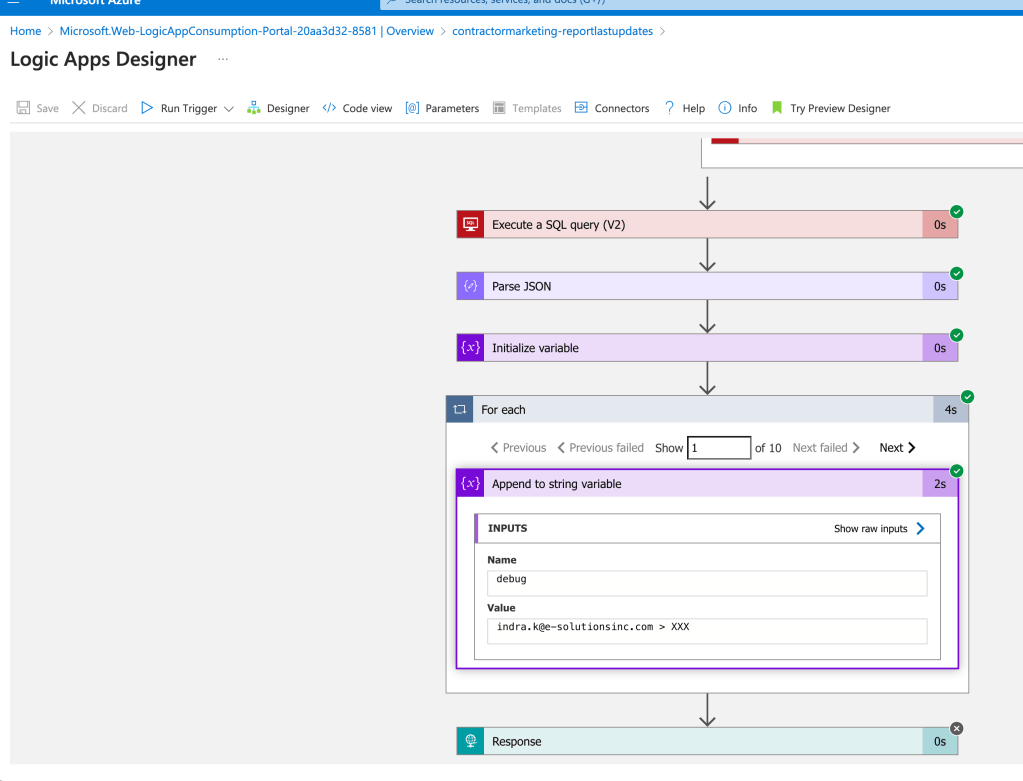
update should be in the save
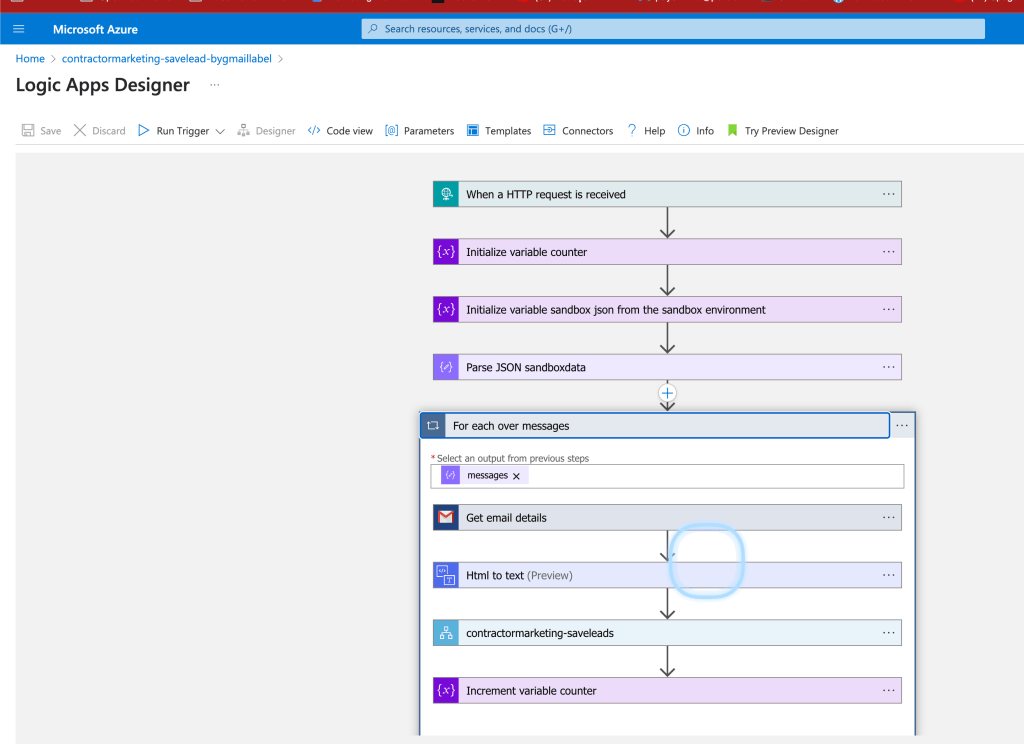
update is on the left handside
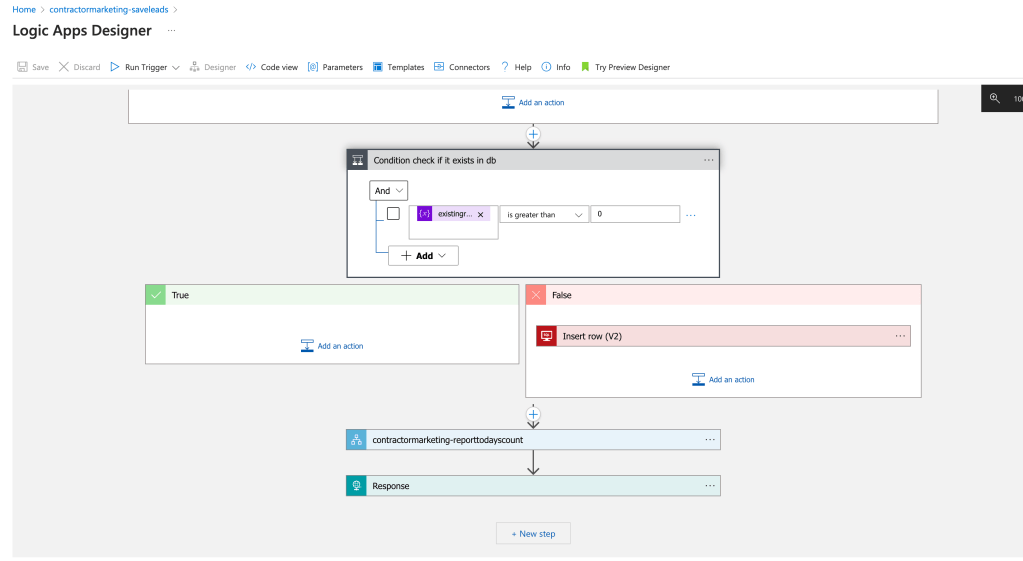
email content updates it
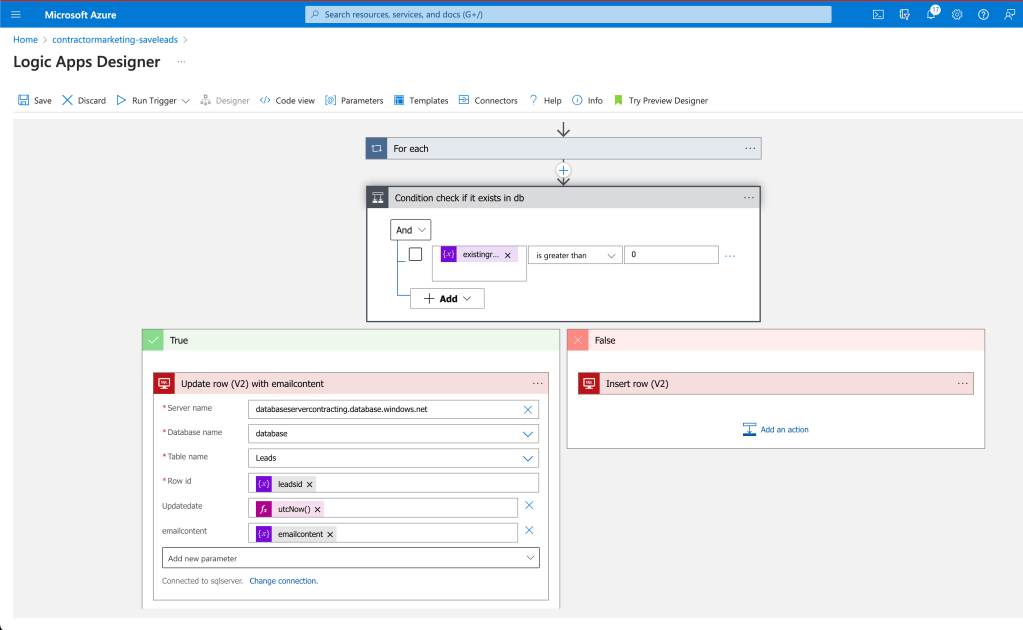
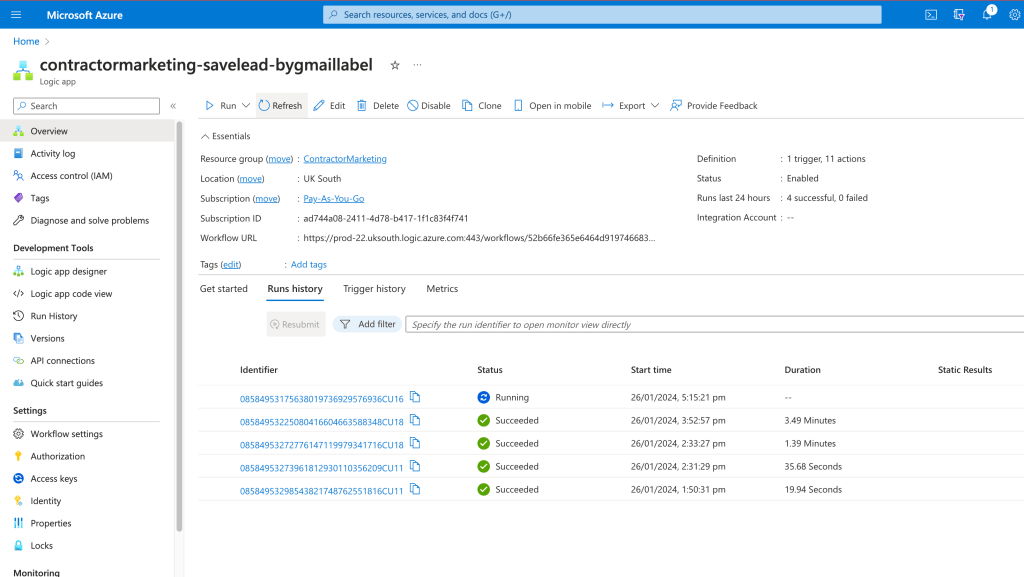
now waiting for 5 minutes17;20 expect to see the emailbody in the database
in the future the ai can process and map in a better fashion !
Also creating the email lists would help the process of getting leads.
Now data incoming it is enough for now
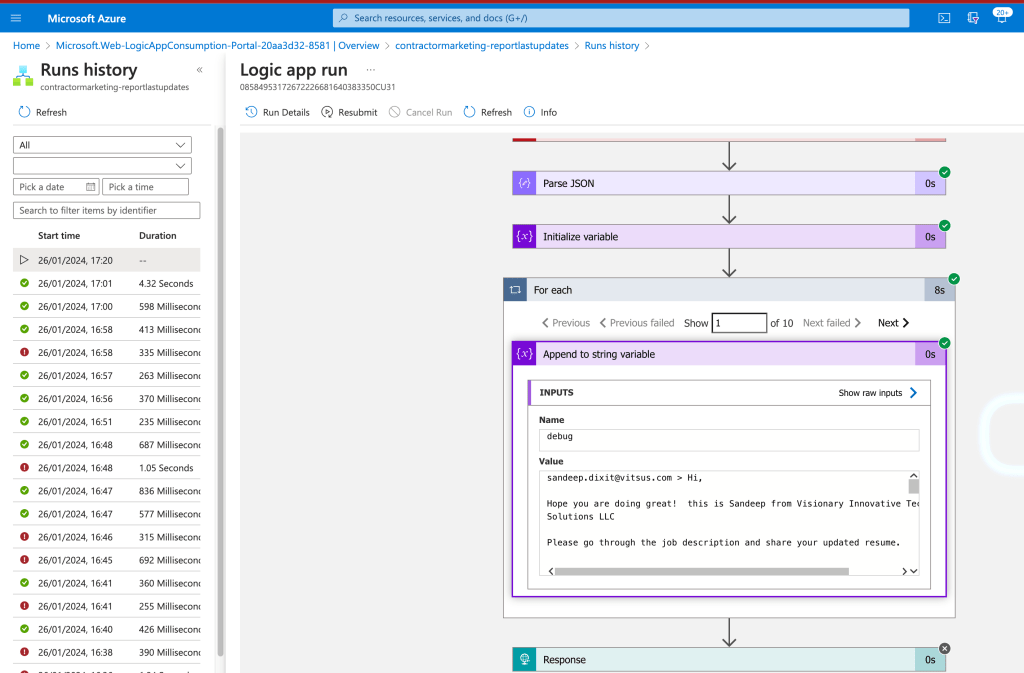
multi ones are inside
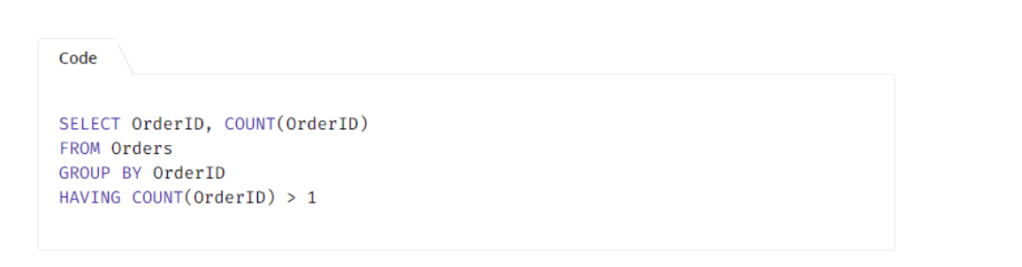
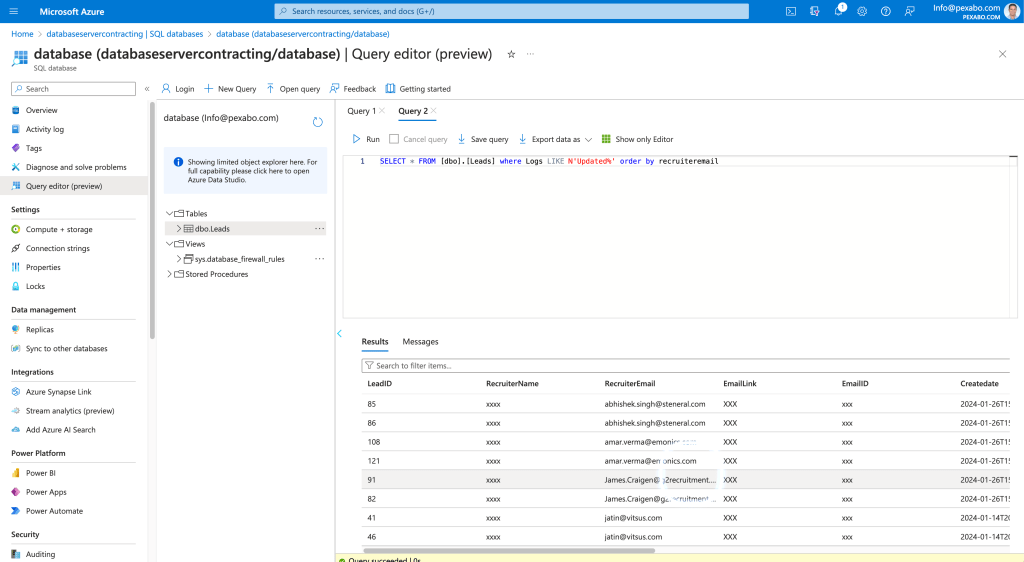
What can i do >>> write a query to detech the doubles
unlimited sales work is there to do
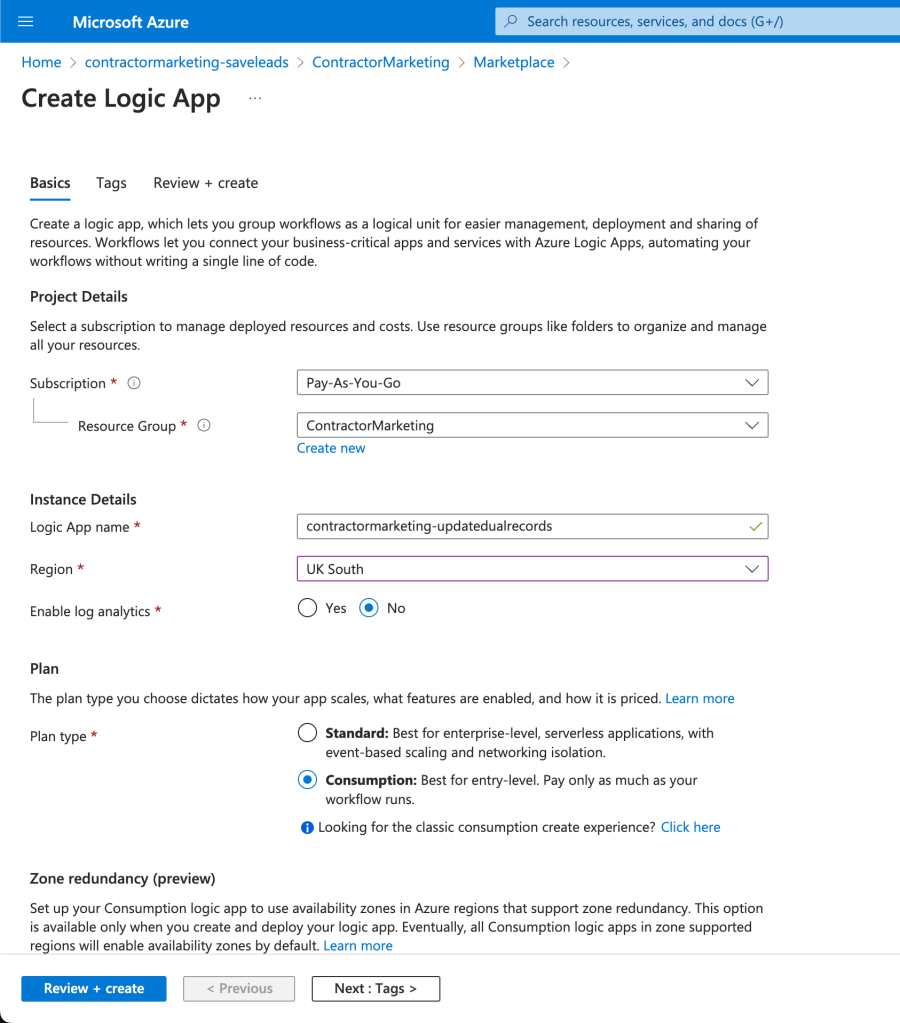
There are some 2 ones
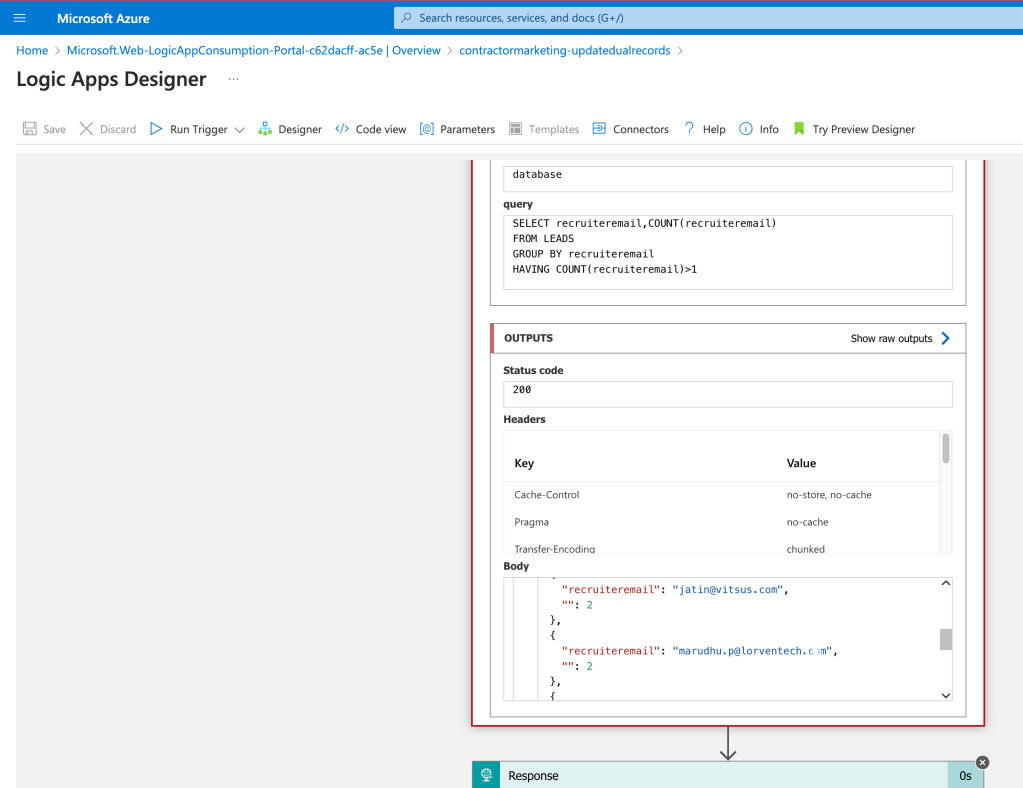
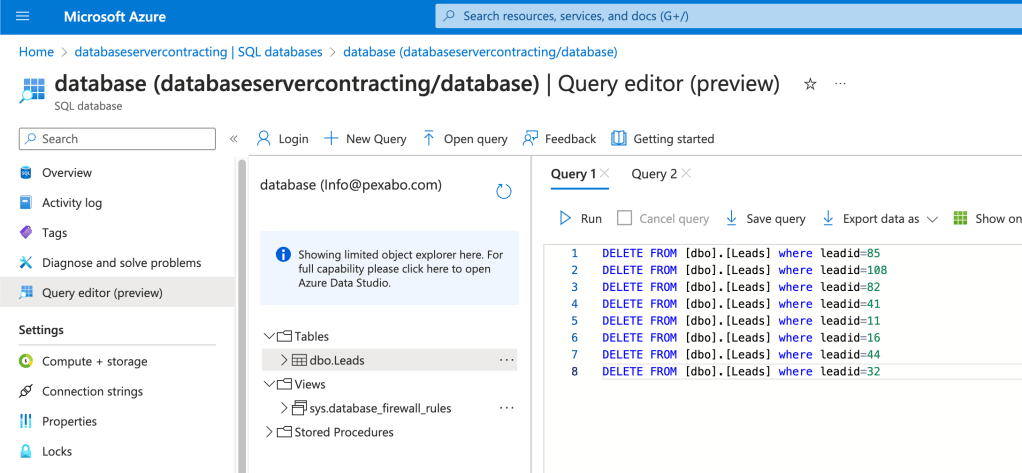
Iterate on them and delete the old one move the data to the new one.
dublicate is the
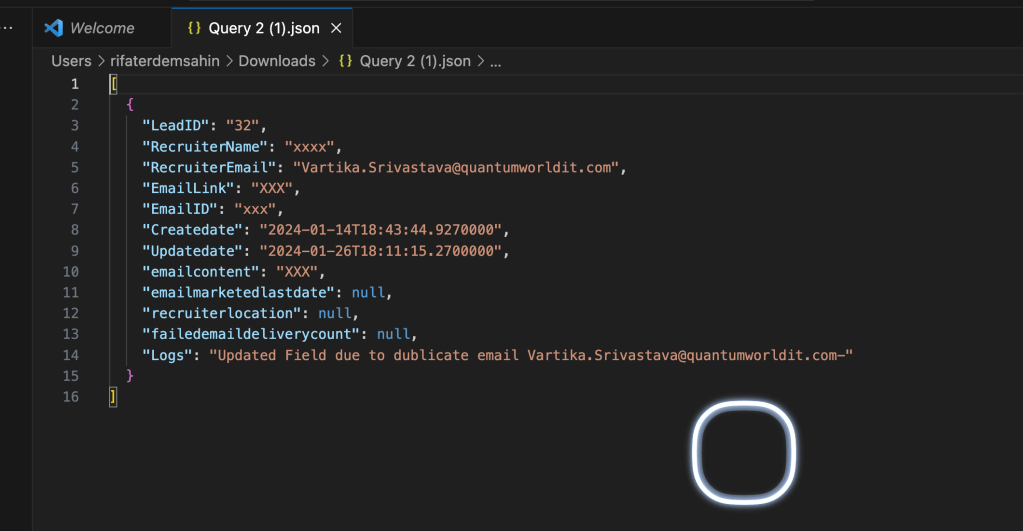
Find the ones to be deleted
disable as it cant be reused that easily
add a unique field on email make it easier after deletion
backup 218 KB
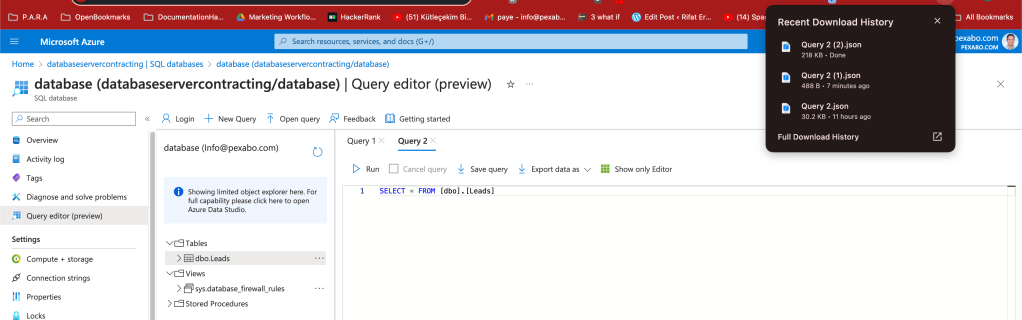
BASICS over risky webui
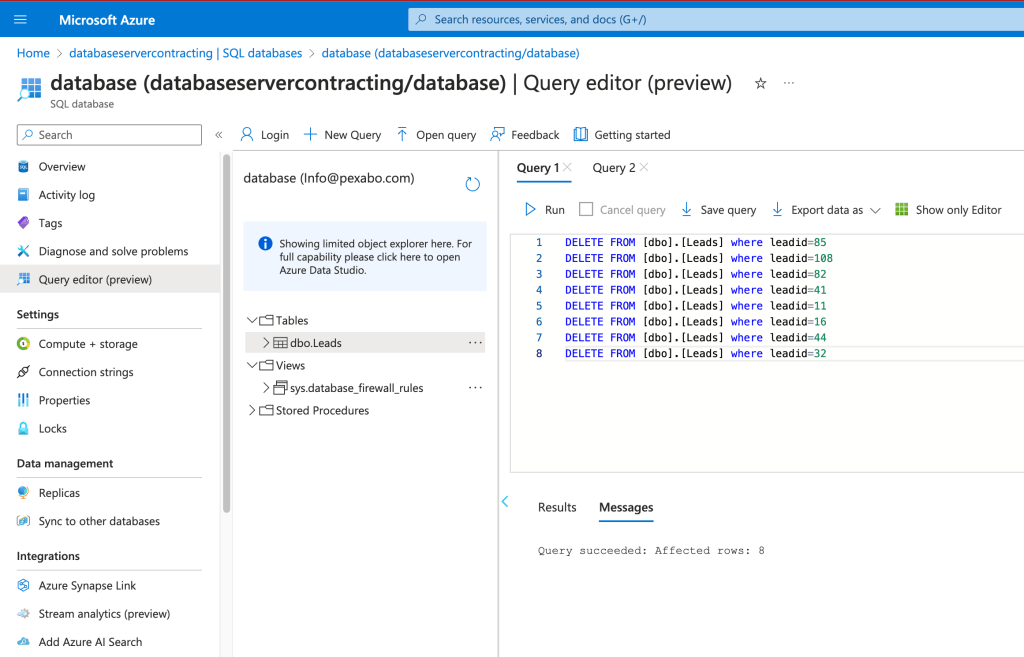
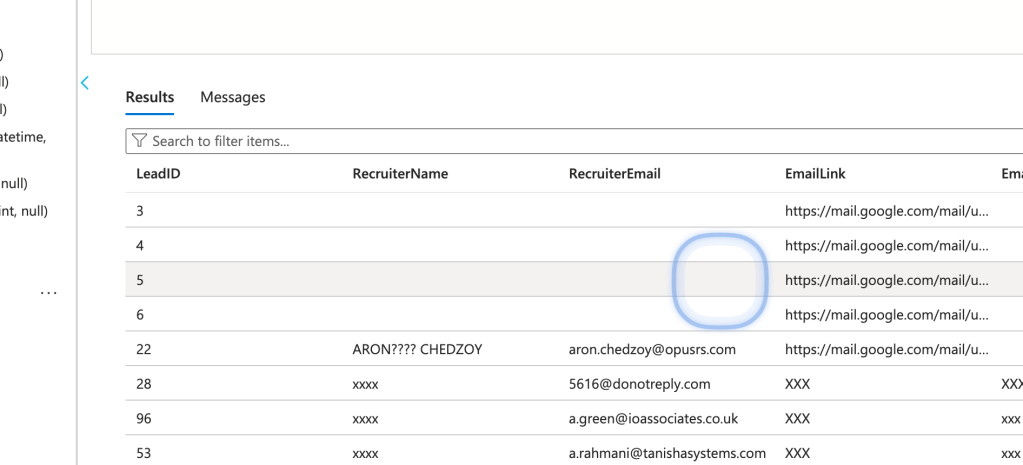
empty row are blocking the action
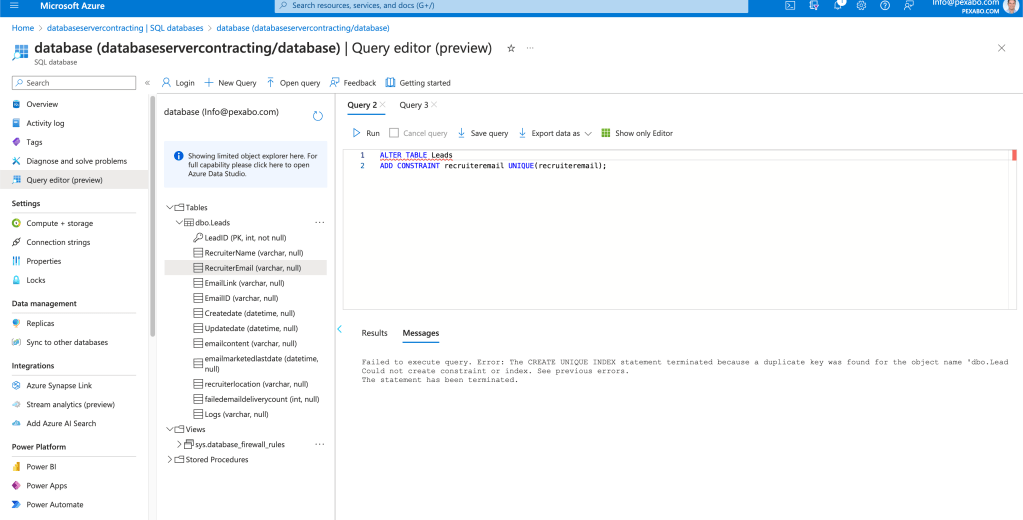
run this
select * from leads order by recruiteremail
update leads set recruiteremail='[email protected]' where LeadID=3
update leads set recruiteremail='[email protected]' where LeadID=4
update leads set recruiteremail='[email protected]' where LeadID=5
update leads set recruiteremail='[email protected]' where LeadID=6
to run this
ALTER TABLE Leads
ADD CONSTRAINT recruiteremail UNIQUE(recruiteremail);
now the same email cannot be entered to the system >>>> and there is also a varcharmax logs field which would help
now i can remove the old labels and remap the ones
removed the label
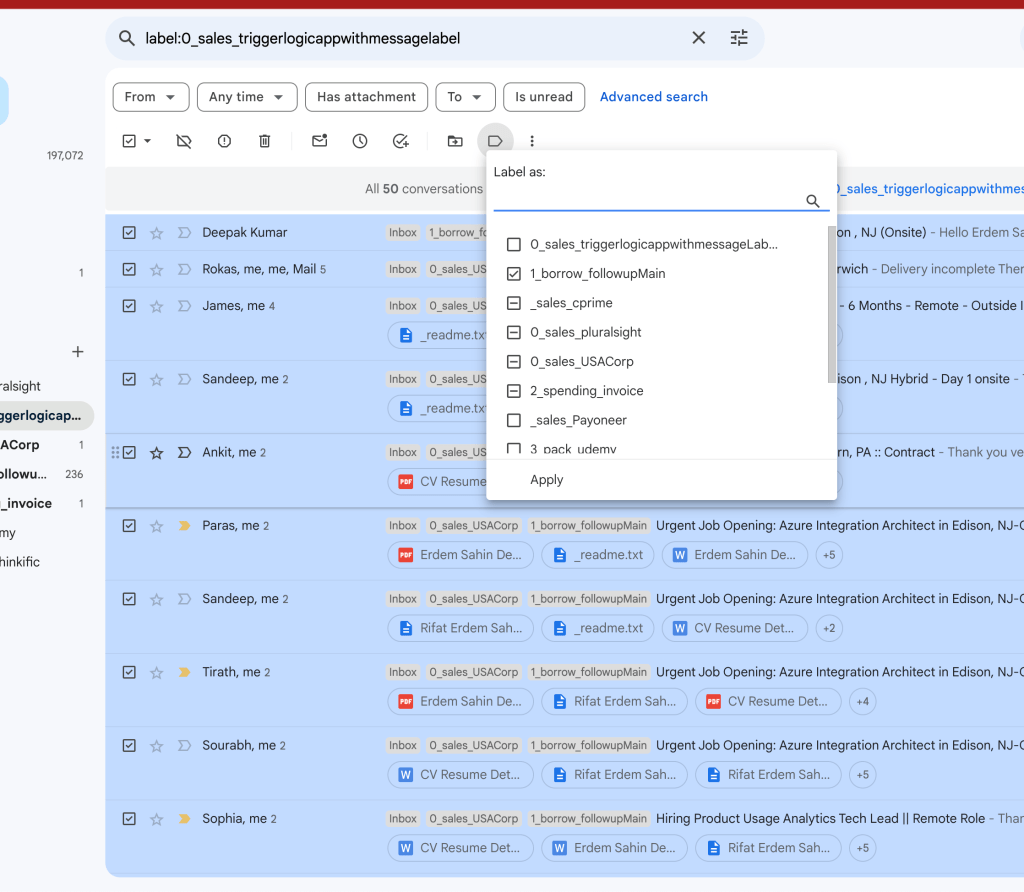
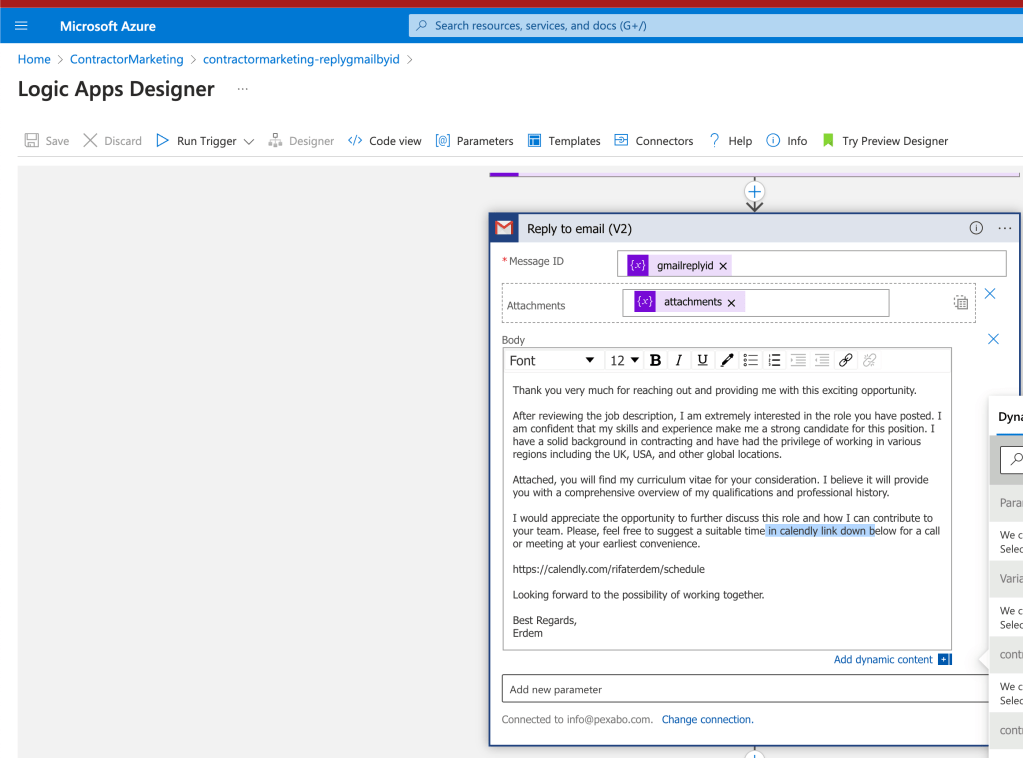
reprocess the 236 and then resend the emails for the 236 filtered to 50 >>> and now we have a reply system using the sandbox...faster >>>>and making the logic apps better
map the action >>> new emails with existinf recruiters should go to the logs
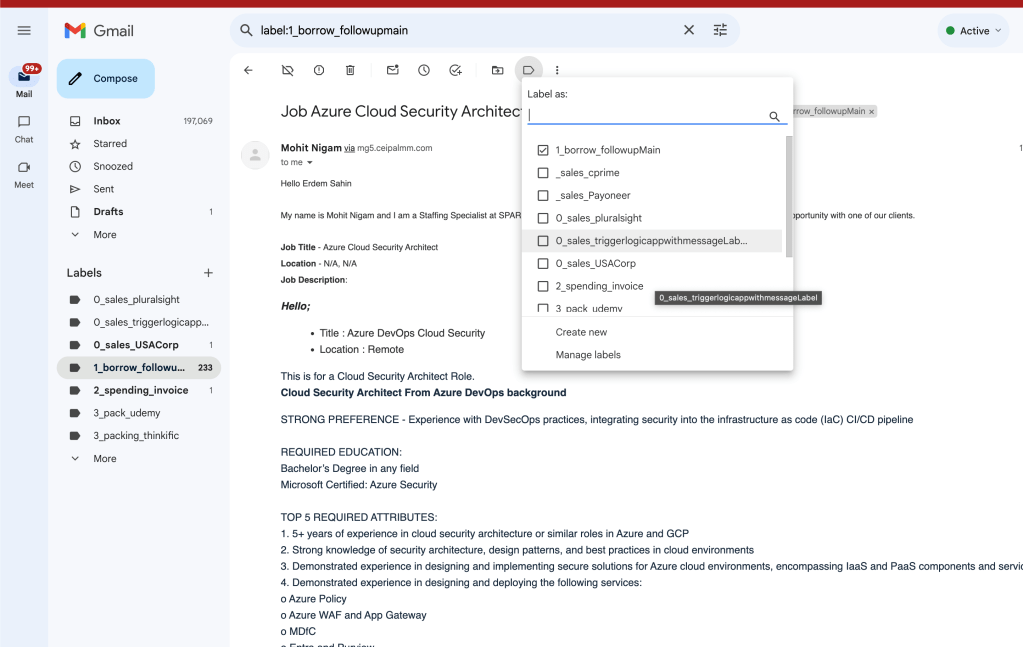
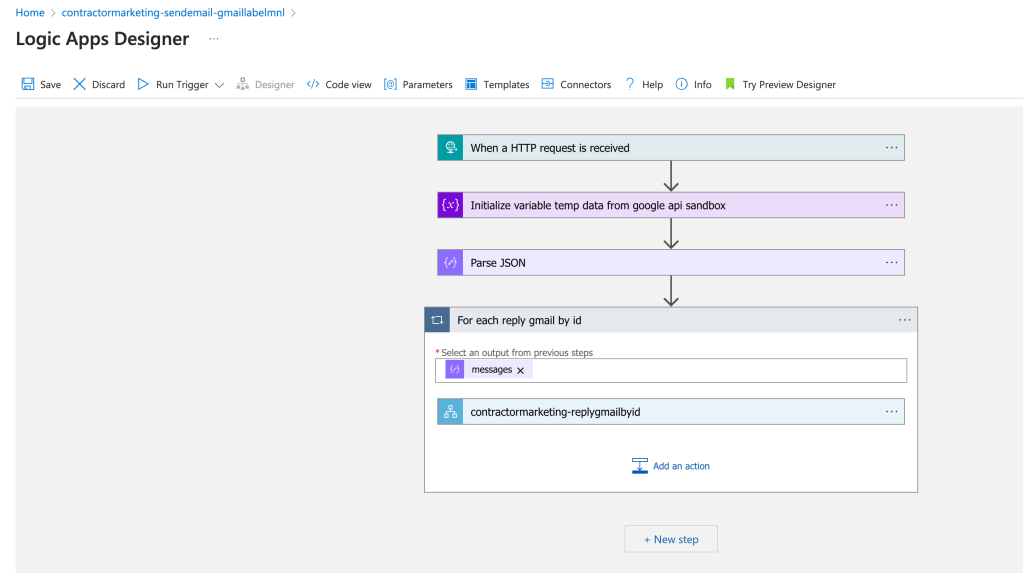
updates to the manual process > replybyid needs an update
Sandbox link needed
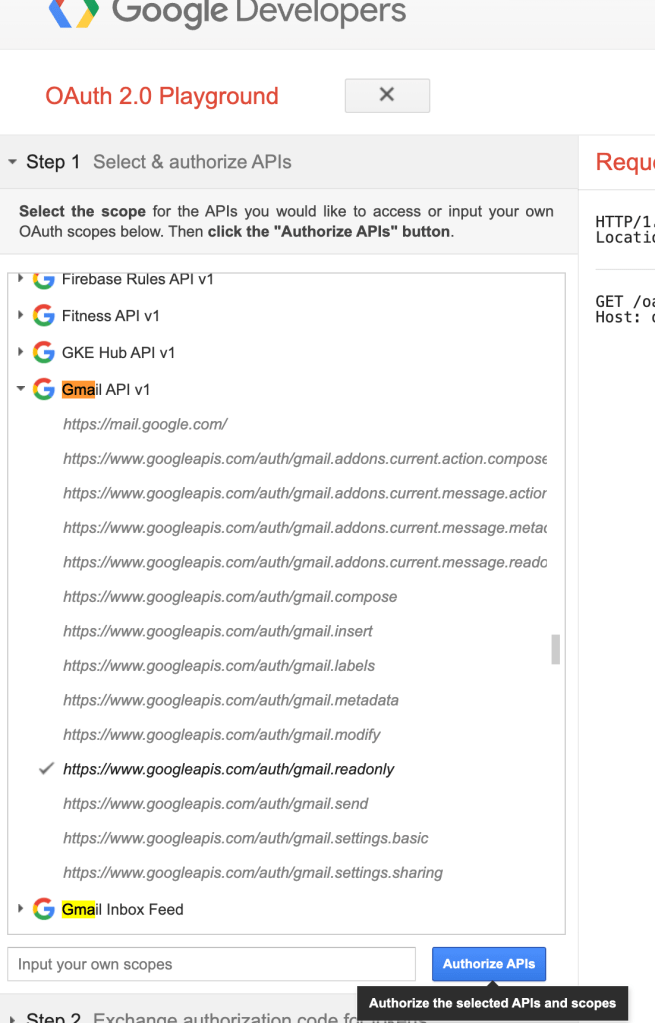
Api explorer
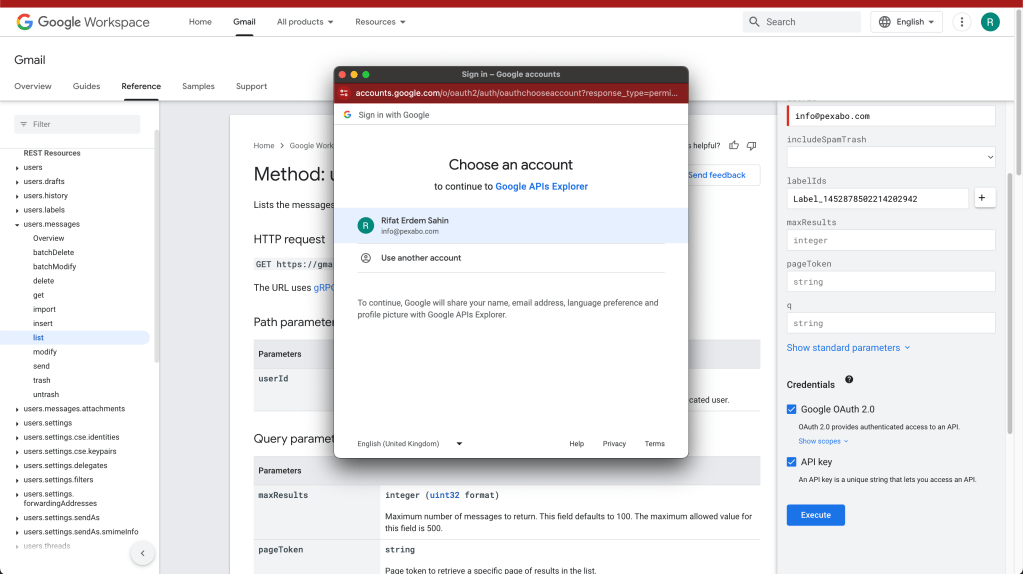
make messaging better
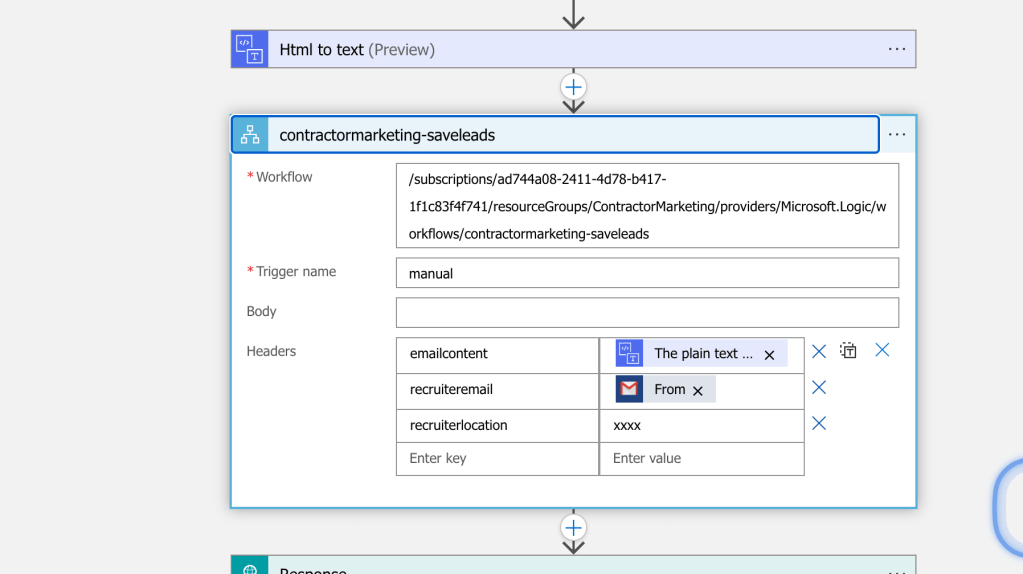
Location is not there still it is something
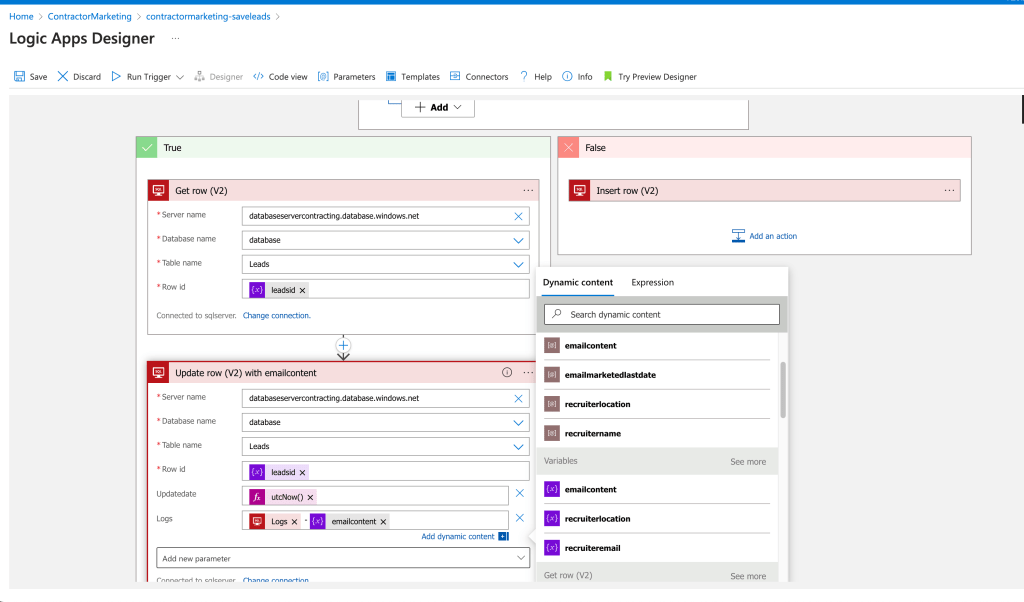
Appending the log
50 rows expecting to end in 19:40
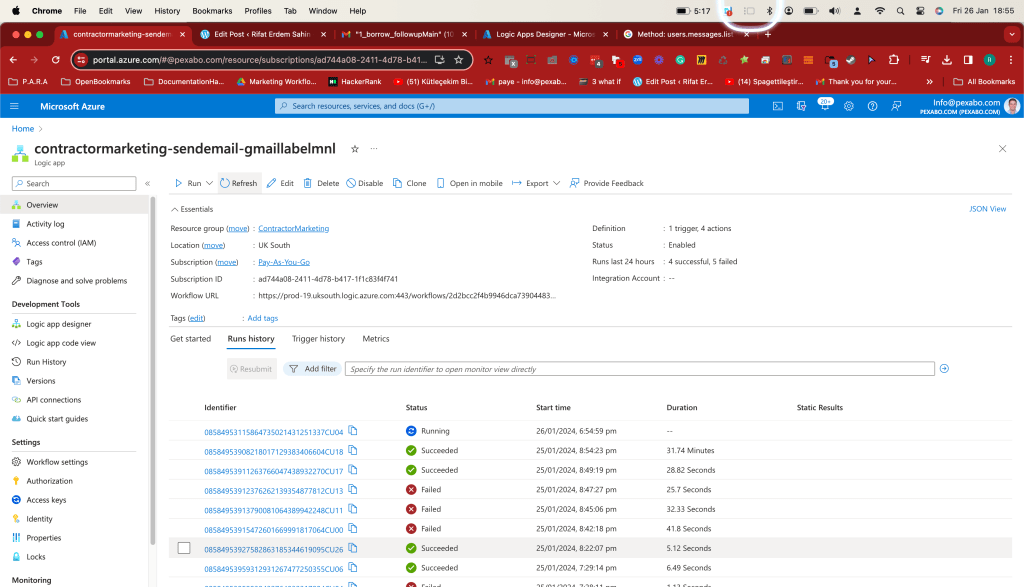
some failed some succeded > dual run can be ok>>> logs would be dublicated.
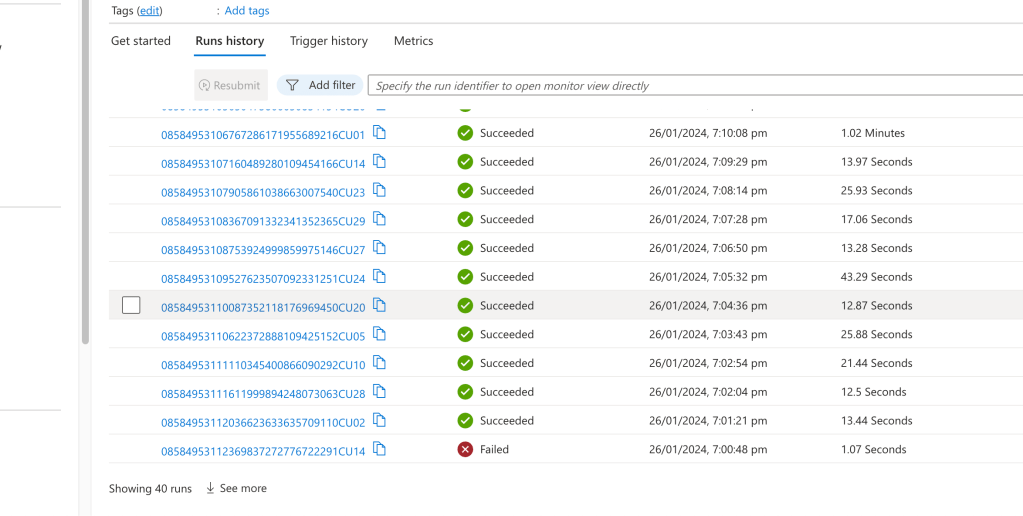
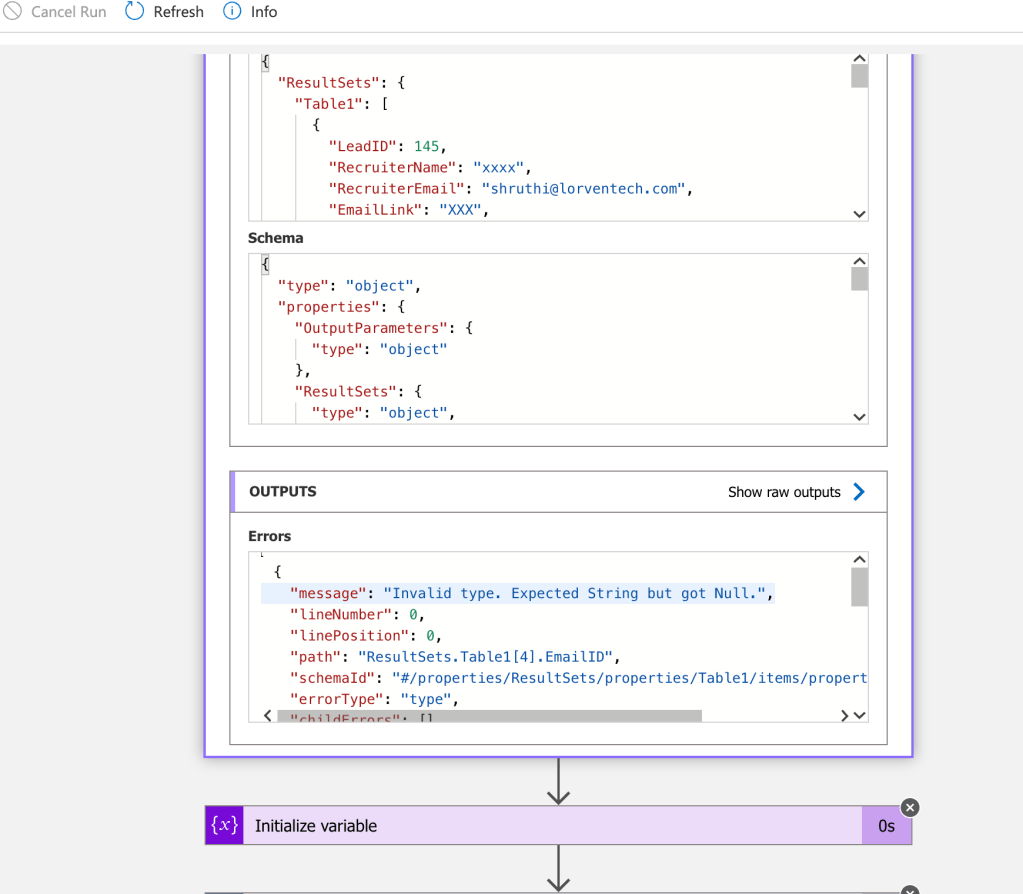
Parse jsons fails when the schema gets updated
devops.engineering on demand delivery producy ODD Service has a cost for the company.
I rerun this one more time
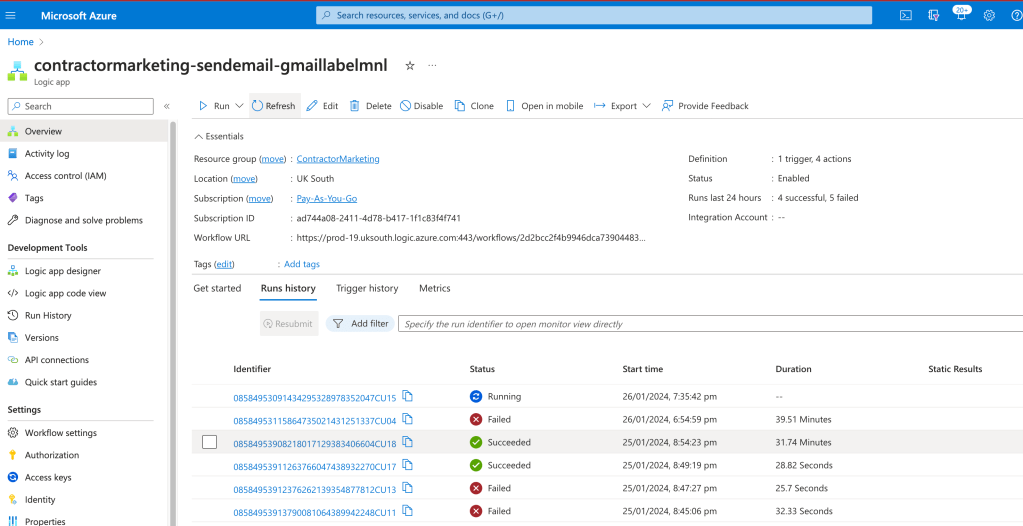
the last updates not working
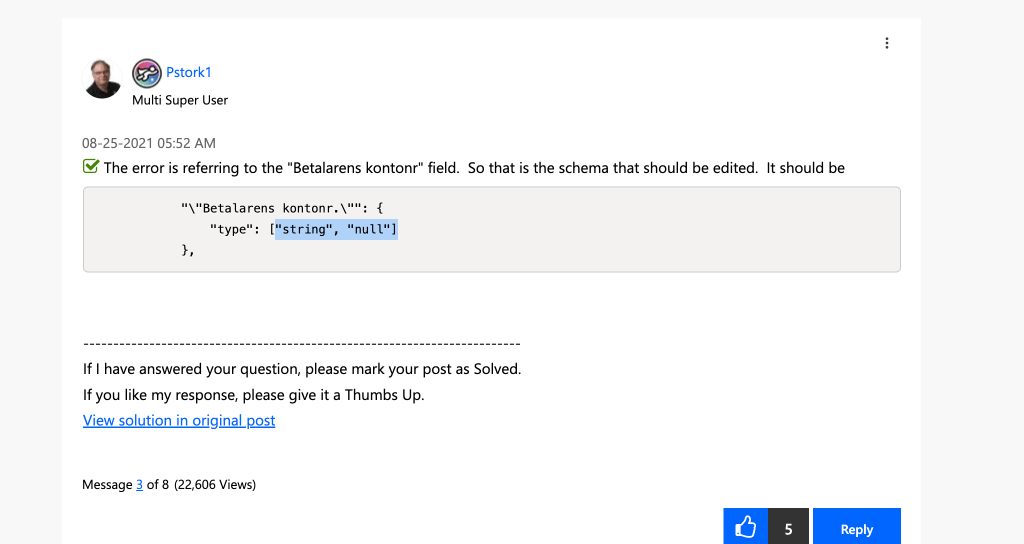
null management
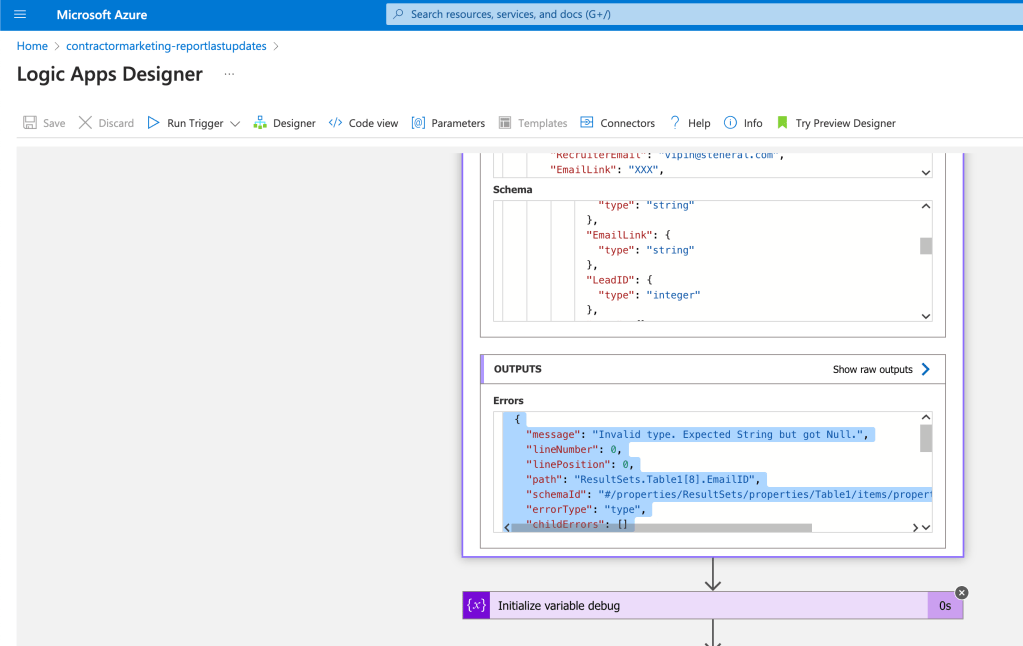
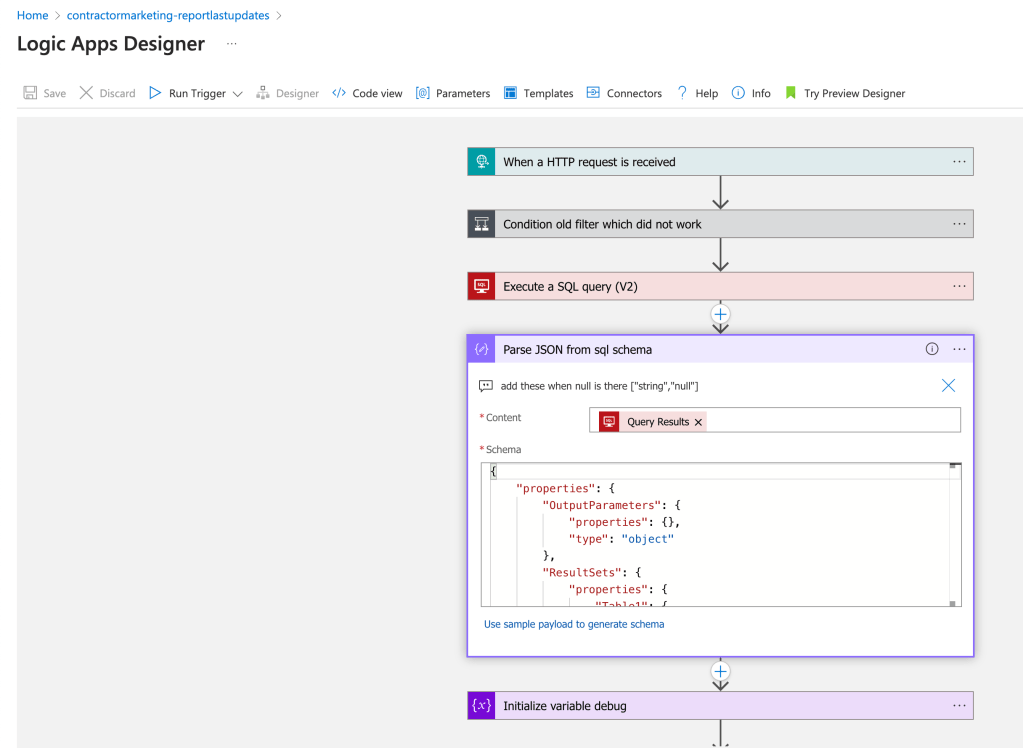
["string","null"] >>> update when i see the error >> small null touches needed
add to the comments for future reference
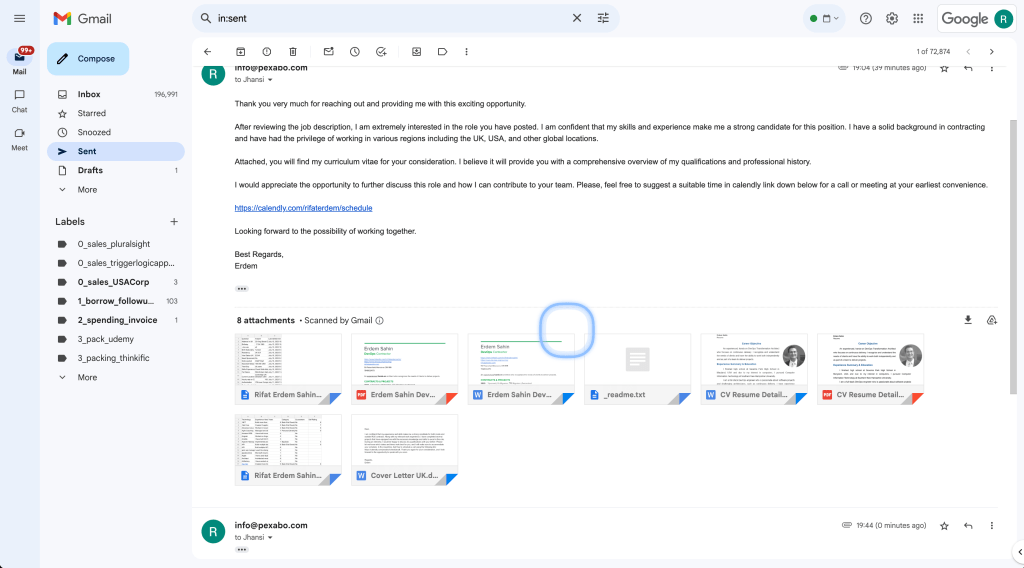
Twice email is send
Reply also needs to have email checks
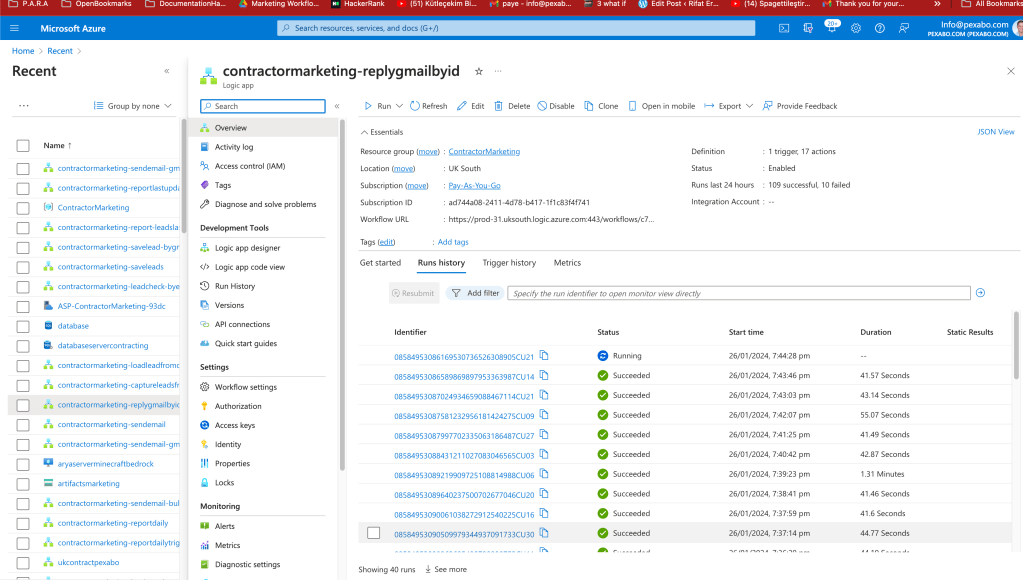
Added the terminate a bit late
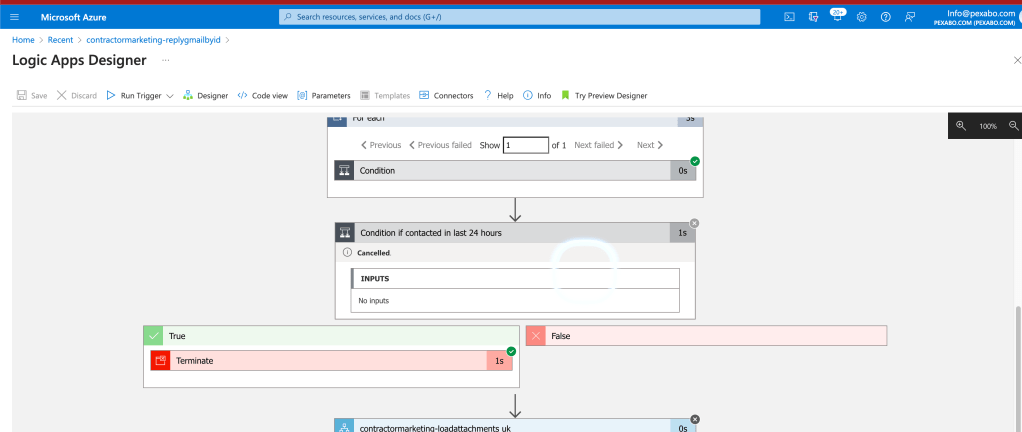
update date added
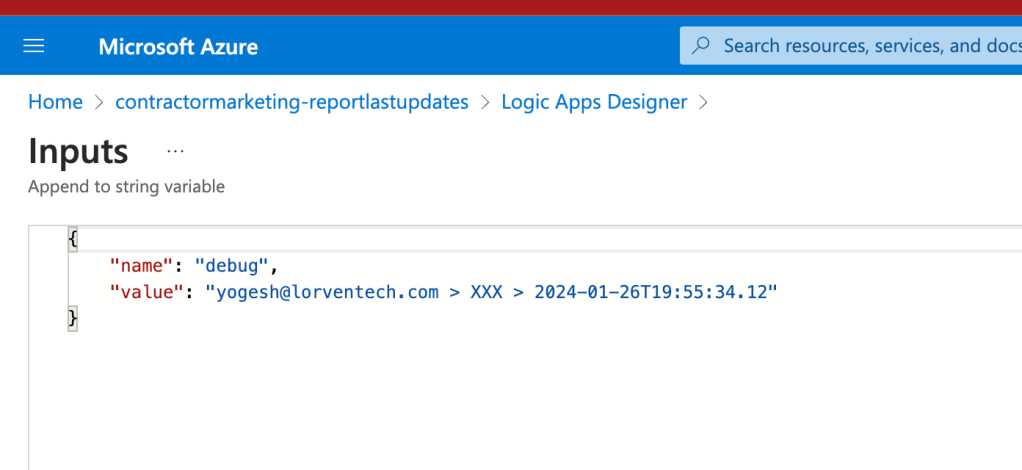
emails getting send
Imported from rifaterdemsahin.com · 2024