Bookkeeping Guide
This is a guide on how to do bookkeeping on quickbooks
Todos
The gaps that are defined to make the bookkeeping sustainable.
todo : learn the link of accounting to bookkeeping
todo : create the guide and delegate
todo : link it to budgetting
todo : get feedback on reddit
todo : find a way to share the invoice to the bookkkeeper ( logic app listener )
todo : updated vendor list for links
todo: create a video for the accoutant to map their requirements
todo: create a video for the budgetting team
Regular Tasks ( Areas )
-
Set labels for the invoices
-
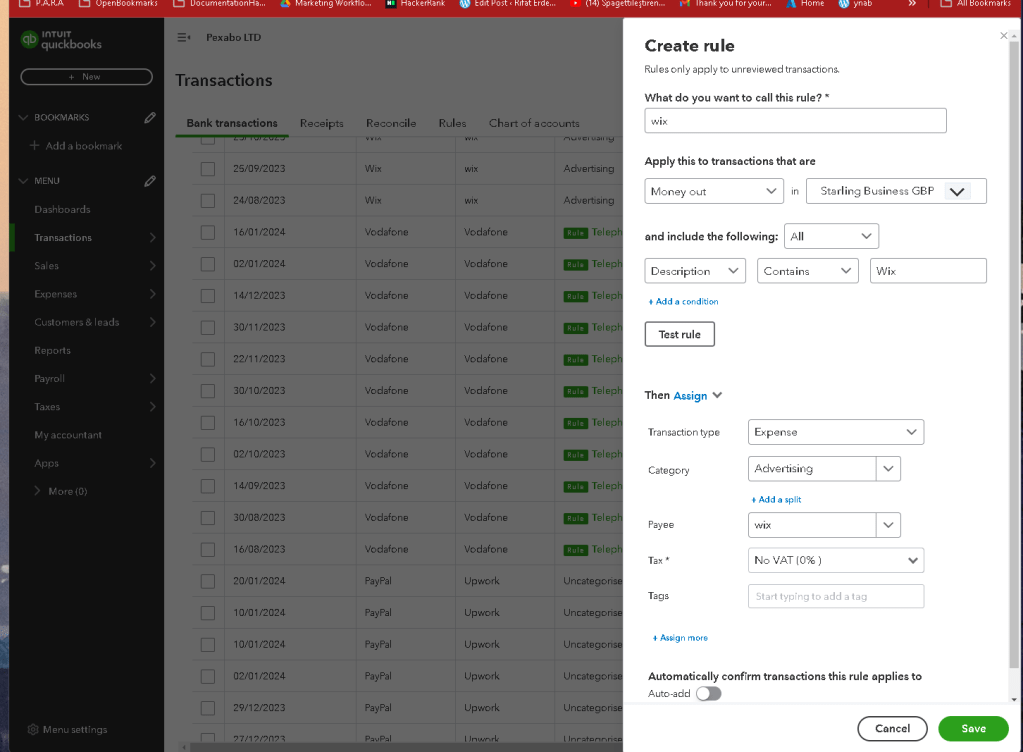
set rules for transactions
Steps
-
login to quickbooks with bookkeeper email
-
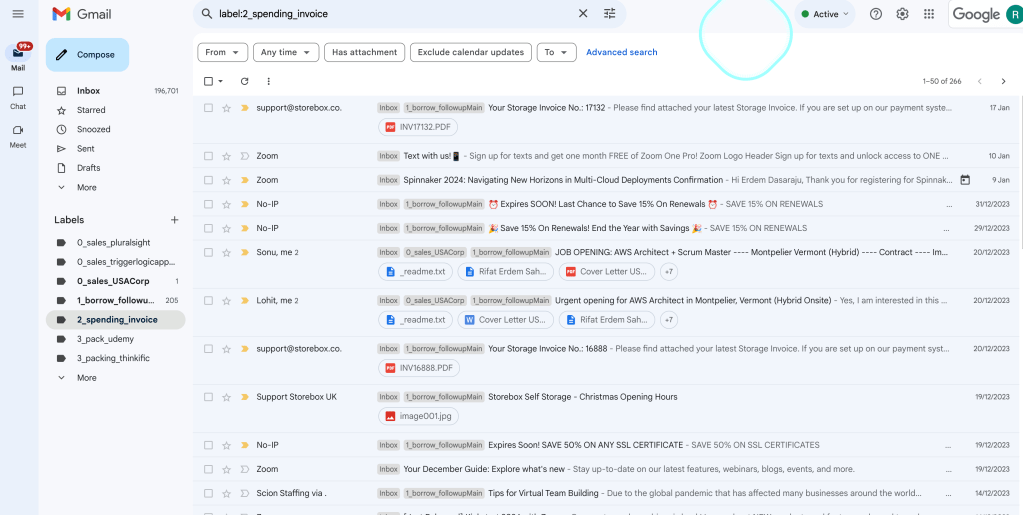
Check your labels in the email most vendors are sending emails for invoice
-
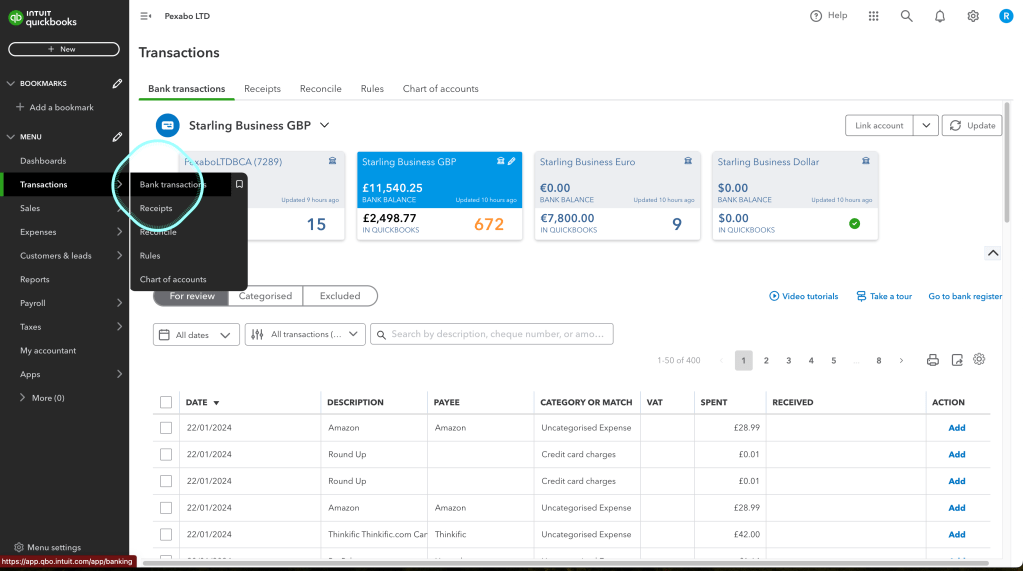
Go to Transactions quickbooks
-
Check the missing transaction count the orange for the document uploads
-
Search email with full text search
-
goto vendor site from from the transaction detail
-
goto online banking an find the transaction
-
hit update button in transactions
-
Git the transaction
-
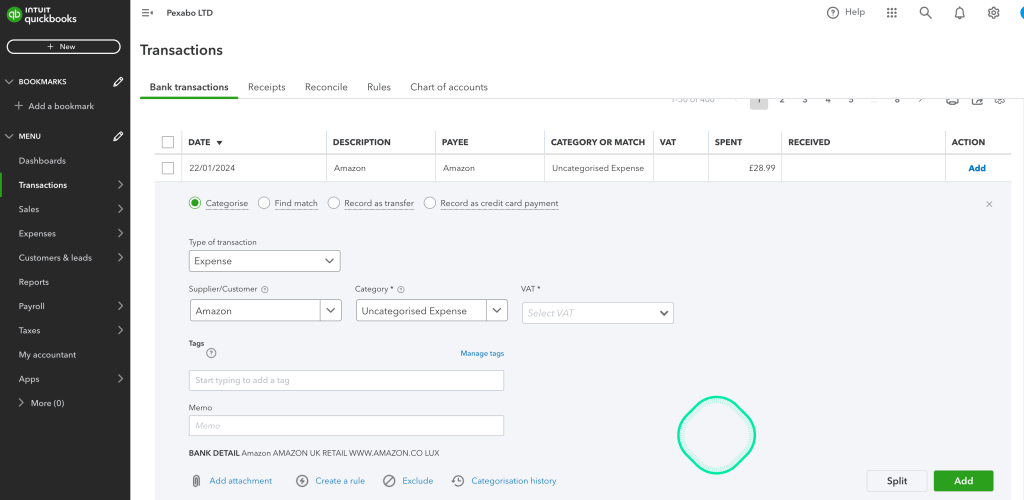
Add the invoice in transaction and
-
Check in expense
-
Search payee based transactions and make sure they are done
-
relogin to quickbooks with the mfa authenticatior
-
Add the wages that dont need the documentation but already paperwork is there
-
Login to the other machine with another day open page ( quickbooks,wordpress)
-
Lastpass enable everytime to record the logins
-
Complete the uncaegorised first using the bank text and statemenet
Followup
Type Change > https://www.reddit.com/r/QuickBooks/comments/19ed99a/if_i_enter_a_cheque_can_i_convert_it_back_to/
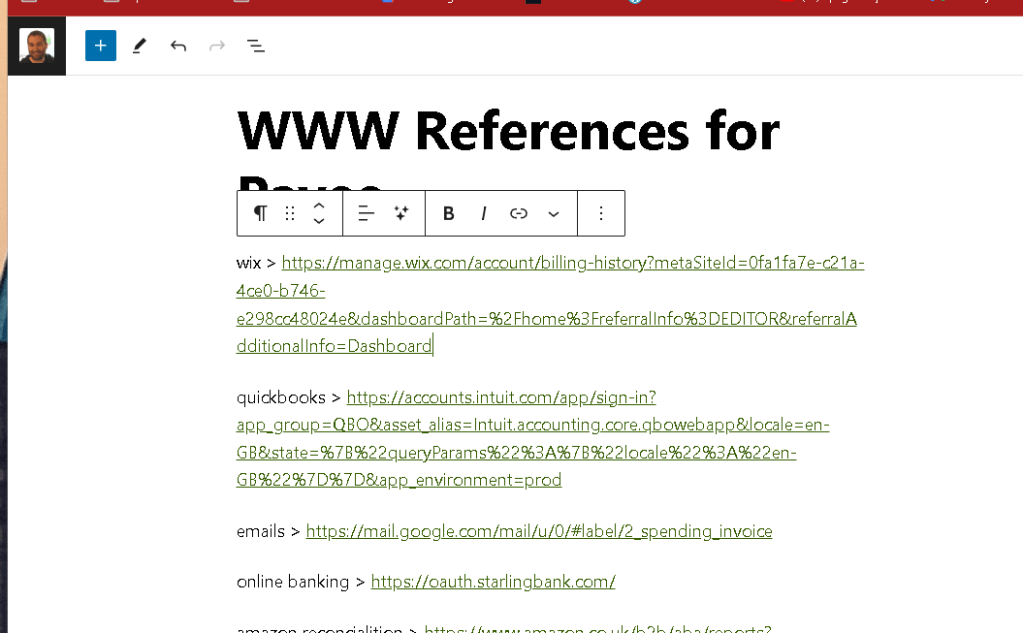
WWW References for Payee
upwork >
vodaphone > https://myaccount.vodafone.co.uk/account/summary
emails > https://mail.google.com/mail/u/0/#label/2_spending_invoice
online banking > https://oauth.starlingbank.com/
amazon reconcialition > https://www.amazon.co.uk/b2b/aba/reports?reportType=transactions_report&dateSpanSelection=MONTH_TO_DATE&ref=hpr_redirect_report
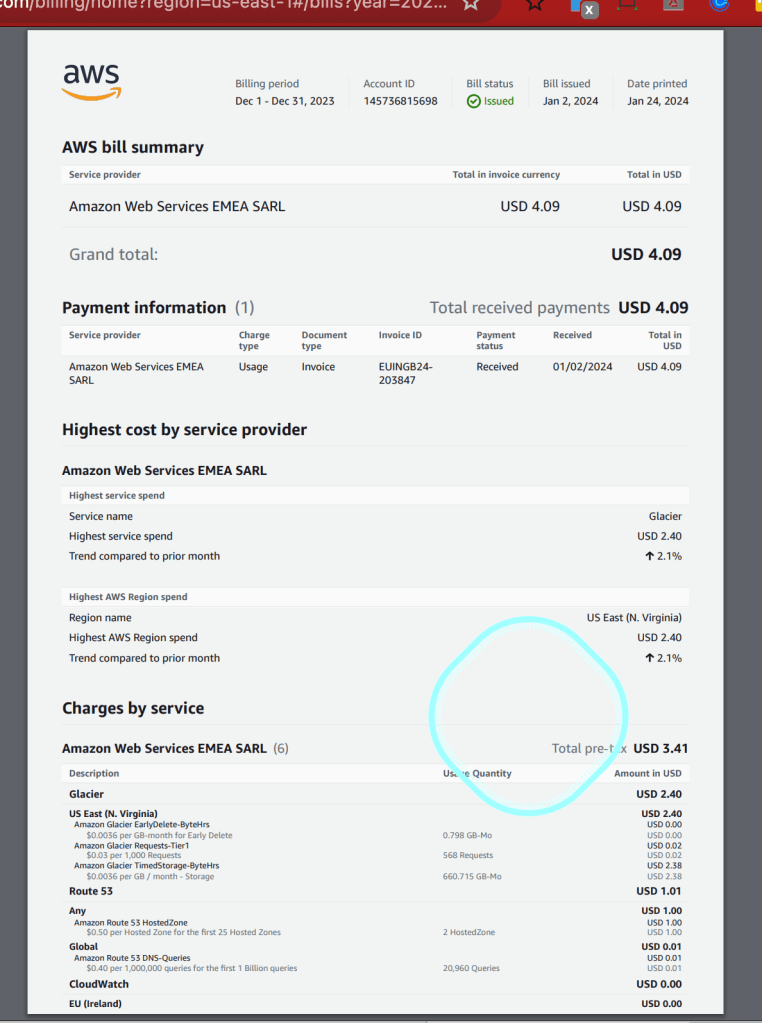
aws bills > https://us-east-1.console.aws.amazon.com/billing/home?region=us-east-1#/bills?year=2023&month=12
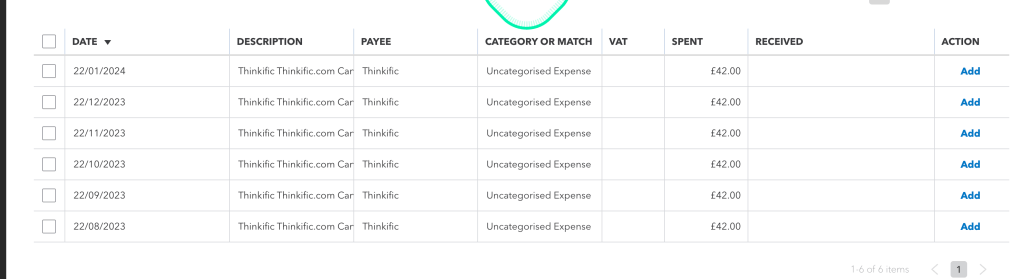
thinkific > no vat > https://devopsengineering.thinkific.com/manage/account/payment_invoices
hmrc > https://www.access.service.gov.uk/login/signin/creds?aoc=Y
Screenshot References
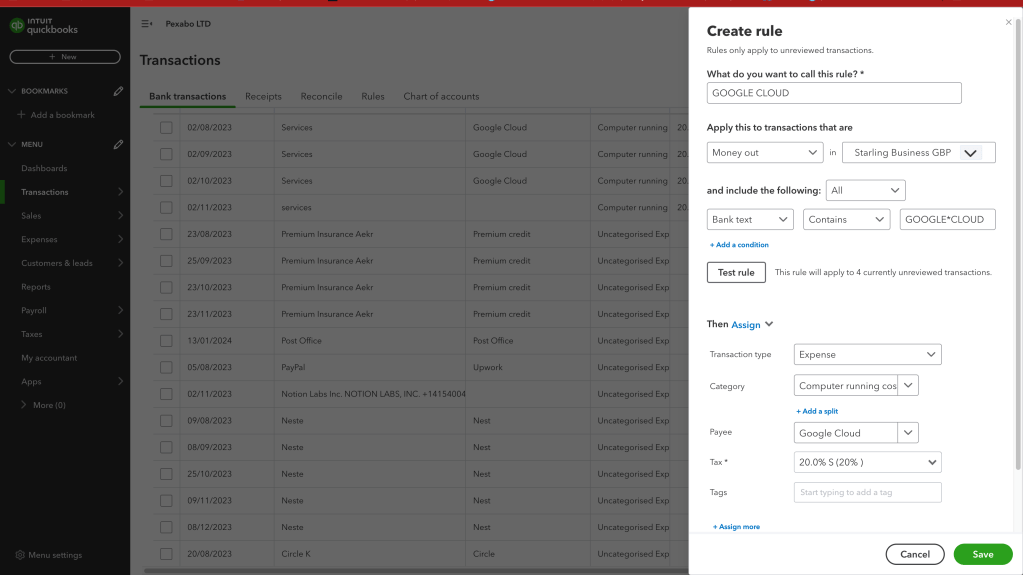
Bulk Rule implementation
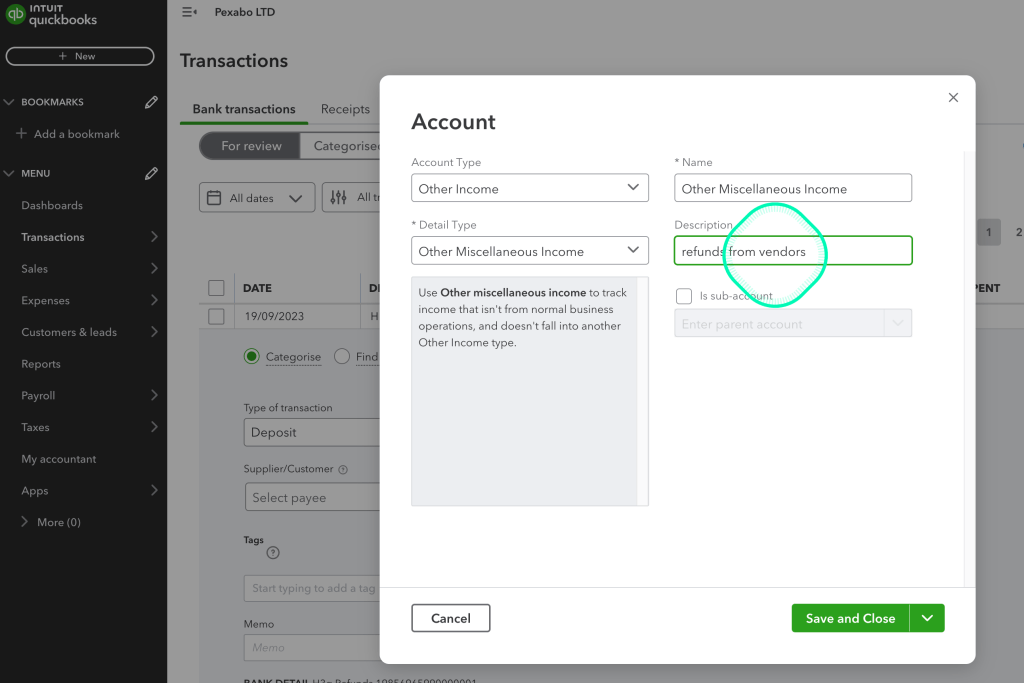
Refunds from the vendors
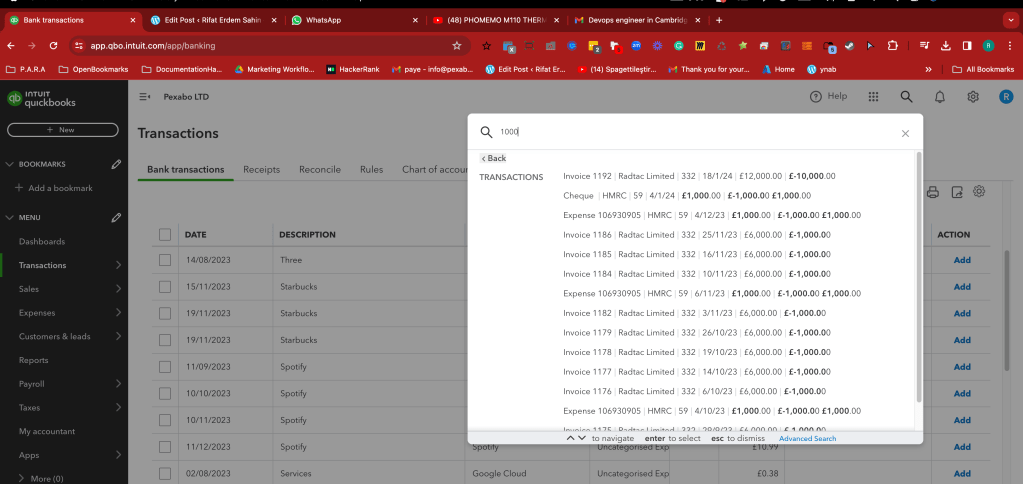
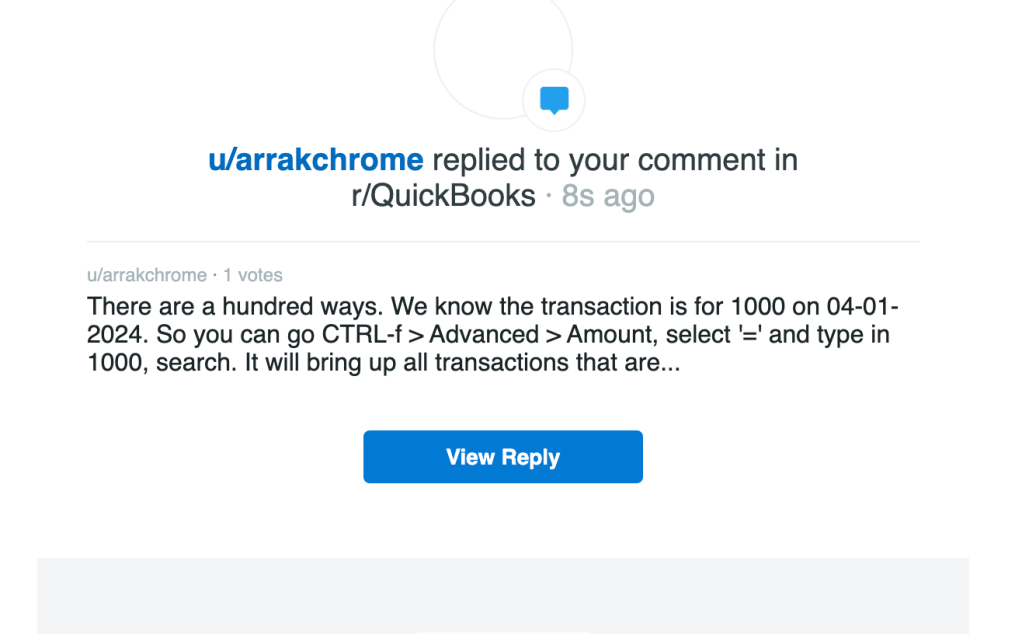
Practical Amount based search
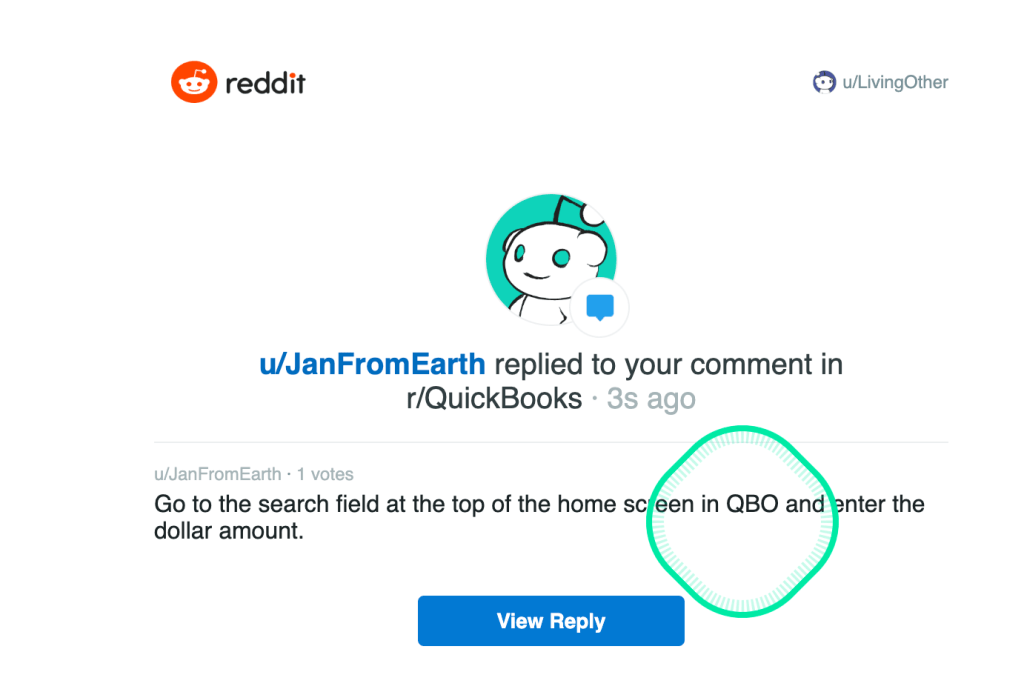
Categorise
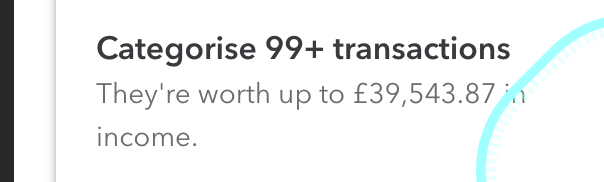
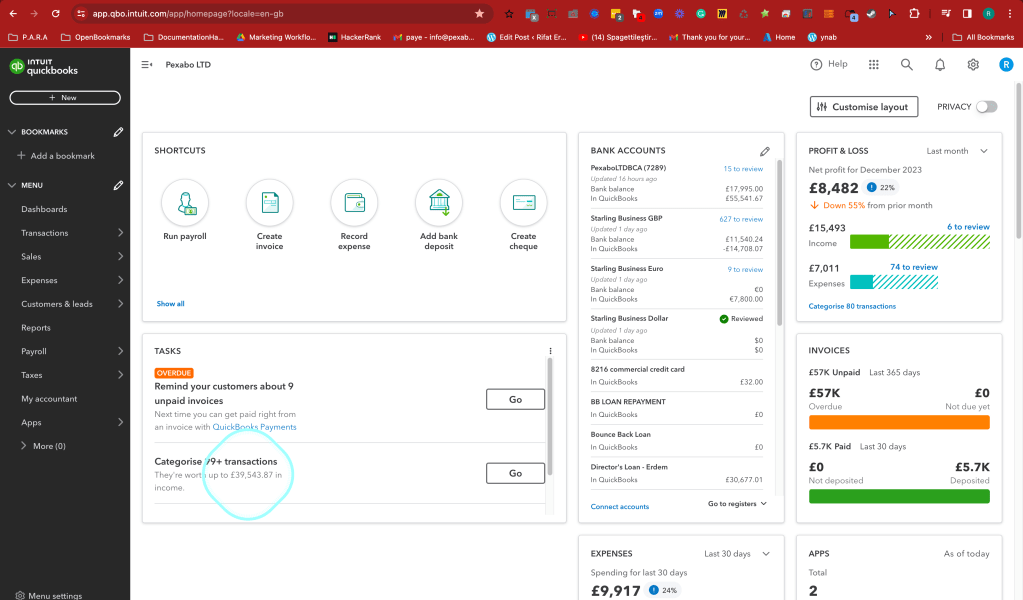
Tasks mentioned at the start
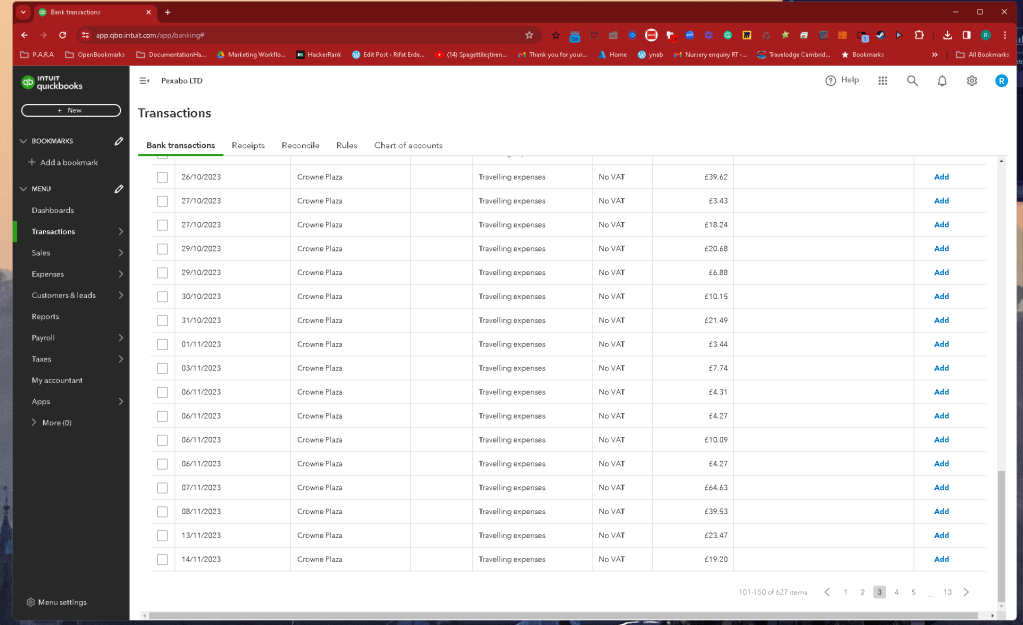
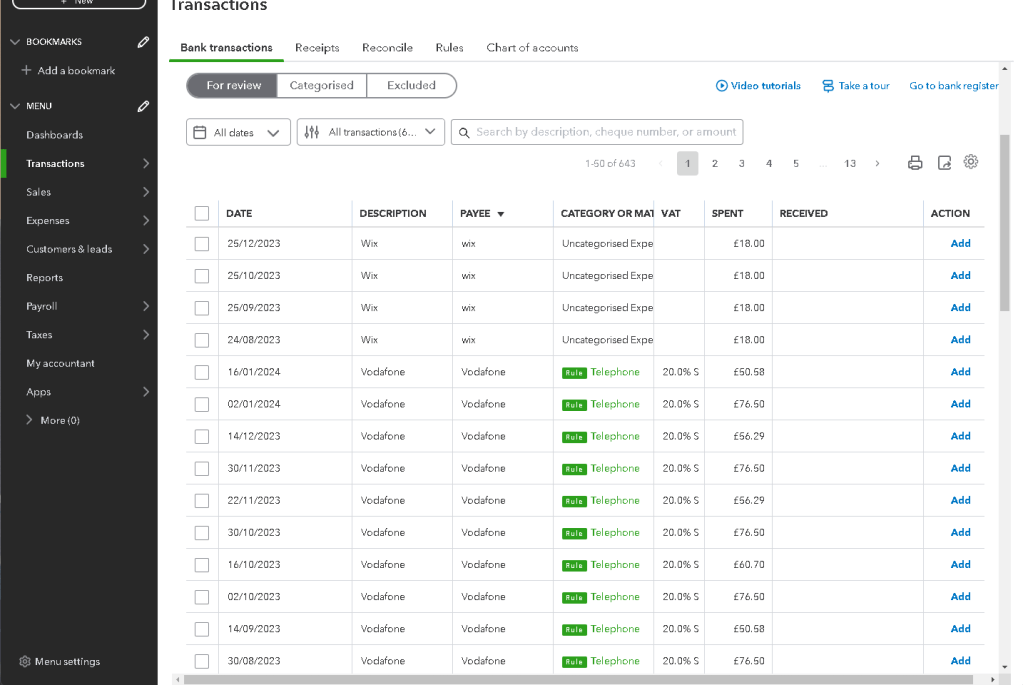
3 pages of uncategorised transactions
Use the bank text field in the rule section
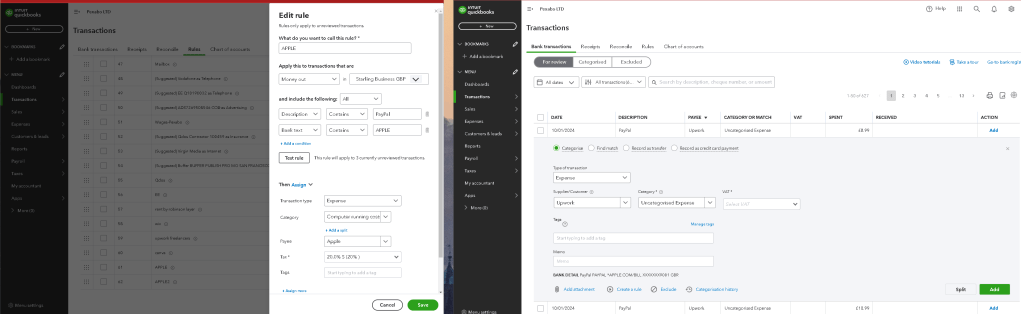
Find the wrong rule and fix it
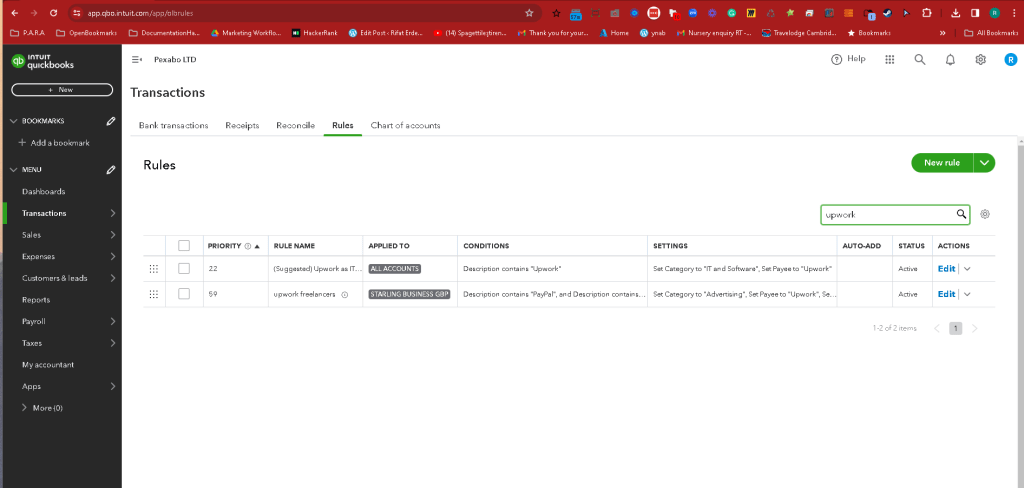
Fix wrong payee from the description
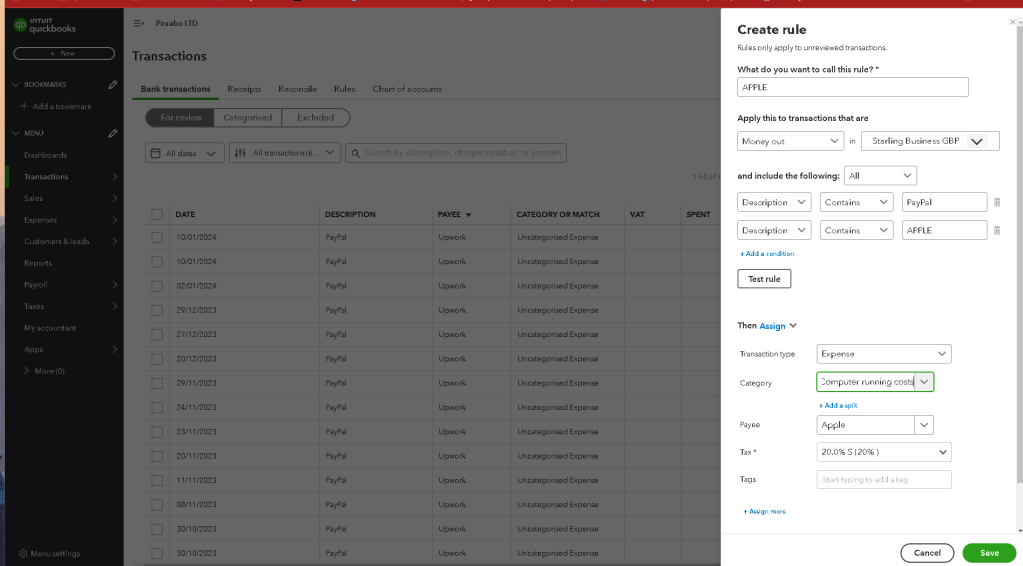
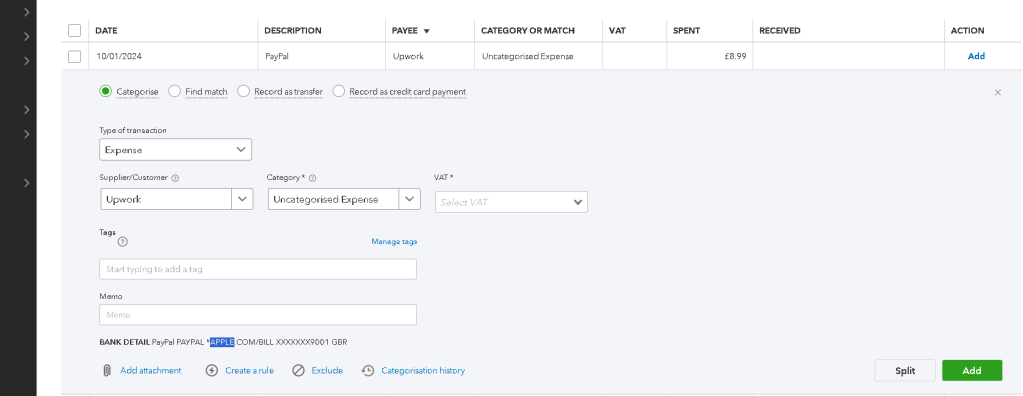
Adding new links to new links to wordpress
Add a rule by a pattern
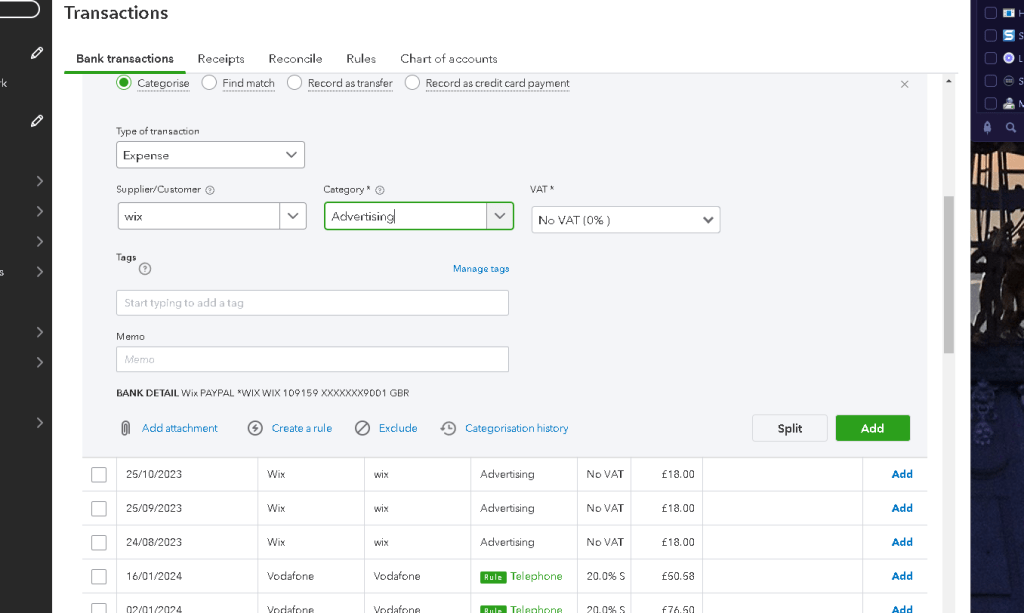
Sort by payee to make life easier
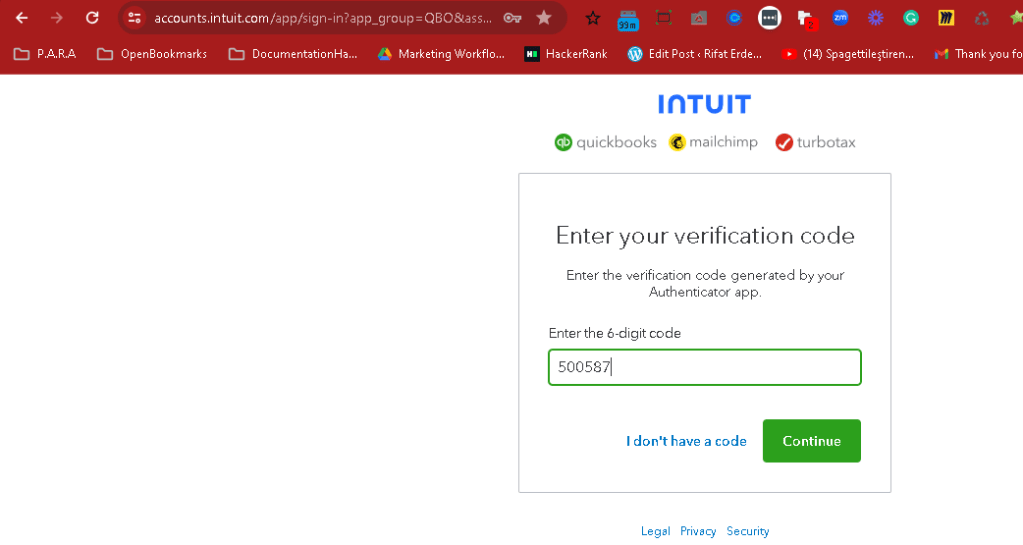
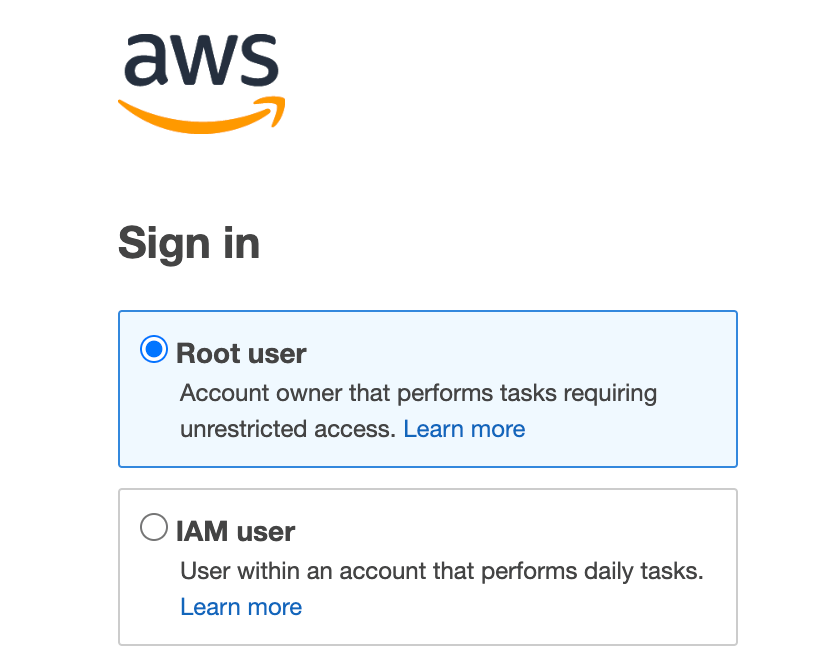
MFA For quikcbooks
Email filter
Transactions Quickbooks
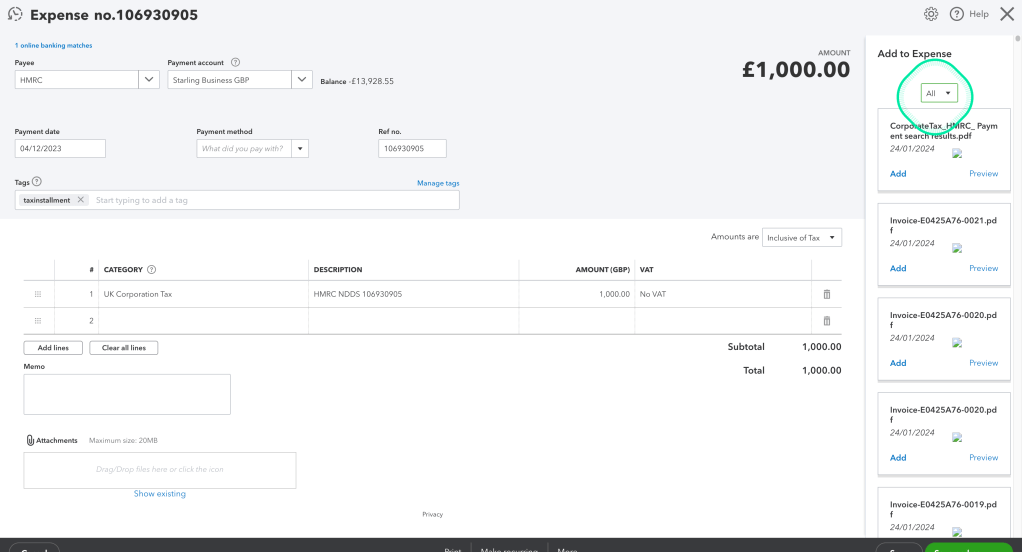
Add invoice detail to the transactions
Search Email with full text
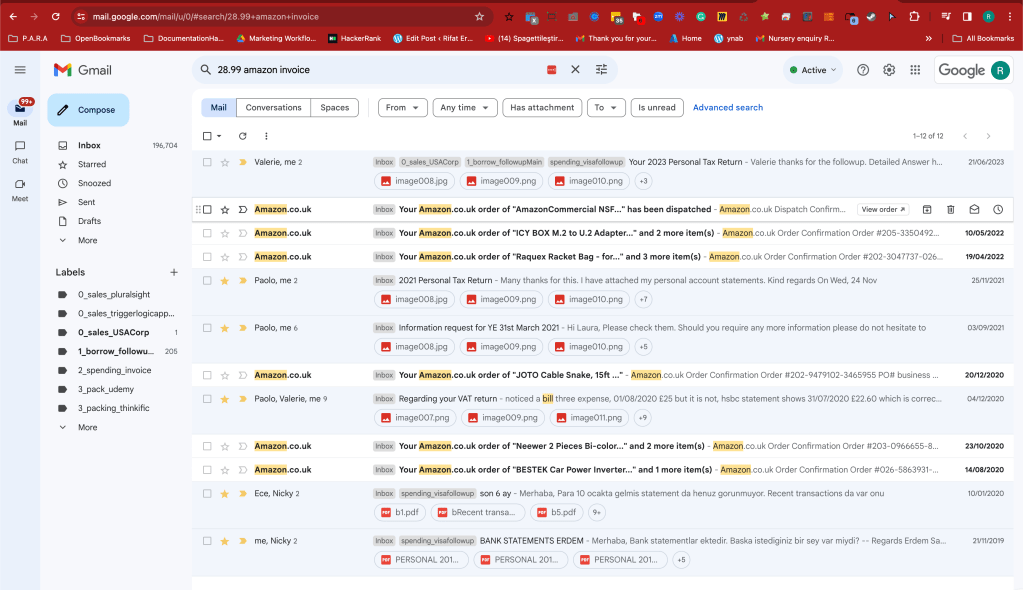
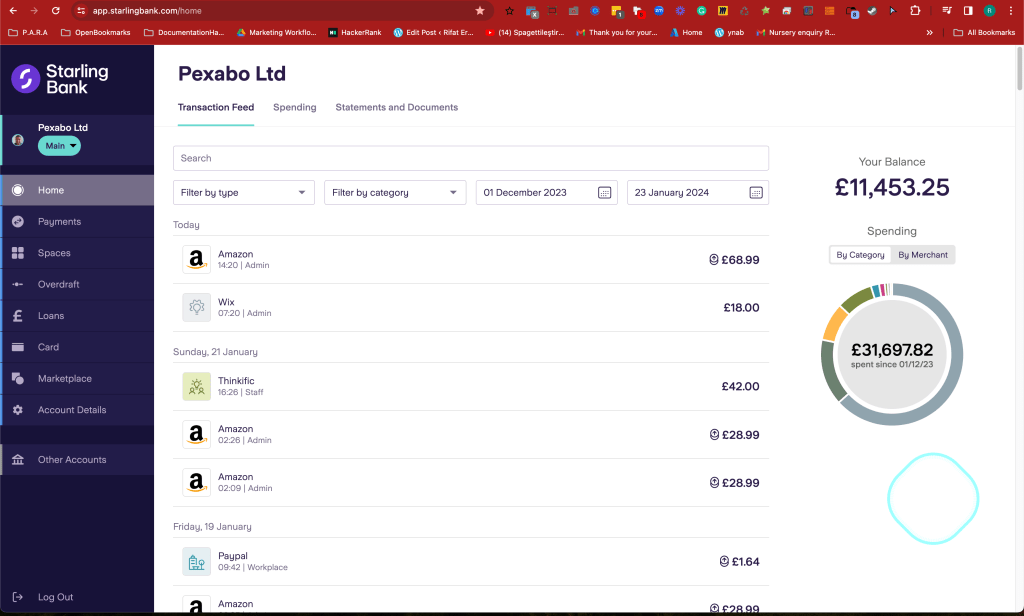
Banking Transactions on the bank site
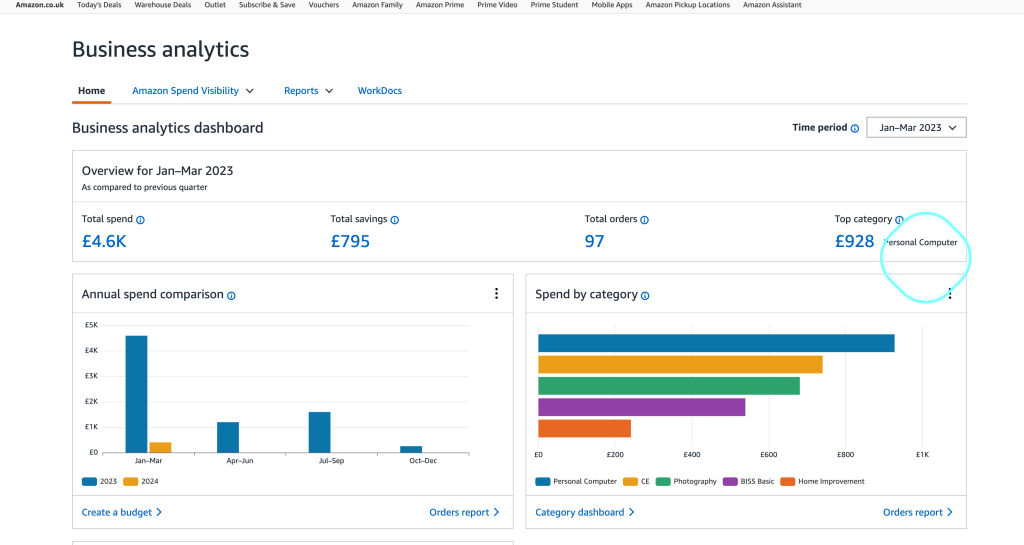
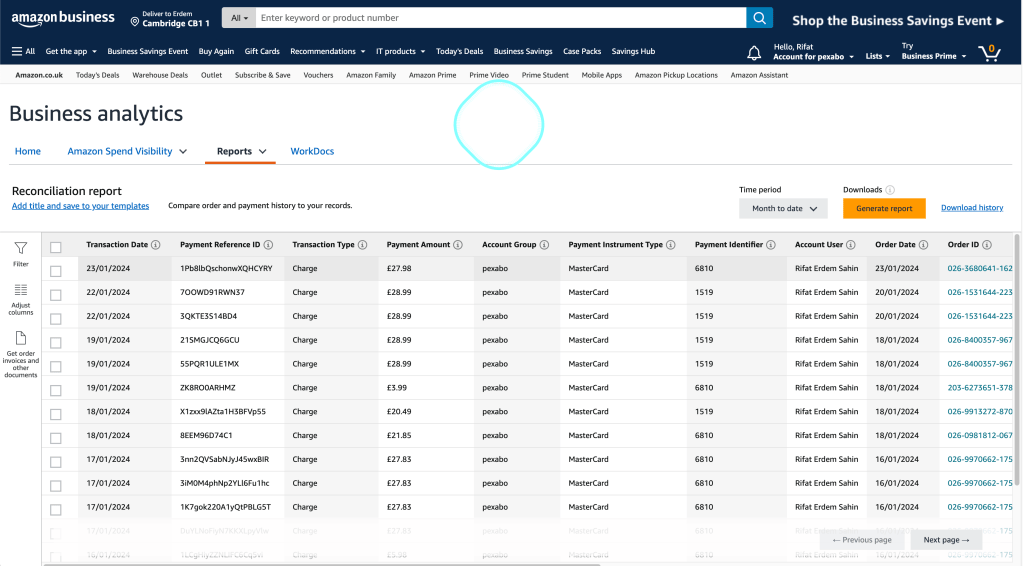
Amazon dashboard
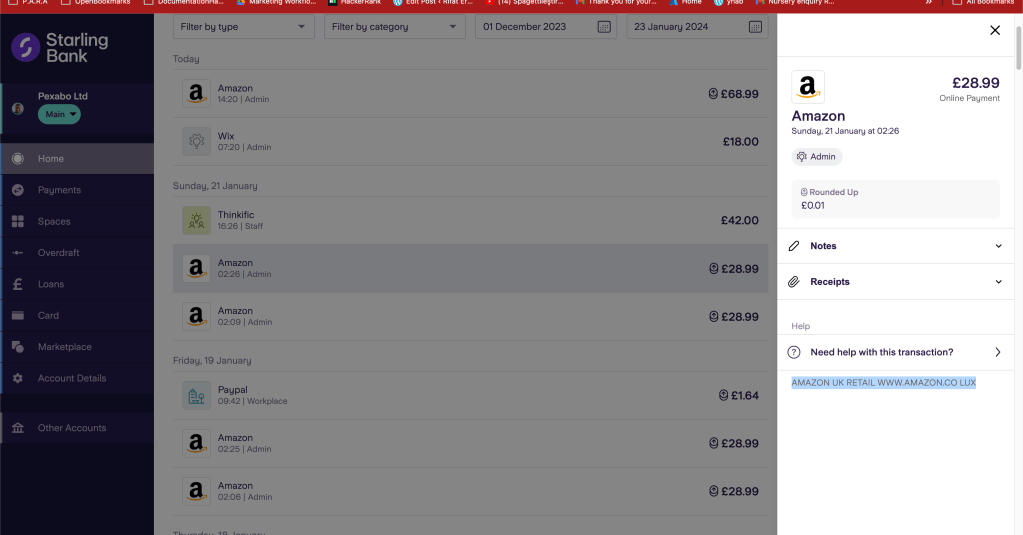
Focus on the vendor
Vendor reconciliation report ( Amazon )
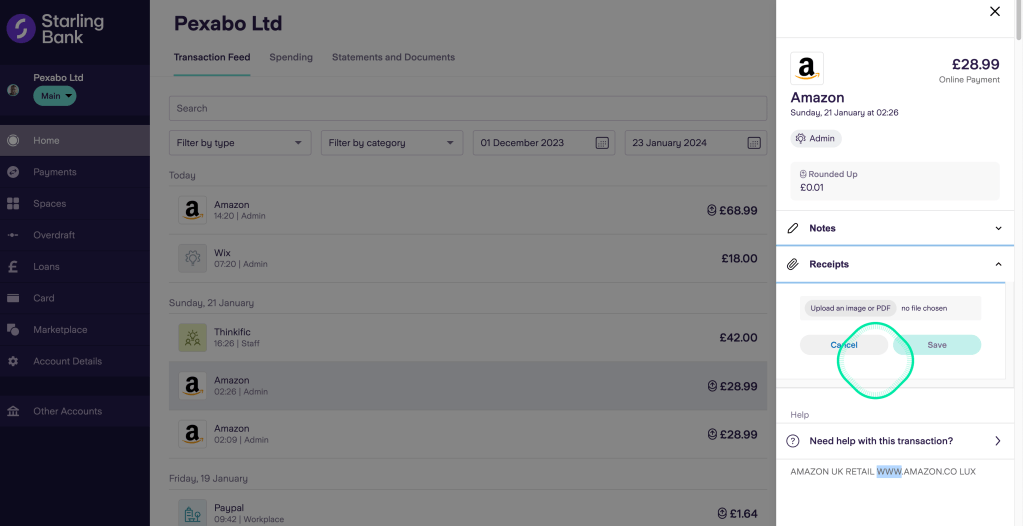
Practical Upload on Starling
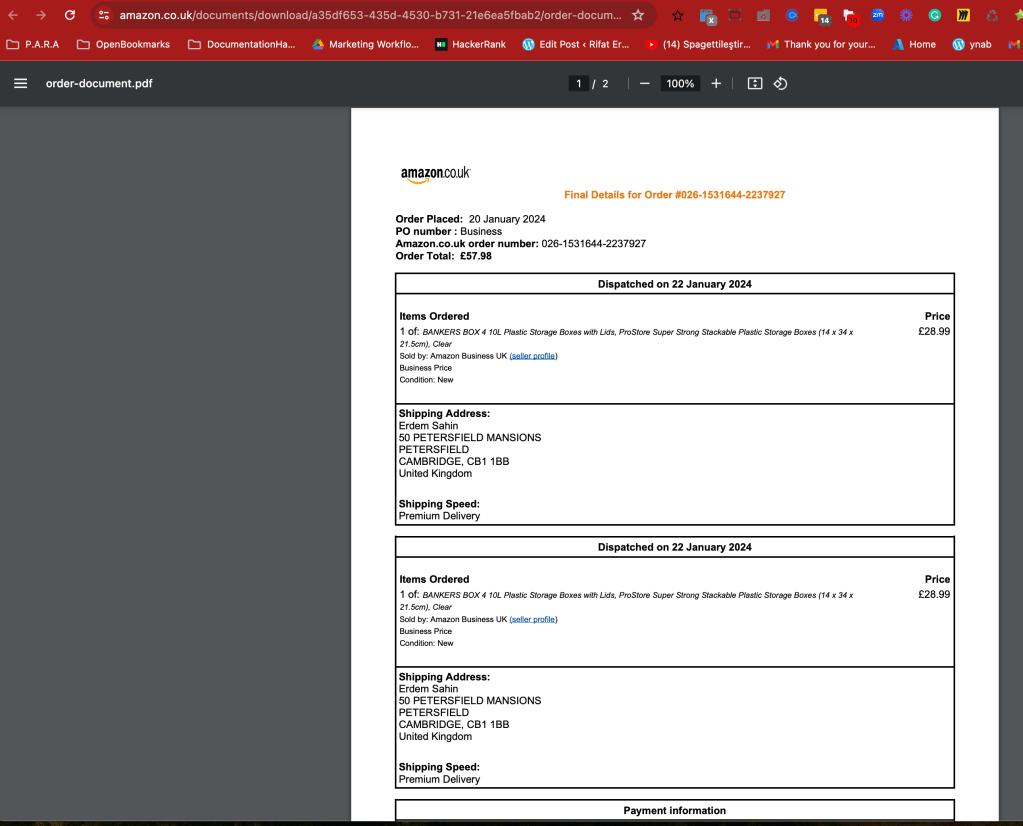
Seperated Invoice
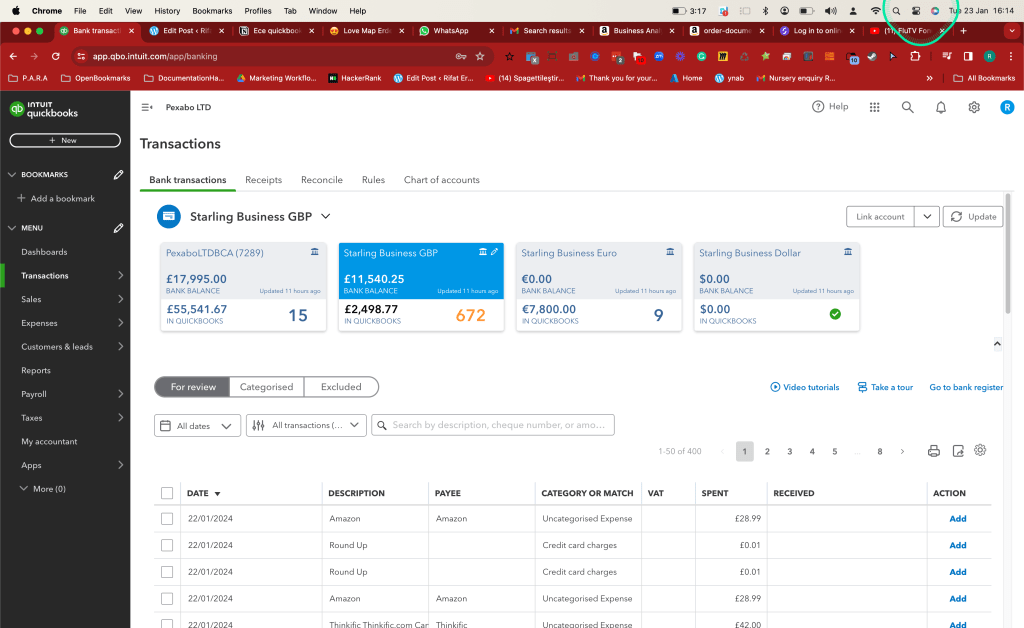
Update button for latest transactions
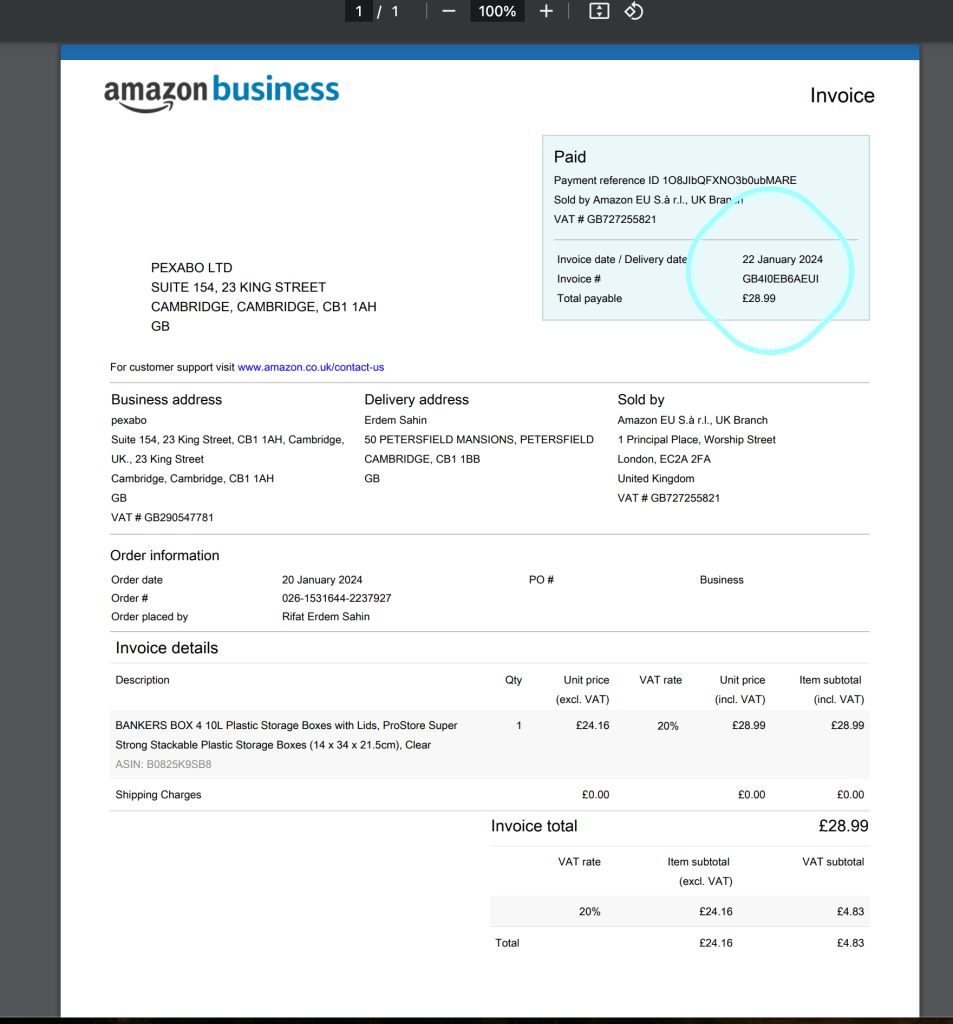
VAT based invoice
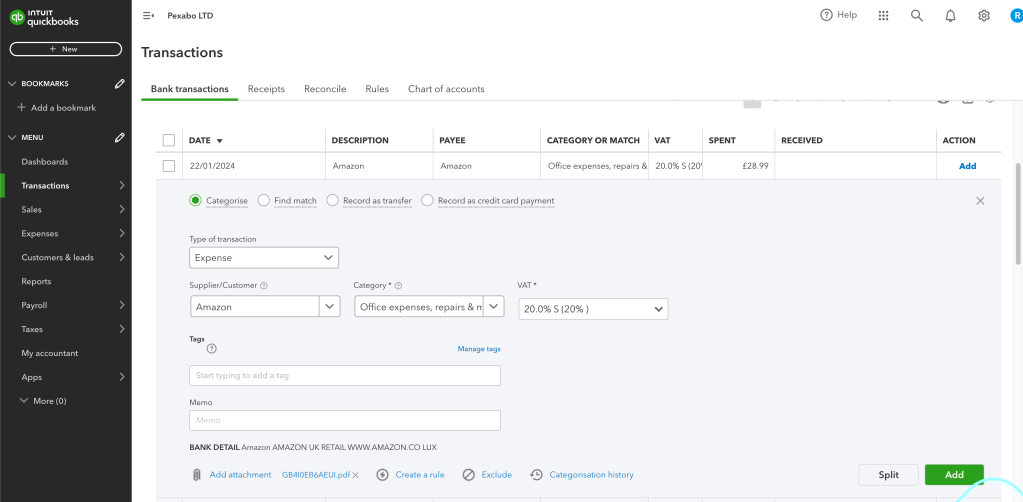
Category and VAT Matching
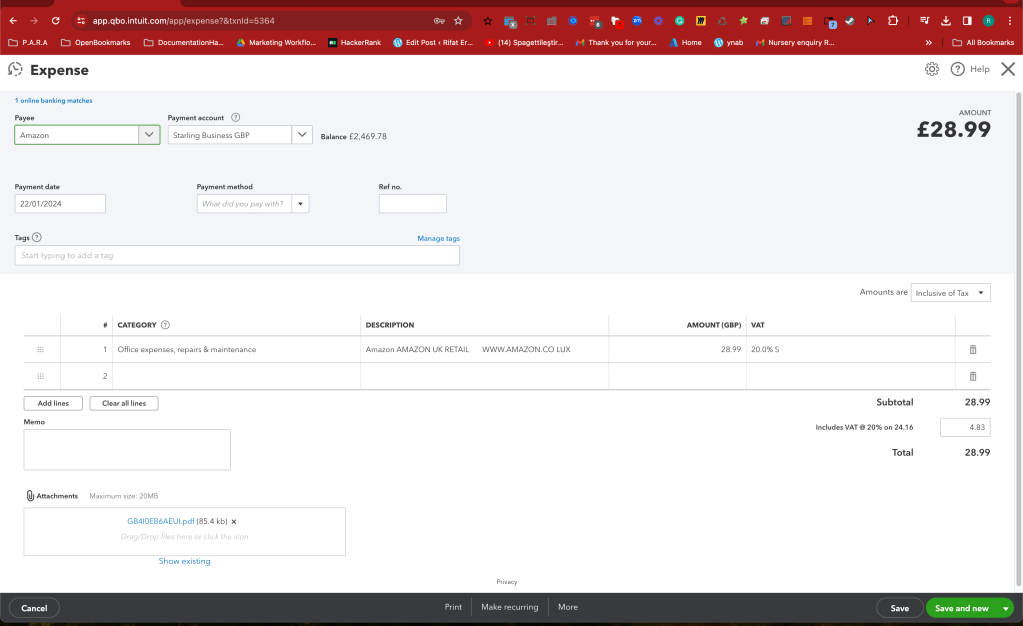
Check on the expenses
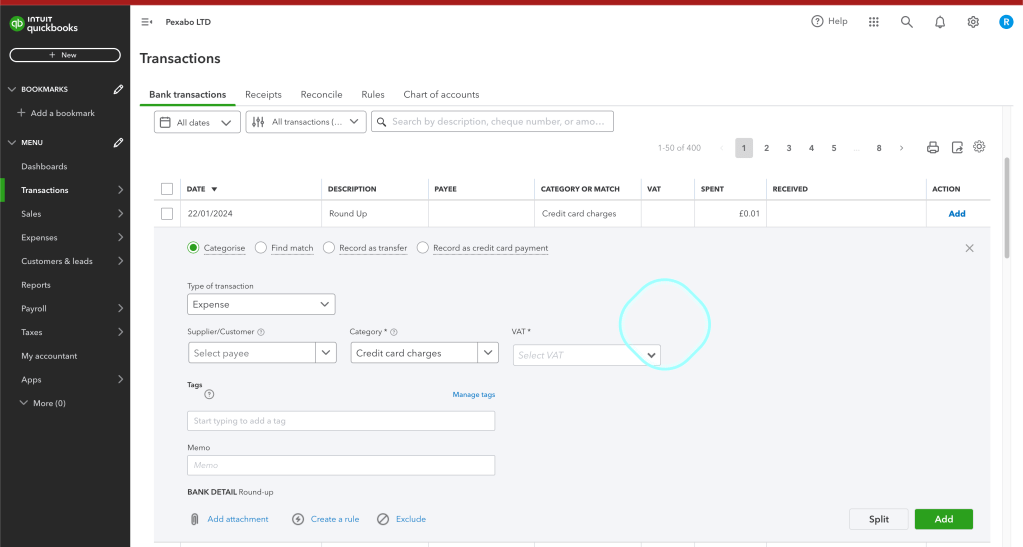
Not processed > roundup events
vendor page open and search in the transactions as payee
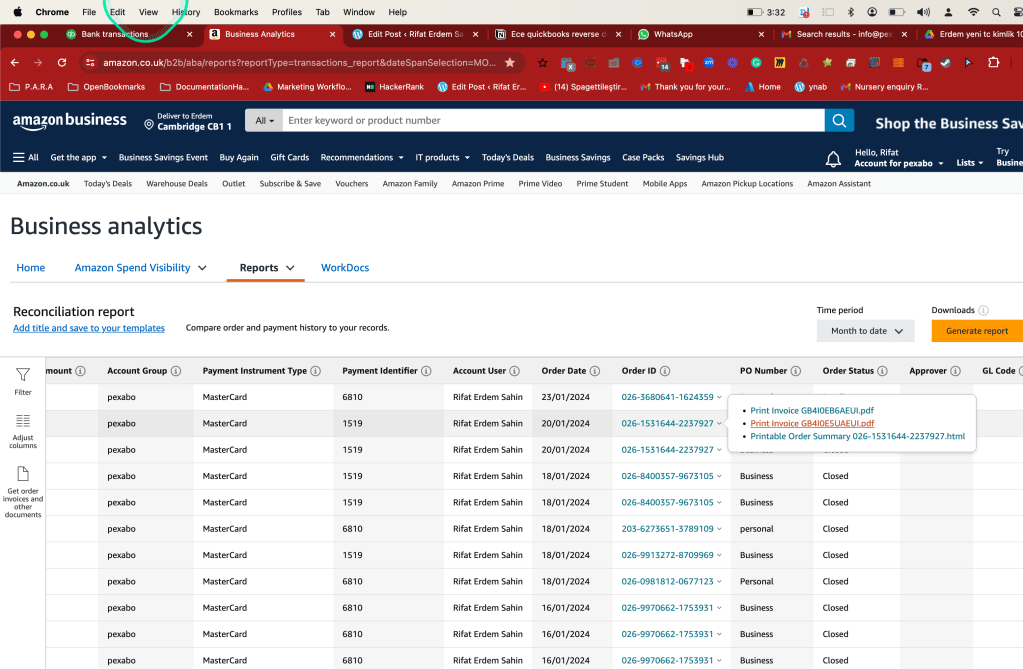
Filtered transactions
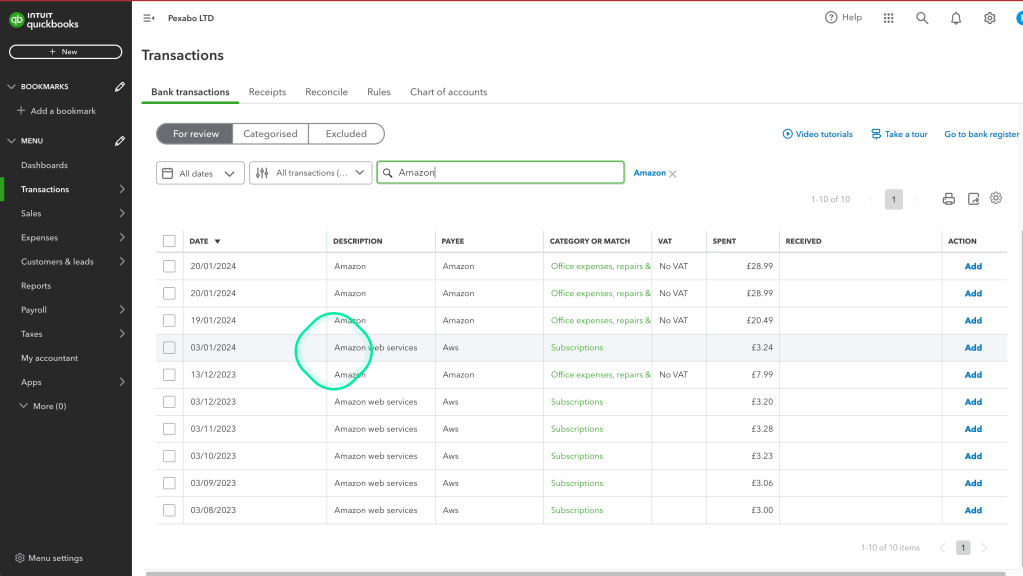
Check missing VAT to make sure the VAT submission is correct
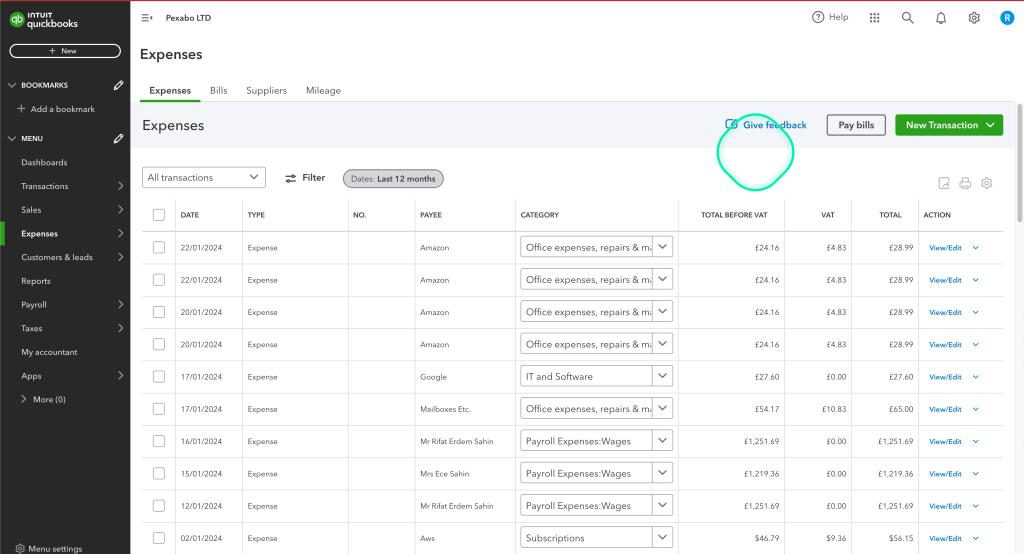
Smaller numbers
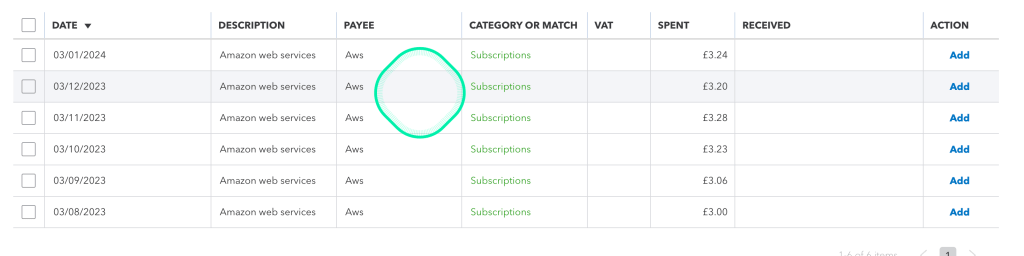
Different username and pass for enviroments even in the same main vendor
No vat invoices getting added for corporate tax cost deduction
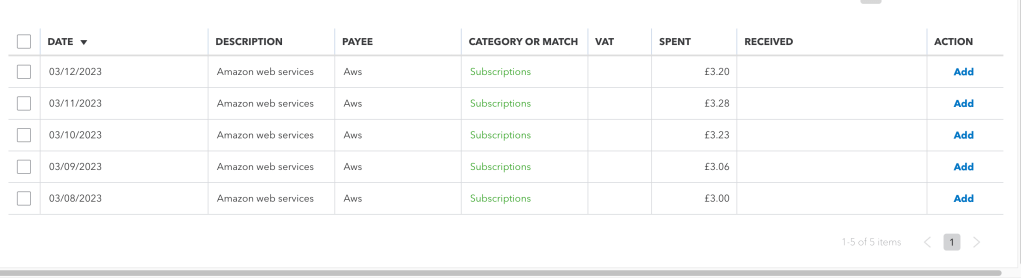
Download 6 month worth of transactions > overlapping VAT
Spot expense not fully utilized > devops.engineering training tool
Authenticator and mfa login needed
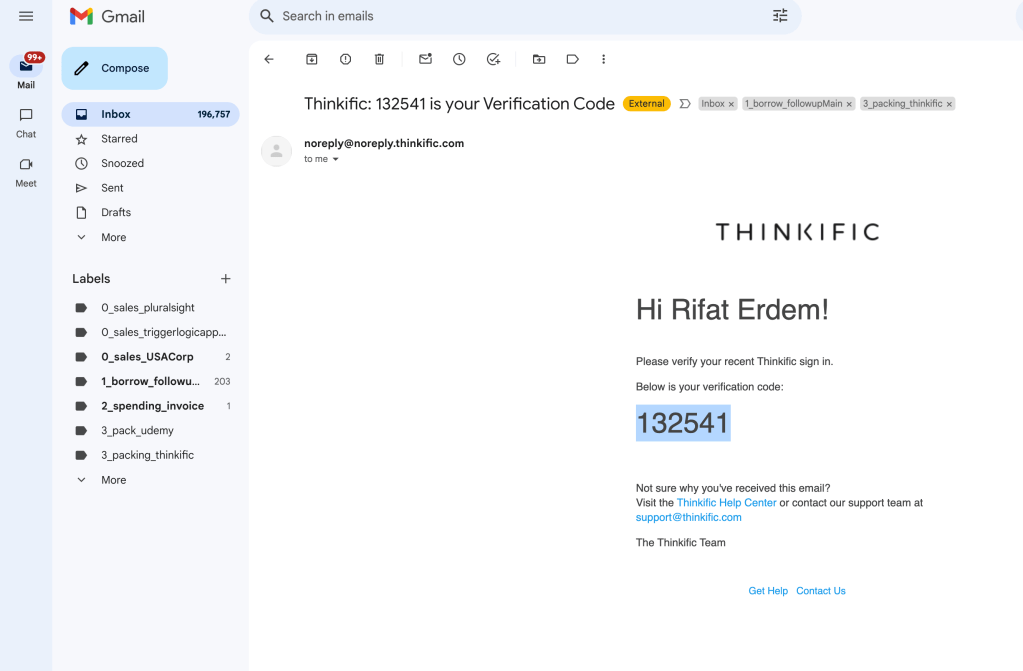
Find invoice page
https://devopsengineering.thinkific.com/manage/account/payment_invoices
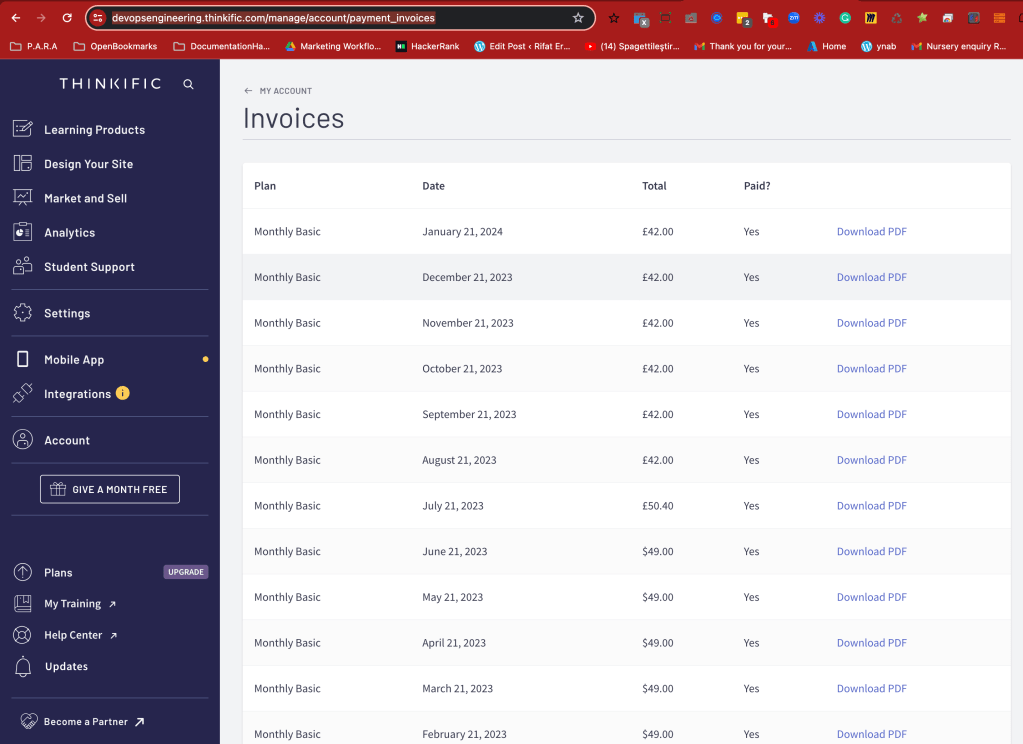
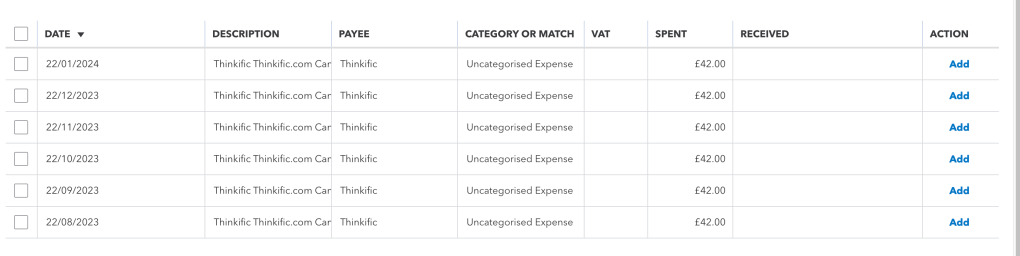
Mark no vat on the vendor list
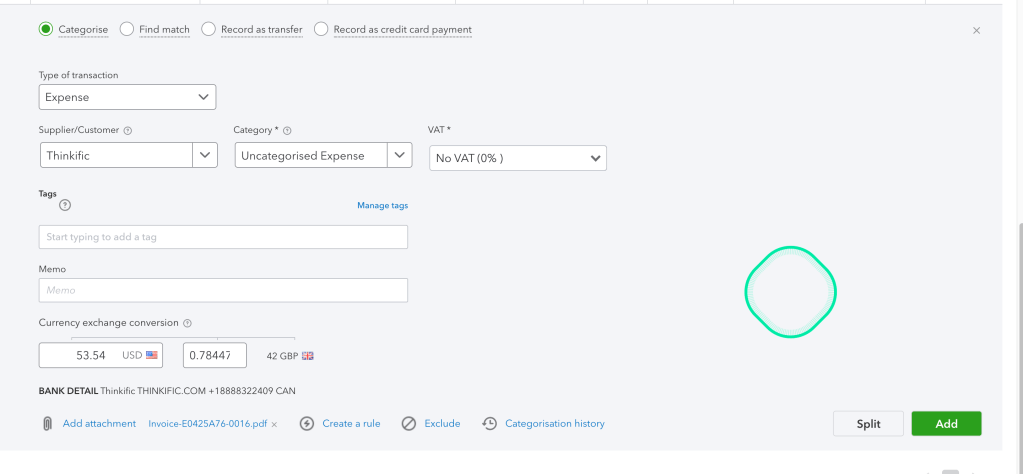
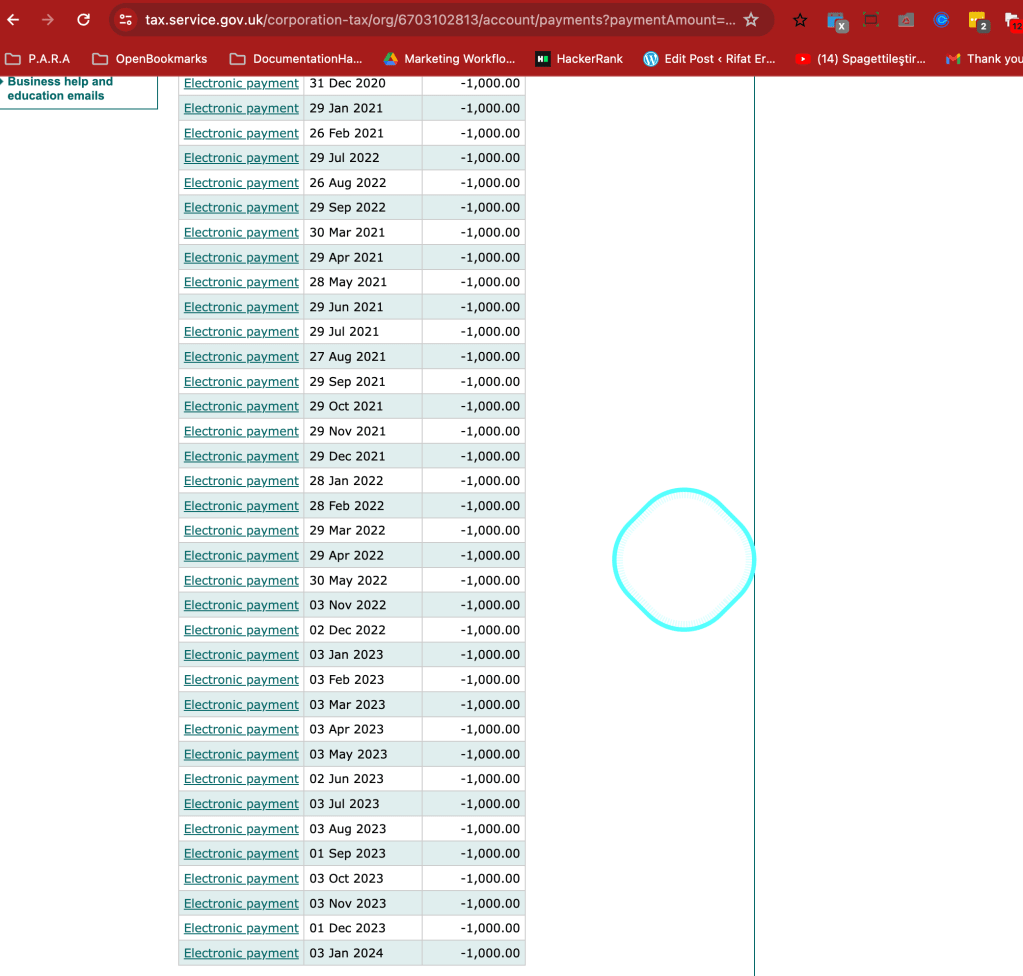
tax installments marking
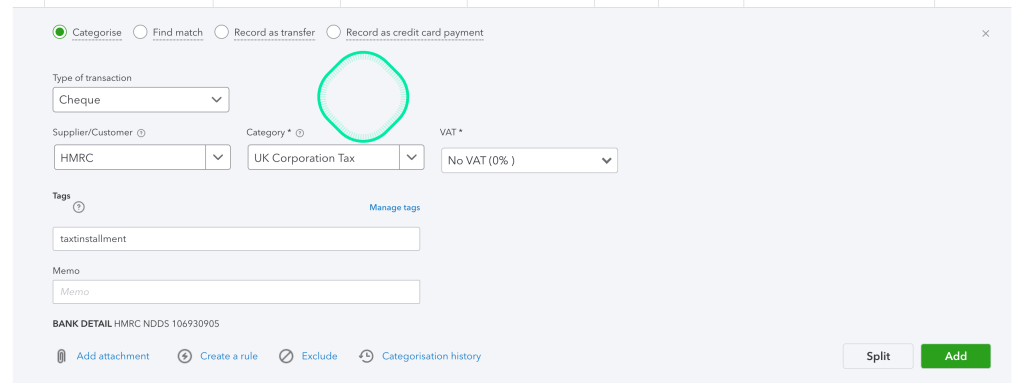
Bulk edit
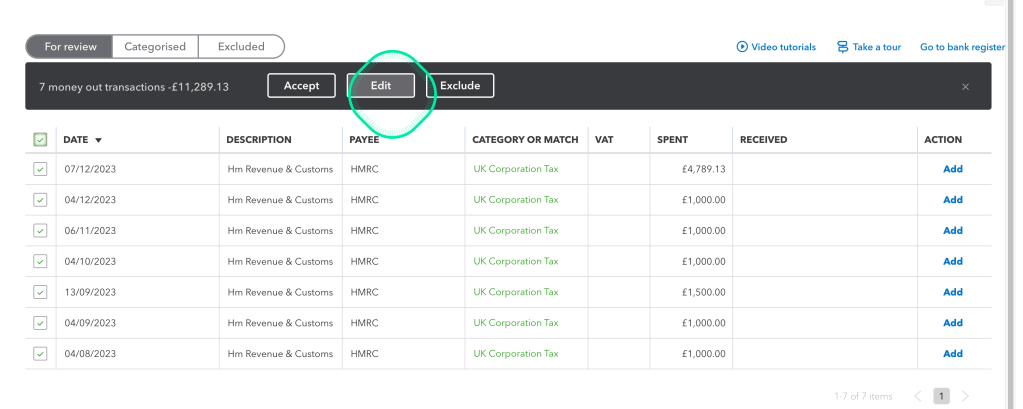
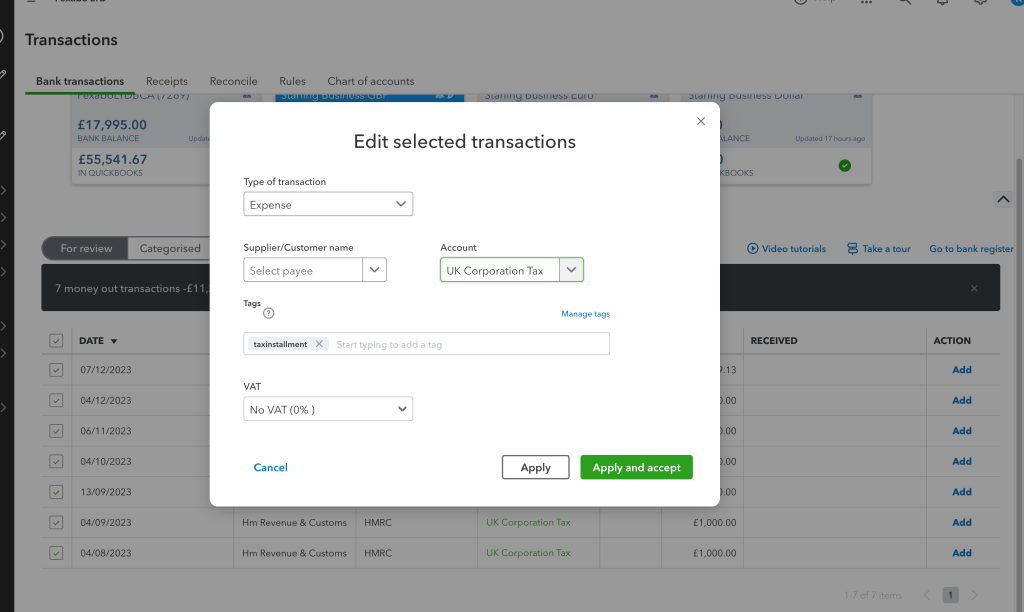
Apply and accept
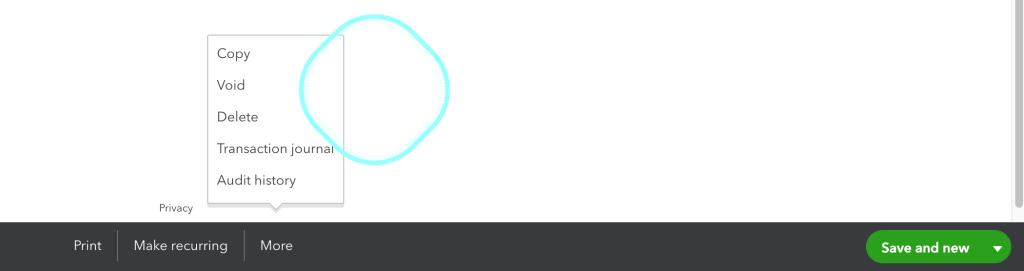
Fix not matching types to expenses
problem: cant find a way to change the type
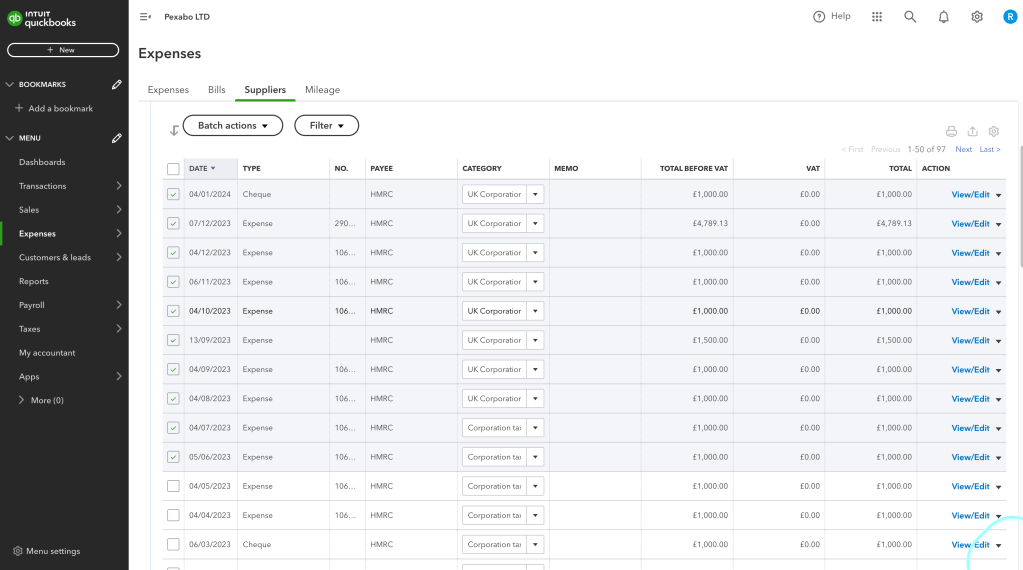
Question: do we make it void and does it appear in transactions again ?
Add installment payments
Select all category to see all the files
Imported from rifaterdemsahin.com · 2024