Rebuild the contractor marketing
this month decided added to my logic apps the open ai gpt to be able to filter the incoming emails and create better cover letters.
Objective : Analyse incoming recuiter emails
Key Result : Decide the location of the email using gpt
Key Result : Create a custom cover letter for the contract using gpt
Problem > reply to recruiters with the artifacts(cv/video) and organize the cover letter and your skills matrix
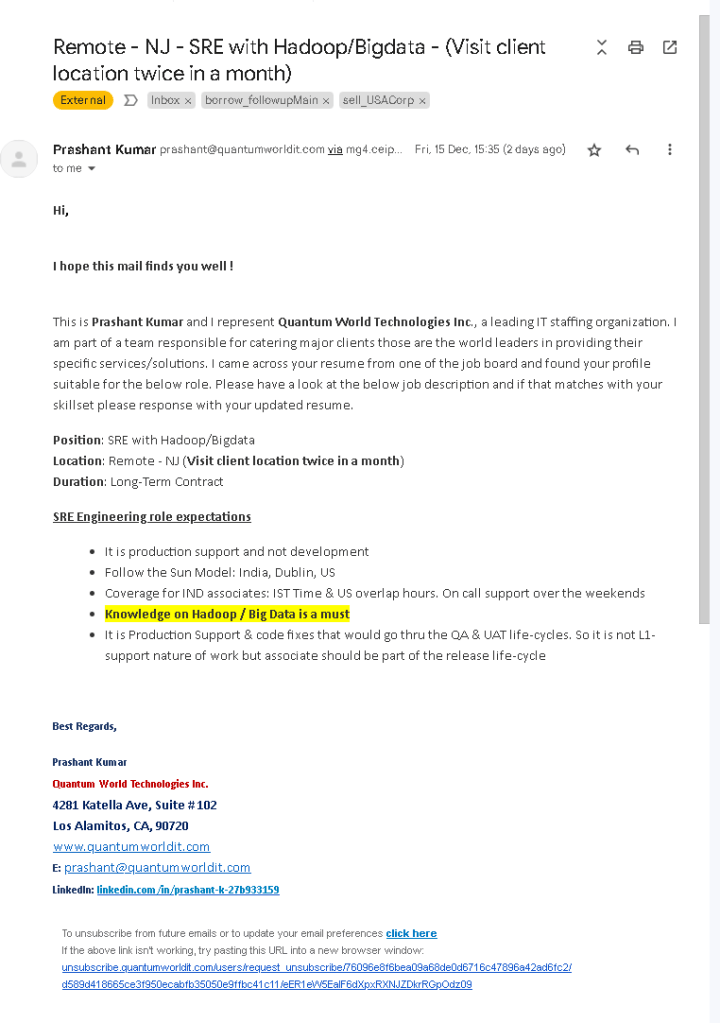
Should be a better email than this
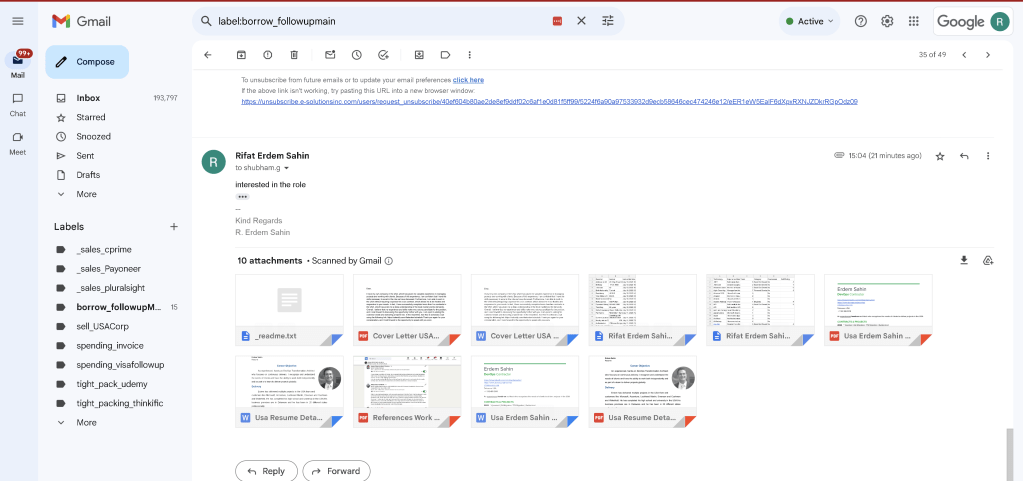
Restart with the resource group
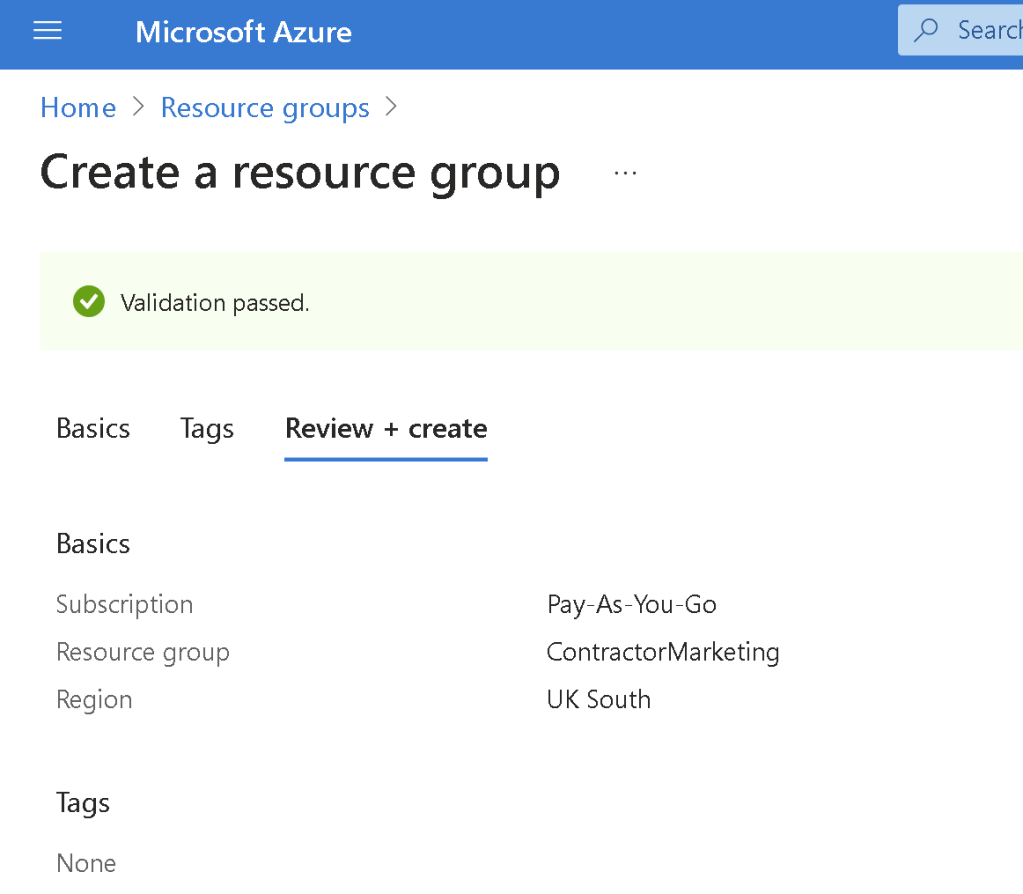
Learn from the old one > make it closer at it gets updates a lot
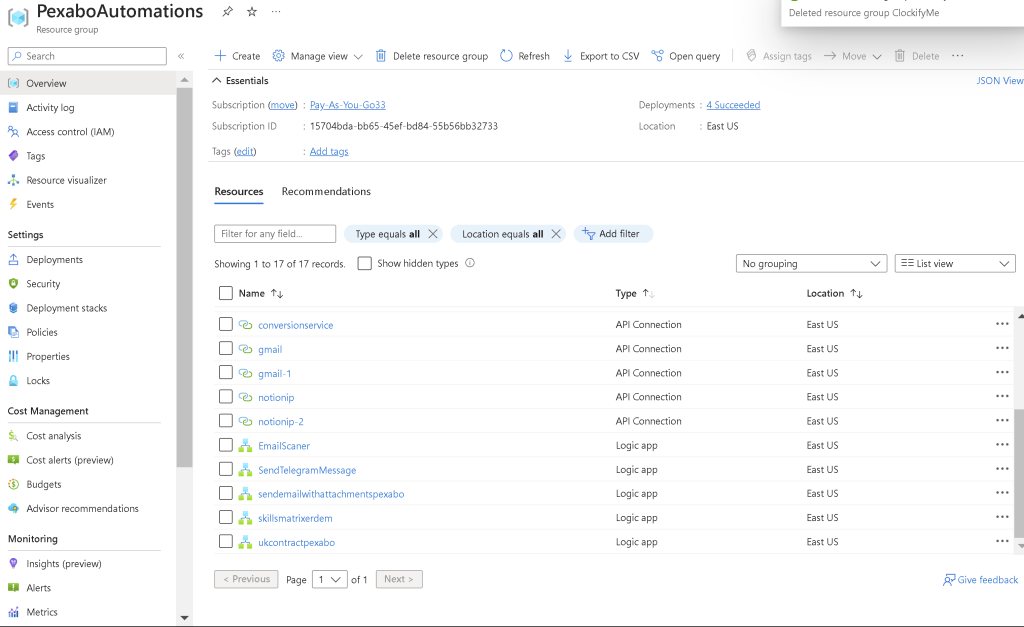
todo > create folders for the usecases
todo > use the office365 [email protected]
todo > use the ai to filter the email and understand the context
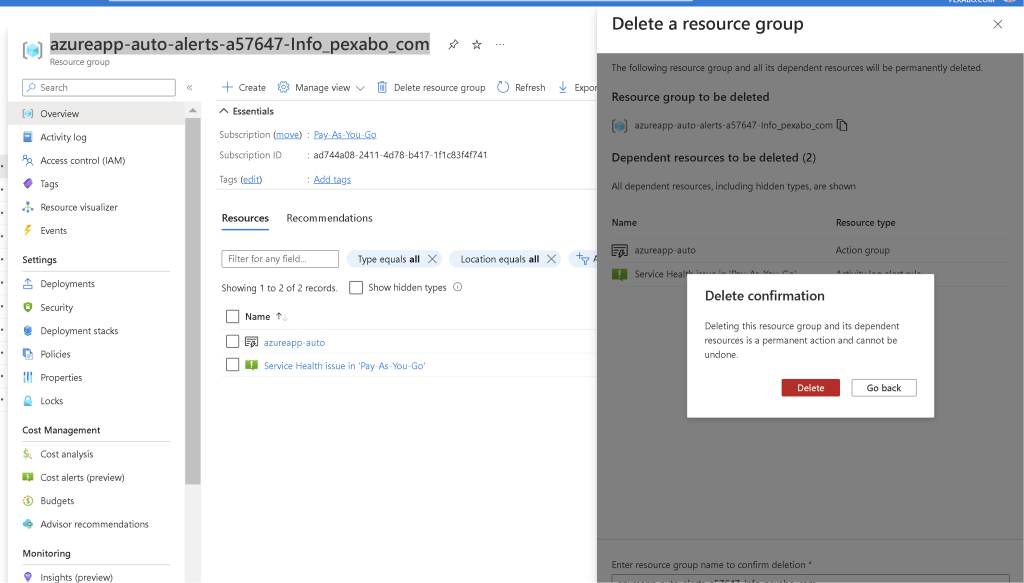
At the same time clean the old resource groups
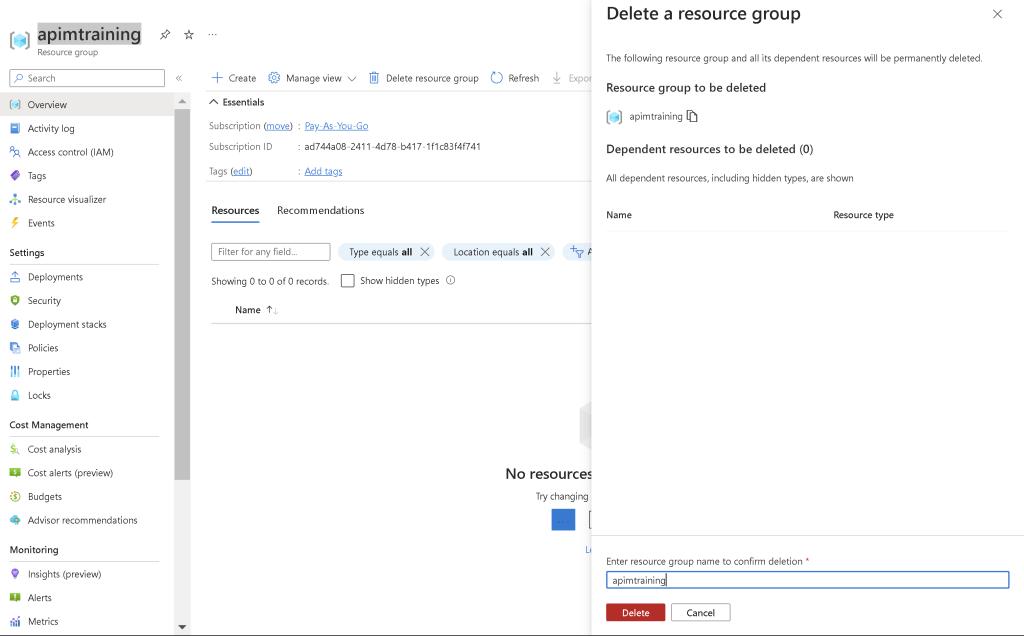
Remove the auto created ones
Reverse engineer the folder structure that you are doing
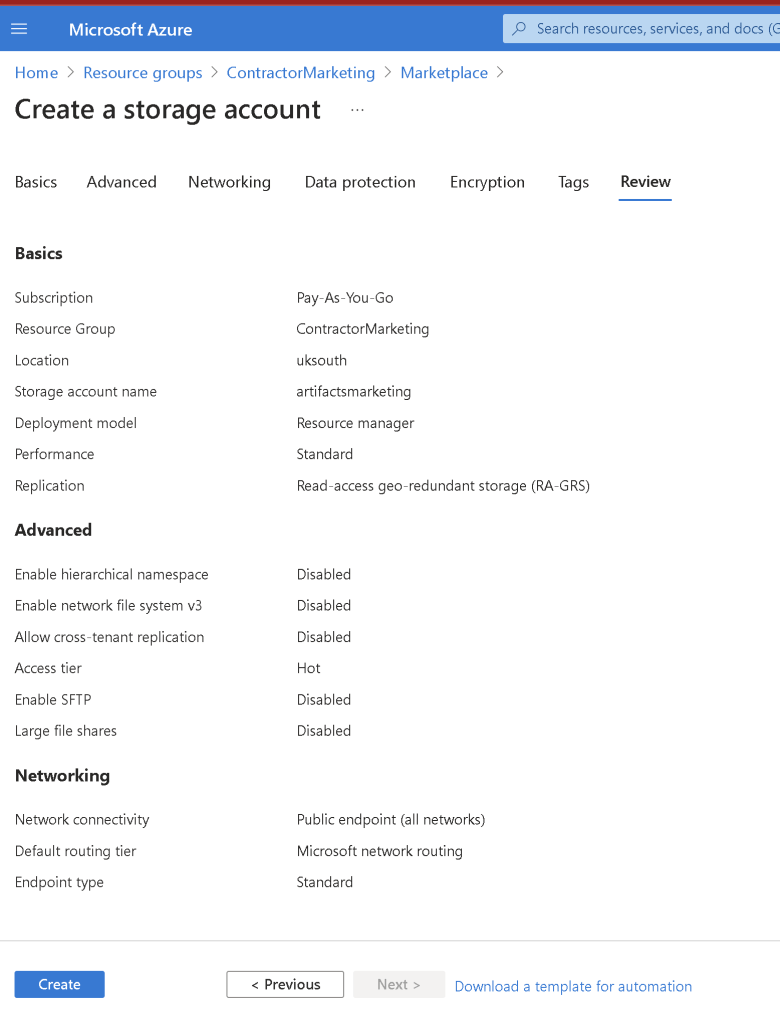
There are all the use cases that has to be mapped there and make the recruiters job easier
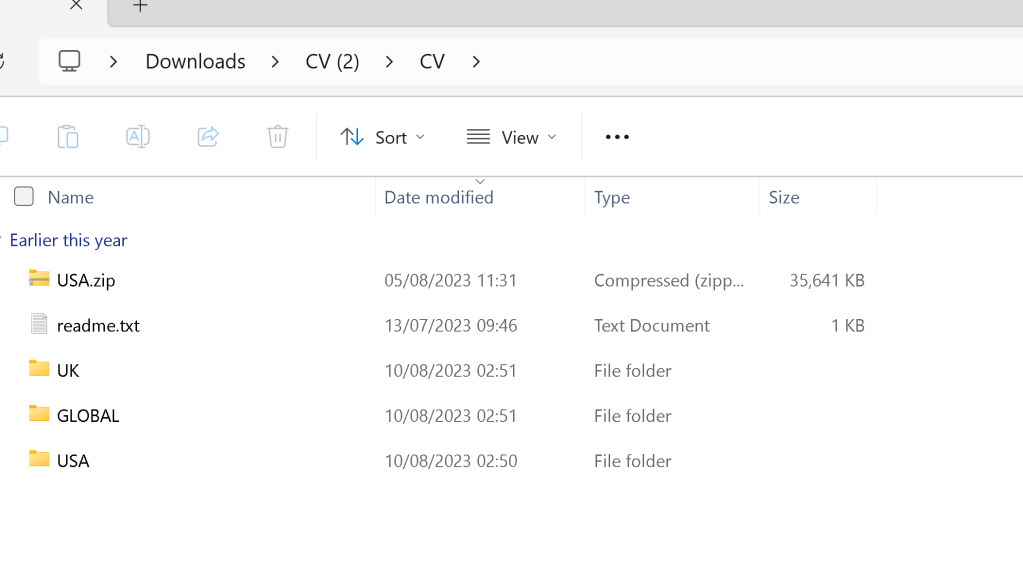
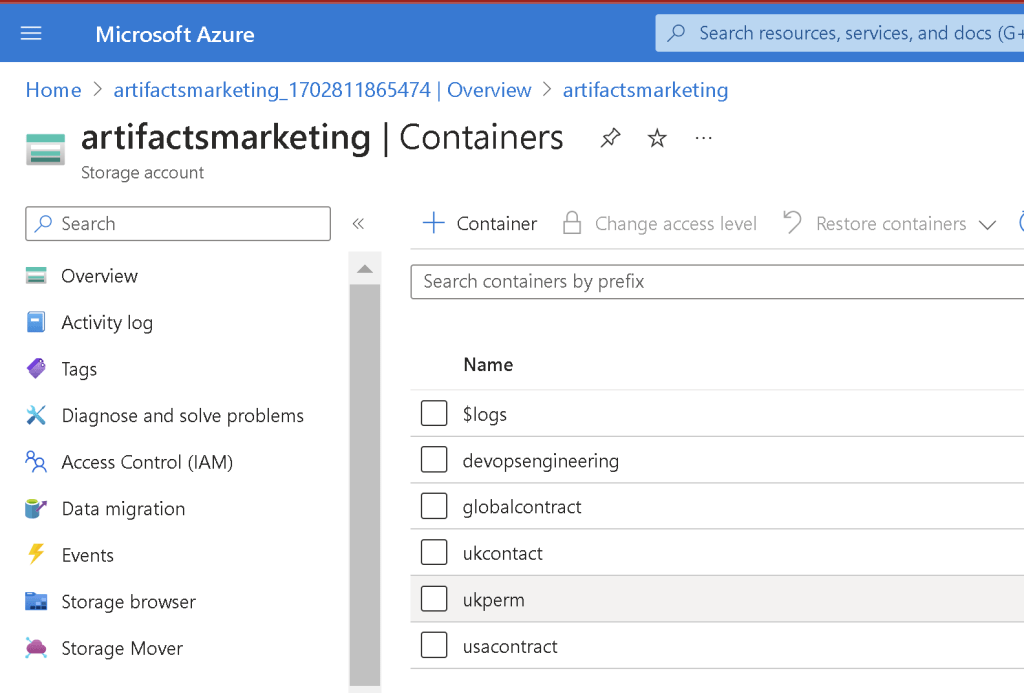
Add the folders there
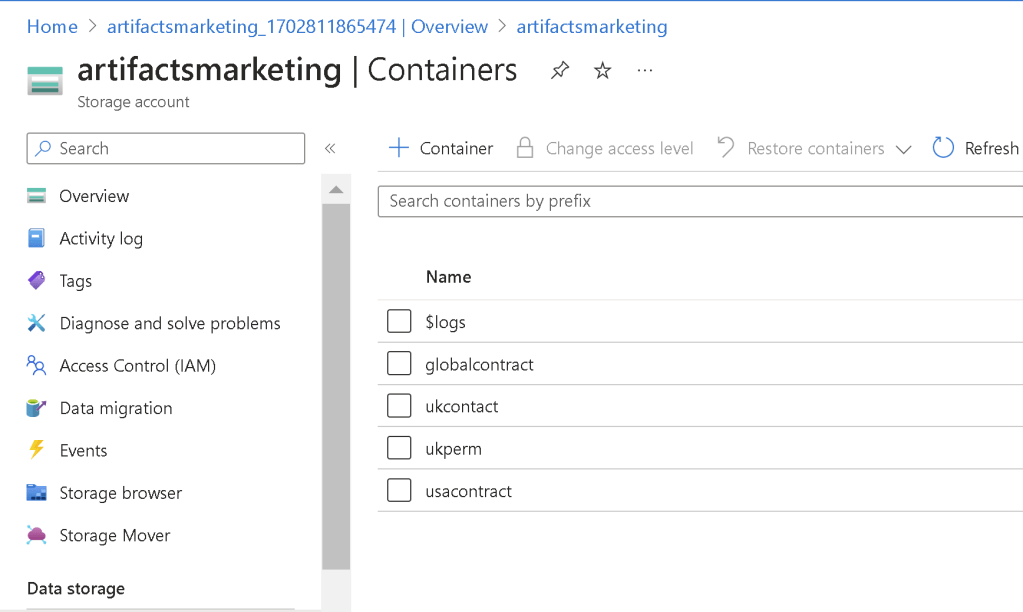
Upload them and in the future focus updating the folders
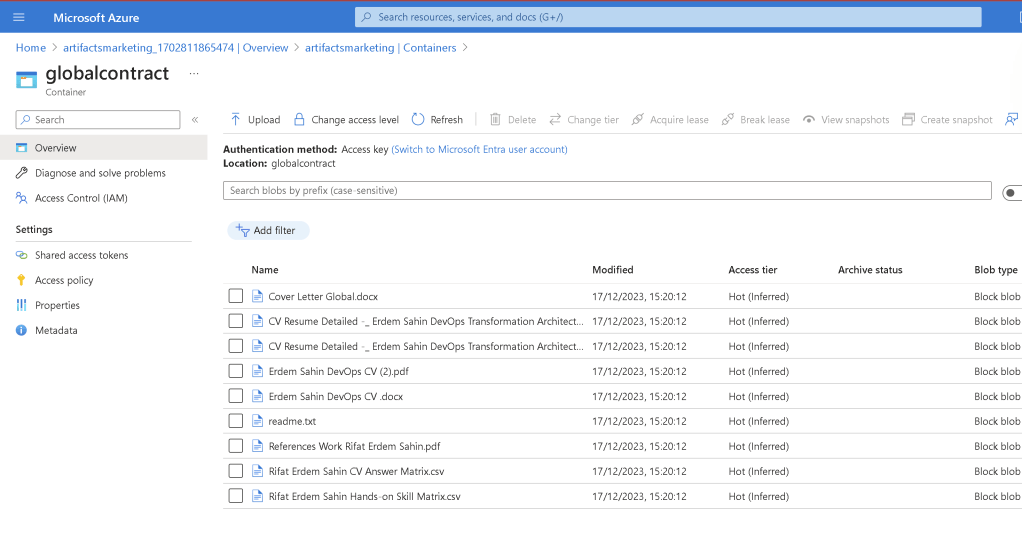
Also include the usecases there
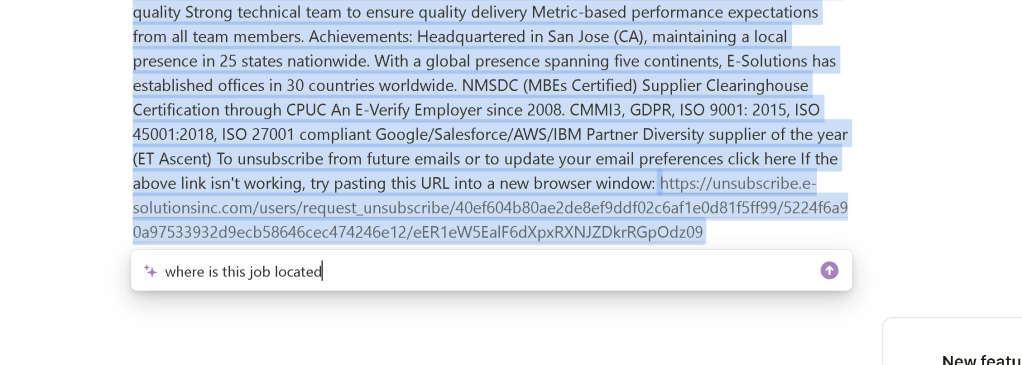
todo > outline the location by asking the ai
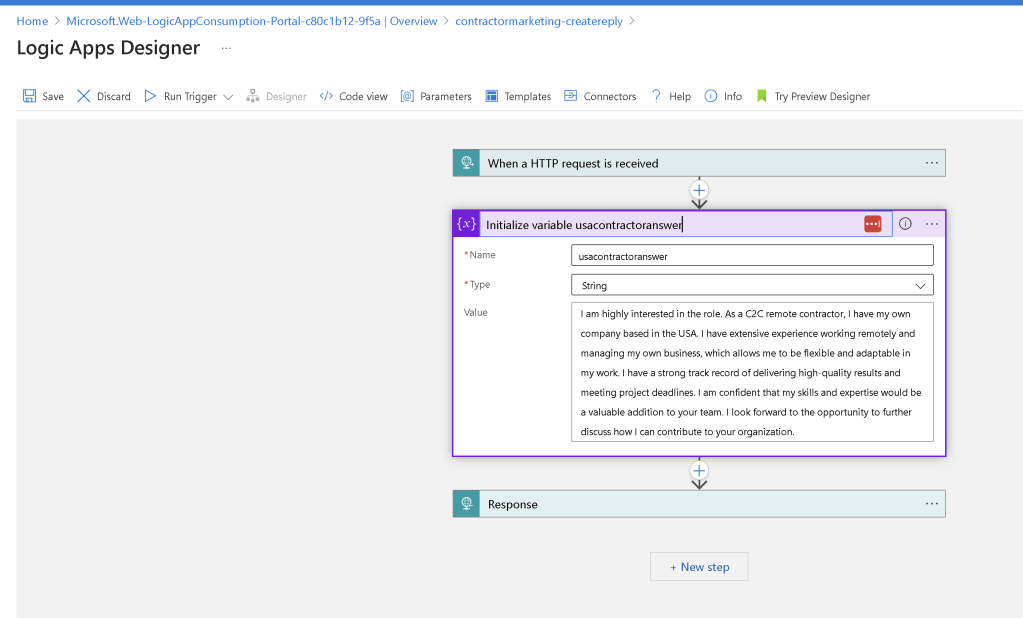
todo > write proper text >>> tell them c2c and the remote aspect
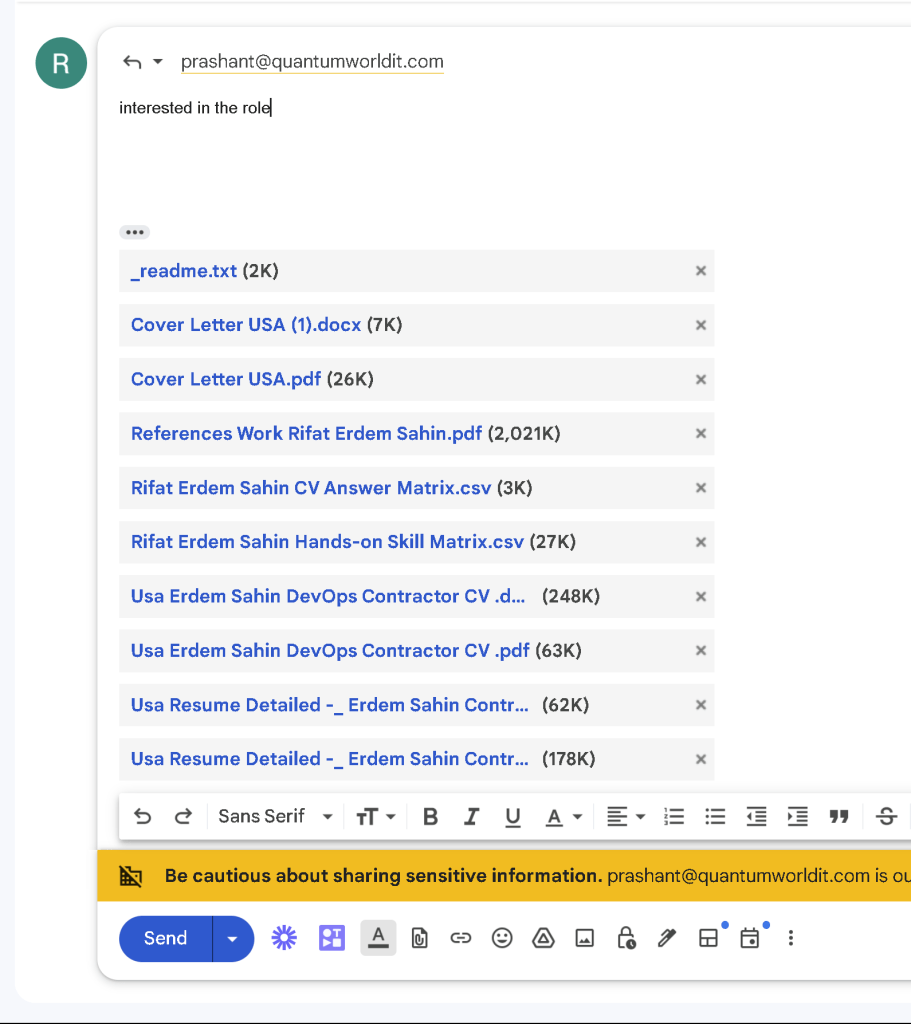
Add the logic apps with the better naming now
Smaller logic apps to build the voltran
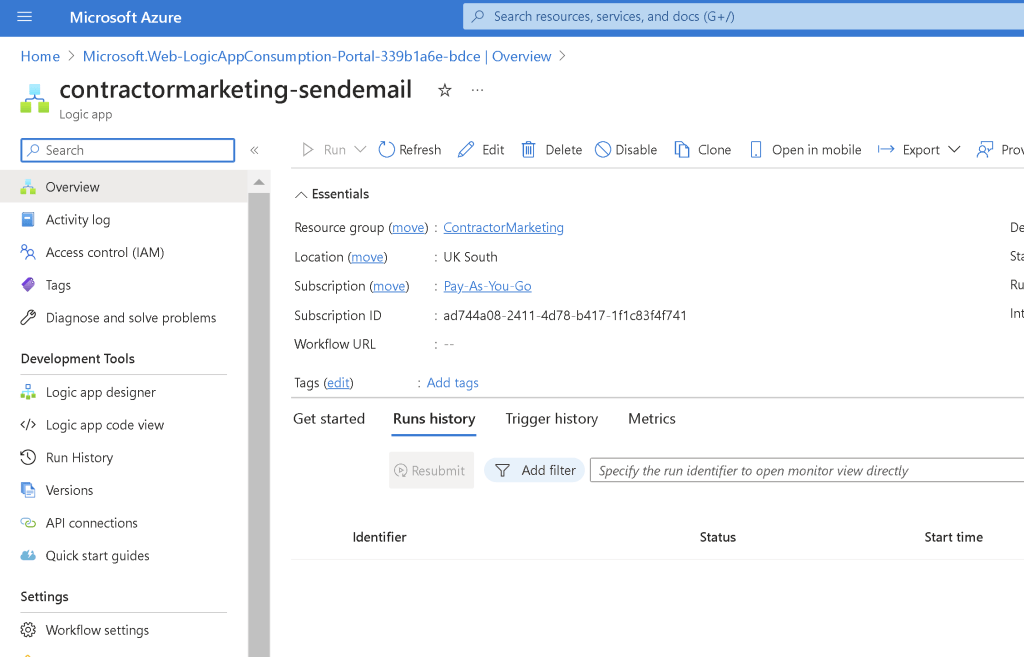
Add the default template
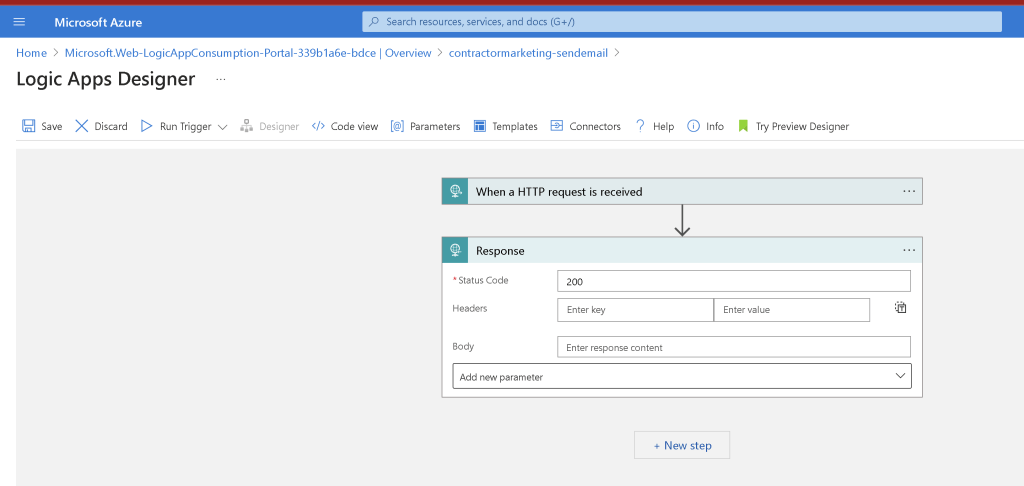
Add the working email part
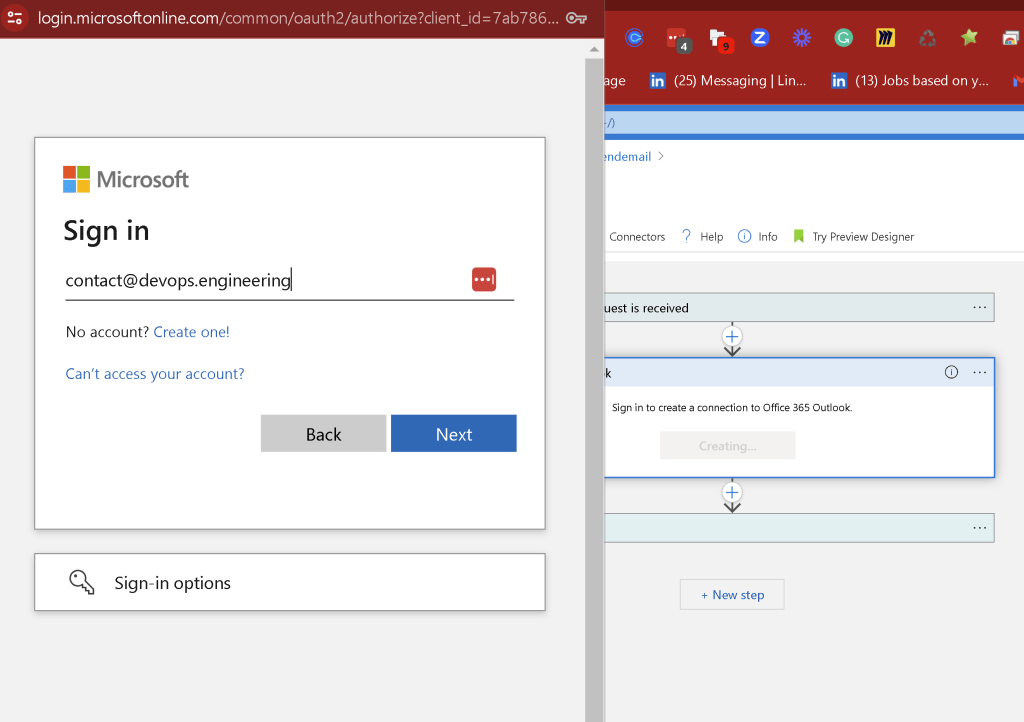
Default variables
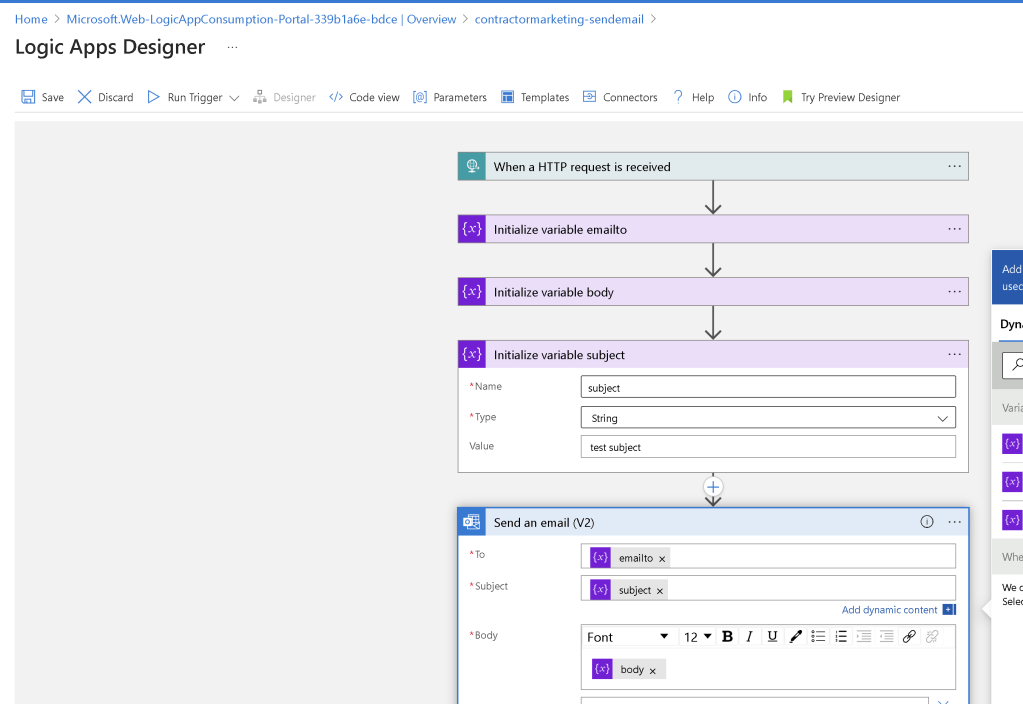
todo > create read me documents in the folder
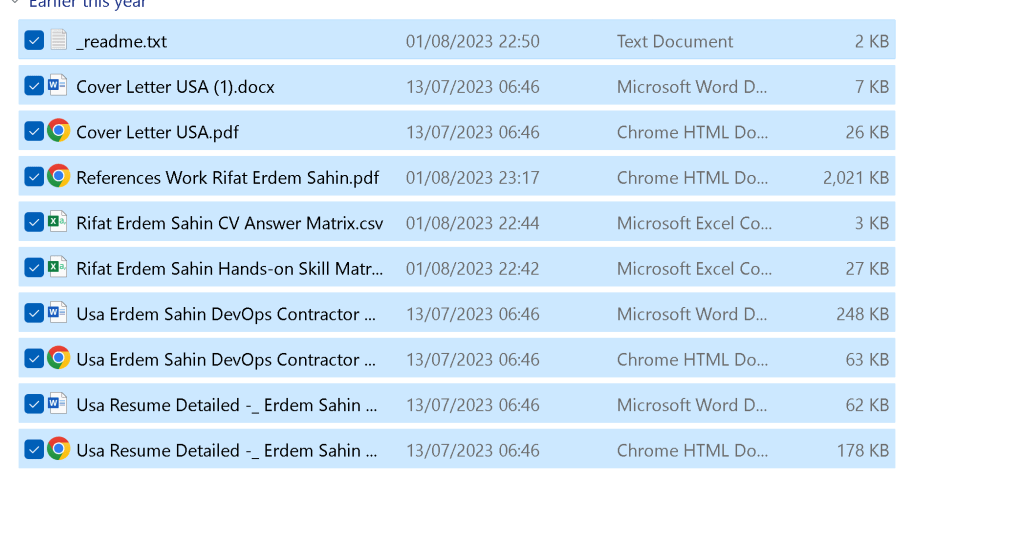
Add the answers as well
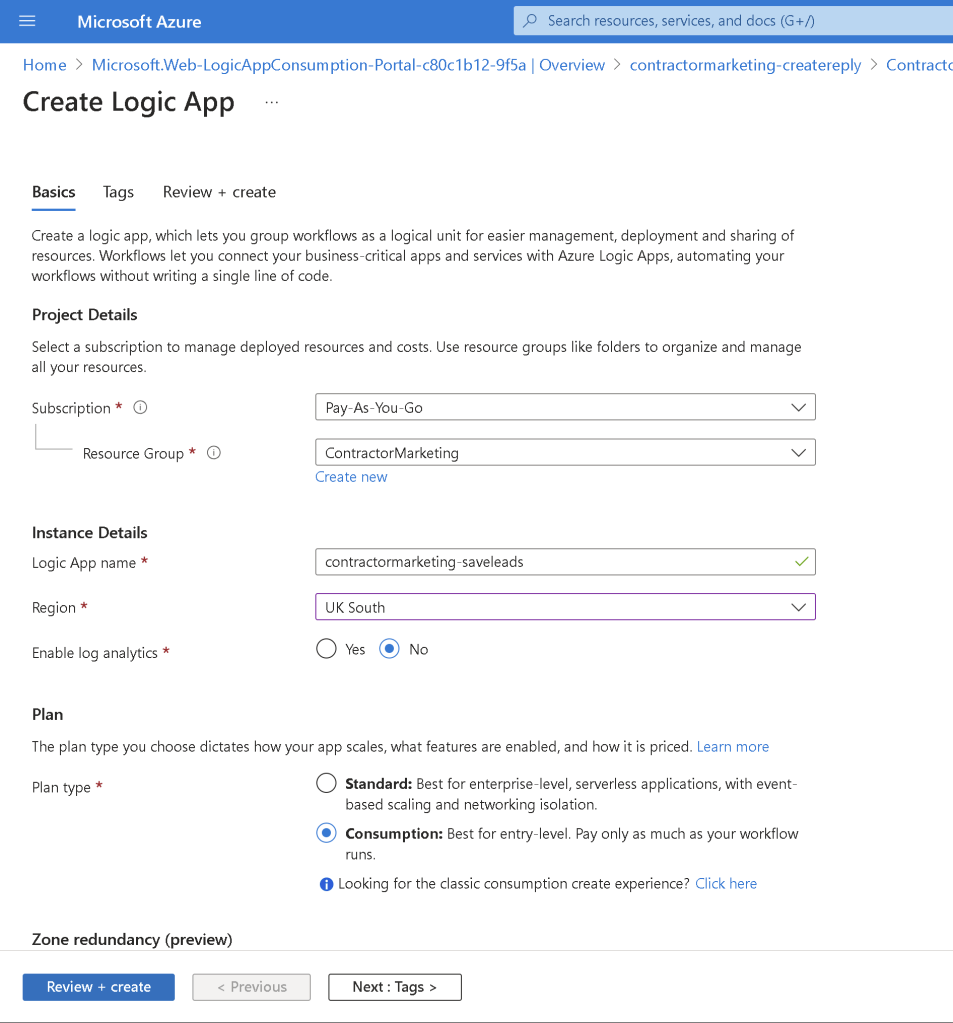
todo create a marketing database
Create structure to save the leads and send them the updates
Bottom contact information has to be different at every interaction
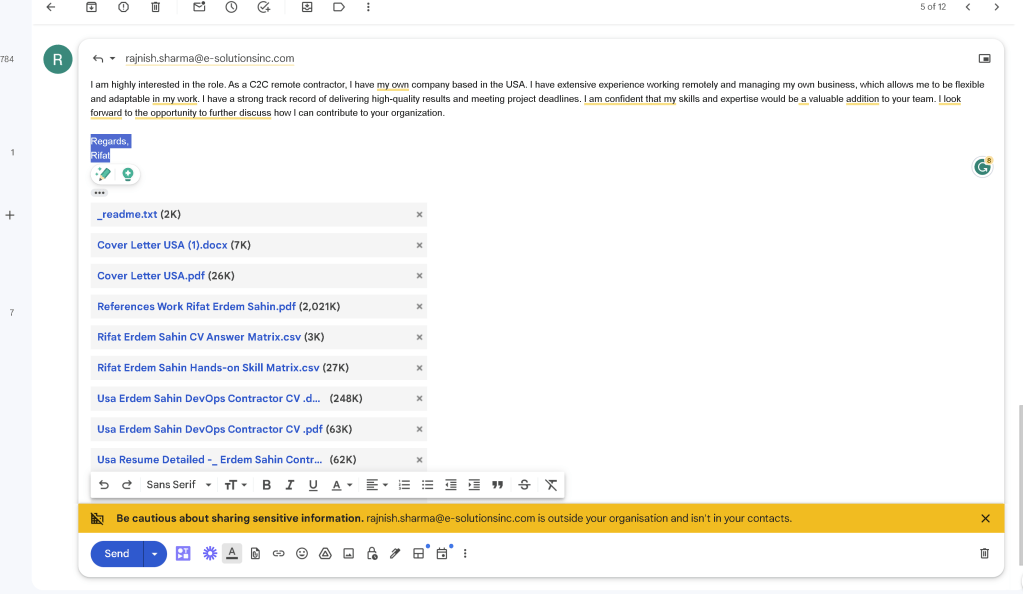
Recreate a cv if noting matches
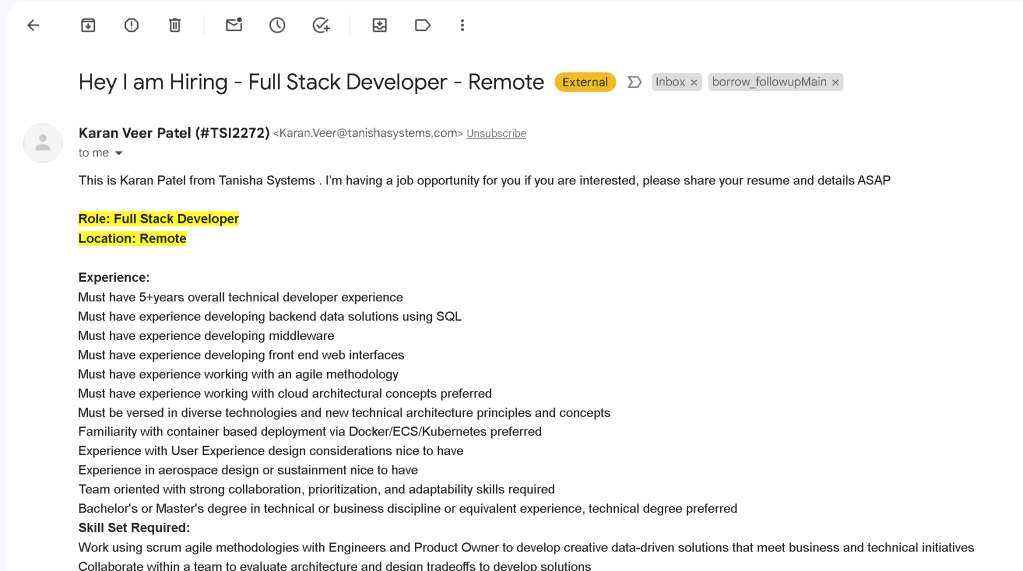
todo > create the trigger structure
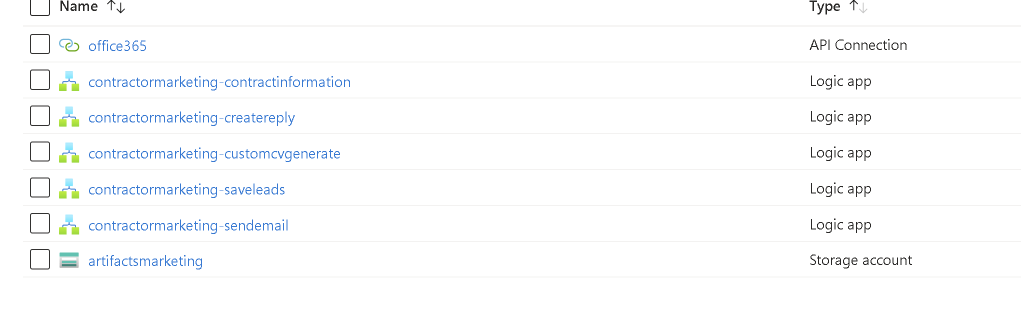
Copy paste request and response
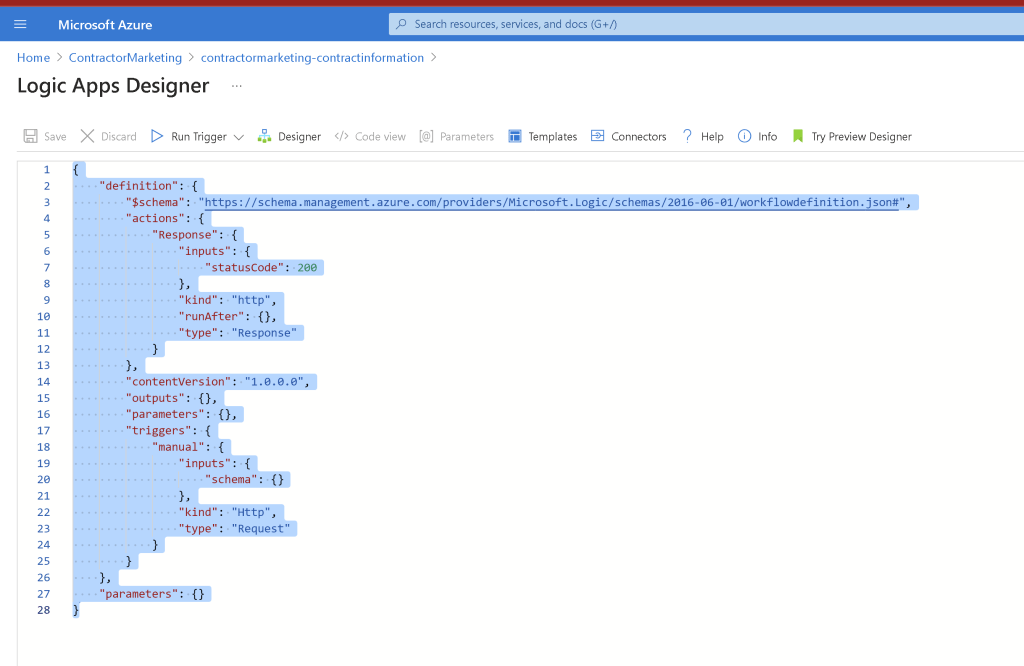
Integrate the invitation process as well
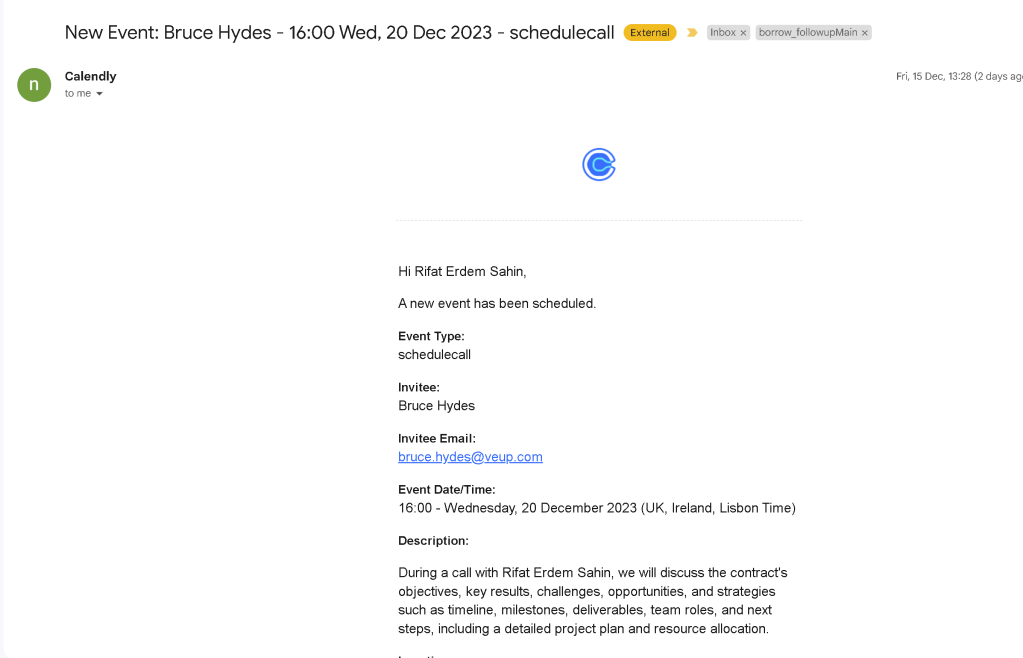
todo > create a system to auto mark the followup email process not to open it but send the main report
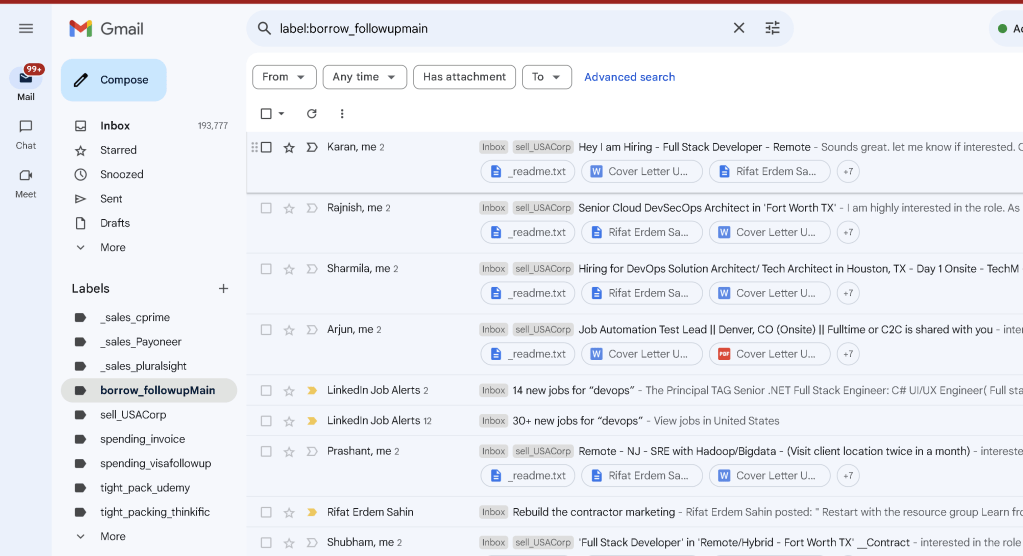
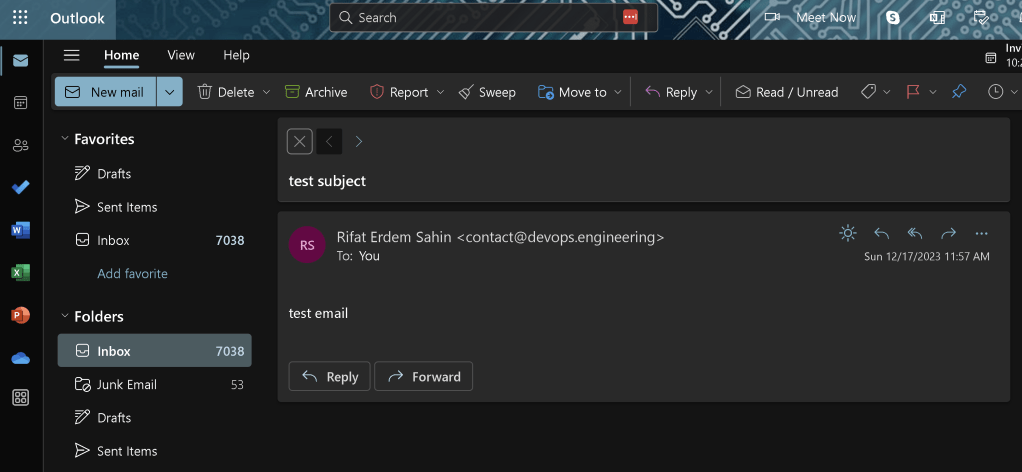
Checking test email
todo > make it uniquie > runid take it
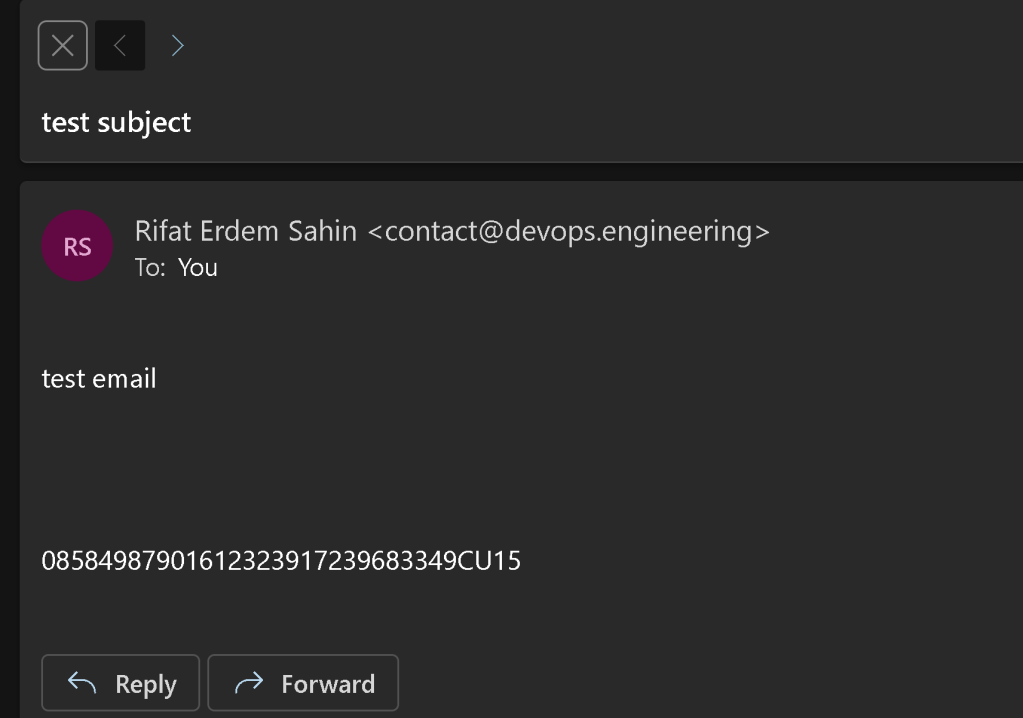
https://stackoverflow.com/questions/43753283/possible-to-put-logic-app-run-history-identifier-inside-logic-app-action-input-f
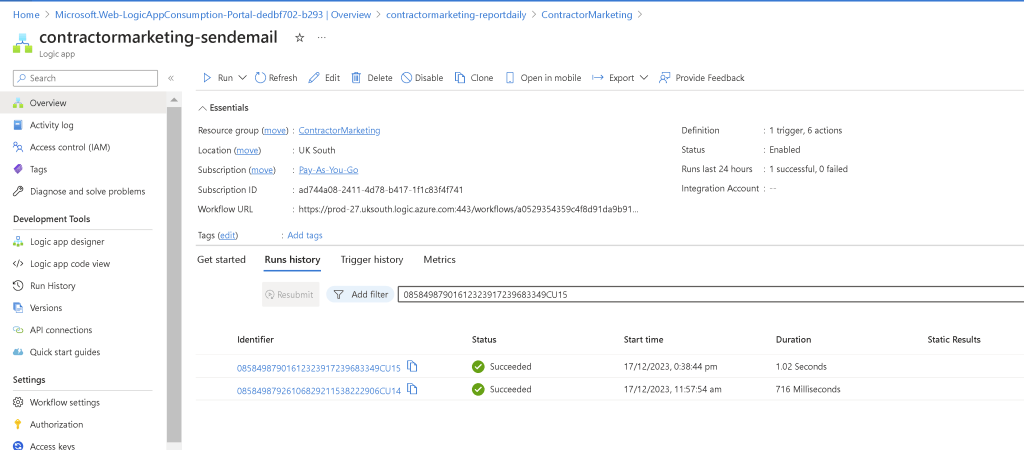
map the folder
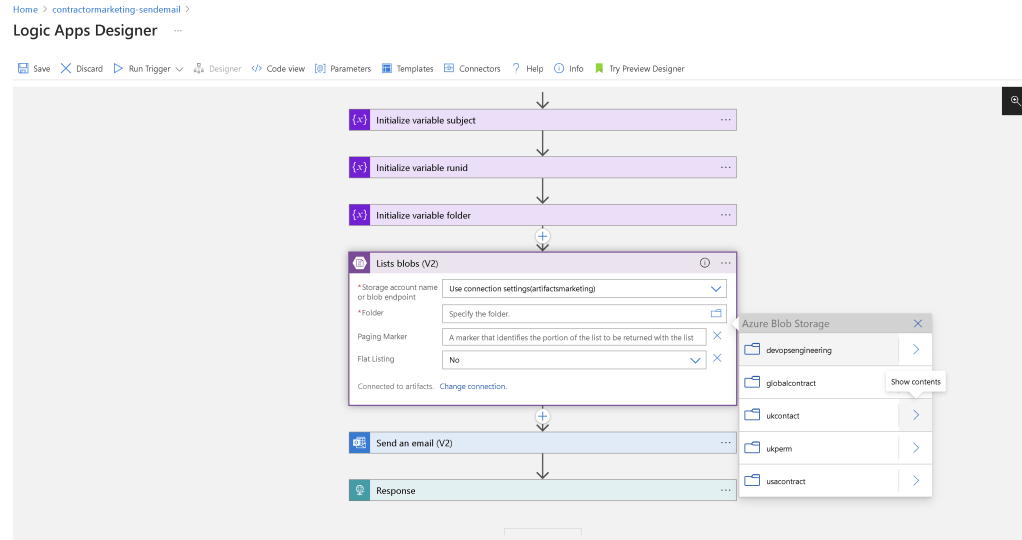
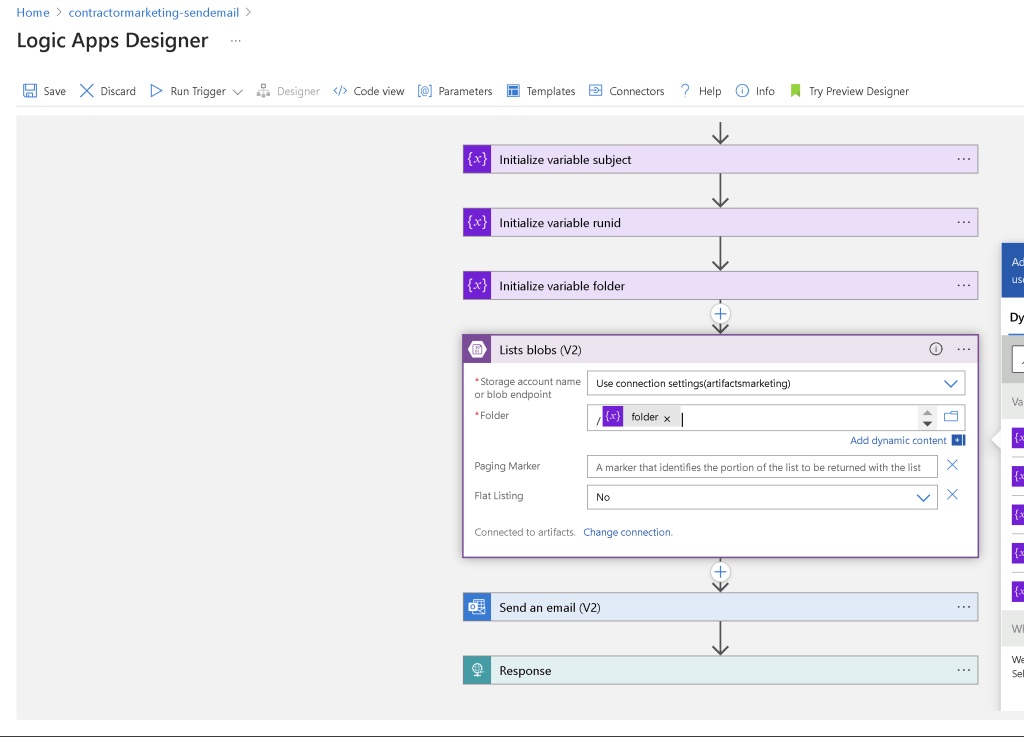
use with the variable
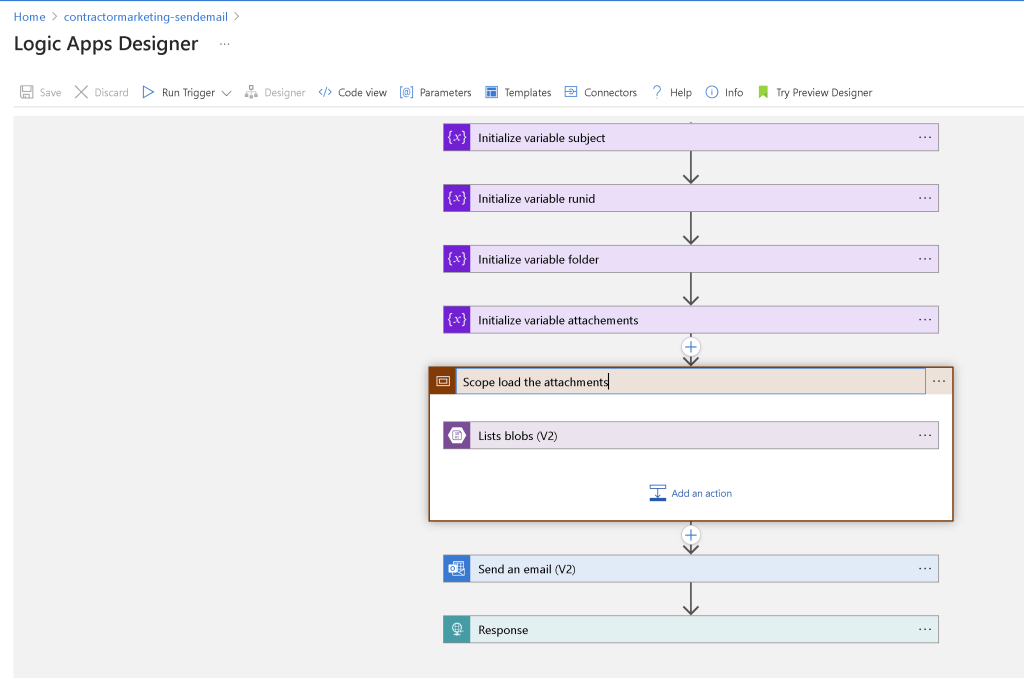
Move more likely to fail parts to the scope
Read > what you have fixed
https://rifaterdemsahin.com/2023/12/08/7-month-saga-email-issue/
todo > hire new freelancers and ask them to apply and keep transactions moving
Load what you have done and test one usecase
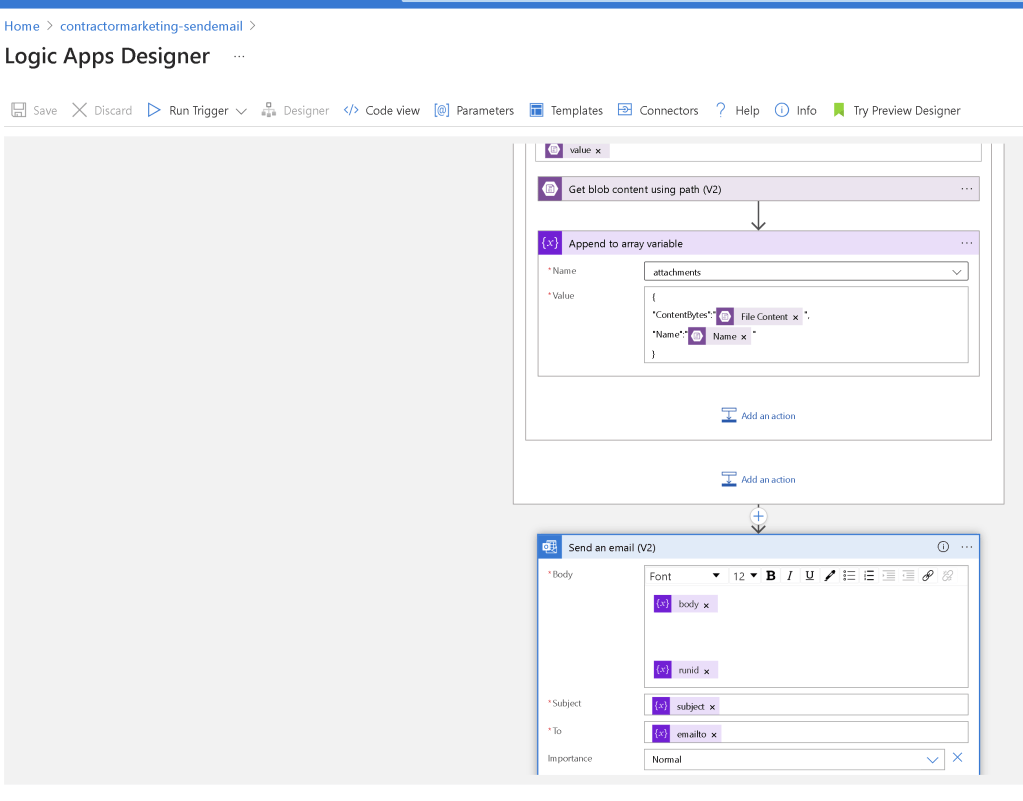
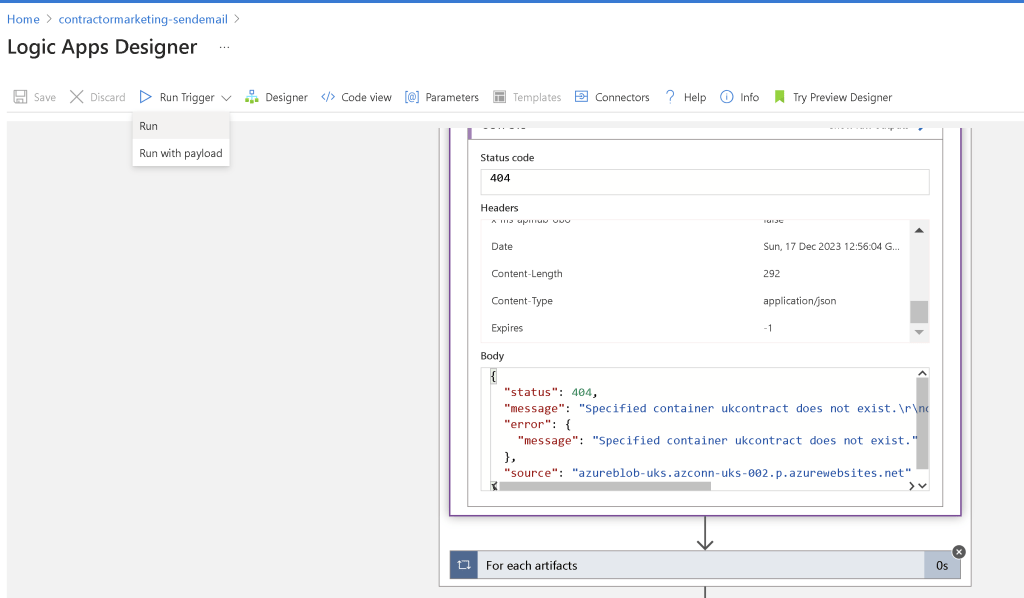
Folder name needs to map
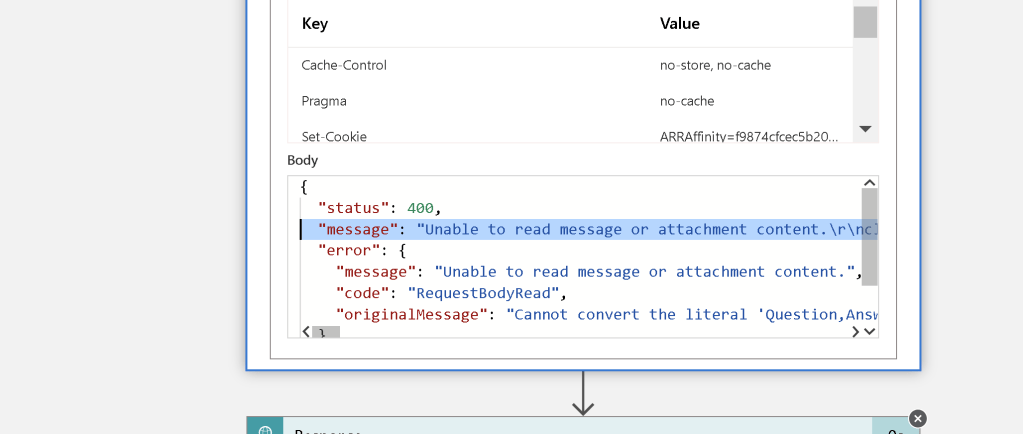
base 64 update needed
Email is there and checked >
make sure you can intercept it infuture > mobile and the chrome
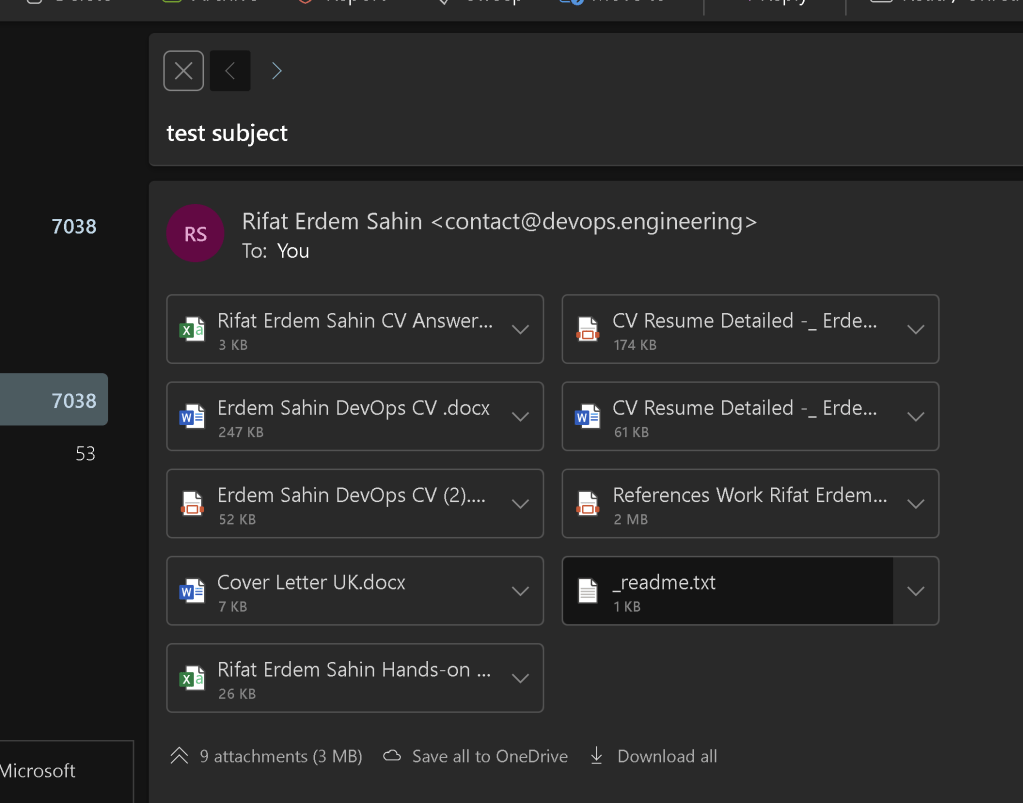
Sender part is also tested
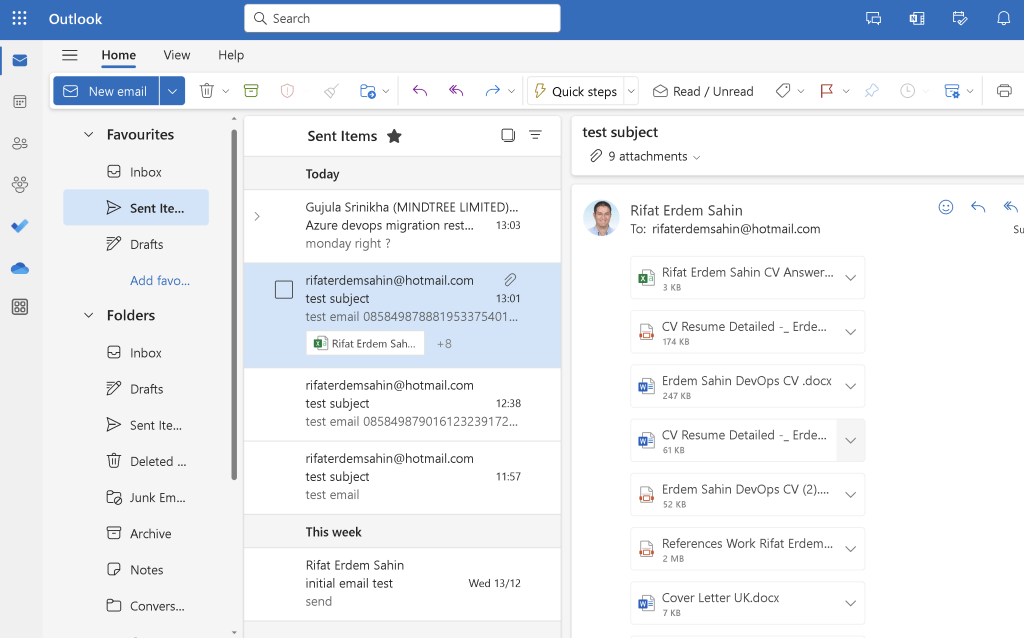
Inside checked as well
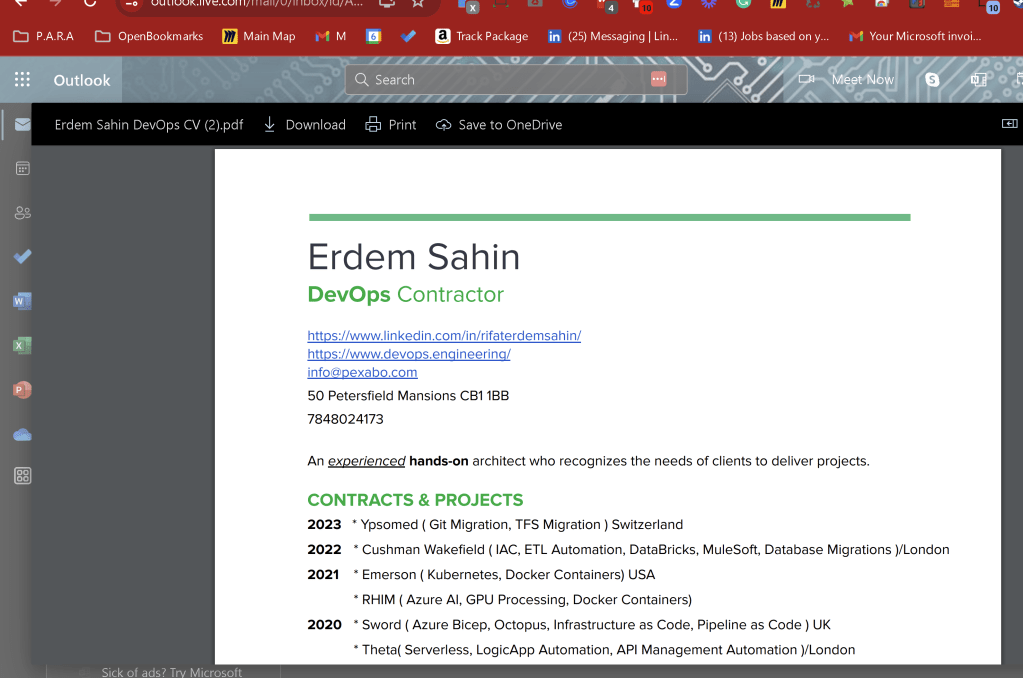
not only prototype but go for the pilot and prod
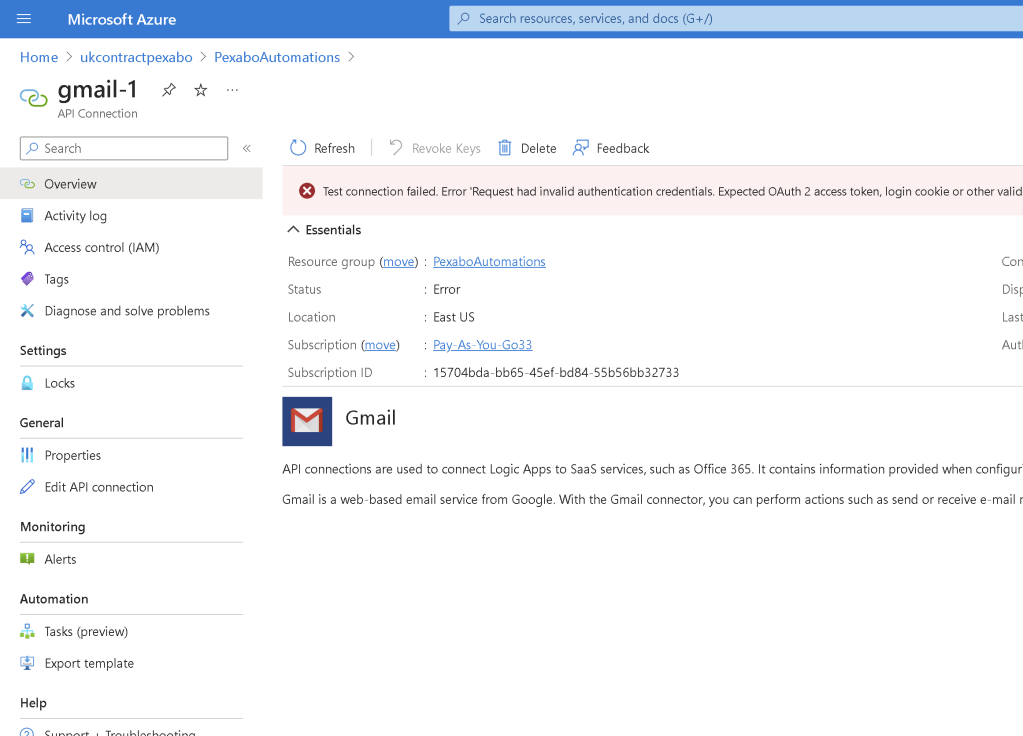
Maintain and fix the emails with connection errors
Setup filled with variables section
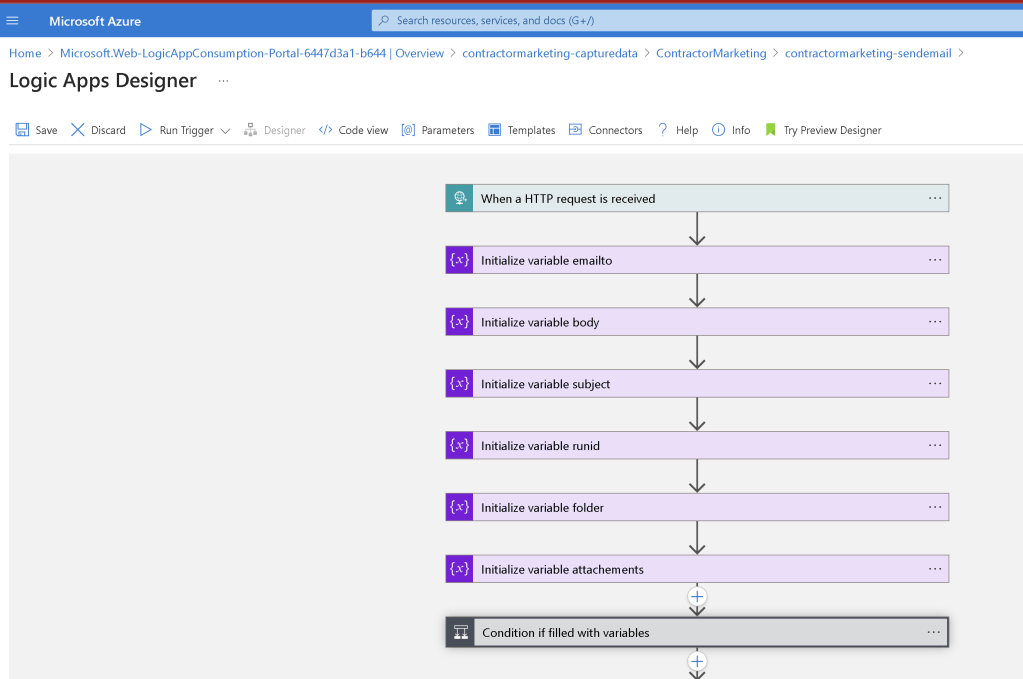
variables set
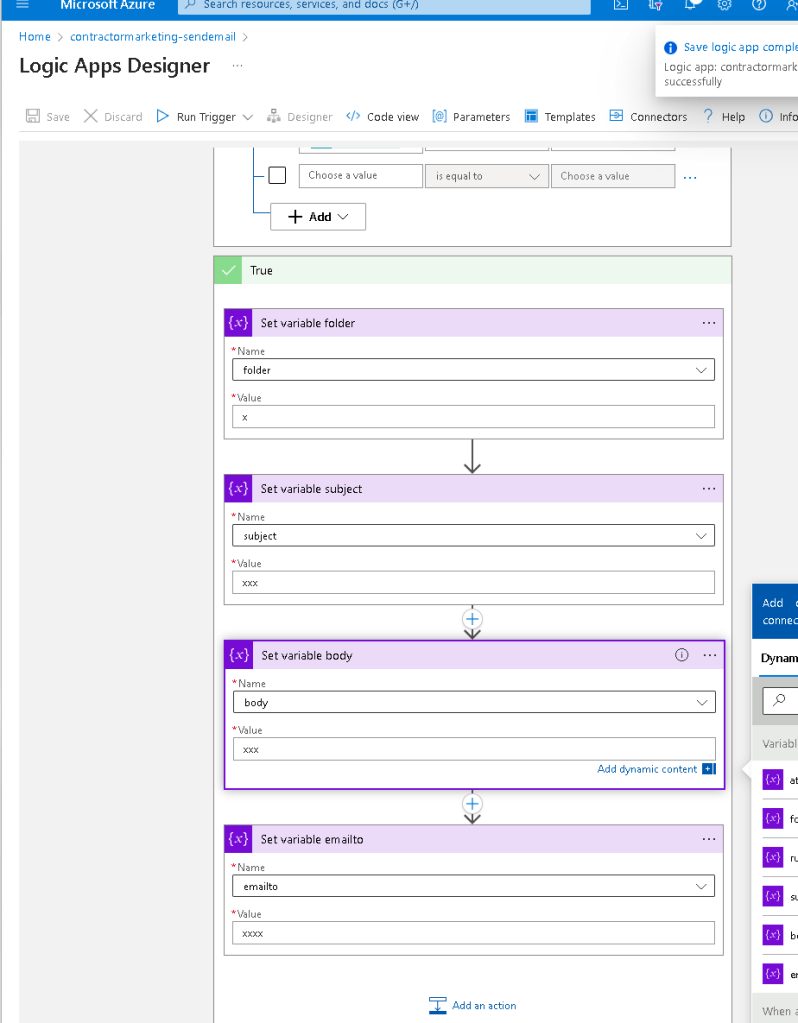
Parameters ampped
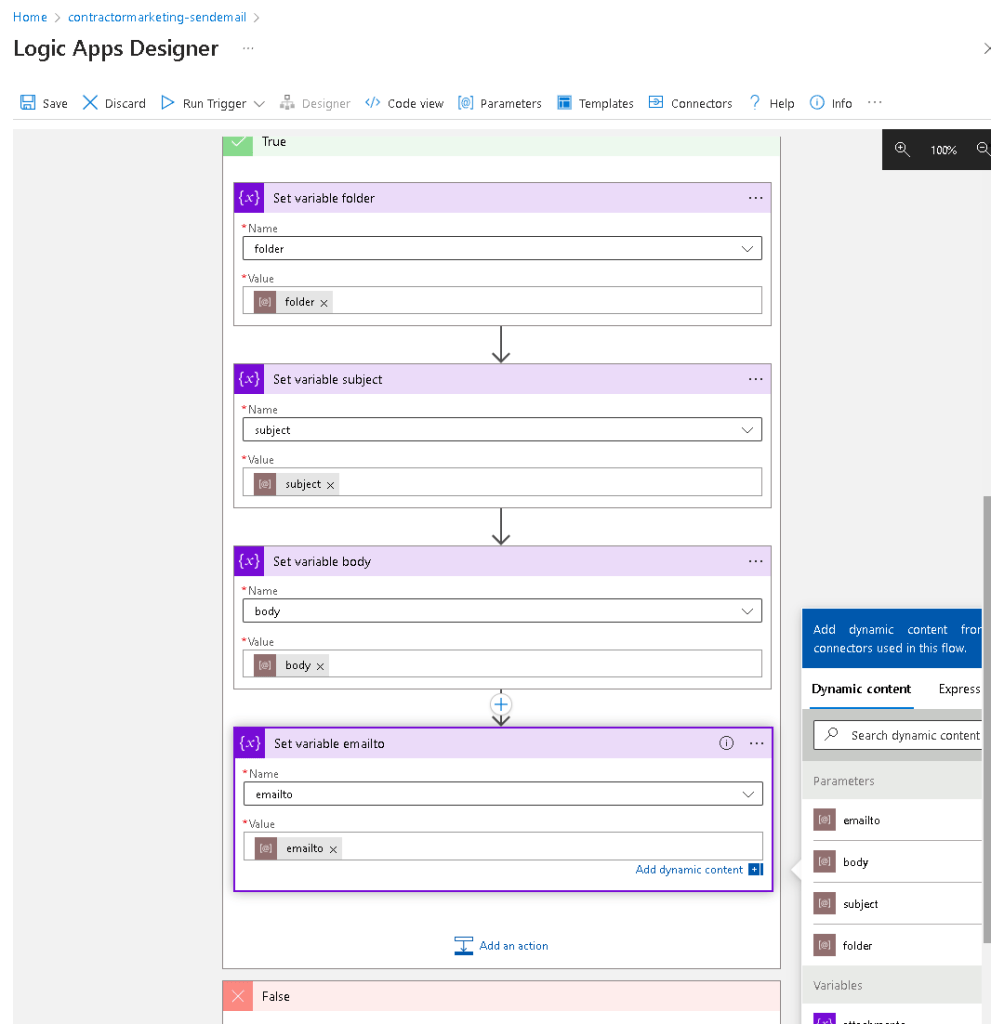
Headers
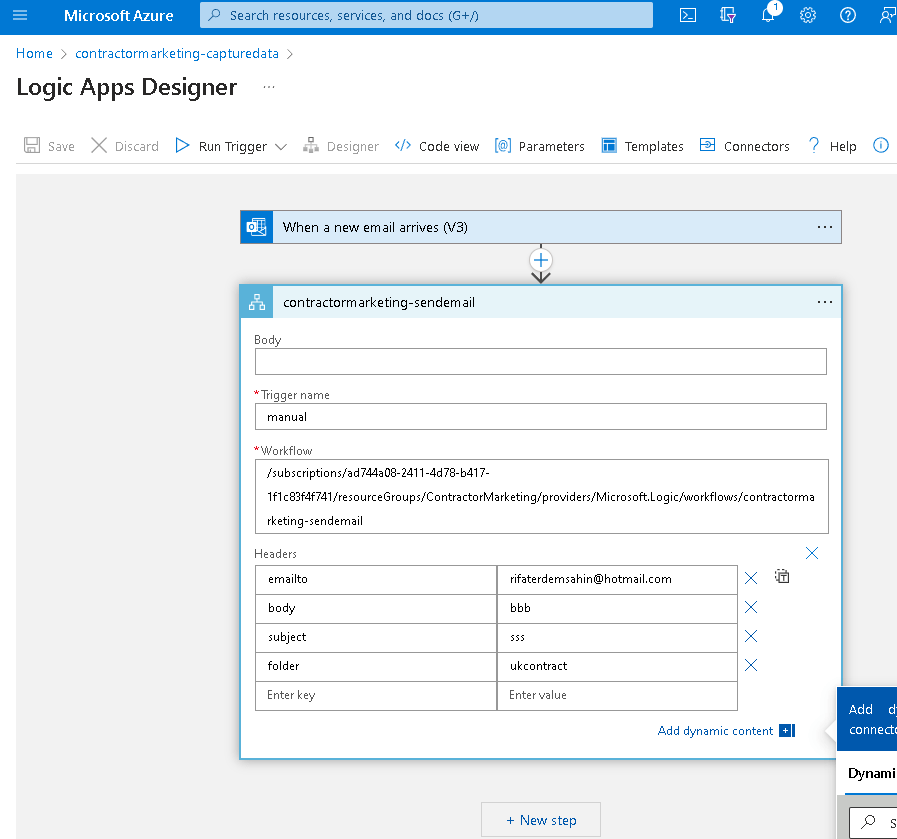
turn capture data into generic
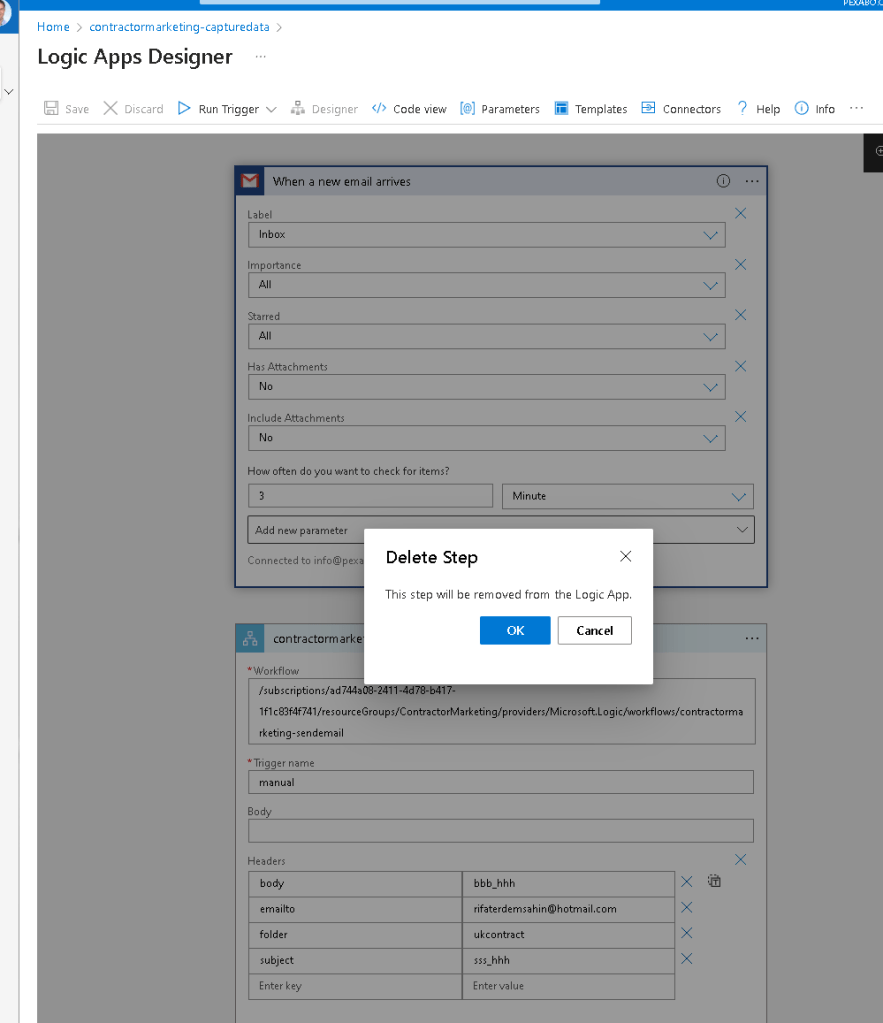
todo > create a abstract flow of the events and use the workflows
CApture > emails
Organize > get the body and assign the folder
Distill > create a custom email
Express > Send email and the attachments
Add the test object
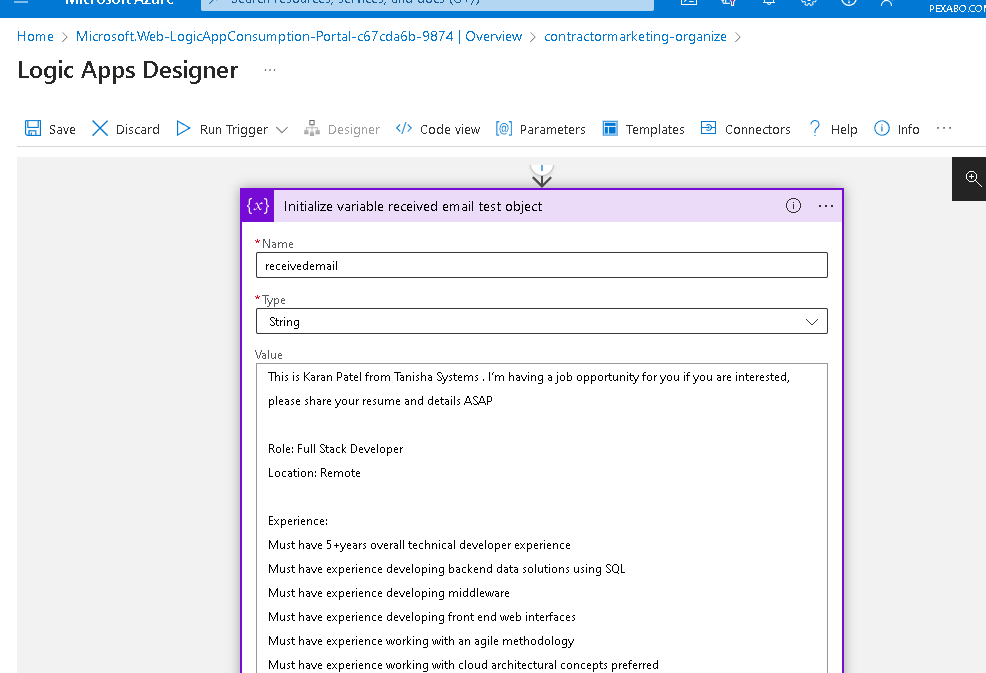
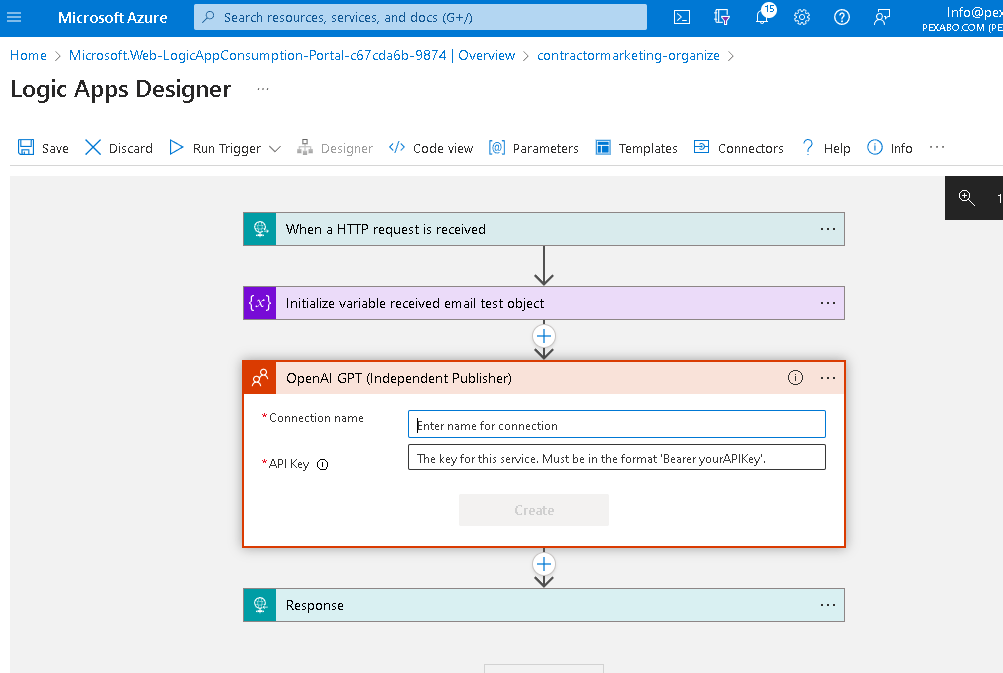
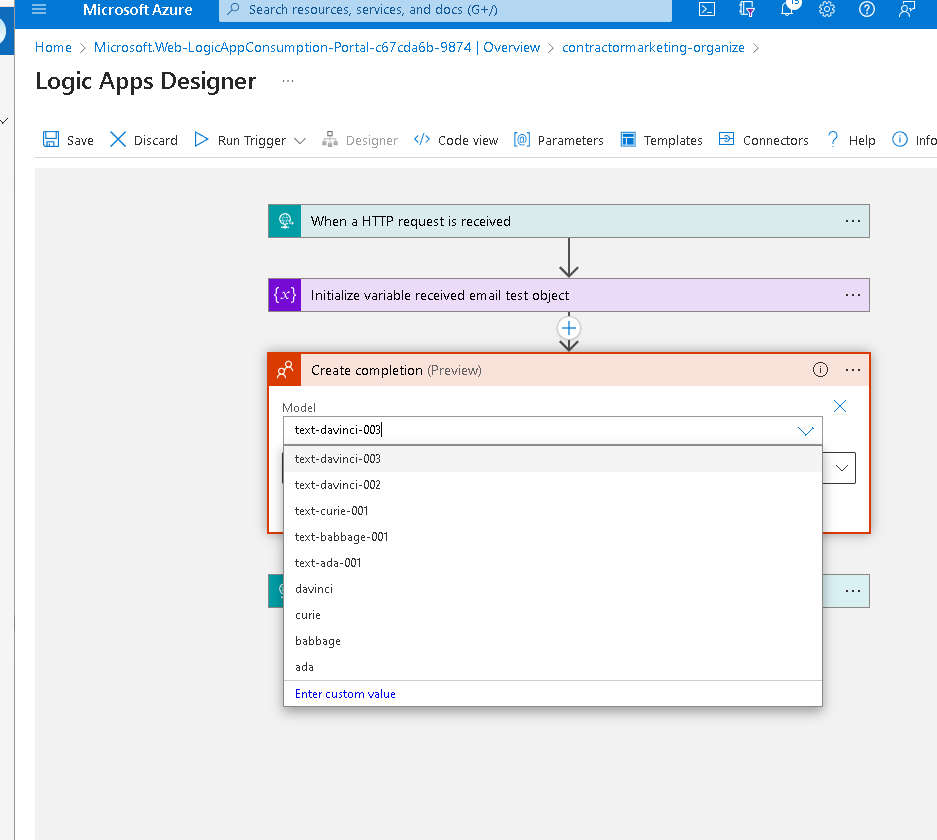
Open ai completion
Fernando Rocha Silva
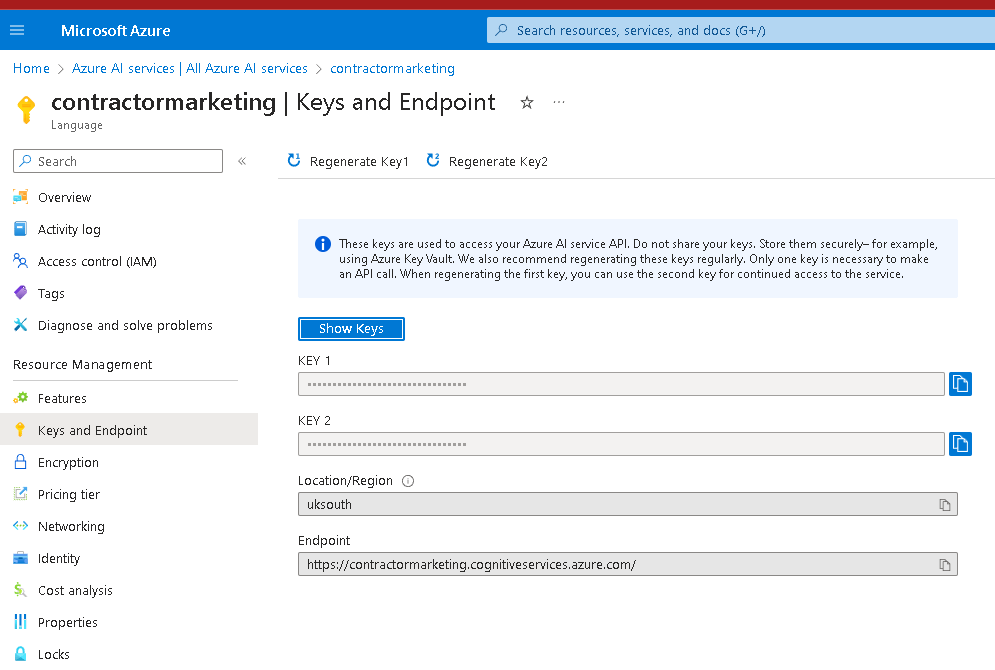
Service End point
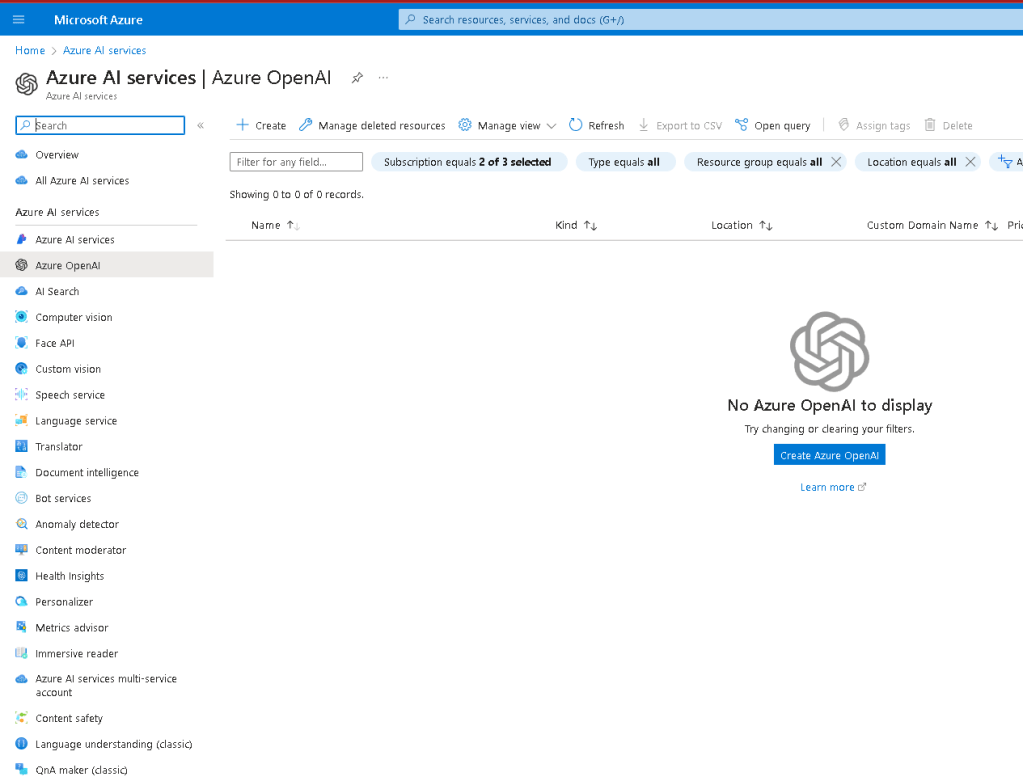
Fill the azure forms
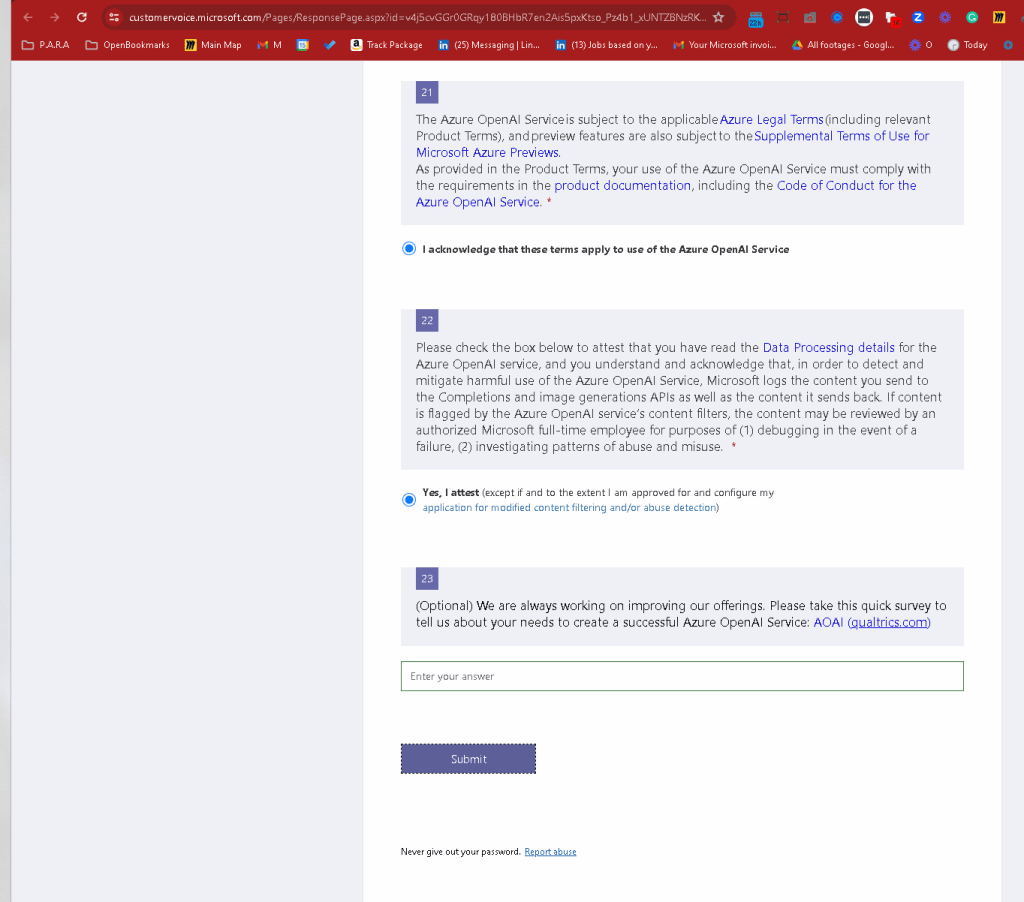
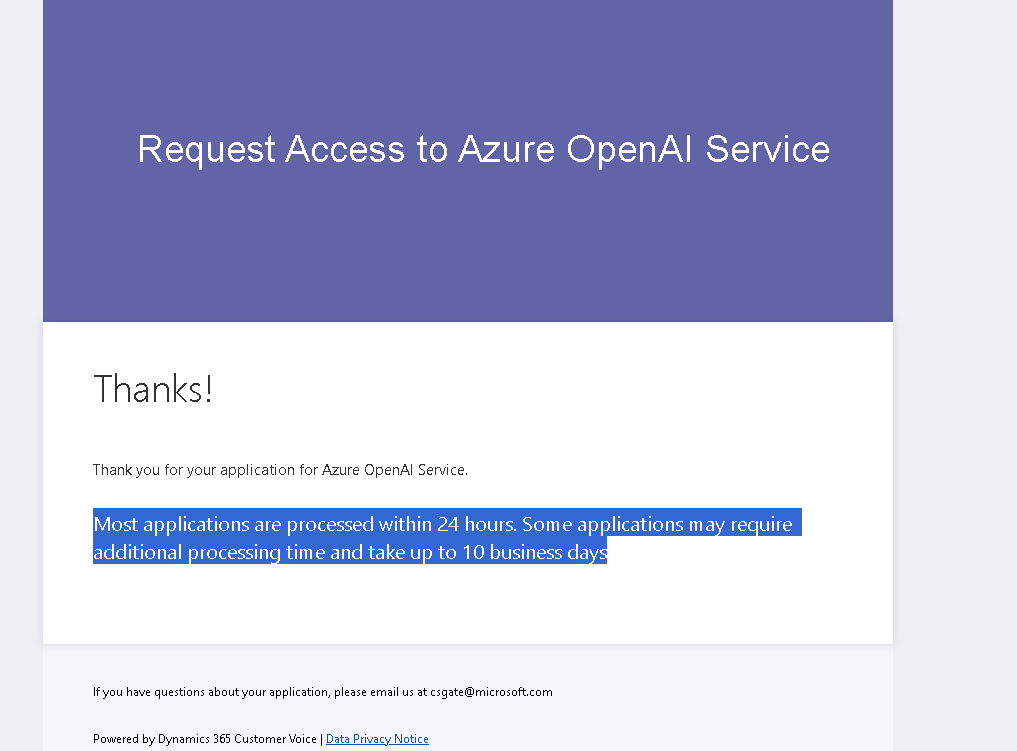
https://customervoice.microsoft.com/Pages/ResponsePage.aspx?id=v4j5cvGGr0GRqy180BHbR7en2Ais5pxKtso_Pz4b1_xUNTZBNzRKNlVQSFhZMU9aV09EVzYxWFdORCQlQCN0PWcu
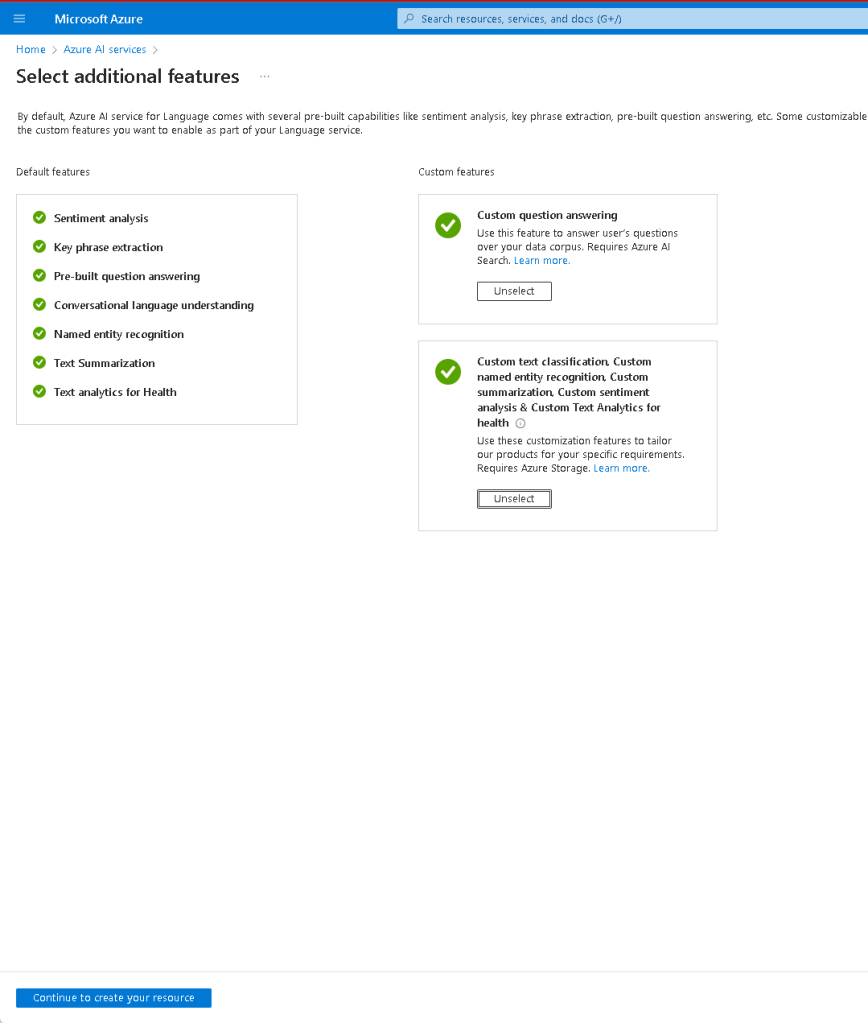
Select only language
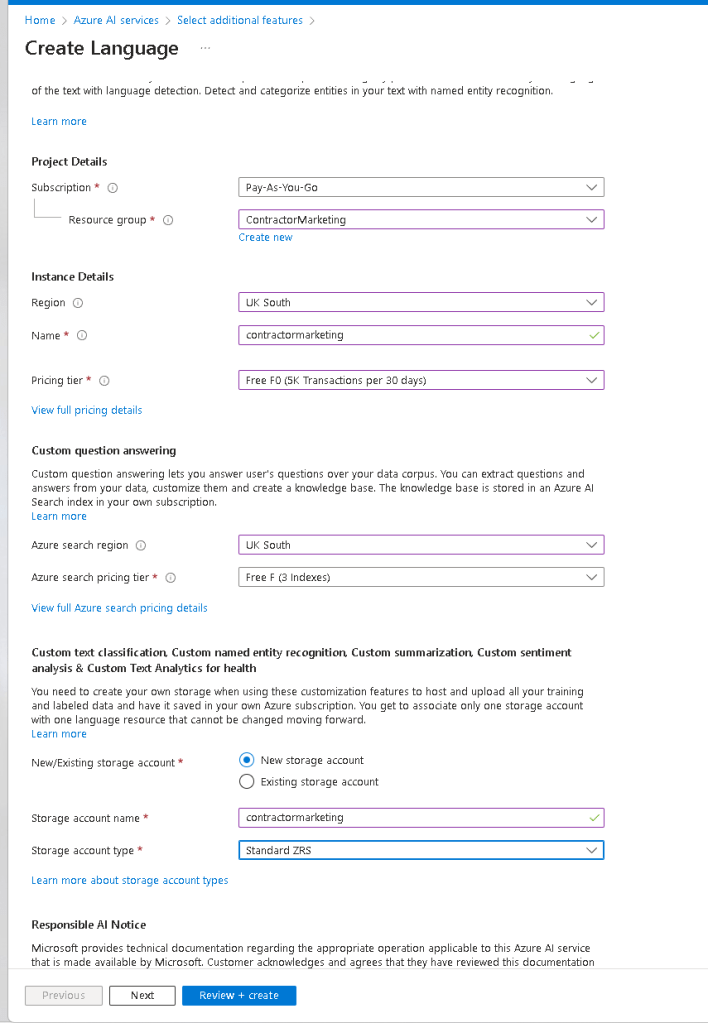
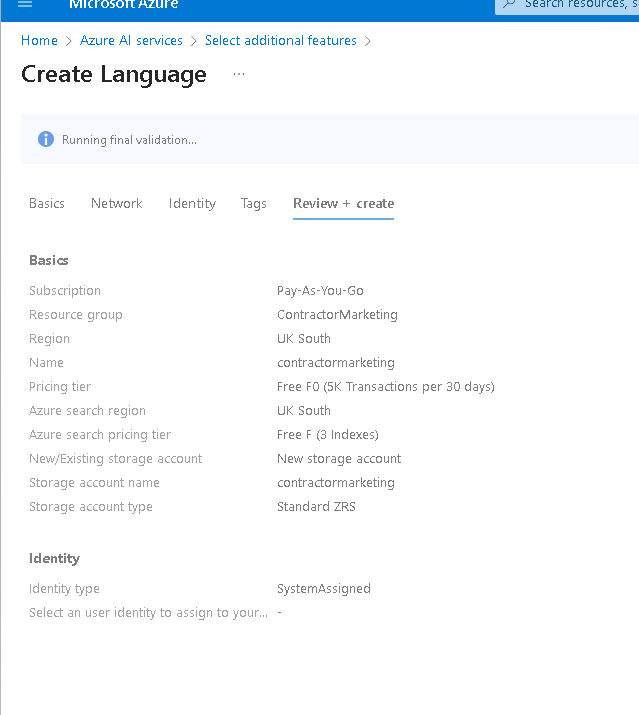
I am after this key
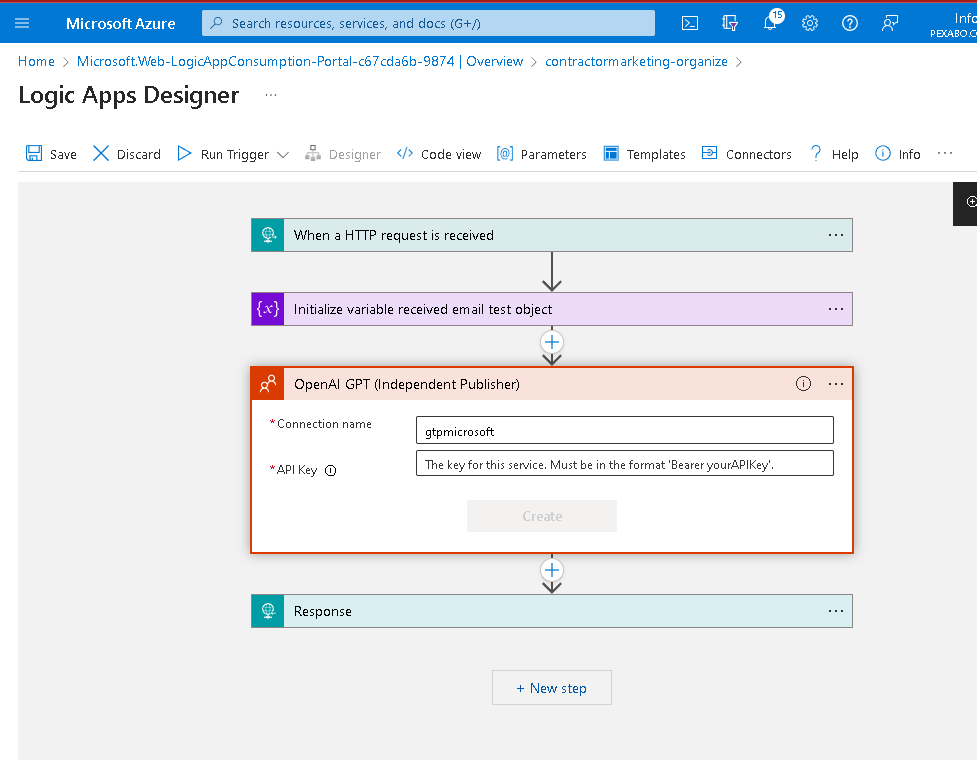
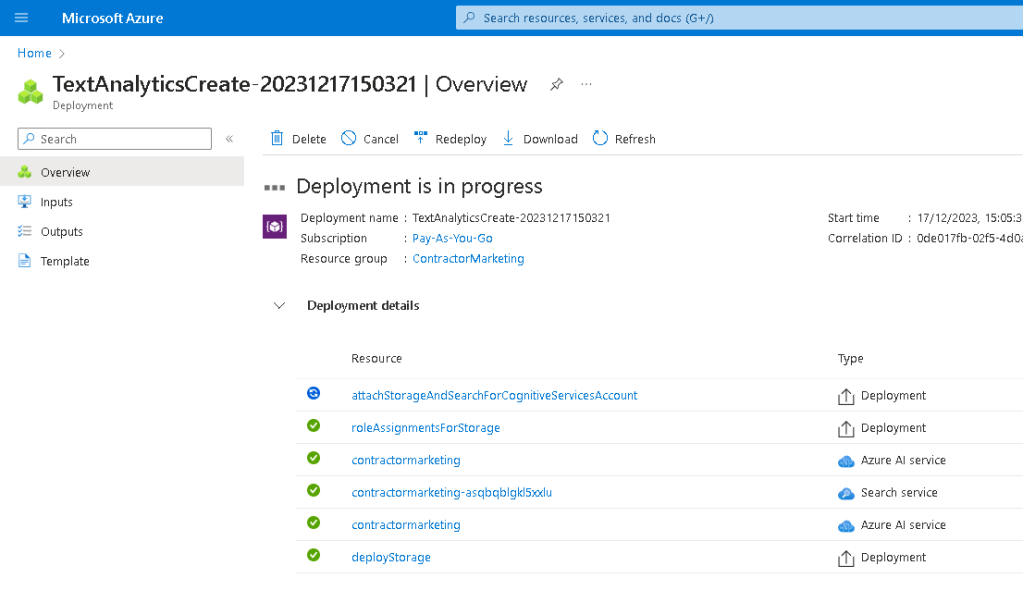
Checkout the resources that are being created
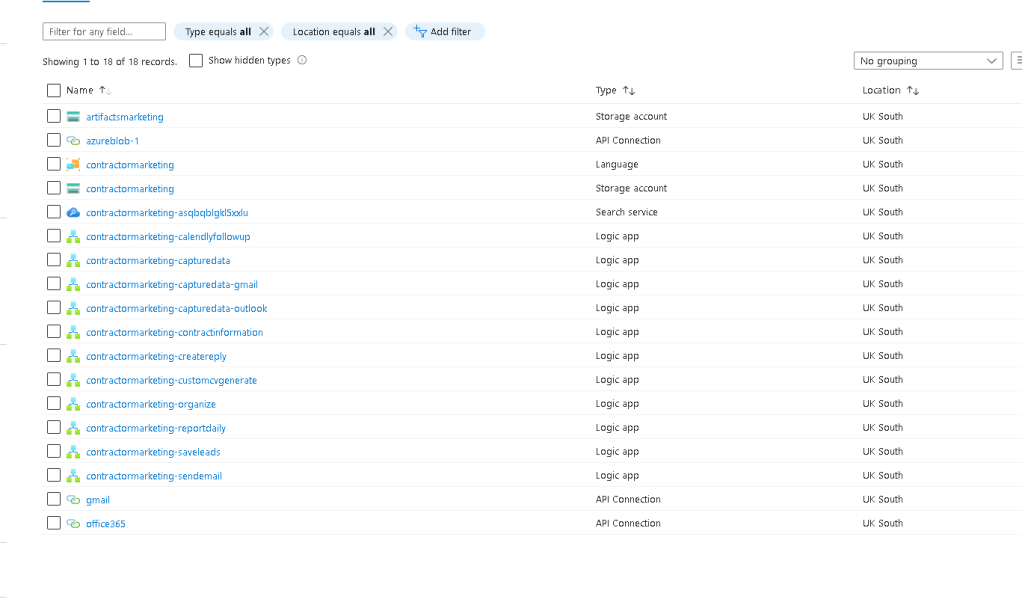
Not loaded
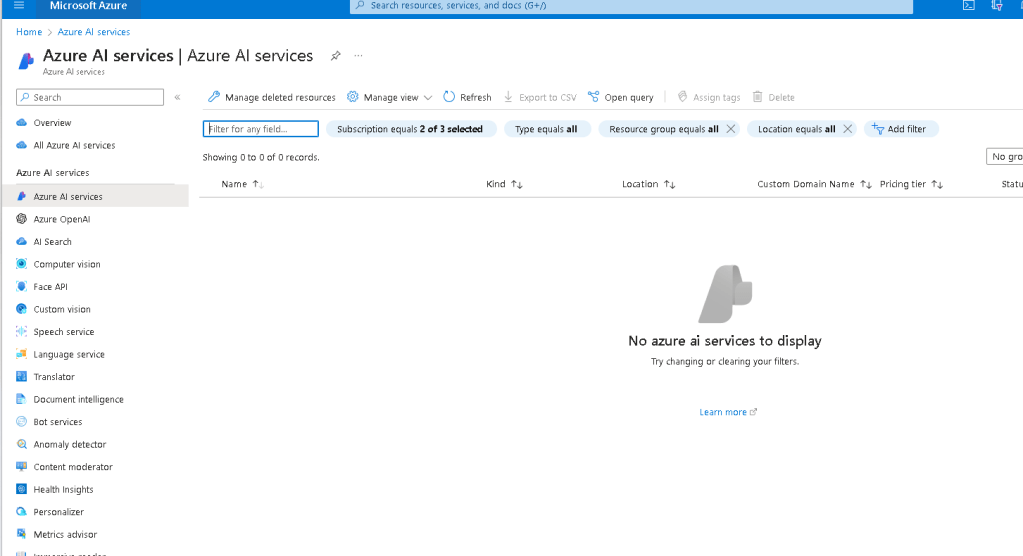
Service that is getting loaded
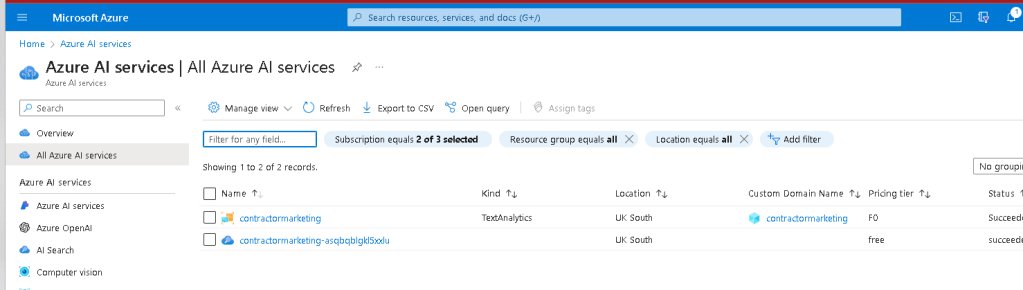
Loading the service
Multiple language models are there
ASk your question directly there
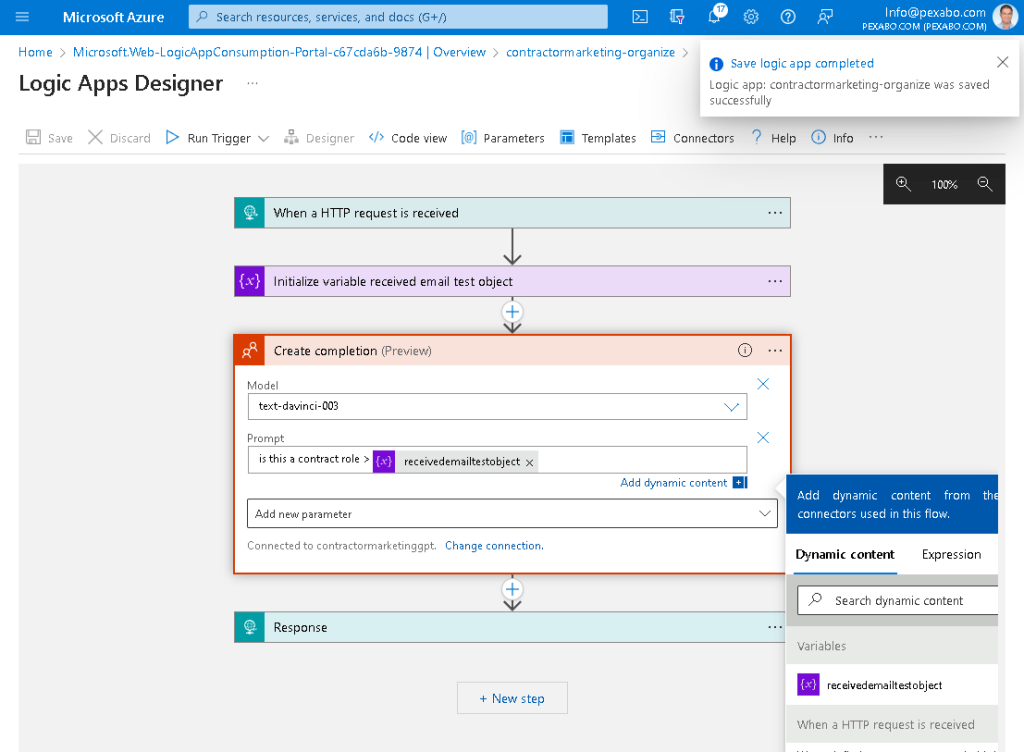
Run and fail
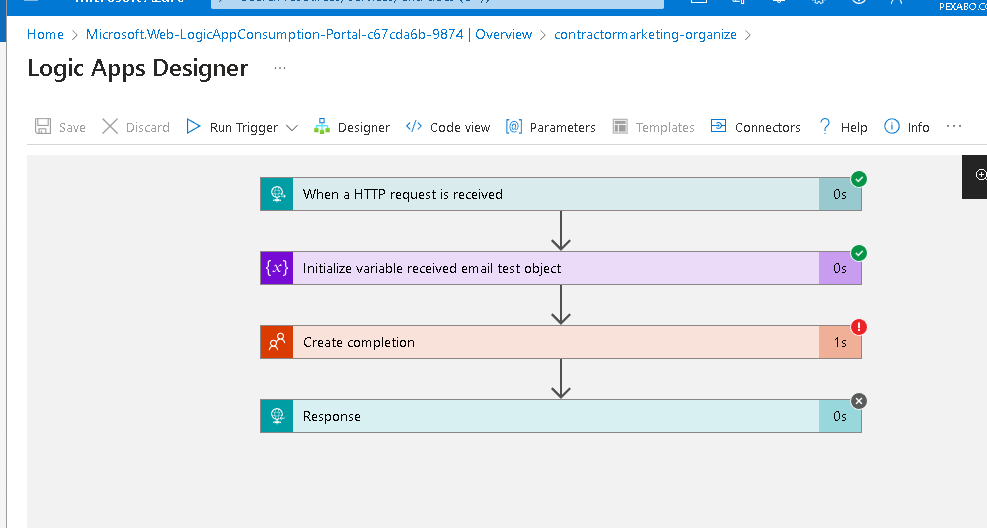
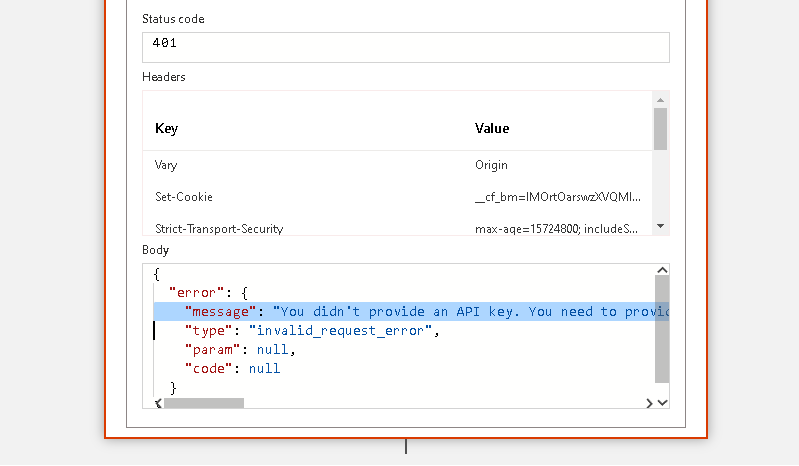
Resave
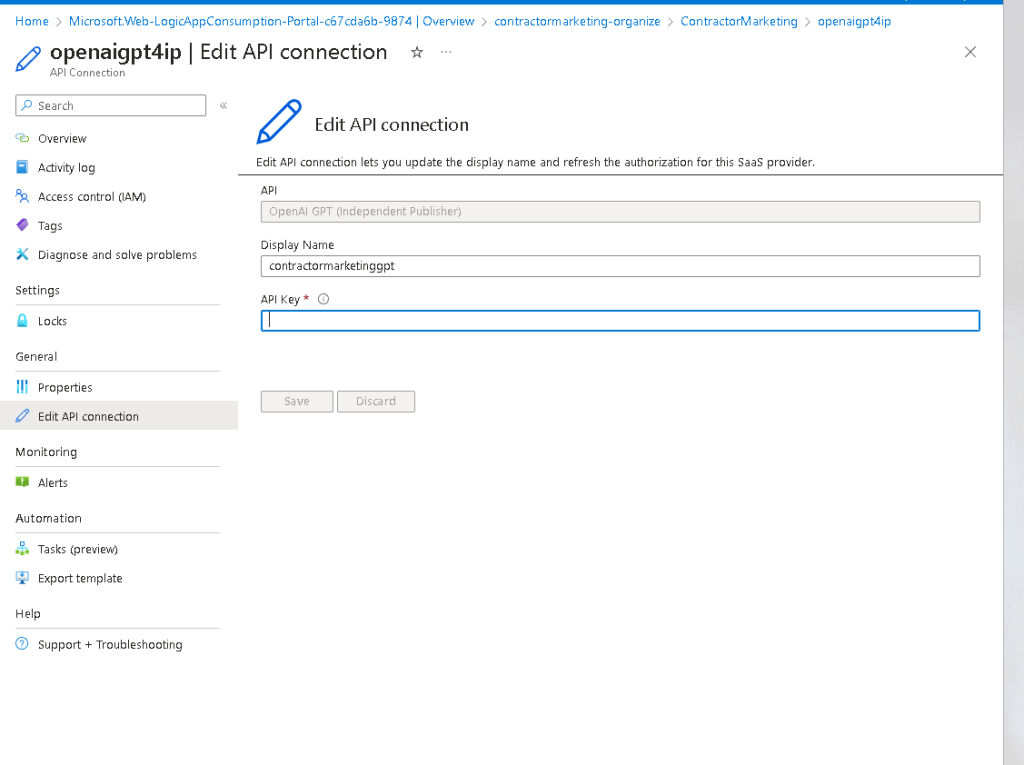
it is empty again
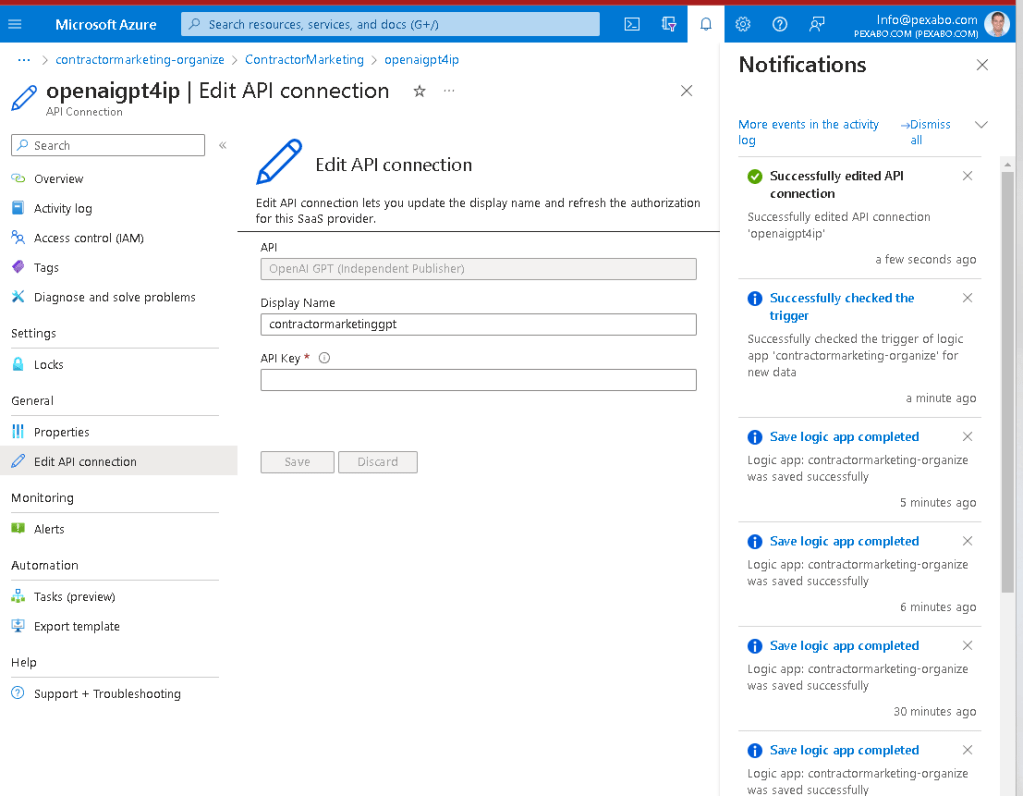
Error >
"error": {
"message": "You didn't provide an API key. You need to provide your API key in an Authorization header using Bearer auth (i.e. Authorization: Bearer YOUR_KEY), or as the password field (with blank username) if you're accessing the API from your browser and are prompted for a username and password. You can obtain an API key from https://platform.openai.com/account/api-keys.",
"type": "invalid_request_error",

                "param": null,

                "code": null
}
}
Move to http request
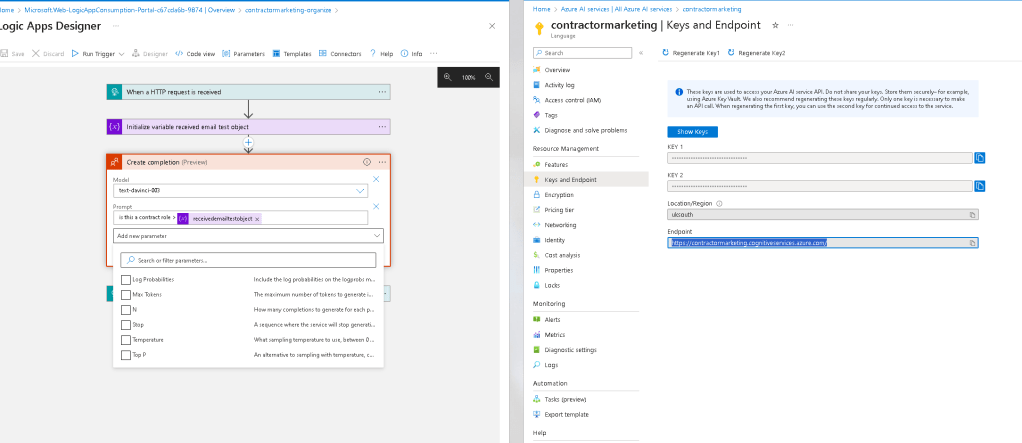
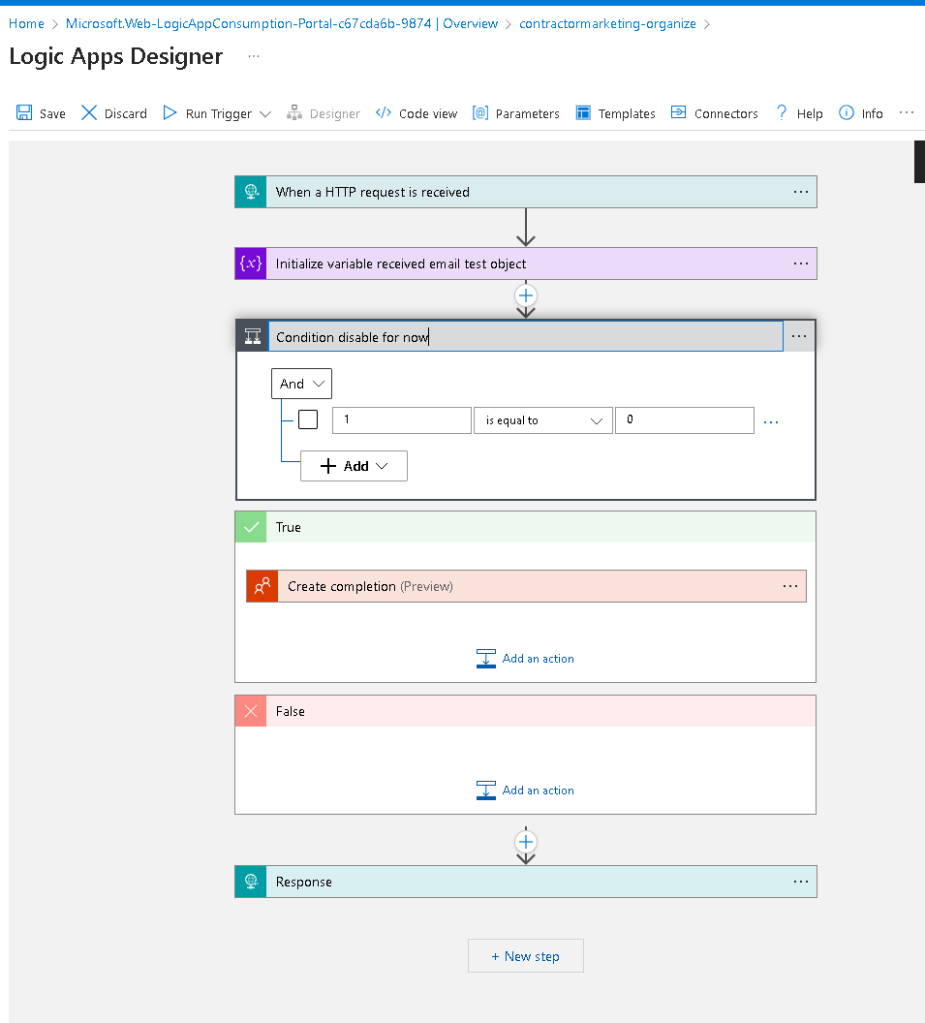
Disable for now
Completions
https://learn.microsoft.com/en-us/azure/ai-services/openai/how-to/completions
Api reference
https://learn.microsoft.com/en-us/azure/ai-services/openai/reference
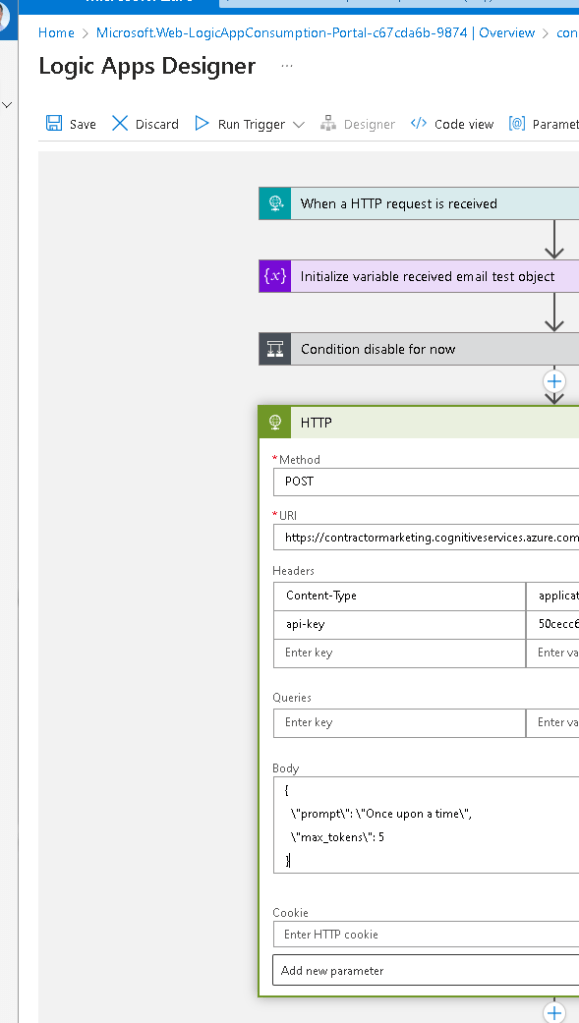
rerun with basics
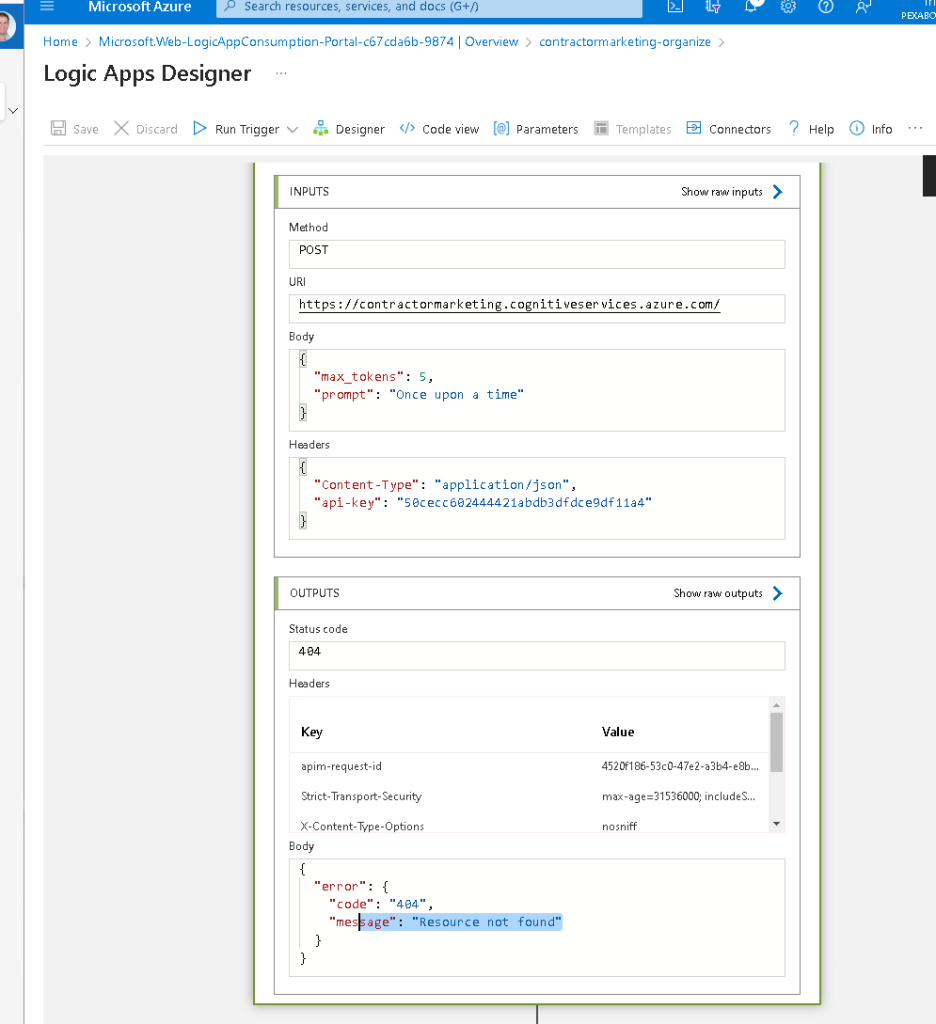
MY MISTAKE COULD BE THE openai and the azure ai services could be different
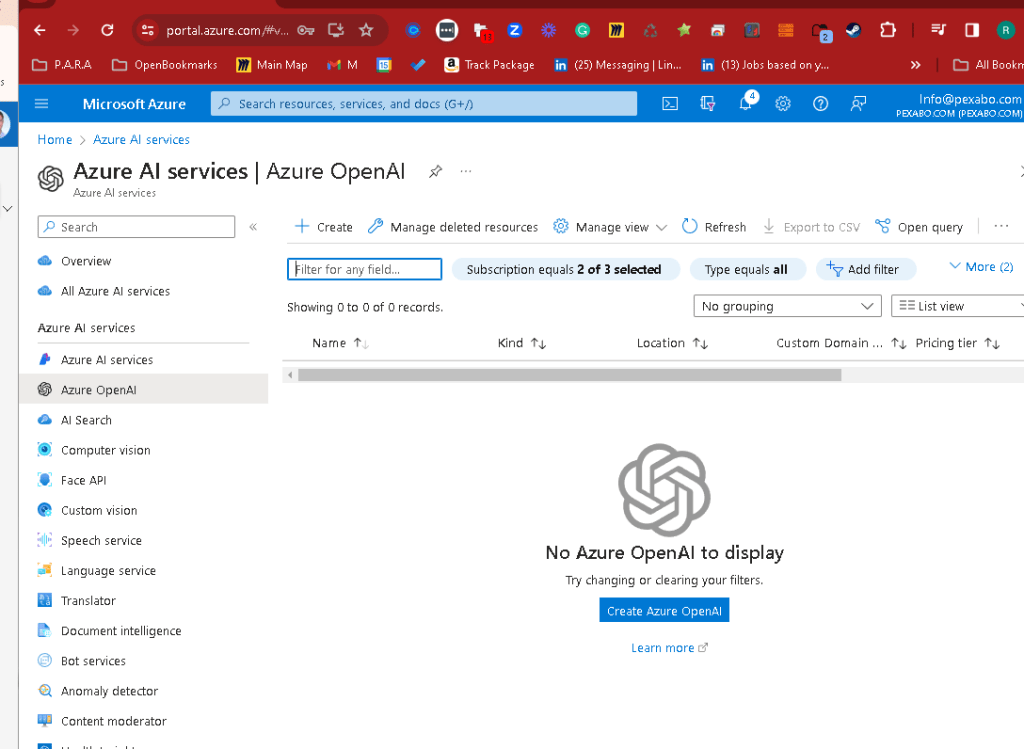
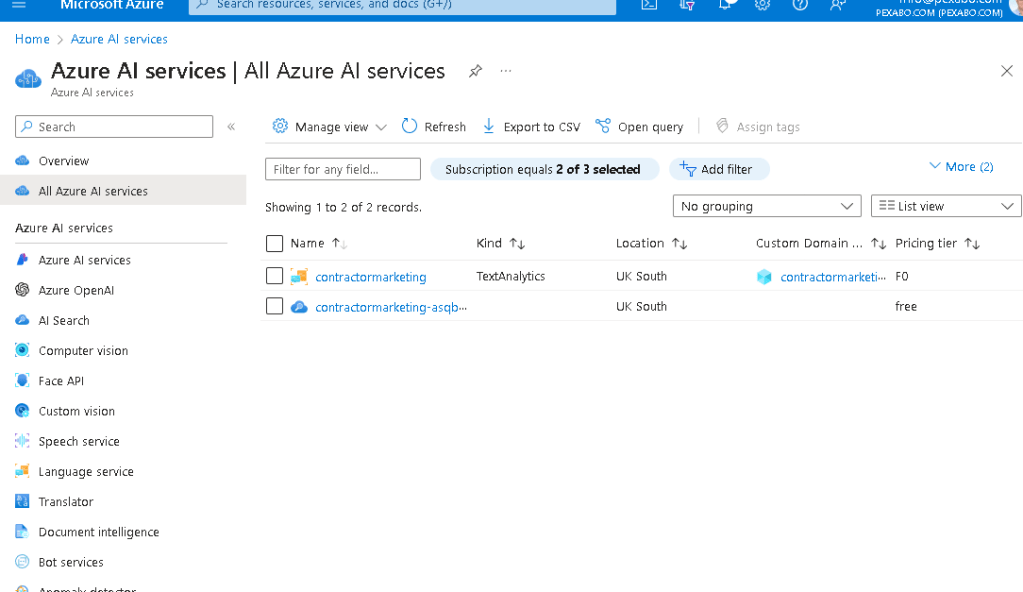
todo > check this output > https://learn.microsoft.com/en-gb/rest/api/language/text-analysis-runtime/analyze-text?view=rest-language-2023-04-01&tabs=HTTP
Imported from rifaterdemsahin.com · 2023