Passport Scans and Canva
Here is the steps how to create a pdf of your passport without a scanner just by using your phone
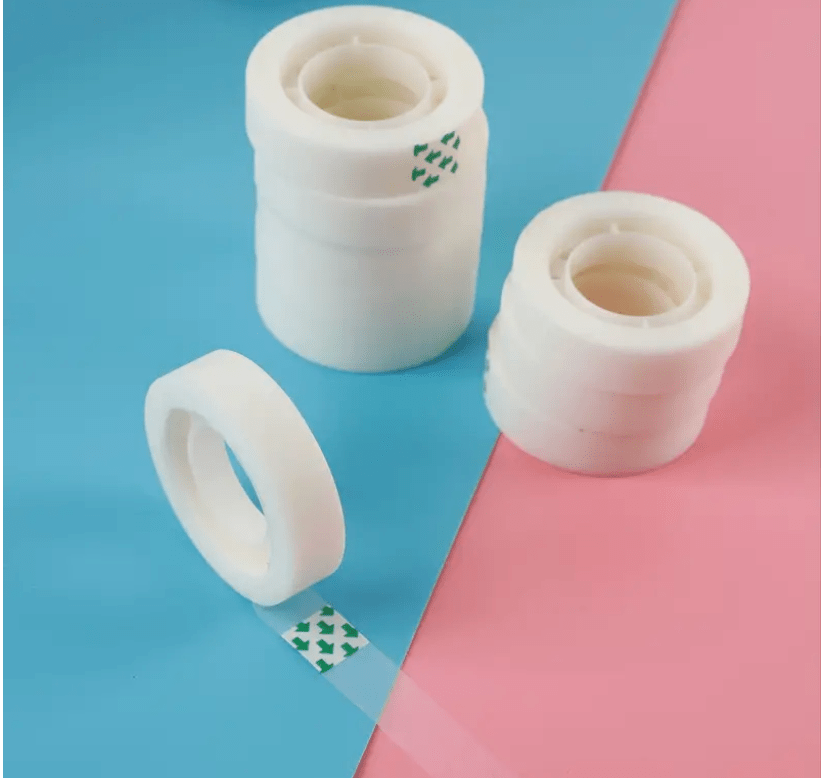
Steps 1 Take pictures of all pages on a solid background color > Use a tape make it flat / avoid shadows ( NO NEED FOR A SCANNER )
Steps 2 Register canva.com account
Step 3 Create a presentation
Step 4 Upload all the pages
Step 5 Crop the pages
Step 6 Use the background remover in Canva
Step 7 Export the output to pdf
Output
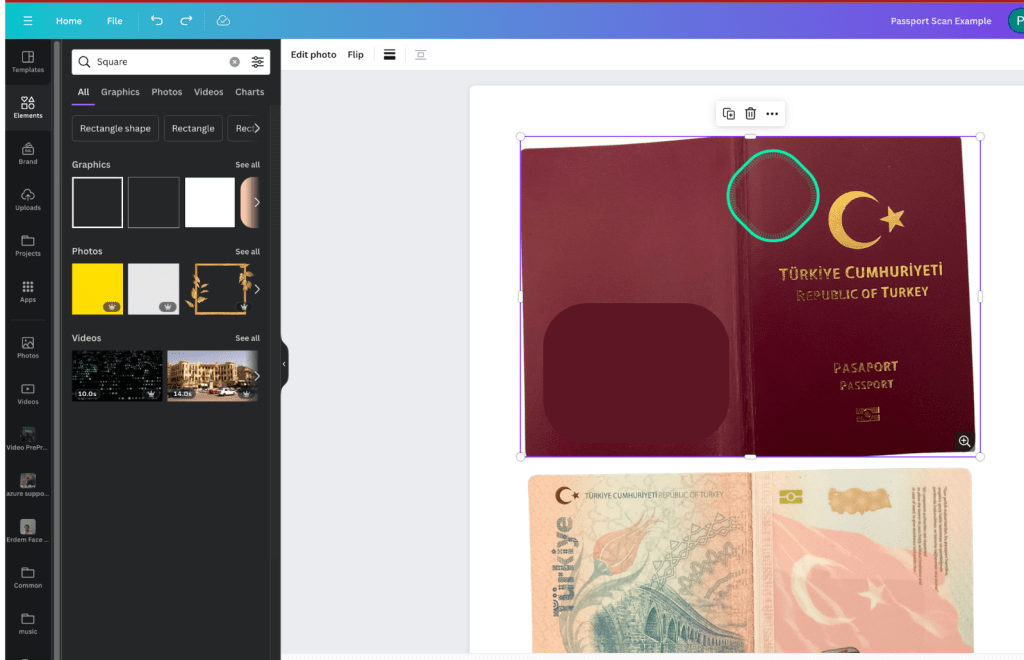
Transparent tape
Advantage of Canva
Future update ready when there are stamps in the pages!
Tip: For global IT contractors make sure you have 2 active passports
To become an IT contractor check out the course
https://www.udemy.com/course/become-an-ultimate-it-contractor/
Imported from rifaterdemsahin.com · 2023