edit markers on obs
use the envato elements 4 claps and silent parts is ok
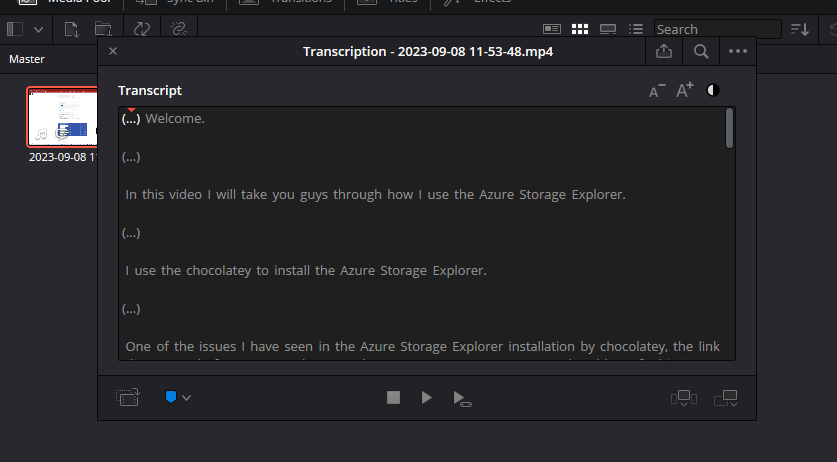
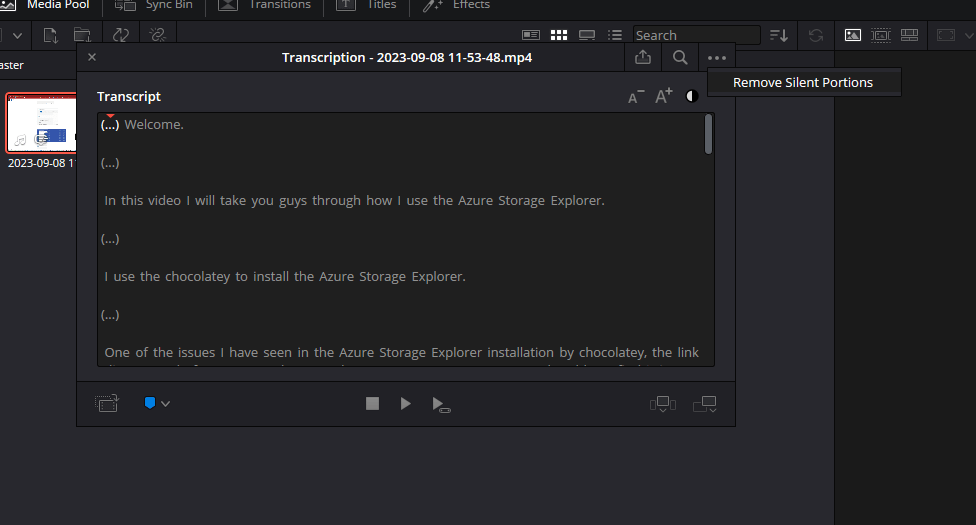
remove silent portions
dual track
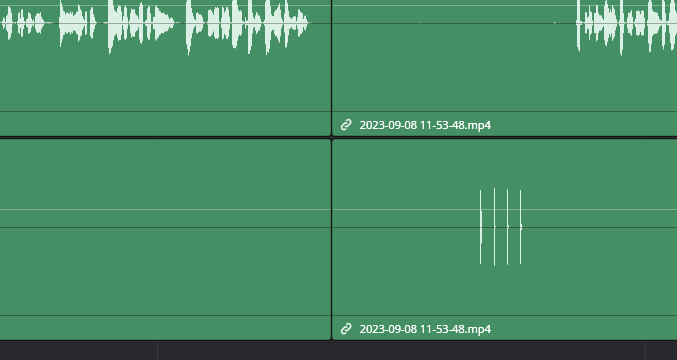
Sielnt portions removal removes the parts that i use the presentation
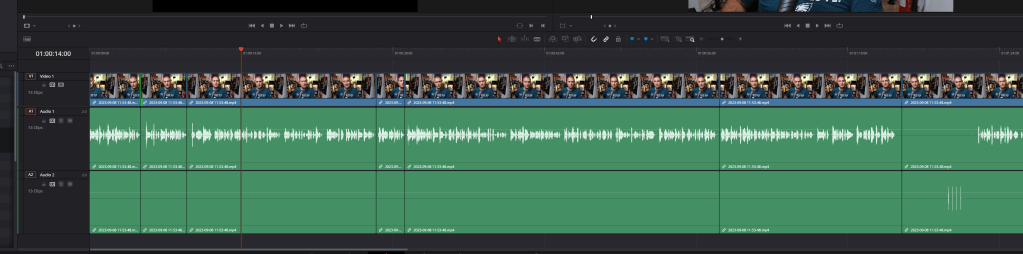
cut time
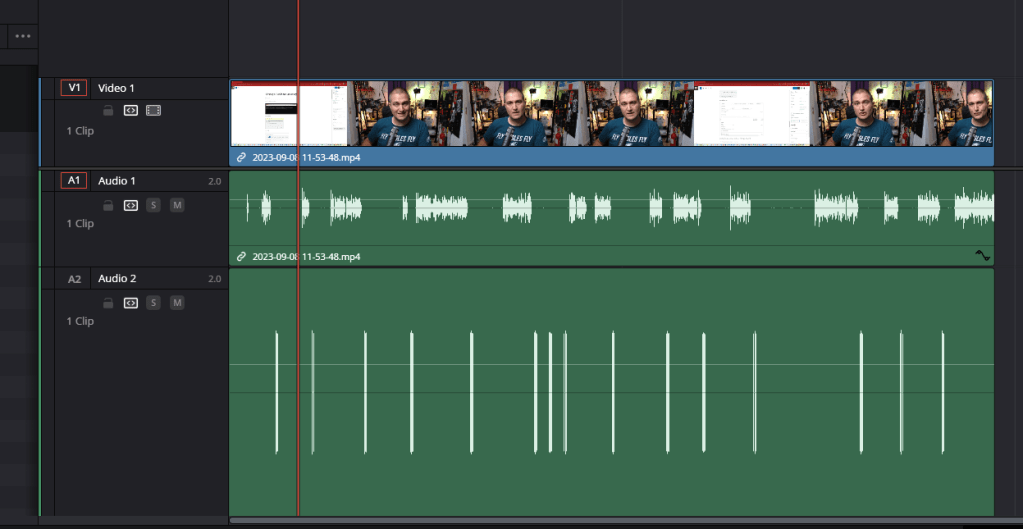
4 clkasp is the good location
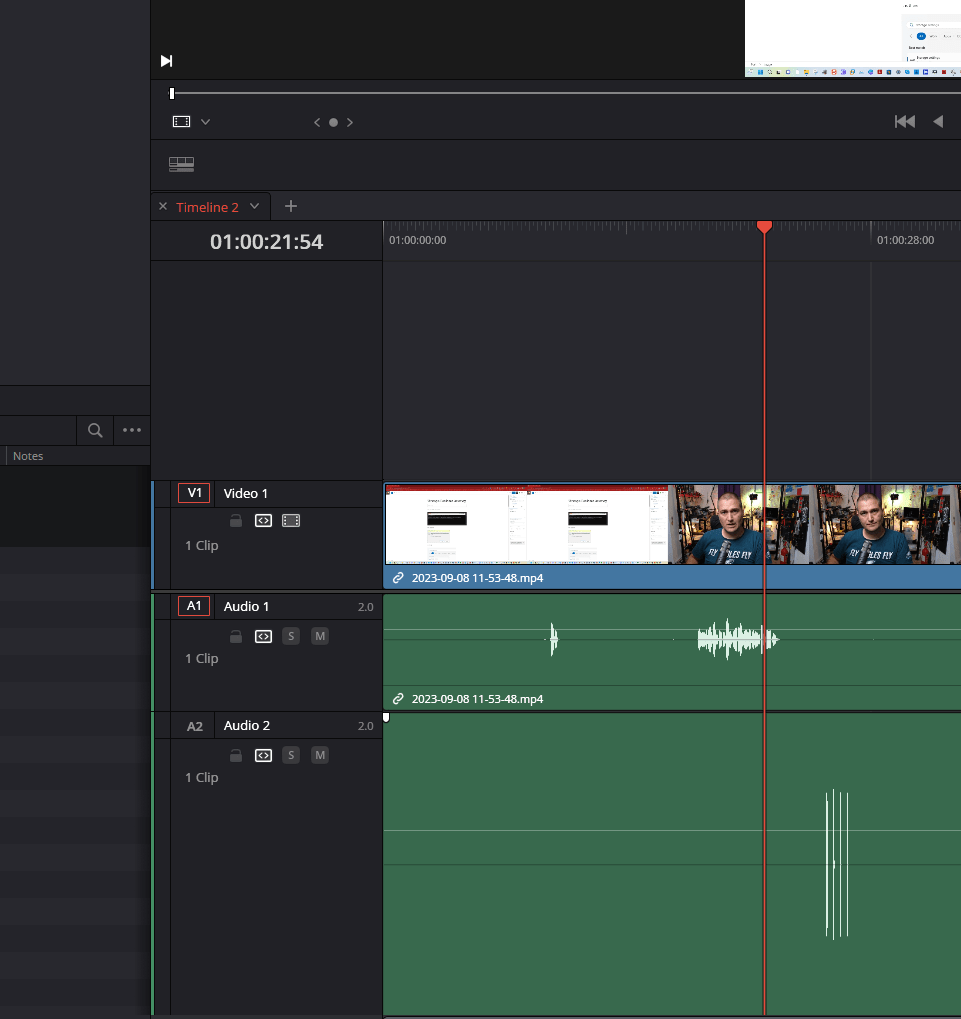
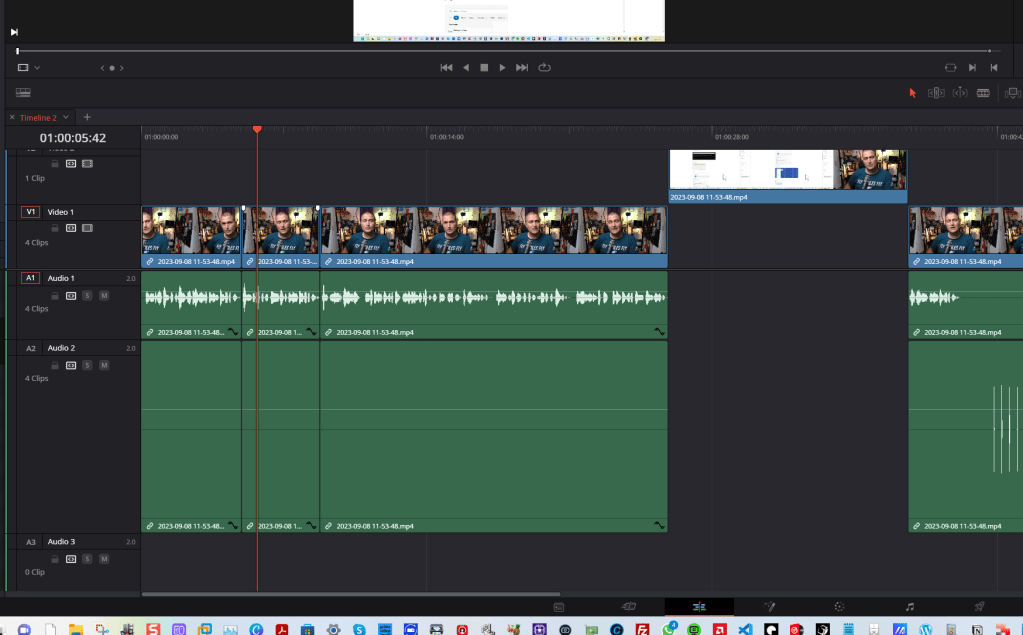
2 shortcuts help ( razer - ripple to start to play head )
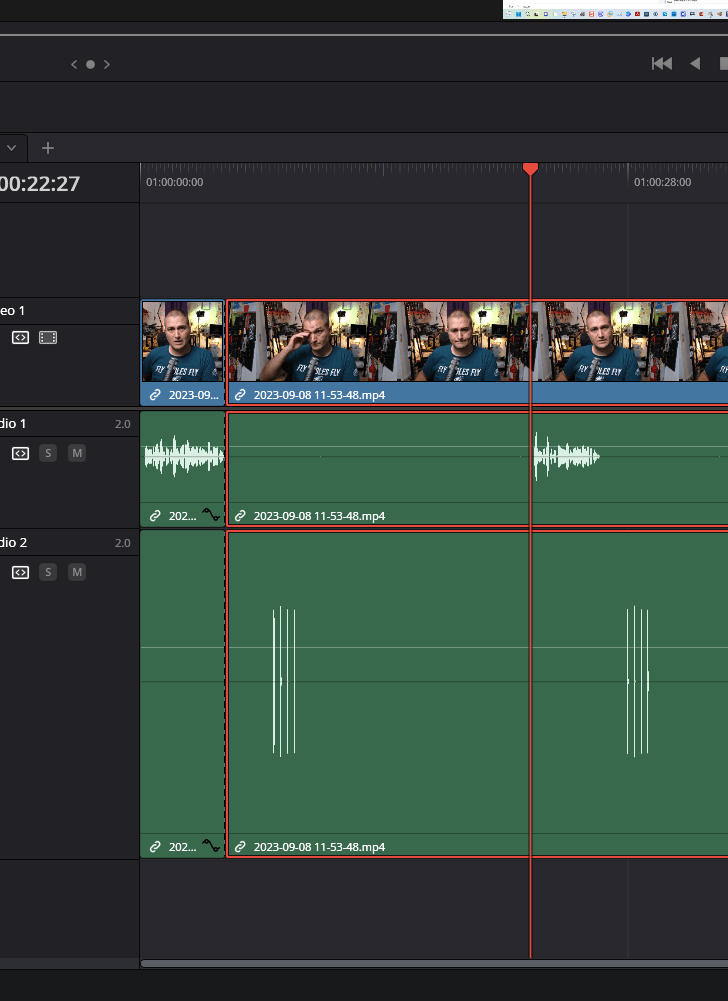
Intro clap need to see the sync ( visual and audio )
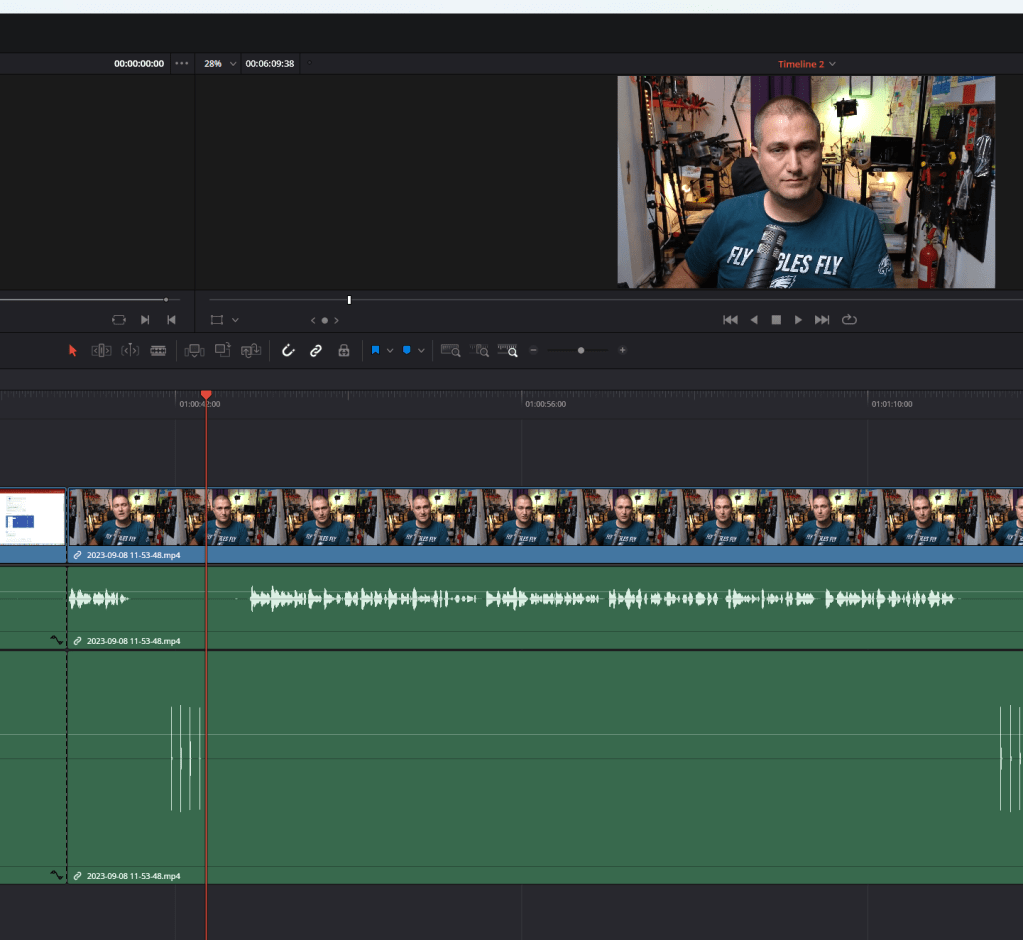
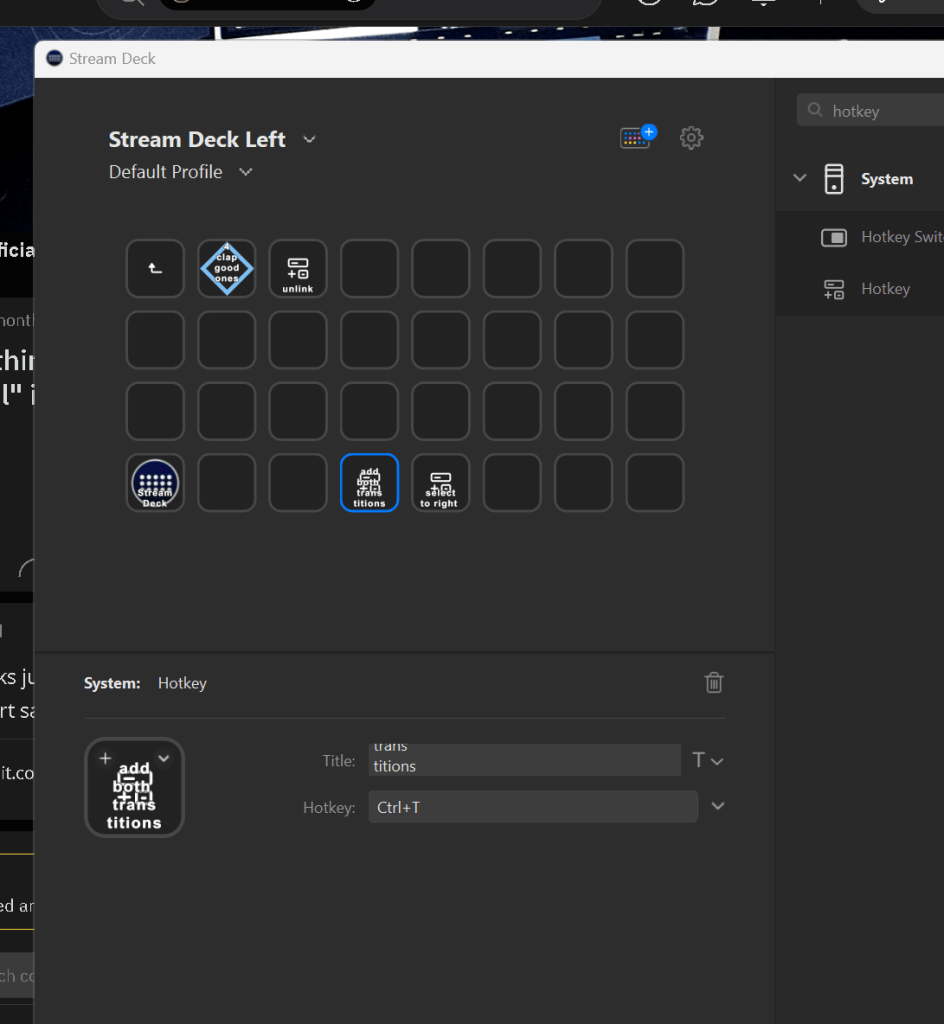
add used ones to streamdeck
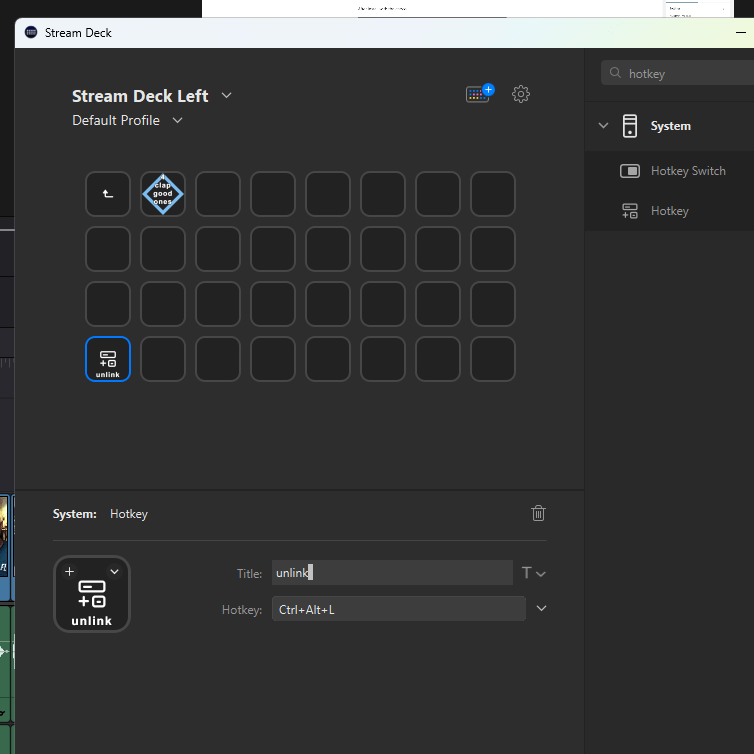
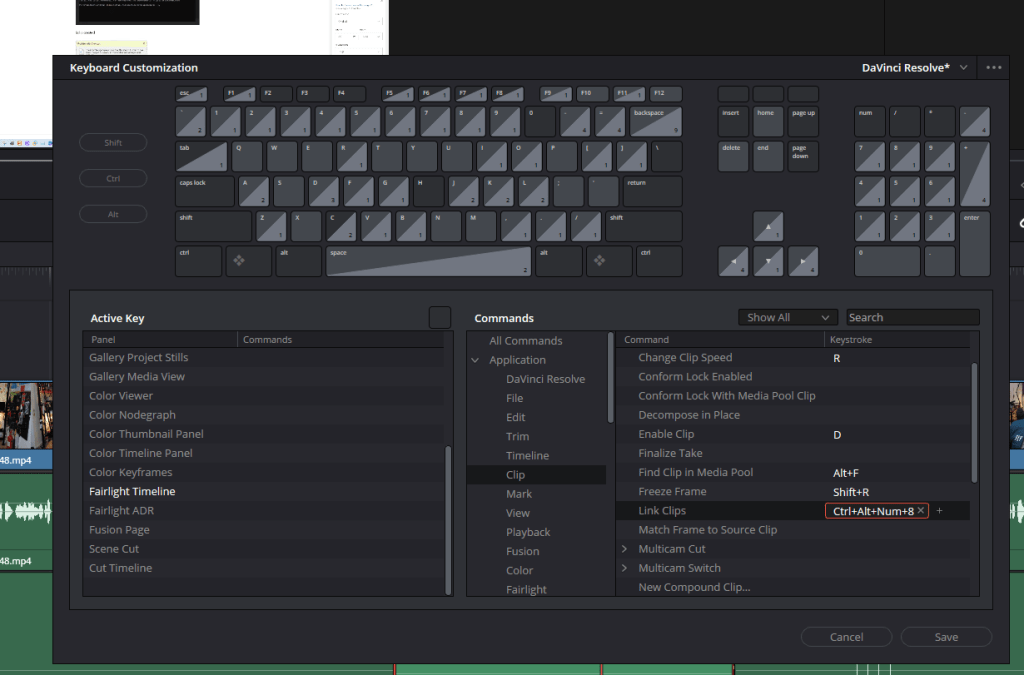
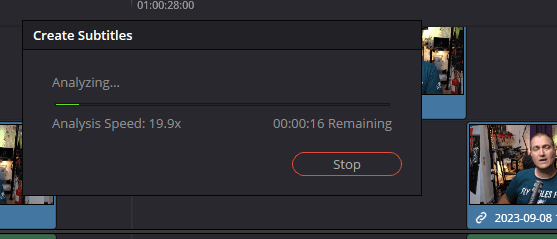
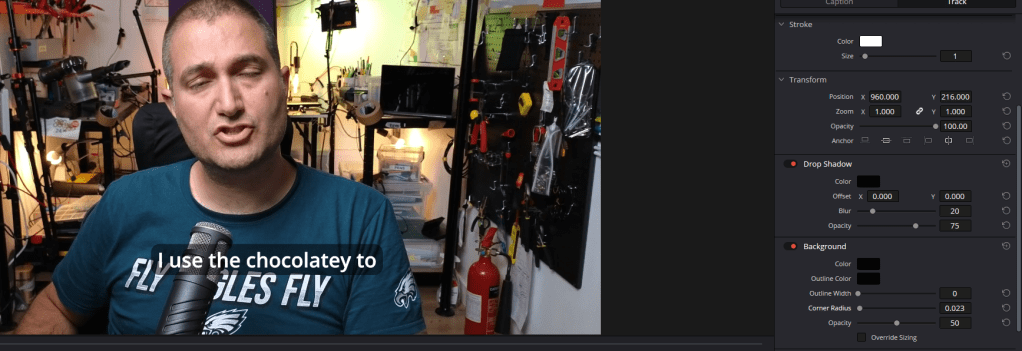
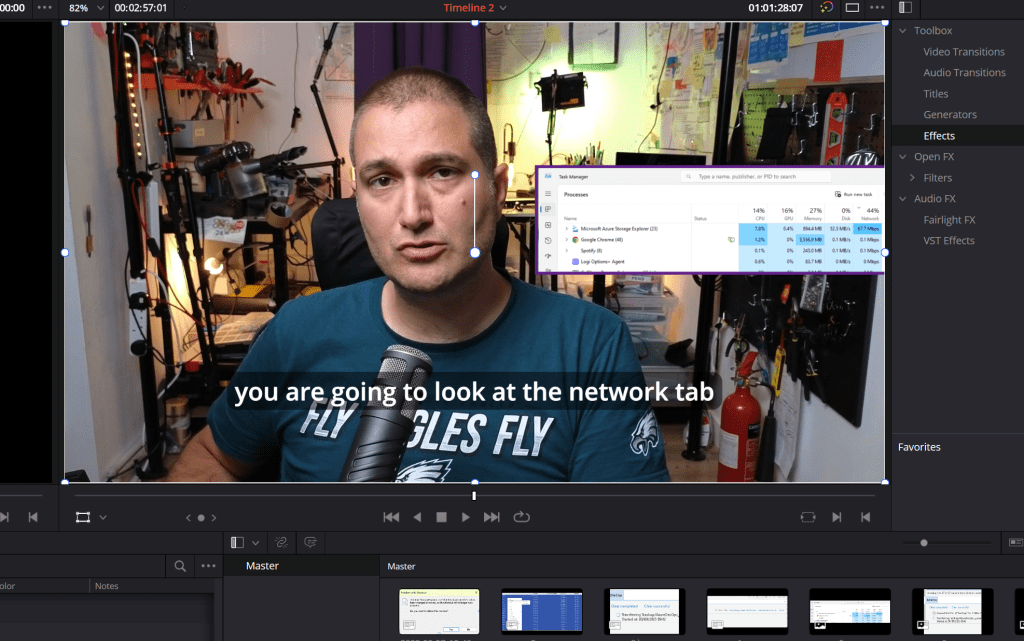
Use subtitles to make your life easier
Local procesing
Drop shadow / background / corner radius
Dual screens to have more space to see the thumbnail
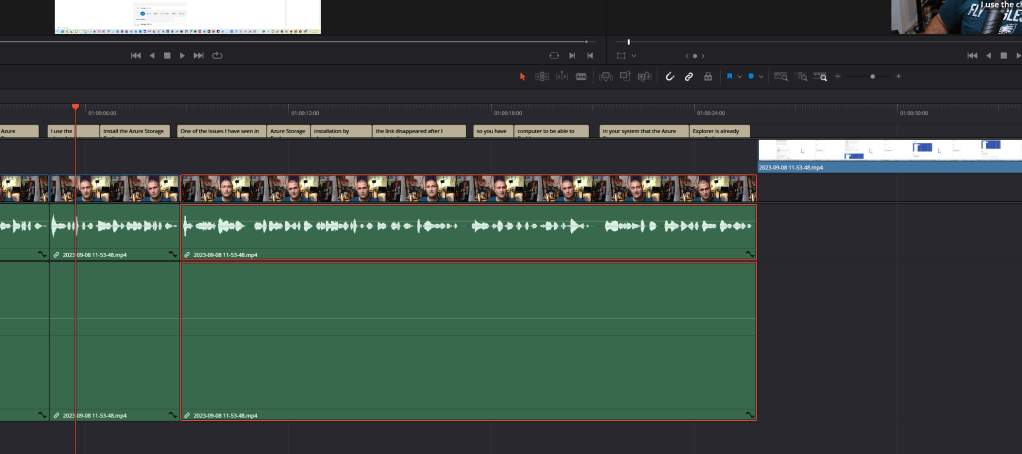
aduio has a an issue maybe it is due to the connection or the process lasso is failing on the mme conection is the issue... causing the system to fail. As shared with the other parts of the system over obs.
find from the footage and swapping does not make sense move from the media explorer is much more direct
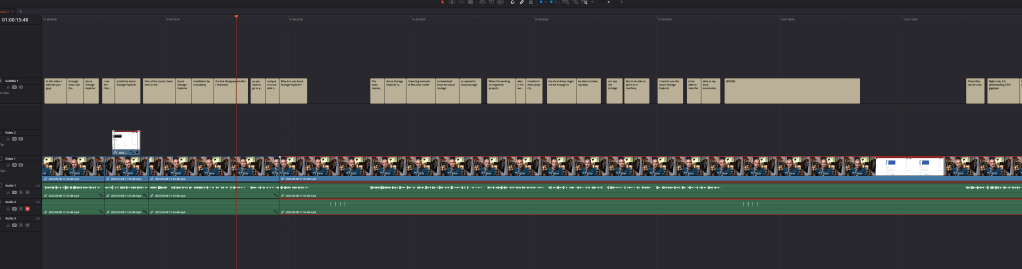
Wrong formats coming in needs to be corrected by snagit editor
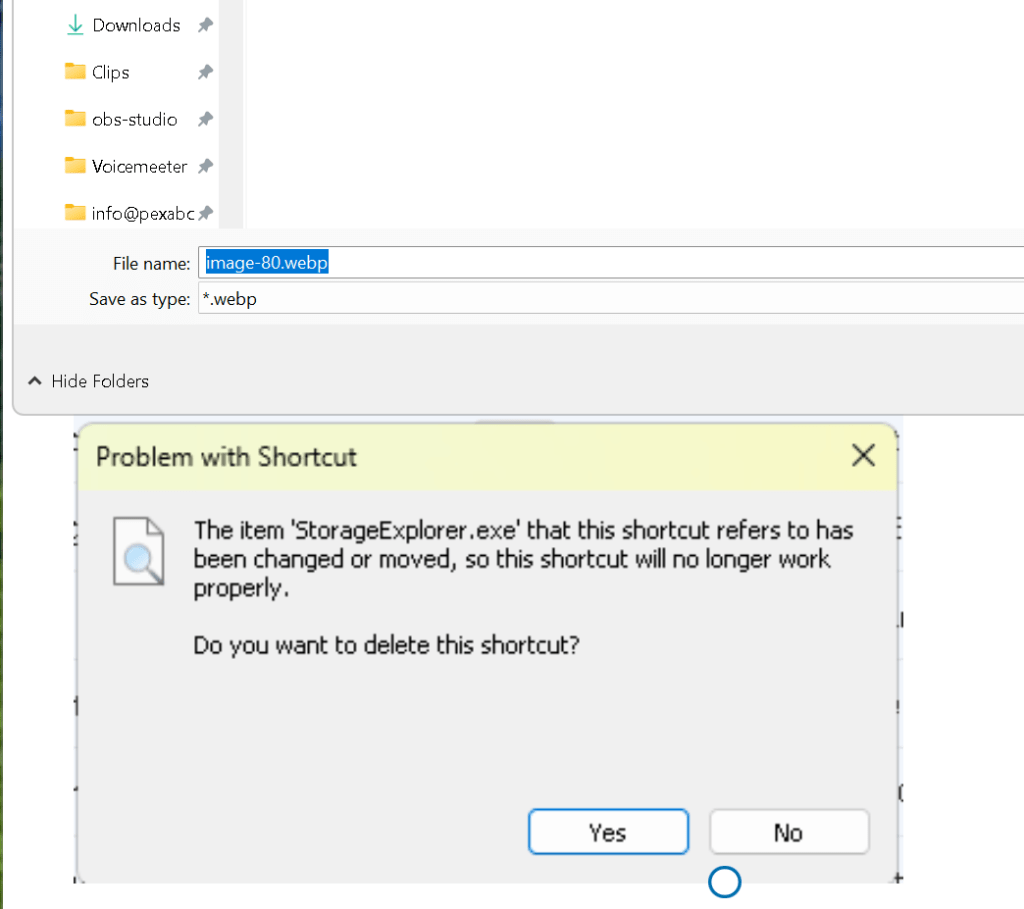
no need to swap use the snagit editor to do the trick
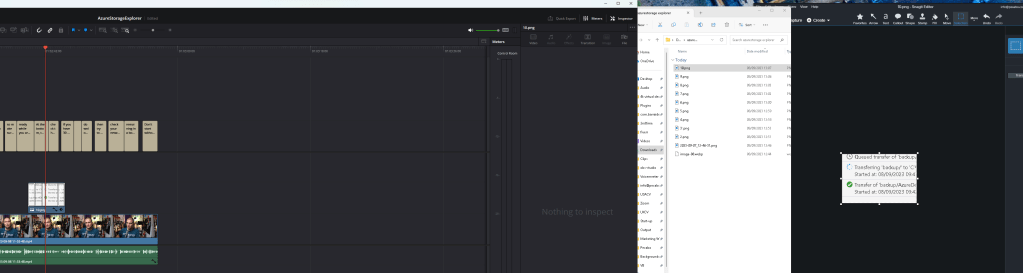
name one 10 X and drop footages at that location
add missing chortcuts
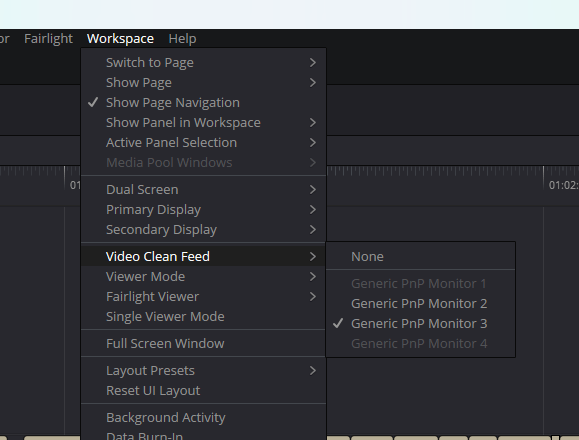
Clean video feed on the big monitor
I could have added effect in the snagit
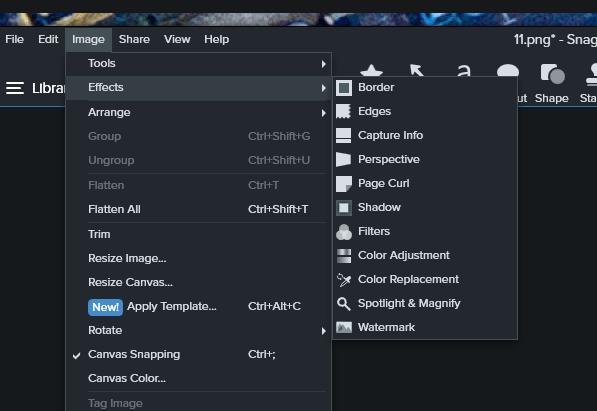
basic borders to seperate it from the other elements
Output linkedin and youtube ( c2c / b2c )
Imported from rifaterdemsahin.com · 2023