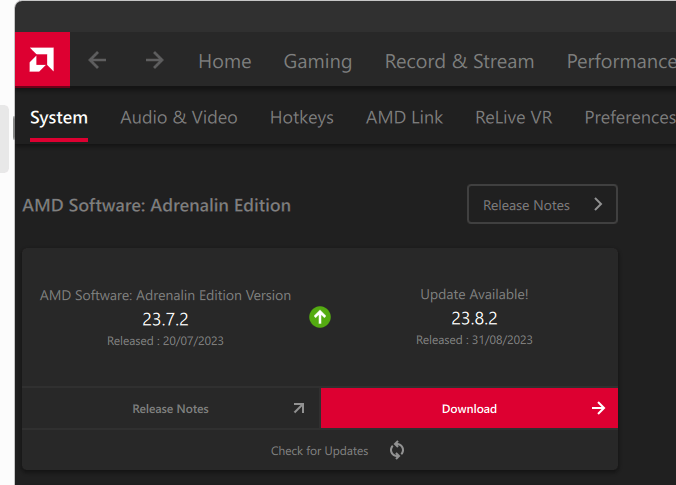
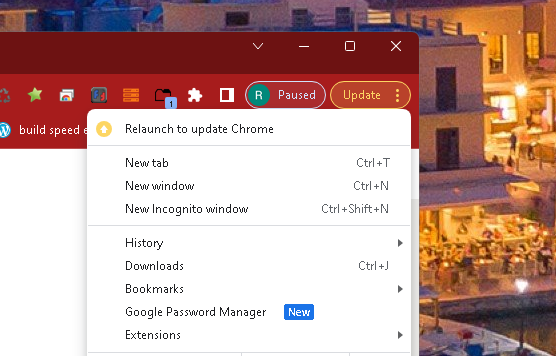
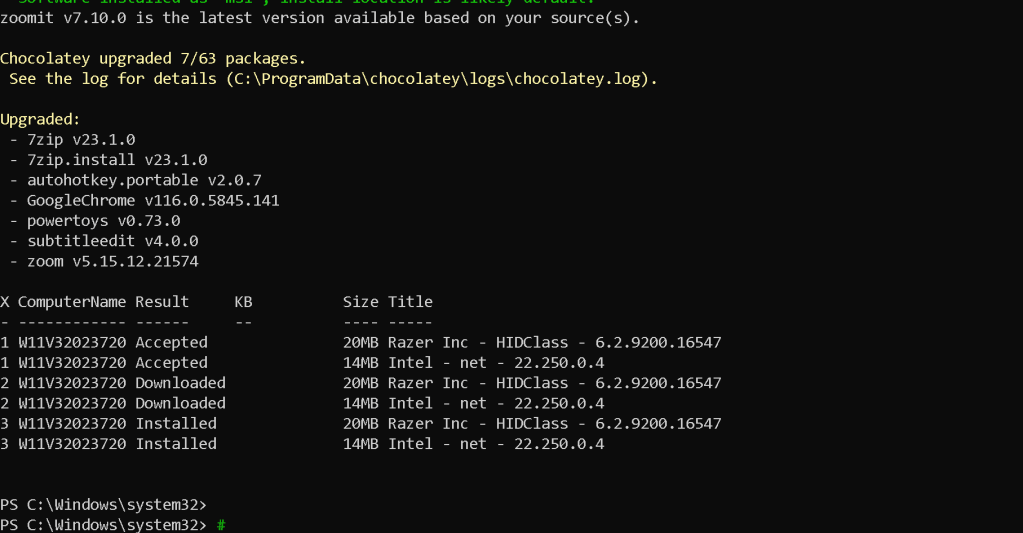
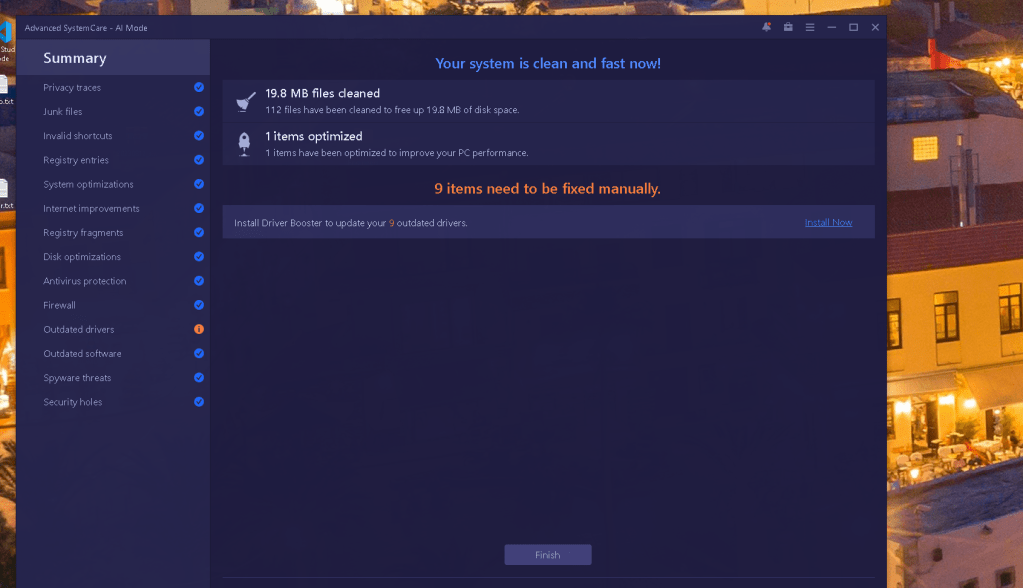
new updates for the work station ( 5 day gap )
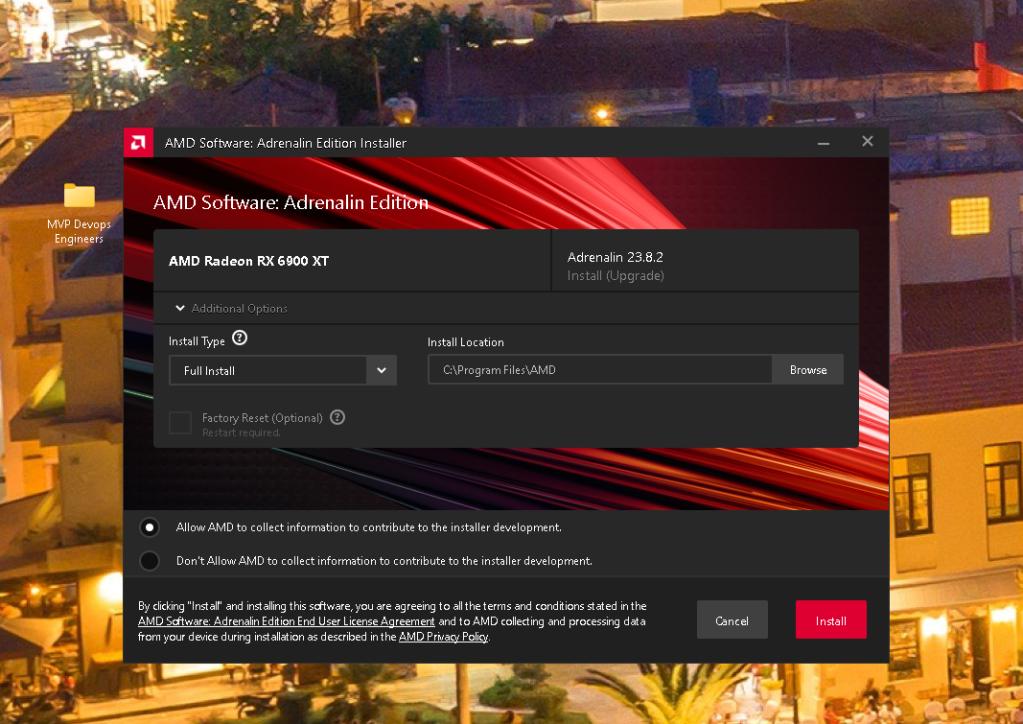
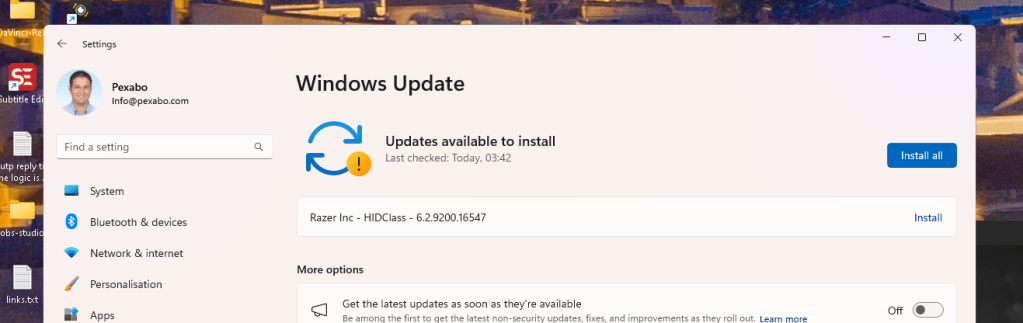
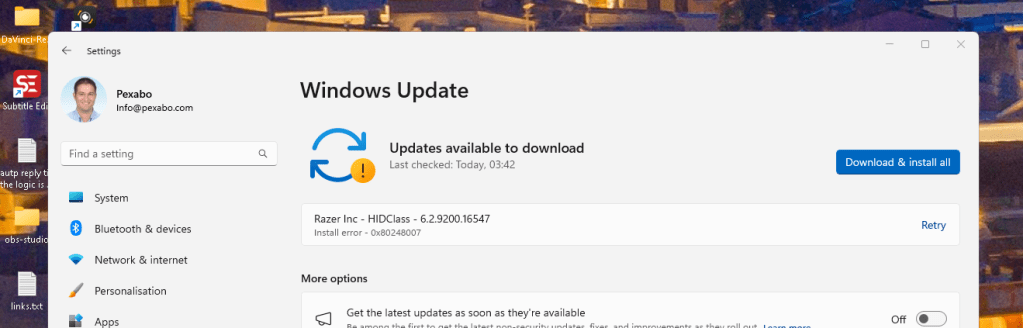
Asked here
https://twitter.com/rifaterdemsahin/status/1699343458542968919
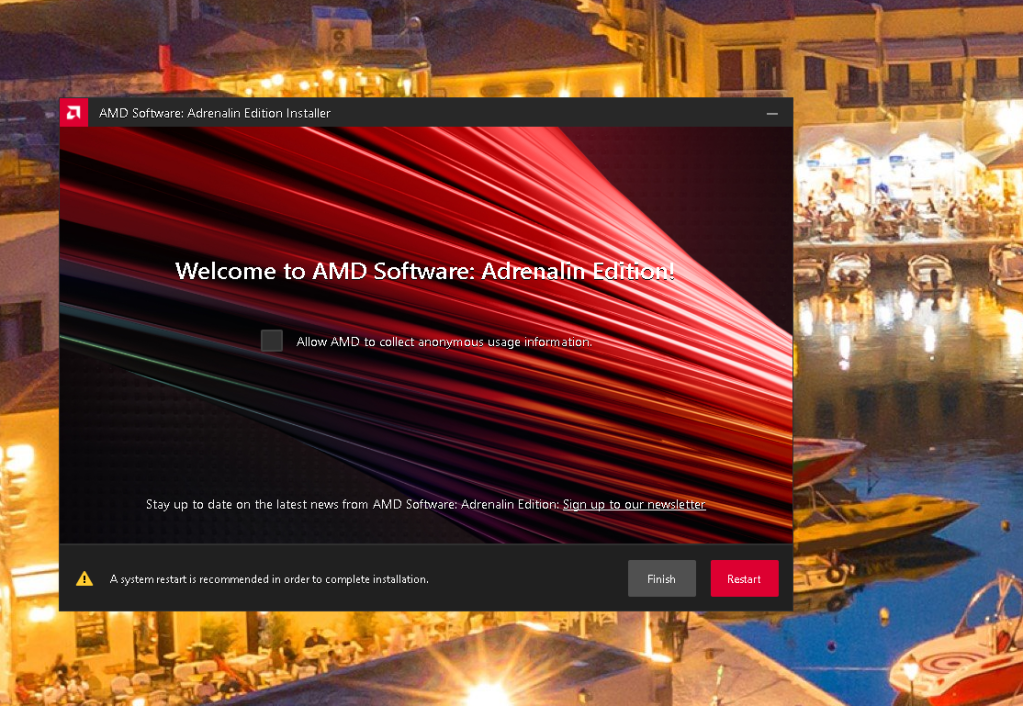
restart error gone
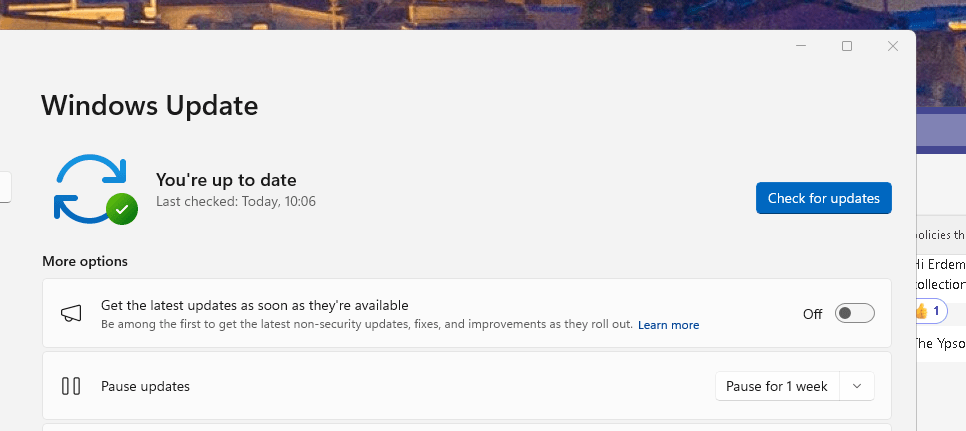
windows logs
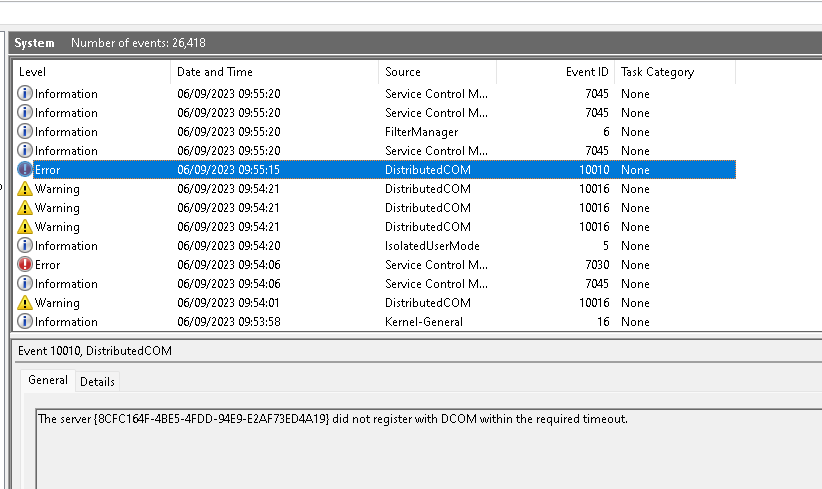
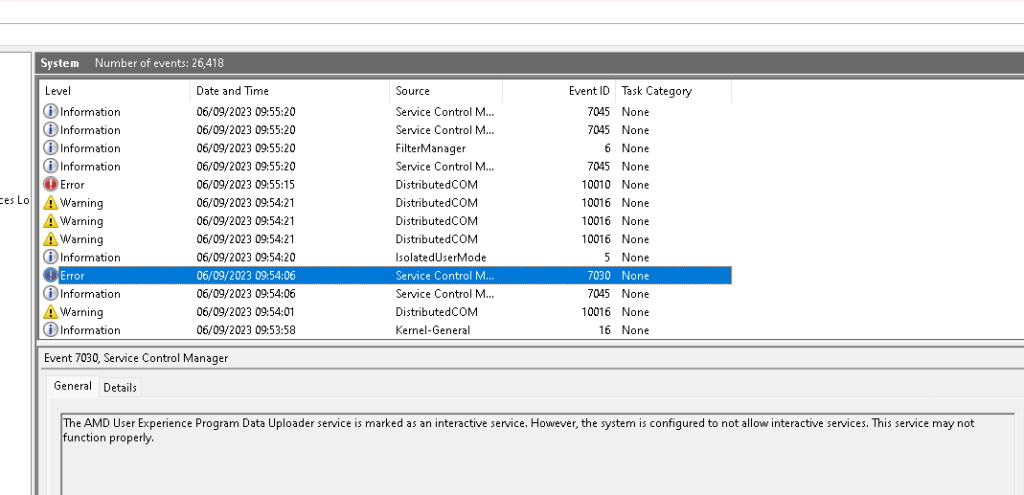
Could be related to the corp account on the pro windows machine and the NAS not working over those credentials
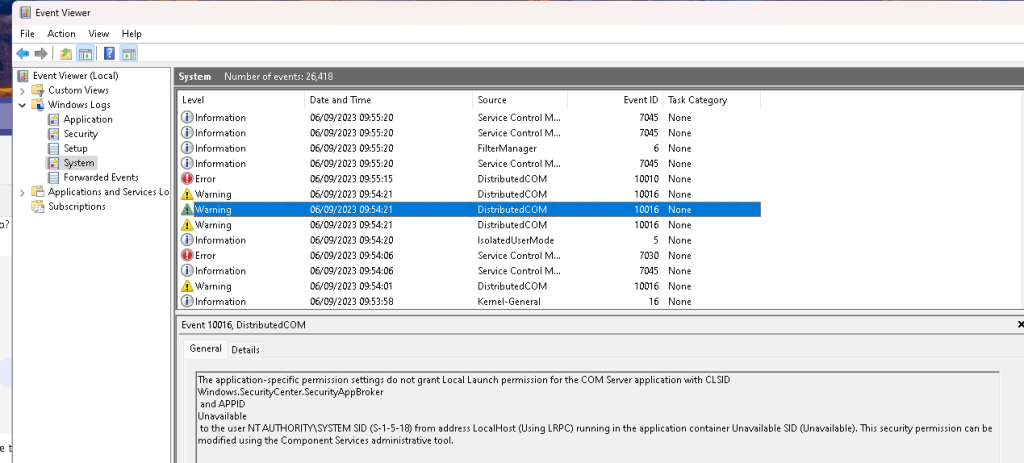
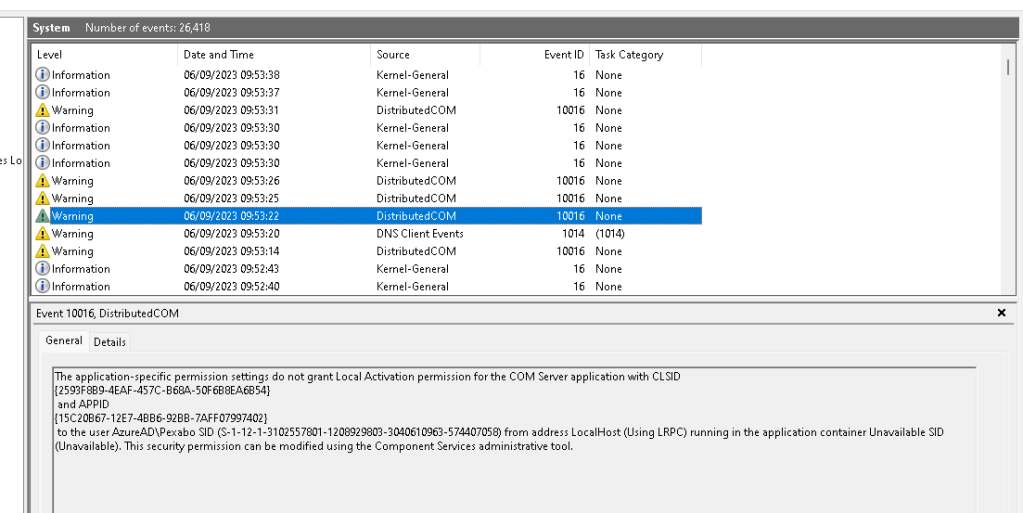
The application-specific permission settings do not grant Local Activation permission for the COM Server application with CLSID
{2593F8B9-4EAF-457C-B68A-50F6B8EA6B54}
and APPID
{15C20B67-12E7-4BB6-92BB-7AFF07997402}
to the user AzureAD\Pexabo SID (S-1-12-1-3102557801-1208929803-3040610963-574407058) from address LocalHost (Using LRPC) running in the application container Unavailable SID (Unavailable). This security permission can be modified using the Component Services administrative tool.
https://learn.microsoft.com/en-us/troubleshoot/windows-client/application-management/event-10016-logged-when-accessing-dcom
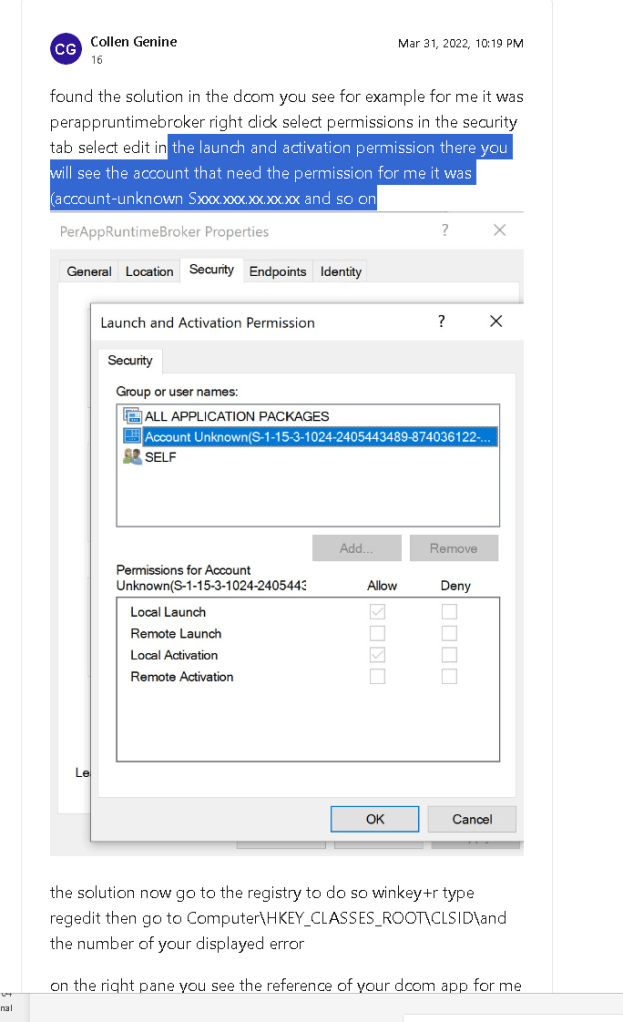
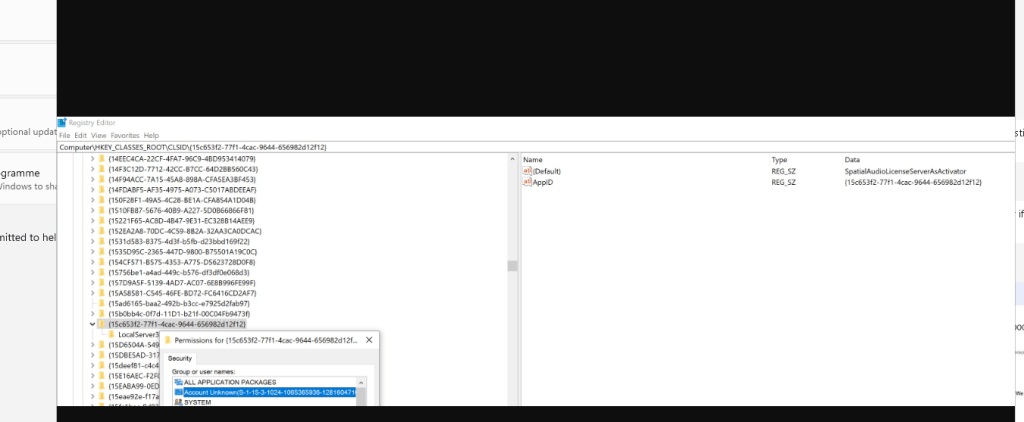
https://learn.microsoft.com/en-us/answers/questions/281617/the-application-specific-permission-settings-do-no
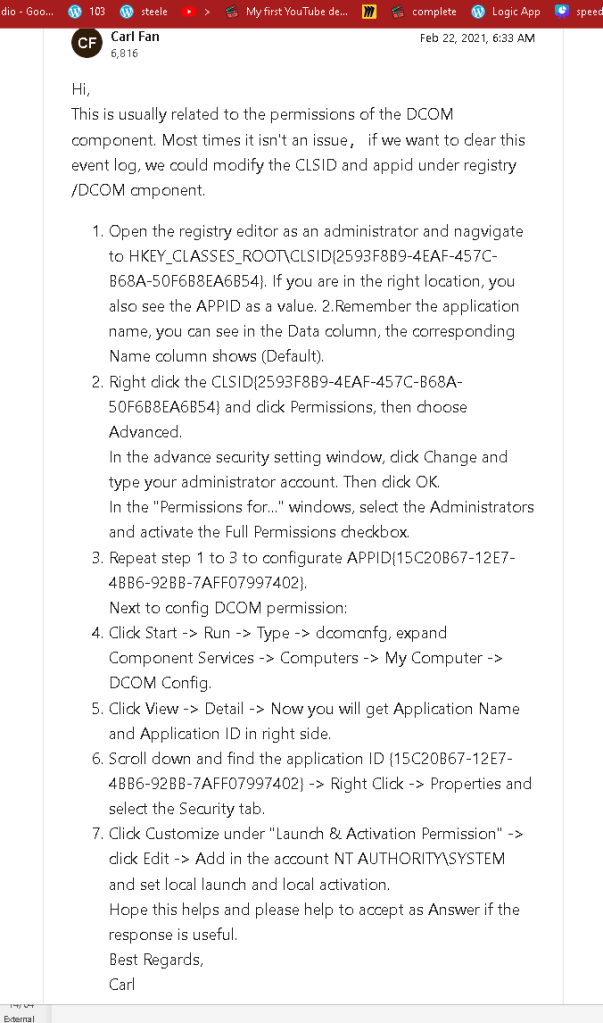
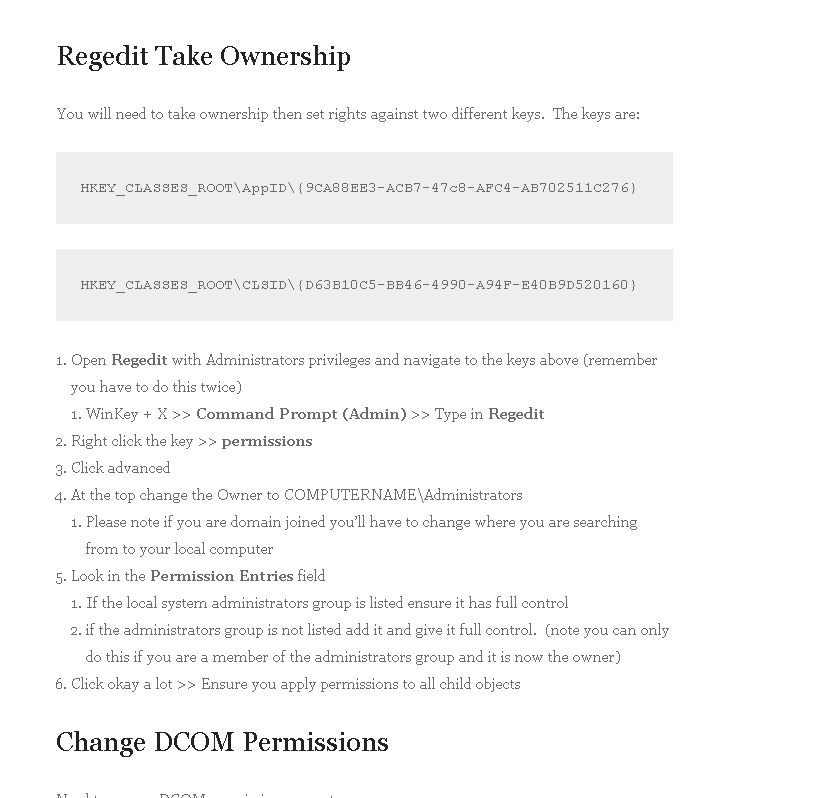
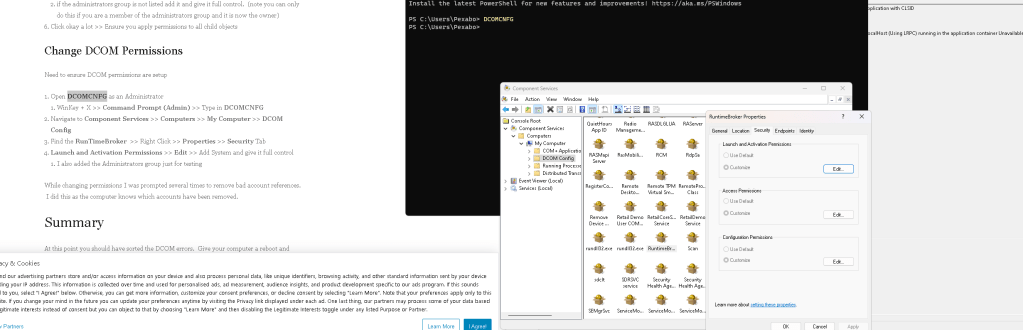
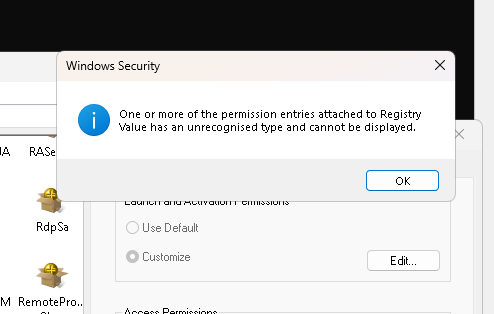
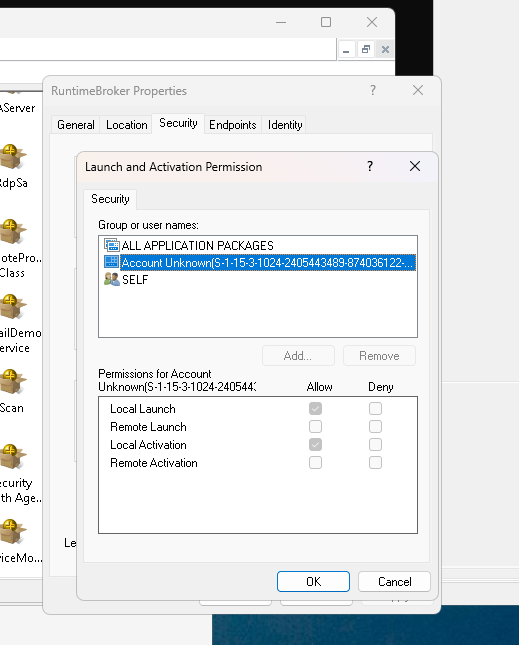
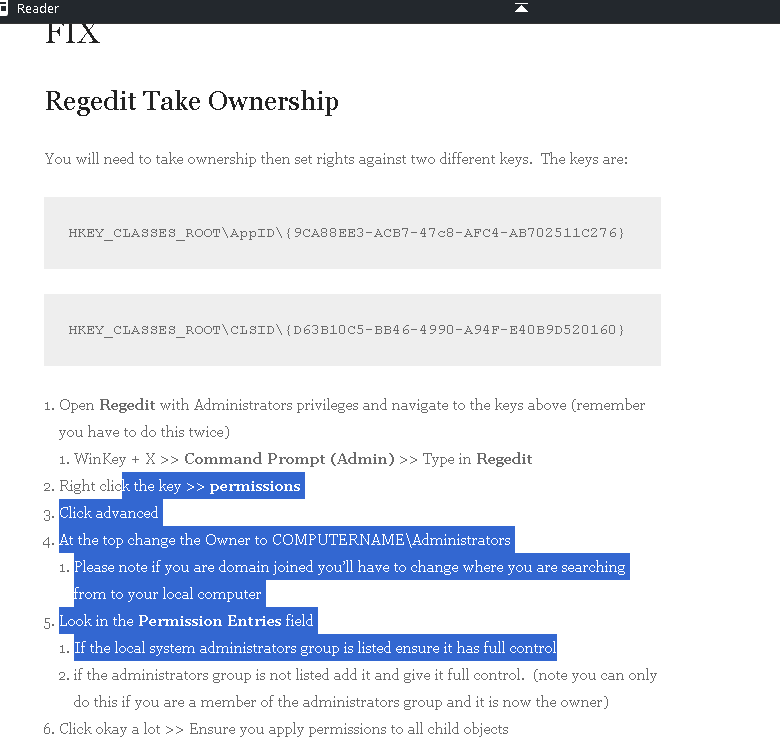
Add grayed out. maybe i need to do this to get dcom access
Imported from rifaterdemsahin.com · 2023