Virtual Desktop Journey
Mapped to the streamdeck
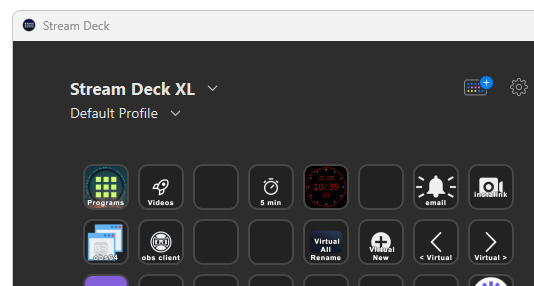
Already have 4 monitor 4k and 5k
More screens need practical moves and change of context needed in video production
Helper tool needed with the name and index
Source
https://techcommunity.microsoft.com/t5/windows-10/how-can-i-see-virtual-desktop-name-on-taskbar/m-p/2452202
https://github.com/dankrusi/WindowsVirtualDesktopHelper/releases
People dont have time to fix it for free or do they
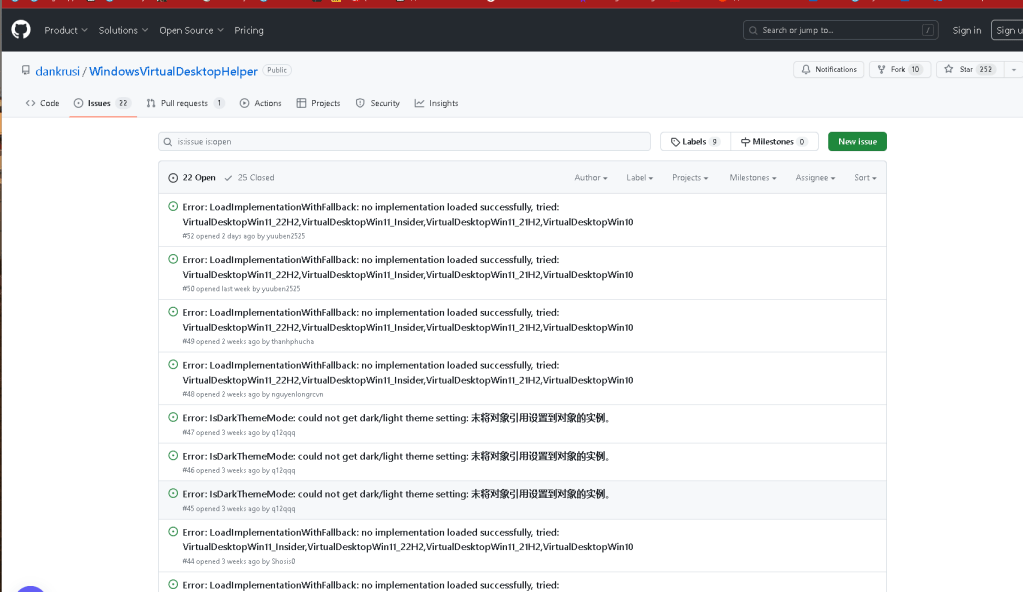
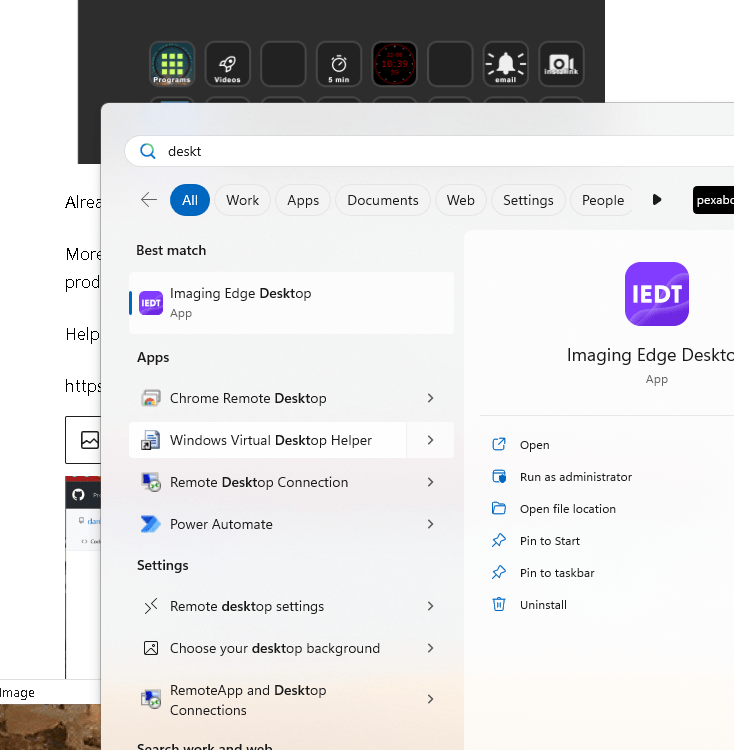
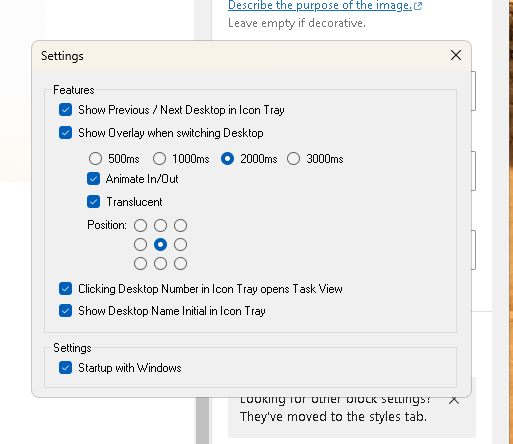
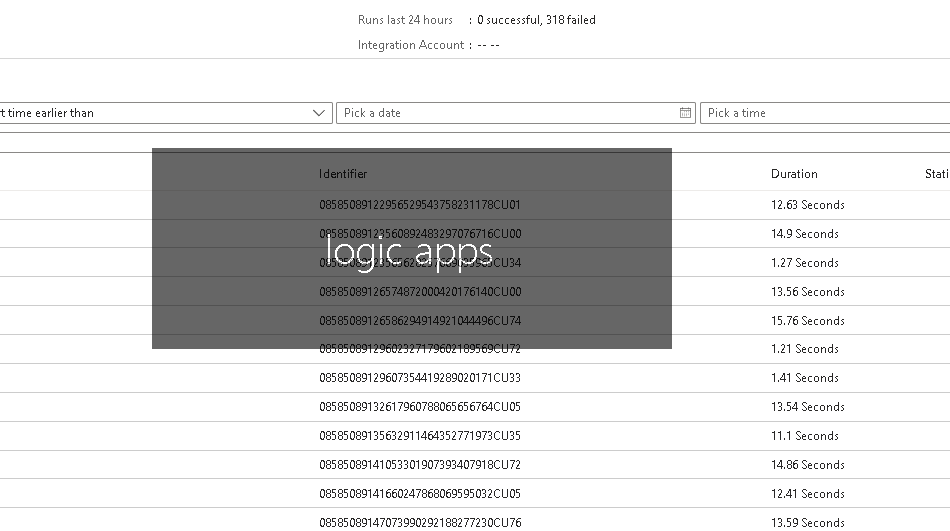
it tells me where i am that is good enough
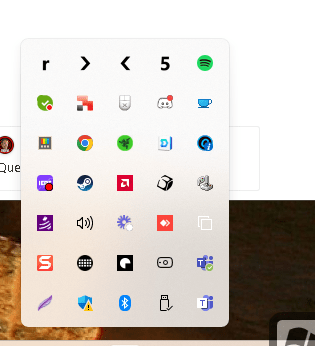
it shows the first letter that is also ok
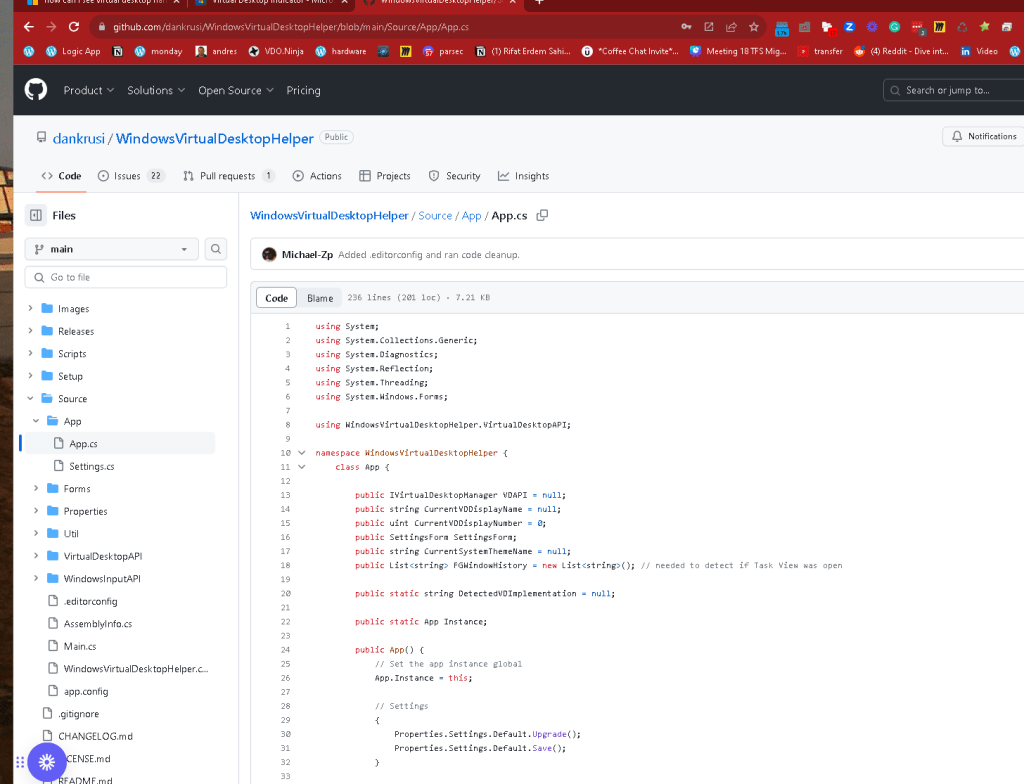
Might be interested to help the guy out in csharp
and i might use it
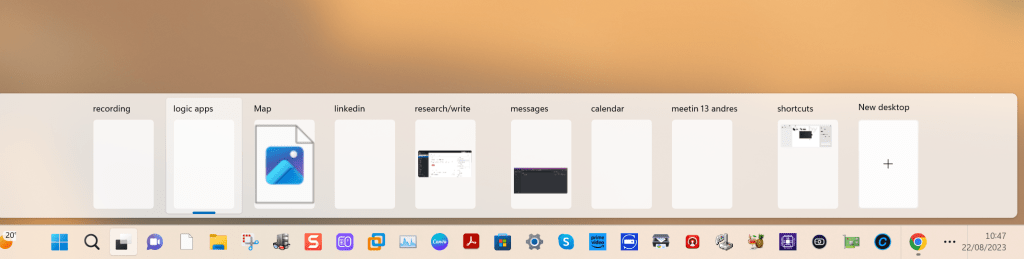
These are my current contexts aug 2023
https://github.com/dankrusi/WindowsVirtualDesktopHelper/blob/main/Source/App/App.cs
it fails with me as well maybe a reinstall would fix it
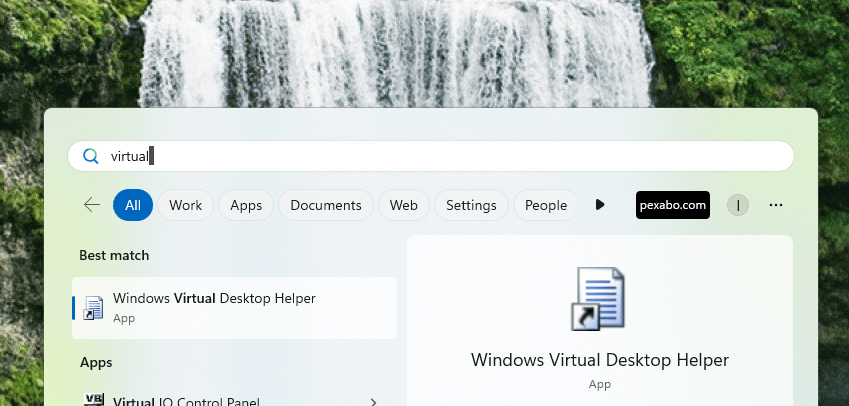
Content created date is problematic
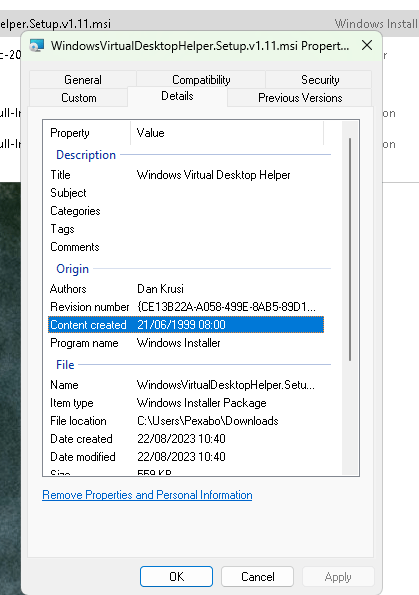
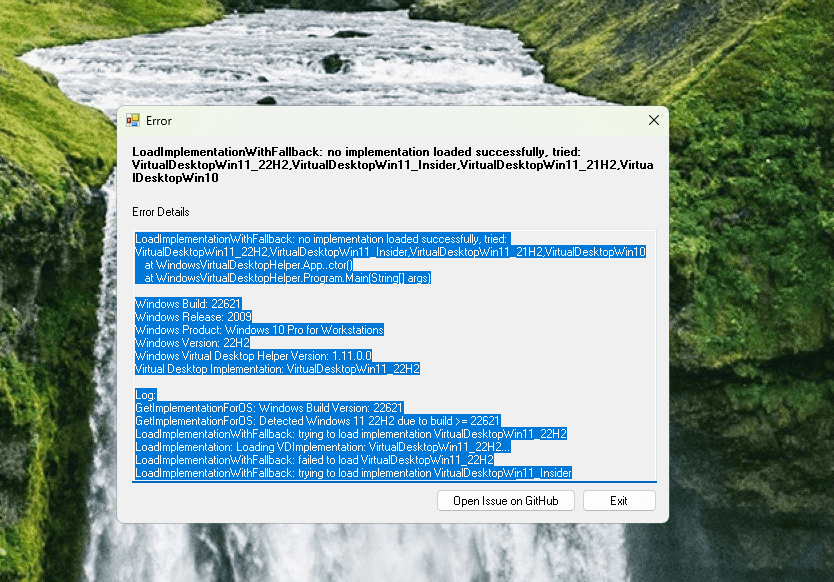
maybe this can work
Create in canva
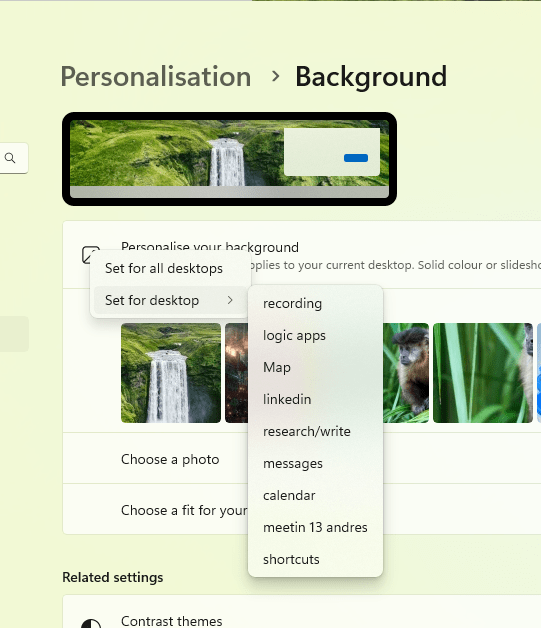
Place them in the screen
https://www.canva.com/design/DAFsWZGzVOc/yFegNviziR_pjkrd7FNl_A/edit?utm_content=DAFsWZGzVOc&utm_campaign=designshare&utm_medium=link2&utm_source=sharebutton

4k screen too bif with fit
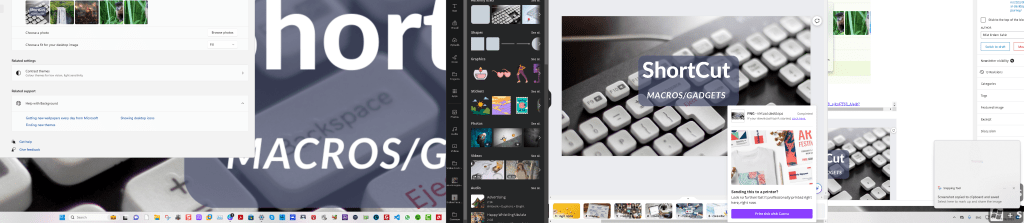
fill is good if i resize to 4k
https://www.canva.com/design/DAFsWblCrwc/Uo30AbtYucbit6hAVR3ySg/edit
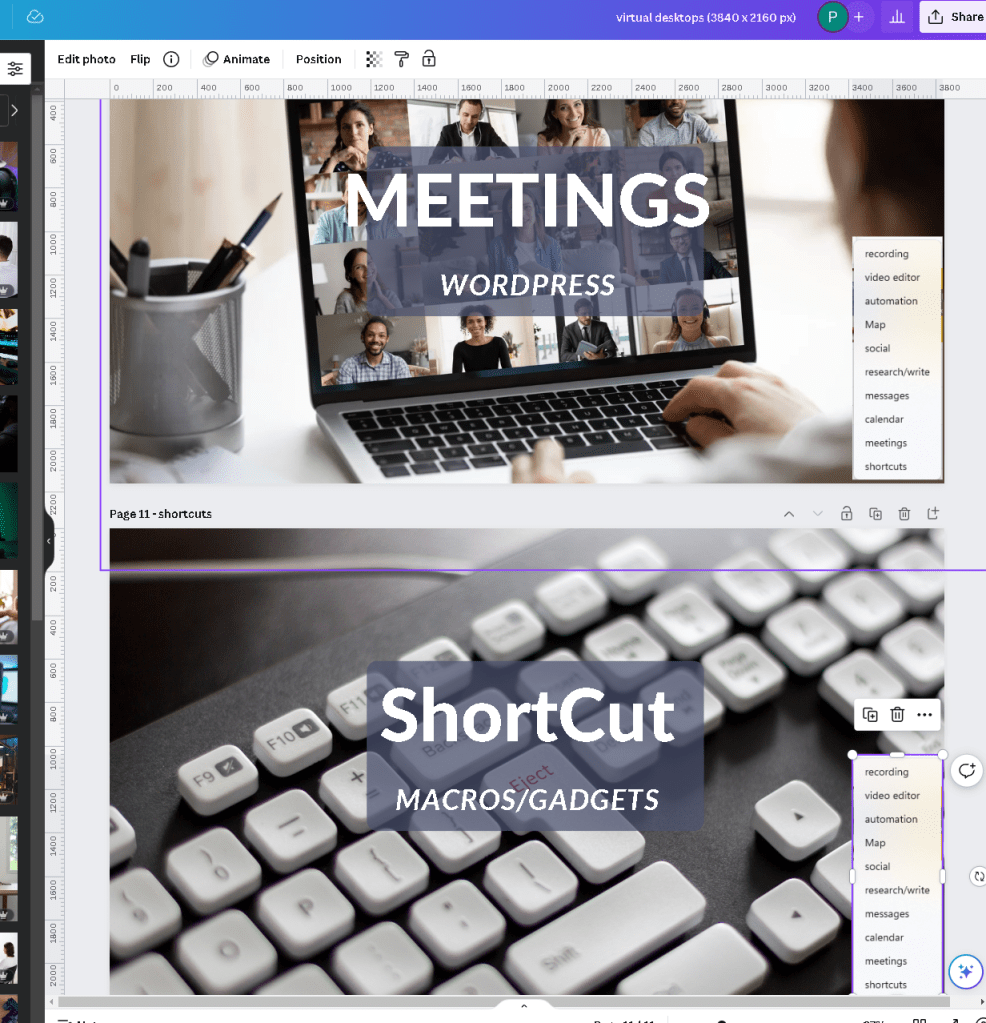
upload all in one go ? > the image makes it easier to position
thanks to canva names are there from the titles
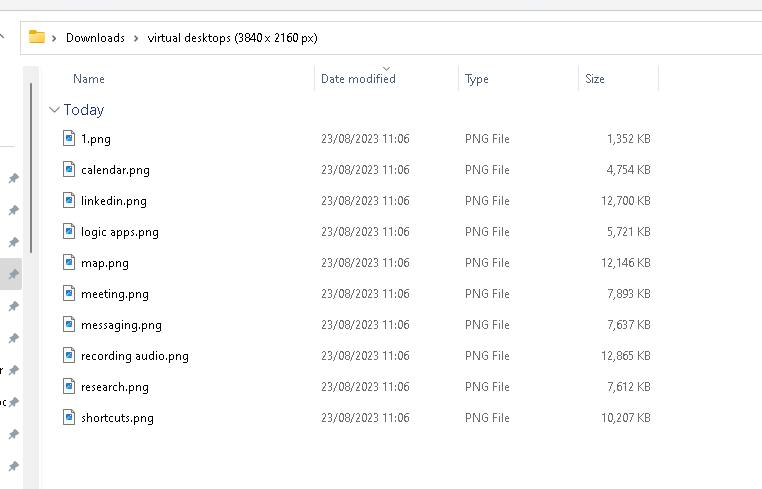
assign process is problematic > take off the other ones
https://benkaiser.dev/multi-desktop-background-change/#:~:text=To%20get%20this%20working%2C%20you,need%20the%20PSVirtualDesktop%20PowerShell%20commands.&text=Once%20you%20have%20it%20installed,you%20want%20as%20your%20background.
https://github.com/MScholtes/PSVirtualDesktop?ref=benkaiser.dev
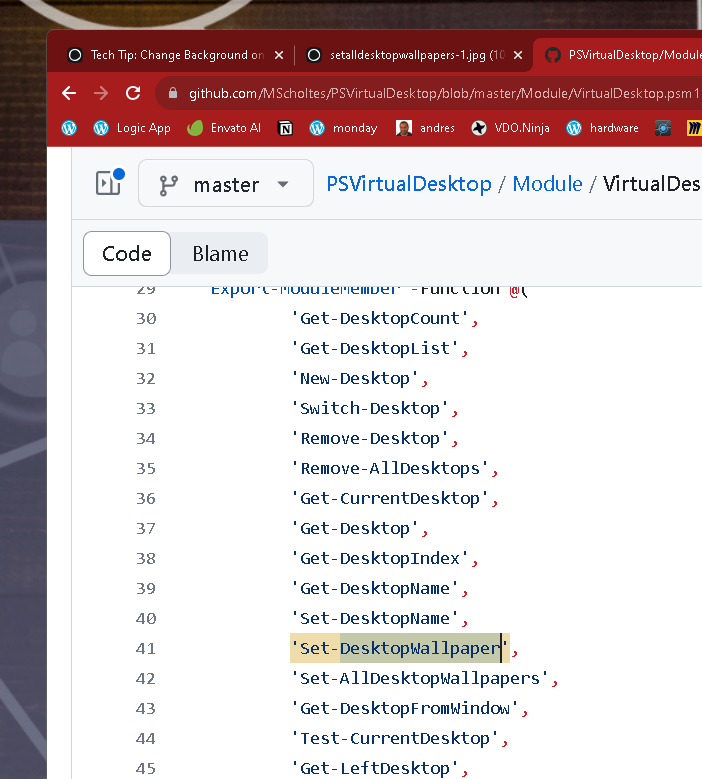
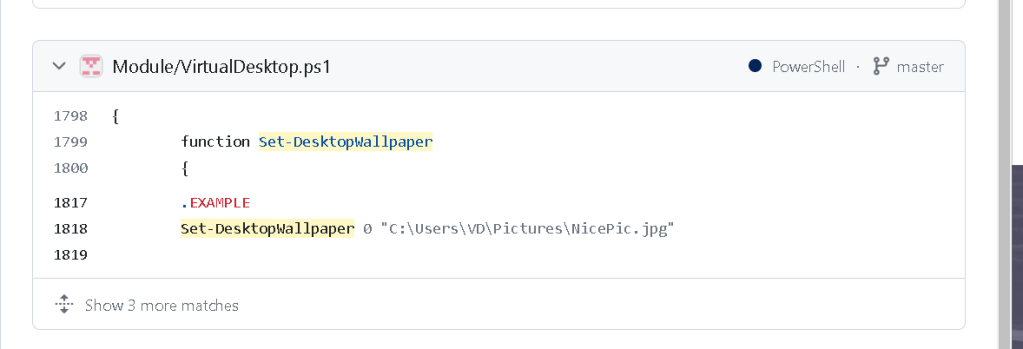
with index
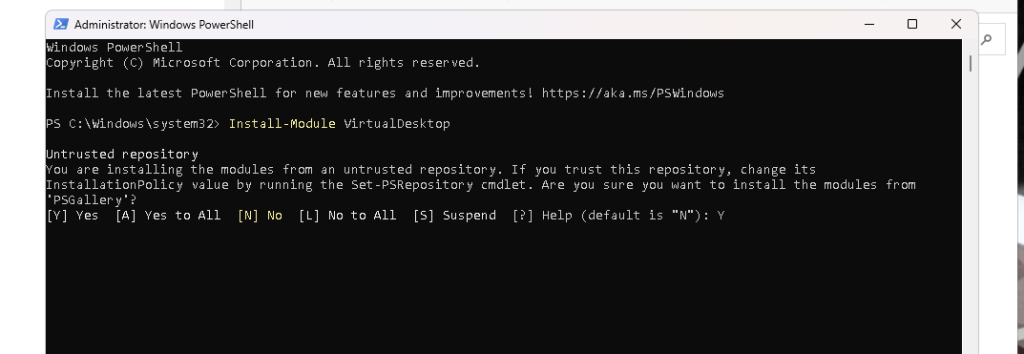

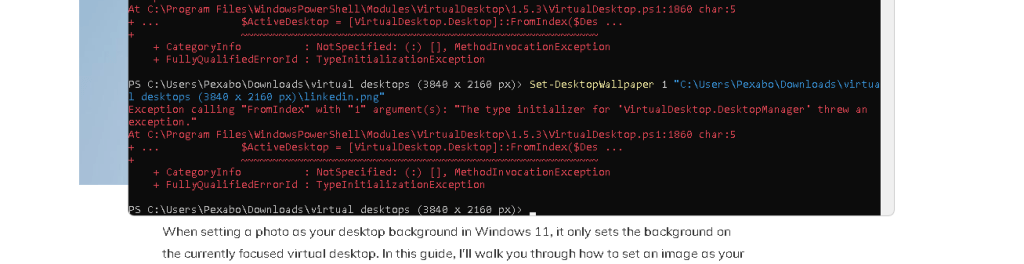
https://github.com/MScholtes/PSVirtualDesktop/blob/83ce9e1fa37cb5b4361f39c1b30023c363dd1a09/Module/VirtualDesktop.ps1#L1799
active desktip
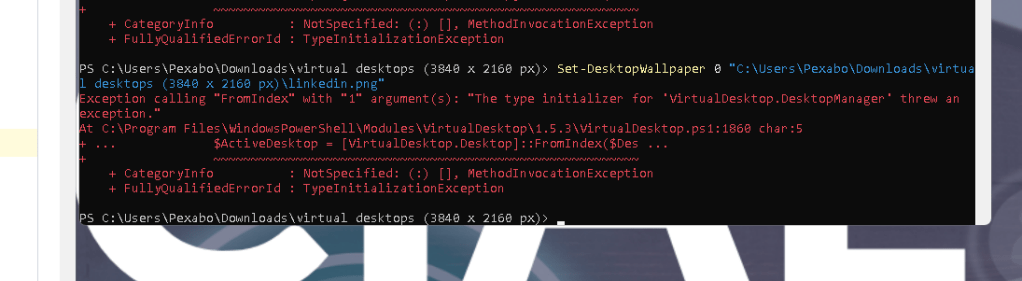
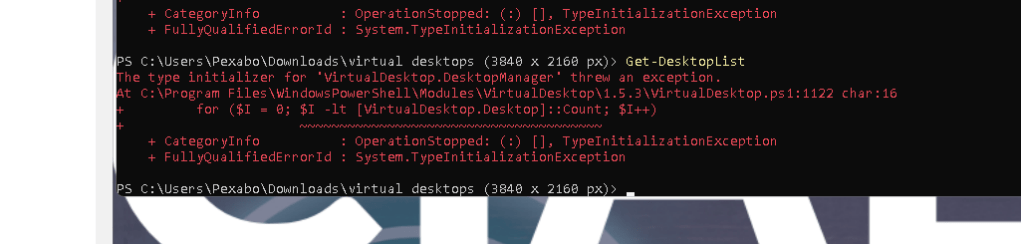
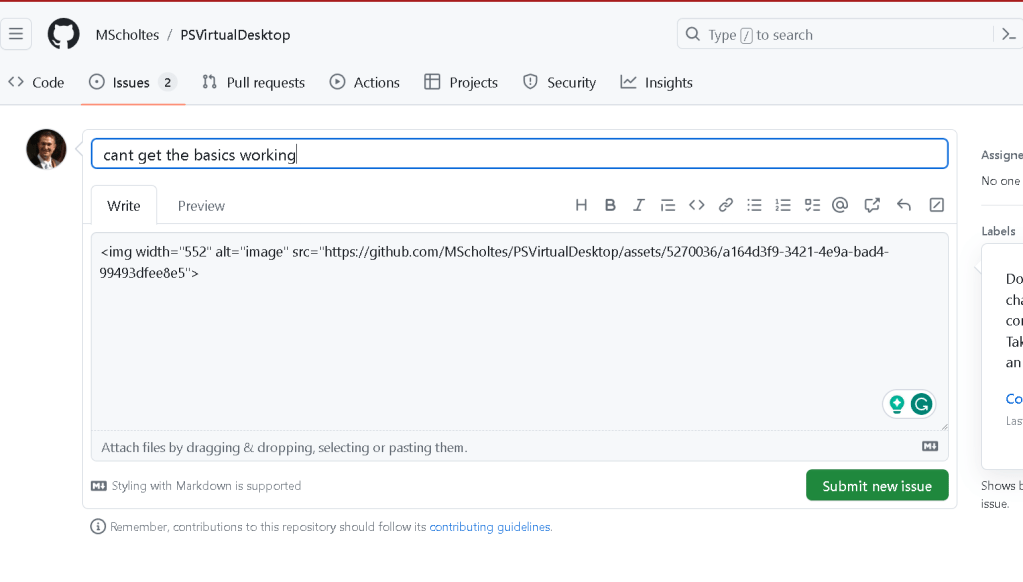
https://github.com/MScholtes/PSVirtualDesktop/issues/29
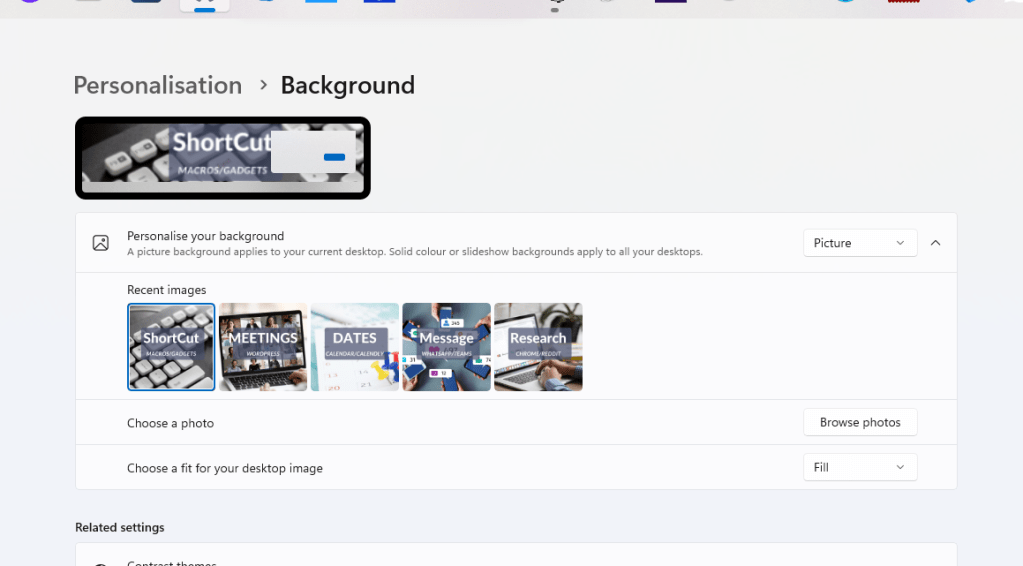
there is choos background here
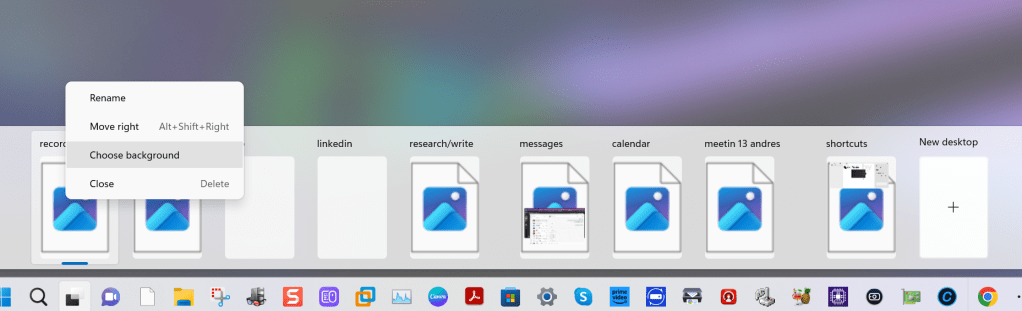
Top and bottom adapts so this is an ok solution .... too many clicks but that is ok for now
virtual screen jump
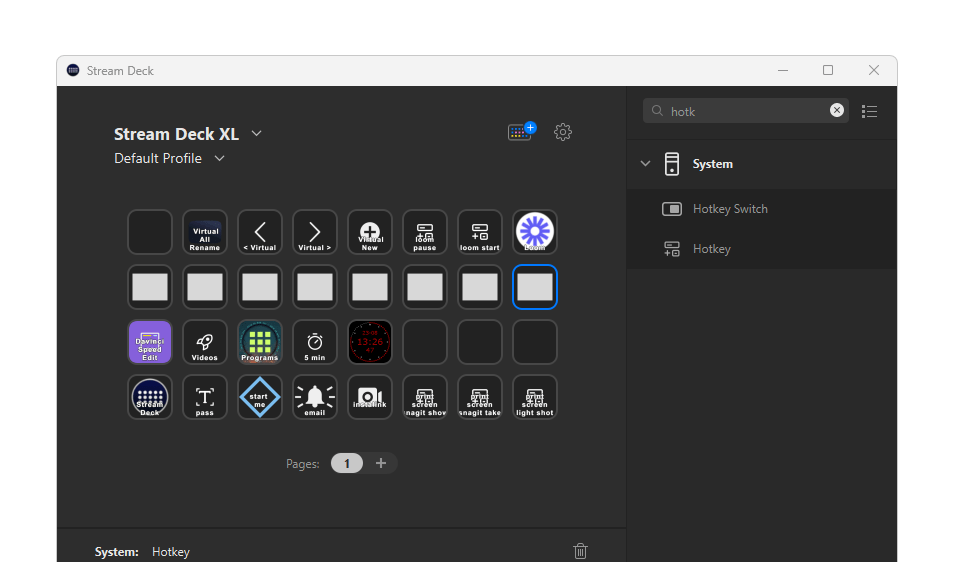
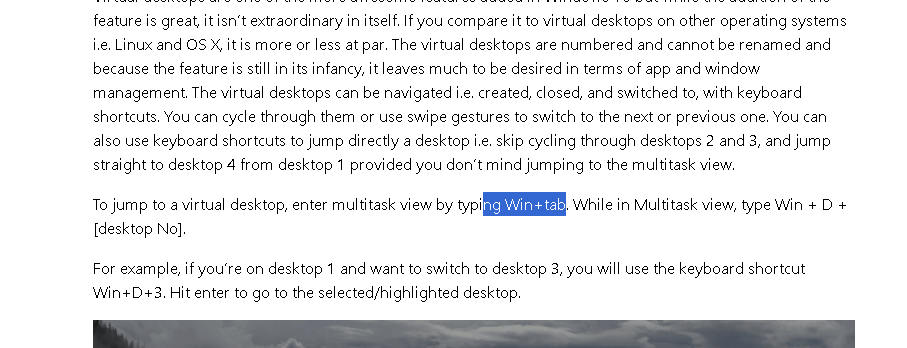
dont reinvent
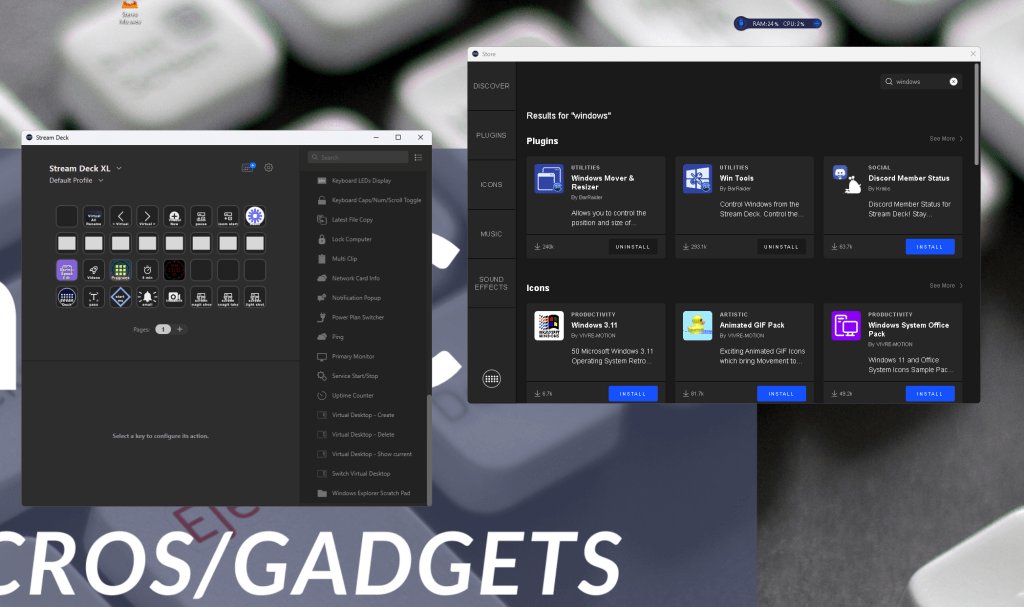
https://docs.barraider.com/faqs/general/
https://docs.barraider.com/faqs/general/
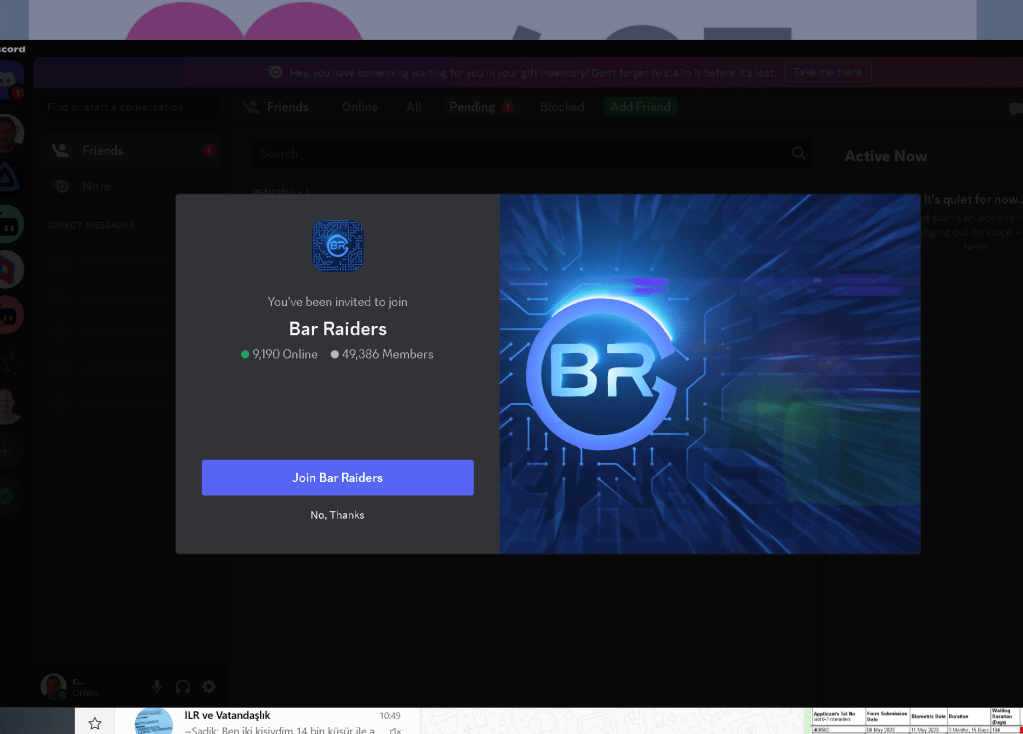
Looks like there is no way around it
Stupid way to go to start and end
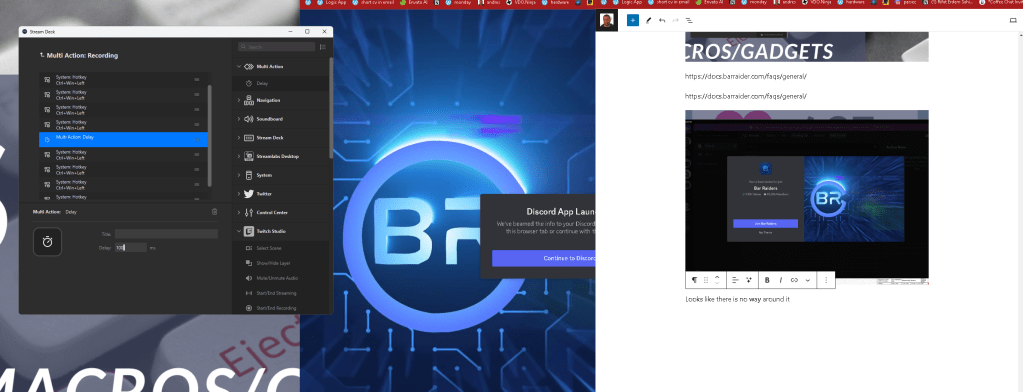
I can see the what is running that helps...

Hack with the index on the top and repeated slides > till bar raider gets resolved on streamdeck
Also asked in the community if there would be an update
https://discord.com/channels/538862772285603880/855770647929028608/1144186374862417930
Imported from rifaterdemsahin.com · 2023