Audio Track quality issue / crackling
After I installed vb audio Cable A, I began to experience some recording issues. These issues were really frustrating and I couldn't seem to get to the bottom of them. I tried a lot of different things to fix them, but nothing seemed to work. Unfortunately, I wasn't able to install cable B, which I think might have been part of the problem. Despite my best efforts, I just couldn't get my recording setup to work properly. Here are some of the issues I was experiencing:
-
Distorted audio quality
-
Difficulty syncing audio and video in post-production
it causes the obs to record in a bad audio
- it causes the davinci resolve edit page not to work properly
To check installed audacity with choco to sport the issues visually
choco install audacity -y
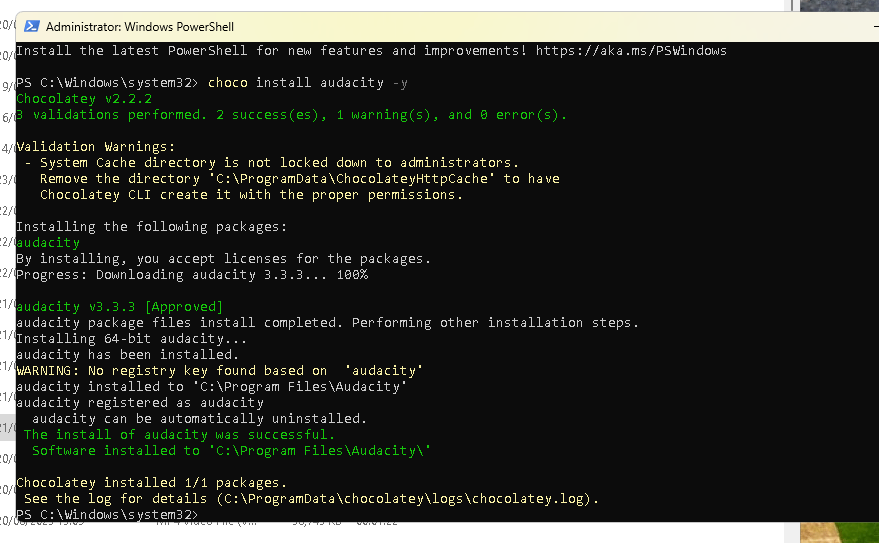
audio quality issue recorded here
Even the claps have hard time on the play back
maybe equalizer but that one is muted > even when i take the potato out the issue is there
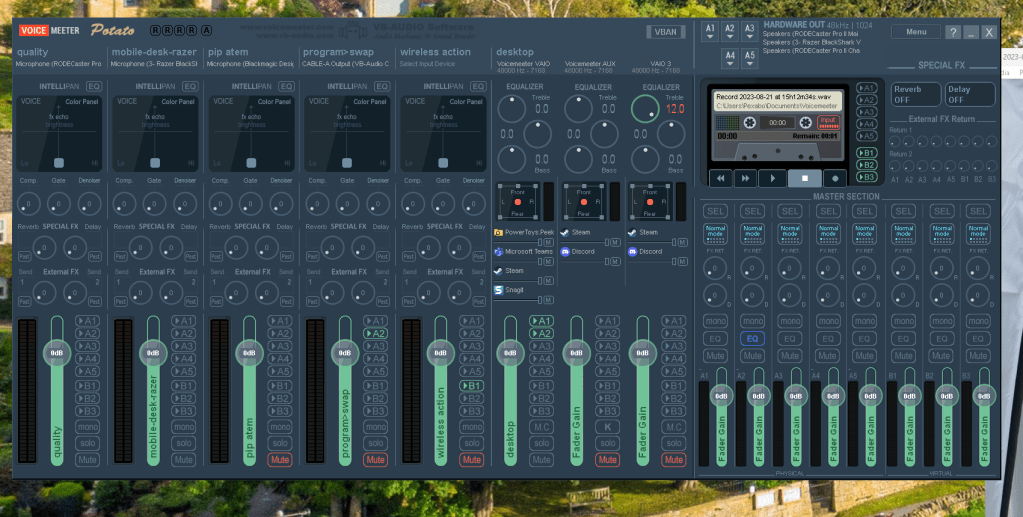
eq only set for razer headphones only
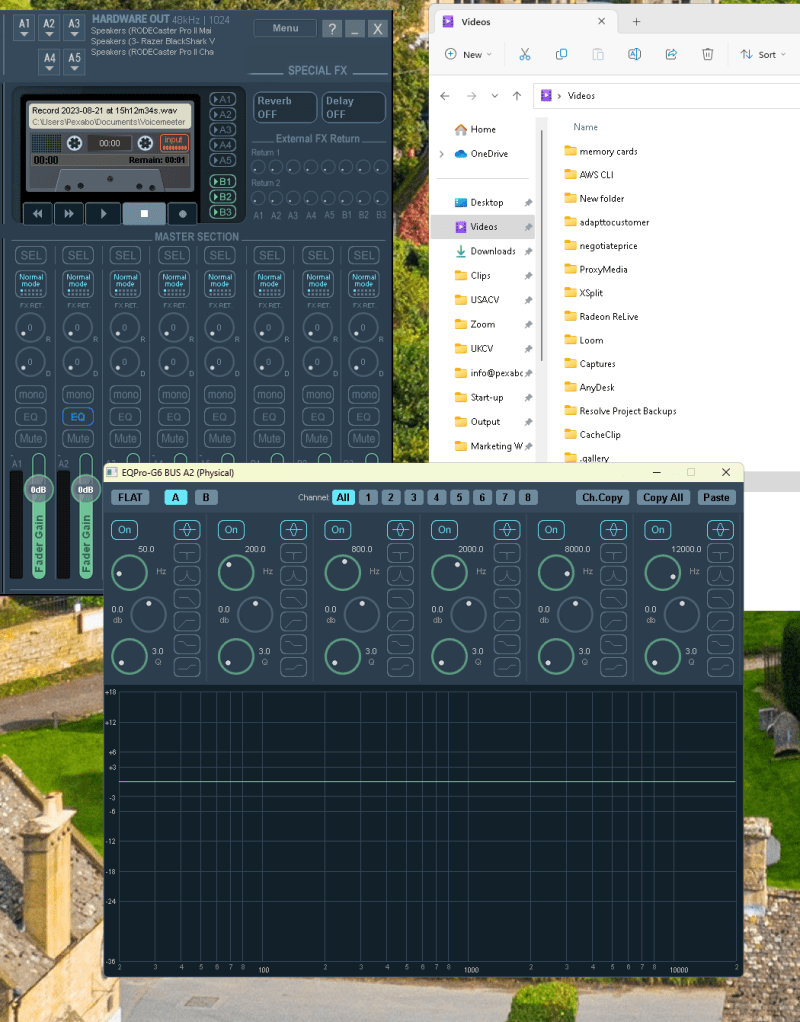
see error in visuals > not possible but tried
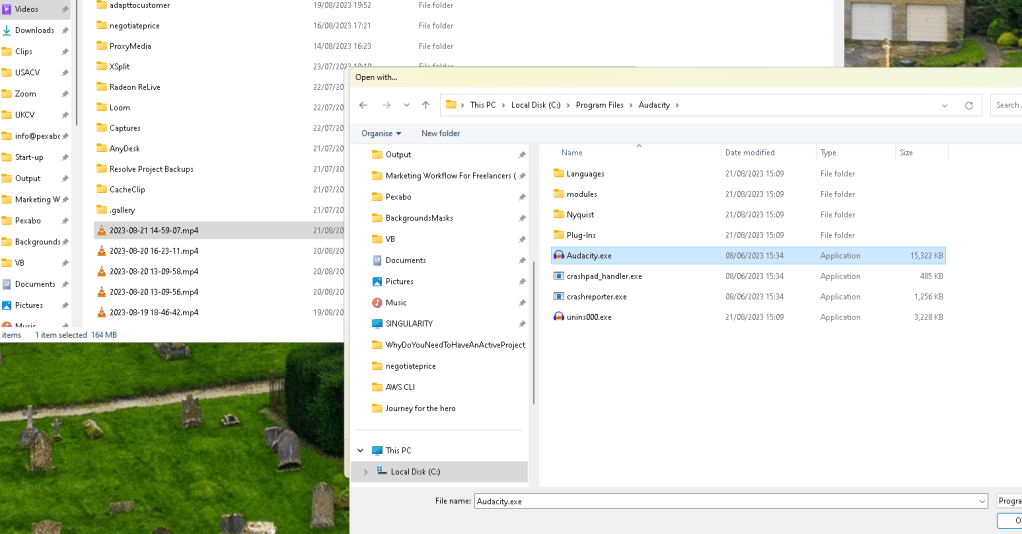
online editor could not do it https://editor.flixier.com/home/library
Direct voicemeter recording no crack over the rode>> problem in obs
Confusion point
Loom using the rode recording > feel the crack > obs and computer codec issue( audio)
When the voice comes over the program other than voicemeter there is an issue
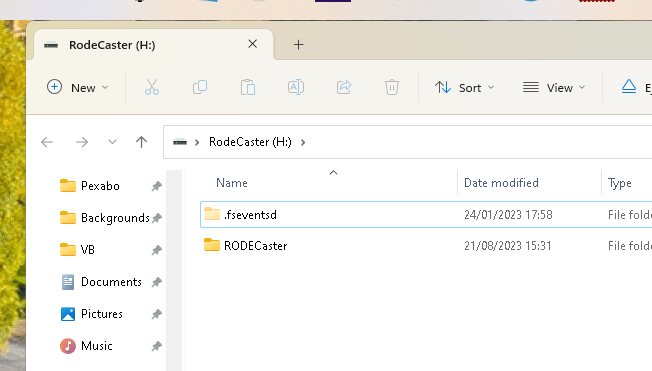
Import the data from rode
Rode files in the back ( sd card )( rode is ok mixer there is no issue at the mixer )
https://rode.com/fr/user-guides/rodecaster-pro-ii/recording-and-exporting-audio
https://drive.google.com/file/d/1seWj6Fwt4PKLMHKR2WscWn4vr-zViGQu/view?usp=sharing
Standup and go back and pull the sd card out
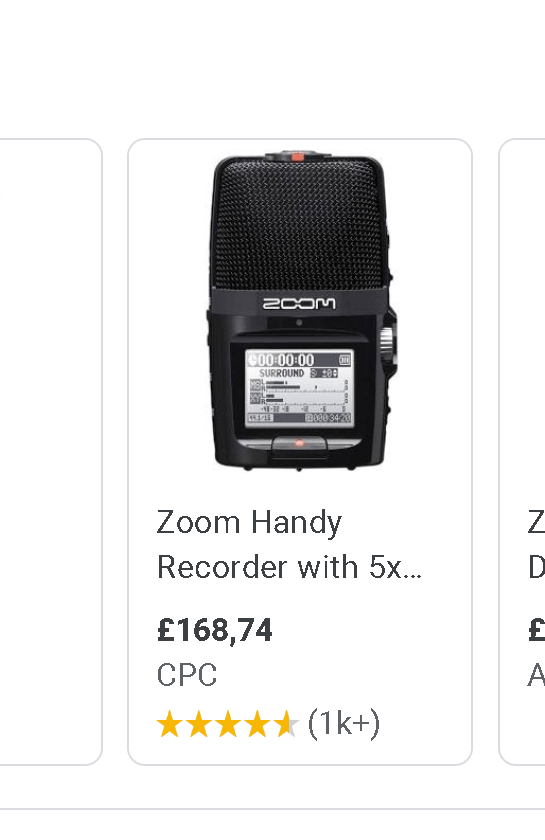
Zoom hand held mic
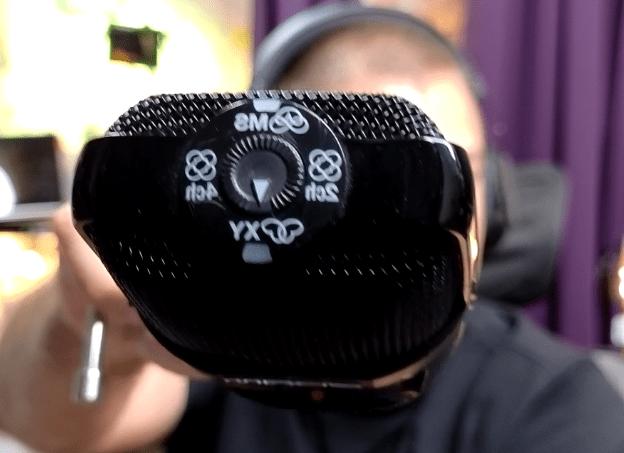
No error in the environment
obs record and there are issues now
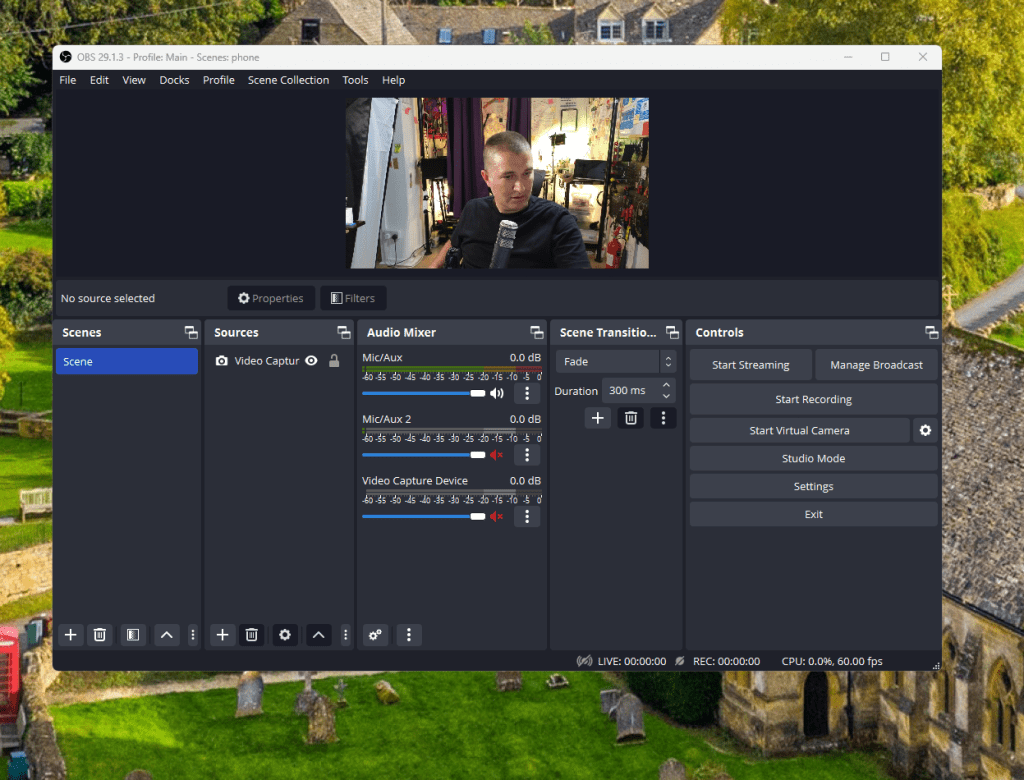
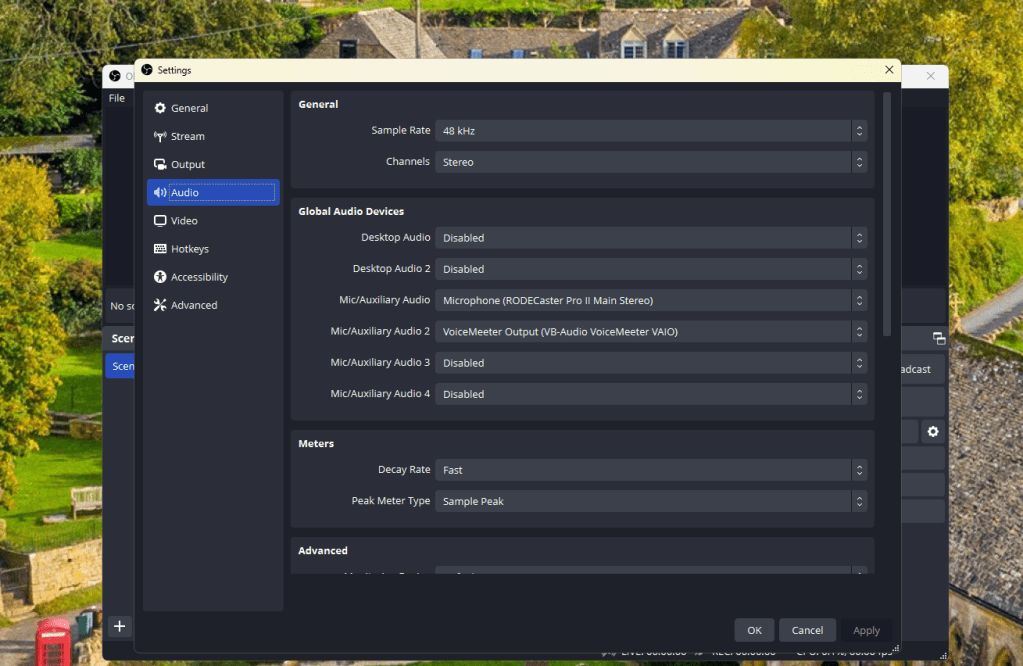
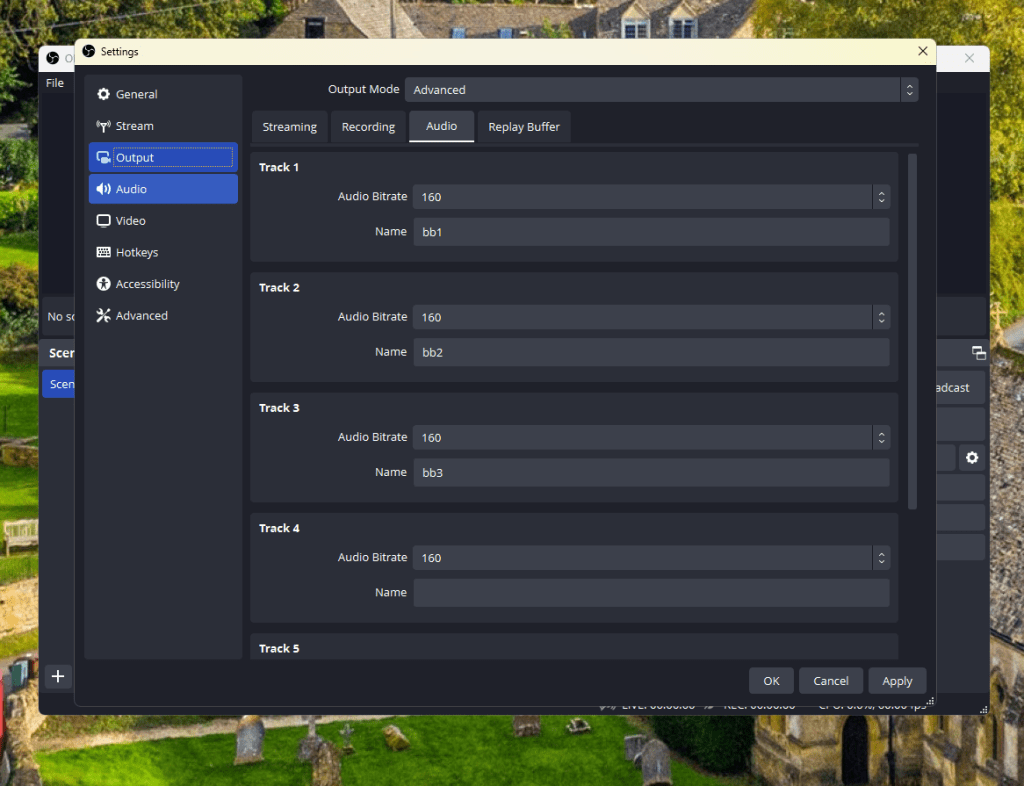
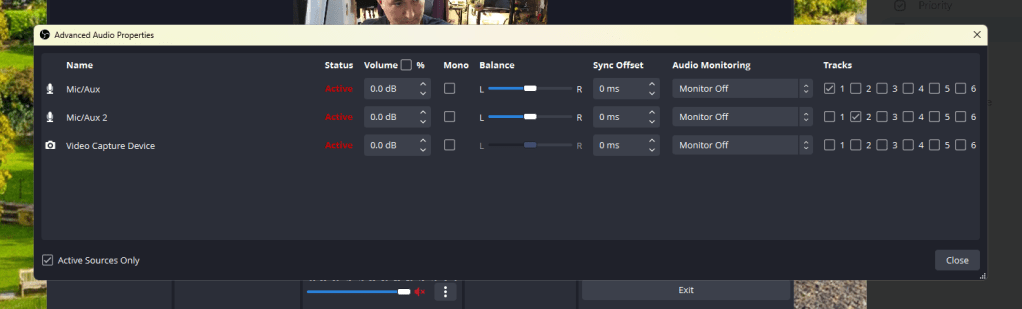
track 3 for the mix could make sense ( have both guests )
xsplit record with rode procaster 2 on rode procaster
there are issues but much less
encoding lag > can it be after the parsec ? ( uninstalled did not change )
different bus add it *( usb ) pink cable is dedicated cable to rode
install there is an issue on xsplit that could be normal ?
headphones > echo and screetching issues
clickling and poping >>> hardware check
opencl kind of a problem here>> parallel processing! maybe ?
I feel it is related to the obs right now
my obs
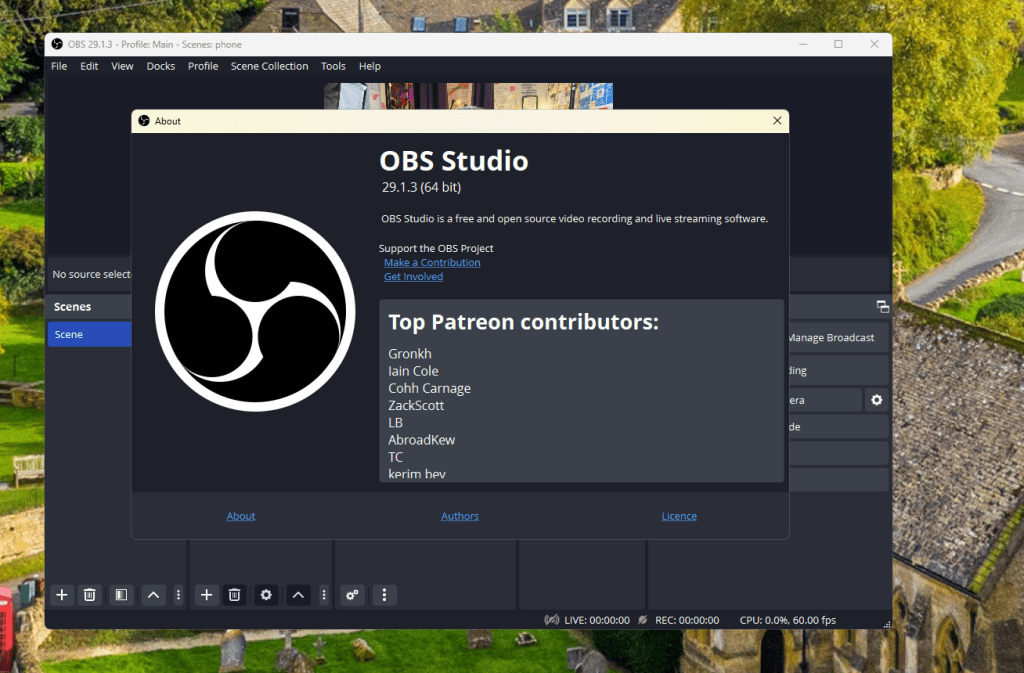
try beta 2 than move on with xspit ( even nuking the config did not work )
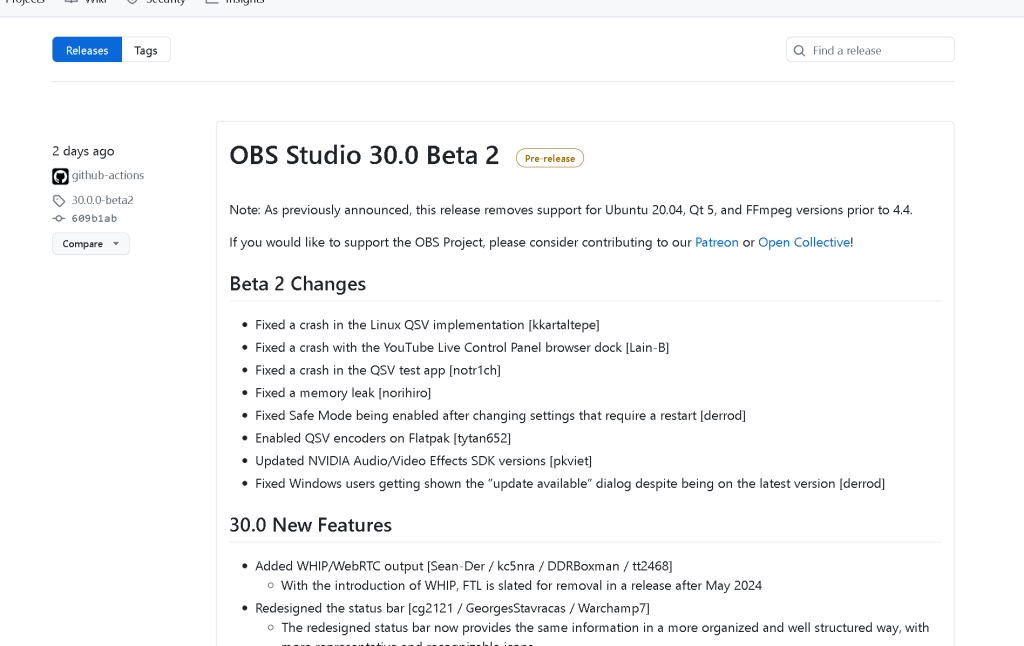
Github releases page
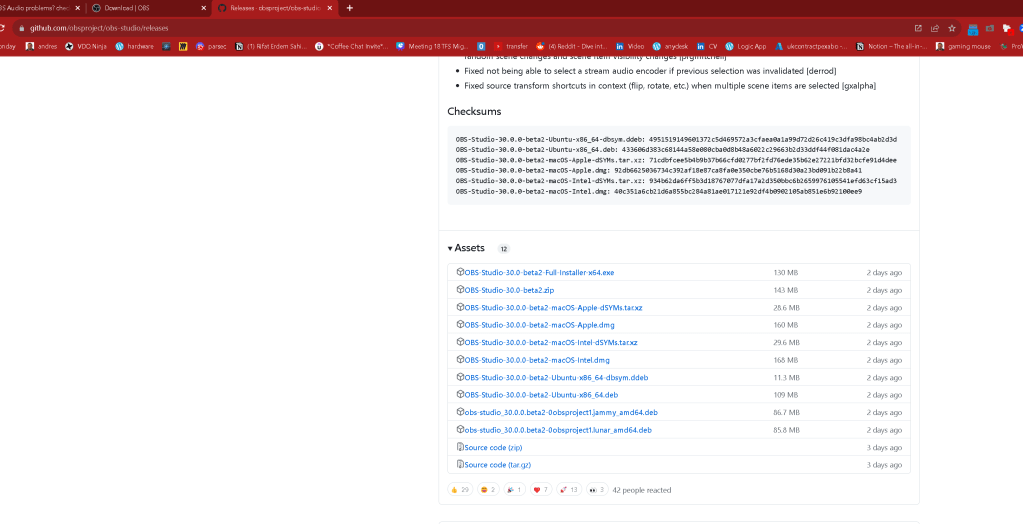
the issue looks like it is in obs config ver 29 to 30 did not change
Quit parsec ?>> still a problem
nuke config for obs/ config
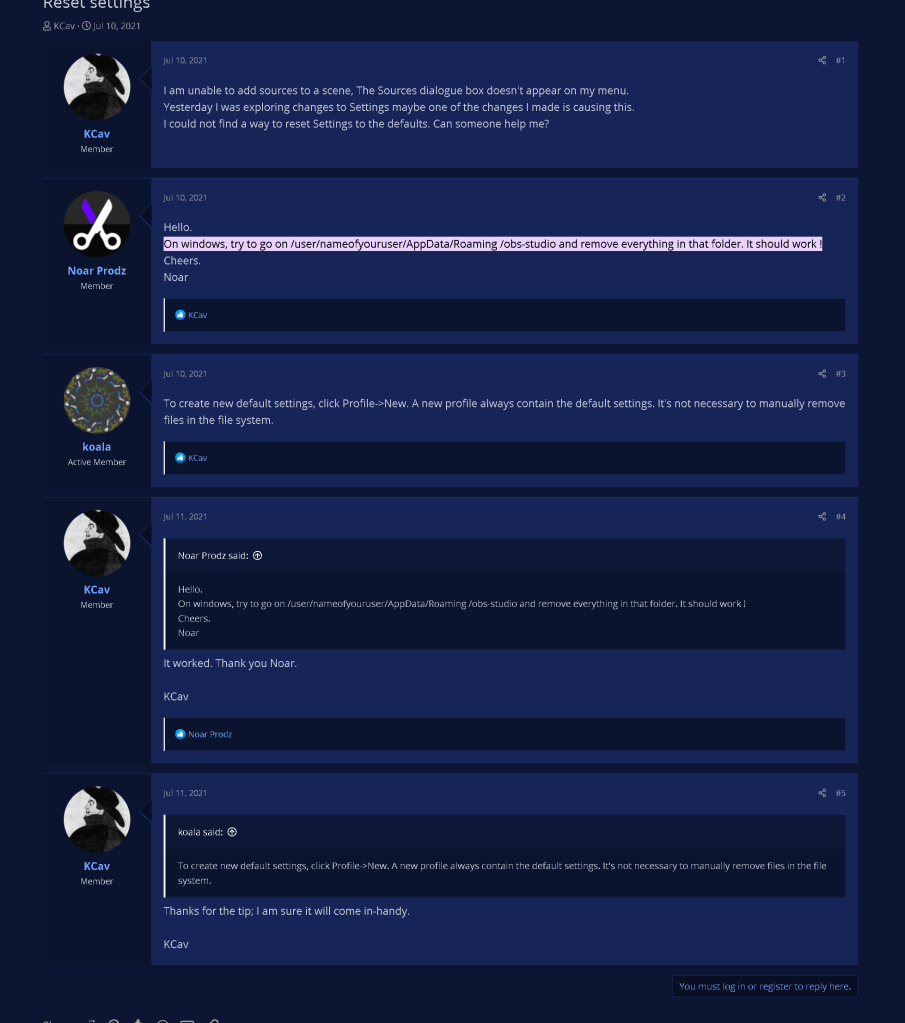
https://obsproject.com/forum/threads/reset-settings.146045/#:~:text=On%20windows%2C%20try%20to%20go,It%20should%20work%20!
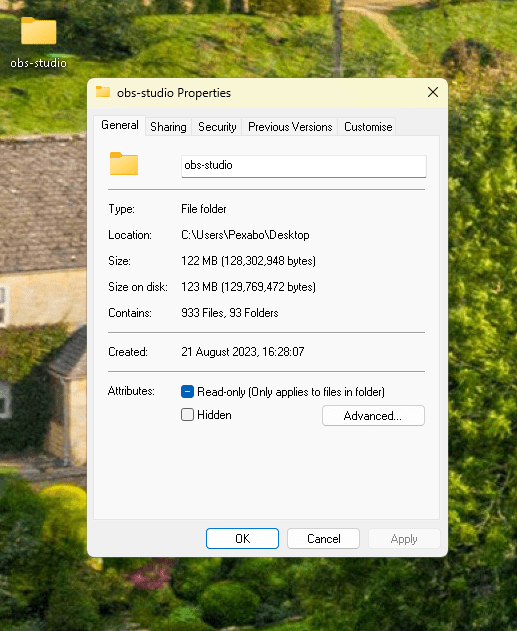
backup of the problematic obs
https://drive.google.com/drive/folders/15kMfx1T6341PYR6UOrKPRjHp0uUM56fP
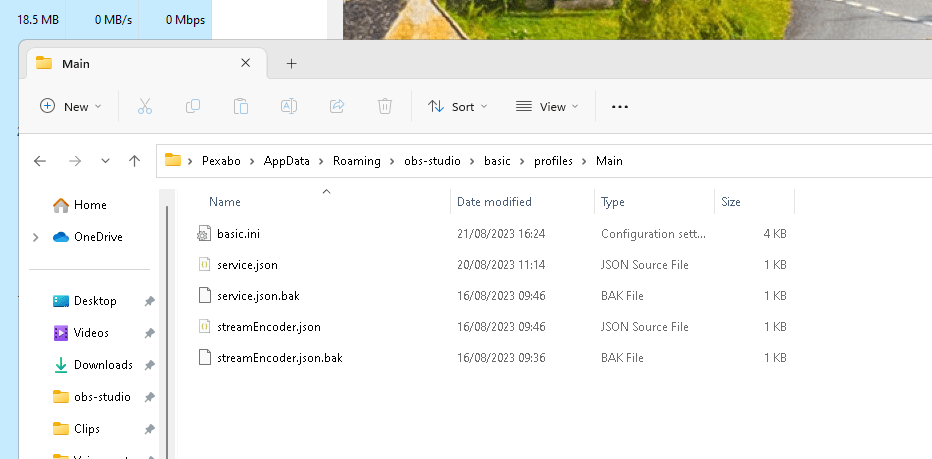
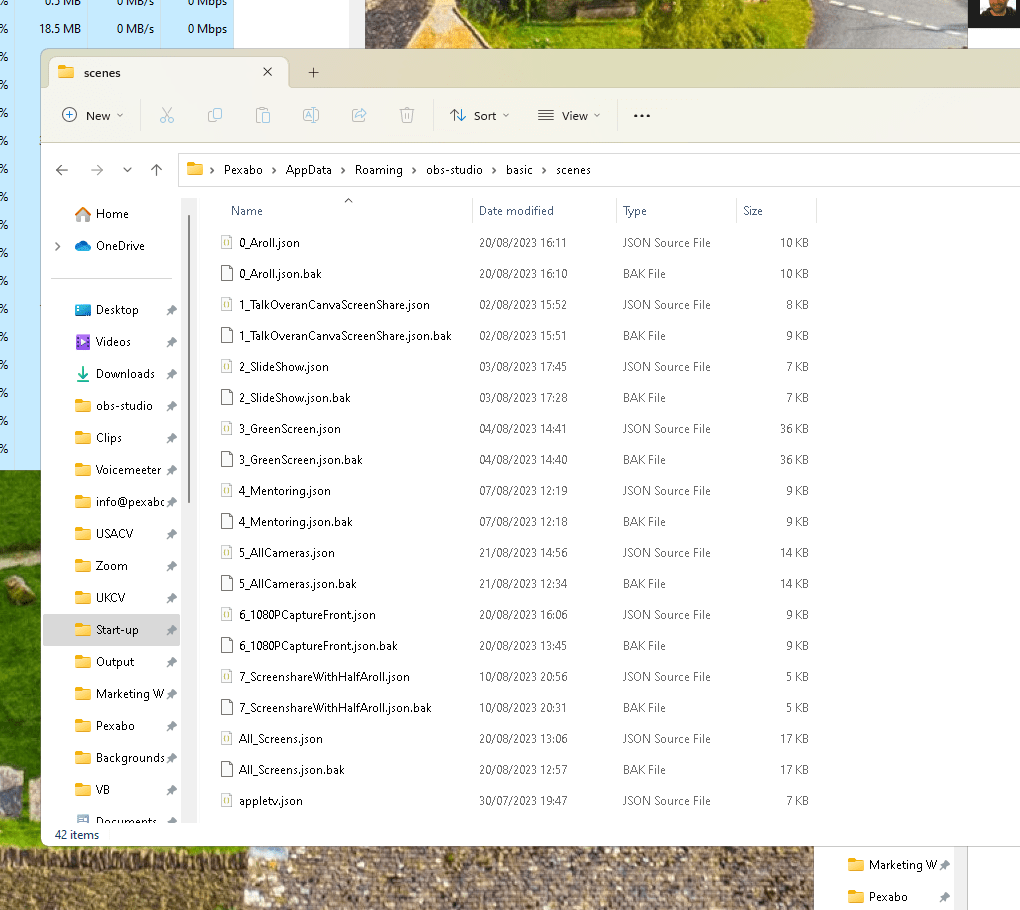
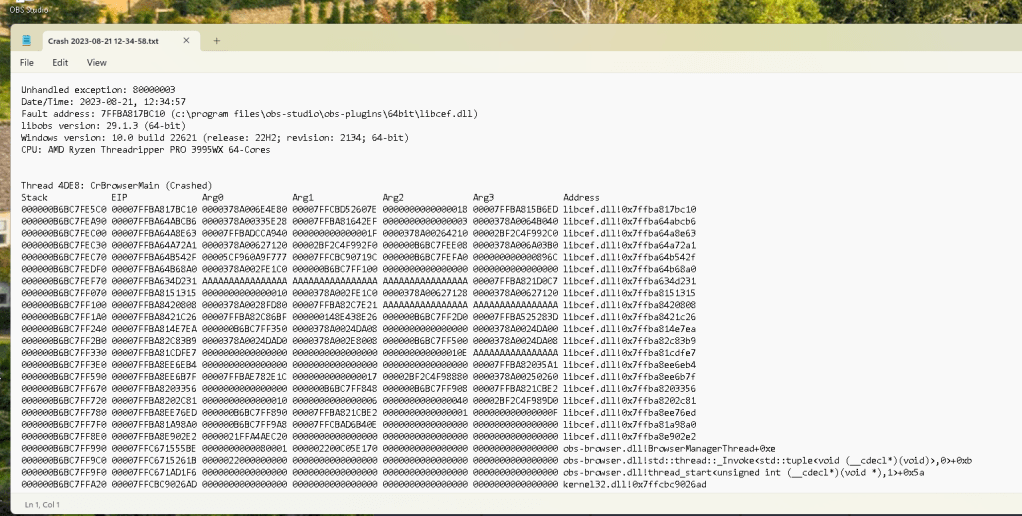
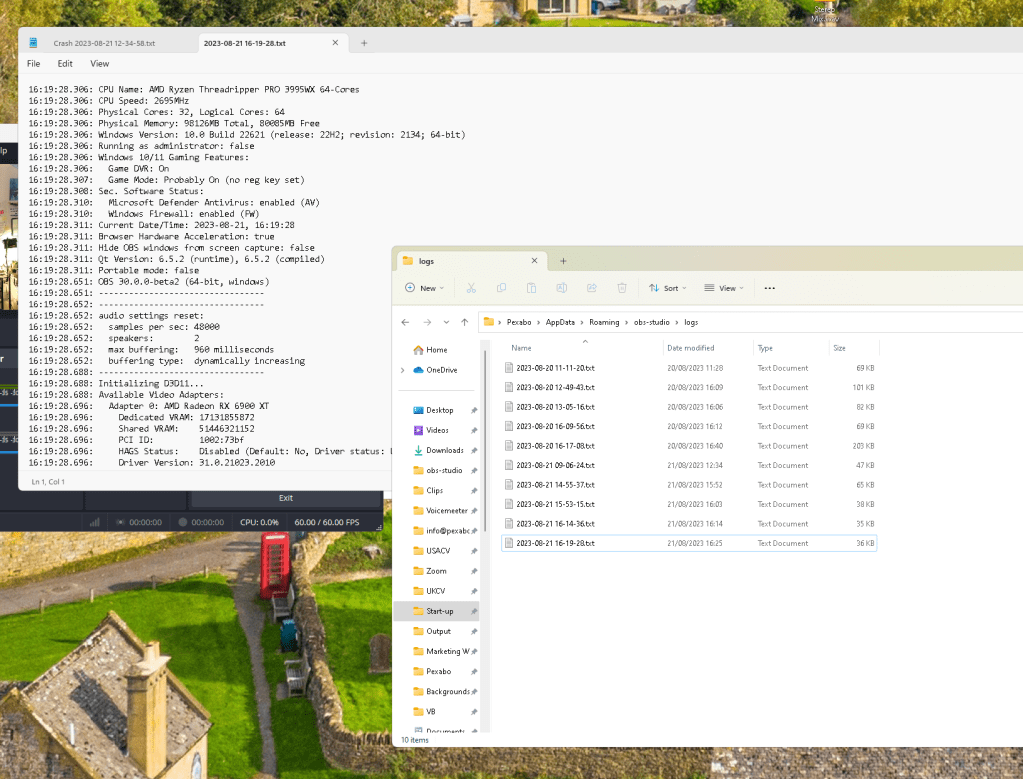
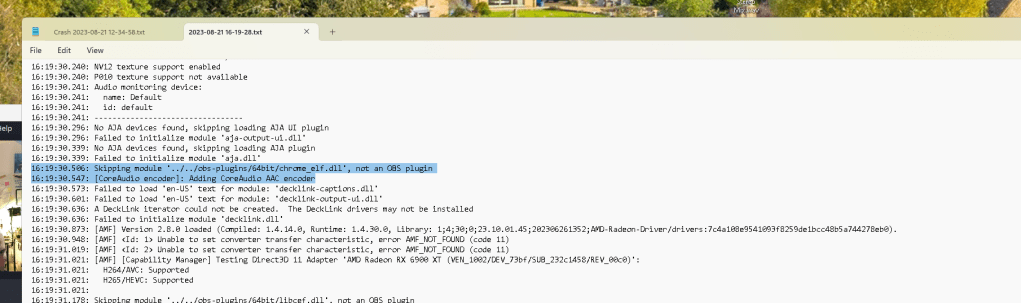
socket thing is still there ( old extension install > so deleting obs could resolve it )
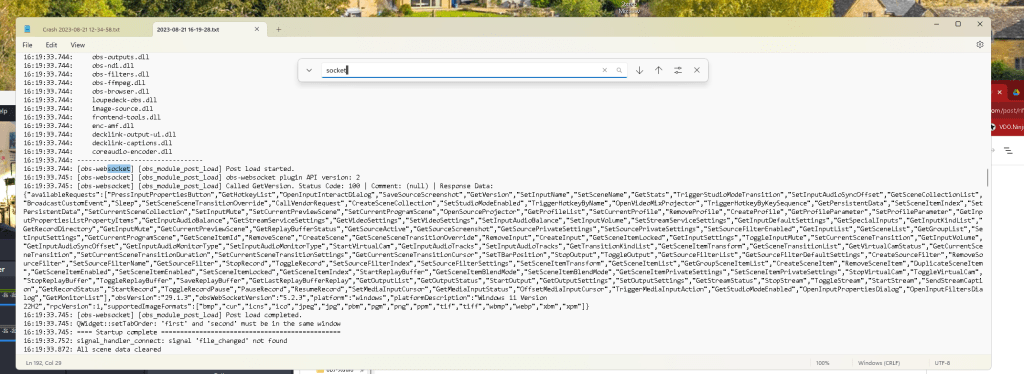
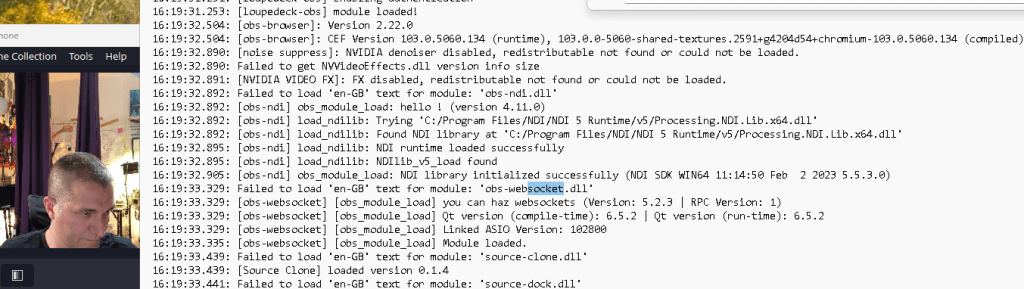
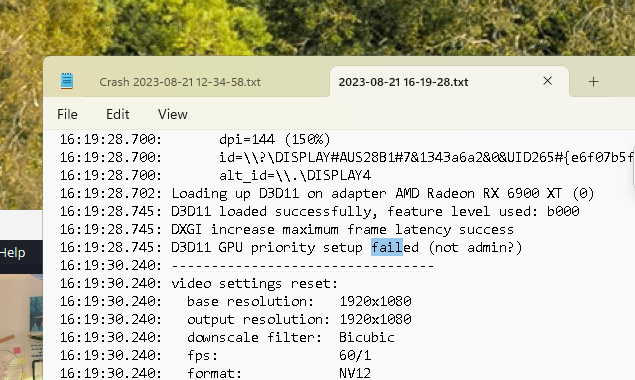
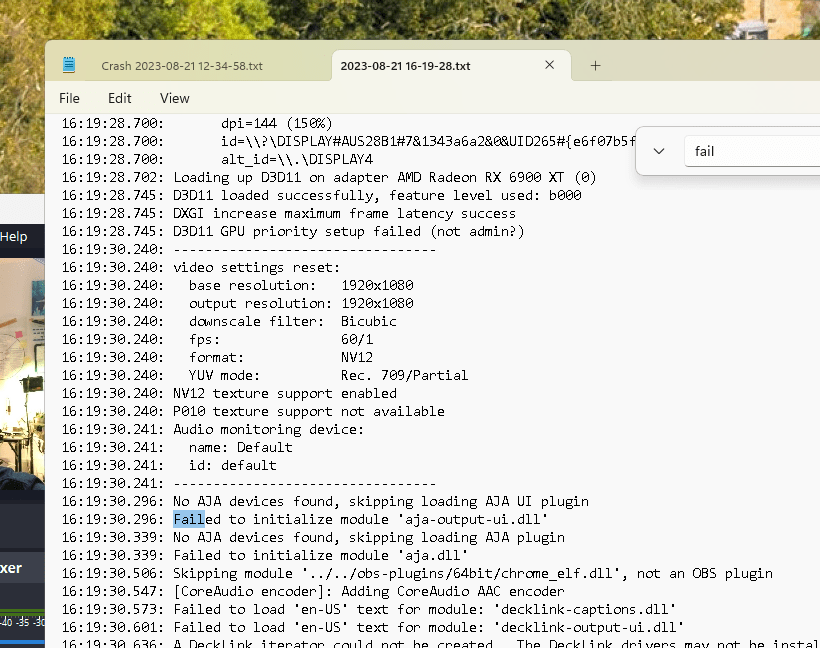
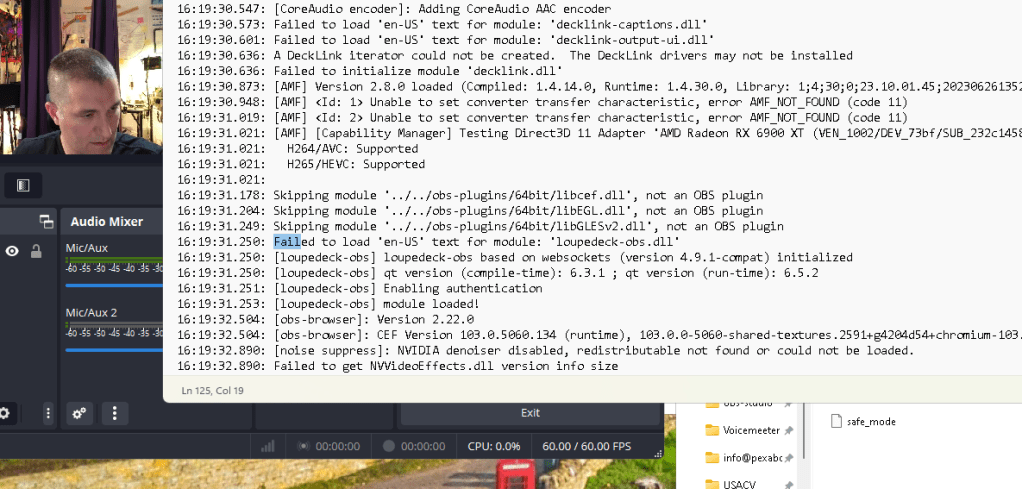
extensions might be killing it
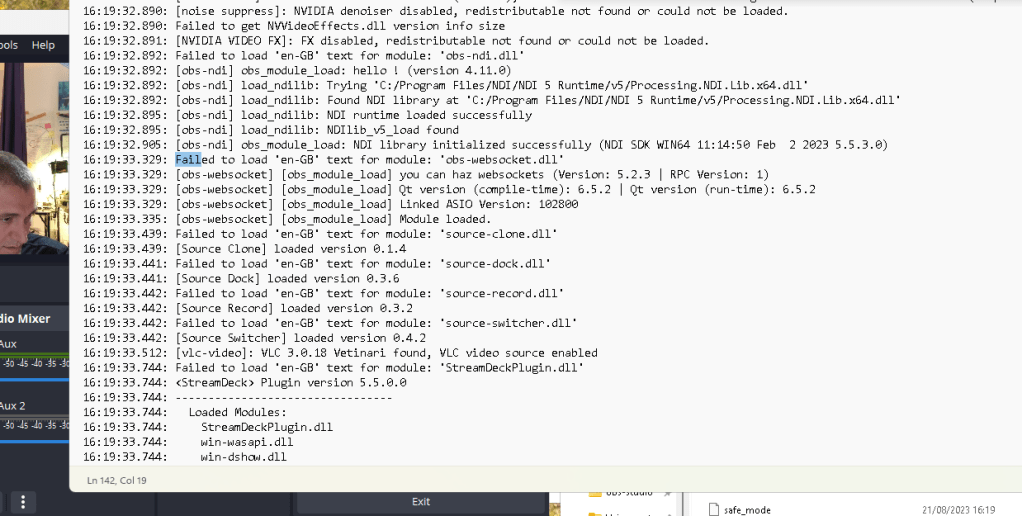
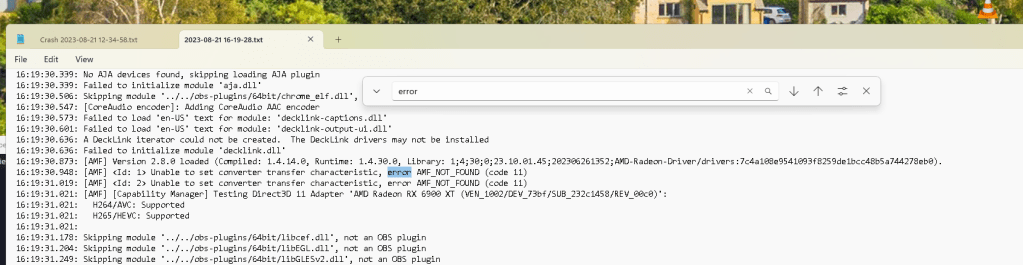
Audio encoder has an issue
16:19:30.241: id: default
16:19:30.241: ---------------------------------
16:19:30.296: No AJA devices found, skipping loading AJA UI plugin
16:19:30.296: Failed to initialize module 'aja-output-ui.dll'
16:19:30.339: No AJA devices found, skipping loading AJA plugin
16:19:30.339: Failed to initialize module 'aja.dll'
16:19:30.506: Skipping module '../../obs-plugins/64bit/chrome_elf.dll', not an OBS plugin
16:19:30.547: [CoreAudio encoder]: Adding CoreAudio AAC encoder
16:19:30.573: Failed to load 'en-US' text for module: 'decklink-captions.dll'
16:19:30.601: Failed to load 'en-US' text for module: 'decklink-output-ui.dll'
16:19:30.636: A DeckLink iterator could not be created. The DeckLink drivers may not be installed
16:19:30.636: Failed to initialize module 'decklink.dll'
16:19:30.873: [AMF] Version 2.8.0 loaded (Compiled: 1.4.14.0, Runtime: 1.4.30.0, Library: 1;4;30;0;23.10.01.45;202306261352;AMD-Radeon-Driver/drivers:7c4a108e9541093f8259de1bcc48b5a744278eb0).
16:19:30.948: [AMF] Unable to set converter transfer characteristic, error AMF_NOT_FOUND (code 11)
16:19:31.019: [AMF] Unable to set converter transfer characteristic, error AMF_NOT_FOUND (code 11)
16:19:31.021: [AMF] [Capability Manager] Testing Direct3D 11 Adapter 'AMD Radeon RX 6900 XT (VEN_1002/DEV_73bf/SUB_232c1458/REV_00c0)':
16:19:31.021: H264/AVC: Supported
16:19:31.021: H265/HEVC: Supported
C:\Users\Pexabo\AppData\Roaming\obs-studio\logs
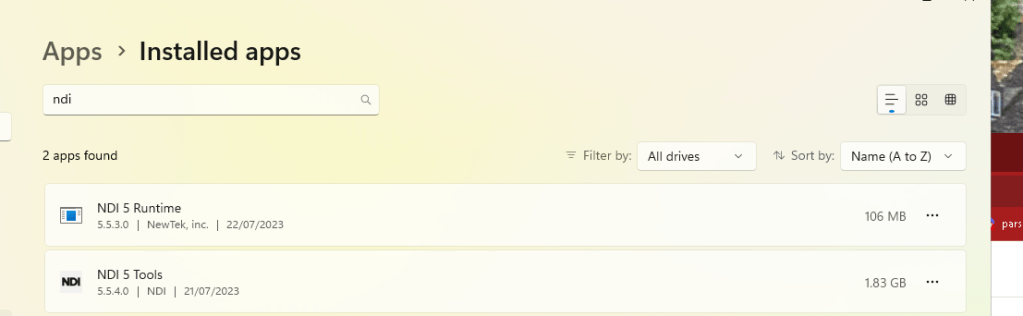
remove the ndi as welll due to video ninja makes more sense in slower action
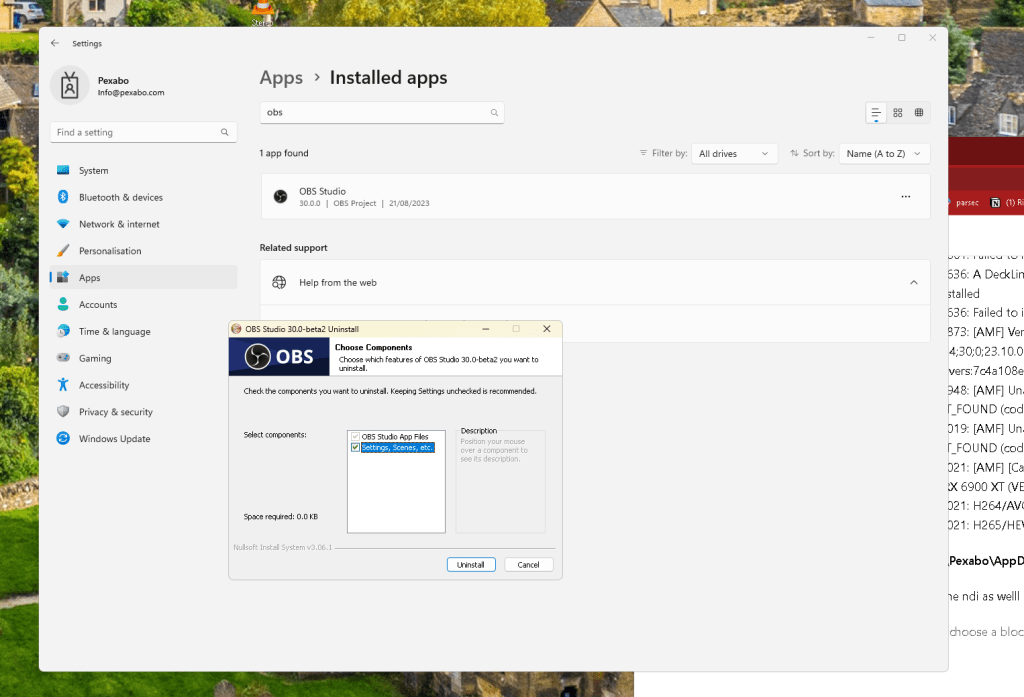
ndi as well needs to get out could affect the system
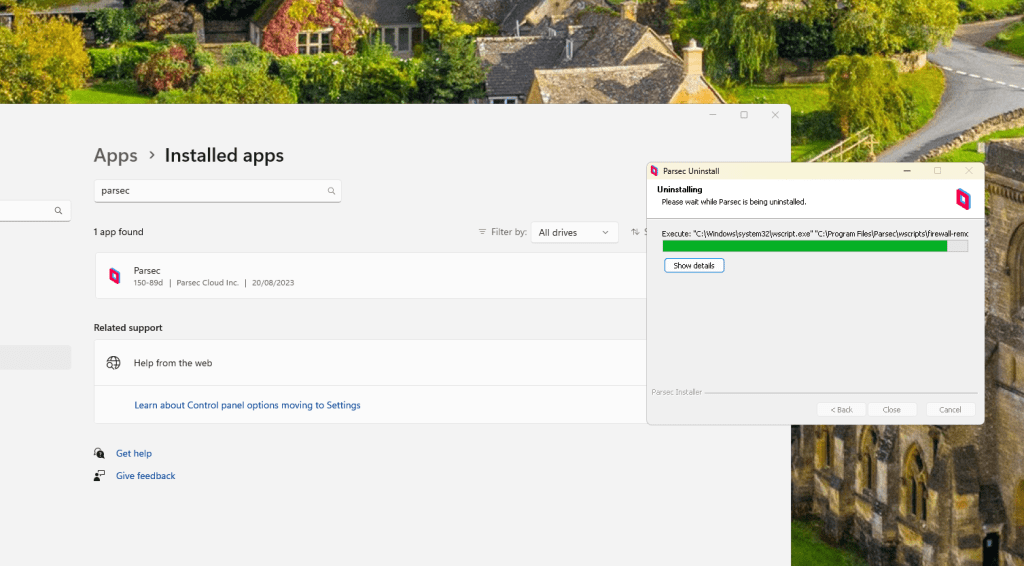
Parsec out as well zoom and the dra on the erdem side created
Remaining deletion
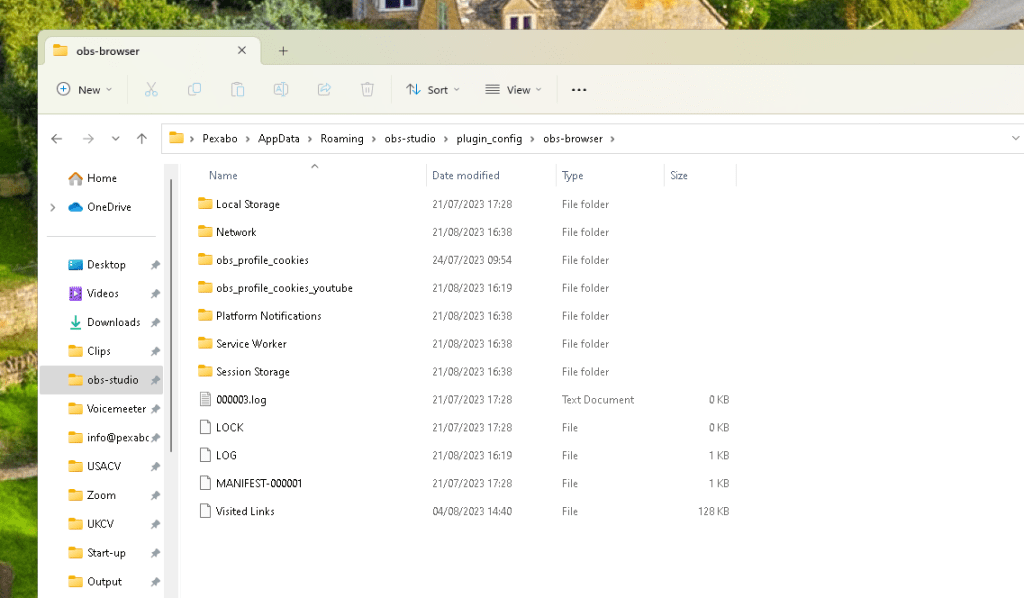
obs also deleted as well > zoom is the way to go with fresh install
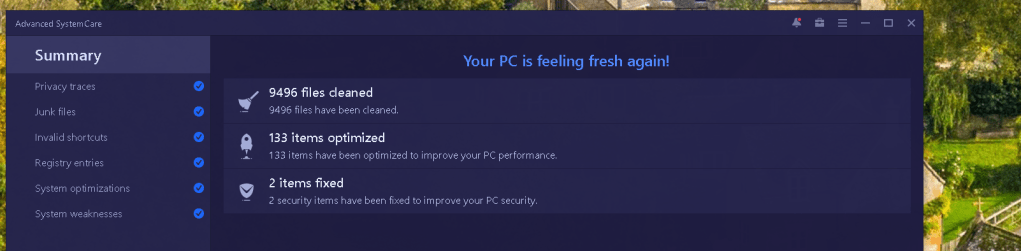
clean back ground junk
run and restart
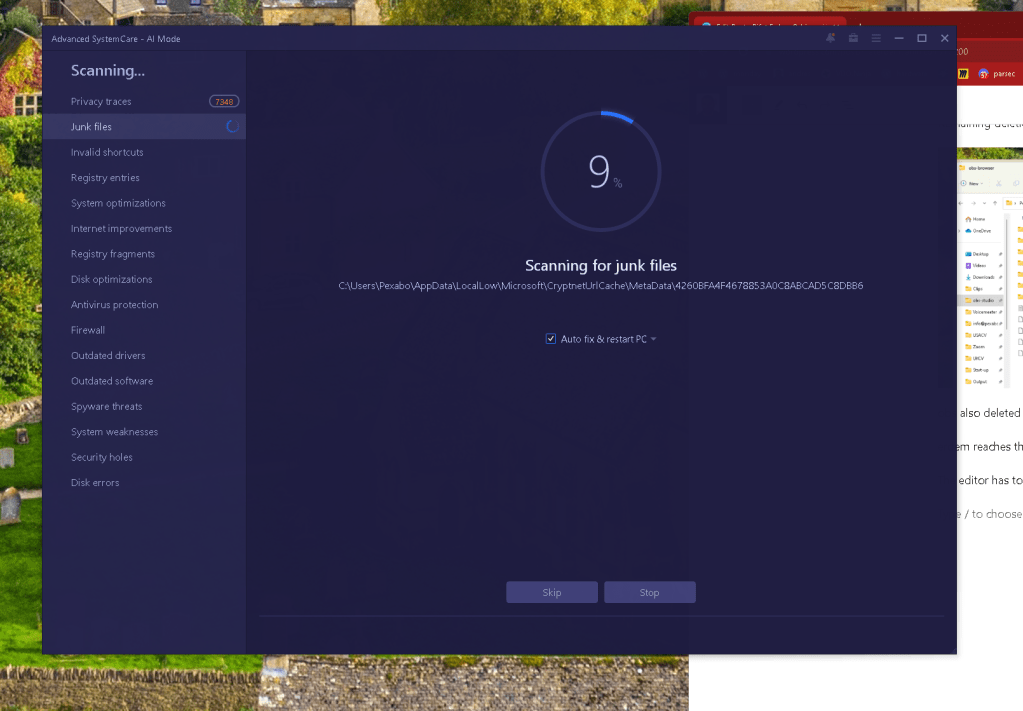
obs should not fail in the back and expect to record proper oudio
OBS-Studio-30.0-beta2-Full-Installer-x64.exe
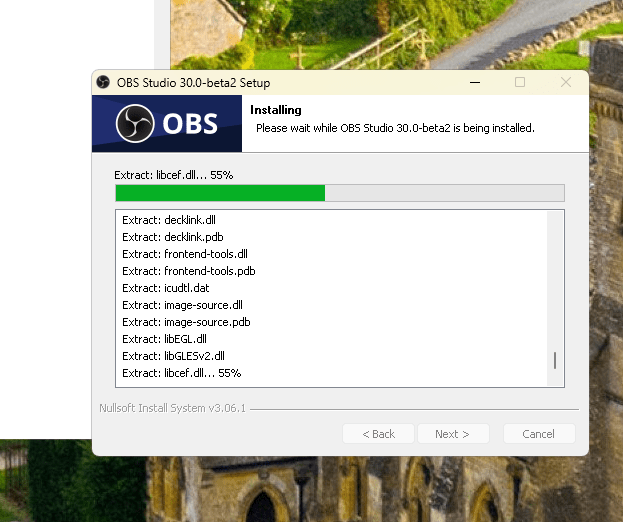
during install it is empty
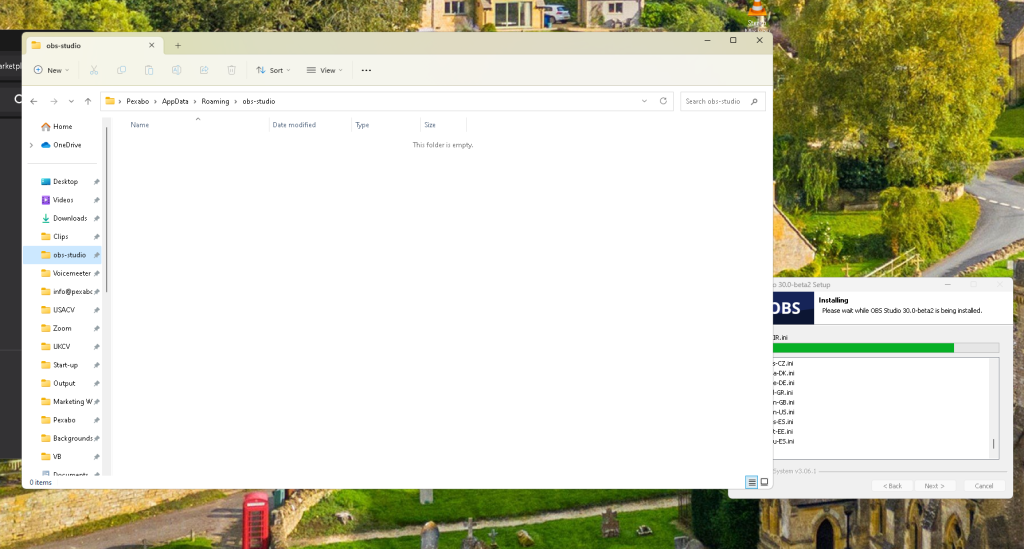
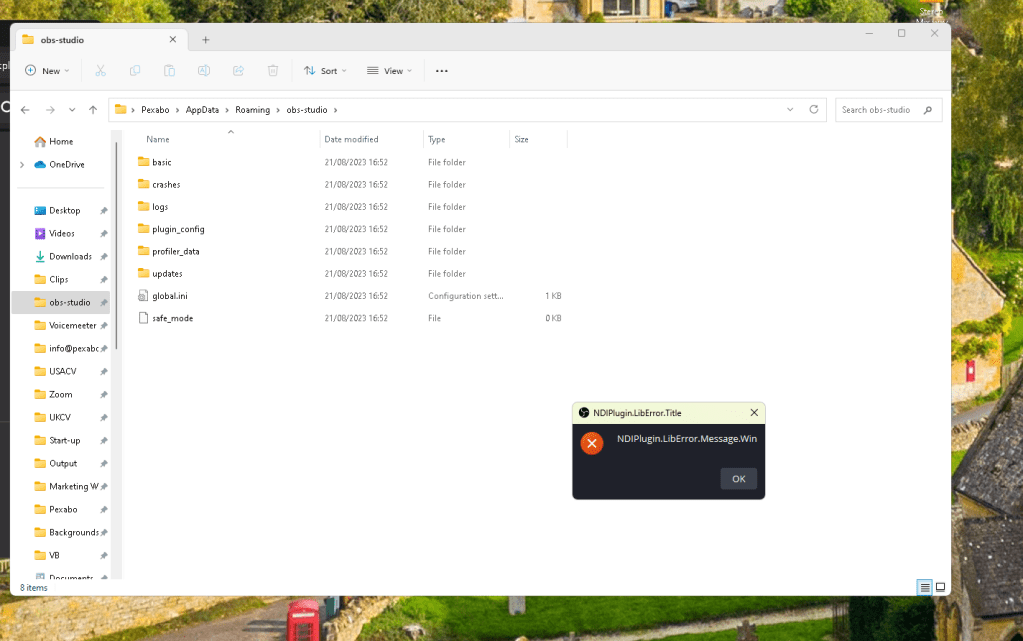
First error comes
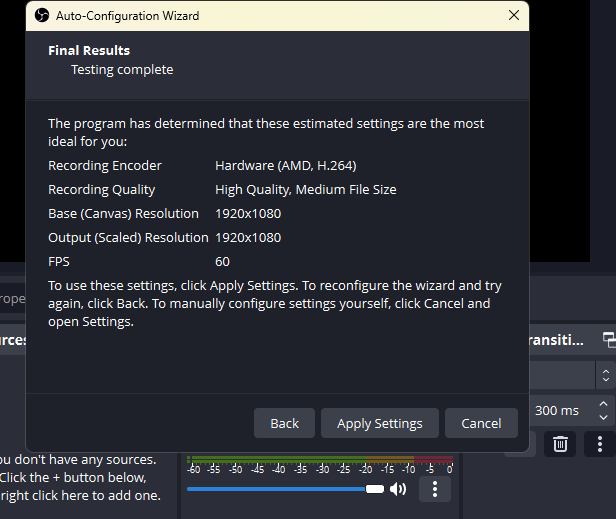
all tracks selected at start > understand what does that mean
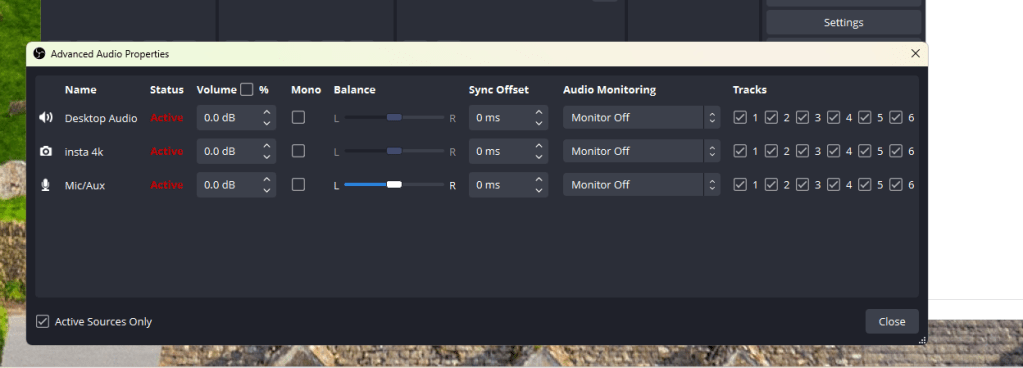
it feels better but some red
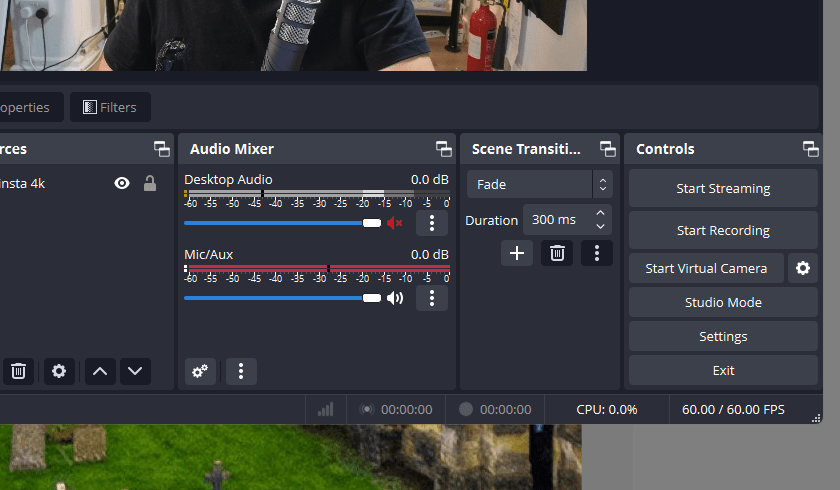
could be clipping
more like digital crackling.....digital noise coming up
idea : too many fader have issues >>> could be....in and out coming in.
there is still some cizzz in the back
I can not see the cizz
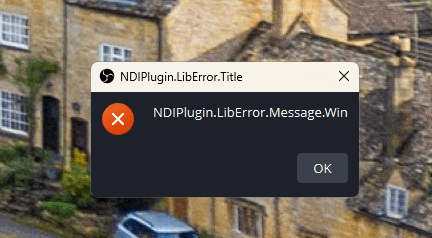
NDI plugin error > beta error >>> dont think that is the case
Take > too many scenes failed it xsplit structure is better
Still issues on the audio i need to learn how to debug it
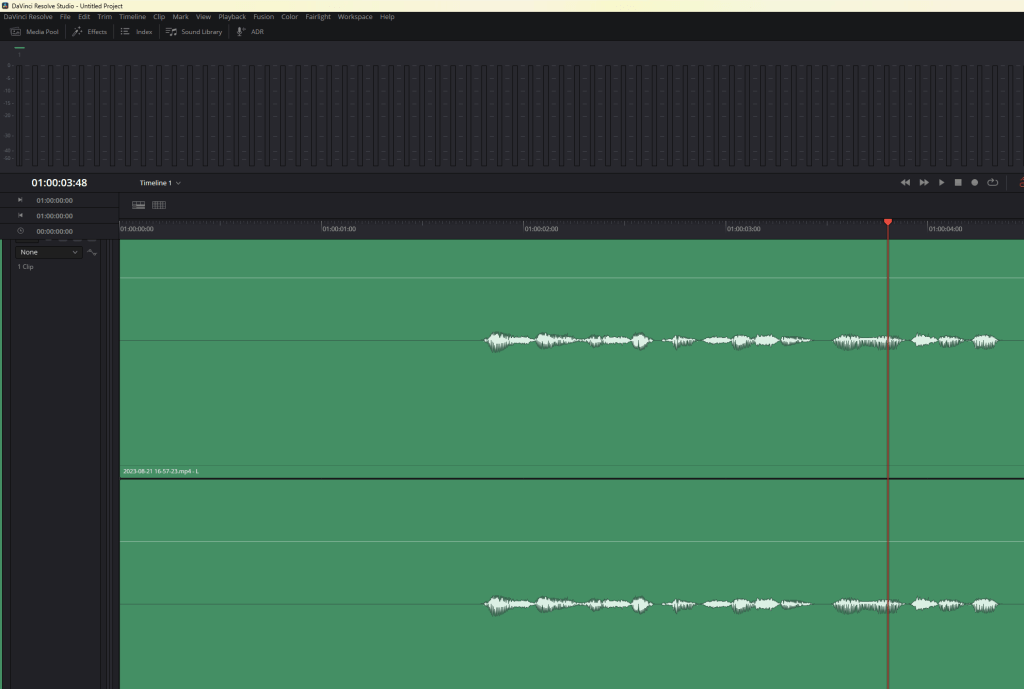
Davinci error checks...as the play back is not working well
[0x000026d4] | IO | ERROR | 2023-08-21 19:26:23,609 | Failed to load NvEncodeAPI library.
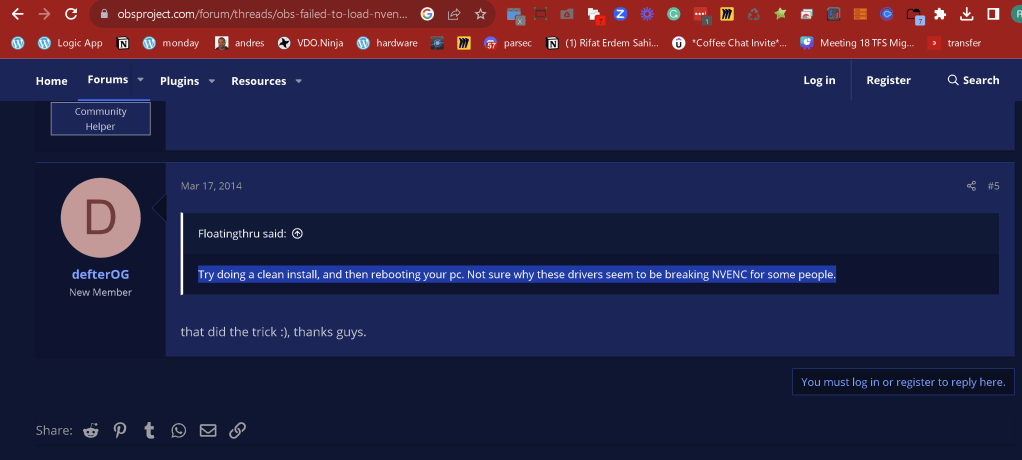
it could be a problem after the cable a install ( first suspect )
Fragile davinci
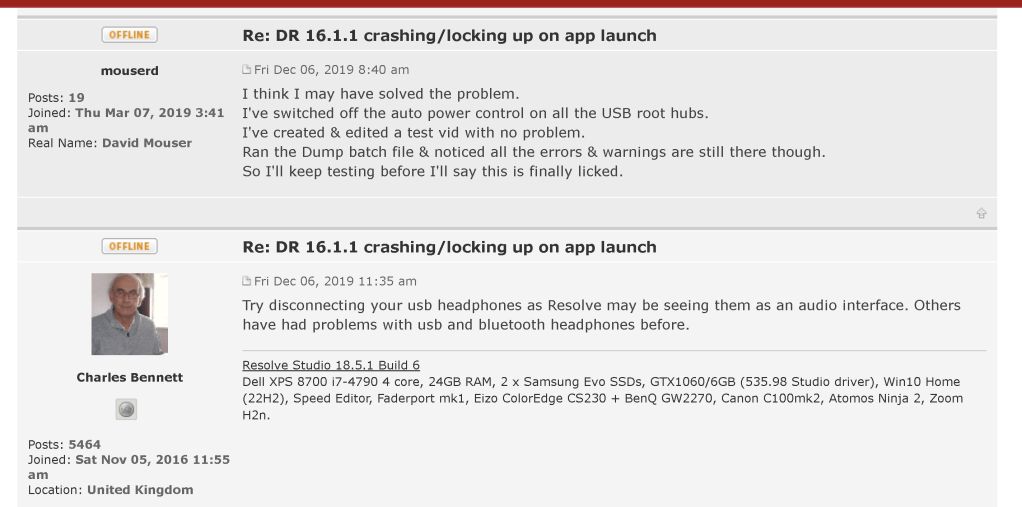
keep working with xsplit till the obs and davinci is resolved and have an external audio recorder
Todo: ask cable a
Research online
Hardware problems can be caused by outdated or malfunctioning drivers. Make sure your audio driver is up to date and update it if needed. If that doesn't work, try uninstalling the audio driver (it will reinstall automatically). If that doesn't work, try using the generic audio driver that comes with Windows.
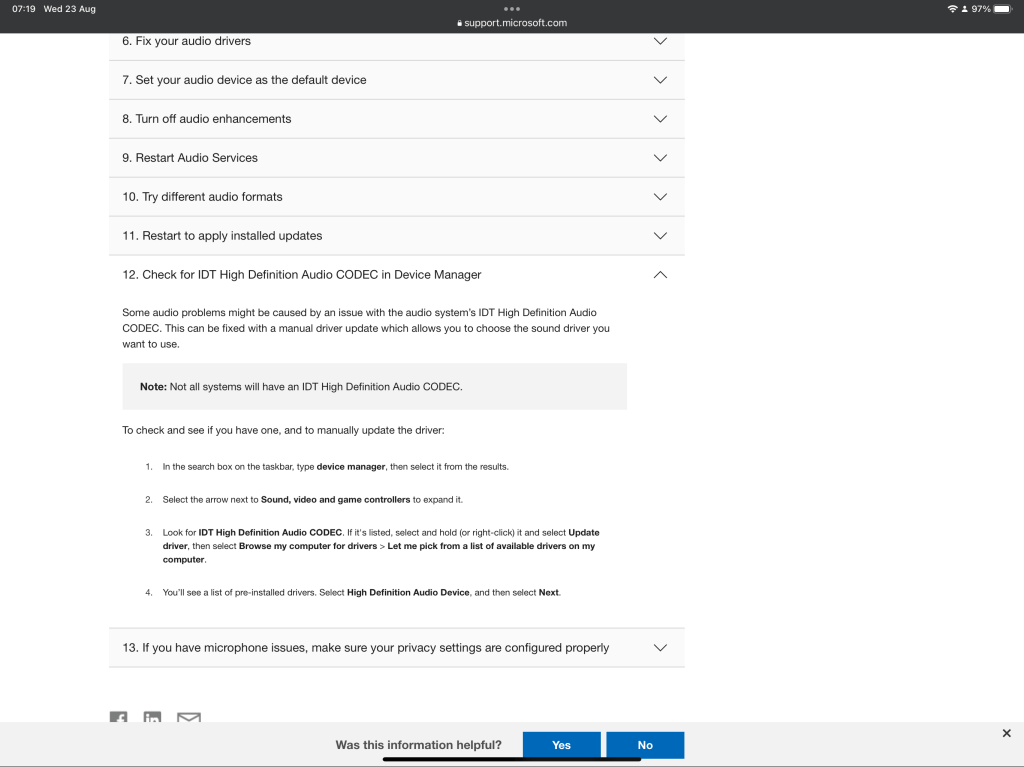
forum posts> to get help
davinci resolve ( no answer 2 days )
https://forum.blackmagicdesign.com/viewtopic.php?f=21&t=187017
vb audio
https://vb-audio.com/Services/support.htm
https://twitter.com/VB_Audio/status/1689528268133629952?s=20
Learn the documentation for production
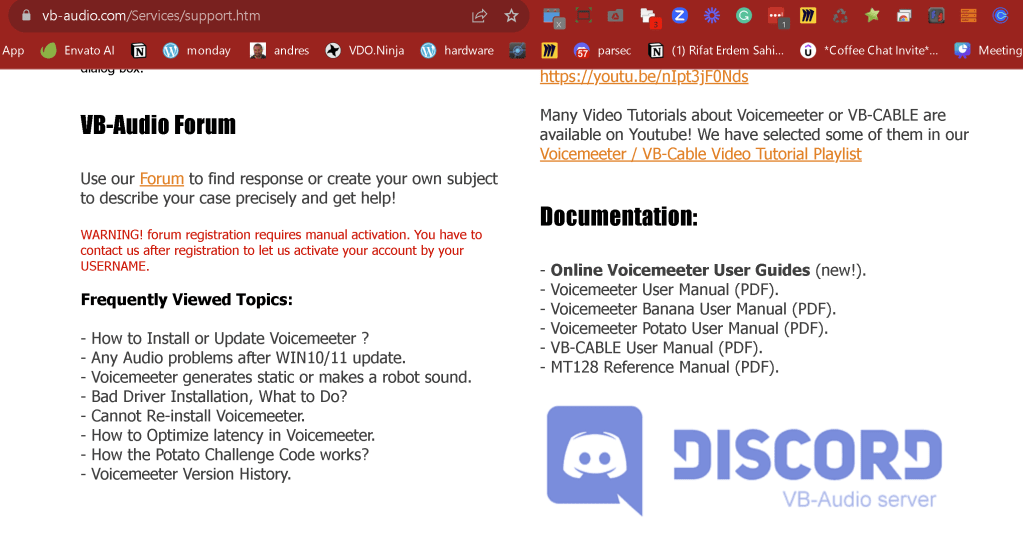
wow that are many online people

Discord question
https://discord.com/channels/755690270795890739/780757149806100500/1143797977907994624
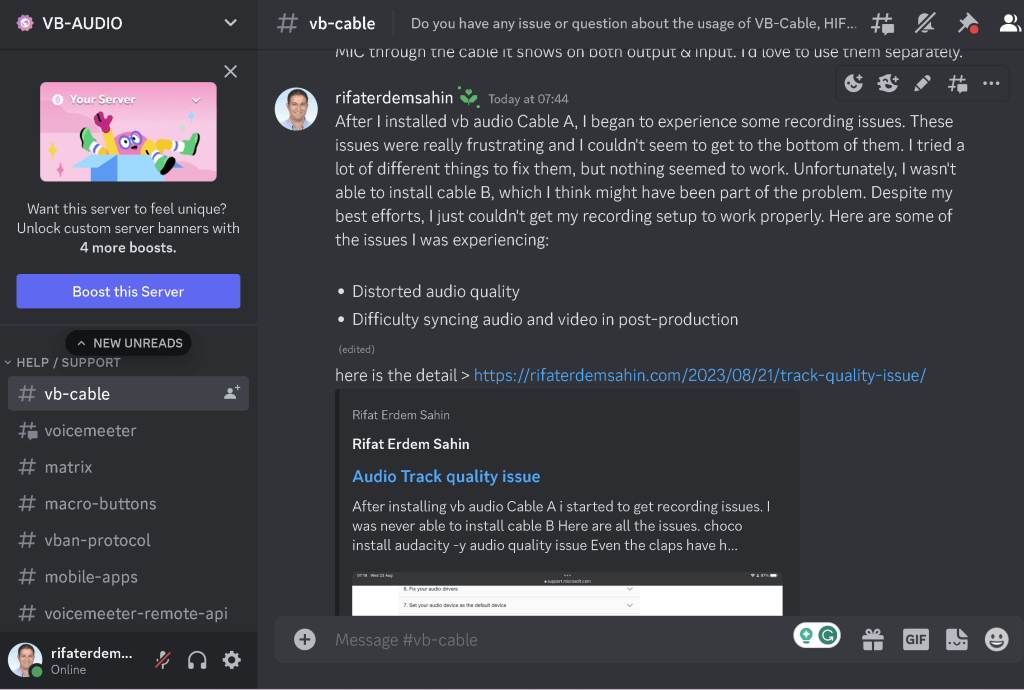
Voicemeter thread as well
I use the voicemeeter potato, I began to experience some recording issues. These issues were really frustrating and I couldn’t seem to get to the bottom of them. I tried a lot of different things to fix them, but nothing seemed to work. U
Distorted audio quality
Difficulty syncing audio and video in post-production
it causes the obs to record in a bad audio
it causes the davinci resolve edit page not to work properly. here is the log > https://rifaterdemsahin.com/2023/08/21/track-quality-issue/
https://discord.com/channels/755690270795890739/780757456228712478/1143817010296389672
Ask at audio engineering on reddit
https://www.reddit.com/r/audioengineering/comments/15yx7dy/could_not_locate_why_the_recording_quality_is_so/
before uninstalling the cable a for poping and crackling
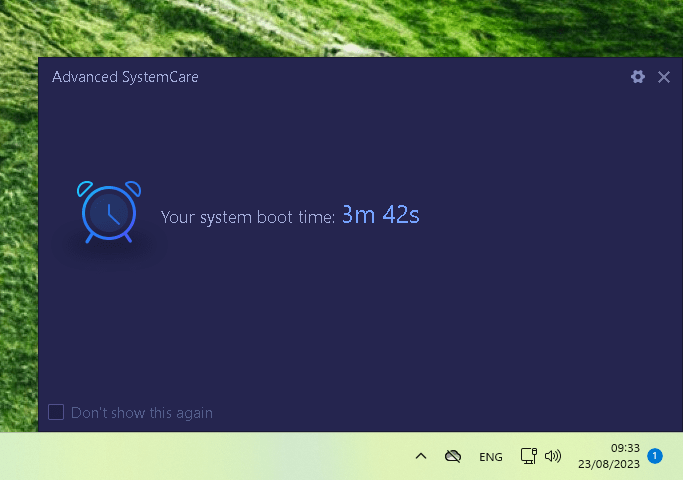
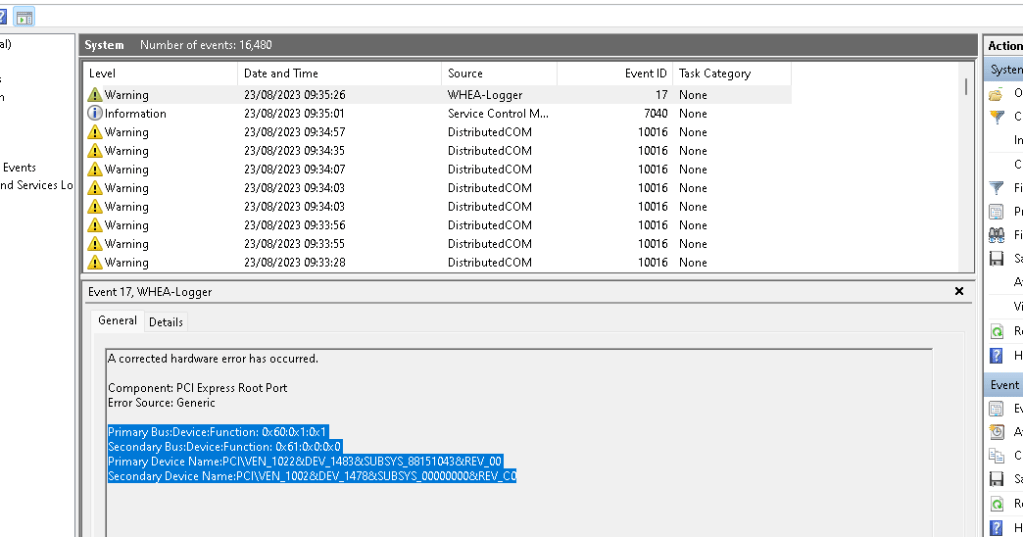
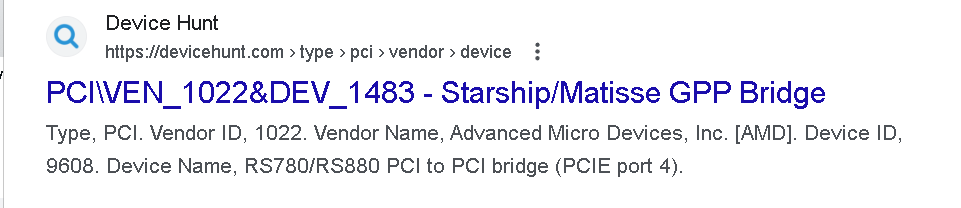
Primary Device Name:PCI\VEN_1022&DEV_1483&SUBSYS_88151043&REV_00
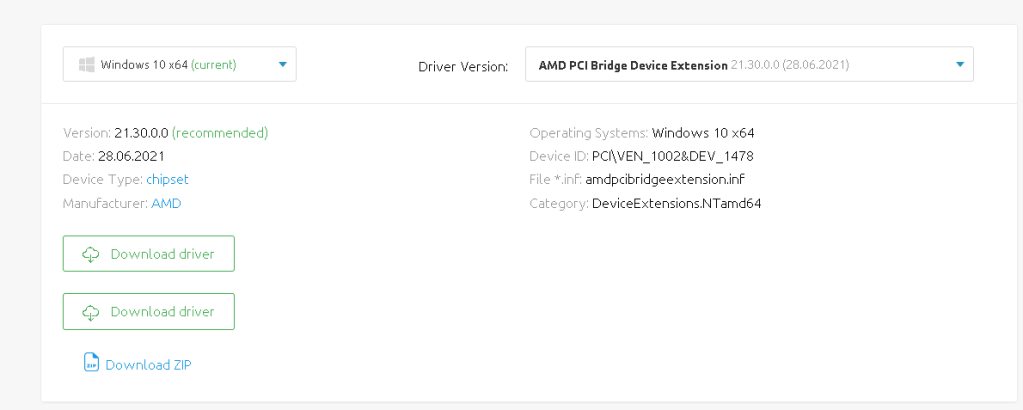
Secondary Device Name:PCI\VEN_1002&DEV_1478&SUBSYS_00000000&REV_C0
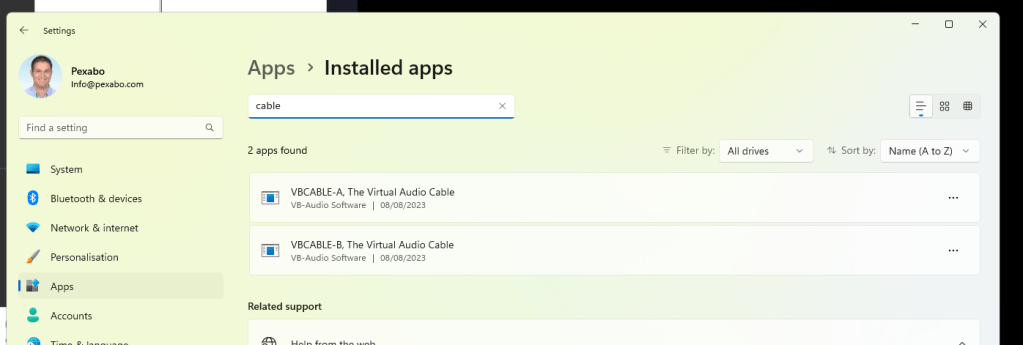
When there is not video there is no error ?
Yesterday I had a major windows update
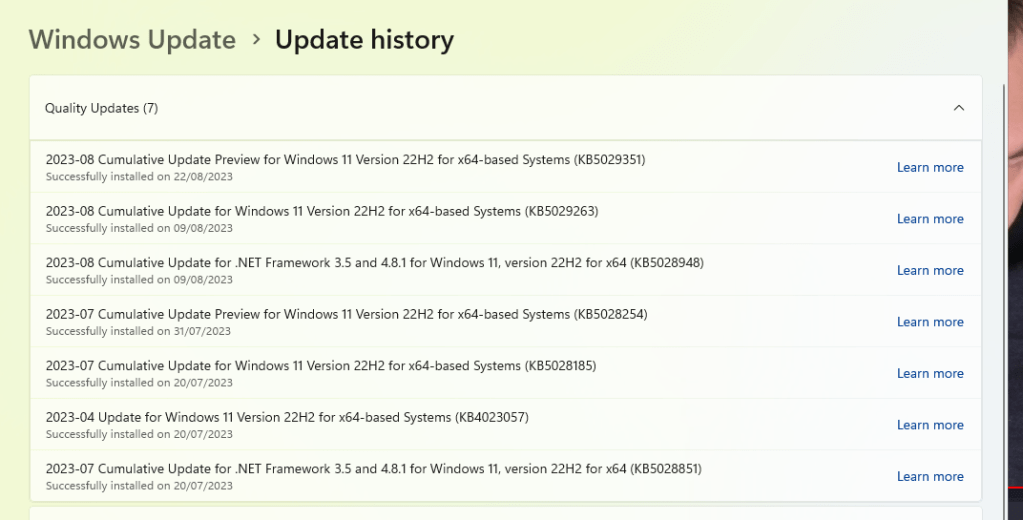
https://support.microsoft.com/en-gb/topic/august-22-2023-kb5029351-os-build-22621-2215-preview-9af25662-083a-43f5-b3a7-975fe25cc692
Cant see anything related in the audio
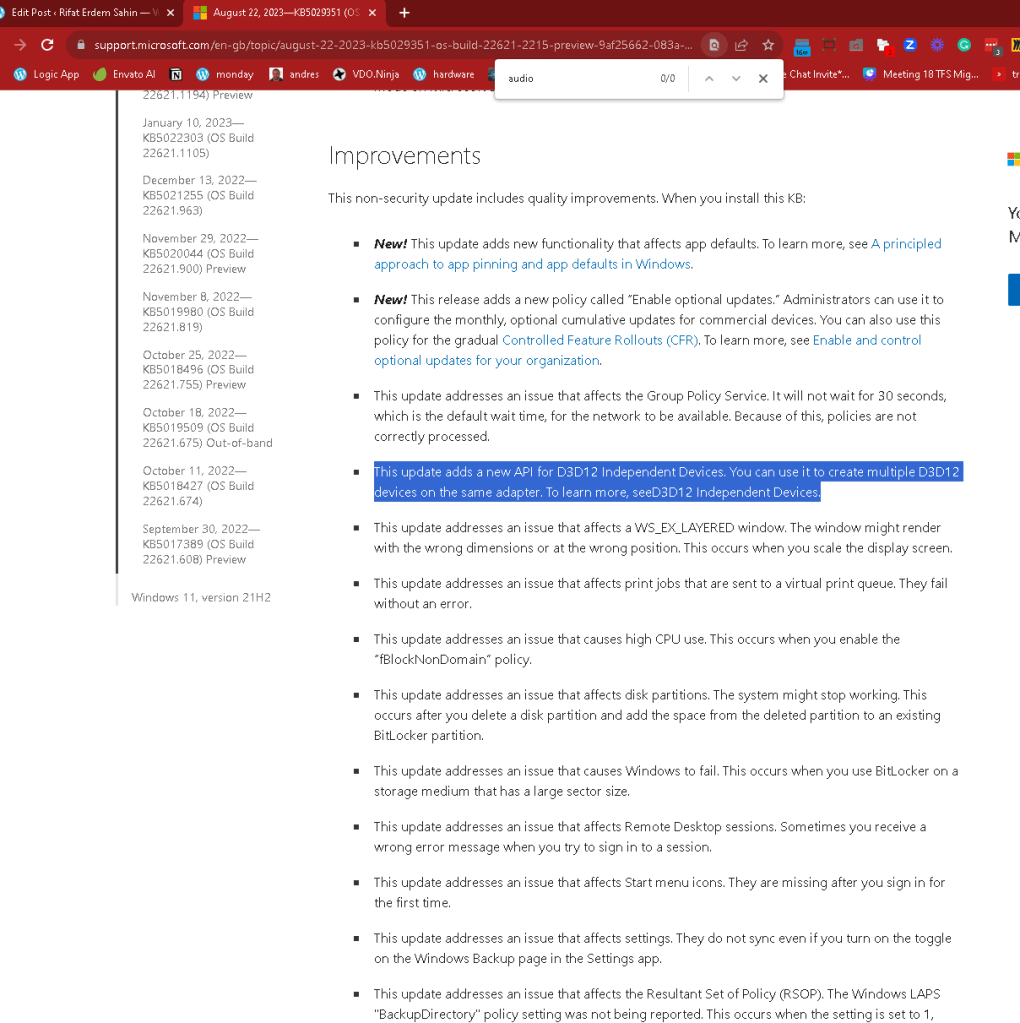
Could be related to cross device usage
-
Voicemeeter
-
OBS
they are trying to use the rode at the same time
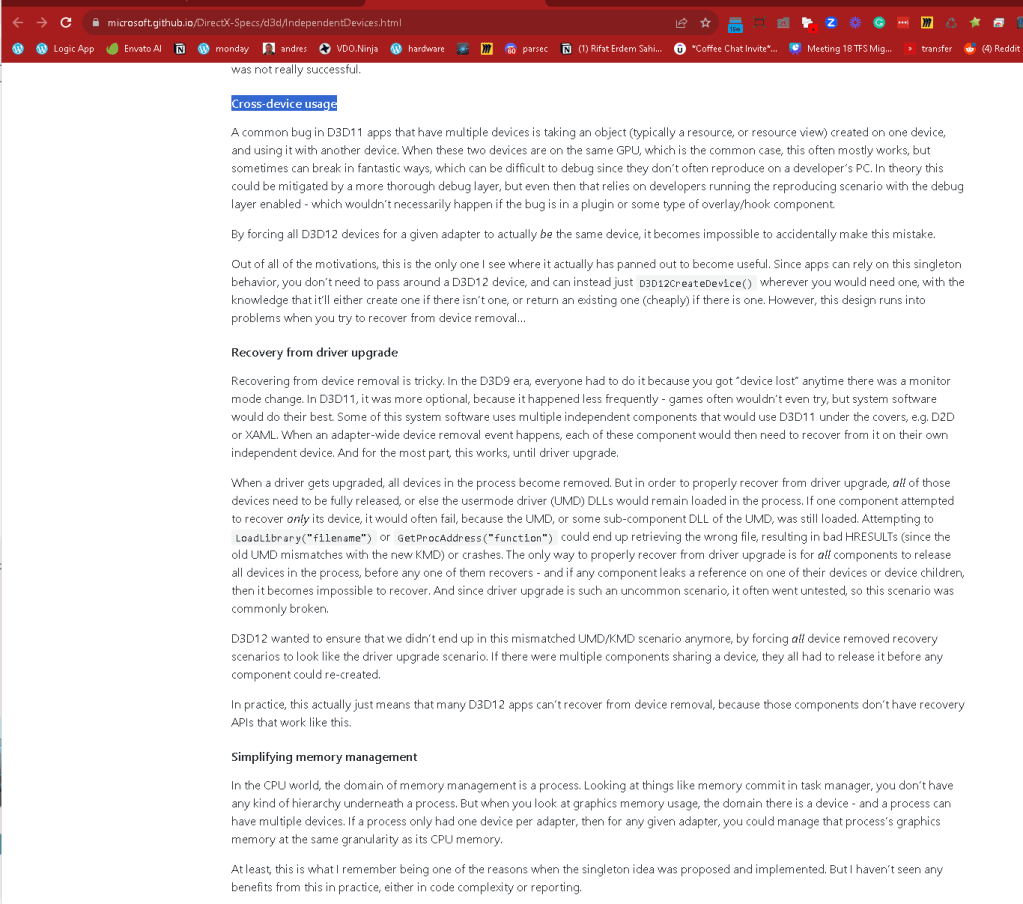
https://support.microsoft.com/en-gb/topic/august-22-2023-kb5029351-os-build-22621-2215-preview-9af25662-083a-43f5-b3a7-975fe25cc692
Another reference
latency mon software]
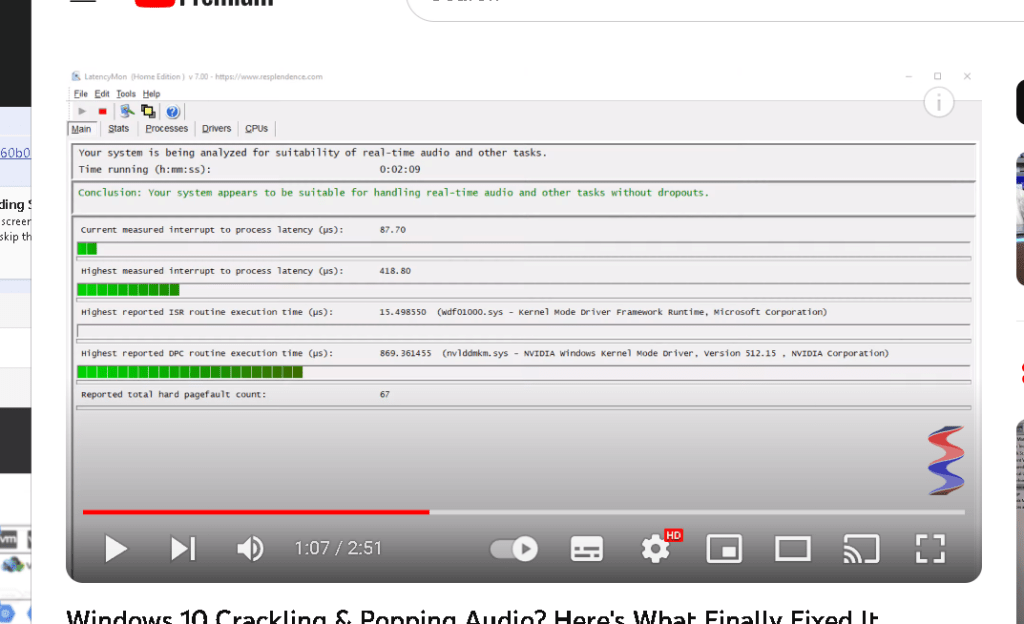
https://community.chocolatey.org/packages/latencymon
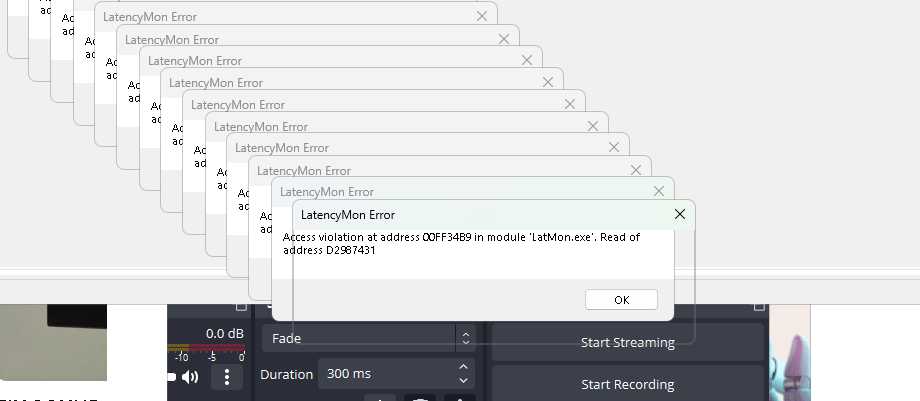
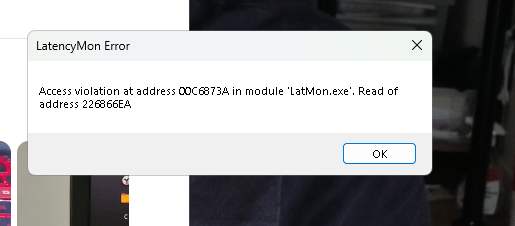
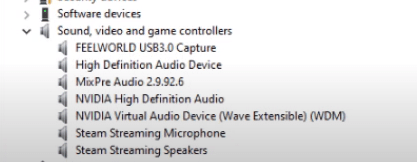
Multi device usage could be the case
Crackling could be the use the cpu affinity with the problem
Process Lasso can be interesting
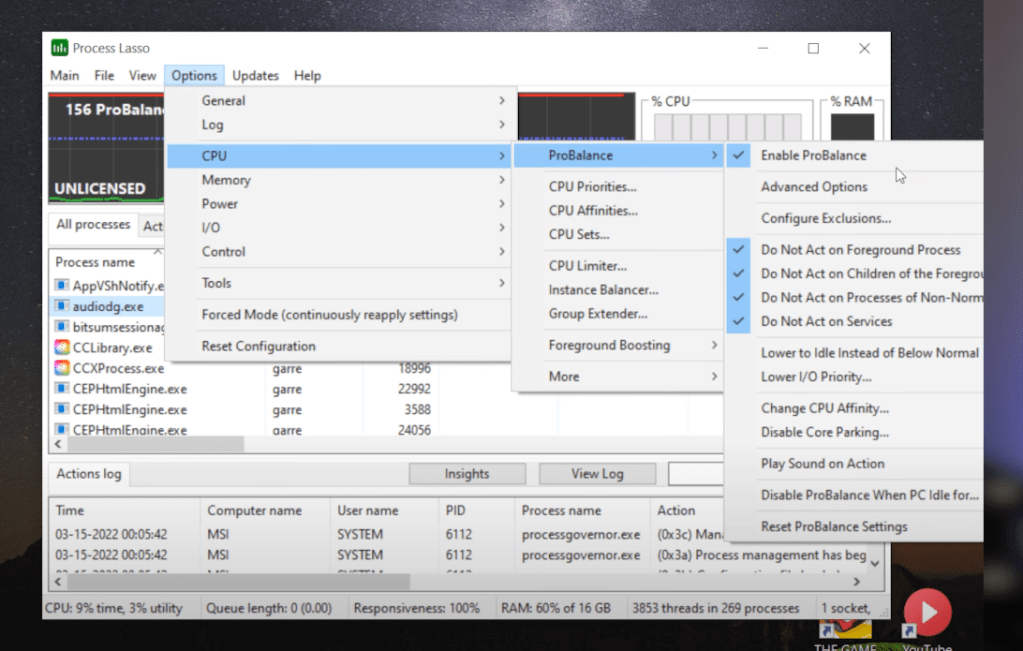
choco install plasso -y
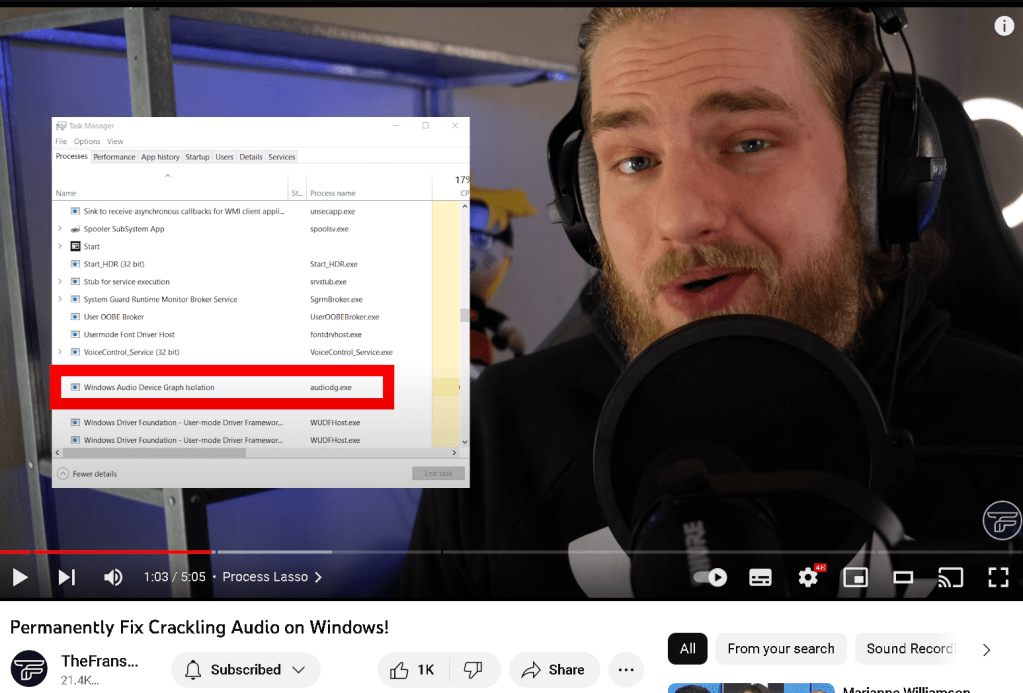
Some applications are over using the action and affinity might me important
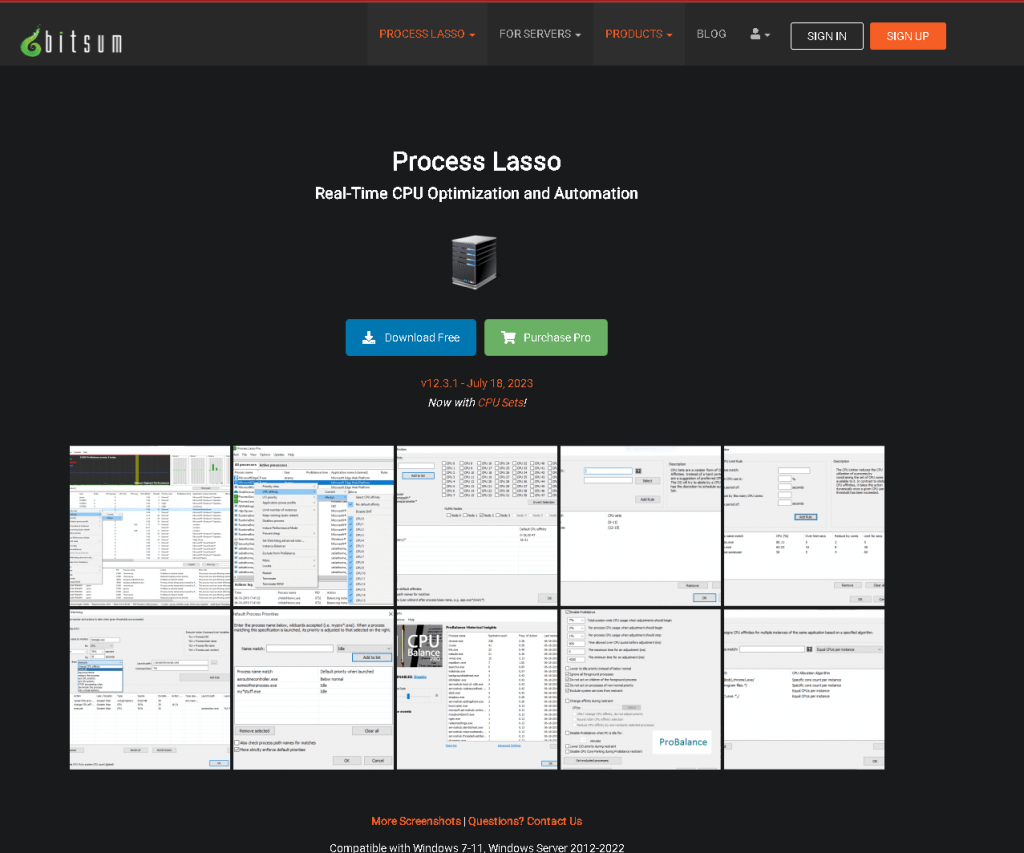
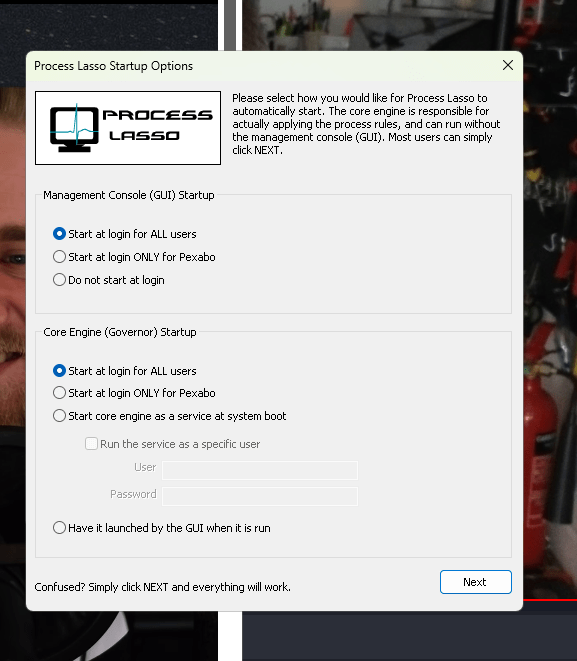
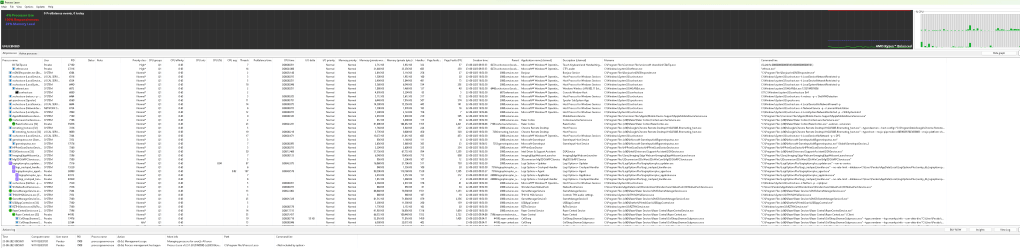
Responsiveness and details are ther
setting to always and high
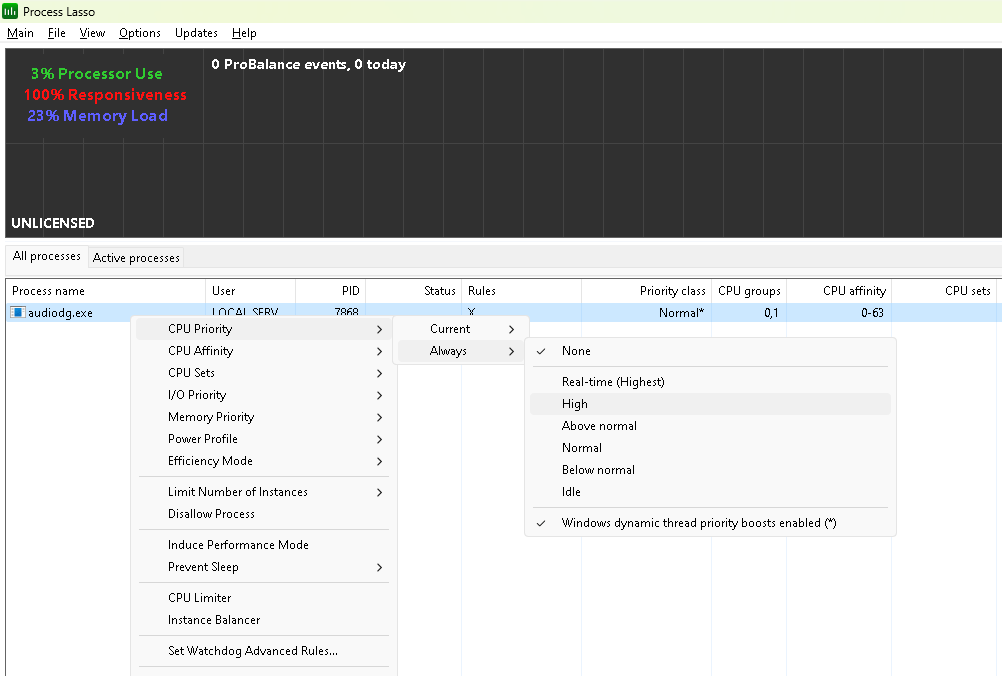
set affinity to 26 > even numbers
add the lasso to th e resetup list
https://rifaterdemsahin.com/2023/07/20/reinstalling-the-windows/
Some people do it manually
affinity fix and restart
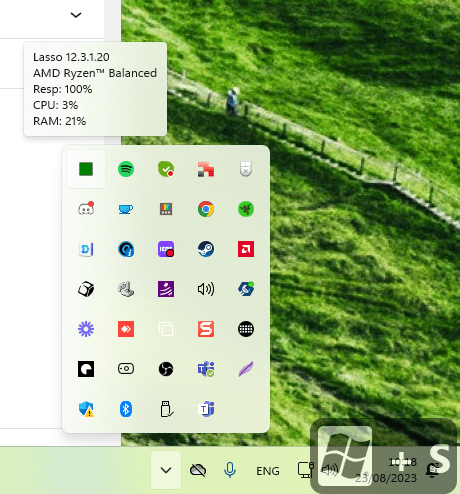
to be on the safe side add high to voicemeeter
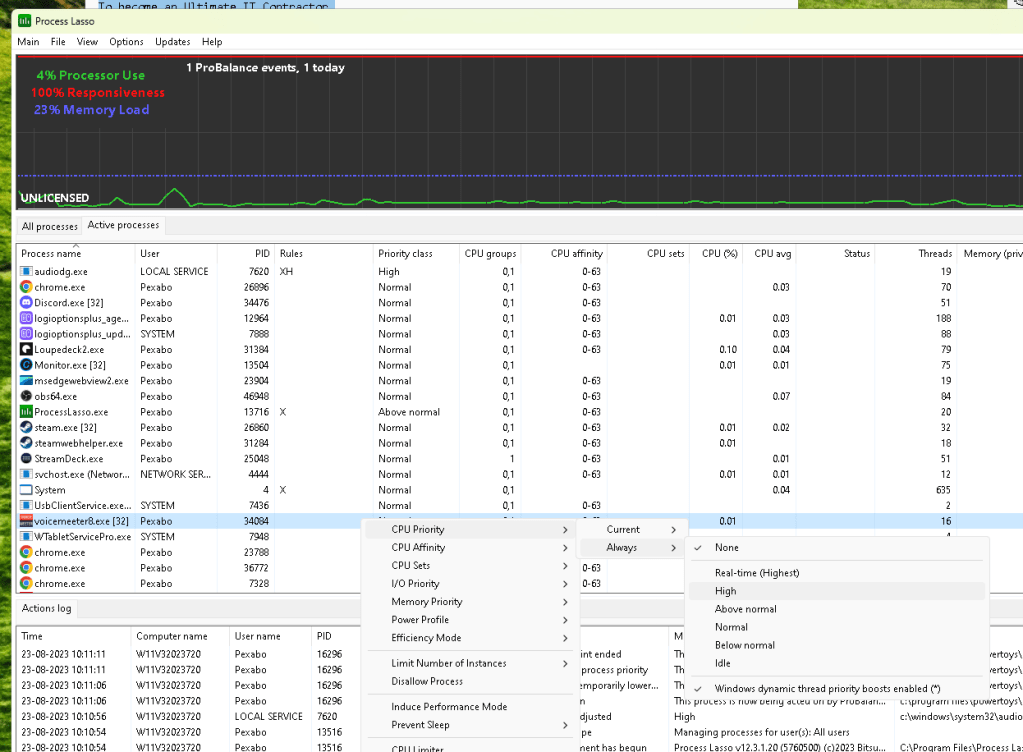
Crackling also gone removed the mix minus on the rode procaster
mitigations to resolve and solve probability
-
remove parsec,vdi 2
-
nuke the obs config 3
-
set affinity and priority 45
-
set to mix minus ( dont feedback ) 50
now today got this error on youtube video
Audio renderer error. Please restart your computer.
Sometimes the Audio renderer error in YouTube may occur due to system lag and various other problems. So, the best way to clear this error is by restarting your system so that the files come back into the memory and thereby fix the basic errors.25 Jun 2023
Unplug your headphones and play a video through the PC's speakers. If you don't get the error, plug your headphones back in. Something as easy as that can fix the problem. If you have more than one playback device, keep the default one plugged in, and disconnect the second playback device.10 Mar 2022
What Causes the YouTube Audio Renderer Error on Windows?
As you might expect from this error message, the problem lies with the audio-based systems on your Windows computer. However, you need to figure out where the problem in your audio system is before you can fix it. Below are all the possible reasons causing the audio renderer error on YouTube.
-
The most common cause of this problem is a temporary glitch in the plugged audio device.
-
The issue can also appear if the audio enhancement feature is enabled on your Windows PC.
-
Outdated or corrupt audio drivers can also cause the problem in the question.
Below are all the working fixes you can try in this situation.
Process lasso maybegive more than one core?
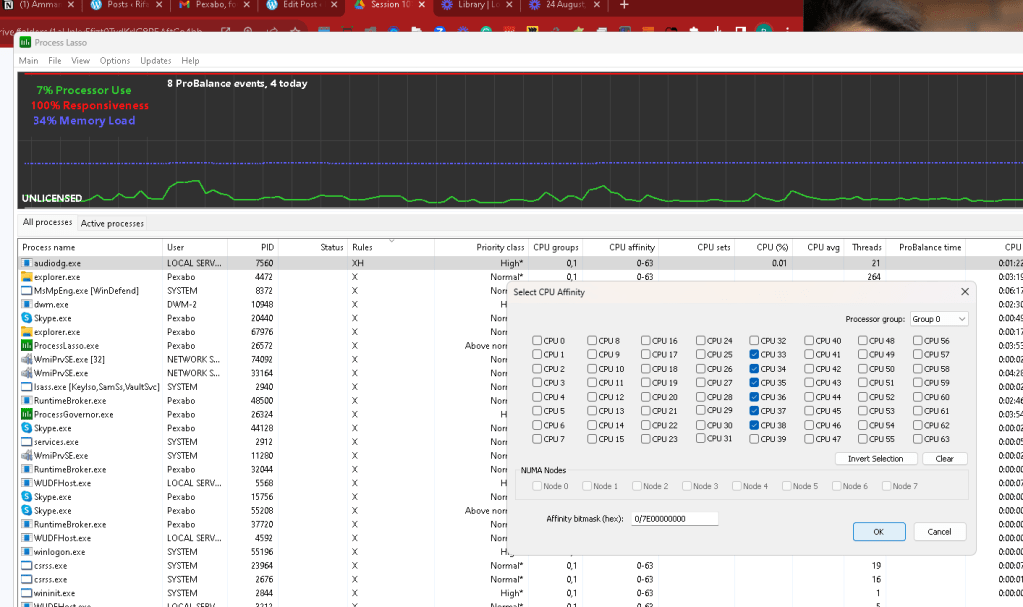
Started working after resetting affinity
CrACKLING MENTIONED ON mme
Imported from rifaterdemsahin.com · 2023