20 Aug Andres Workshop ( Sunday )
Format : Skill transfer => Learn skills gaps fixing
Workflow : Erdem completes the preprod and prod > does the main bulk work on the post prod ( timeline, footage ) >>> mentor help to select the footage and work on davinci in navigator role
Obj : Reach MVP
Key Result : Learn Davinci Fusion
Key Result : Parsec
Tool : Any Desk/ Parsec ( backup)
Errors sorted out > drivers uninstall and realtime responsiveness on the guest mode
Todos
-
Move to prompter
-
**Shoot ** > multi cam
-
Upload to google drive for backup
-
Place them on **timeline **
Reference
https://www.notion.so/pexabo/Sunday-workshop-Andres-feb7190ecec945bd8880132148b2bc5f?pvs=4
Questions
- Glowing Frame how to do it on Envato Elements ready templates
Similar Editor Workflow over Parsec ( VDI )
- he gave a dedicated machine > Erdem would pair and work on his => future give machine
Only monthly plan with Parsec due to gamer focus
Parsec on the top
uninstall the drivers solved the issue.
PREPROD
**Text video 1 **
Installing the aws CLI in different locations
`When it comes to installing the AWS CLI, there are several factors to consider, including the location in which you install the CLI. One important aspect to consider is the potential impact on accessibility and ease of use.
There are two ways to install the AWS CLI: directly or on the VMware workstation. It is important to see why isolation can be useful.
Here is a diagram to show how many updates would come to your life:
If you install the AWS CLI in a location that is easily accessible, it can make it simpler to run commands and scripts. This is especially important if you plan to use the CLI frequently. On the other hand, if you install it in a location that is difficult to locate, it can lead to inconvenience and difficulty in managing the CLI.
Another factor to consider is the potential impact on security. If you install the AWS CLI in a location that is easily accessible to other users on your system, it can pose a security risk. In this case, it may be more appropriate to install it in a location that is only accessible by your user account.
When deciding where to install the AWS CLI, it is important to weigh these factors and choose a location that balances accessibility, security, and ease of use. Once you have determined the appropriate location, you can proceed with the installation process.
Overall, taking the time to carefully consider the location of your AWS CLI installation can save you time and frustration in the long run. By choosing a location that is easily accessible and secure, you can ensure that you are able to effectively manage and utilize the CLI to meet your needs.`
PROD
Move to prompter > vdo.ninja
multiscreen record
https://cueprompter.com/teleprompter.php
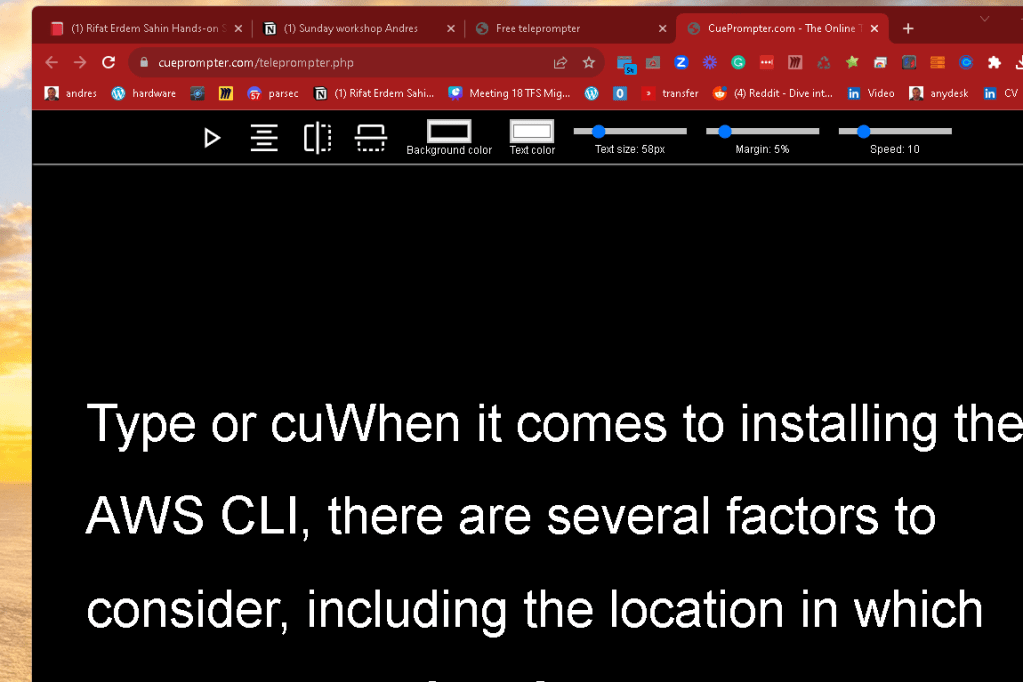
video ninja create a room
Share a tab in the vdo ninja
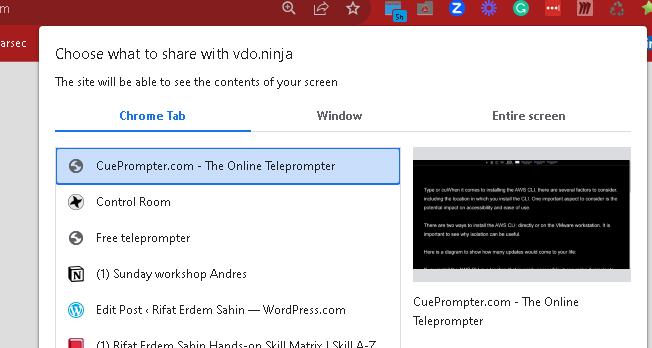
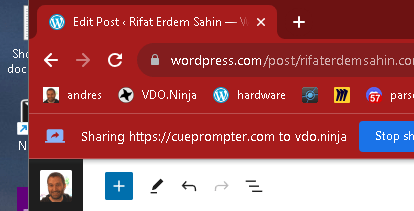
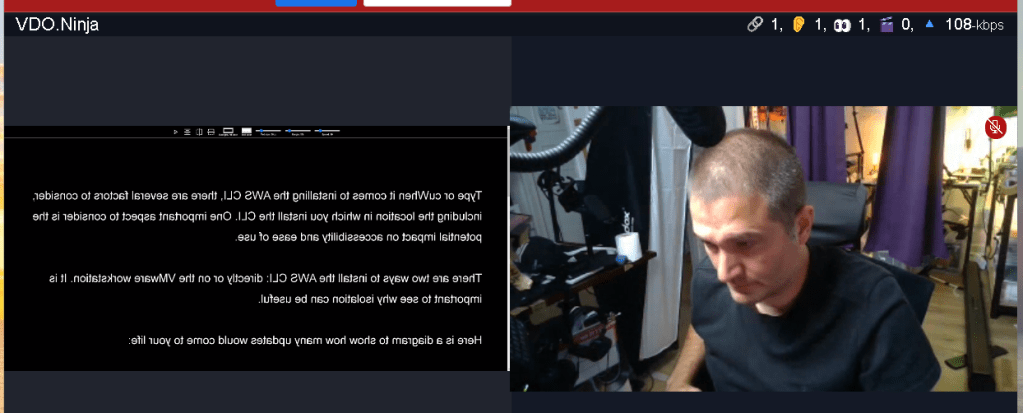
maximize prompter screen
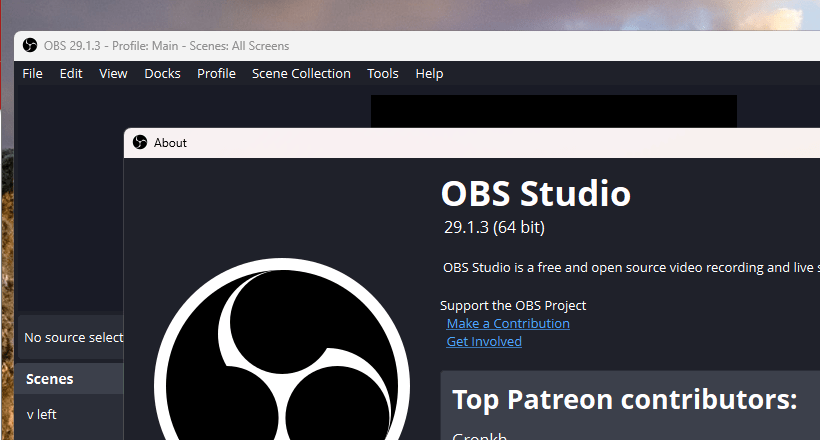
Open obs
send to the prompter the consifdencce monitor over vdo ninja
Mute the none used ones
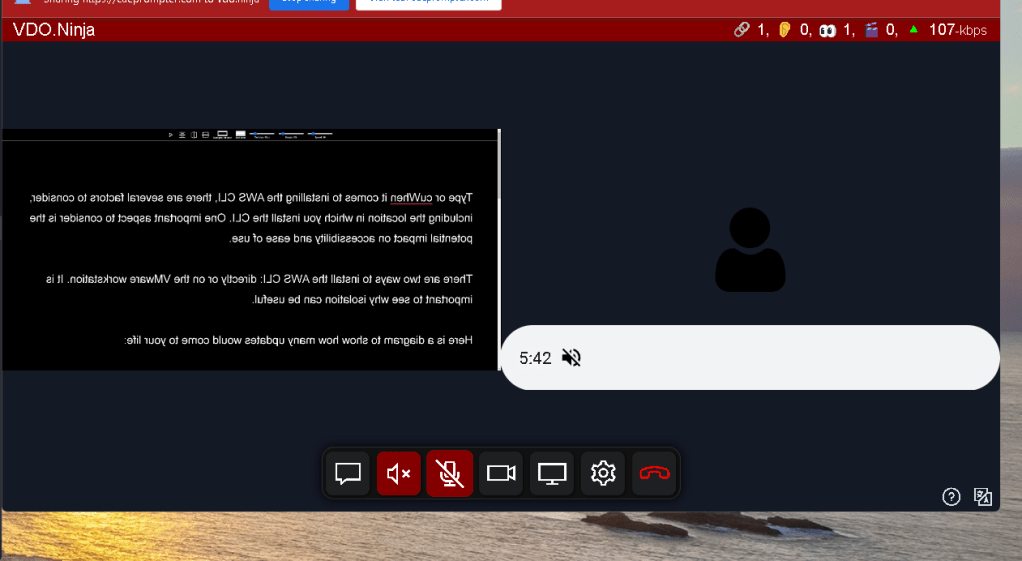
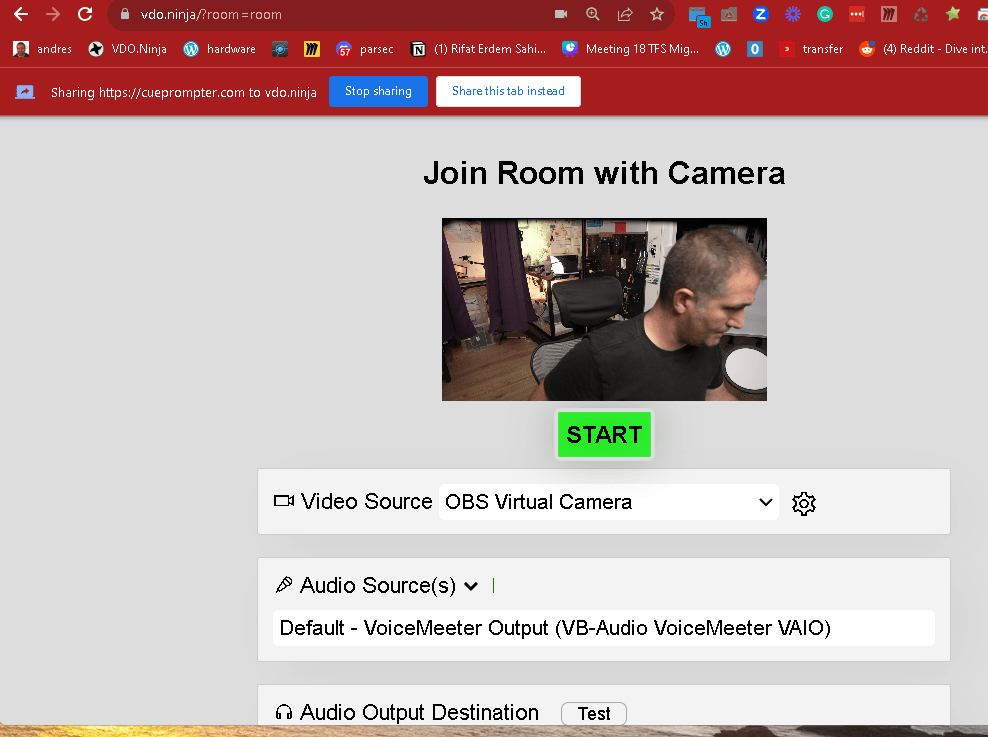
move the camera up
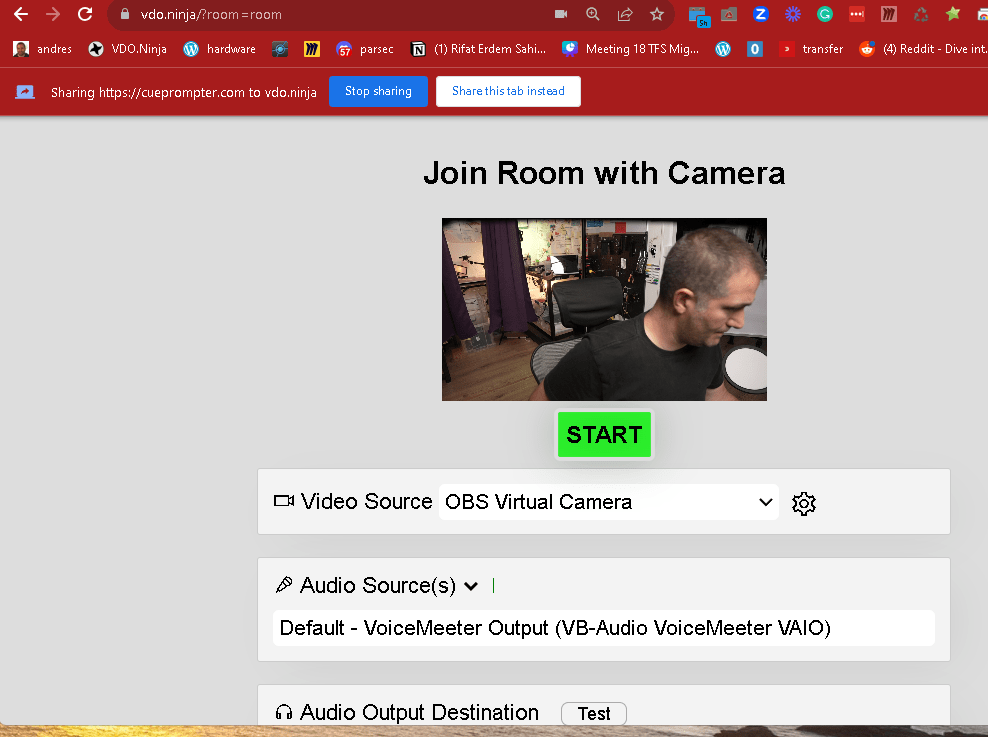
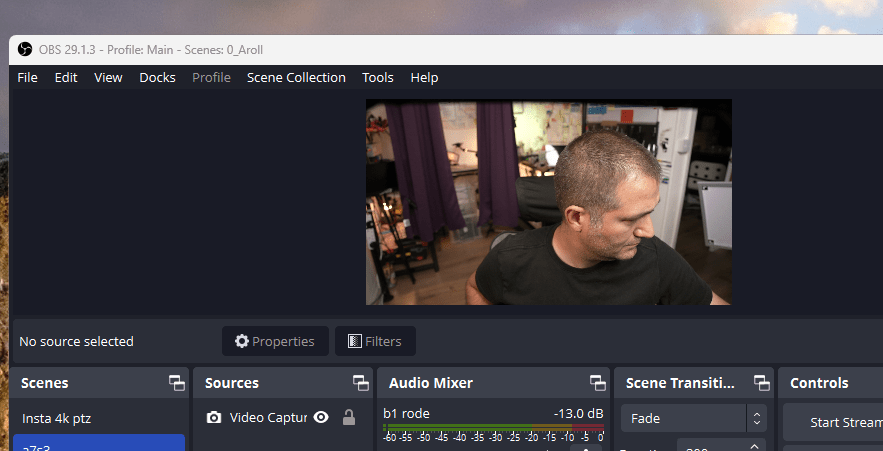
multi cam open up > next obs
2 obs on
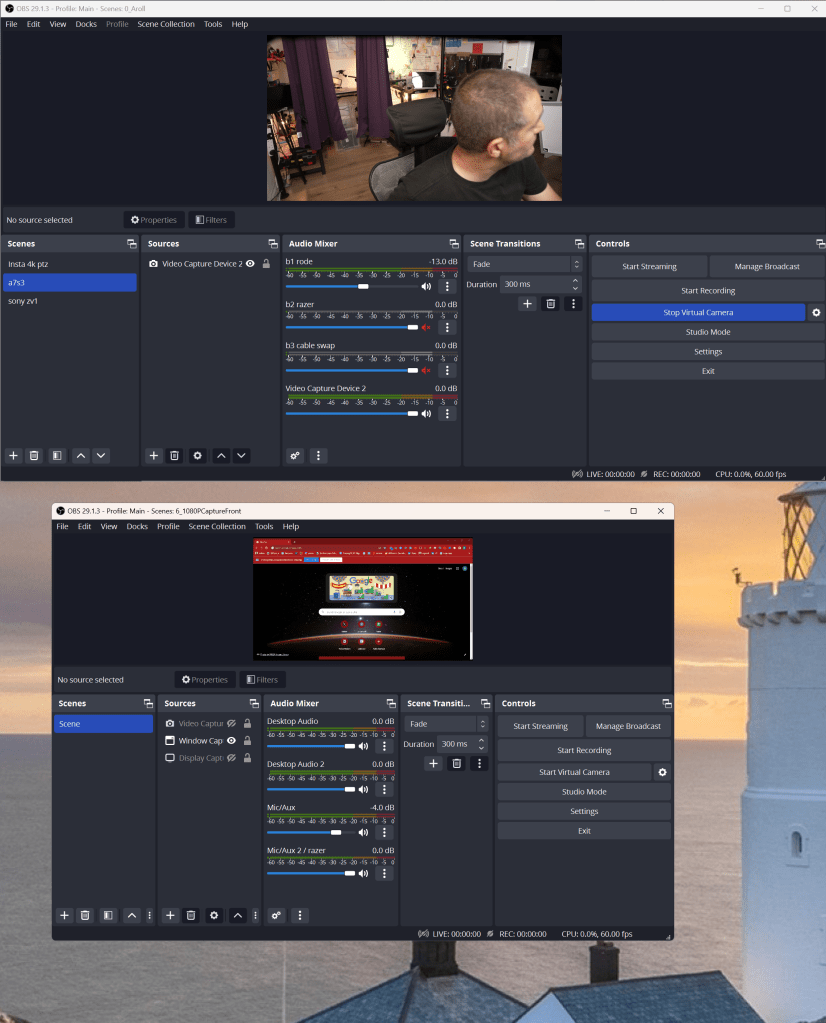
hear the audio

on trac 4
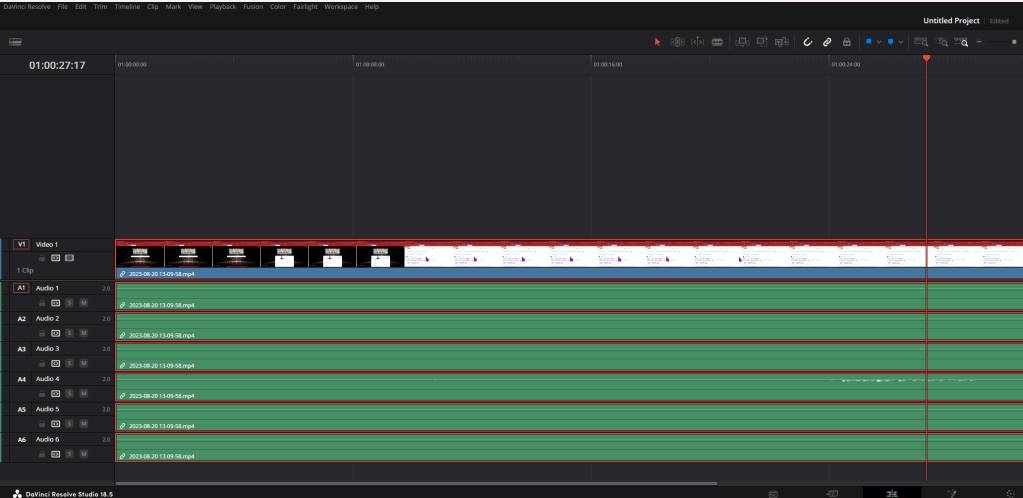
different tracks different issues
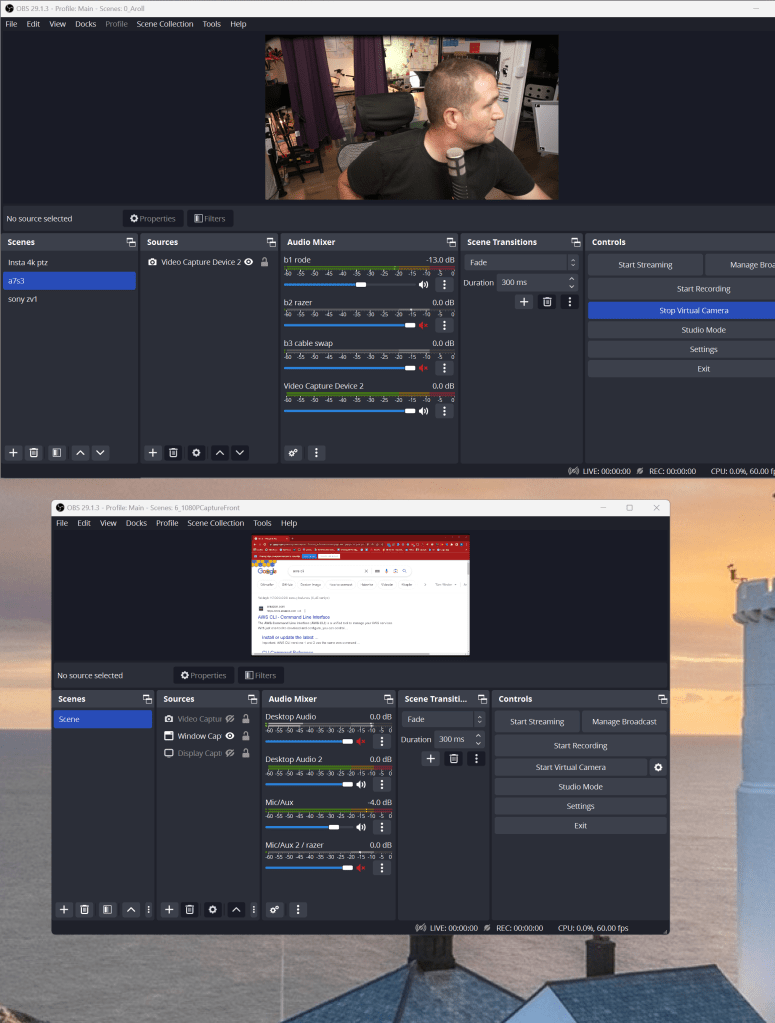
color
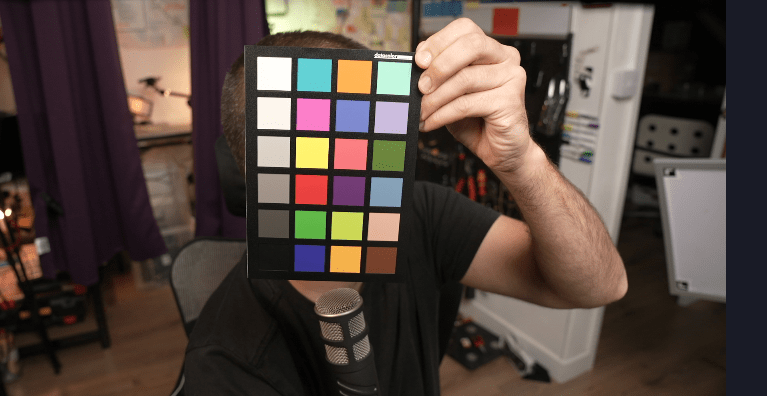
clapper >> hands
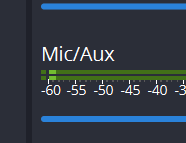
Focus windowed projhector
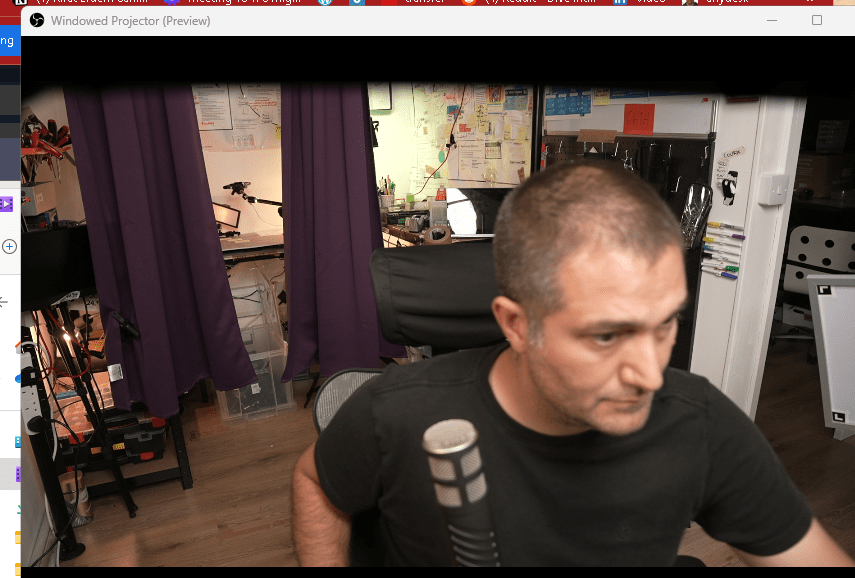
shot 2 cameras with audio back up
https://drive.google.com/drive/folders/1C--G0-ZNPFKq_Cm3fak0ZwFEhMjYozdt
Pasrsec remote check
Mention Andres on the video output is the key
Video 2 > move to prompter
Speed editor in the steamdeck and space mouse
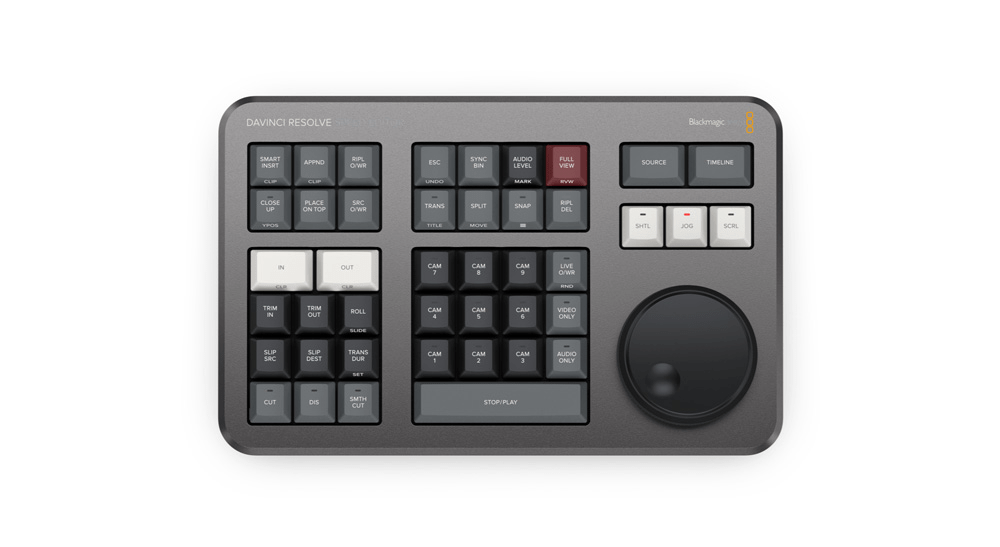
it did not fit in
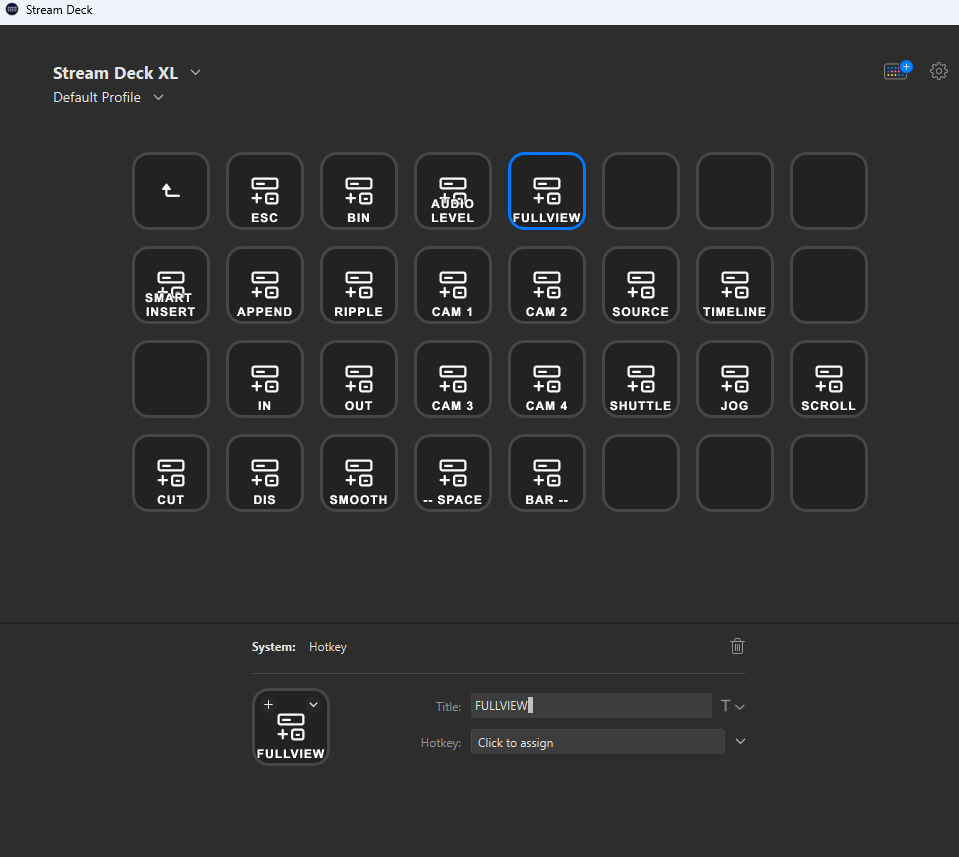
CAmeras on
obs error
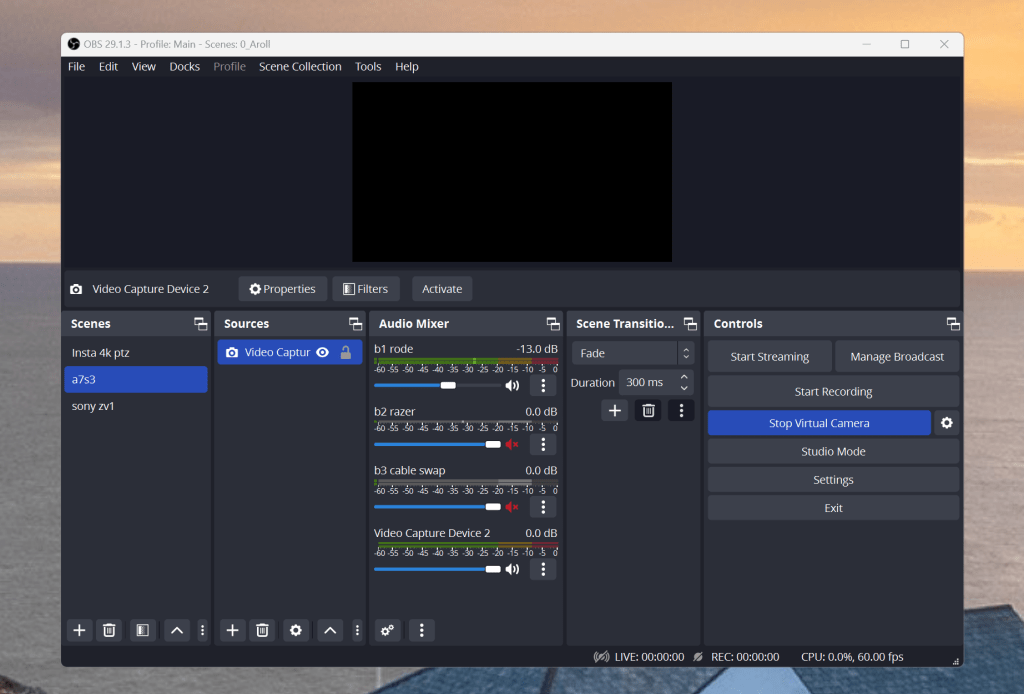
came line and camera swap > slower shot
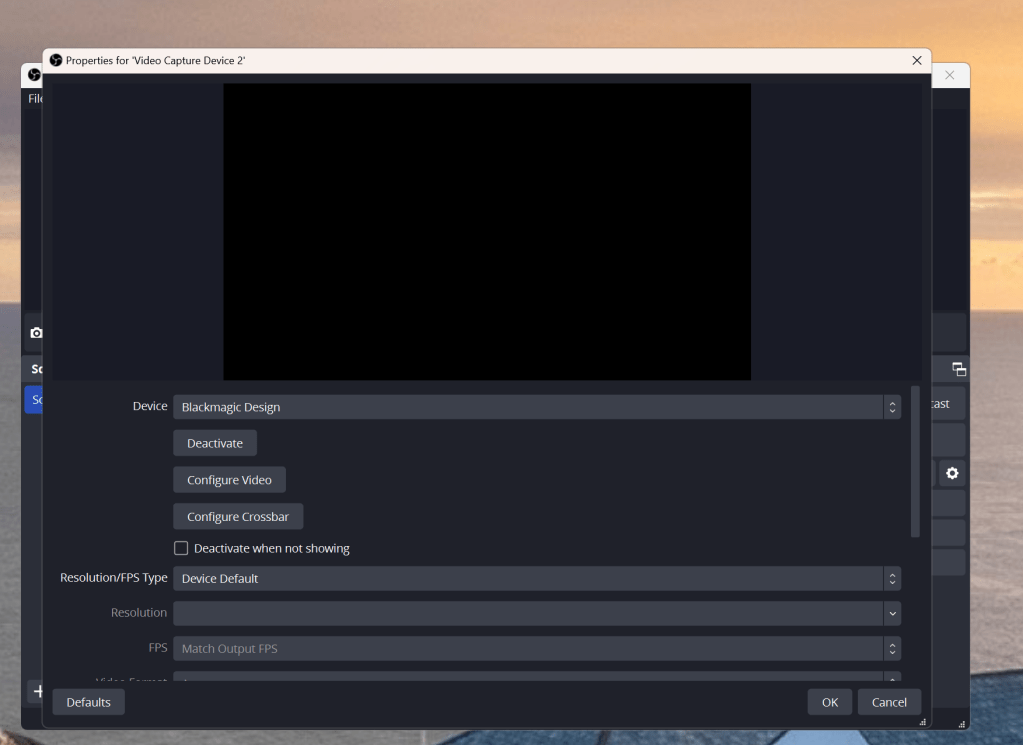
move and chaeck on xsplit
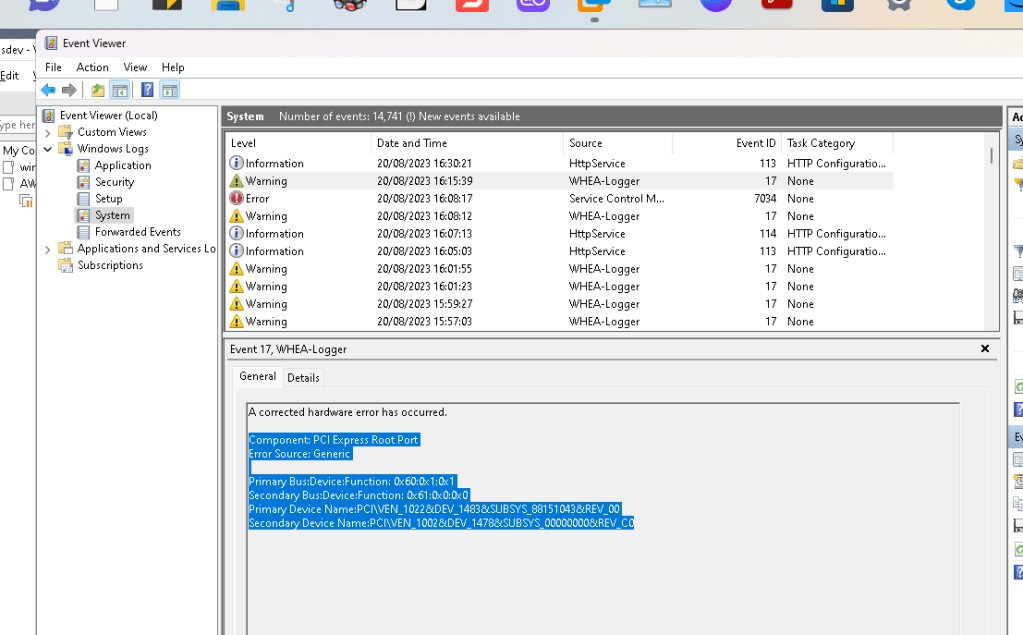
one camera here the usb issue
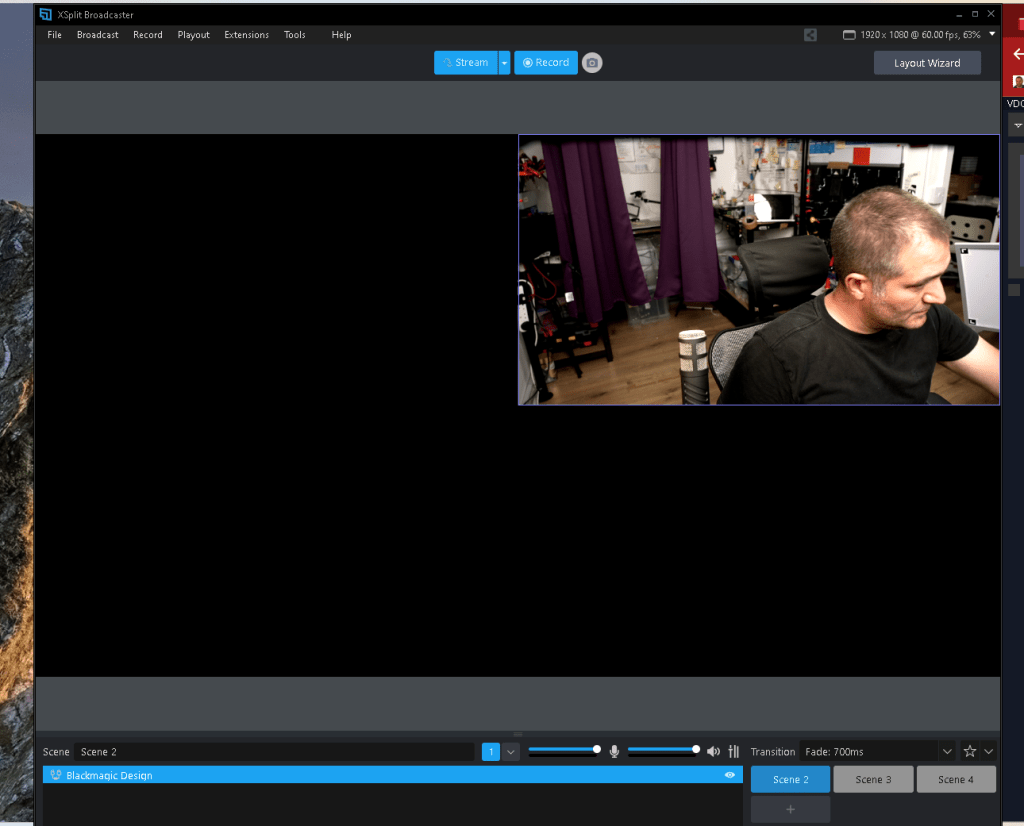
Drop of frames
move usb to none pcie motherboard one
maybe this was the black magic atem failing
Footages uploaded to here
https://drive.google.com/drive/folders/133vZYfEj-gn1Iuhf_Tb3B54syfrxiiPc
Now Time to create the timelines
= Name it with daya and the subject
= Use the normalize
= delete not used tracks
Create Locally
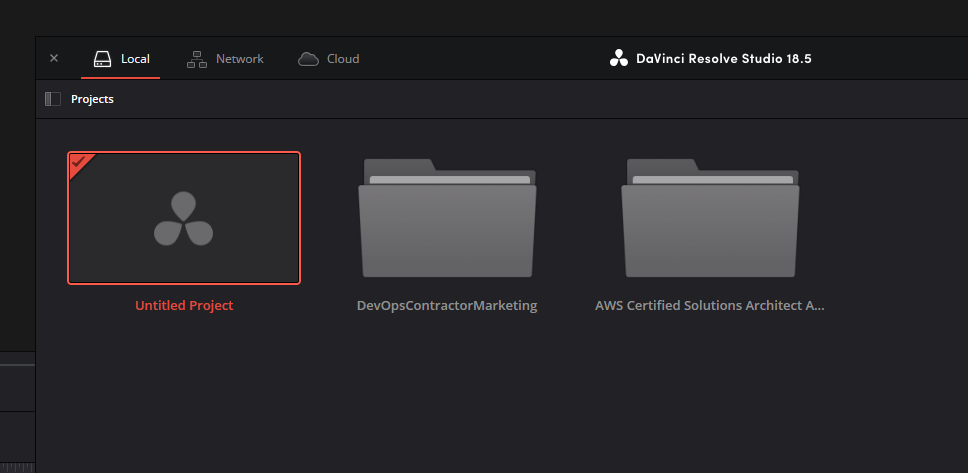
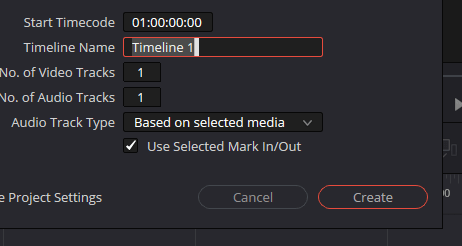
delete tracks
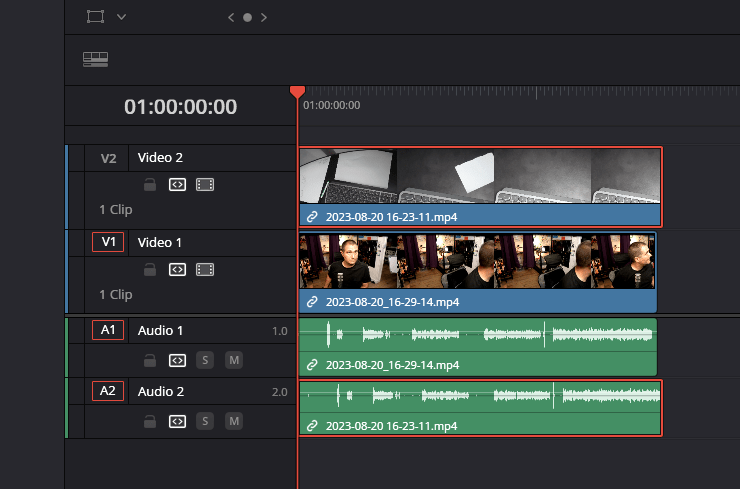
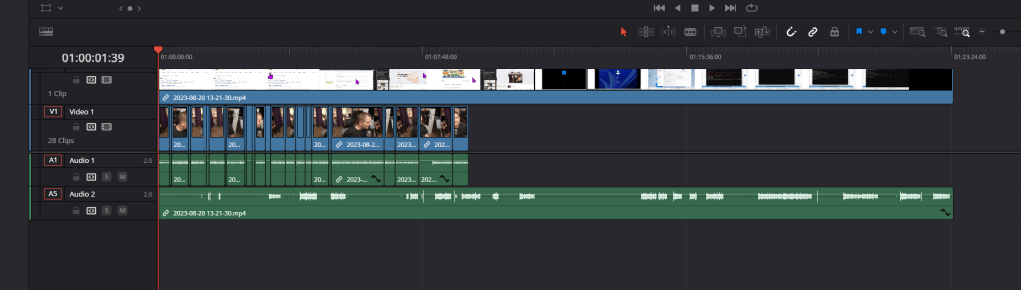
Auto align based on waveform
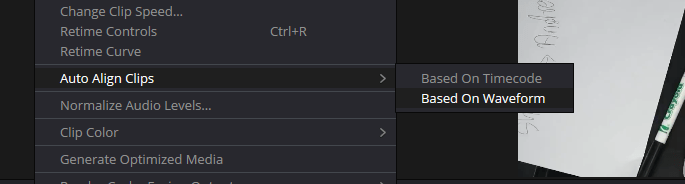
ctrl scroll to check
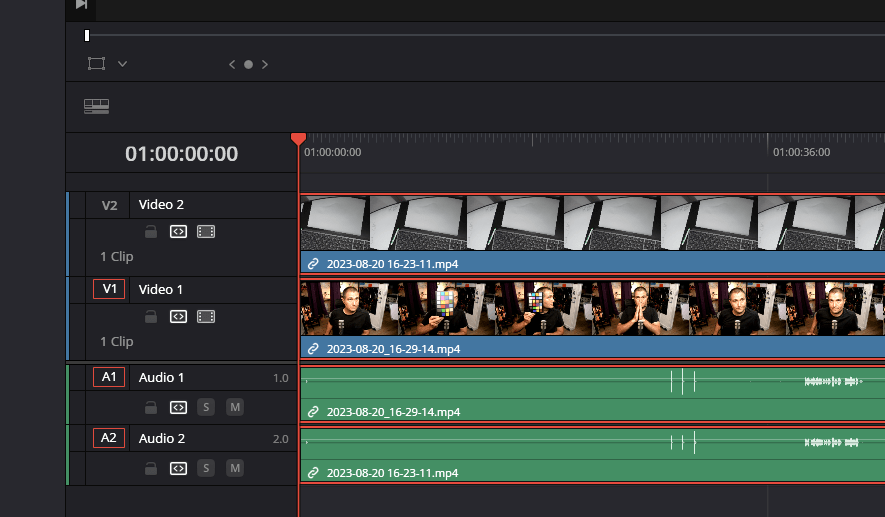
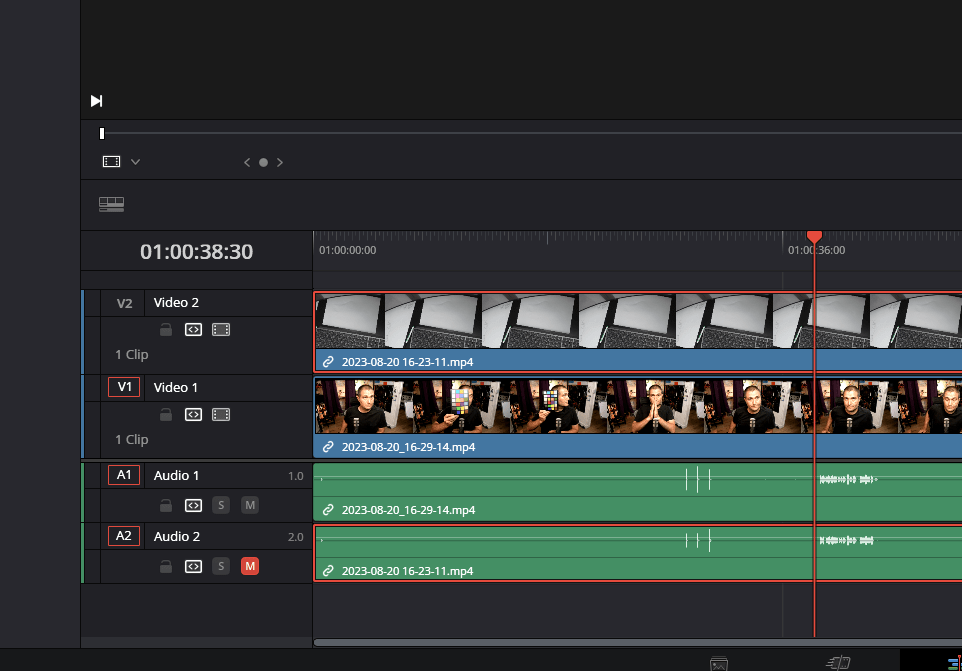
Mute one track
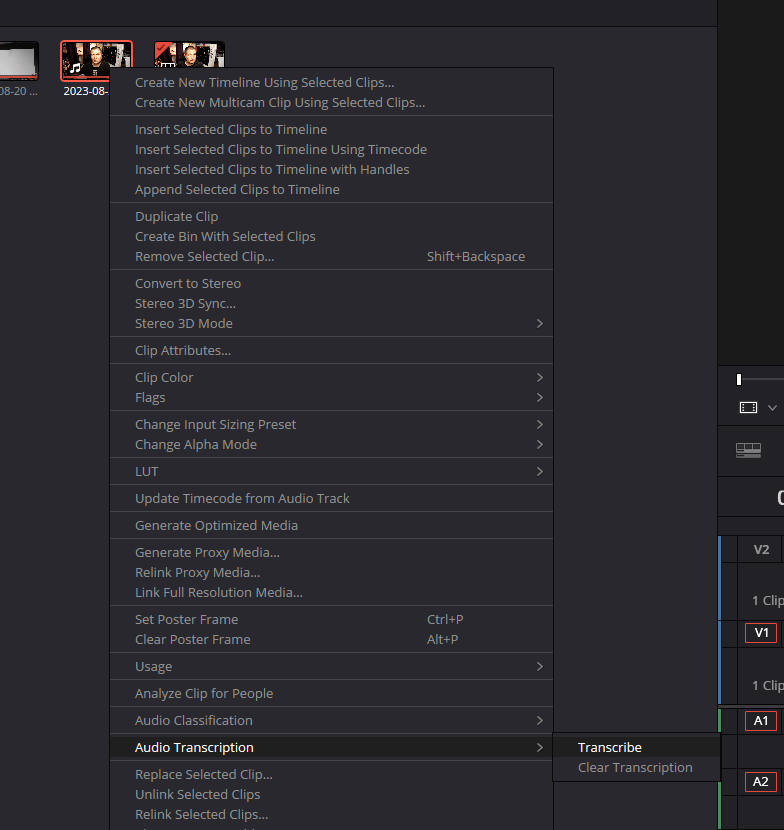
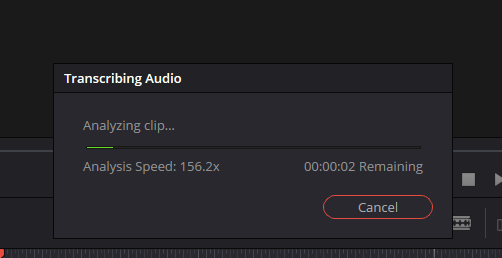
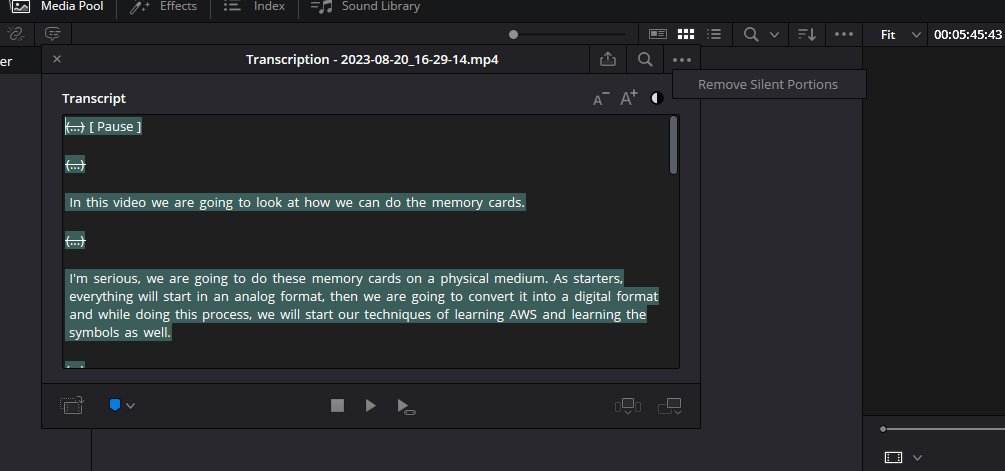
Transcribe A Roll
remove one waveform track
link 3
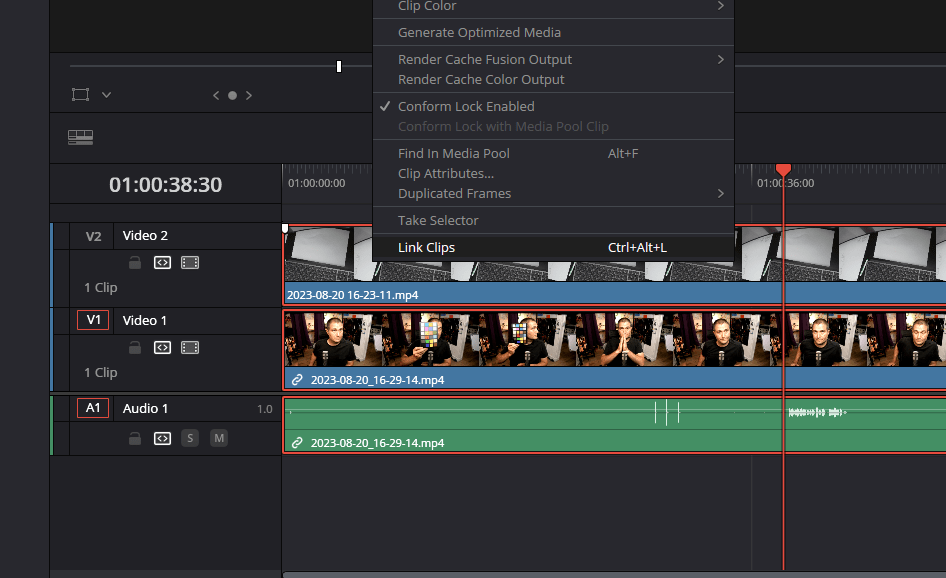
REmote Silent portions
RE add
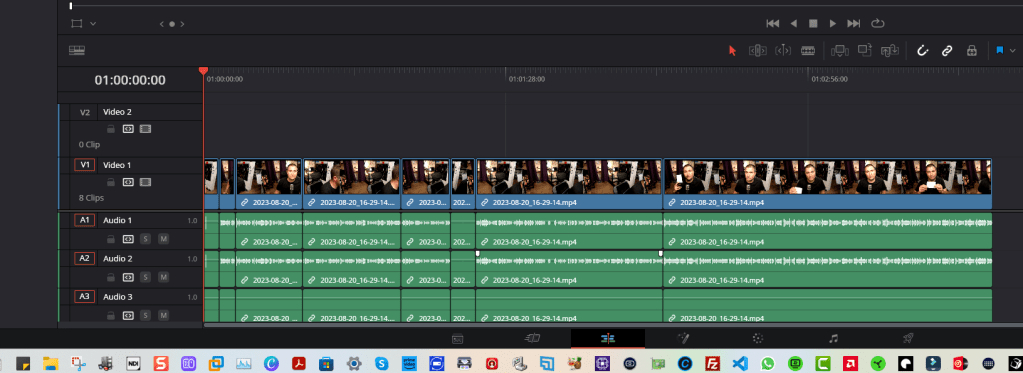
??? When it is cut there is no auto allign
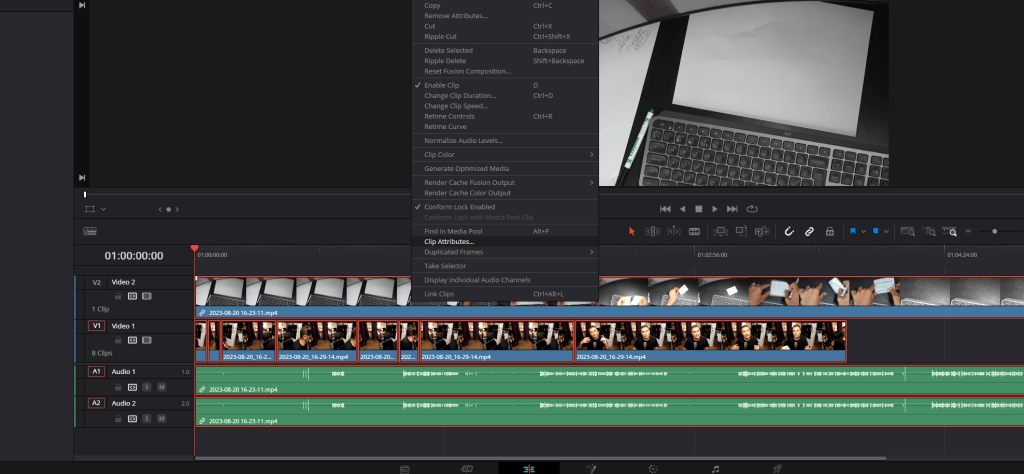
Append at the end after linking also did not work
Left it this way
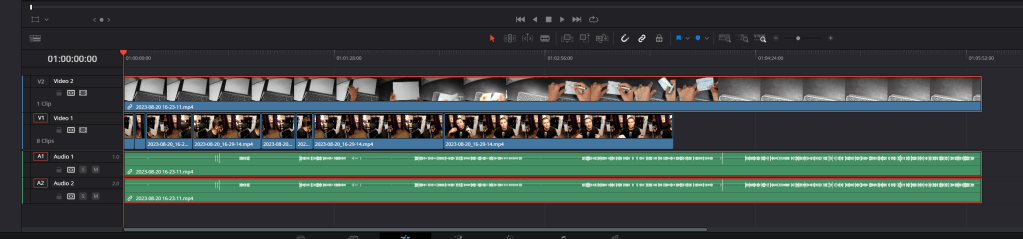
Normalize audio levels
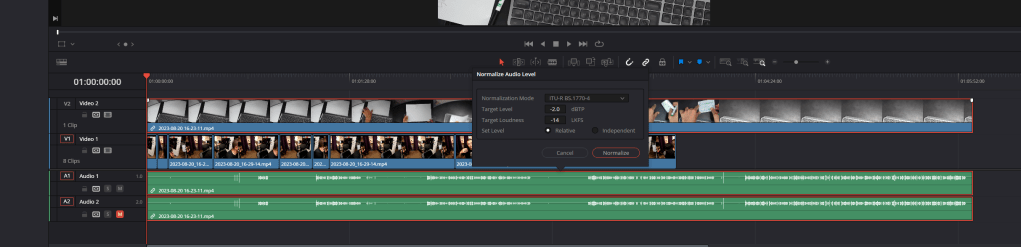
Add subtitles
Subtitles background and drop shadow
Meeting sync on 20 minute notice
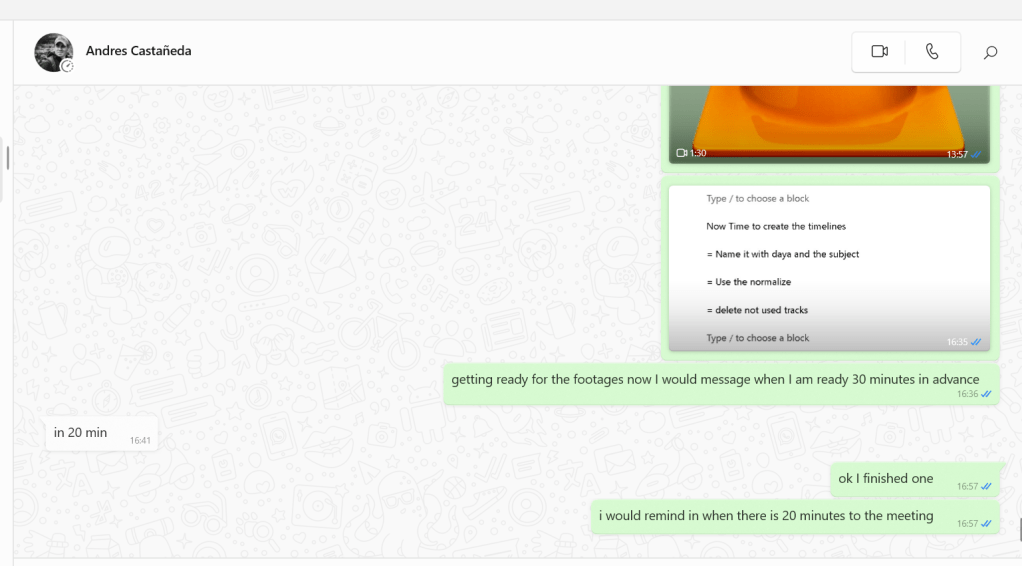
Same error dont know how to fix it
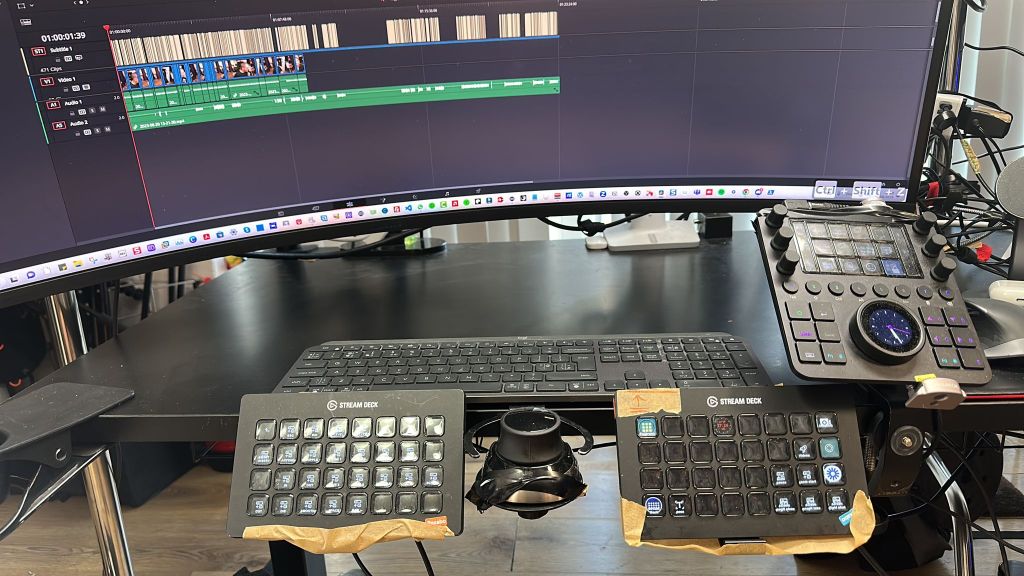
i would set the short cuts
Output
-
Videos
-
Linkedin upload
Retro
-
Gaps
-
Find errors in preprod and prod
Maybe the issue is the reolution mismatch
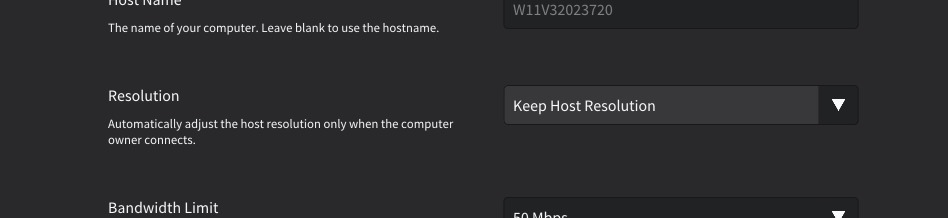
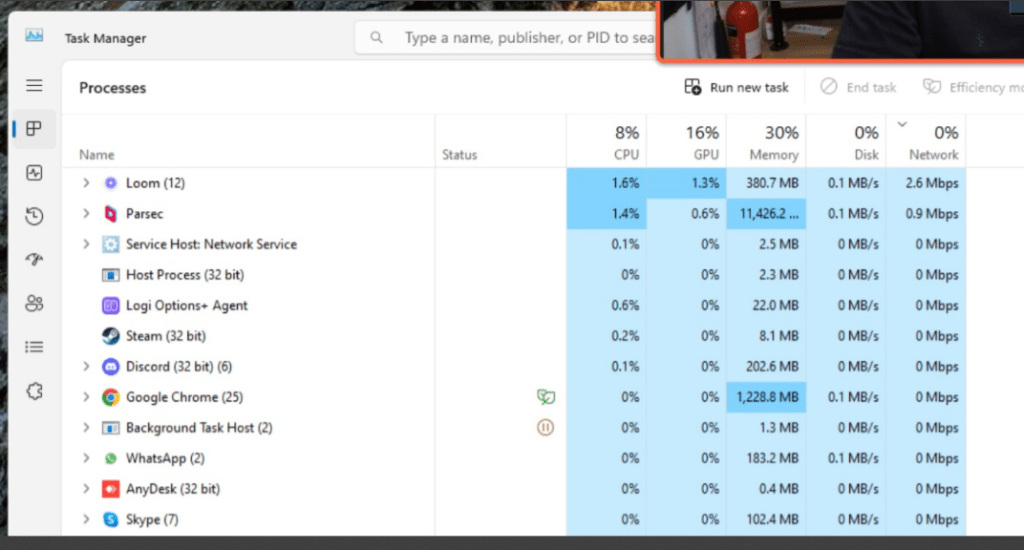
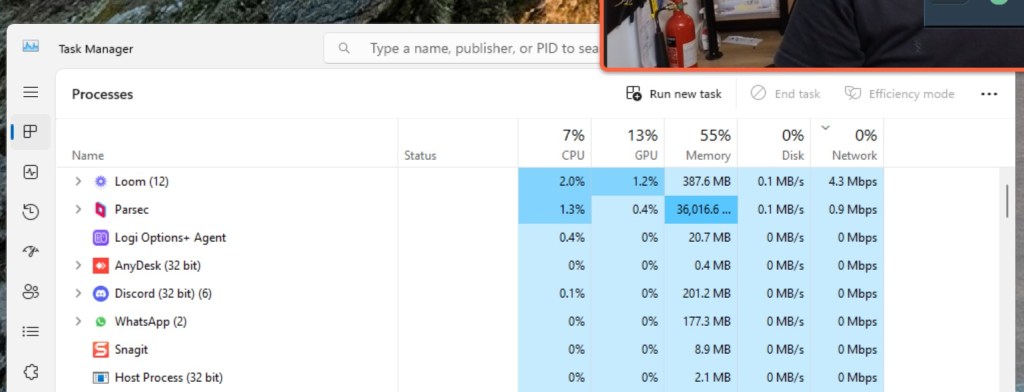
Memory Leak for the parsec
Multi screen issues
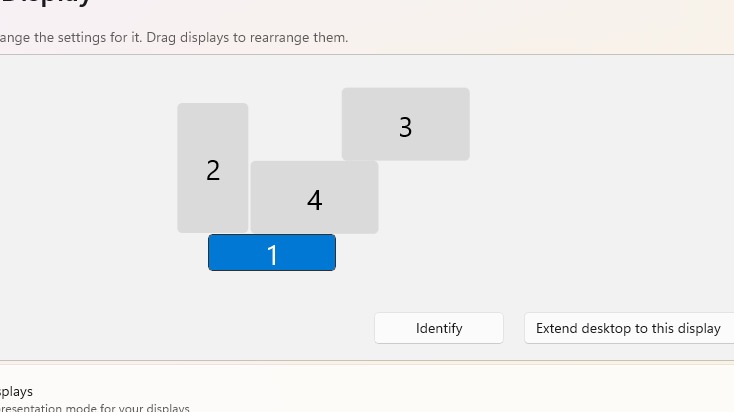
tried 100 percent scale and it did not work > Erdem had a hard time
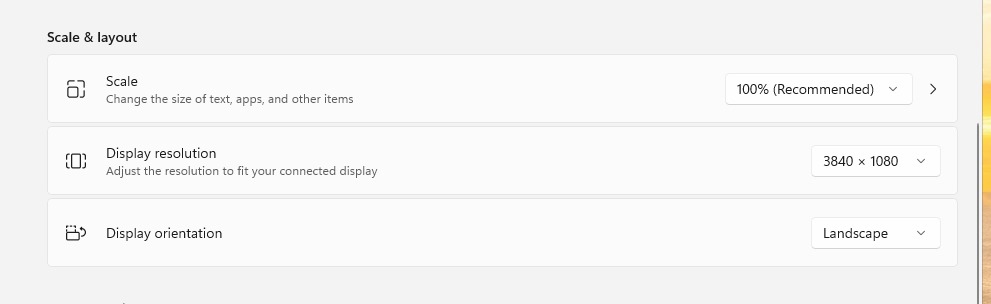
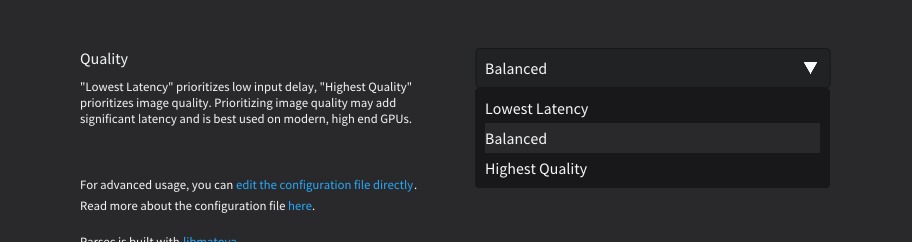
Andres complied about the quality
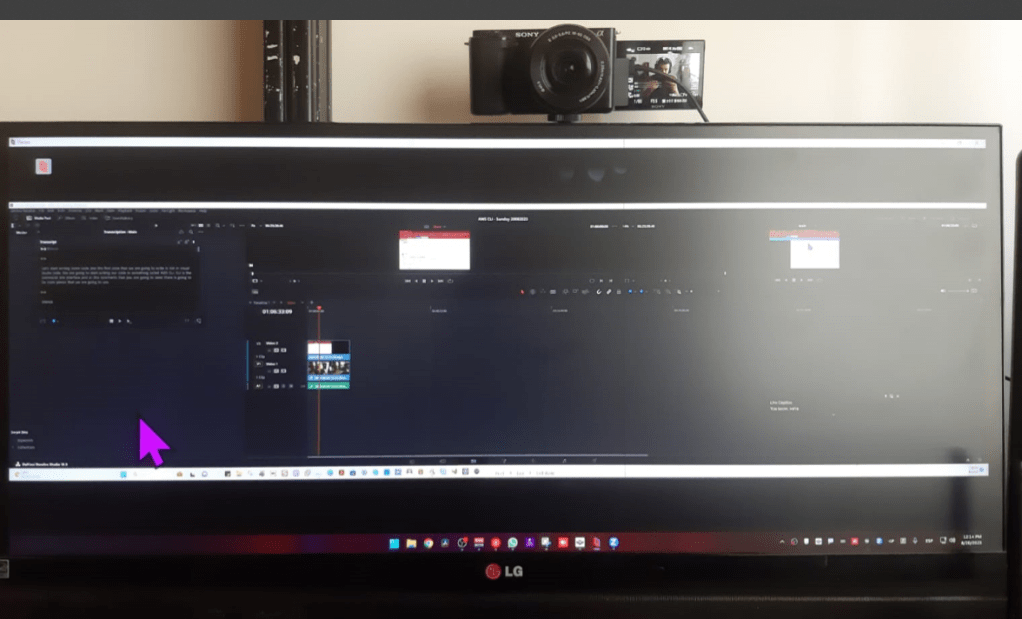
Andres mentioned the parsec locked his system
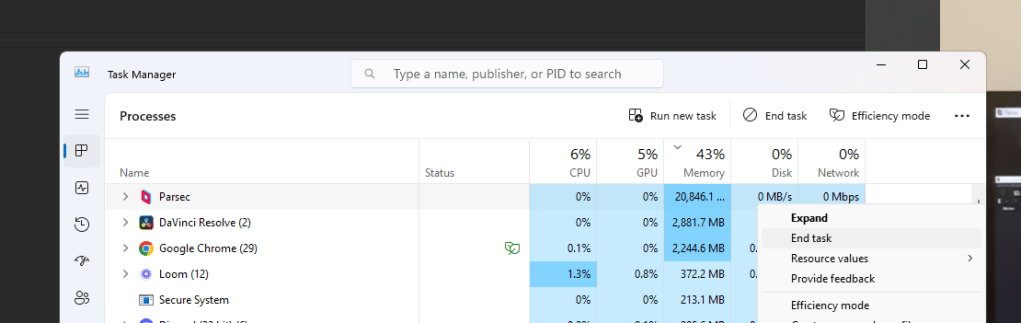
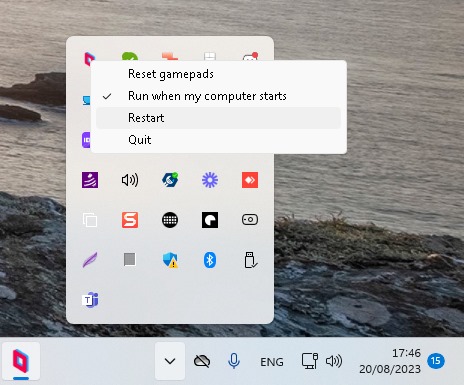
Restarted parsec due to memory usage
did not change the case in the
Andres changed the audio to solo
Andres expect each video with only one track while getting recorded not with multi tracks ( erdem bad )
When going to a different monitor it becomes harder to read
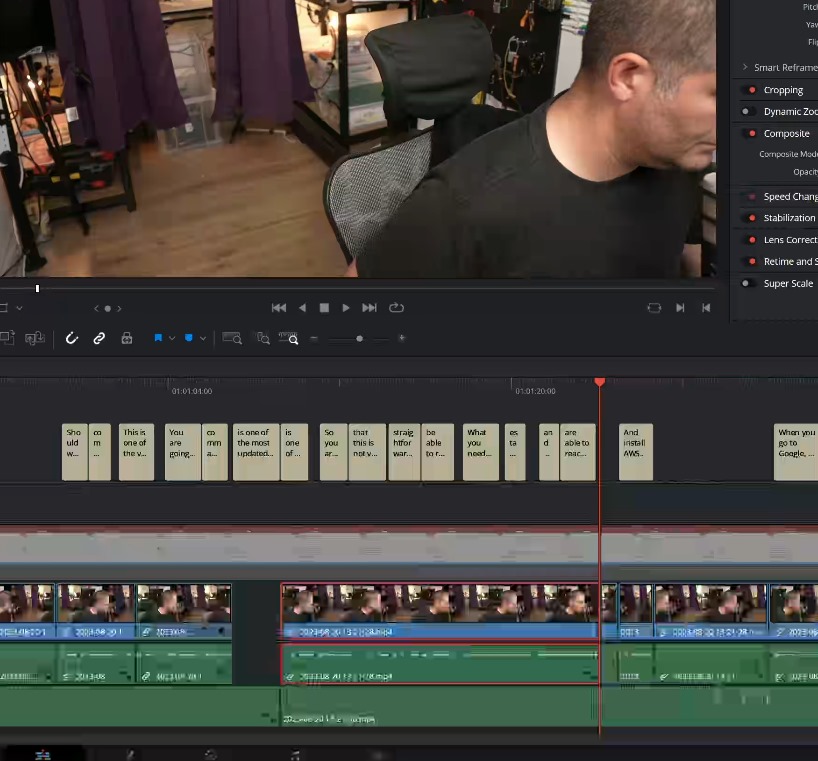
Multi cam clips start with a multicam timeline
Multi cam timeline has a source timeline to sync the audio
Clicking on Erdems big monitor side is not easy as Andres uses multi screens
First multi cam > on that source timeline sync it
than use that timleine to create the subs and the cuts going down to single audio for the multi cam
Erdems big cursor was a problem for Andres
Anydesk did not have memory leak problems> andres did not like the parsec experience ( started good working was harder )
Delete all the audio source not having too many >>>
Decompose to see on the angles!
Audio has an issue > Andres felt it Erdem discarded it
fix the issue in the source timeline! ( fix the timeline )
Andres goes to solo
Question how to find the issu in here
bad audio to hard to fix could be filtered ( 2 obs open )
maybe shared driver!
under with fairlight did some
low fi recording means >>>> no resolution >>> sounds like an old record
backup audio needed > use voicemeeter recording
less tracks is much better>>> 6 tracks is much worse
workshop notes session 1 where Erdem has failed in planning
use xsplit and obs >>> not 2 obs at the same time to record or use source record (error)
it is the obs problem not 2 of them >>>> xsplit is better>>> 2 different recorders and audio backup recorder( the rode cam in )
zoom and google drive are good alternatives!!!
Light over exposed and the auto focus is an issue
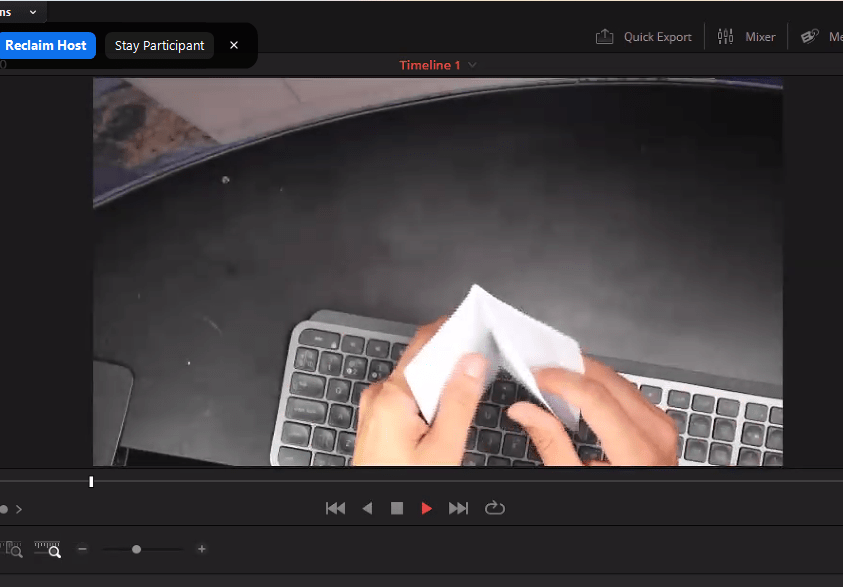
Where Andres delivered it
Cleaner space is better > use the proper top down desk / clean one
Andres has his shortcuts
Imported from rifaterdemsahin.com · 2023