Remote Access with AnyDesk
Any desk with great UI share with multi screen approach
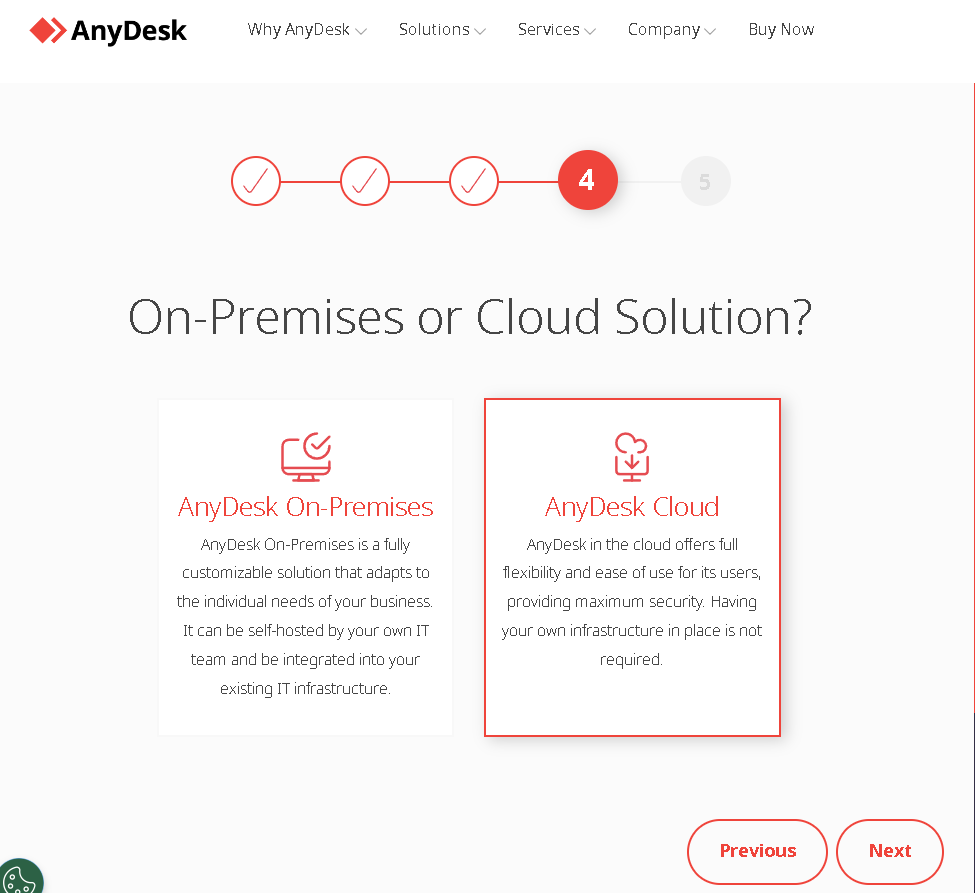
Rationale to install is to get the support
https://twitter.com/rifaterdemsahin/status/1691780723550704081
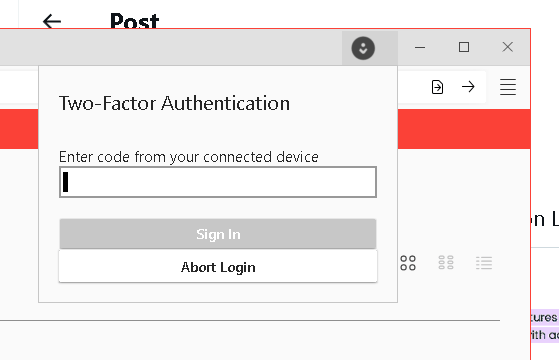
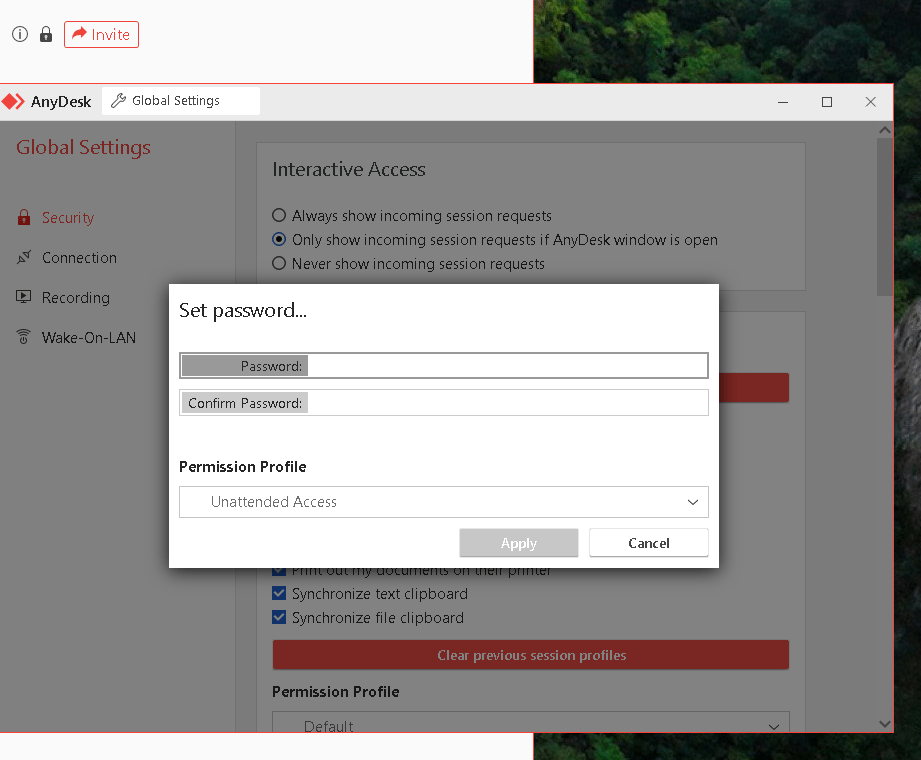
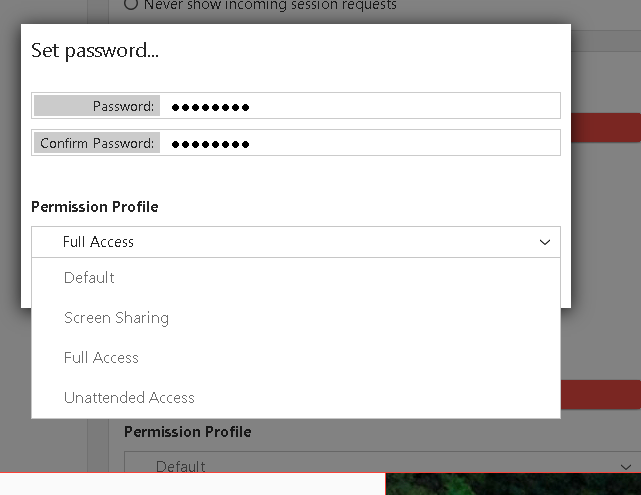
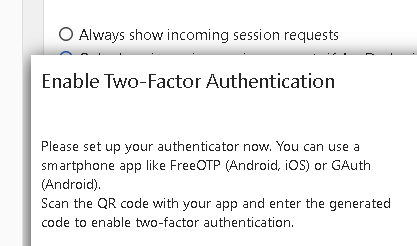
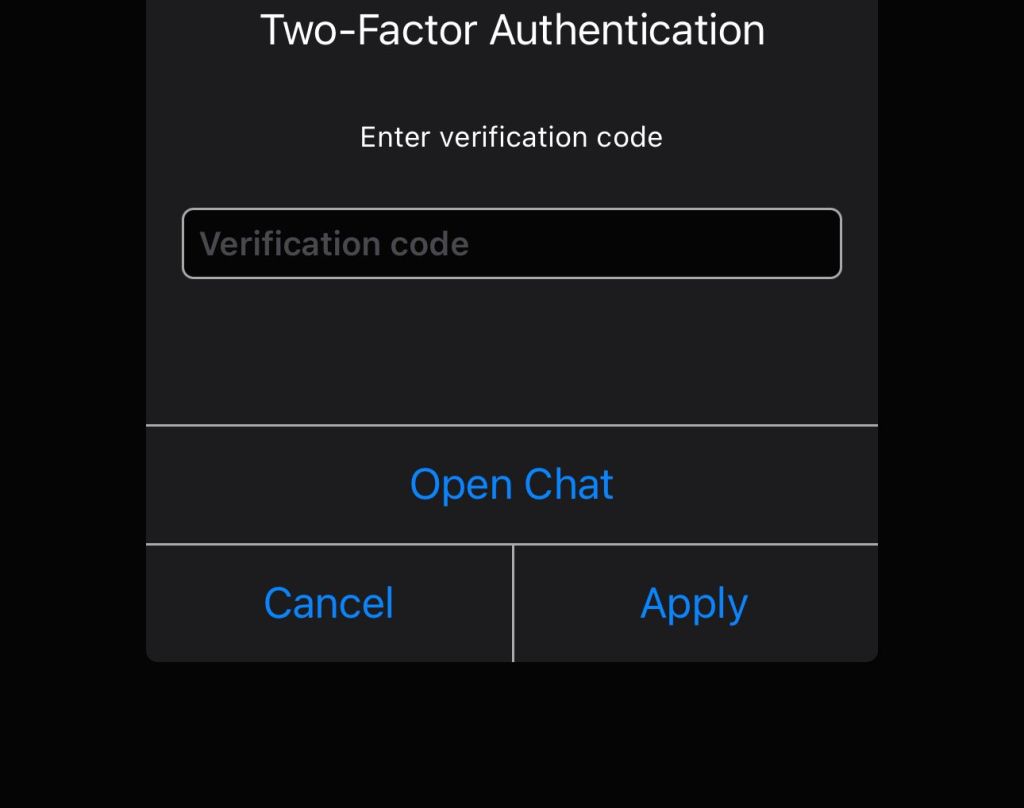
2 factor is there
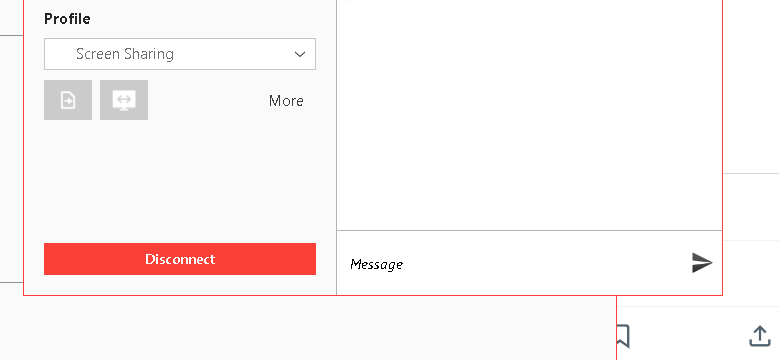
black screen on the m obile so update them
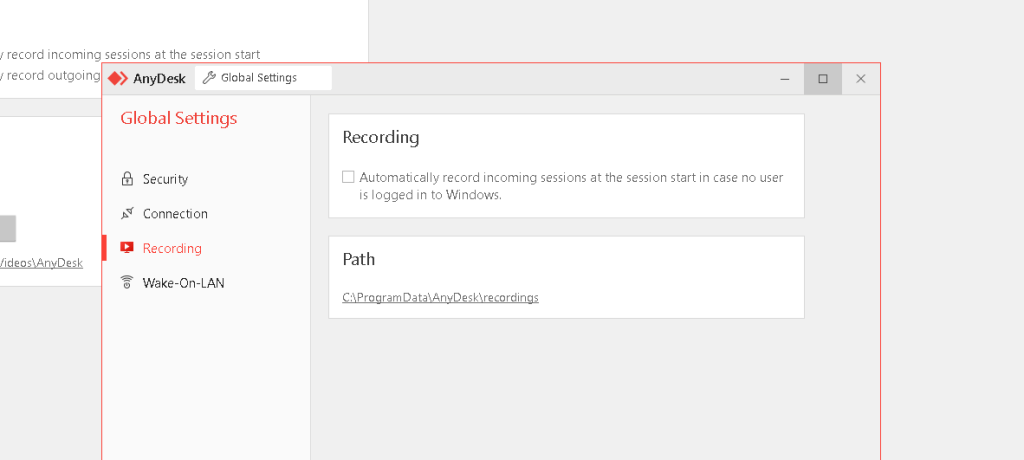
Recordsings
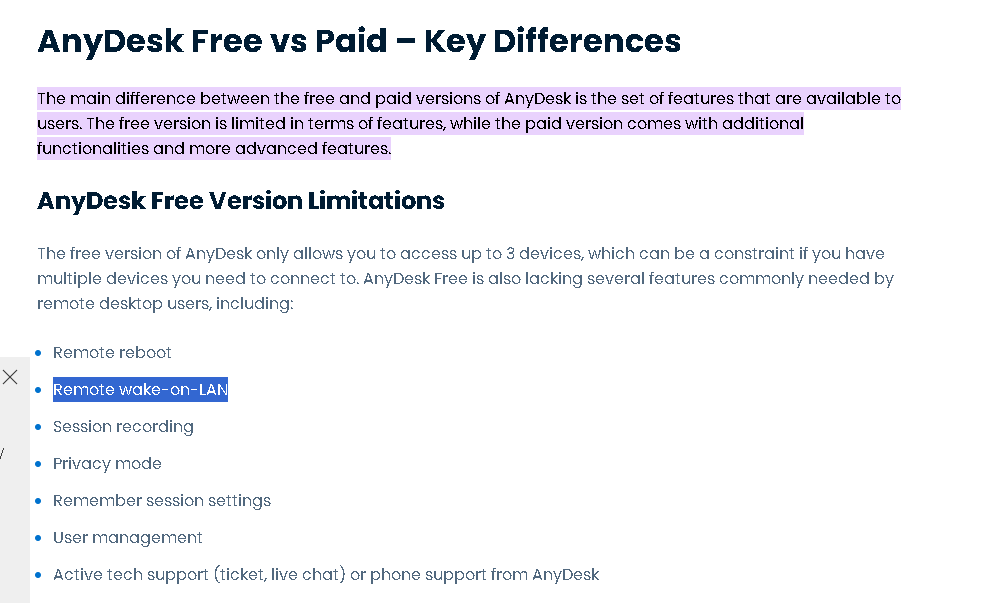
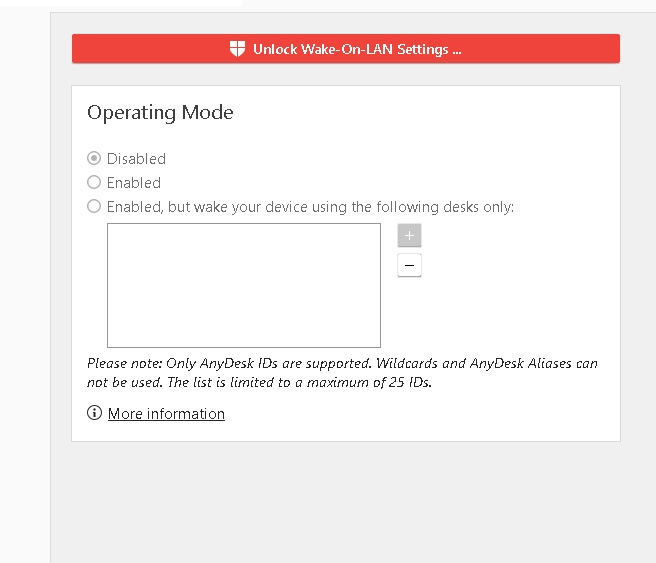
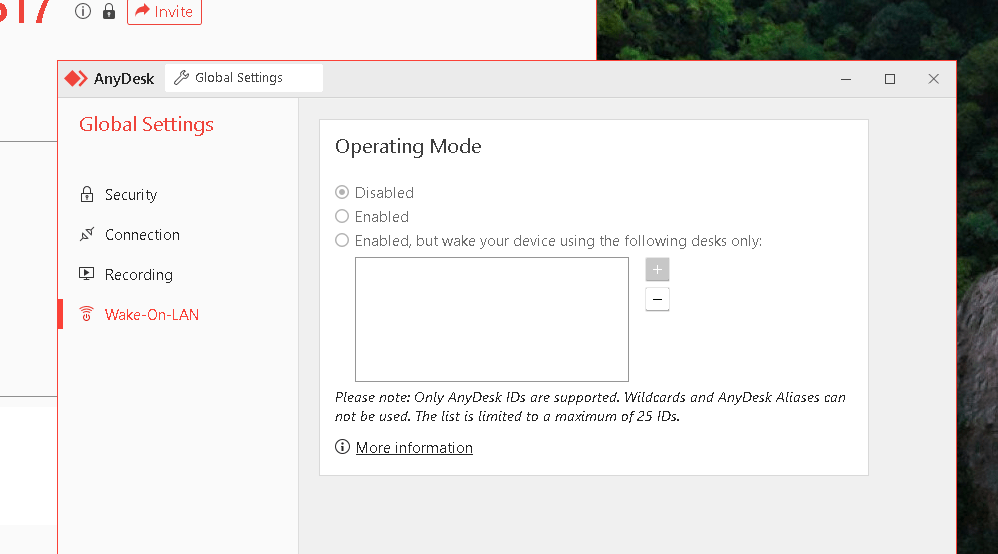
Wake on LAN
Multi monitor not clearn on the mobile side
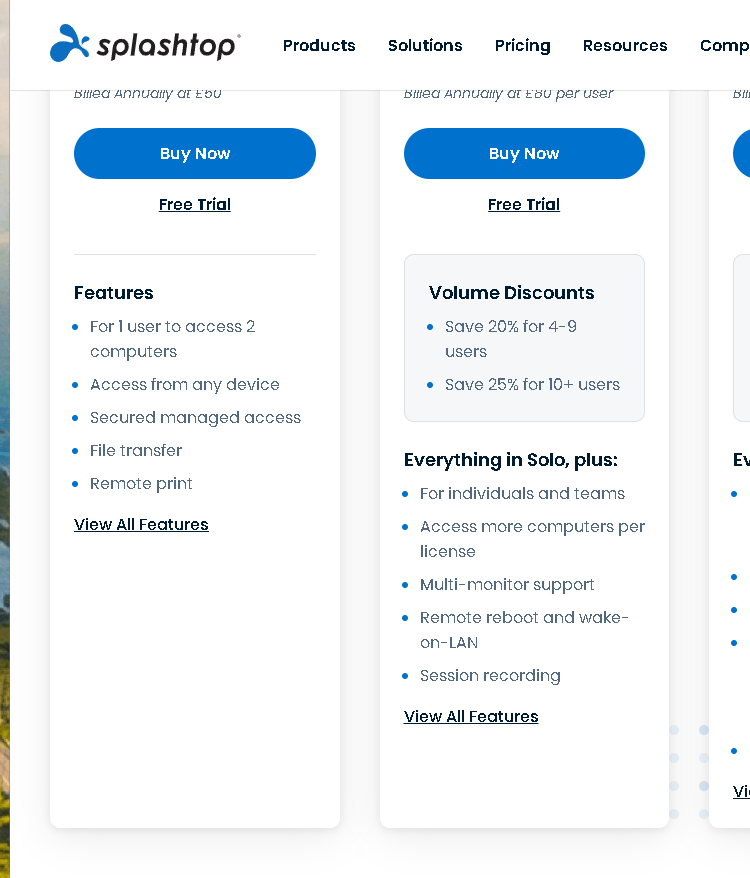
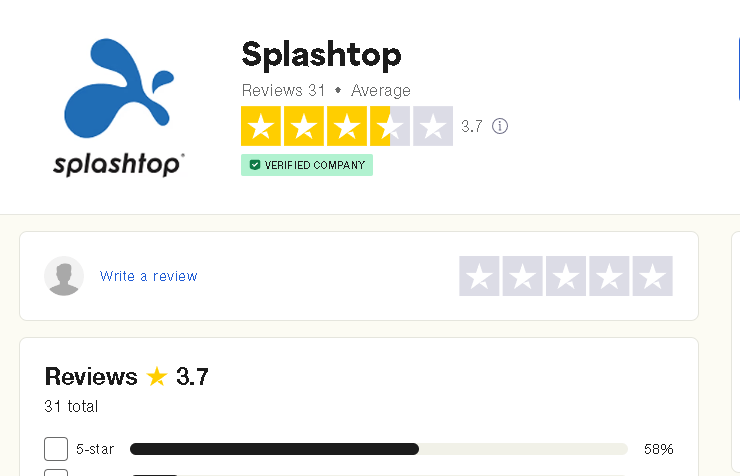
Splashtop > mentiones similar features
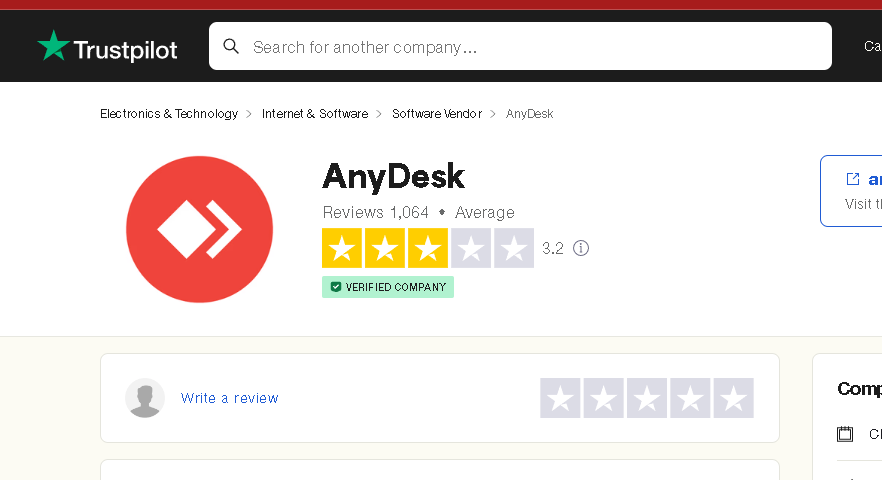
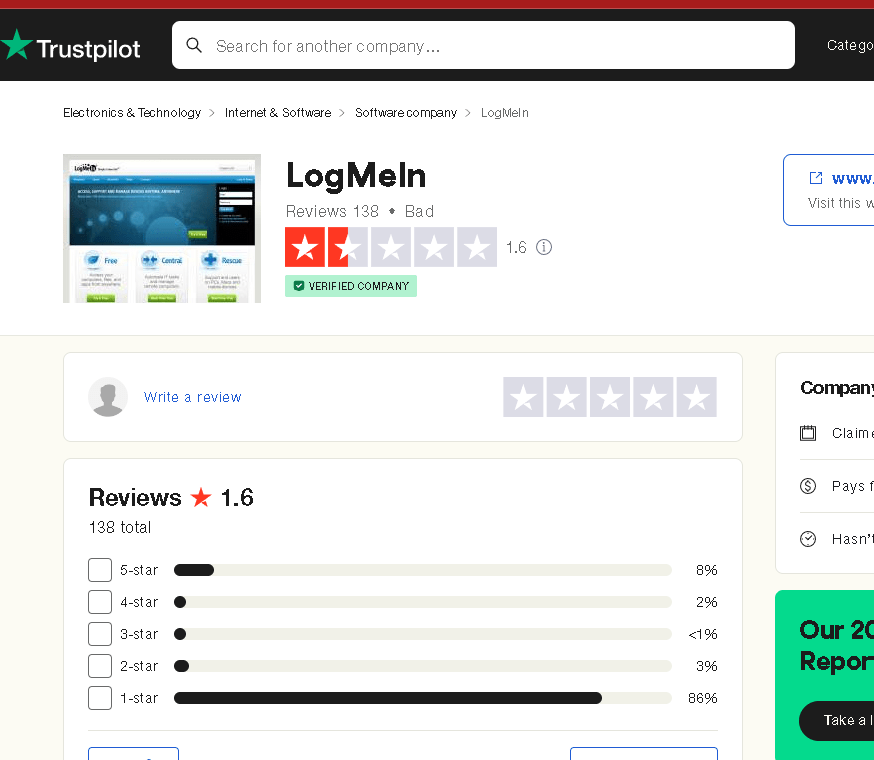
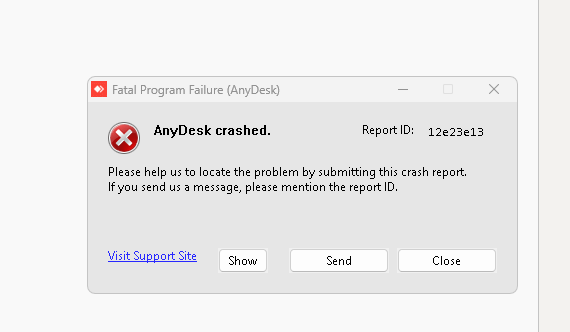
goto proxmox and try on linux
twingate server > noip and anydesk to reach the premise over protectcl
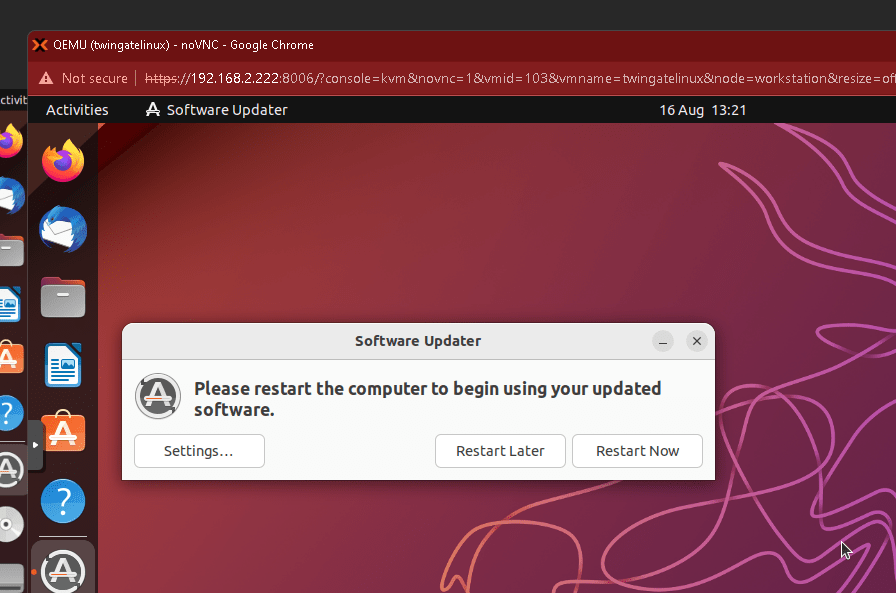
https://anydesk.com/en/downloads/linux
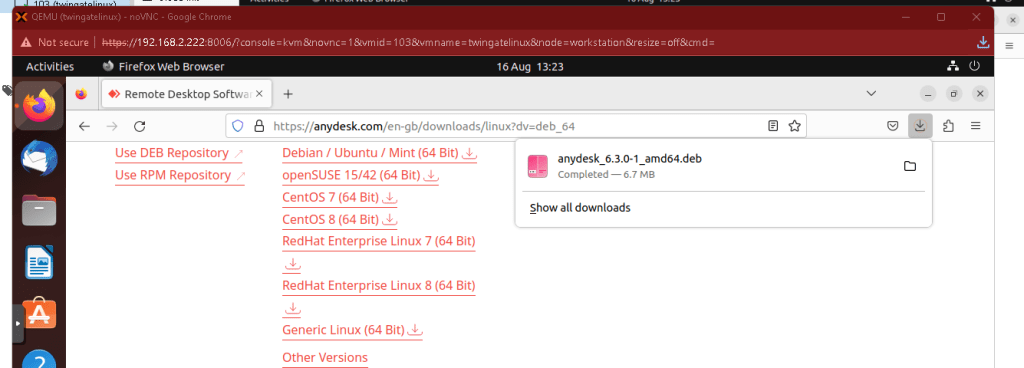
https://anydesk.com/en/downloads/linux?dv=deb_64
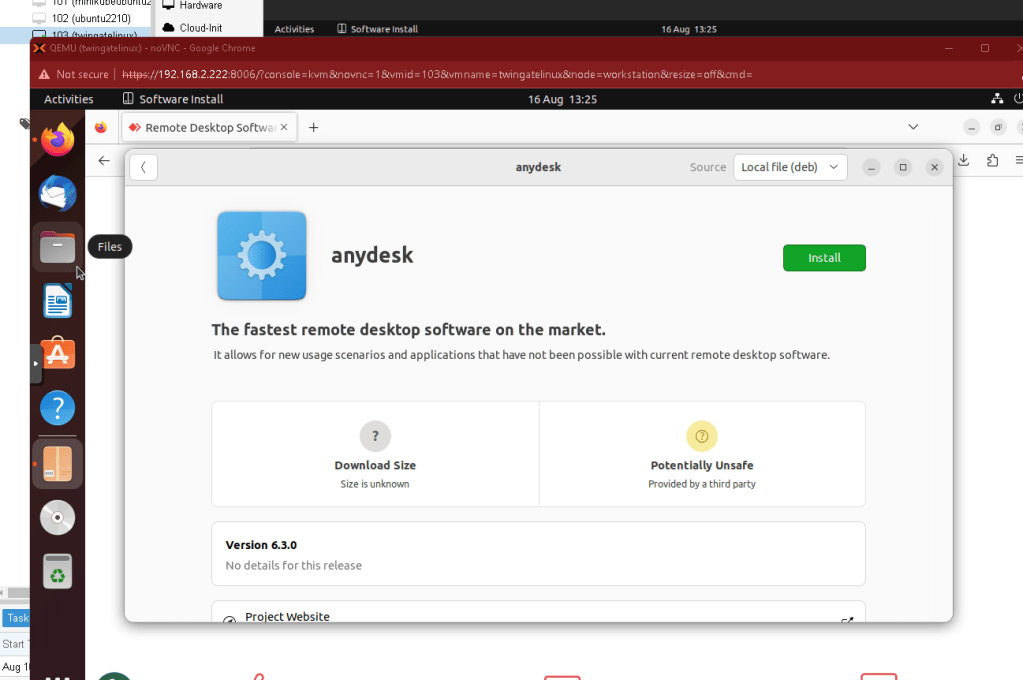
For wake on LAN Access this is needed
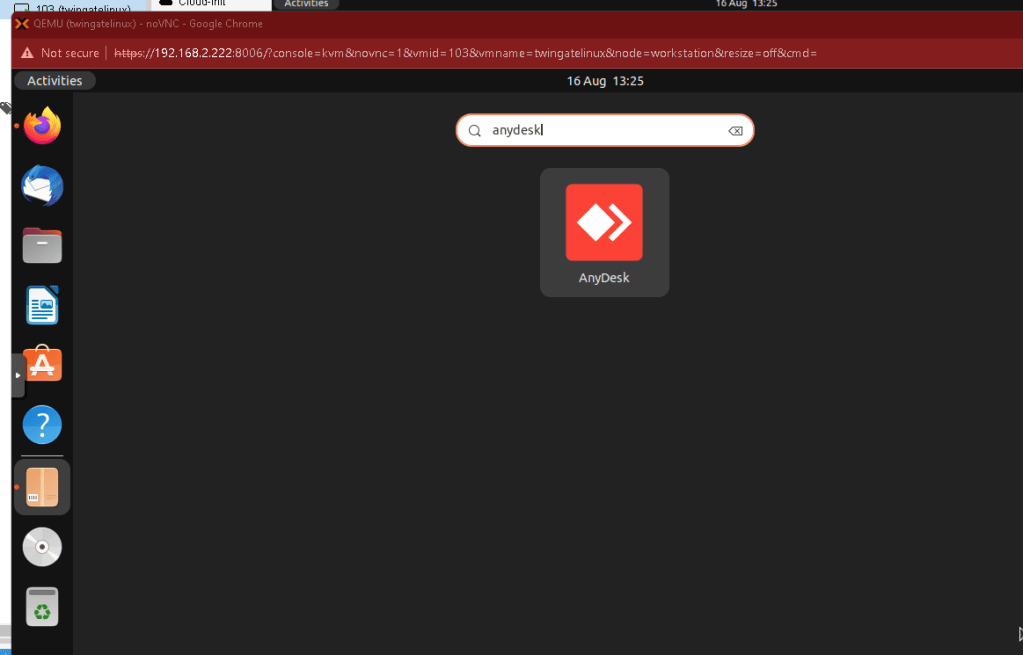
ubuntu not bad at all
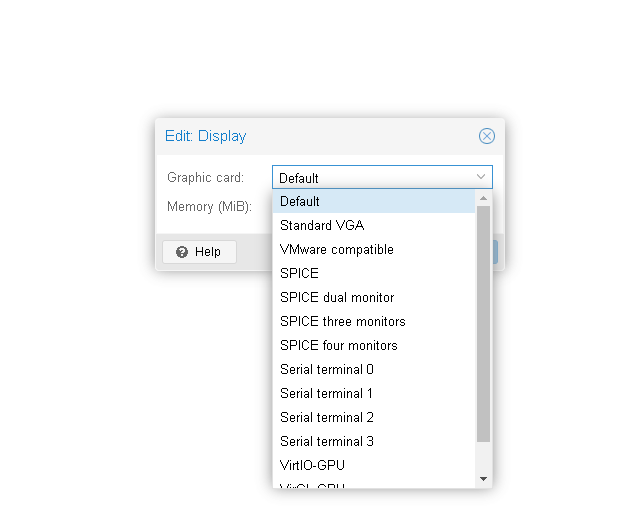
Display driver over proxmox not supported
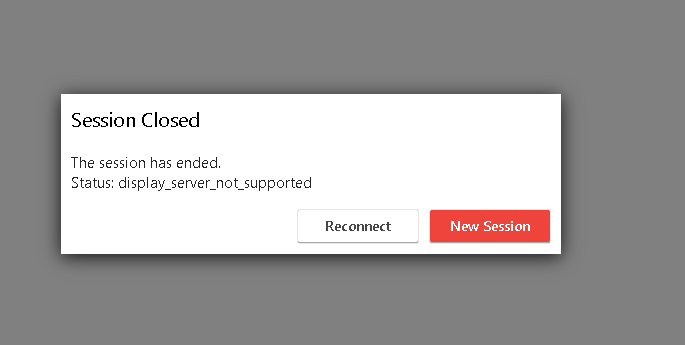
move to stanmdart vga
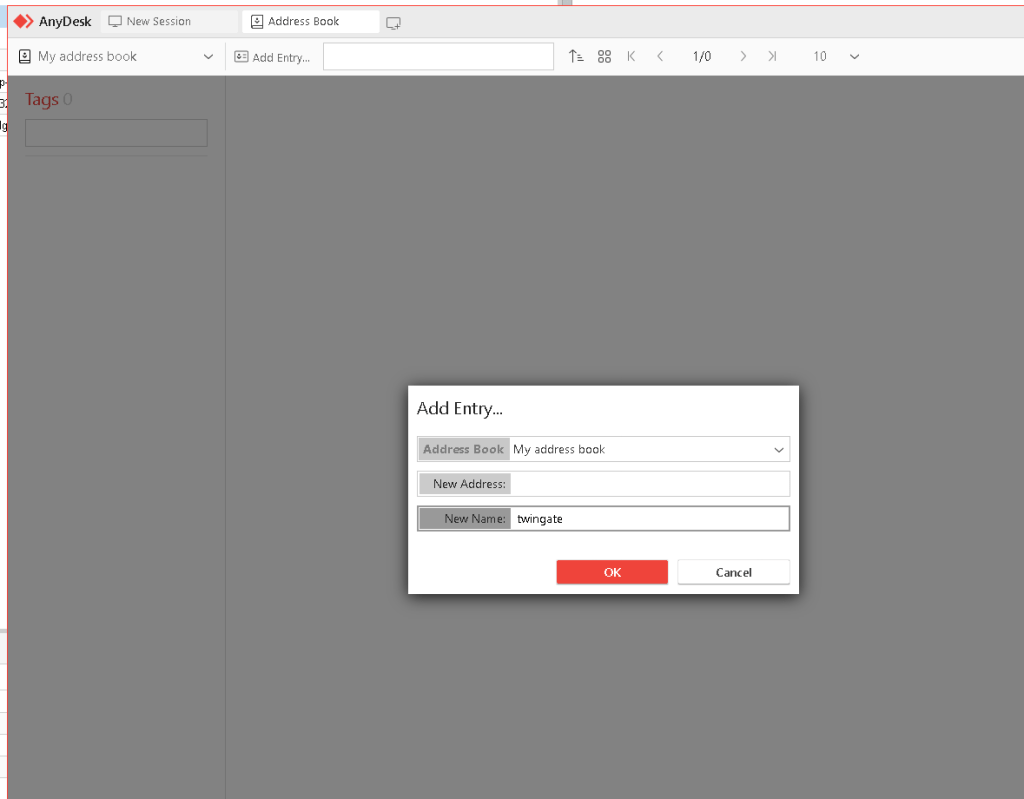
Add entry
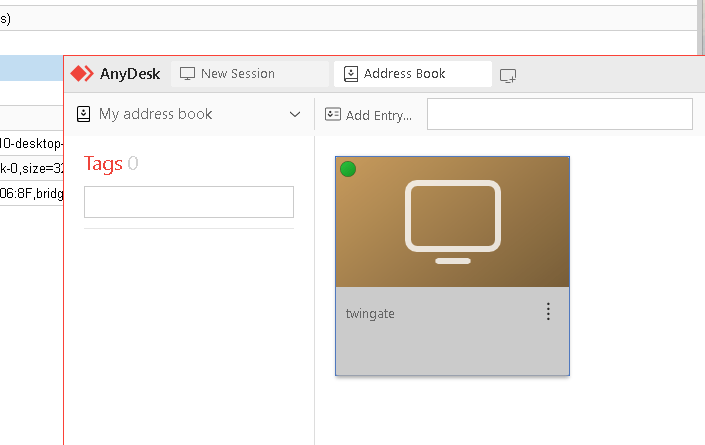
moved to spice
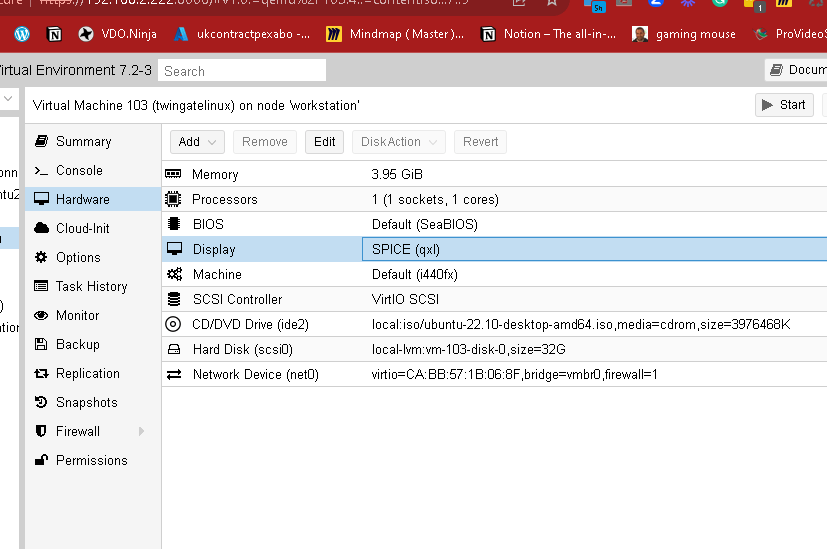
Wake on lan attempted
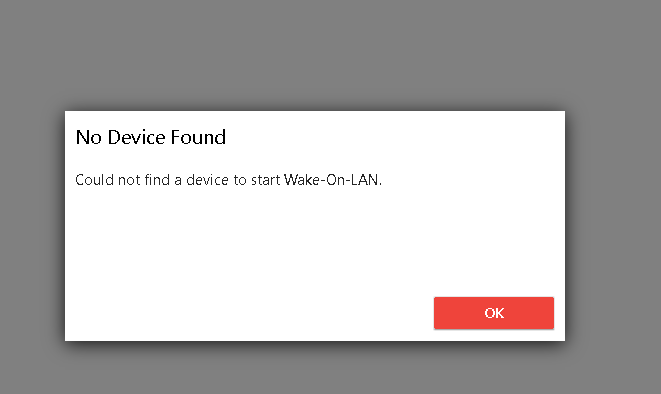
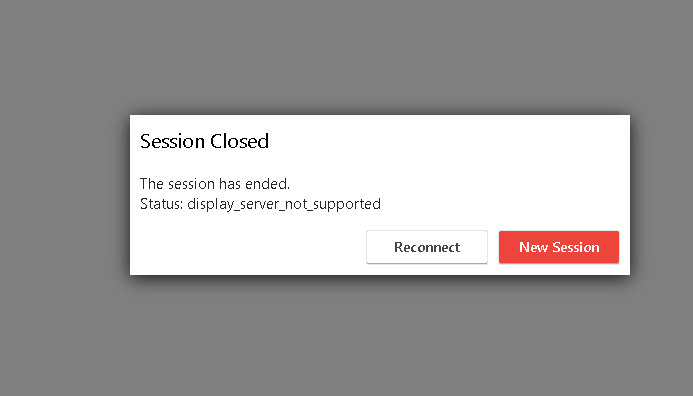
trying this one
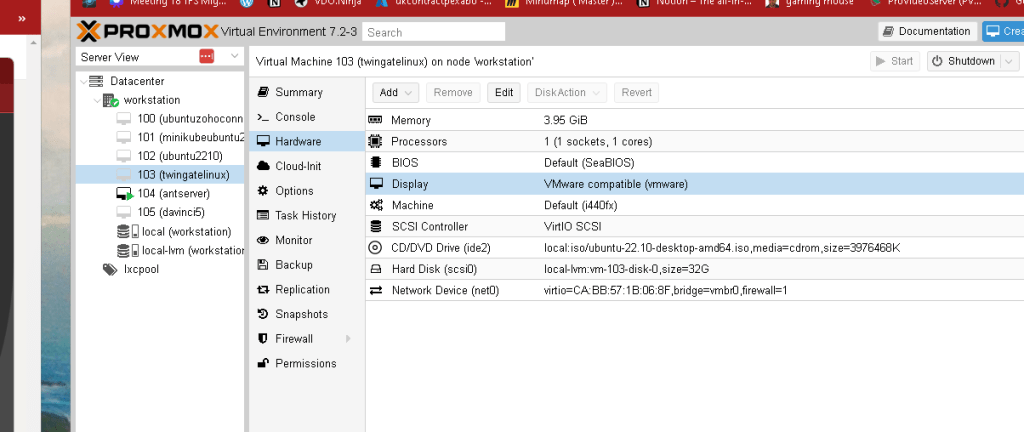
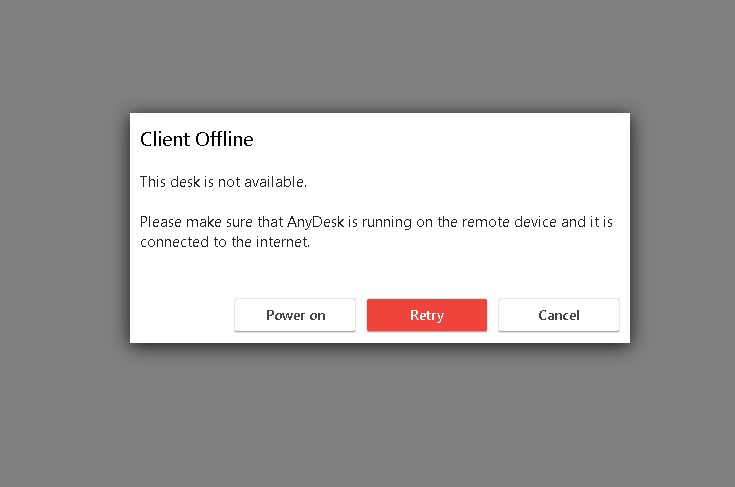
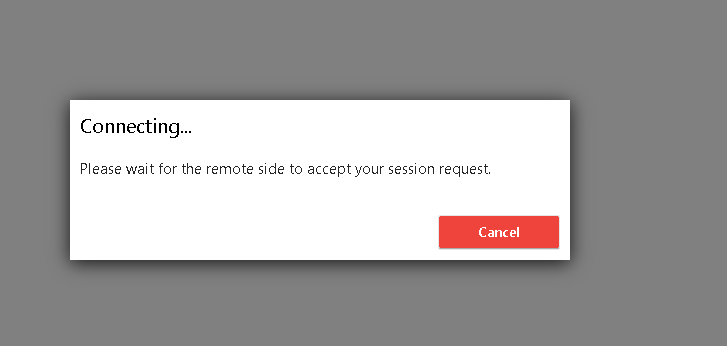
it works with the vmware
Check your ip from the could as well
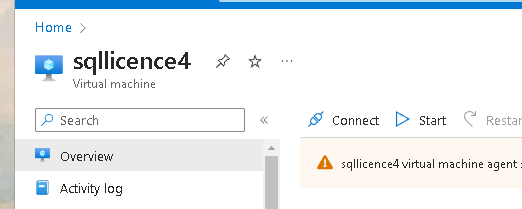
https://twitter.com/anydesk/status/1691820139665076411
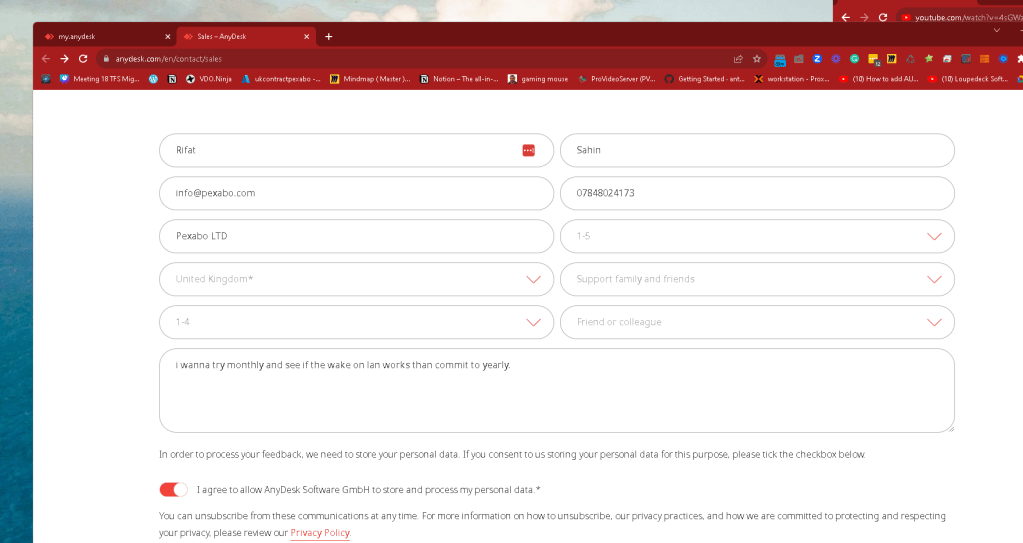
https://anydesk.com/en/contact/sales
Questions not clear
https://twitter.com/rifaterdemsahin/status/1692083342793912741
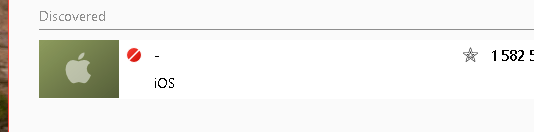
Recent machines are here but owned machines?
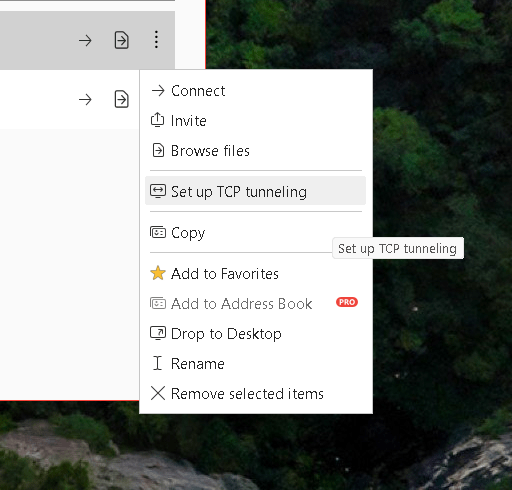
After hitting the lock the other part opened up
Recording feels like it is only in the paid version
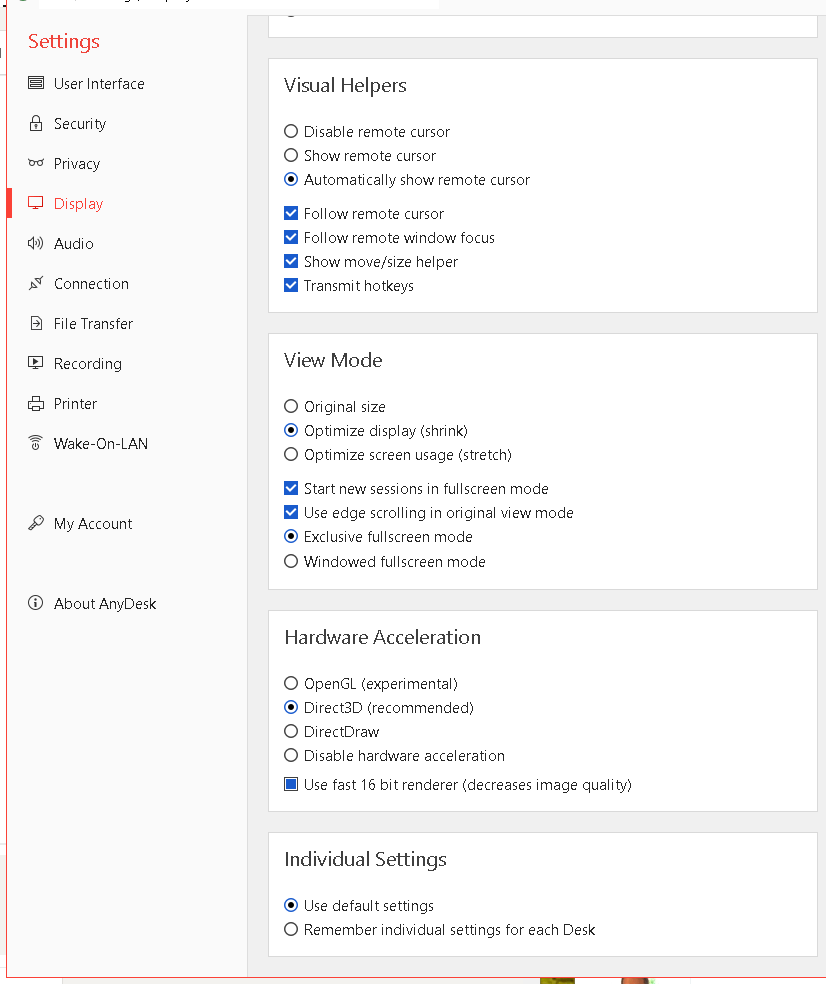
All monitors 4k it works > bottom monitor to 4k from 5k
also send one enter
Work with audio and mobile connectivity
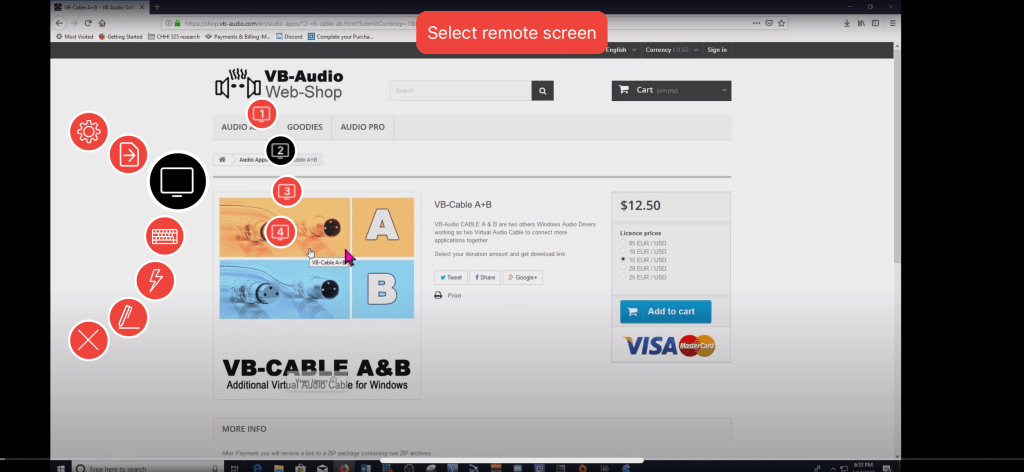
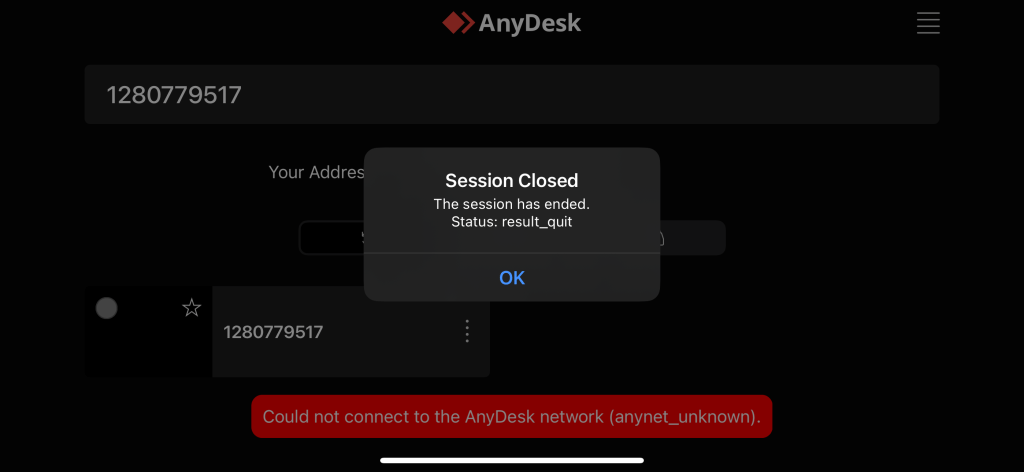
Annotation also works
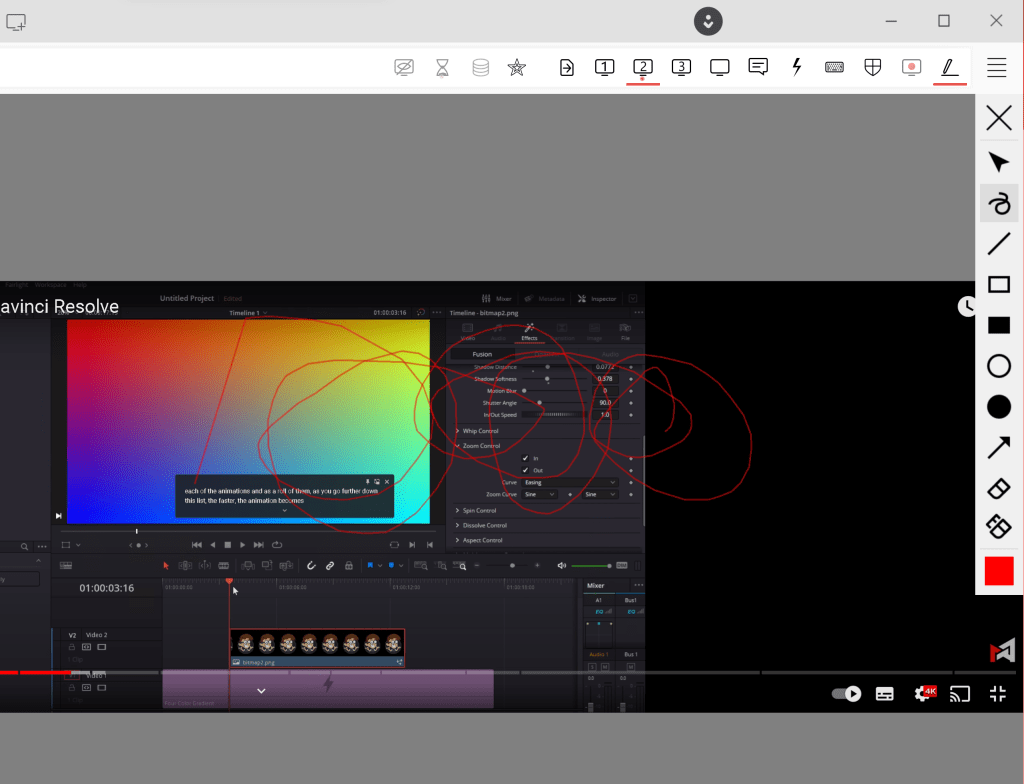
Also there is tcp tunneling
https://support.anydesk.com/knowledge/tcp-tunneling

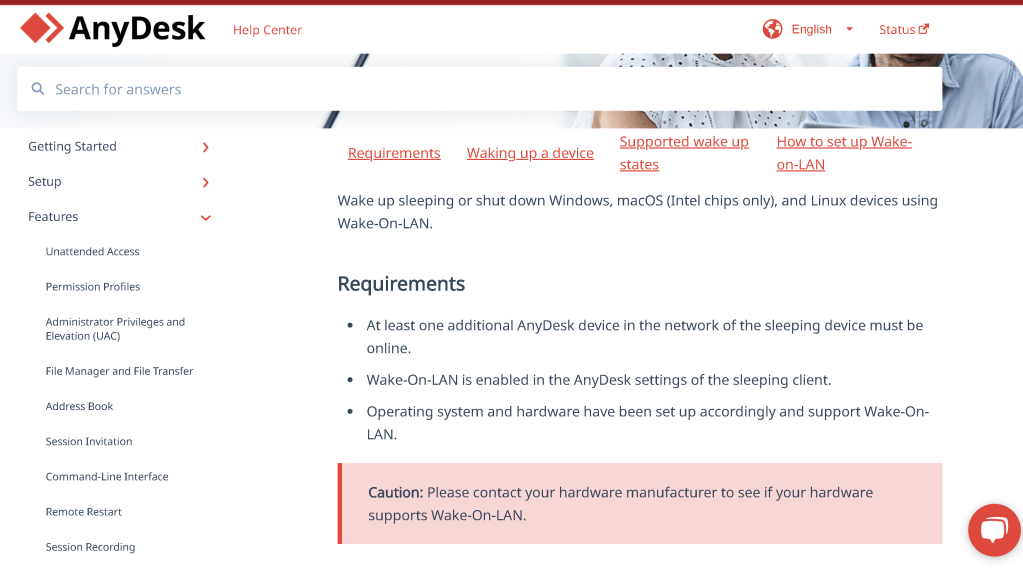
https://support.anydesk.com/knowledge/wake-on-lan
network in 1080p
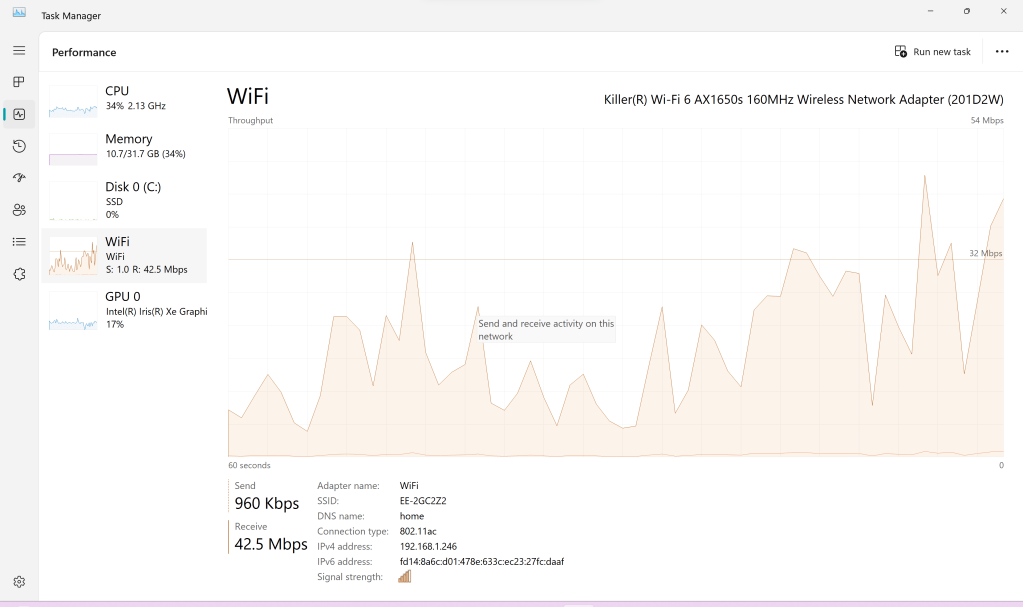
shutdown
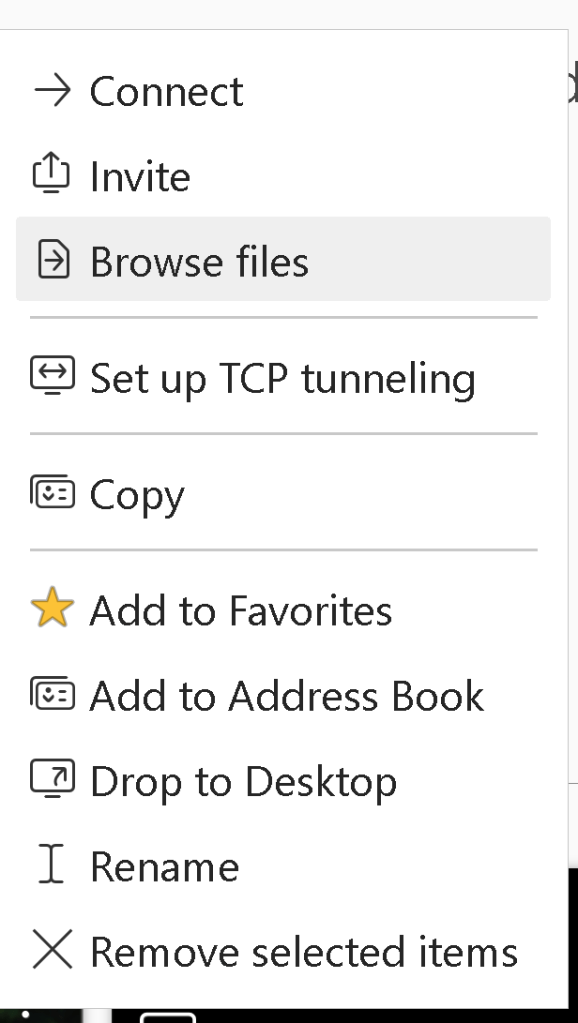
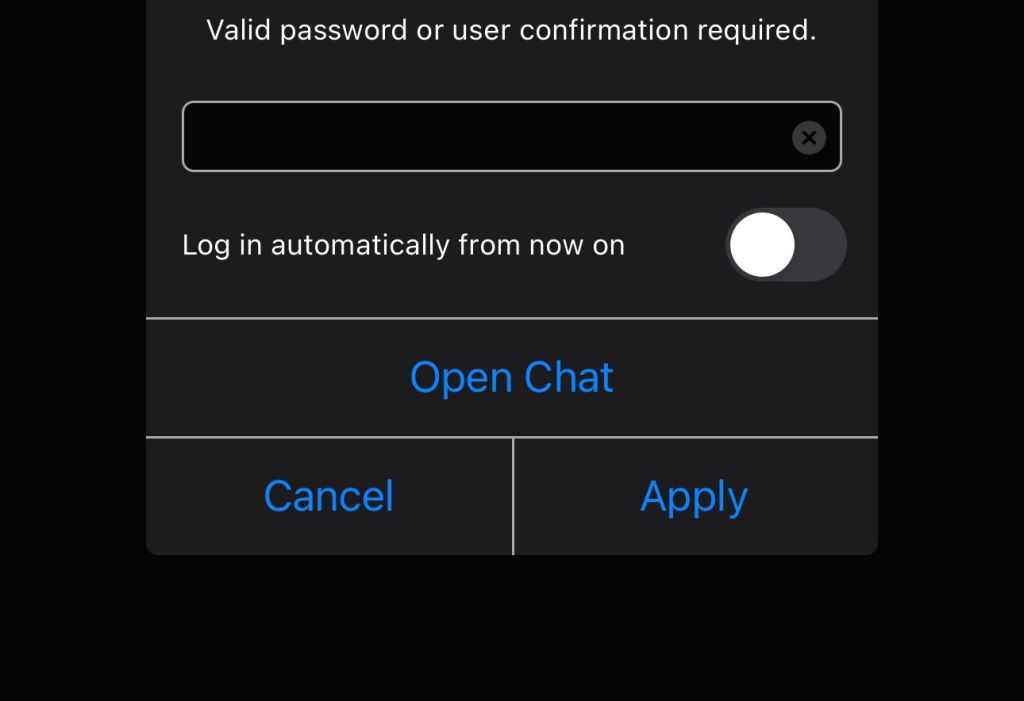
everytime authentication is asked
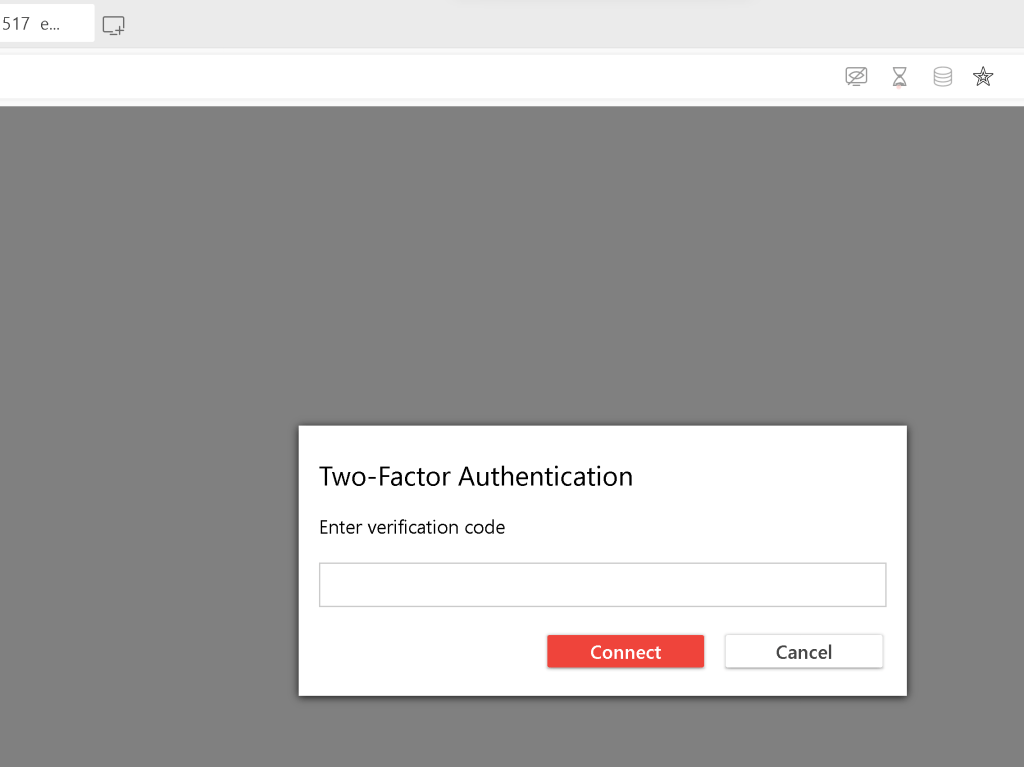
shutdown possible
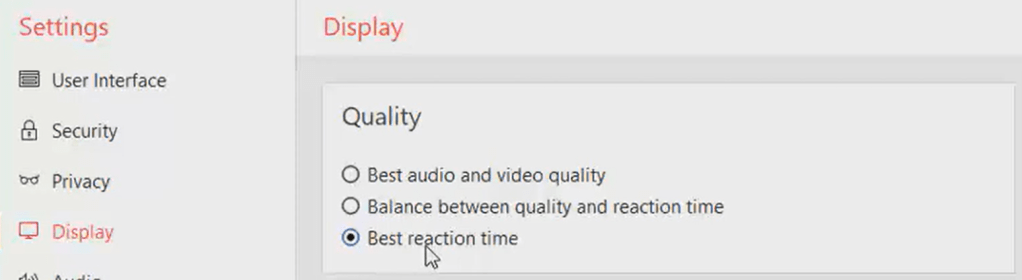
Best reaction time
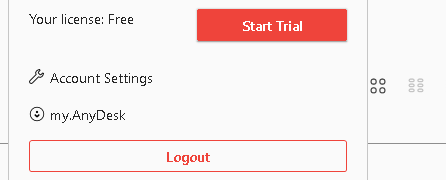
No to teamviewer as cancellation with hassles and expensive
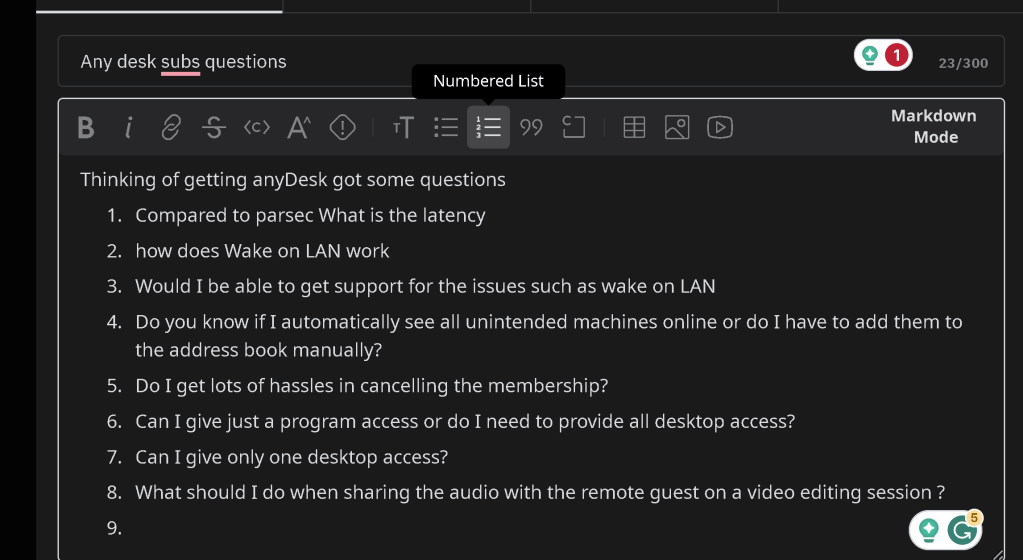
https://www.reddit.com/r/AnyDesk/comments/15uvplo/any_desk_subscription_questions/
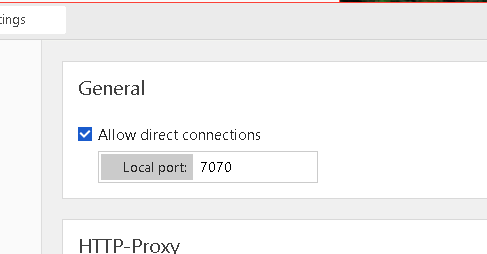
Remote Desktop > Open the port
Wake on lan only on the standart edition on any desk x2 price
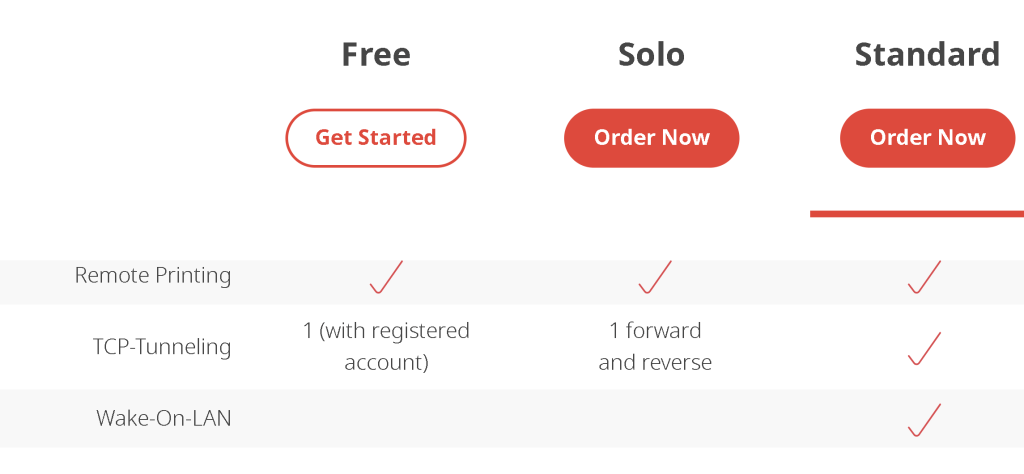
Solve the wake on lan before the action over the no-ip >>> ddns.
it is unlike parsec > focused on sharing the video processing. Parsec needs custom install based on gaming engine.
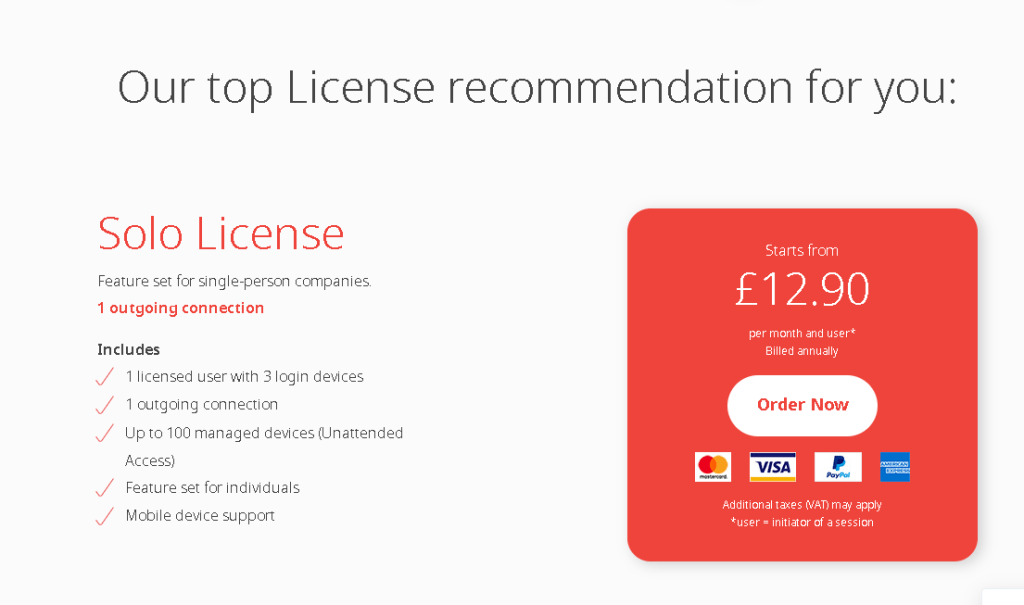
Any desk yearly cost still a blocker
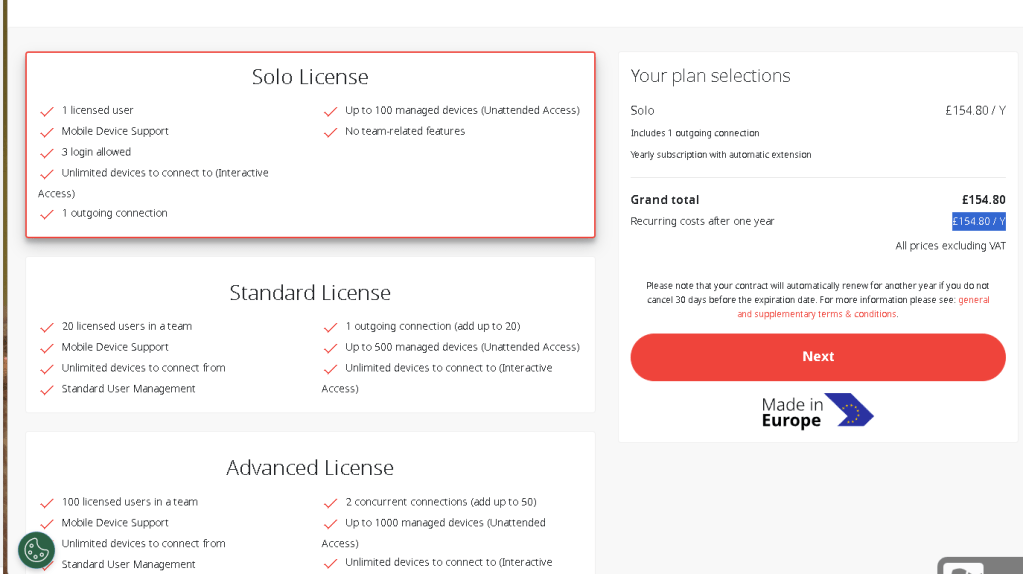
I need one machine to work great
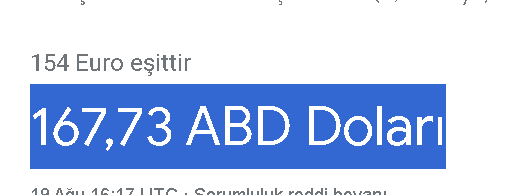
Parsec makes more sense > but not on the quest mode >>> maybe i need to retry it...as it is monthly and it would make more sense if that works and it can be closed and the video and audio both side transcoding would get the best experience
Great answers by community but why buy it is not so clear
https://www.reddit.com/r/AnyDesk/comments/15uvplo/comment/jwt448x/?%2524deep_link=true&correlation_id=7c041841-04e4-4454-b1b6-26e7bc115a20&ref=email_post_reply&ref_campaign=email_post_reply&ref_source=email&%25243p=e_as&_branch_match_id=1217382789480187819&utm_medium=Email%20Amazon%20SES&_branch_referrer=H4sIAAAAAAAAA3WO22rDMAyGnya7y8GOkpZBKYWy1zCOo7VeHduT7WV5%2Byk7XA4k%2BPgPSPecY3puW8J5trnRMTbO%2Bkfbx3MloY8nVDo9MQayN%2Bu1U4Xc6b63qv5SyReedV2b374JCwvEe%2FHbFdODibUFfU6MYigf0QUm7Tc1s69SmZIhG7MNXr0XTDvs2bc1Axw%2F9xM9X4EZMar9t6q%2FZipYydEEInT6u2pn1g%2BmA3EEUXeAUAMMUE9iGms54mEyQgxadtwjfOUwLto6FUPKijC67cdQRi9R25v%2FP5FCIYN%2F%2FheQoWLpQgEAAA%3D%3D
Zoom can be cancelled and the appshare is there
the remote editor wants to work on their system due to the shortcut access and the block footage and real time check
Imported from rifaterdemsahin.com · 2023