Multi Channel Record Audio
Obj : Change the sound to be able to publish phone calls
Key Result : Transcribe ✅
Key Result : Add to timeline without the silent parts ✅
Key Result : test for the zoom call test call
Key Result : test for the zoom call real call
Key Result : Go to production
Key Result : Dual channel record on obs
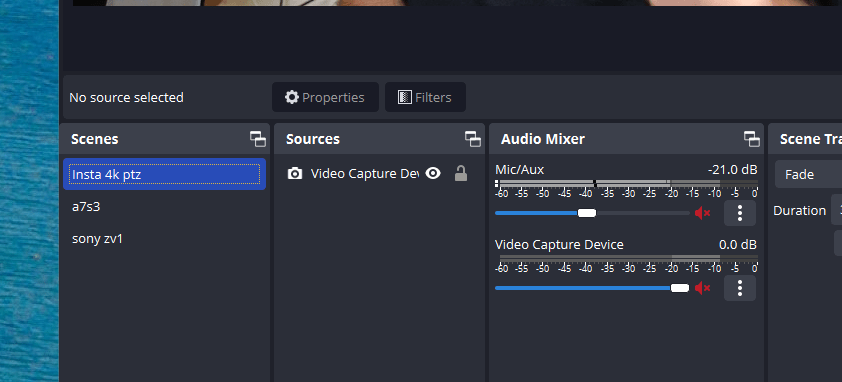
Audio routed back
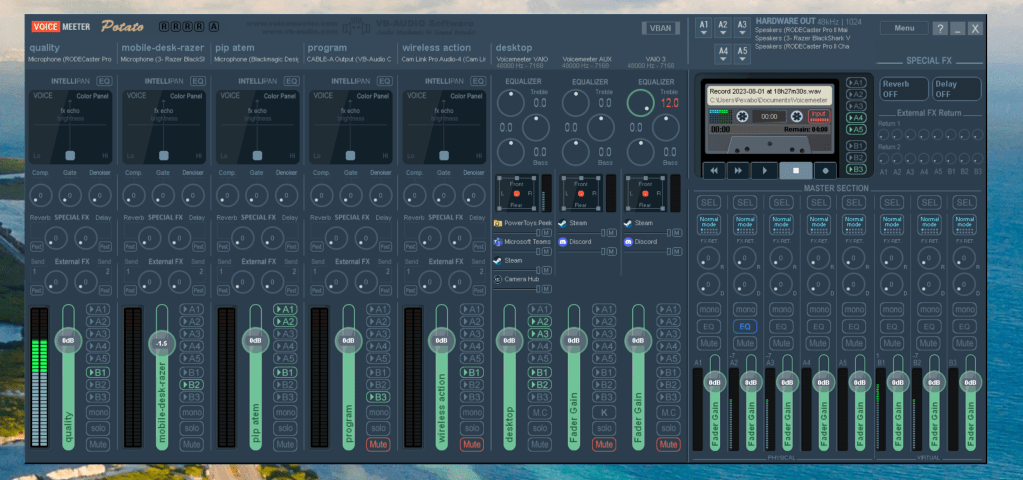
A3 remove from the desktop so does not end up in the mic
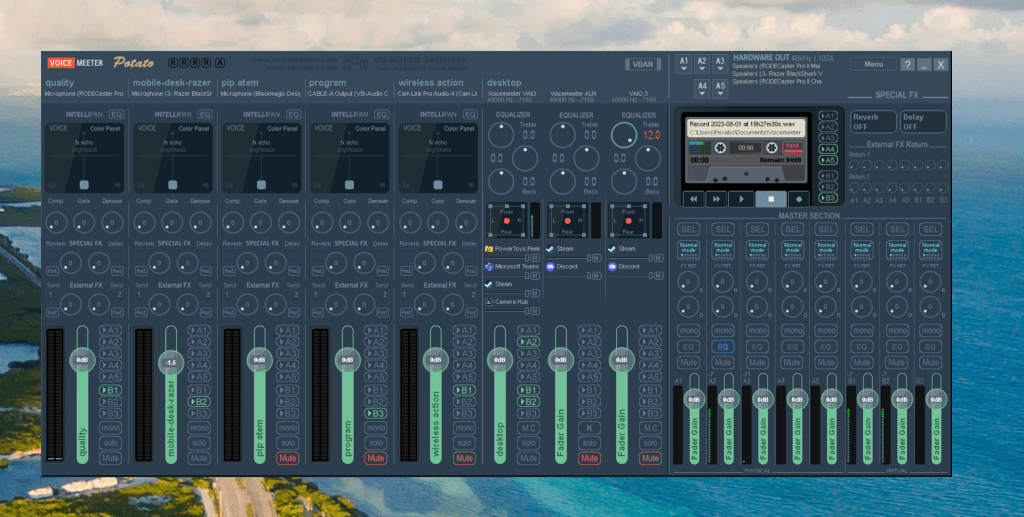
headphones on
Background chome(app) lands into the b1/b2
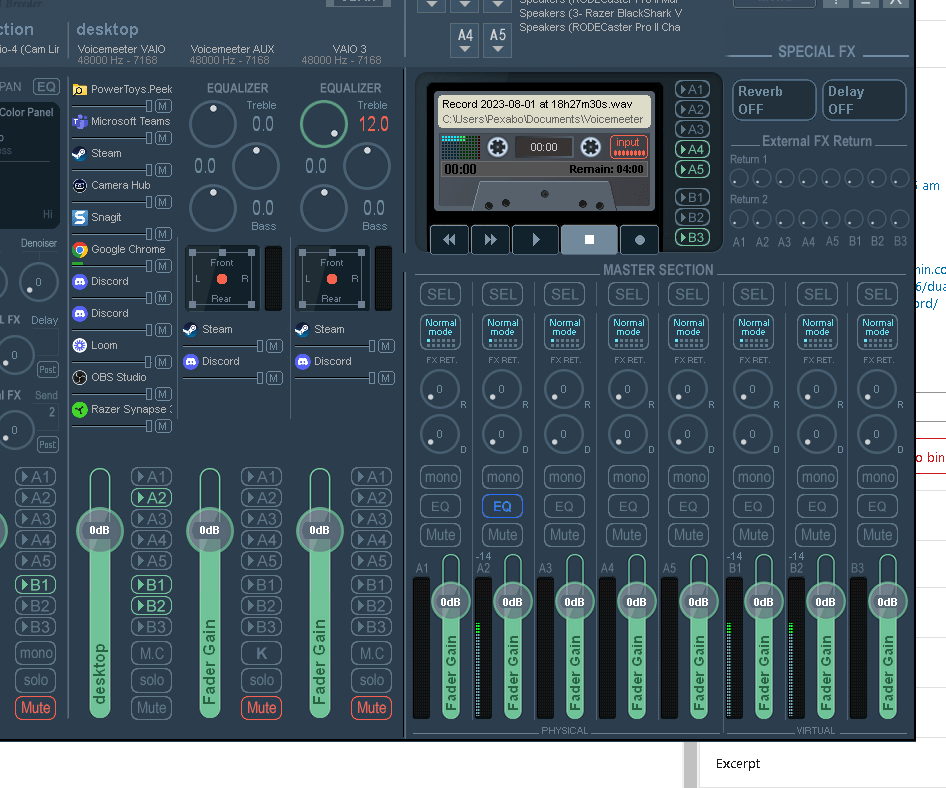
Plan Erdem mic > lands into b1 ( good mic )
Erdem mic backup > lands into b2 ( razer mic )
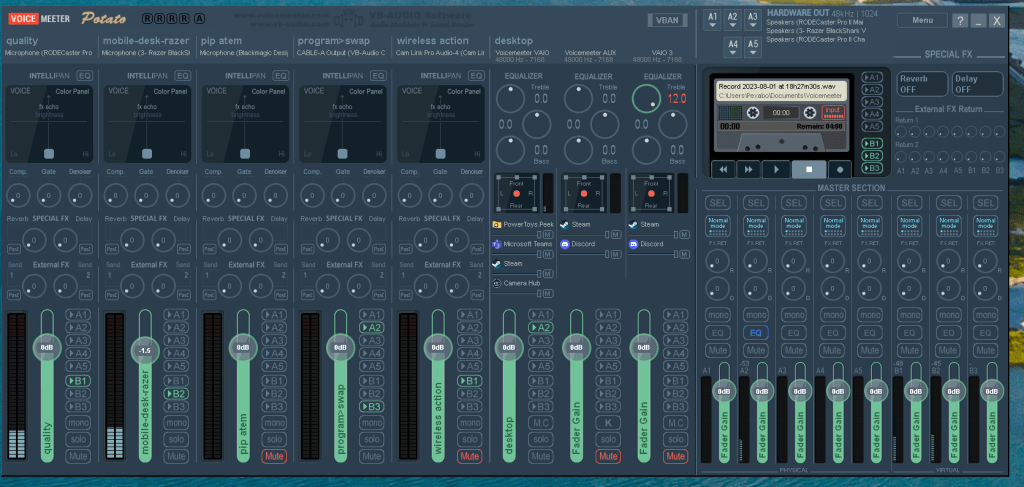
Background app program lands into b3 ( audio from zoom )
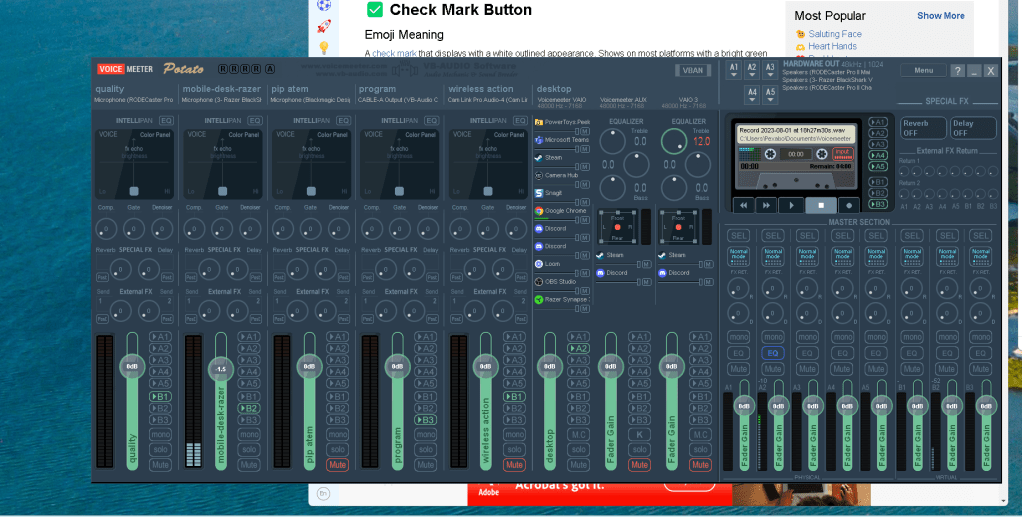
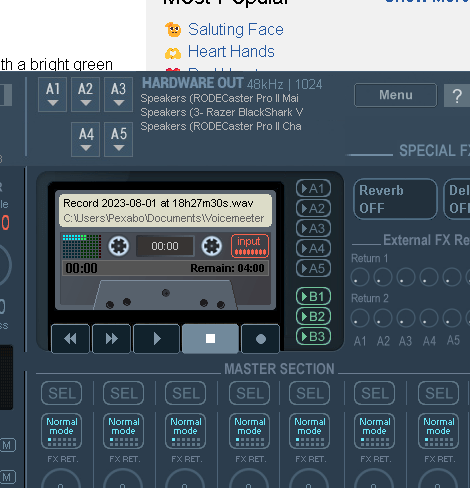
Backup recorded b1 b2 b3
CAll settings
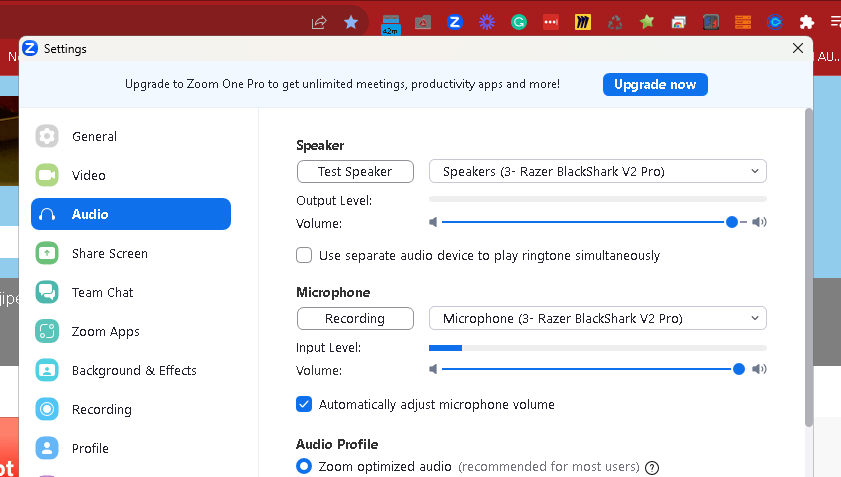
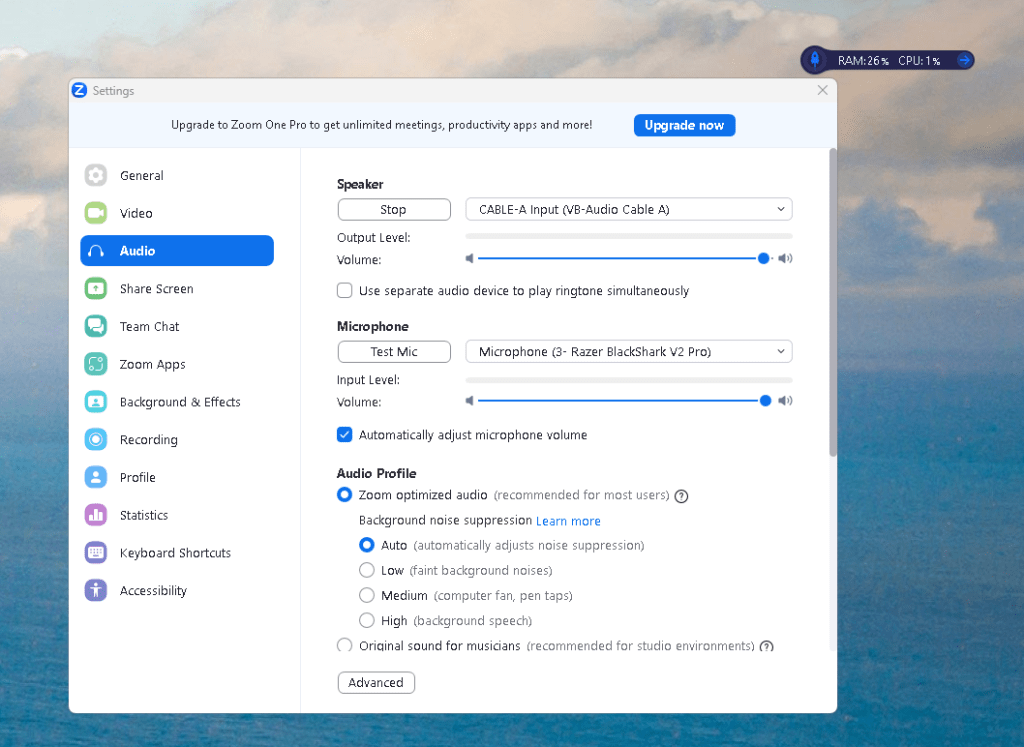
Cant see here speaker but can see the mic
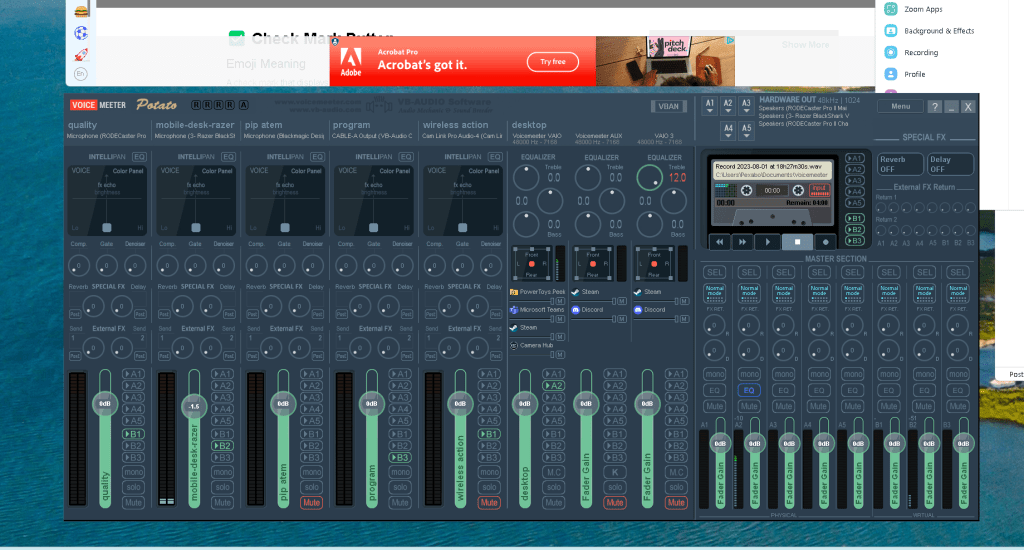
Sending it to cable a to see
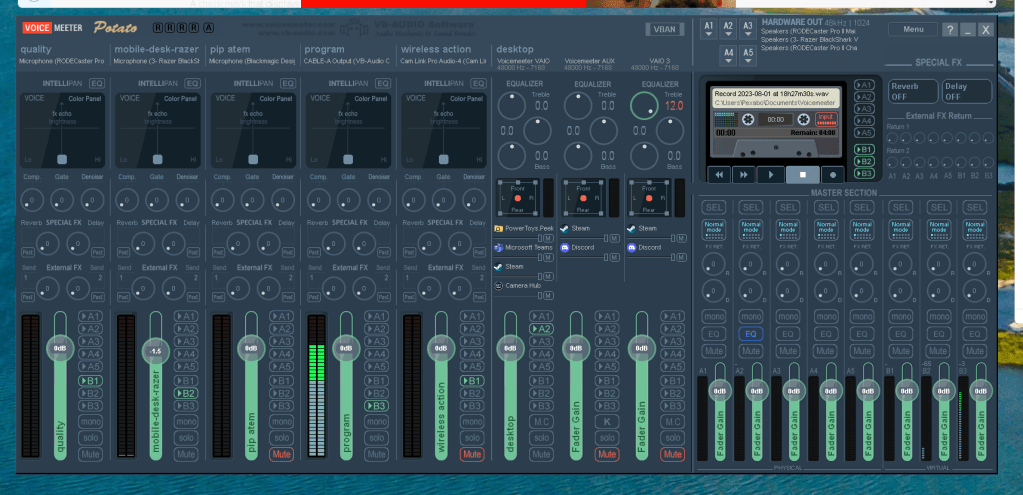
Proigram and b3 gets routed
And i can hear on a2 ( program swap needed )
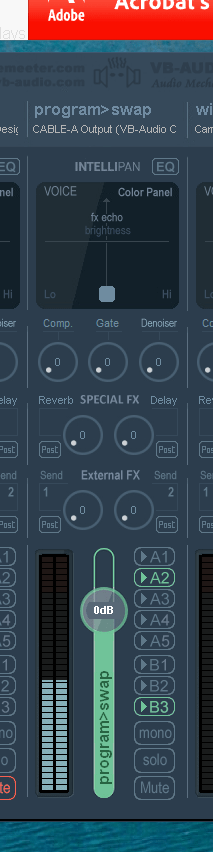
Dual channel see talk over the test sound
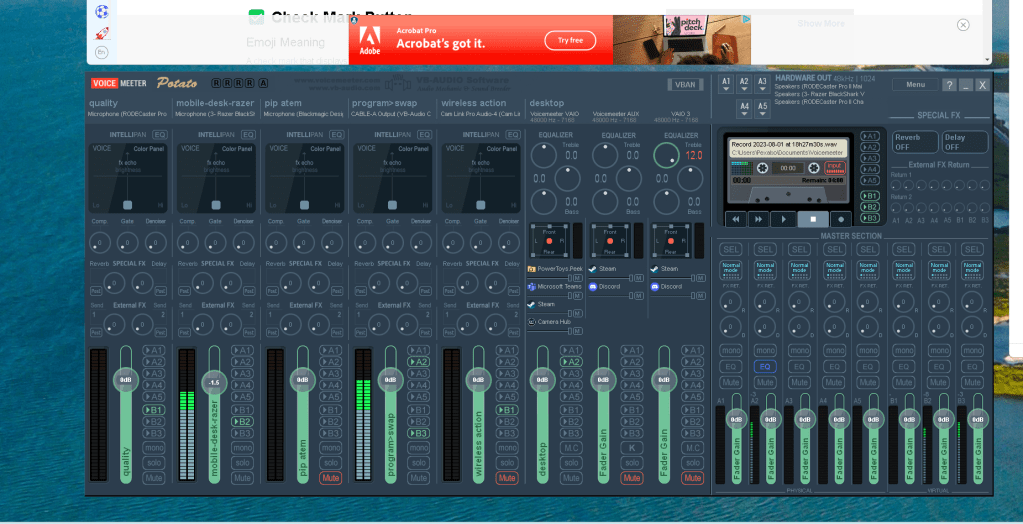
I need to see this in obs
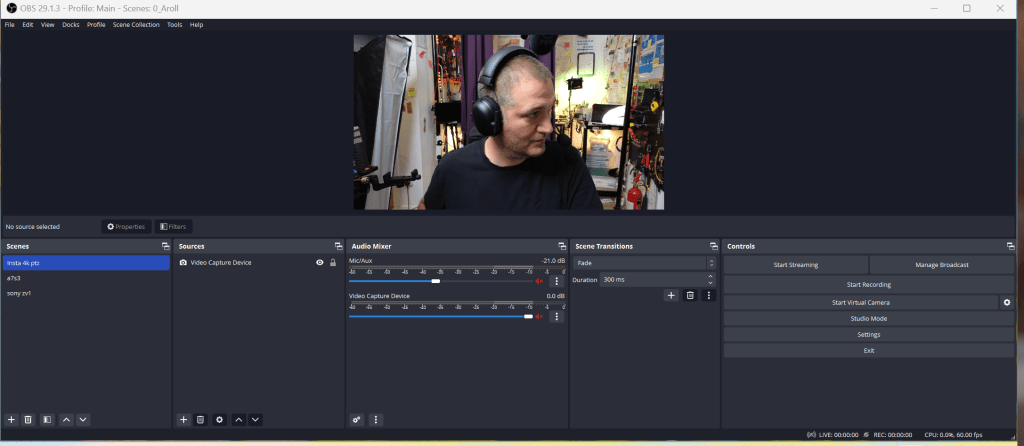
Not working
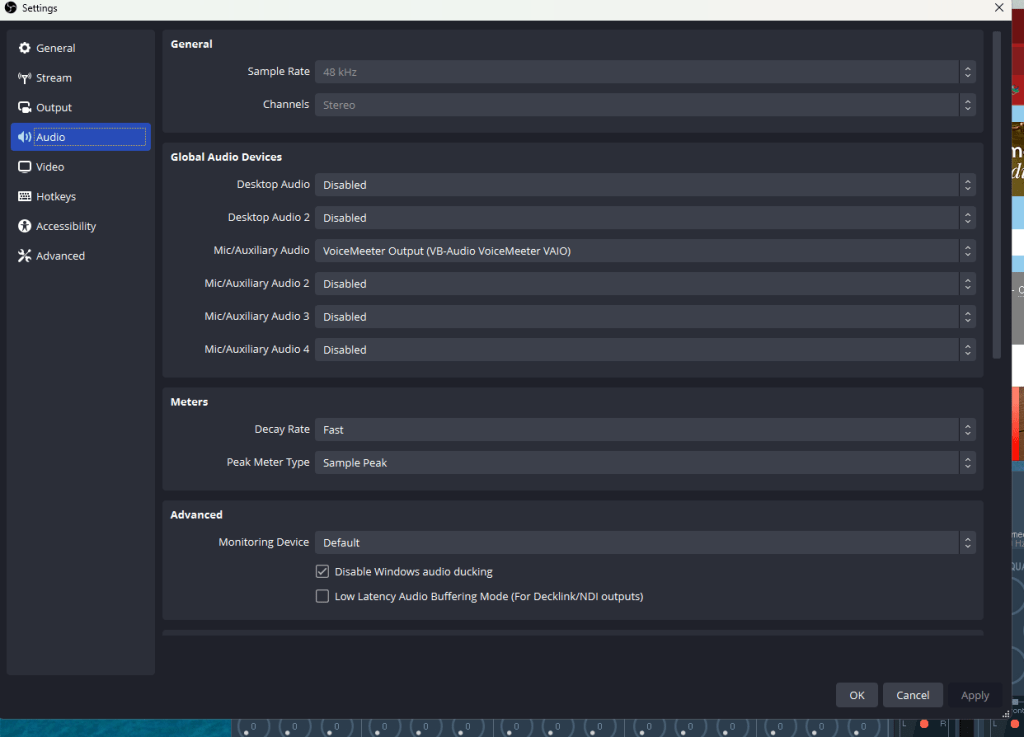
Video capture device is the camera
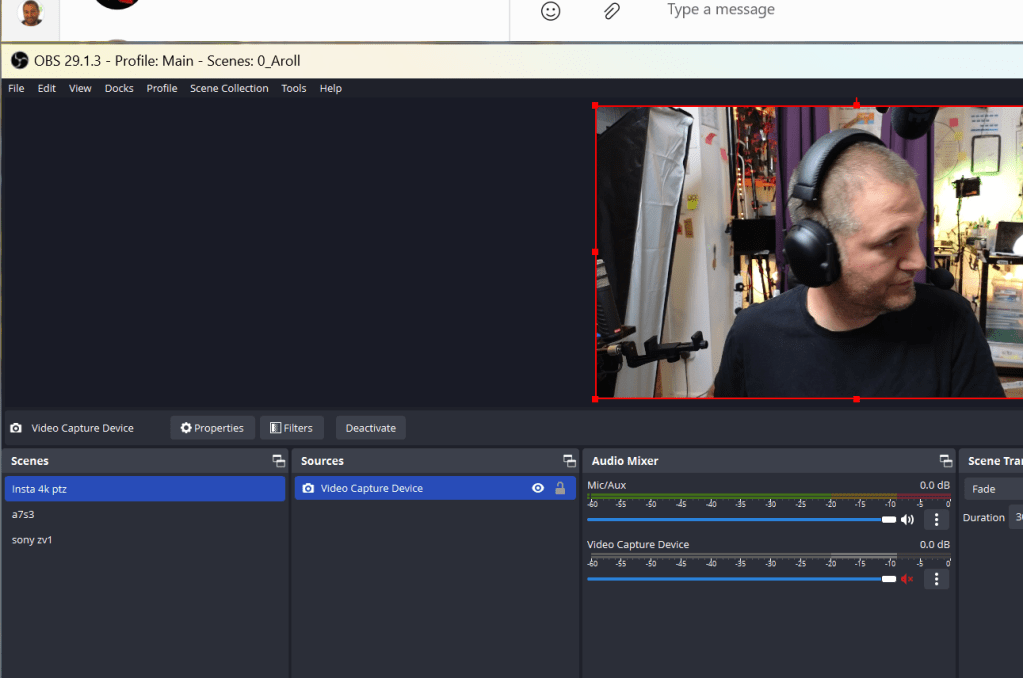
b1 b2 b3 add
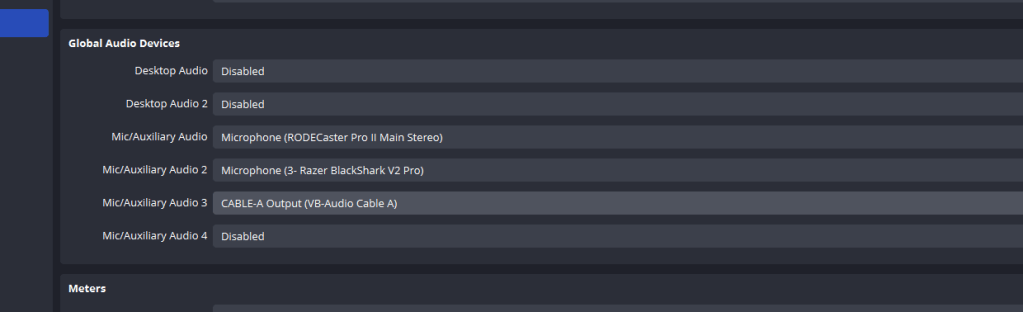
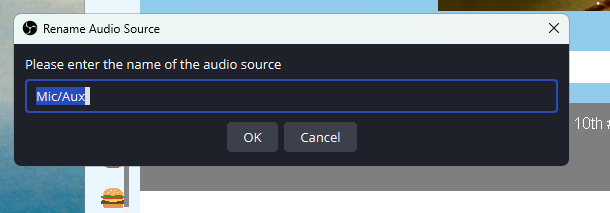
rename
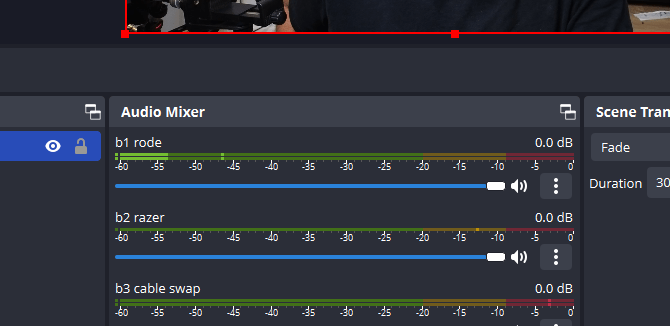
output as one
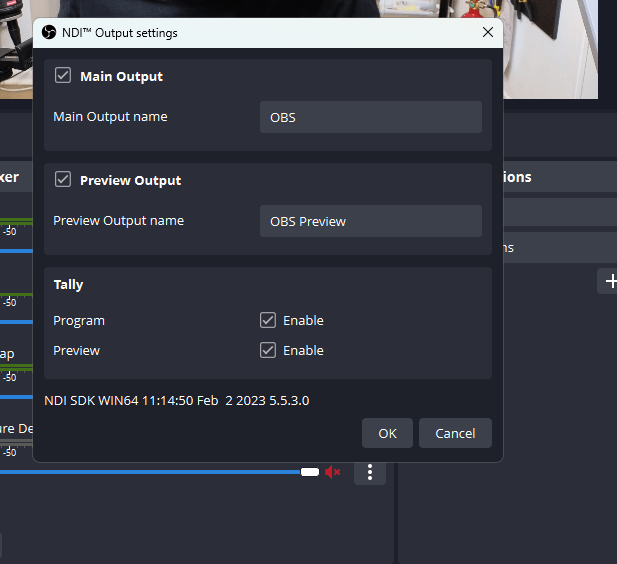
NDI turn off to go to the settings
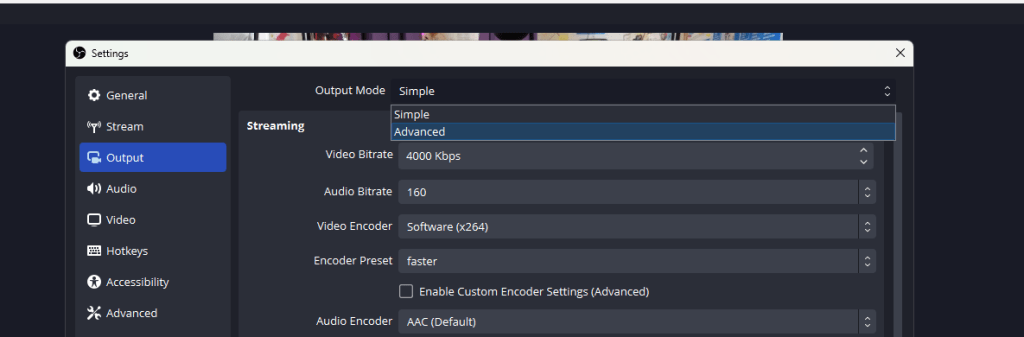
https://obsproject.com/forum/threads/some-of-my-settings-are-grayed-out.139562/
Now there is advanced for you
Tracks
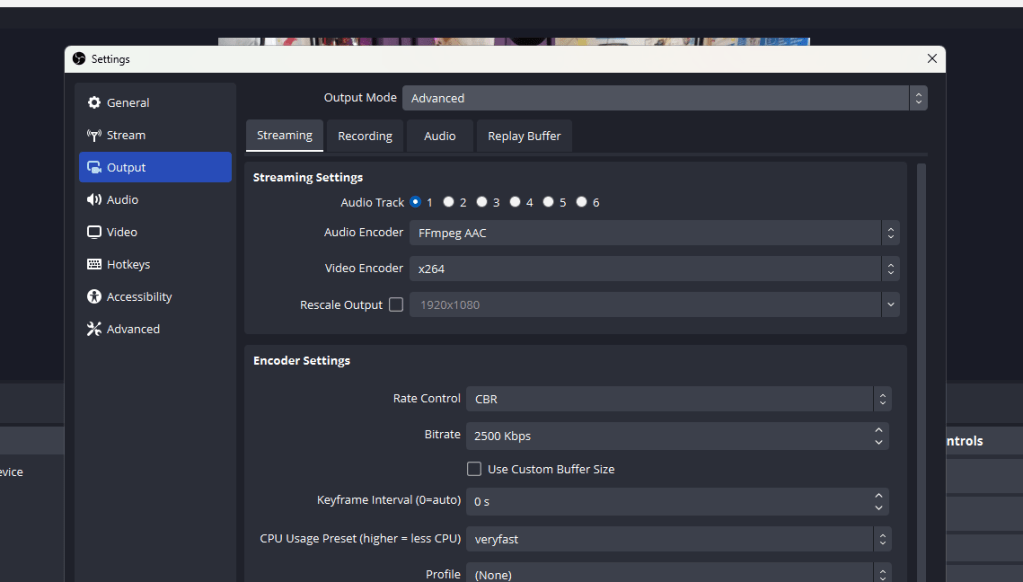
Enable 3 of them
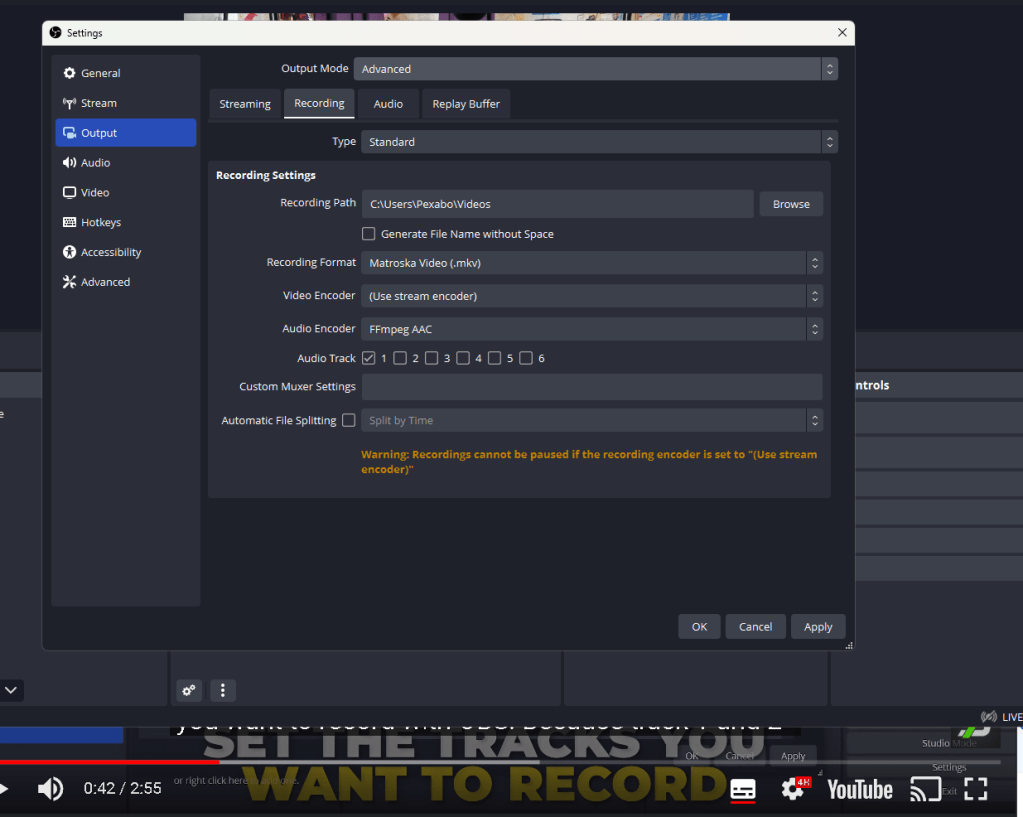
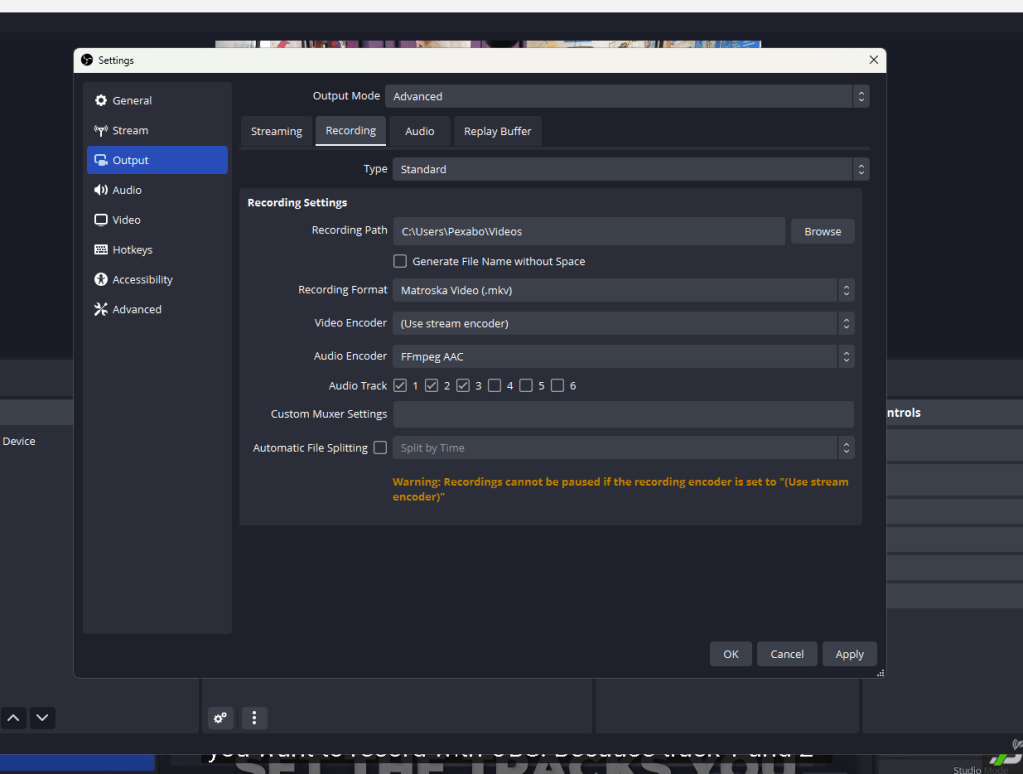
Shows 3 tracks
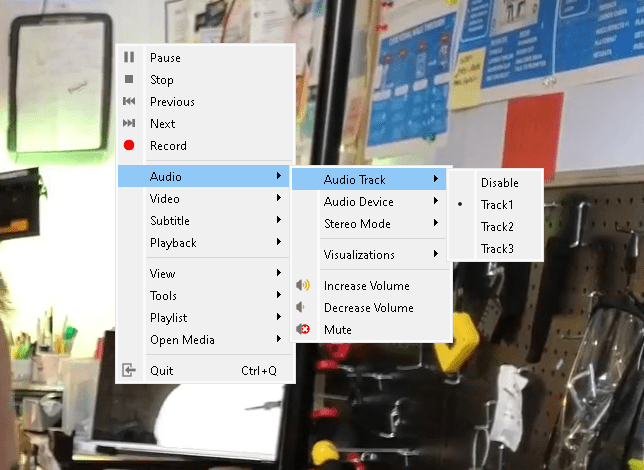
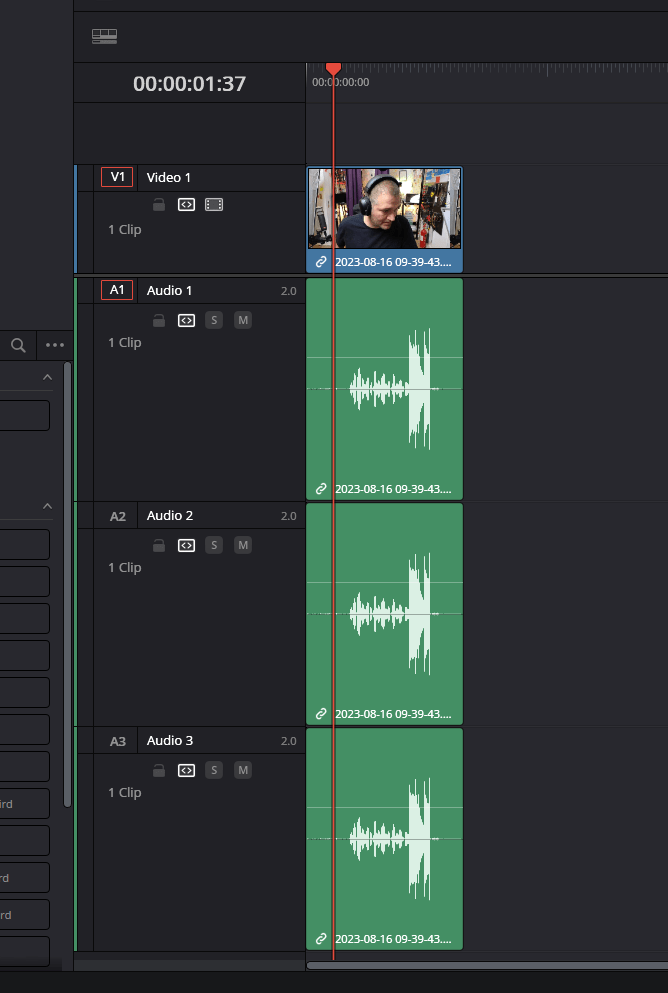
3 tracks but same audio
Advanced audio and problematic track selection
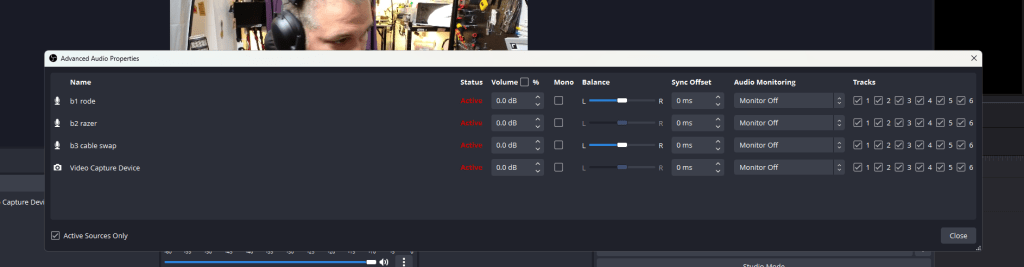
Fix the matrix
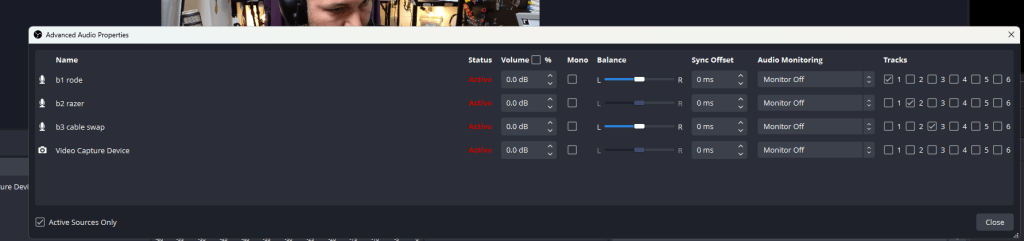
Added the mono did not land into the vlc
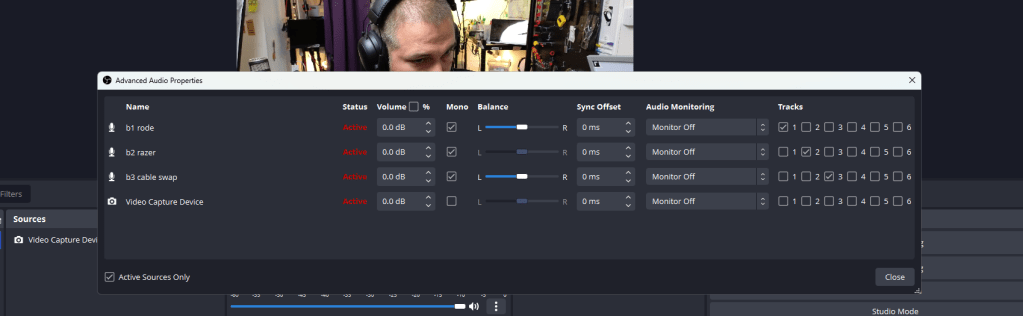
VLC can not reach
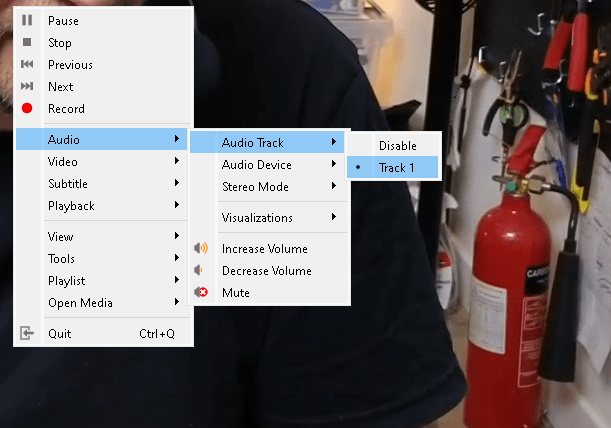
Lost the tracks in davinci as well
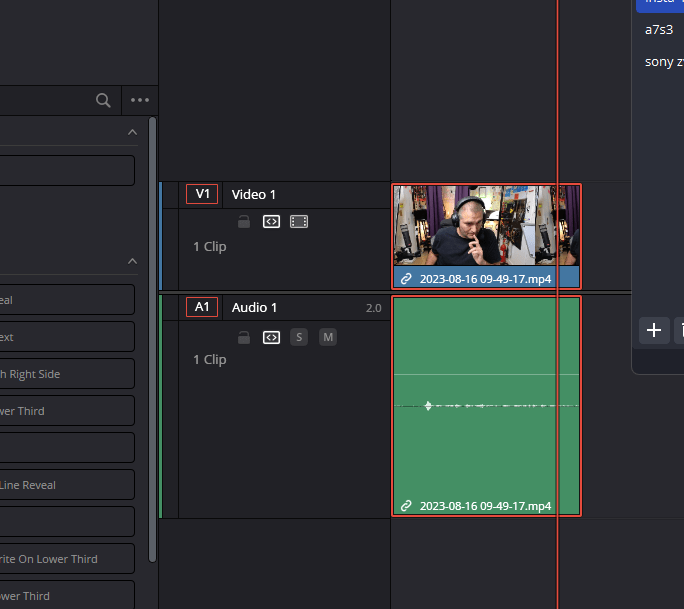
Start and test
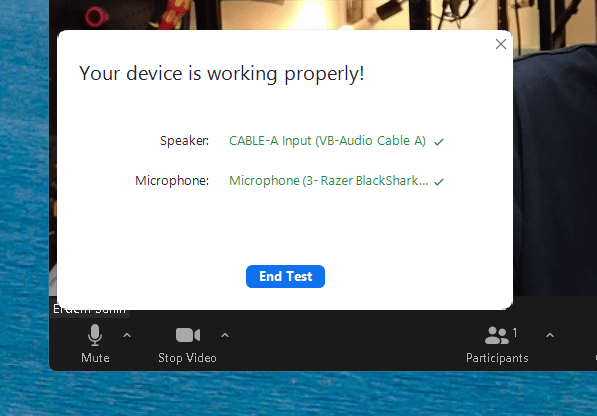
Track 1 and 2 needs to be there > also in the output as there
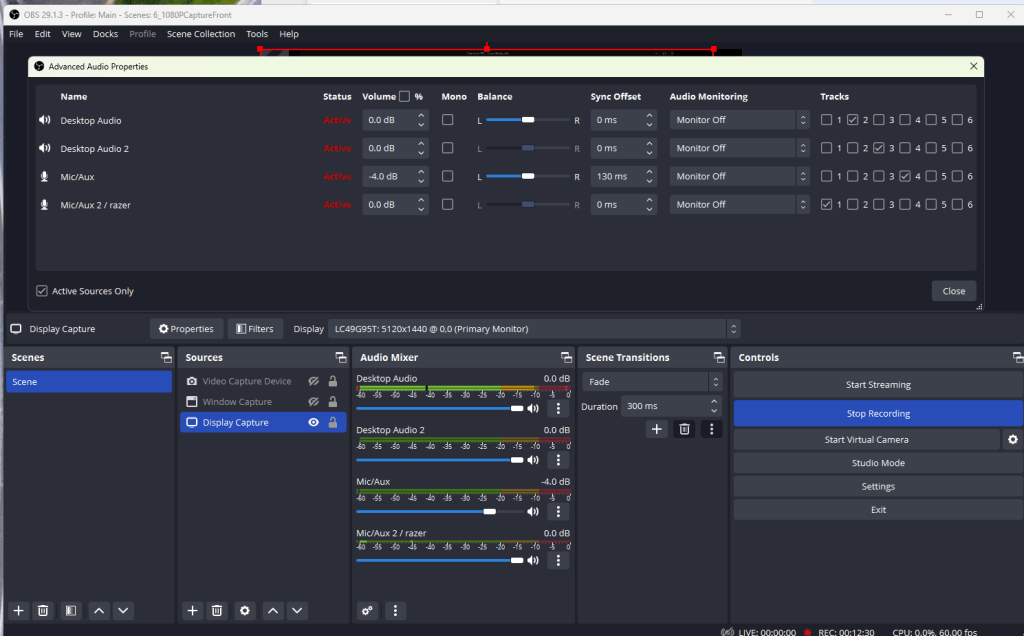
**Before **
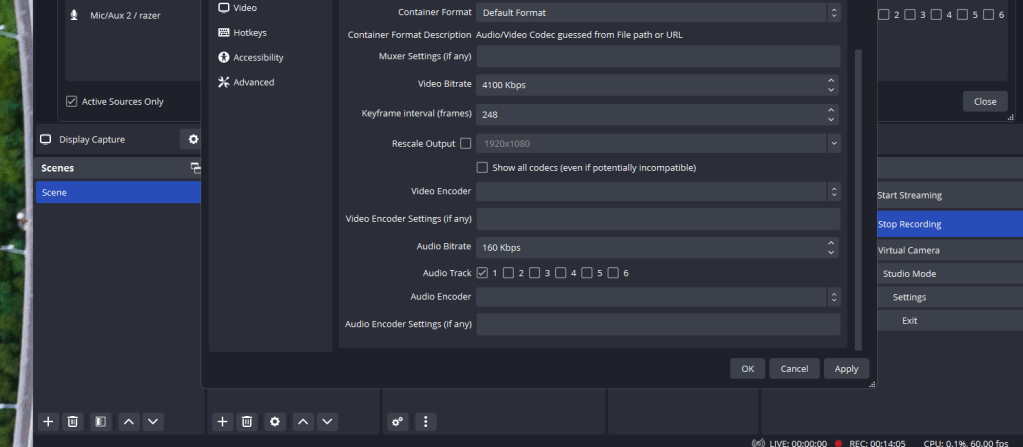
After >>> critical part
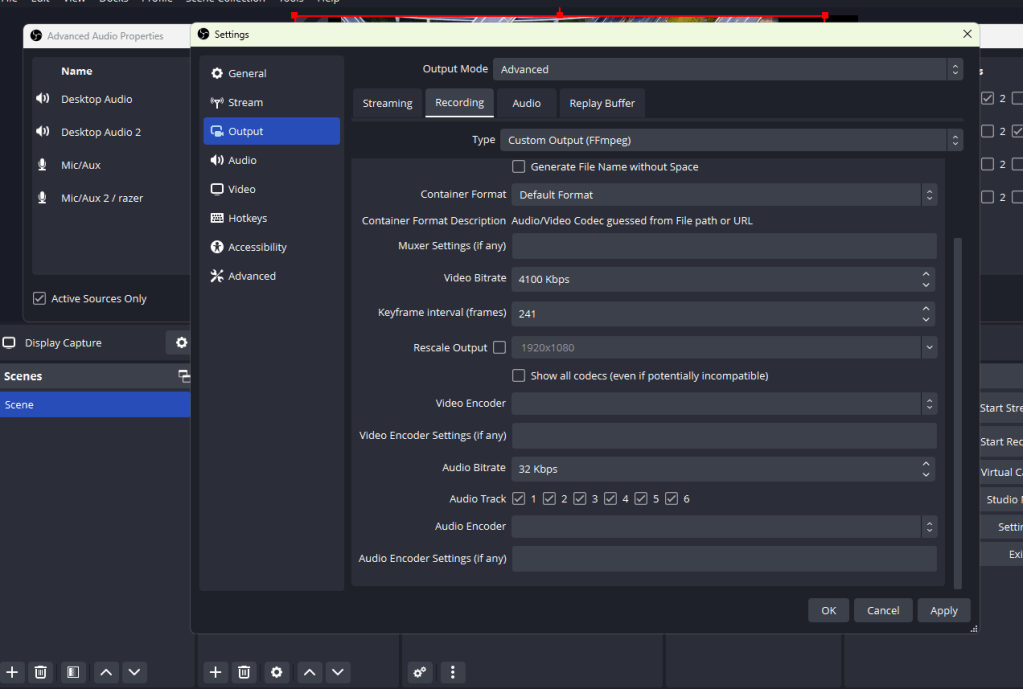
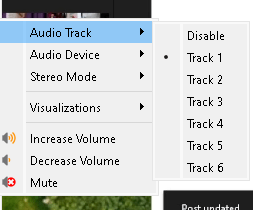
Now on VLC all the tracks are there
Imported from rifaterdemsahin.com · 2023