Andres Workshop 14/8/2023
Obj: Create MVP
Key Result :
-
learn the color match
-
learn multicam
Uploaded footages
https://drive.google.com/drive/folders/1bAnlXtahbwmUZXax1j-uXrrEadAcSjzw
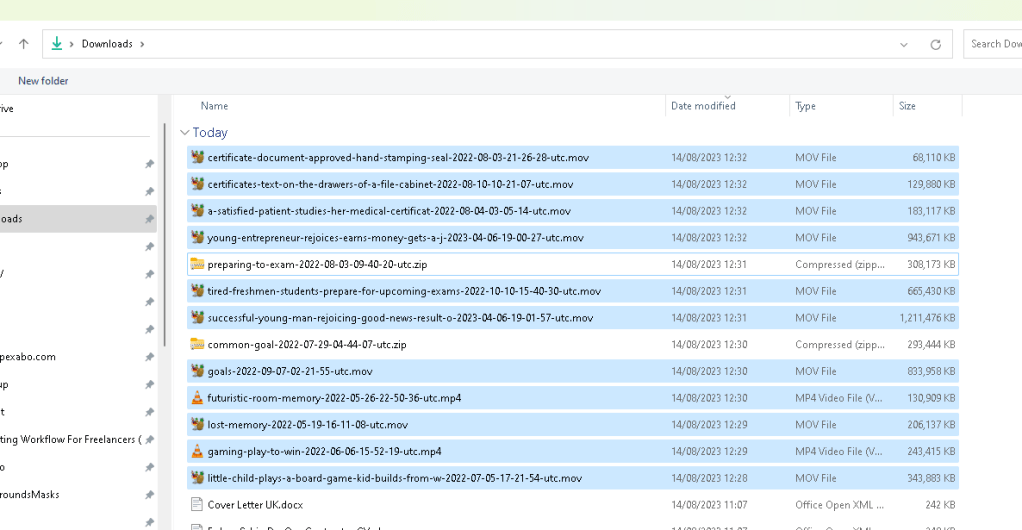
Our project Location
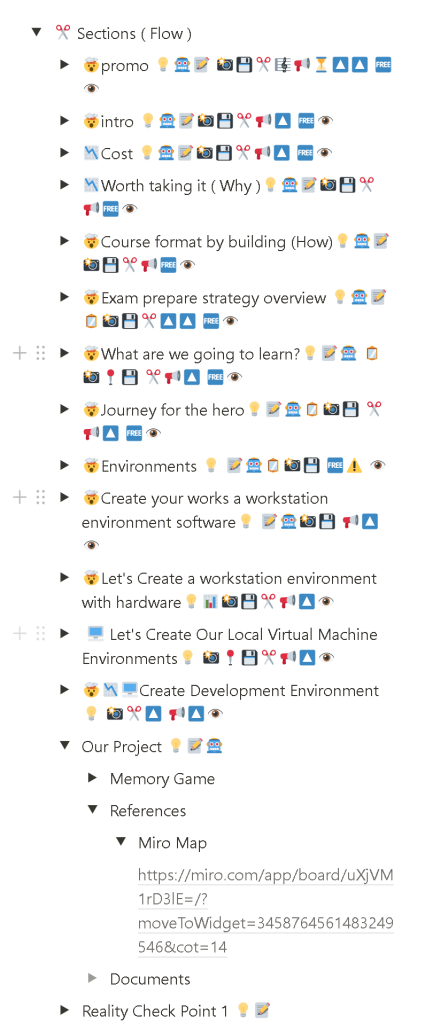
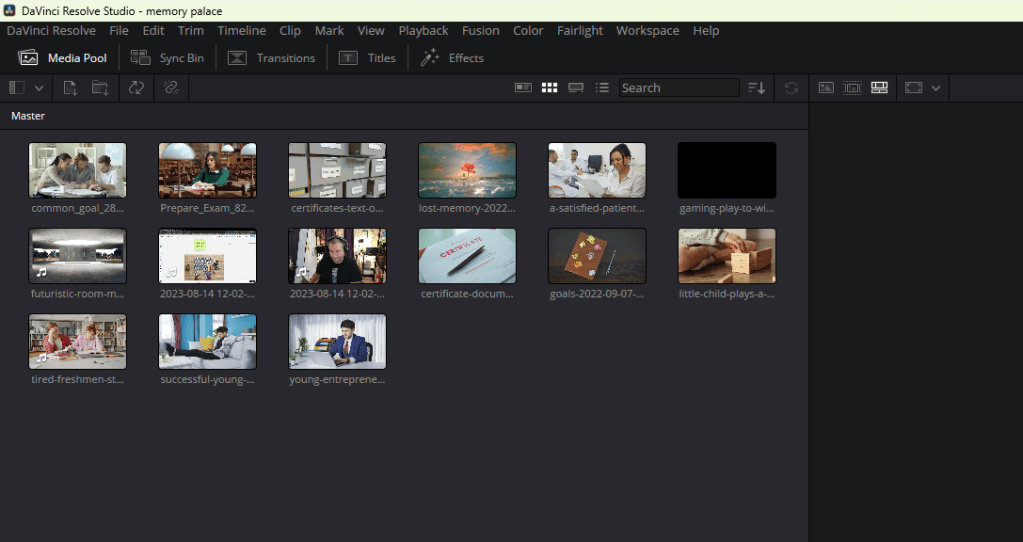
Much richer media pull to start with > not needed just use miro > with mutli cam
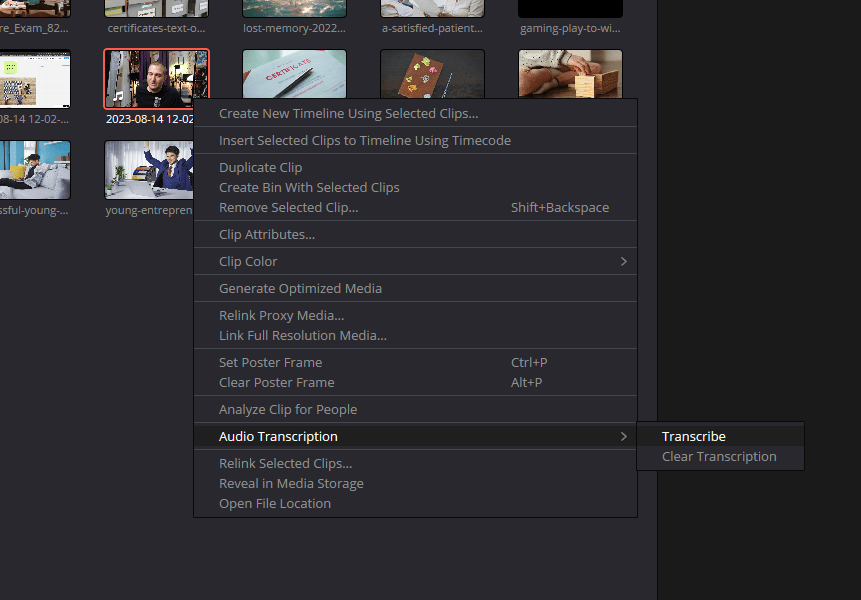
Original footage transcribe > timleine is enough
Workflows always changes!!!
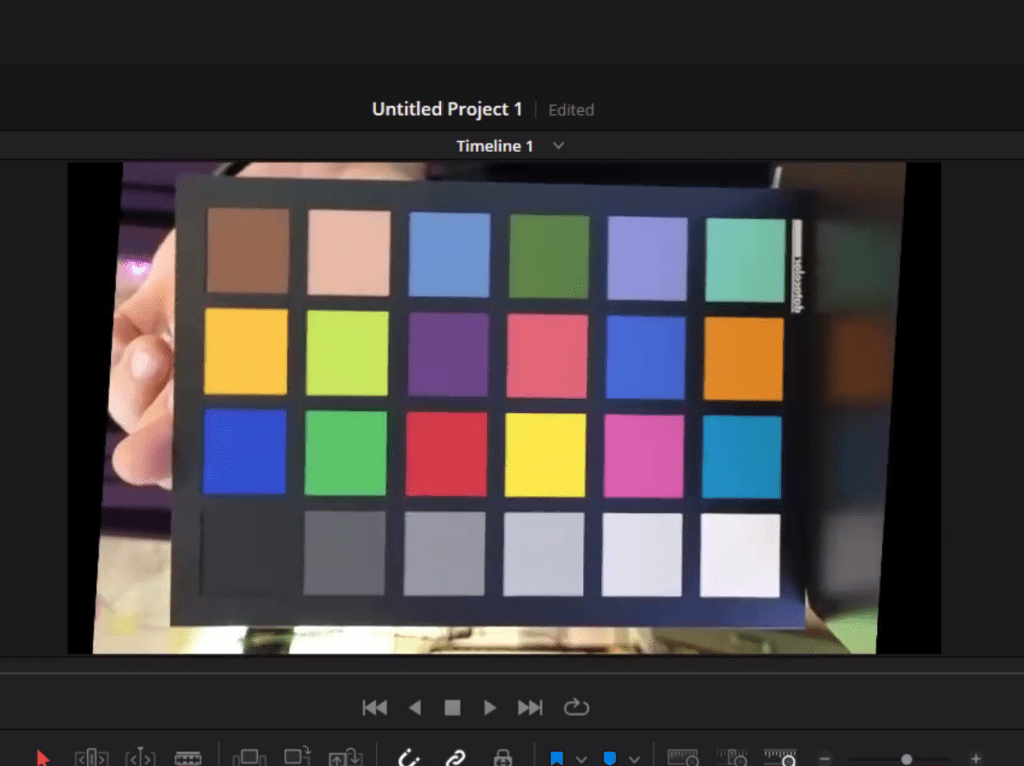
Show it in the correct orientation
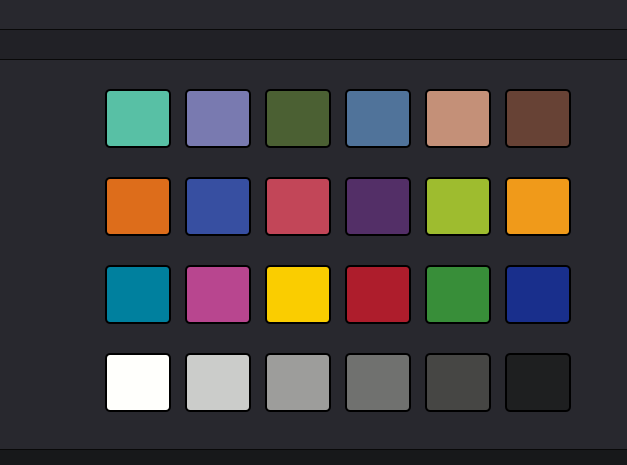
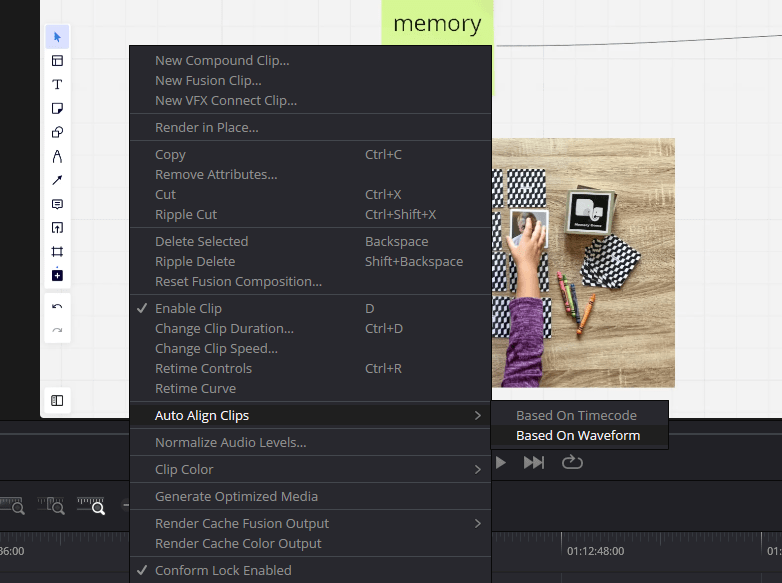
allign clips
zooom > alt and wheel
move timeline > ctrl and wheel
3 clips can be linkedin
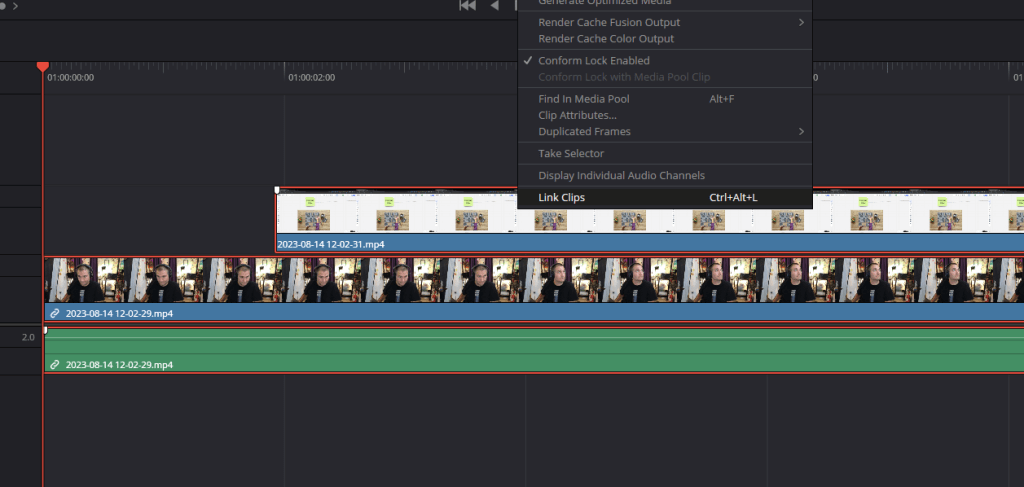
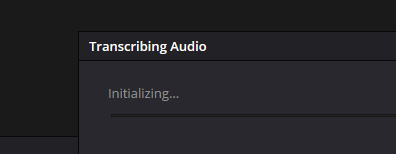
check fix and transcribe
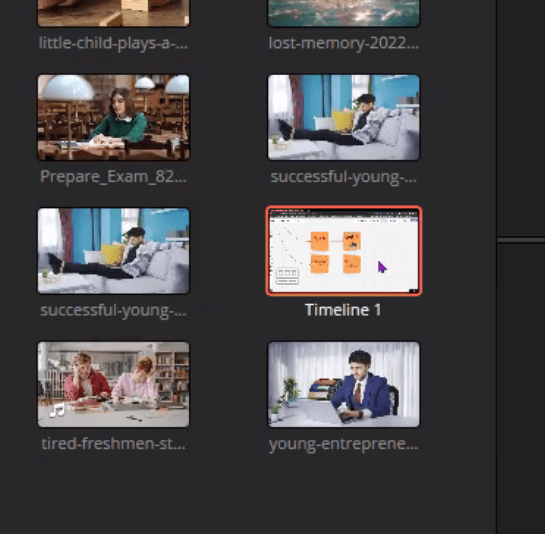
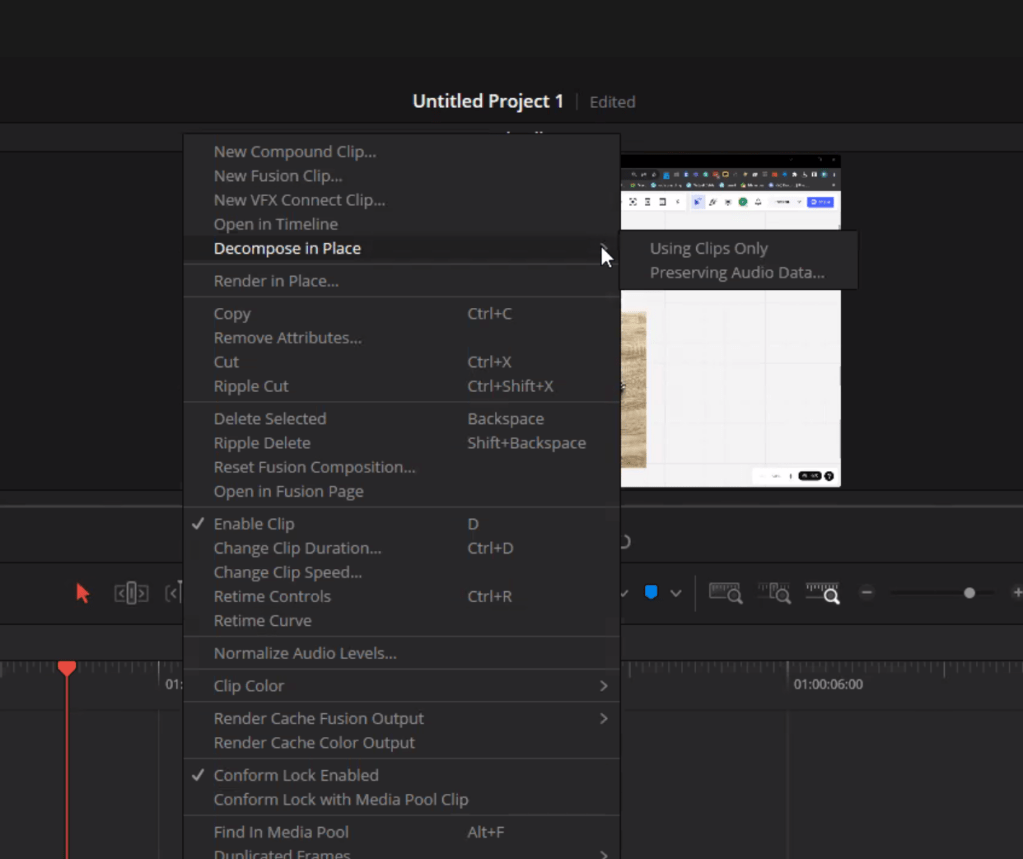
fastn cutting > decompose
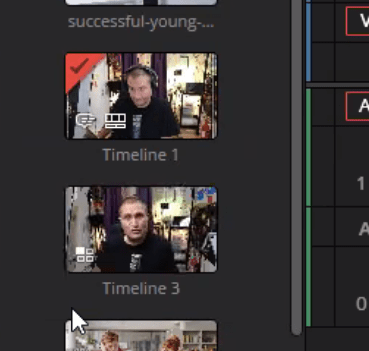
multicaM TIMELINE CONVERT
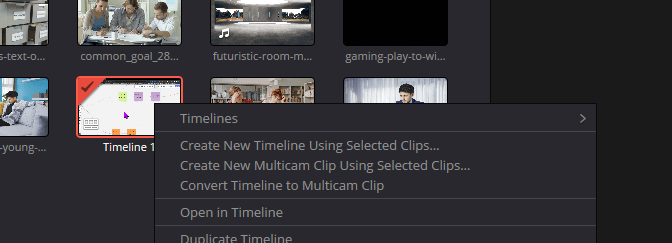
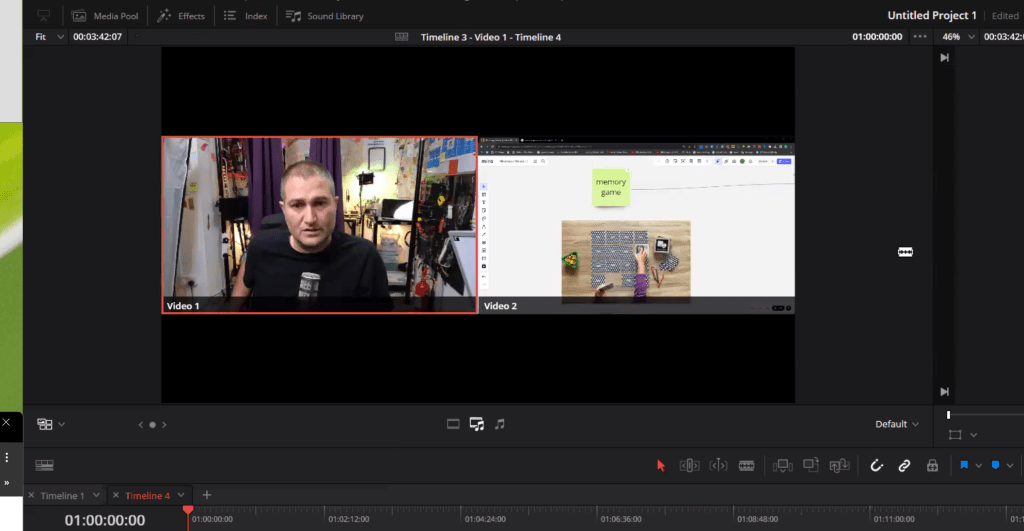
cut on top
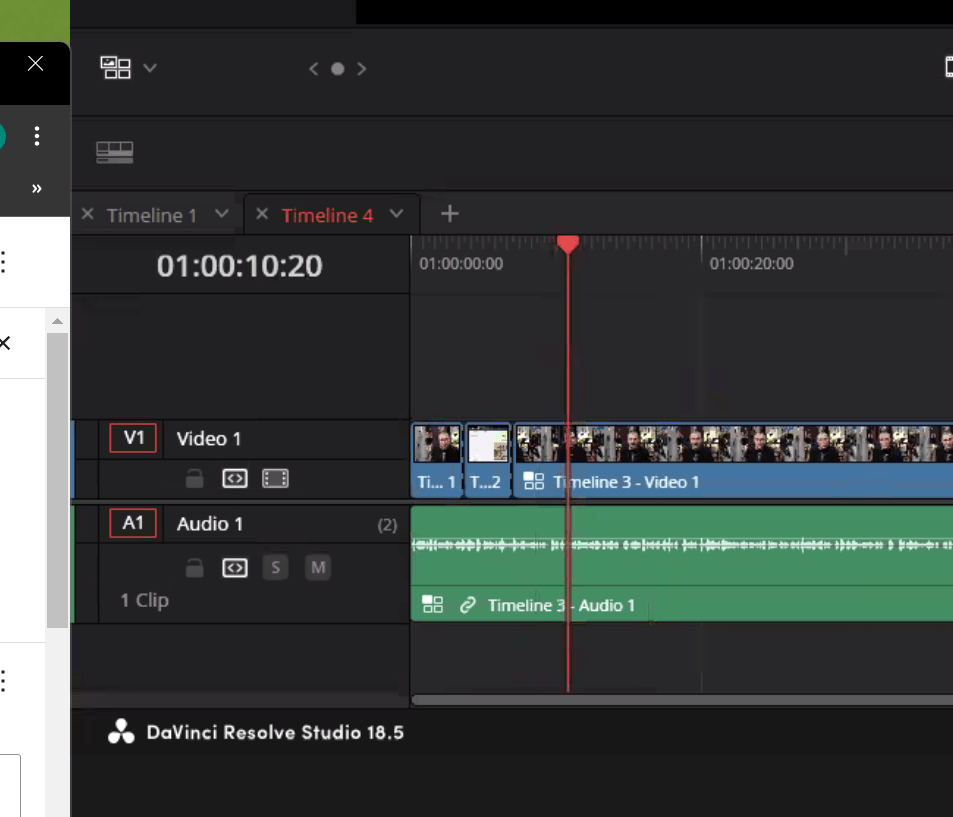
to swap alt > camera no
multicam help the editor with the footages !
miro vs stock fttoages
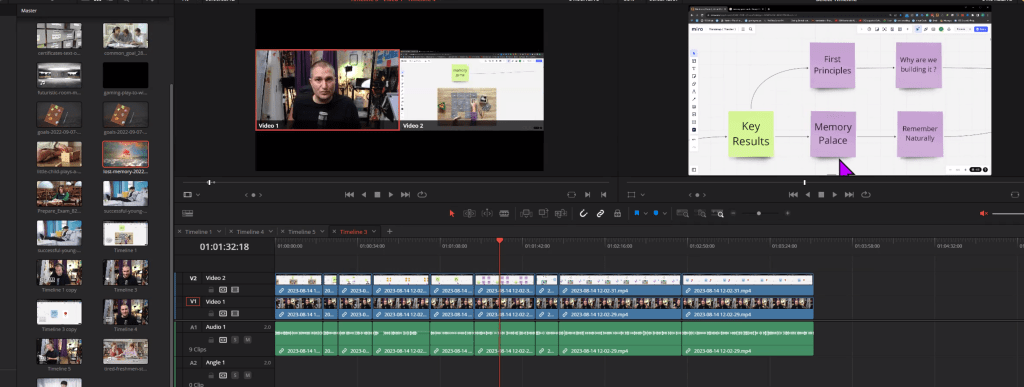
Color chart over lay
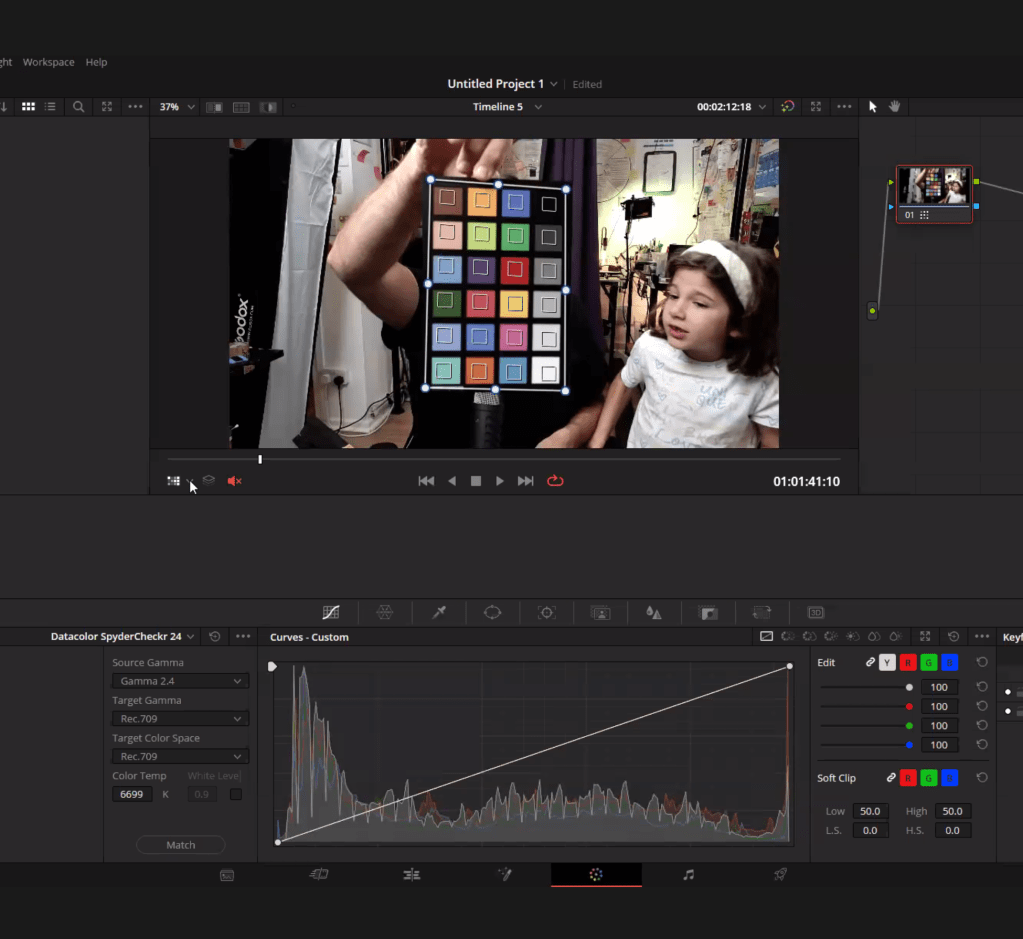
gamma rec 709
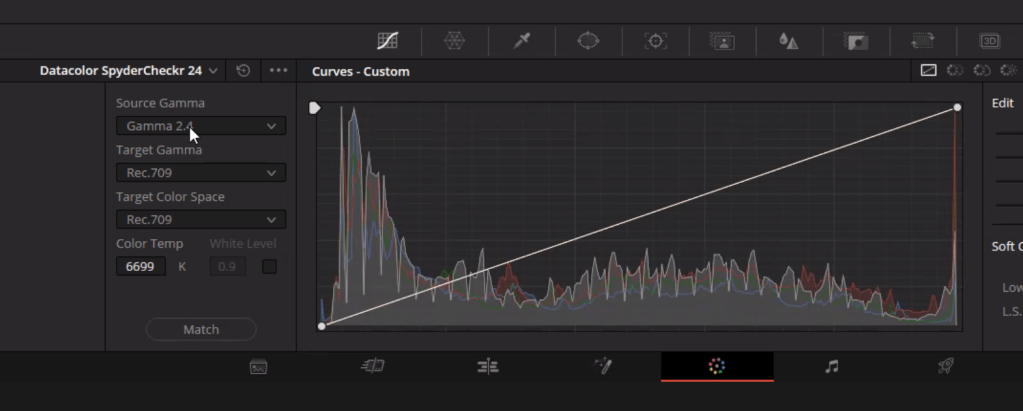
redo andres
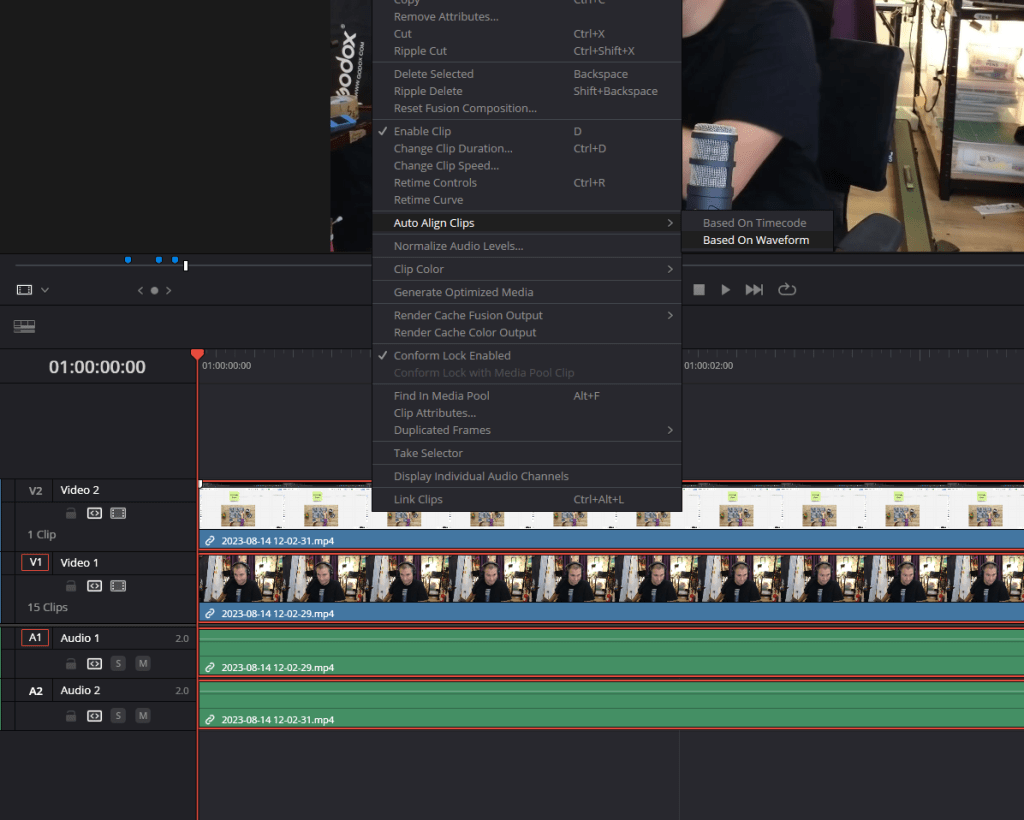
Allign based on wave form
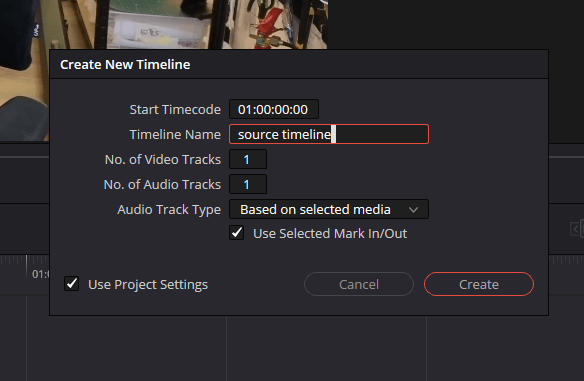
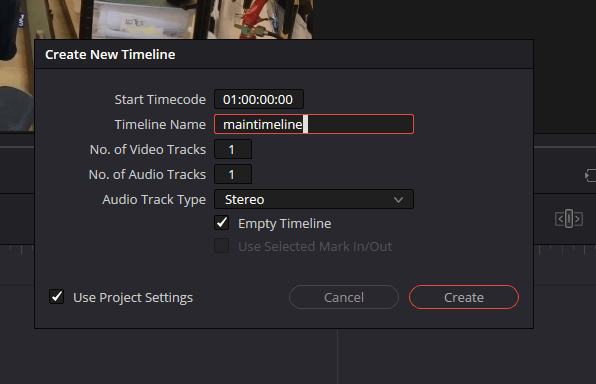
create main timleine
Delete one audio track
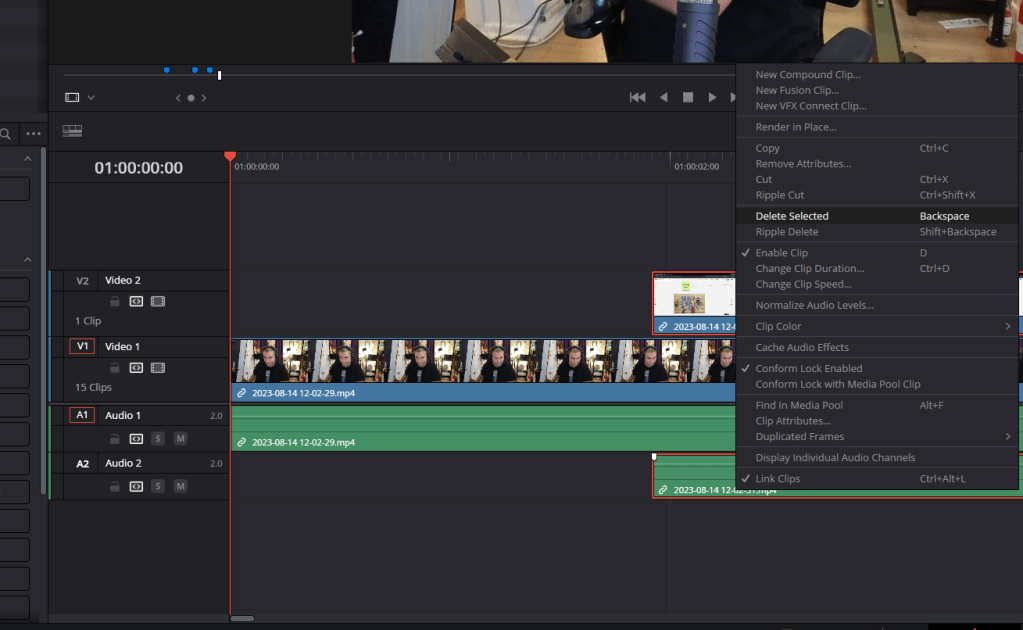
Link on 3 footages
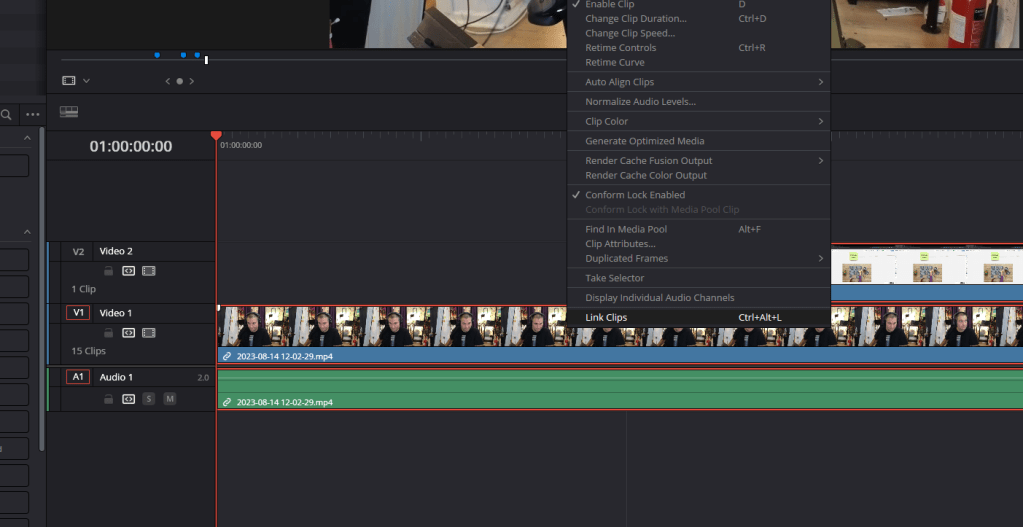
Drop to target timeline
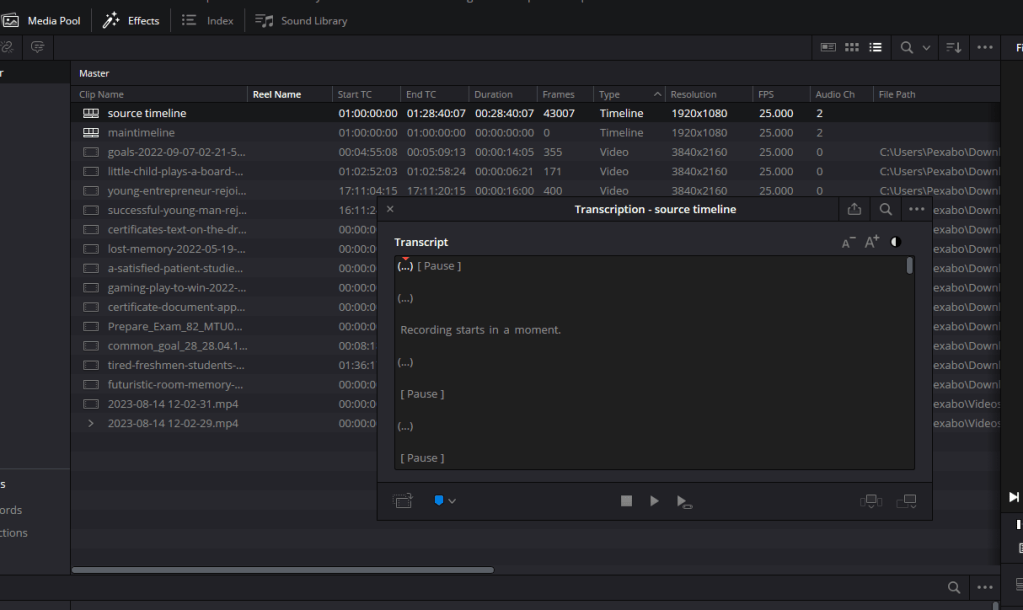
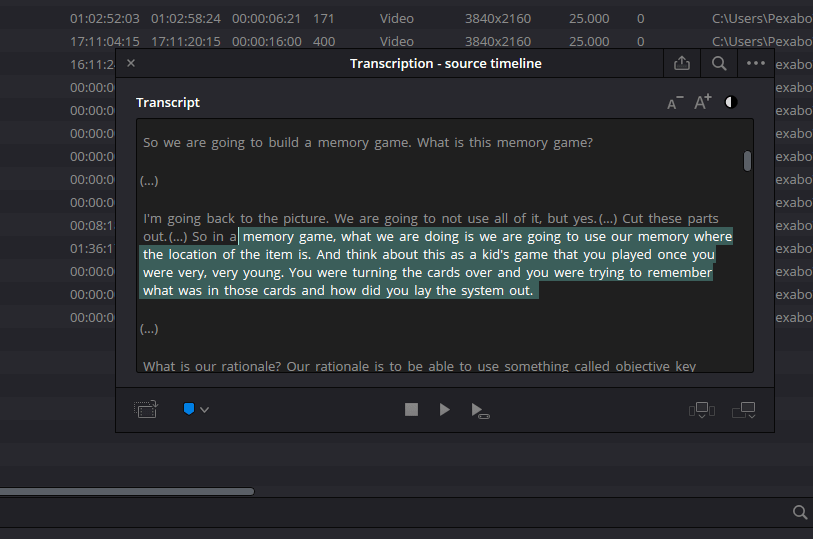
take correct sentences not all sentences pack it well
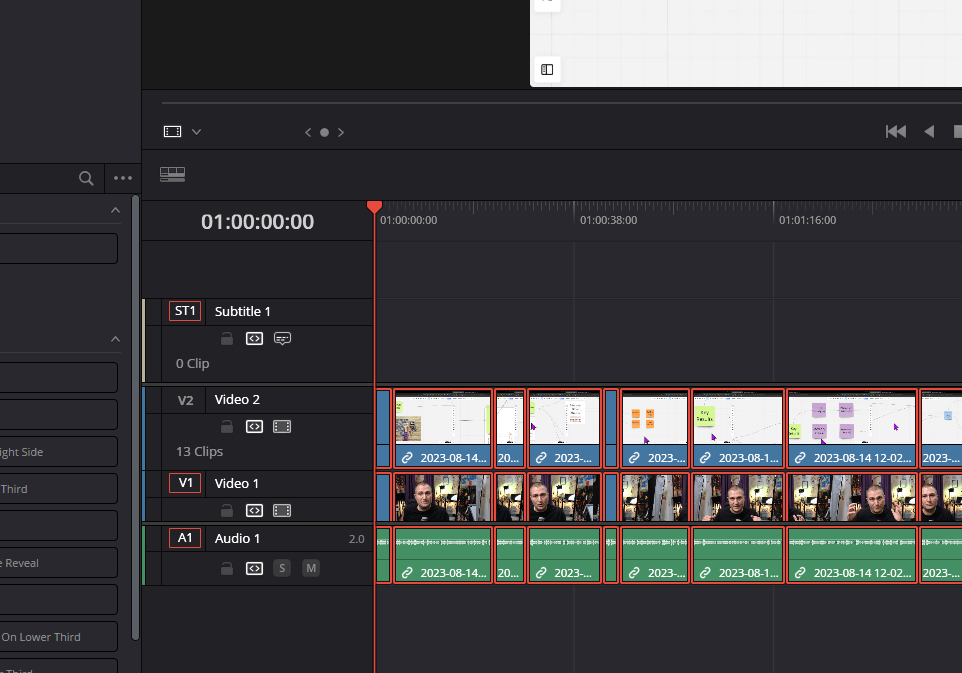
decompose in the maintimeline
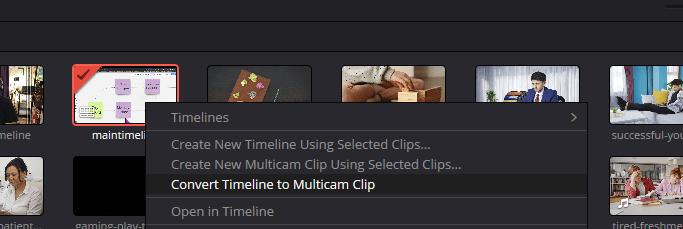
Convert maintimeline into multitimeline clip
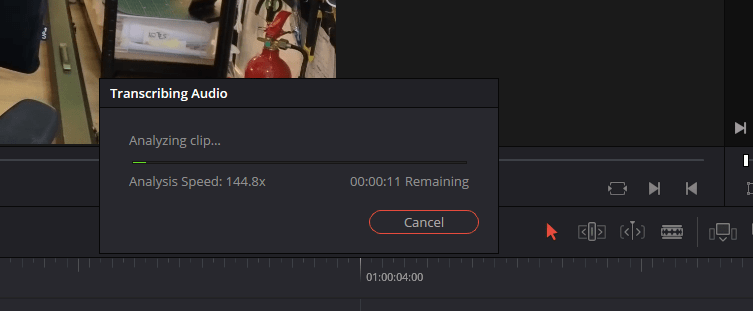
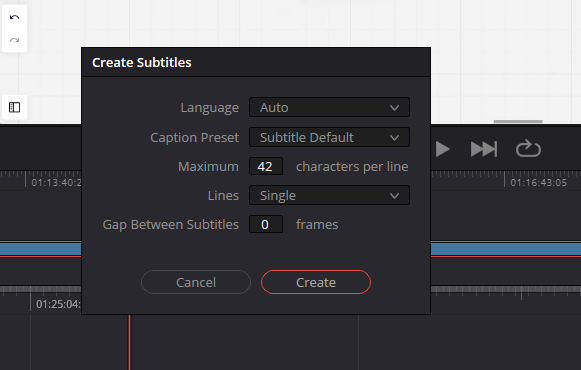
On timleine subtitles from audio feature
ctrl A and do it for all ( no in and out selected make sure )
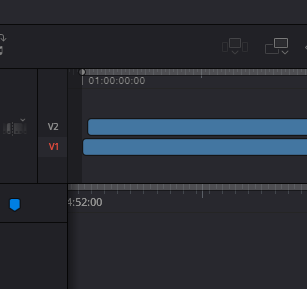
top dotted gray is a thin
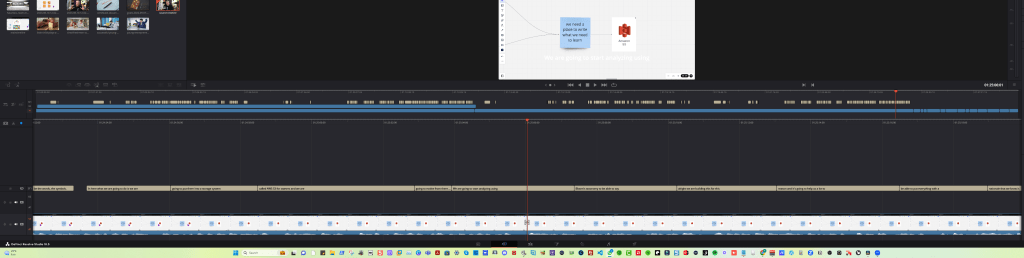
Empty parts no subtitles
delete errors on the source timelinw
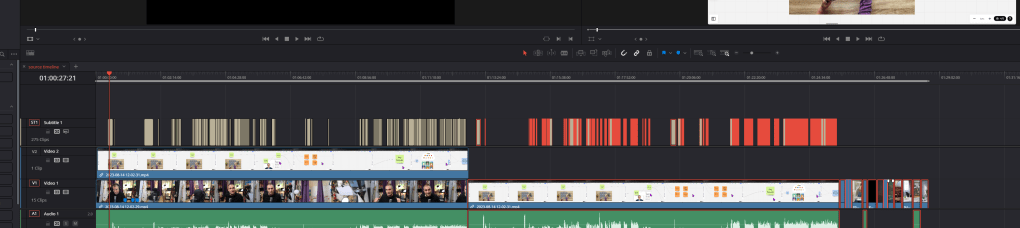
Link clips with the source timeline
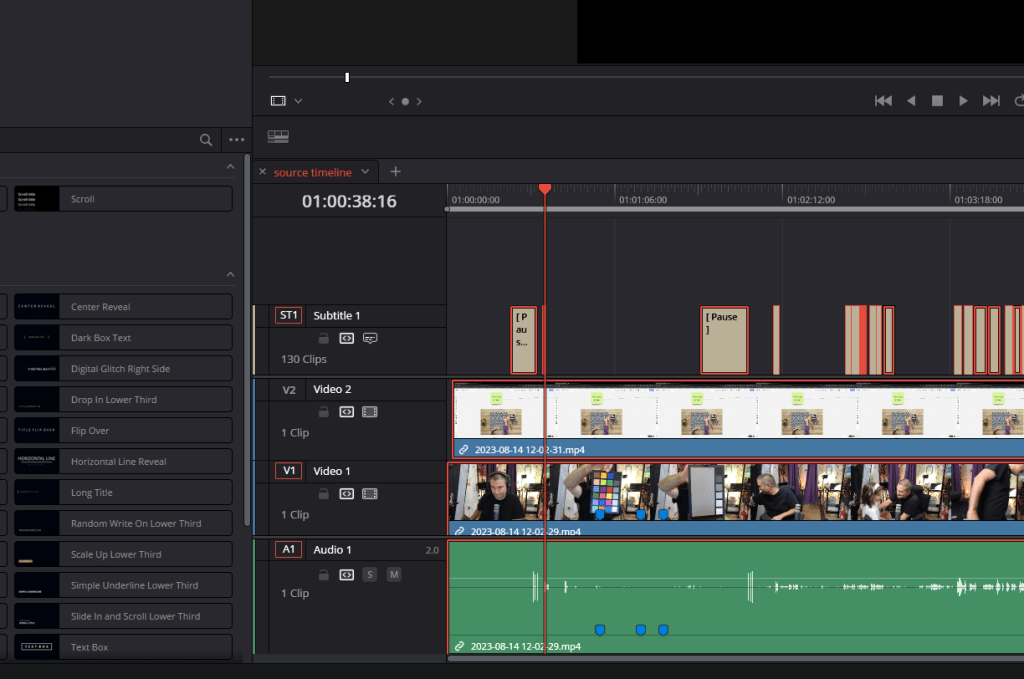
re create the main timeline slowly
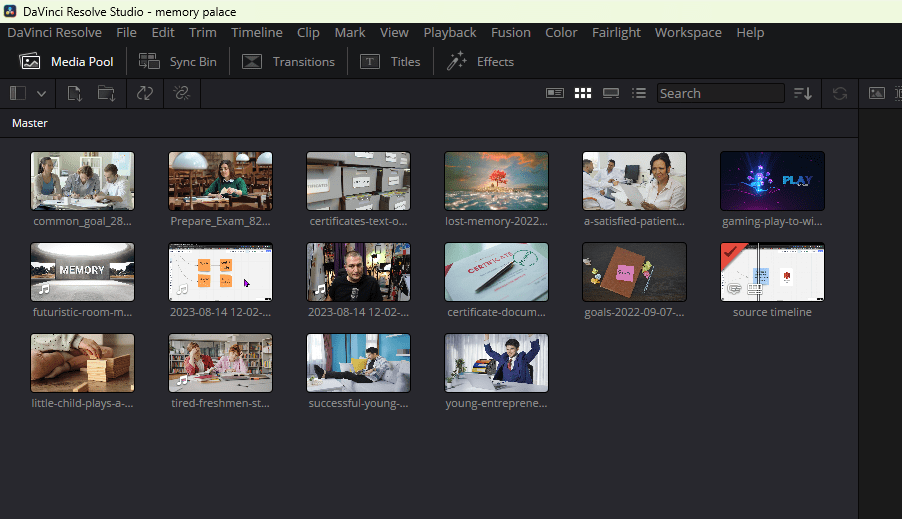
land to anempty yimeline
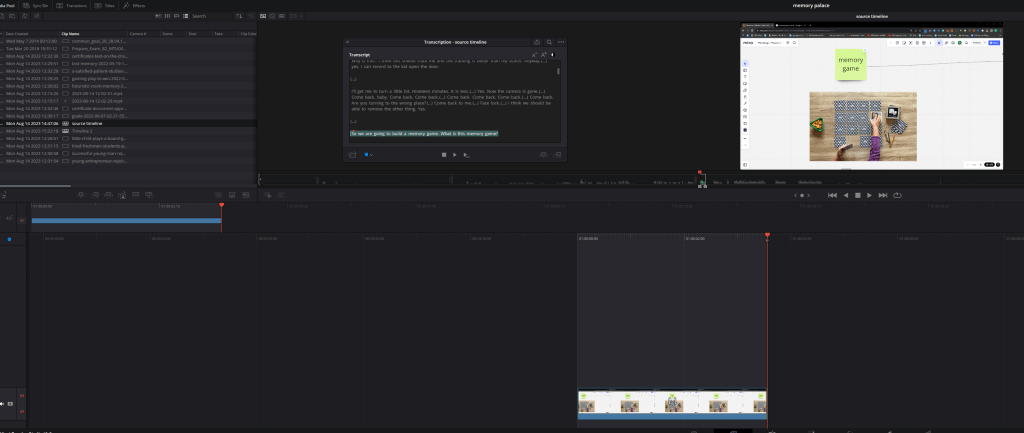
before landing them remove the siulent parts
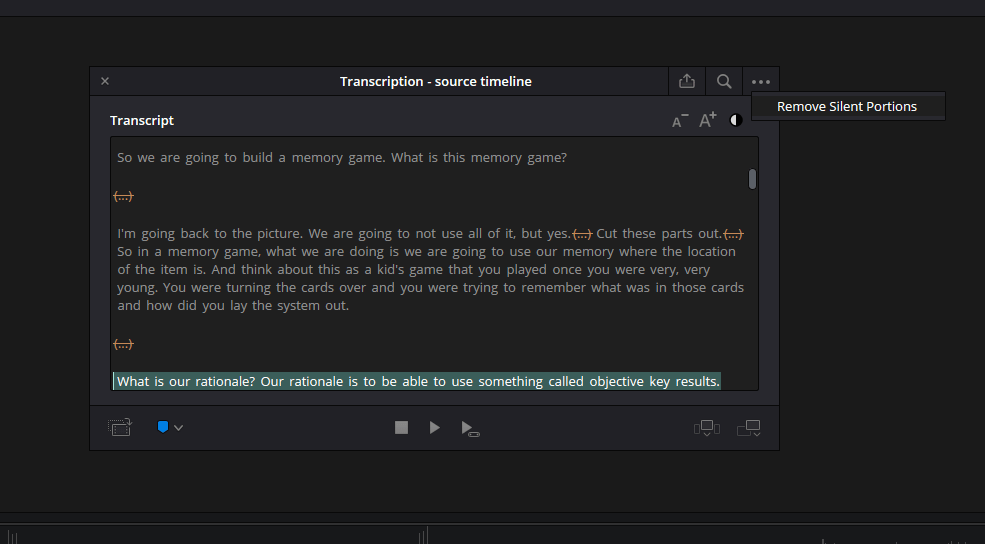
REach 20 percent usable content
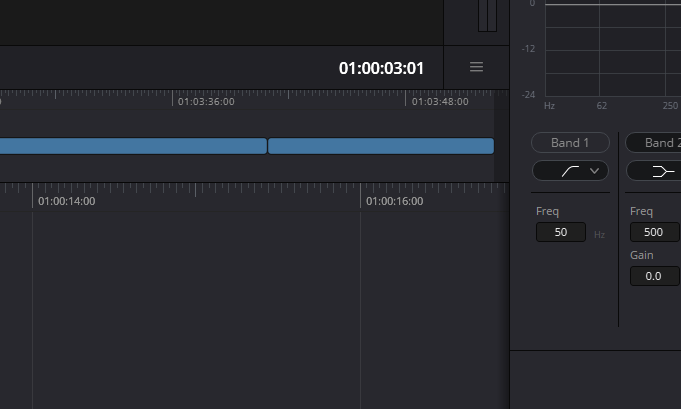
Decompose clips onl;y
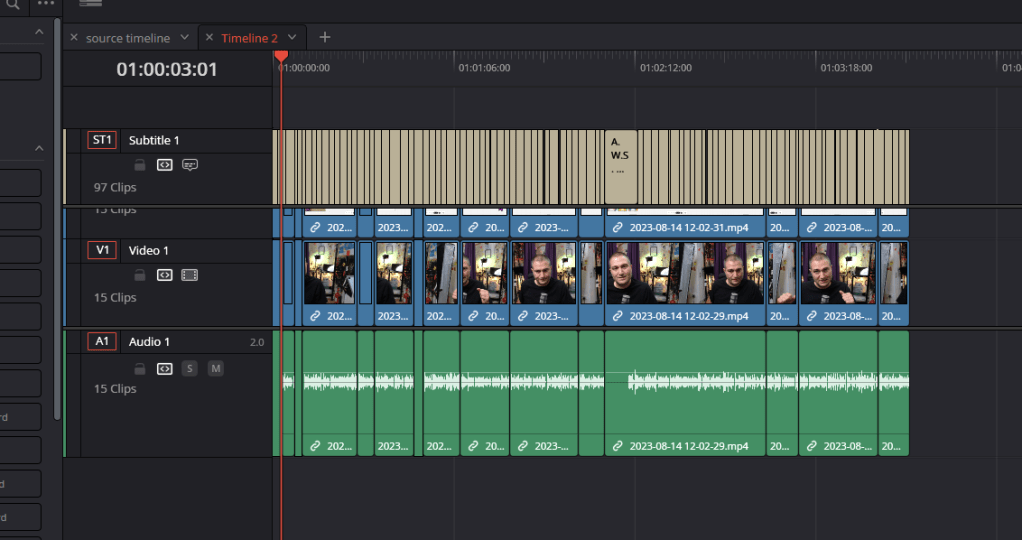
Openm the multi cam
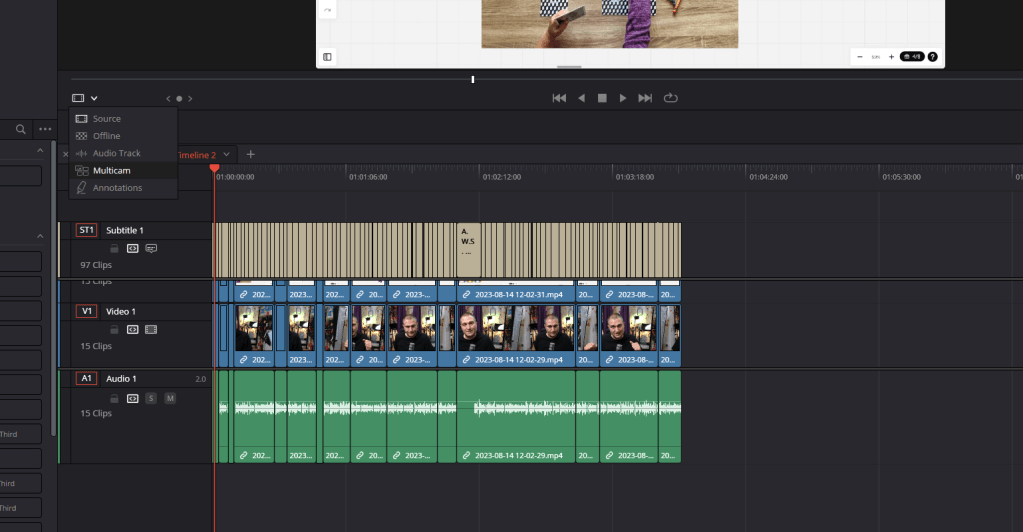
Convert to multi cam clip
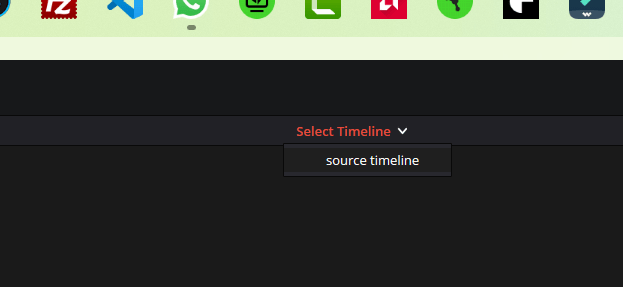
click the timeine to see a and B
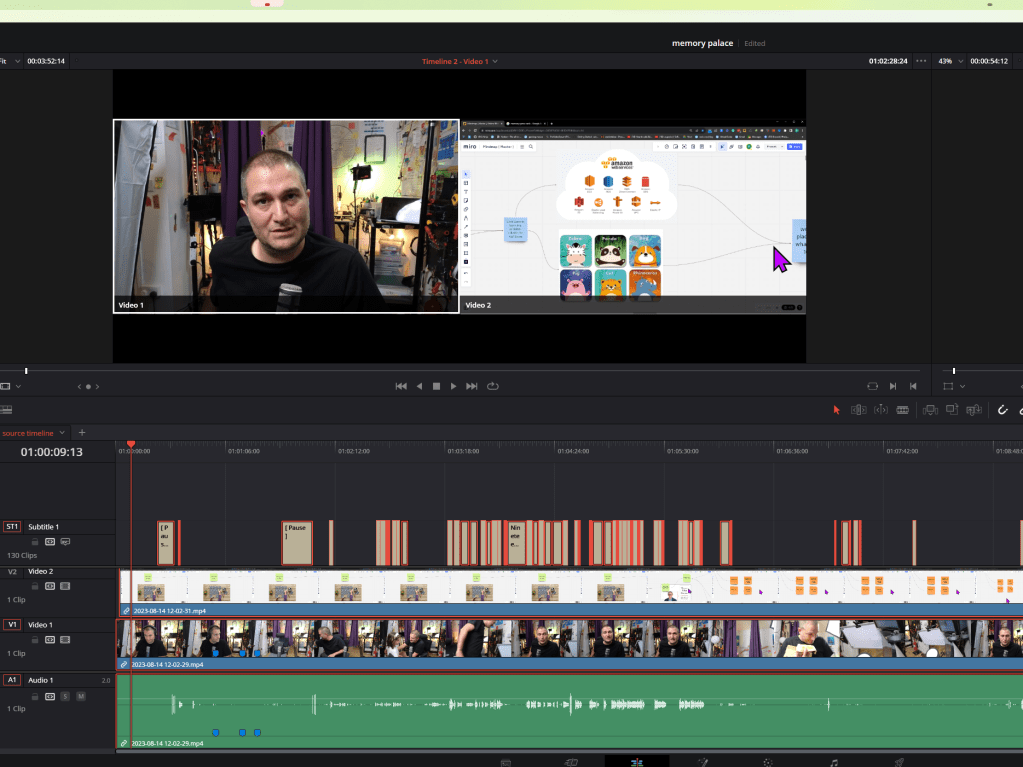
it only show one timleine
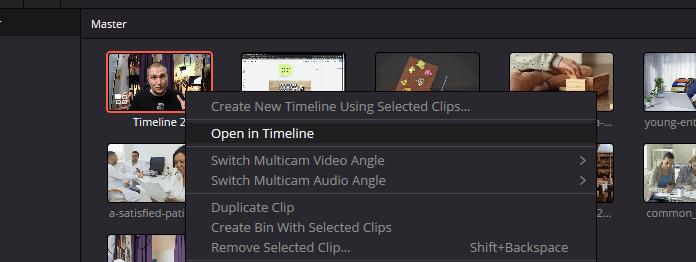
Open in timeline
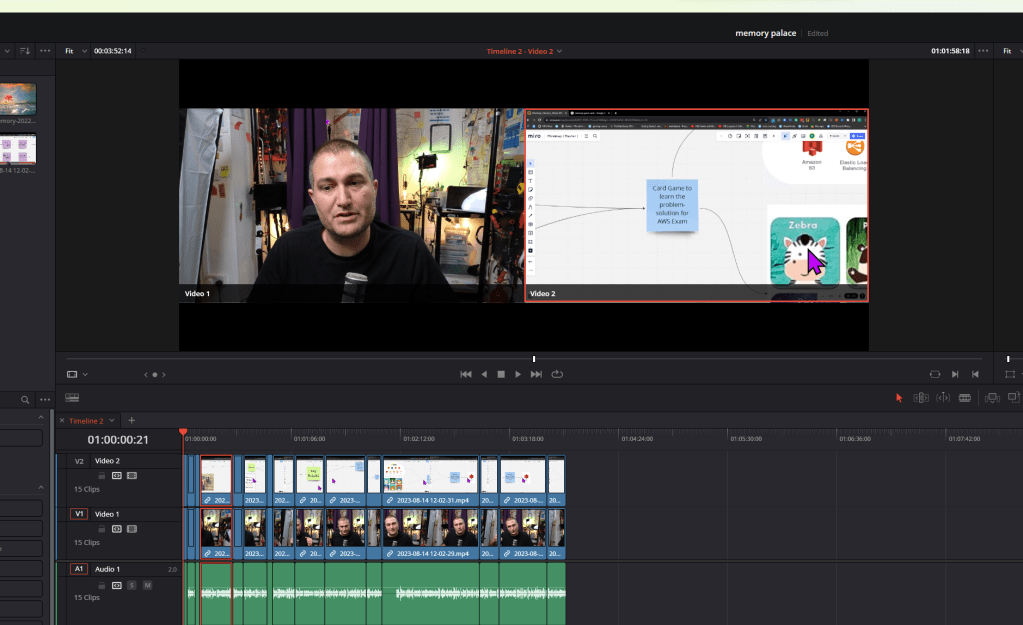
timleine 2 video 2 get there
davinci fail be ready
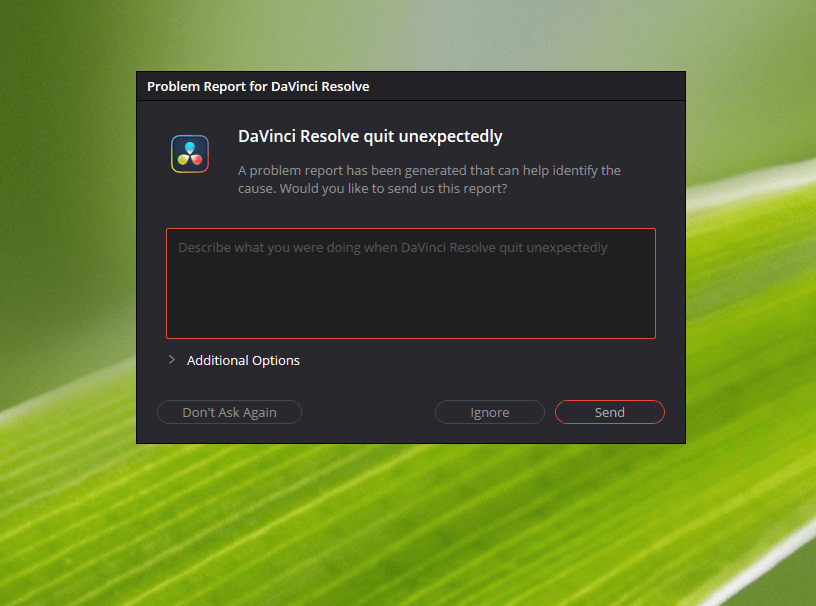
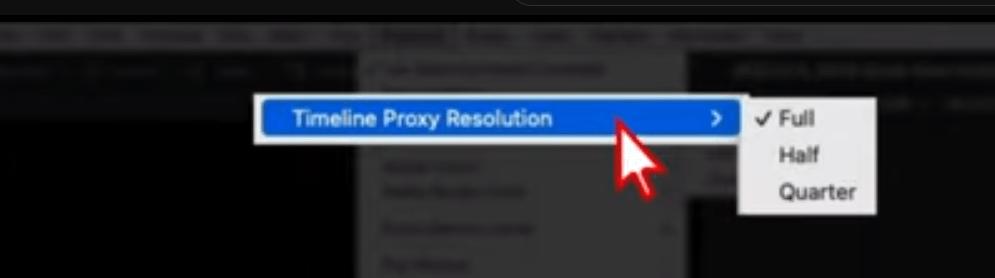
After failt the proxy media becomes important
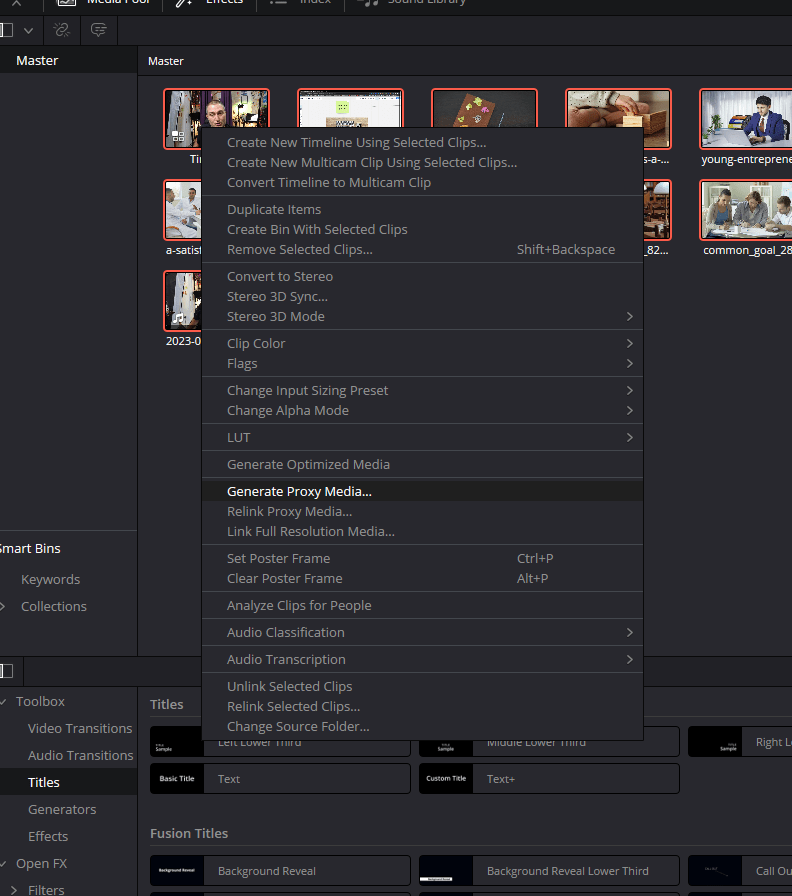
I should have done this in the breaks
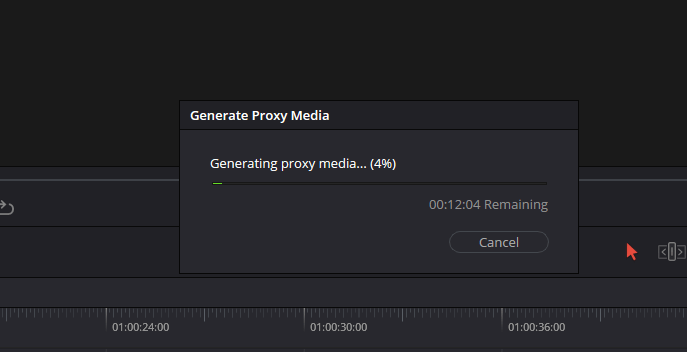
Optimized media could be faster
Auto swap is there
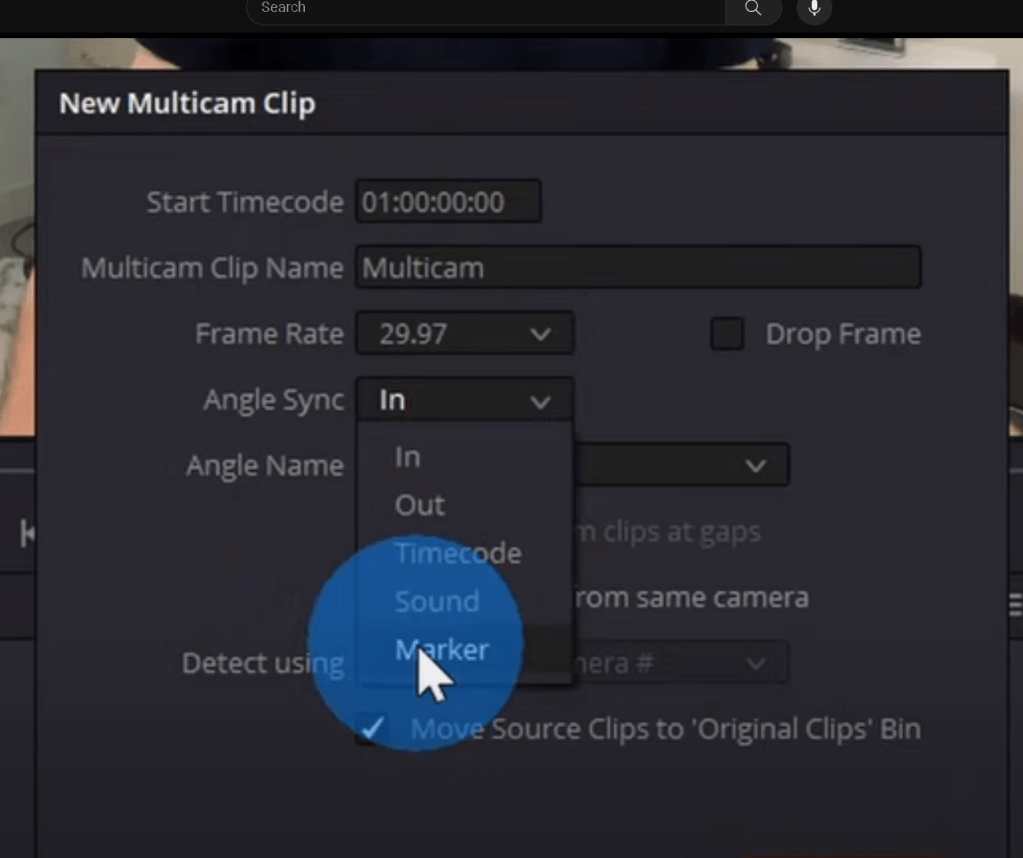
see more cameras to see
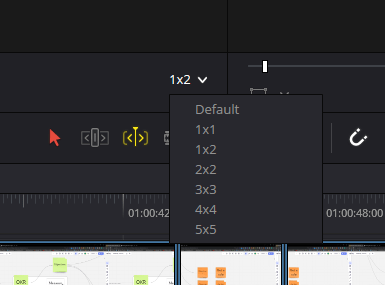
I need to see it as a single timeline with one track
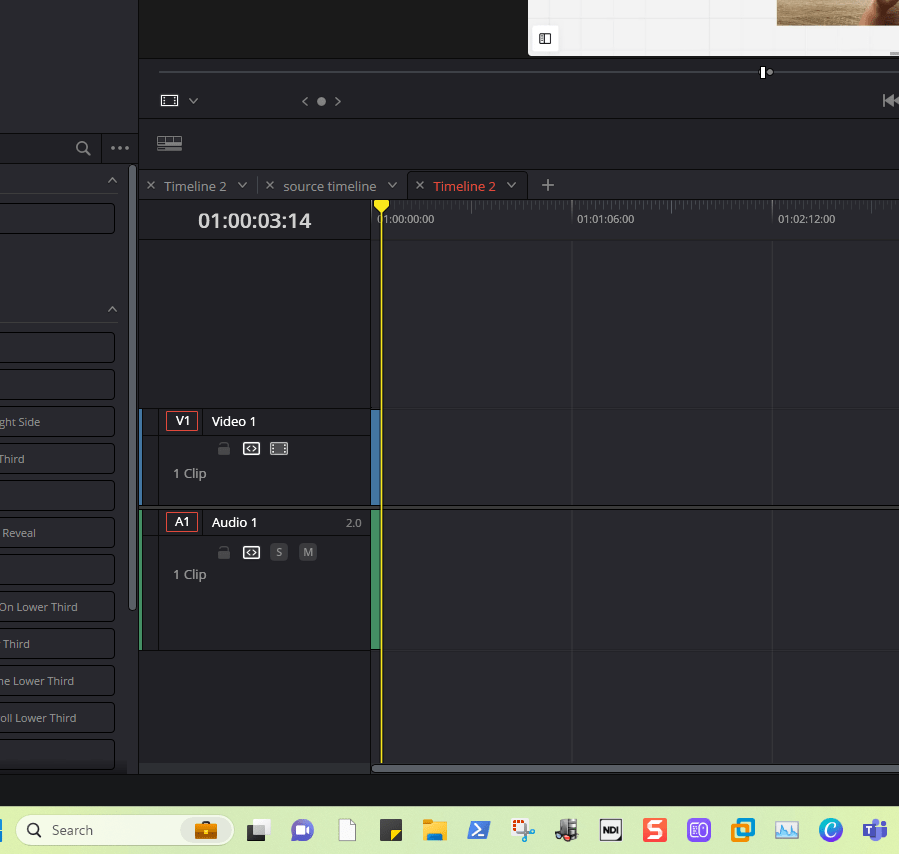
Go back before the decompose
rename with click and retest
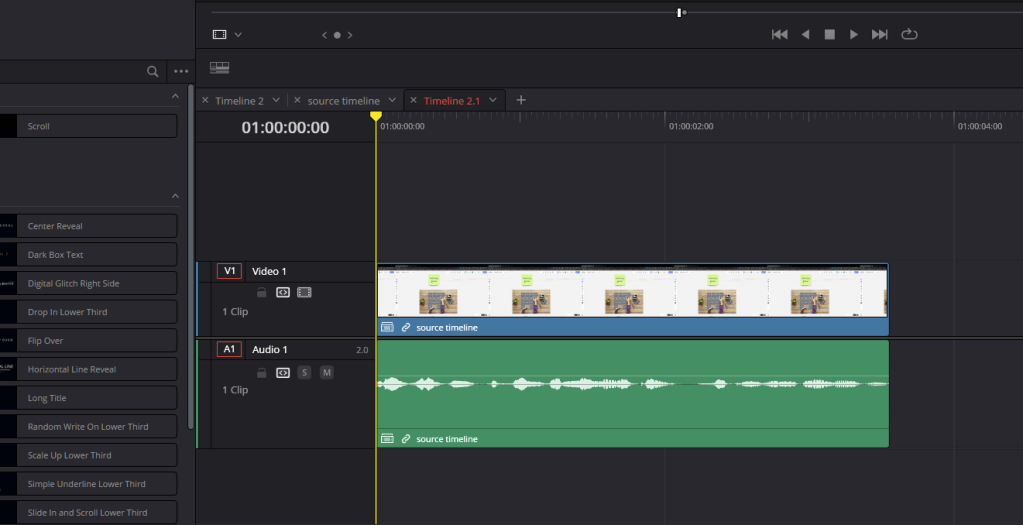
Single line fuill
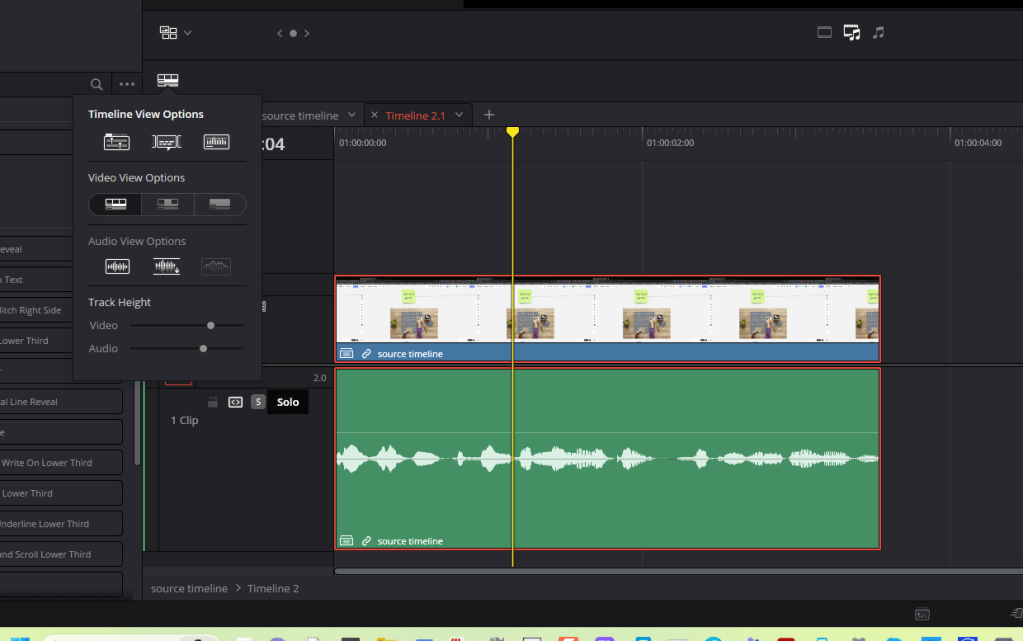
Black screen in source > restart!
upgrade davinci maybe a bug
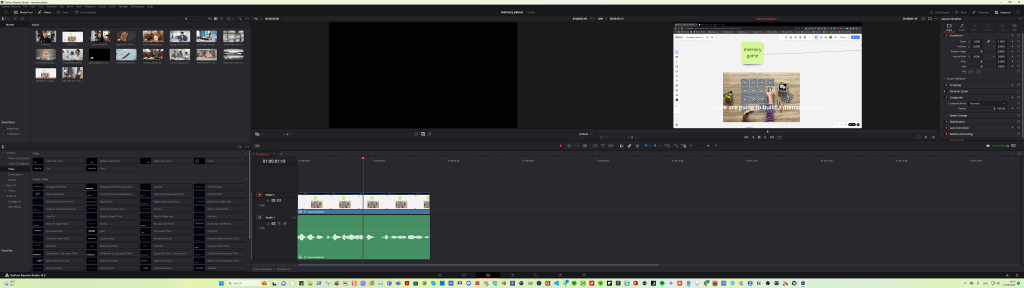
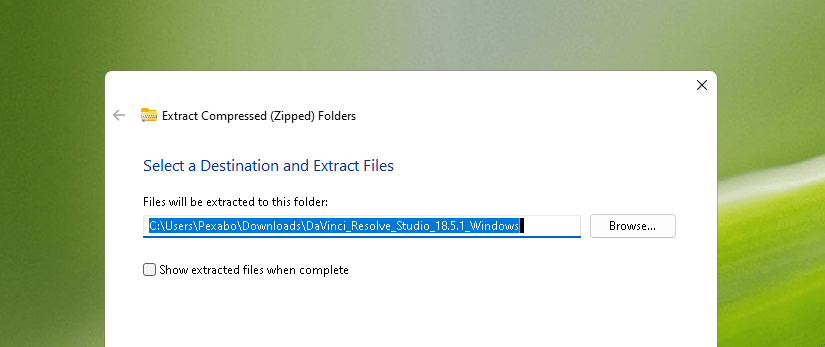
uodate
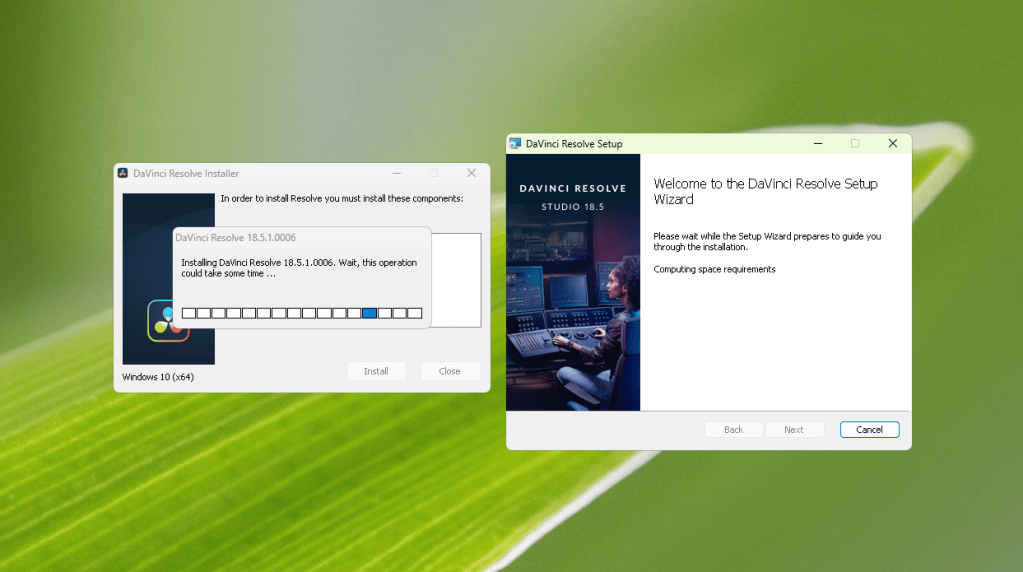
no change maybe the subtitles is blocking the action
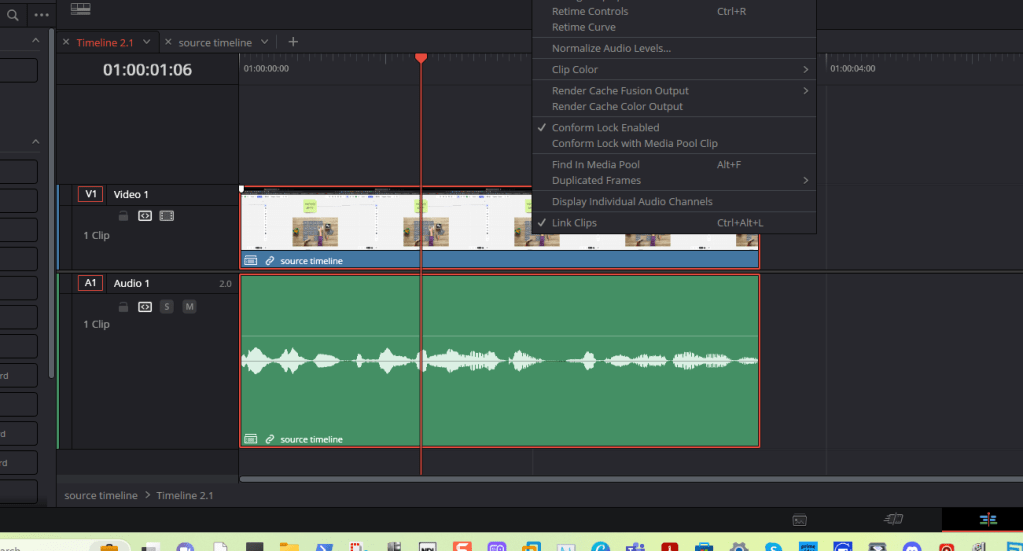
open in timeline in 2.1 takes it to the source one
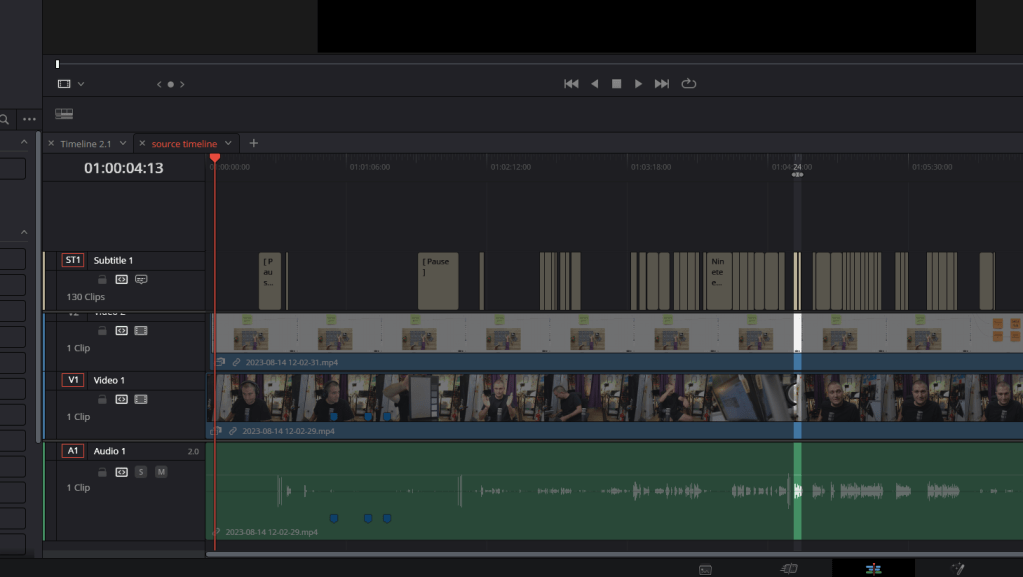
multicam timeline and multi cam clip are different ok
Maybe on my end the in and out point selection causes the issue
Top bar
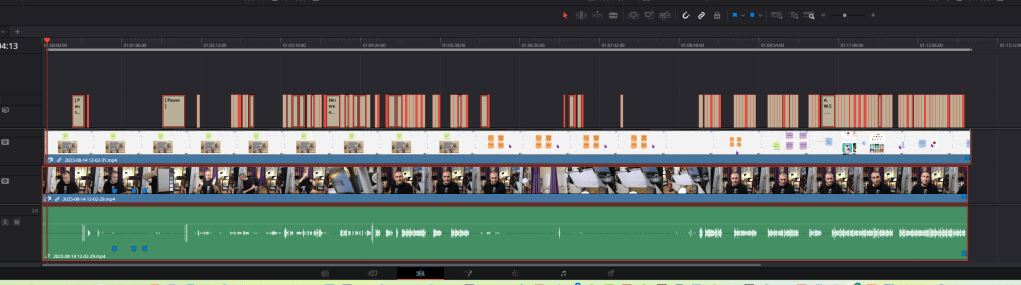
get rid of this
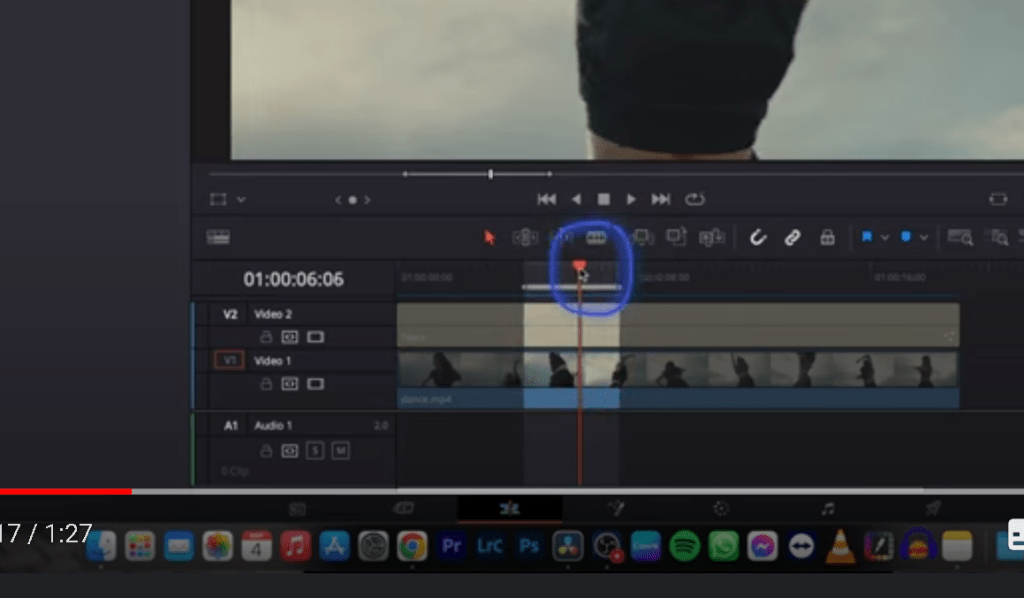
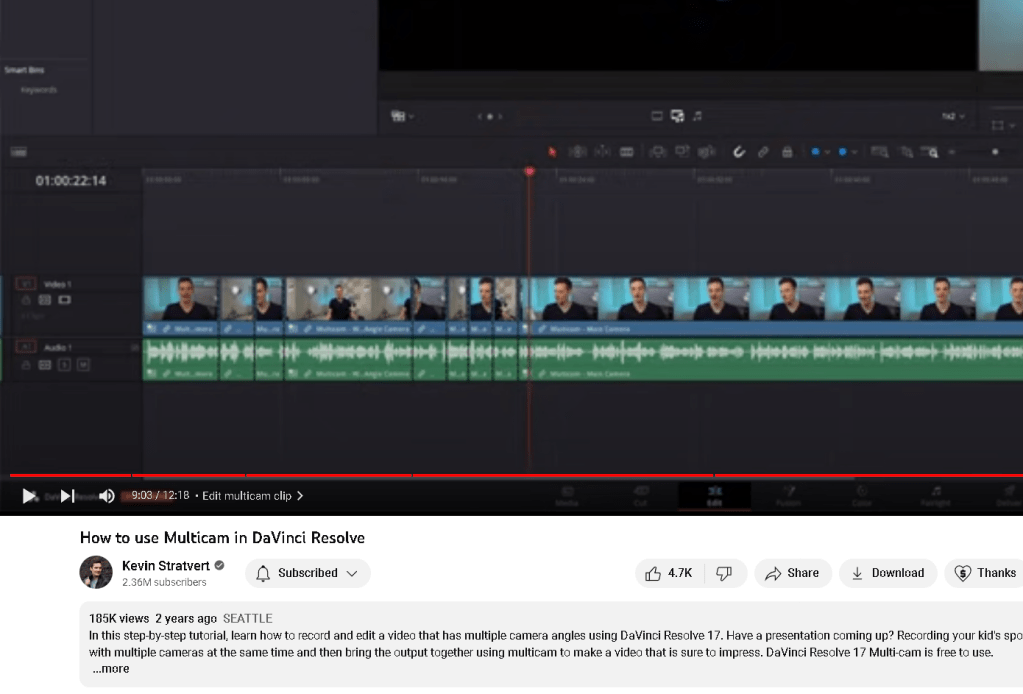
How to convert a clip iona a multi cam clip in davinci resolve
When the source timeline gets converted it gets converted
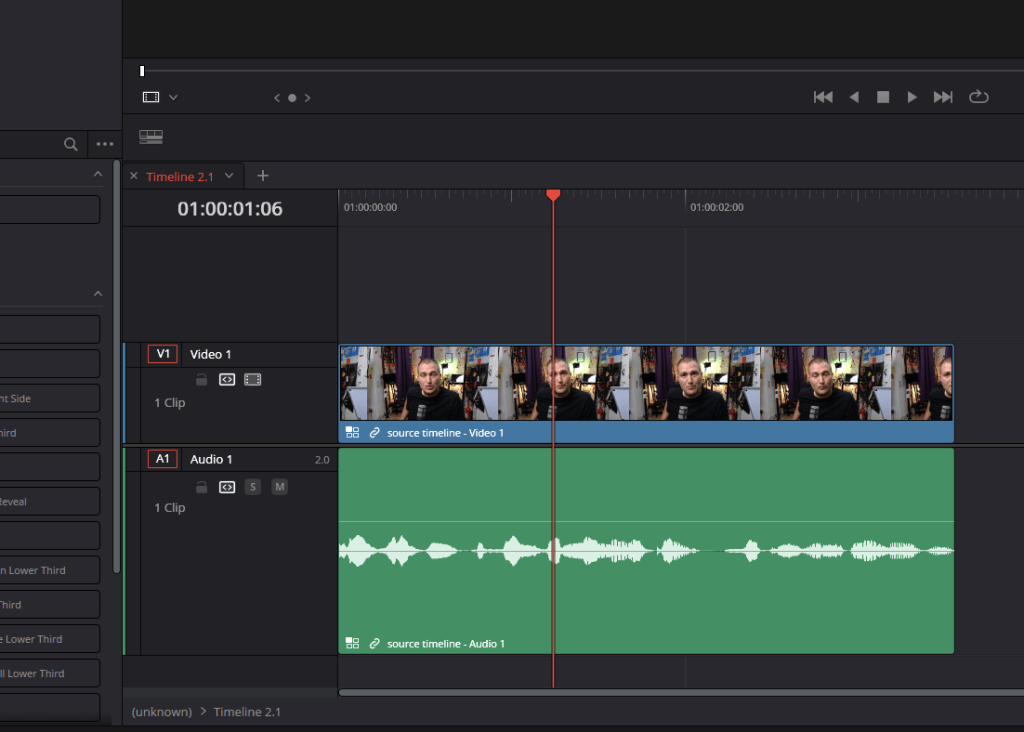
When multi cam the razor opens up
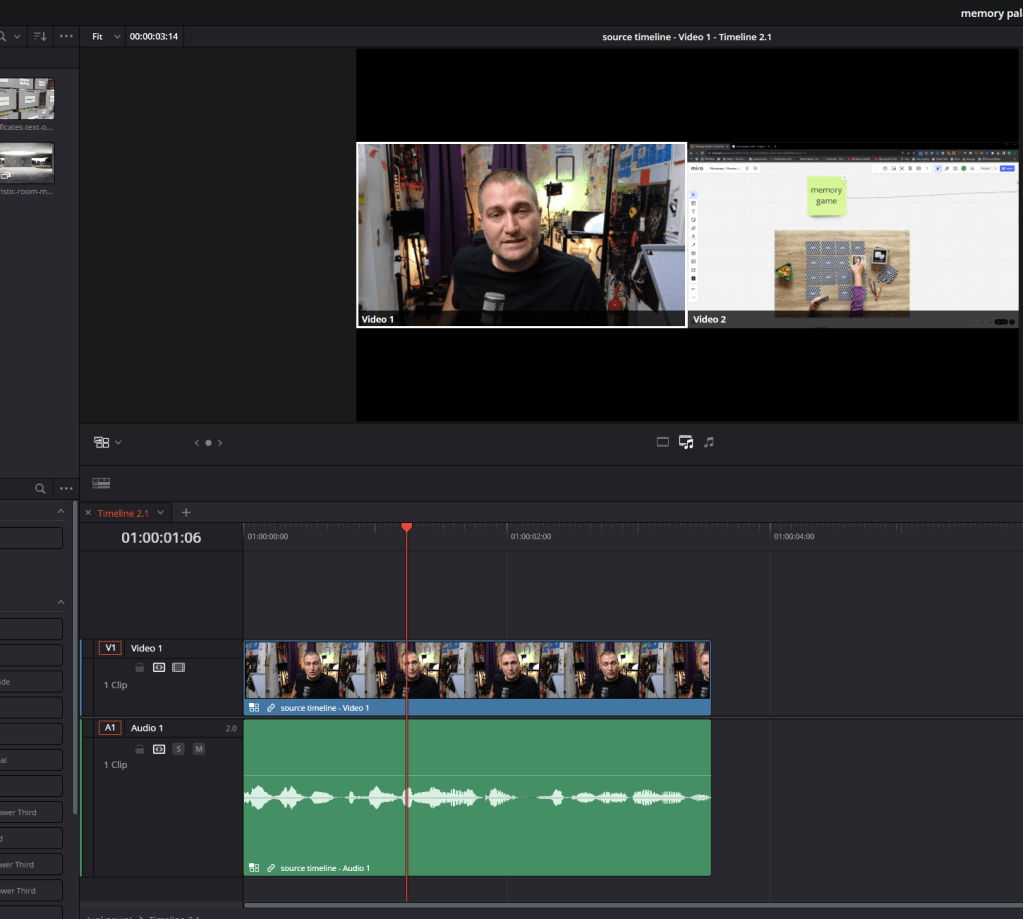
At the last stage we can also create the subtitles as well
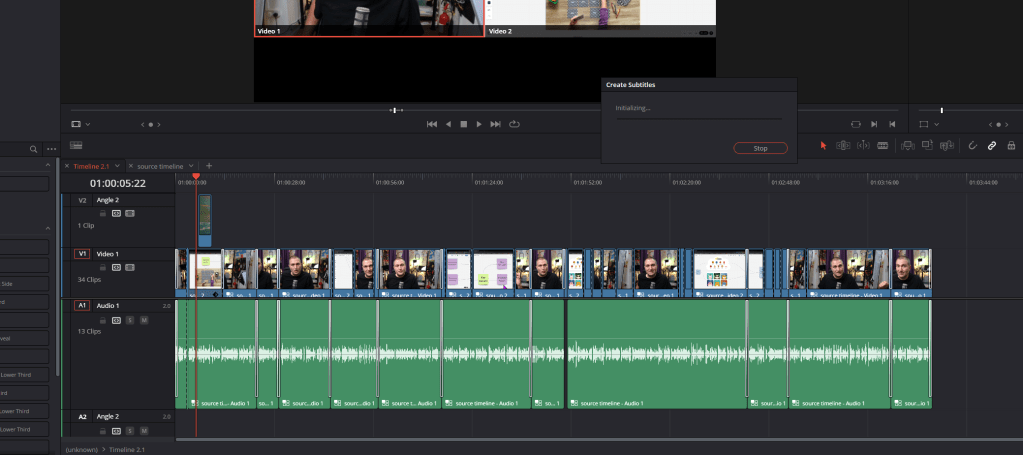
it is a bit stuck
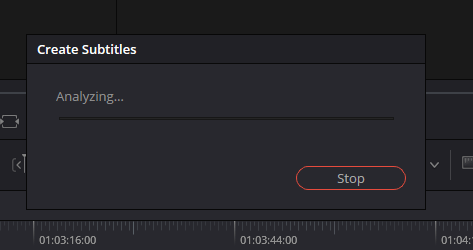
Composite clips have harder time
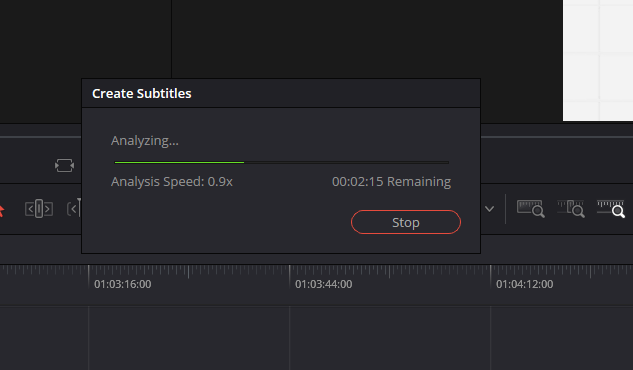
Workstation having a hard time use the optimized media
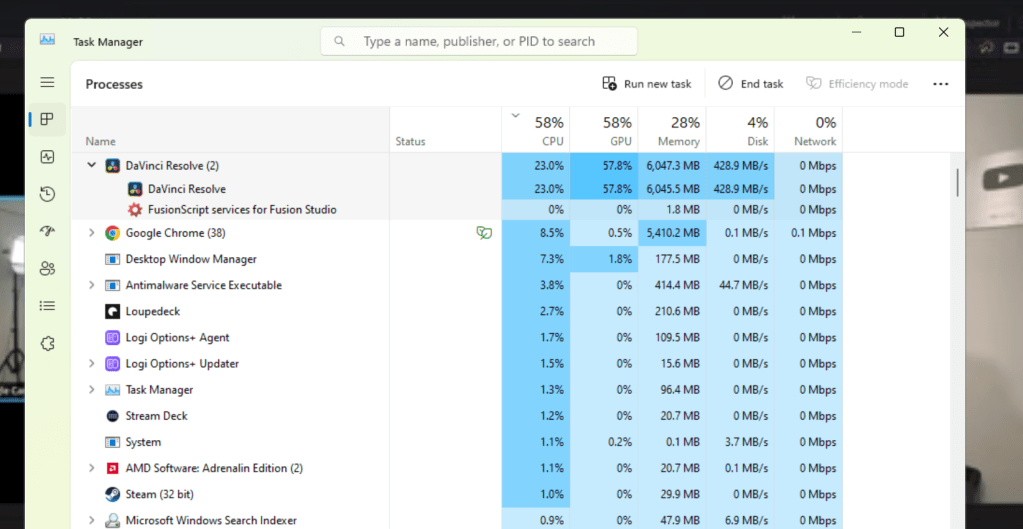
Play back has issues
what i was searching for
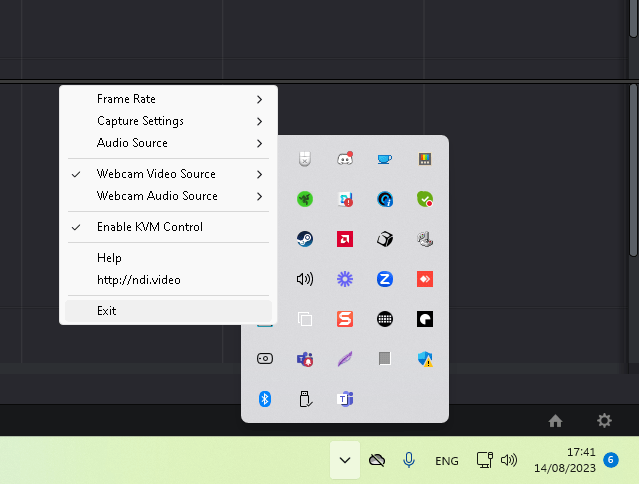
Turn off nmdi
render cache
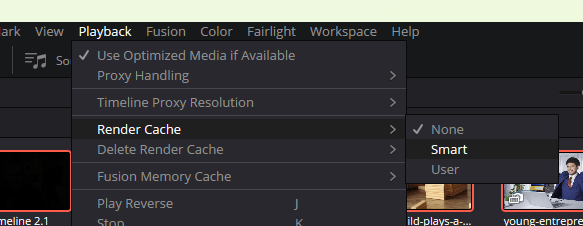
by pass color grading
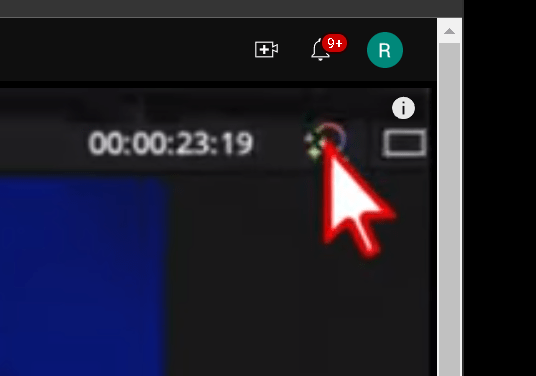
timleine settings
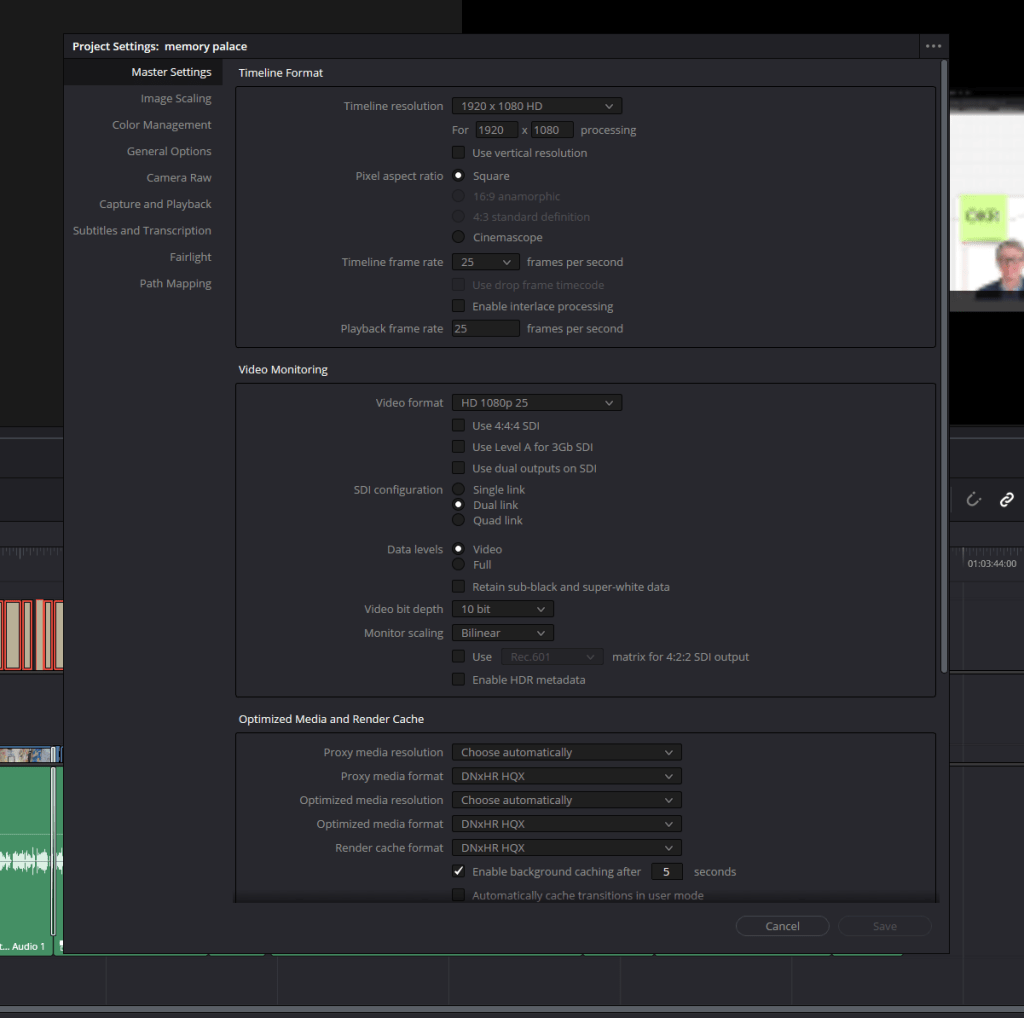
it is crashing on the edit page not on cut page >>> Erdem focus on the cut not edit
go to cut page and work there
purple prepare proxies
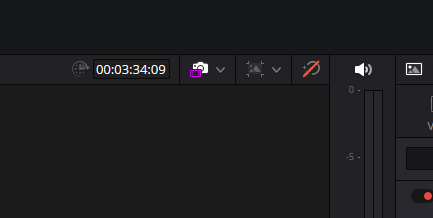
i could not find the reason...still i need to go.
Linkedin and Loom upload
get the trnascribe from output
push to notion
Imported from rifaterdemsahin.com · 2023