RAM in WRX80
Trying to debug why the fourth RAM module in the system does not work, with the Kingston RMA RAM modules KSM32RD4/32MEI. Board Pro_WS_WRX80E-SAGE_SE_WIFI
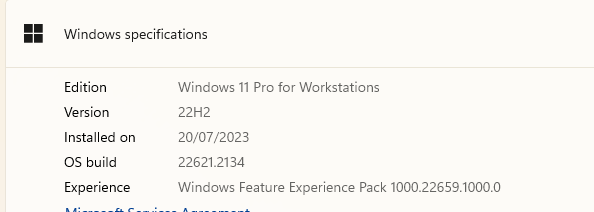
Operating system
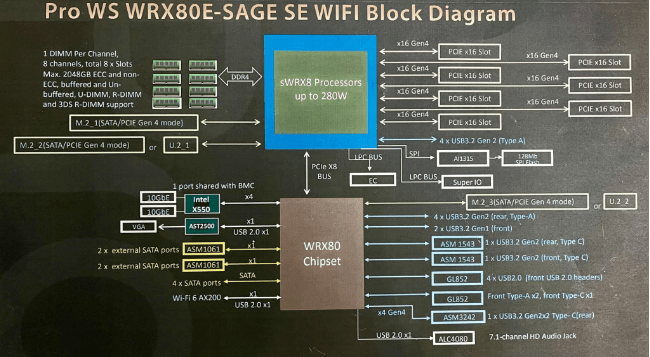
Block diagram
System specs
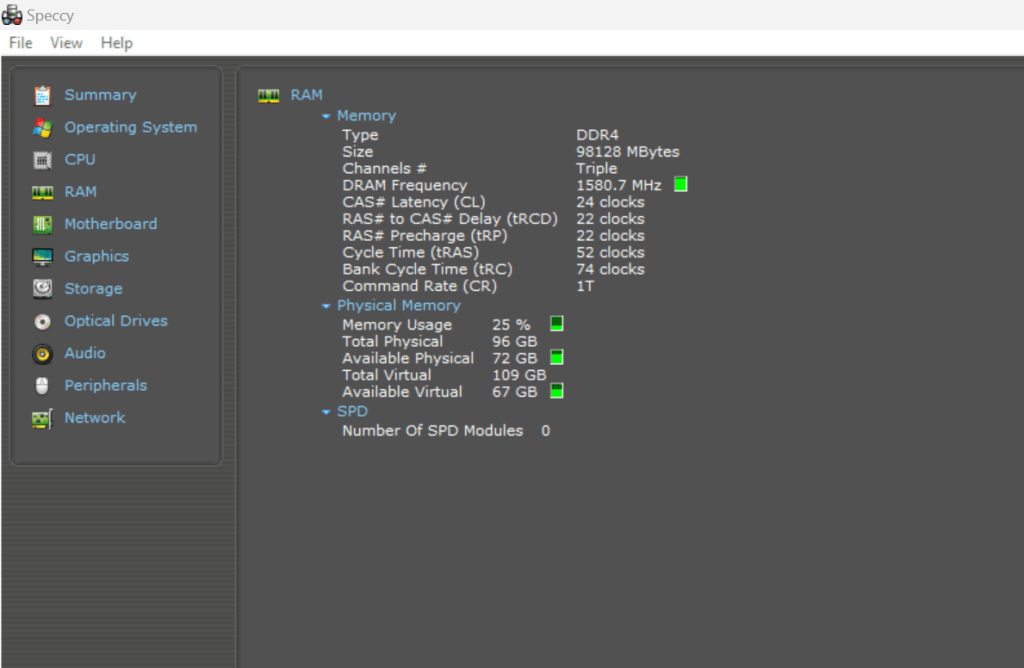
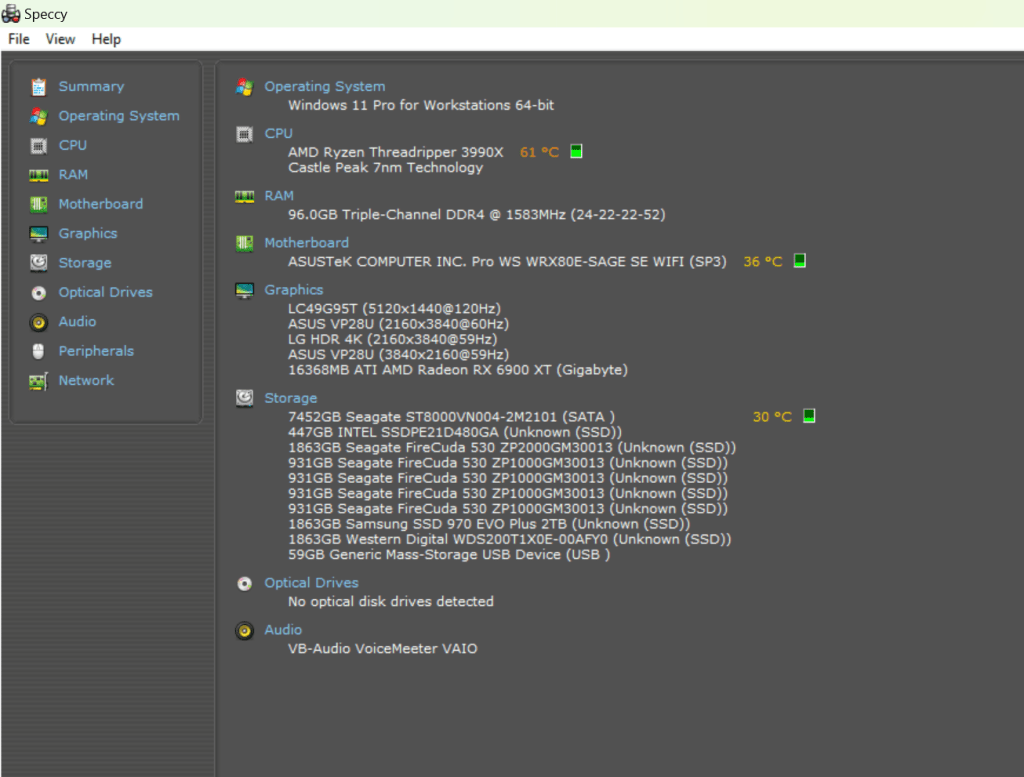
Answers for Kingston
- What is the version and date of your BIOS?
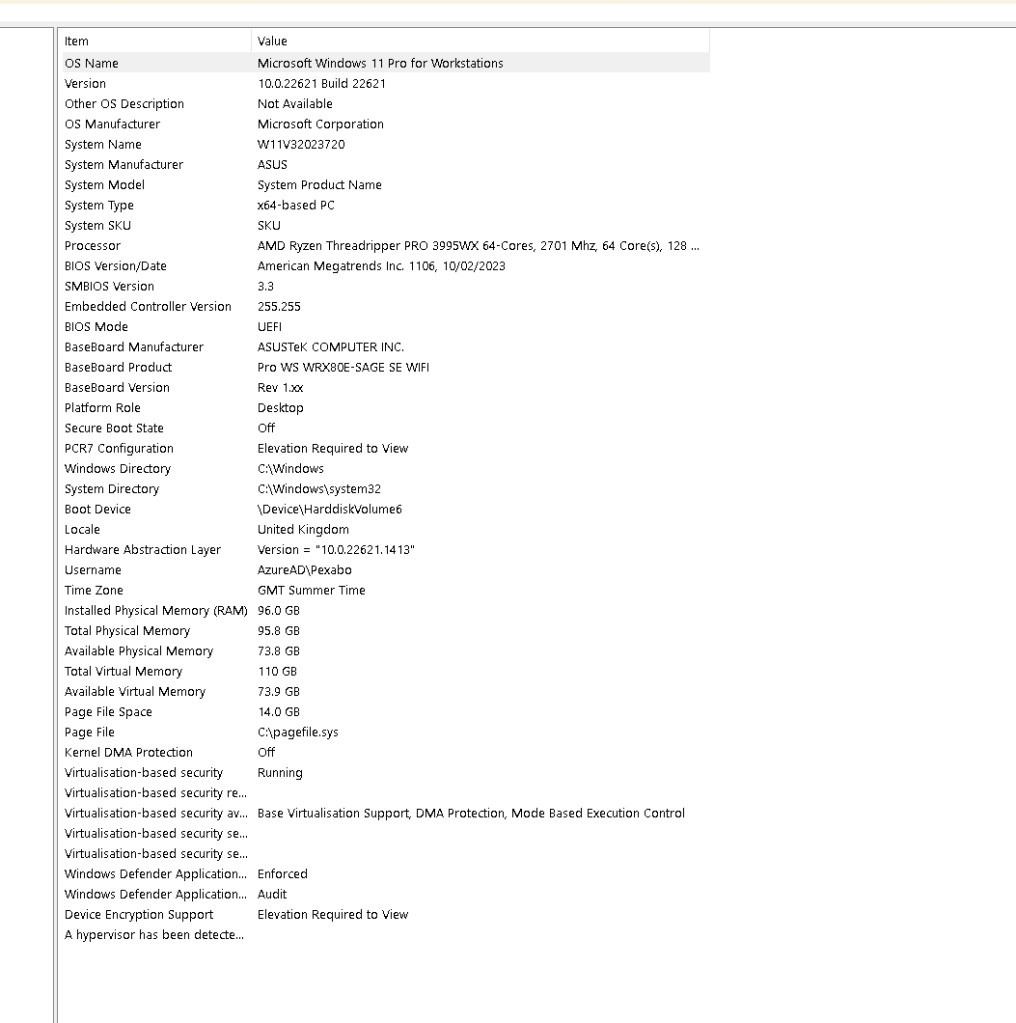
- How many memory modules are installed?
3
- In which slots are they being populated? Please detail.
A B C
- Please provide any references on the label of the memory module "KSM32RD8". please provide images of the label(s) on the modules.
KSM32RD8 I send this back the RMA was only in KSM32RD4/32MEI
- When you install only the replacement modules provided KSM32RD4/32MEI, in which slots are you installing and testing them?
3 of KSM32RD4/32MEI is working
- Please provide us with the photo/ screenshot of the error codes/ event log error of the server.
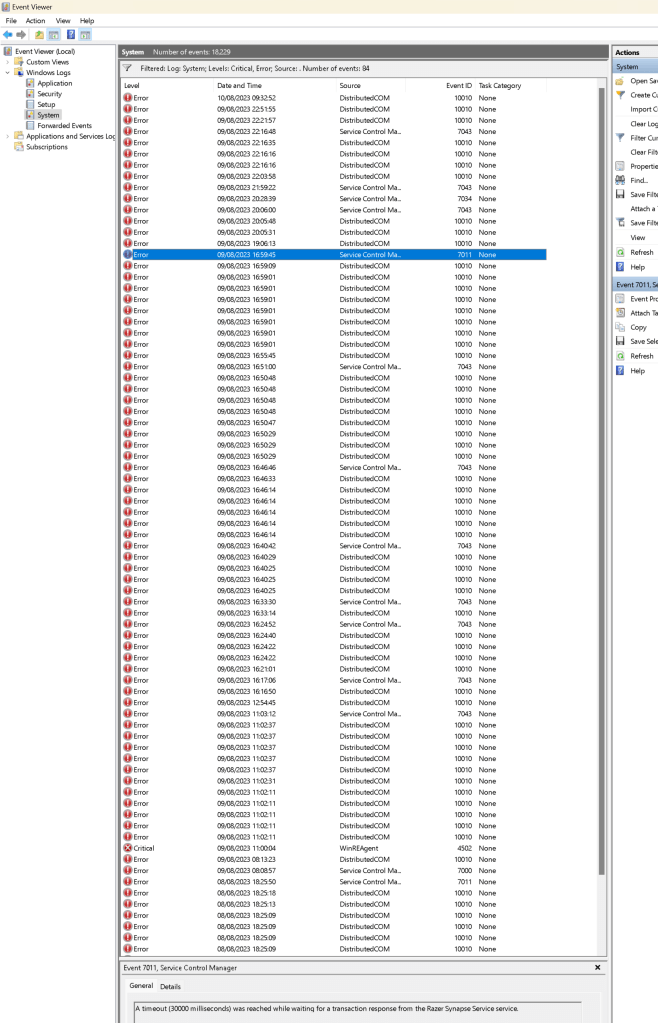
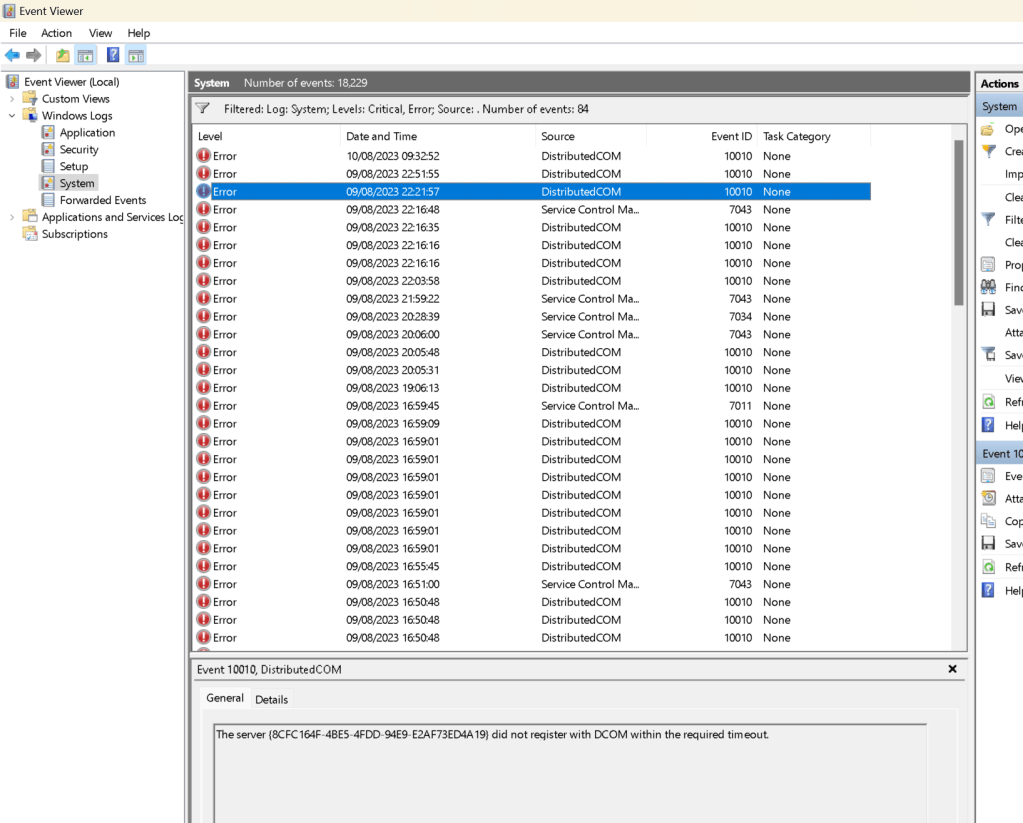
- What is the result if you remove all the existing memory and test the new modules individually (one at a time) in all available slots?
Memory test passes fine with 3 sticks > 4 th stick no boot on
Reference Pro_WS_WRX80E-SAGE_SE_WIFI
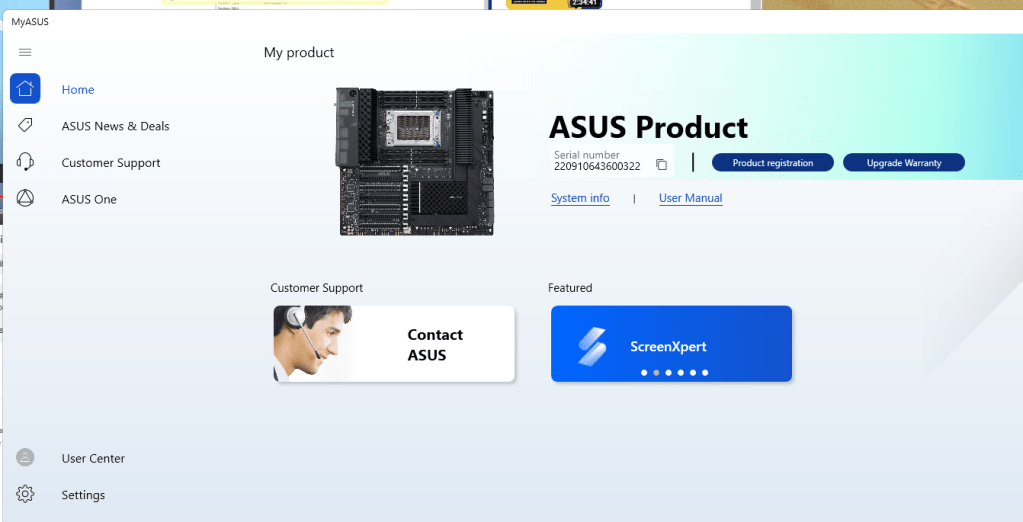
https://dlcdnets.asus.com/pub/ASUS/mb/SocketTRX4/Pro_WS_WRX80E-SAGE_SE_WIFI/E19401_Pro_WS_WRX80E-SAGE_SE_WIFI_UM_V2_WEB.pdf?model=Pro%20WS%20WRX80E-SAGE%20SE%20WIFI
Downloads for motherboard
https://www.asus.com/uk/motherboards-components/motherboards/workstation/pro-ws-wrx80e-sage-se-wifi/helpdesk_bios/?model2Name=Pro-WS-WRX80E-SAGE-SE-WIFI
Bios Info
Imported from rifaterdemsahin.com · 2023