← Back to Blog

Setting up remote workshops

Setting up remote workshops Practical loom recording > it can fail do not trust on it use virtual camera check banana start recording for backup 1080P ready check desktop record audio youtube getting recorded 1080P Screen ready Swap the window for faster action Activatge the f
Setting up remote workshops

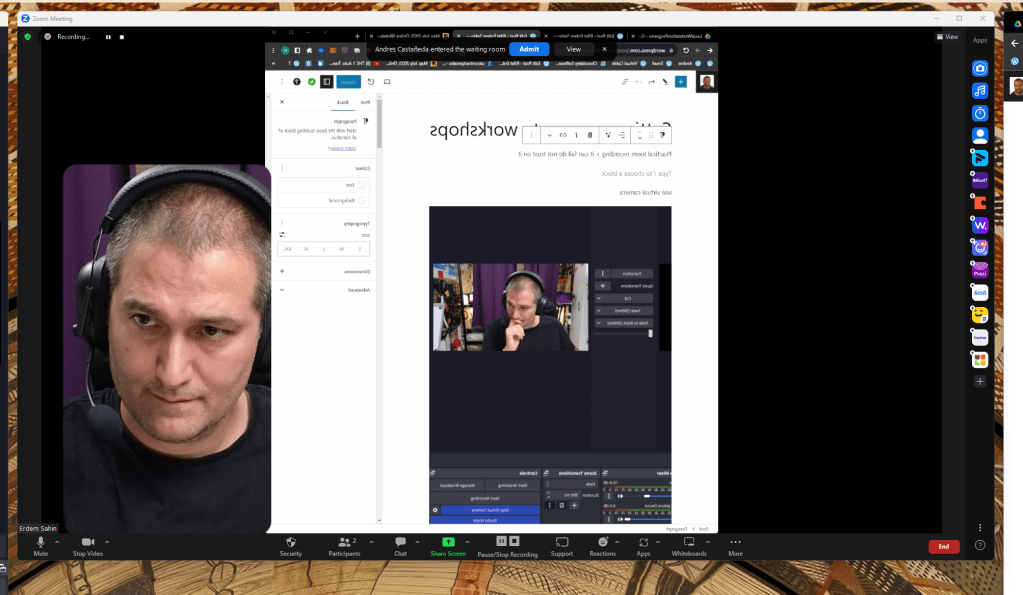
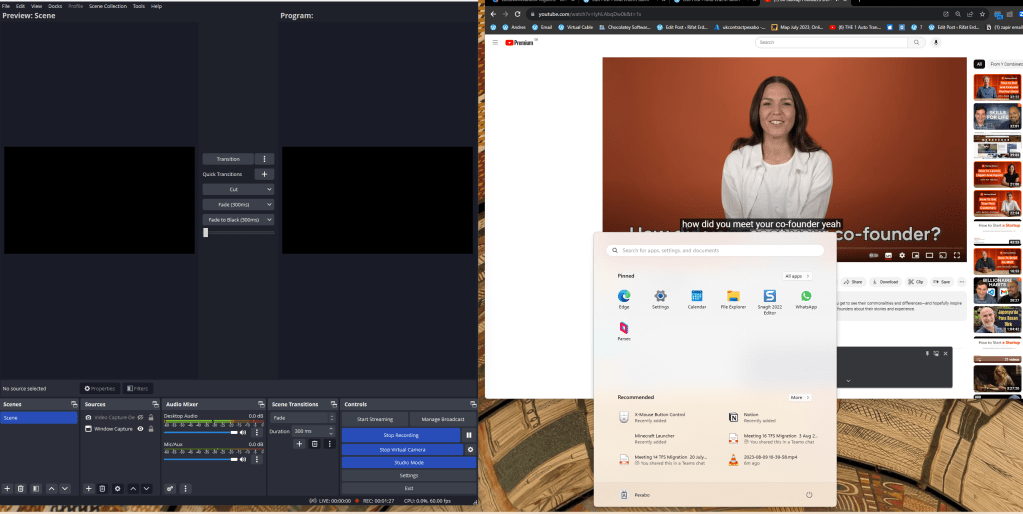
Practical loom recording > it can fail do not trust on it

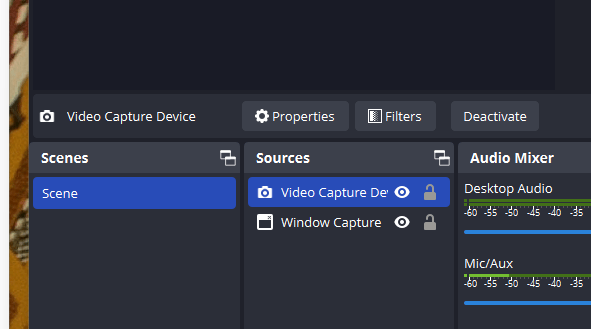
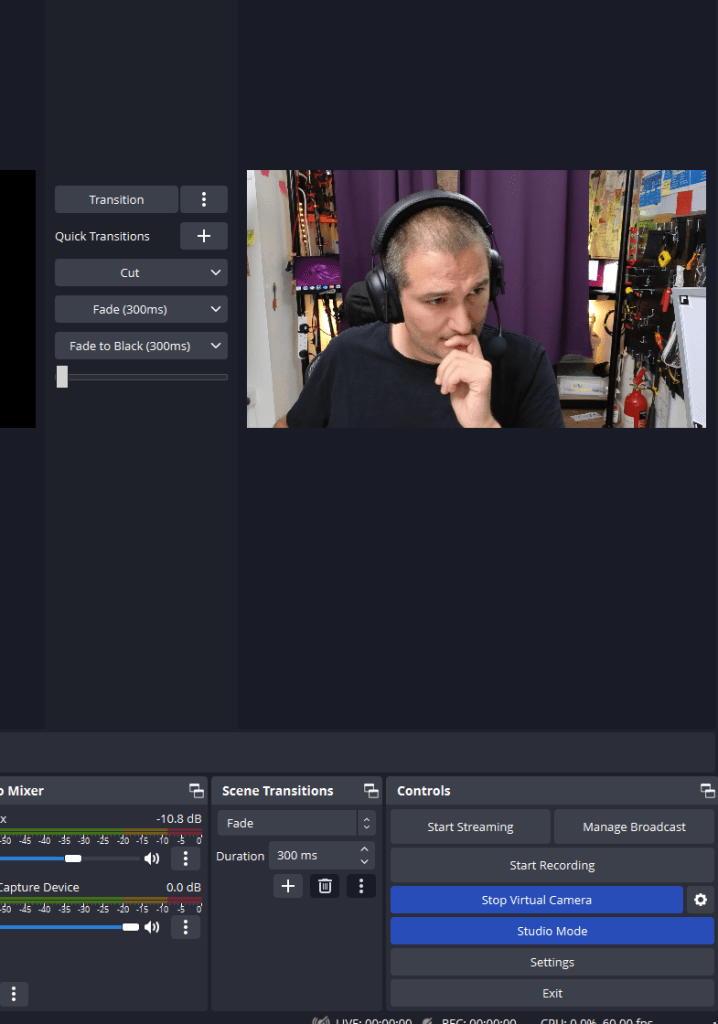
use virtual camera

setting up remote 1

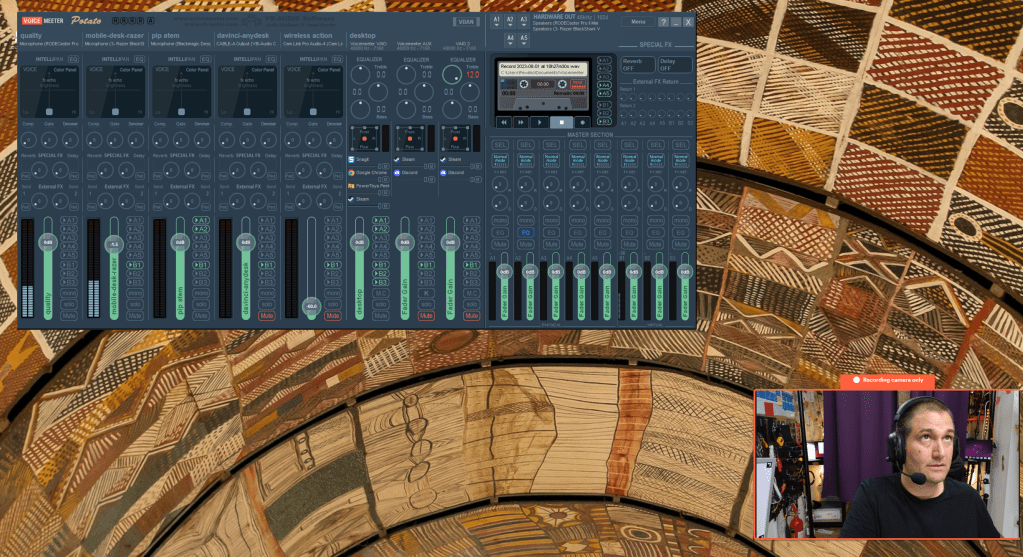
check banana

setting up remote 2

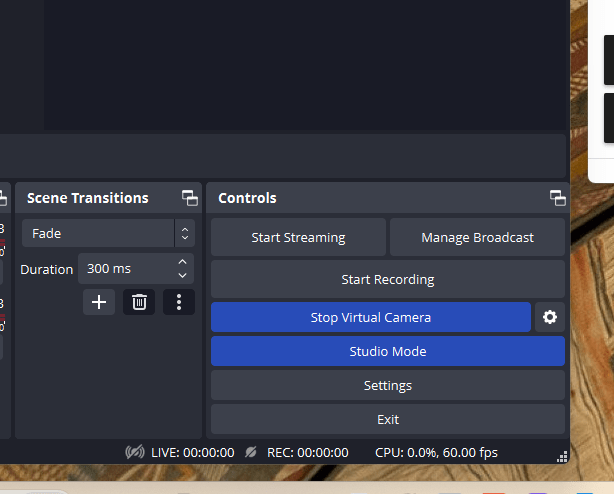
start recording for backup

setting up remote 3

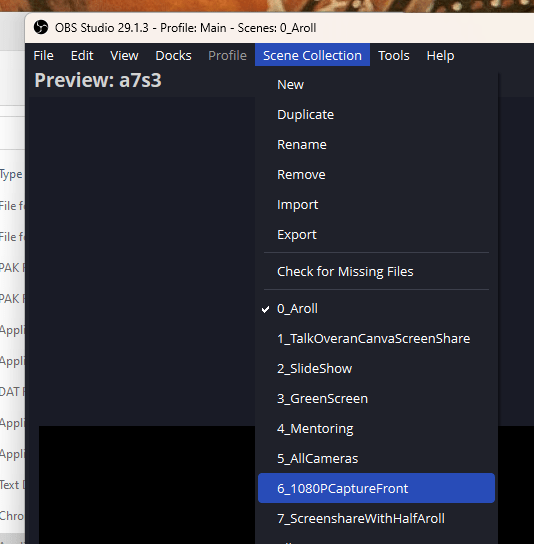
1080P ready

setting up remote 4

check desktop record audio

youtube getting recorded

setting up remote 5

1080P Screen ready

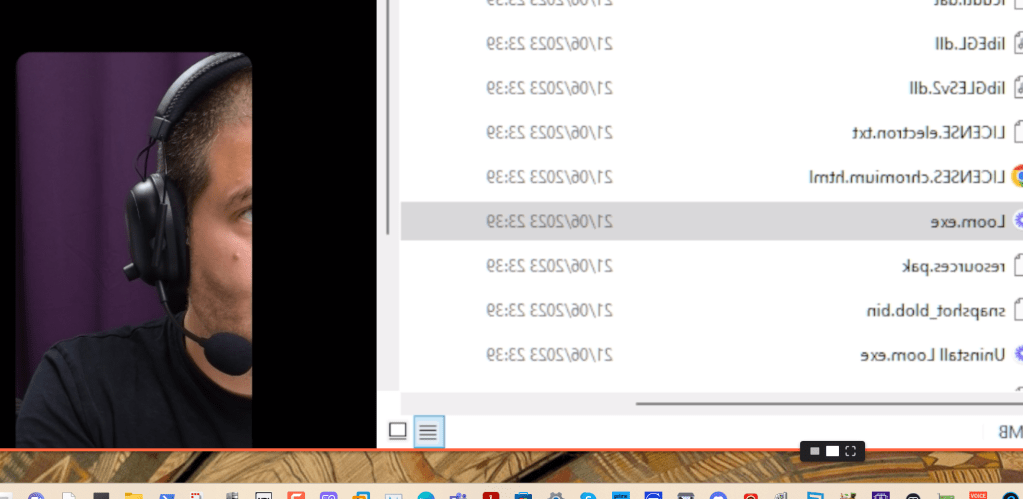
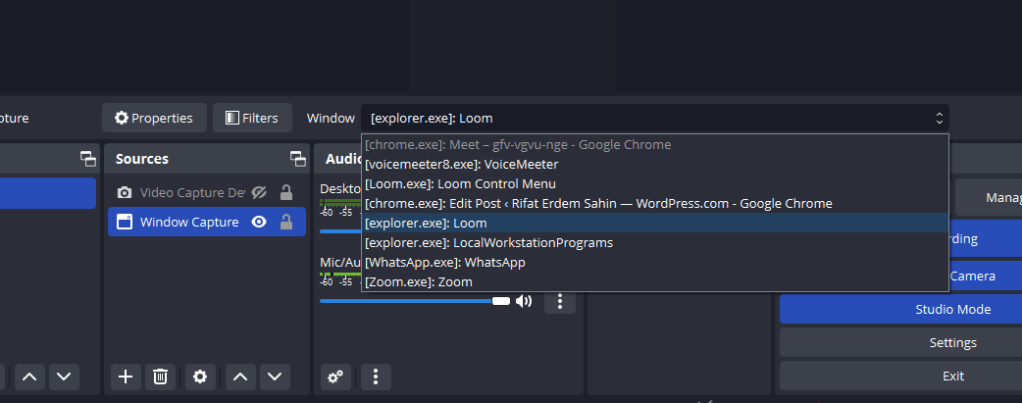
Swap the window for faster action

setting up remote 6

Activatge the face

setting up remote 7

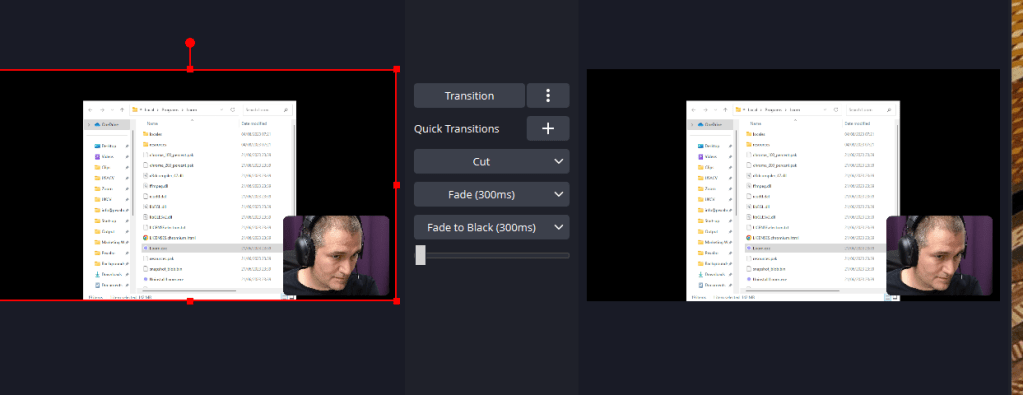
Transitition to put it on

setting up remote 8

Change filter to taller

setting up remote 9

setting up remote 10

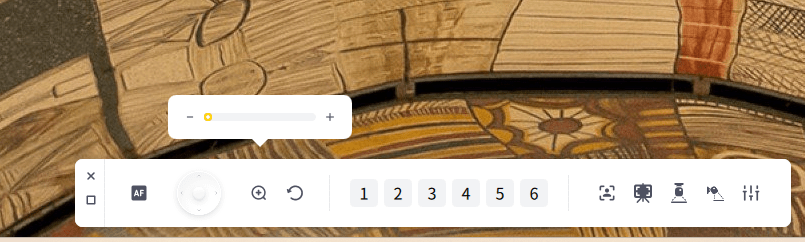
Zoom out and face track

setting up remote 11

Check confidence monitor

setting up remote 12

Push camera to the back

get the drawing board ready
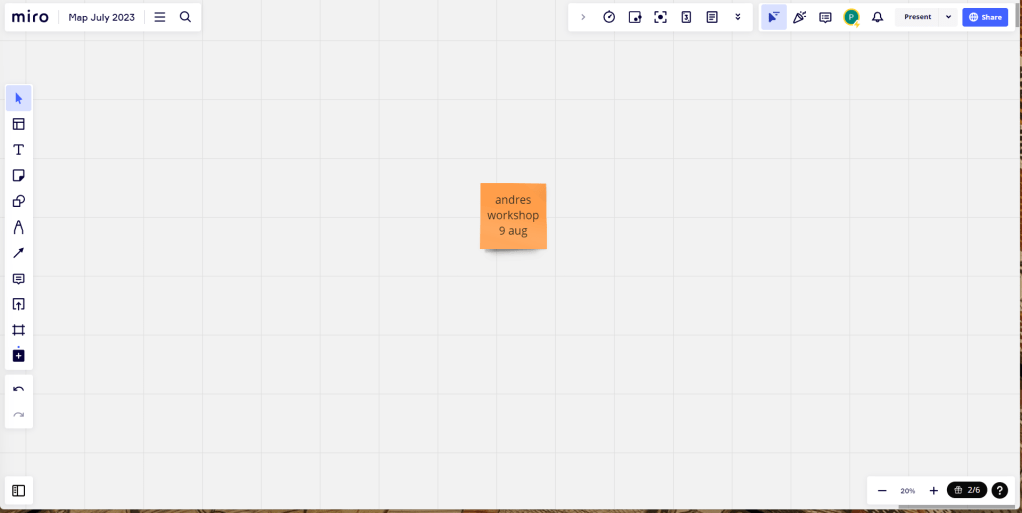
setting up remote 13

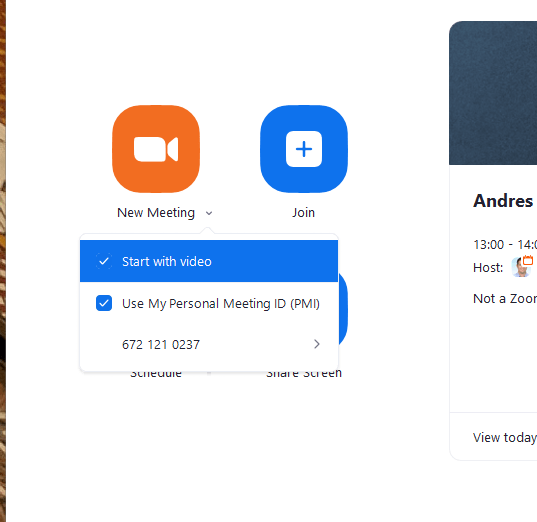
Create new meeting

setting up remote 14

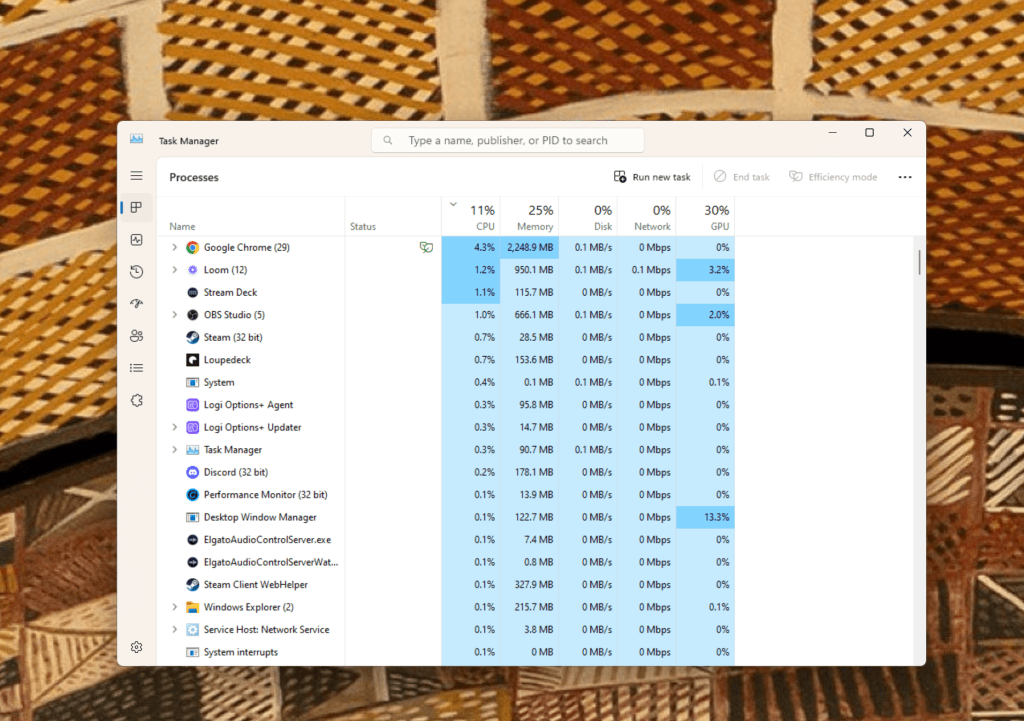
Open task monitor

setting up remote 15

Move voicemeter babana to the top display
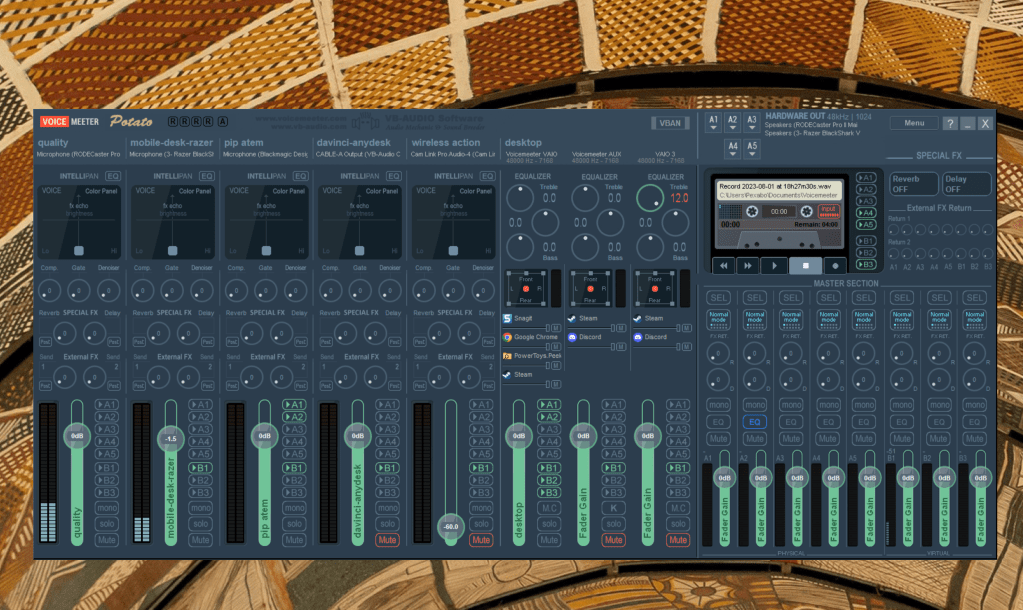
setting up remote 16

Zoom start with fancy zones

setting up remote 17

Workshop window open up

setting up remote 18

setting up remote 19

1080P error

setting up remote 20

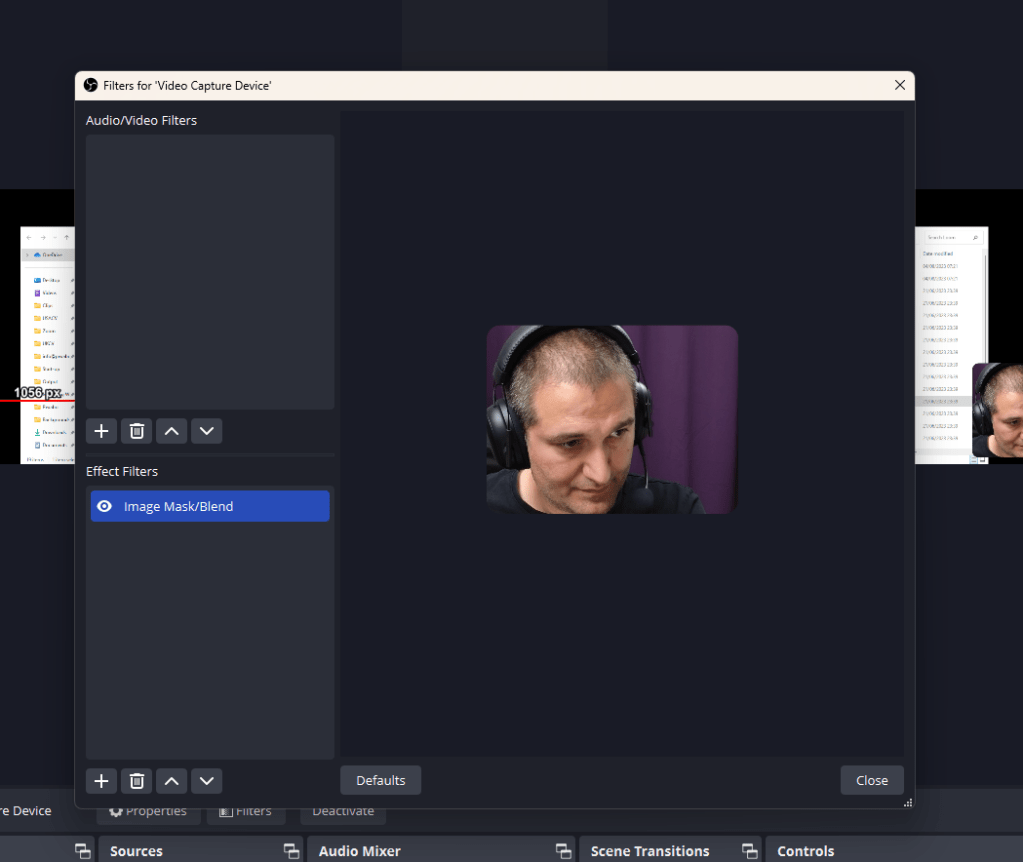
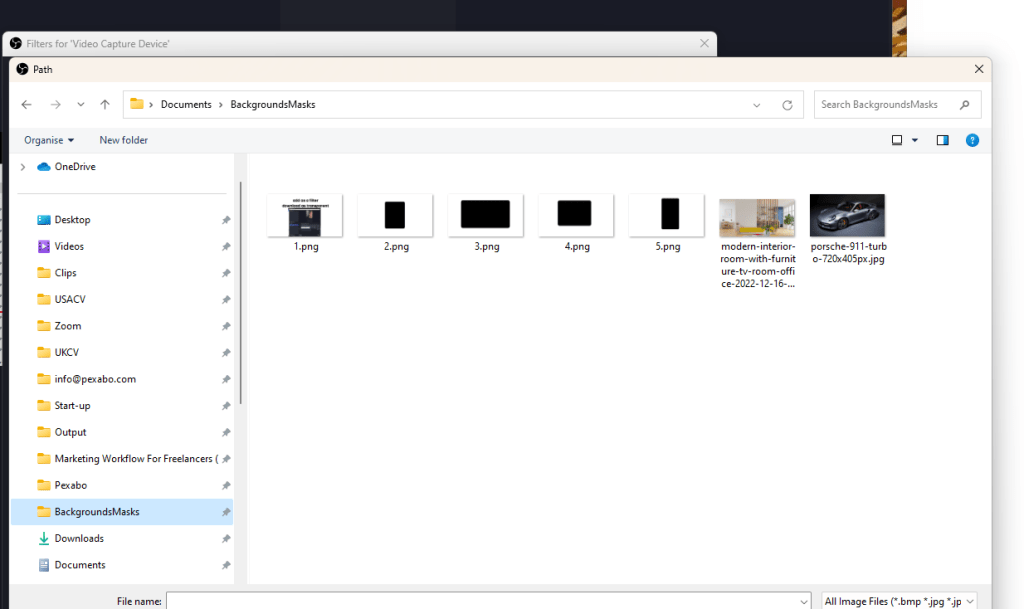
filter out > as the frame keep me out more
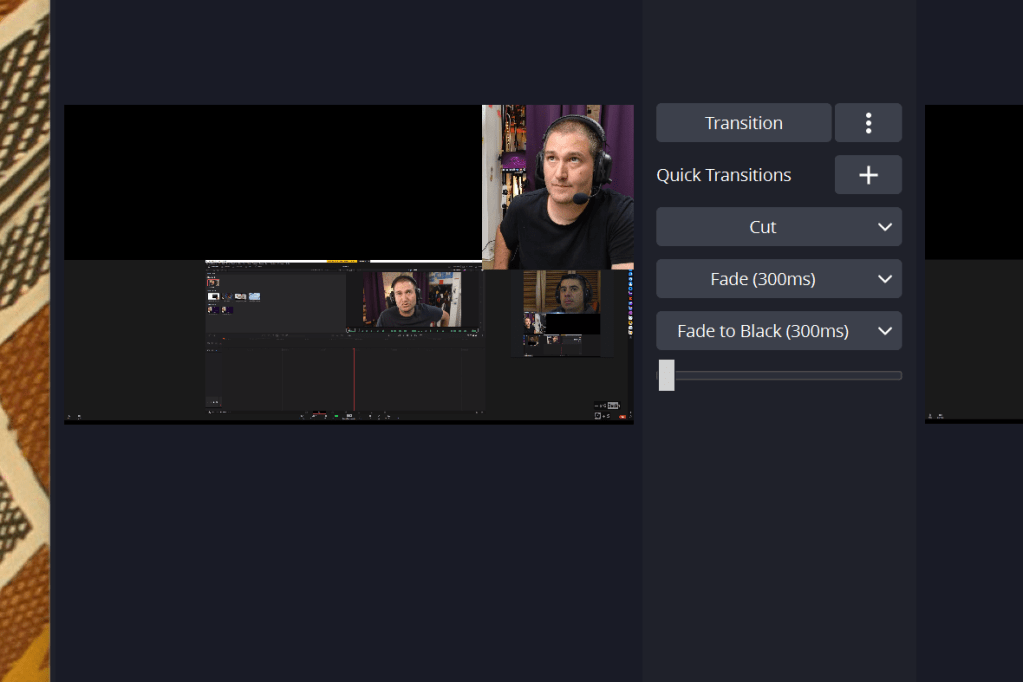
setting up remote 21

send to the confidence monitor > full screen mode

output


Imported from rifaterdemsahin.com · 2023