← Back to Blog

Screen recording with fancy zones and OBS

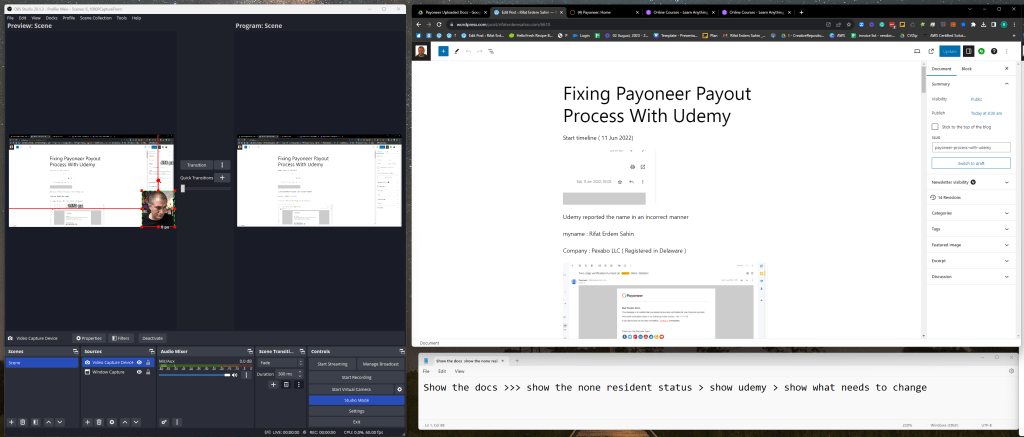
Screen recording with fancy zones and OBS Make sure to have a 1080P screen ready not the mess up the text Initial fancy Zone setup the 3rd one is close but not ready the new division for newly created notes Create in the middle Set the fit on the window Check your scale Move to t
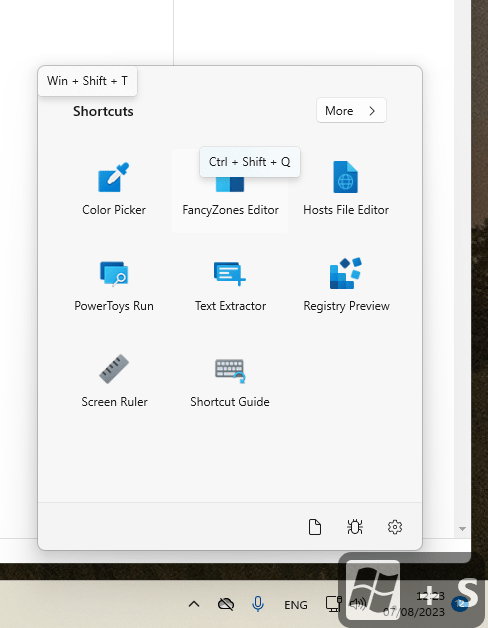
Screen recording with fancy zones and OBS

Make sure to have a 1080P screen ready not the mess up the text

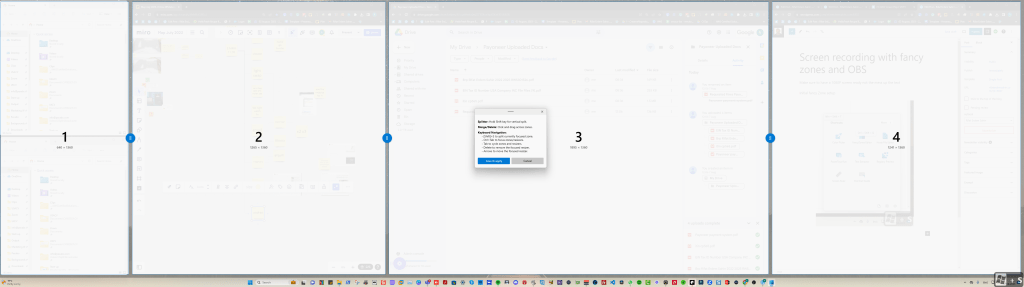
Initial fancy Zone setup
screen recording with 1

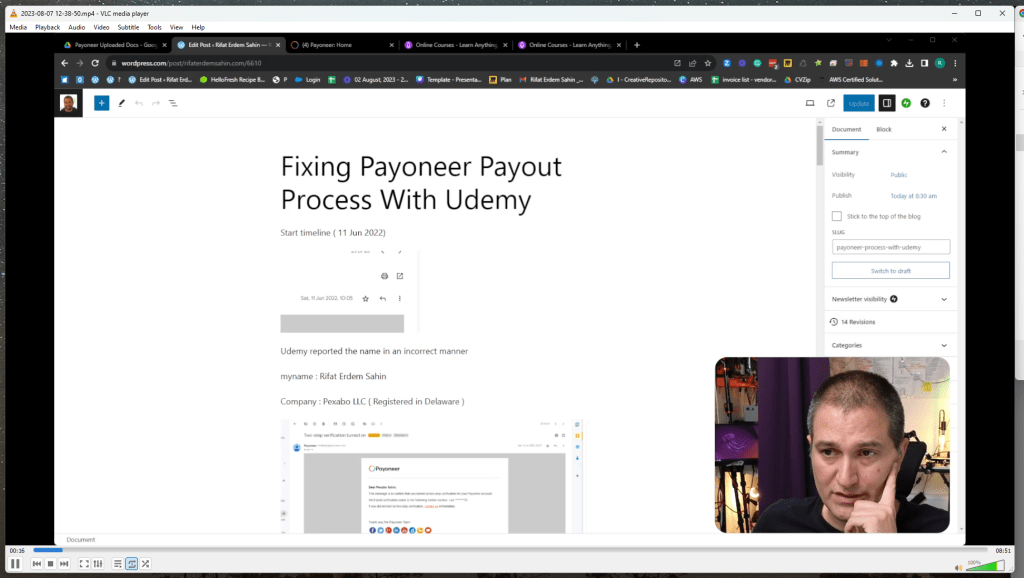
screen recording with 2

the 3rd one is close but not ready

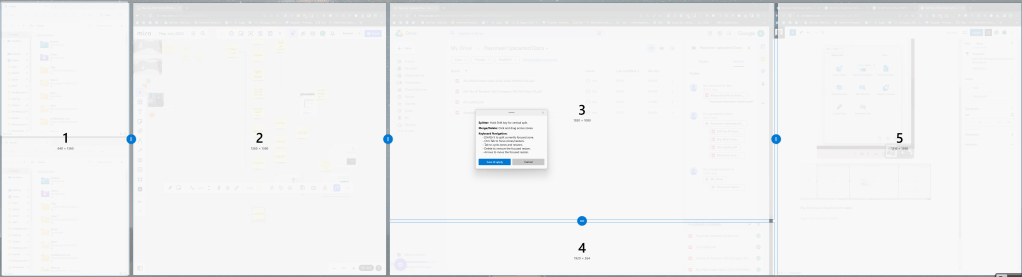
the new division for newly created notes
screen recording with 3

Create in the middle

screen recording with 4

Set the fit on the window

screen recording with 5

Check your scale

Move to the zone and add the notes on the bottom
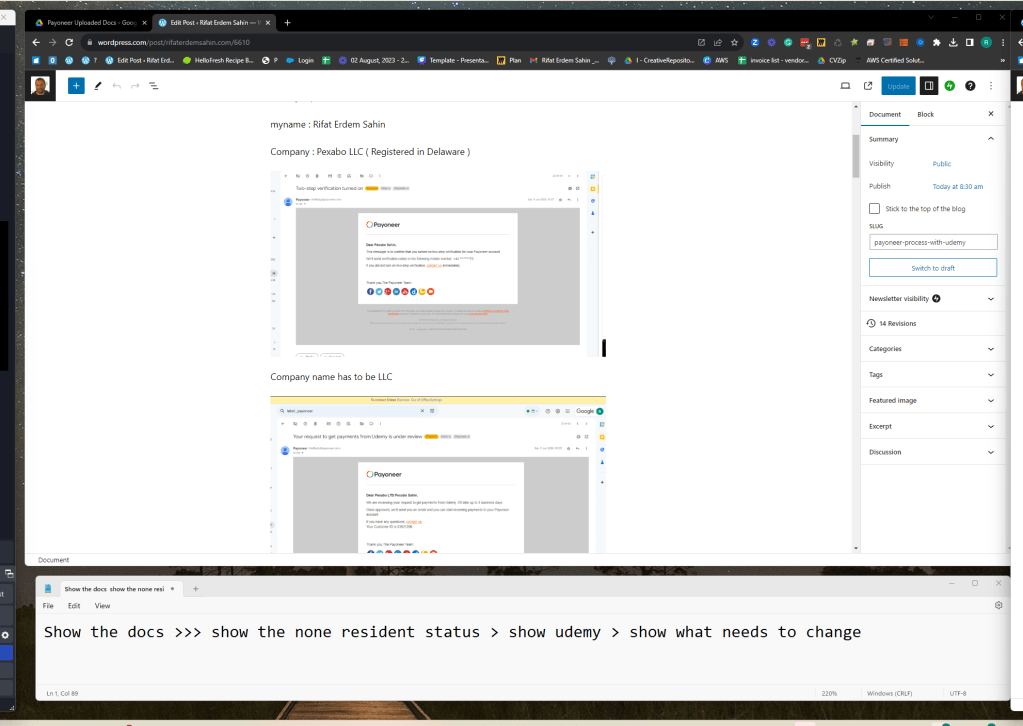
screen recording with 6

Check for no caps in it

screen recording with 7

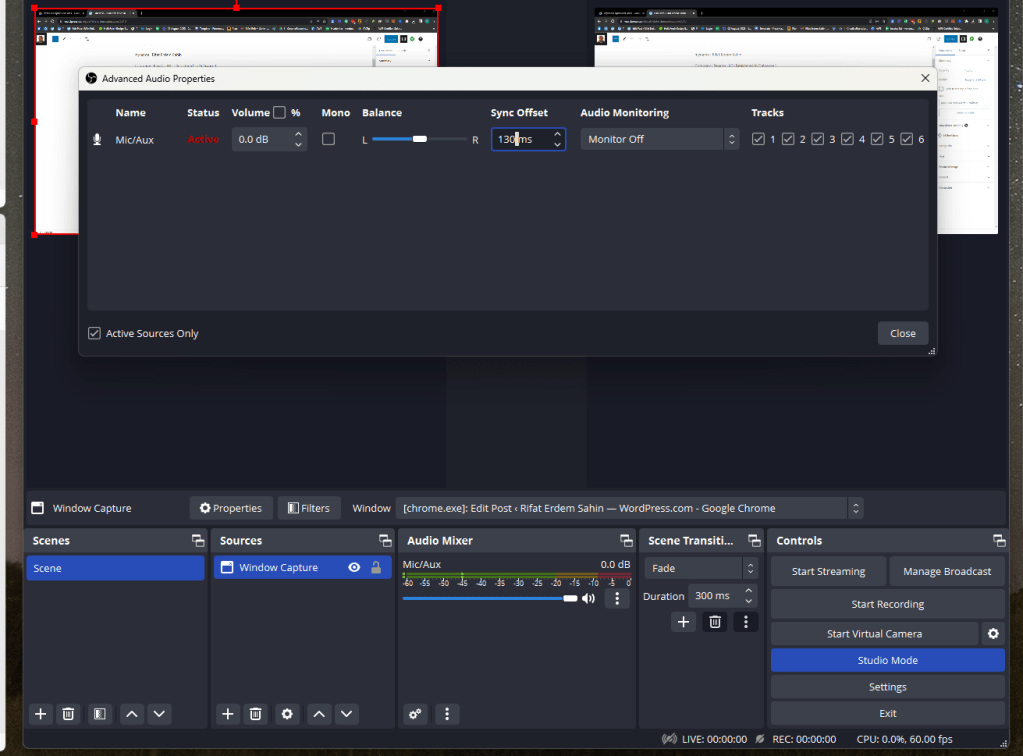
Before record audio fix

screen recording with 8

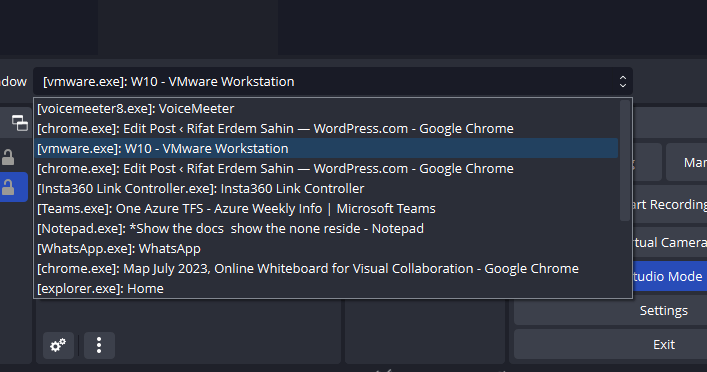
OBS / Screen / Notes

screen recording with 9

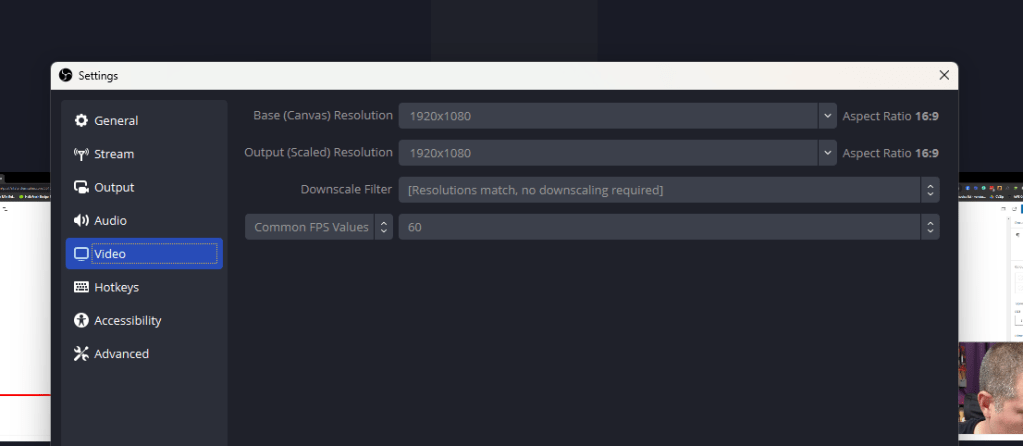
Check the output

screen recording with 10

Increase for a better video

2500 to 4000

encoder preset super fast to faster
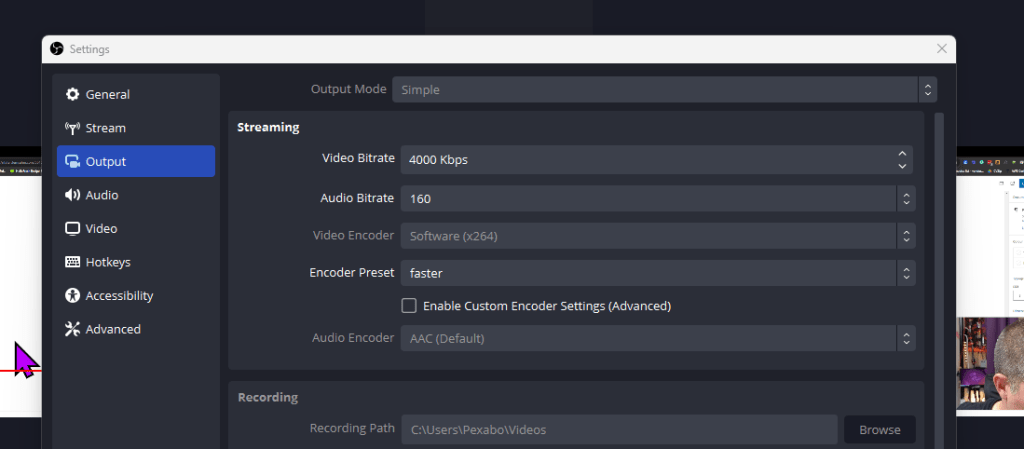
screen recording with 11

screen recording with 12

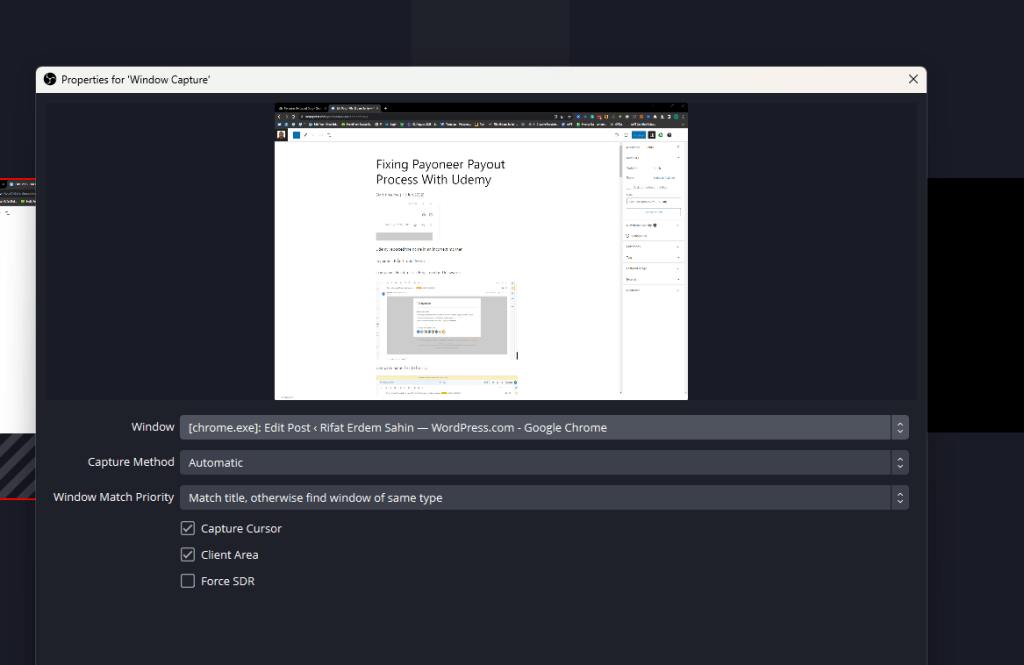
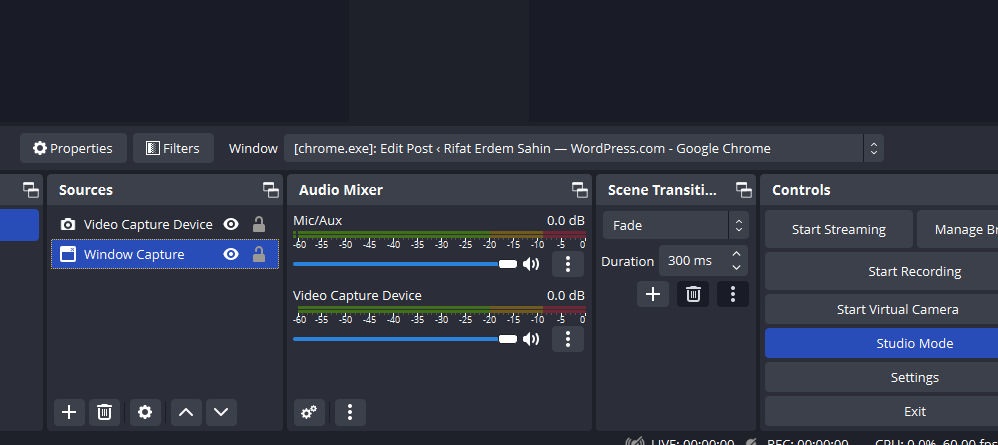
For new windows whange the capture

screen recording with 13

screen recording with 14

First recording

Second Recording

Fancy zones in the Samsung G9 Oddessy
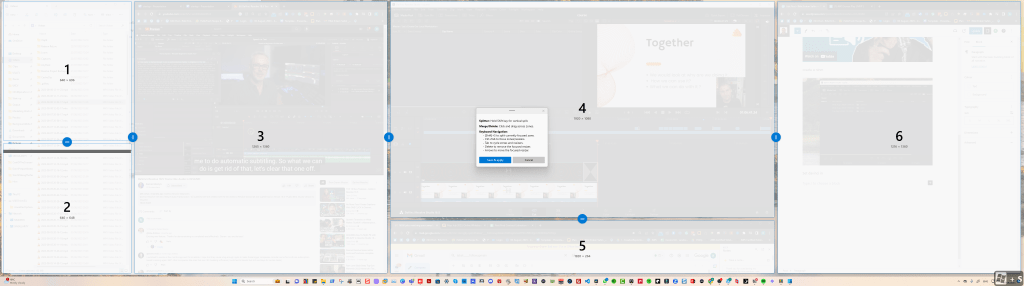
screen recording with 15


Imported from rifaterdemsahin.com · 2023