FTP upload the footages to NAS
Objective > Automate the video production workflow
Key Results > Backup footages to nas
Key Results > one press push the footages
Key Result > Auto upload to Google Drive ( Synology Cloud backup )
Options 1> Do it with powershell
Options 2 > Do iut with synology client who has the automation and the backup

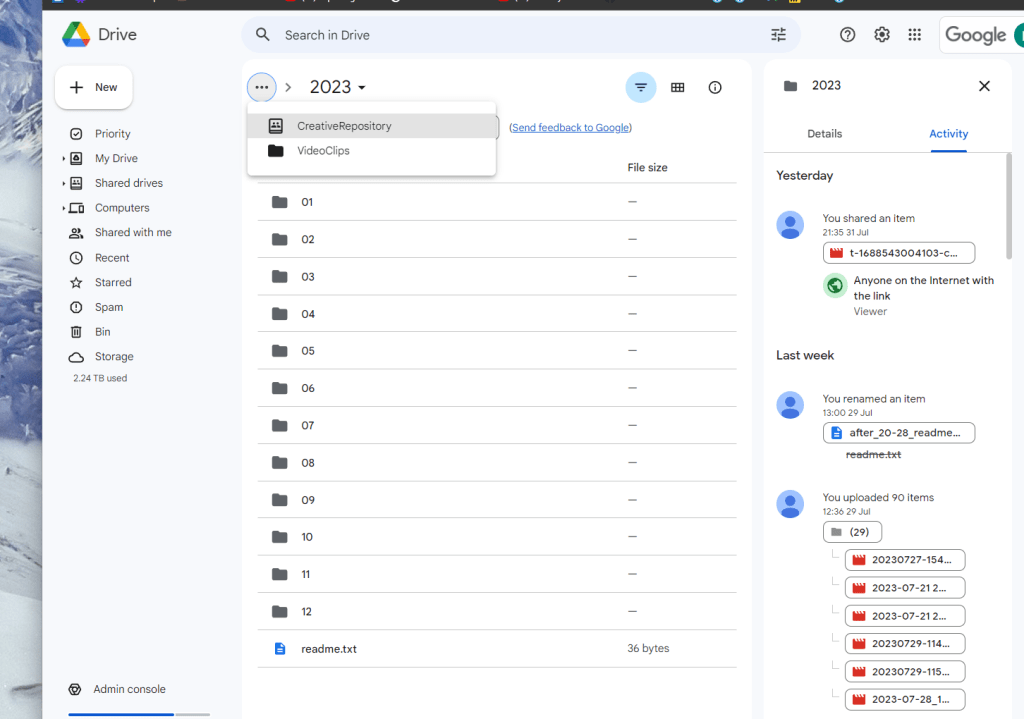
Sync can push it but not implement a business rule to send it to the todays folder
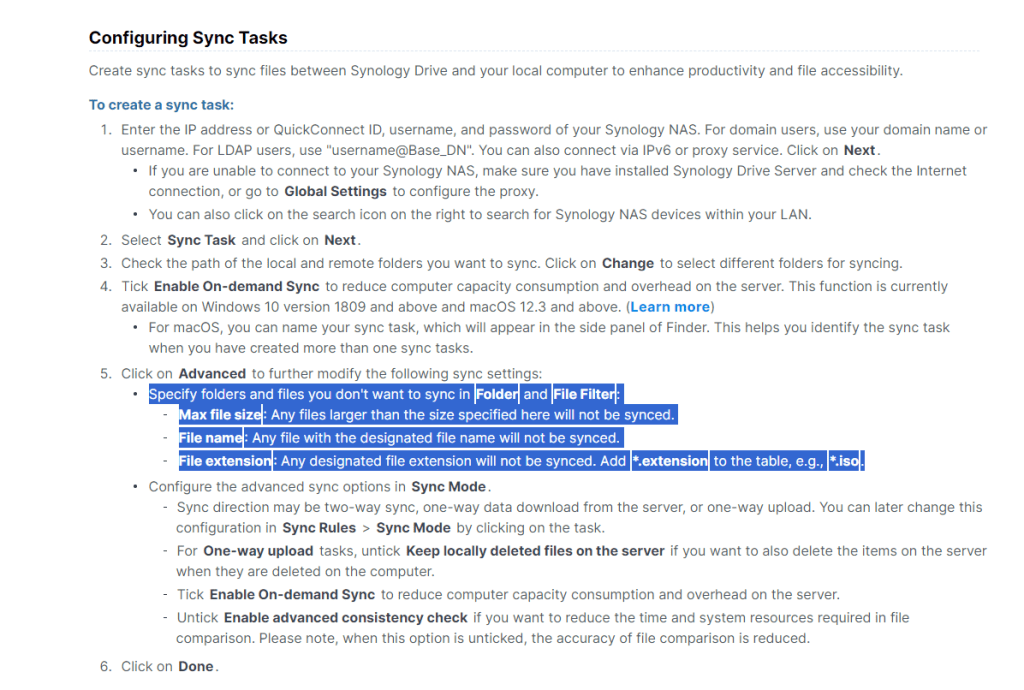
Can my rules change or do they matter ?
Why cant i put it a one folder 2023 ? too many files in one folder
maybe i can have filter and rules in there ?
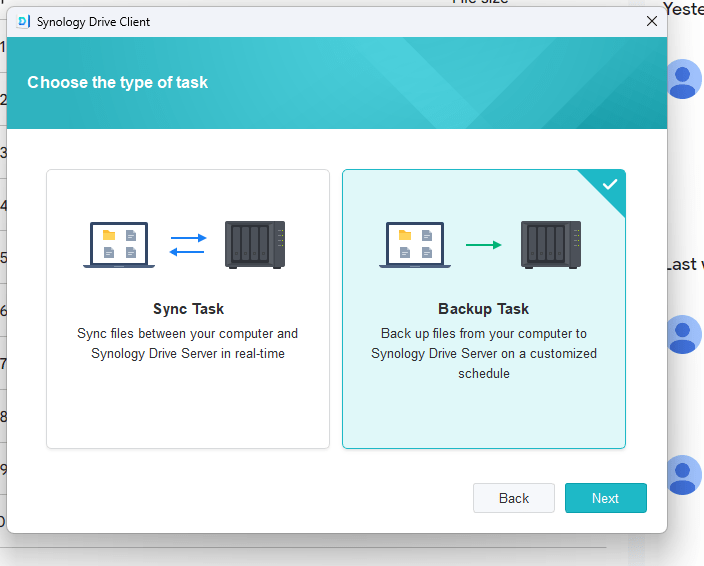
Mine is a backup task
Also putting in the machine name as well
Basic rules
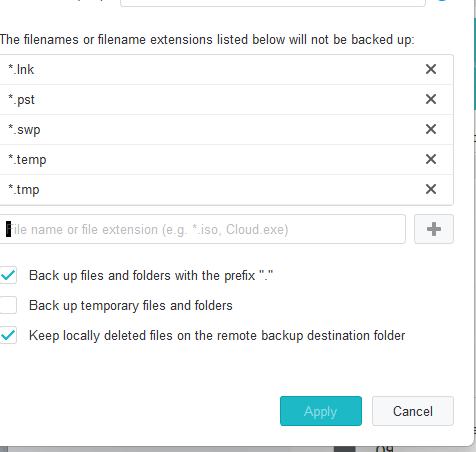
https://www.techpout.com/best-file-copy-utility-software/
All similar tools can not land the files properly
What can my script do >
Copy yesterday > to the folder
Copy today > to the folder
Copy month > to multi folders
Lets try with copy today > 9:24 start time
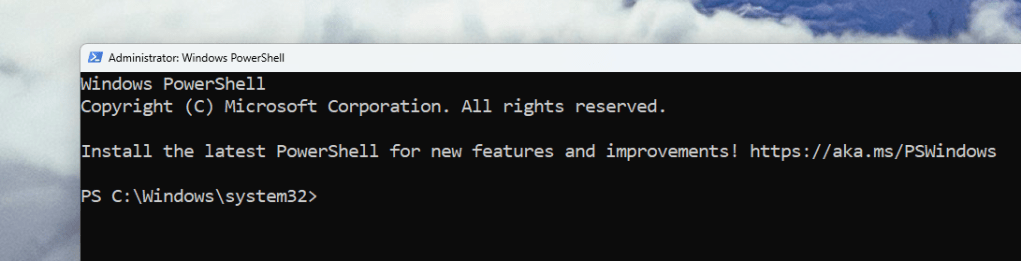
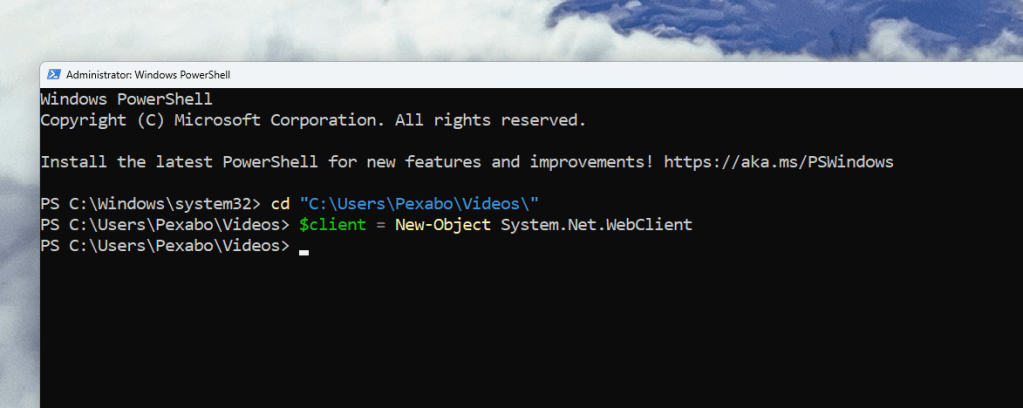
Go to Folder
`PS C:\Windows\system32> cd "C:\Users\Pexabo\Videos\"
PS C:\Users\Pexabo\Videos>
Google 10 tabs
`
MVP send one file
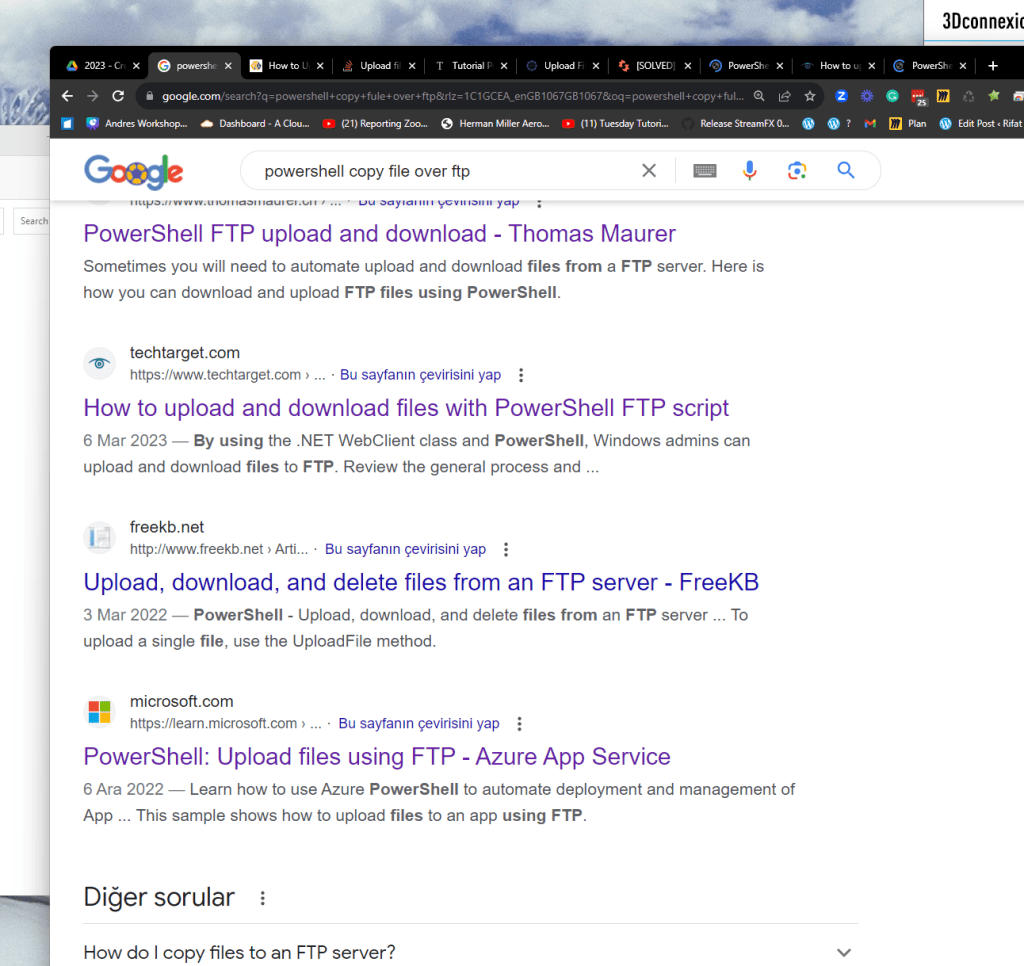
AI
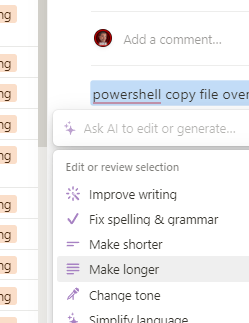
To copy a file over FTP using PowerShell, you can utilize the built-in FTP functionalities in PowerShell. First, you need to establish an FTP connection by using the New-Object cmdlet to create an instance of the System.Net.WebClient class. Once you have established the FTP connection, you can use the DownloadFile method to download the file from the FTP server to your local machine. Alternatively, you can use the UploadFile method to upload a file from your local machine to the FTP server. Additionally, you can set up a script to automate the process of copying files over FTP, which can save you time and effort in the long run.
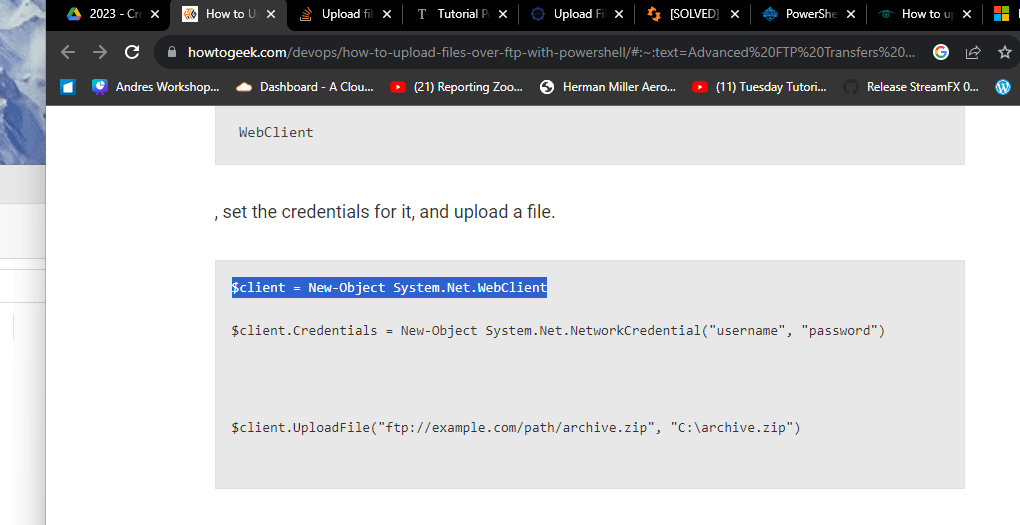
Basic test
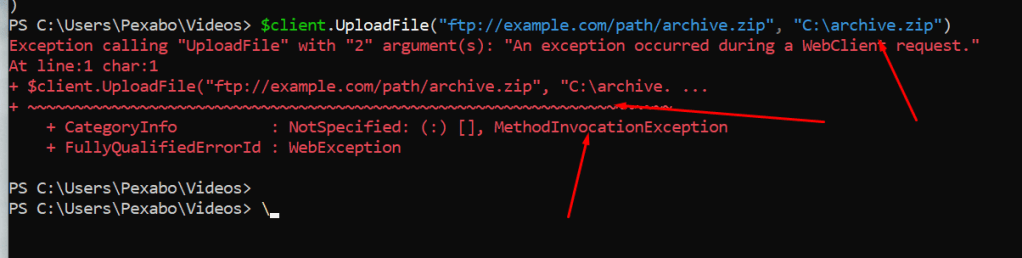
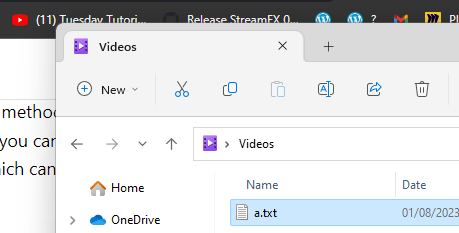
file name has to be correct with folder
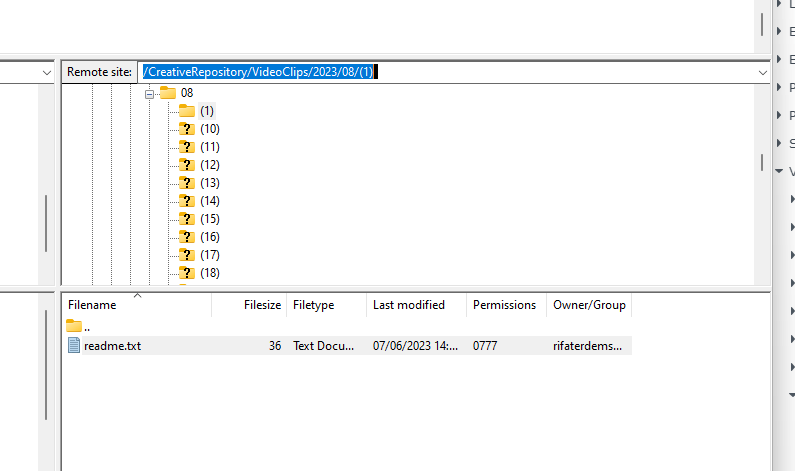
removed voluem 5 it did not work
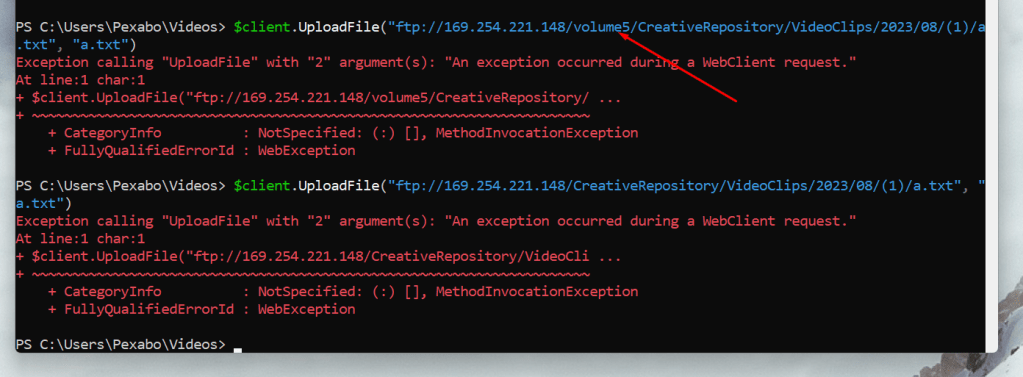
Longer sequence
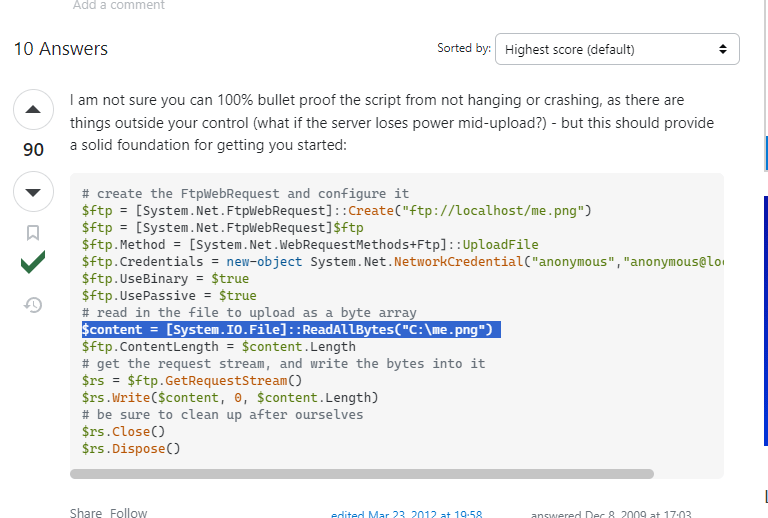
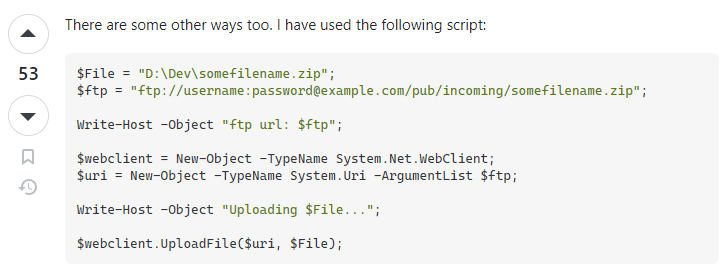
Notion rewrite copy clone
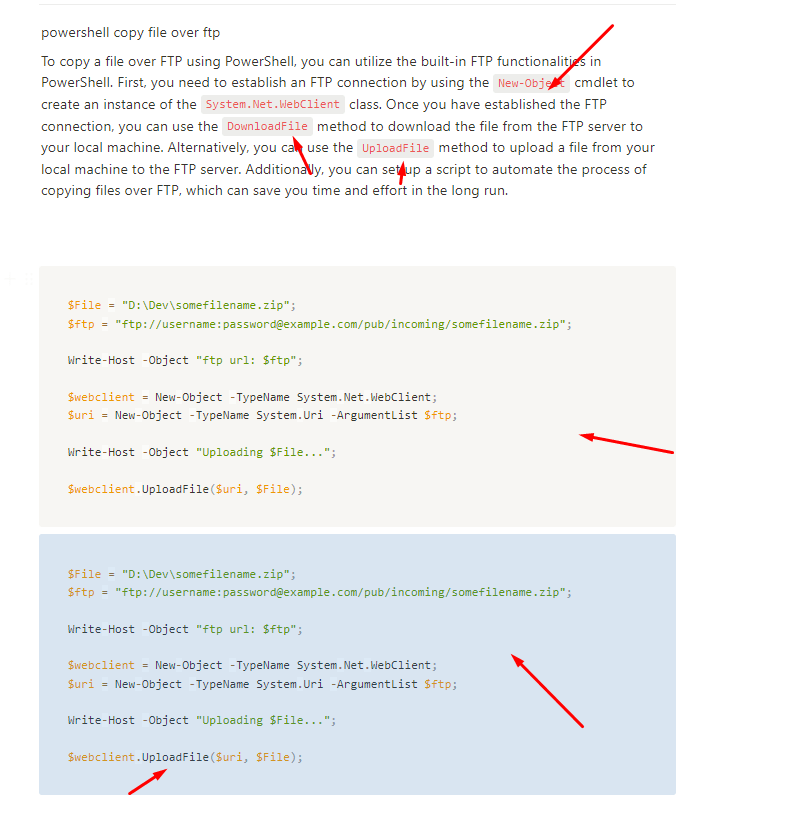
file name is the issue
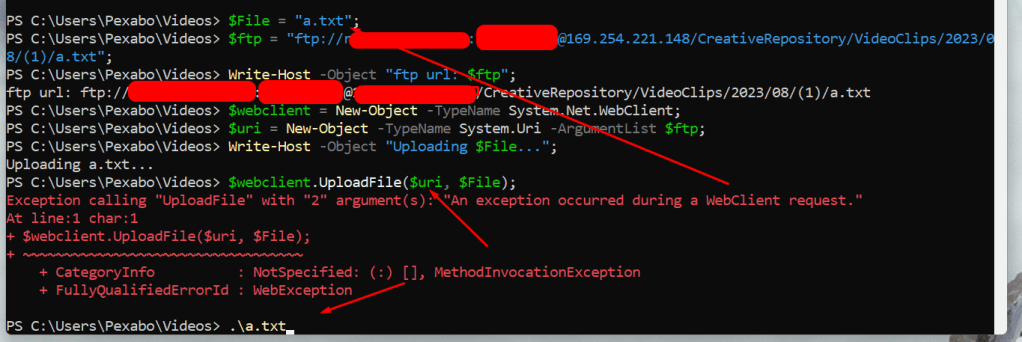
Check errros
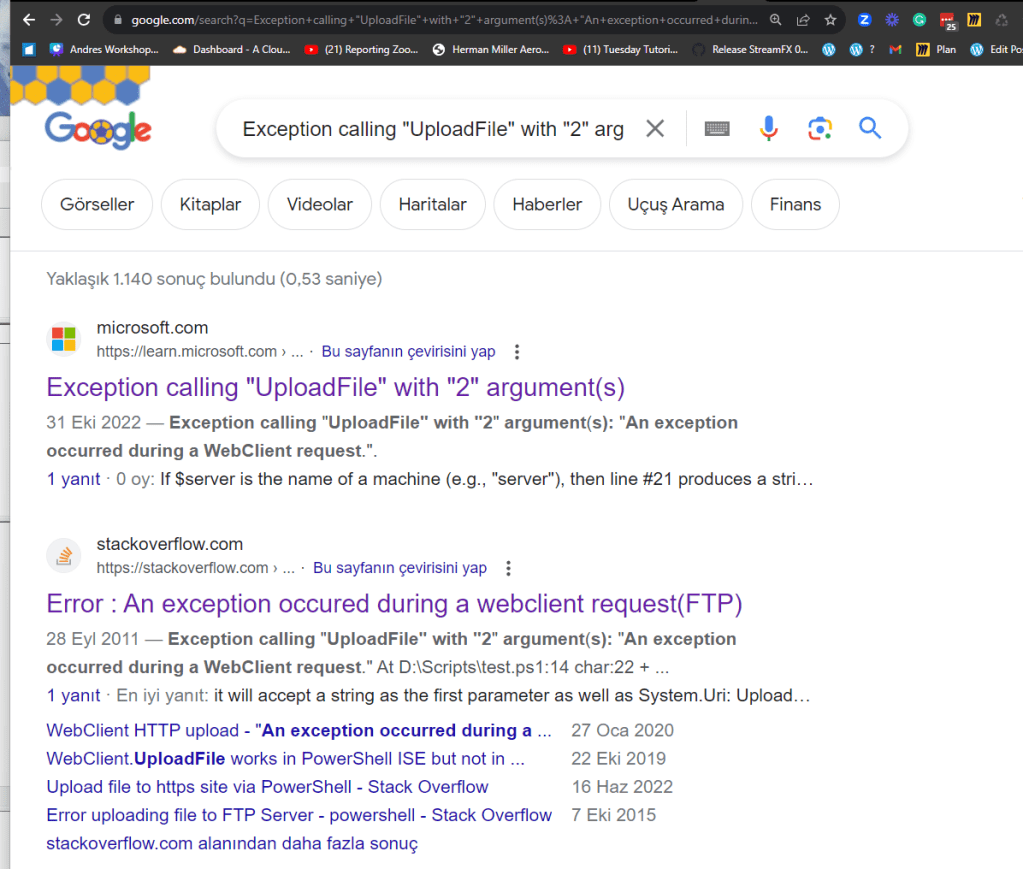
No relative paths

25 minutes

Next iteration find all files with a name filter belongss yesterday
Make something working
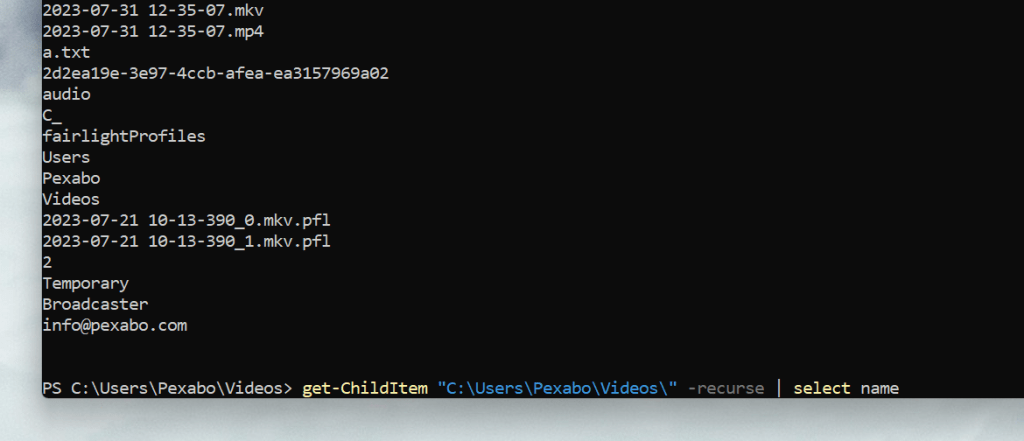
Set the pattern
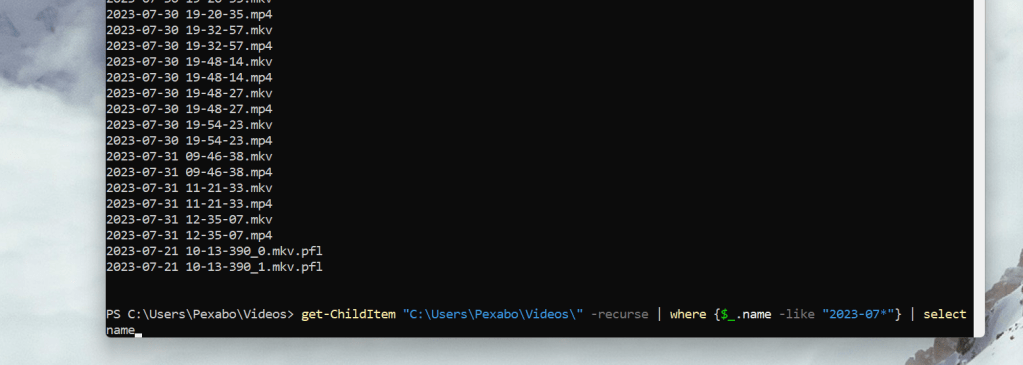
Find yesterday
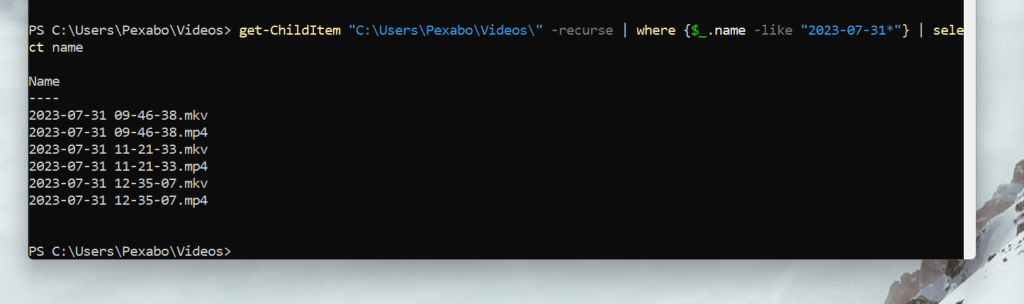
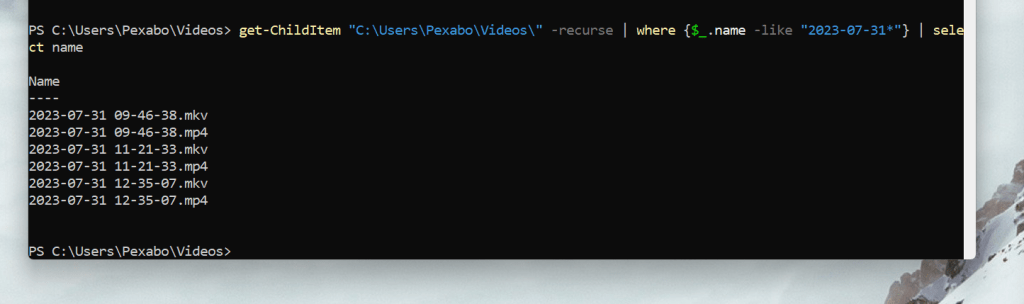
Find mp4
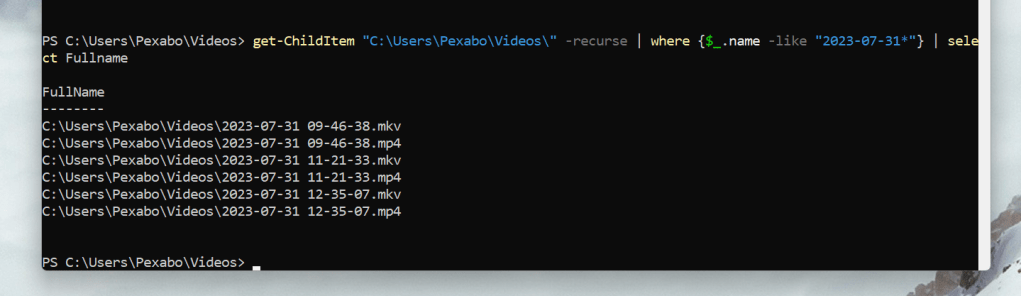
Get full path
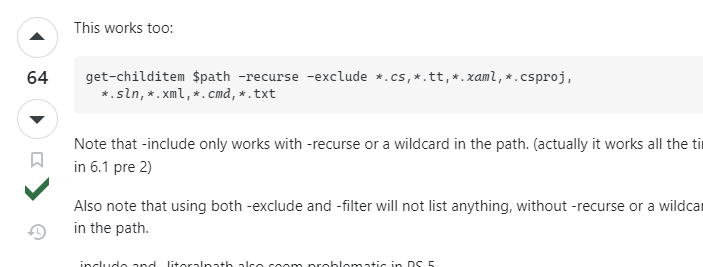
Remove mkv > they are just for obs
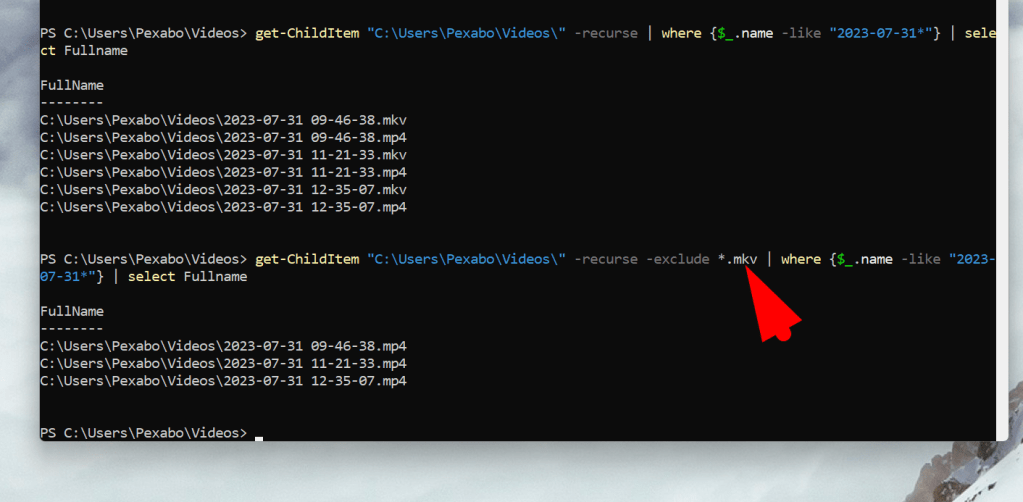
Create a loop to trigger your code
Assign to a list
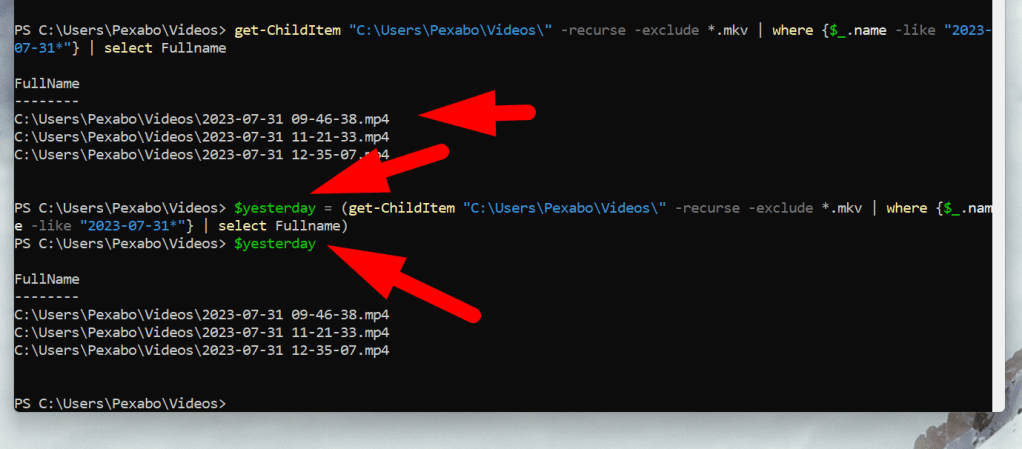
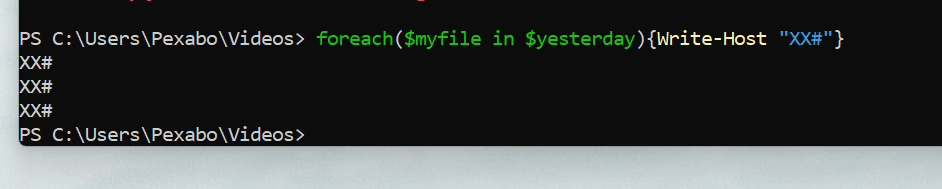
Test foreach

Open vs code and put it to a file
VSCode and mp4sa not bad
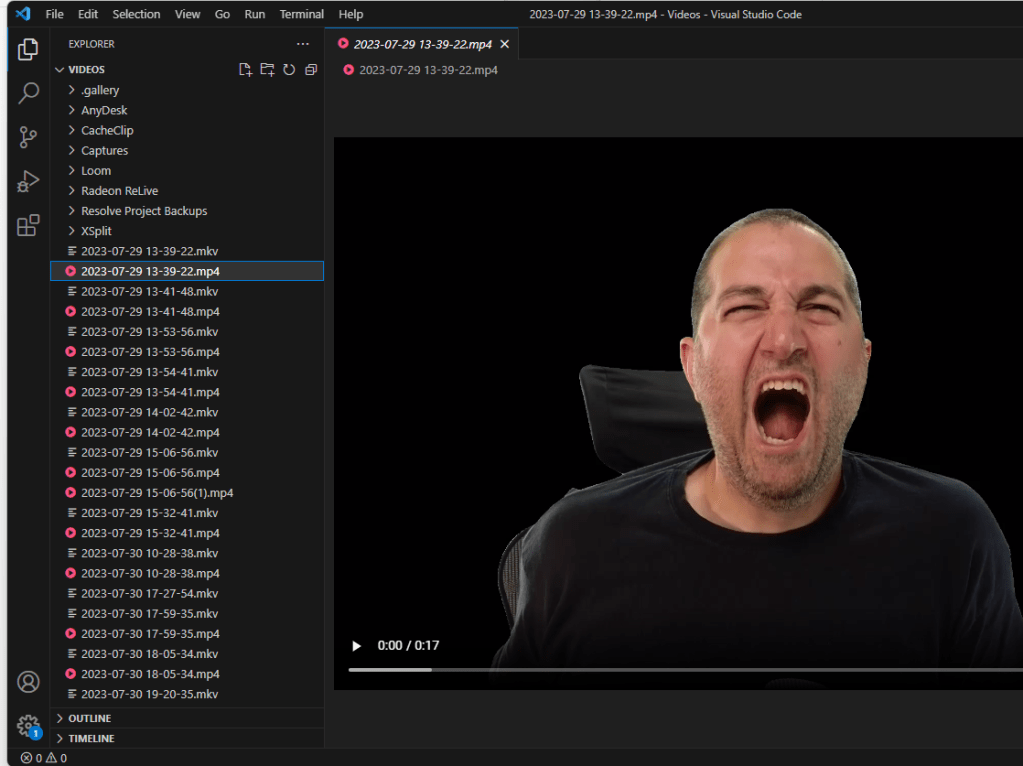
Plays them slowly and the audio is an issue
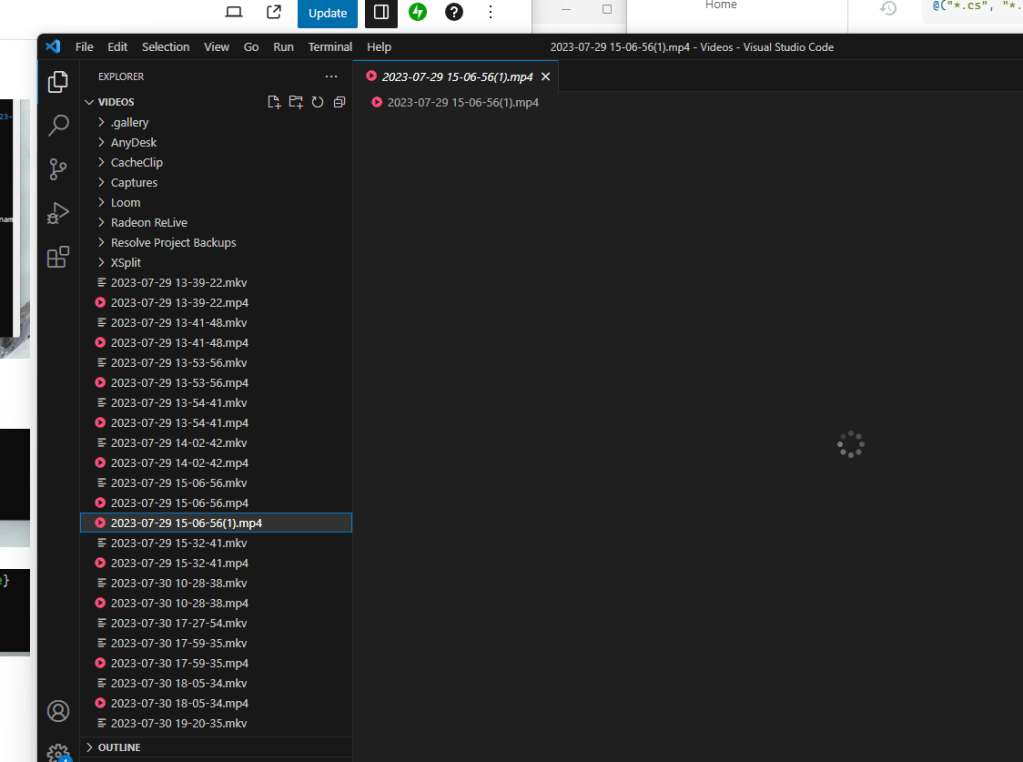
Create the file
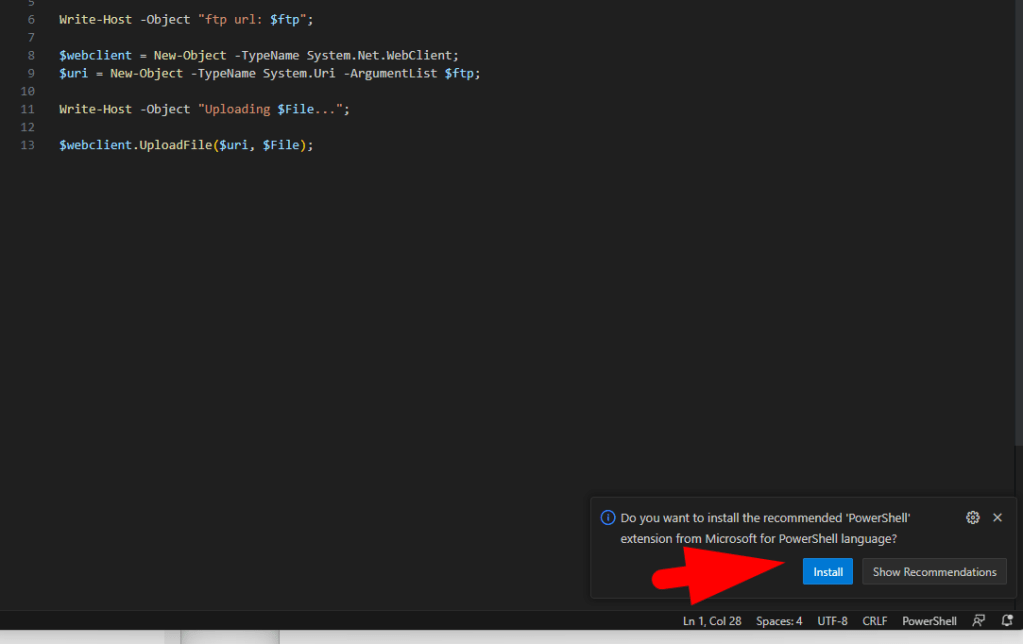
Scripting extensions
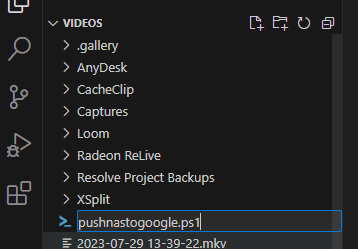
Rename to push to the top

Debug and see the property
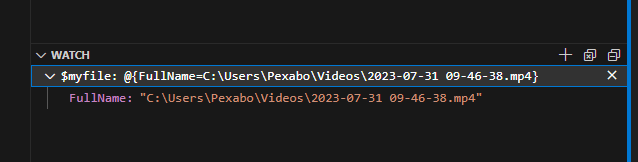
Resolve path issues
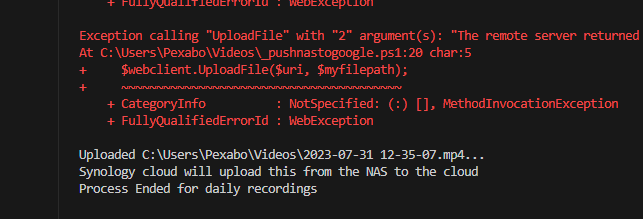
morefilename errors

test different variations
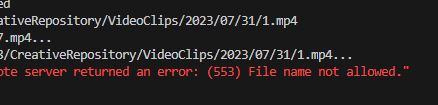
Semblance/Semblance
upload from fritst principles and check

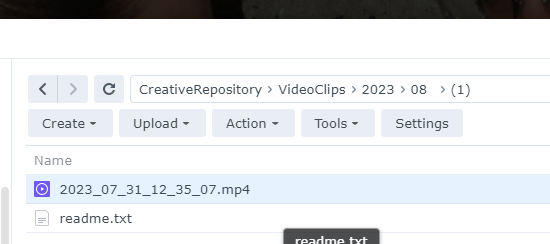
Provided file name was the problem >> so maybe be the ftp system needs to create the file names...
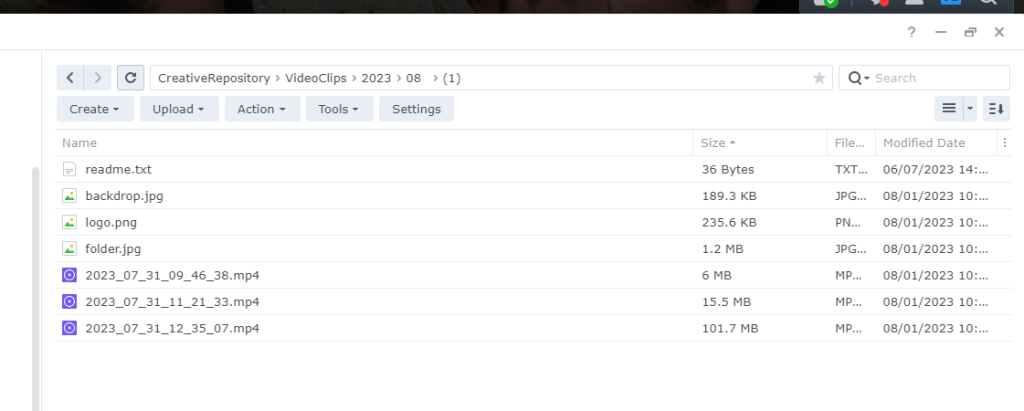
Backup your code
Google drive for full text search anbd security
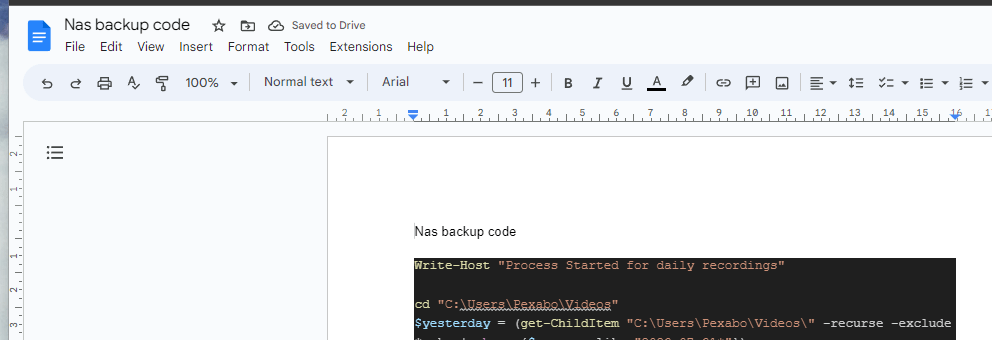
Refactor add the days from the hard coded variable
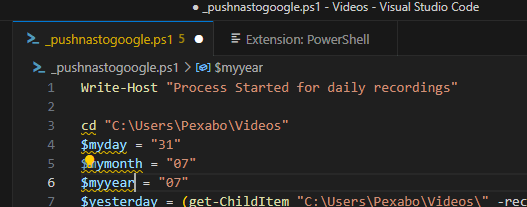
Test yesterday multiple times
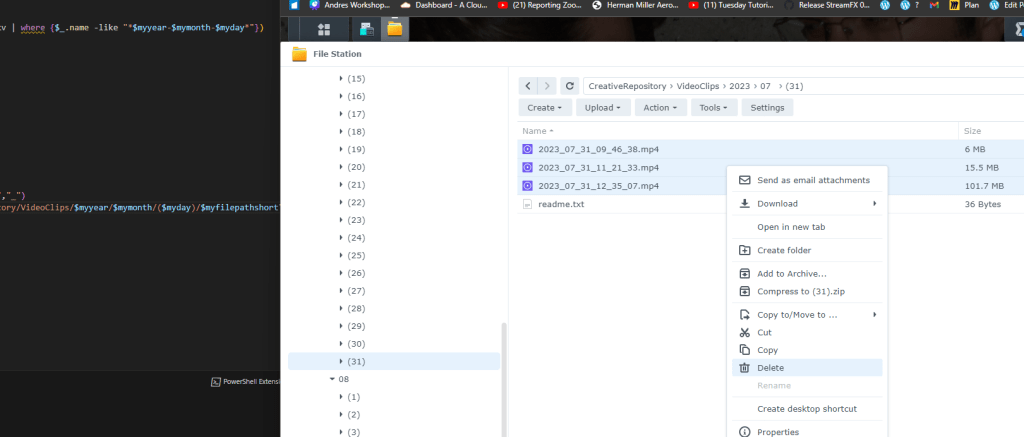
Collect config on the top
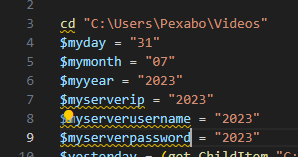
Yesterday
(Get-Date).AddDays(-1).ToString('yyyy-MM-dd')
days go back and try
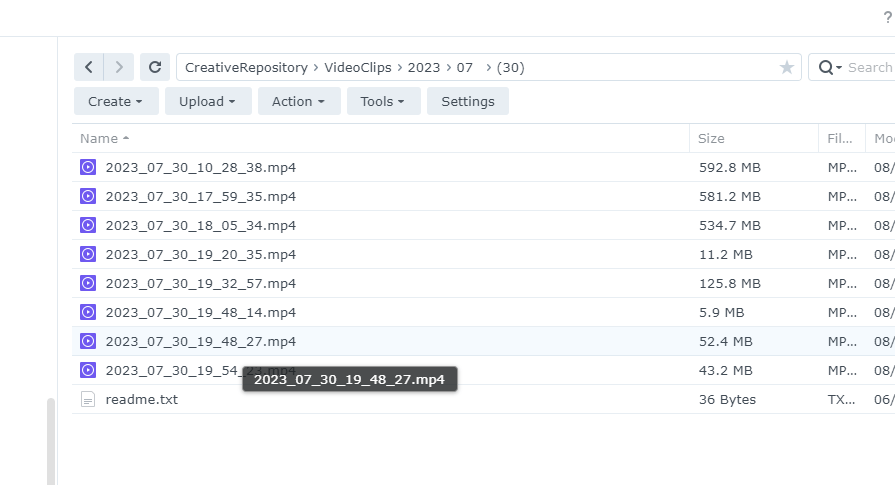
Zoom meeting or obs is fine ?
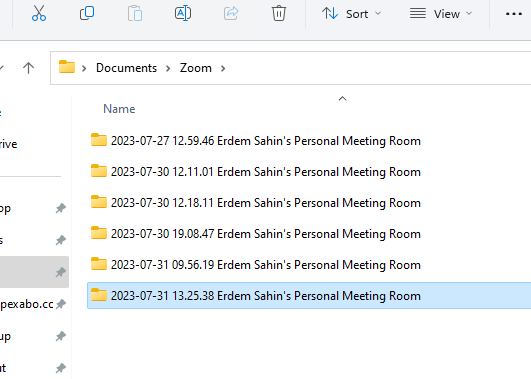
End Result Code
Write-Host "Process Started for daily recordings"
cd "C:\Users\Pexabo\Videos"
$myDaysGoBack = 2
$myday = (Get-Date).AddDays(-$myDaysGoBack).ToString('dd')
$mymonth = (Get-Date).AddDays(-$myDaysGoBack).ToString('MM')
$myyear = (Get-Date).AddDays(-$myDaysGoBack).ToString('yyyy')
$myserverip = "xxx"
$myserverusername = "xxx"
$myserverpassword = "xxx"
$yesterday = (get-ChildItem "C:\Users\Pexabo\Videos\" -recurse -exclude .mkv | where {$_.name -like "$myyear-$mymonth-$myday*"})
Write-Host "Yesterdays recordings"
$yesterday
if($yesterday -eq $Null)
{
Write-Host "No videos yesterday"
}
foreach($myfile in $yesterday)
{
Write-Host "-----------------------------------------"

                $myfilepath = $myfile.FullName

                Write-Host $myfile.FullName " to be processed"

                $myfilepathshort = $myfile.Name

                $myfilepathshort =  $myfilepathshort.Replace(" ","_").Trim().Replace("-","_")

                $ftp = "ftp://$myserverusername`:$myserverpassword@$myserverip/CreativeRepository/VideoClips/$myyear/$mymonth/($myday)/$myfilepathshort";

                Write-Host -Object "ftp url: $ftp";

                $webclient = New-Object -TypeName System.Net.WebClient;

                $uri = New-Object -TypeName System.Uri -ArgumentList $ftp;

                Write-Host -Object "Uploading file path $myfilepath...";

                Write-Host -Object "Uploading uri ";

                $uri

                $webclient.UploadFile($uri, $myfilepath);

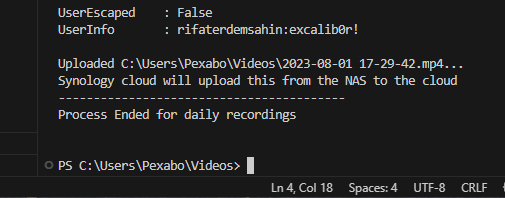
                Write-Host -Object "Uploaded $myfilepath...";

                Write-Host "Synology cloud will upload this from the NAS to the cloud"

                Write-Host "-----------------------------------------"
}
Write-Host "Process Ended for daily recordings"
Next phase use it 2 hour is gone test it with yesterday and think on the other use cases
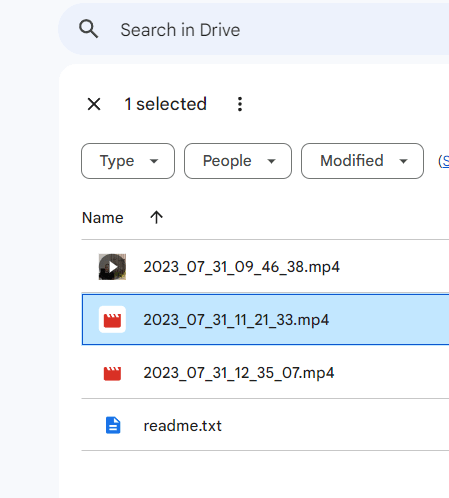
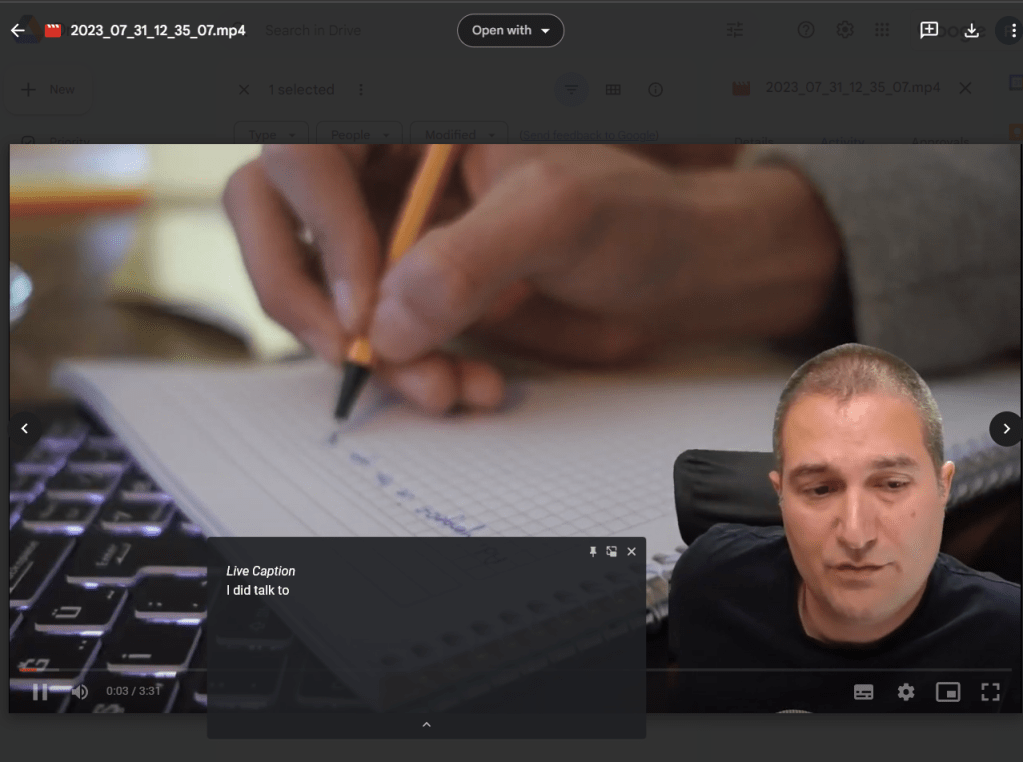
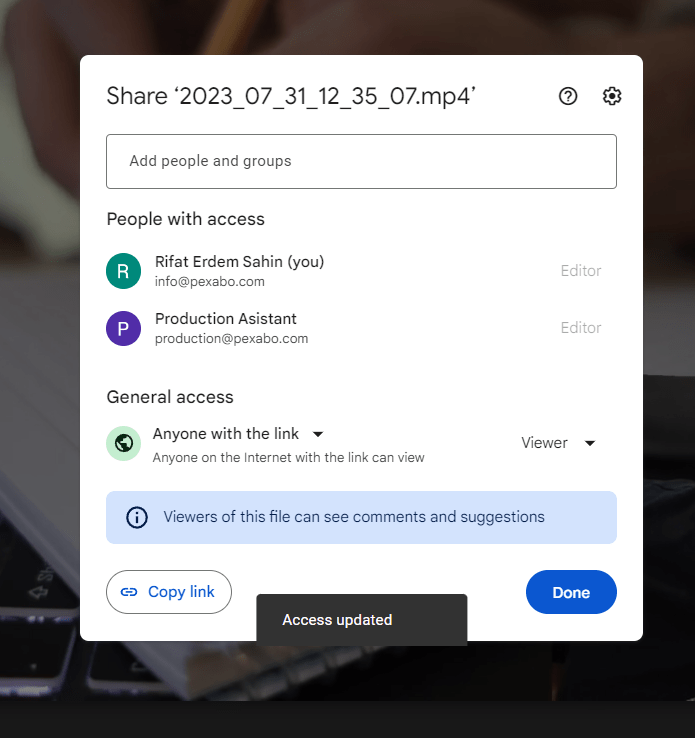
this is an async process here is a sample video
Link Word Press
https://drive.google.com/file/d/1MNcQnIL3AnvmA-7ecL2wggAgzohOKGIE/view?usp=sharing
Embed
https://drive.google.com/file/d/1MNcQnIL3AnvmA-7ecL2wggAgzohOKGIE/view?usp=sharing
Custom html

Second embed try
[googleapps domain="drive" dir="file/d/1MNcQnIL3AnvmA-7ecL2wggAgzohOKGIE/preview" query="" width="640" height="480" /]
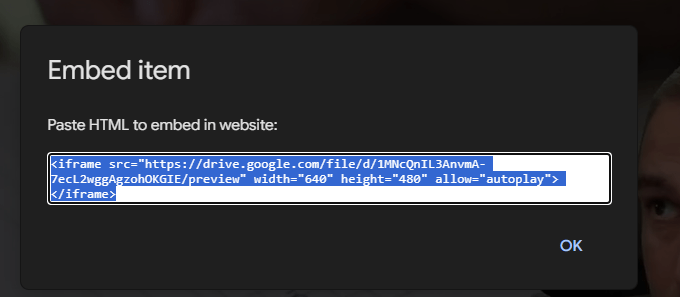

Google Drive embed fails at public view
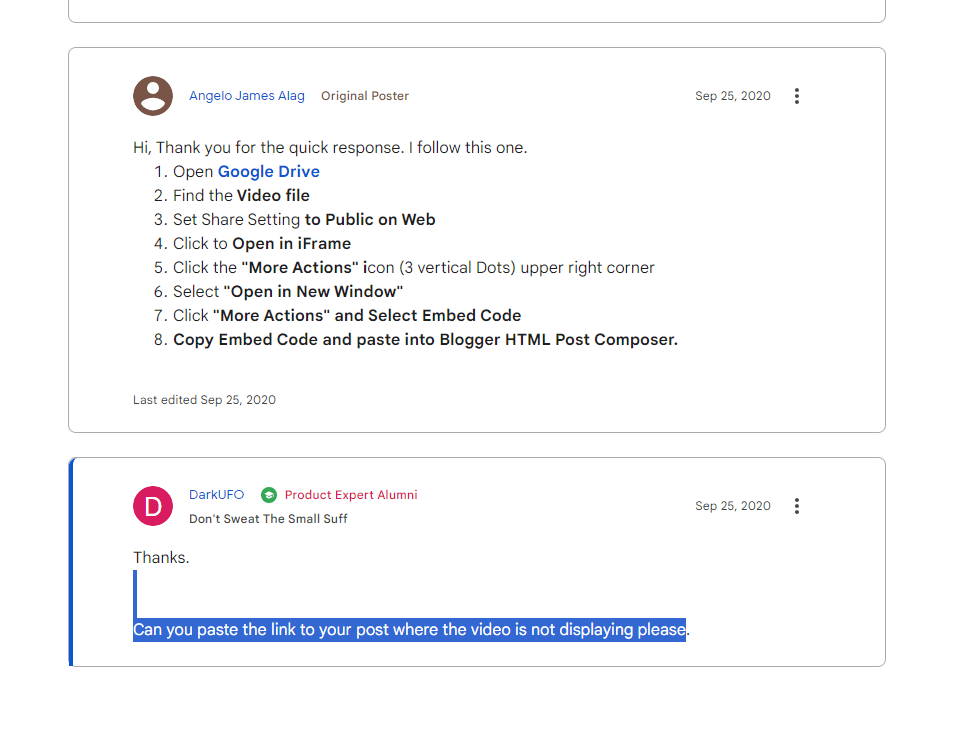
https://support.google.com/blogger/thread/73184958/embed-google-drive-video-not-working?hl=en
When i wanna send the footage during the day than it is zero
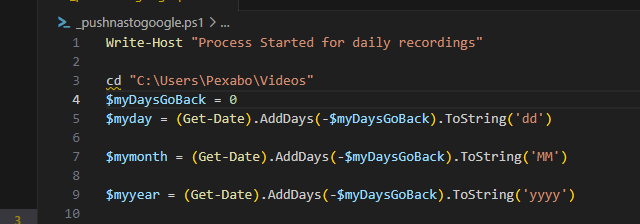
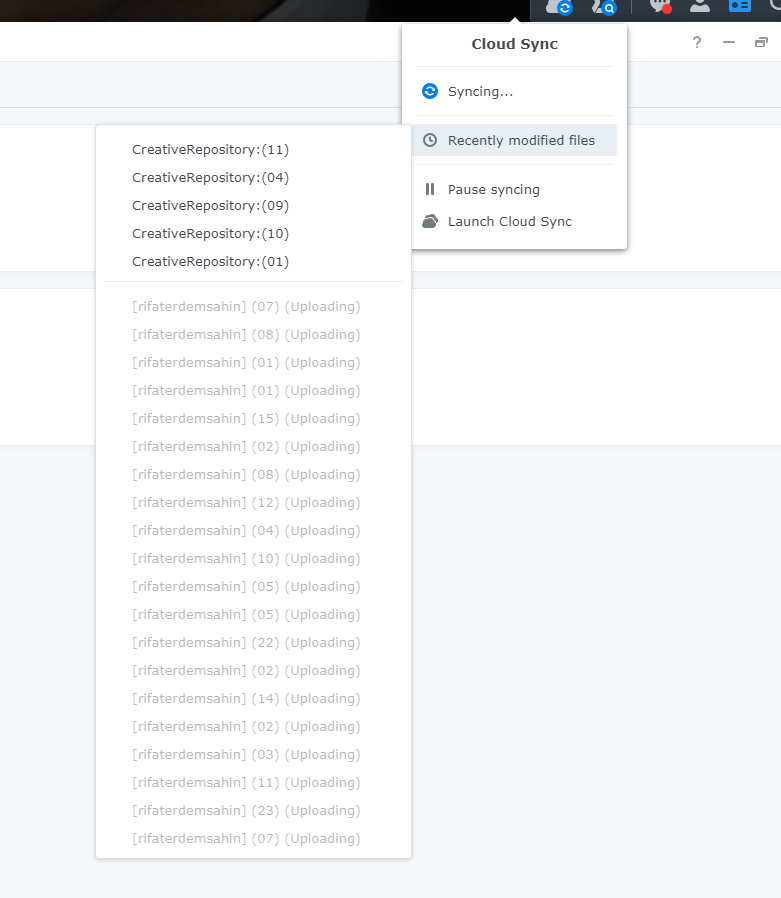
And there is going to be an overwrite problem
still every update bring a new problem
destinonation folders has to be renamed
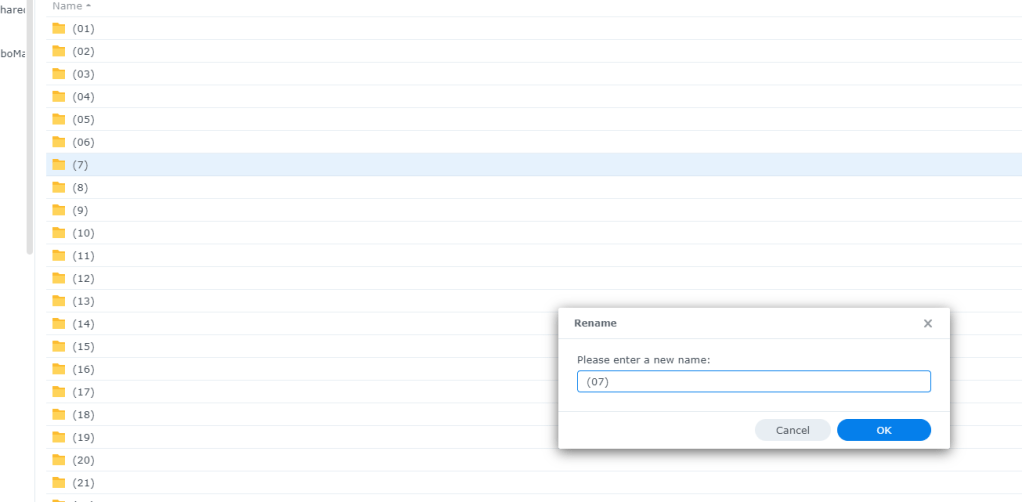
Fix the folder with one readme inside
Noce to haves
I need upload count
References
https://www.howtogeek.com/devops/how-to-upload-files-over-ftp-with-powershell/
https://www.synology.com/en-global/dsm/feature/presto
https://stackoverflow.com/questions/19207991/how-to-exclude-list-of-items-from-get-childitem-result-in-powershell
Imported from rifaterdemsahin.com · 2023