Video Production Mentoring Workshops Moving To Canva
Work on presentation
-
Move questions to the presentation format > faster process > images ready
-
Embed videos
-
Commenting available in canva
-
set the obs for action
-
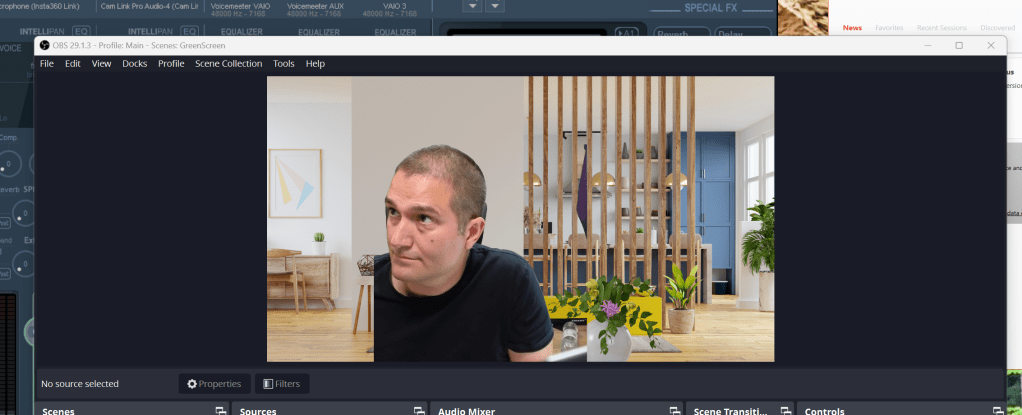
Get the green screen on as well
Test the light
- test the obs
Multi obs
-
Green screen
-
Release the videos into the world in a fast manner > start and end cut on davinci ? > Frame buffer
Have the structure
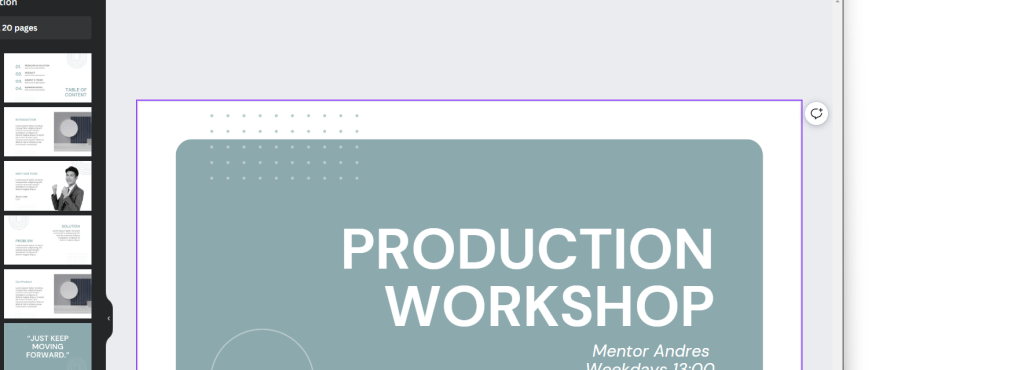
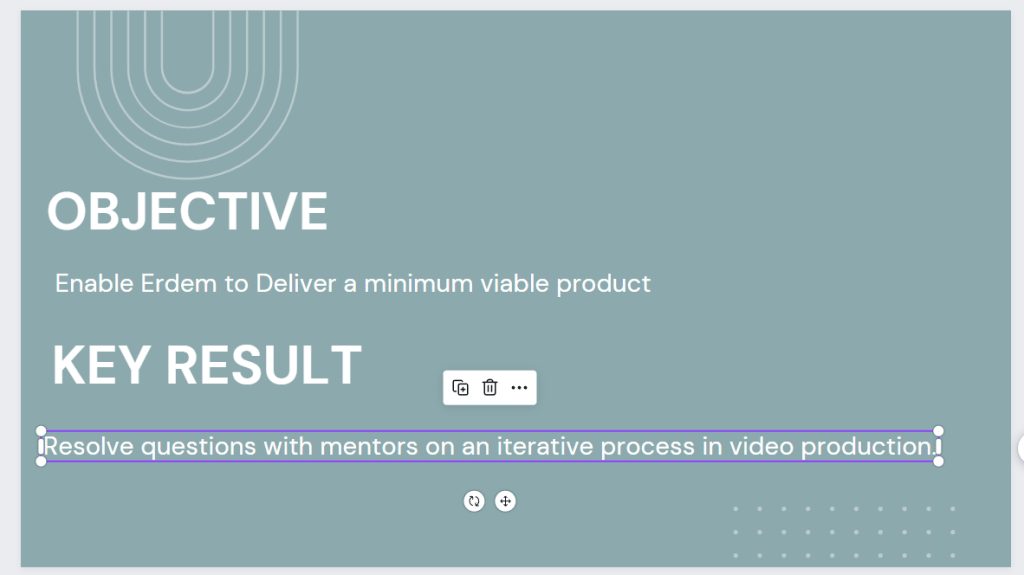
Have OKR
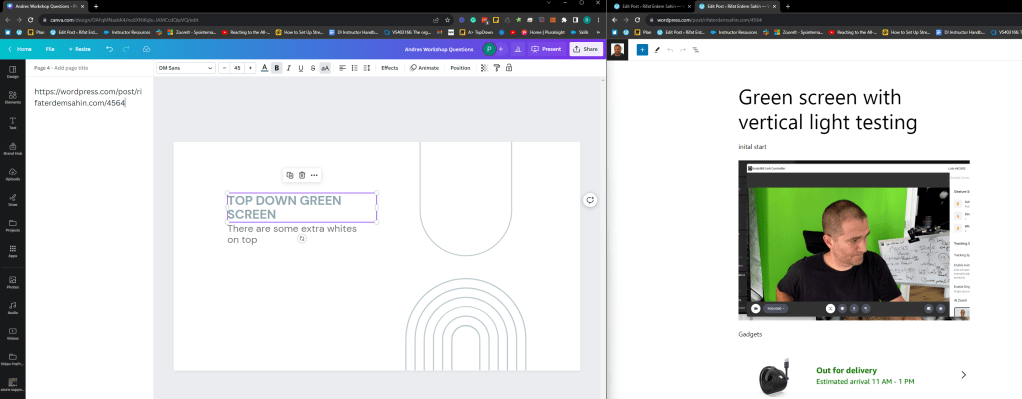
Use description section on Canva
Prepare
Record zoom as backup
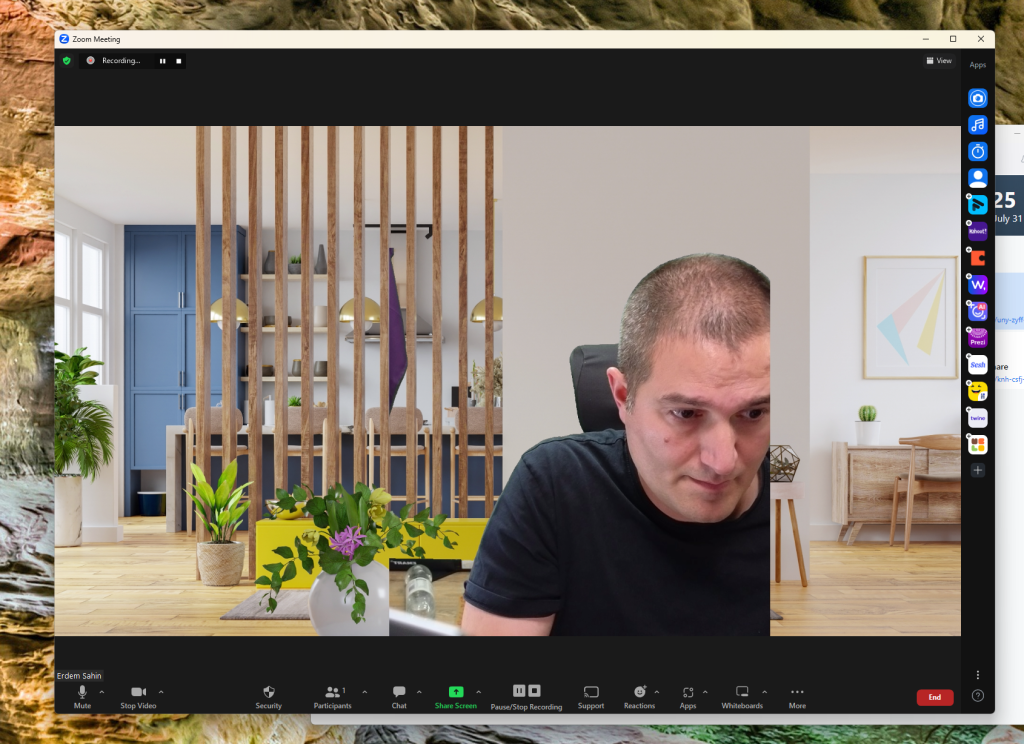
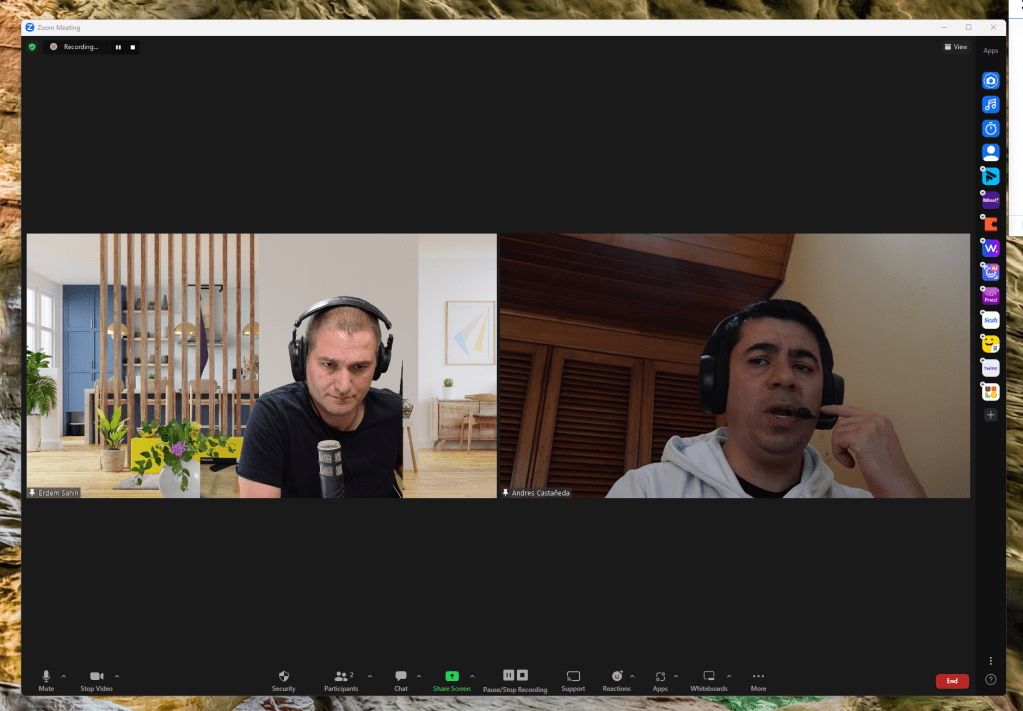
Tripple tap to change the scene and record better
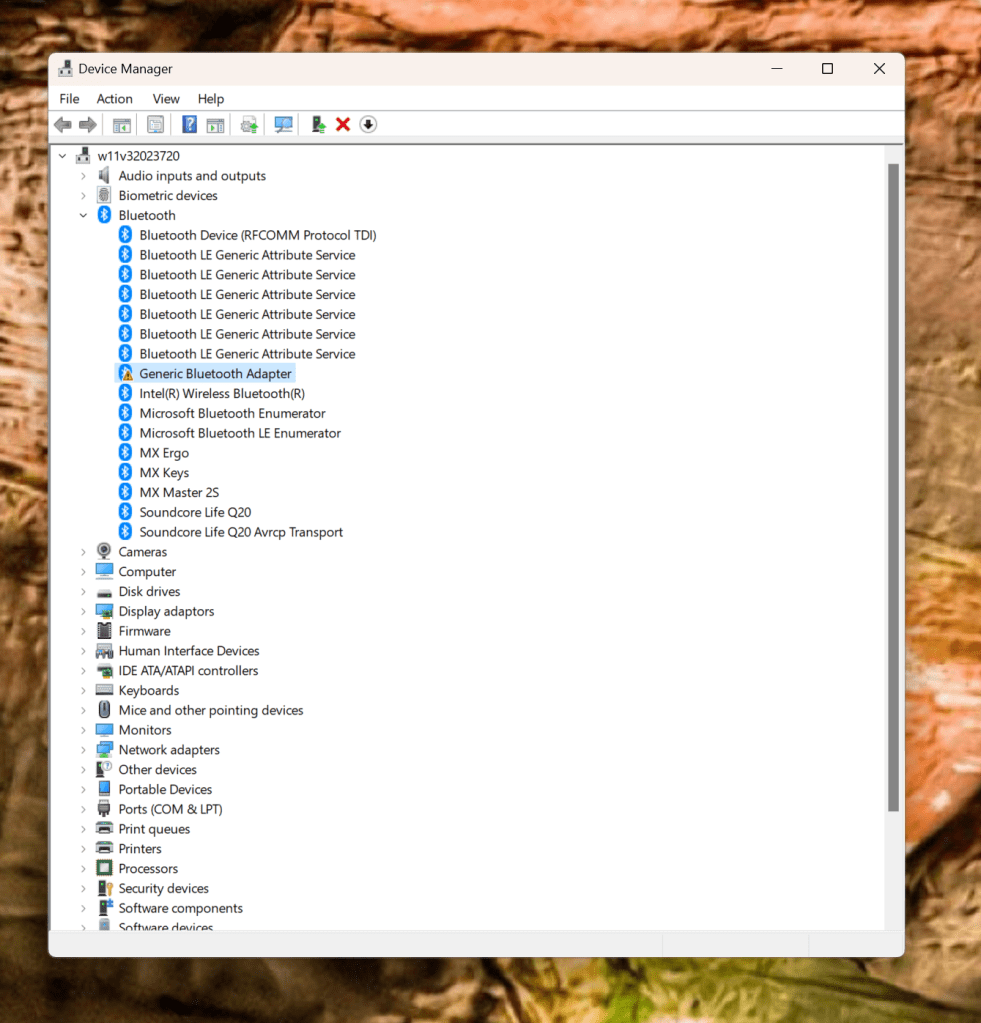
Check devices before restart
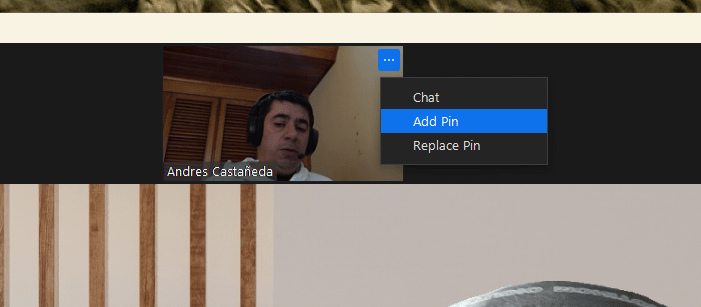
Hide self view
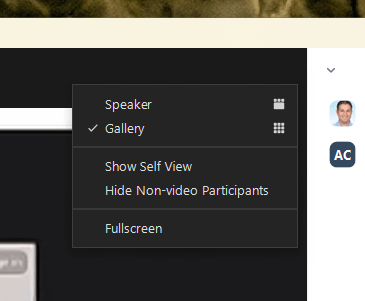
Add Pin
While sharing screen see the participant
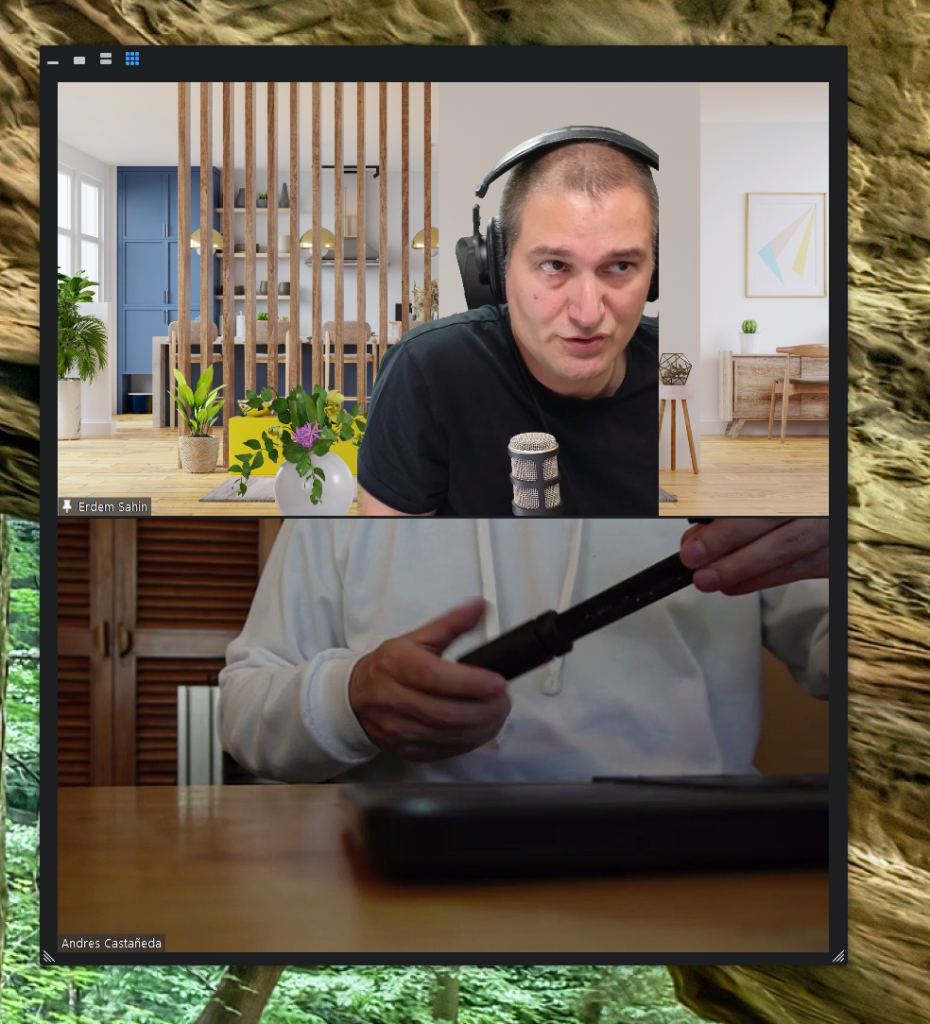
zoom window where is this in the multi screen mode

move it under the faces
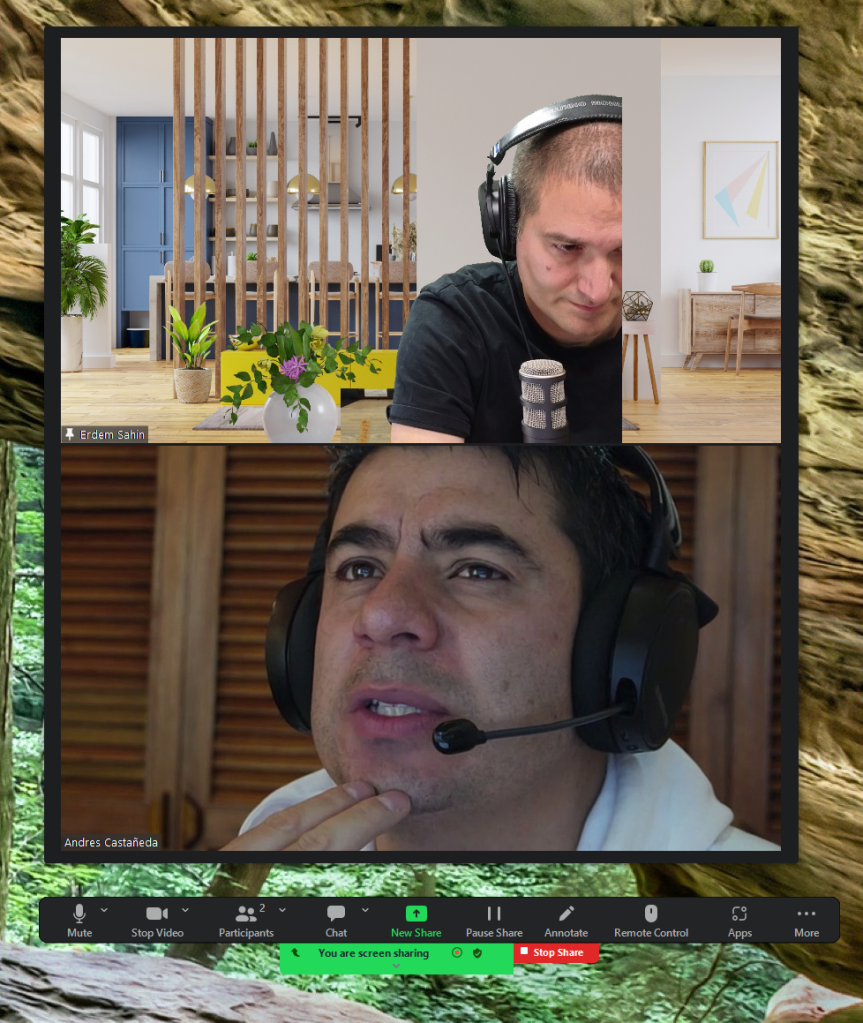
Open the bottom
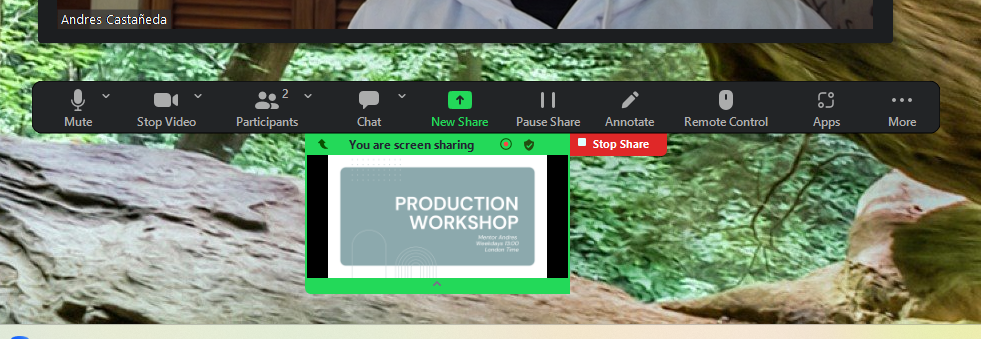
Student side
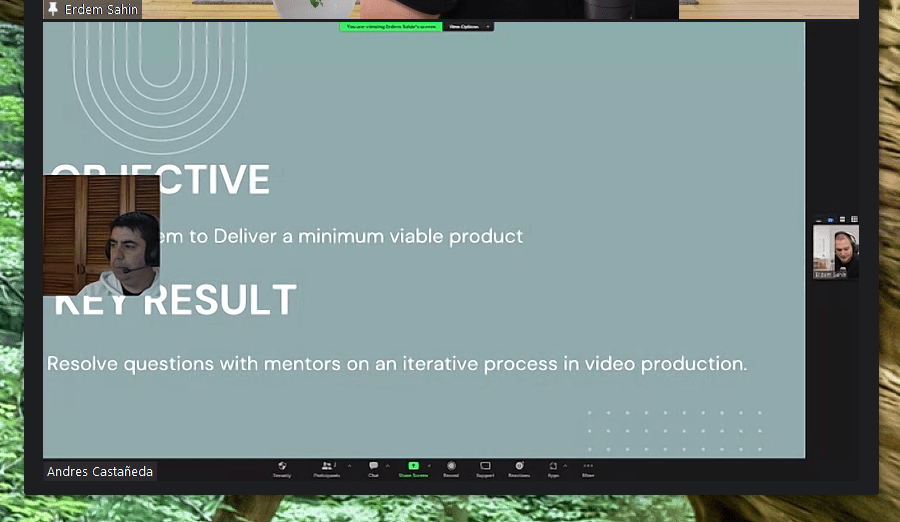
Audience can not see it
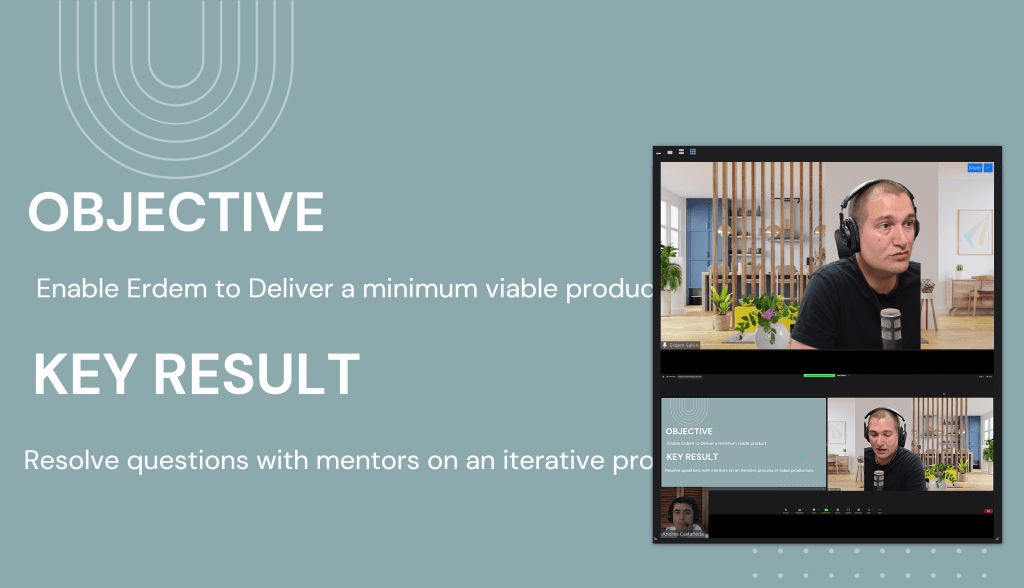
in discord there can be multiple screenmshares but in zoom one
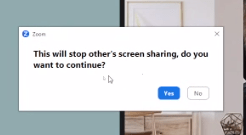
discord is many to many .. zoom is one to many
Wordpress 4 seconds too come ( there is more latency than obs.ninja )
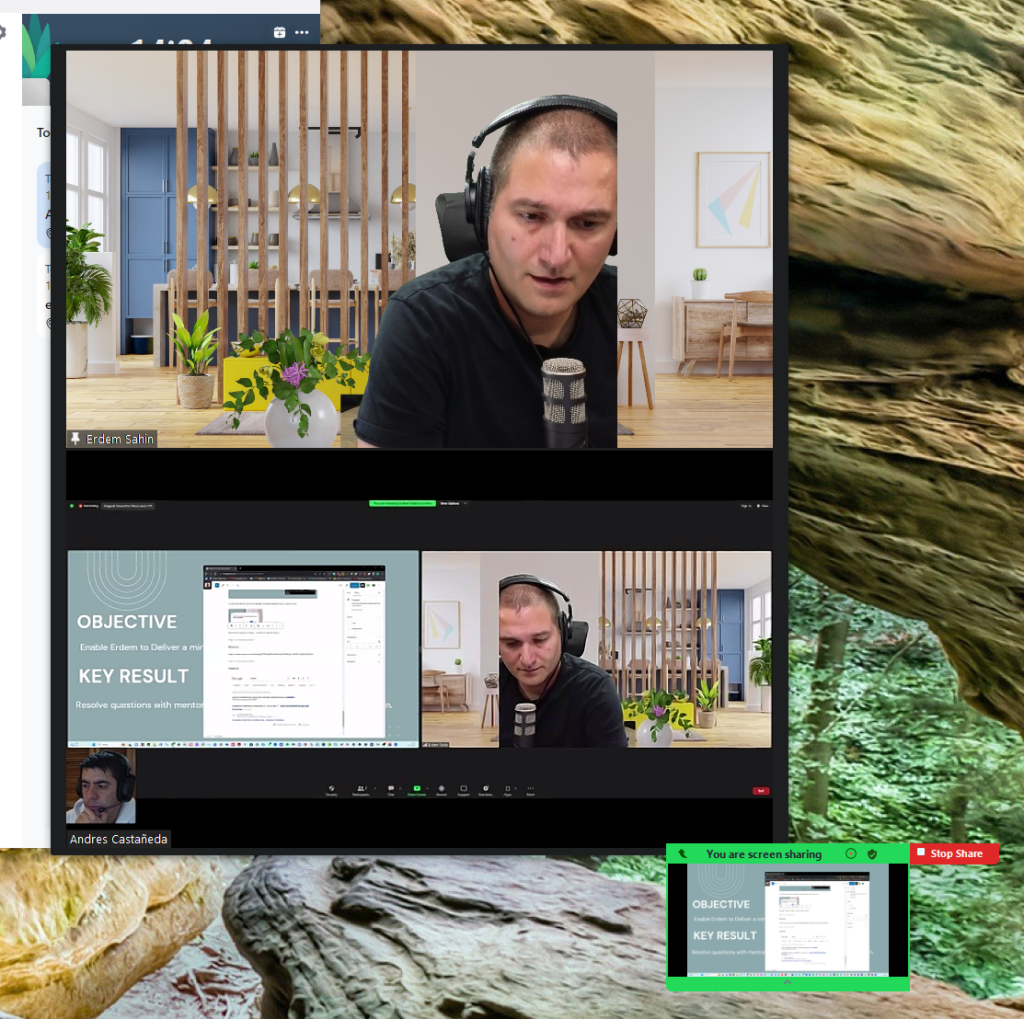
Faster shutter speed needed and the related footage
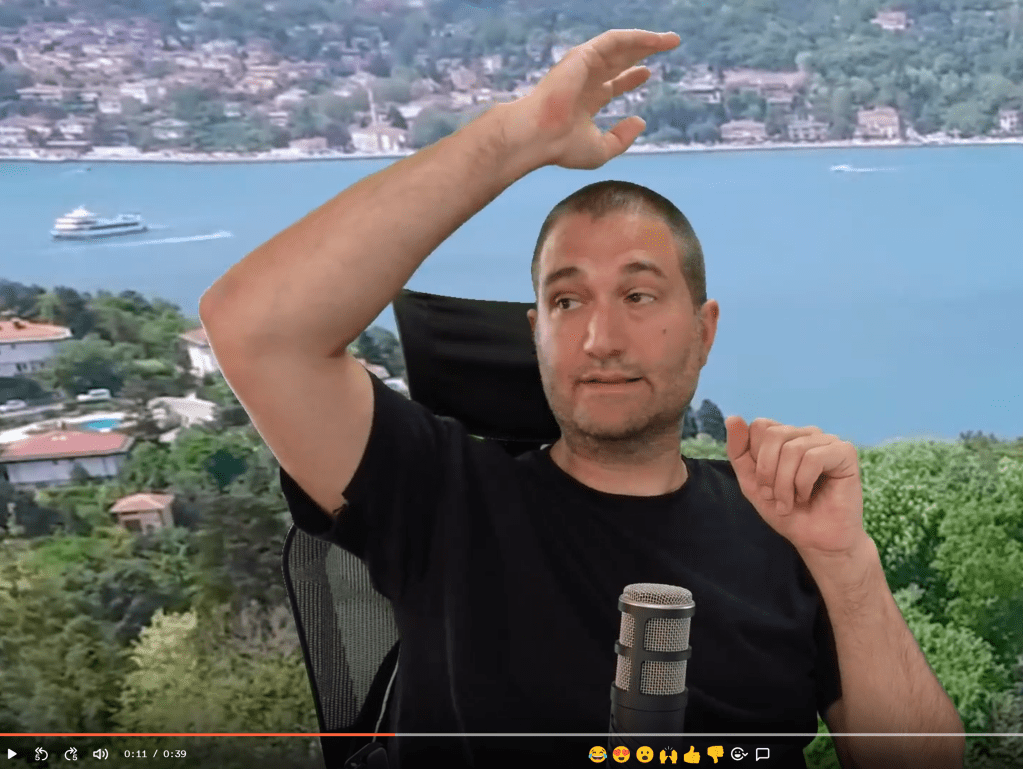
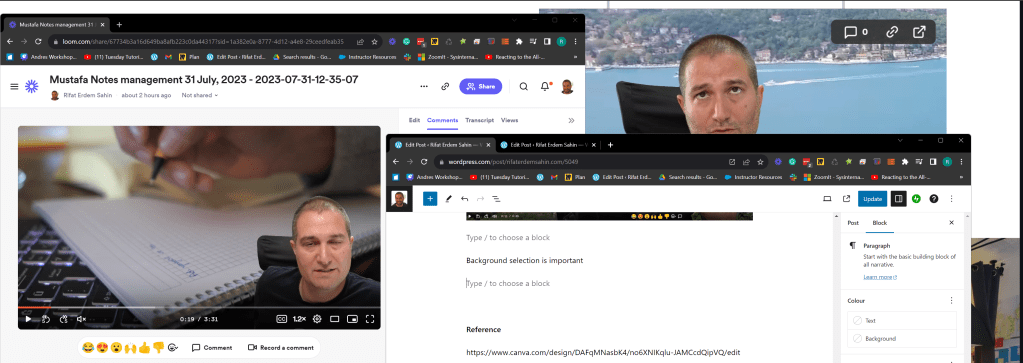
ckground selection is important> select dark colors if you have a black tshirt
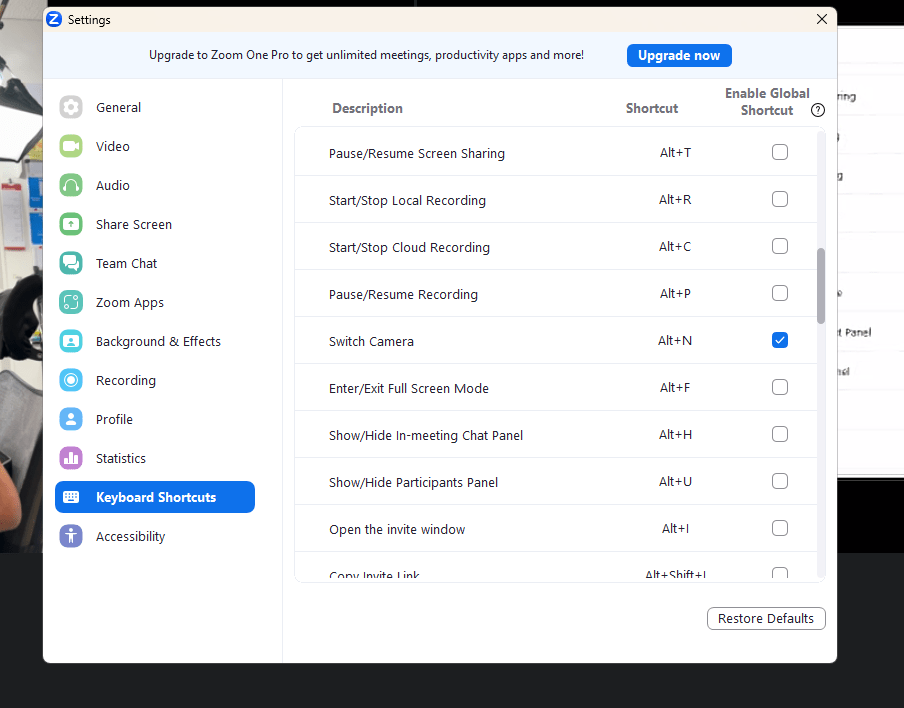
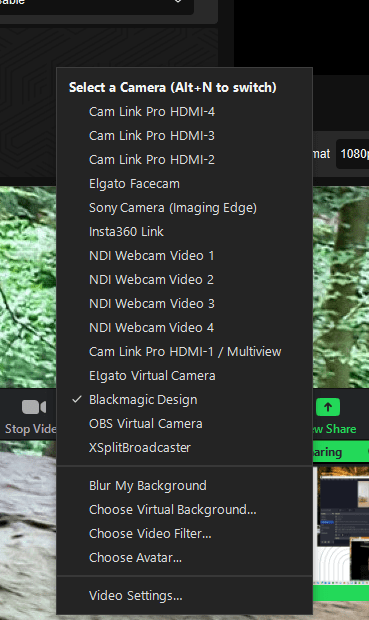
To switch camera alt N
Source Filter gets dublicated in each scene can be resolved by
Source Mirror
https://github.com/Xaymar/obs-StreamFX/releases/tag/0.12.0b278
Problems today > the wifi did not turn on autoconnect,angle of the camera shutter speed.
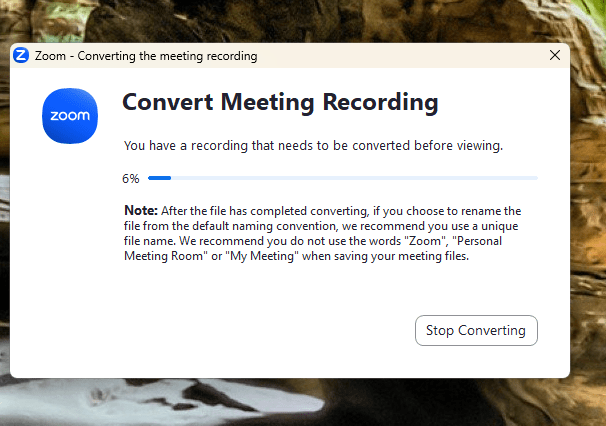
Meeting Conversion takes time to process
Maybe using the sony zv1 is the way to go in the green screen usecase with a higher shutter speed
Reference
https://www.canva.com/design/DAFqMNasbK4/no6XNIKqlu-JAMCcdQipVQ/edit
Syntax fix
Imported from rifaterdemsahin.com · 2023