Resetup of the voicemeeter banana/potato
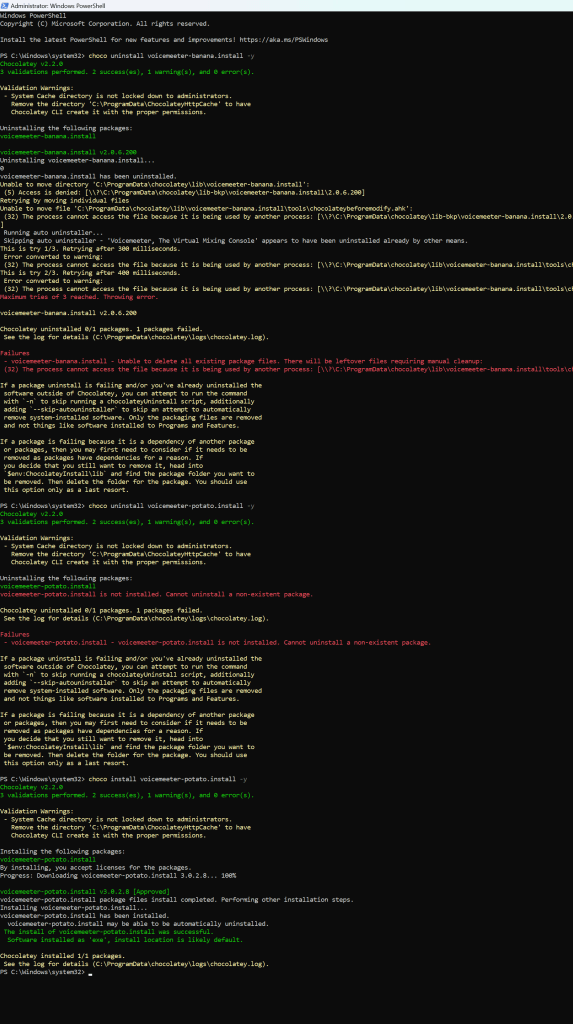
1.uninstall voicemeter choco
2.install choco voicemeter banana
get 3 inputs
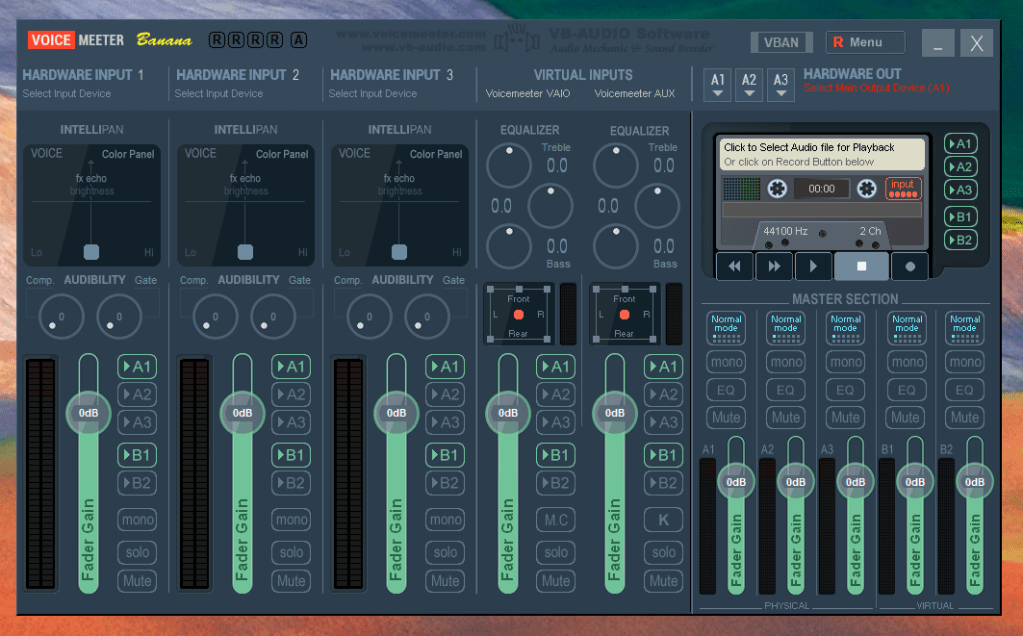
MME Road mixer to the first one > none interactive best audio
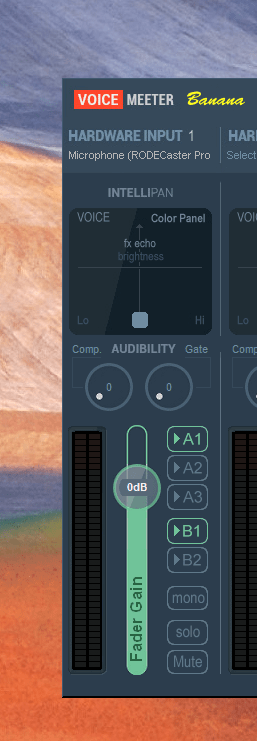
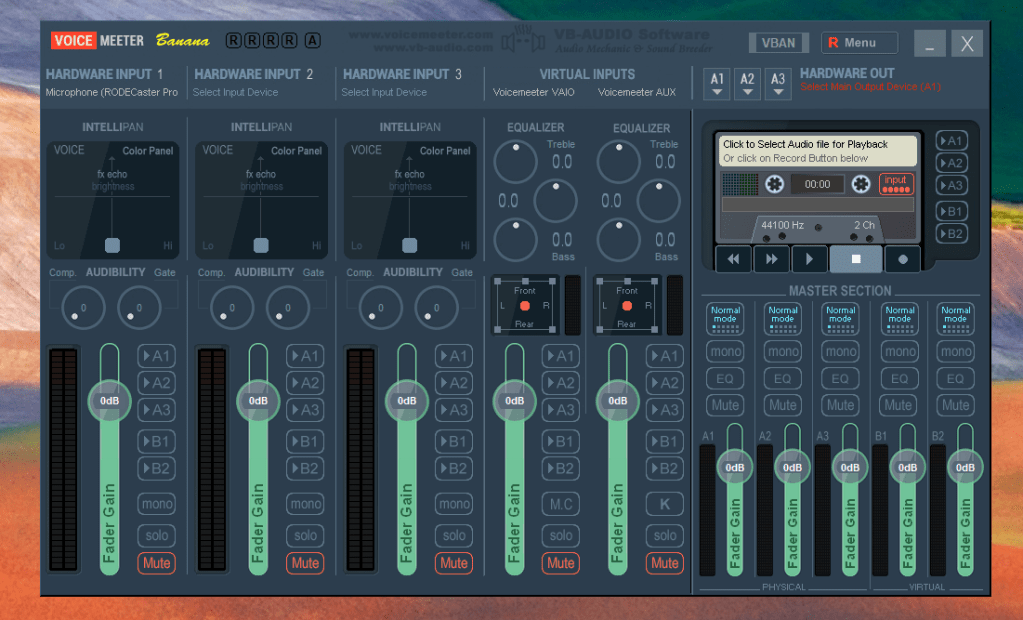
Mute all uncheck all
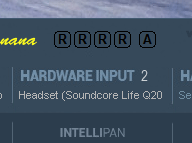
2.nd headset with mic > interactive calls > good audio mobile
3.input airplay and on the desk devices record over atem(practical pip)
-
iphone ( air play and direct )
-
ipad ( air play and direct )
-
appletv ( air play)
-
note9 ( shield and direct )
-
shield ( wireless )
-
youtube ( shield and apple tv )
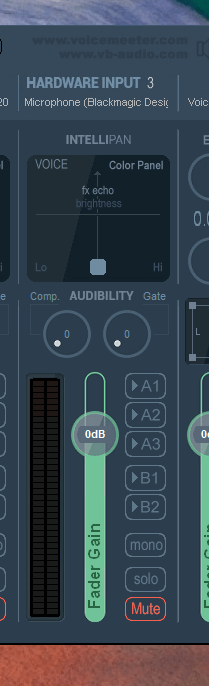
Anker out as well anbd missing input from the anker ( move and talk device )
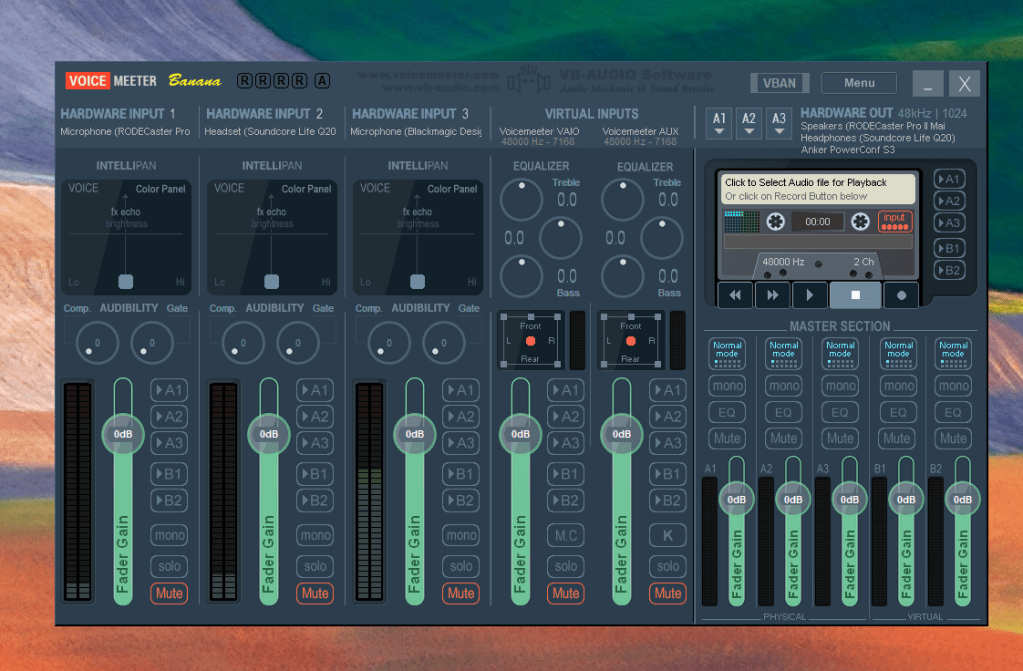
Move to potato again
https://community.chocolatey.org/packages/voicemeeter-potato.install
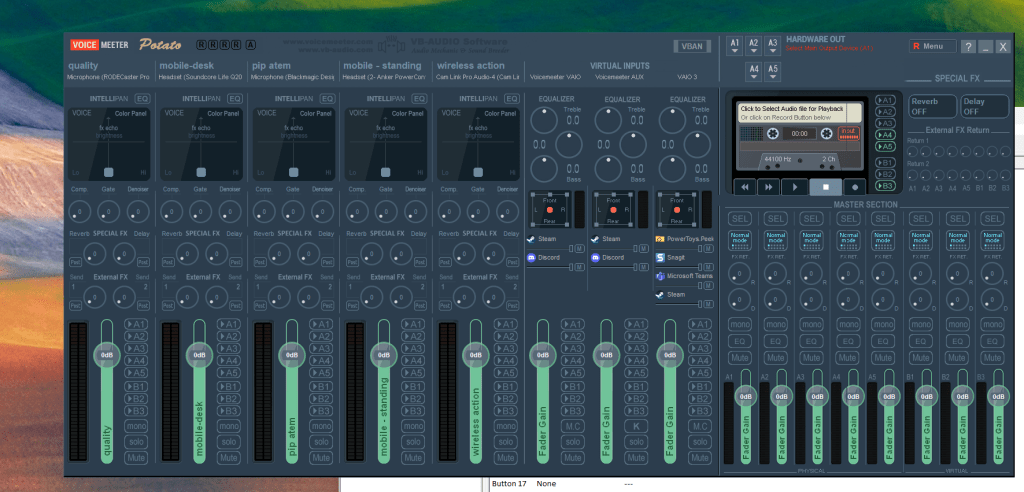
map wit the usecases on the top right click on label
Reset default devices
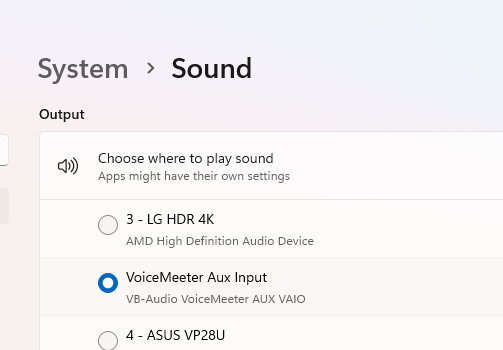

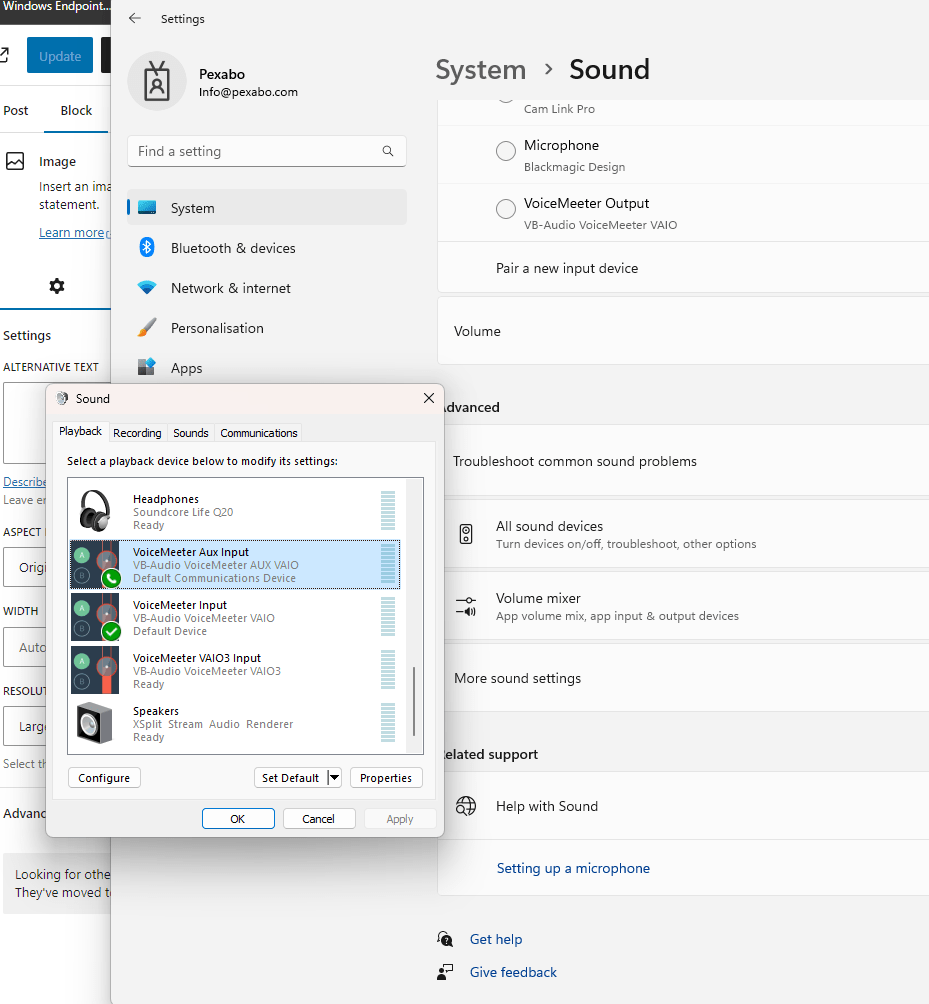
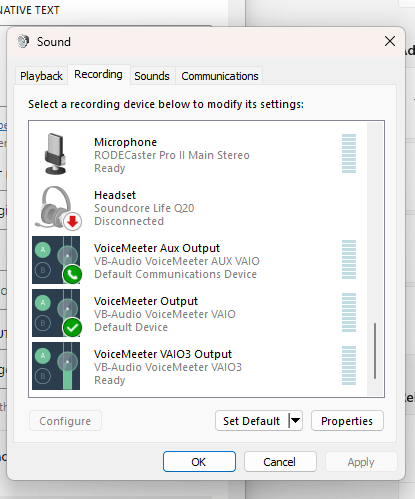
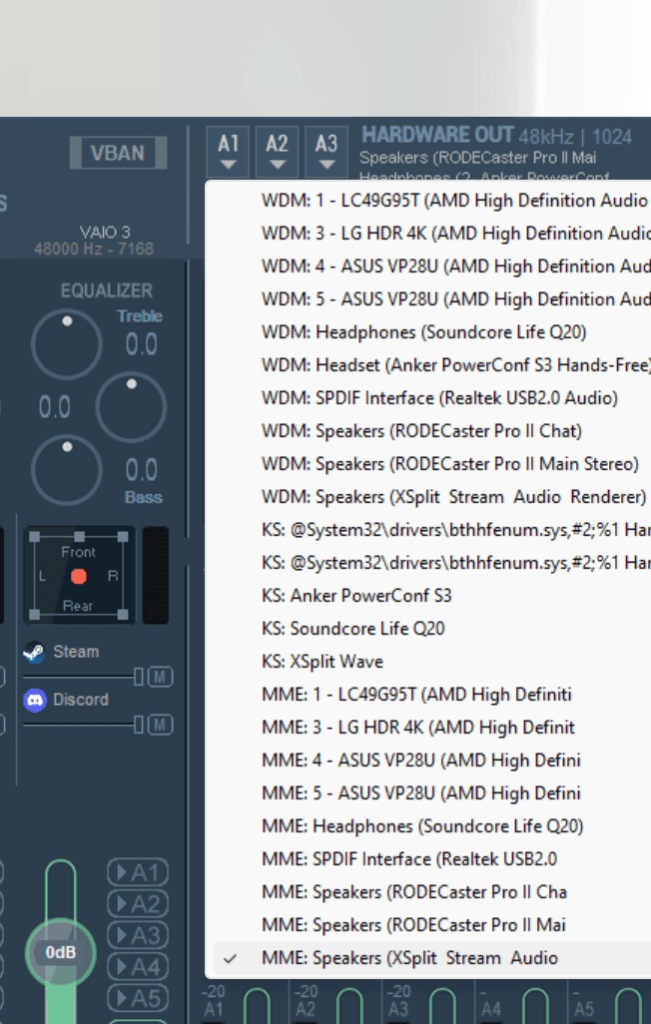
Set hardware outputs
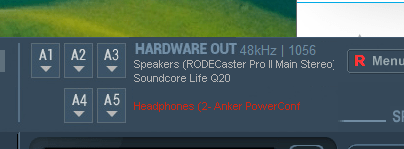
Send every input to b1
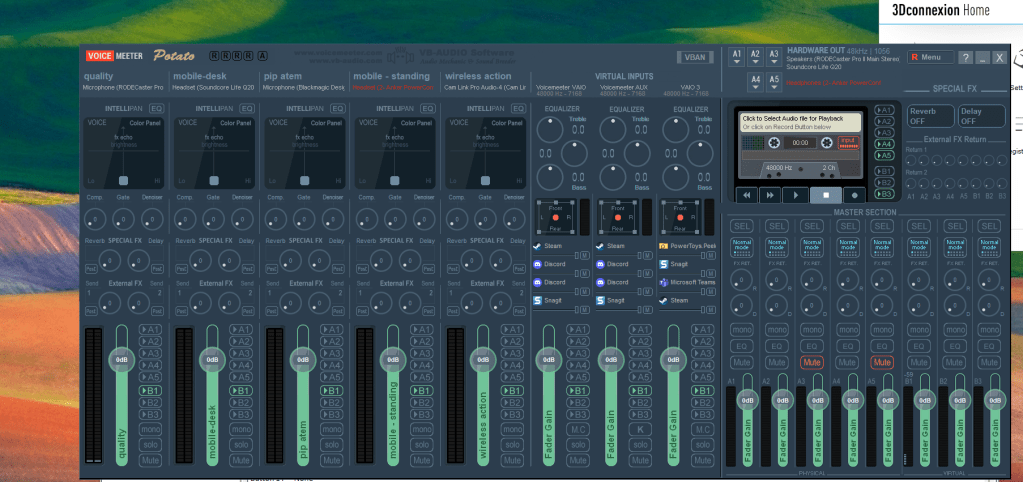
Send the desktop top a1
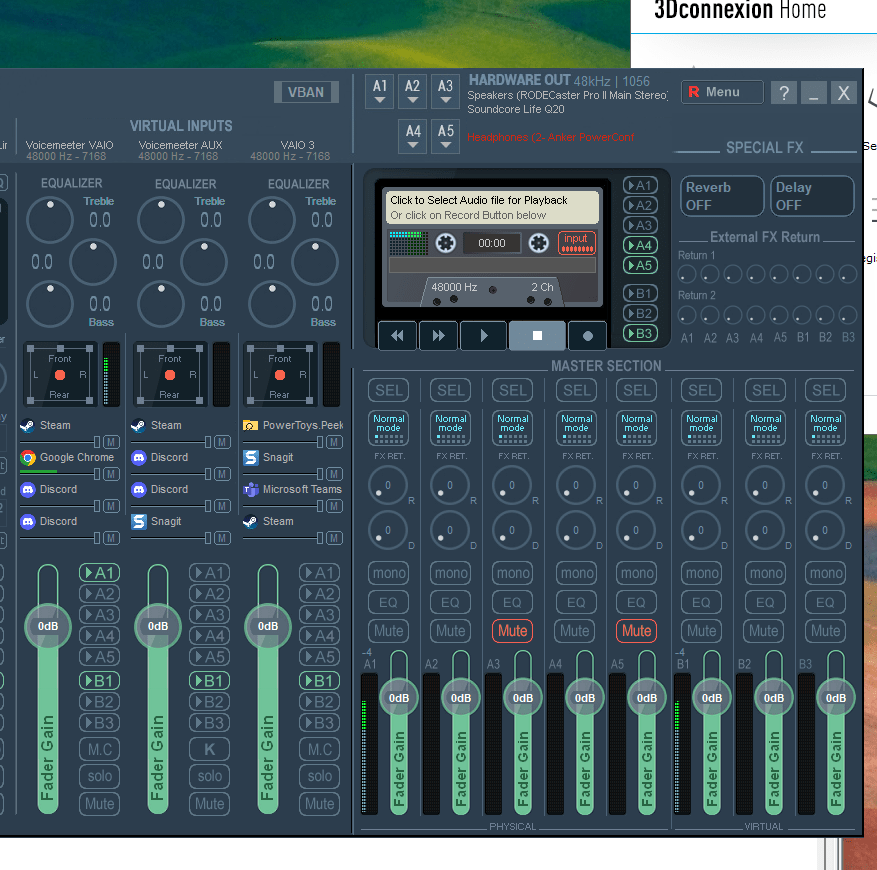
Test and send all the desktop to the monitoing devices on A1 A2 A4
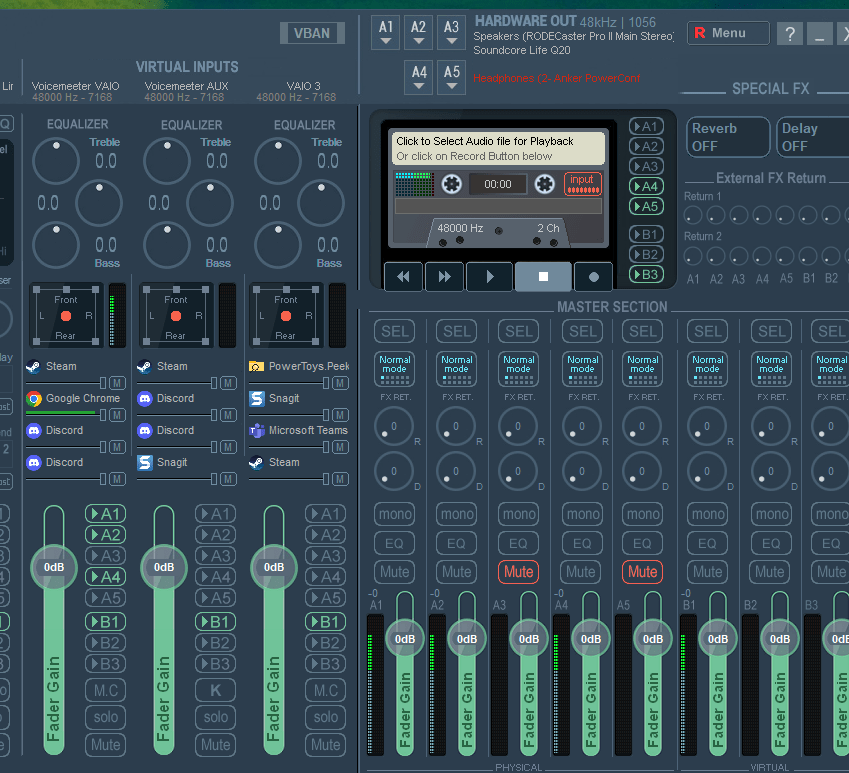
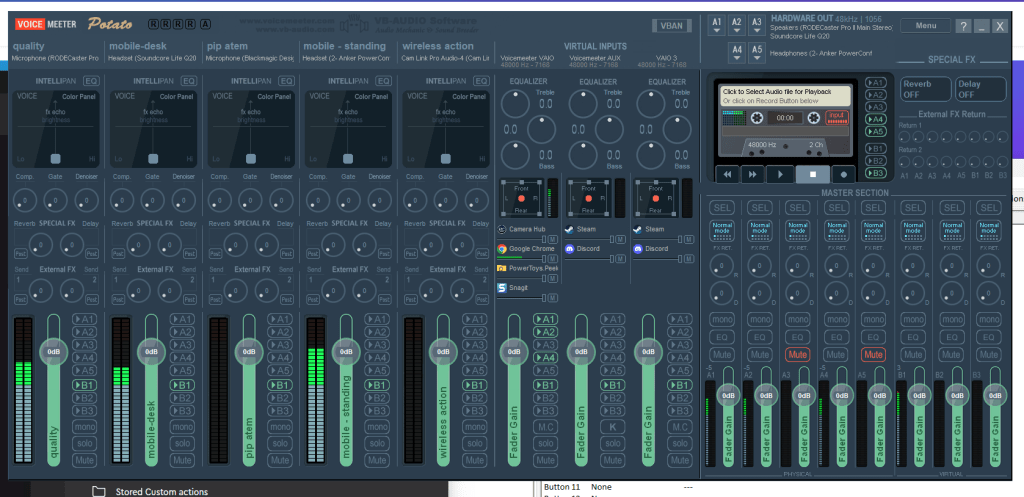
Check all connected devices
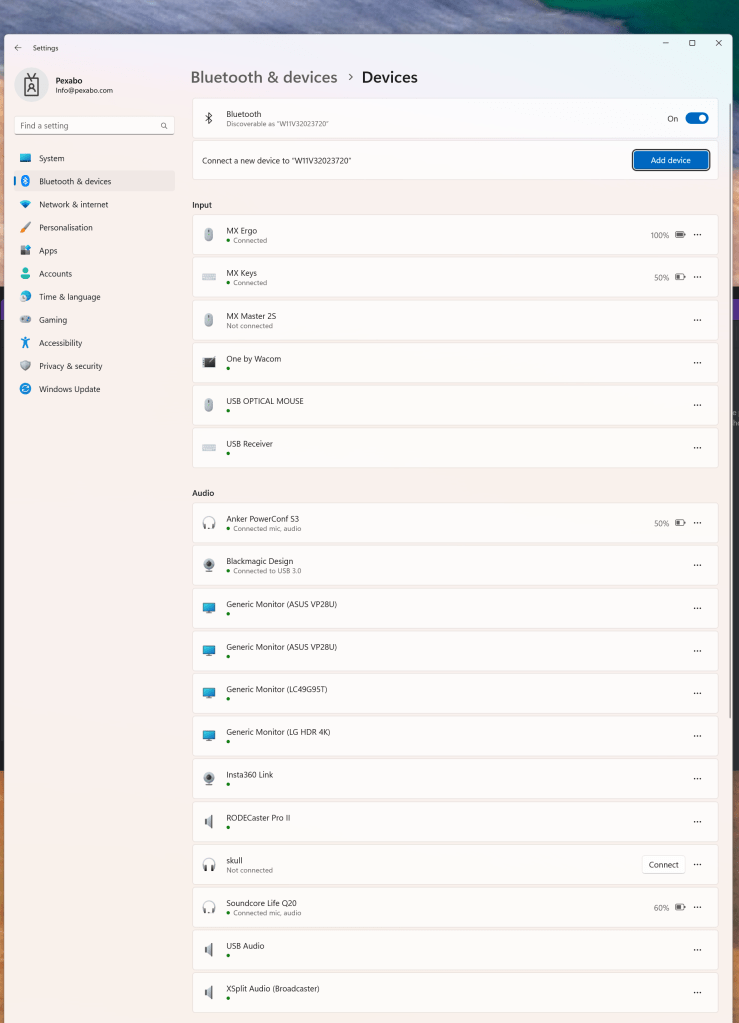
check outputs
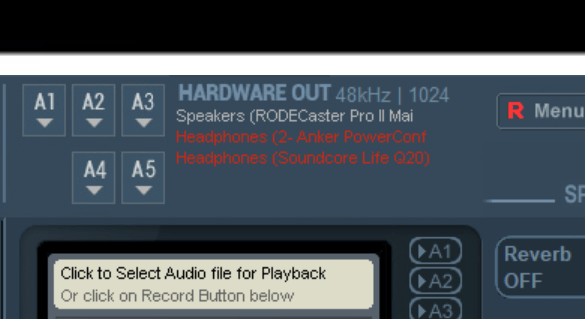
Check wrong mapping ui has issues
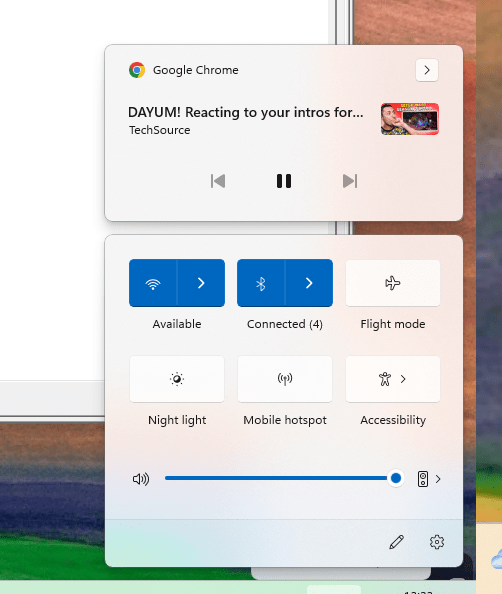
Windows does not let you turn off the volumne than restart
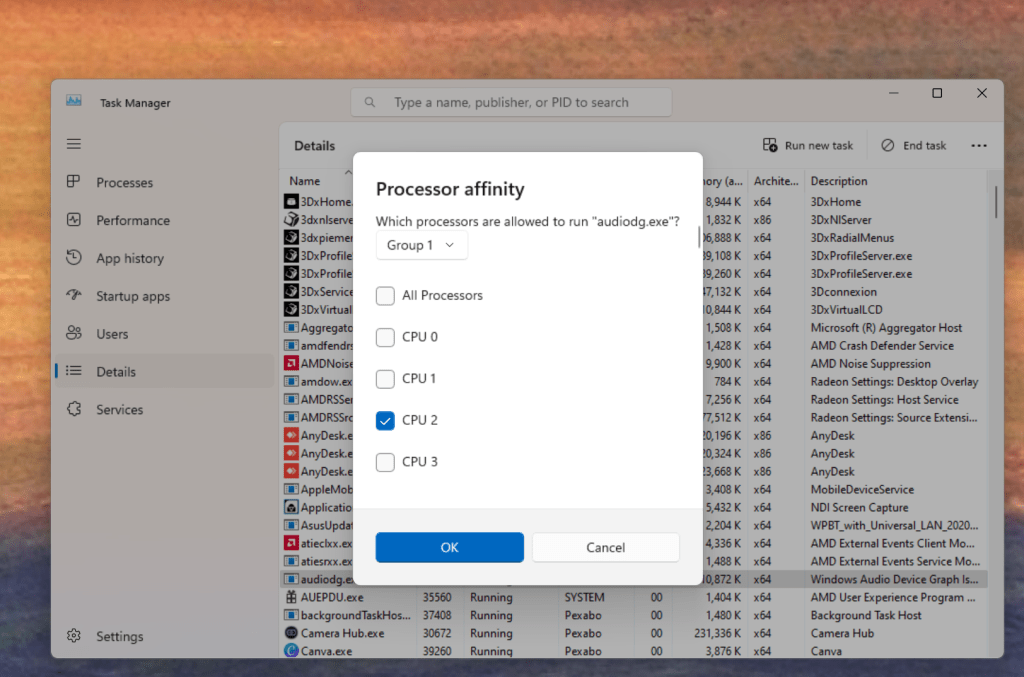
Affinity and real time assignment at cpu2
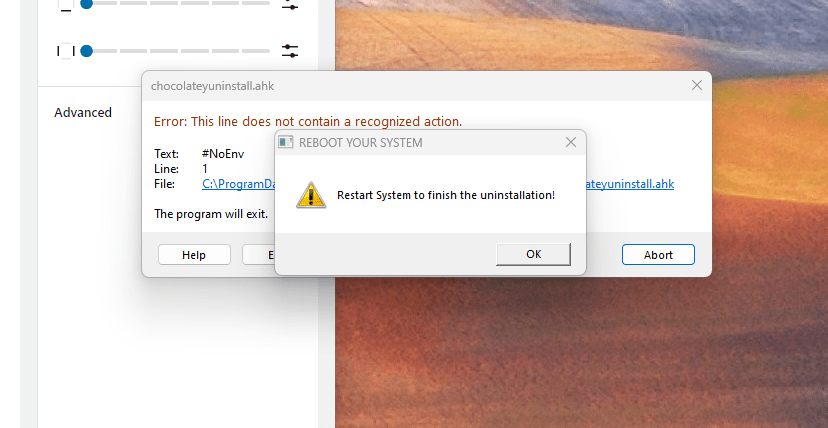
Uninstall
SAve setting
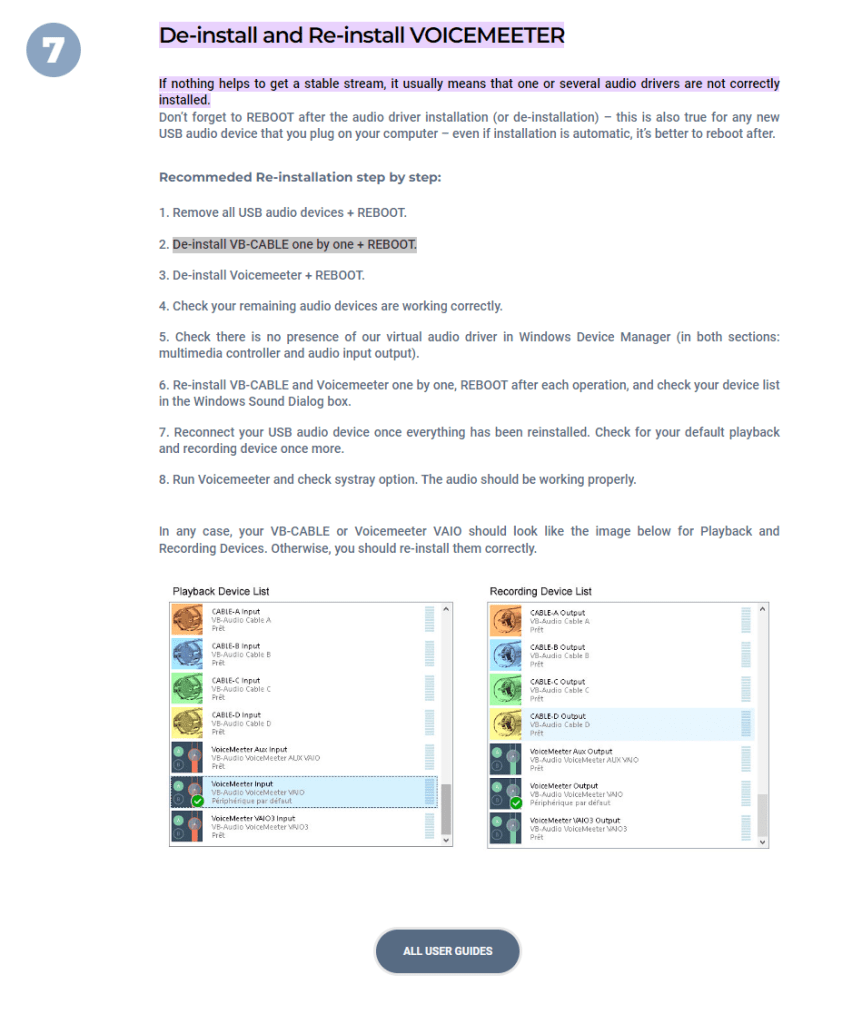
and uninstall and reboot > i had reinstalled to gain time and it started crackling
https://voicemeeter.com/quick-tips-stutters-crackling-sound-robot-voice/#:~:text=De%2Dinstall%20and%20Re%2Dinstall,drivers%20are%20not%20correctly%20installed.
dont be greedy
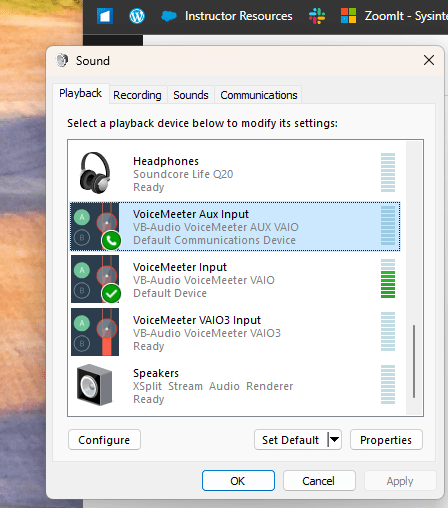
Vaio3 to vaoi 1move back > the setting did not get deleted it was able to recover
so not a very clear uninstall
fixers
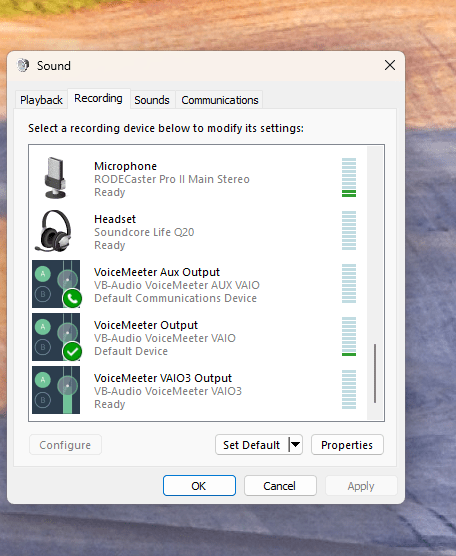
TEst output a1a2a3 > mute on and off
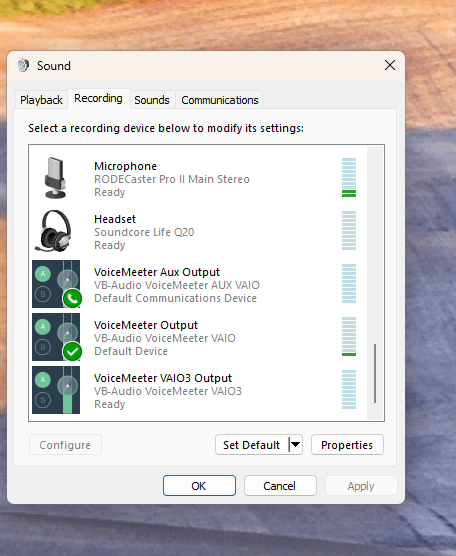
Set the charging close by > 3 usb c
-
Anker mobile pod
-
headphones
Dont trust on banana with what you see
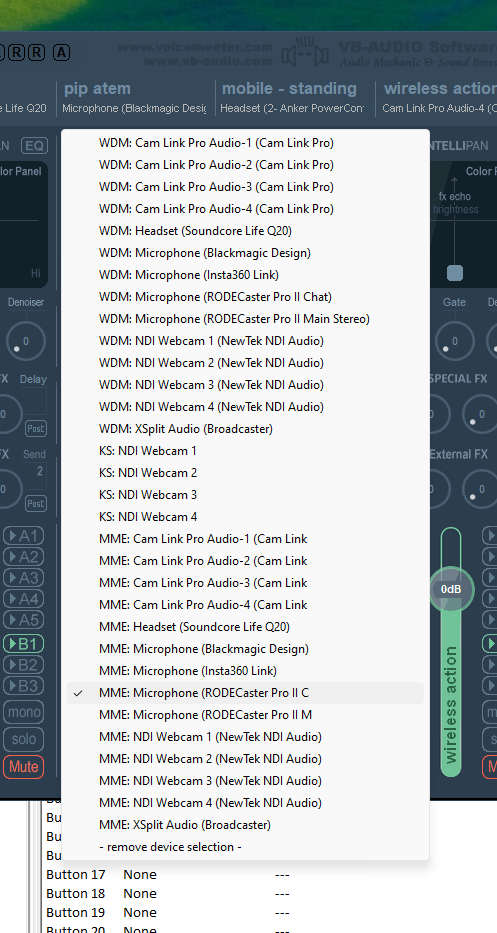
Go over everything
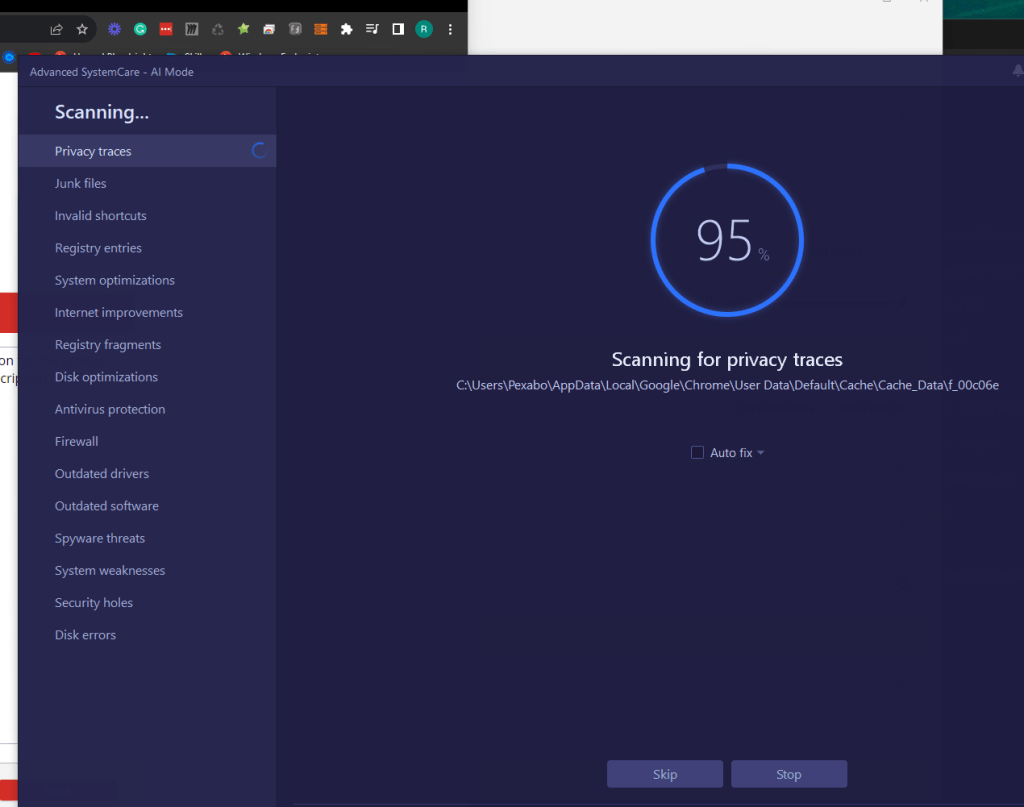
DEvices cleanup needed
Advanced system care > to clean up devices ?
Not the drivers but too many left over usb devices is the issue
Still this is an issue
Anker in and out problem
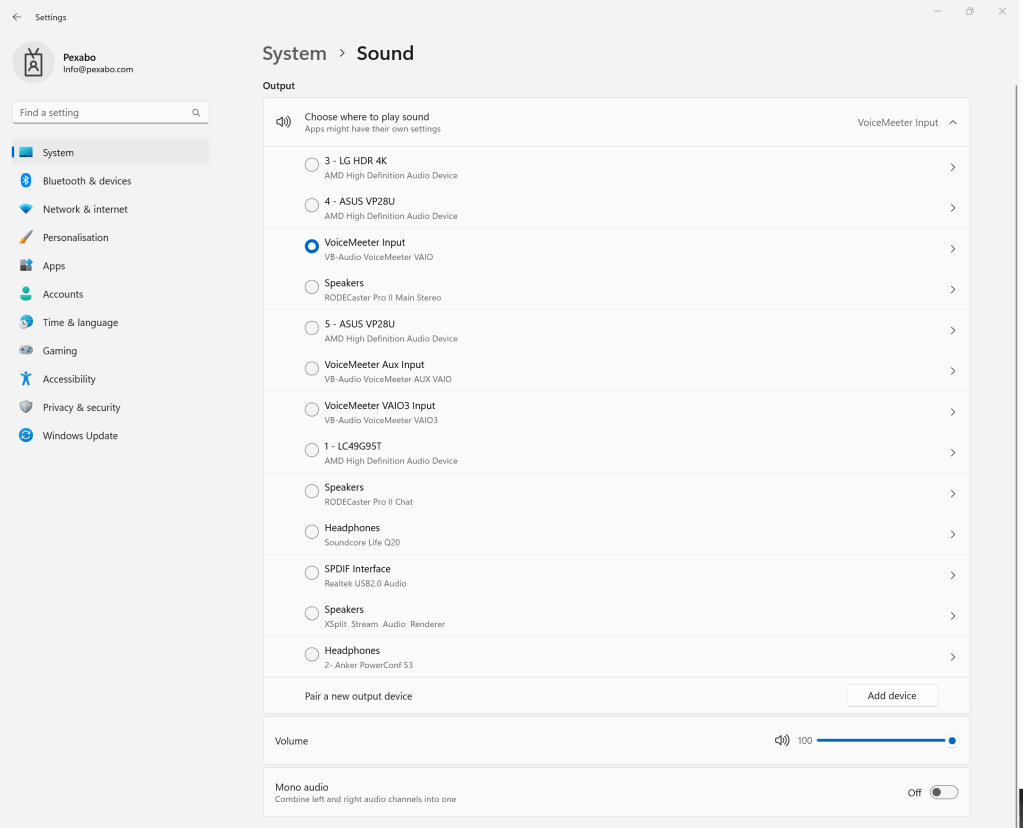
After the anker-in and out offline in the voicemeteer is the issue
REmove the device > the bluetoth gets overloaded
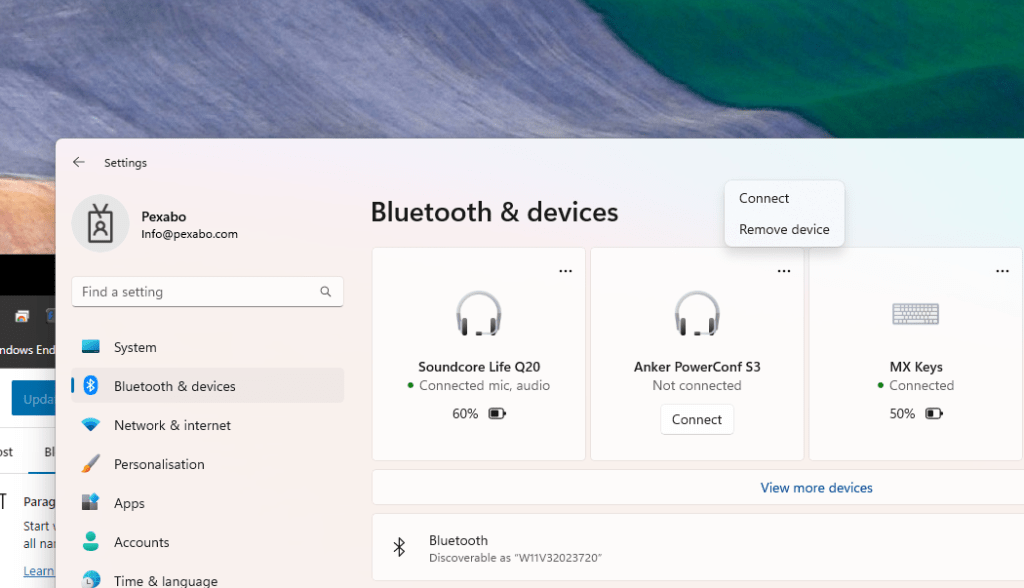
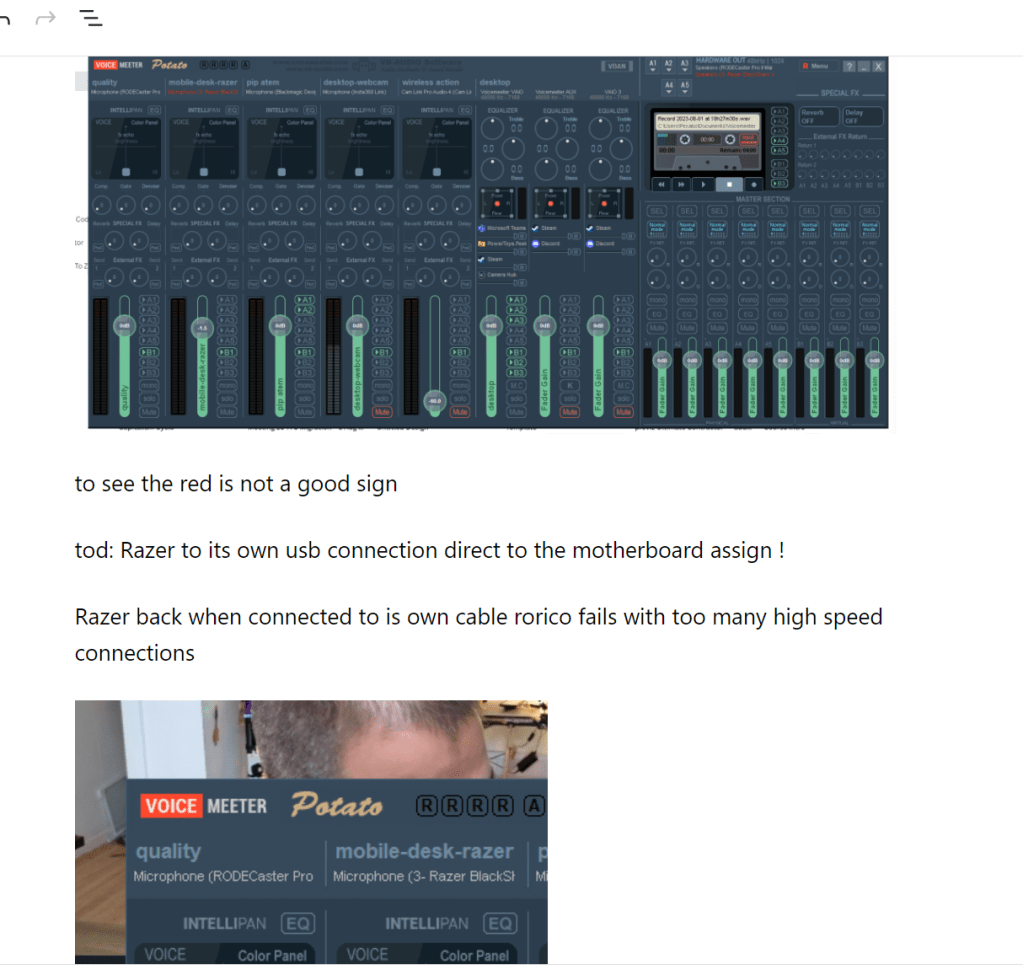
Red ones are the critical ones
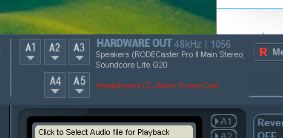
it should look like this
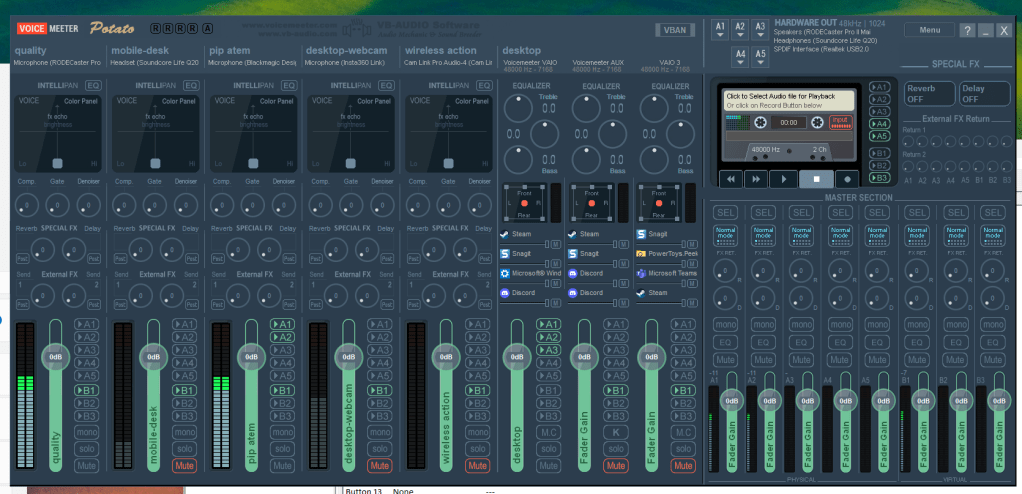
no crackling issues when there is no red > red in and out is a problem
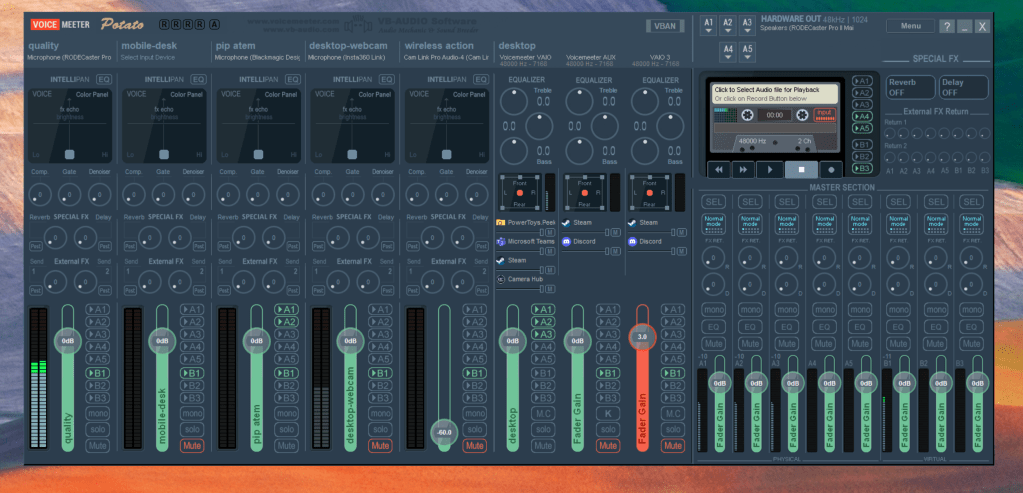
block diagram is important due to the fact that razer went off line
Imported from rifaterdemsahin.com · 2023