Ultimate Pairing Session Prepare
Tools
-
vdo ninja > share the bts
-
anydesk > share the desktop
-
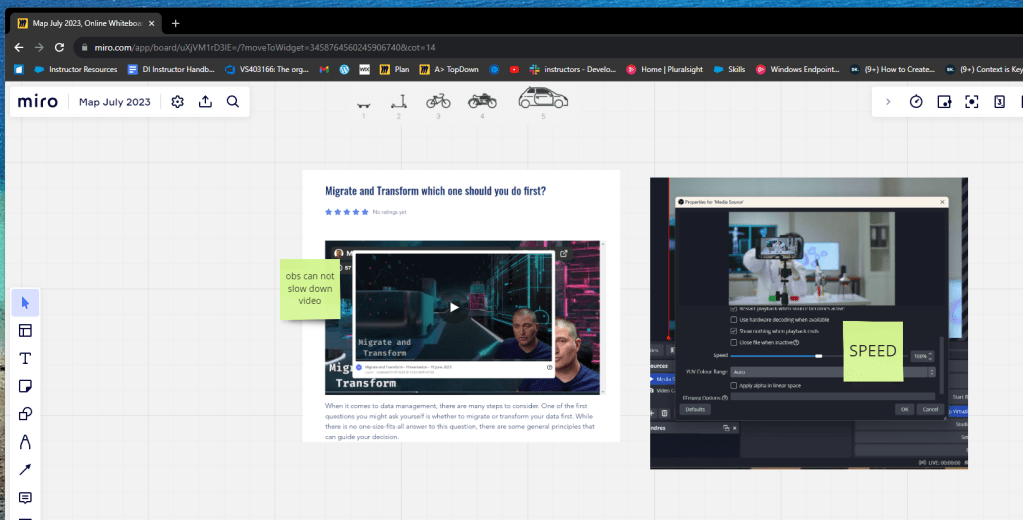
miro > share the mindmap
-
xsplit > record screen
-
whatsapp > send the initial link
-
obs > for projector mode ( on the scene )

Tips increase the room settings
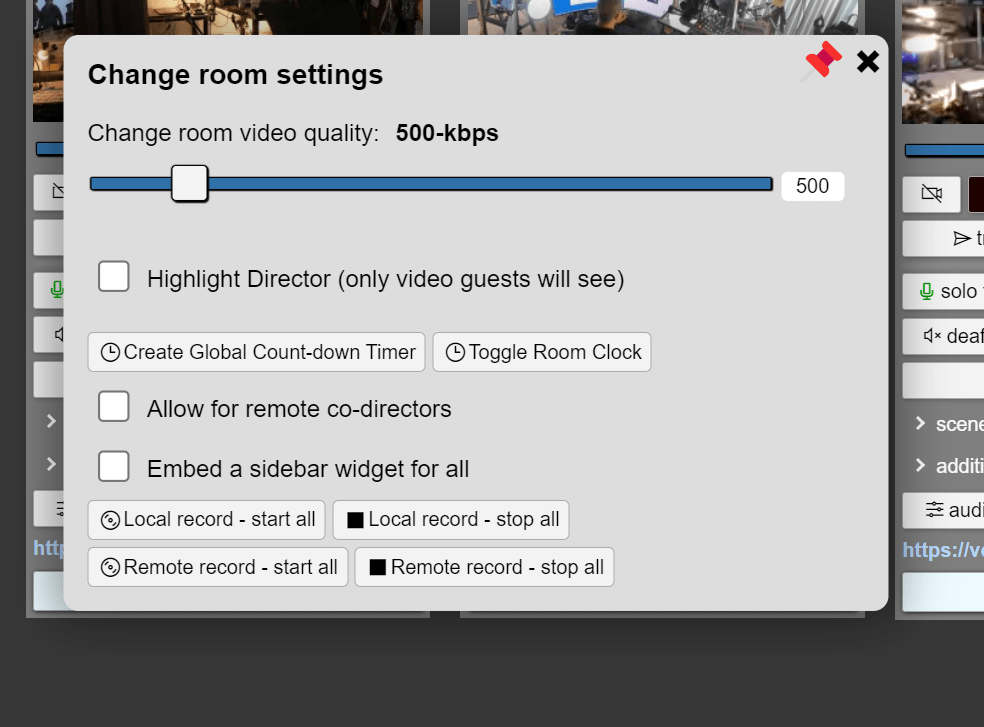
Also allow remote co-directors
`https://vdo.ninja/?dir=erdem&codirector=XXXXXXXX
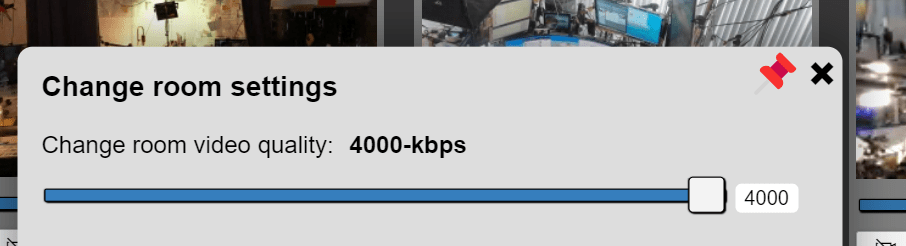
Max out at 4000
`
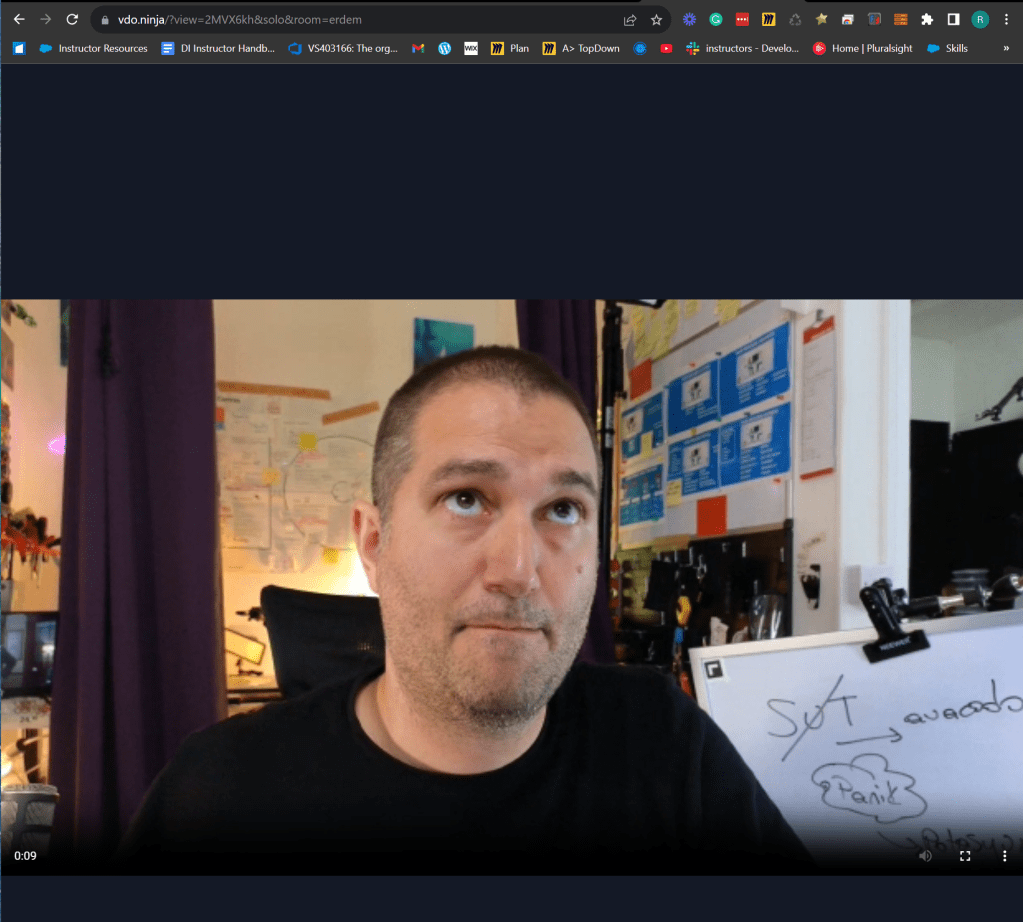
Issues > th e obs ninja is bounded by chrome
Not a crip image
Solo link has much more potential
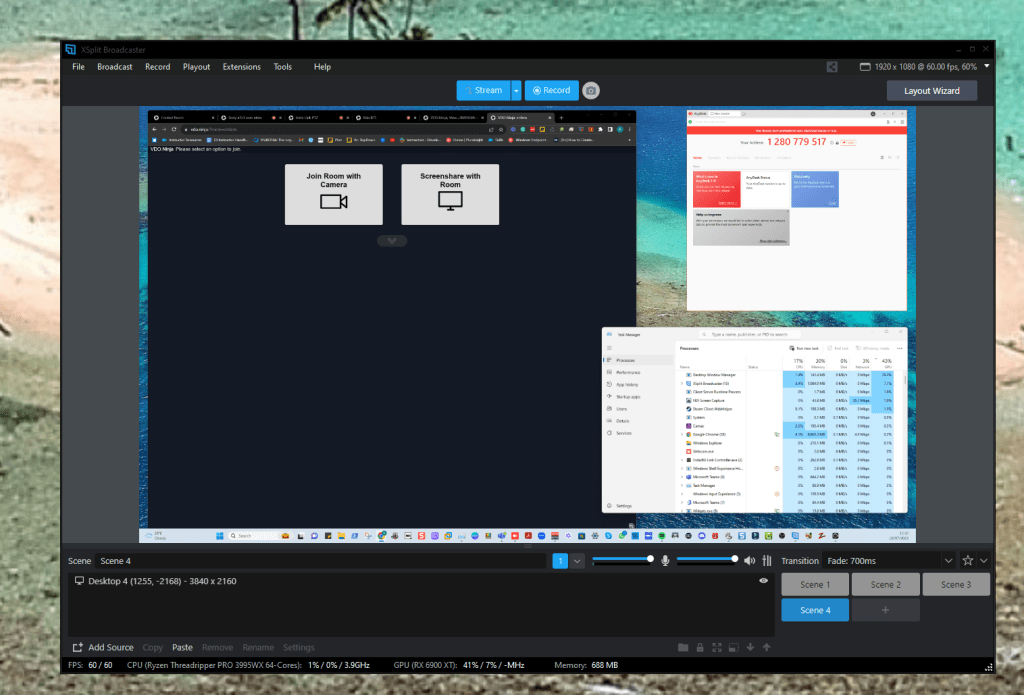
xsplit in the back to star recording
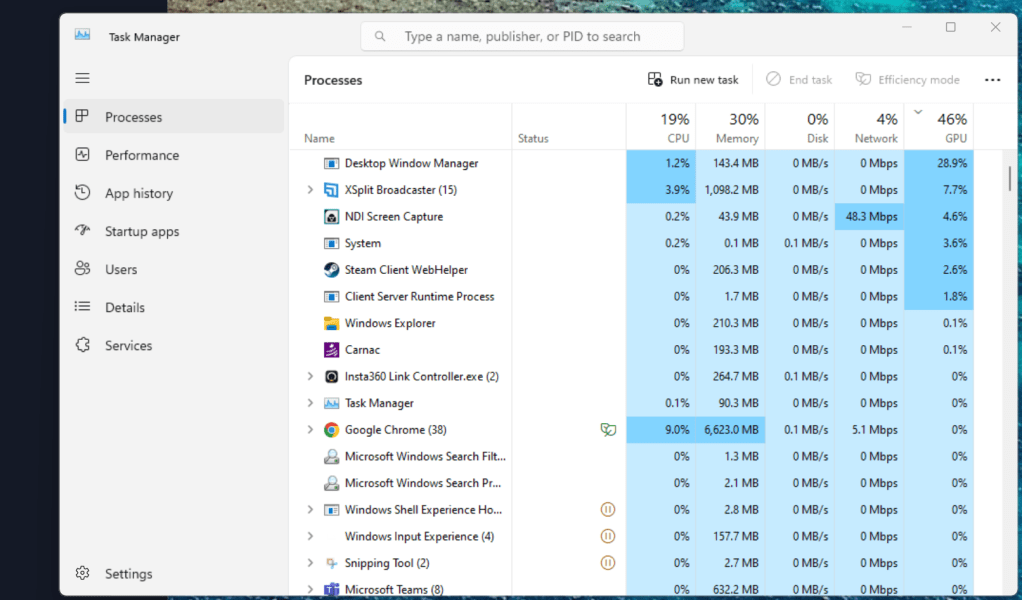
Make sure the window desktop manager get the main action and system stays responsive
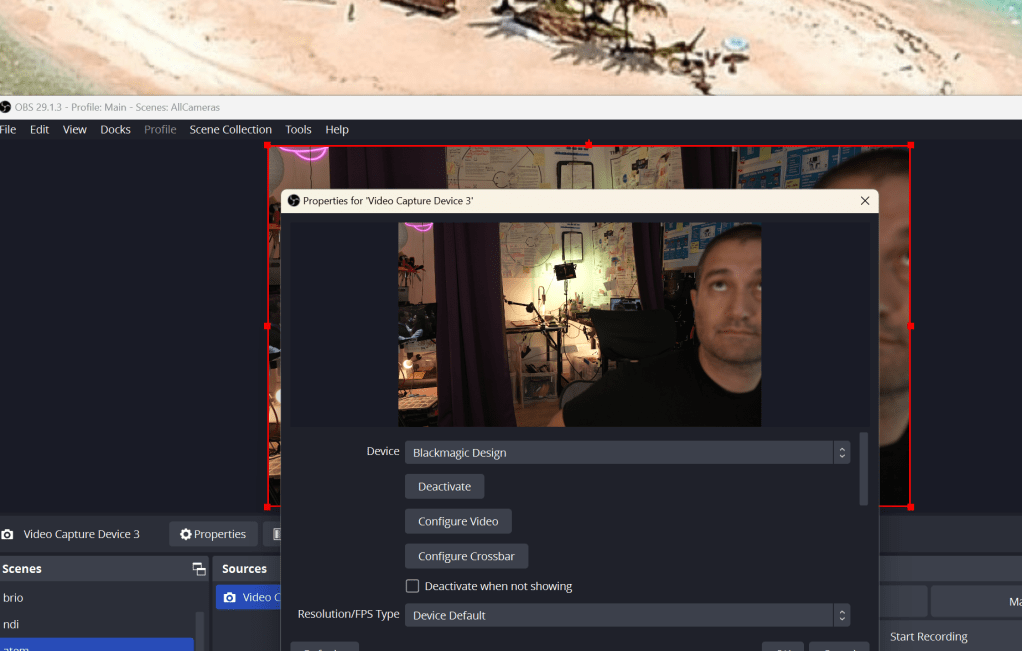
Add 2 mobile cameras
-
zv1 over hollyrood
-
iphone over vdo ninja
Reconnect cameras
Place the questions before the meeting starts
Leave empty postits before you start
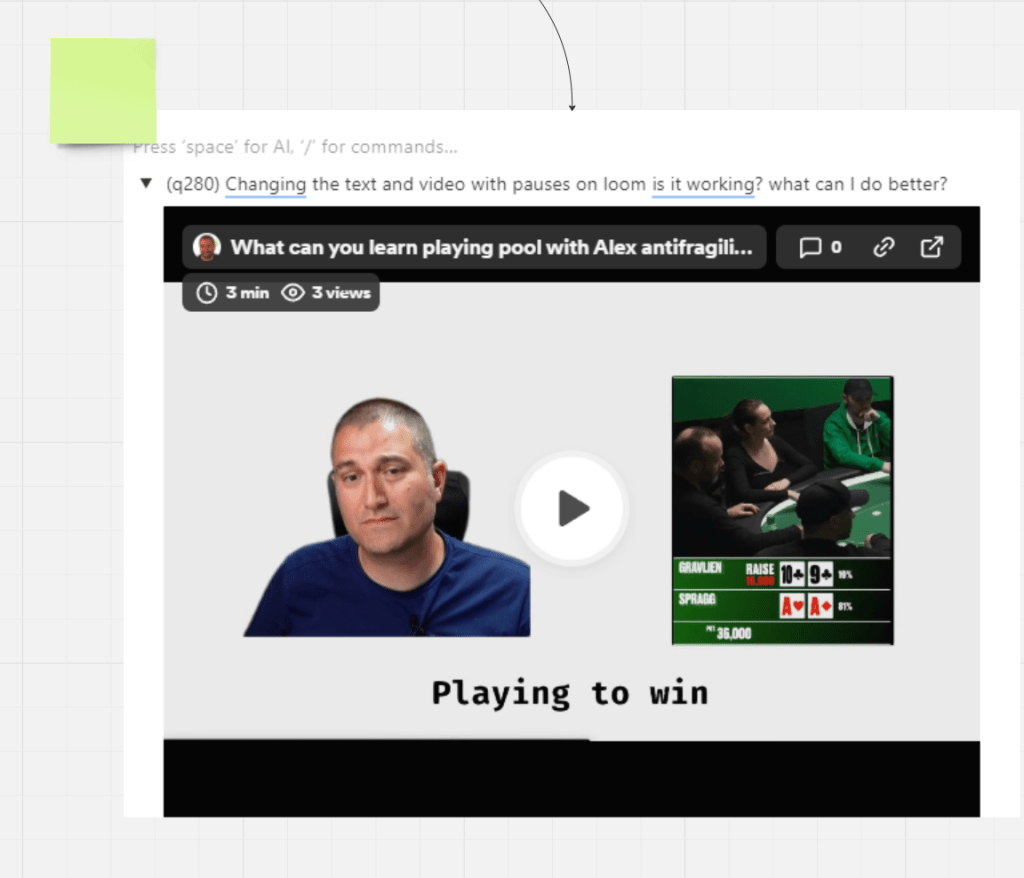
Enable director audio!!!!
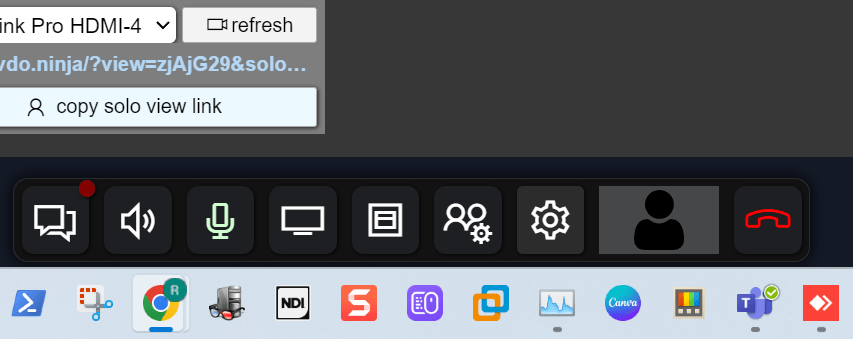
Do not create an extra director
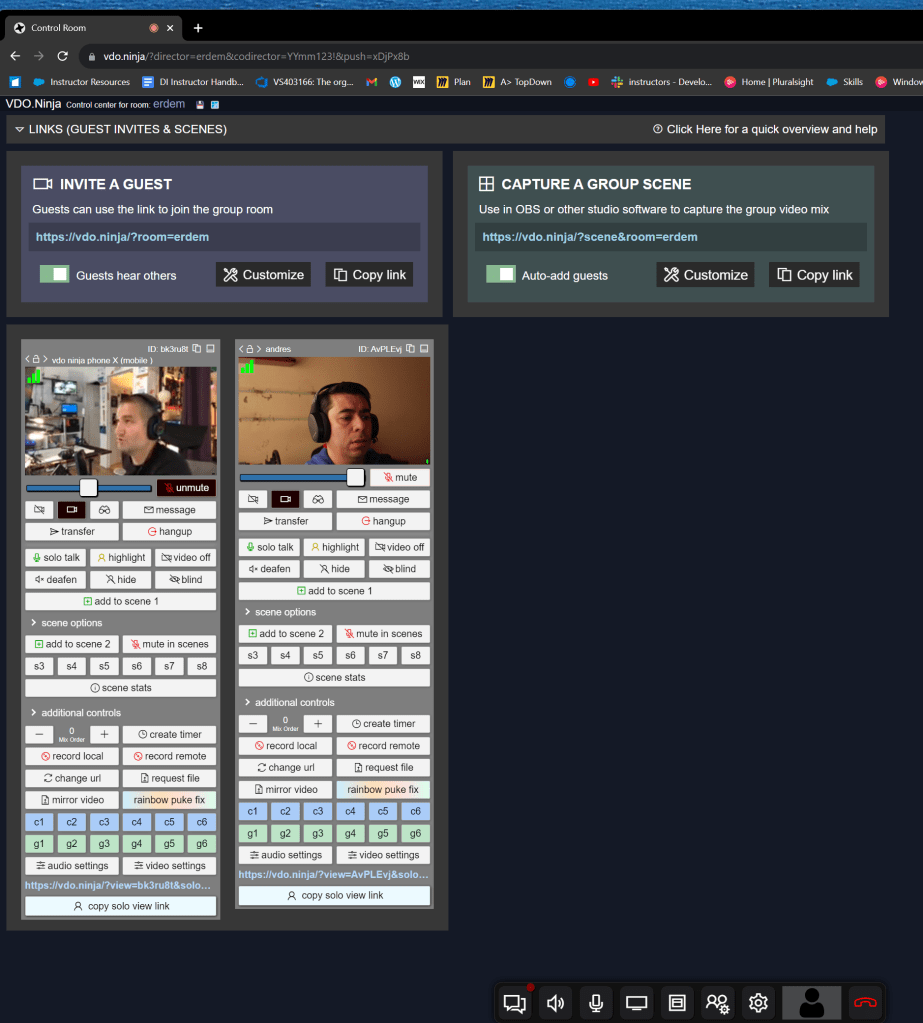
Audio level for director are in the director window
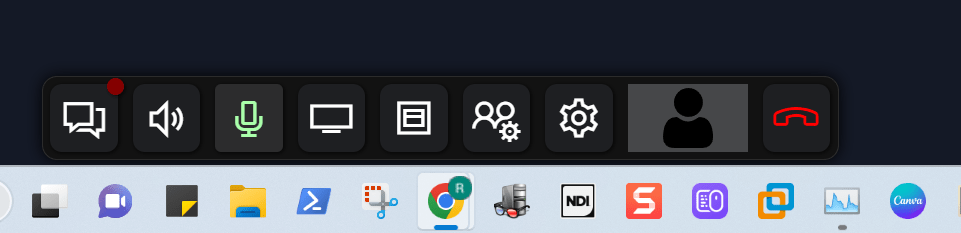
Director does need to be participant to be able to show the camera!
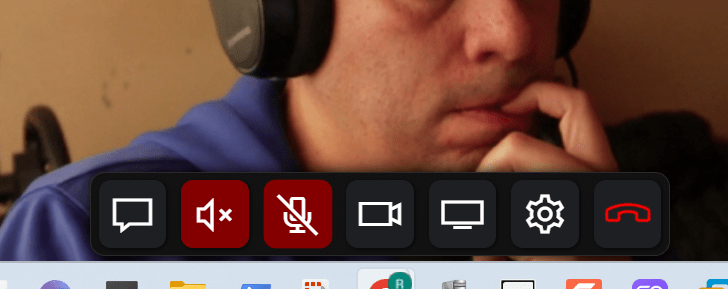
Mute the speaker and the microphone
Imported from rifaterdemsahin.com · 2023