IP update
Settings
https://github.com/qdm12/ddns-updater/blob/master/docs/noip.md
Add file
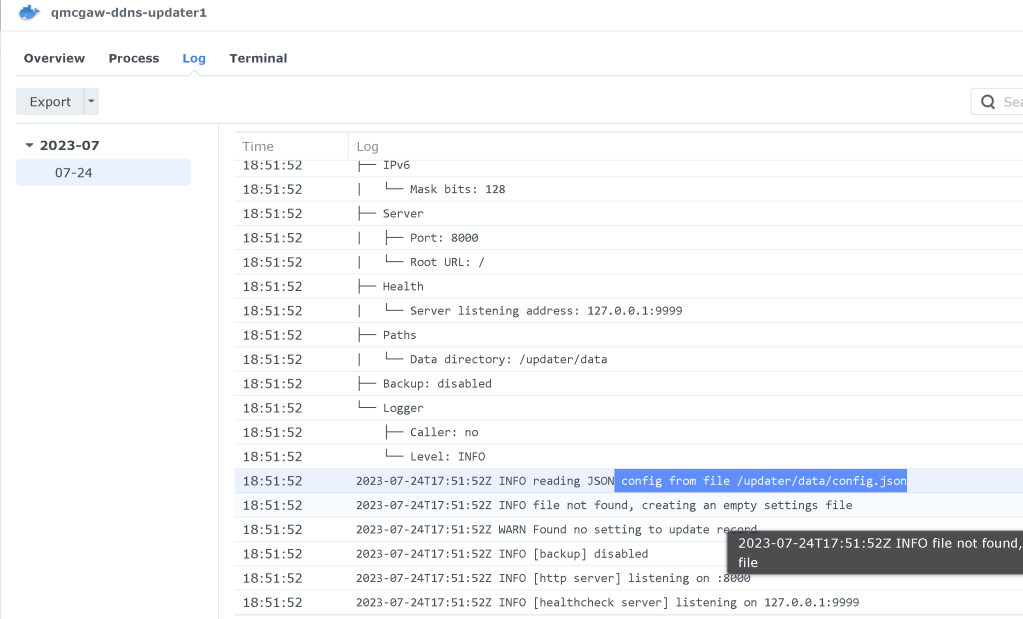
config.json
{ "settings": [ { "provider": "noip", "domain": "domain.com", "host": "@", "username": "username", "password": "password", "ip_version": "ipv4", "provider_ip": true } ] }z
error
2023-07-24T17:51:52Z INFO reading JSON config from file /updater/data/config.json
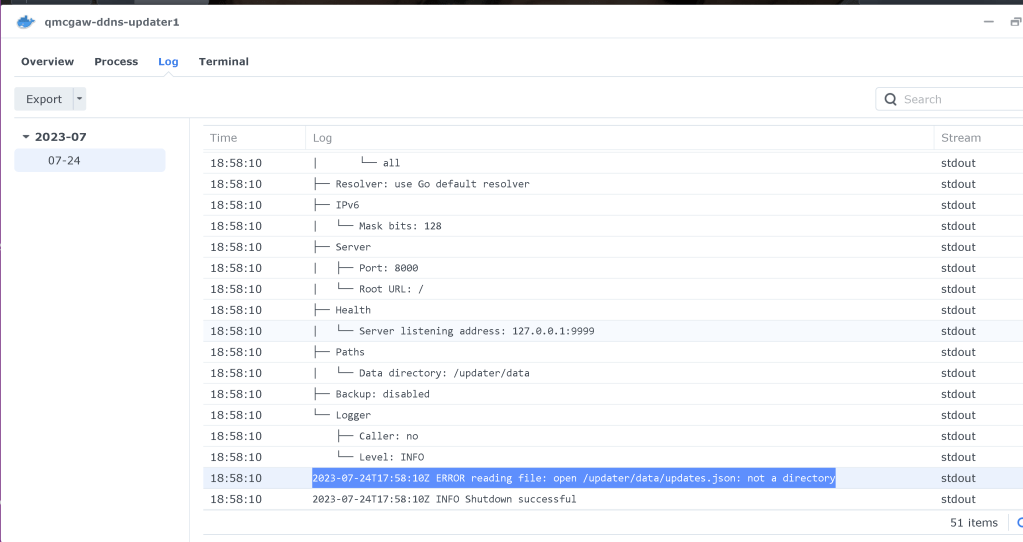
Set mount path after entering the data in
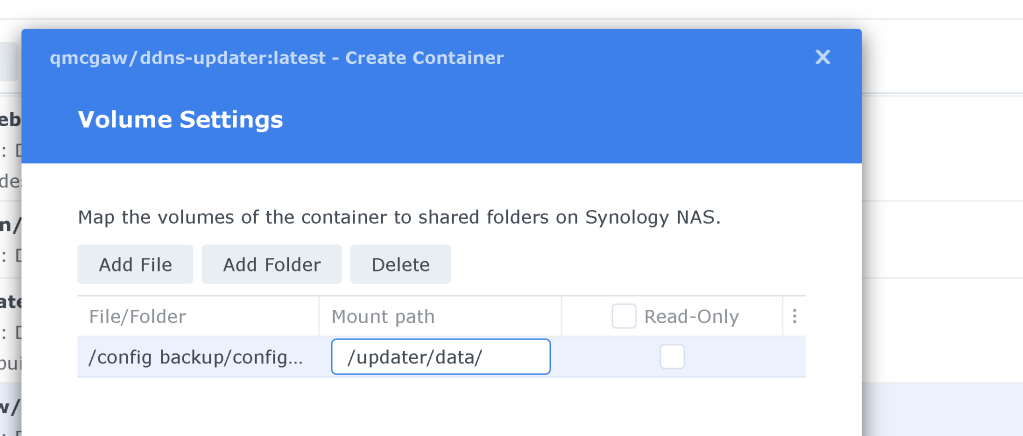
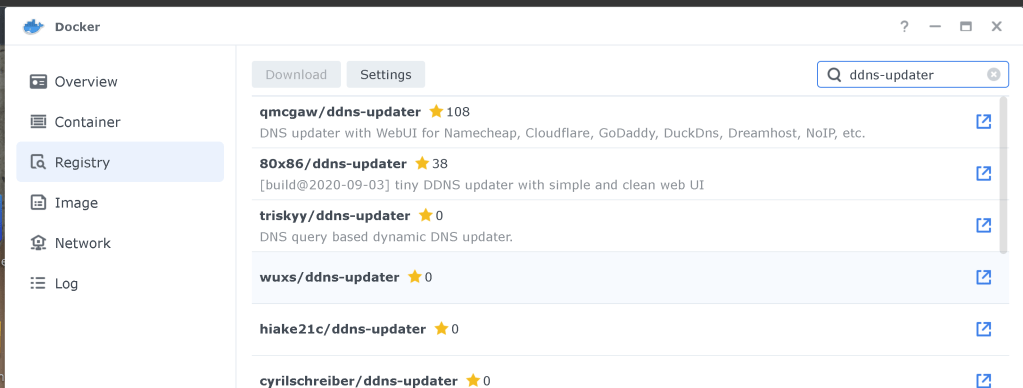
Install on synology nas
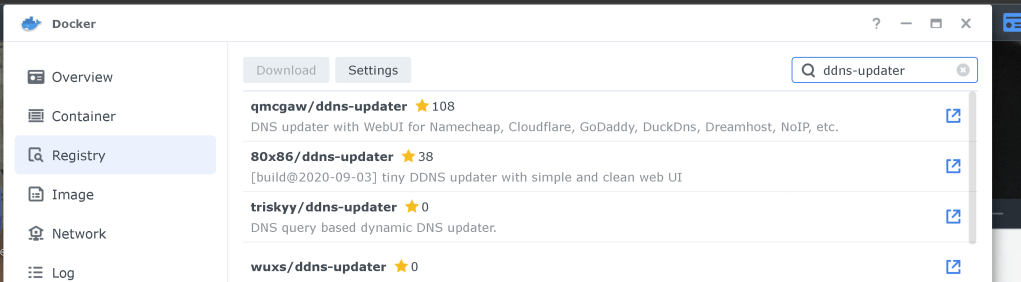
Run instance
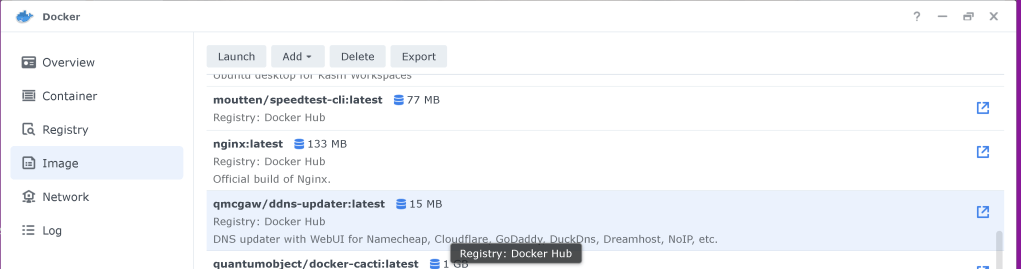
Find a docker container
Reference
https://hub.docker.com/r/qmcgaw/ddns-updater/
https://www.noip.com/support/knowledgebase/installing-the-linux-dynamic-update-client
Imported from rifaterdemsahin.com · 2023