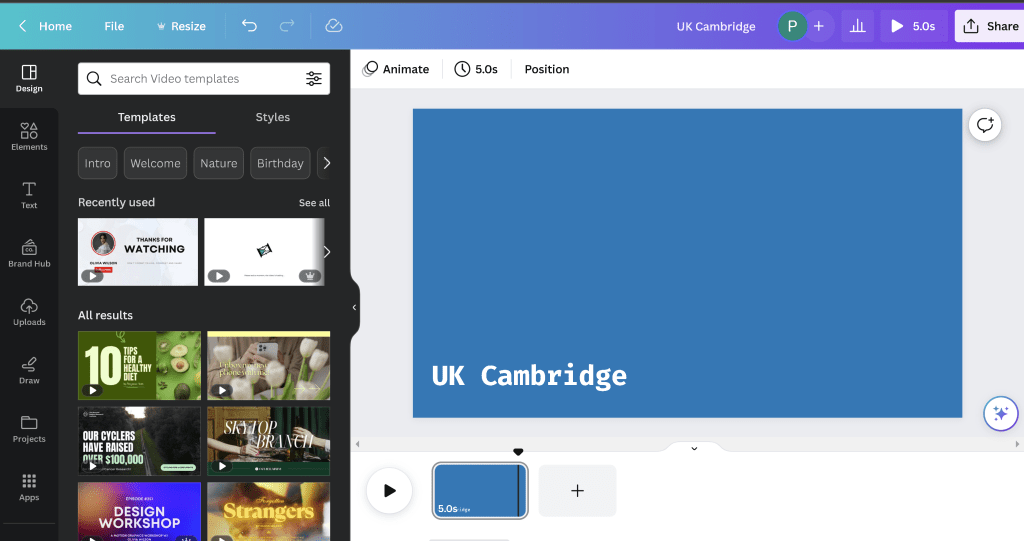
Canva back with OBS Assets
chroma key OBS and have the repo
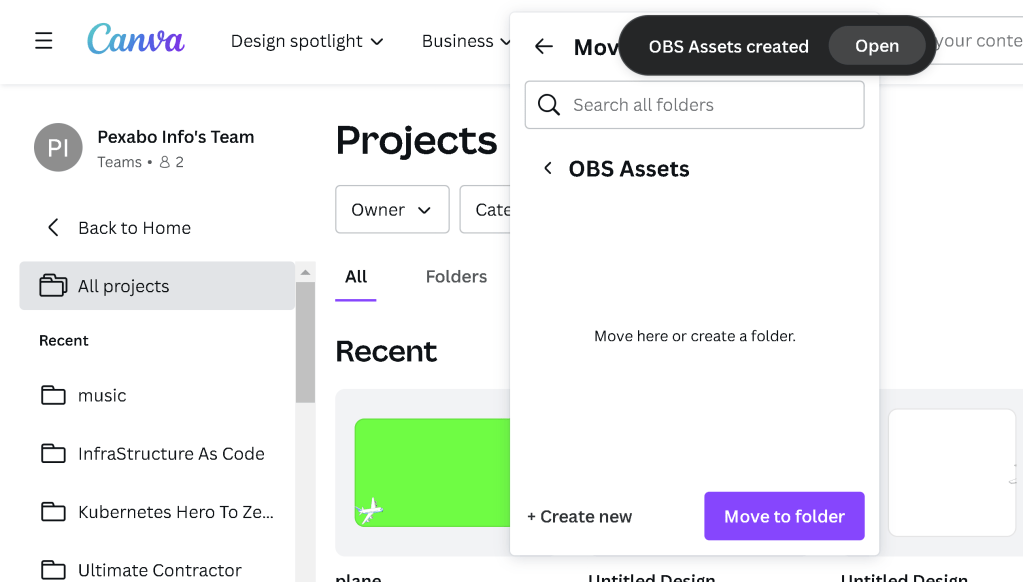
Practical transparent images and export
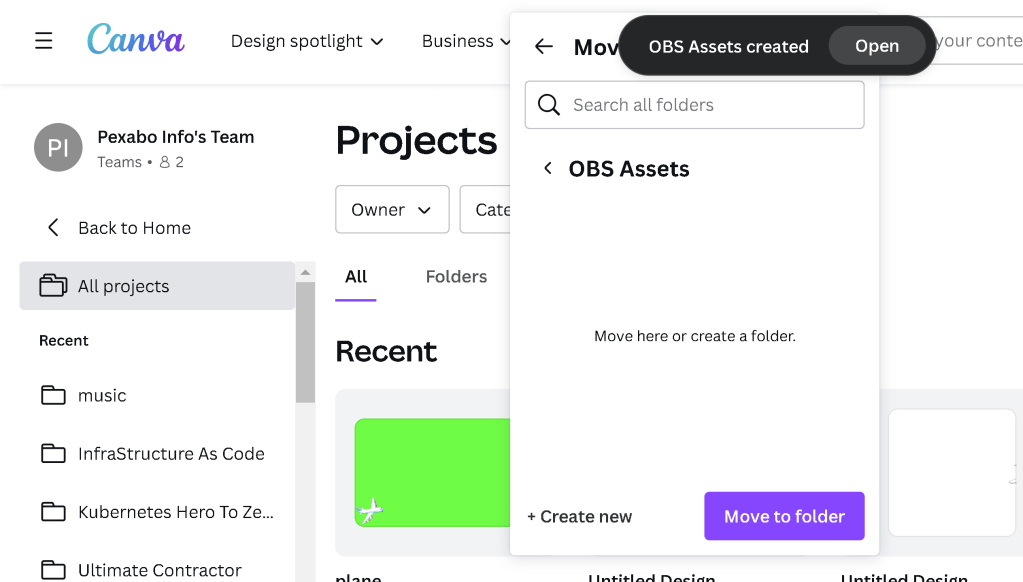
OBS > have the loop set for testing
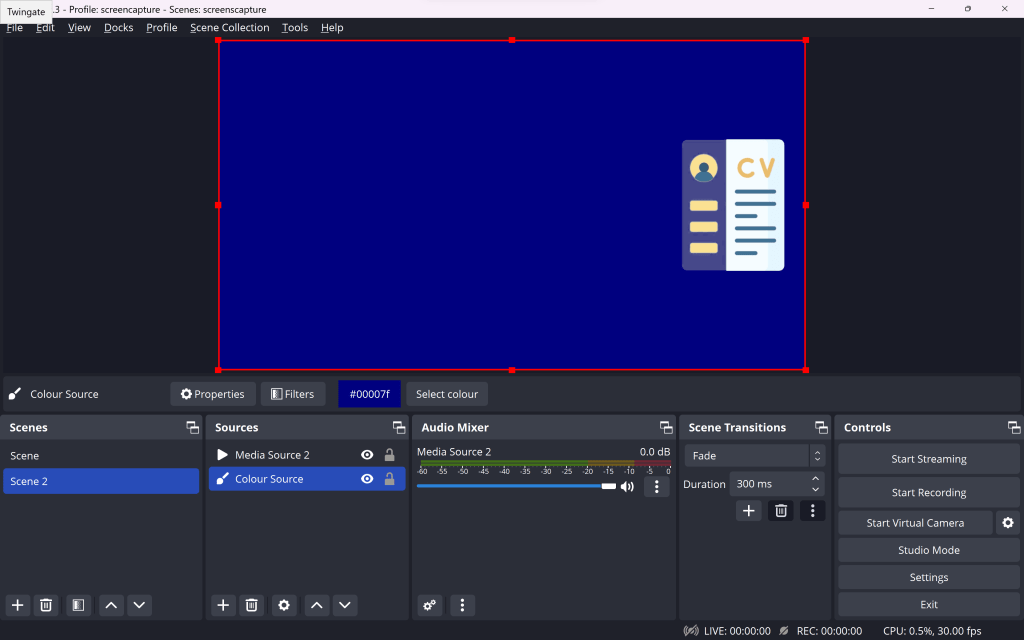
Filter play around with the greens if there are other colors in
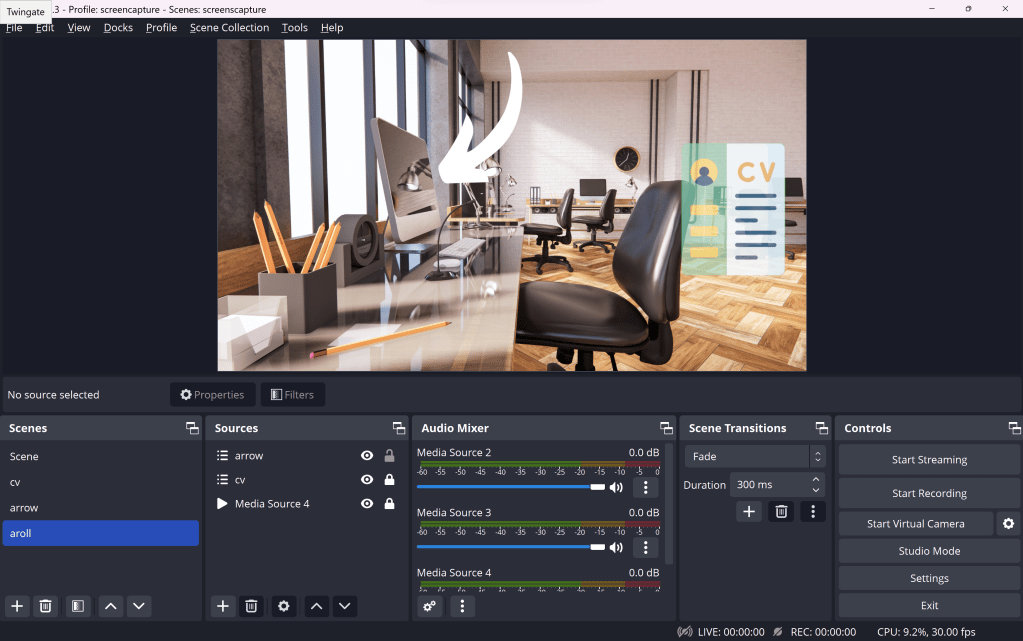
Chroma key settings ( avoid it make it build )
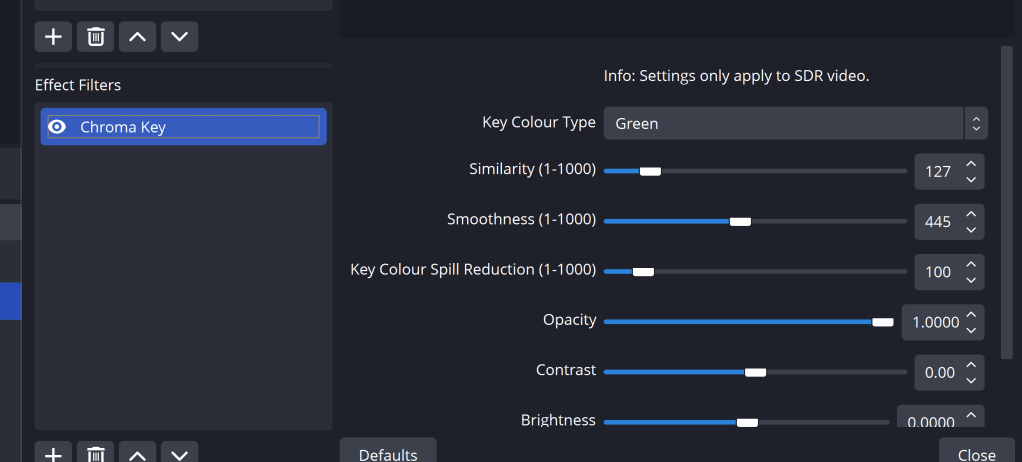
Cut off one second from the video > face on backgrounds
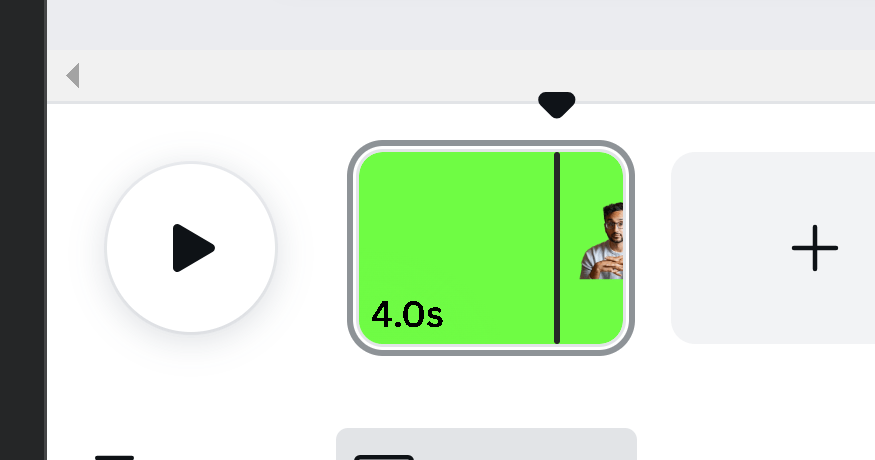
green is every where
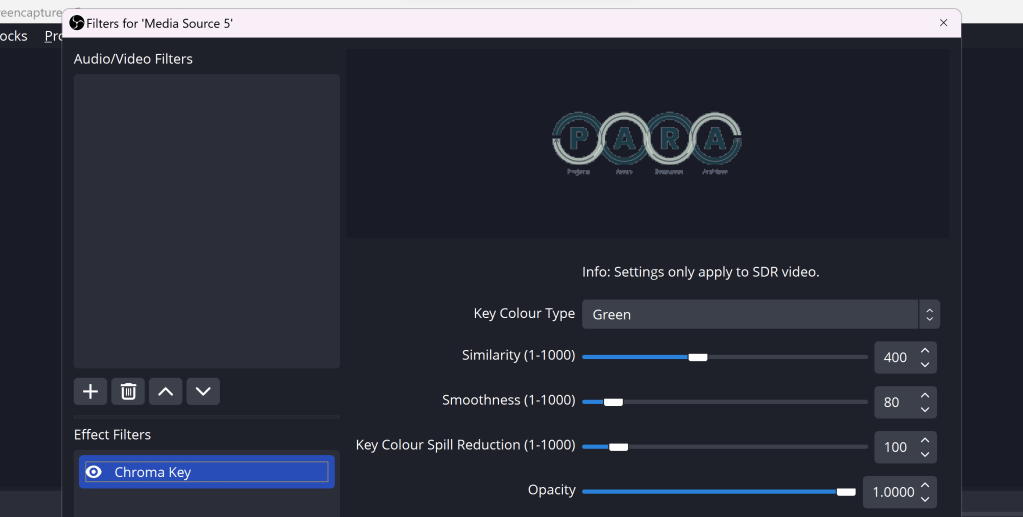
Some time too much green you cant save it
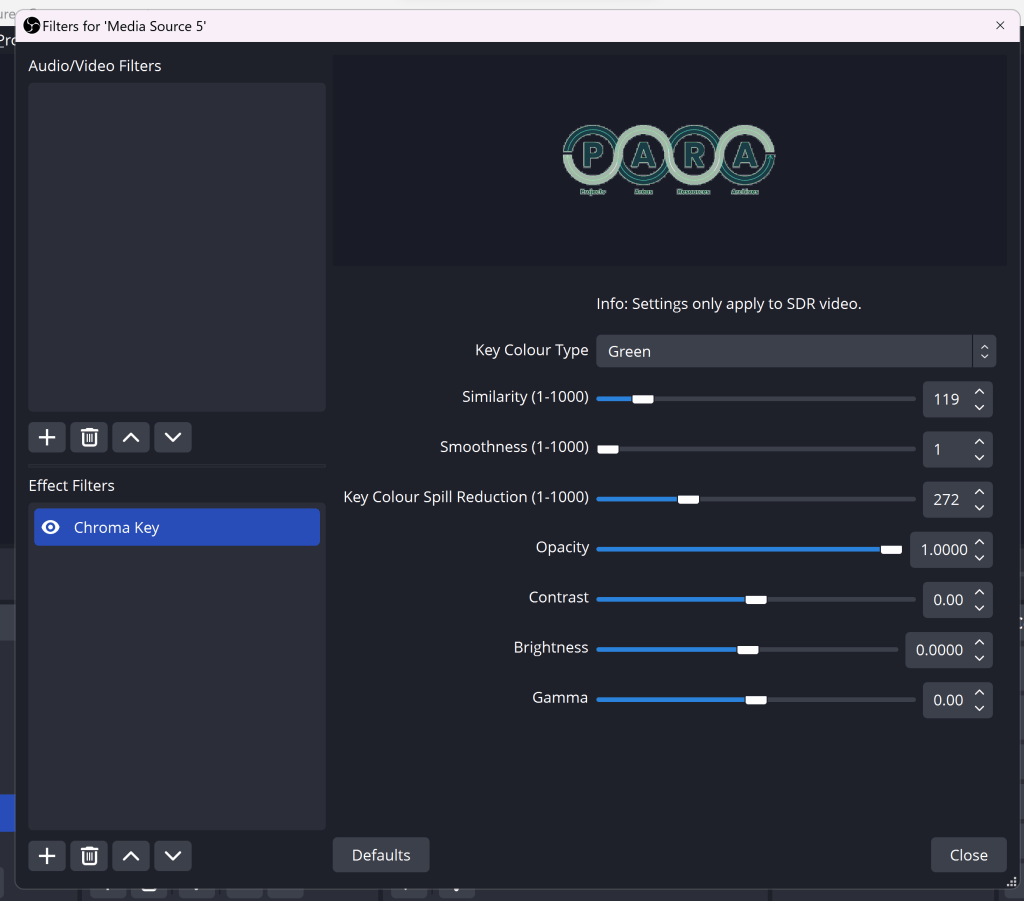
move to blue or red ?
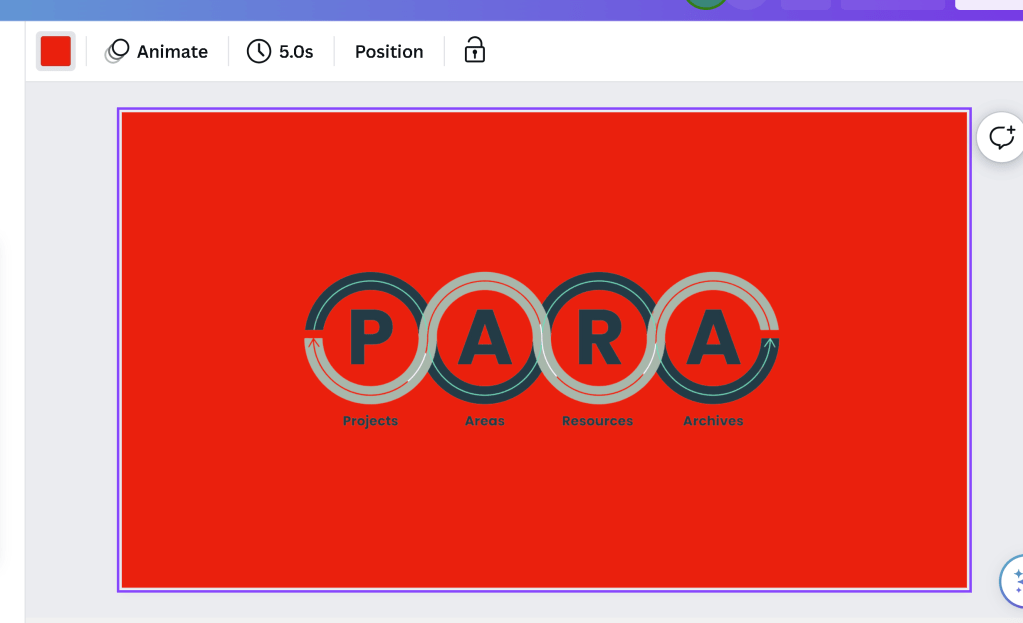
(: maybe there is a reason why red does not work
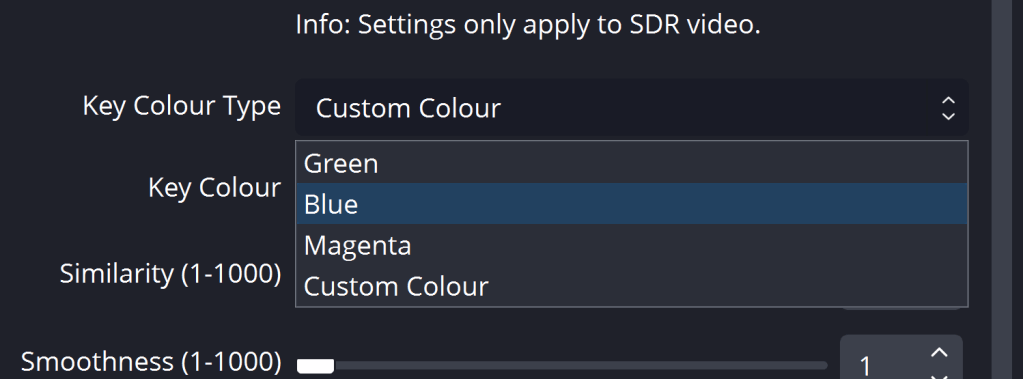
Blue at ok state
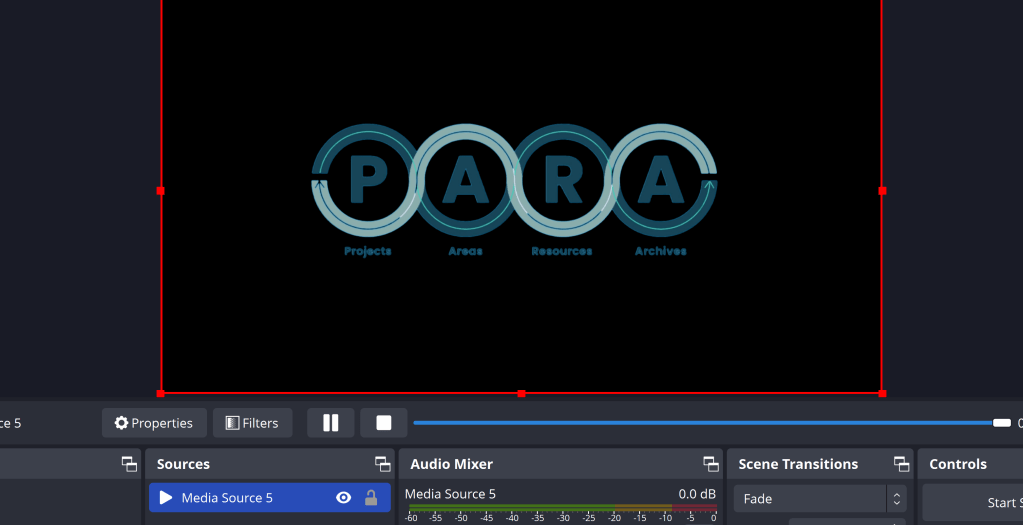
https://en.wikipedia.org/wiki/Chroma_key
Smaller images hides the errors
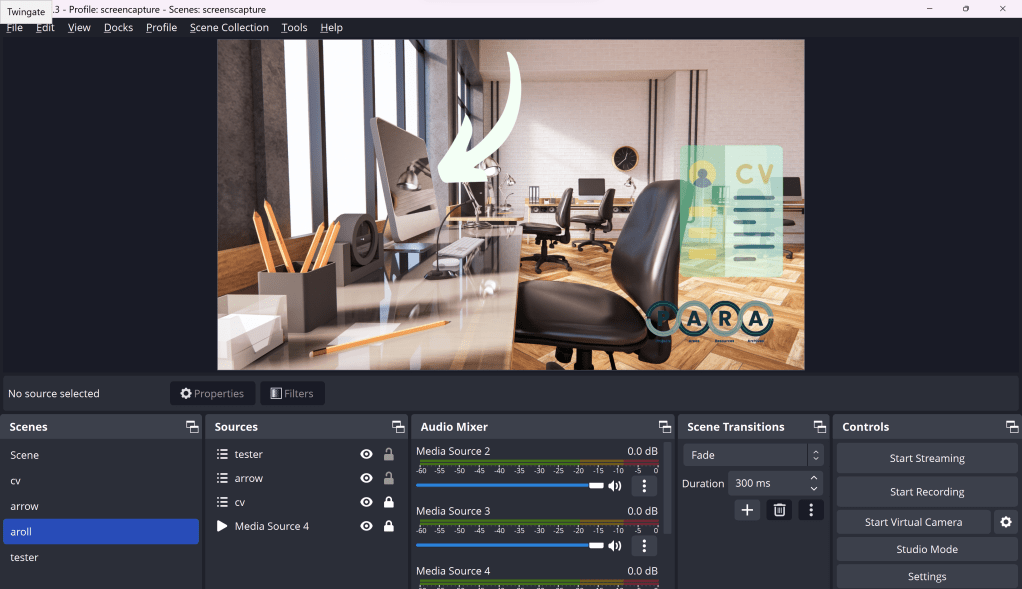
lower third symbols
Reference
Imported from rifaterdemsahin.com · 2023