Obs class on skillshare
**Main Points **
-
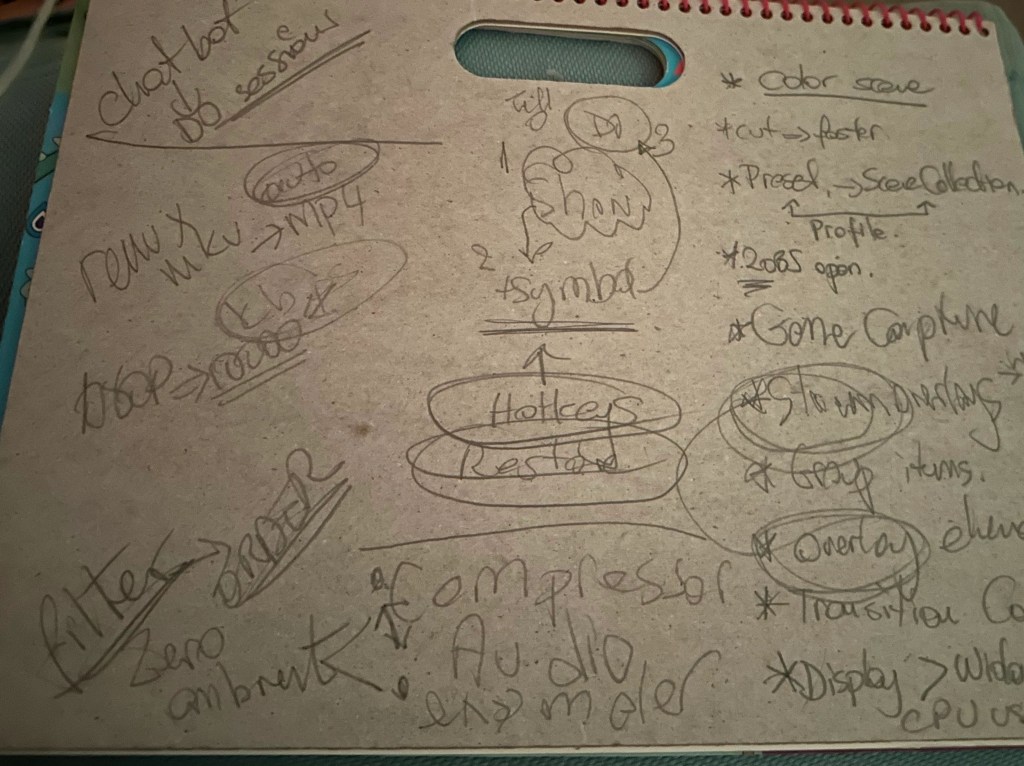
Chatbot setup > ready to talk with automation
-
remux > auto mkv to mp4 change
-
1080p 30 frames > 5000 kps to 10.000 kps
-
Filters for audio > sort order needed > to suppress background noise
-
Audio > Compressor / delimiter
-
Hotkeys to make things interesting
-
Up and down to change the scenes
-
Tell ( aroll ) / Show ( videos ) / Do ( symbols/images) / Apply ( screenshare > real next stage move on
-
Hardest on cpu > Display > Window > Game ( after game in full screen )
-
Transitition colors can be updates
-
Streamelements > overlay using the webview
-
Group items
-
Run 2 obs at the same time > one to record one to show for the course
-
Mkv to record 2 hour sessions than do the remux
-
Transititon > cut is faster than the fade
-
Presets over the profile to have Scene Collections
Notes
Completion
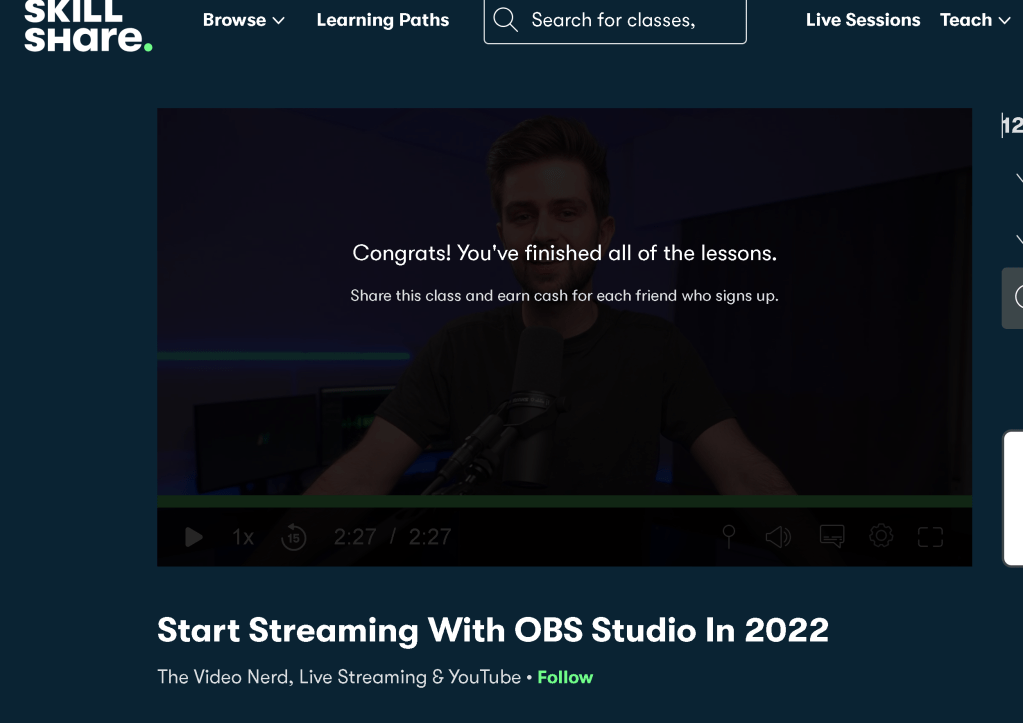
Reference
https://www.skillshare.com/en/classes/Start-Streaming-With-OBS-Studio-In-2022/491972286?via=search-layout-grid
Imported from rifaterdemsahin.com · 2023