remote canva control for prompter
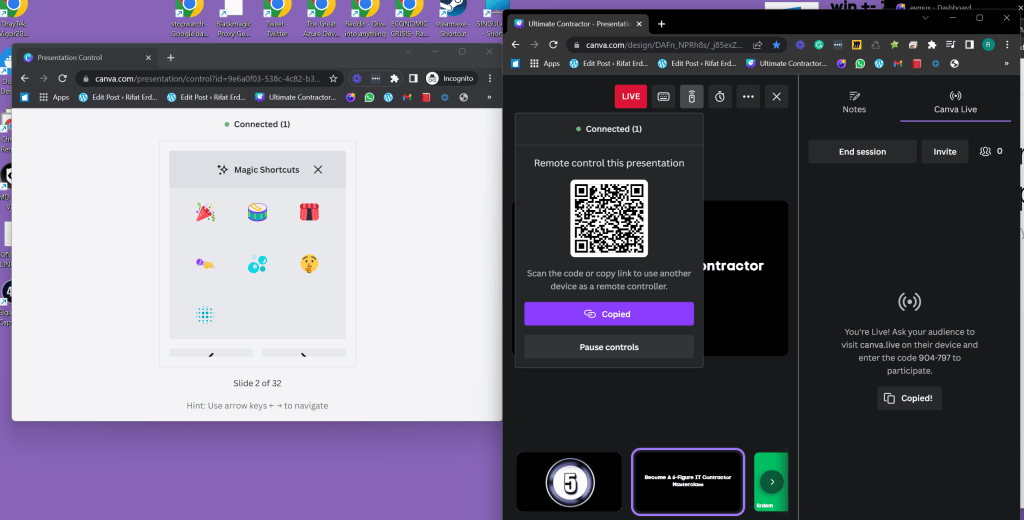
Prompter set ( reflections
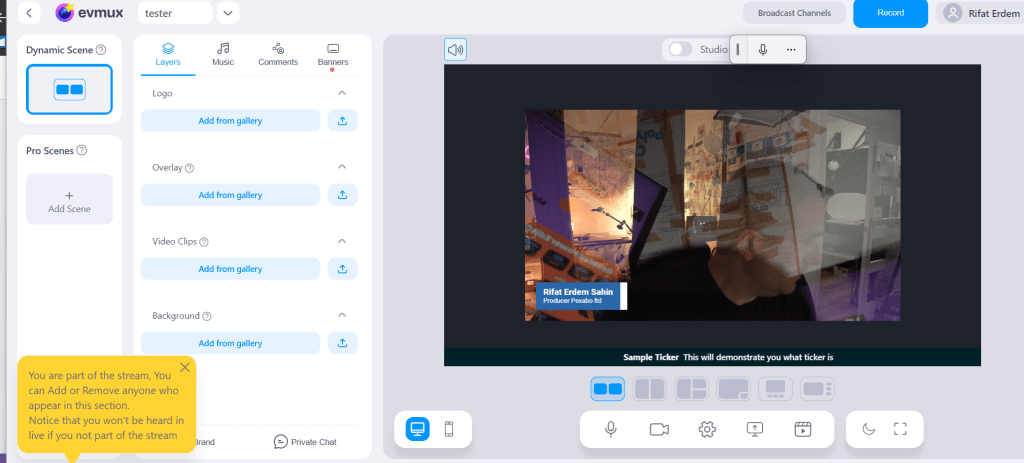
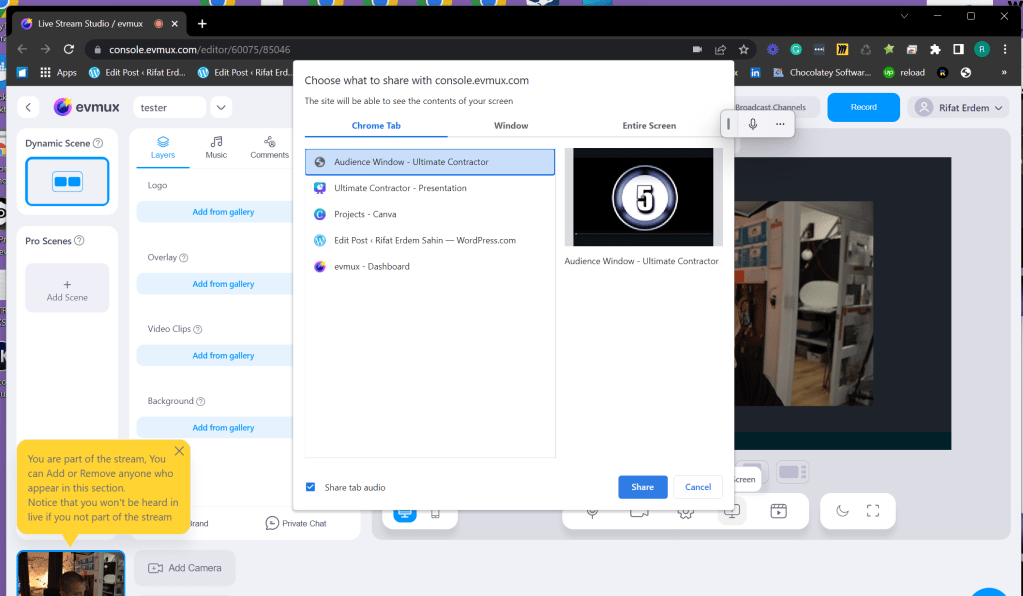
Add audience window
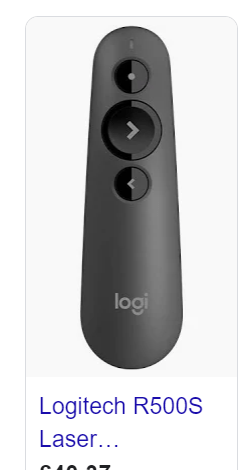
Use logitecth clicker to move around
Remote desktop to the box
https://remotedesktop.google.com/access/
do a canva live session ( instead of NDI
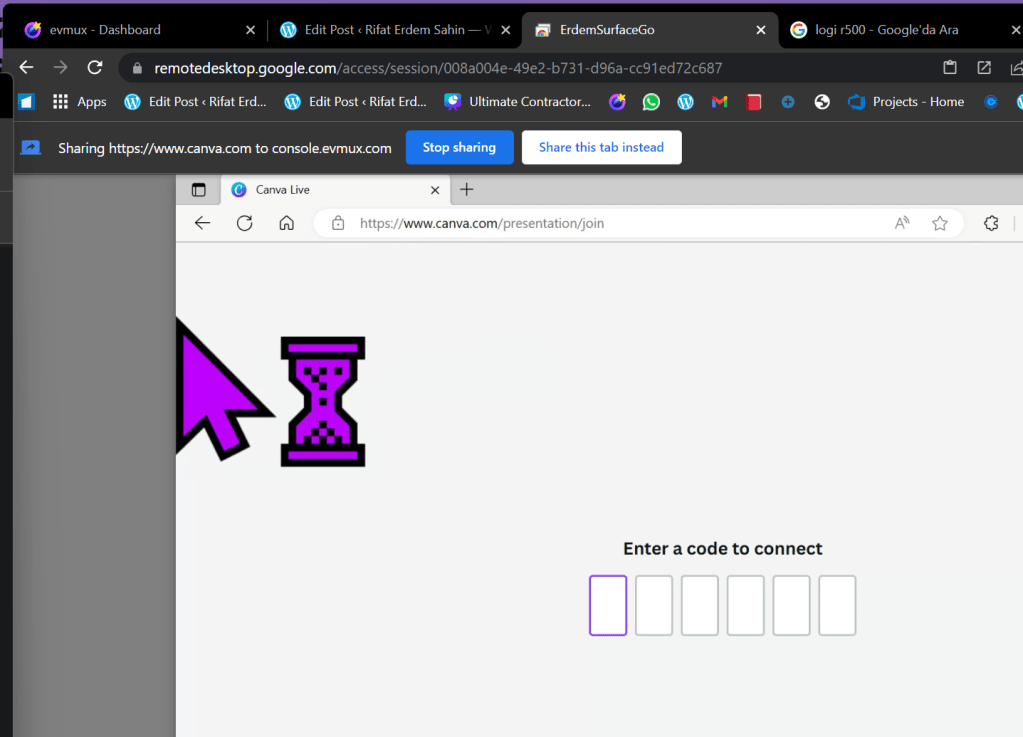
This is for questions to watch
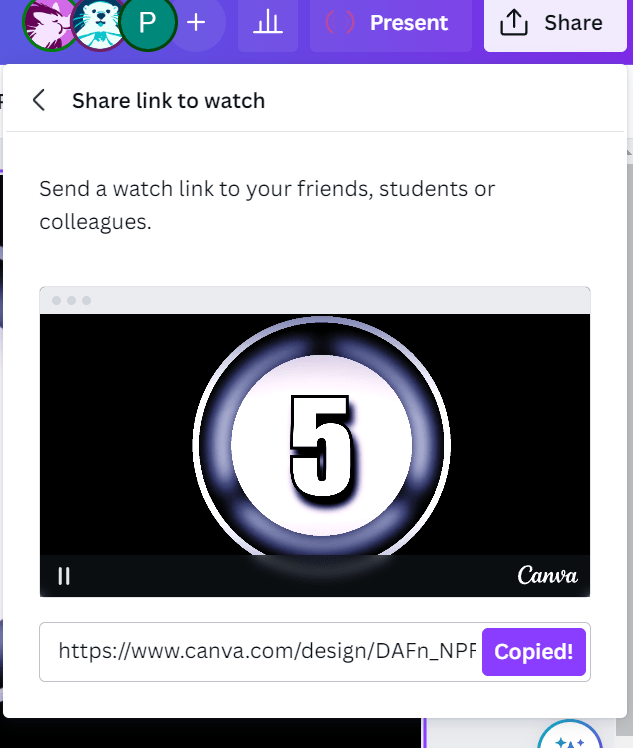
https://www.canva.com/design/DAFn_NPRh8s/J7OYdD7mGOy7KBg0DulOcg/watch?utm_content=DAFn_NPRh8s&utm_campaign=designshare&utm_medium=link&utm_source=publishsharelink
If the canva can not be reached use NDI and send composite image
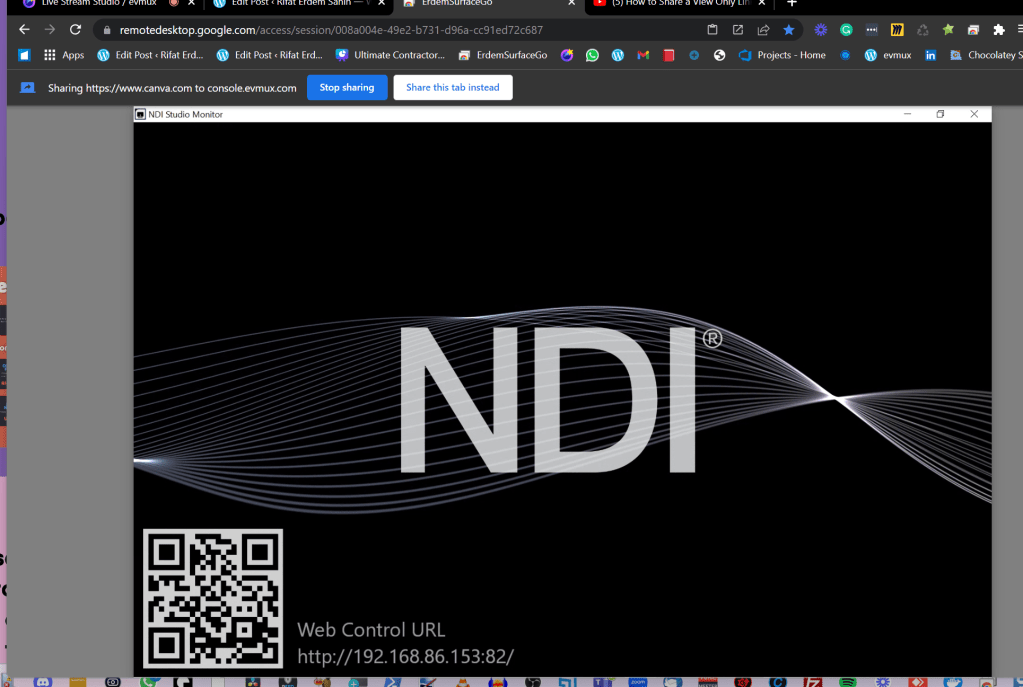
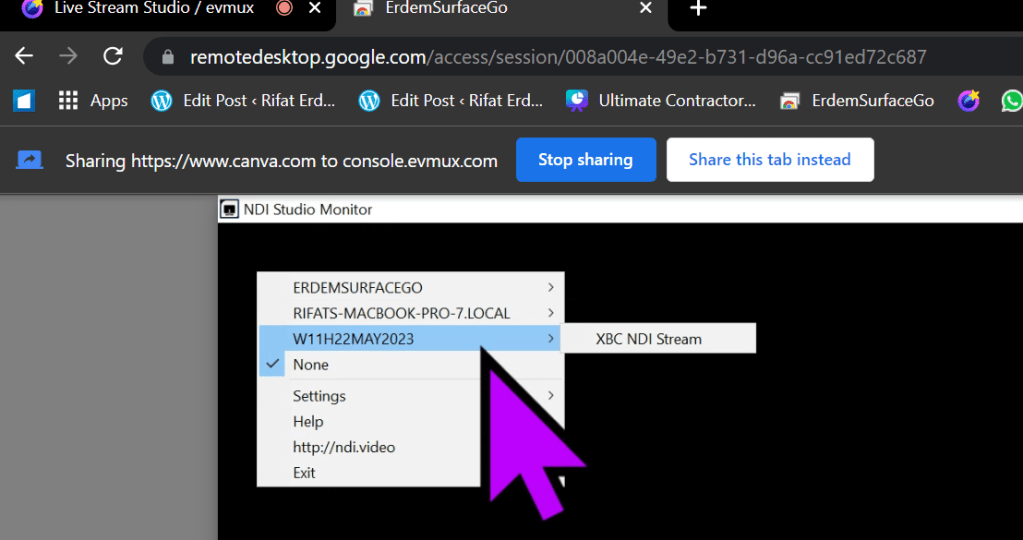
NDI monitor settings
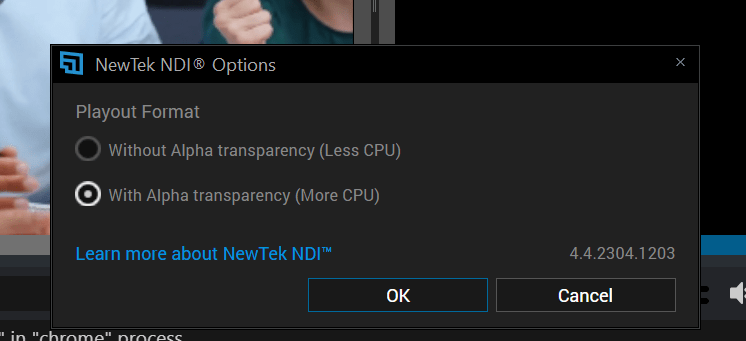
Select your ndi stream
5 programs on at the same time
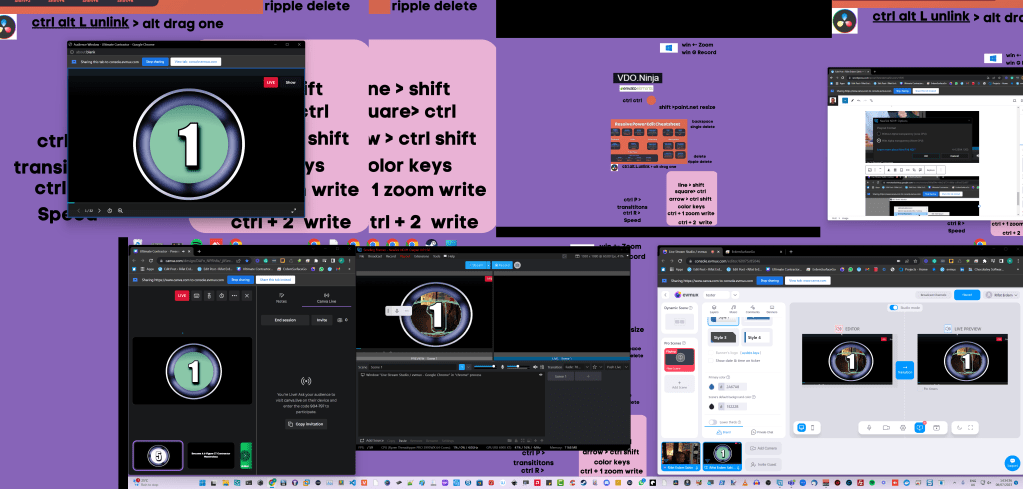
Delayed visuals are here
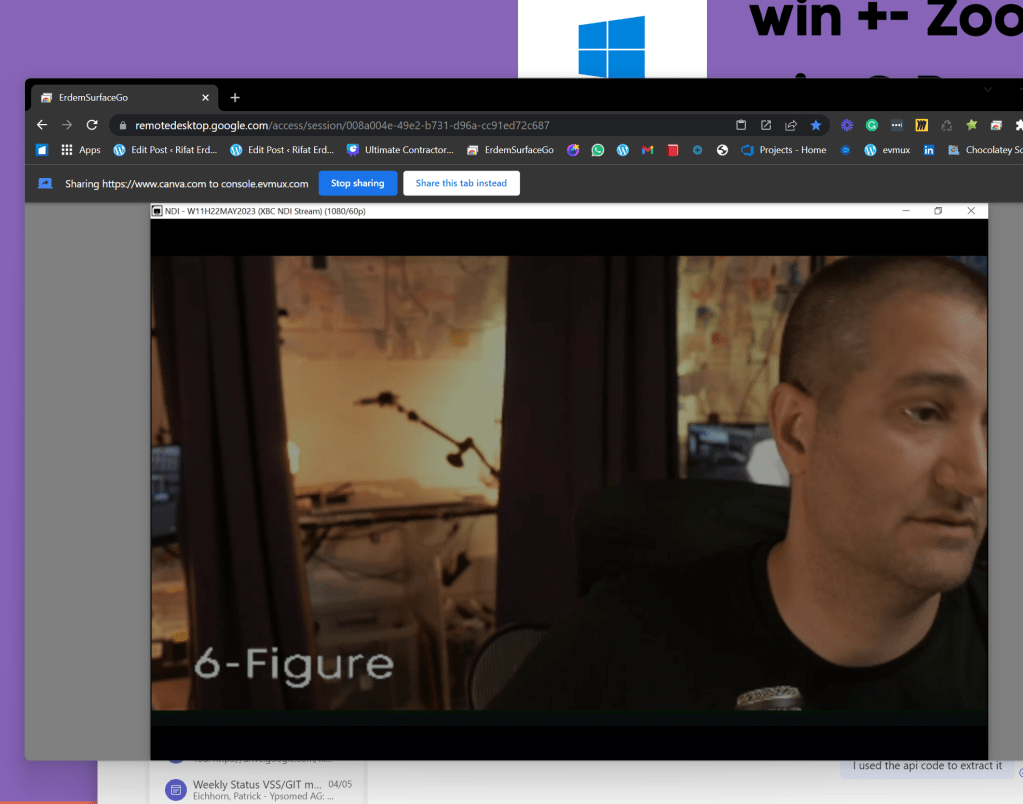
the delay could be streamdeck cut
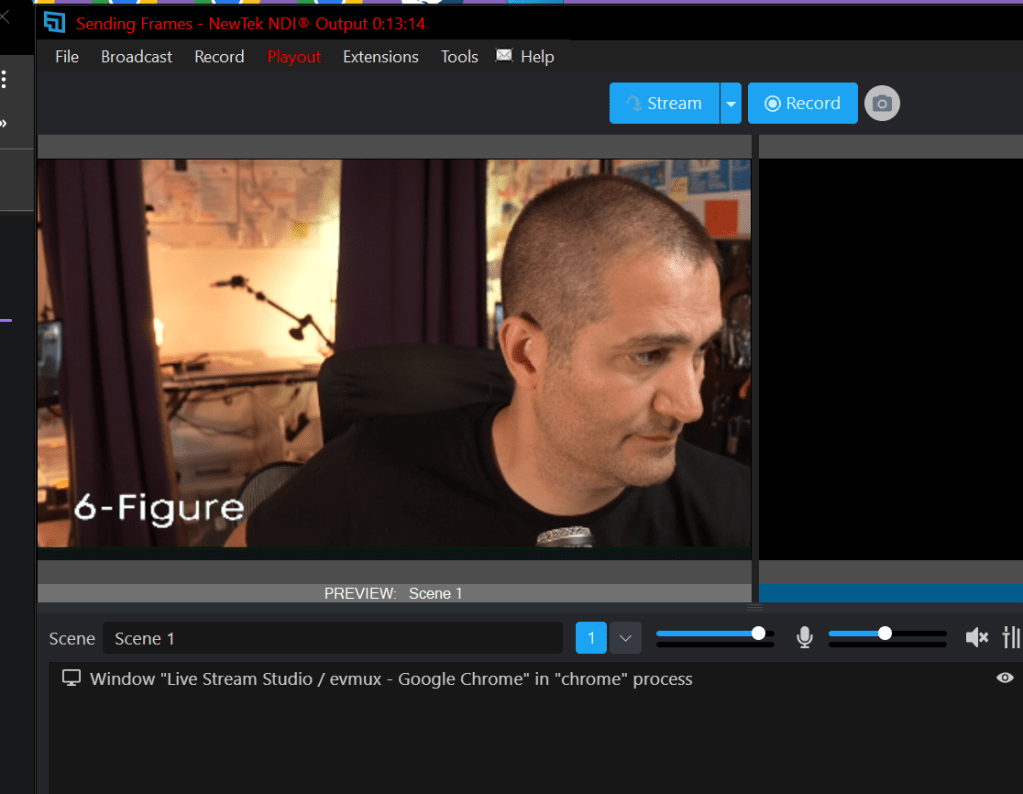
Main goal have the remote editor make the move between 2 cameras
turned voice meeter after the fisrt test ( test with the remote editor )
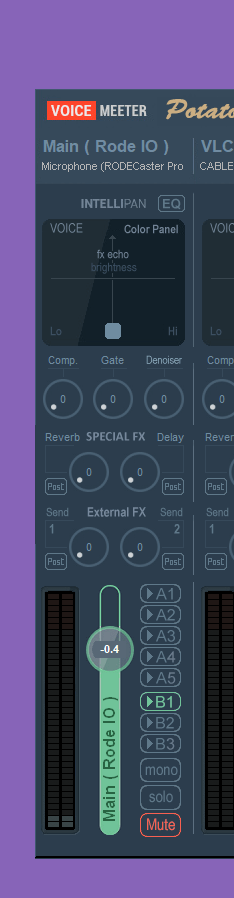
Output
Errors
-
Too many monitors to manage ( for a single operator )
-
Canva music was not there ( music not monitored )
-
Video shared over the screenshare was not clear ( after publish realised )
Checklist for the remote production assistant
-
Light Check - feedback
-
Audio Check - feedback
-
Background check- feedback
-
Green screen errors spot
-
Framedrops spot
-
Music timing
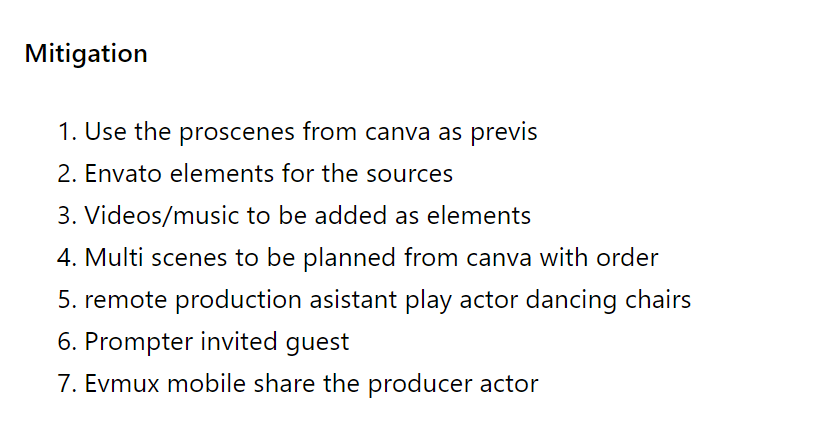
Mitigation
-
Use the proscenes from canva as previs
-
Envato elements for the sources
-
Videos/music to be added as elements
-
Multi scenes to be planned from canva with order
-
remote production asistant play actor dancing chairs
-
Prompter invited guest
-
Evmux mobile share the producer actor
Fixes on a napkin
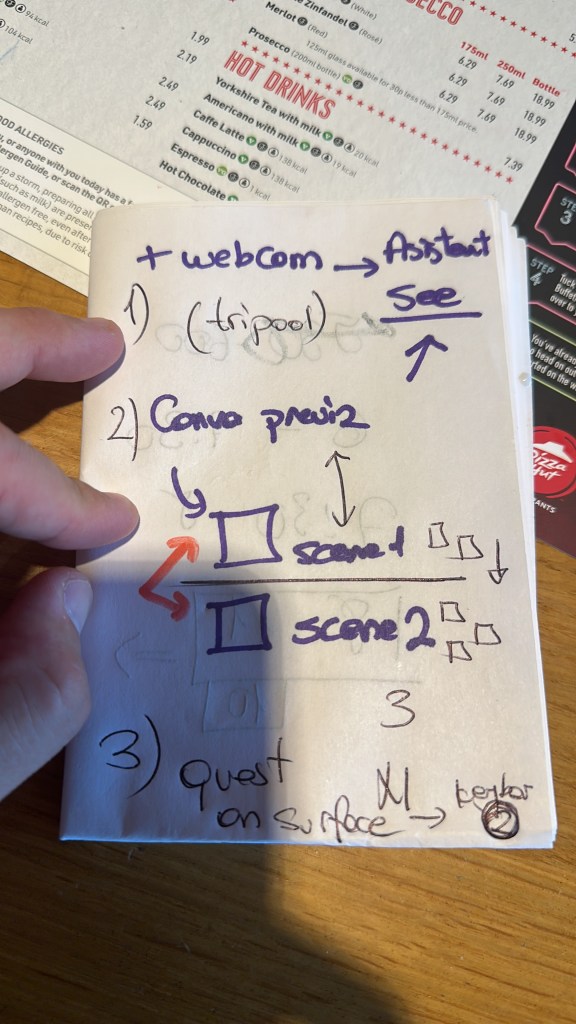
32 scenes on canva can be an issue
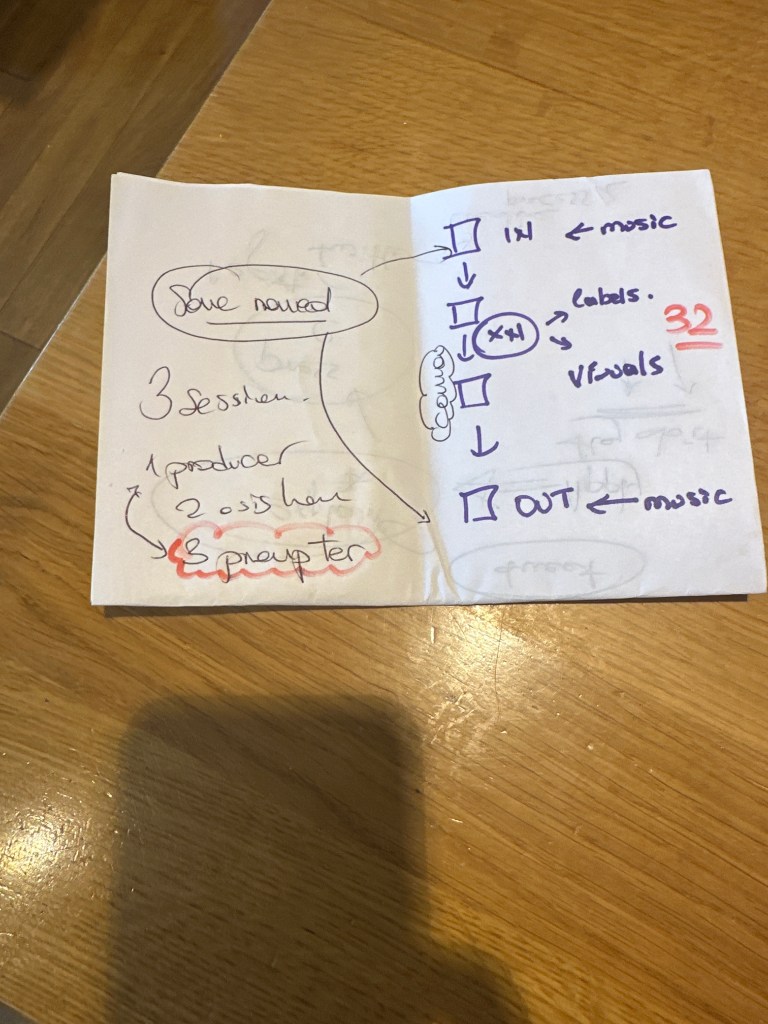
32 scenes is way to many to manage and create and we need some reuse
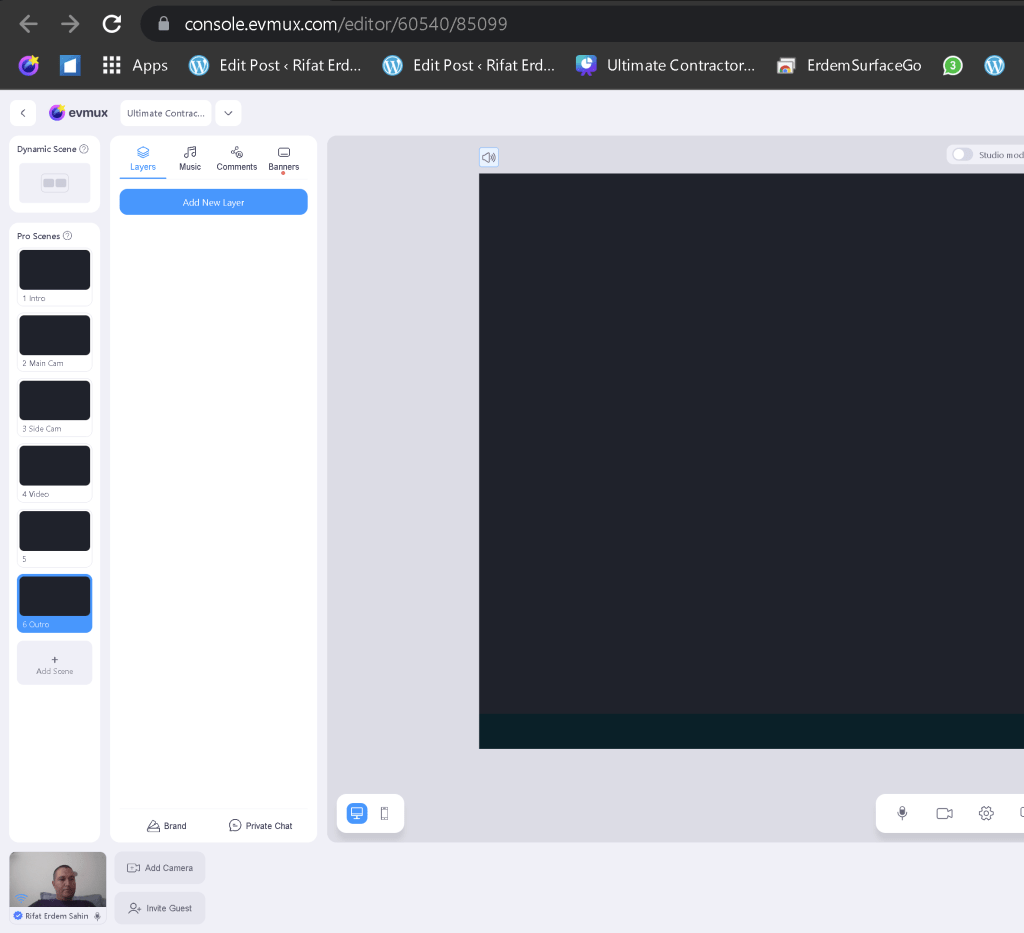
revisit and see it this can do the job
Instead of Intro use it for all sections
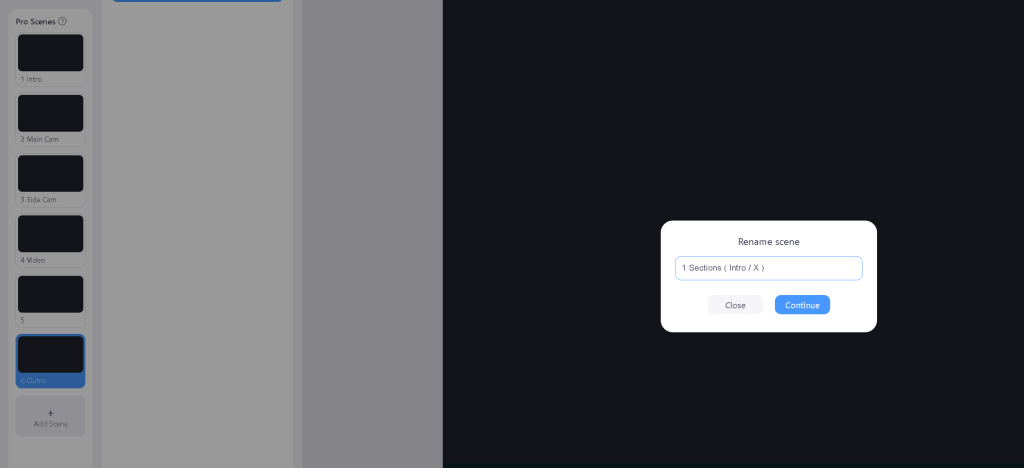
Sections as videos > create sub problems and solutions
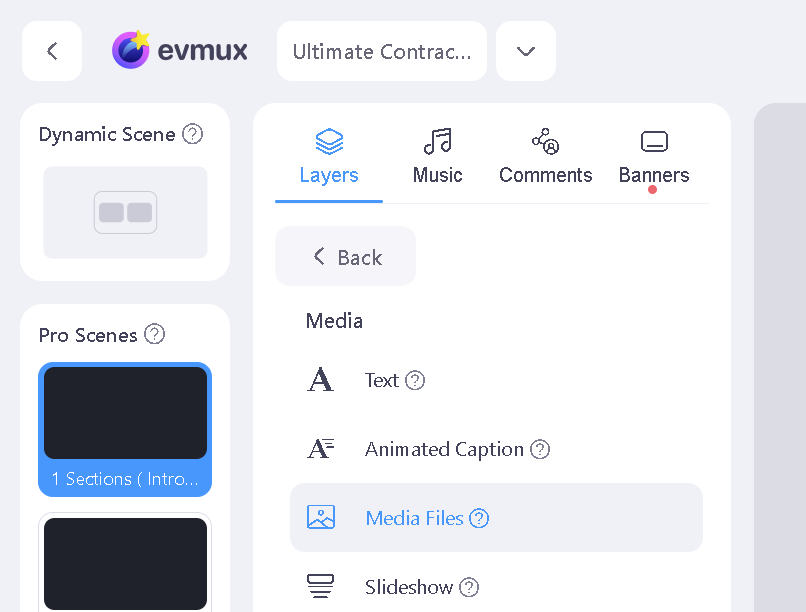
Media File
Naming and music size becomes important
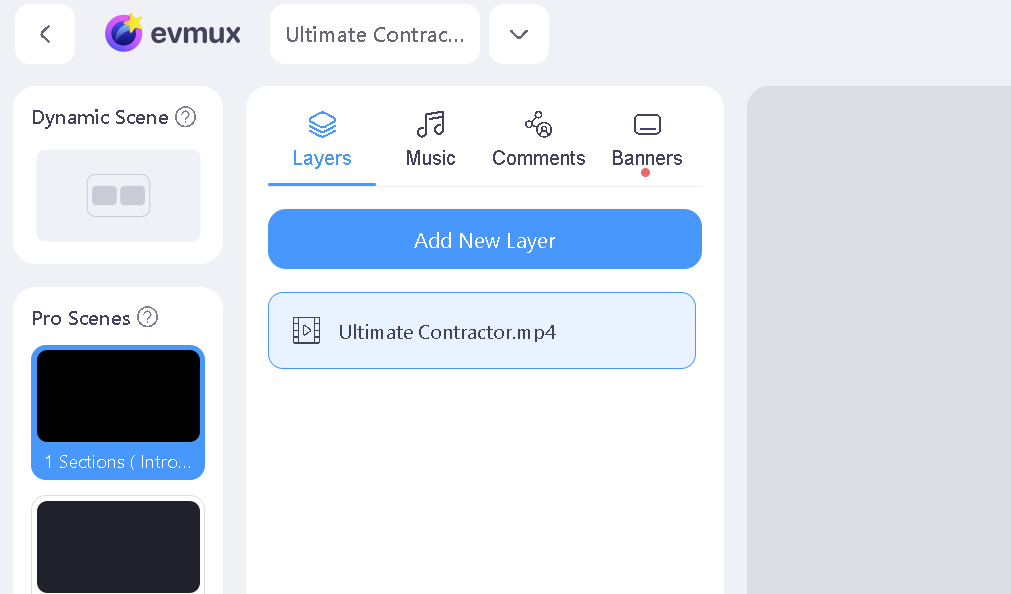
Duration increase
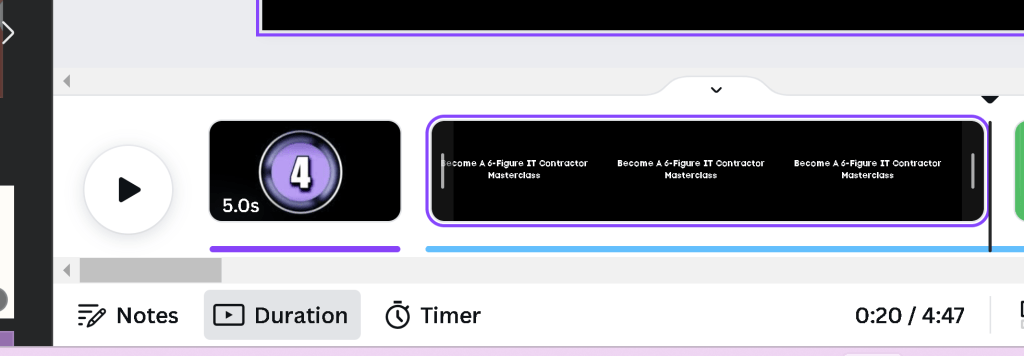
it takes time
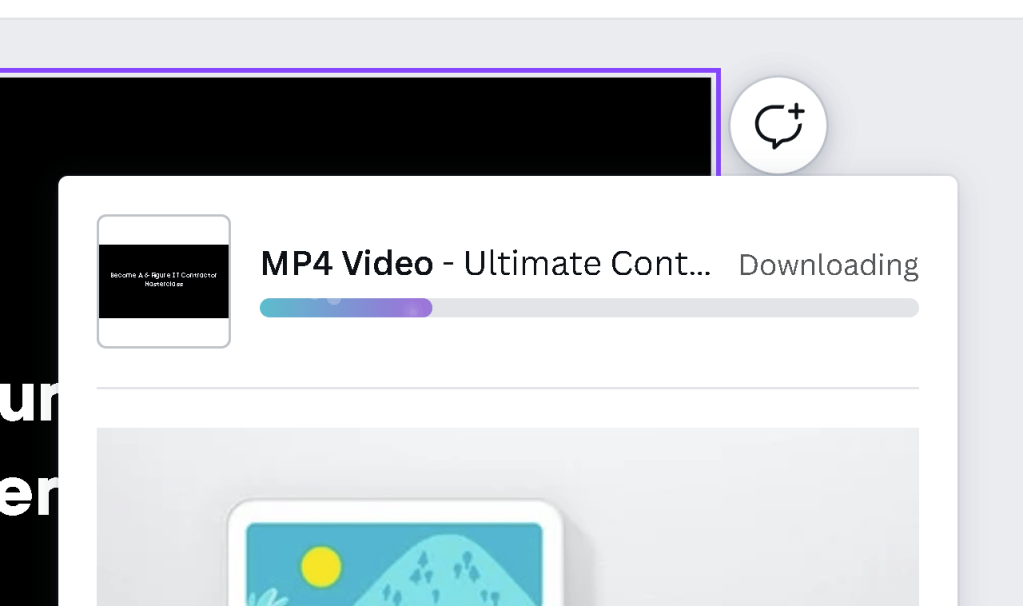
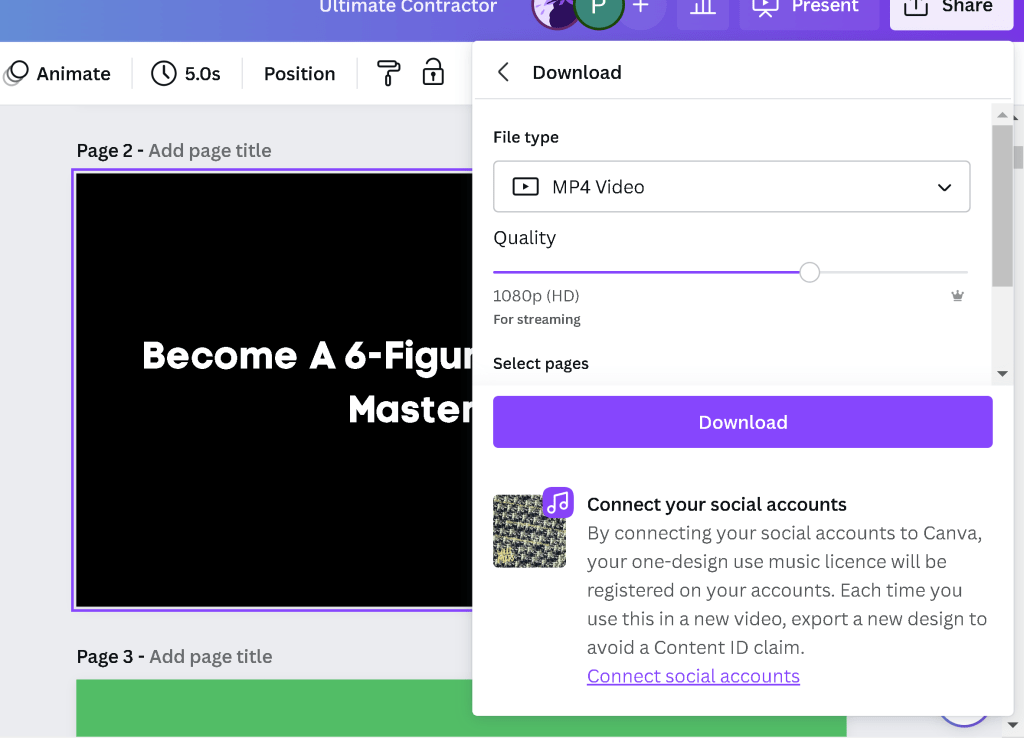
Check the file format
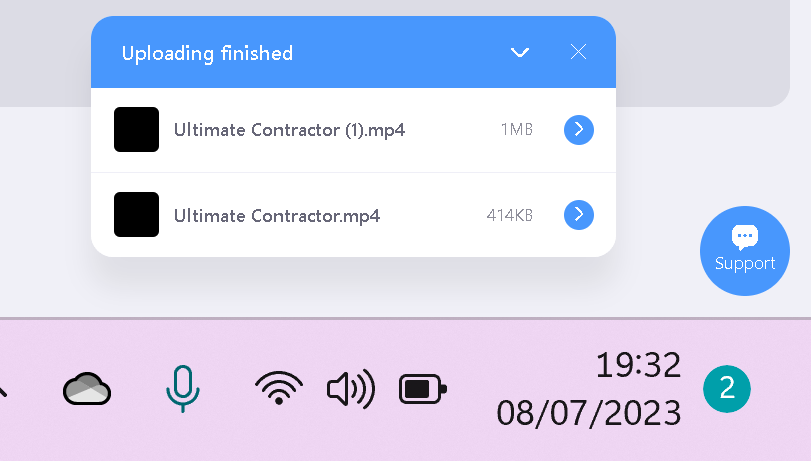
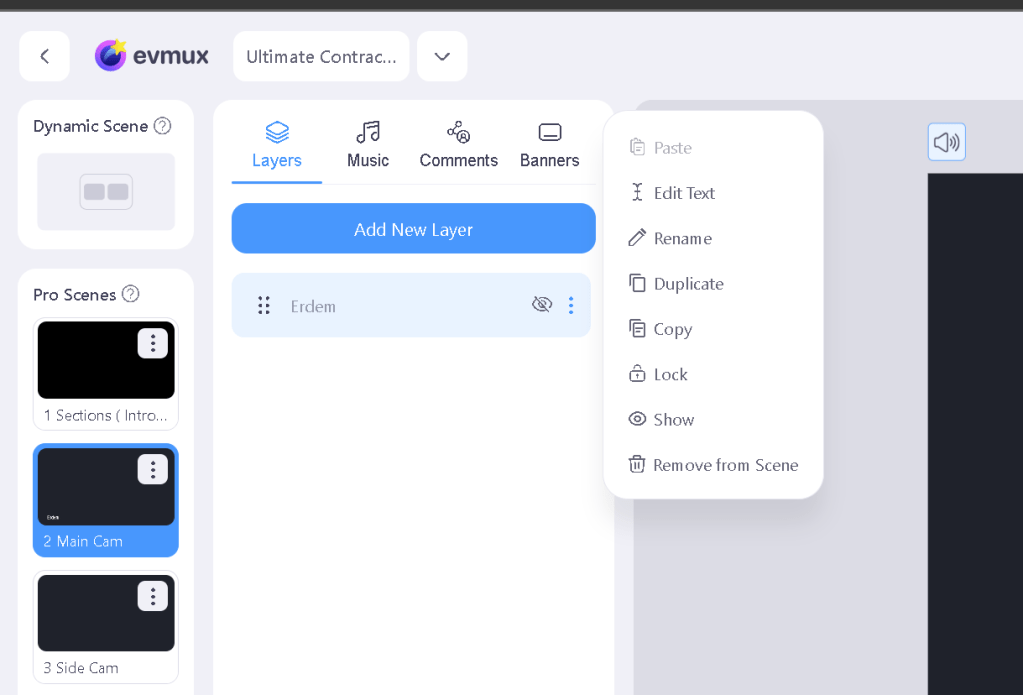
Practical Dublicate
Envanto elements would be faster download
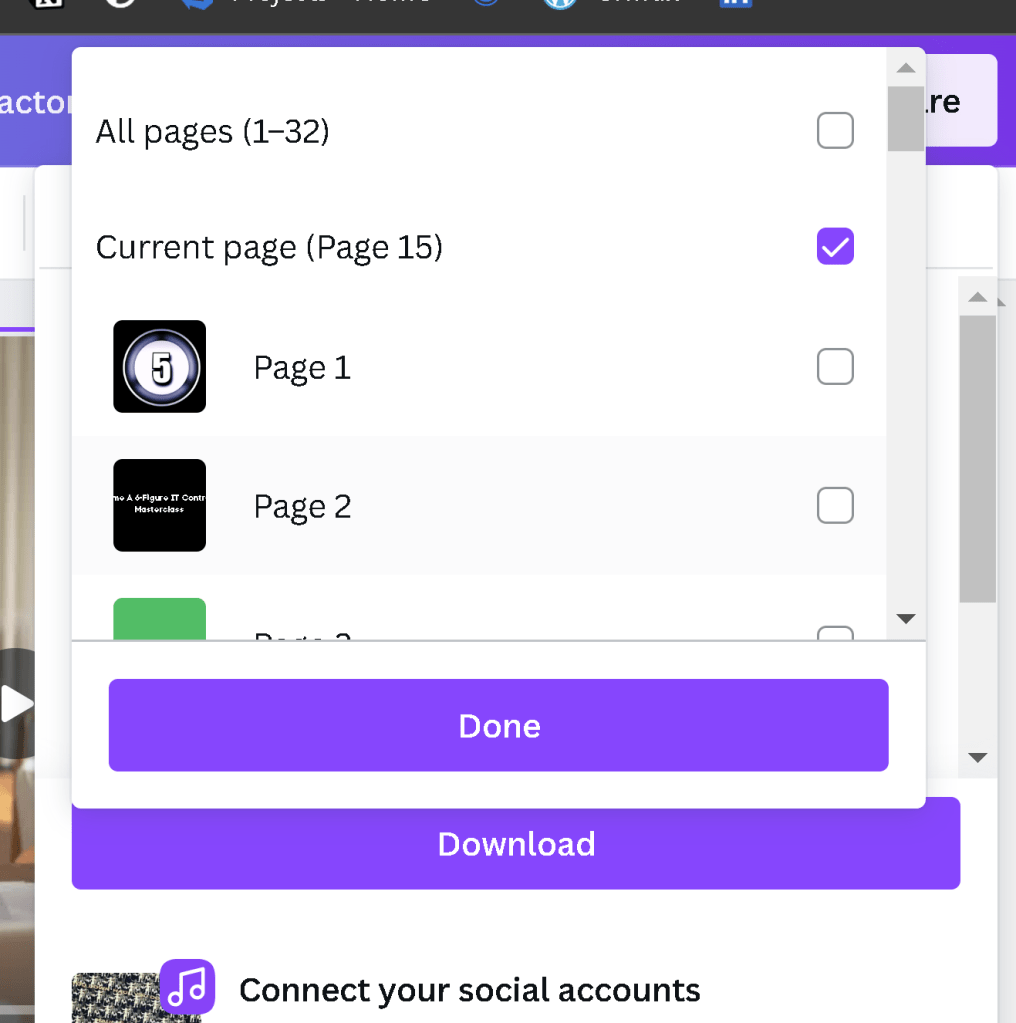
Multi uploaded needed and the naming is important
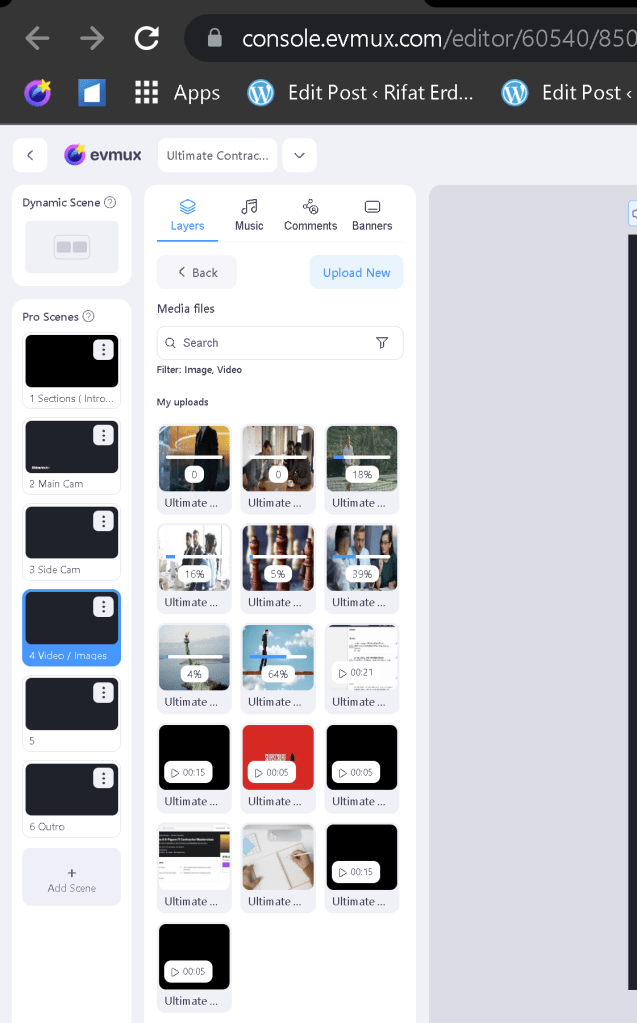
ctrl c v works
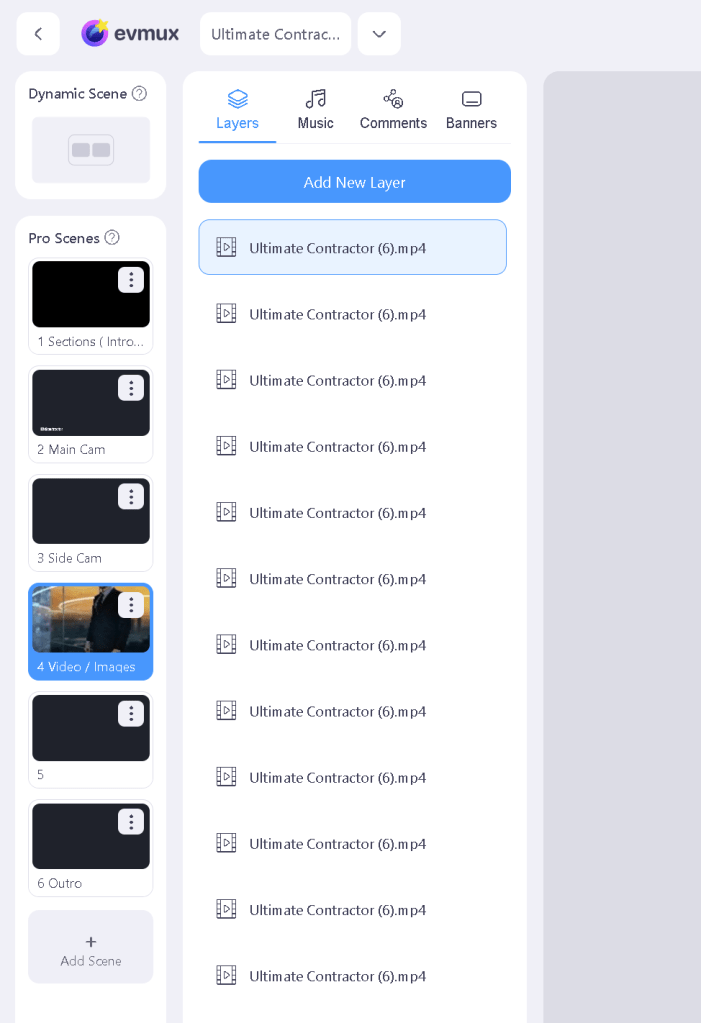
if not named initially than it would be an issue
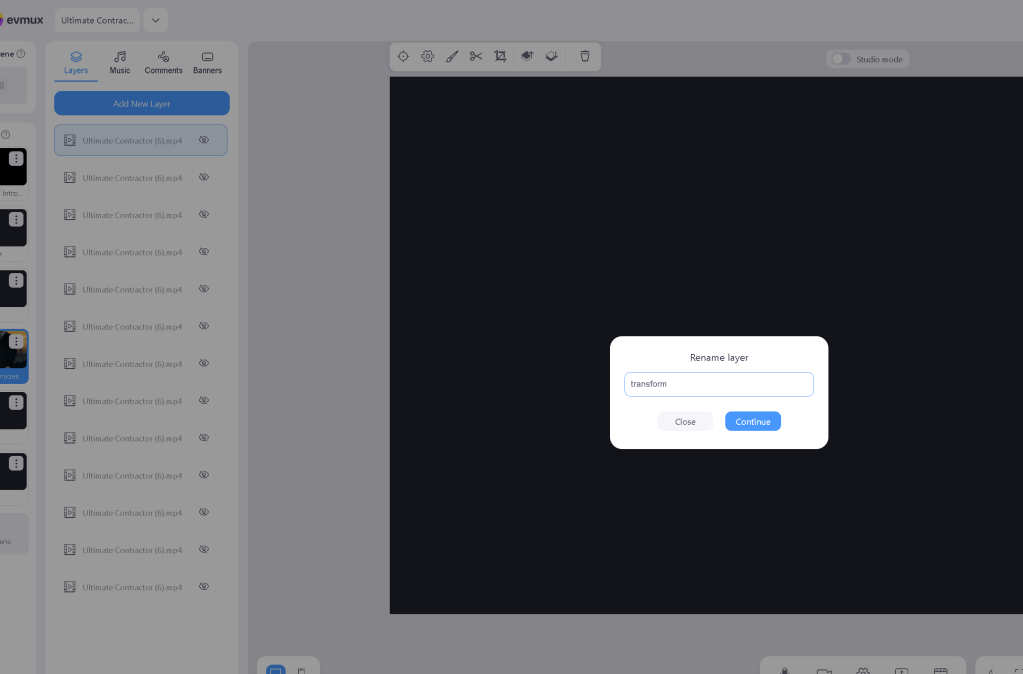
for reuse one open others have to be closed
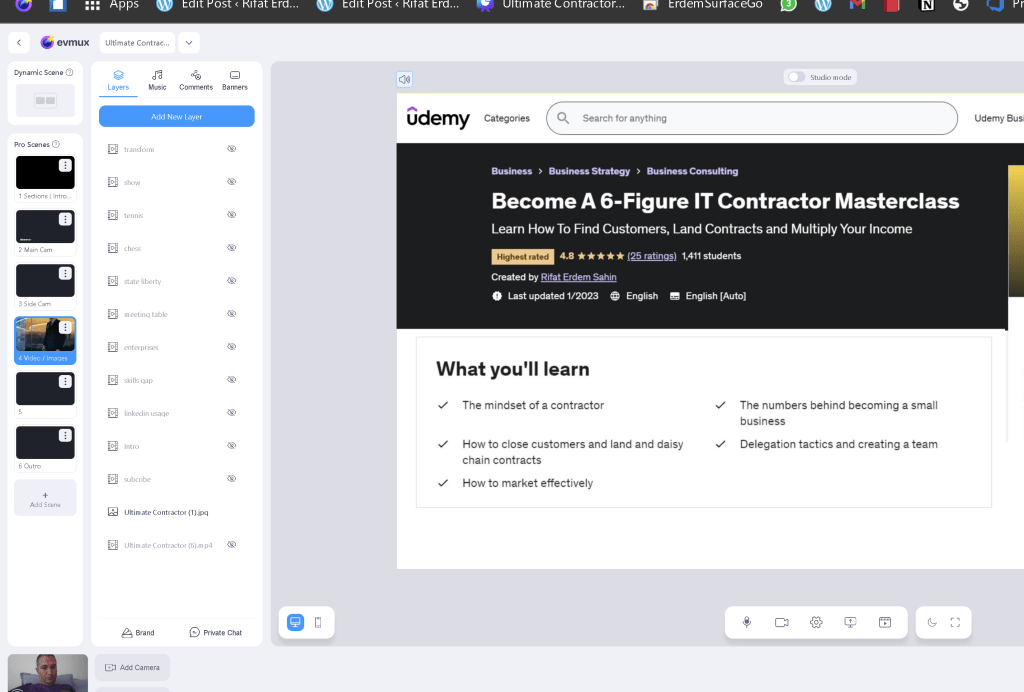
Share the saved editor
https://console.evmux.com/editor/60540/85099
Origin > https://www.canva.com/design/DAFn_NPRh8s/_j85exZ24DoVH6c1BaaQ3Q/edit
Bad output >
guest url to prompter
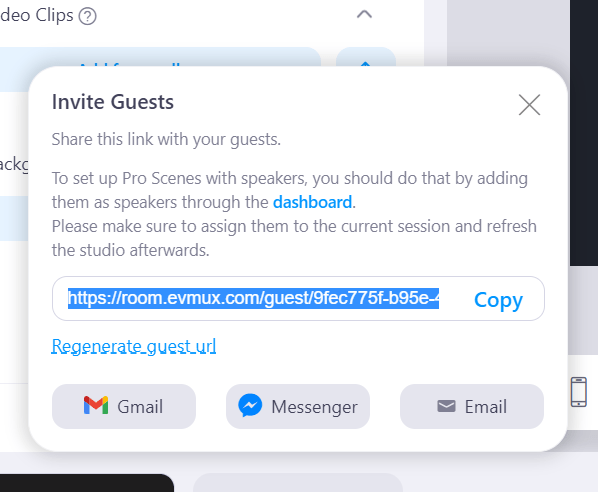
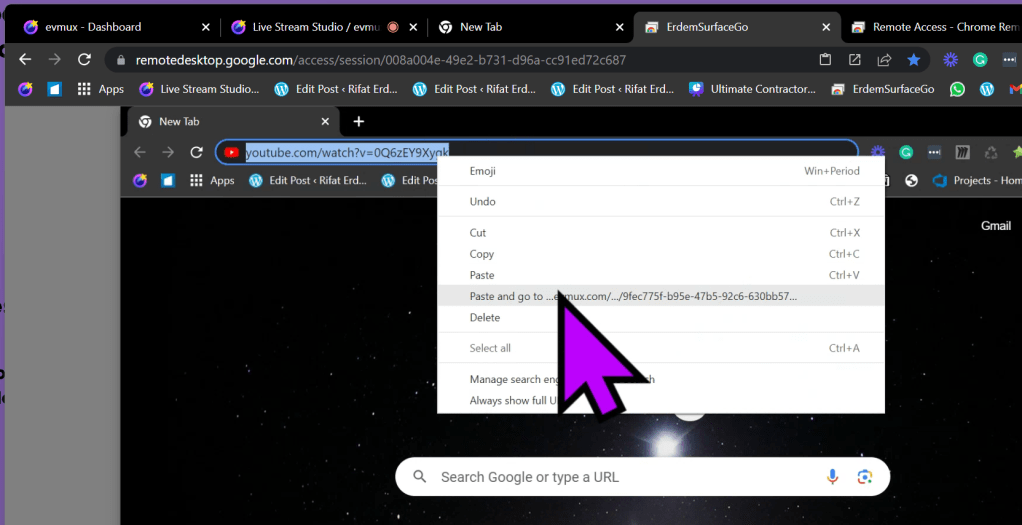
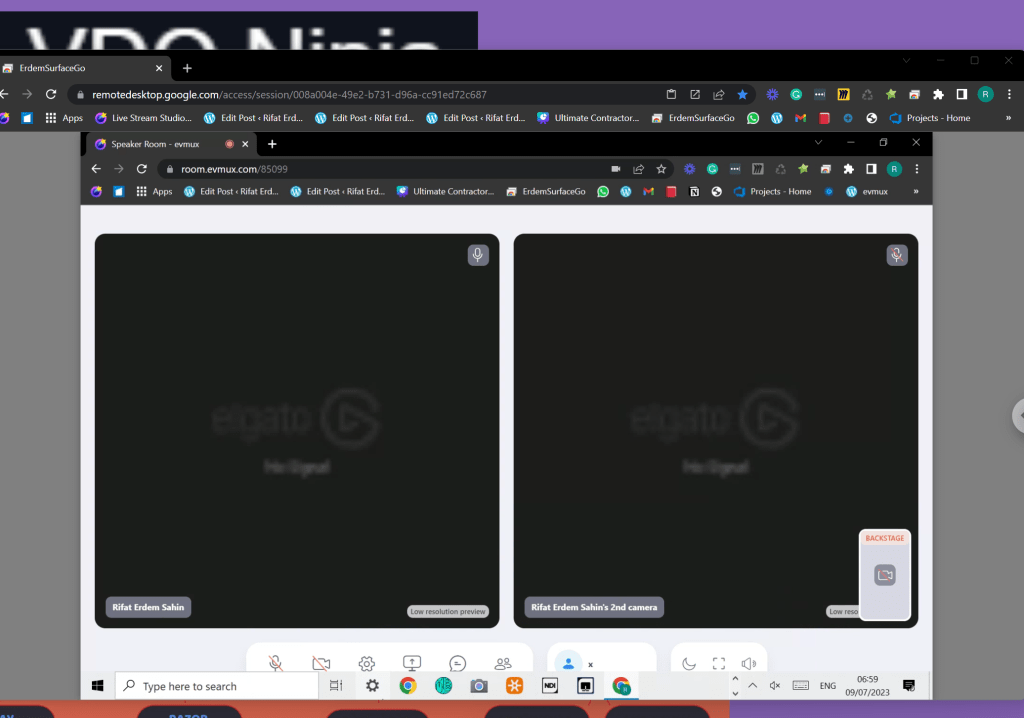
remote desktop cop paste at the second mapping of keyboard and mouse there is the prompter
name it
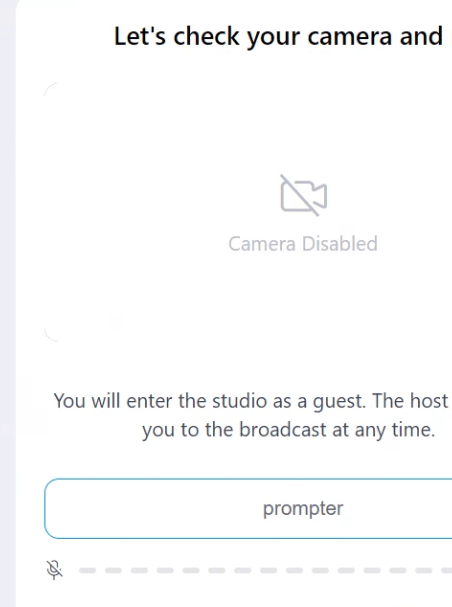
For prompter to work
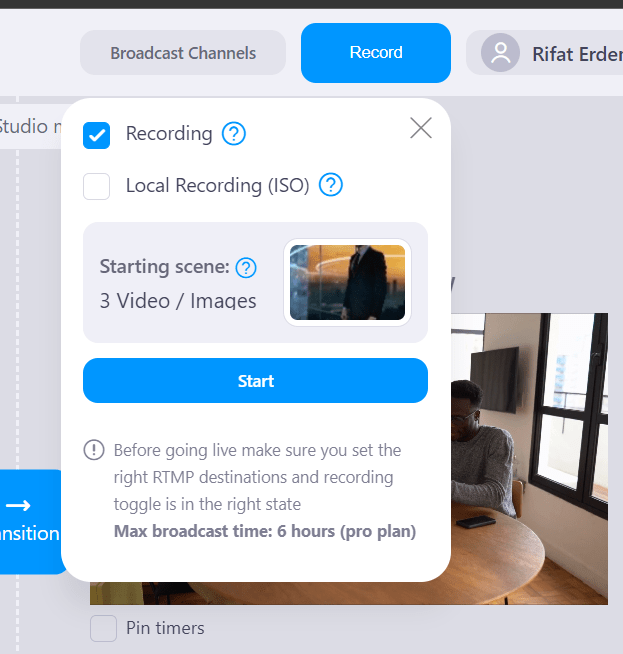
Maximize on prompter
invited guest sees the speakers not to the end result ?
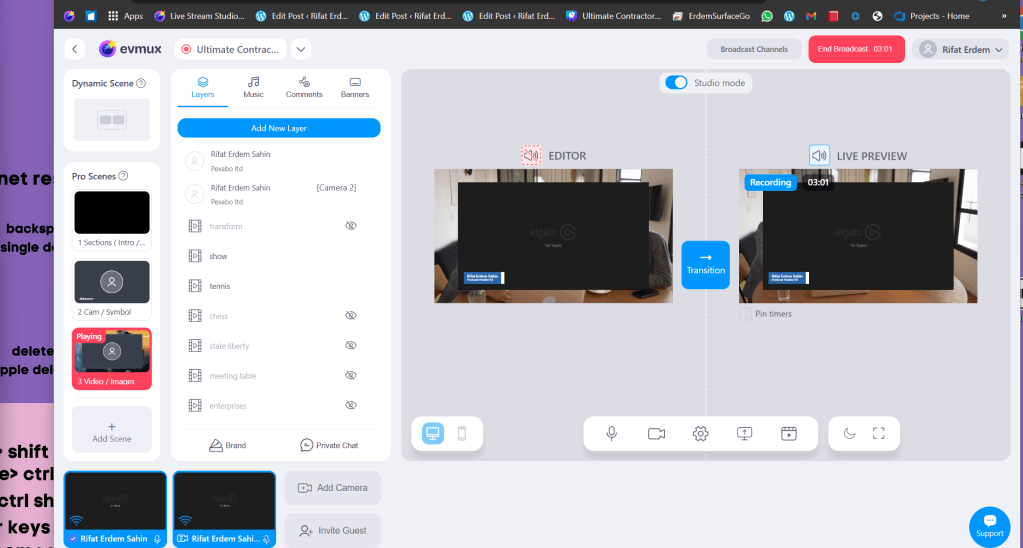
Youtube unlisted
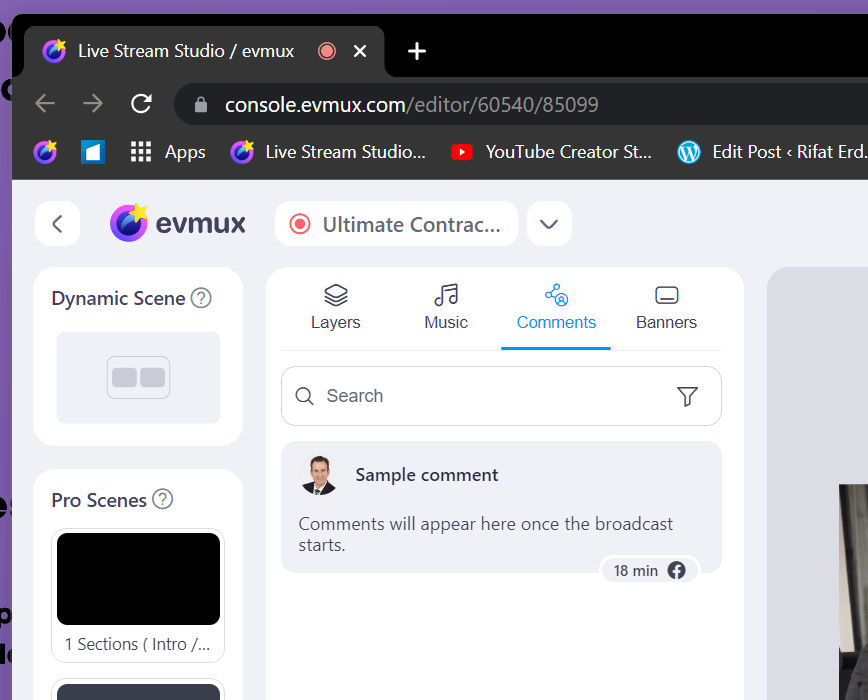
4 seconds delay but no copy paste take it from the studio link
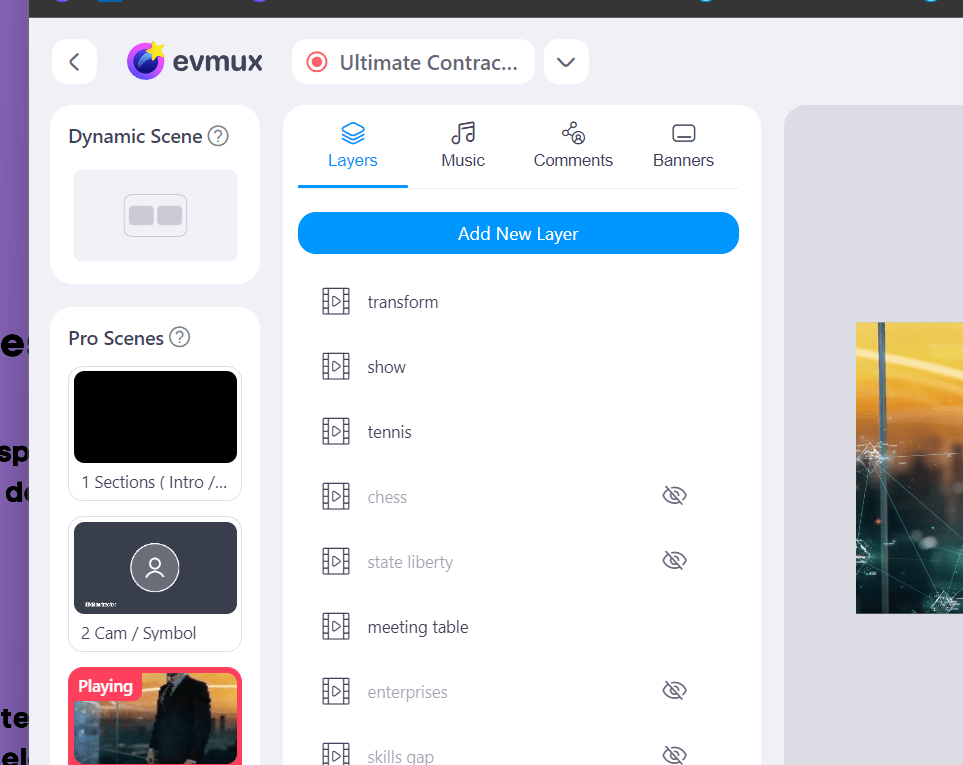
Hide basics with 4 sec delay
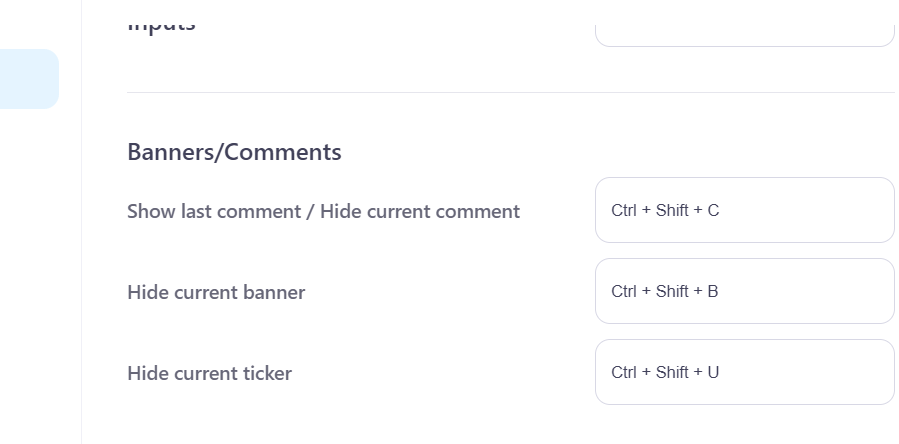
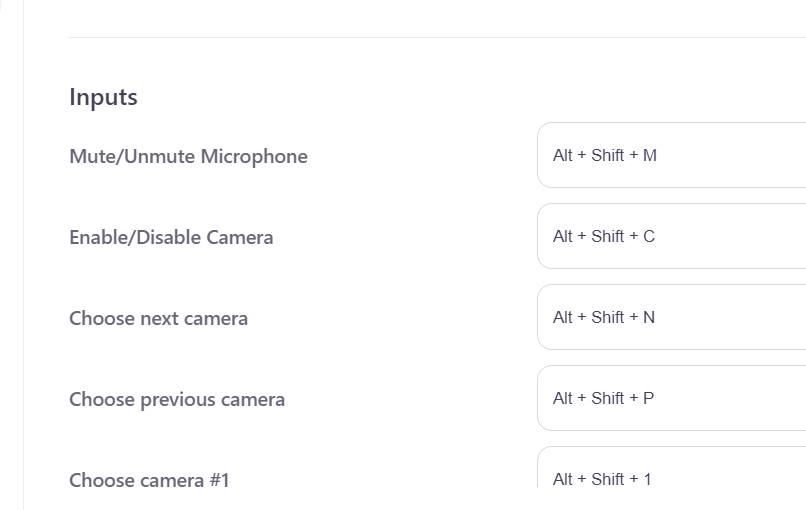
ask on the support
https://support.evmux.com/en/customer/ticket/view/1525
Copy paste between layers works
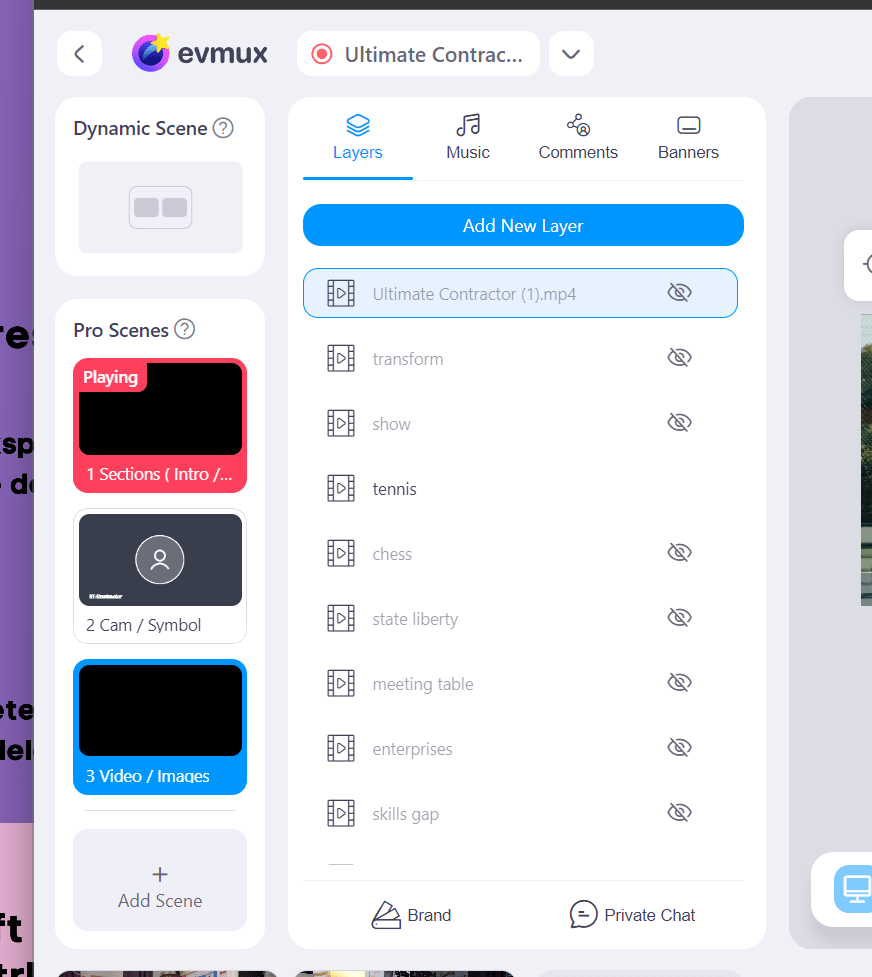
Editor needs to be ready to play the ping pong game
be able to get out
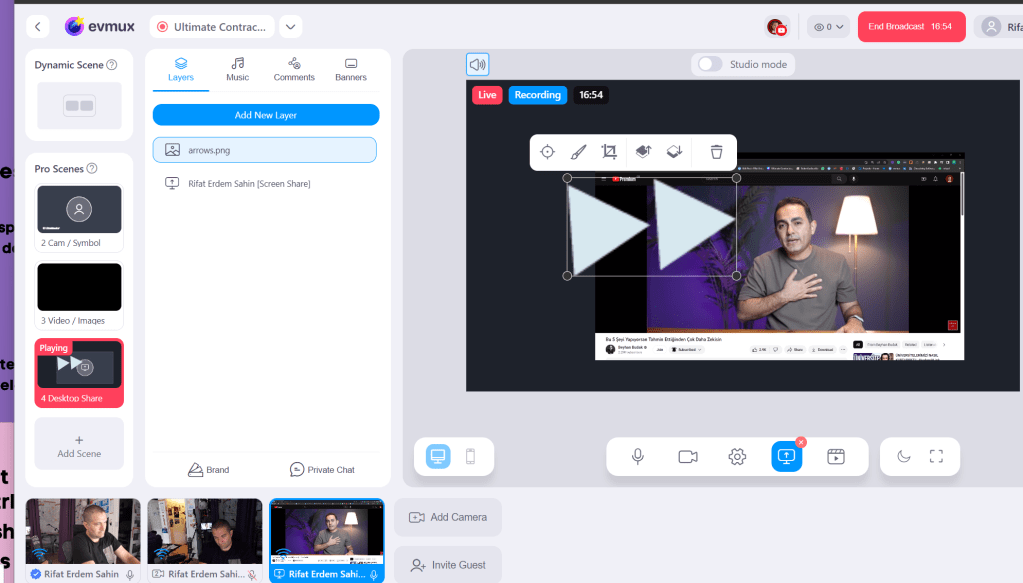
Get the ball from the cohost in 4 seconds
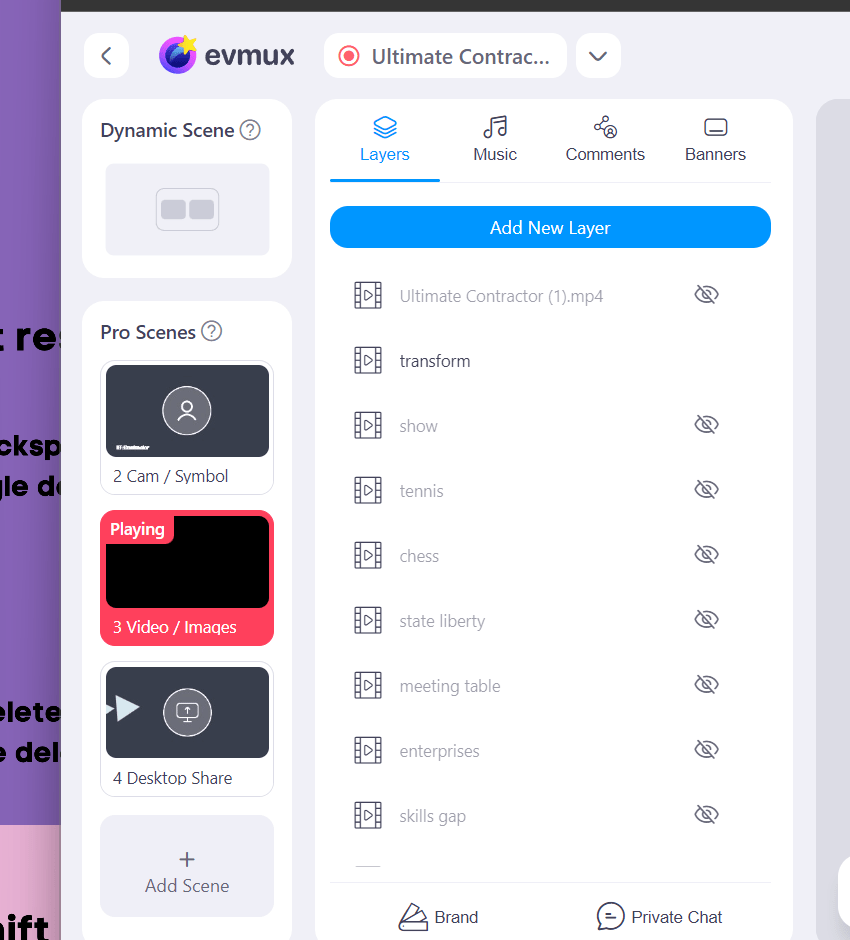
rename mov to mp4 and get the ball from the other side
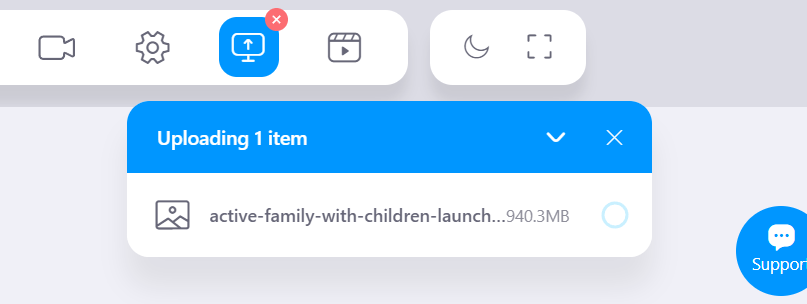
Fast prompter entry is not there > it has to be pllanned for the processing over the handbrake
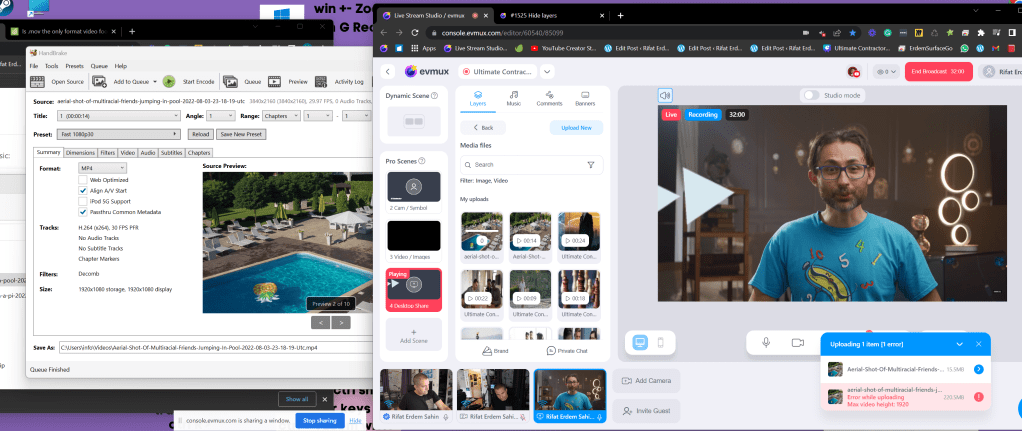
Copy seeting needed
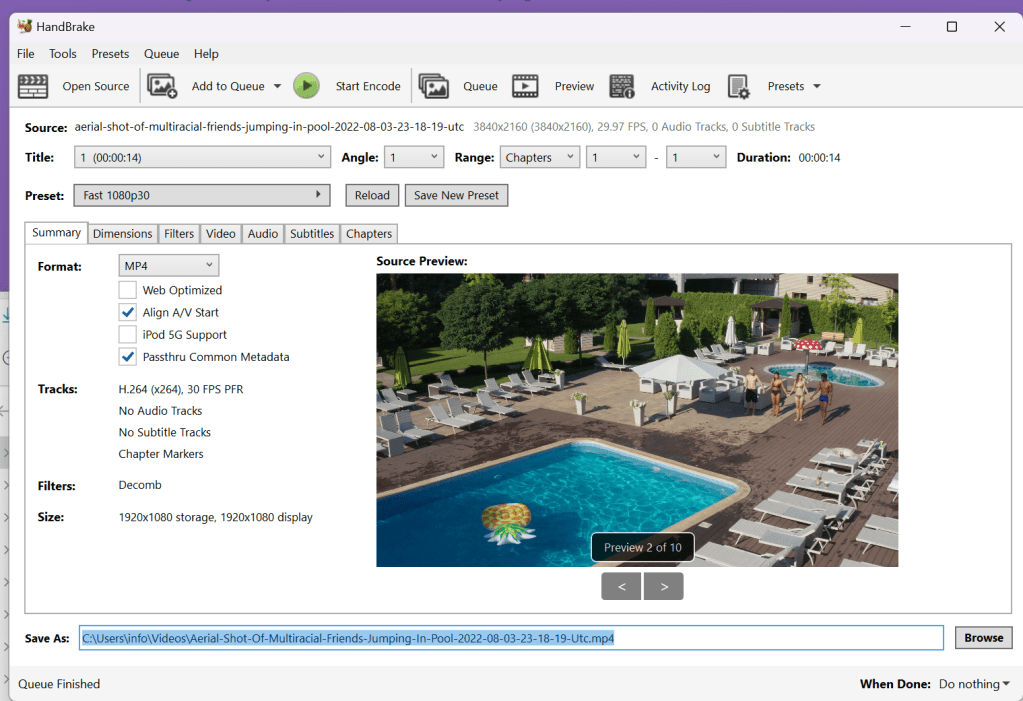
after the cohost 4 seconds delay than the action comes on with the 8 seconds
the sentences needs to be there
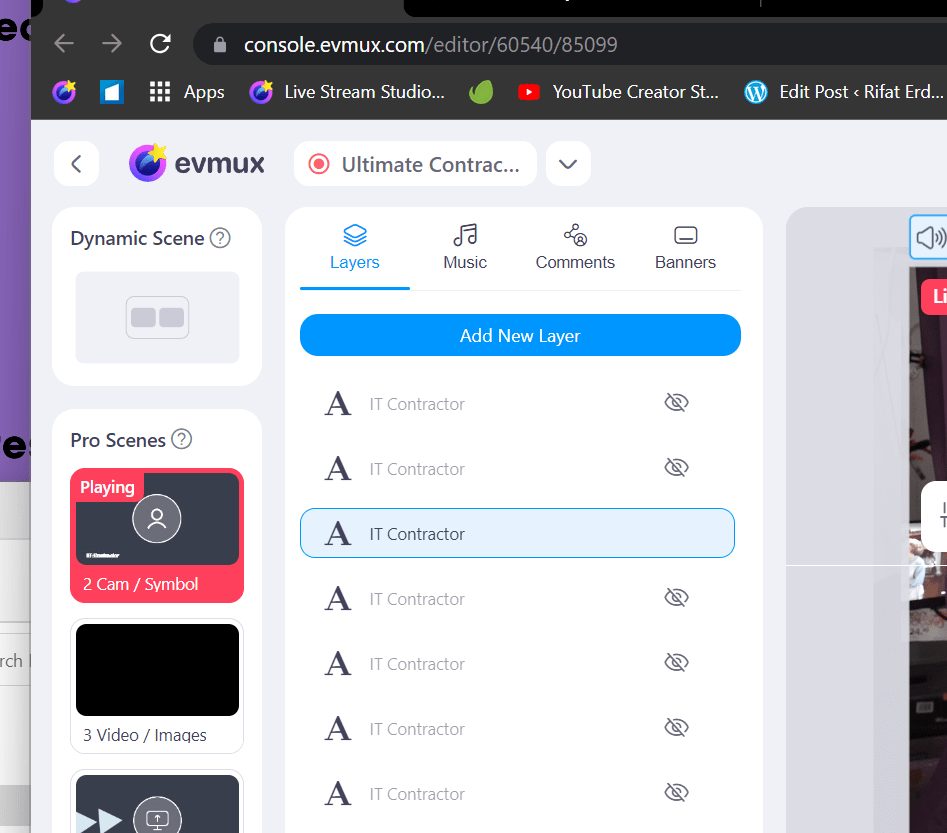
Cohost to learn in detail
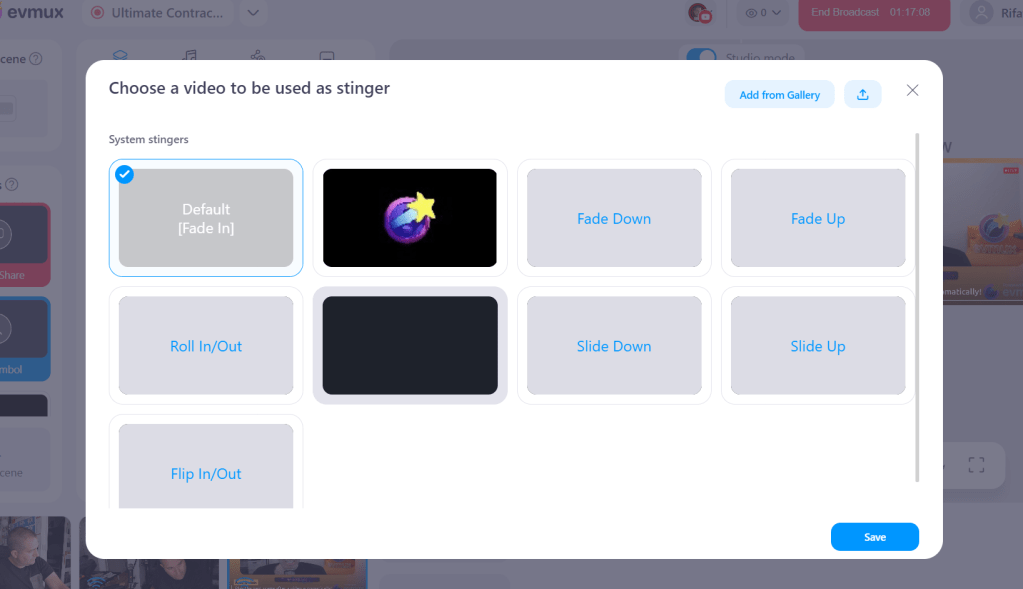
Auto Switch
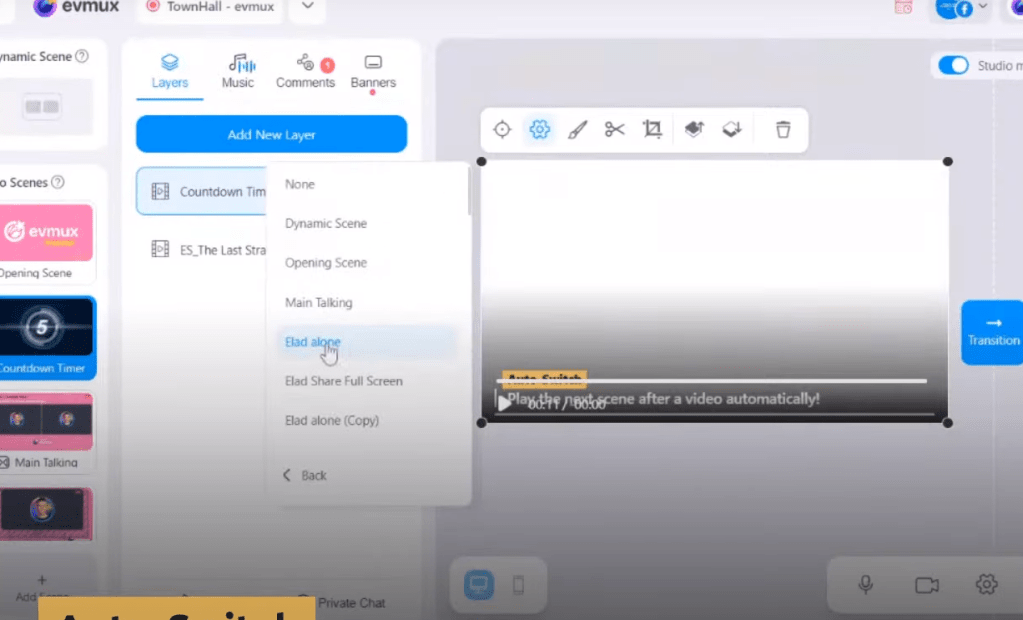
Updates
-
hand brake for the envato elements
-
On the youtube live stream > in the prompter
-
navigator as cohost
-
autoswitch plan
-
timing plan
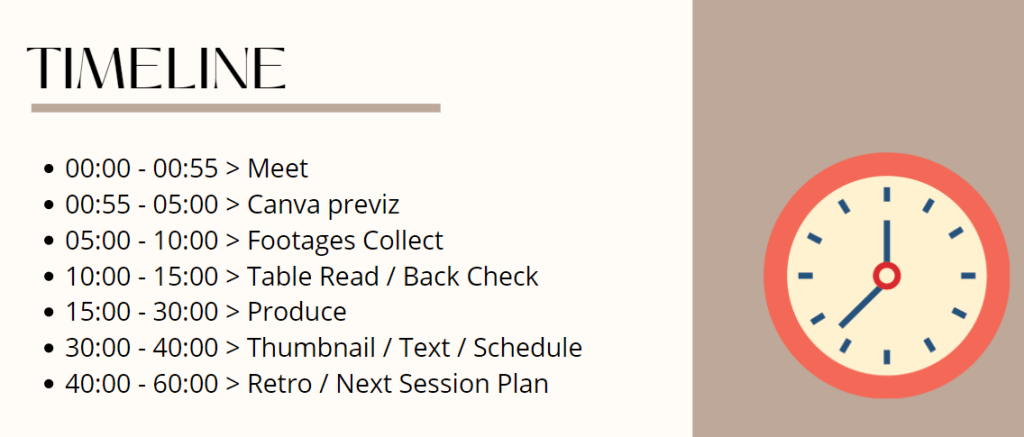
https://www.canva.com/design/DAFoHkEz9OI/4YBUW1FhaiGVoJIESpvDAw/edit?utm_content=DAFoHkEz9OI&utm_campaign=designshare&utm_medium=link2&utm_source=sharebutton
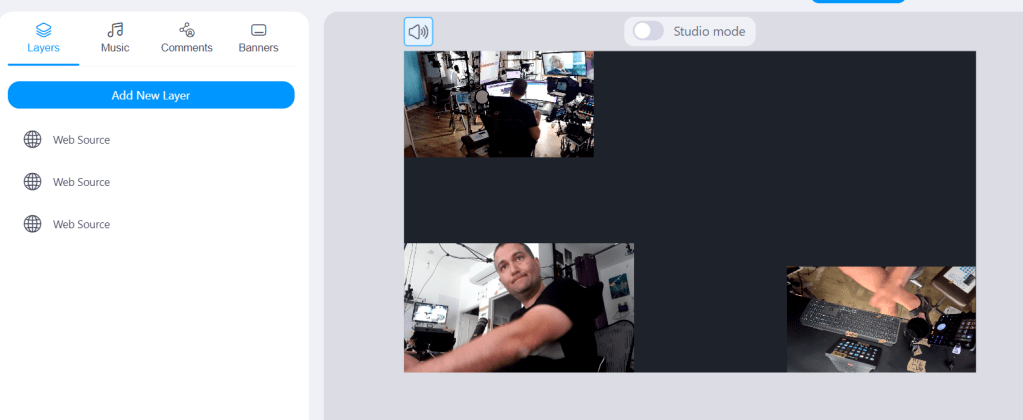
Onsite cohost support
Imported from rifaterdemsahin.com · 2023