Remote Controlled Streaming Solution Comparison
Solution 1 : Remote pull the action > OBS Web Socket for a remote editor
Use obs ninja and ingest on the remote editor
One of the great features of OBS (Open Broadcaster Software) is the ability to remotely broadcast your content. You can also in take the data with obs.ninja and try to composite it in the editor side
Example
https://rifaterdemsahin.com/2023/07/03/cut-post-production-time-by-half/
Solution 2 : WebSockets ( Remote pull-push the action )
This is made possible with the use of OBS WebSocket and the popular online broadcasting platform niek.tv. OBS WebSocket allows you to establish a connection between OBS and other devices, which in turn allows you to control OBS remotely. On the other hand, niek.tv is an online service that enables users to easily stream their content to a wider audience. By using these two tools in tandem, you can achieve seamless remote broadcasting without having to be physically present in the same location as your broadcasting equipment. So whether you're a content creator looking to expand your reach or a business looking to conduct remote meetings, OBS WebSocket and niek.tv make the process easier and more efficient.
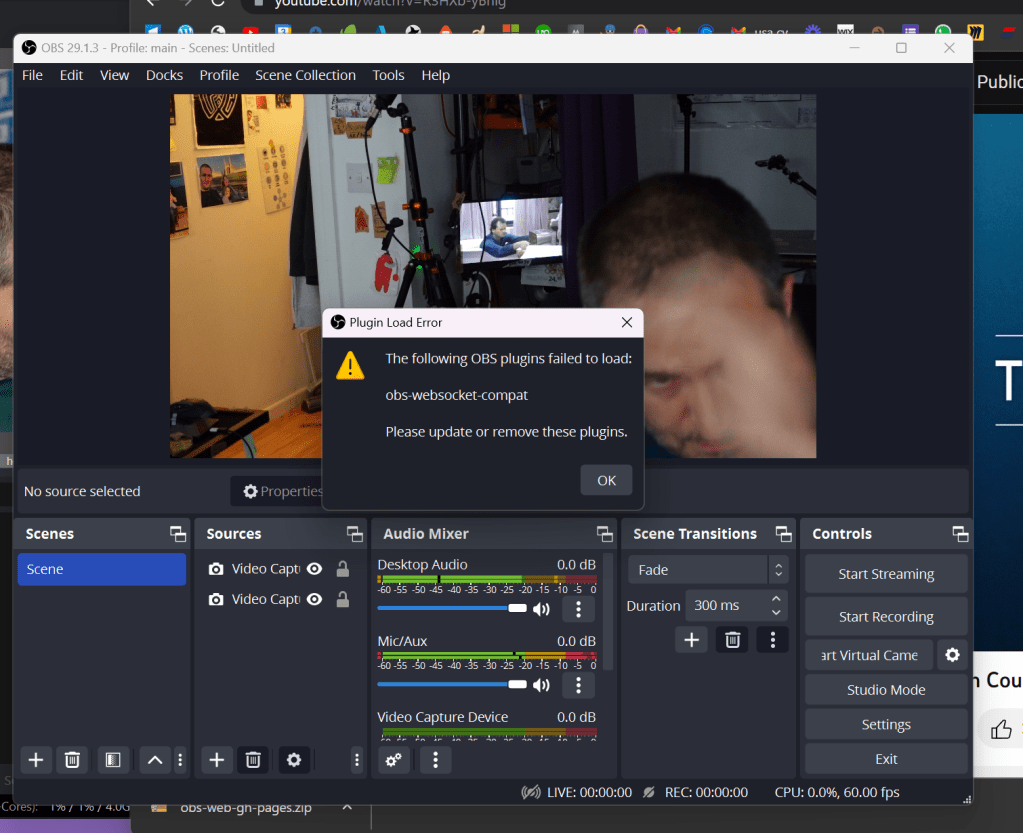
https://github.com/obsproject/obs-websocket/releases/tag/5.0.1
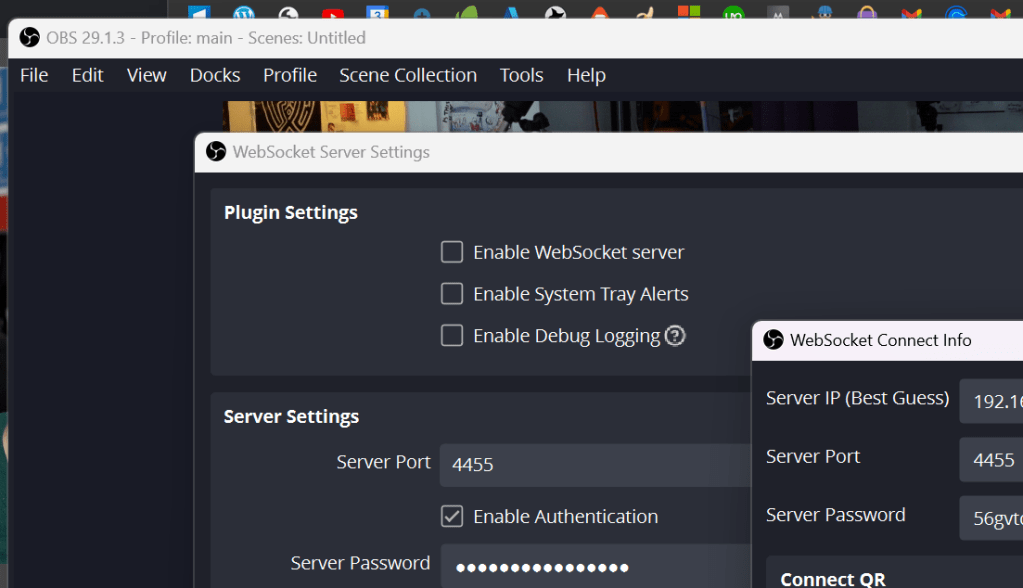
Test with the existing structure
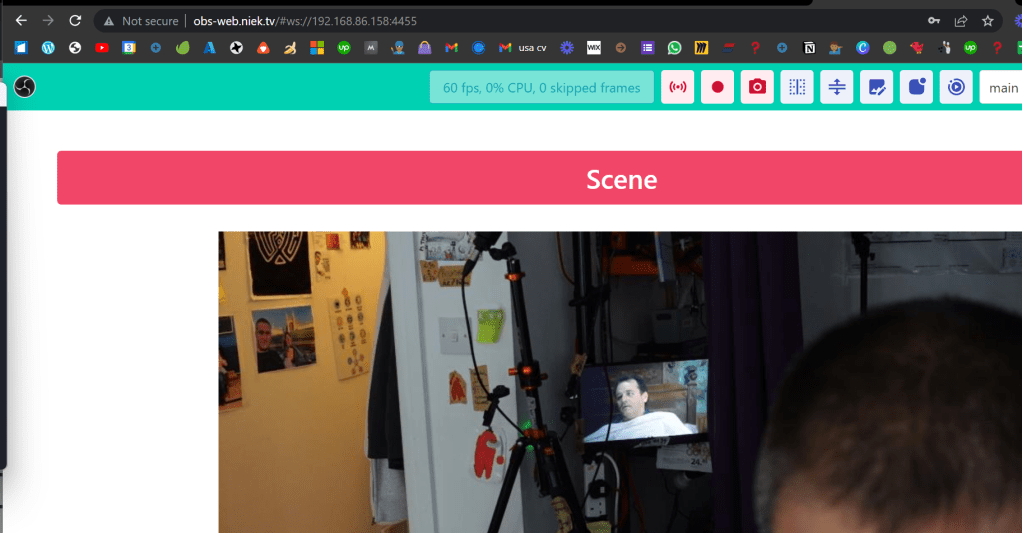
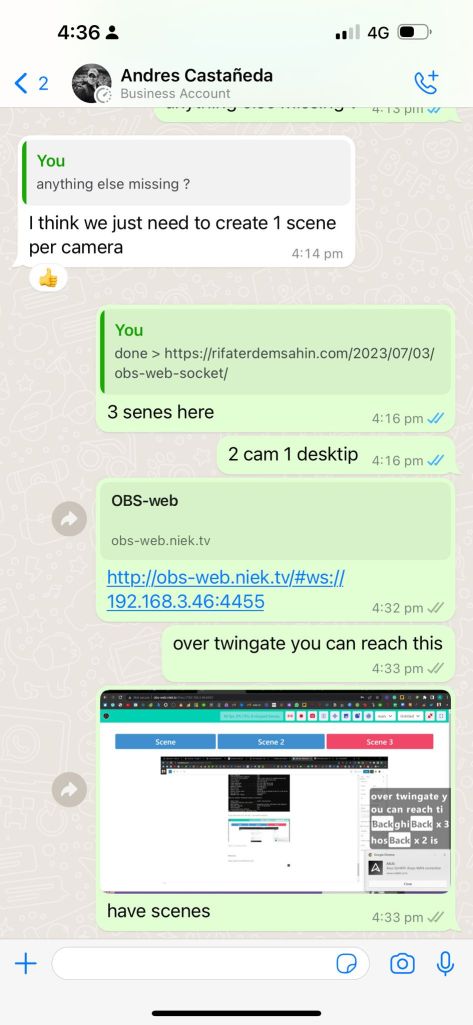
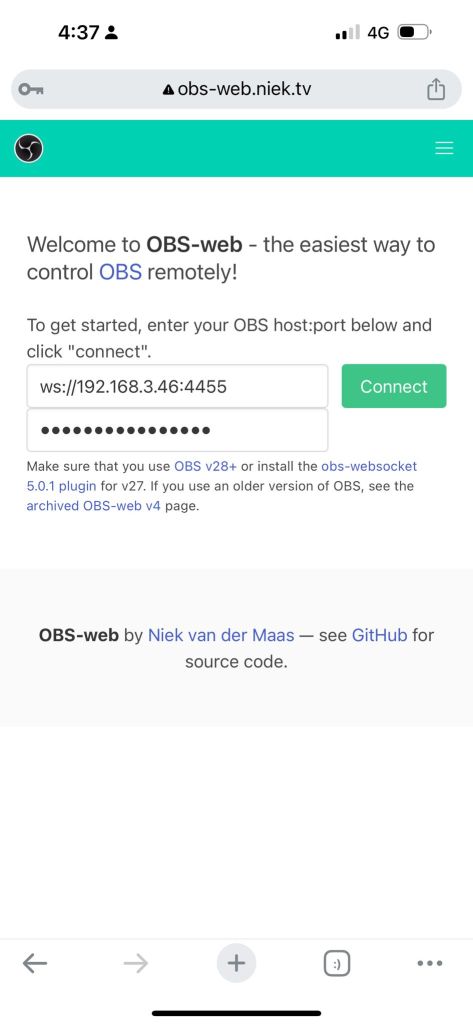
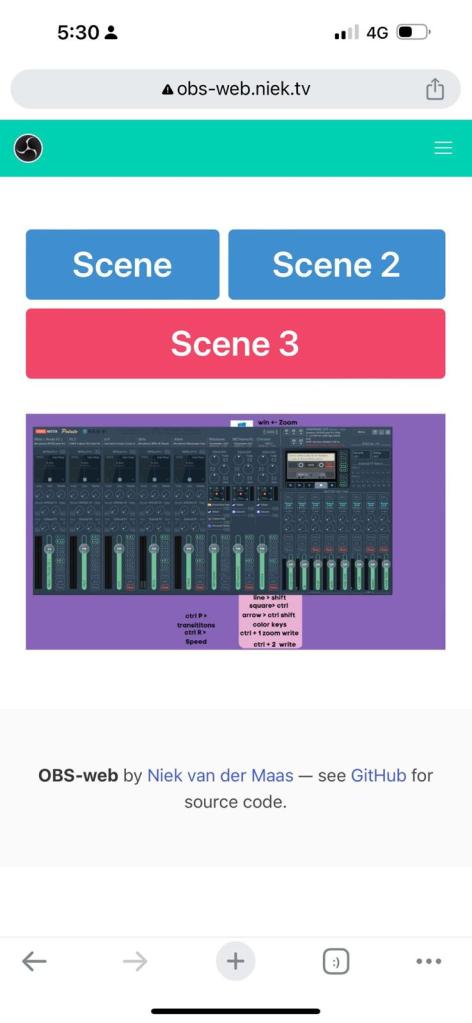
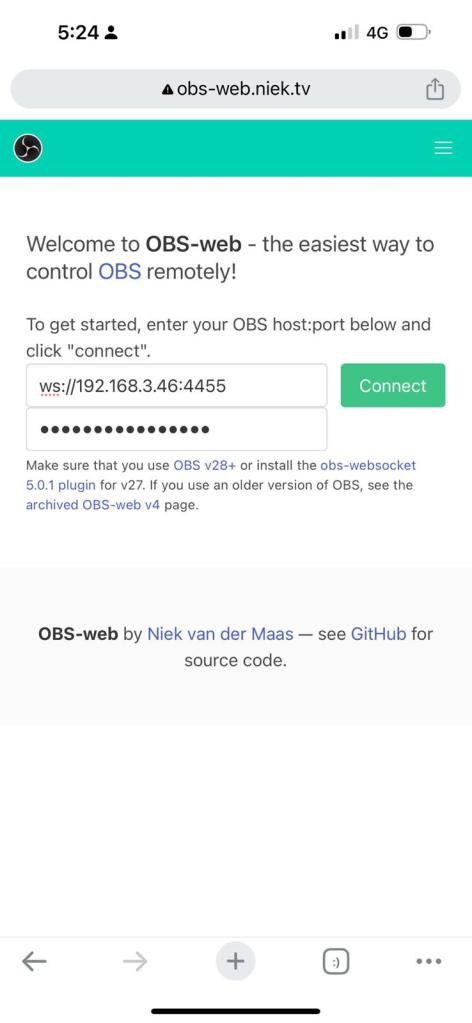
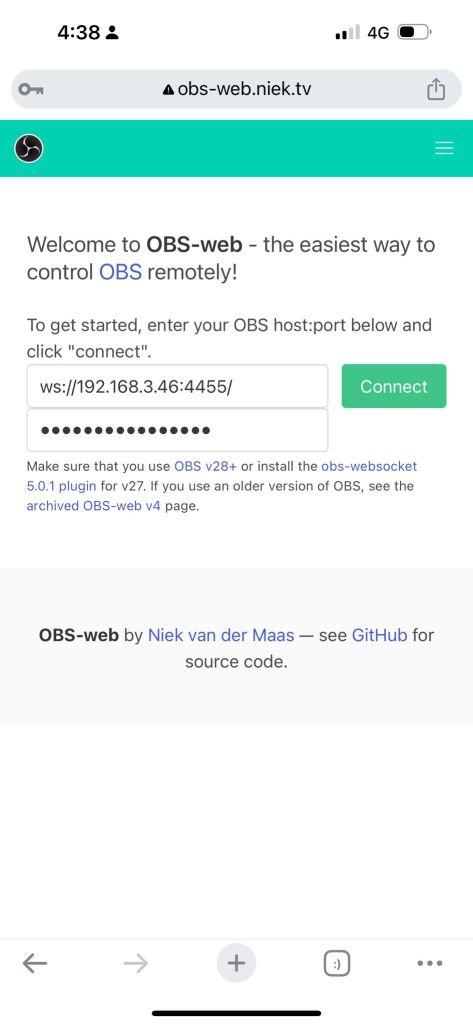
main url > http://obs-web.niek.tv/
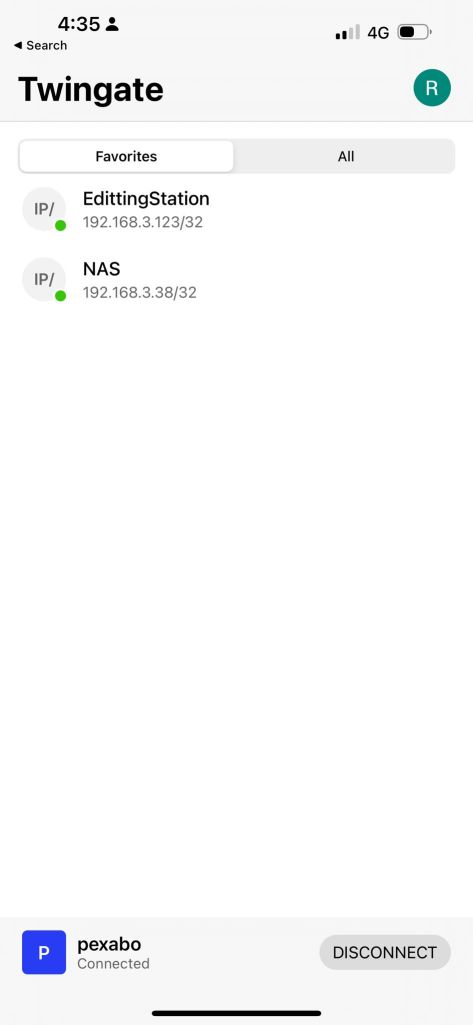
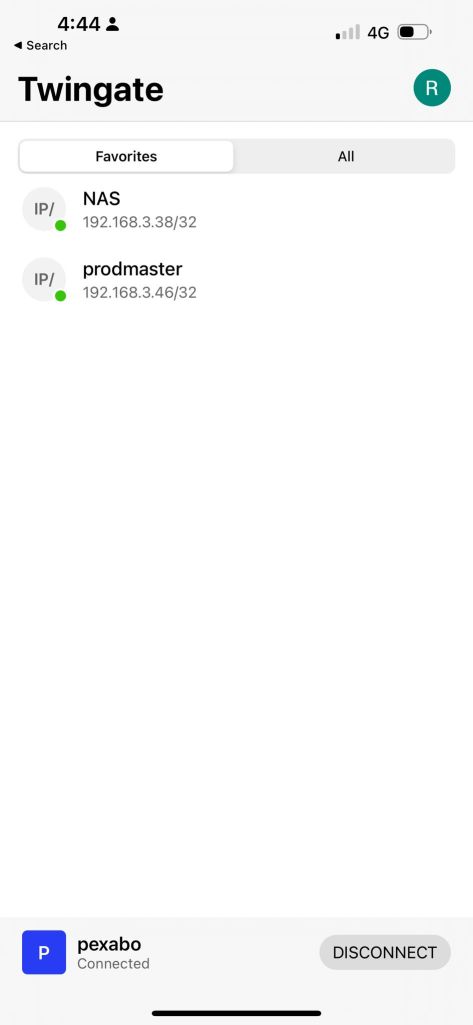
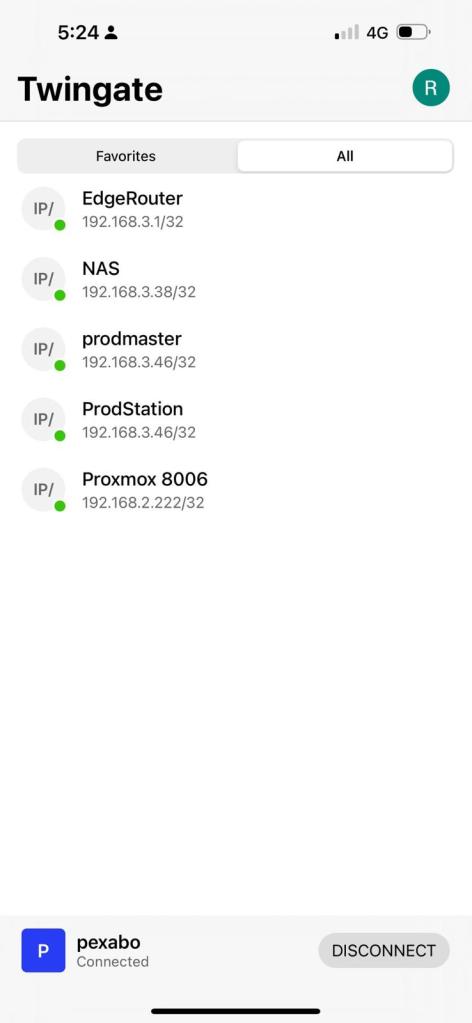
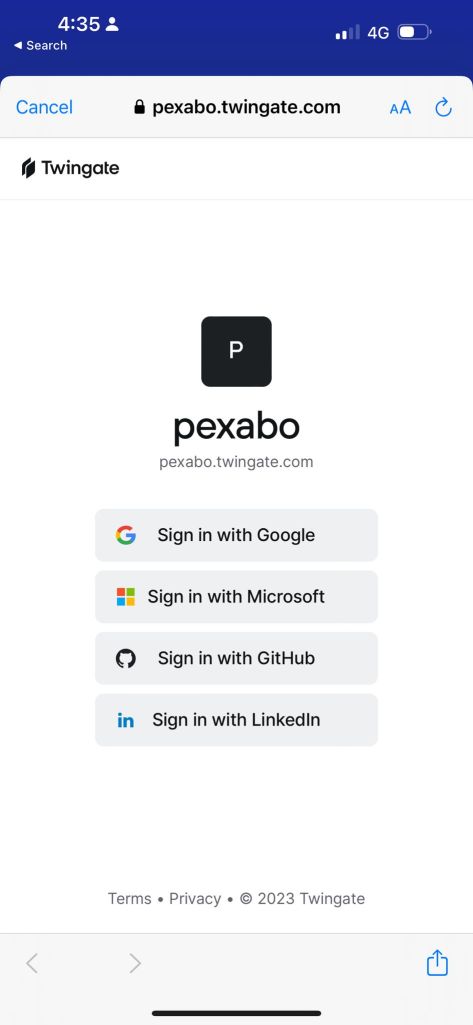
use twingate > to give the access to the video editor > book we are ready to go
Closed action
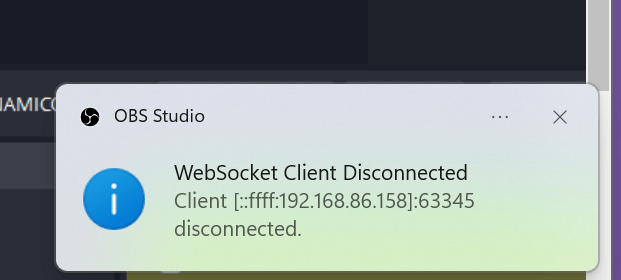
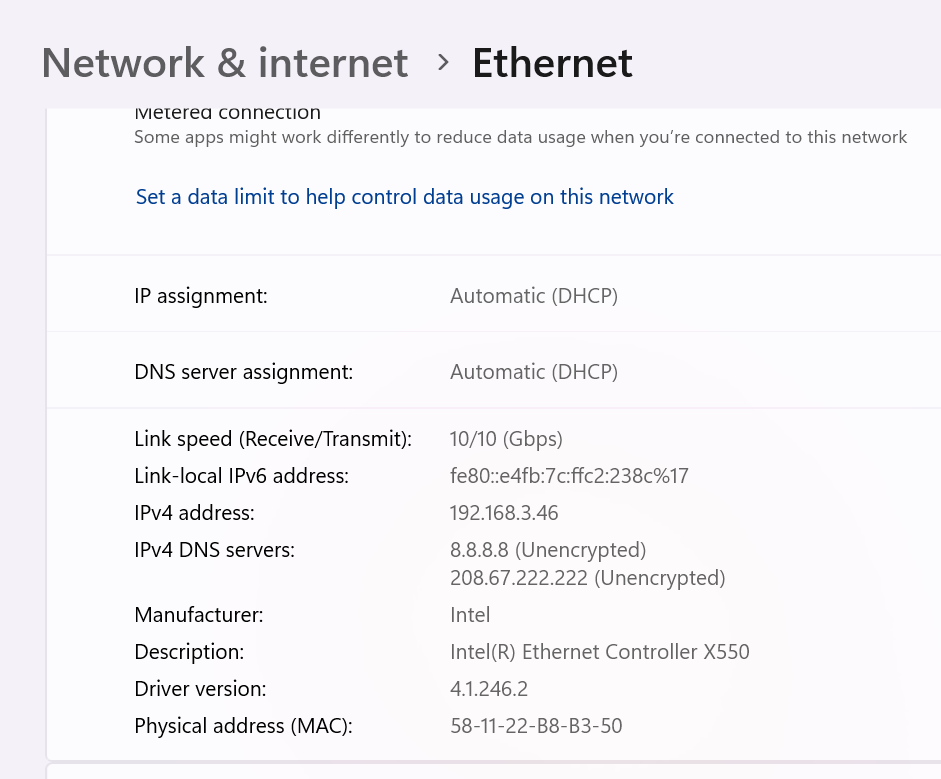
Url > ws://192.168.3.46:4455
Pass > 56gvtqirS9Q3O91a ( dont worry only works with twingate )
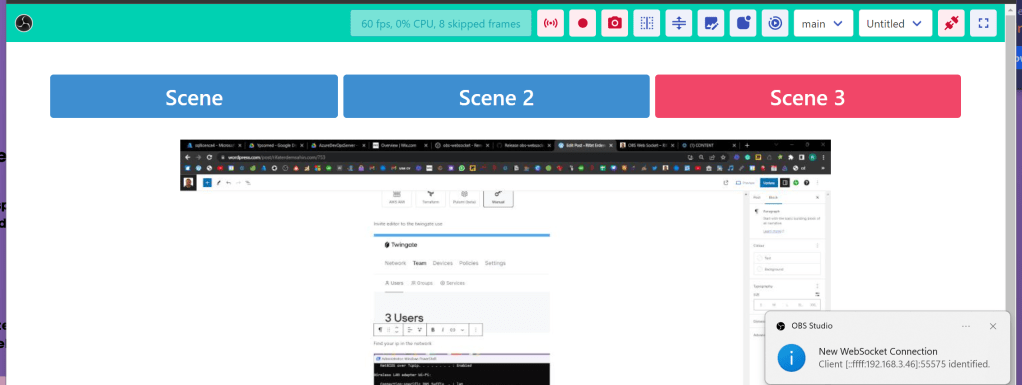
See connections
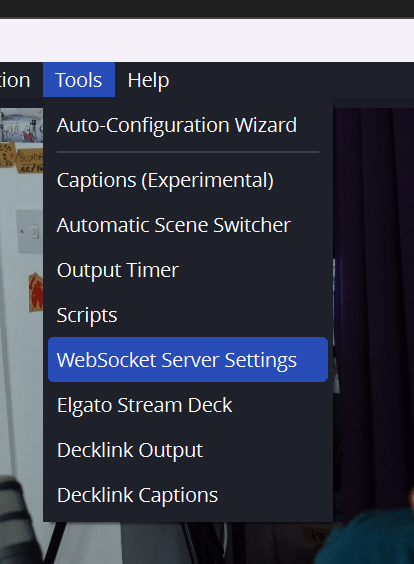
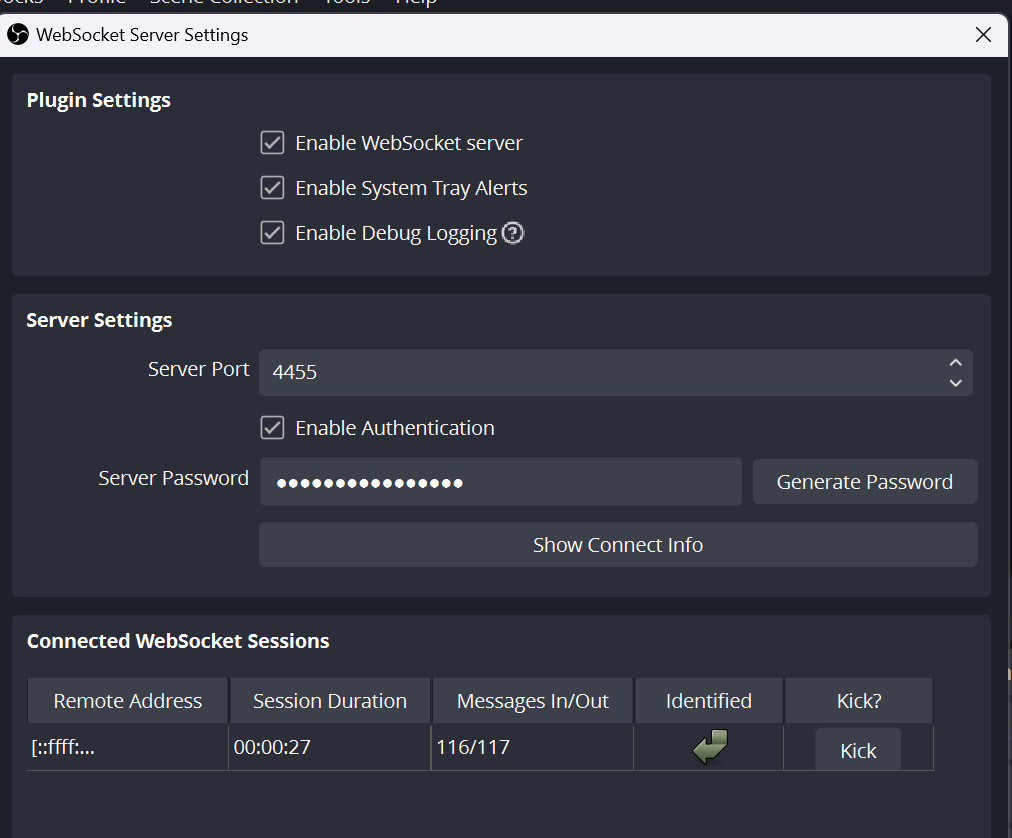
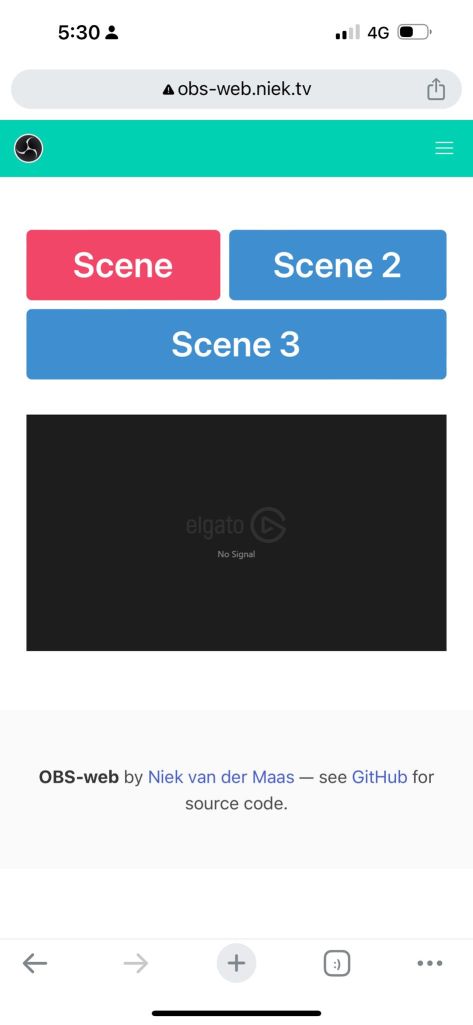
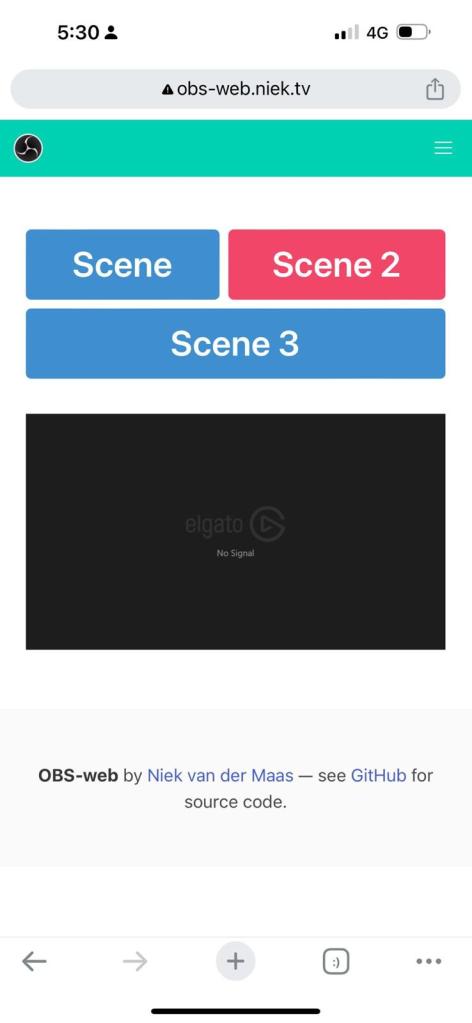
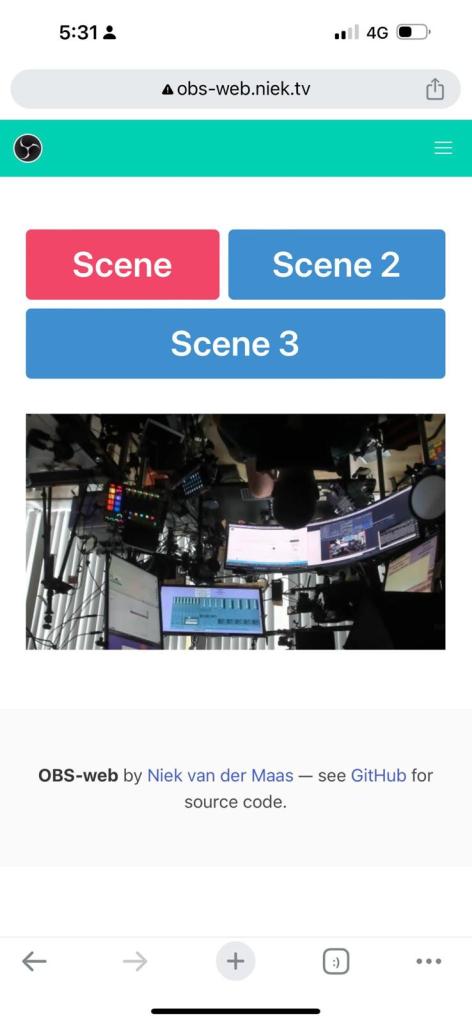
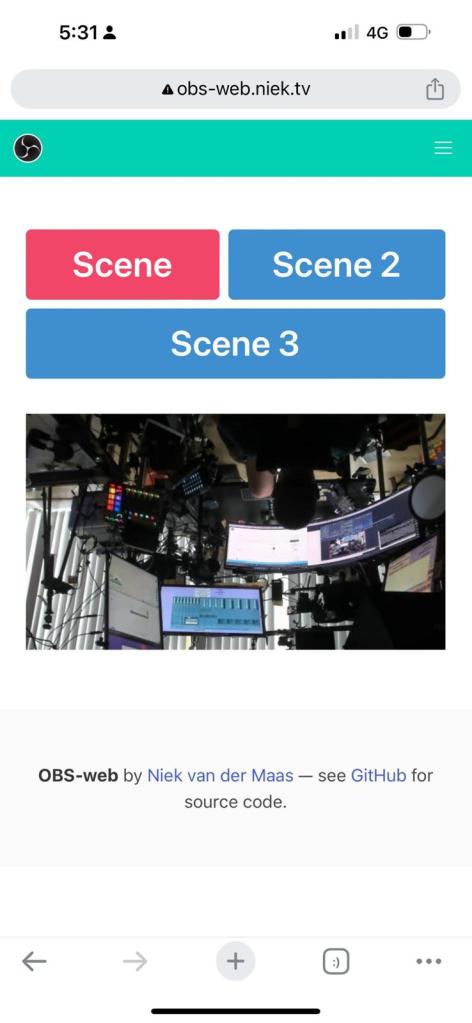
Create multiple scenes
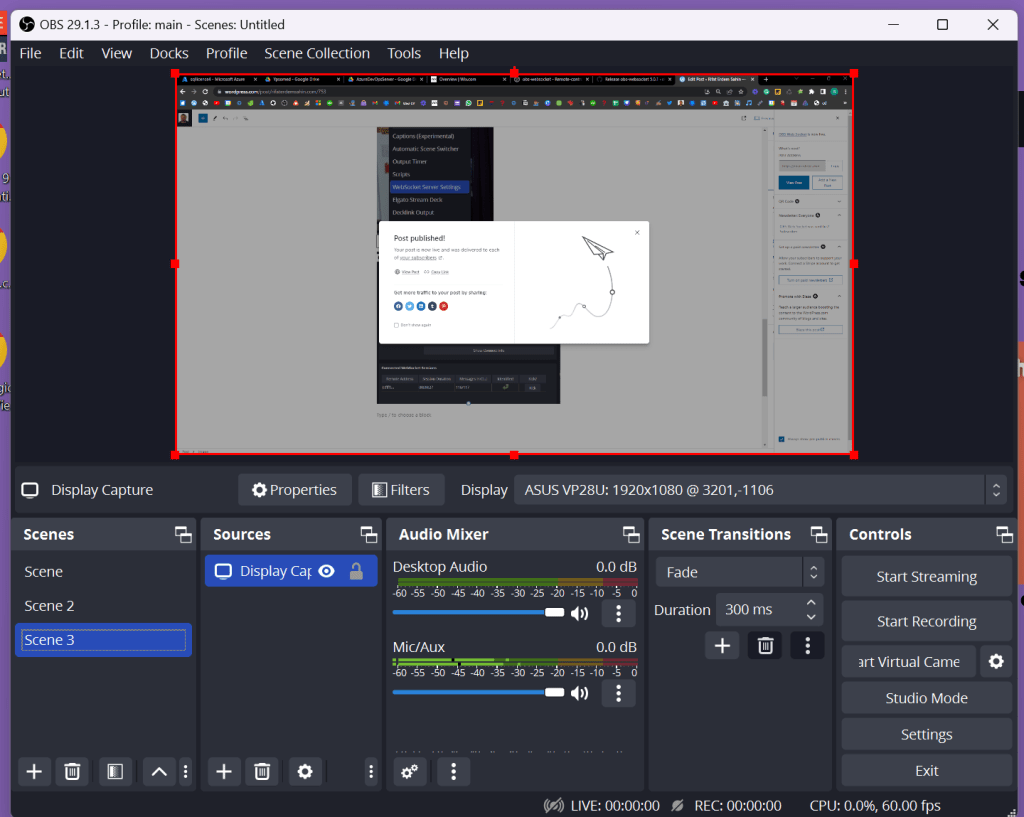
See them in action
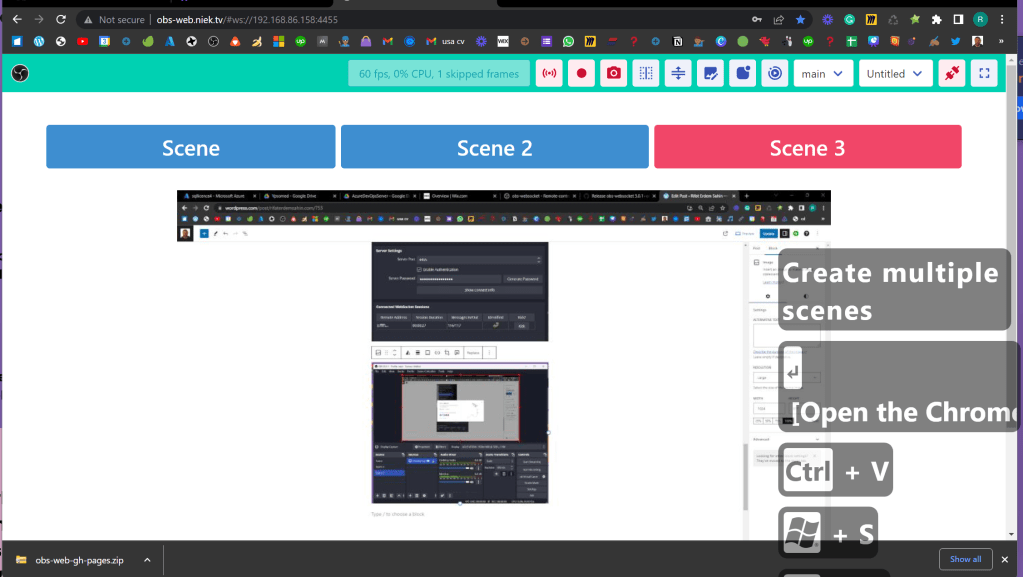
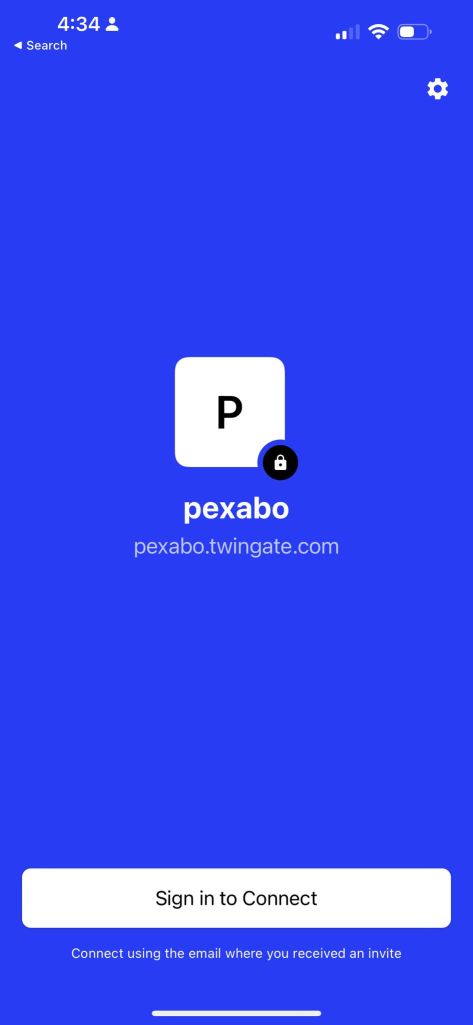
Install the client
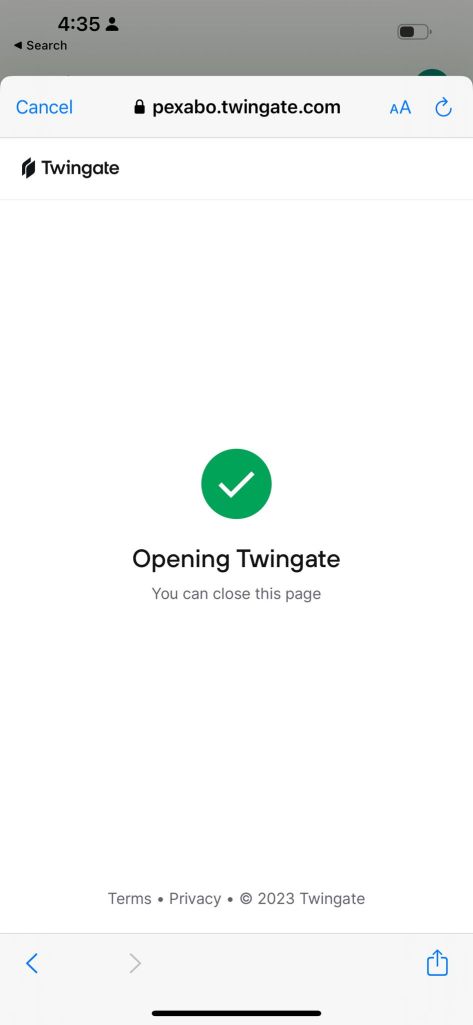
https://pexabo.twingate.com/client-auth-status
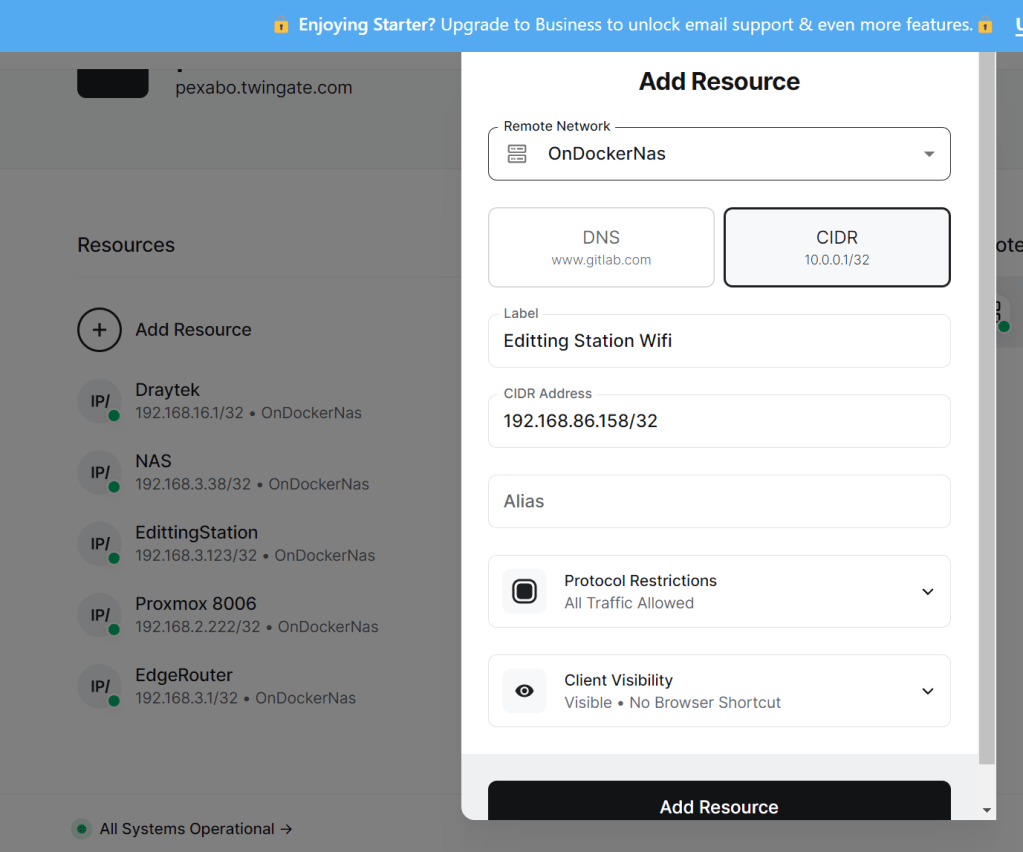
Add your resources
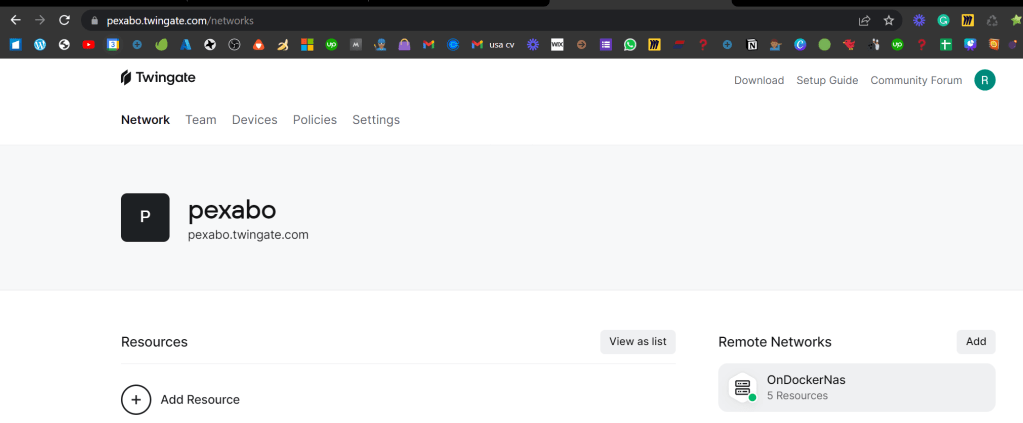
Make sure you can connect to that network
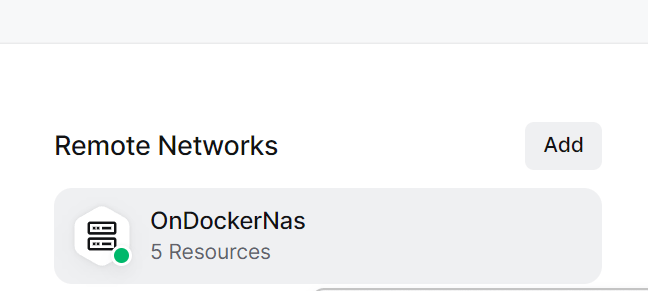
Add a remote network
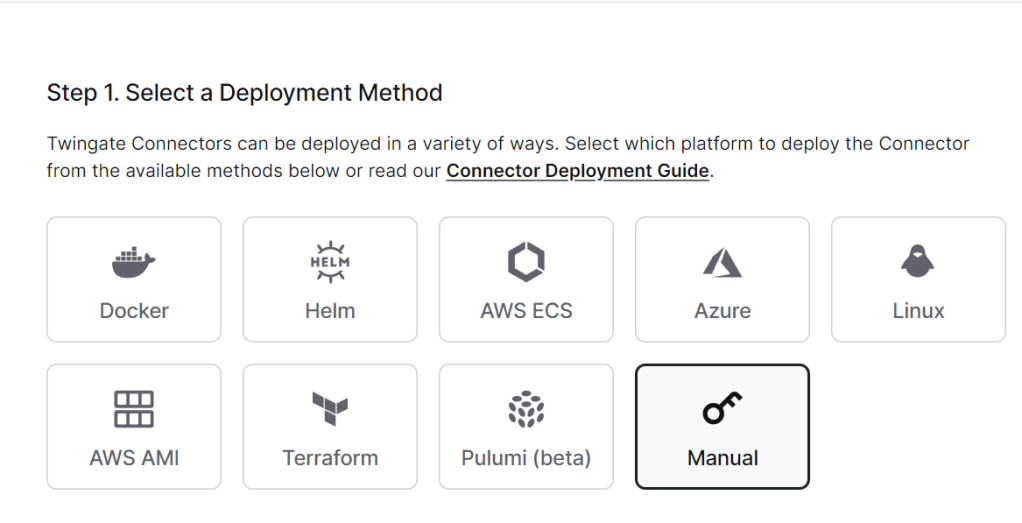
Have a runner enviroment to connect to your wifi
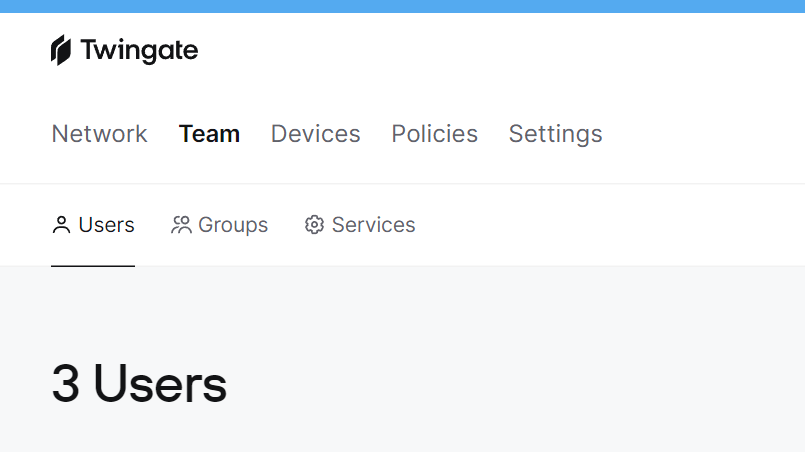
Invite editor to the twingate use
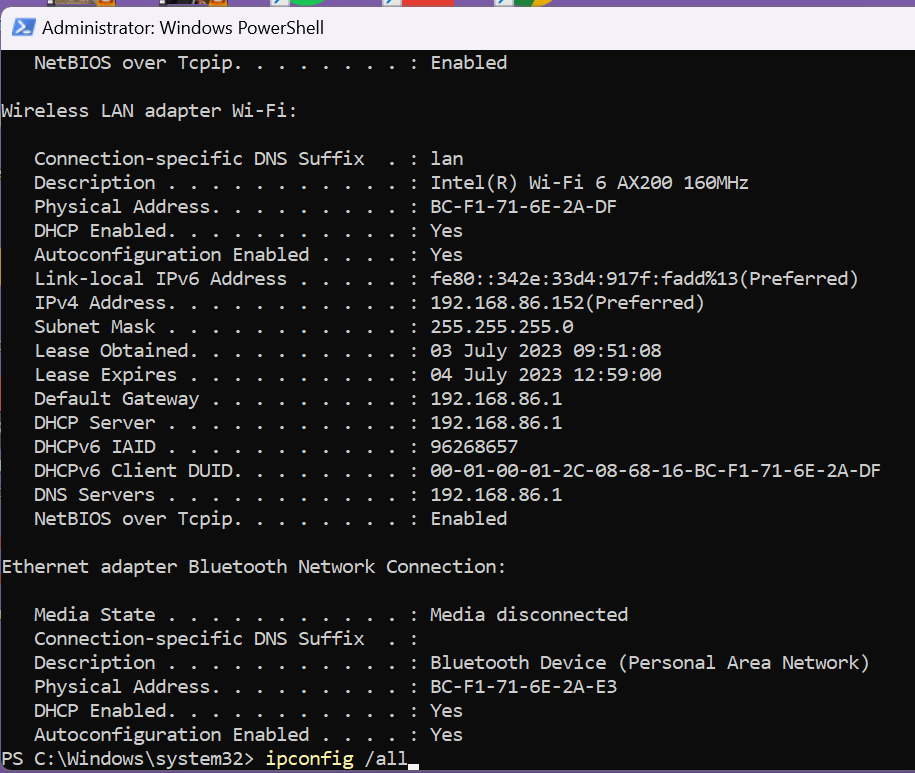
Find your ip in the network
If you dont want over the wifi > use normal network
Ask editor to connect
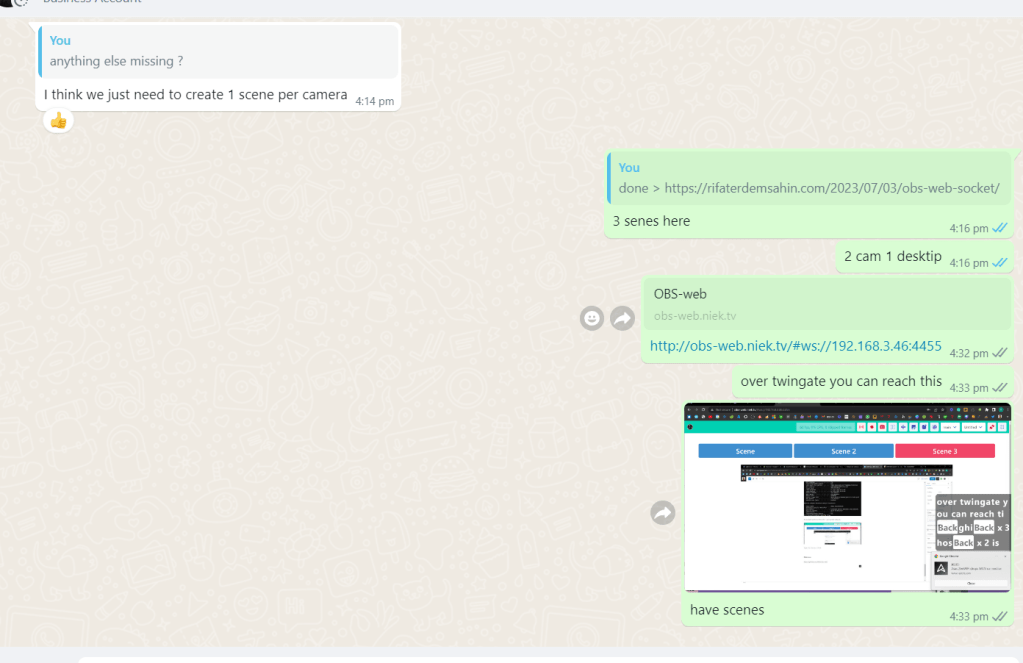
Record errors if there are any
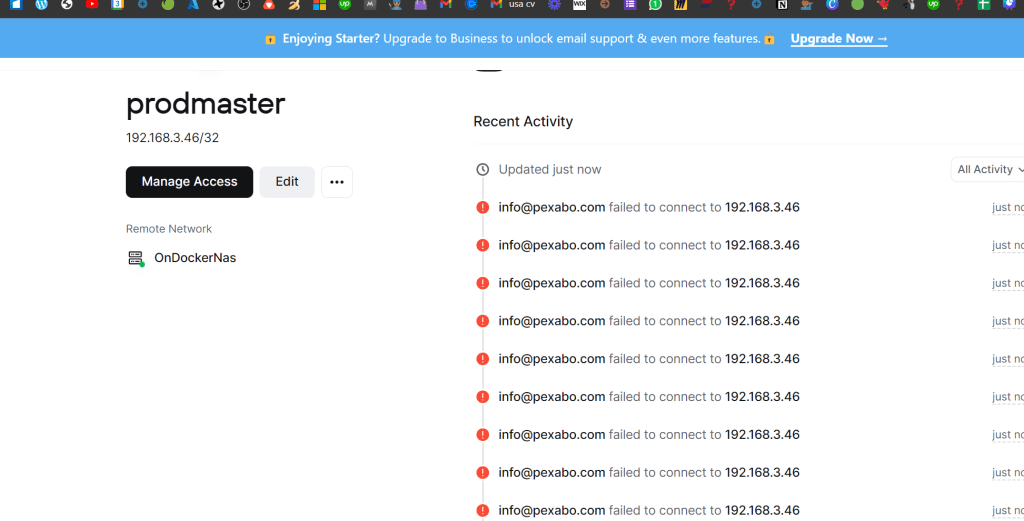
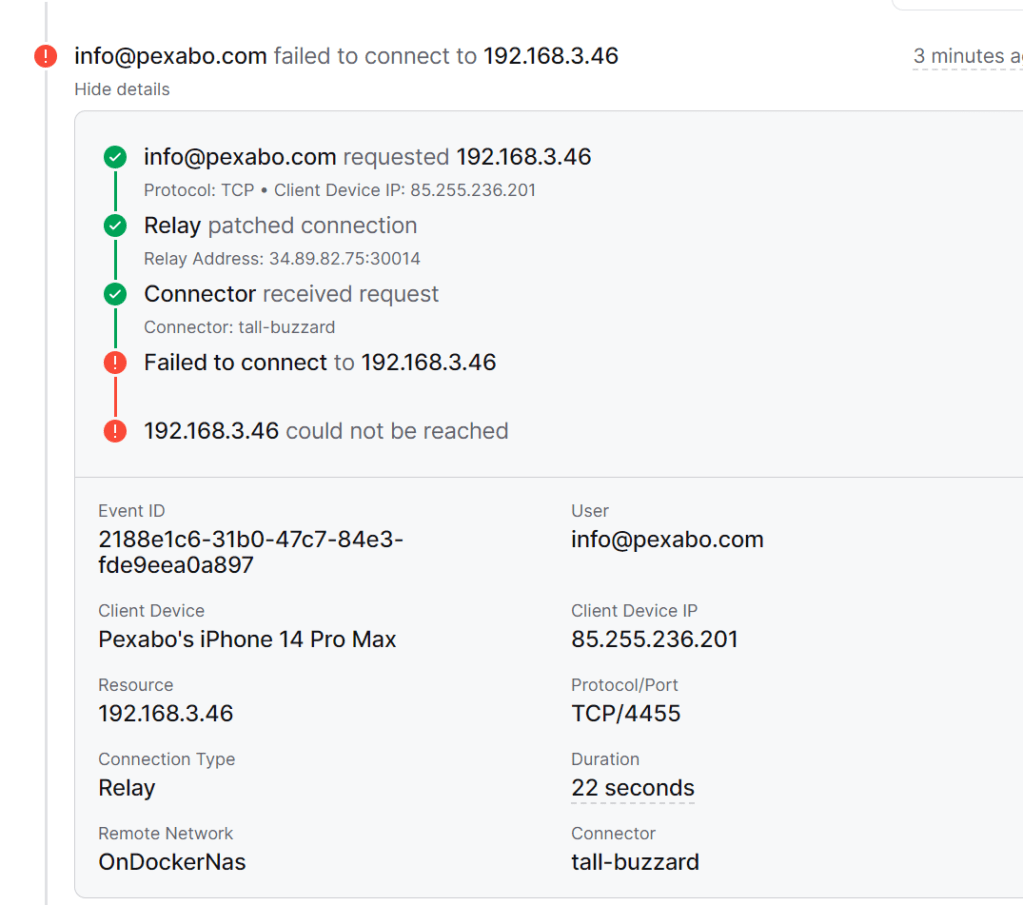
Time to install helper containers ?
Check your NAS which runs the docker
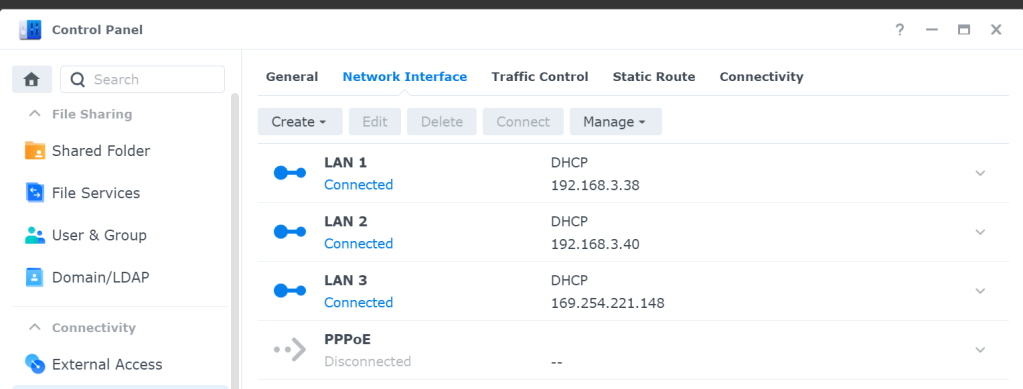
Install docker on the workstation remove the hubs and networks have the direct access
choco install docker-desktop
Use a notepad and copy tokens
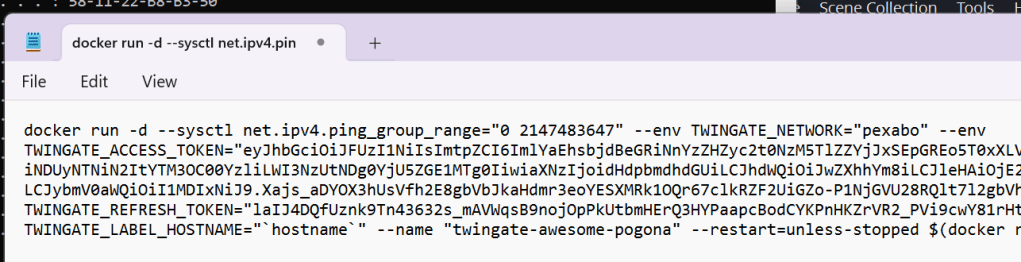
Closer network > restart for the docker desktop
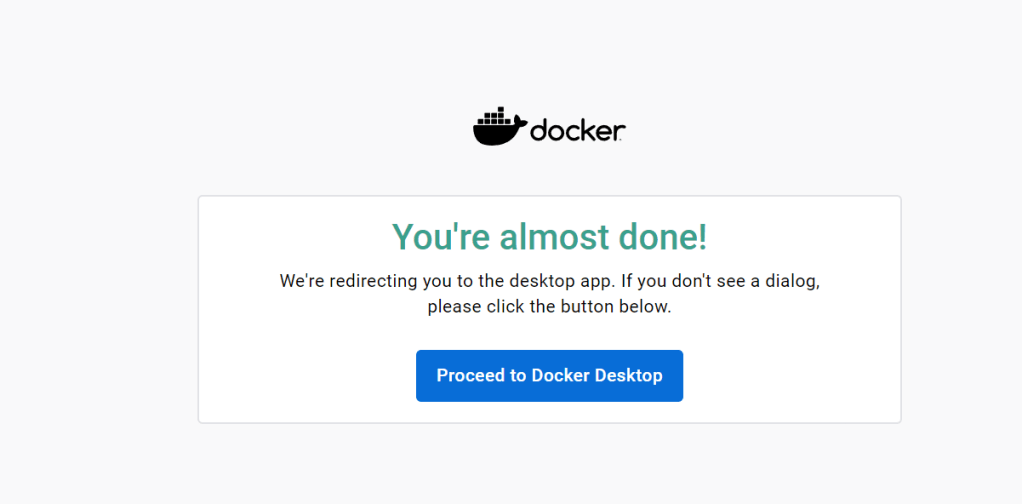
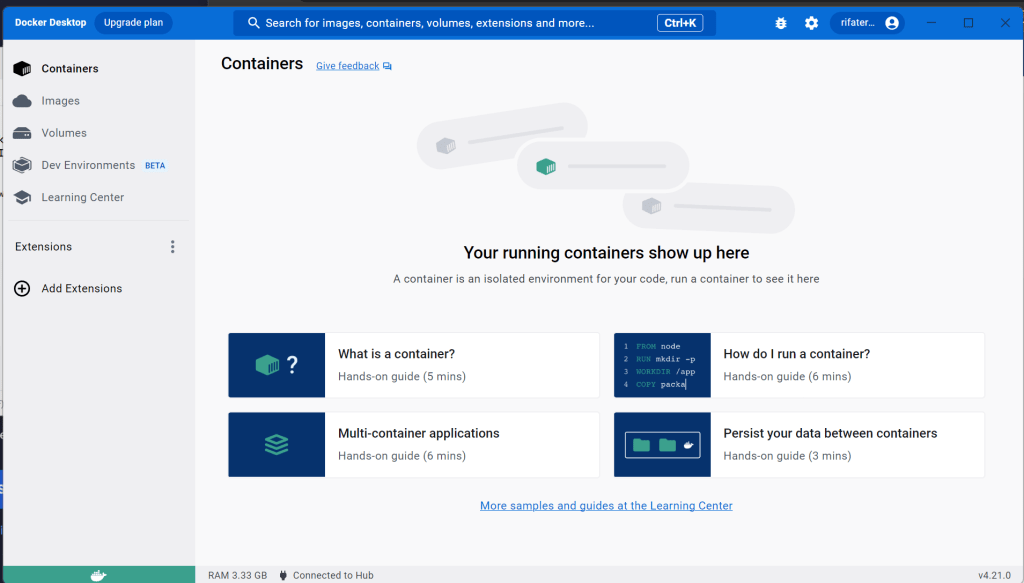
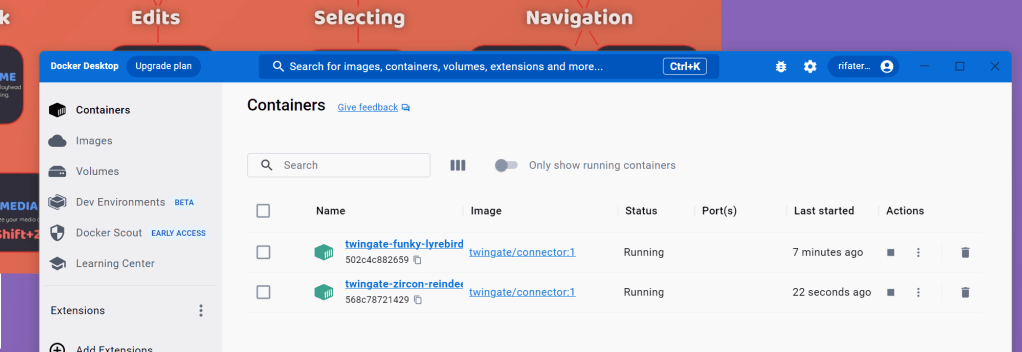
Ypour goal see the container here
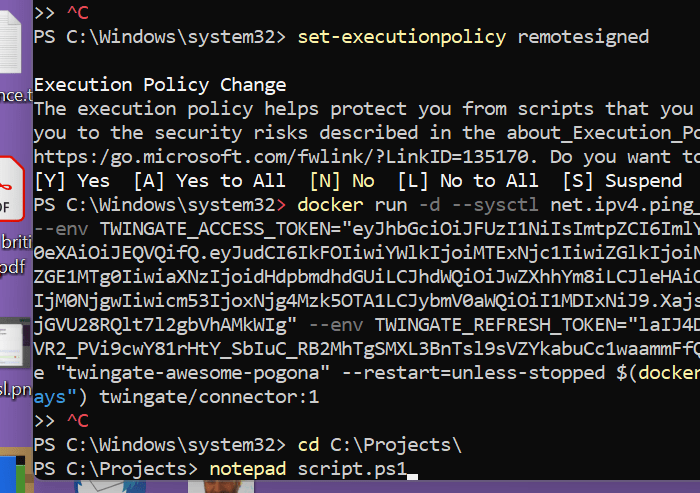
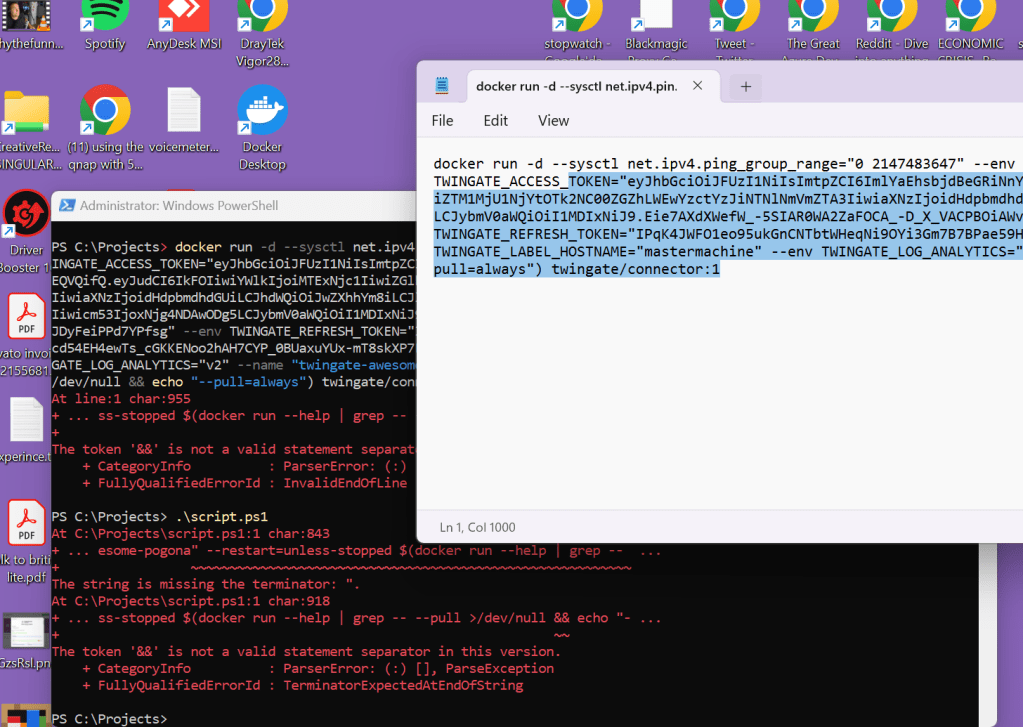
Remote signature does not work use the file trigger tactic
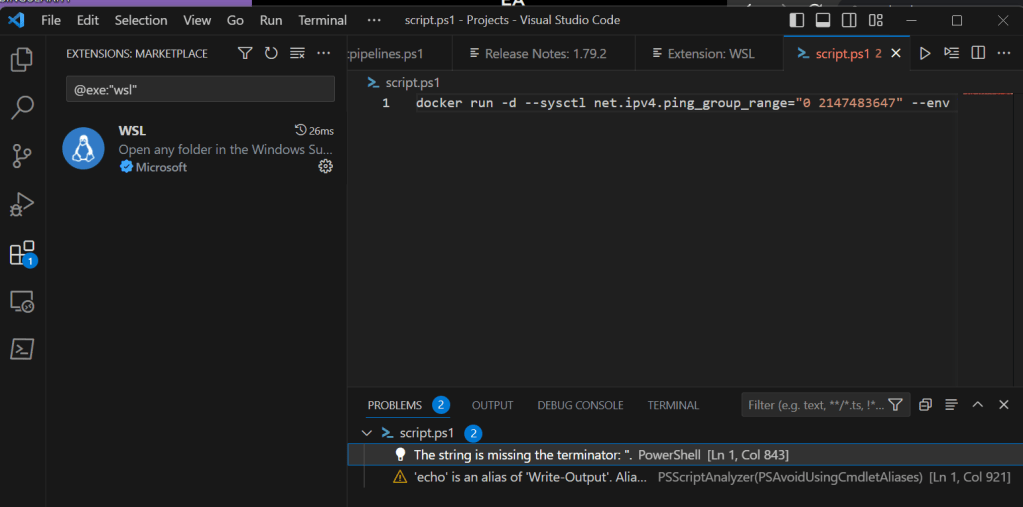
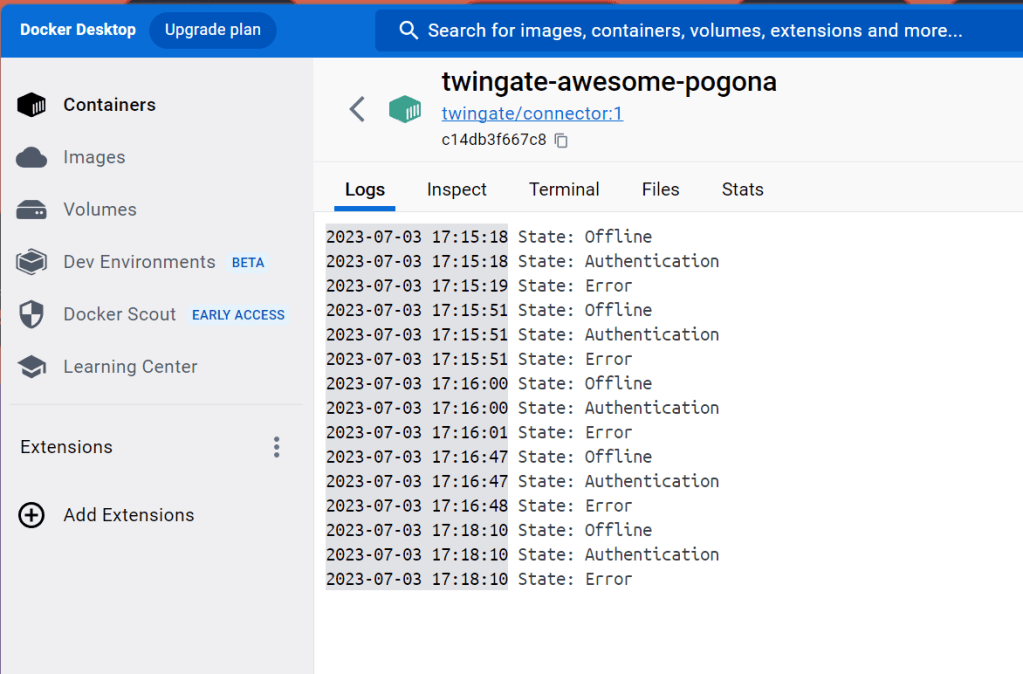
See error
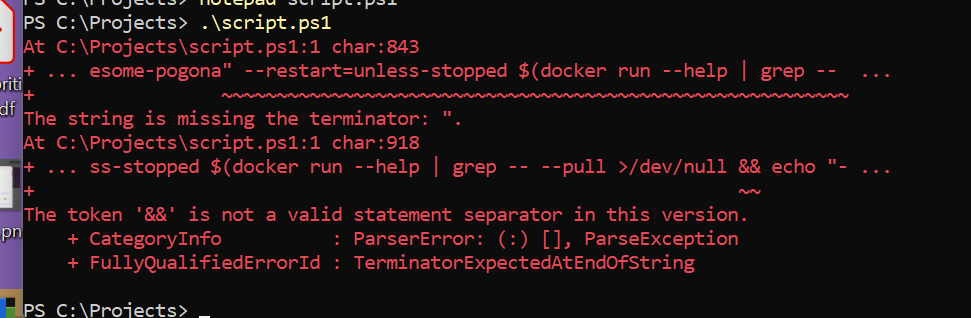
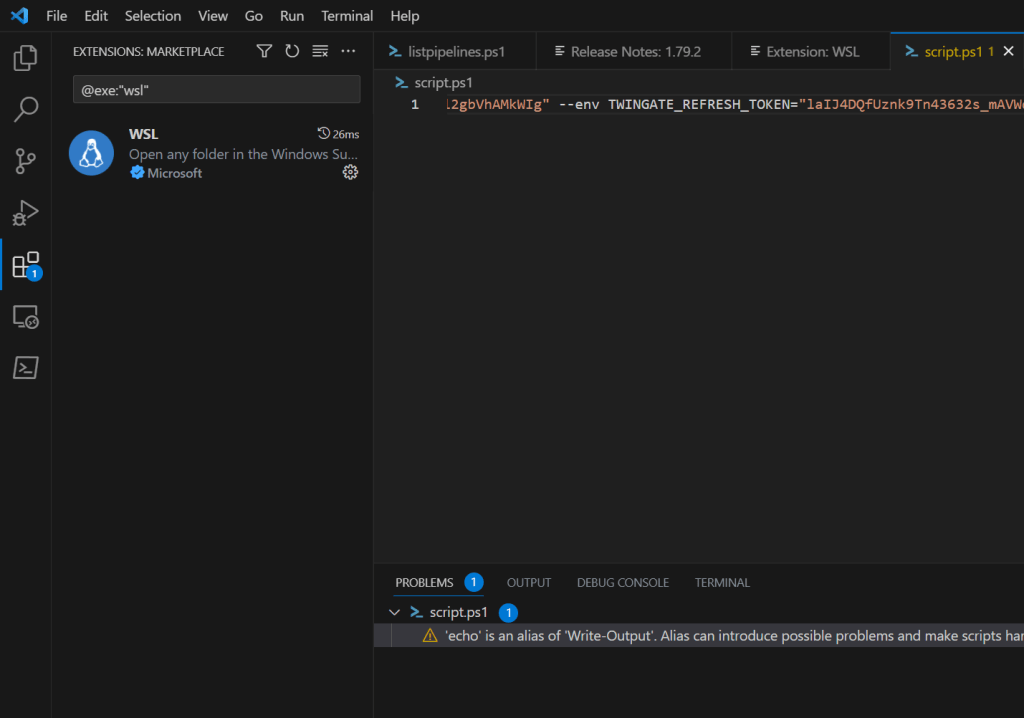
Look at the script at vscode
Give up and trigger in bash
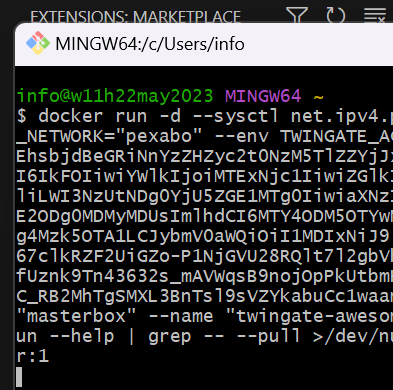
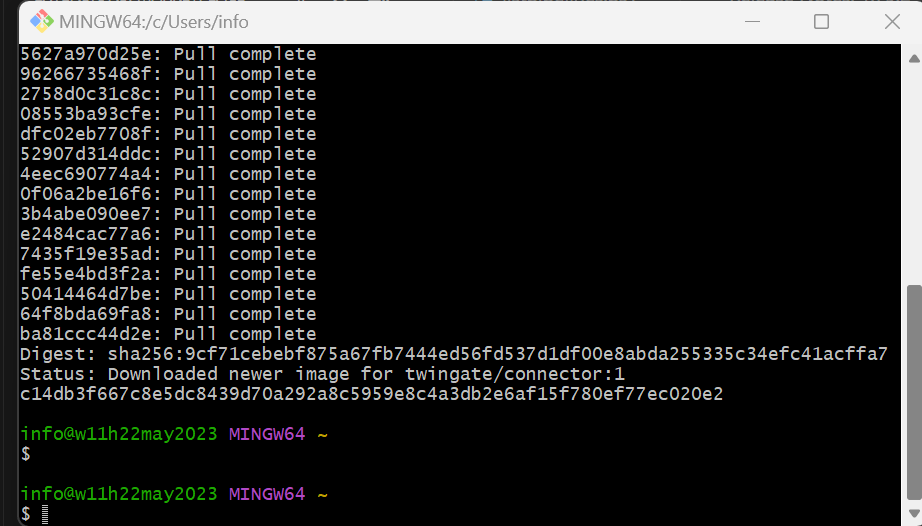
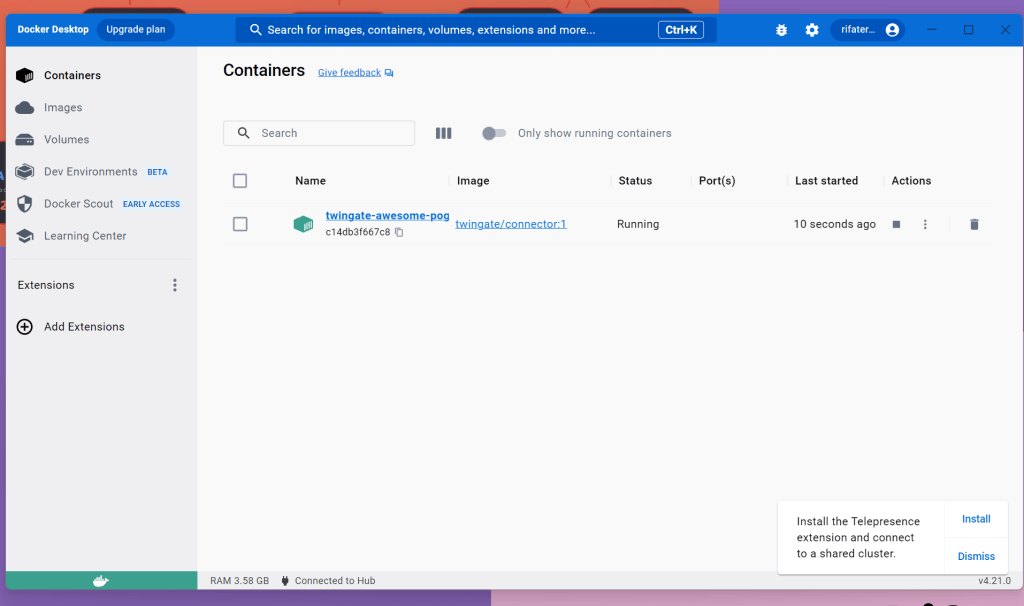
Check logs for connection
DElete images and containers and restart without wifi network
See controller online
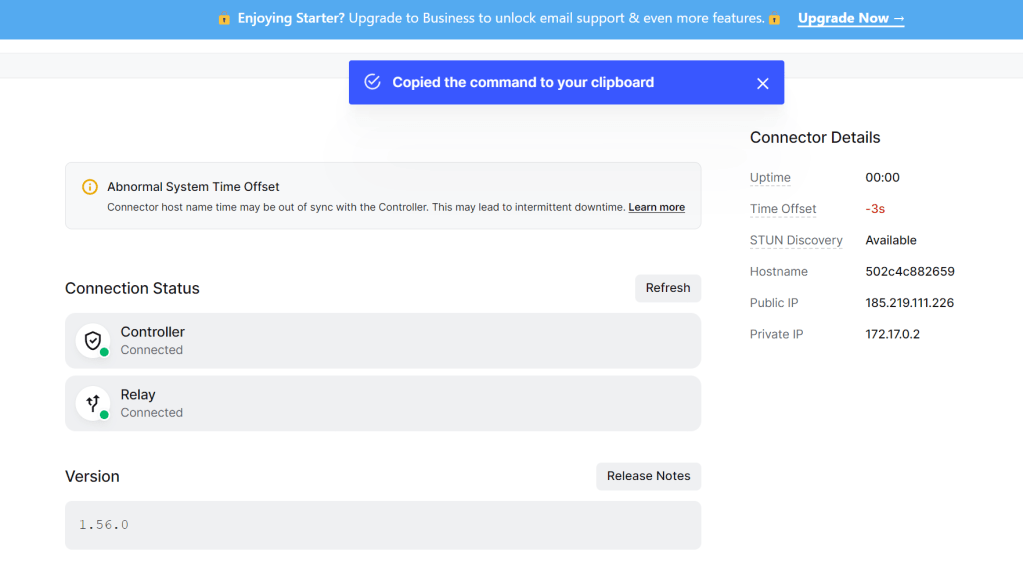
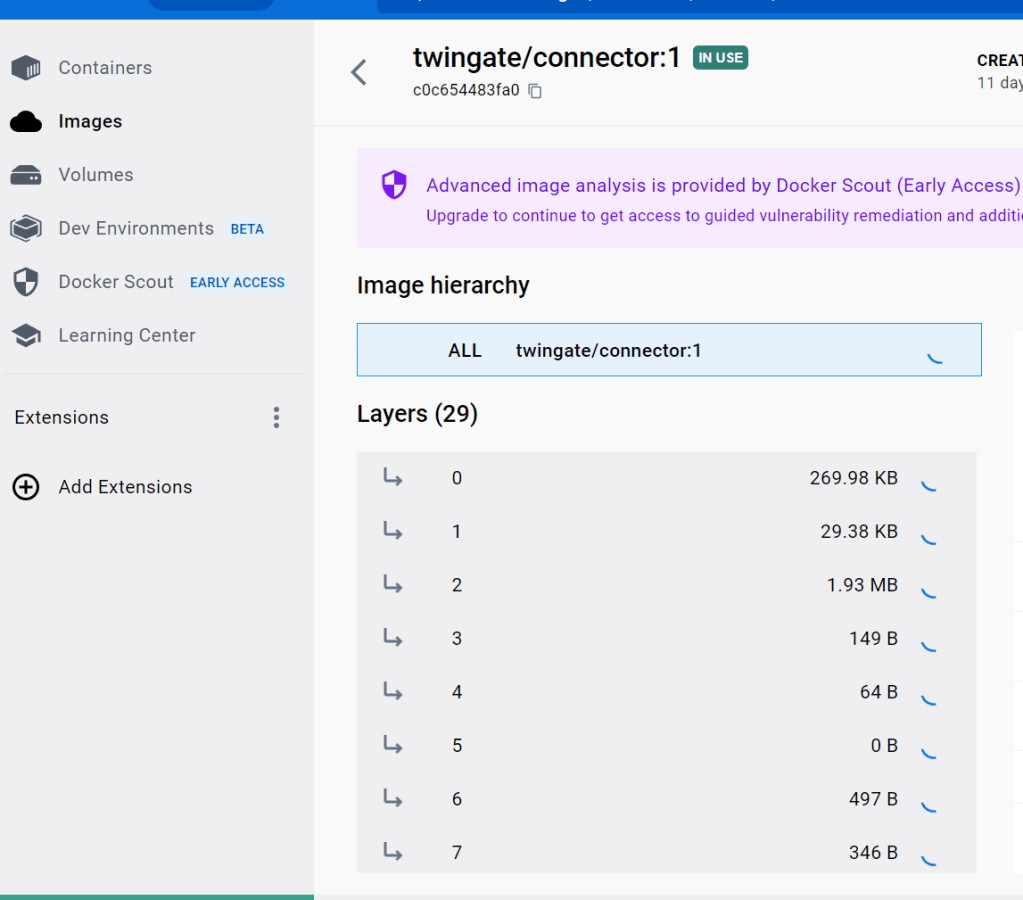
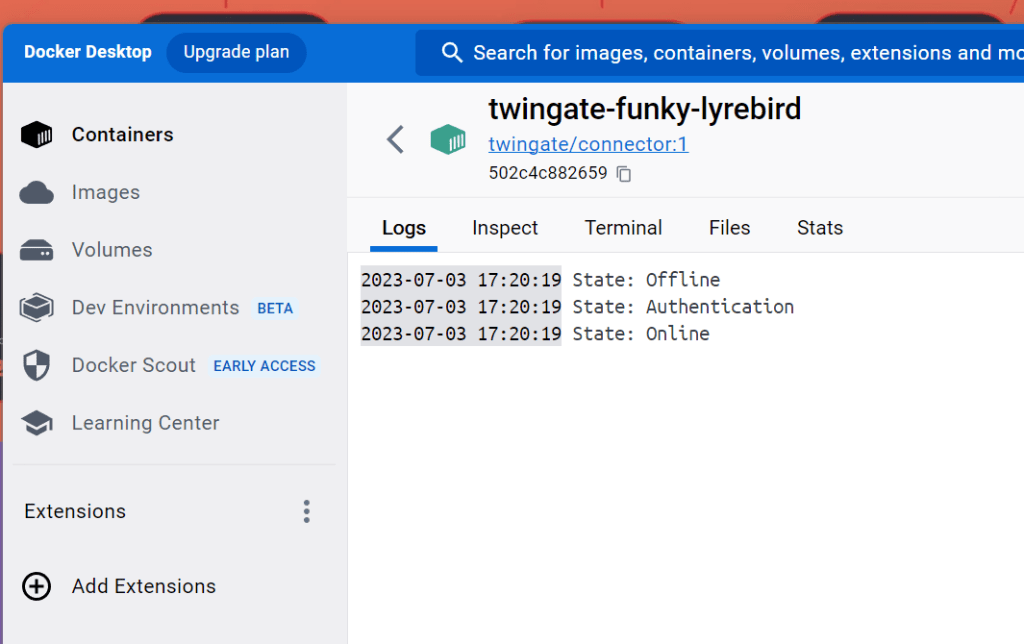
add one more time
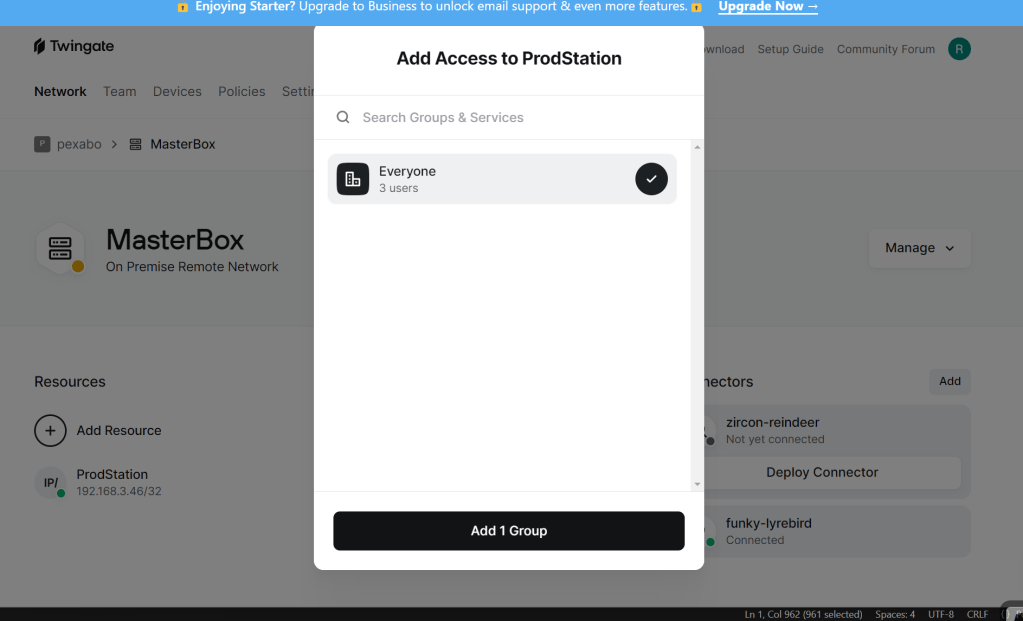
check ip
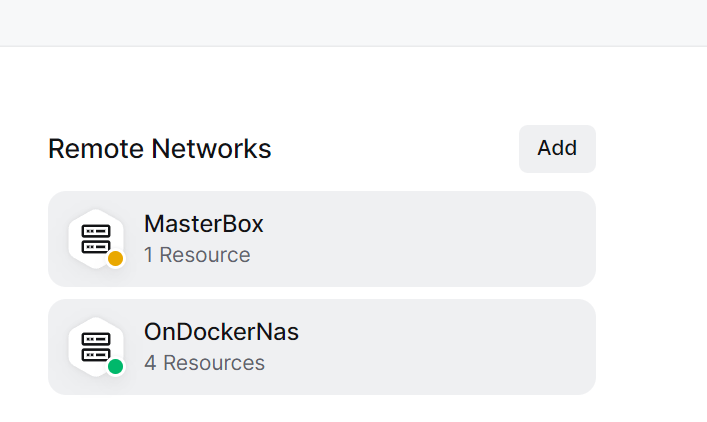
with the second container
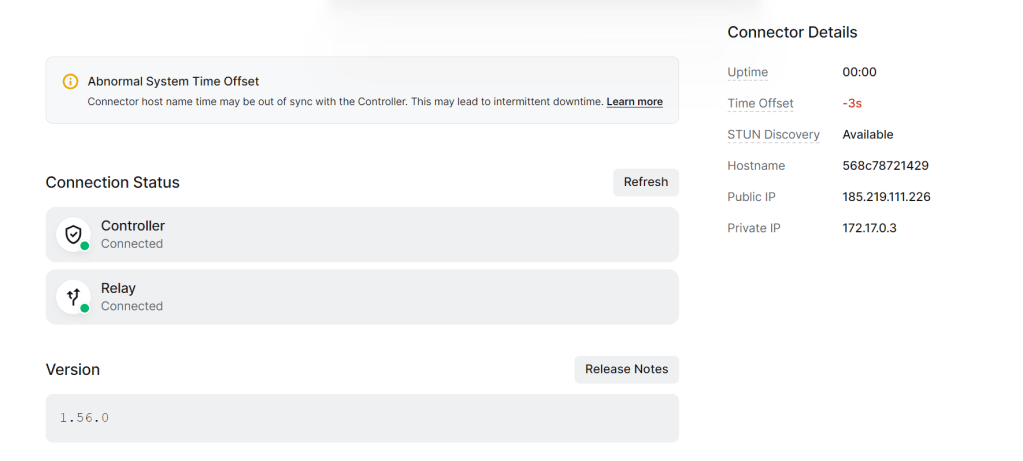
Access over master box make sure only one device has this access not 2 controller > delete from one controller
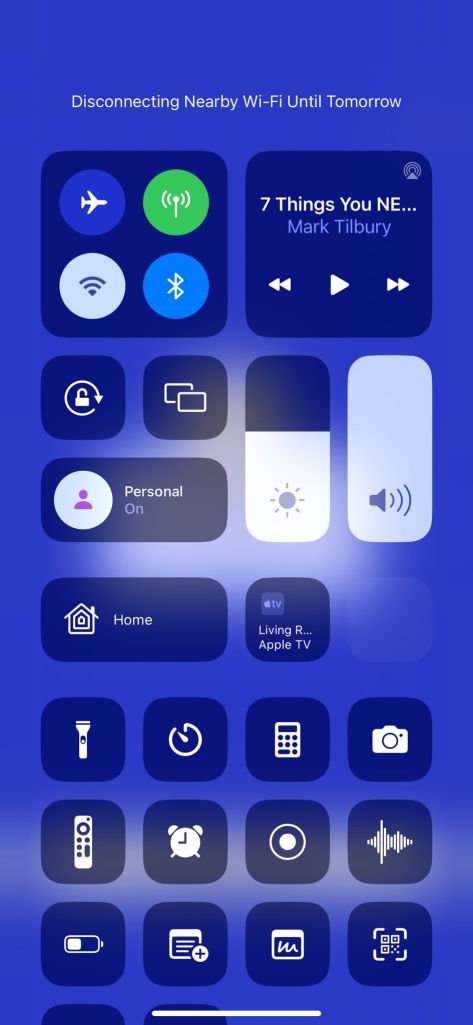
Access from your mobile turning off the wifi and connecting to the twingate
Solution 3 : Remote pulls the desktop image
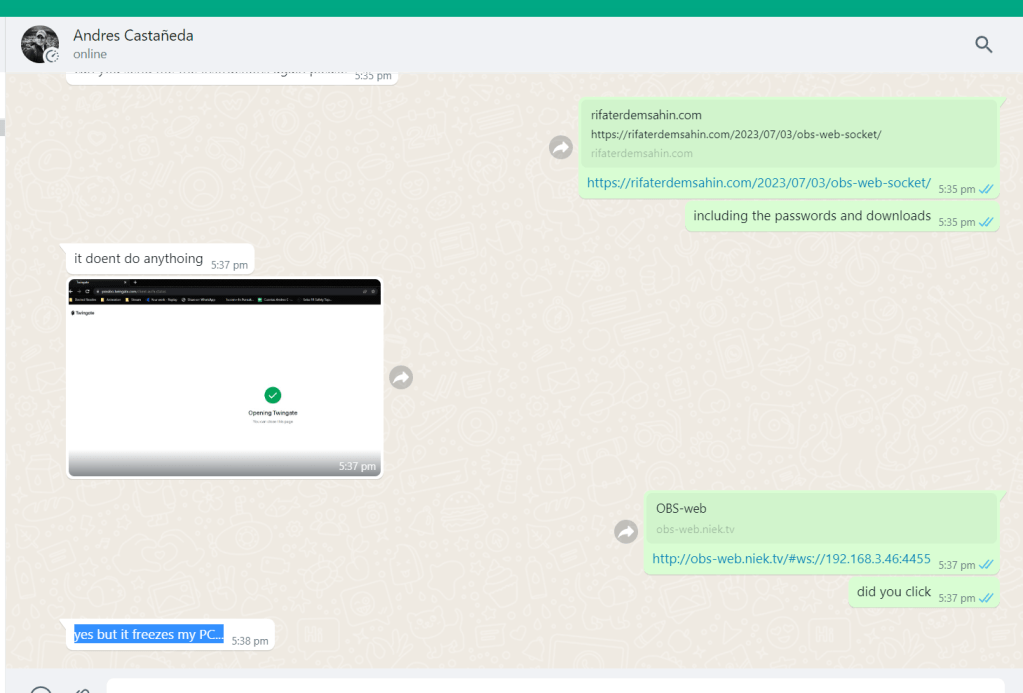
Docker love and hate relationship > easier way use the any desk and the editor can watch easier and click with the mouse
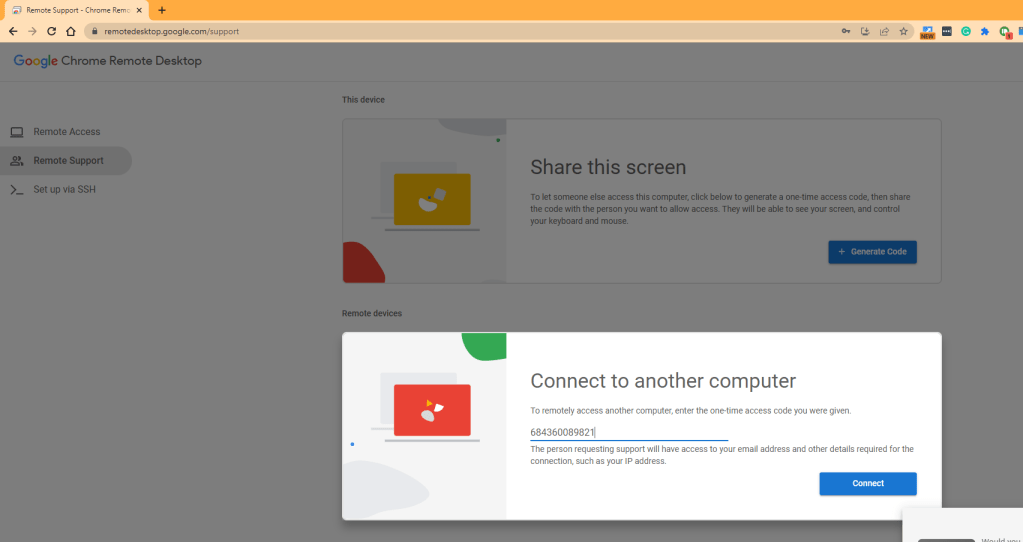
Even Chrome remote share could be an free option
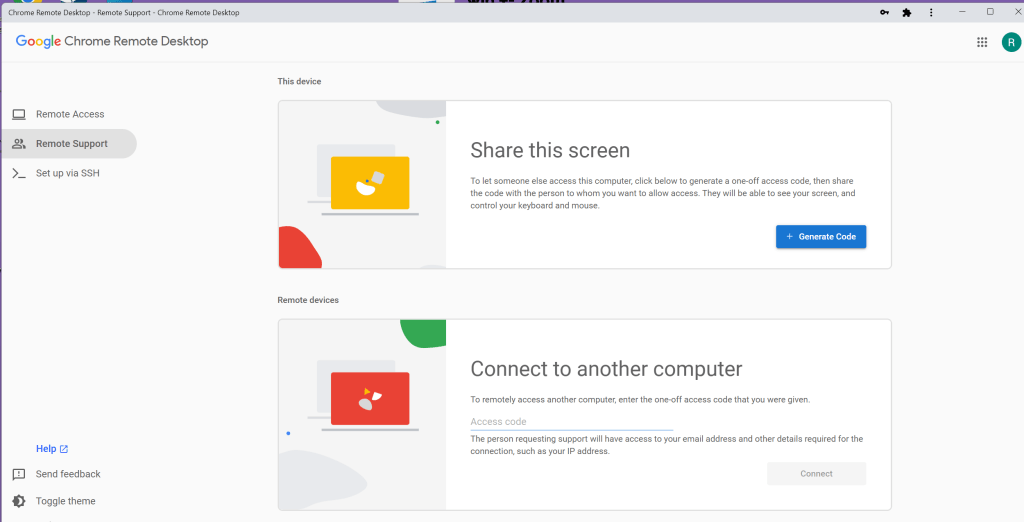
Get a code
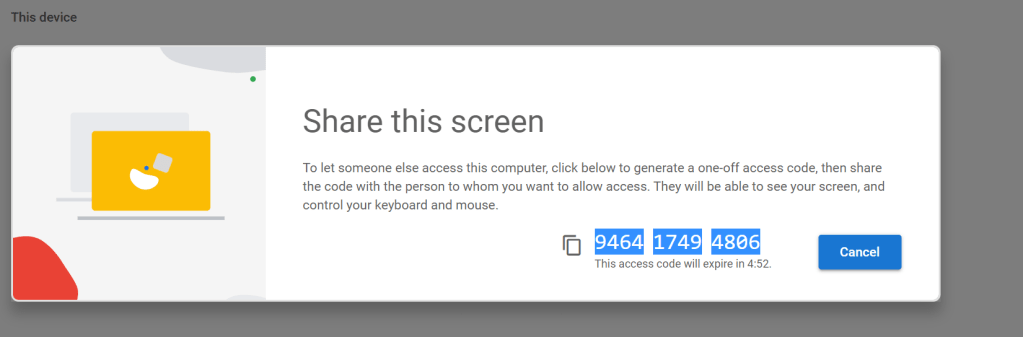
946417494806
https://remotedesktop.google.com/home
Solution 4 : Remote and local meets in the cloud
Use restream.io as the middleware and the editor has no sync issue due to added delays
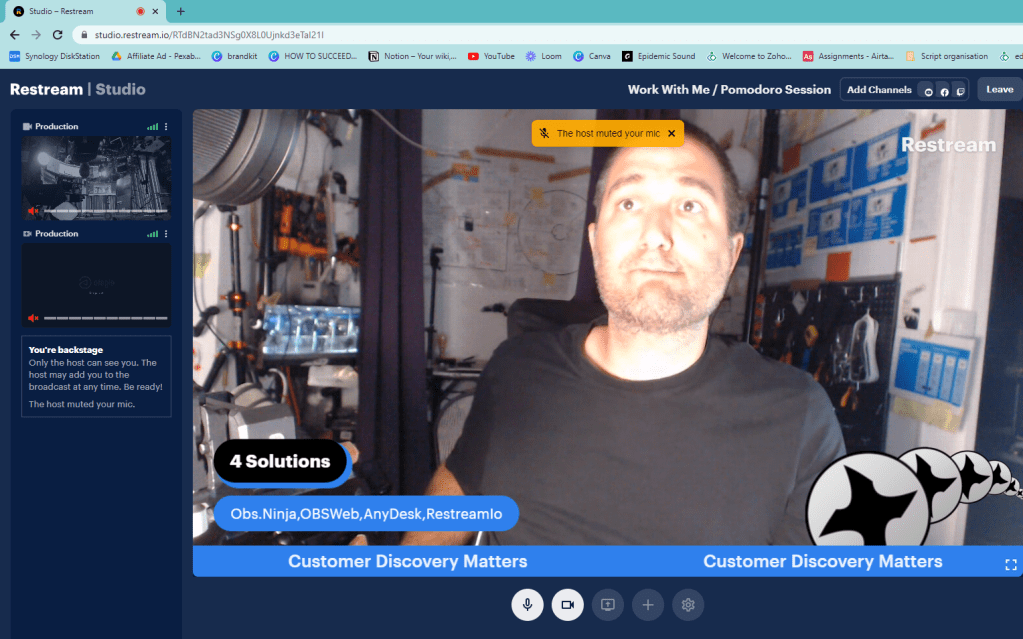
Restream.io has 2 sources from my end and 2 sources from the editors and and the editor is directing it.
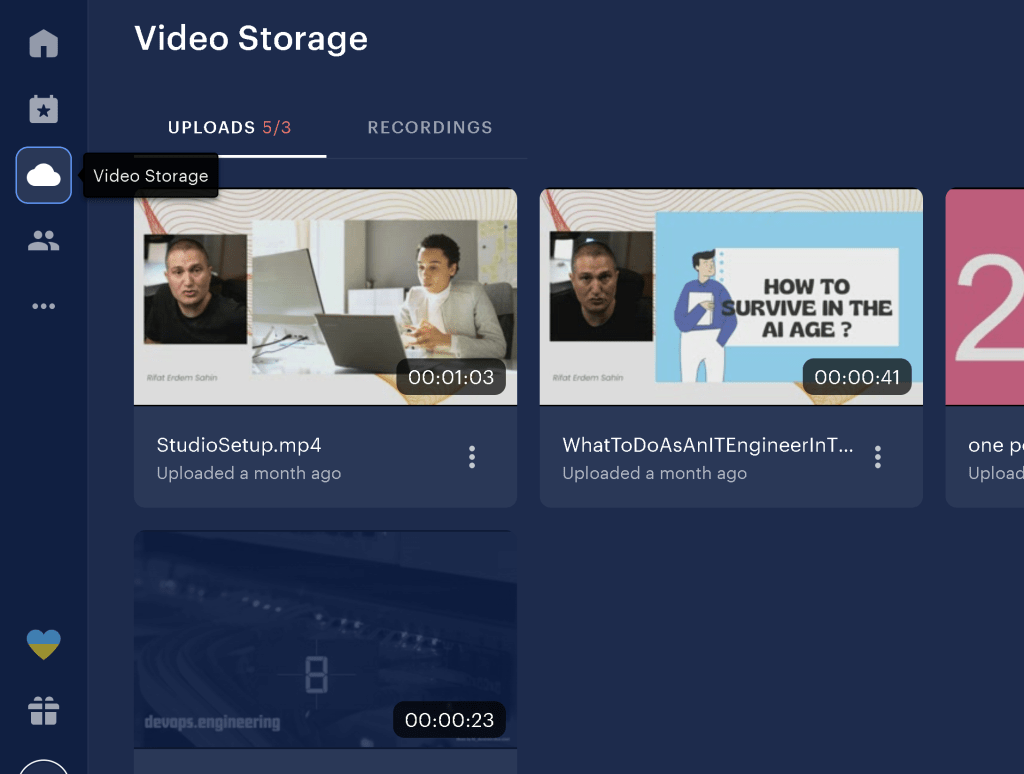
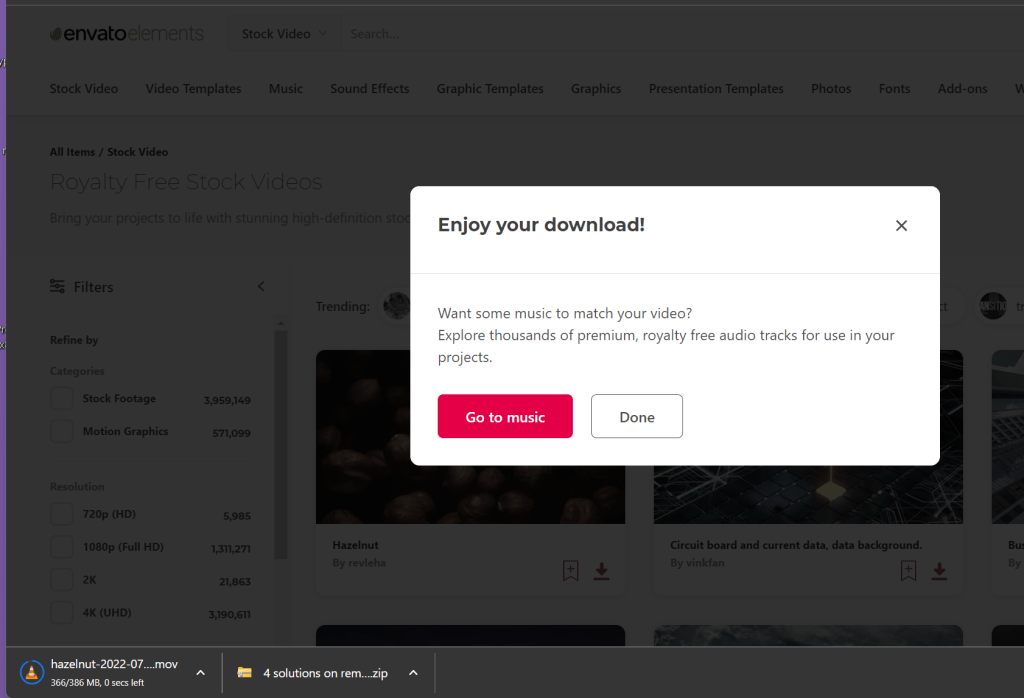
Video Storage ( upload the envato footages )
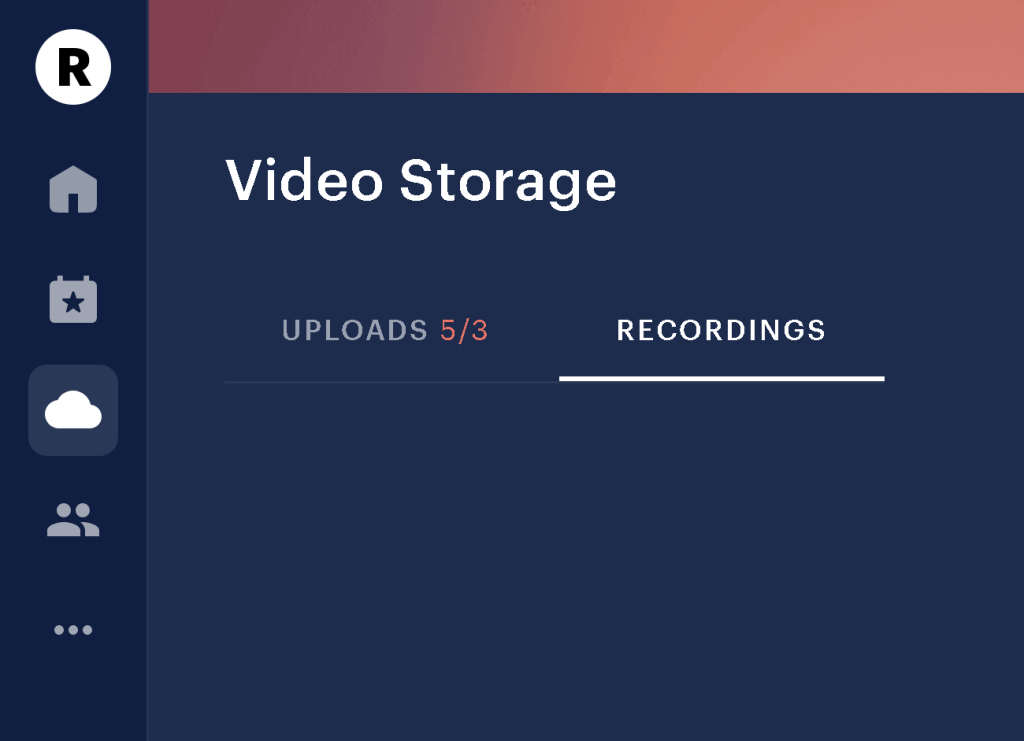
Recording backedup to the cloud
start with web studio which is already setup
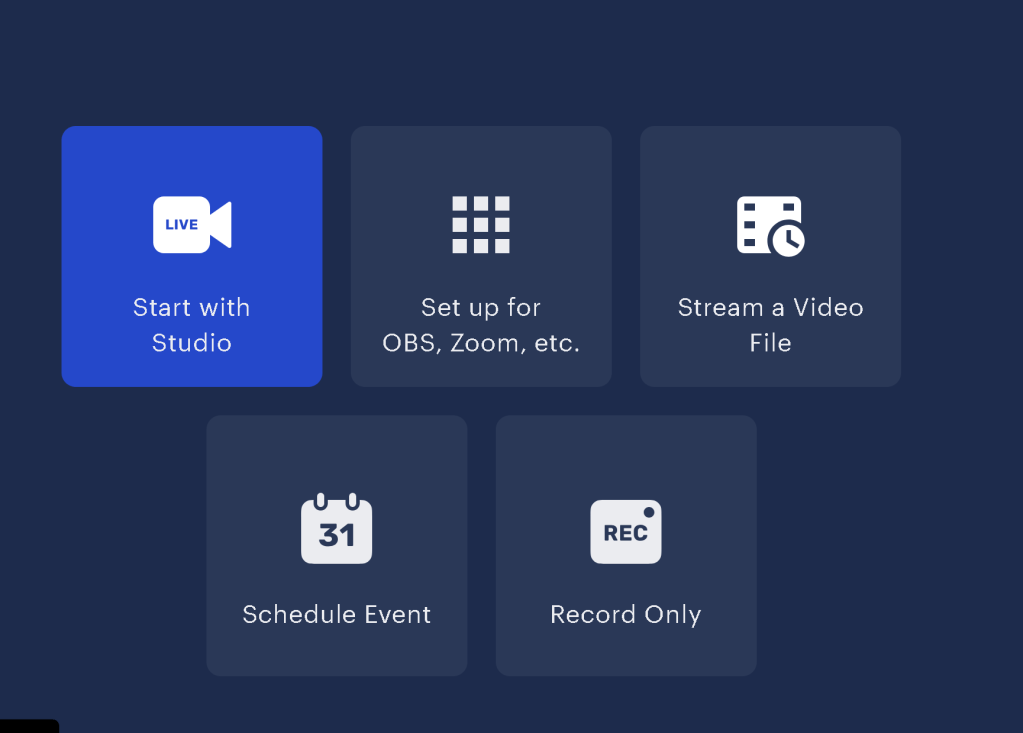
Rich sources
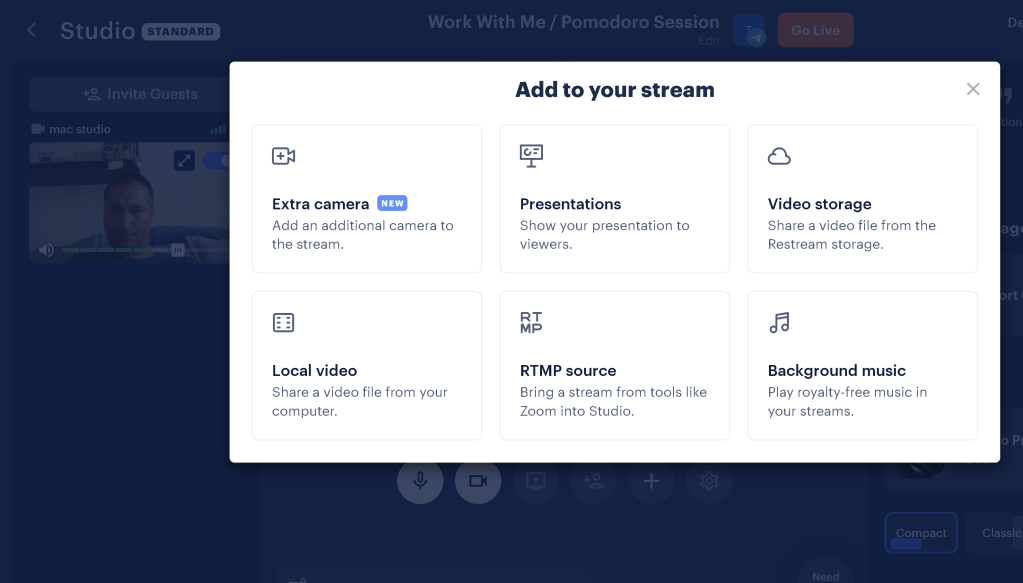
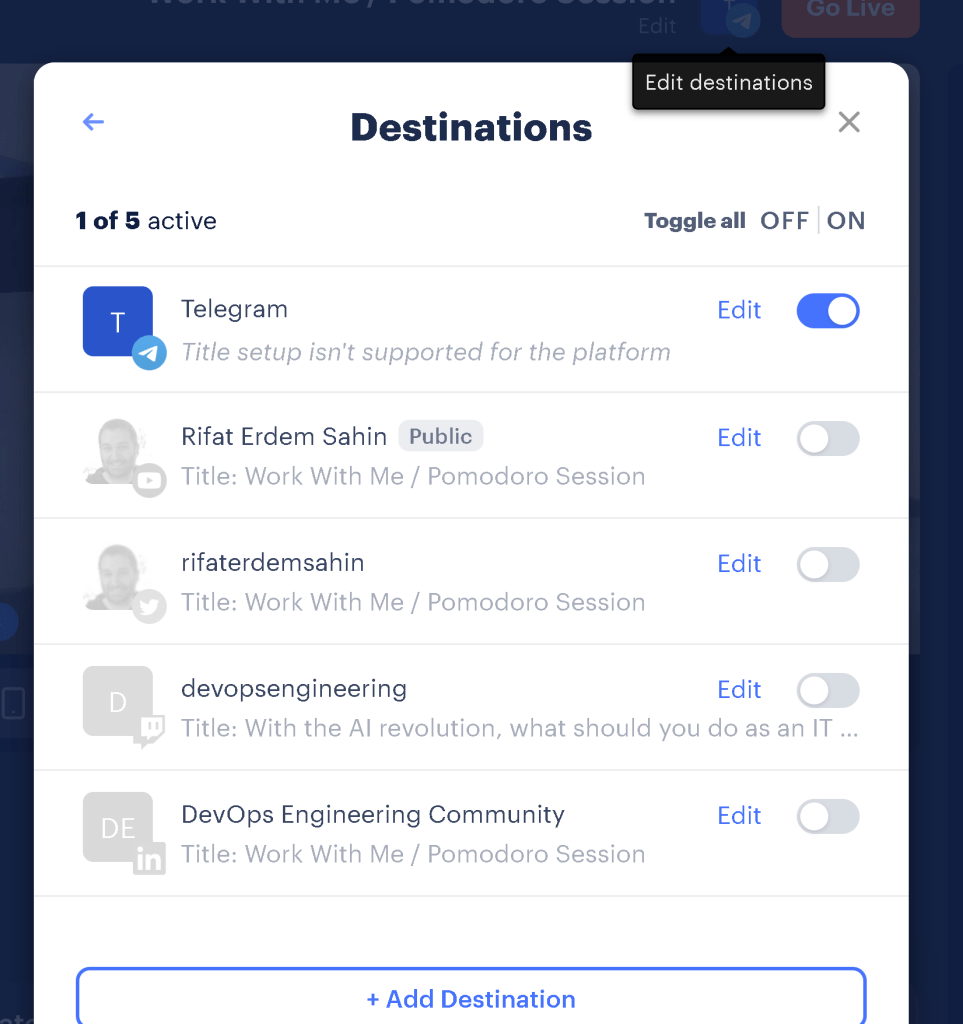
Buffer not needed to promote to multi channels
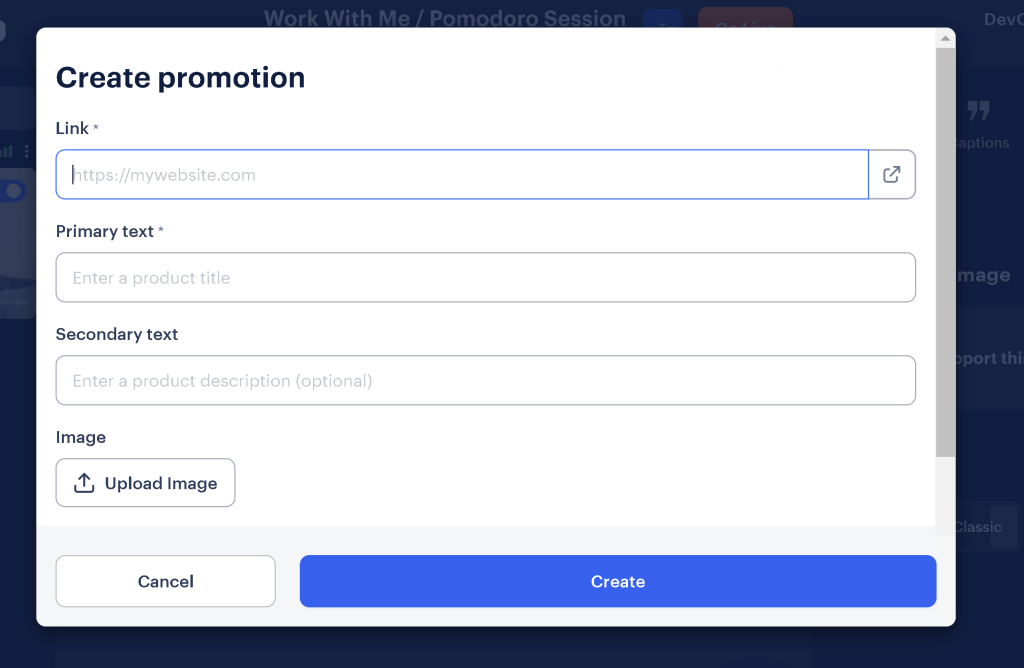
Links there
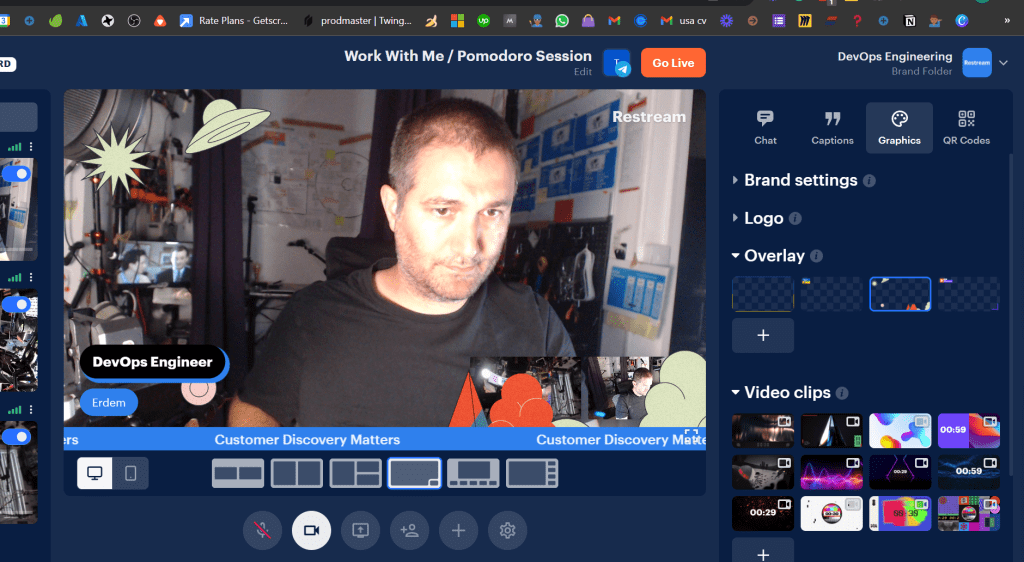
Ready Graphics
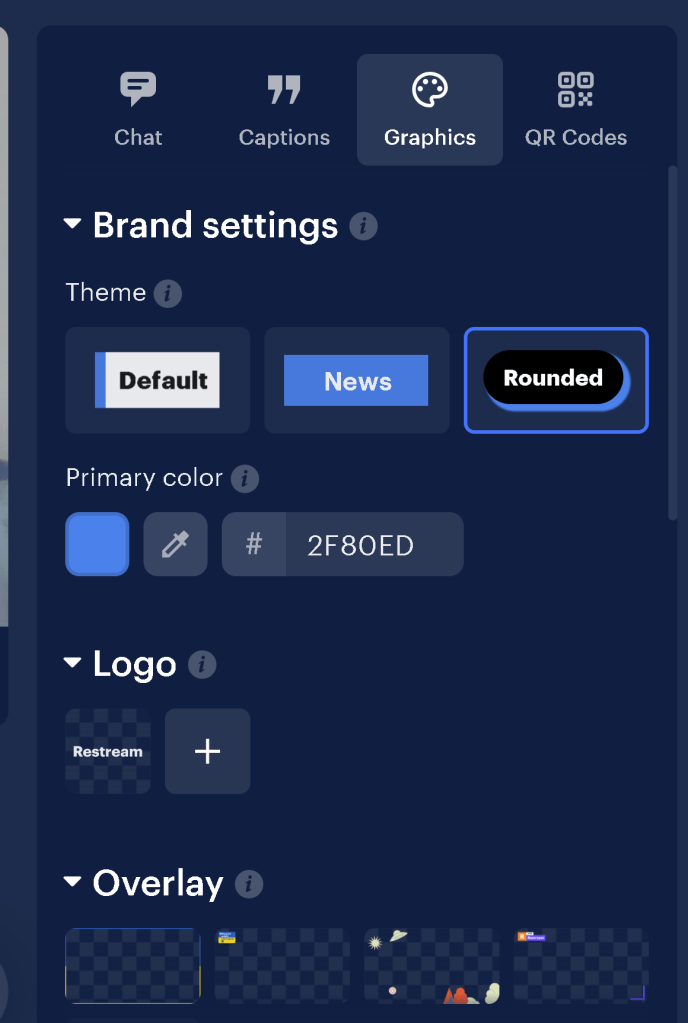
Clips and backgrounds
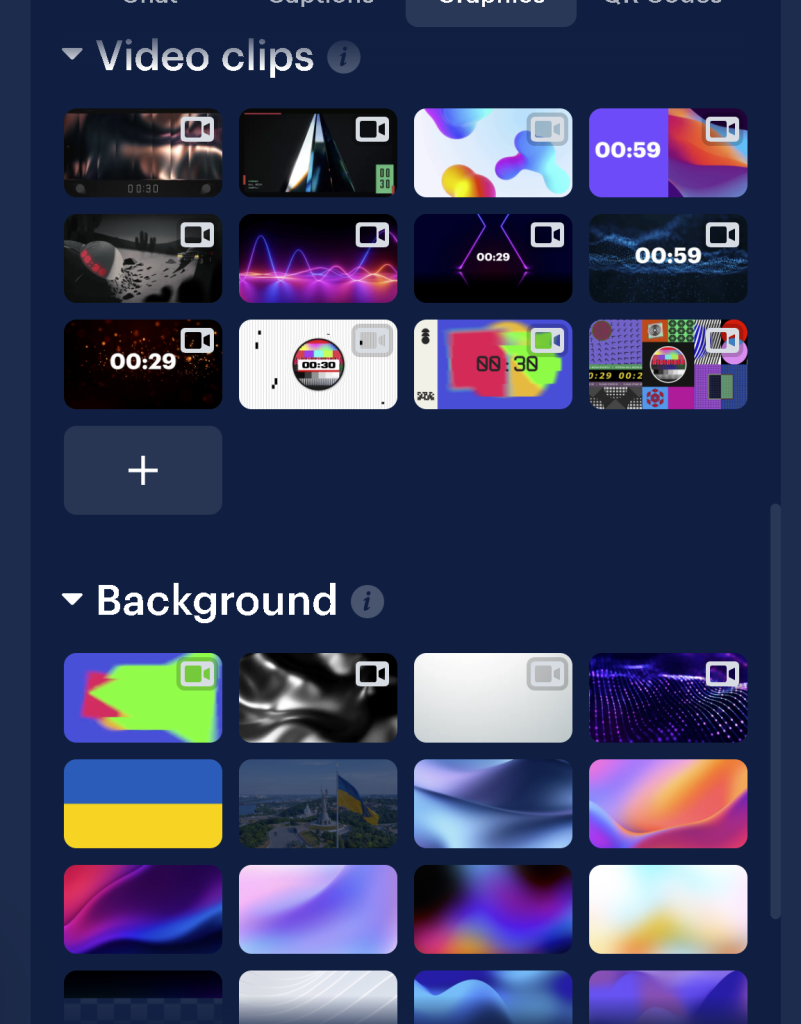
Captions
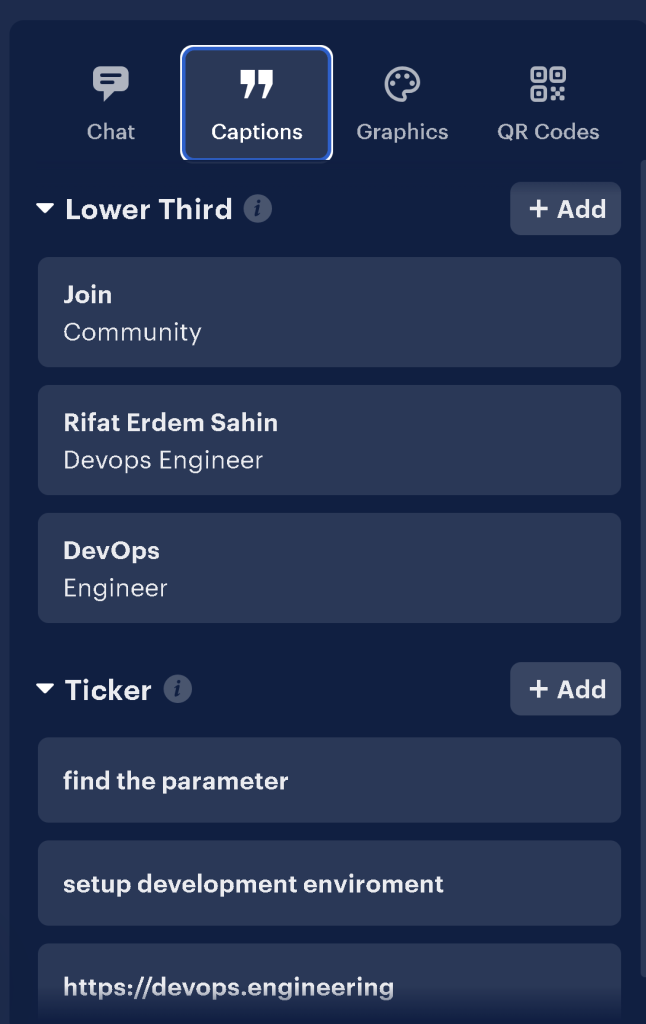
Ready transitions

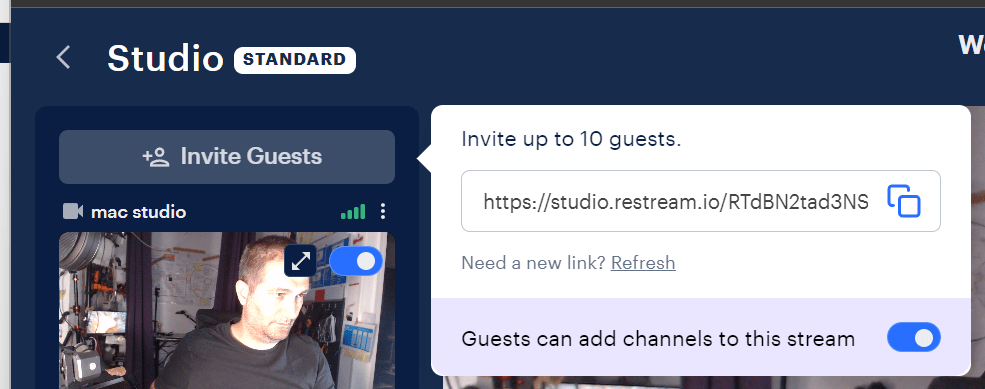
Guest with their channels
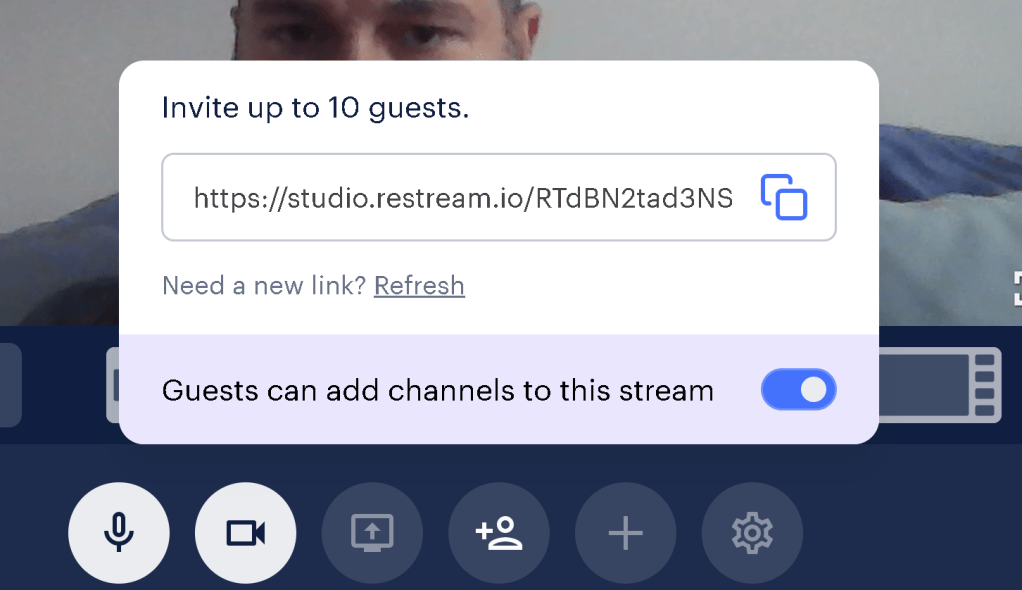
Presentation management from the editor side
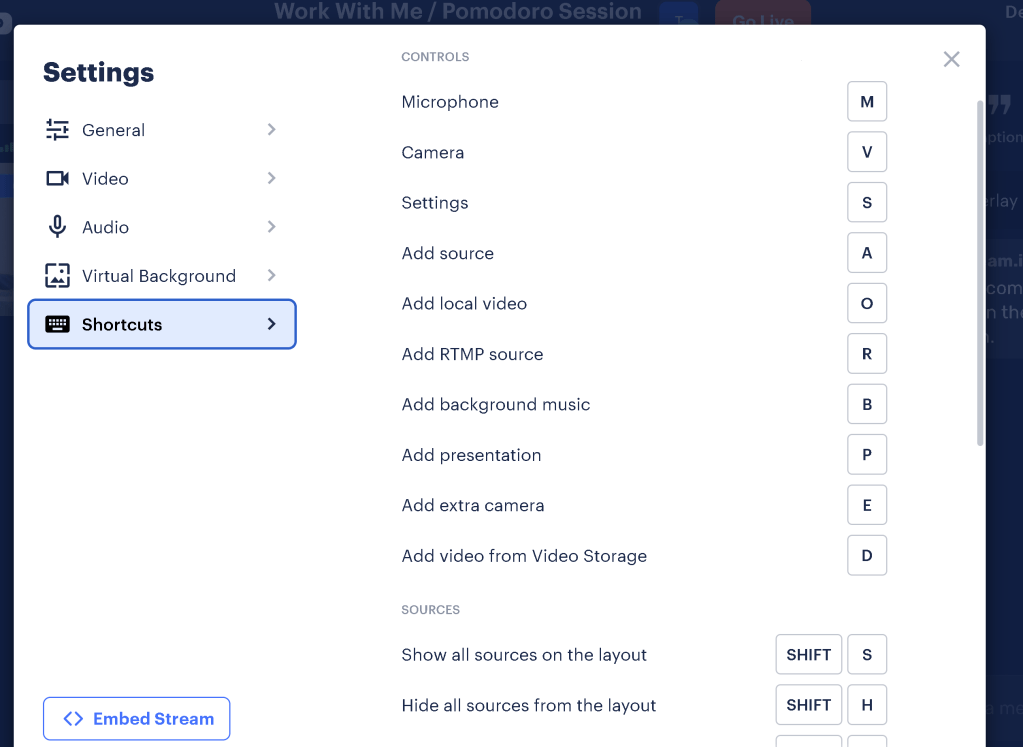
Ready shortcuts
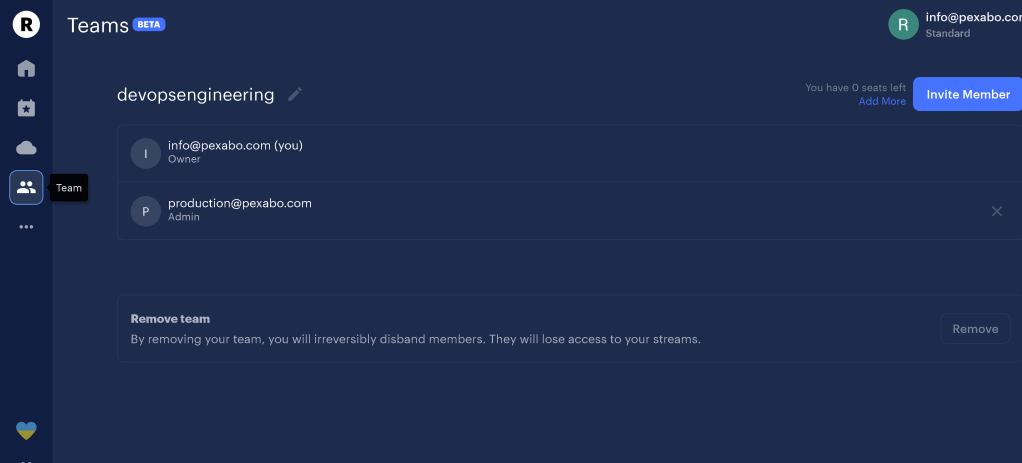
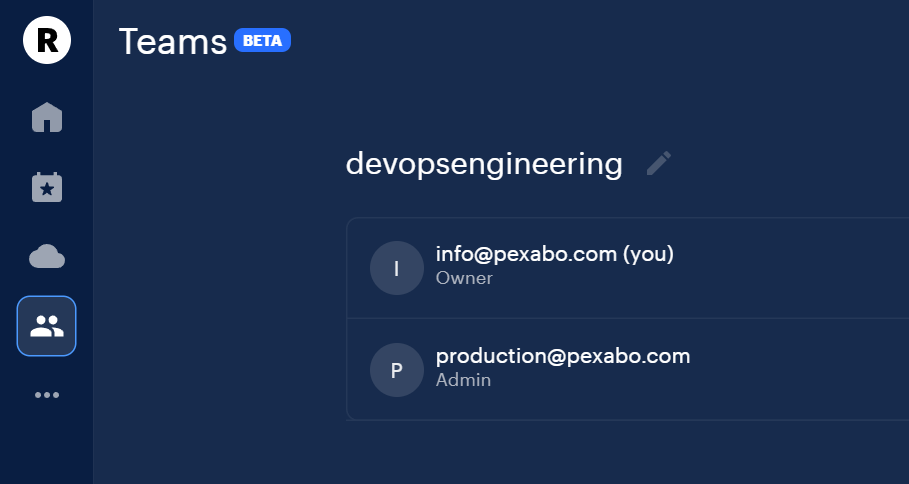
One team member to manage
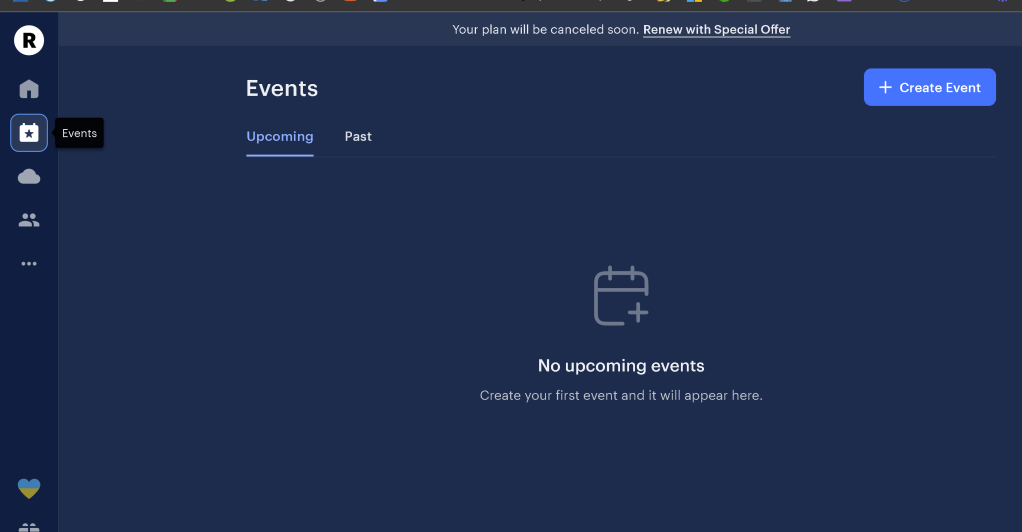
Schedule multi events
Animated text ( can be updated from remote )
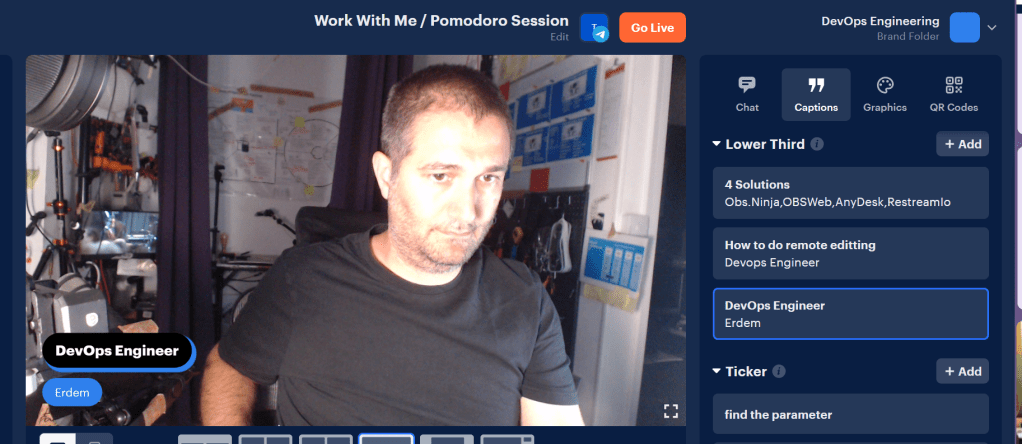
Practical Tickers ( can be updated from remote )
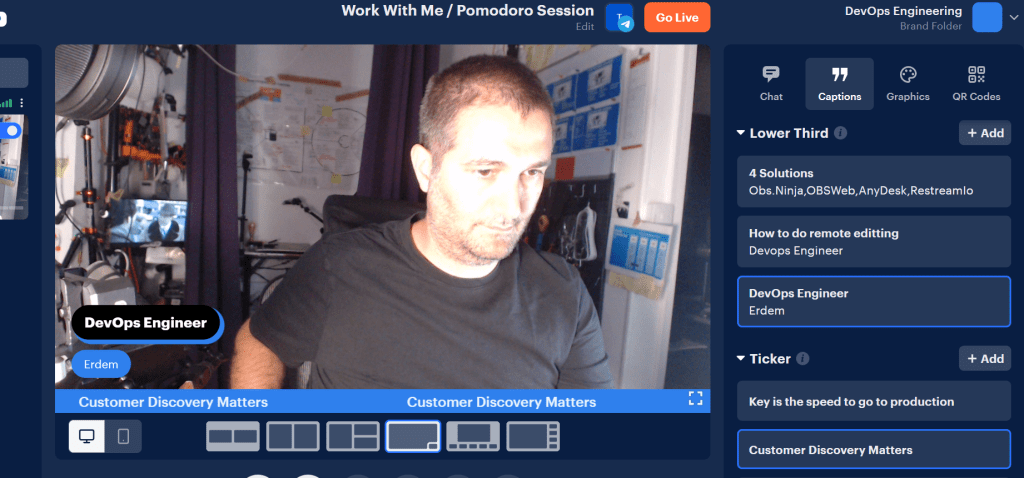
Practical Location Placement
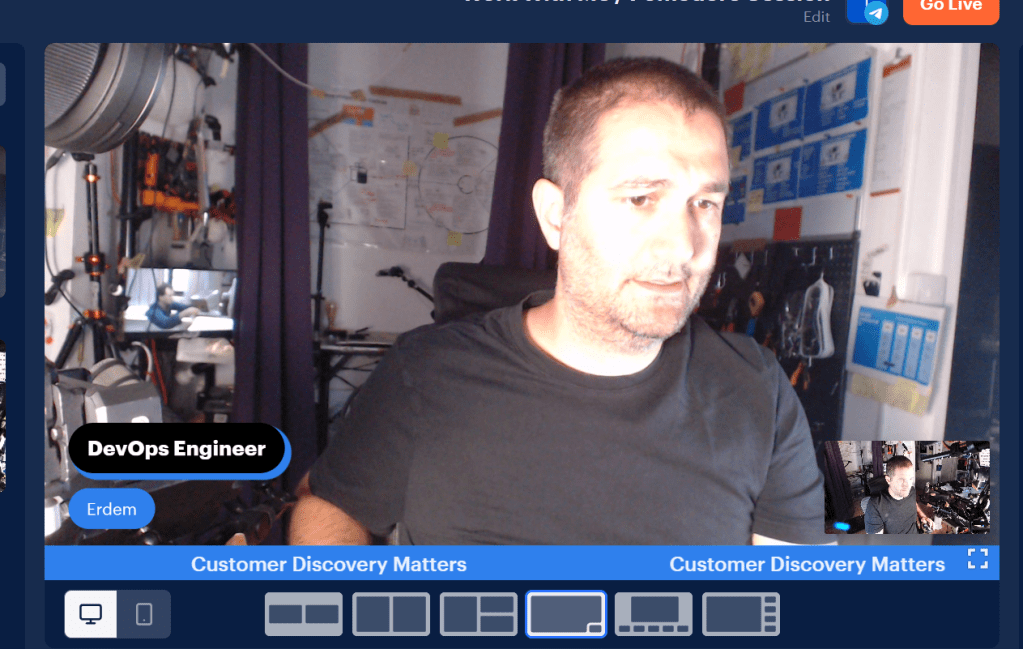
Brand Colors
Guest as director ( static guest code > daily start )
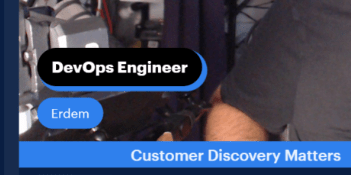
Practical Logos
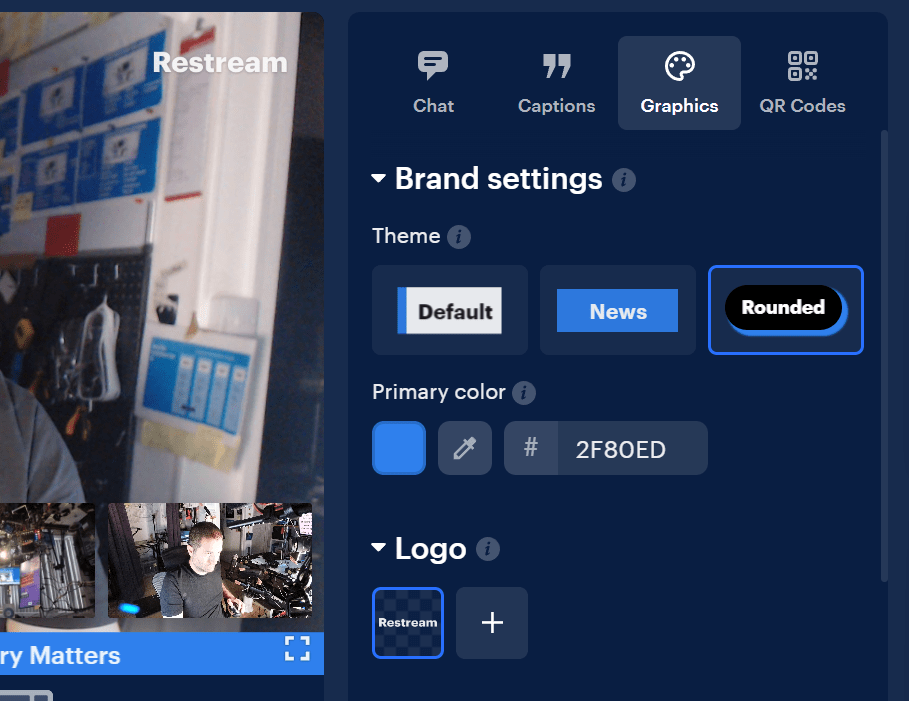
Video with music
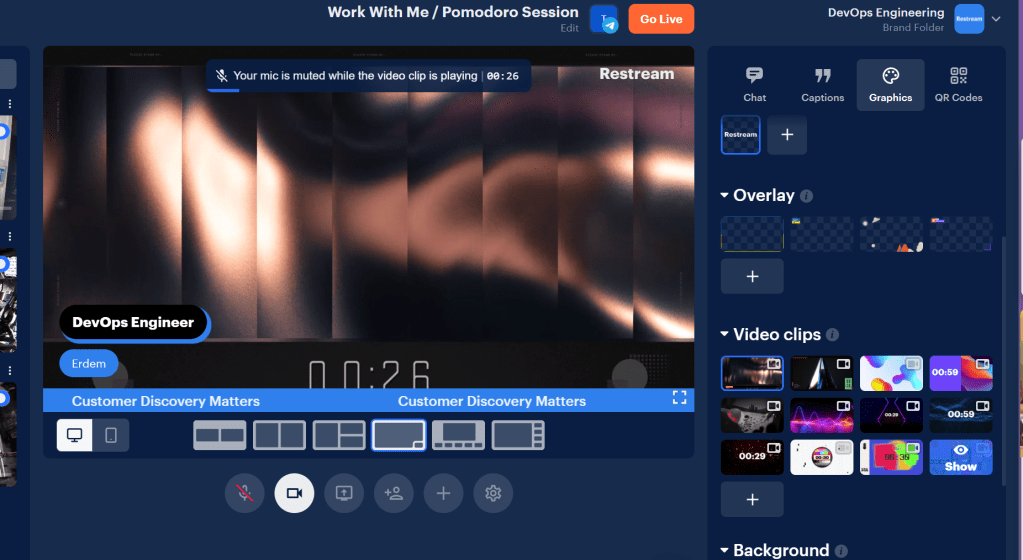
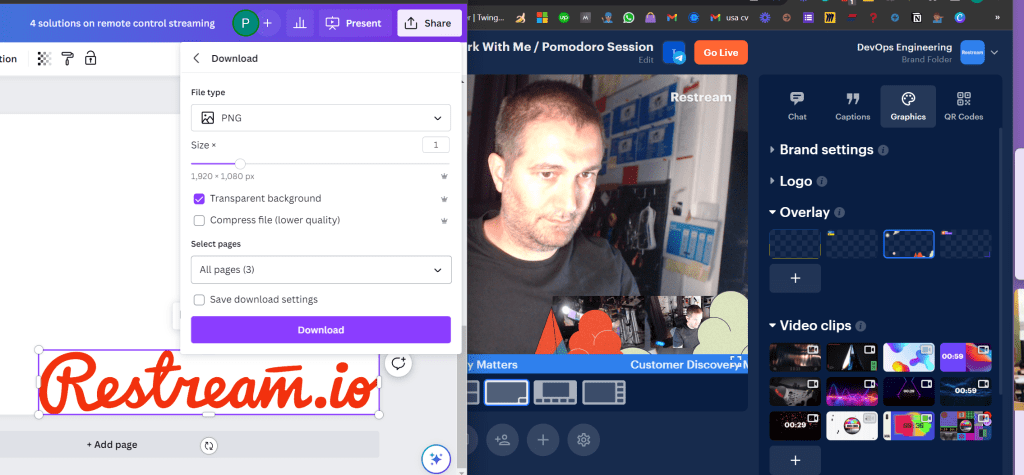
Overlays ( add them using canva on remote )
Transparents move to png
Multi upload ready
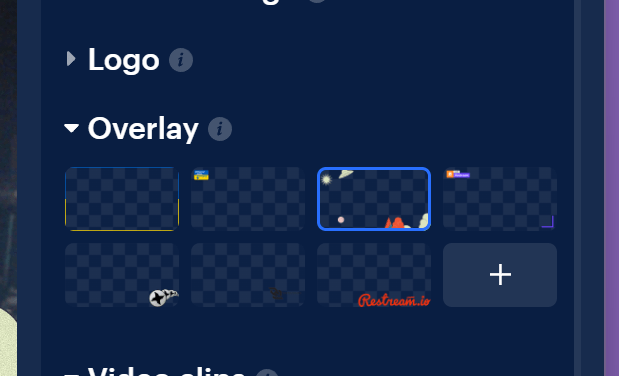
Composite Displays
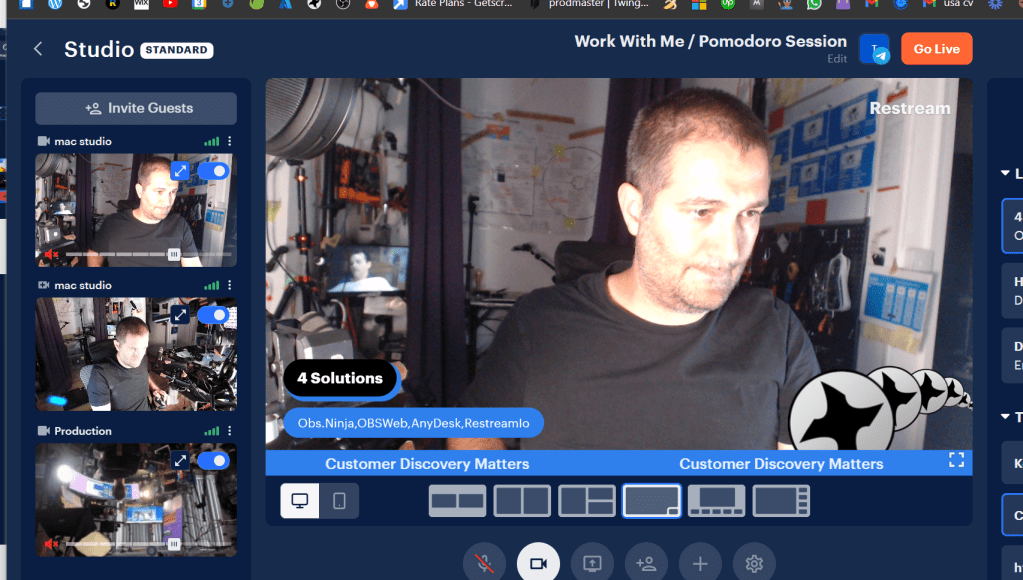
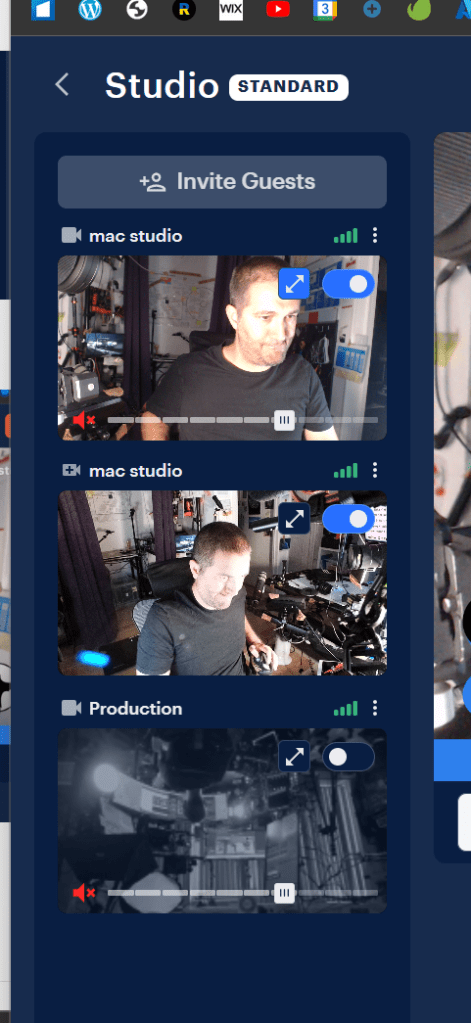
Production in but disabled
Production extra camera
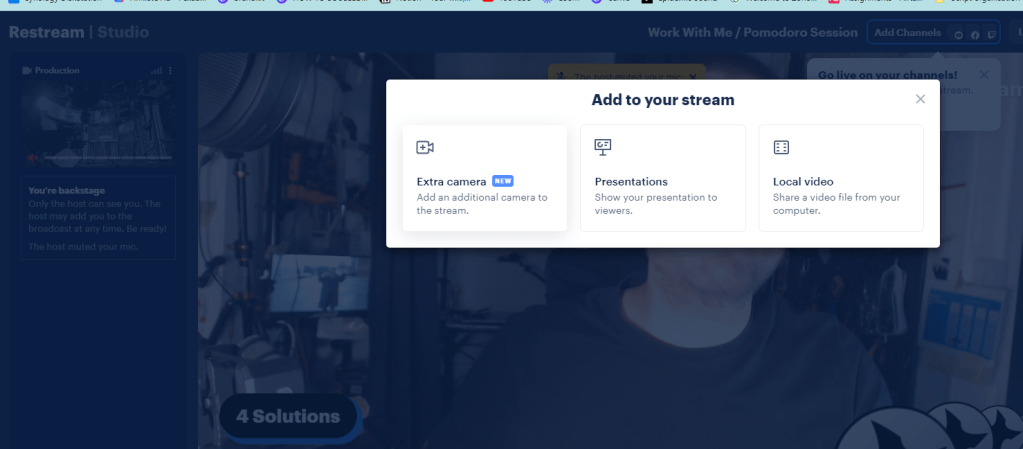
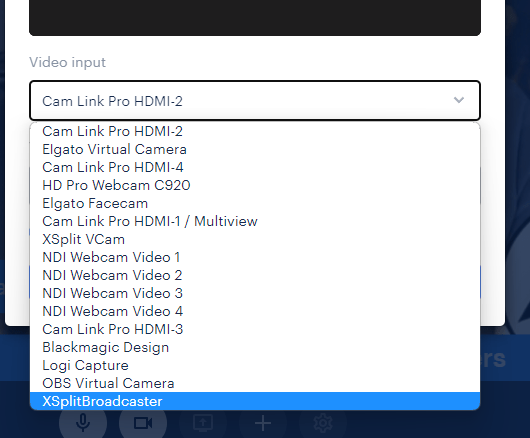
Xsplit and OBS as input
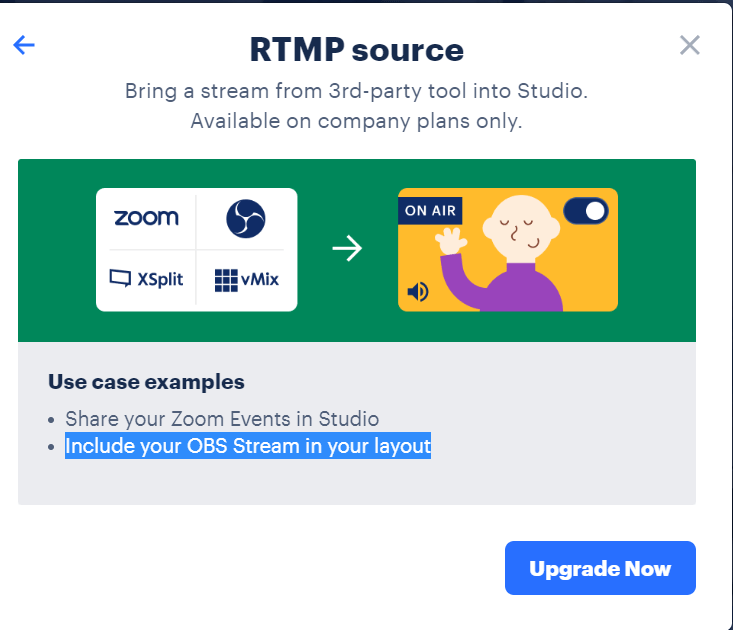
Rtmp ( may not be used )
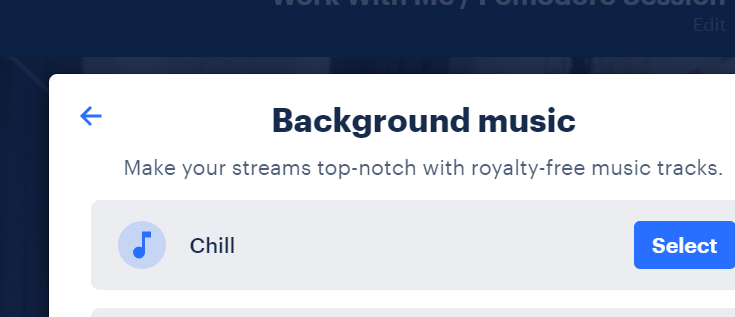
Ready music
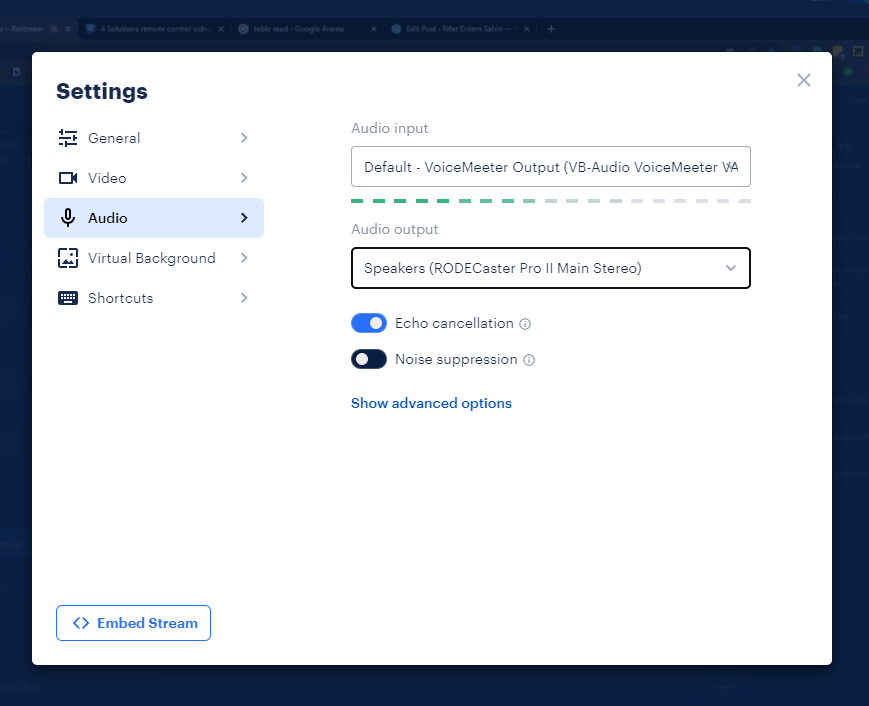
Production Listen end output
Practical drag and drop location swap
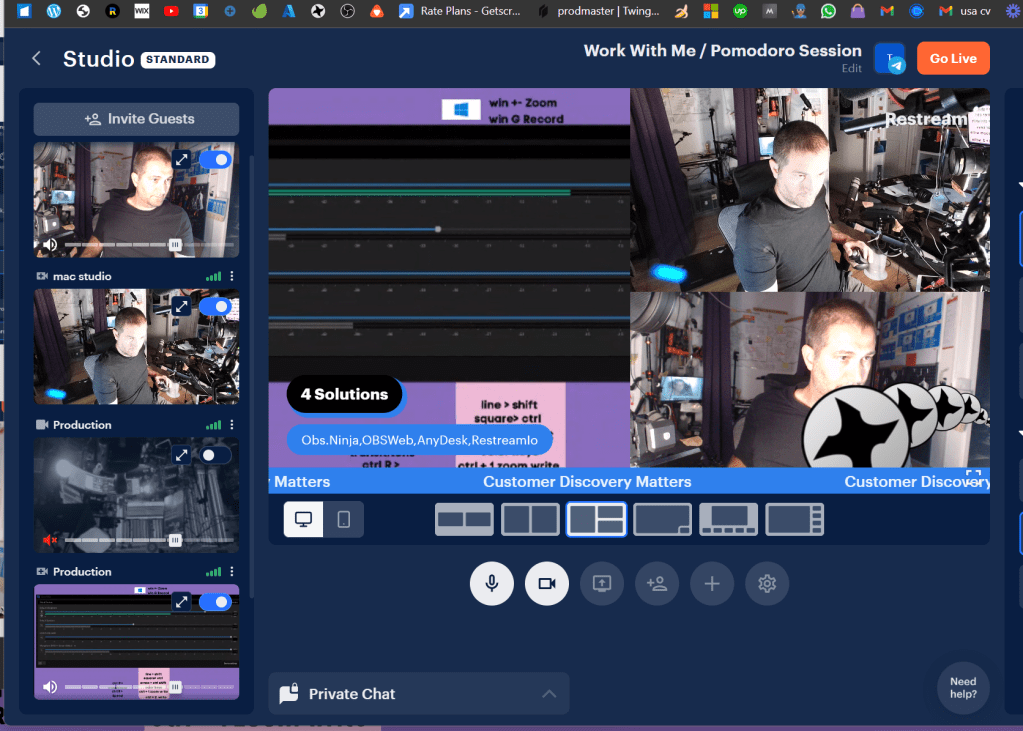
Admin but director ?
Envato practical uploads
Limited
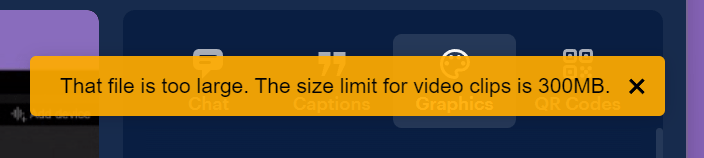
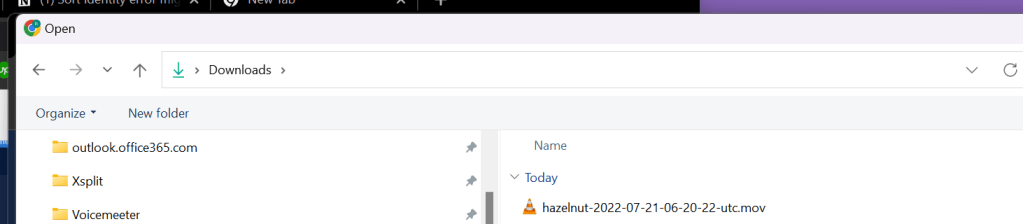
Needs processing time
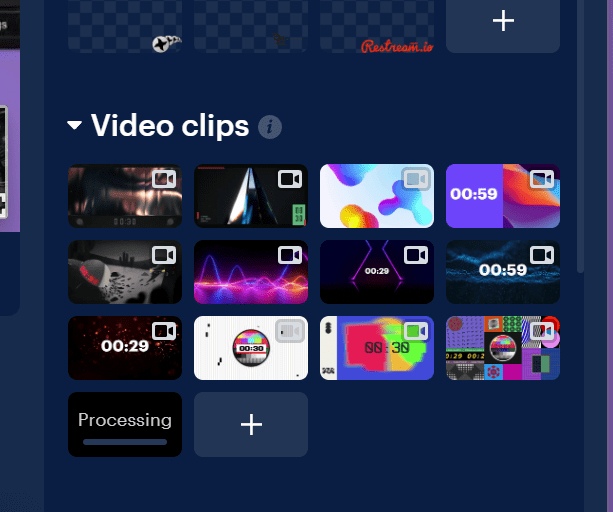
Transition entry
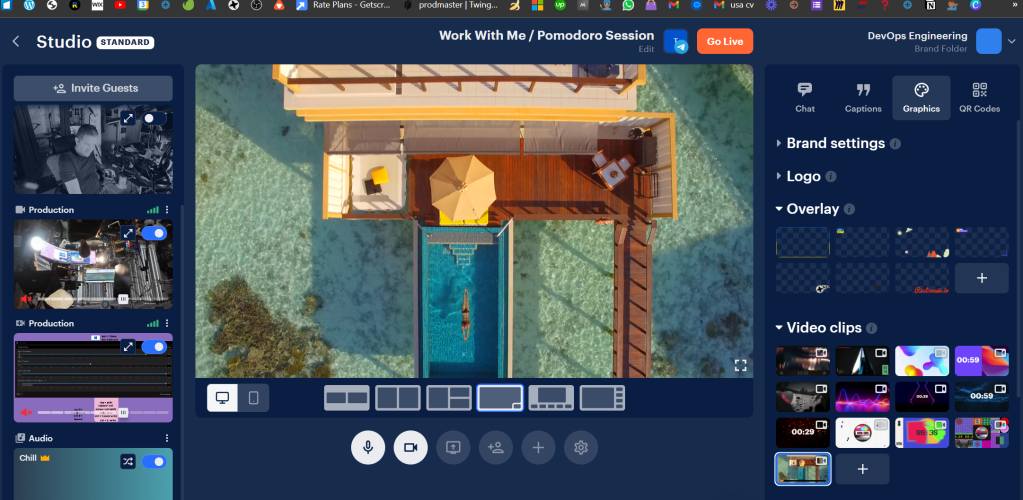
Practical mood changes
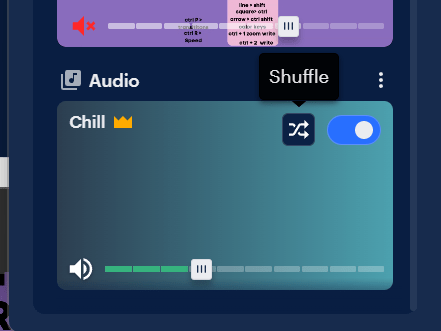
Kids dancing talk > not prompter
Internal test live sessions with telegram

Reload and keep settings
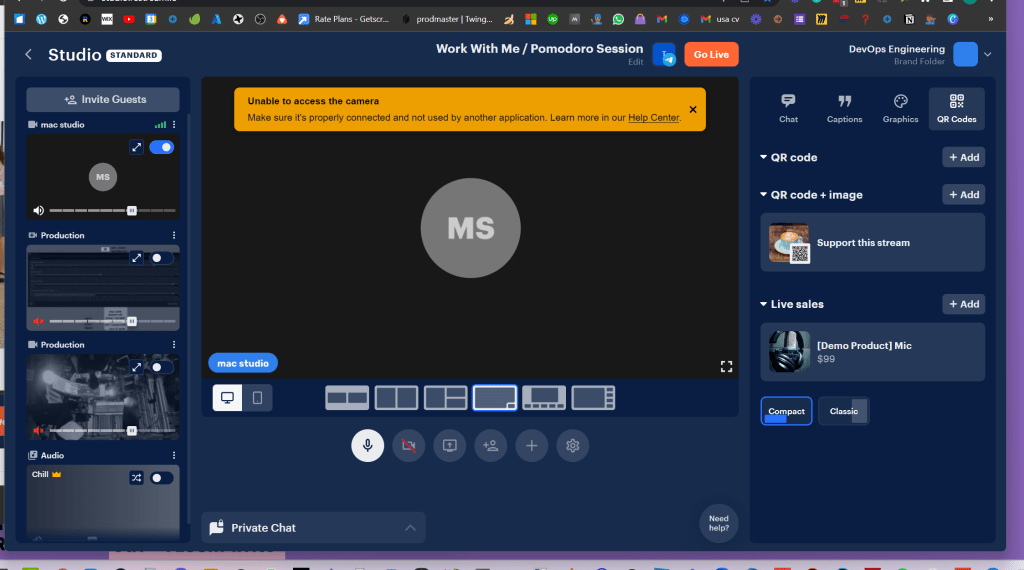
Director can givce feedback with the screen share option
there 2 producer seats
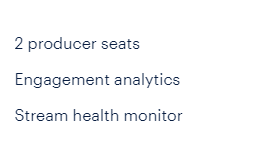
Add the producers as cohost
Comparison
Solution 1
Obs NinjaSolution 2 Web SocketSolution 3 DesktopSolution 4 Restream.ioProMore control to the remote controllerweb page
just send the necessary partEasy shareFast Stream
Easy manage
Good Monitor
Reusable components
Less skilled controllerConComplex local and remote setup. Sharing the source to destination. Mix in remote.Remote coordinate and the monitoring roleComplex local setupNot in sync due to lag
Hard to manage on the remoteCost
Limited Creativity
Reference
https://github.com/Niek/obs-web
https://www.canva.com/design/DAFnnIo8VOI/xmJyh7Jr7VsTSXdFZX3V5Q/edit?utm_content=DAFnnIo8VOI&utm_campaign=designshare&utm_medium=link2&utm_source=sharebutton
Imported from rifaterdemsahin.com · 2023