Hotmail Backup and Cleanup
Steps
Step 1 > Get the app password from Microsoft Account ( authenticator )
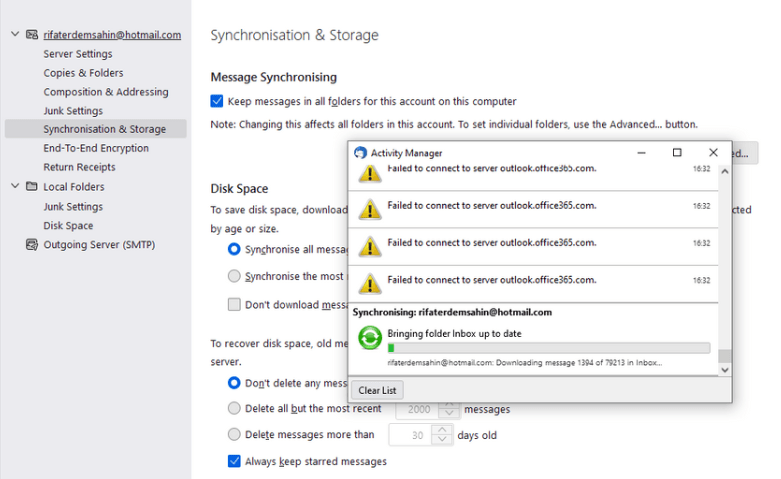
Step 2 > Install thunderbird
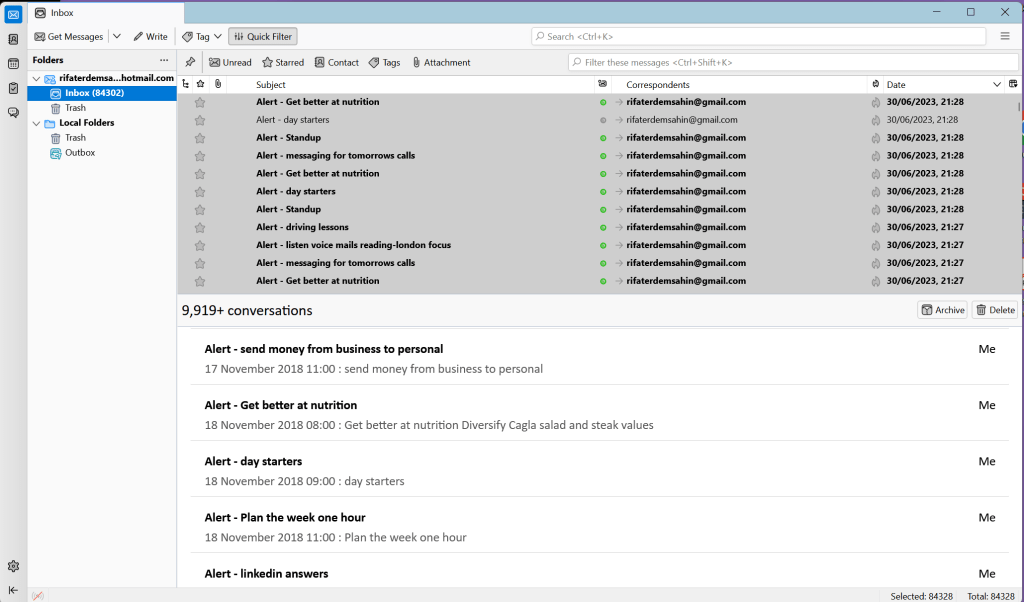
Step 3 > Sync to your local
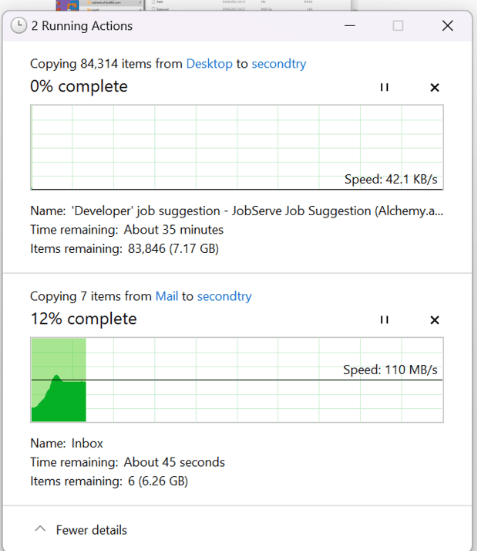
Step 4 > Move to Network attach storage
Step 5 > Make sure all inside the inbox folder
Step 6 > Resync and rebackup to NAS
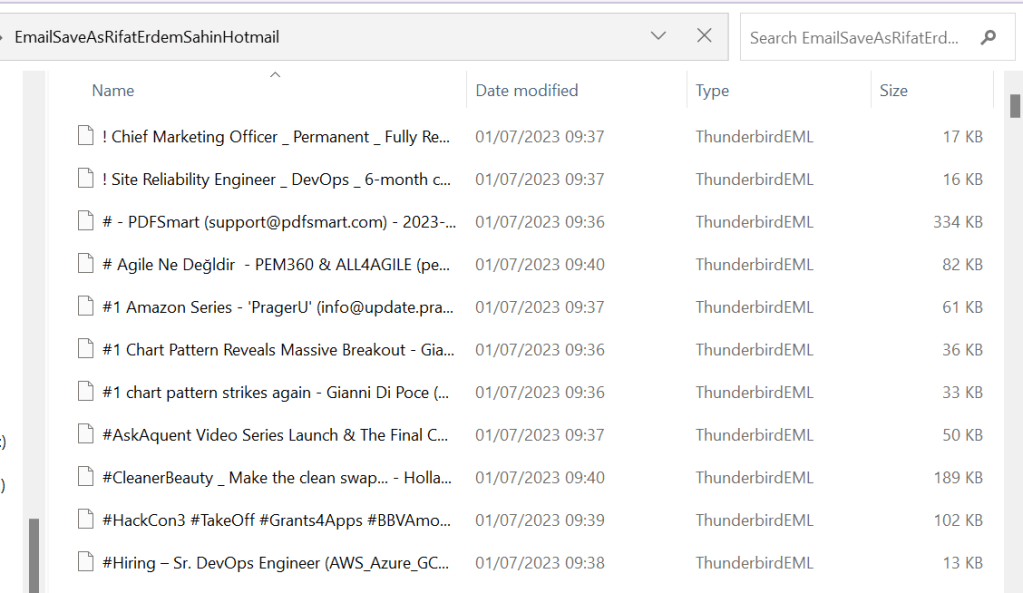
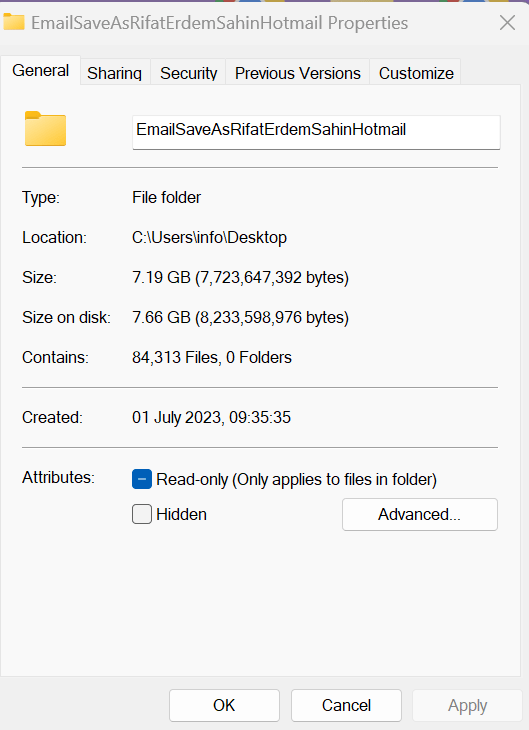
Step 7 > Select all in thunderbird and save as to a folder
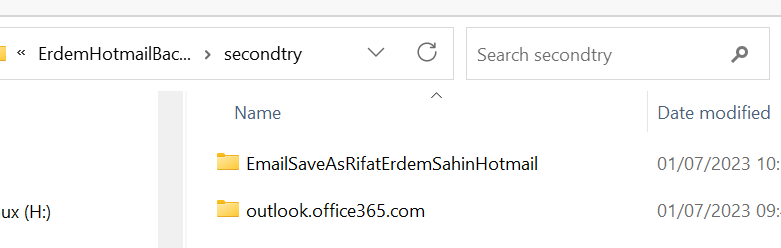
Step 8 > Check Multi backup sizes
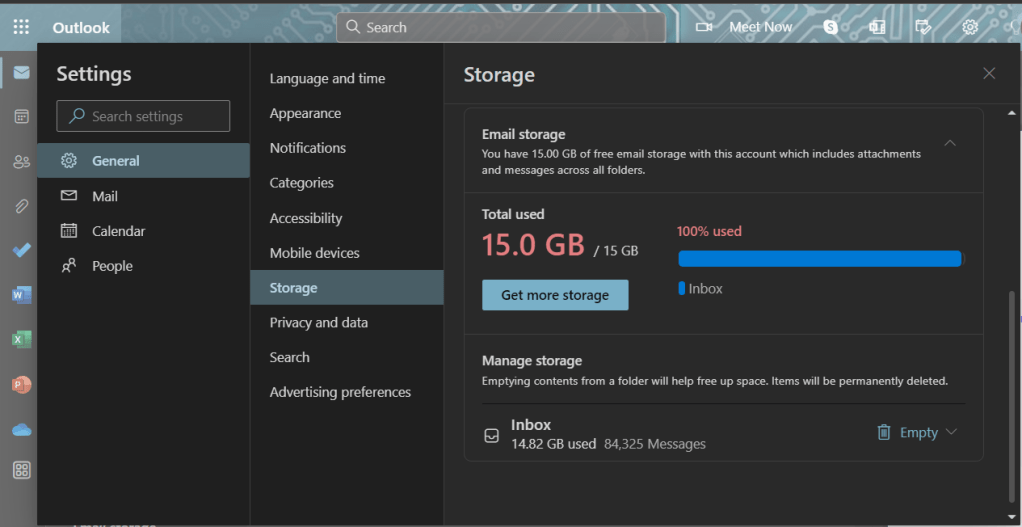
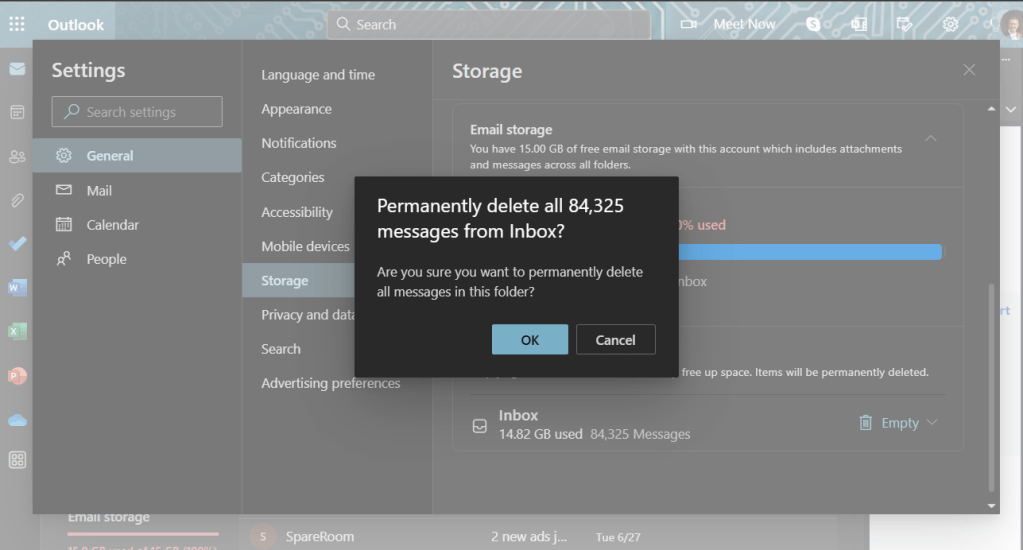
Step 9 > Delete the Inbox online
Step 10 > After Cleanup check you got the emails on the local but not in the cloud( virus risk )
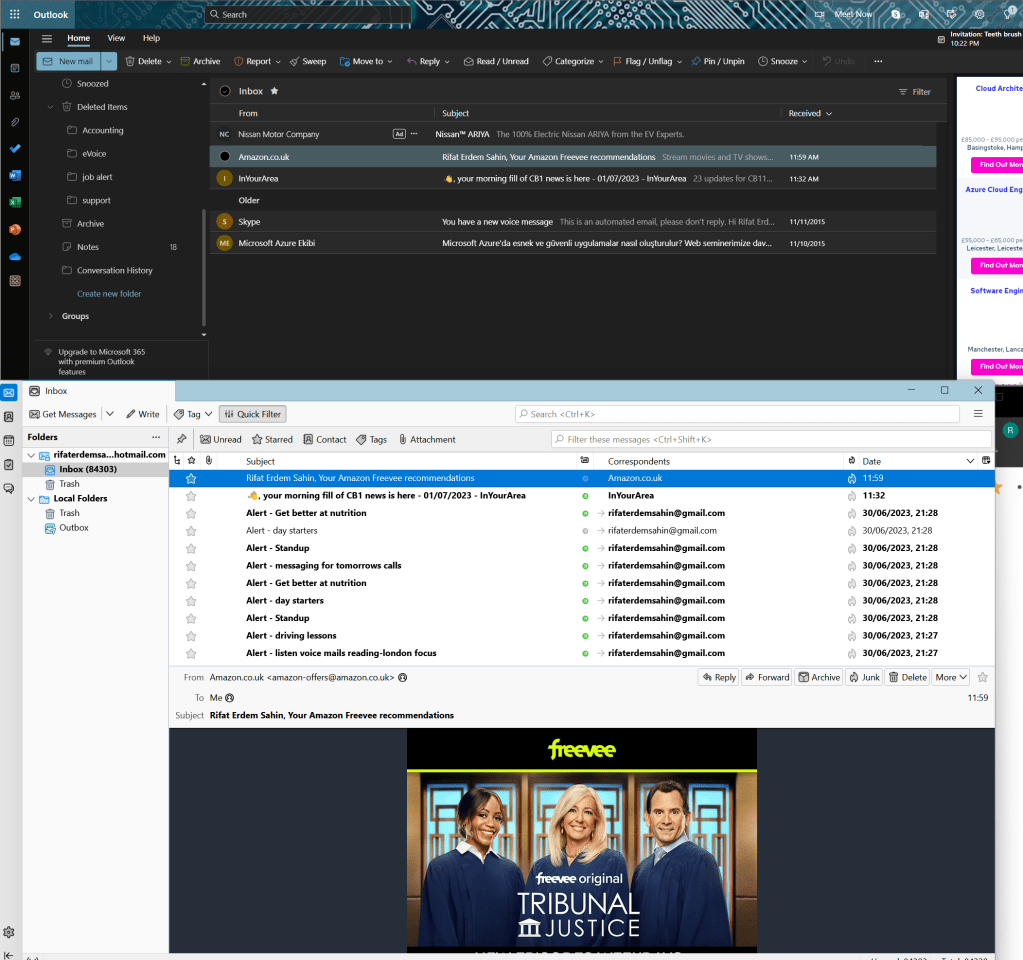
Screenshots
Imported from rifaterdemsahin.com · 2023