Problem : Audio Delays in OBS/Xsplit
One of the most common issues encountered when streaming is the synchronization of audio and video. This problem can be caused by a variety of factors, such as network latency, buffering, encoding settings, or even the hardware being used. To ensure a smooth streaming experience, it is important to address this issue promptly. One possible solution is to adjust the encoding settings to prioritize video or audio, depending on which is experiencing more latency. Another option is to use a dedicated streaming software that can automatically adjust the synchronization. Additionally, it is recommended to test the stream before going live, and to have a backup plan in case issues arise during the live stream.
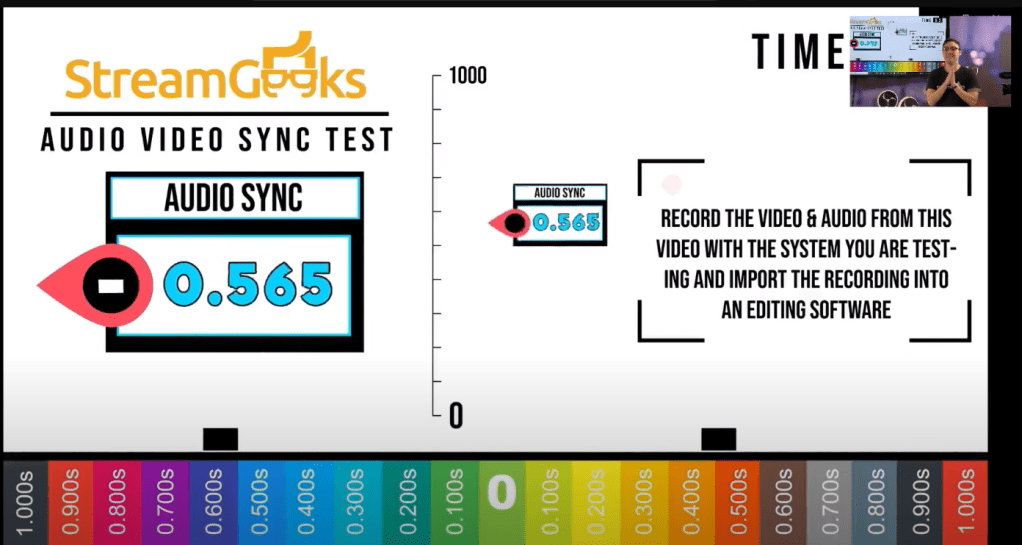
Audio Video Sync Tests
Upload to Loom and see the error on waveform
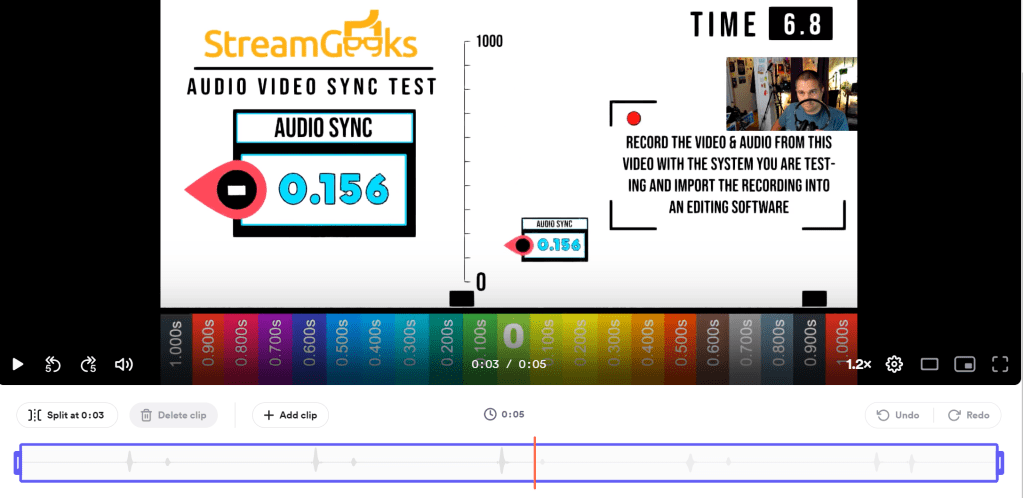
No mileseconds in Loom
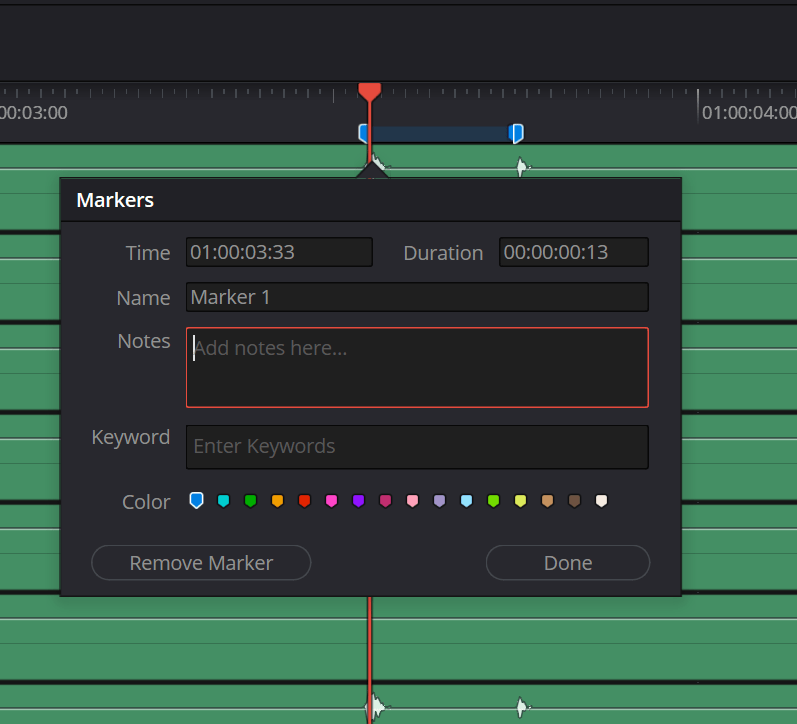
davinci shows 130 ms
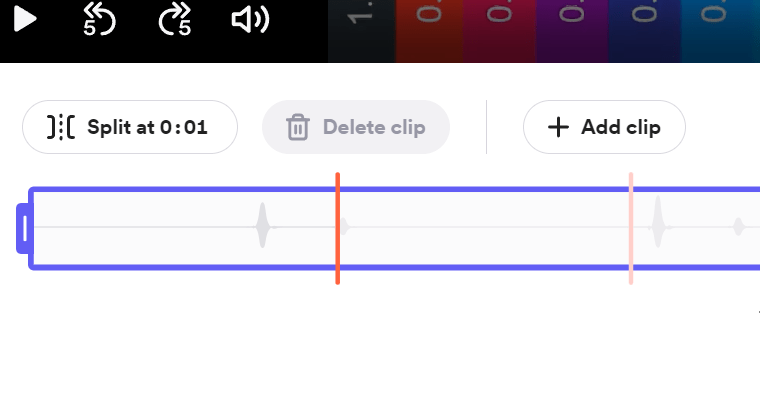
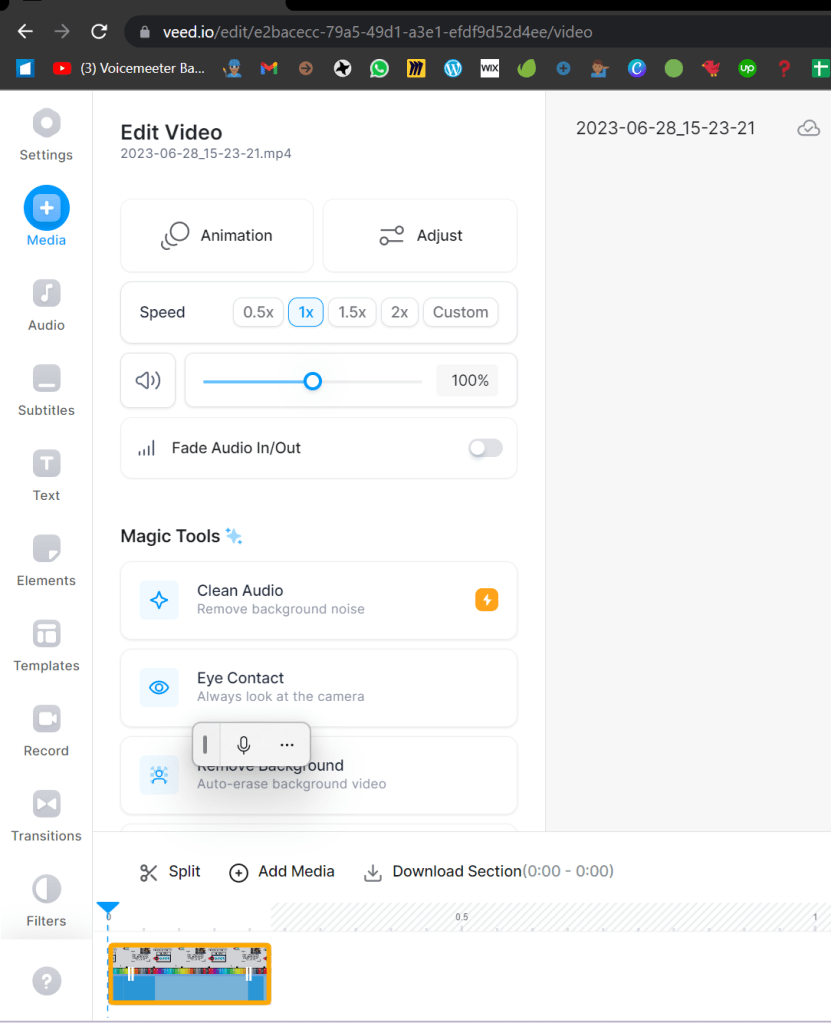
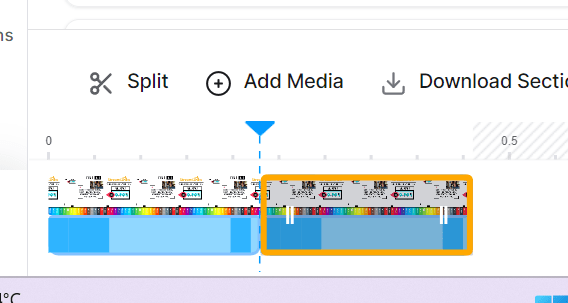
With an online editor like weed.io you can also create cuts from the middle and see the error > 240 ms
https://www.veed.io/
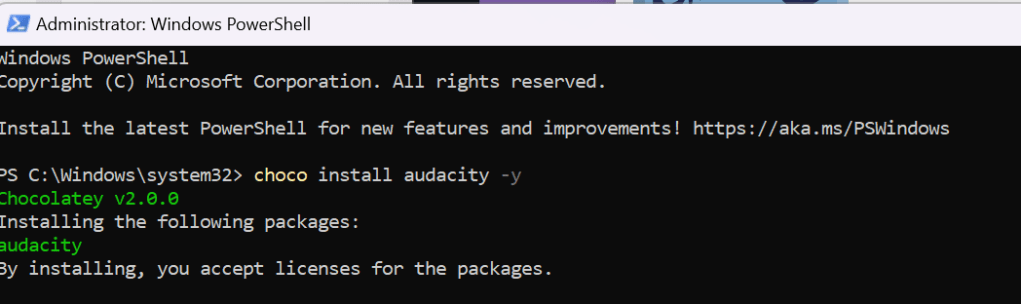
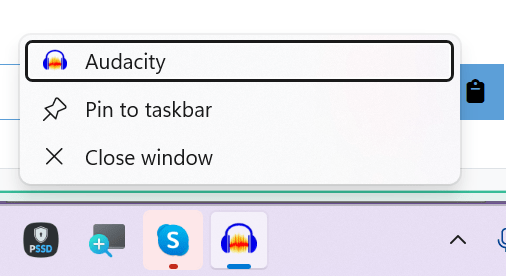
Today decided to install audiacity over chocolatey
https://community.chocolatey.org/packages/audacity
choco install audacity -y
Pinned it
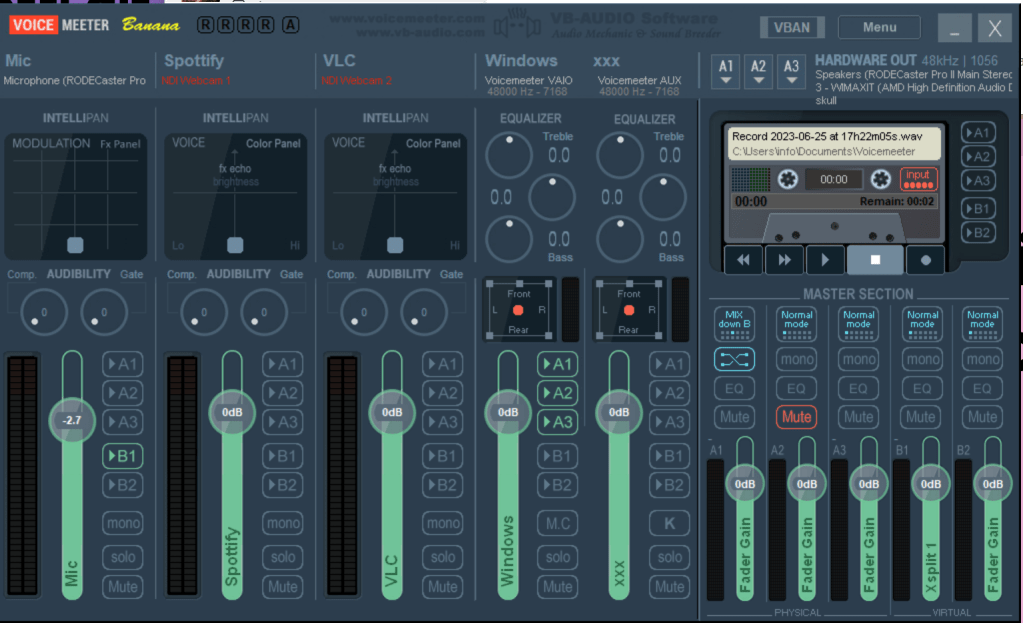
Need to make it work with voicemeter
Imported from rifaterdemsahin.com · 2023